Delete screen examples
Delete screen design examples from SaaS apps. See how SaaS apps explain what will be removed before a deletion. Browse dialogs that name the affected content, describe the consequences, and separate…
Explore the examples
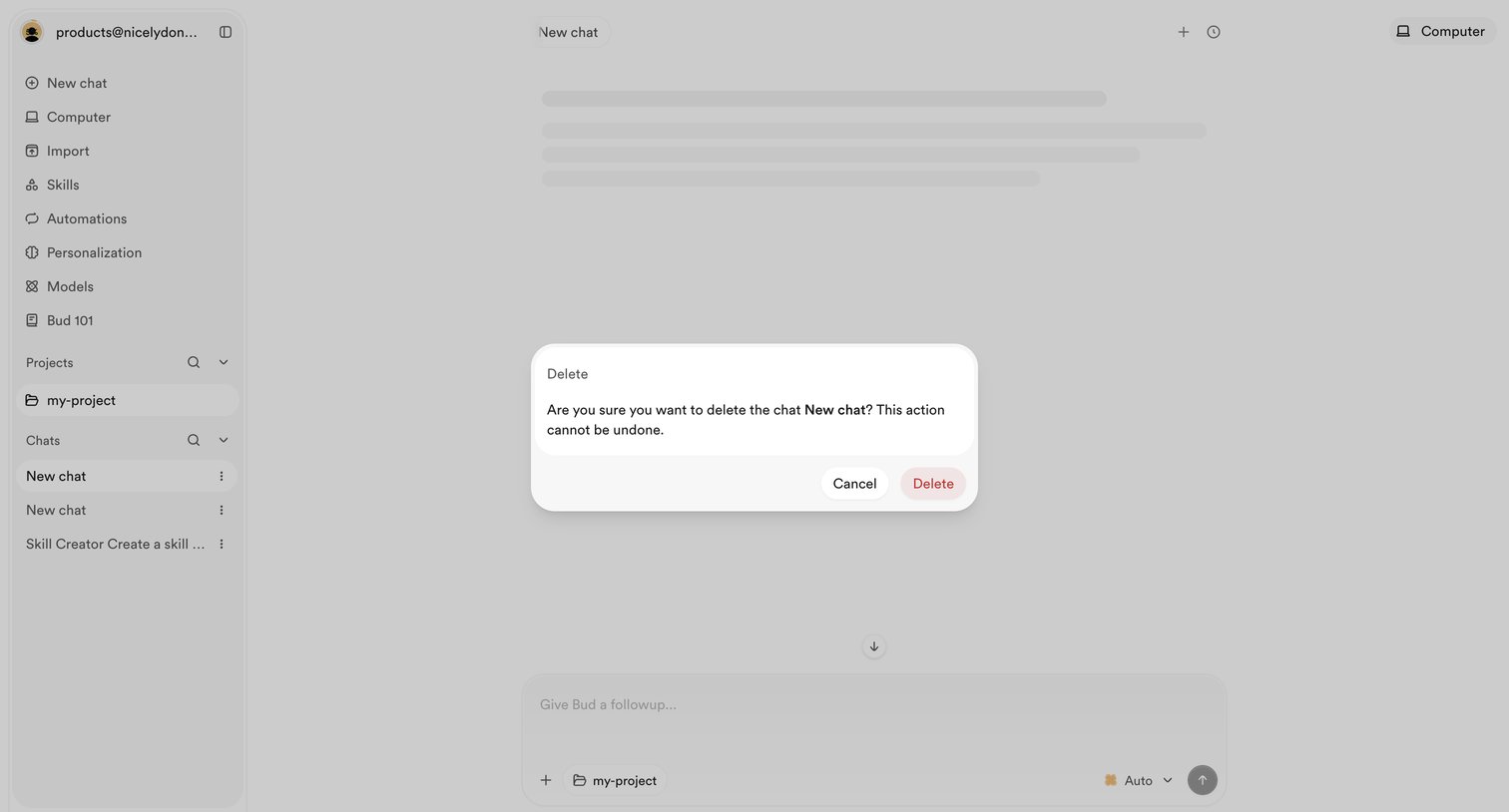

AI chat interface with a modal prompting the user to confirm the deletion of a specific chat.
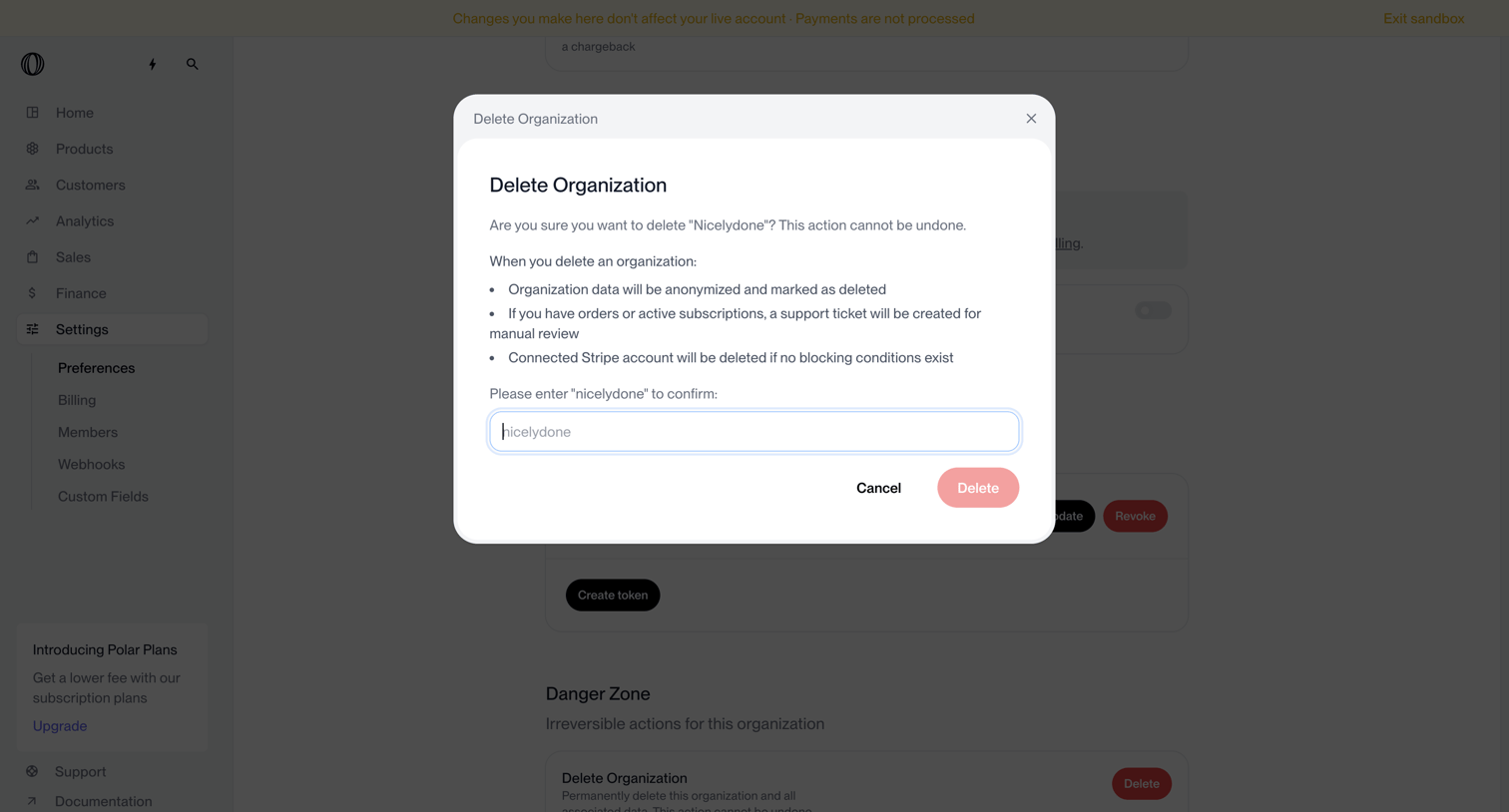

Settings page where the user confirms the deletion of their organization by typing its name into a destructive alert dialog.
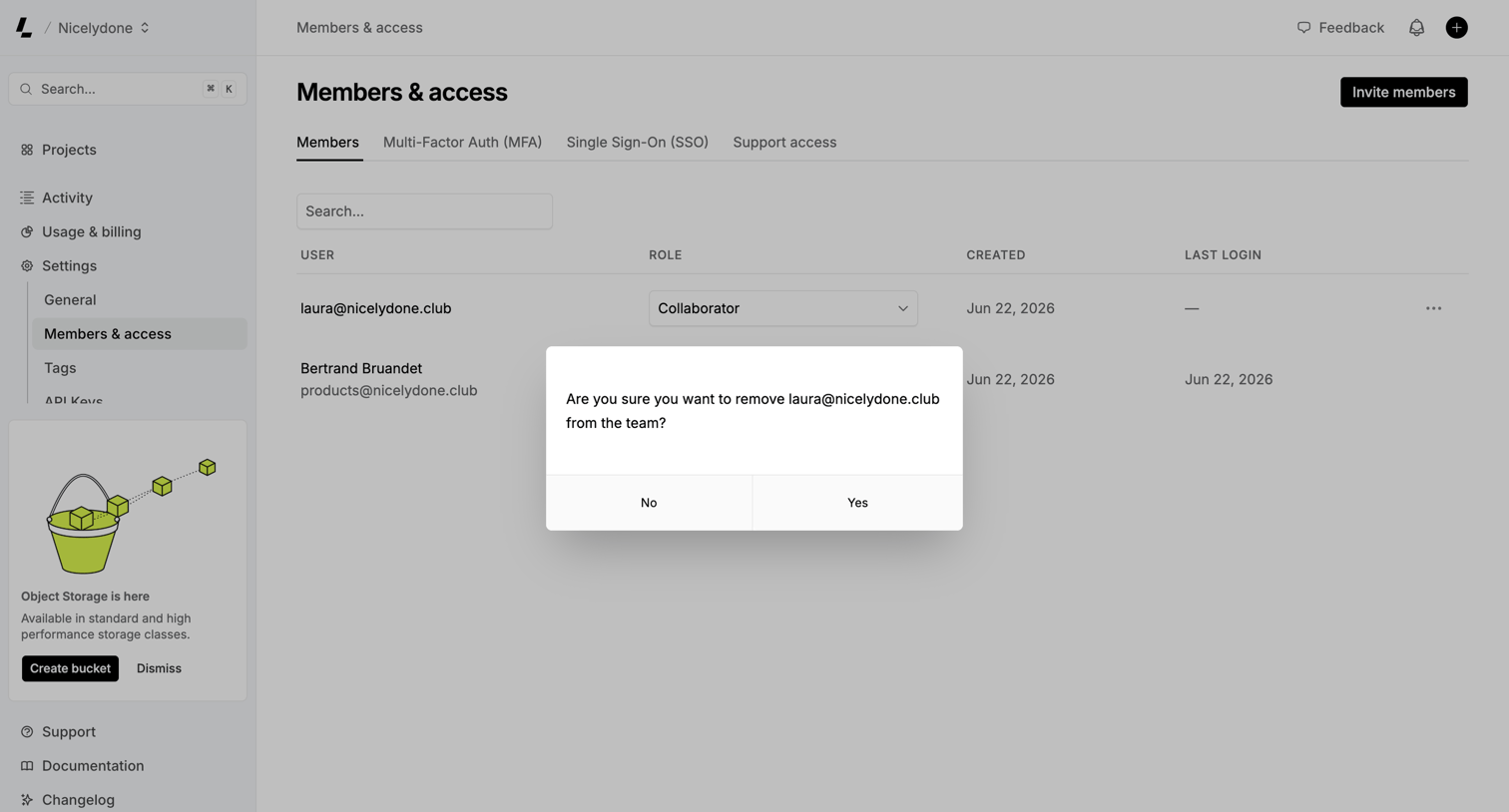

Settings page where the user is prompted to confirm the removal of a team member from the workspace.
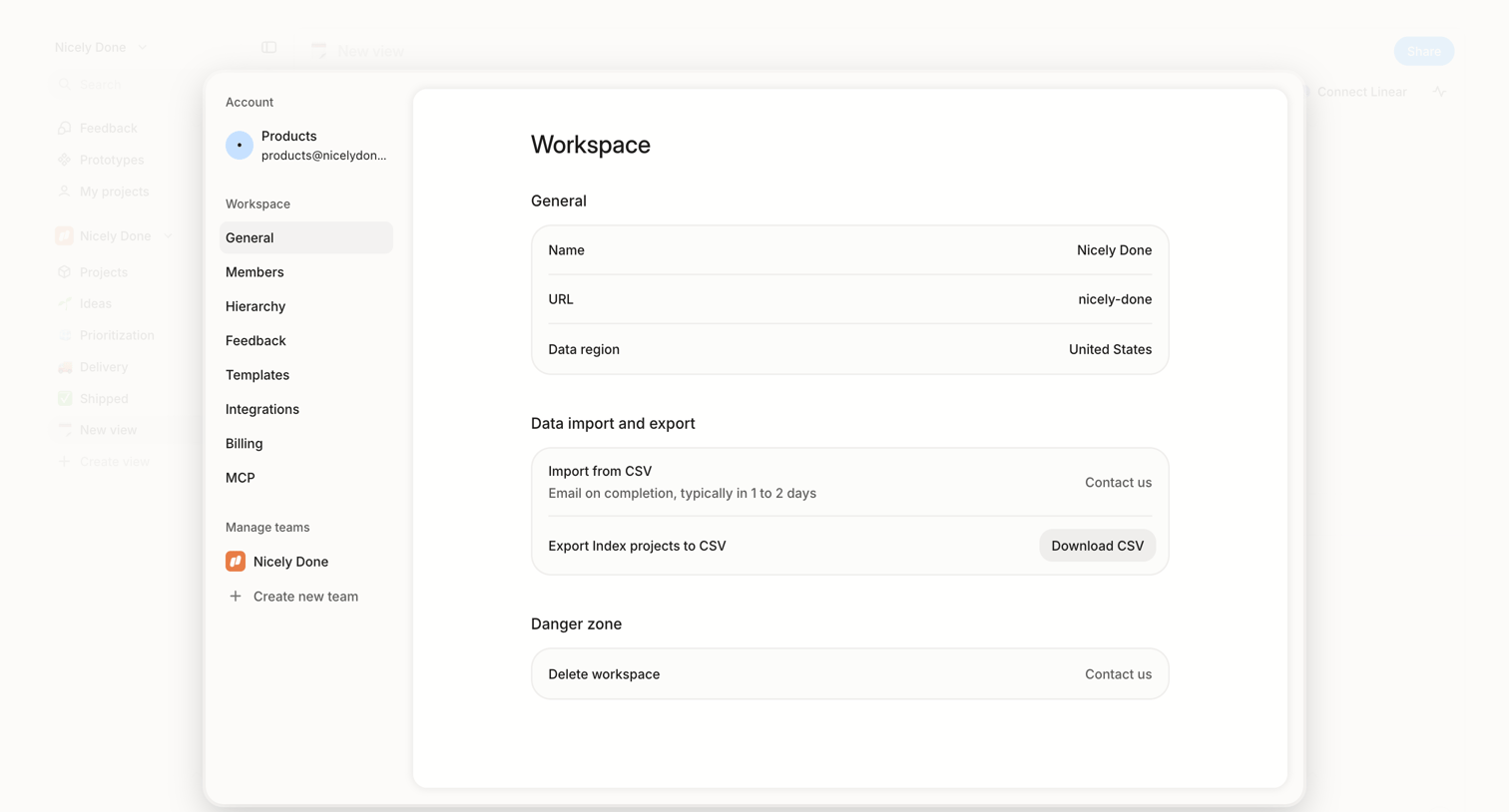

Settings modal where the user views general workspace details, manages data imports and exports via CSV, and can request workspace deletion.
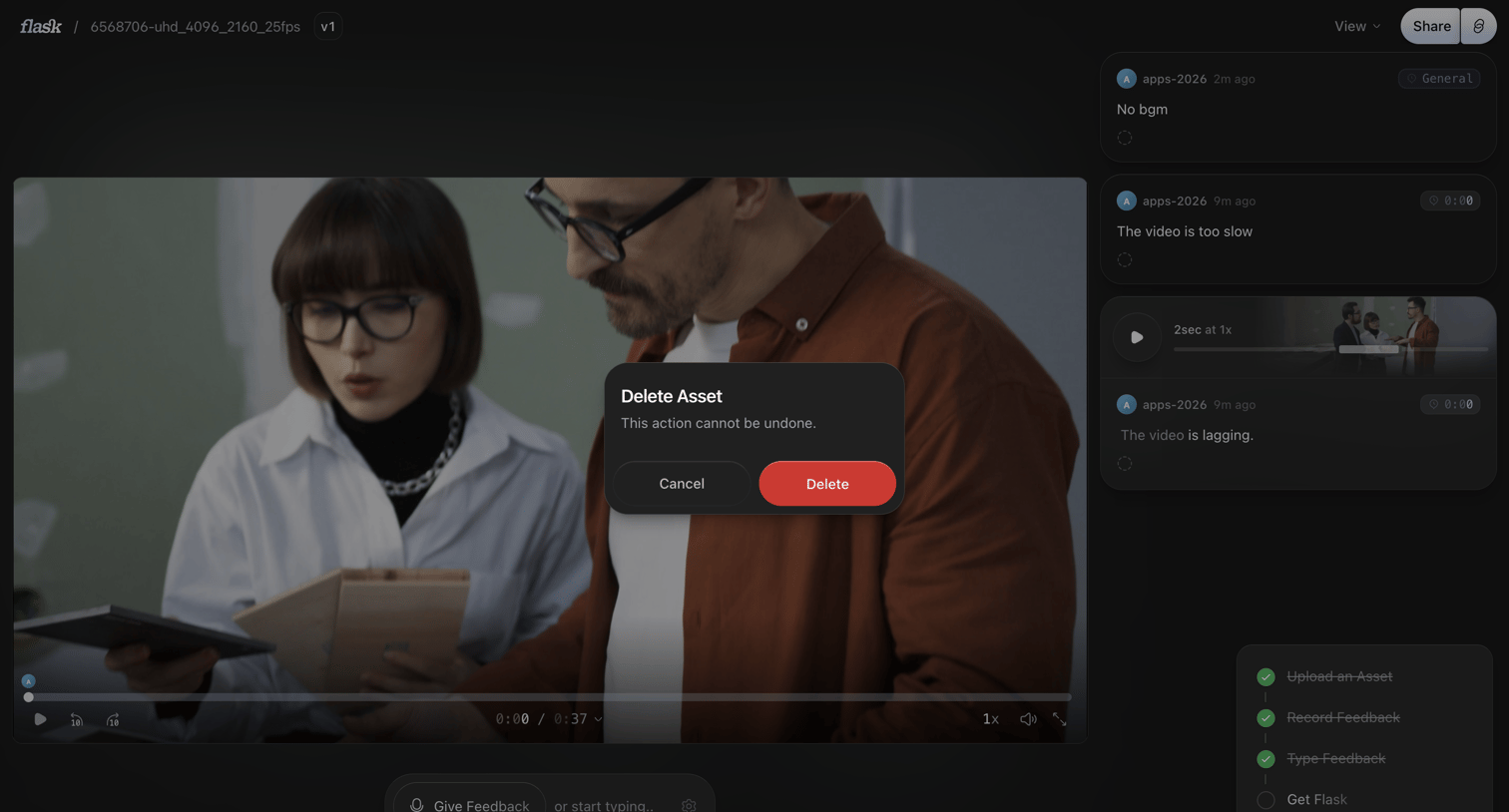

Detail page where the user is prompted to confirm the deletion of a video asset, with a timecoded comments sidebar and feedback composer visible in the background.
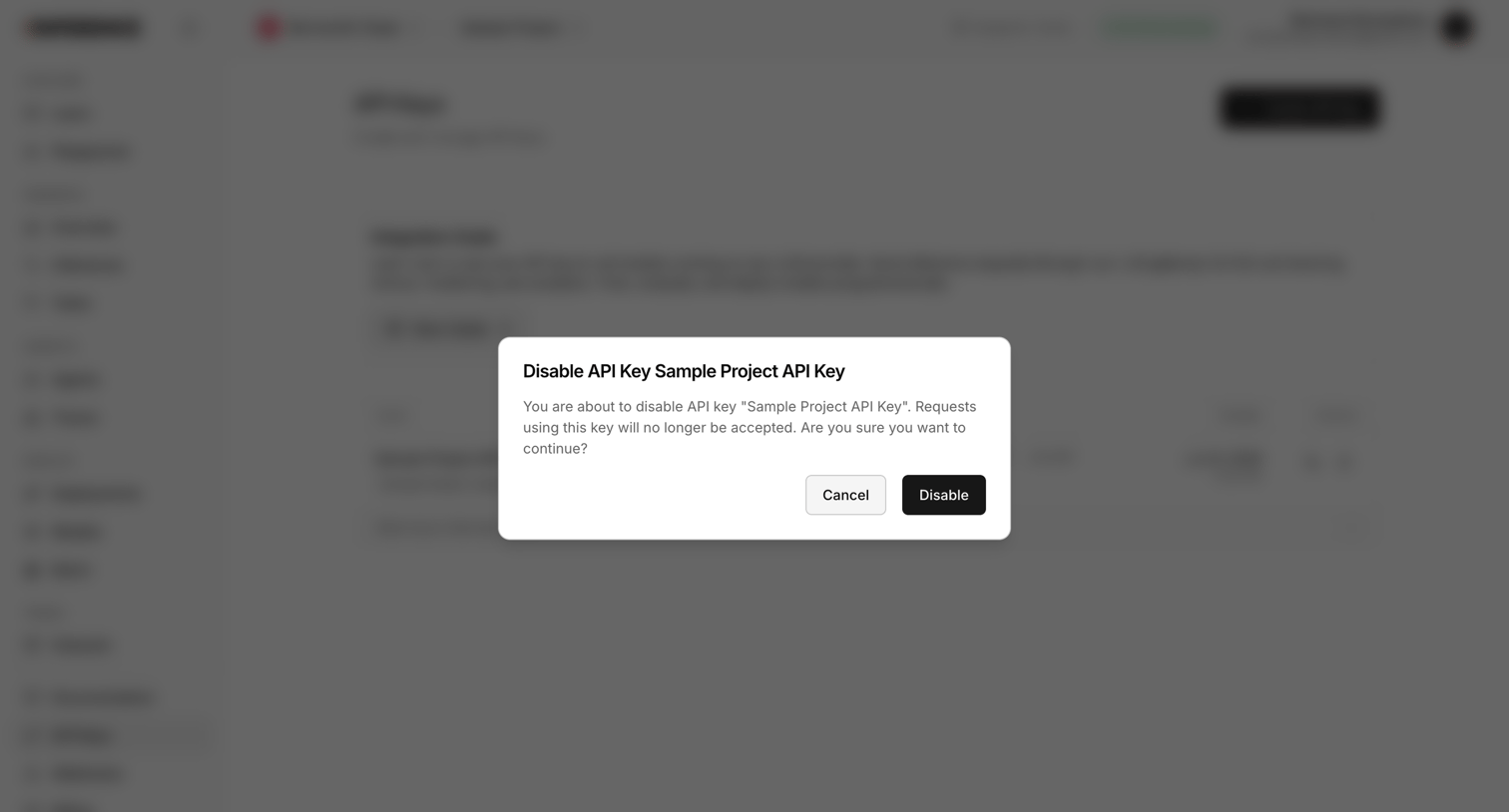

Settings page where the user is prompted to confirm disabling a specific project API key.
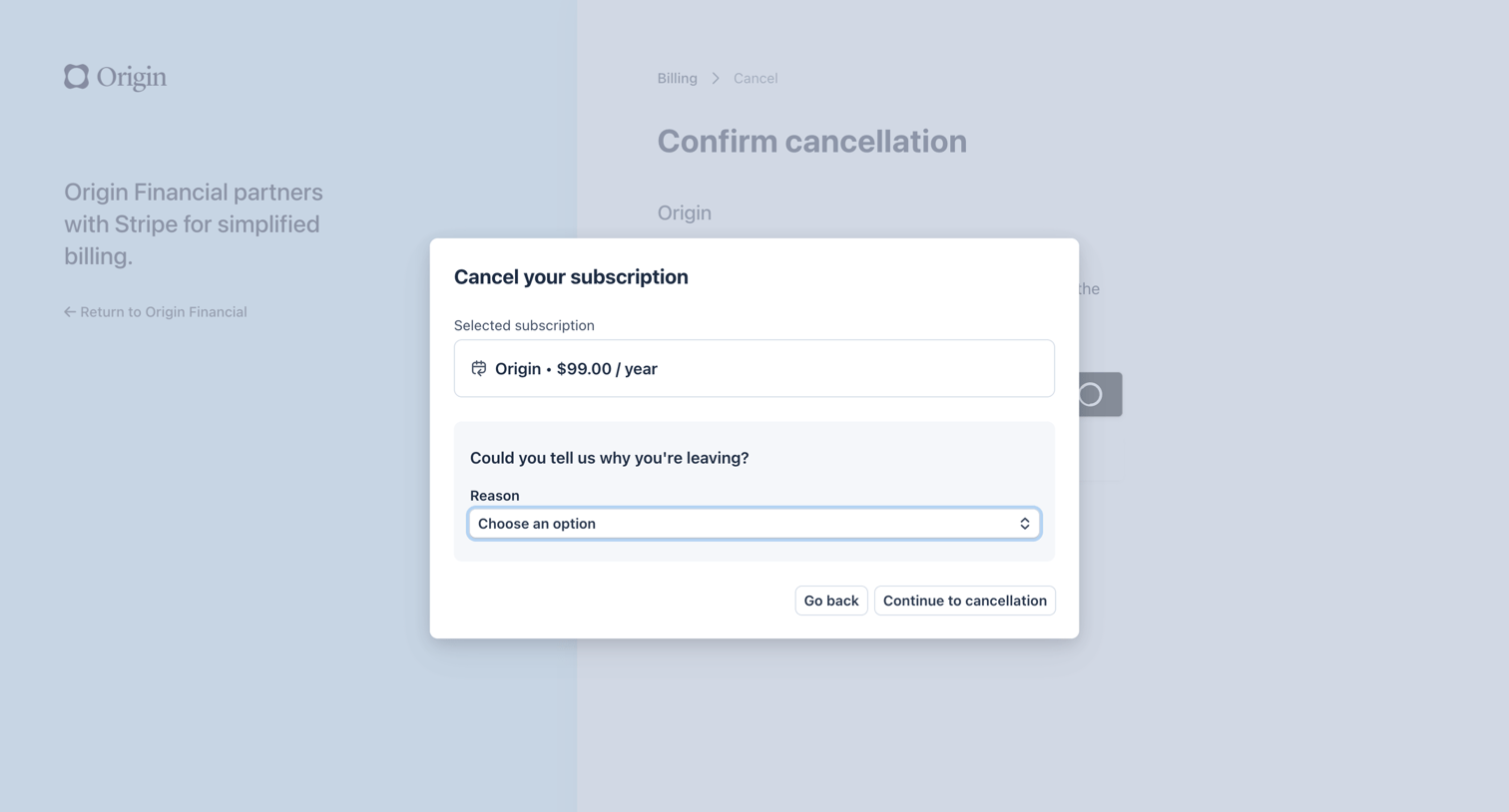

Billing portal modal where the user confirms the cancellation of their subscription and selects a reason for leaving from a dropdown.
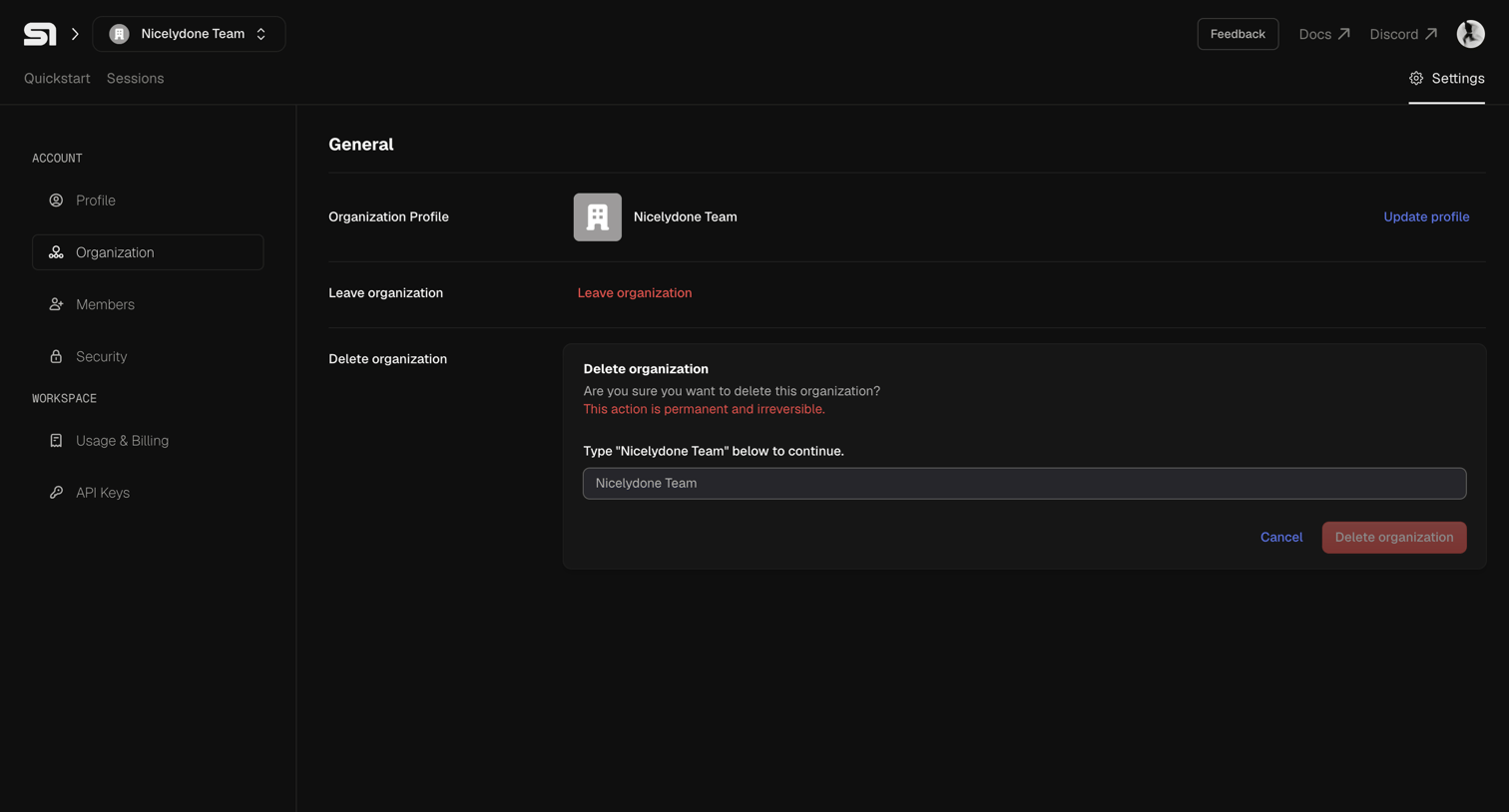

Settings page where the user can manage their organization profile, leave the team, or permanently delete the organization by typing its name to confirm.
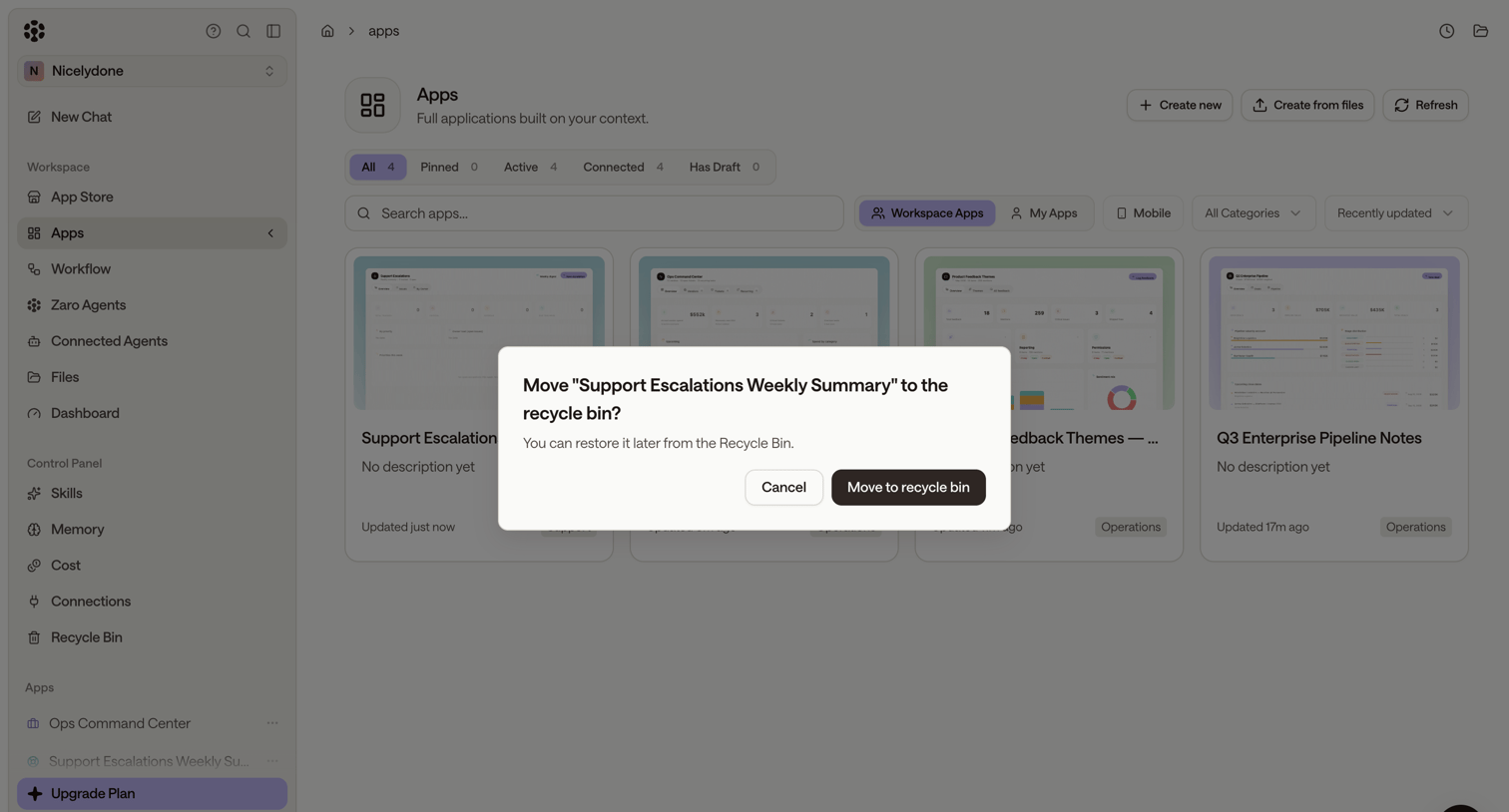

List view of workspace applications with a modal prompting the user to confirm moving an app to the recycle bin.
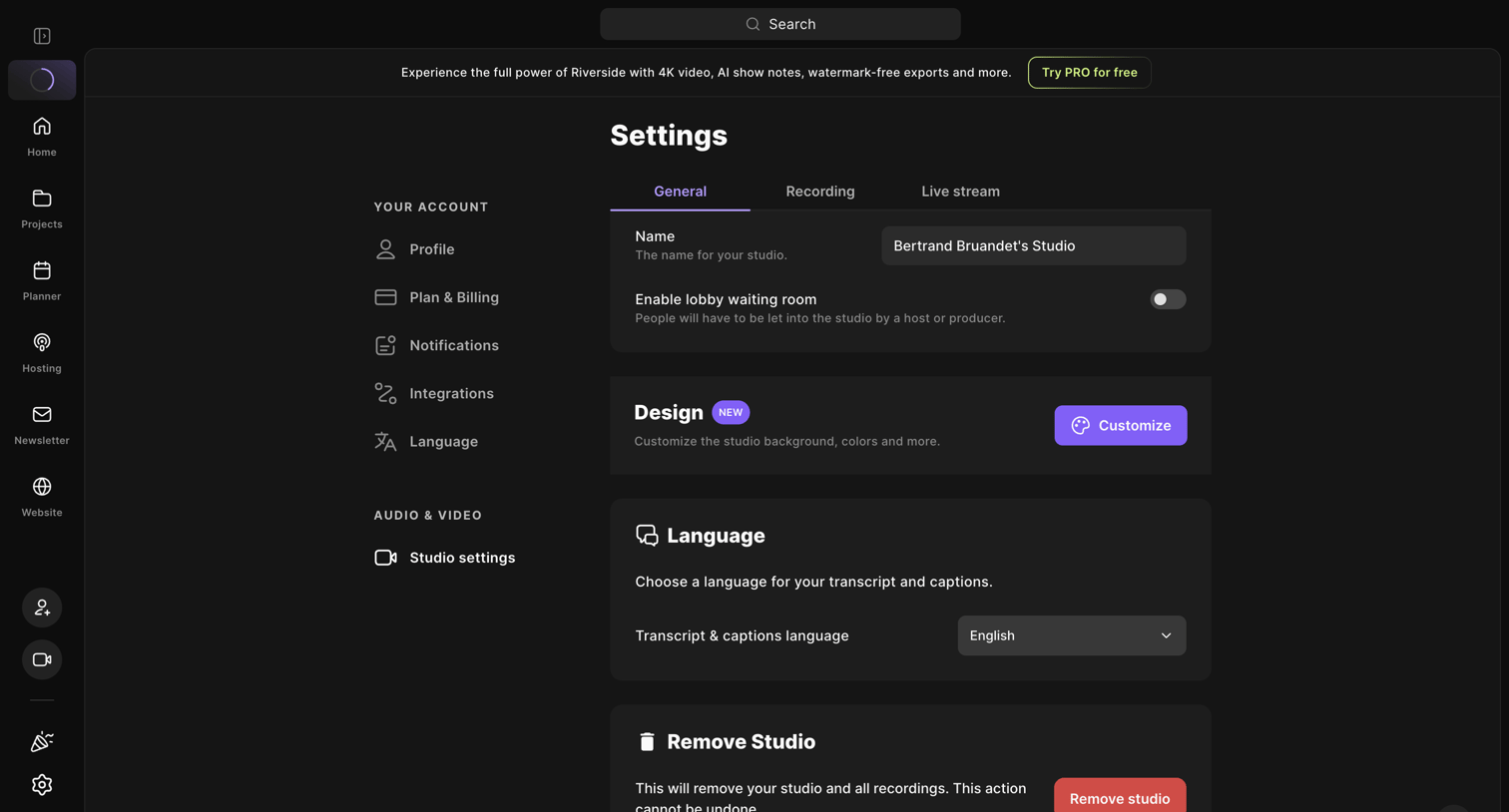

Settings page where the user configures their recording studio name, lobby waiting room preferences, design, and default language.
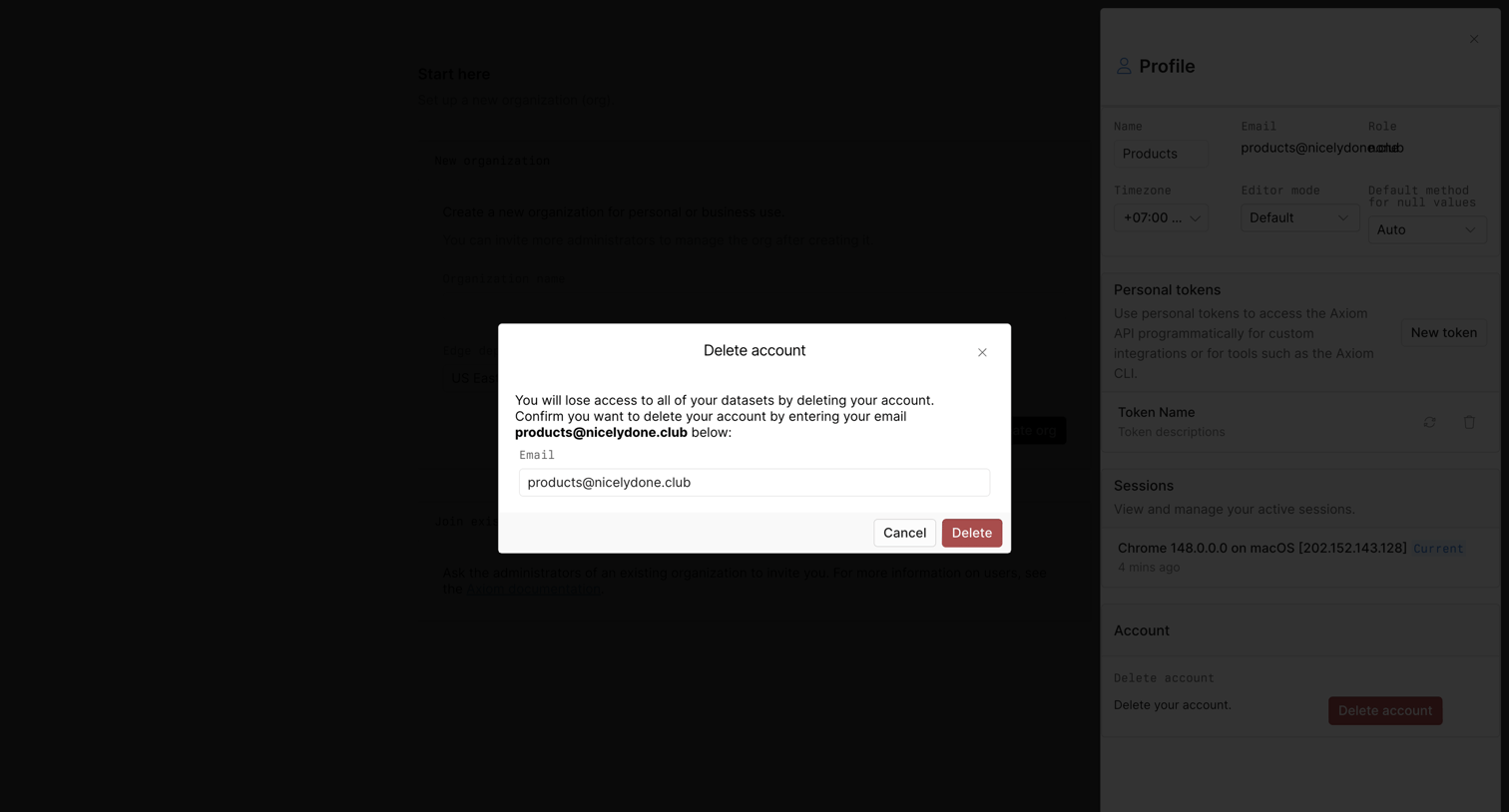

Settings profile drawer where the user must confirm account deletion by typing their email address into a high-contrast modal.
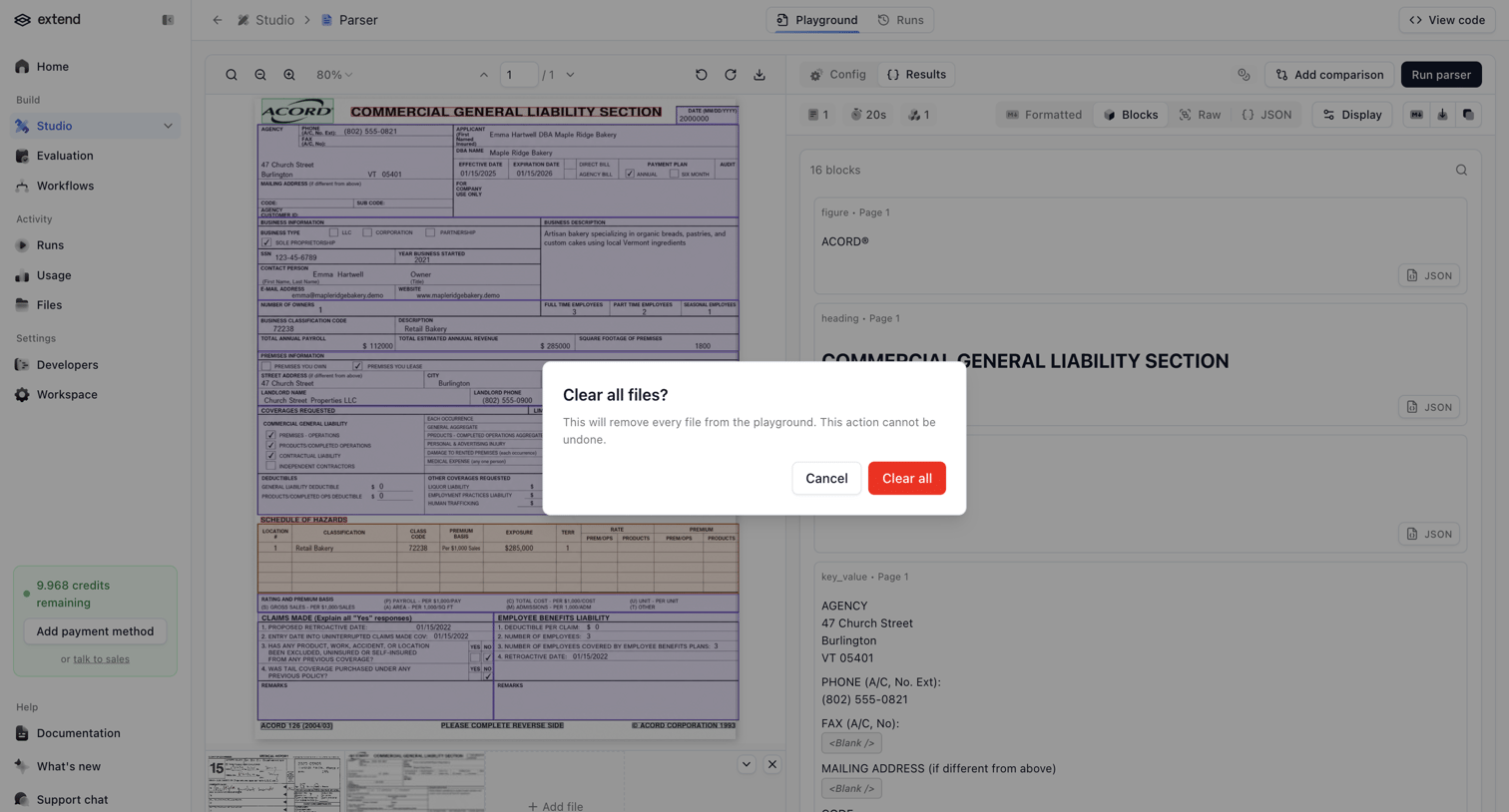

Playground interface for an AI document parser where a modal prompts the user to confirm clearing all uploaded test files.
Explore the full SaaS screen library
Upgrade to unlock the full library.
Trusted by the best teams








About Delete
See how SaaS apps explain what will be removed before a deletion. Browse dialogs that name the affected content, describe the consequences, and separate deletion from cancellation.