AI Editing screen examples
AI Editing screen design examples from SaaS apps. Explore how apps introduce AI tools for changing existing content. Look at the relationship between the original material, the requested edit, and the…
Explore the examples
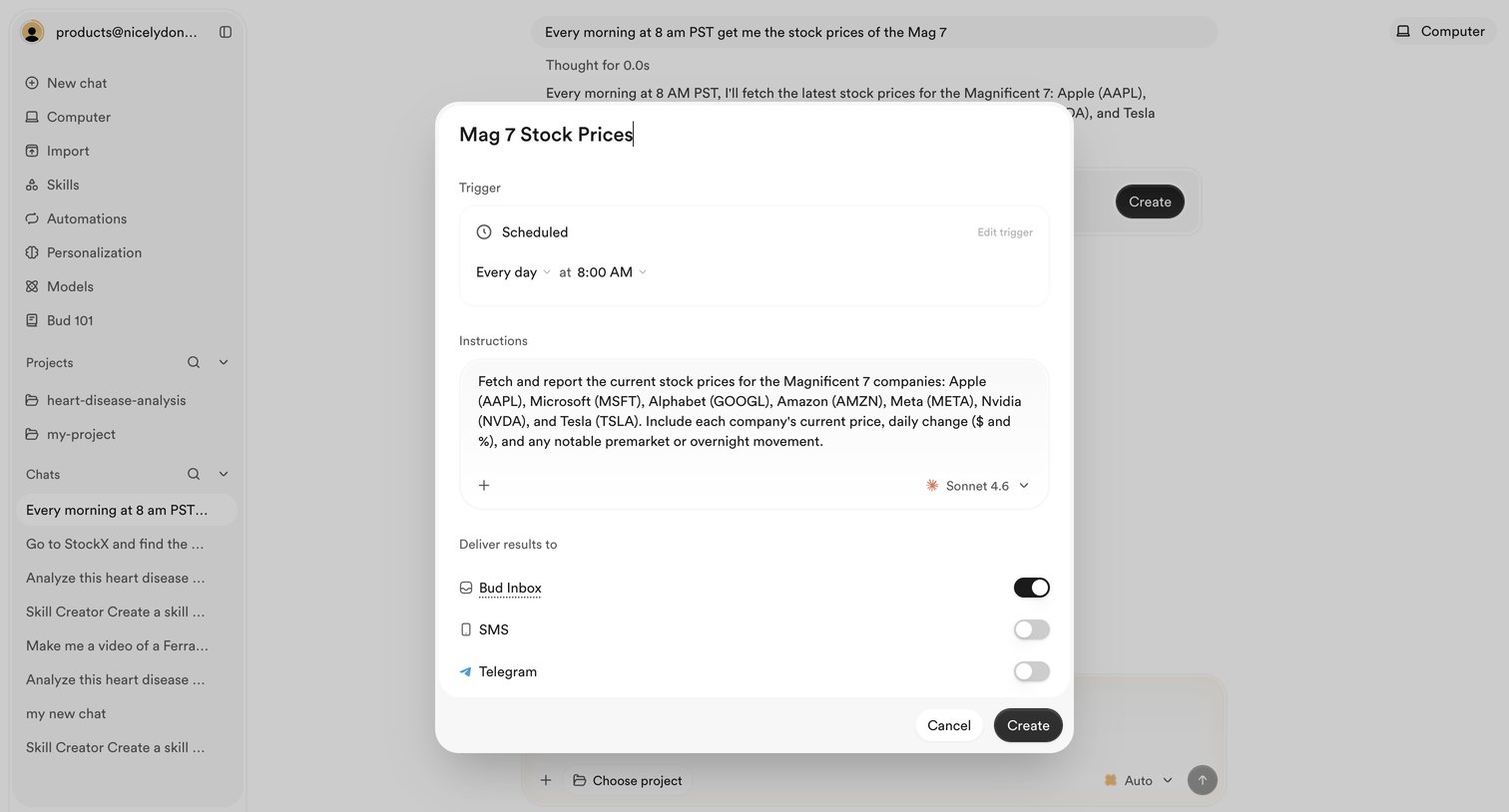

AI chat interface where the user is configuring a scheduled automation to fetch stock prices every morning, selecting the model and delivery channels via a modal overlay.
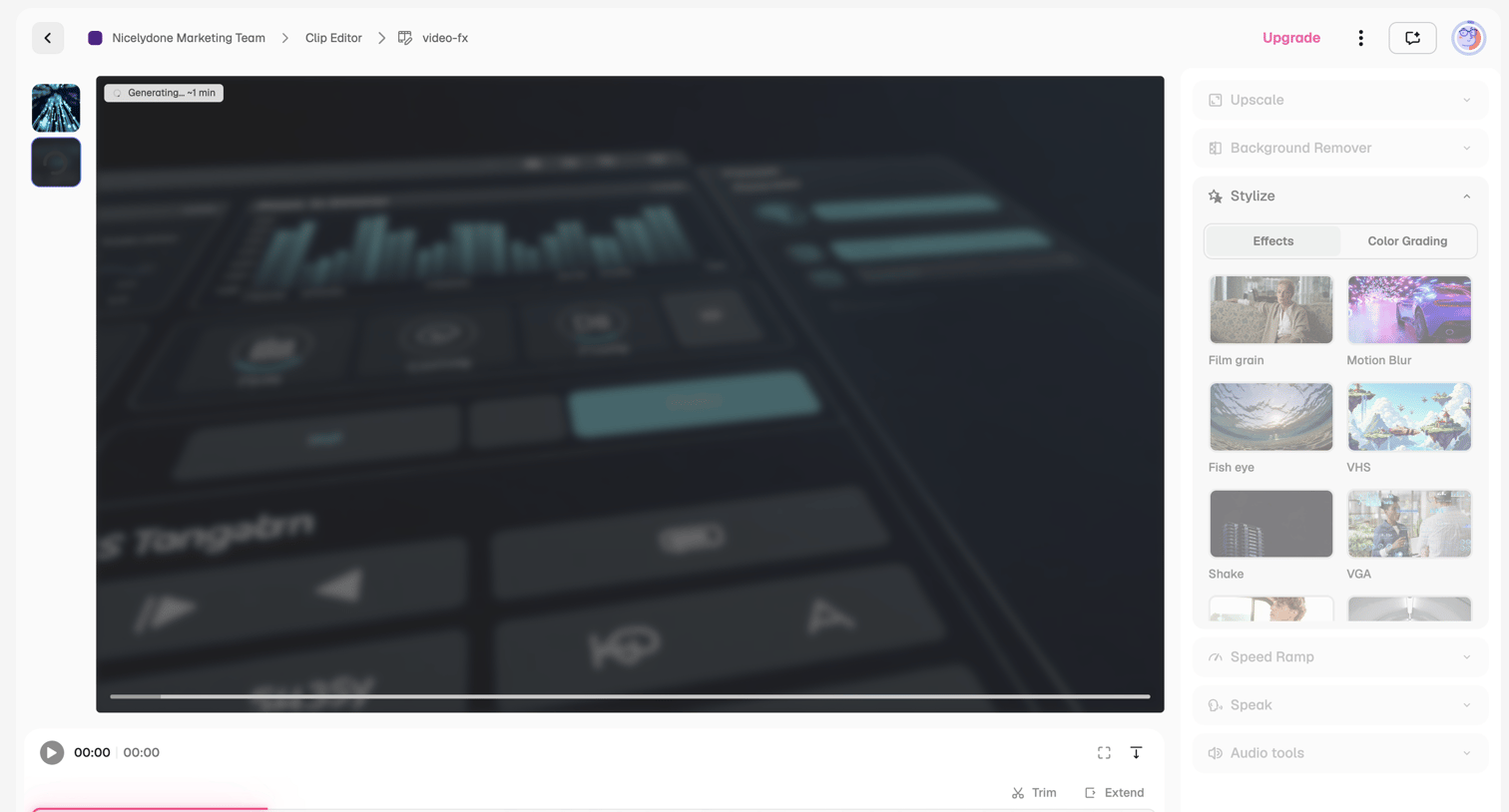

Video editor where the user applies AI styles like film grain and motion blur to a clip while it generates on the timeline.
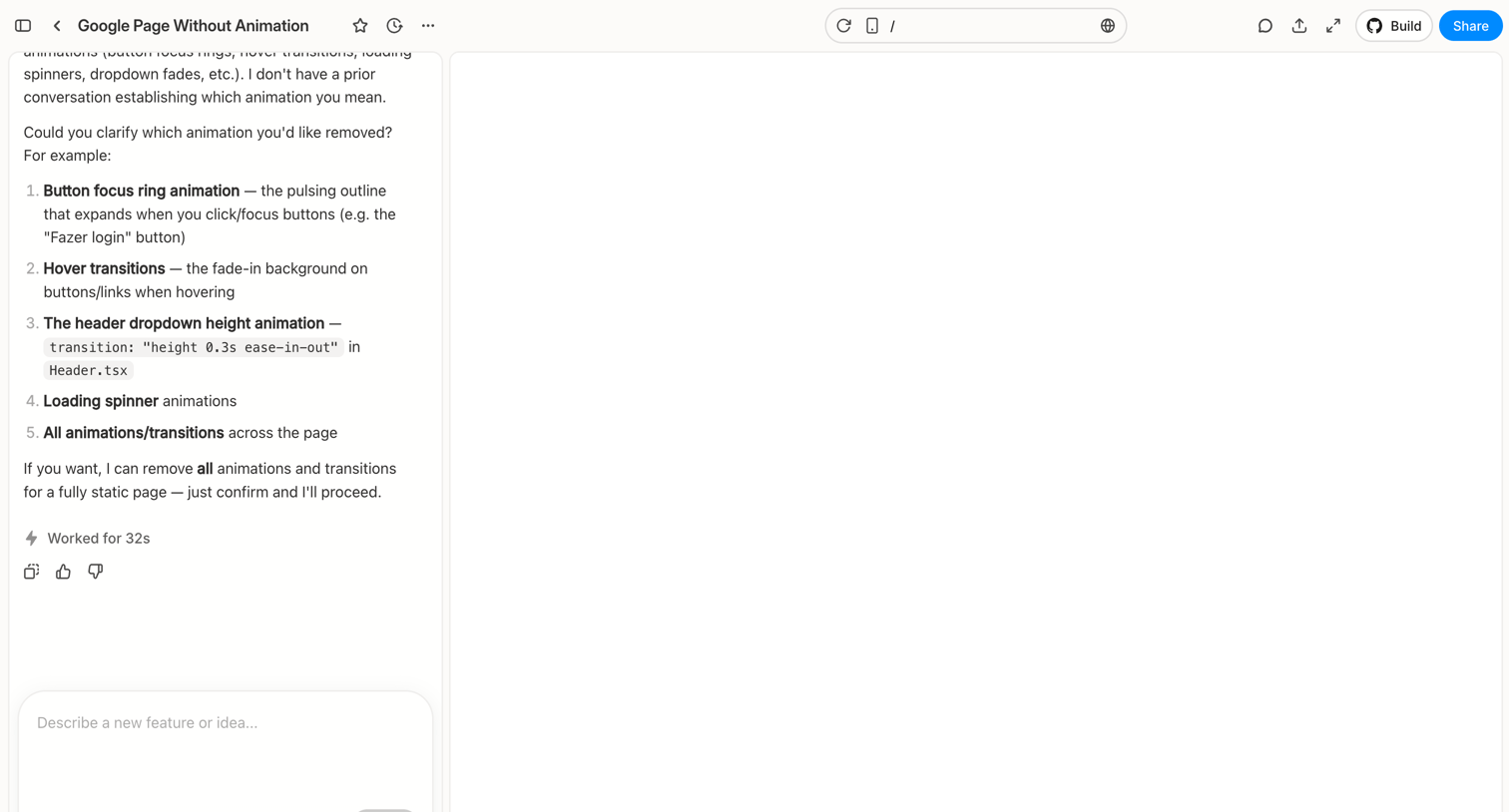

Workspace where the user chats with an AI to modify a web page, featuring a conversational sidebar and a live preview canvas.
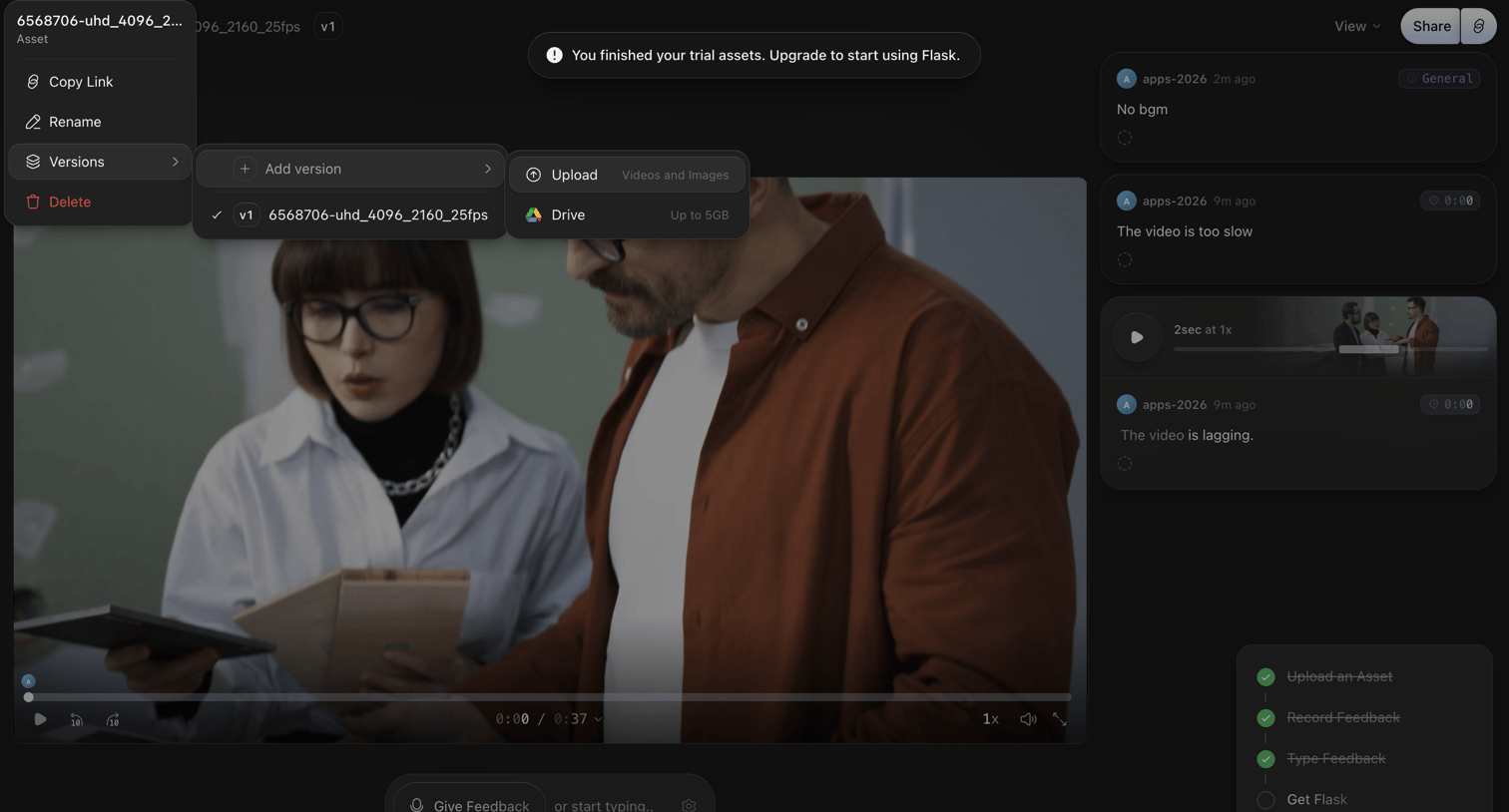

Detail page where a user reviews a video asset, leaves timecoded feedback, and is prompted to upgrade after finishing their trial.
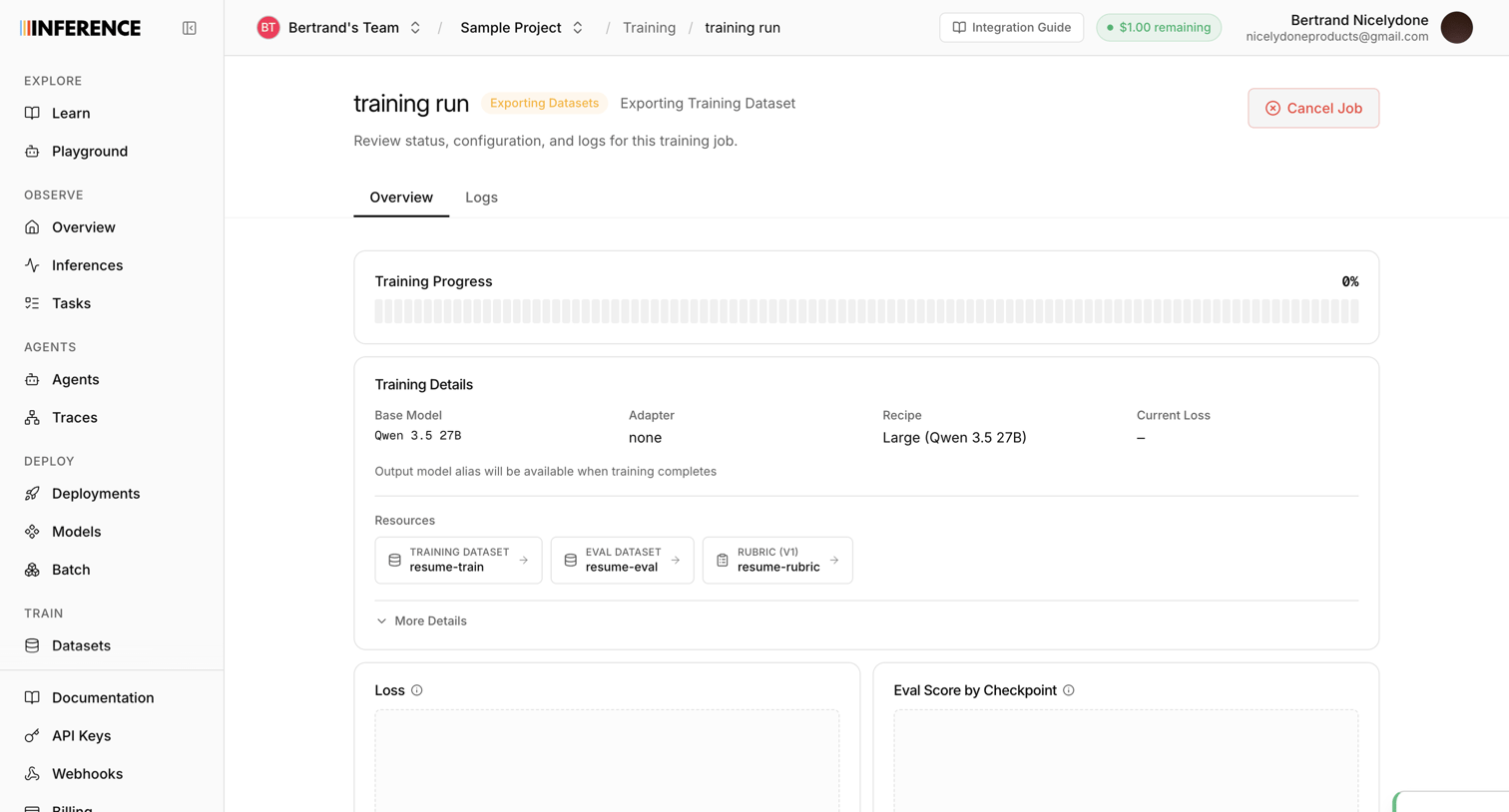

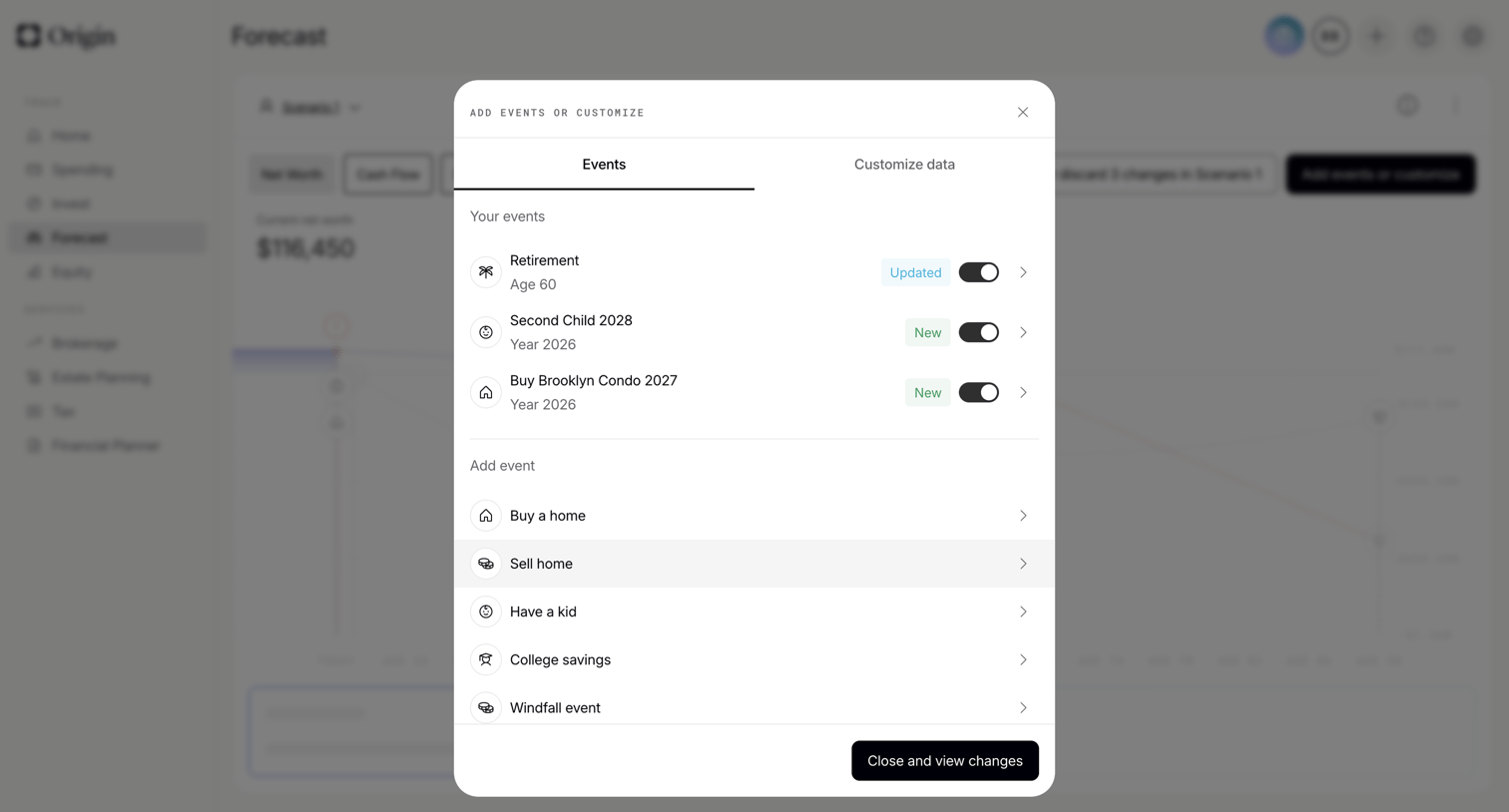

Dashboard modal where the user toggles life events like retirement or buying a home to update their financial forecast scenario.
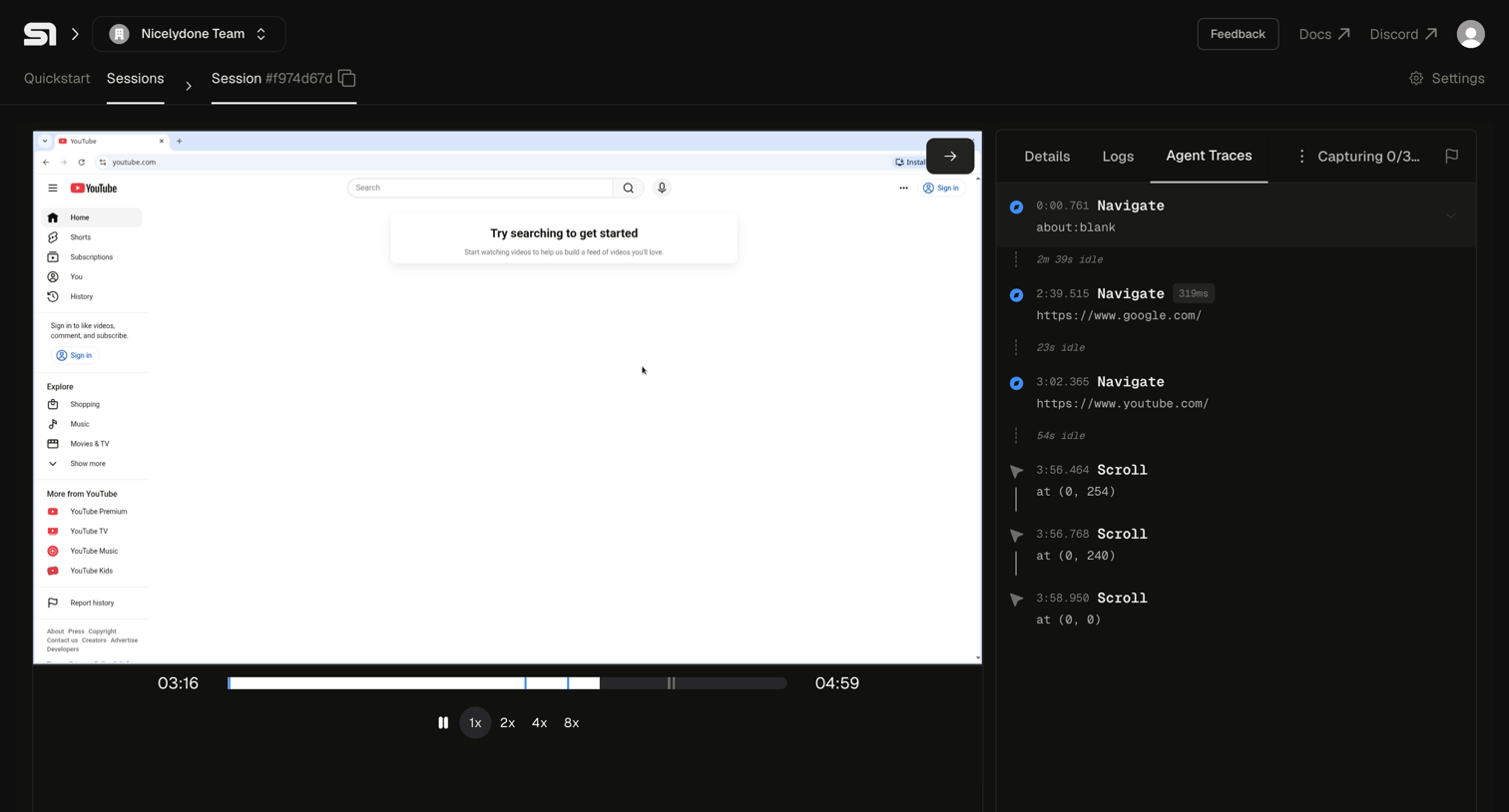

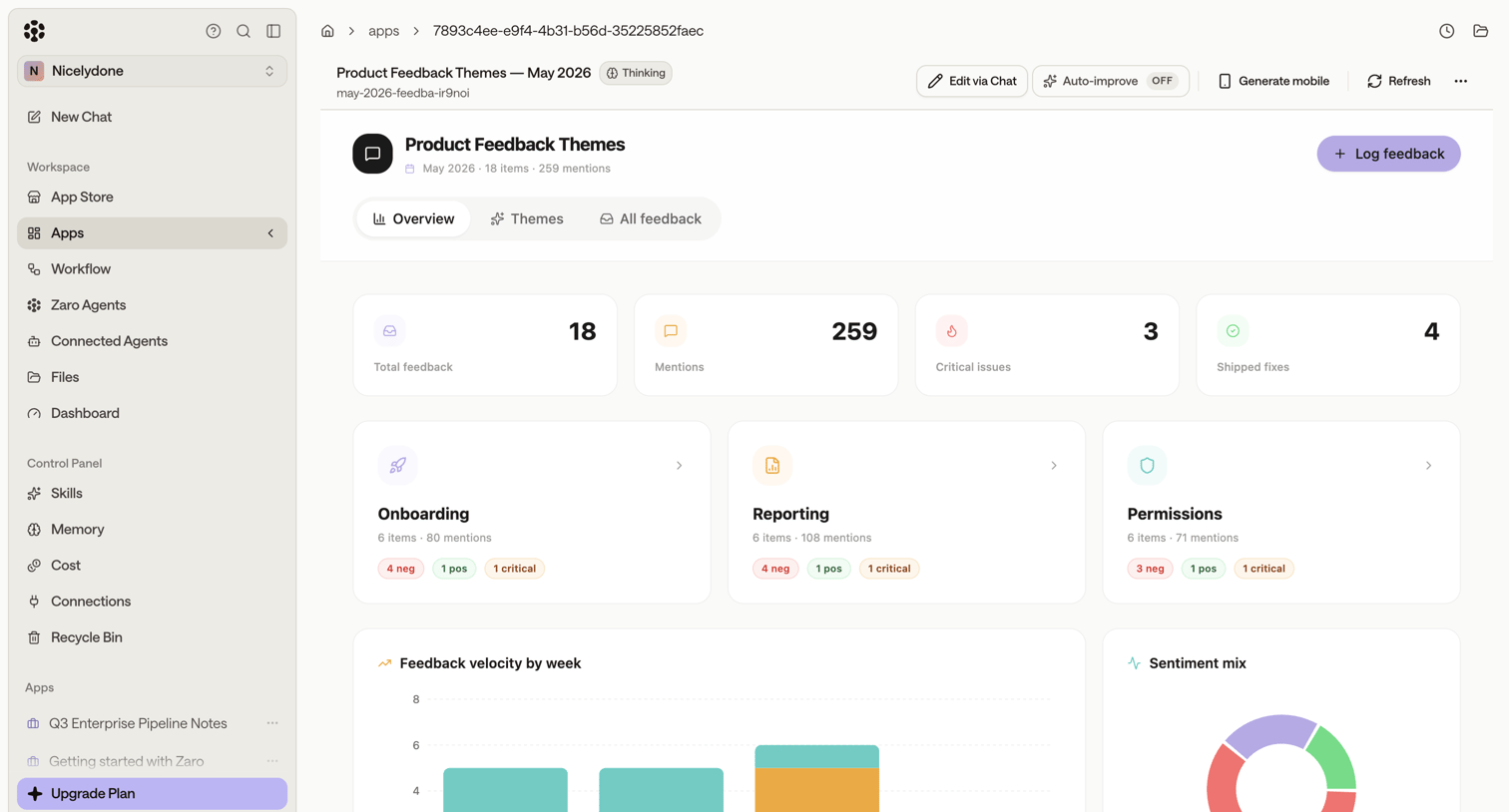

Dashboard showing aggregated product feedback themes, sentiment mix, and velocity metrics with AI-assisted editing options.
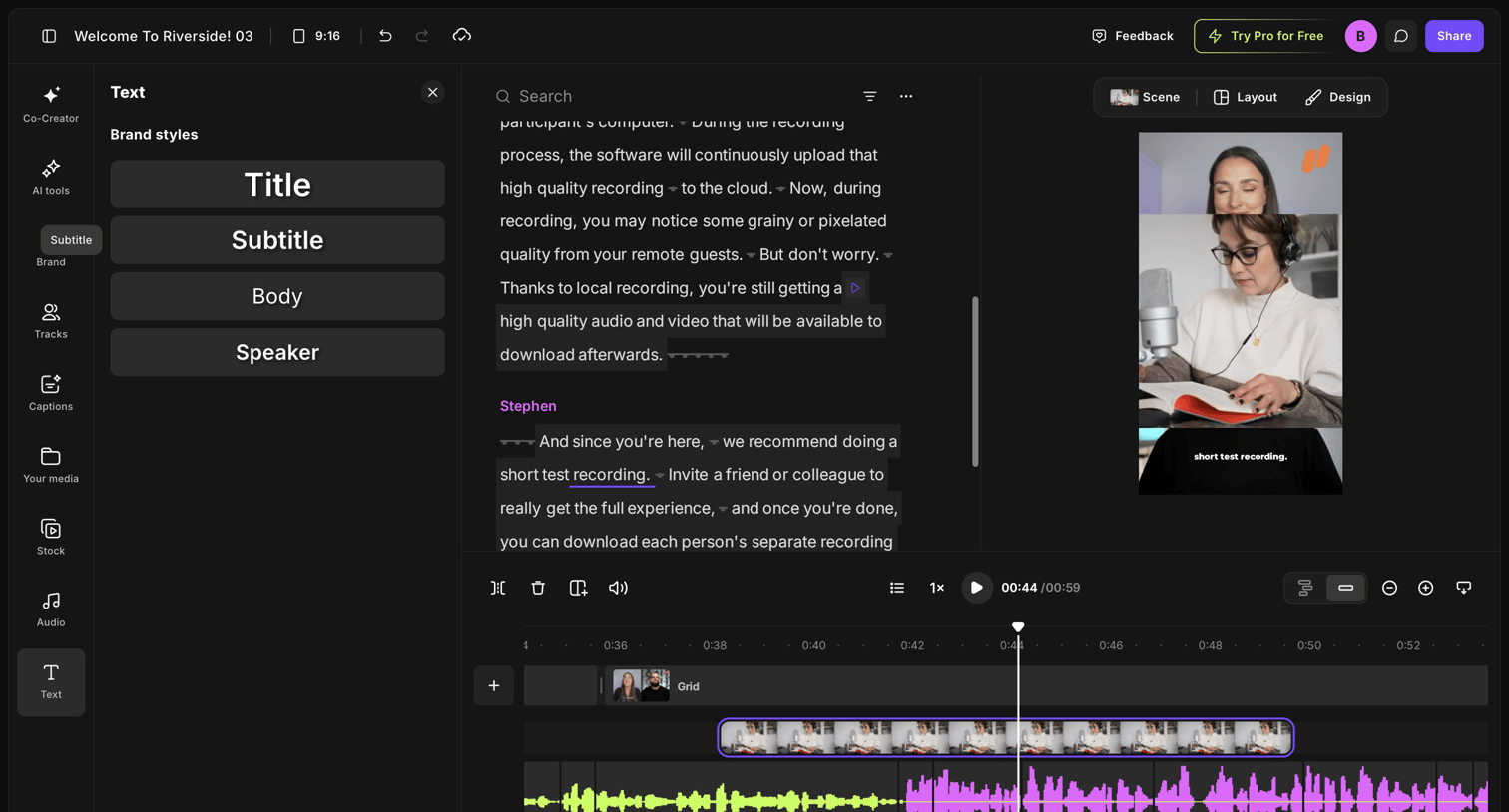

Video editor where the user modifies a recording by editing the generated transcript, adjusting brand text styles, and managing the timeline tracks.
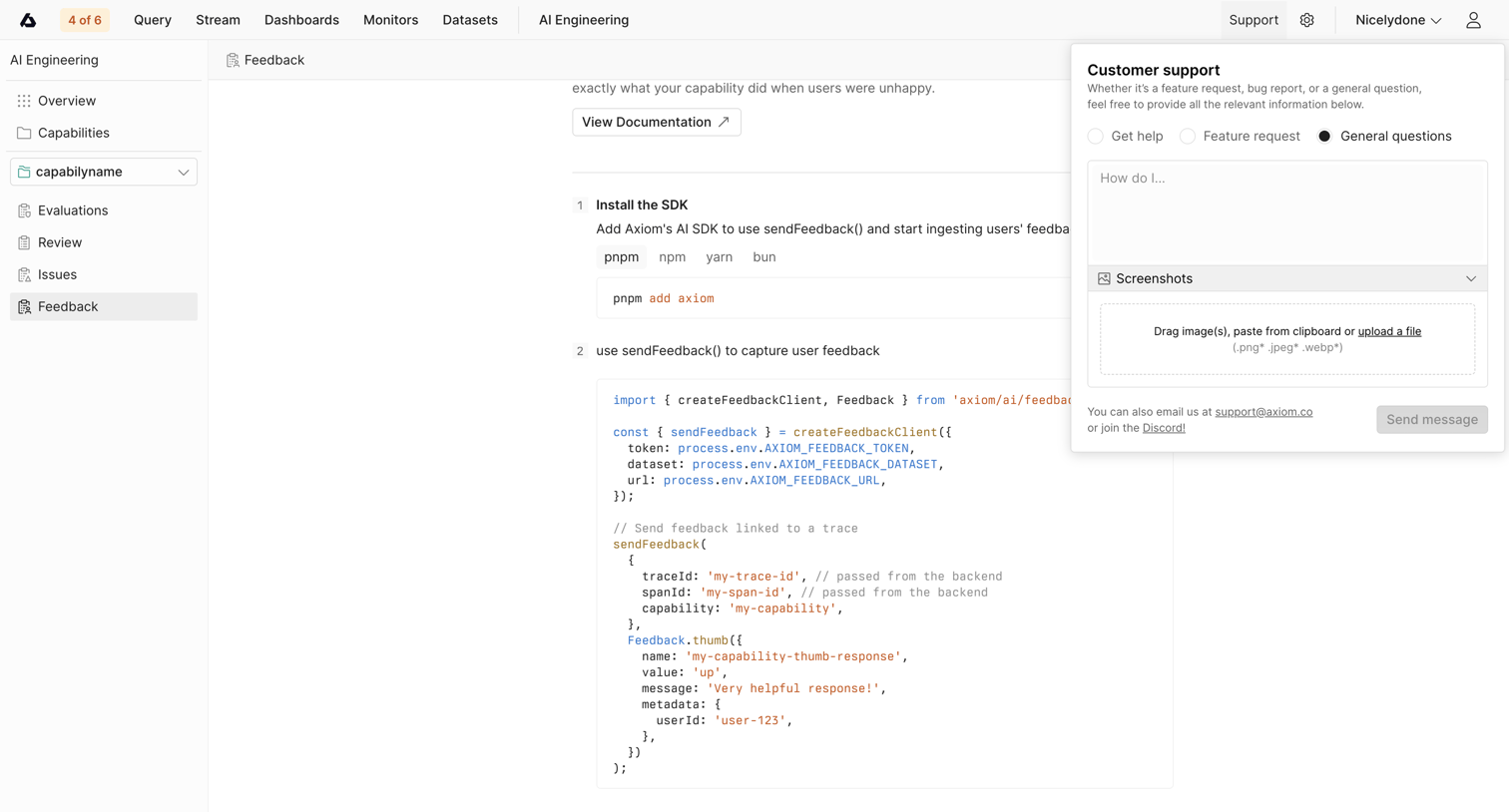

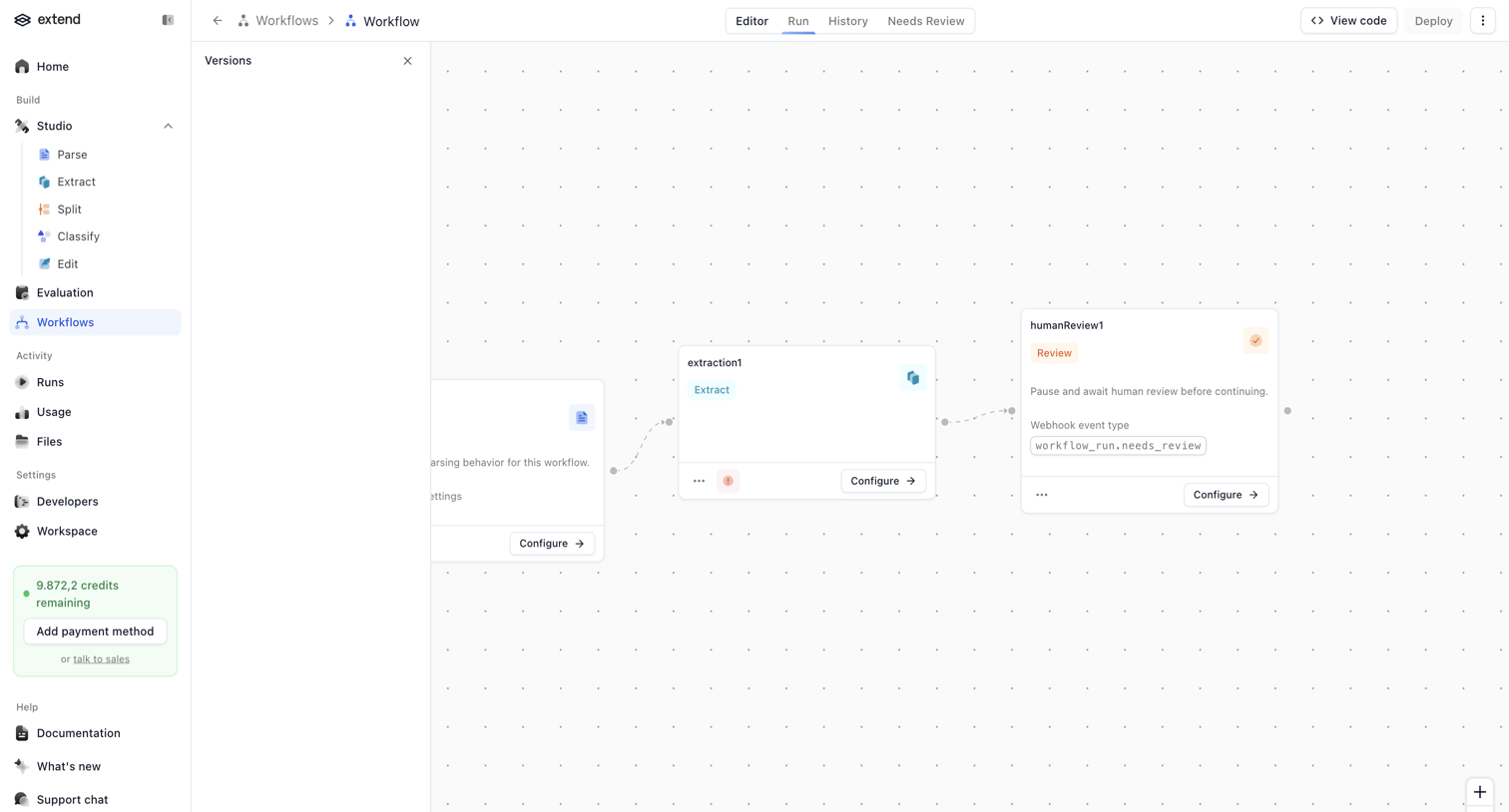

The screen displays a workflow editor interface with a two-column layout. The left column features a vertical navigation sidebar, and the right column contains the main workflow canvas and a horizontal header. The sidebar includes the 'extend' logo, primary navigation…

Explore the full SaaS screen library
Upgrade to unlock the full library.
Trusted by the best teams








About AI Editing
Explore how apps introduce AI tools for changing existing content. Look at the relationship between the original material, the requested edit, and the controls for reviewing the result.