Automation screen examples
Automation screen design examples from SaaS apps. See how SaaS apps explain automated actions and the conditions that start them. Explore how triggers, settings, and status appear together when people…
Explore the examples
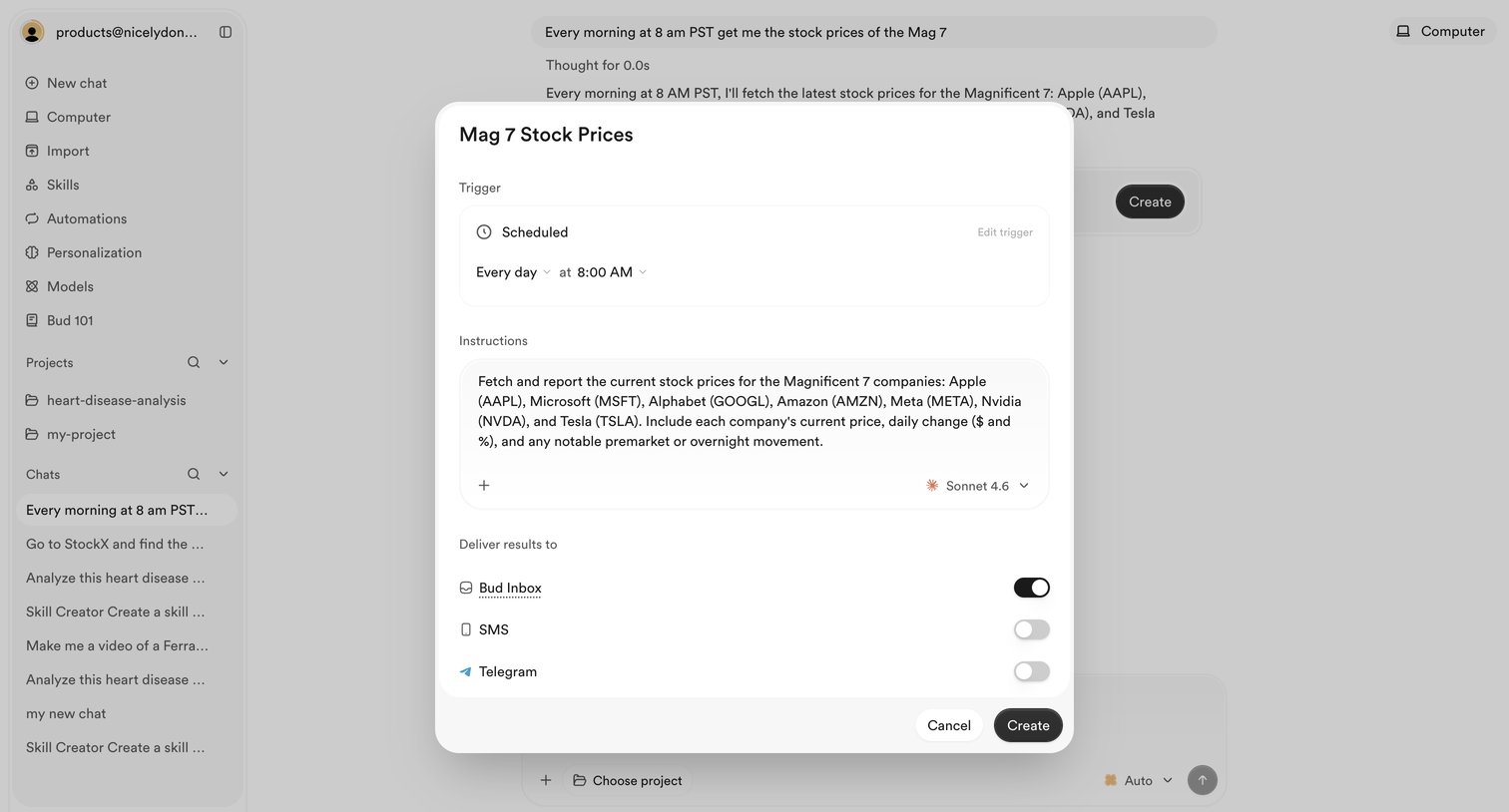

AI chat interface where the user is configuring a scheduled automation to fetch stock prices daily and deliver the results to their inbox.
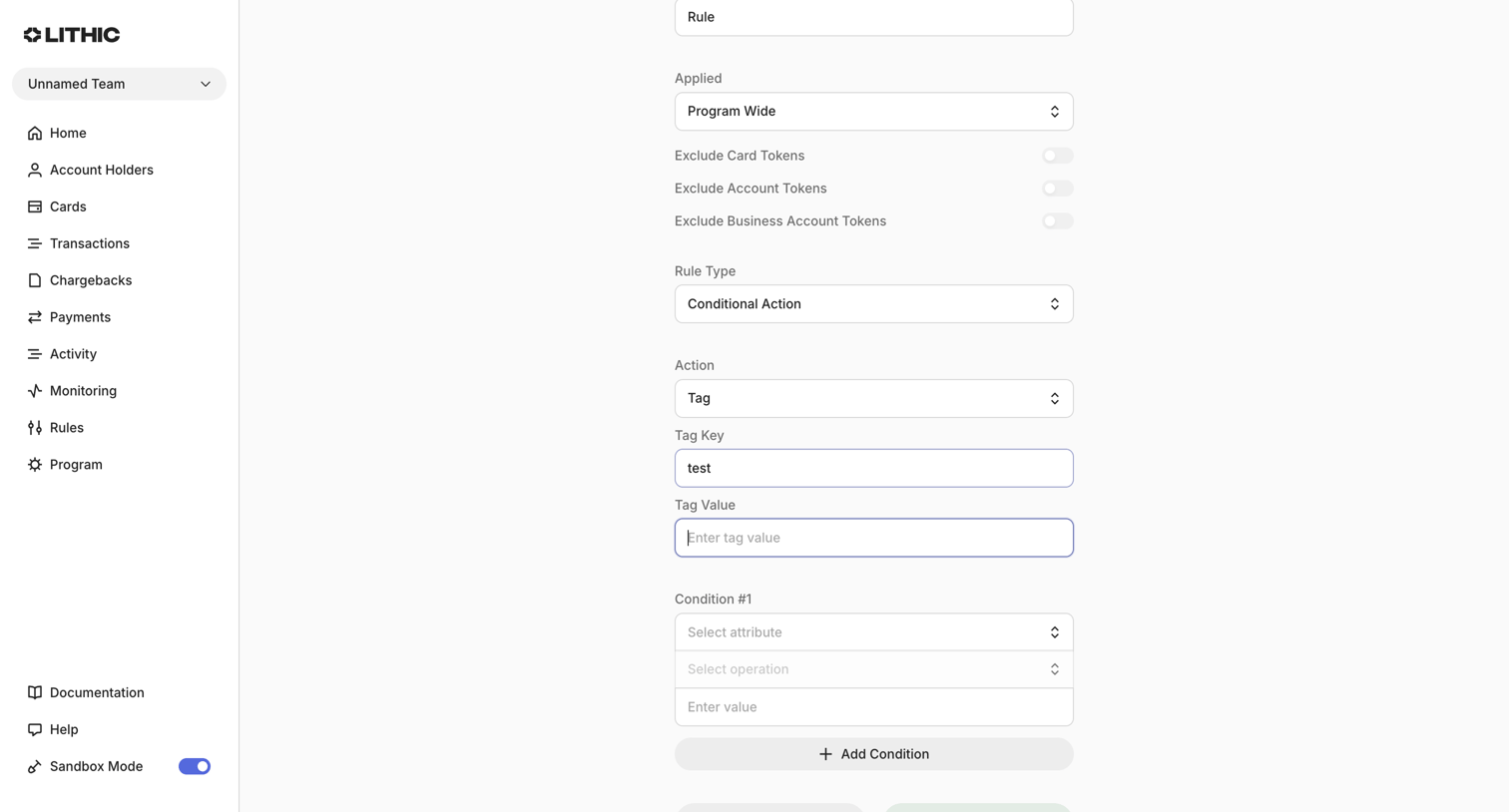

Form where the user creates a new transaction monitoring rule by defining its application scope, conditional logic, and resulting actions.
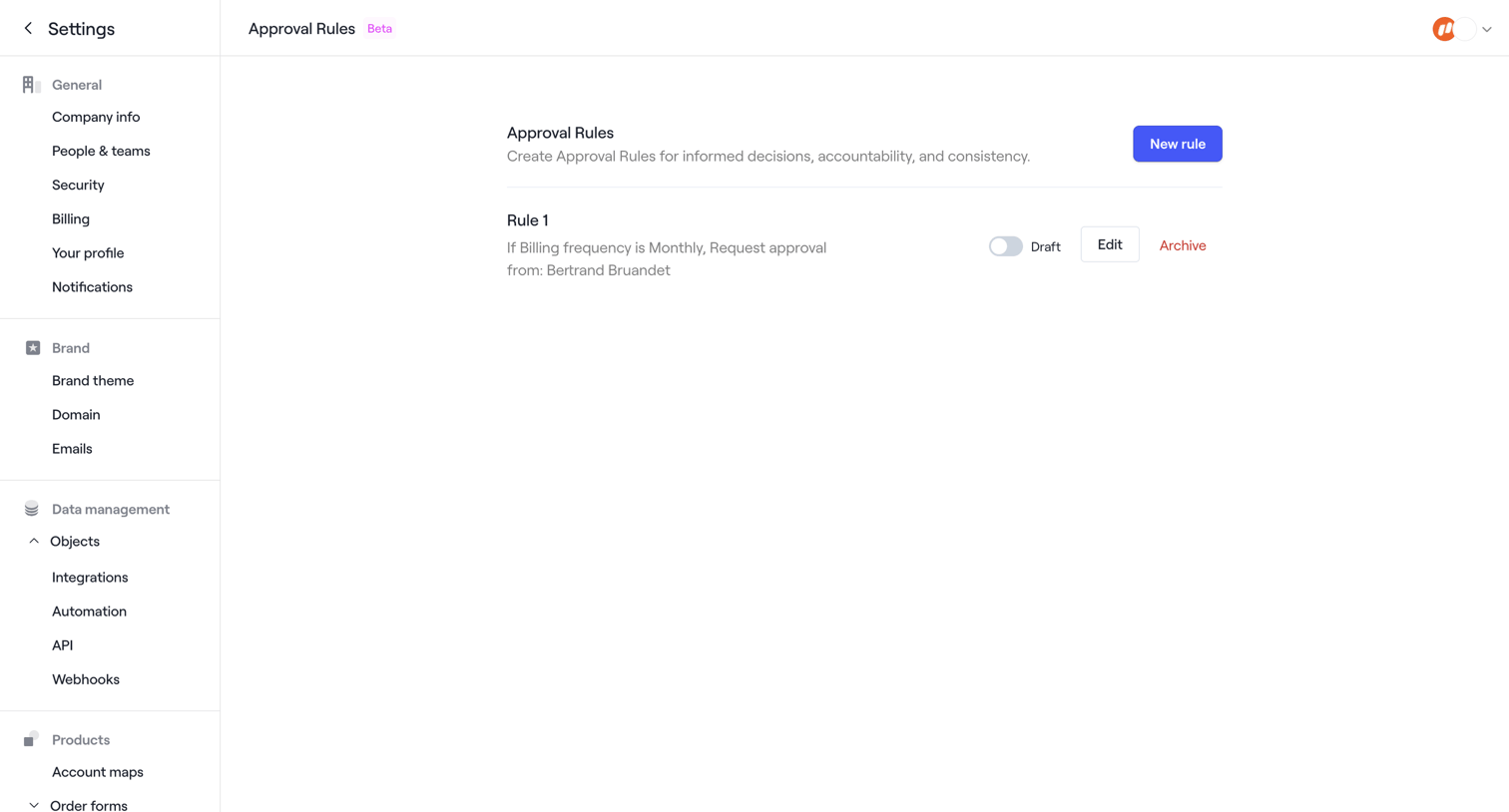

Settings page where the user manages approval rules for order forms, currently displaying one draft rule with options to edit or archive.
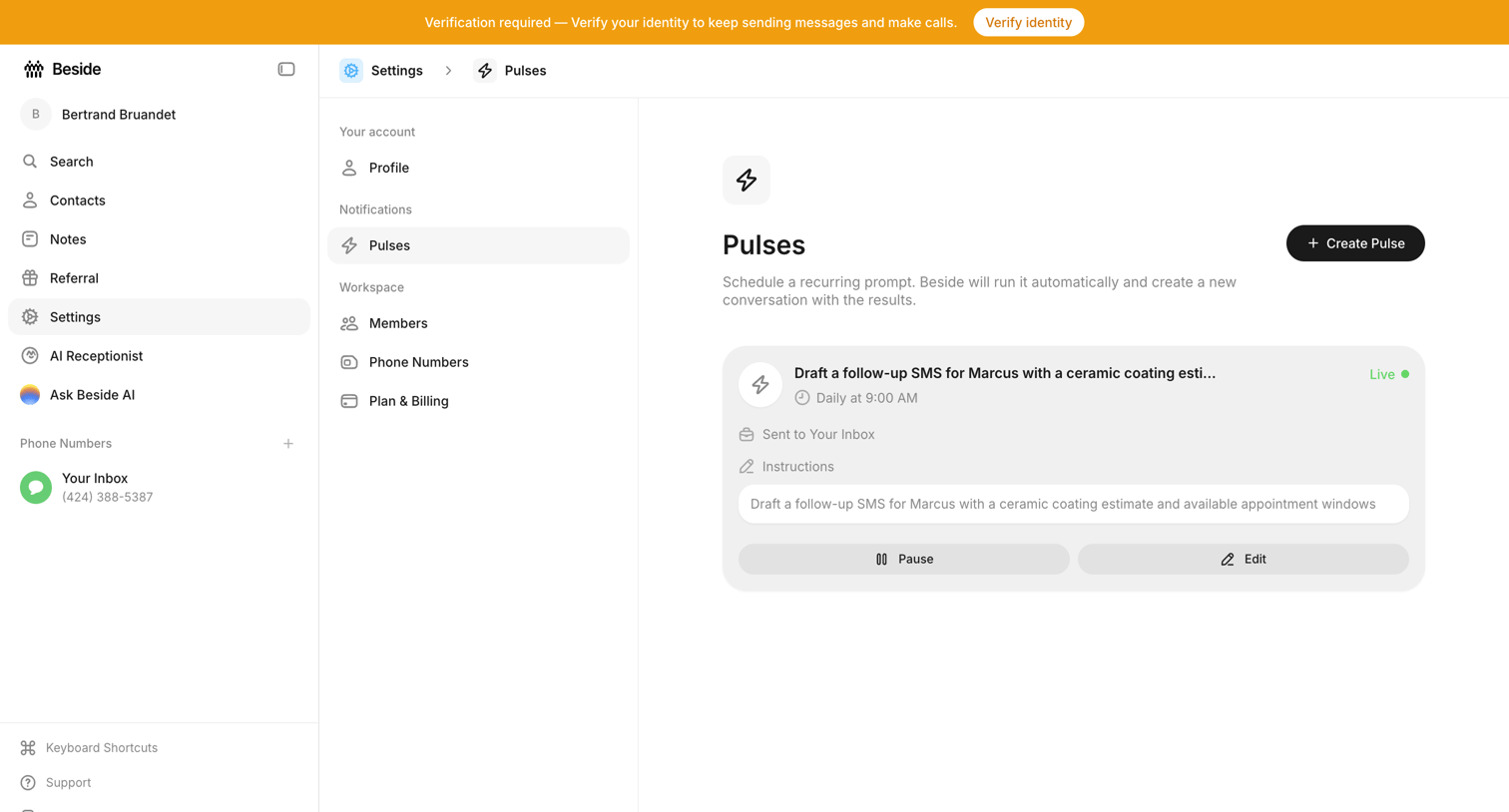

Settings page where the user manages scheduled recurring prompts called Pulses, with options to create, pause, or edit active automations.
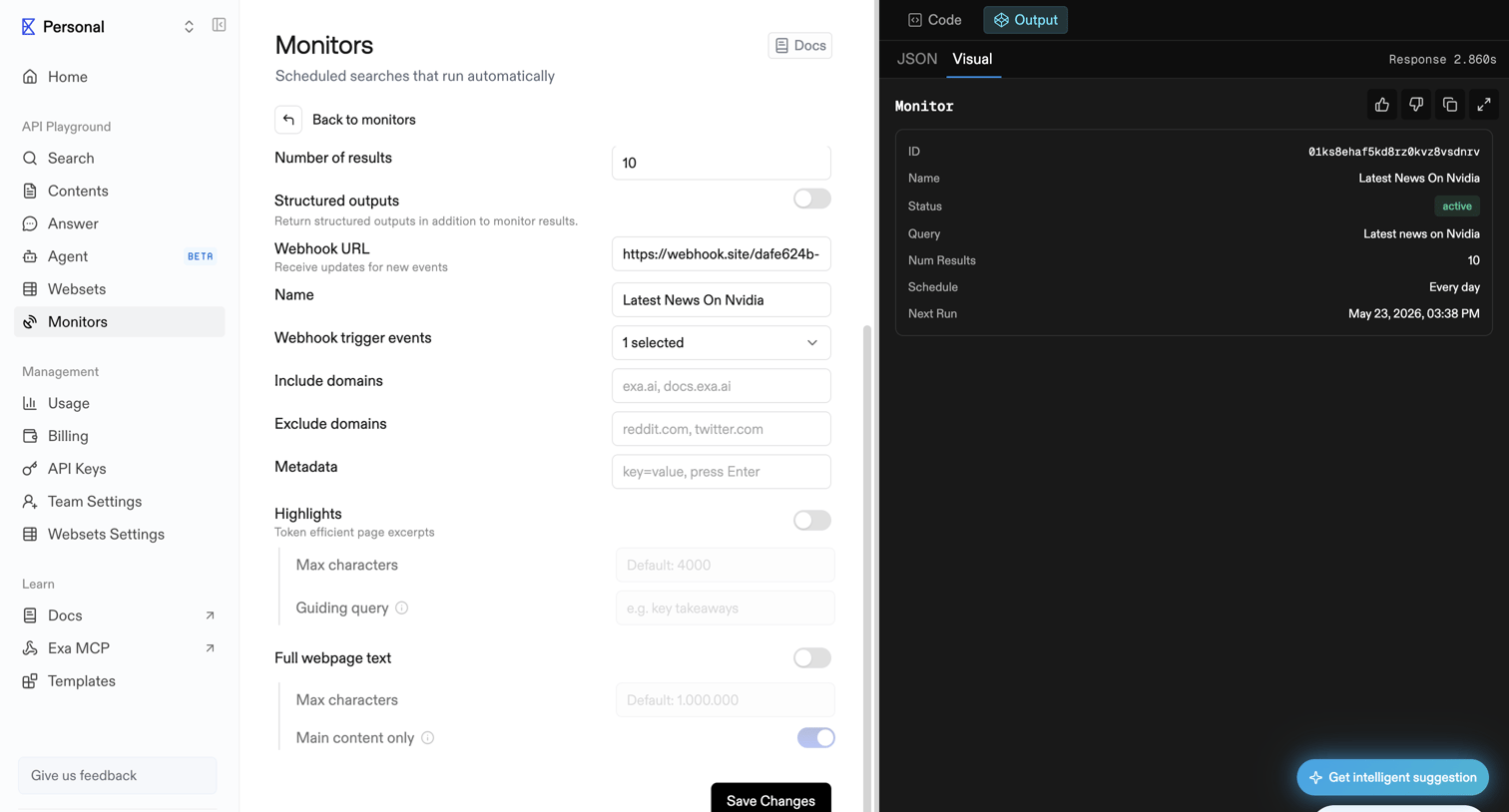

API playground interface where the user configures a scheduled search monitor with webhook triggers and domain filters, while previewing the visual output and accessing an AI assistant.
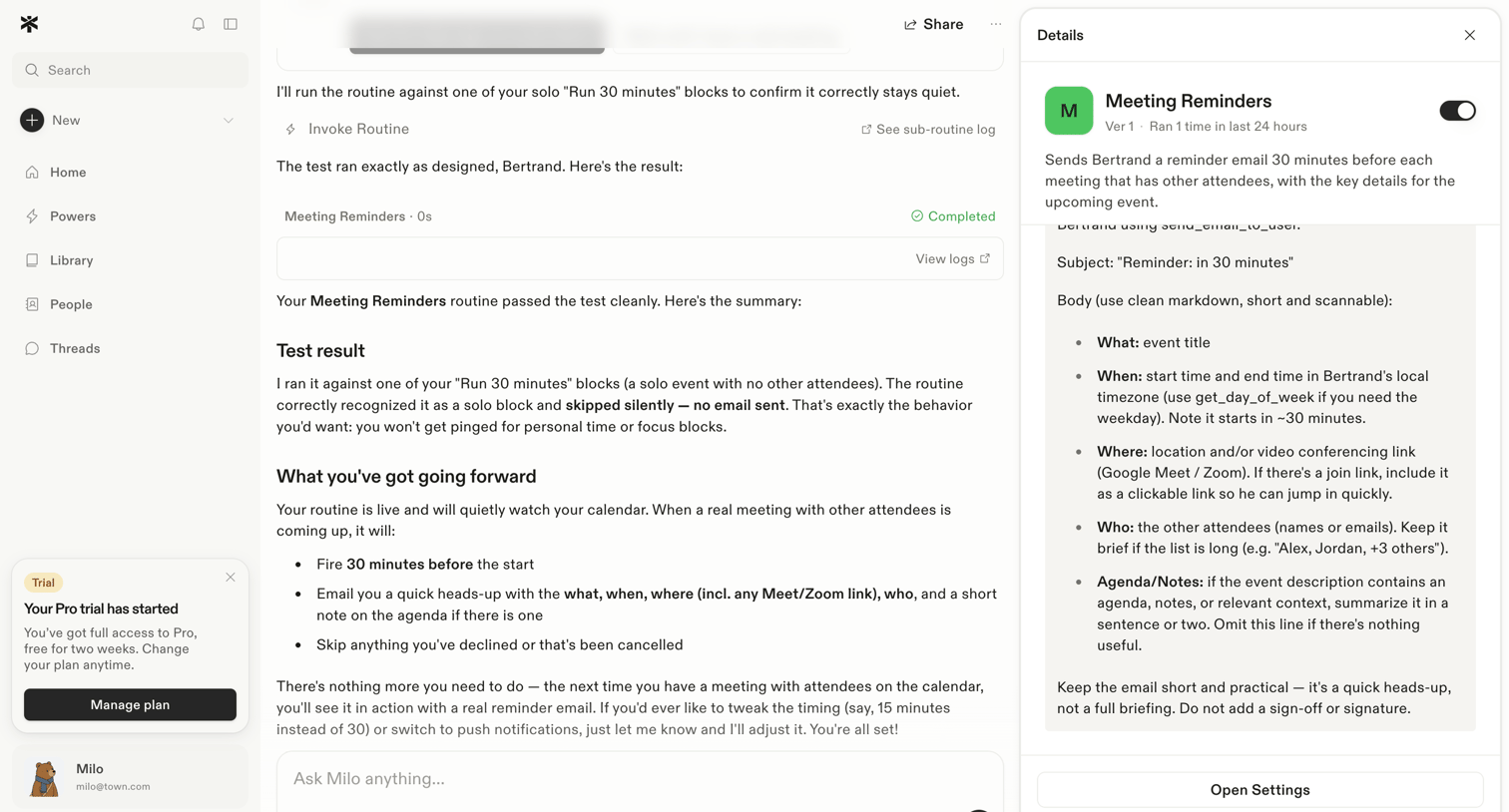

AI chat interface where the user tests a meeting reminder routine with an assistant, alongside a detail panel showing the routine's configuration.
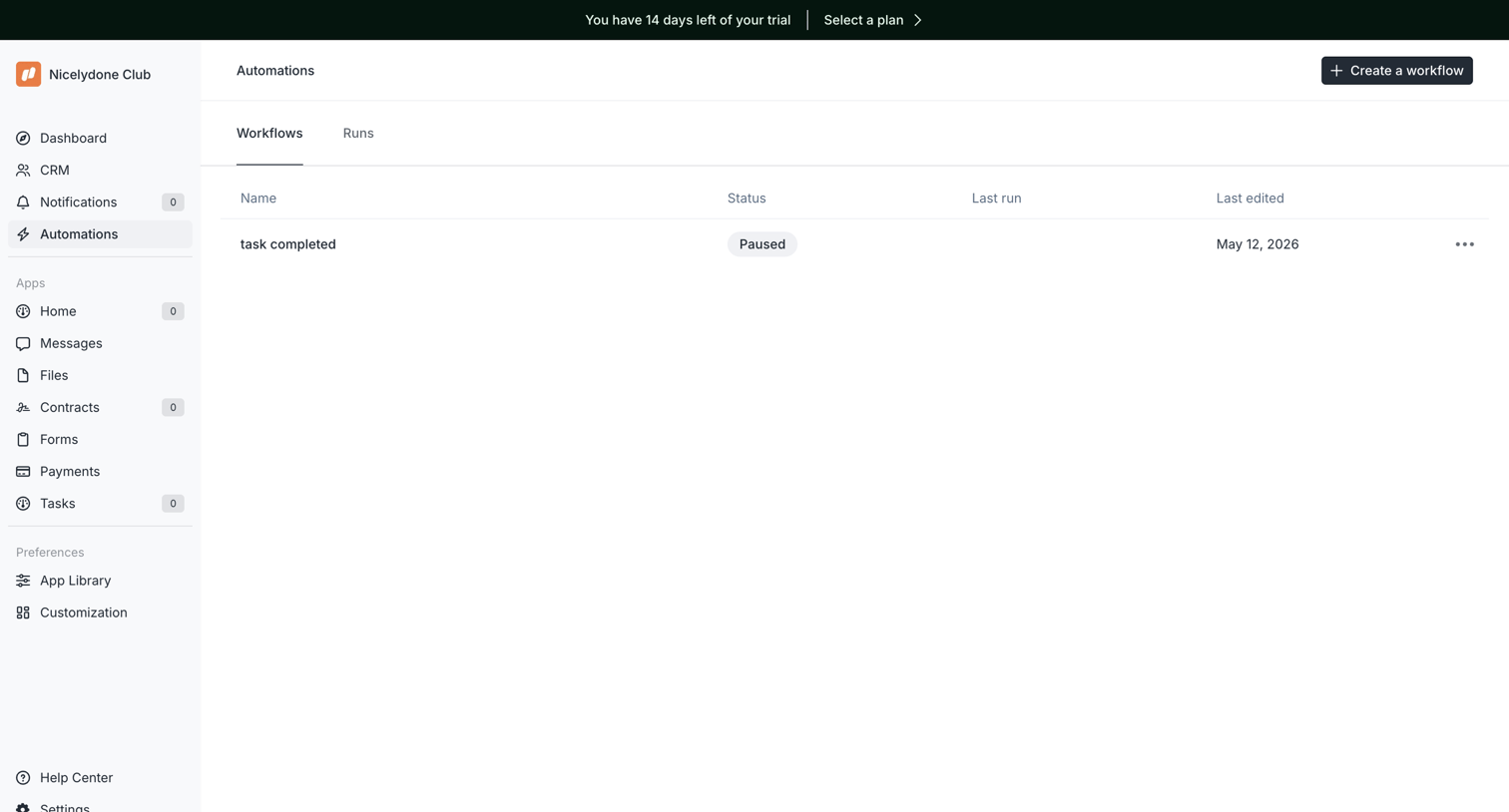

List view where the user manages their automated workflows, views their status, and can create new ones.
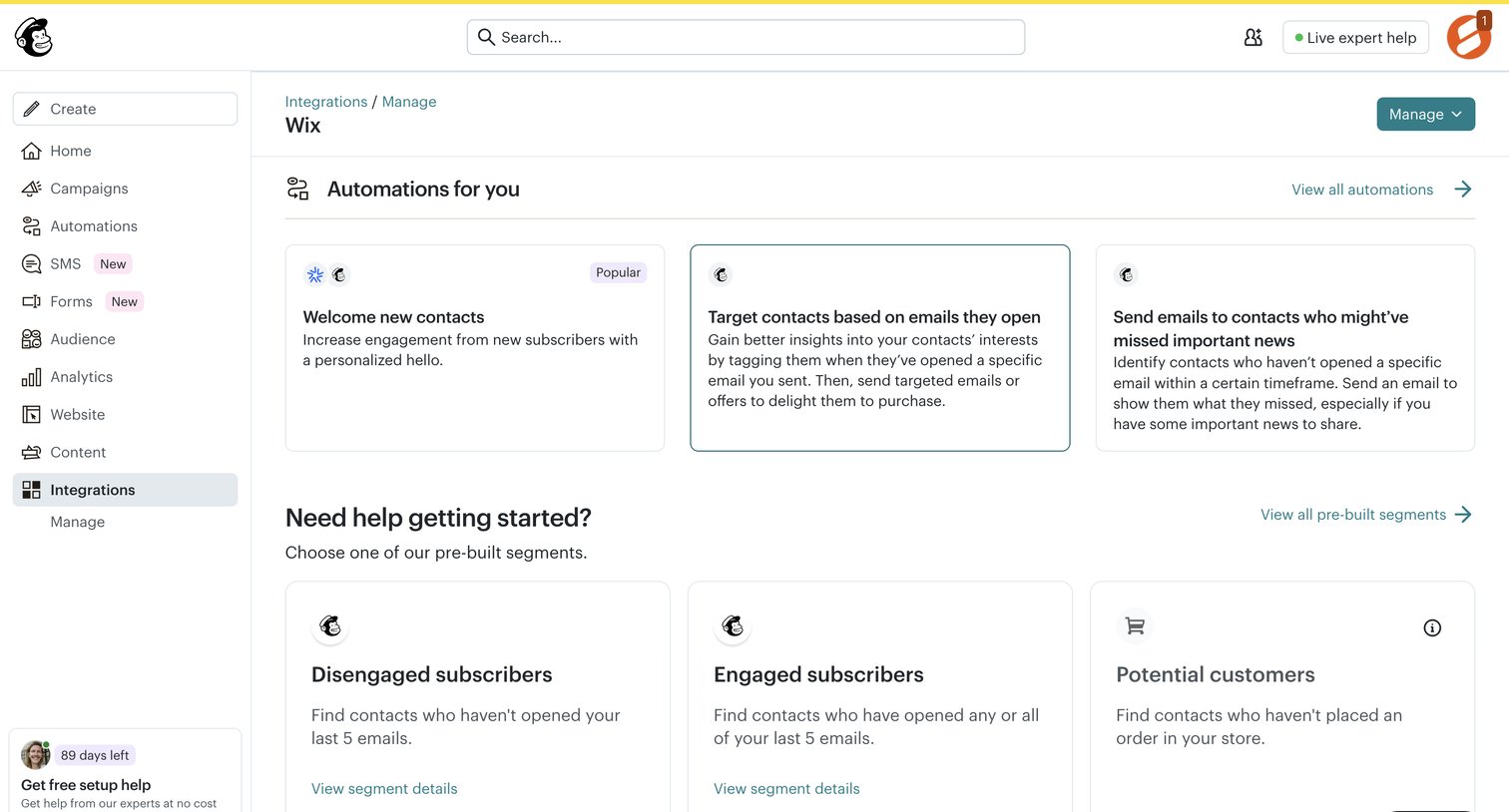

Detail page for the Wix integration where the user can view recommended automations and pre-built segments.
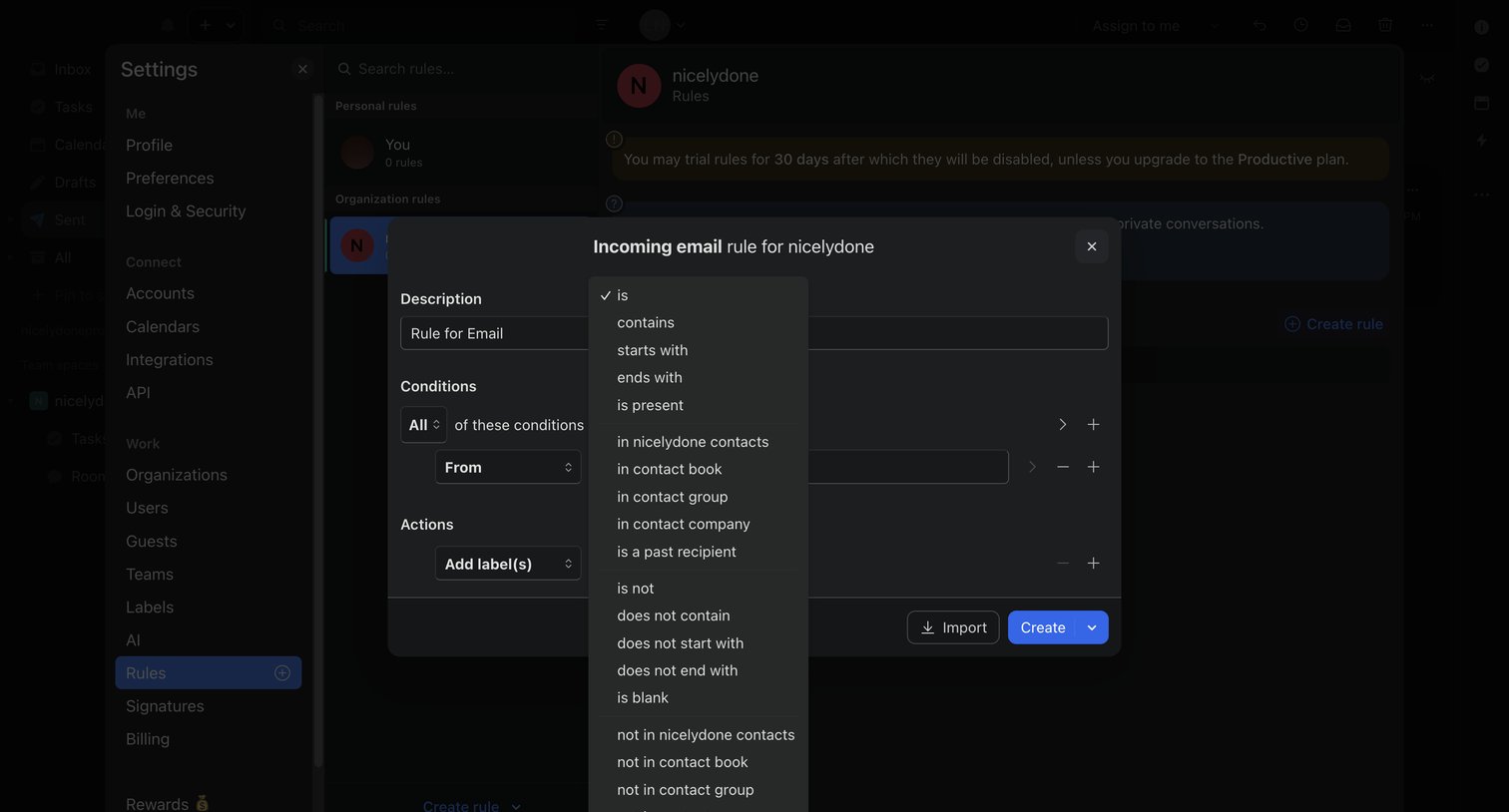

Settings page where the user configures an incoming email rule with specific conditions and actions via a modal.
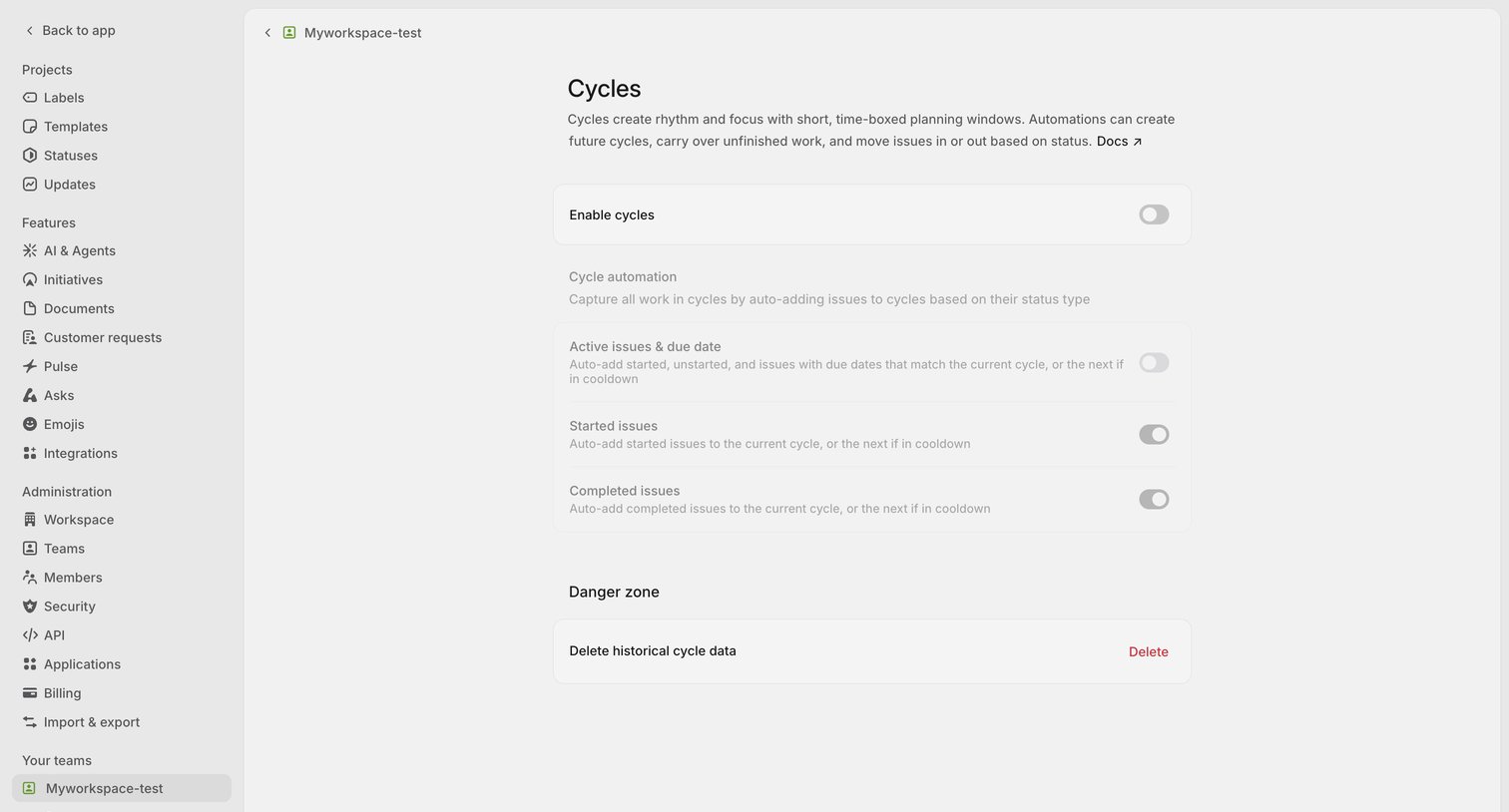

Settings page where the user configures team cycles, including automations for active, started, and completed issues, and an option to delete historical data.
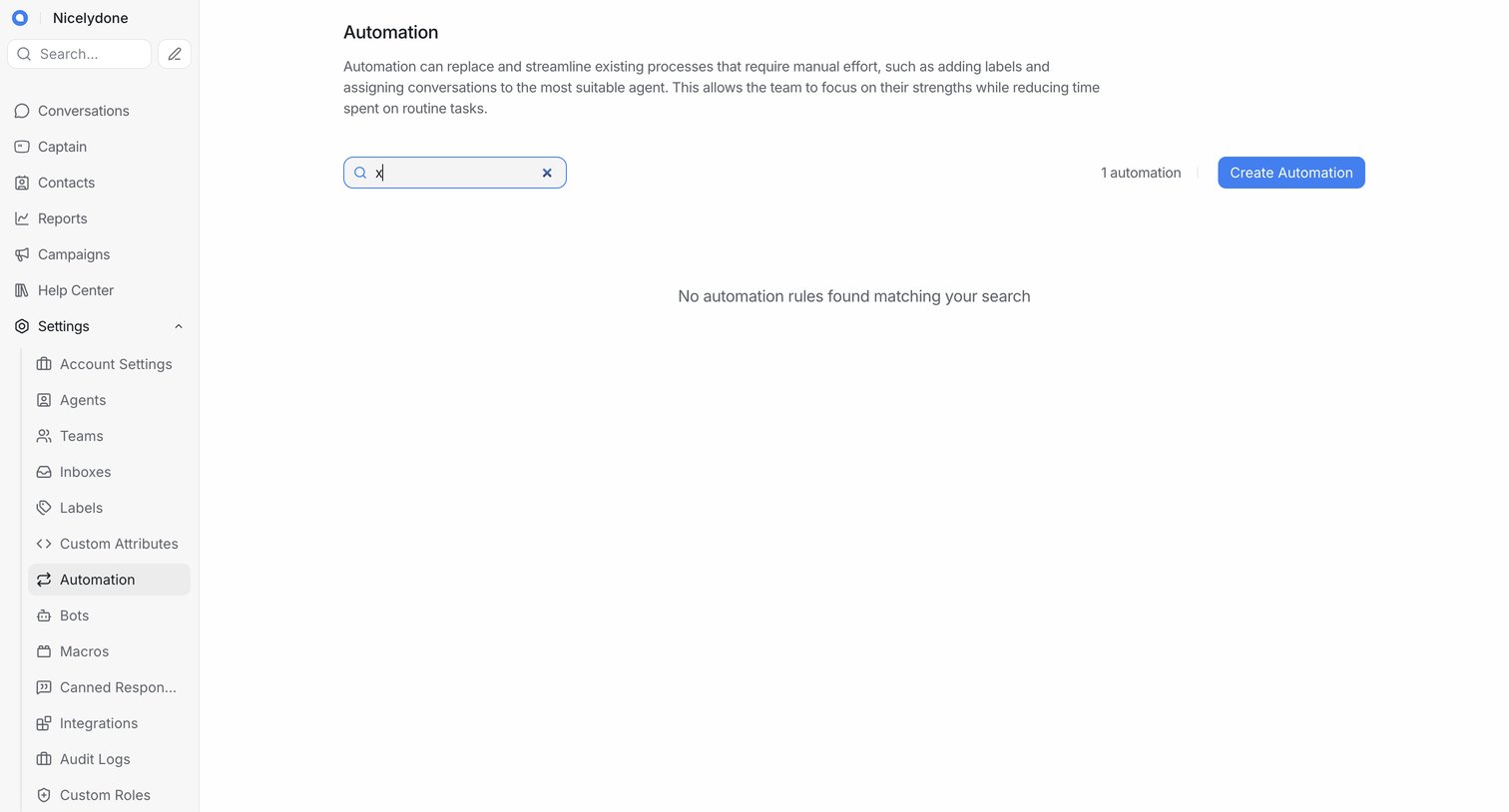

Settings page where the user manages automation rules, currently showing an empty state for a search query with an option to create a new automation.
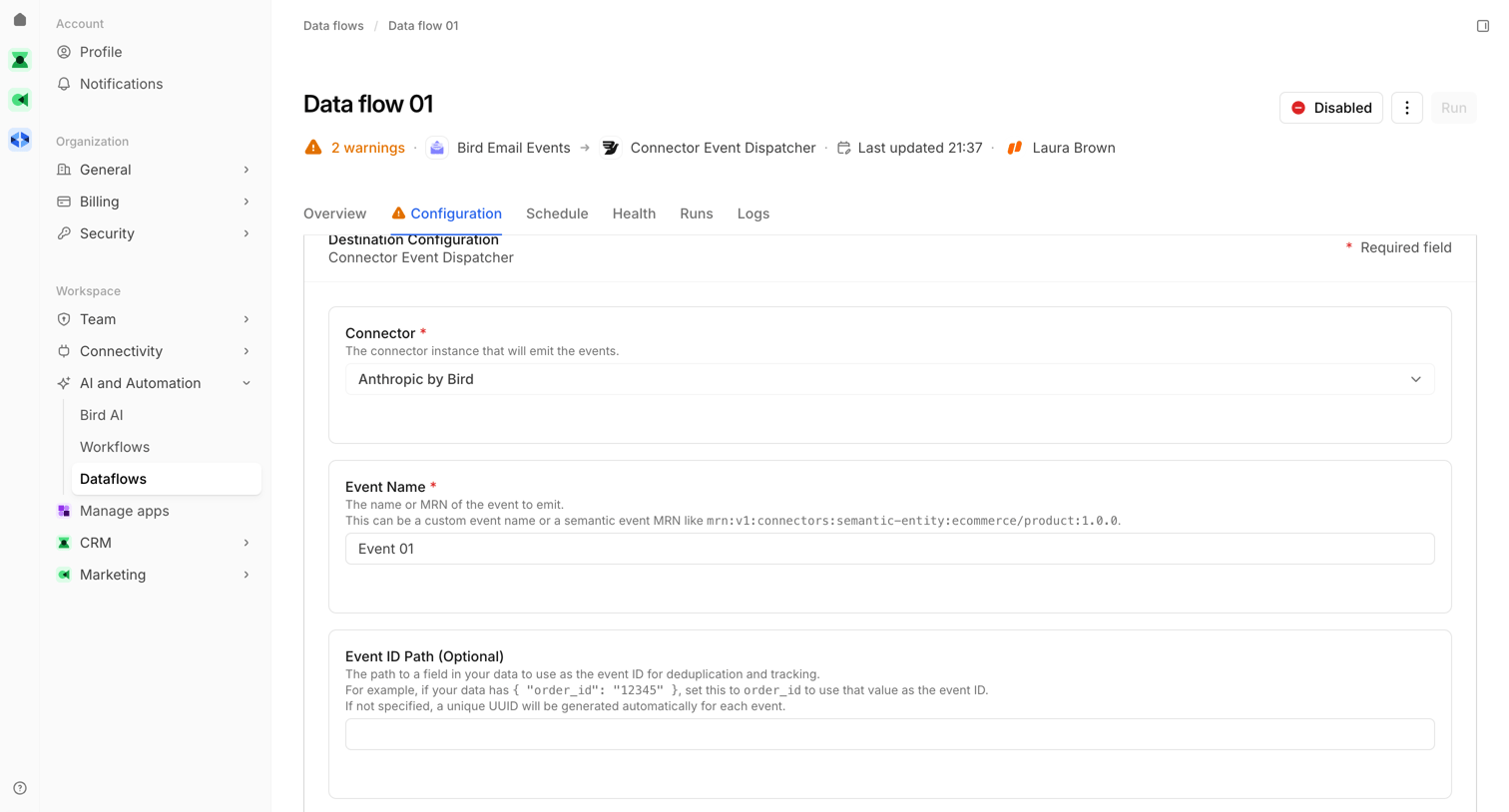

Detail page where the user configures a data flow destination, specifically setting the connector and event name for a Connector Event Dispatcher.
Explore the full SaaS screen library
Upgrade to unlock the full library.
Trusted by the best teams








About Automation
See how SaaS apps explain automated actions and the conditions that start them. Explore how triggers, settings, and status appear together when people configure or inspect an automation.