Schedule screen examples
Schedule screen design examples from SaaS apps. See how apps arrange an action for a future time. Explore how dates, times, and scheduling controls fit around the event, content, or task being planned.
Explore the examples
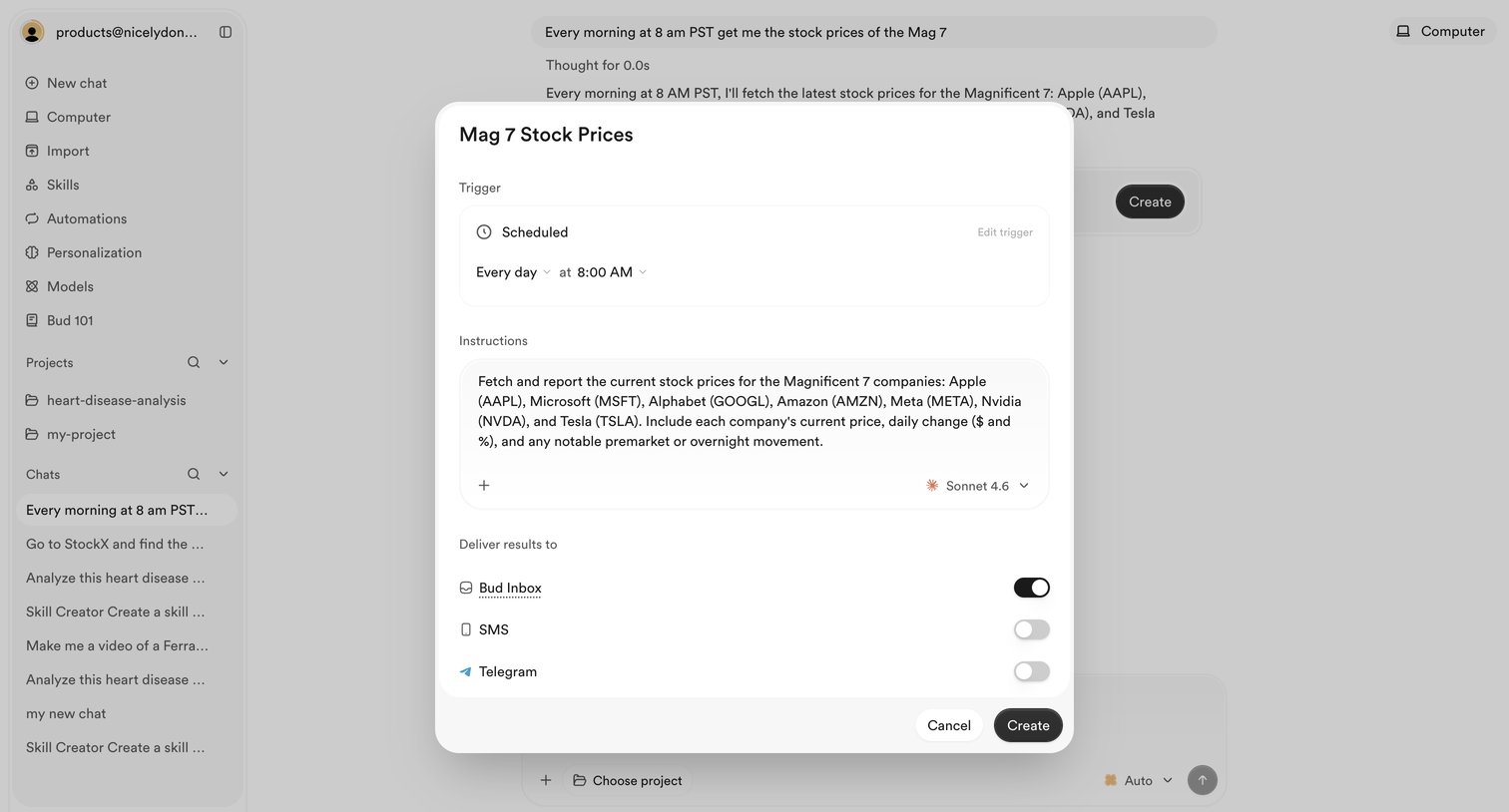

AI chat interface where the user is configuring a scheduled automation to fetch stock prices daily and deliver the results to their inbox.
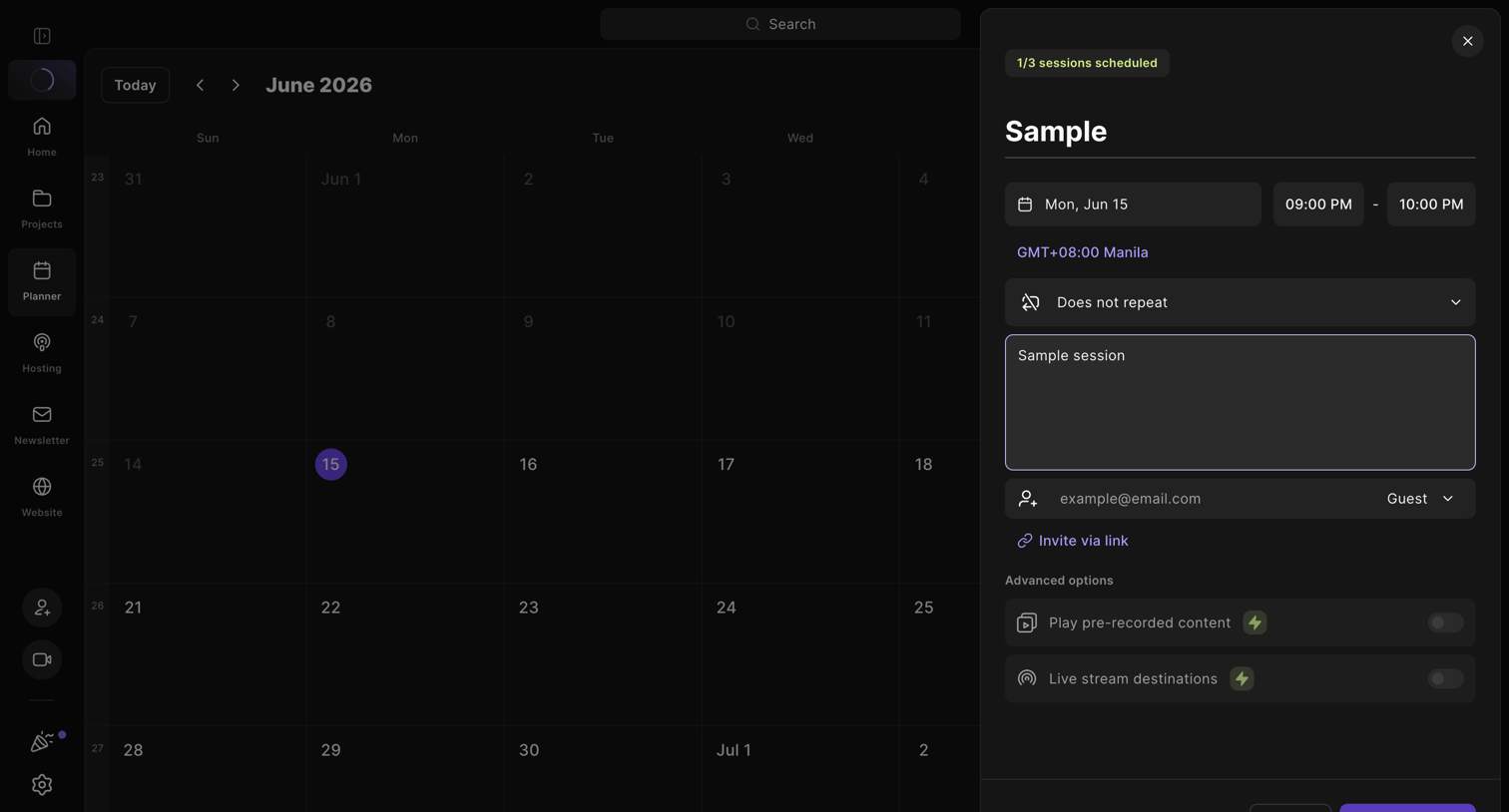

Calendar view where the user schedules a new recording session with date, time, and guest invites via a side drawer.
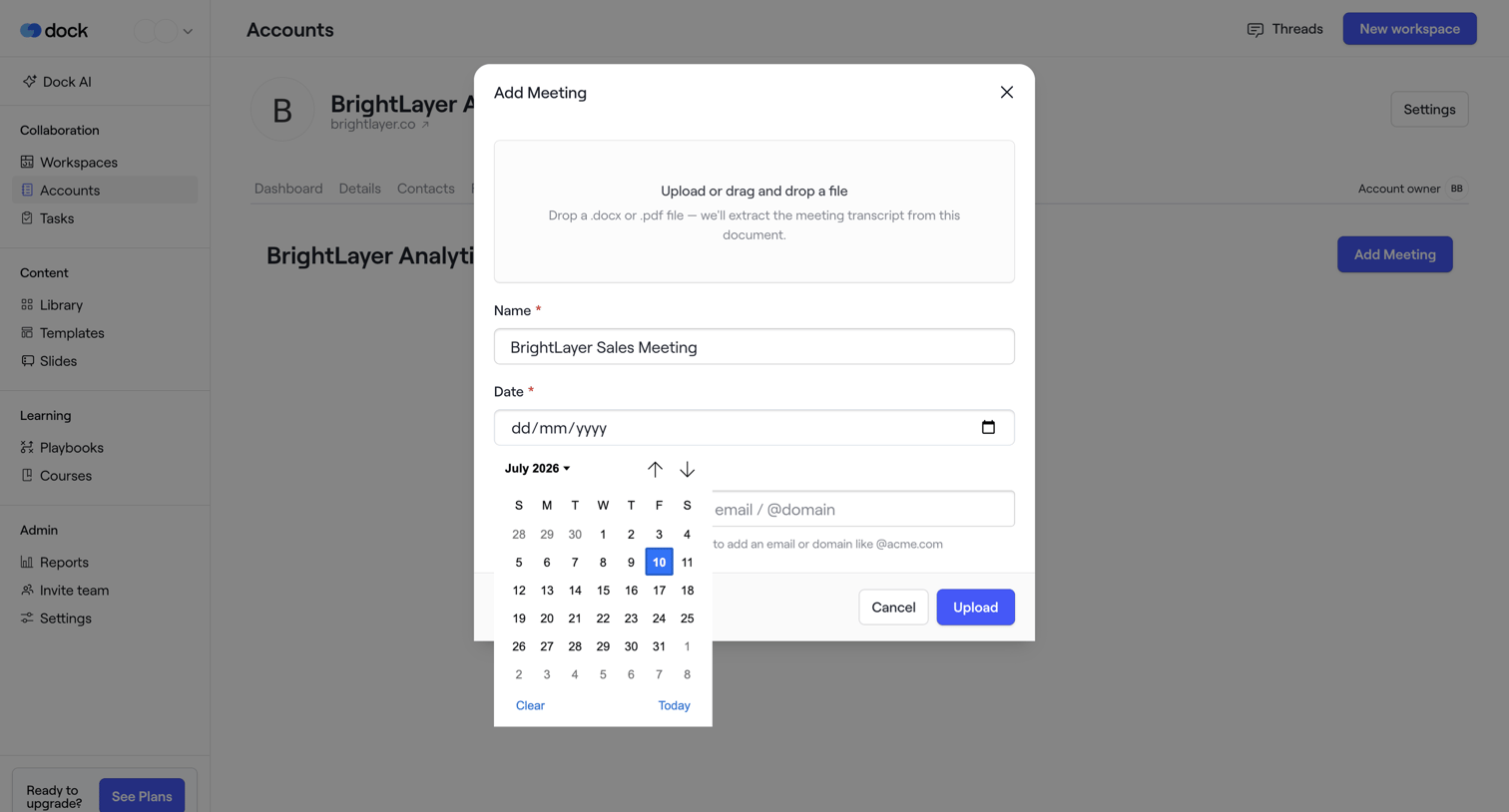

Account detail page where the user is adding a meeting by uploading a transcript file and filling out meeting details in a modal.
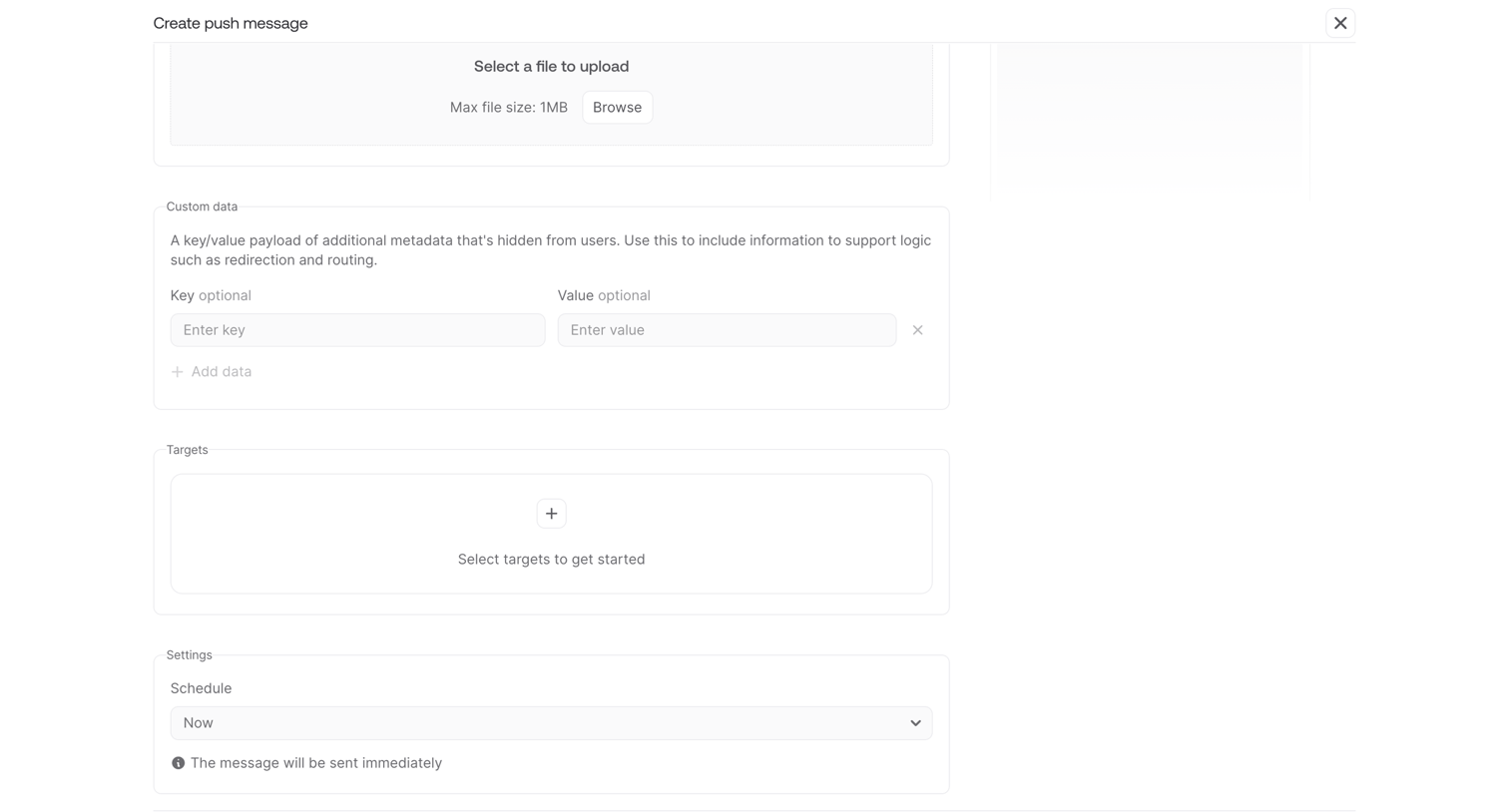

Creation form where the user configures a push message by uploading a file, defining custom key-value data, selecting targets, and setting a delivery schedule.
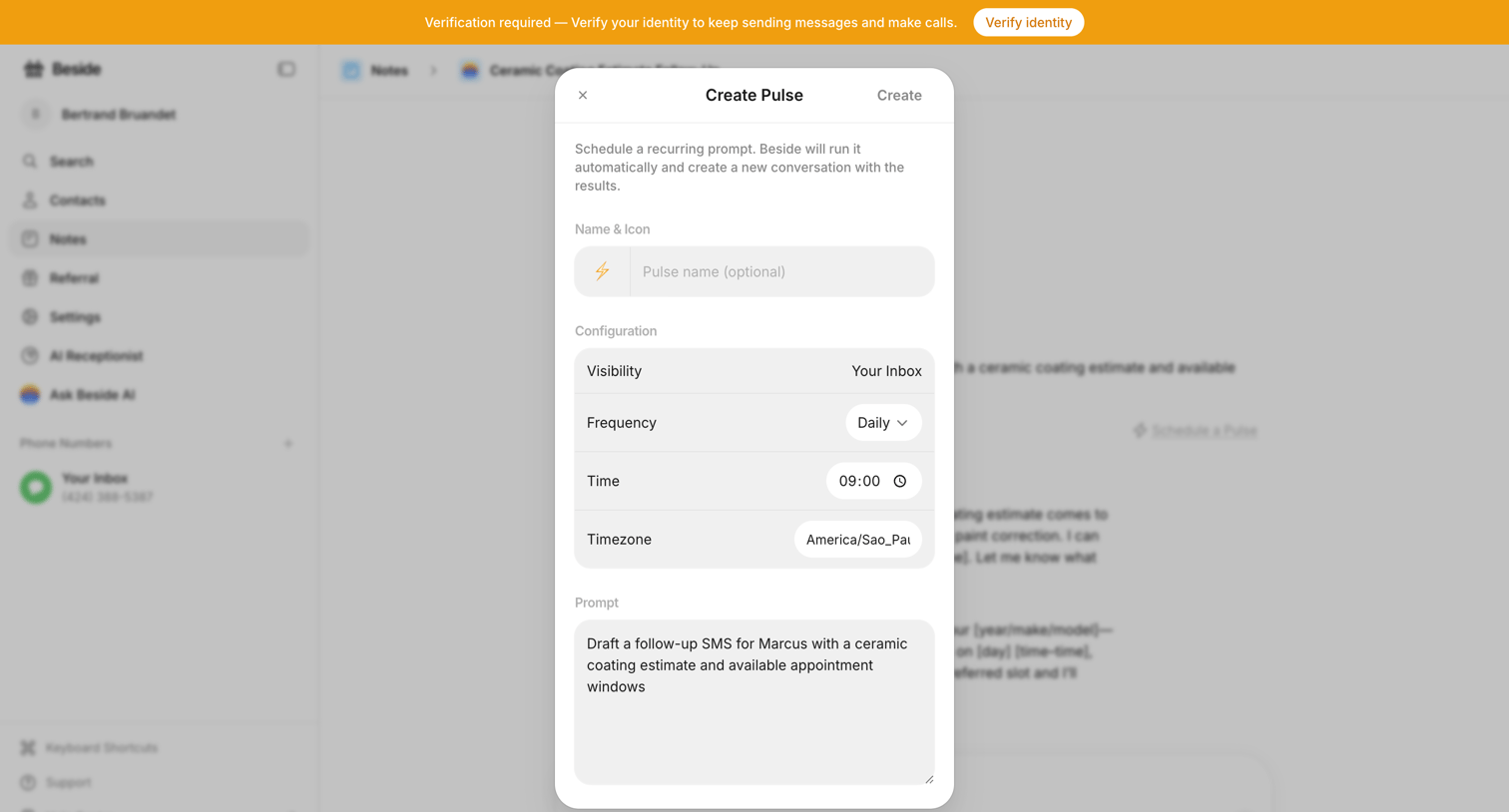

Detail page with a modal overlay for scheduling a recurring AI prompt called a Pulse, configuring its frequency, time, and instructions.
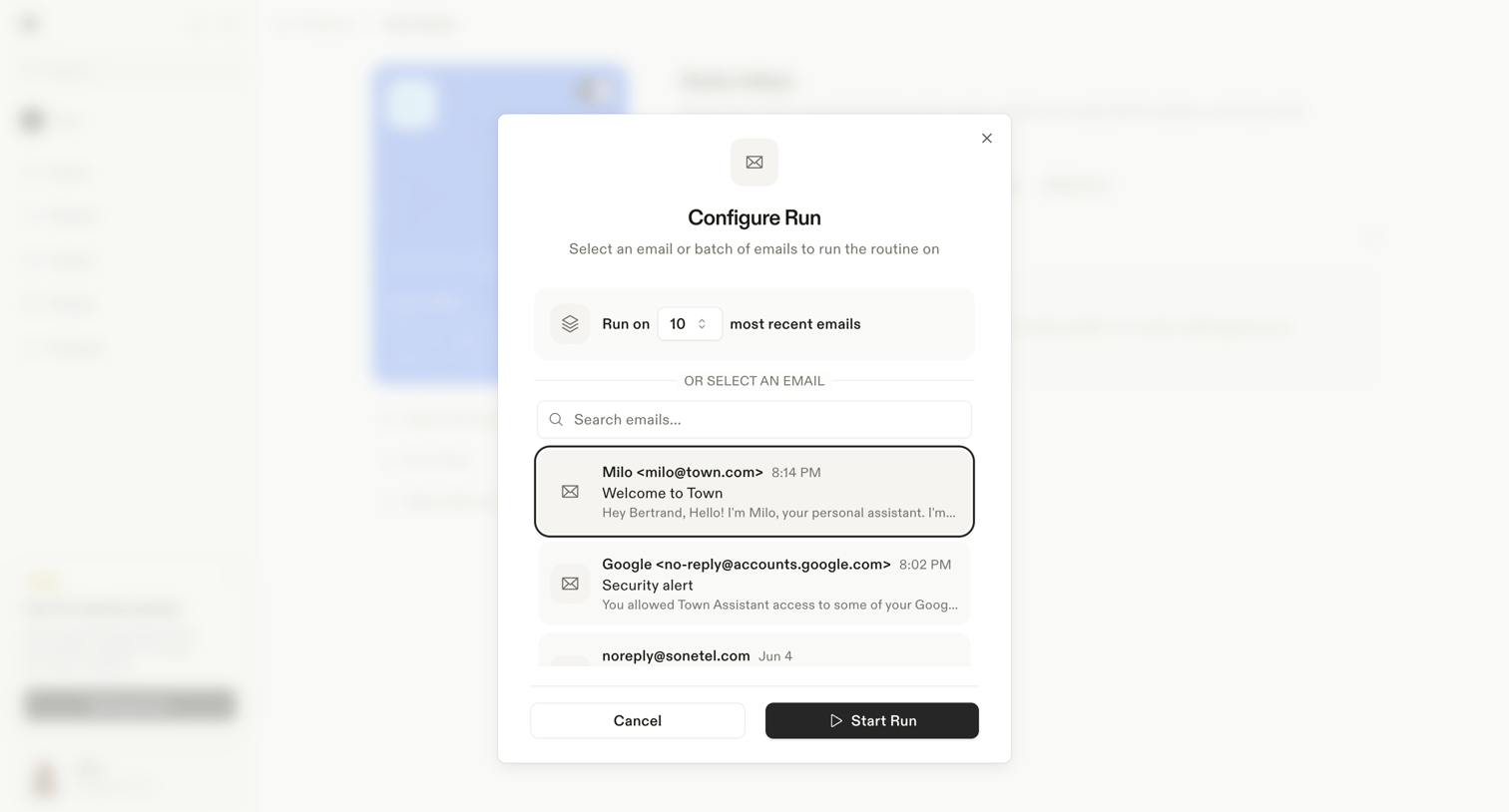

Modal overlay where the user configures a routine execution by choosing to run it on a batch of recent emails or searching for a specific email.
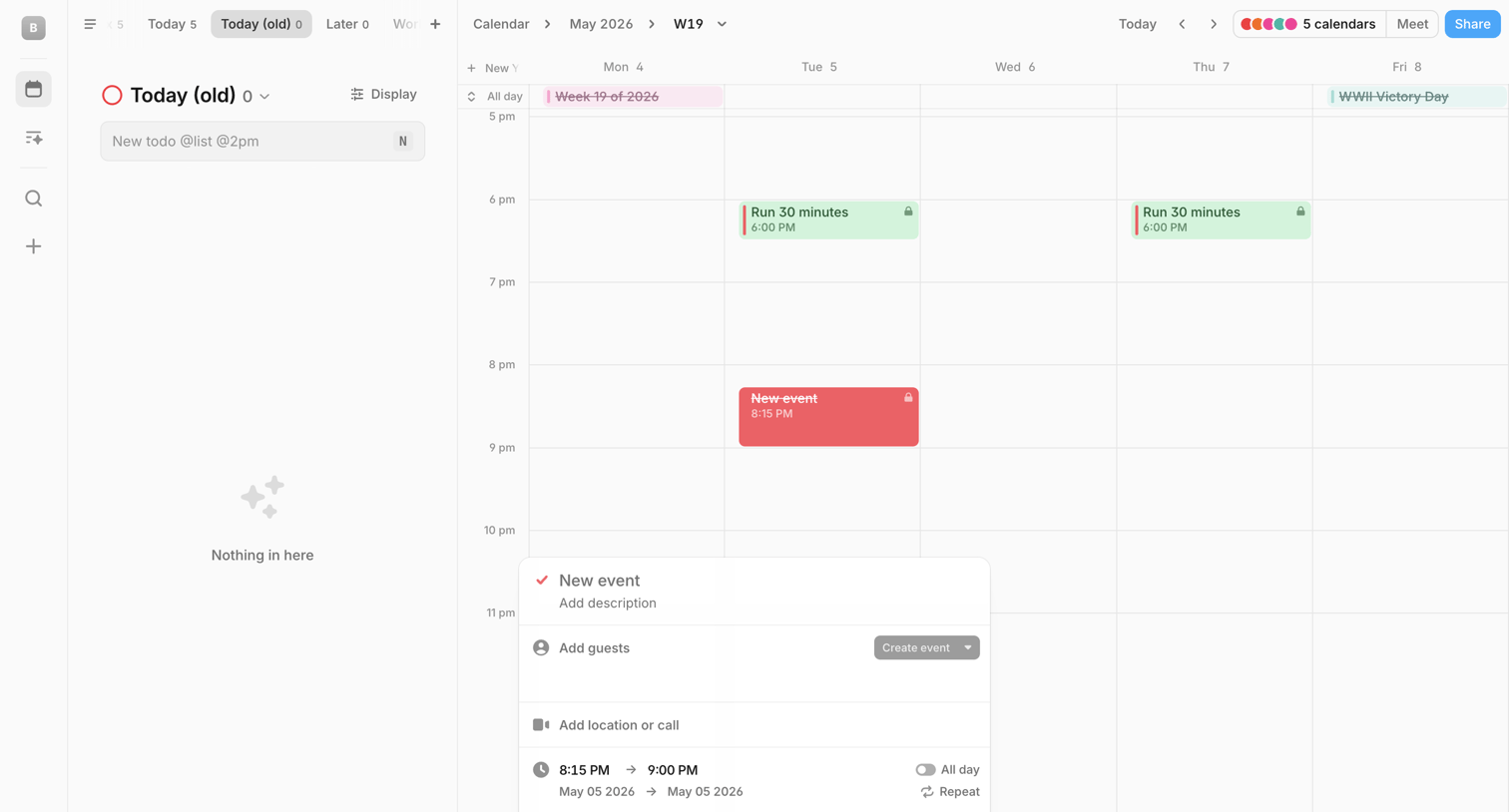

Calendar view where the user creates a new event via an inline popover over the schedule.
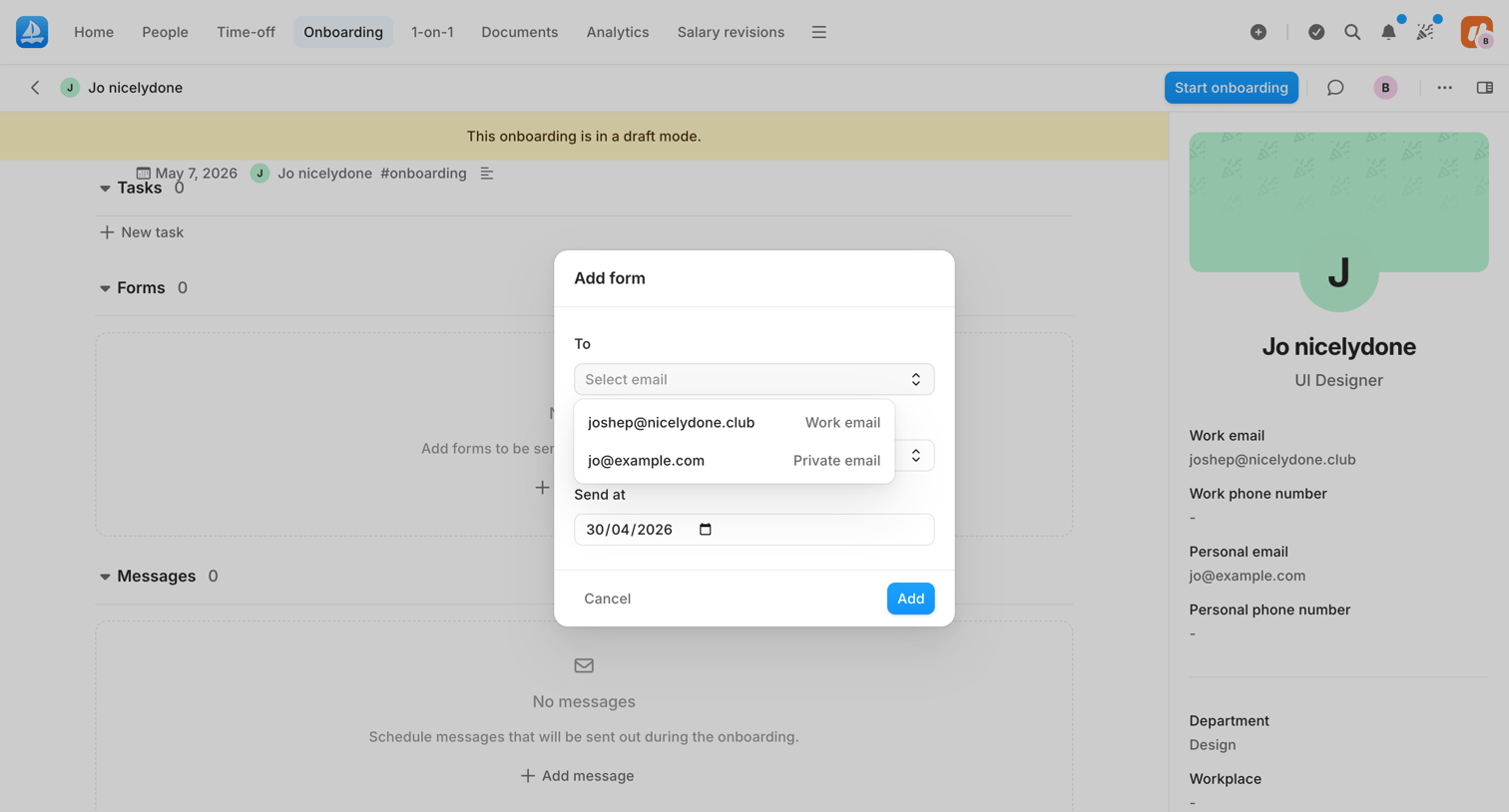

Detail page where an admin configures a draft onboarding plan for a new employee, currently using a modal to add a form to the schedule.
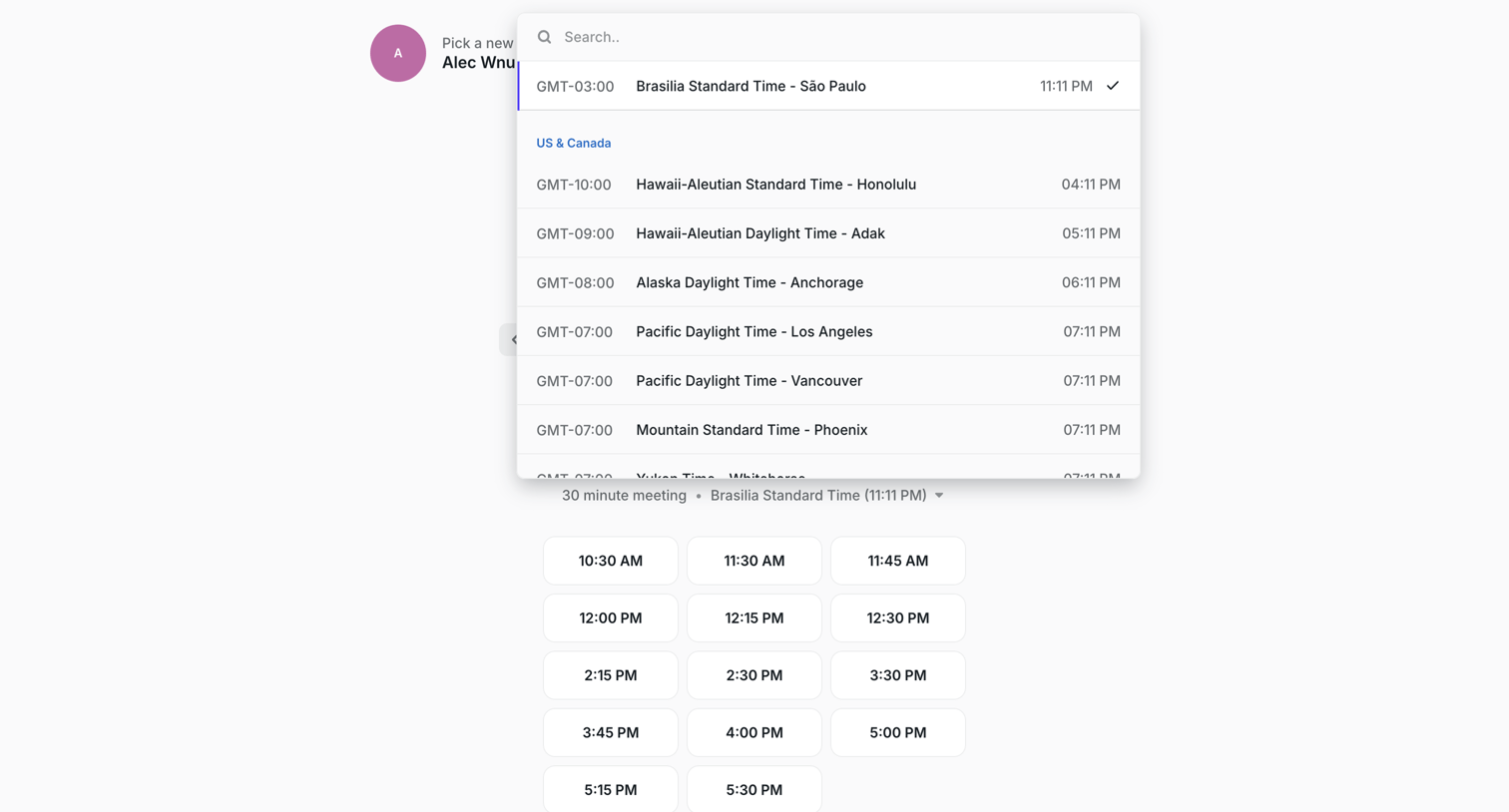

Scheduling page where the user searches and selects their timezone from an open combobox before picking a 30-minute meeting slot.
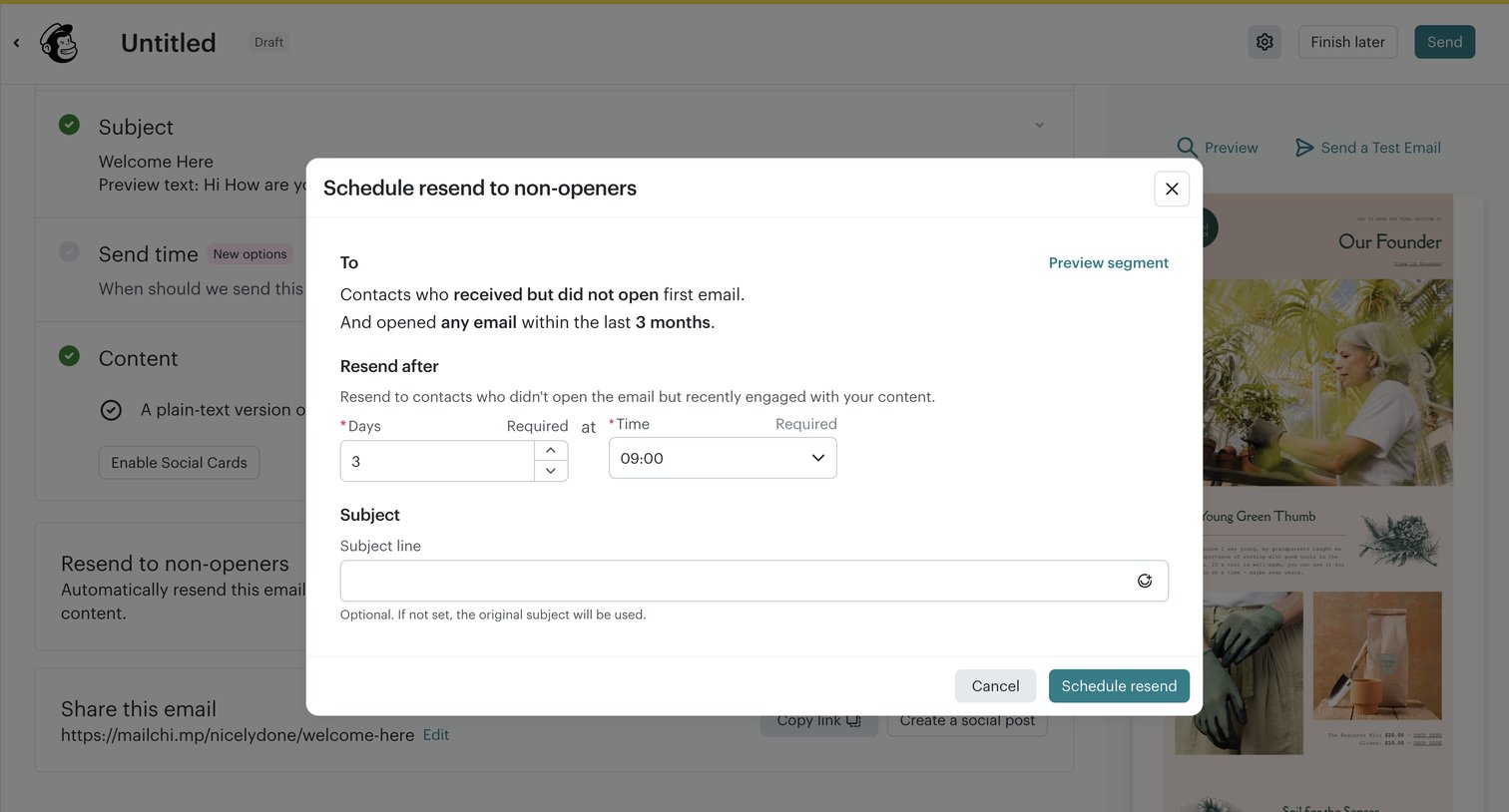

Campaign builder where the user configures an automatic resend to non-openers, setting the delay and an optional new subject line via a modal.
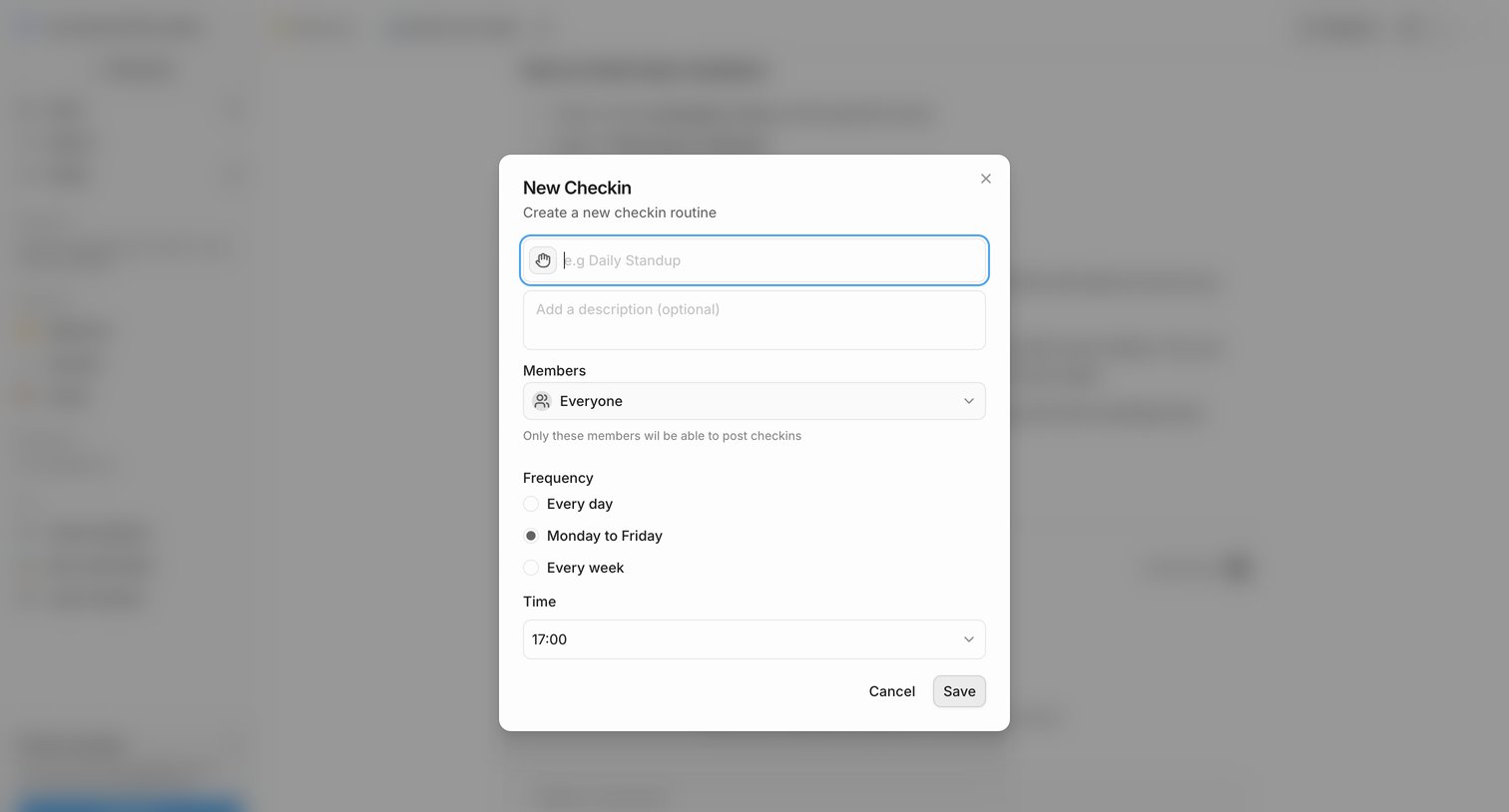

Creation modal where the user sets up a new checkin routine by defining its name, members, frequency, and time.
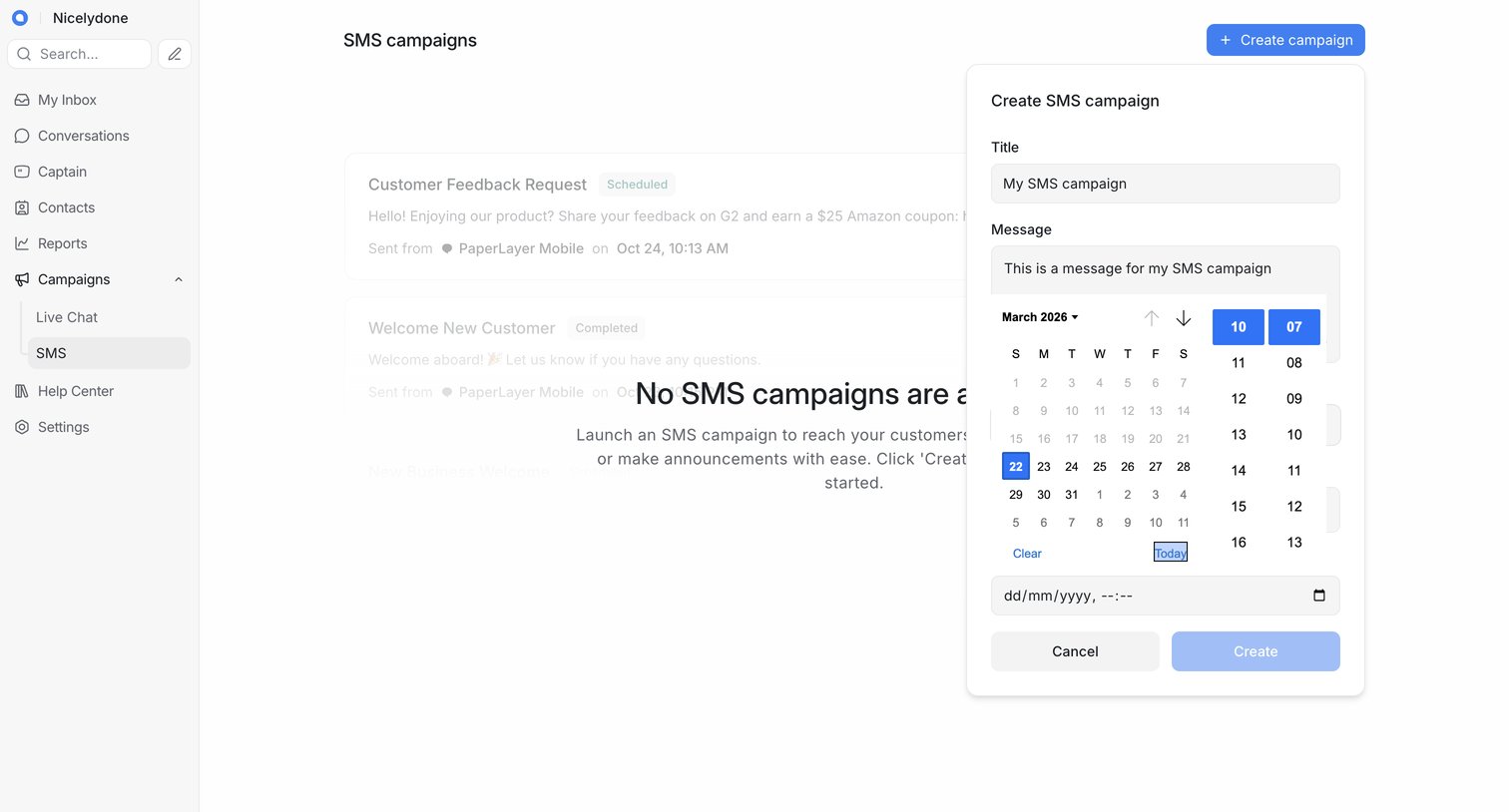

List view of SMS campaigns showing an empty state, with a modal open for the user to create a new campaign by entering a title, message, and scheduling a date and time.
Explore the full SaaS screen library
Upgrade to unlock the full library.
Trusted by the best teams








About Schedule
See how apps arrange an action for a future time. Explore how dates, times, and scheduling controls fit around the event, content, or task being planned.