Date & Time screen examples
Date & Time screen design examples from SaaS apps. See how apps ask people to enter or choose a date and time. Explore how calendar controls, time fields, and related options fit into the task being scheduled.
Explore the examples
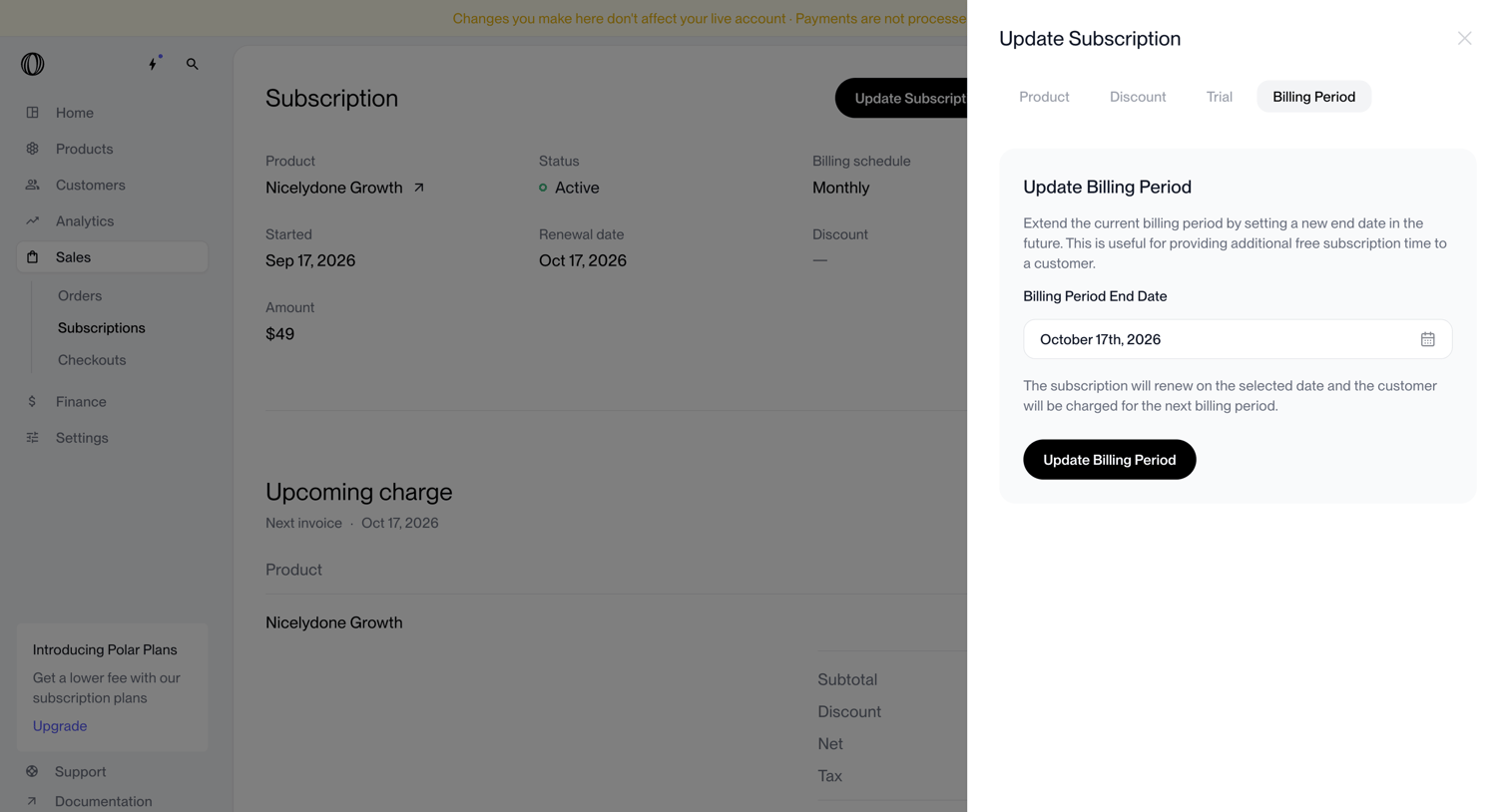

Detail page where the user updates a subscription's billing period end date via a side drawer.
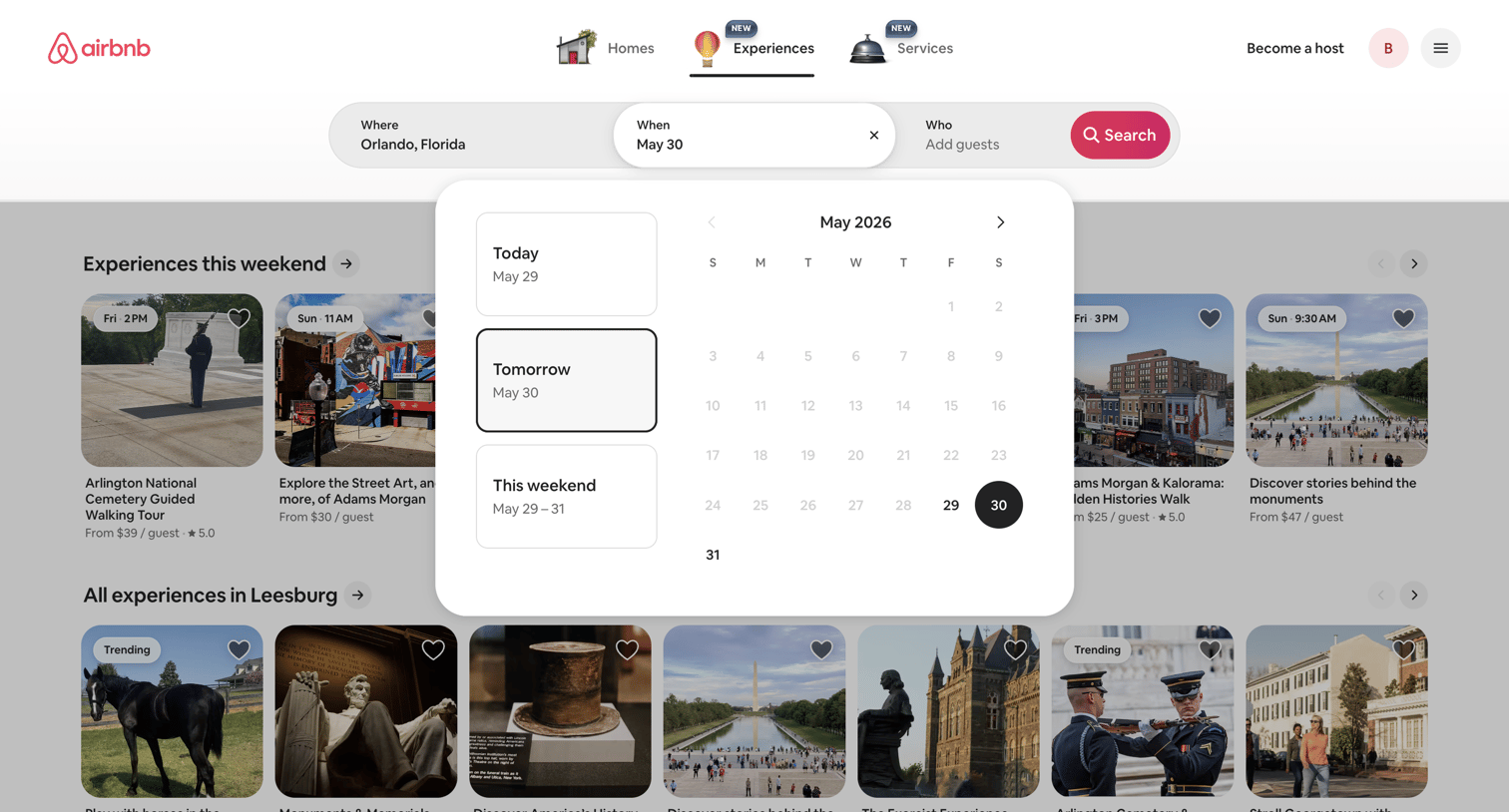

Search page where the user selects dates for experiences in a specific location using a calendar popover.
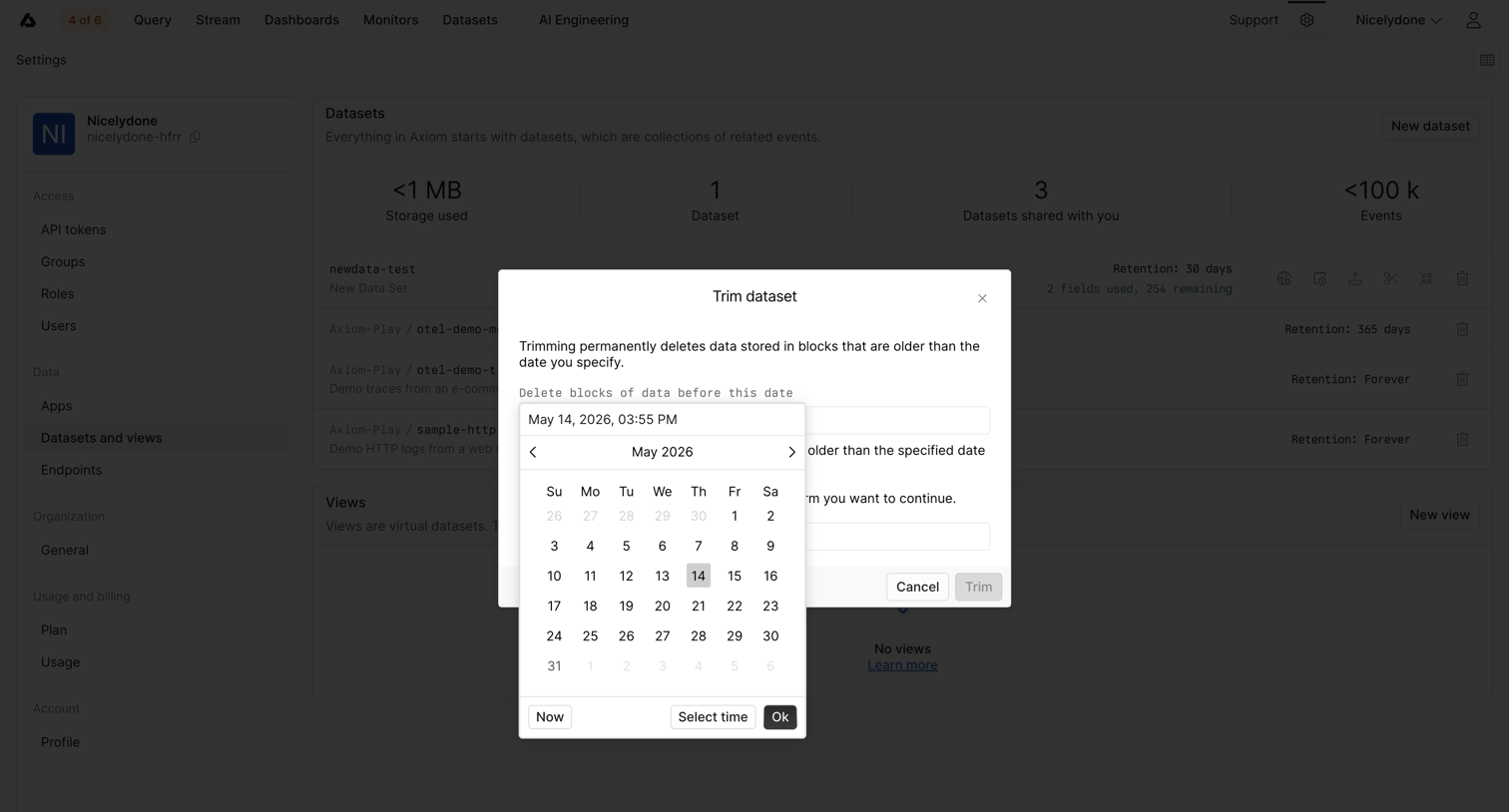

Settings page where the user is prompted to trim a dataset by selecting a date to permanently delete older blocks of data.

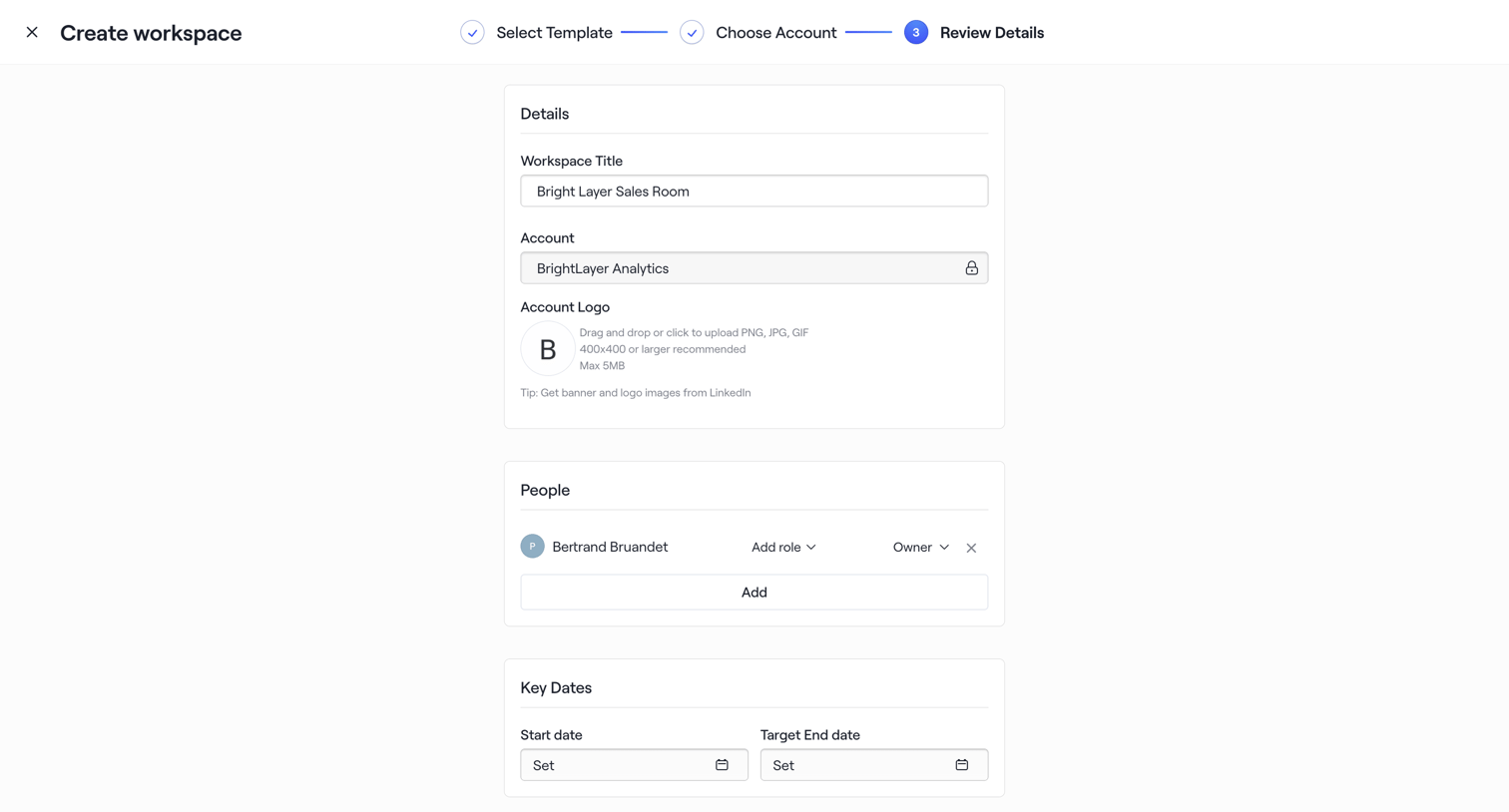

Wizard step where the user reviews details, assigns roles to people, and sets key dates before finalizing a new workspace.
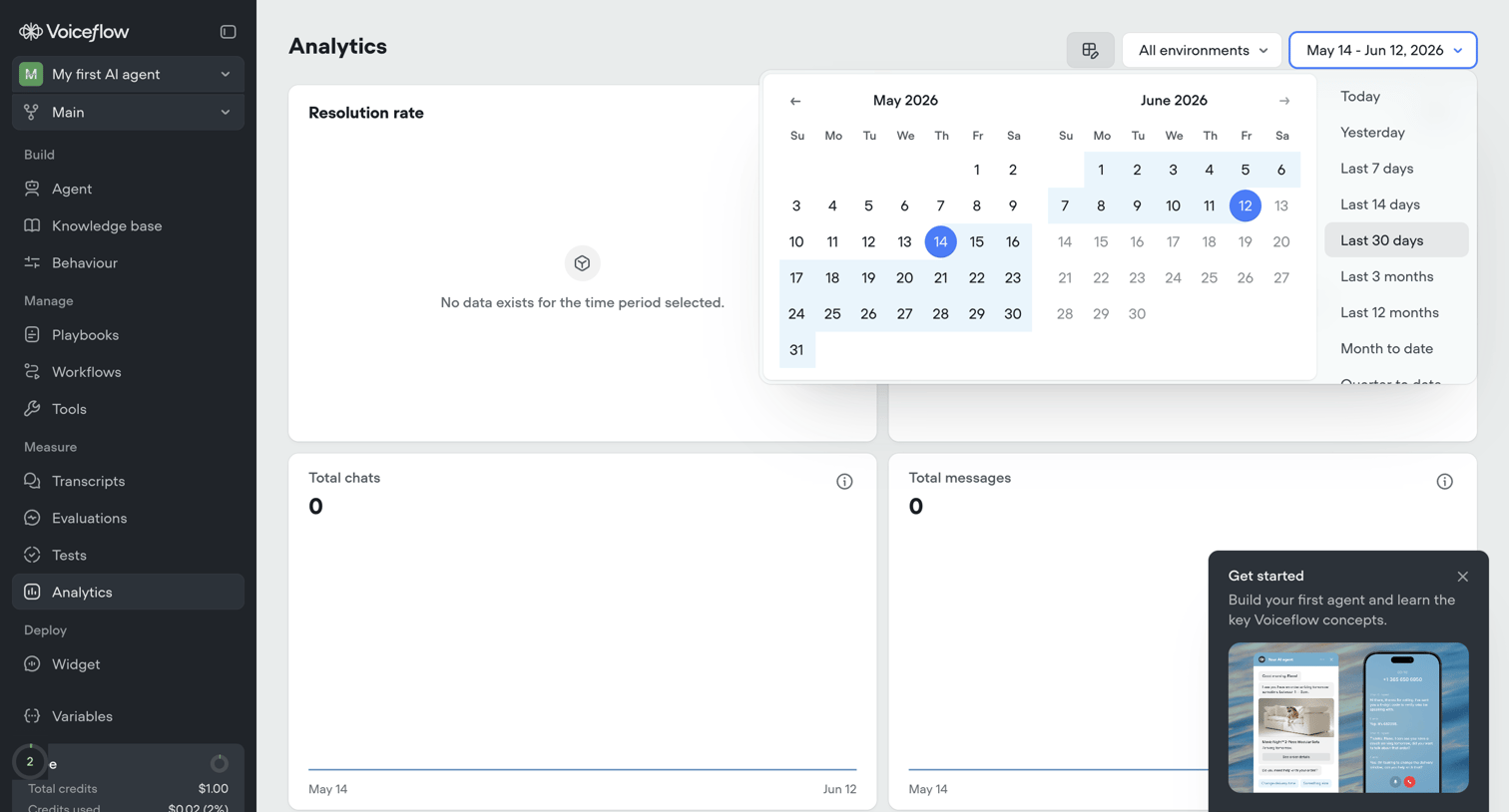

Analytics dashboard for an AI agent showing usage metrics like resolution rate and total chats, currently in an empty state with a date picker open and an onboarding popover.
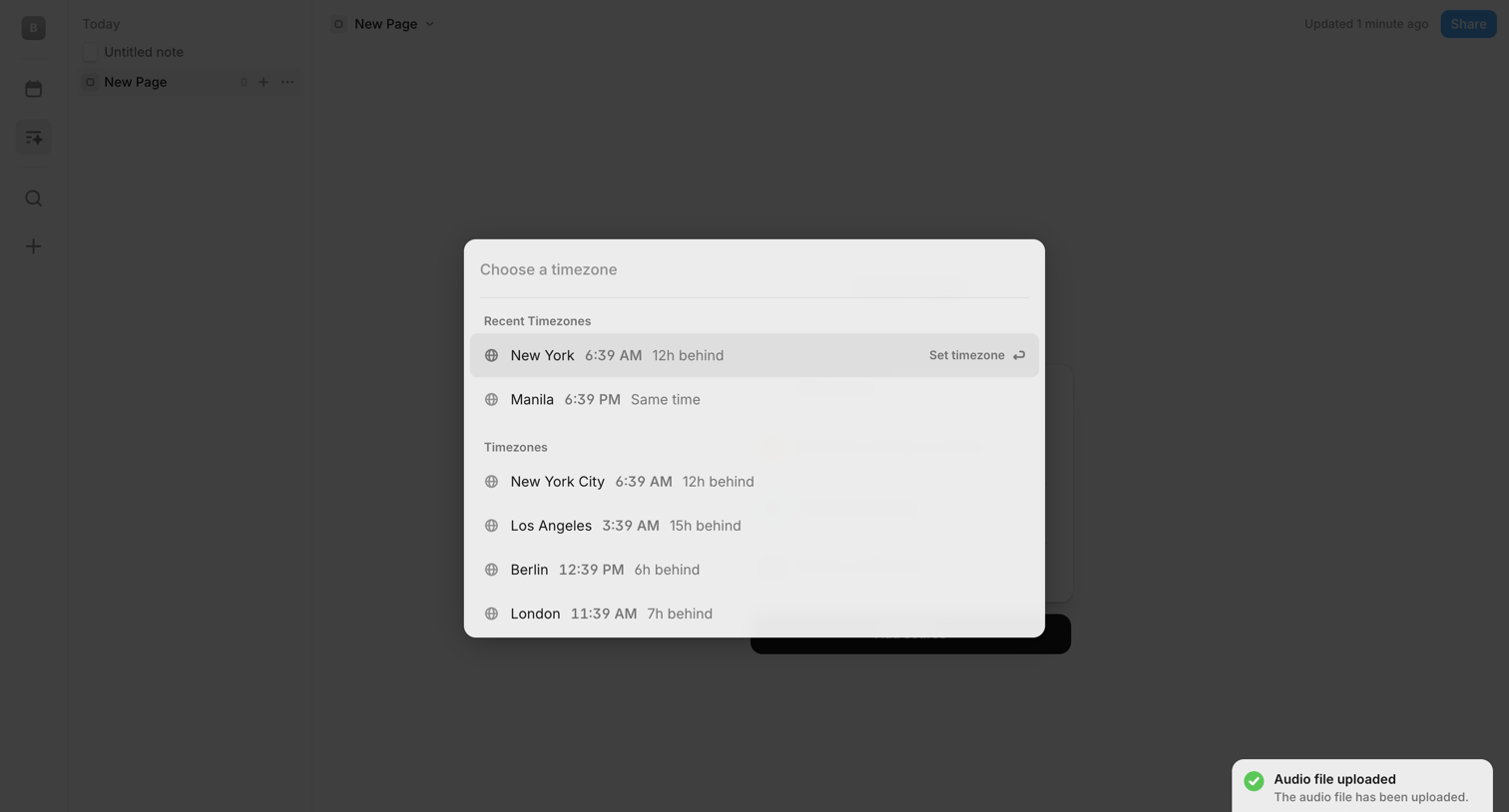

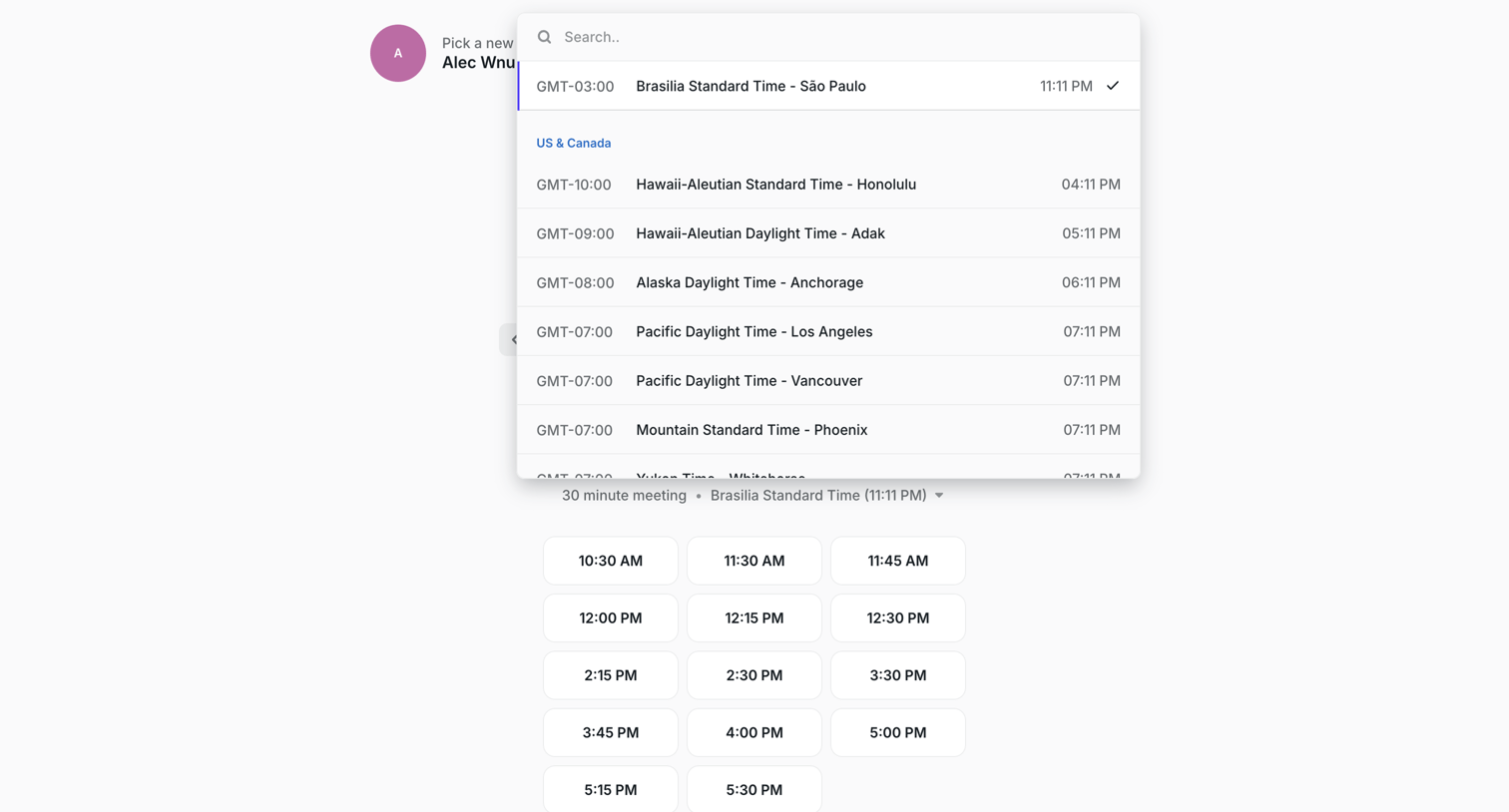
Content editor where the user selects a timezone from a modal overlay while a success toast confirms an audio file upload.
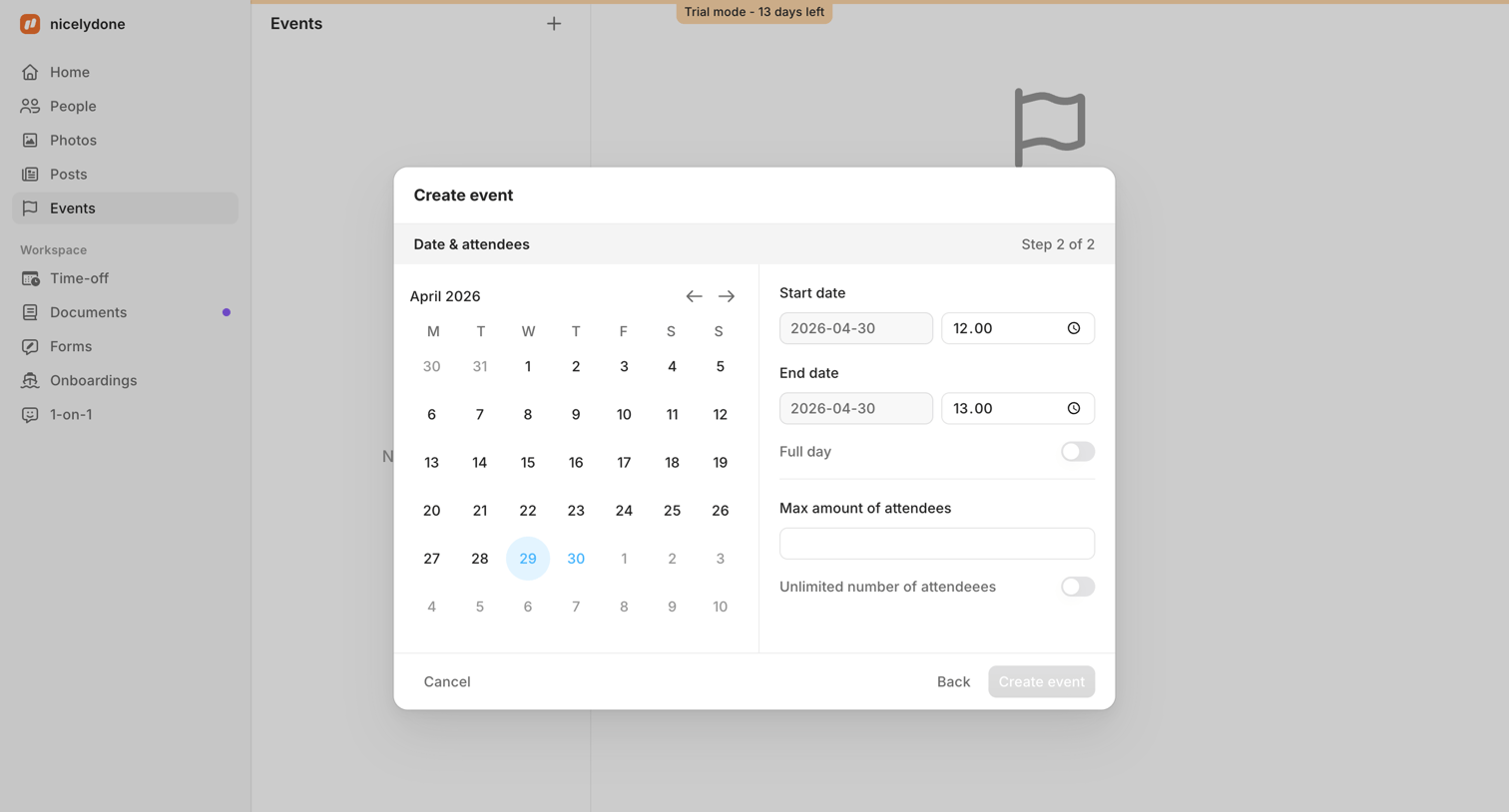

Modal where the user sets the date, time, and attendee limits for a new event.

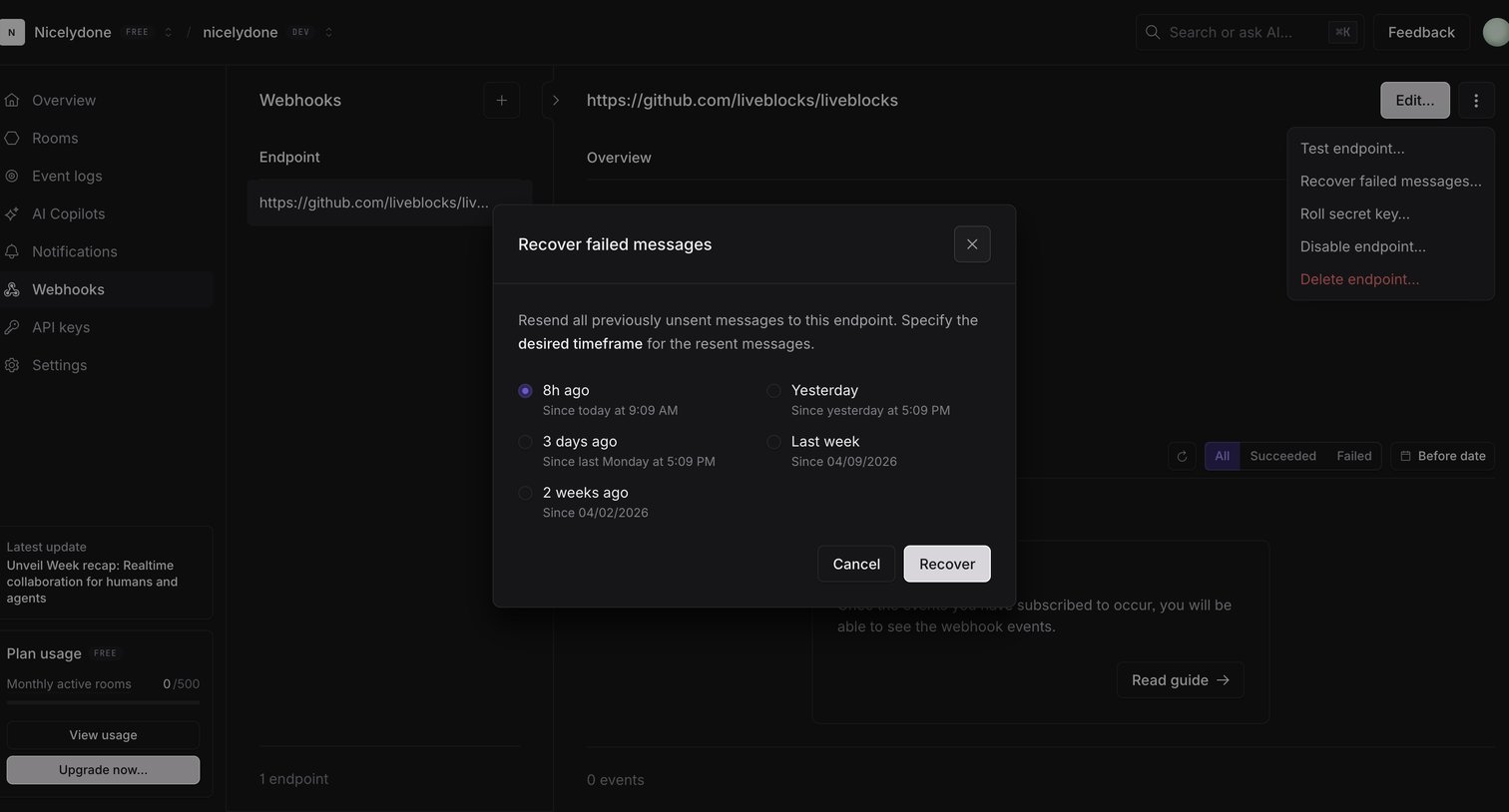

Settings page where the user can recover failed webhook messages by selecting a desired timeframe like 8h ago, yesterday, or last week.
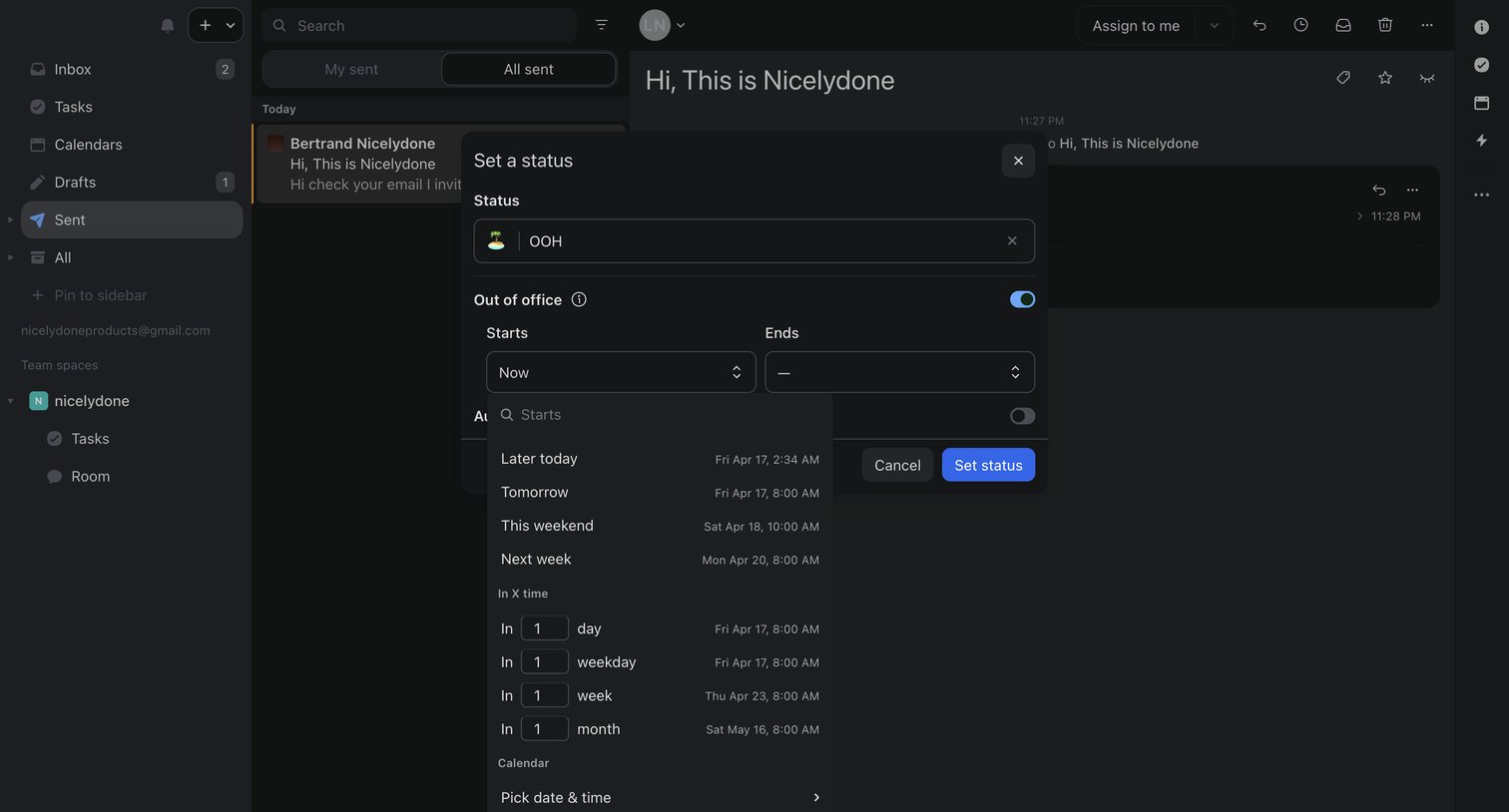

Inbox view where the user is setting an out-of-office status with a custom start and end time via a modal.

Explore the full SaaS screen library
Upgrade to unlock the full library.
Trusted by the best teams








About Date & Time
See how apps ask people to enter or choose a date and time. Explore how calendar controls, time fields, and related options fit into the task being scheduled.