Liveblocks design examples
Explore Liveblocks UI design examples. Build amazing real‑time collaborative products
Product screens


Signup screen where the user creates an account using their name and email or via Google and GitHub.
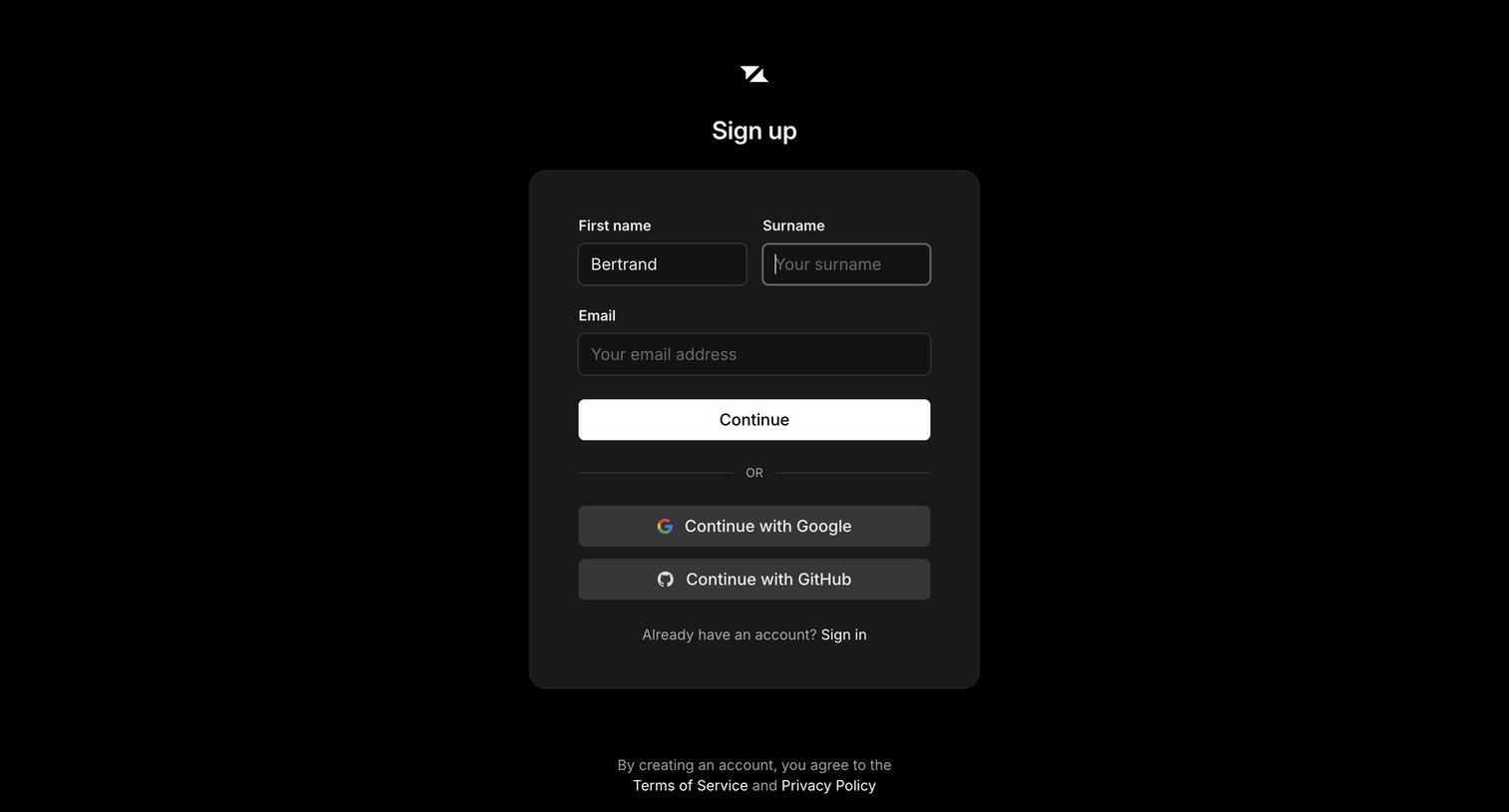
Signup screen where the user enters their name and email or authenticates with Google or GitHub to create an account.
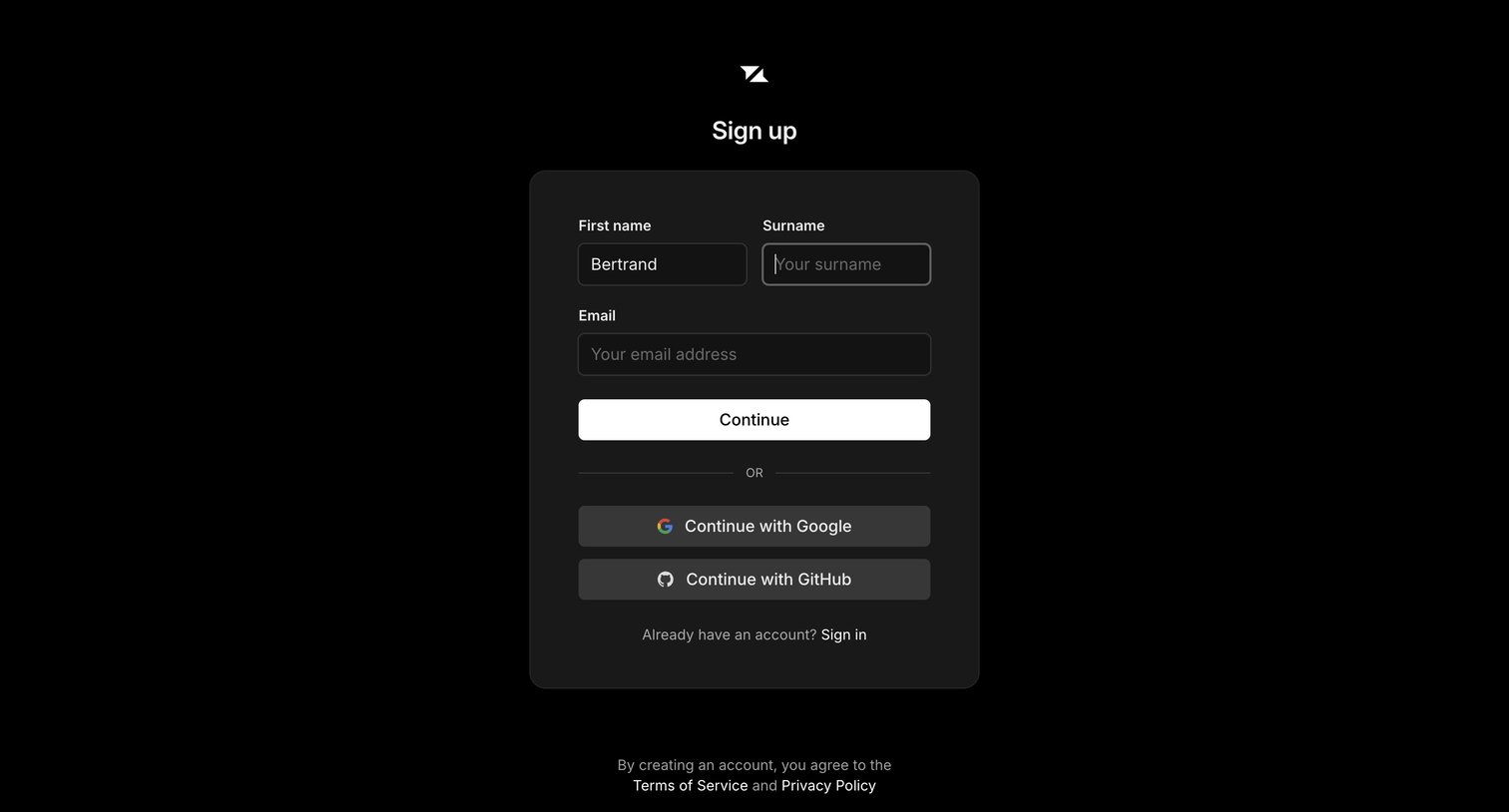
Signup screen where the user creates an account by providing their name and email, or by authenticating with Google or GitHub.
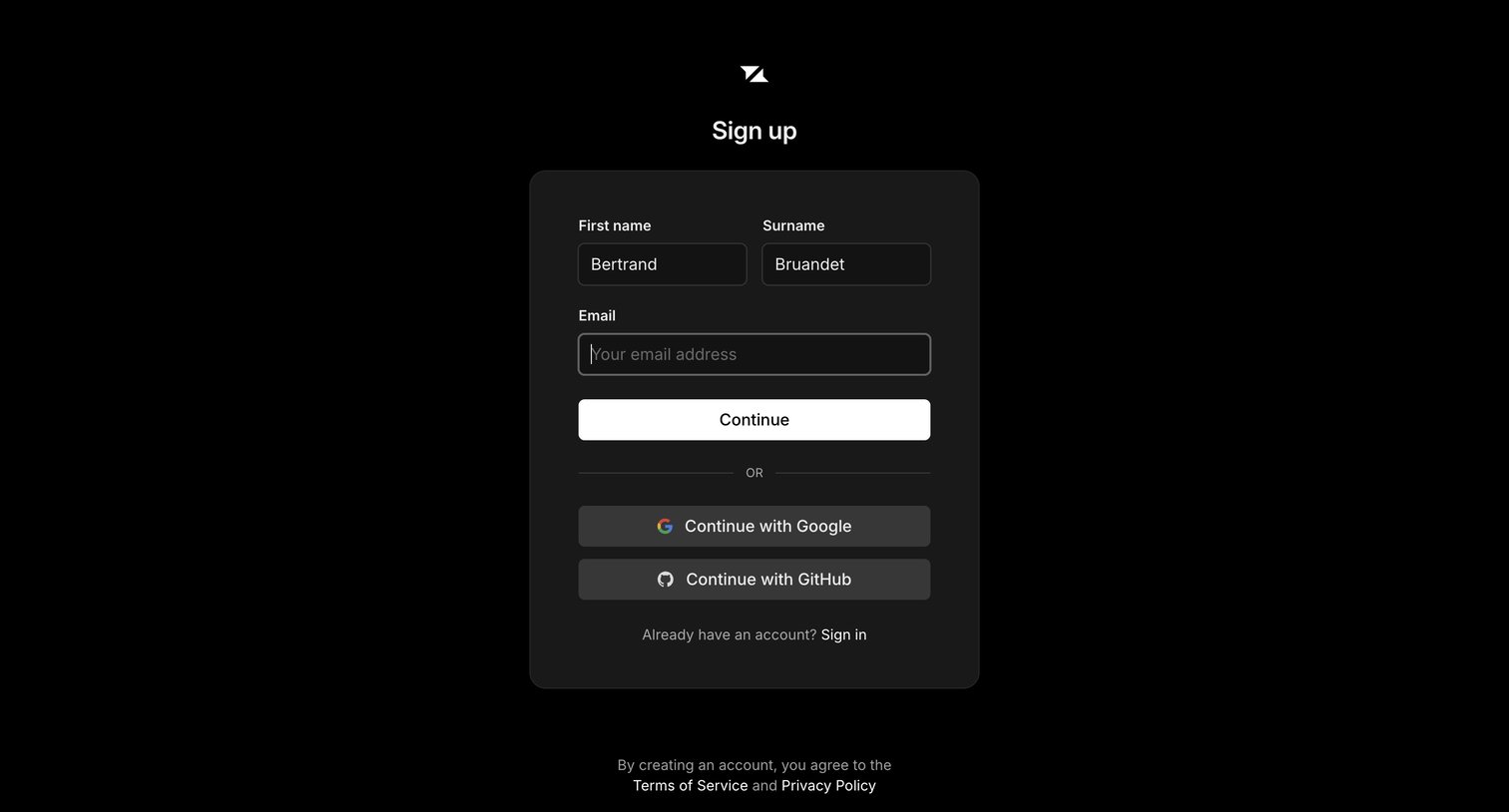
Sign-up screen where the user can create an account using their name and email, or authenticate via Google or GitHub.
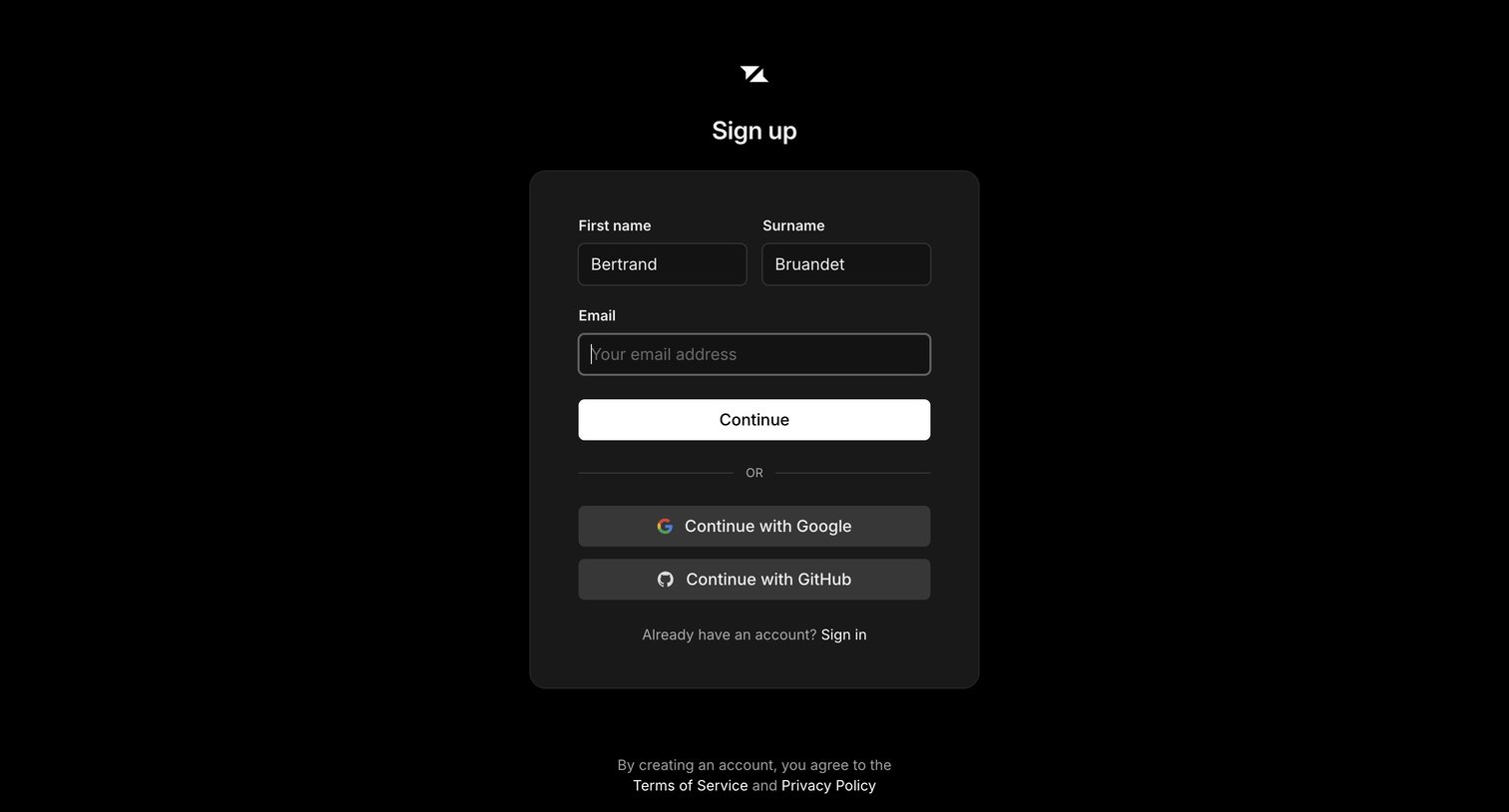
Sign-up screen where the user enters their name and email or authenticates with Google or GitHub.
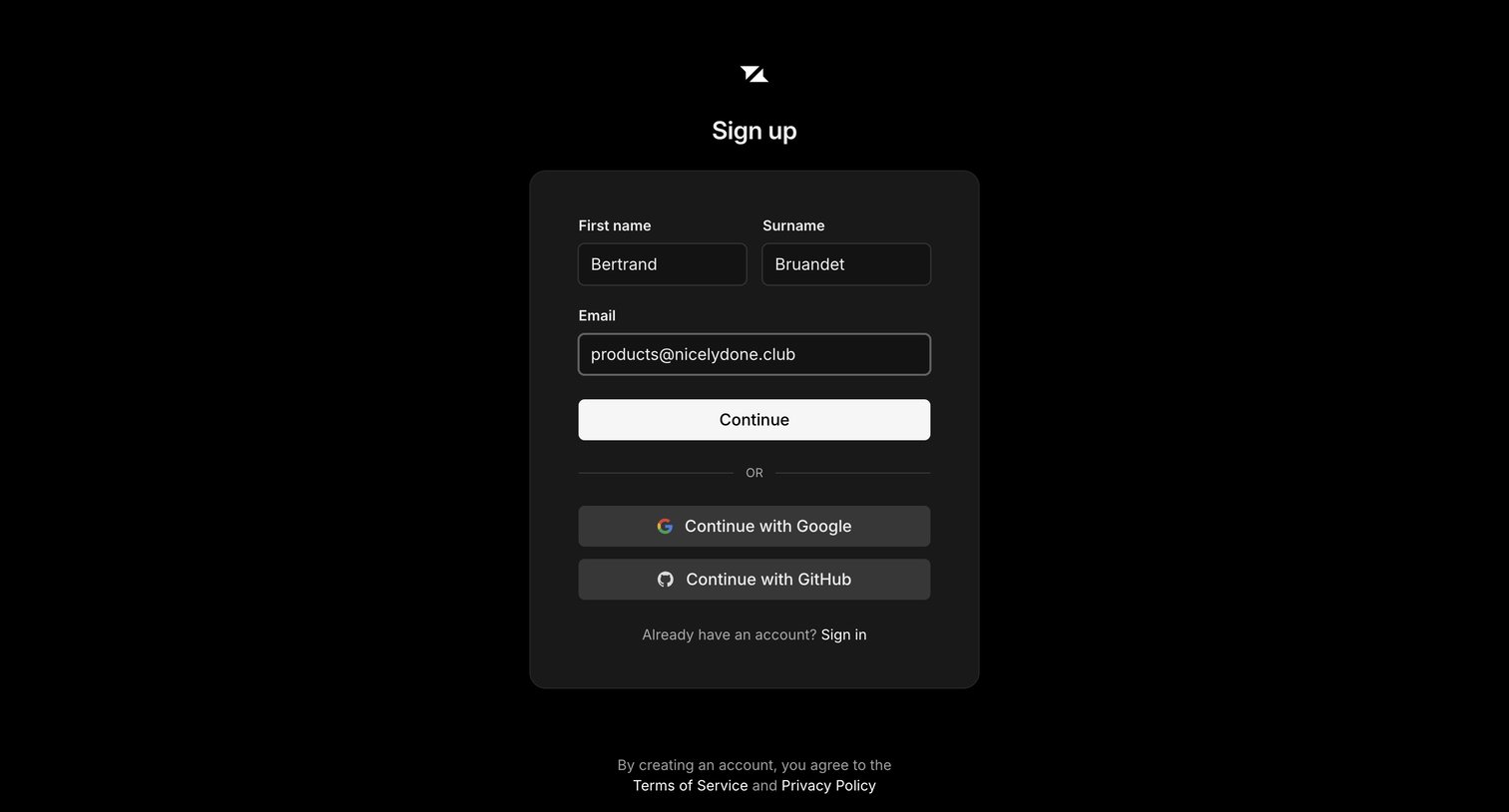
Signup page where the user enters their name and email or authenticates via Google or GitHub to create an account.
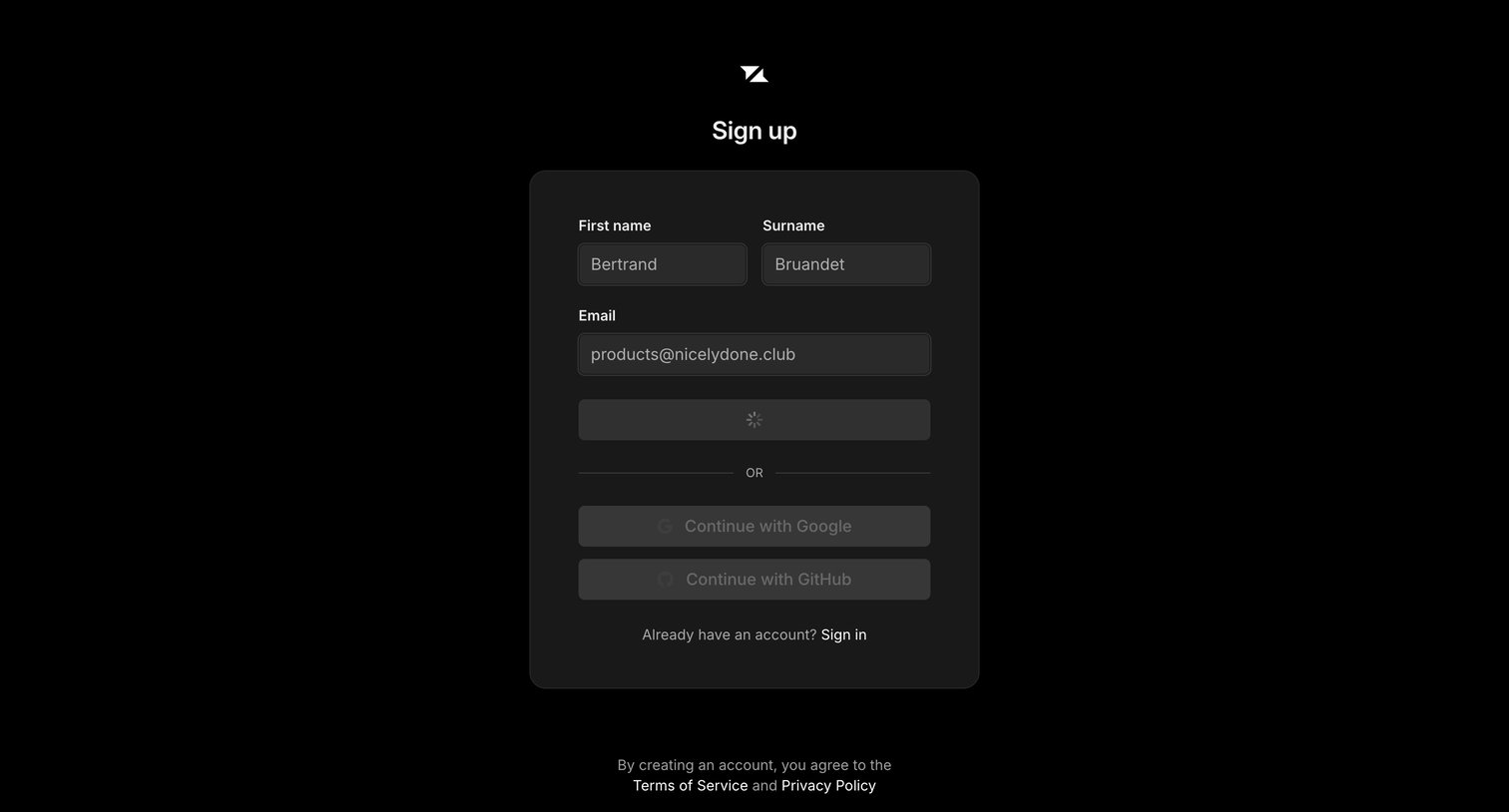
Sign-up screen where the user is submitting their name and email, currently showing a loading state, with alternative options to continue via Google or GitHub.
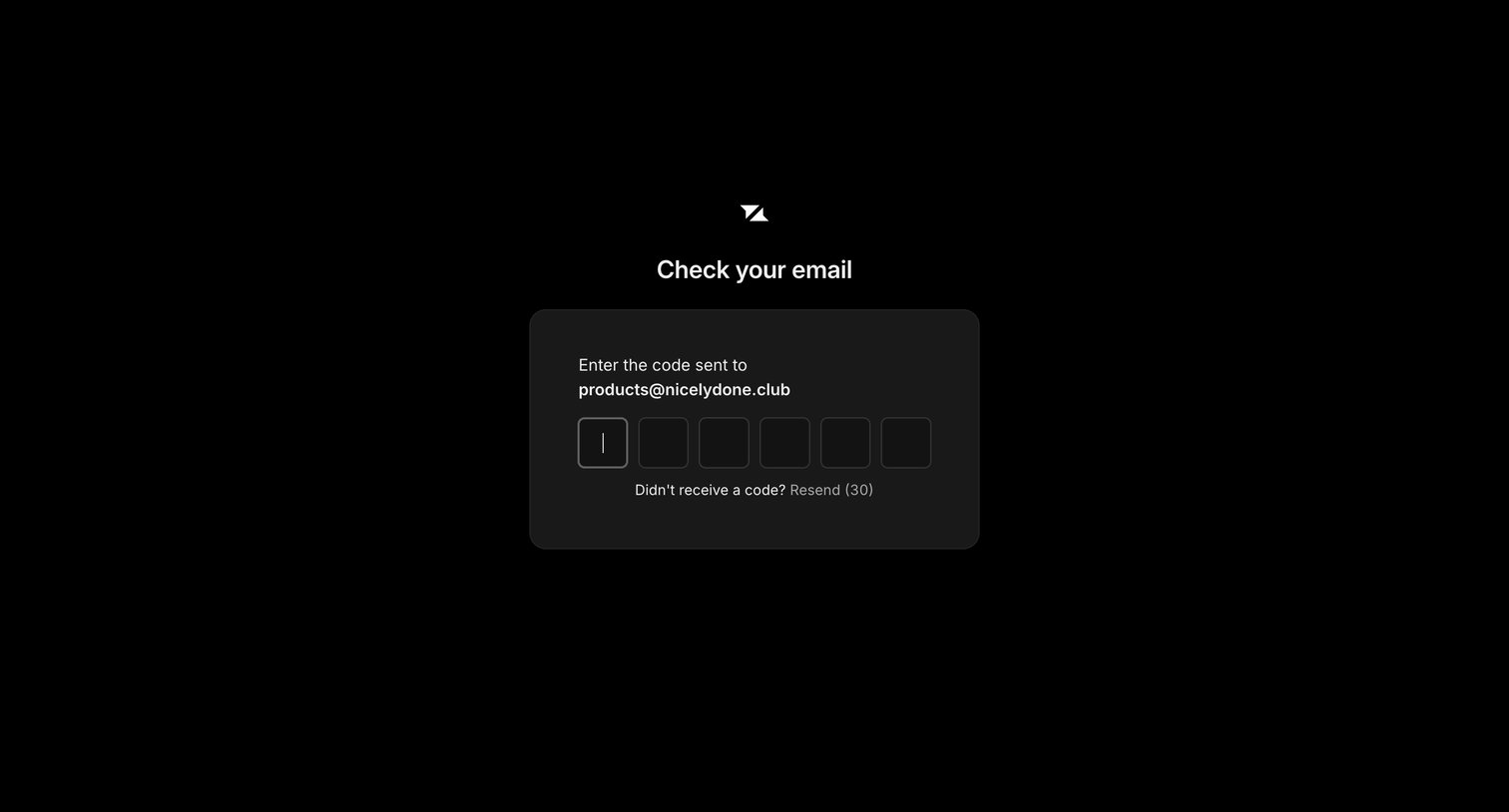
Verification screen where the user enters a 6-digit magic code sent to their email address to authenticate.
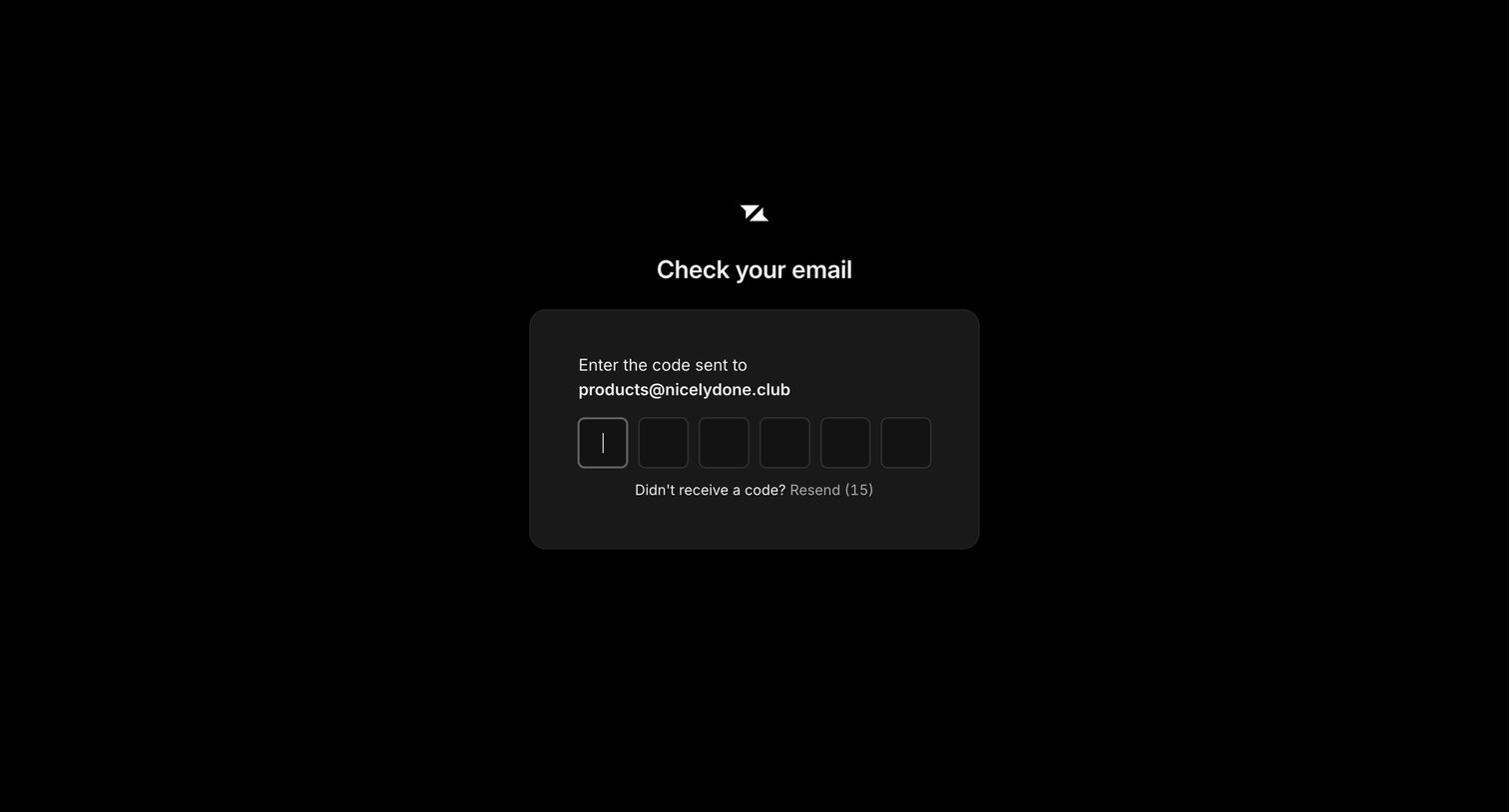
Verification screen where the user enters a 6-digit code sent to their email address to authenticate.
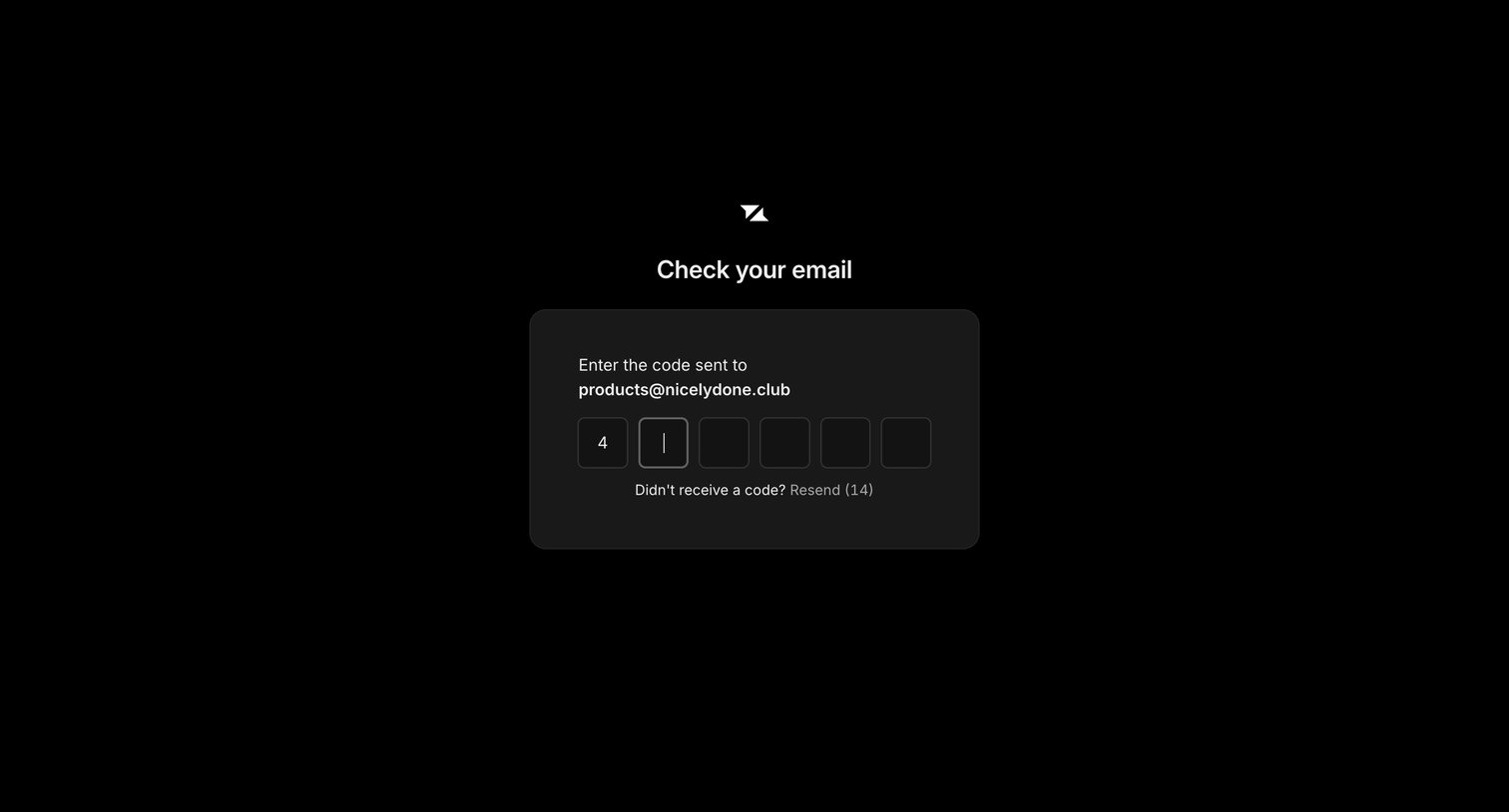
Verification screen where the user enters a 6-digit magic code sent to their email to authenticate.
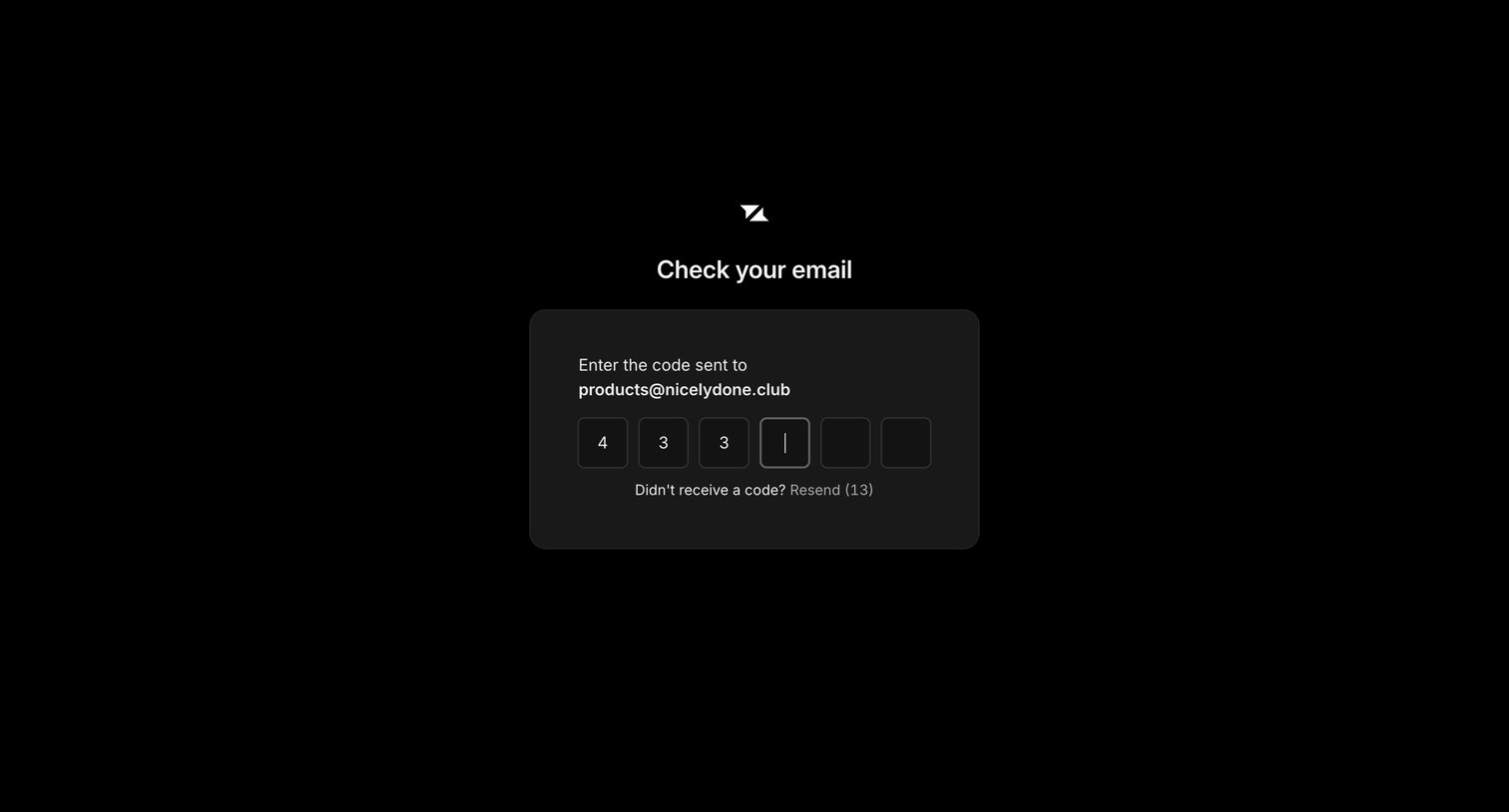
Verification screen where the user enters a 6-digit code sent to their email to authenticate.
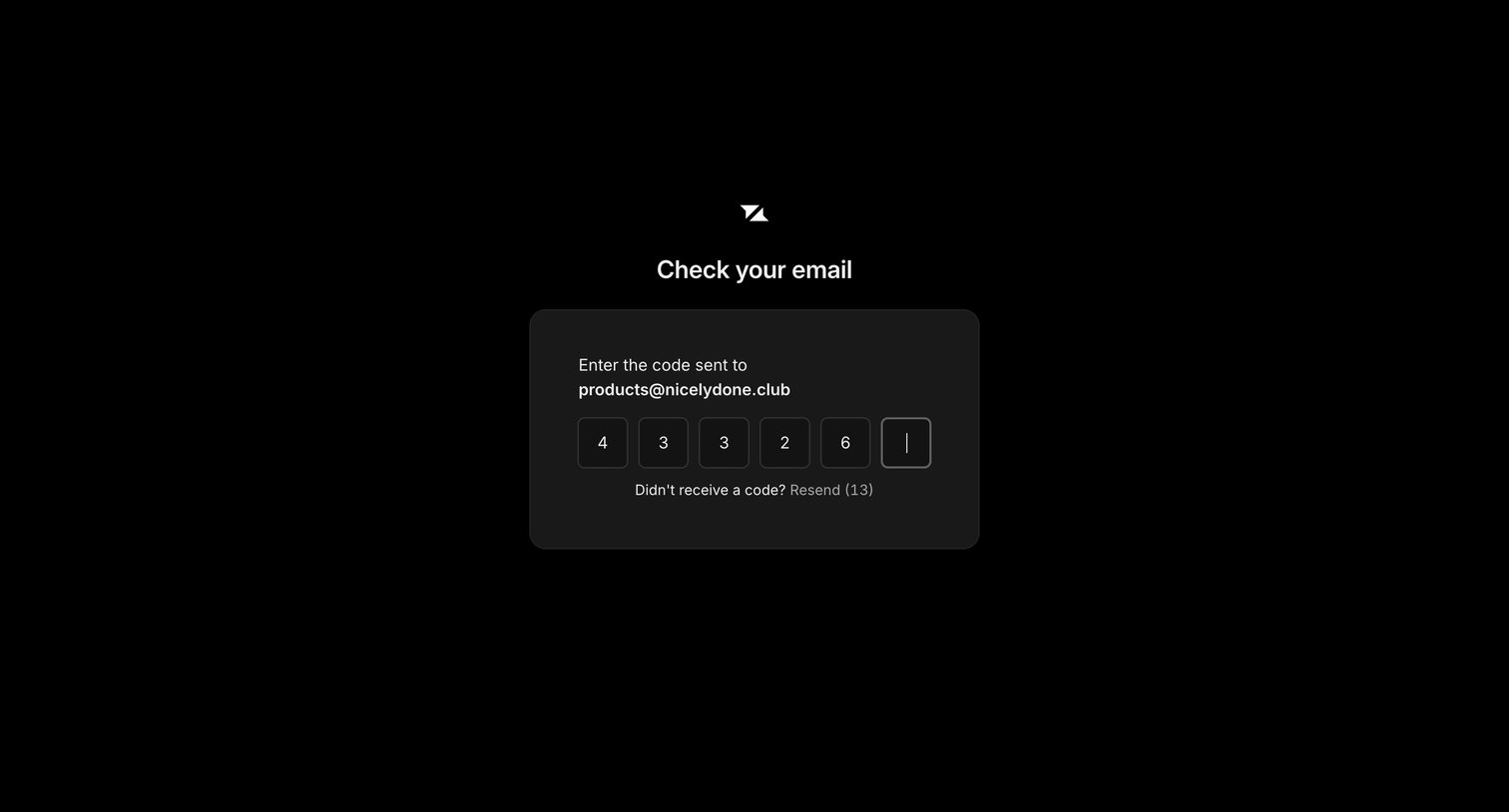
Verification screen where the user enters a 6-digit code sent to their email address.
Browse the full SaaS app library
Explore real SaaS apps with their product screens, marketing screens, flows, and components.
Trusted by the best teams







