Liveblocks UI components examples
Browse Liveblocks UI component design examples. Preview individual interface elements and explore related component categories. Build amazing real‑time collaborative products
Explore the examples
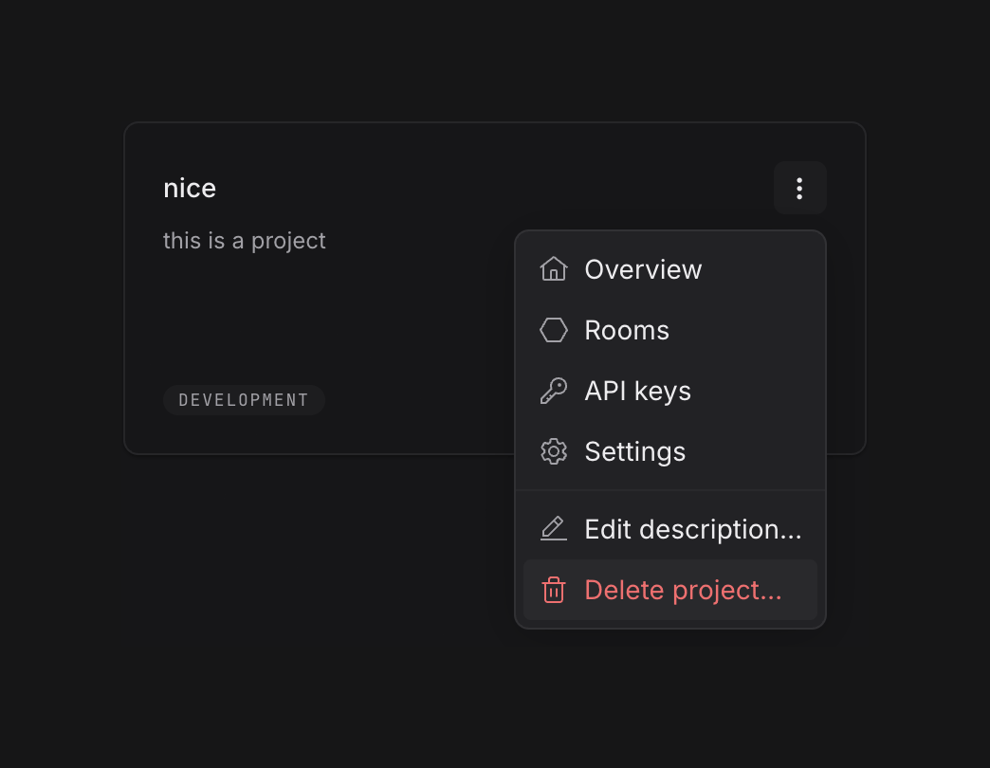

A project card displaying project details with an open contextual menu for navigation and actions.
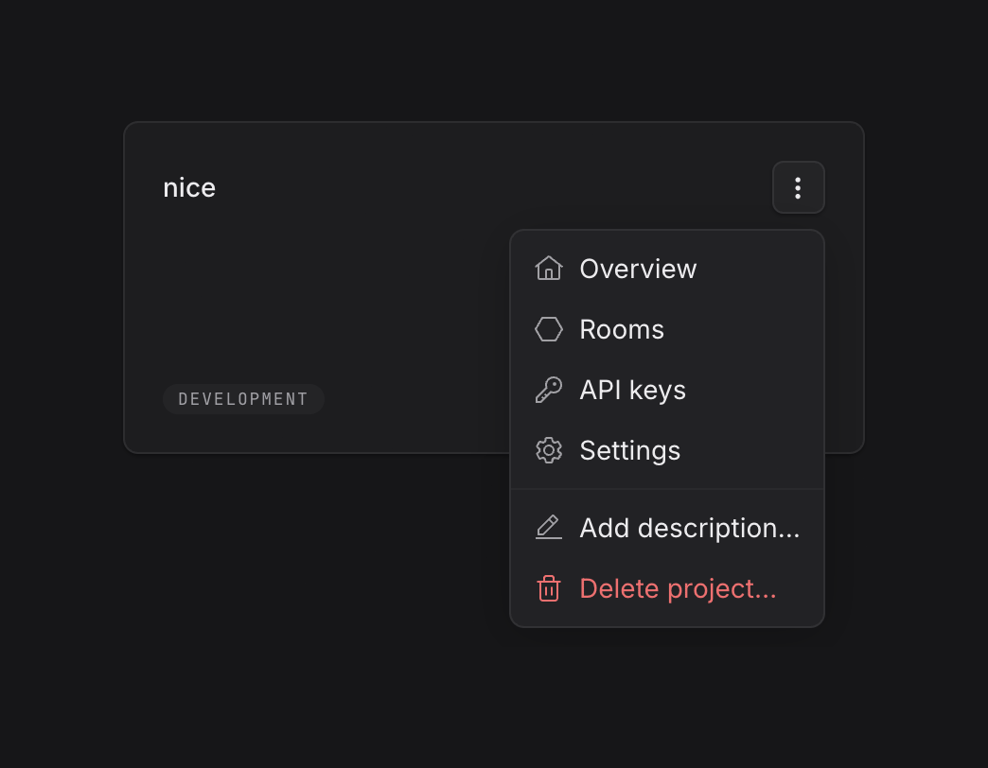
A dark mode user interface showing a project card with an open contextual menu for project management actions.
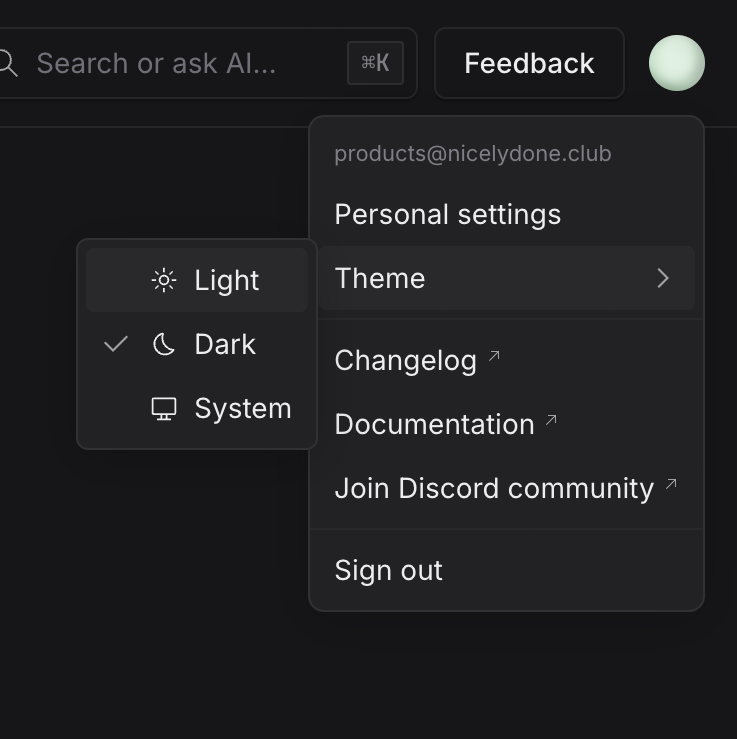
A user account dropdown menu displaying personal settings, theme selection, and external links, with a nested menu for theme options.
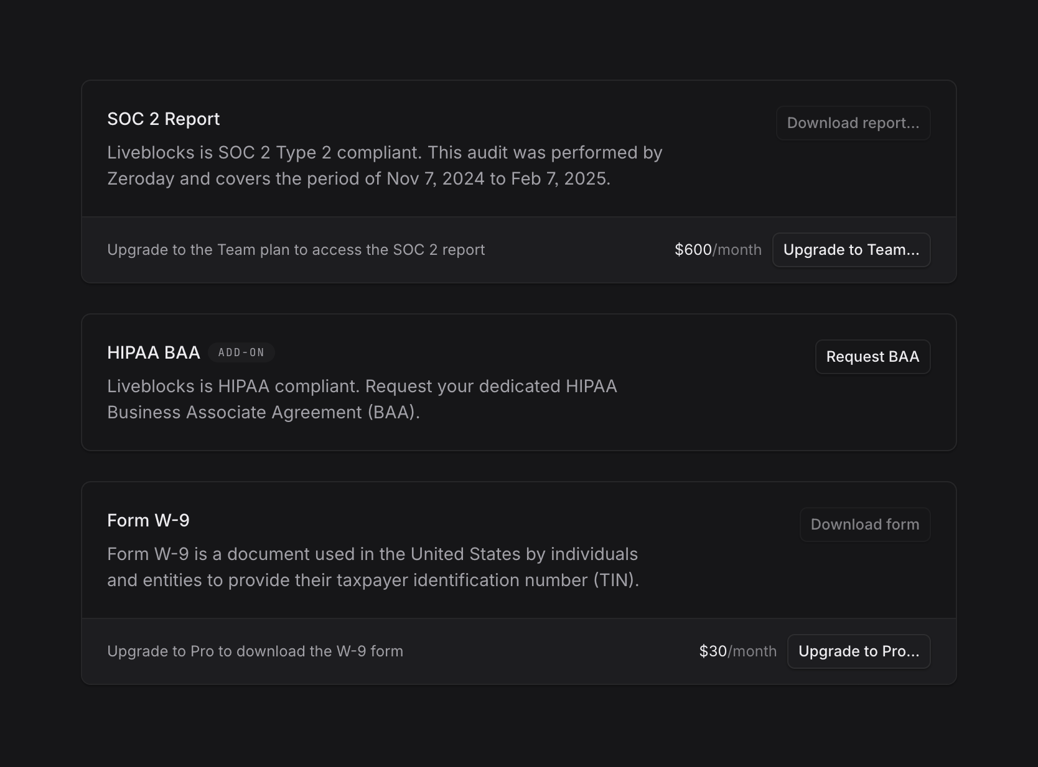
A list of compliance documents and forms with options to download or upgrade plans.
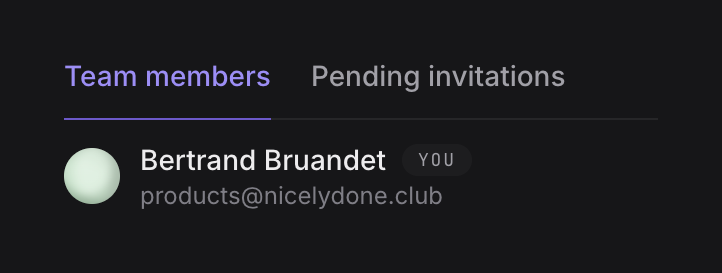
A user interface displaying team members with a tabbed navigation for 'Team members' and 'Pending invitations', showing one user's profile with an avatar, name, email, and a 'You' badge.
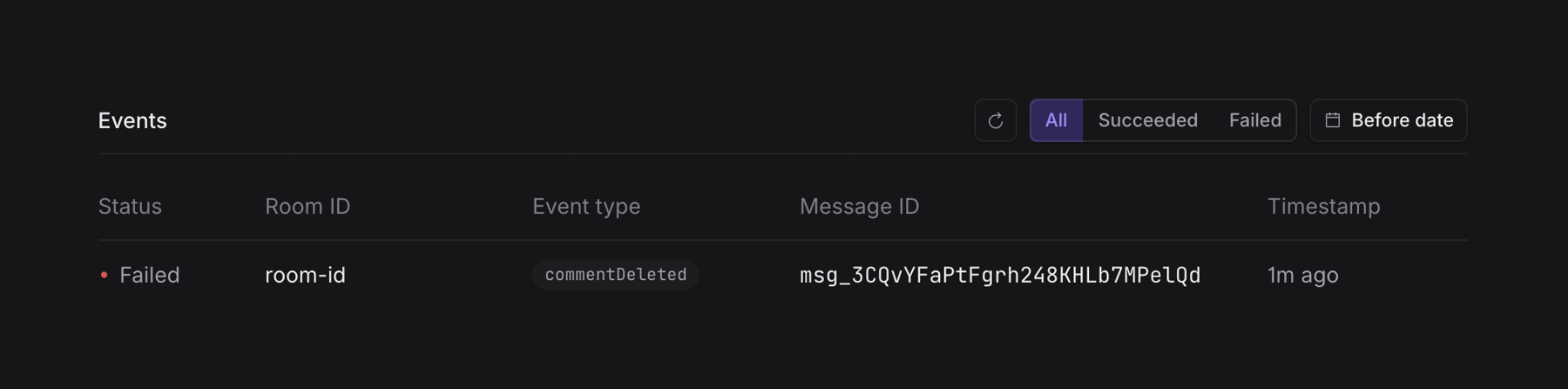
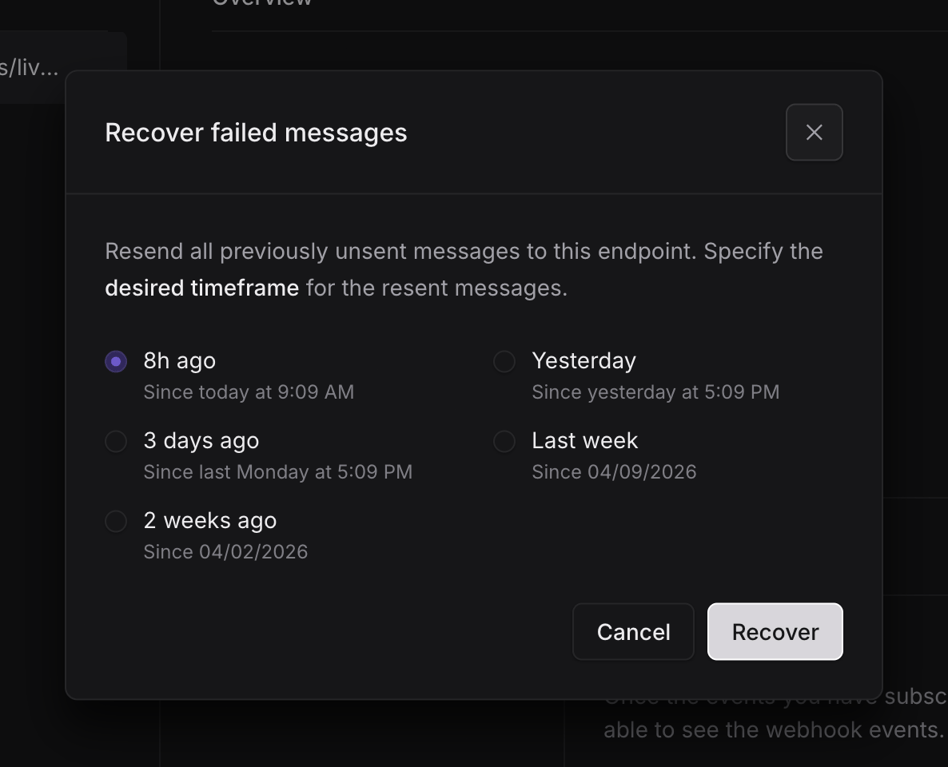
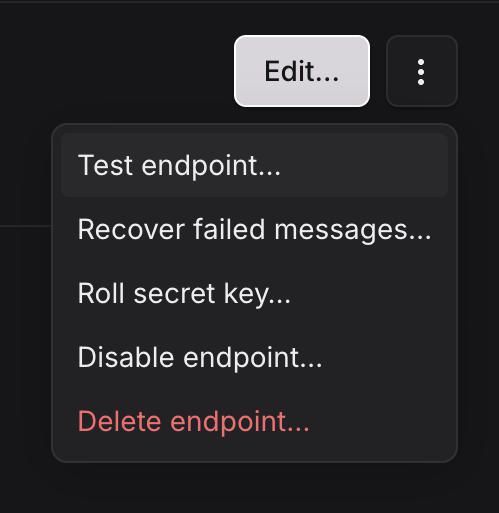
A dropdown menu displaying various actions related to an endpoint, including testing, recovery, key management, disabling, and deletion.
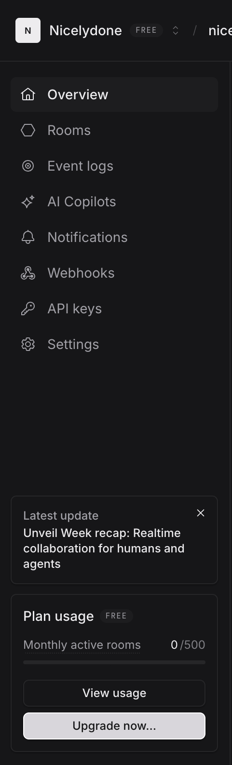
A dashboard displaying navigation, recent updates, and plan usage for a SaaS application.

A dark-themed application header with branding, search bar, feedback button, and user avatar.
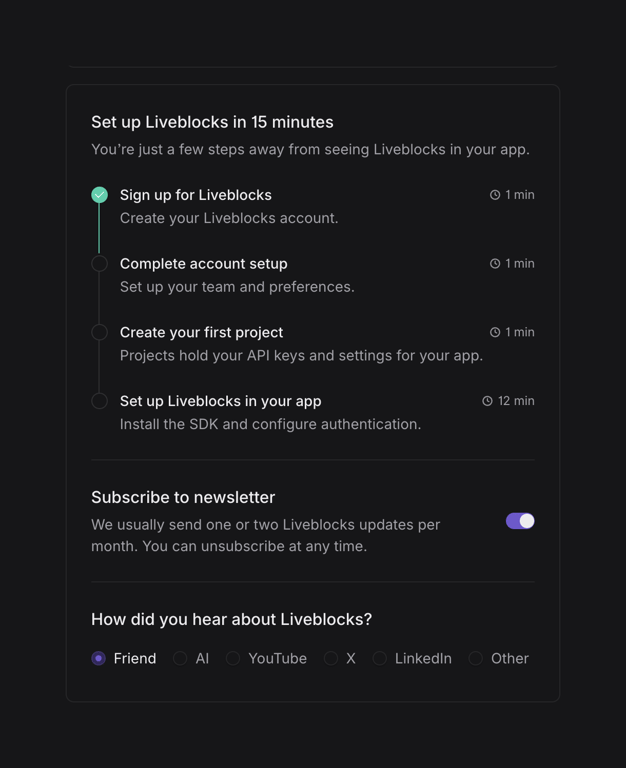
A setup and preference configuration interface for a software application.
Browse the full component library
Browse the full UI component library.
Trusted by the best teams







