Empty state UI examples
Empty state UI design examples from SaaS apps. See how interfaces explain why a section has no content. Explore how a short message, supporting visual, and relevant action introduce what can appear in…
Explore the examples


A search result page displaying an empty state with a message indicating no exact matches and a call to action to remove filters, accompanied by illustrative images.


A screen for hosting podcasts, offering options to create or import, with integrations to major podcast platforms.
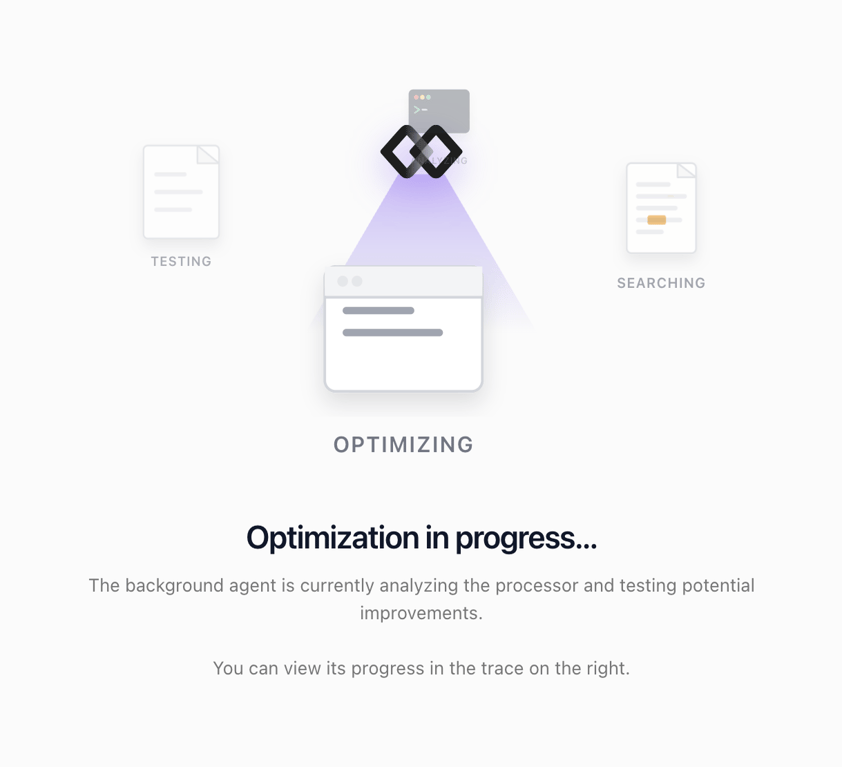

A screen displaying an optimization process with an abstract illustration and explanatory text.
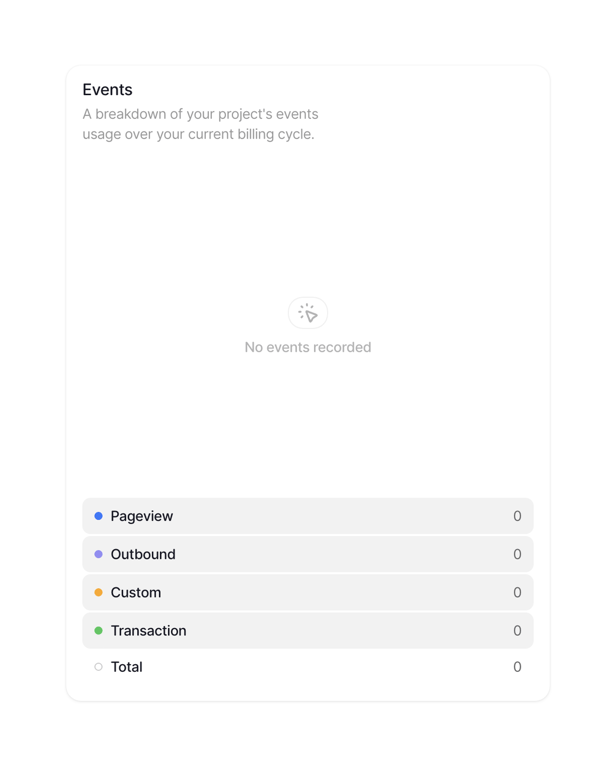

A card displaying event usage data with an empty state and a breakdown list.


An empty state screen with an illustration and instructional text.
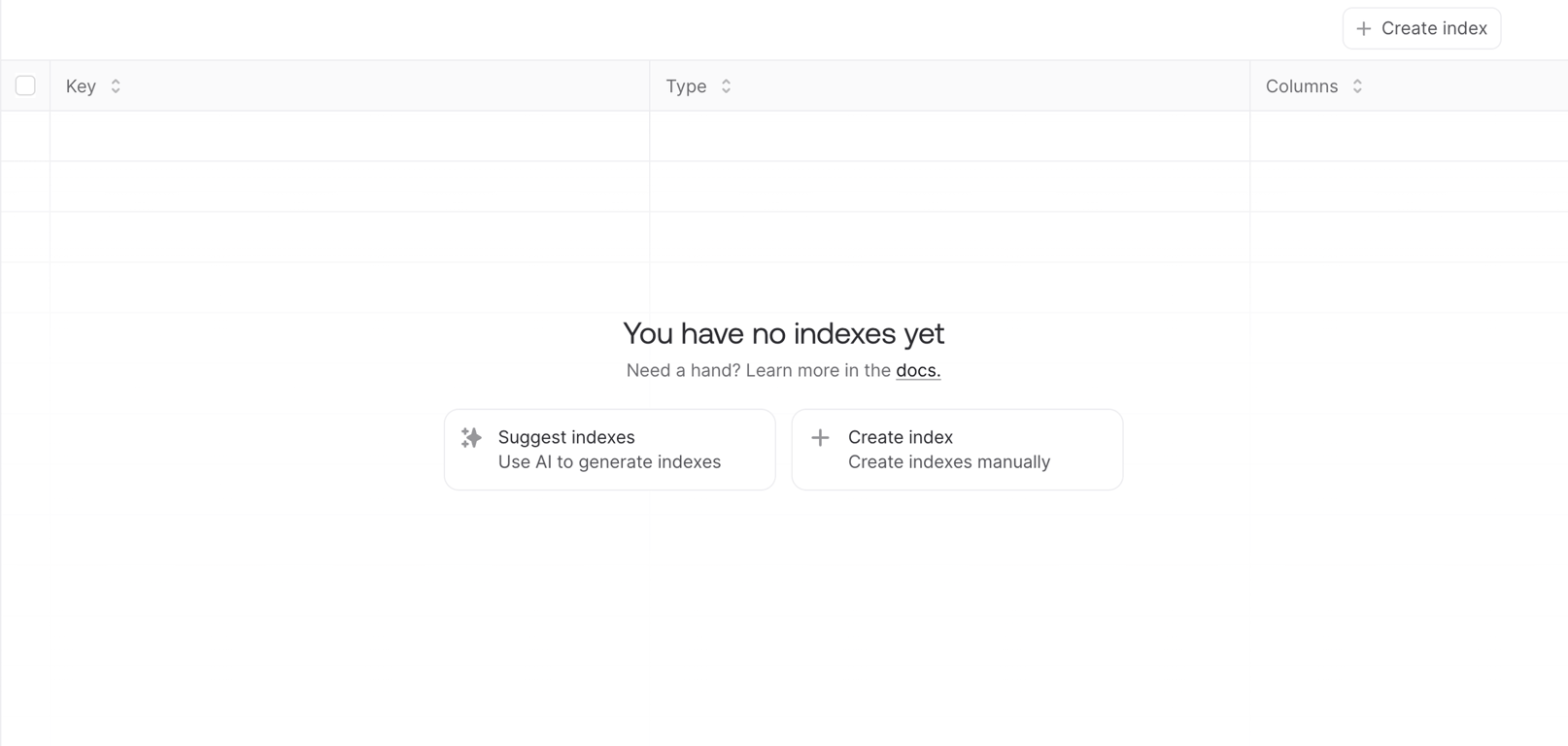

A data management interface displaying an empty state for indexes, offering options to create new indexes manually or with AI assistance.
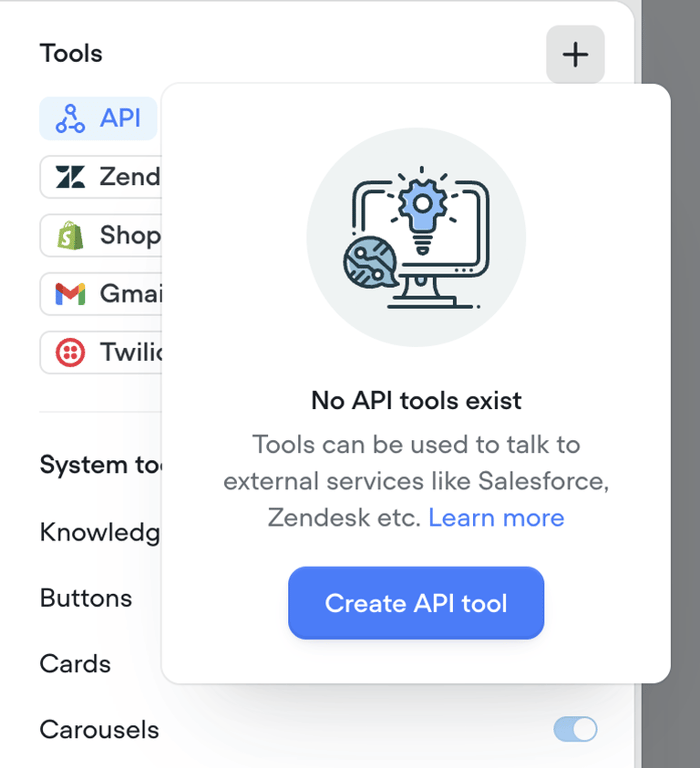

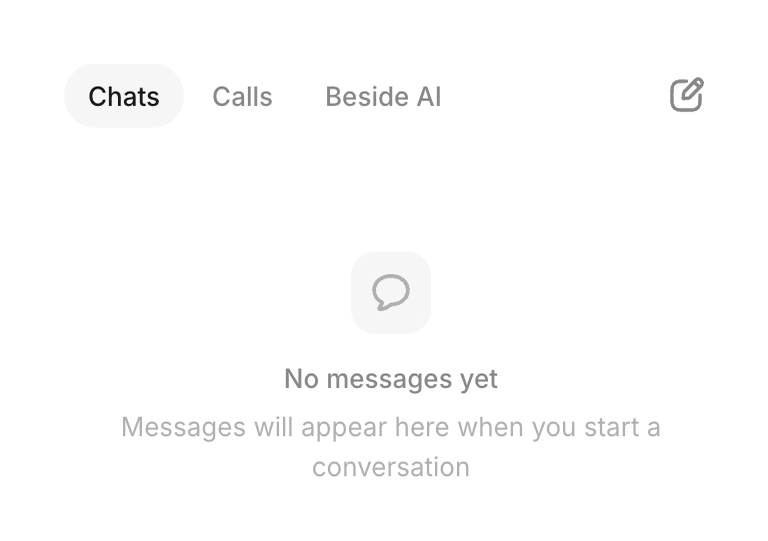

Displays empty inbox message with tab navigation when no chats exist


Indicates no matching results for current filters in a list view


Tabbed selector between tokens and collectibles with search and empty state illustration


Shows count of unreviewed transactions and prompts user to review them to unlock intelligence
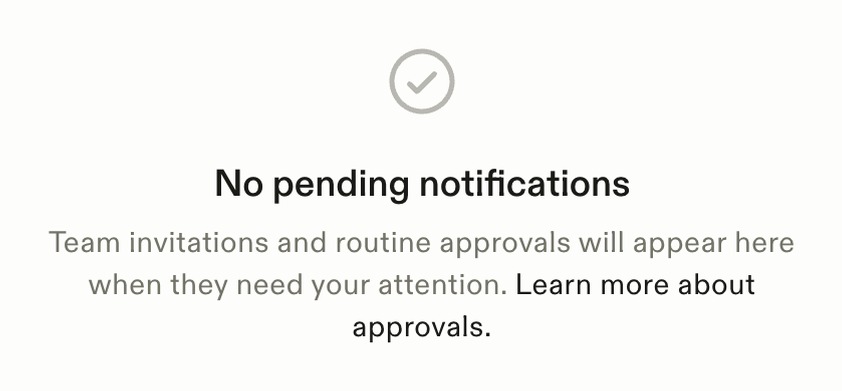

Displays centered empty state content when the approvals inbox has no pending items
Browse the full component library
See 126 more Components.
Trusted by the best teams








About Empty state
See how interfaces explain why a section has no content. Explore how a short message, supporting visual, and relevant action introduce what can appear in the empty space.