Copilot design examples
Explore Copilot UI design examples. Personal finance app for organizing money across devices
Product screens

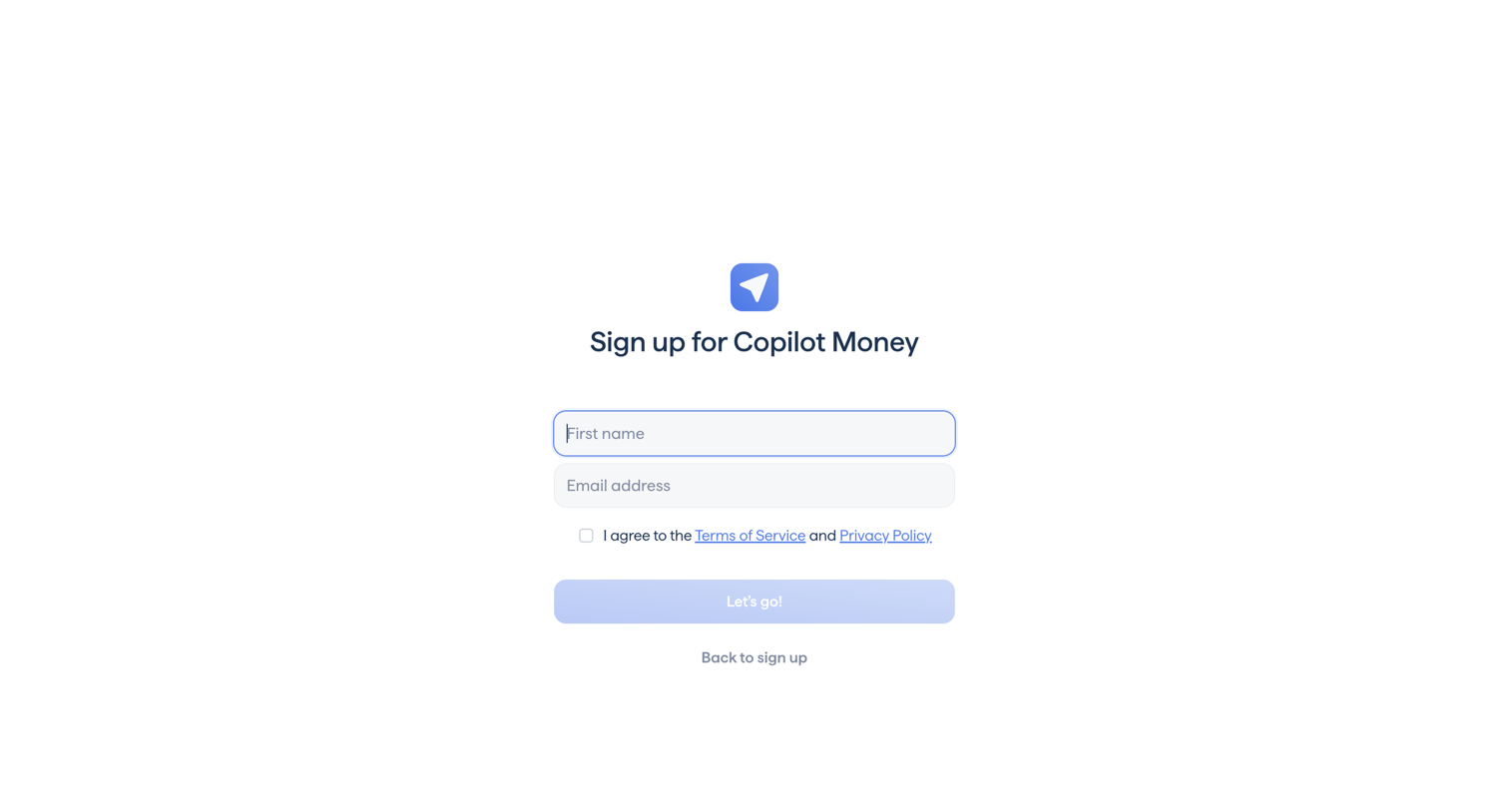

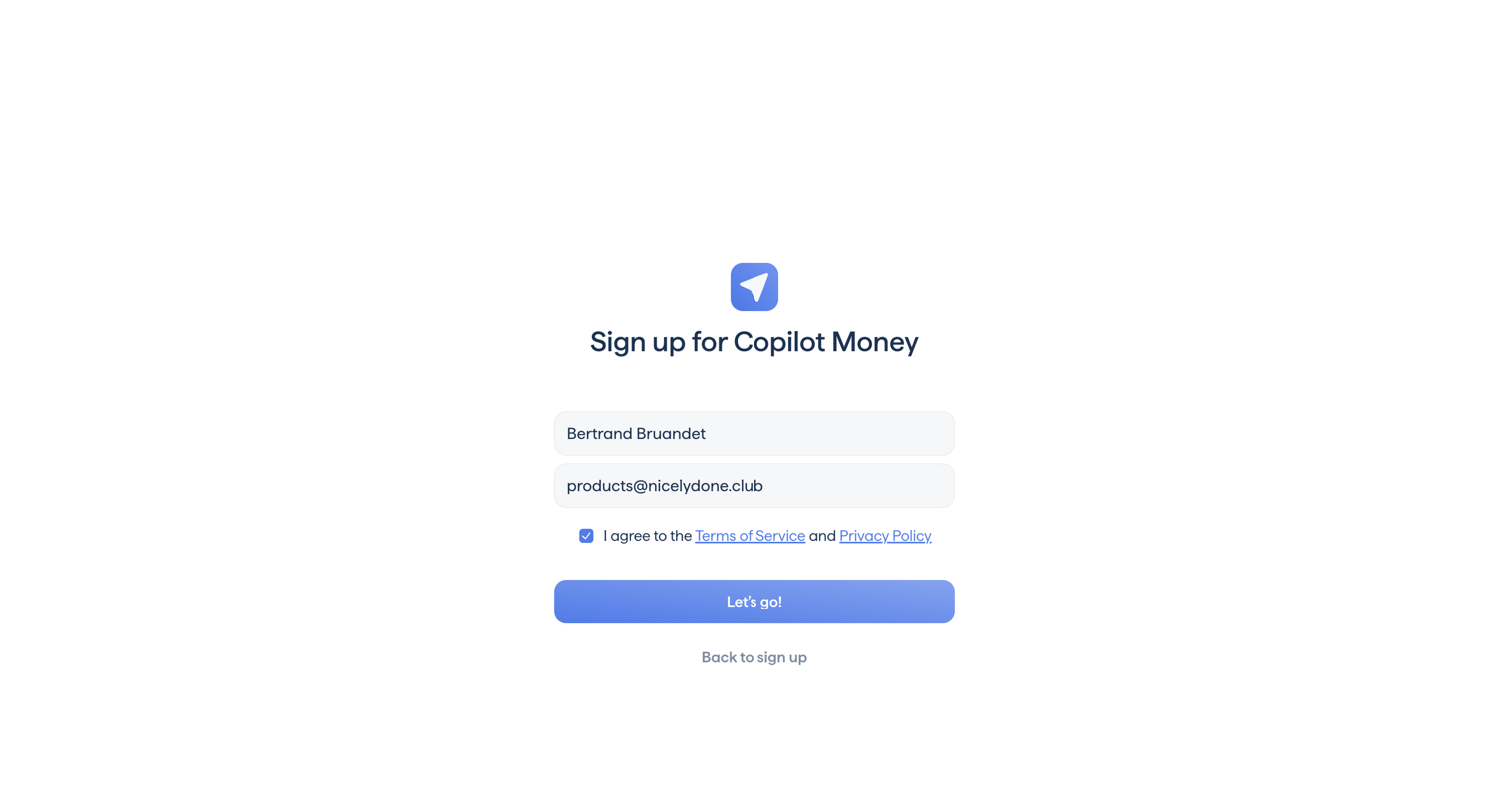
Signup screen where the user enters their first name and email address and agrees to the terms of service.
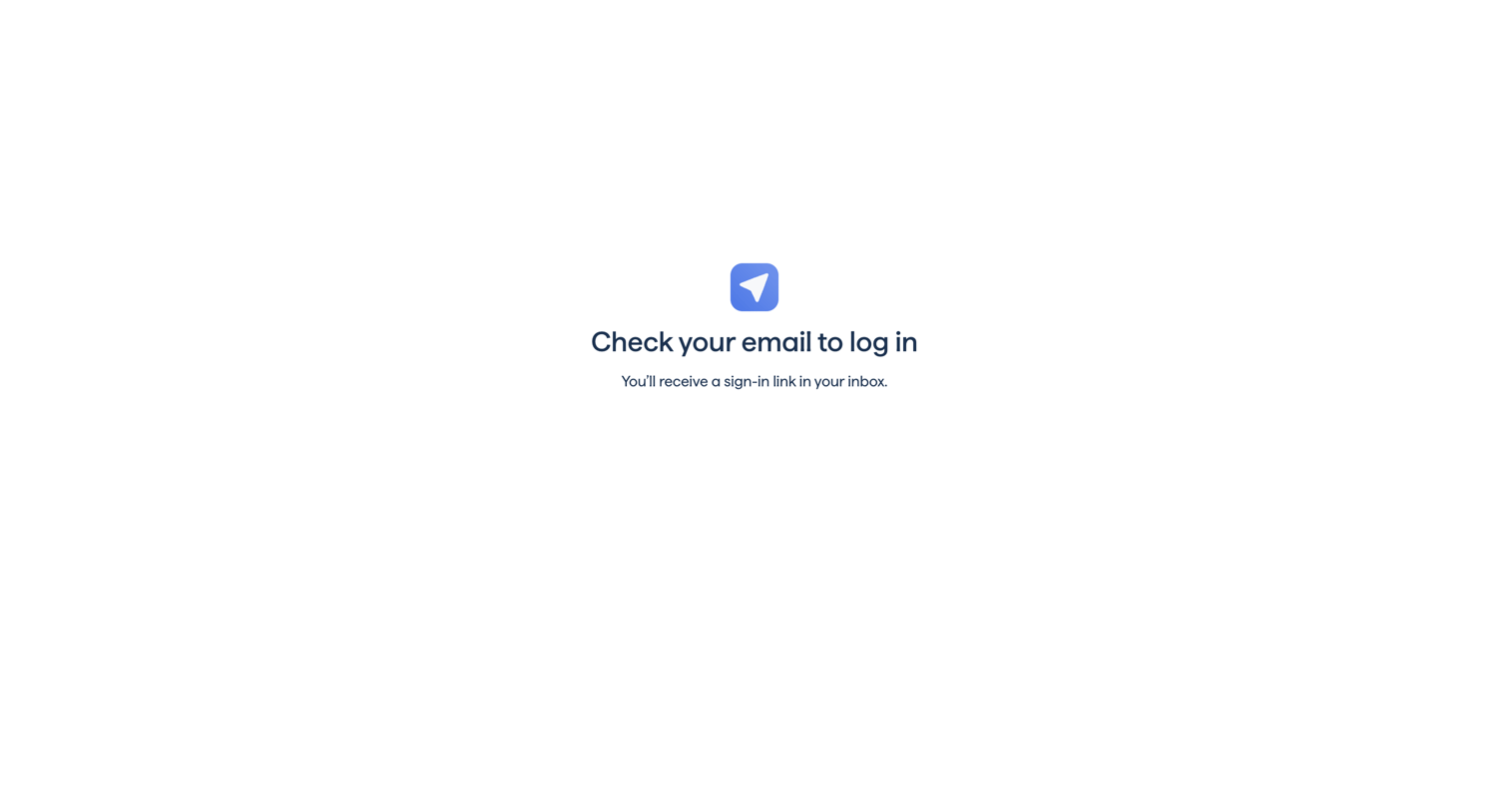
Verification screen prompting the user to check their inbox for a magic sign-in link.
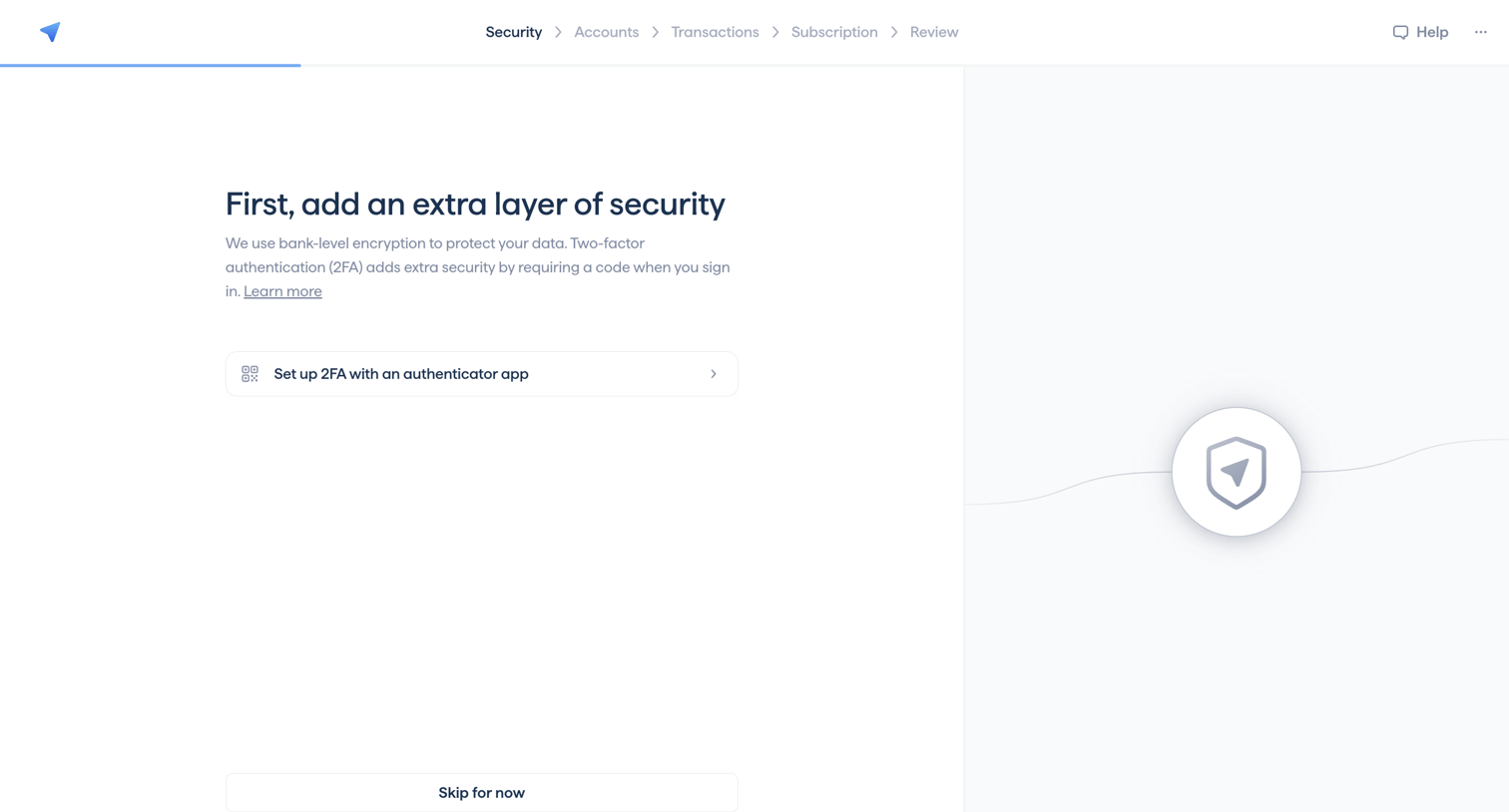
Onboarding step where the user is prompted to set up two-factor authentication with an authenticator app before proceeding.
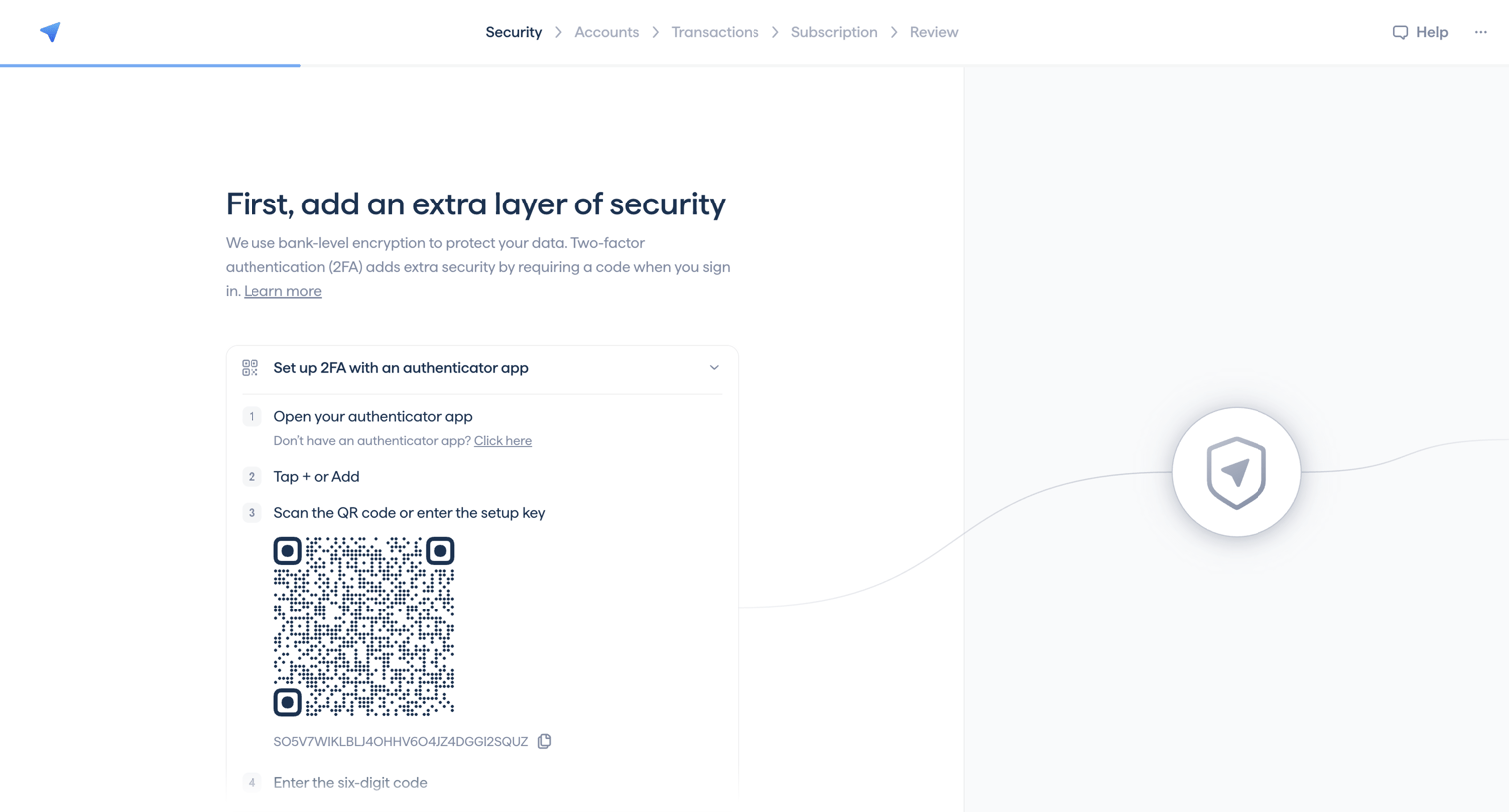
Onboarding step where the user sets up two-factor authentication using an authenticator app and a QR code.
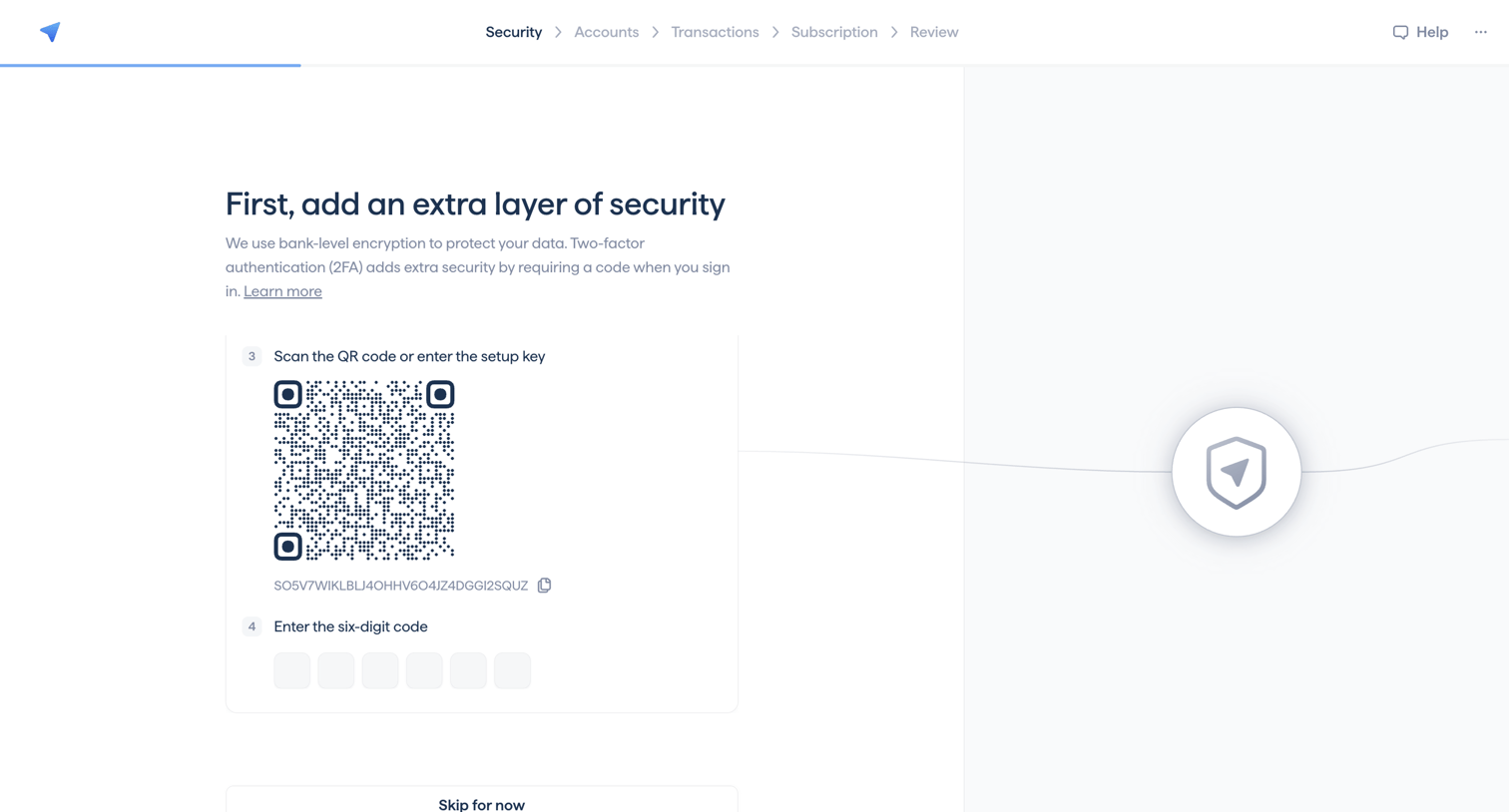
Onboarding step where the user sets up two-factor authentication by scanning a QR code or entering a setup key.
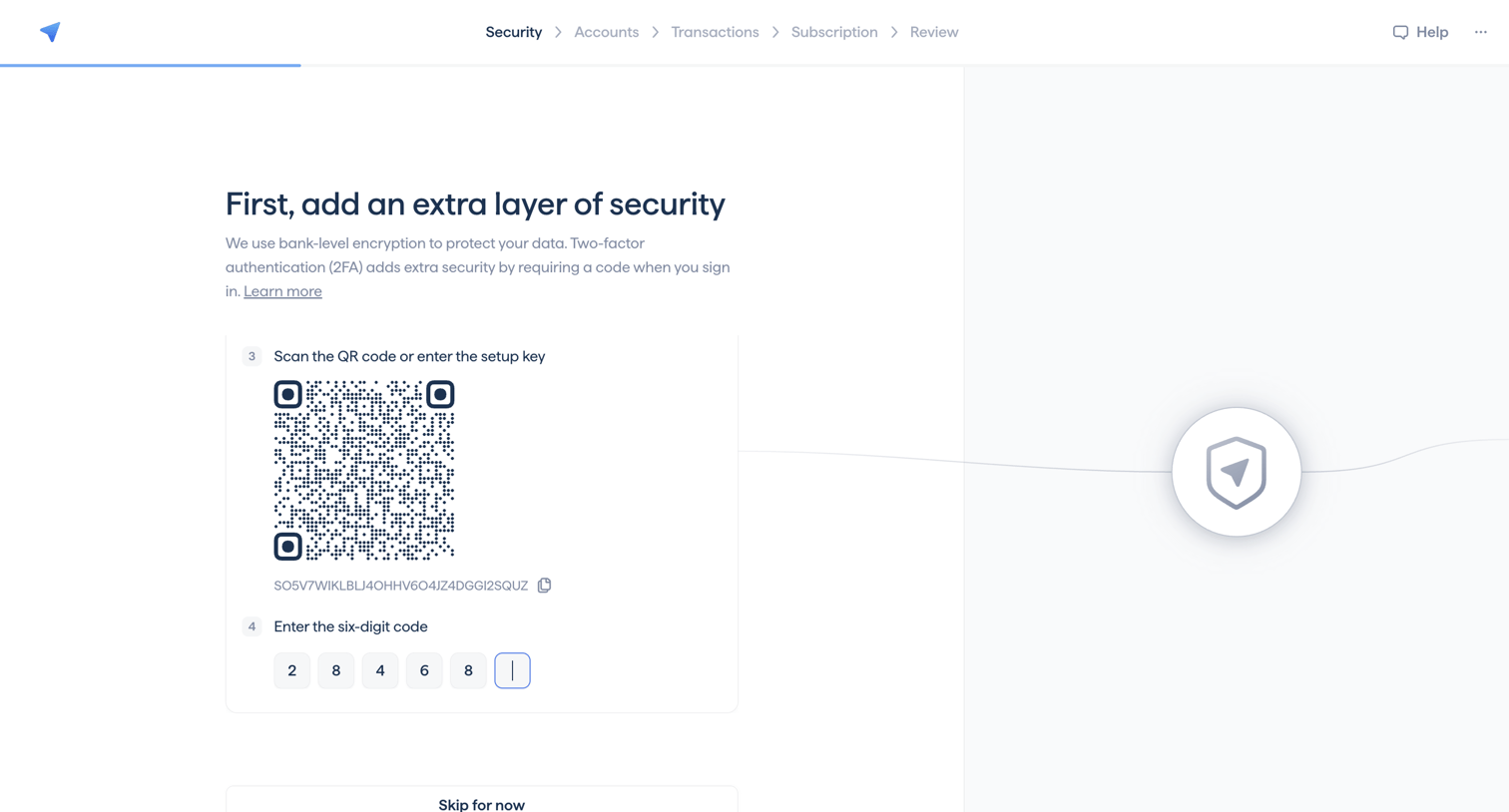
Onboarding step where the user sets up two-factor authentication by scanning a QR code and entering a six-digit verification code.
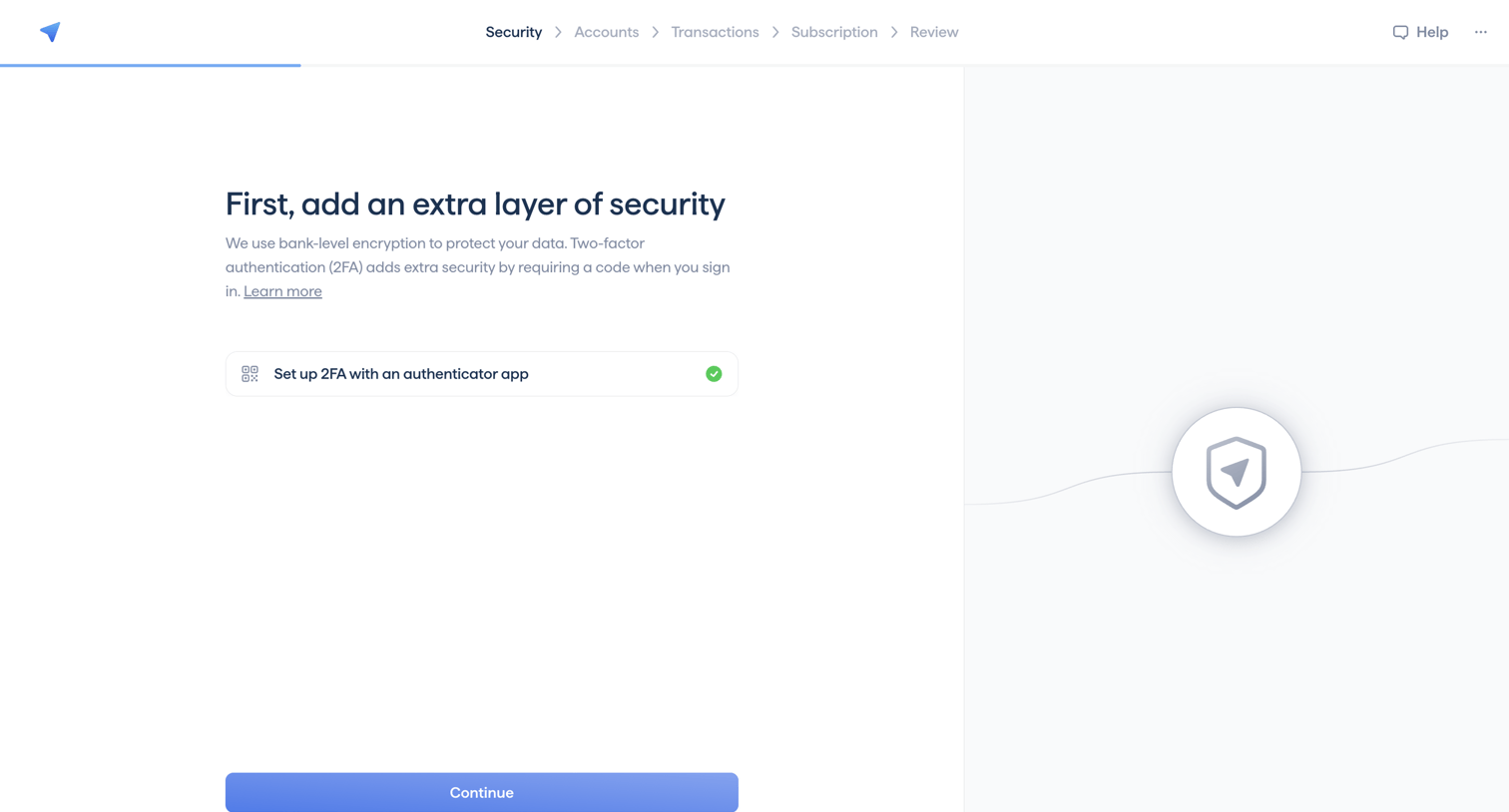
Onboarding step where the user sets up two-factor authentication with an authenticator app before continuing.
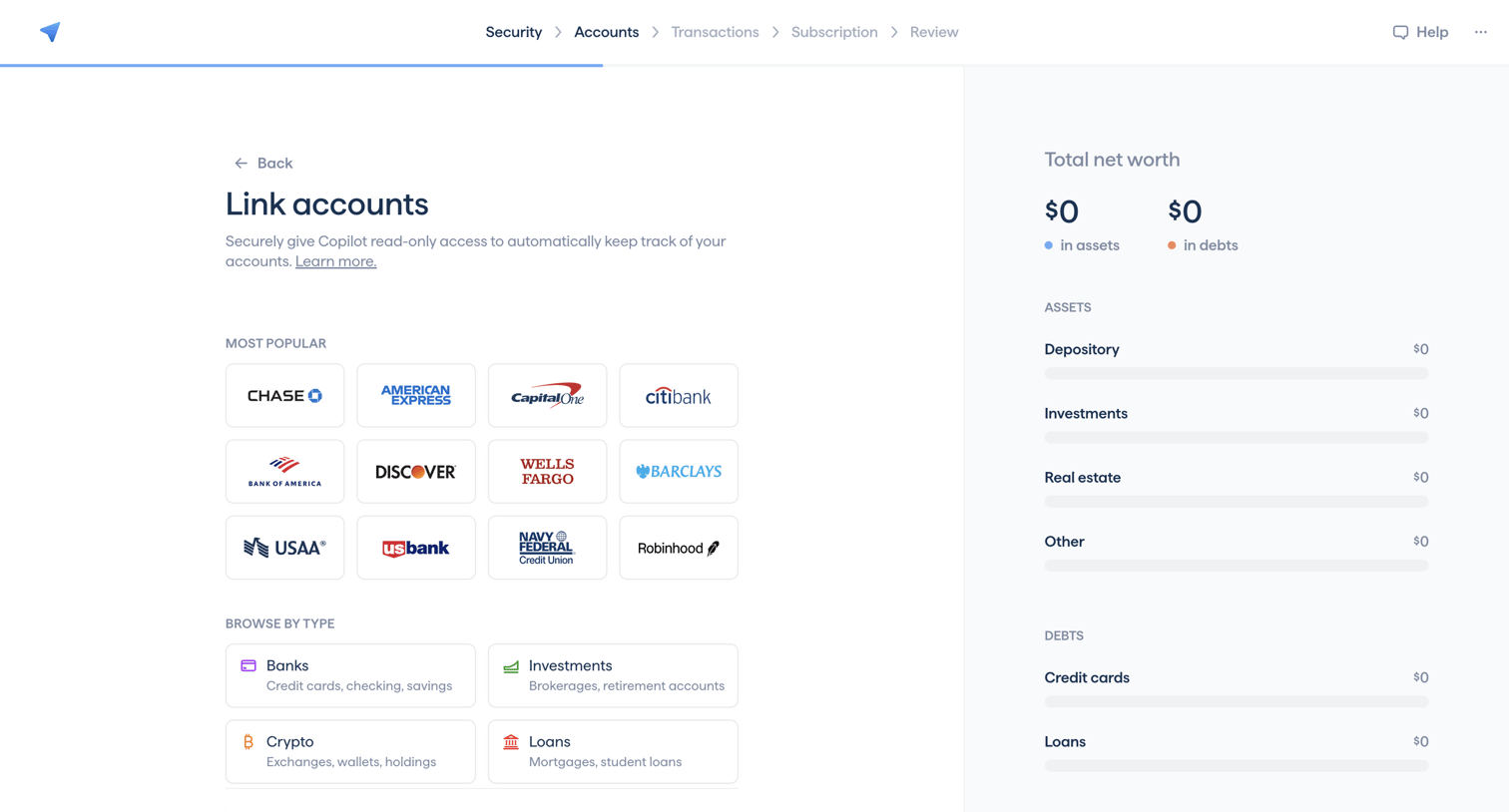
Onboarding step where the user links their bank, investment, crypto, or loan accounts to populate their net worth.
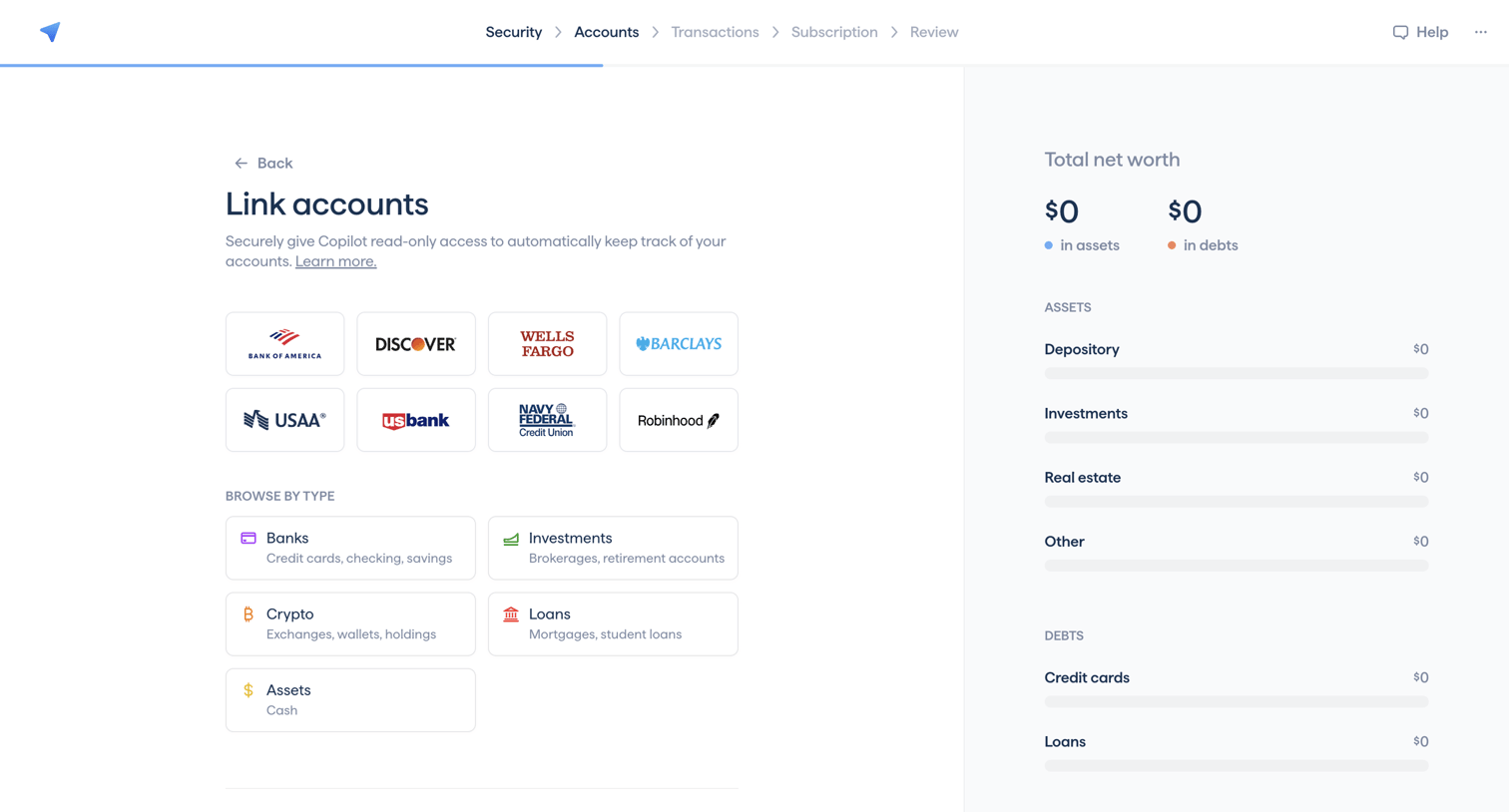
Onboarding step where the user links their financial accounts by selecting from popular banks or browsing by account type like Banks, Crypto, or Loans.
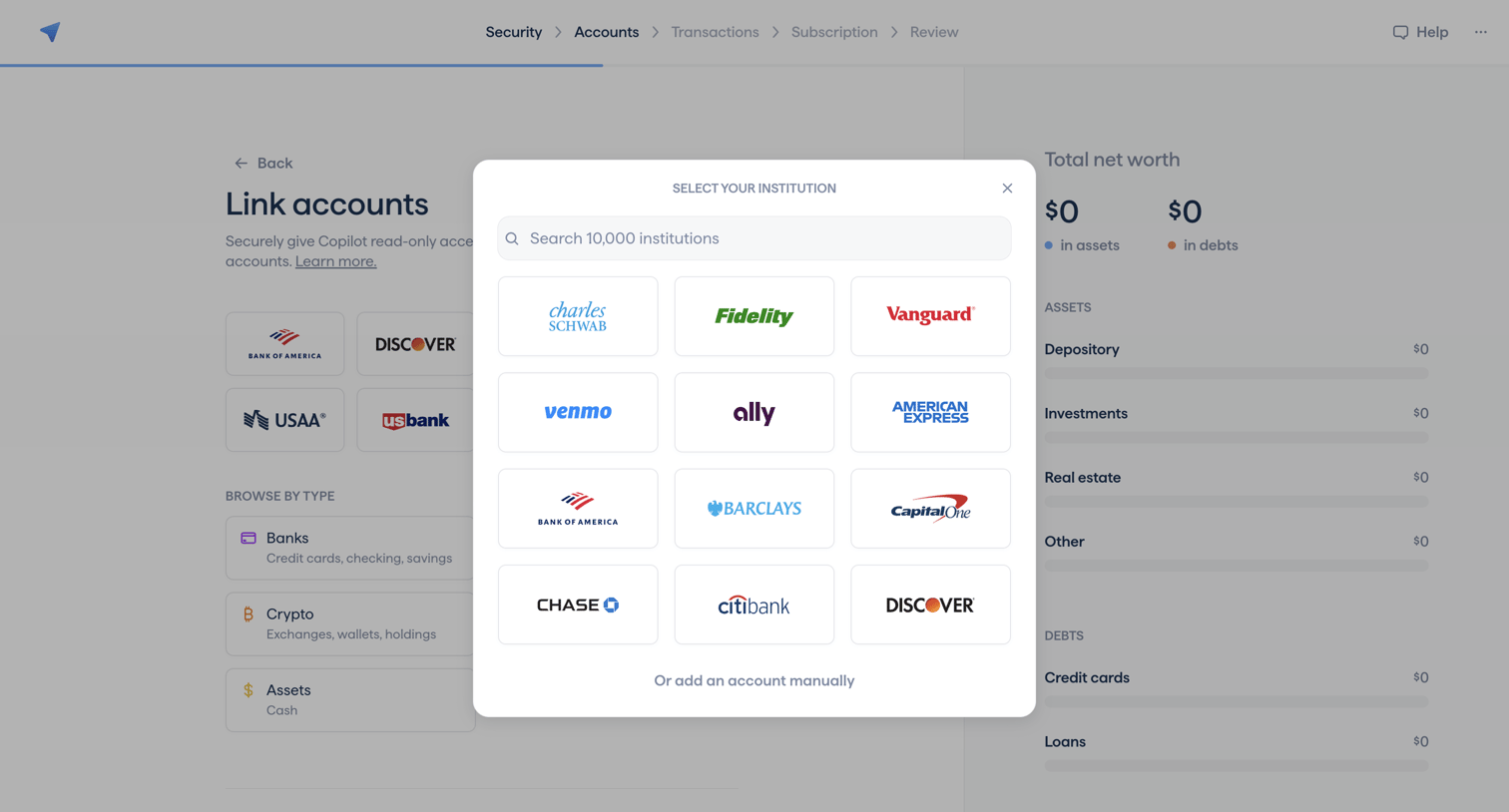
Onboarding step where the user searches for or selects their financial institution to link accounts.
Browse the full SaaS app library
Explore real SaaS apps with their product screens, marketing screens, flows, and components.
Trusted by the best teams







