Copilot user flows examples
Explore Copilot user flow examples. Preview the opening screens and steps for each task. Personal finance app for organizing money across devices
Preview these flows

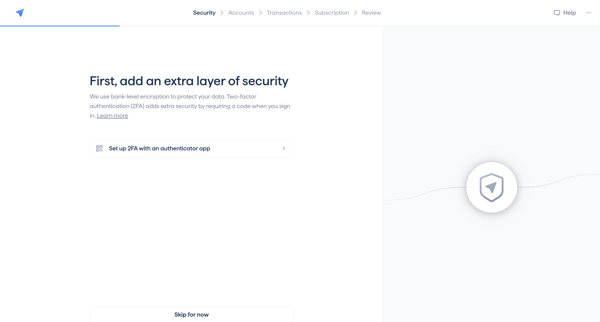
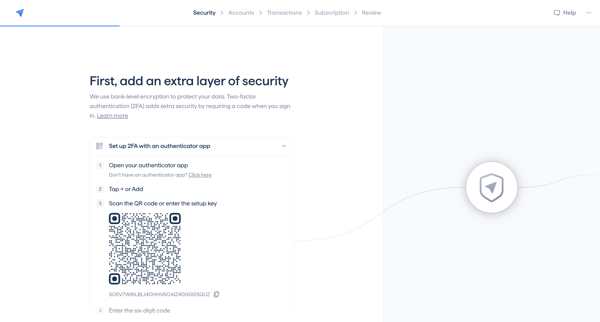
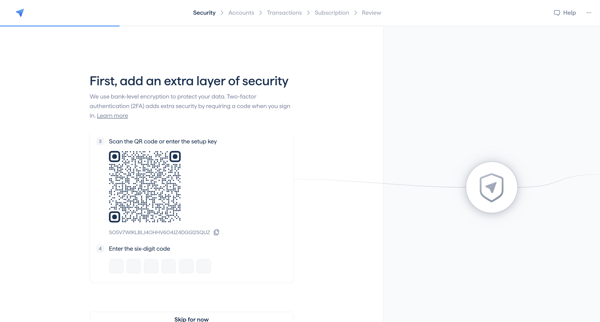
User completes 2FA setup, links financial accounts, reviews transaction types, activates trial, reviews finances, and answers attribution survey
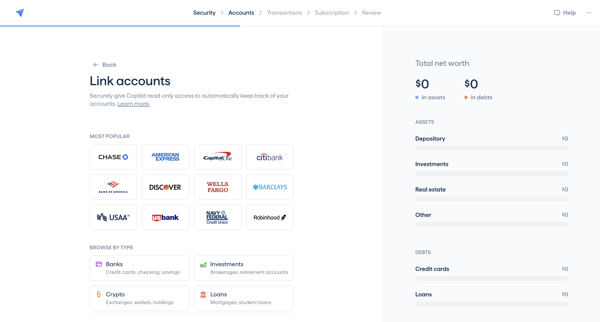
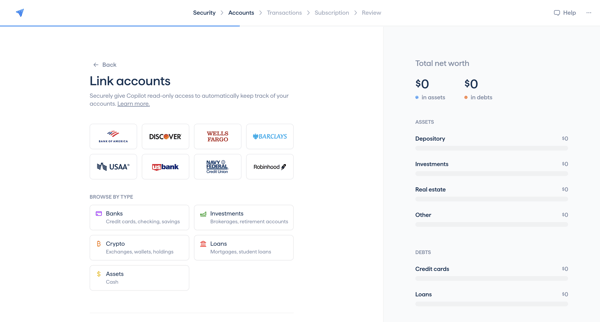
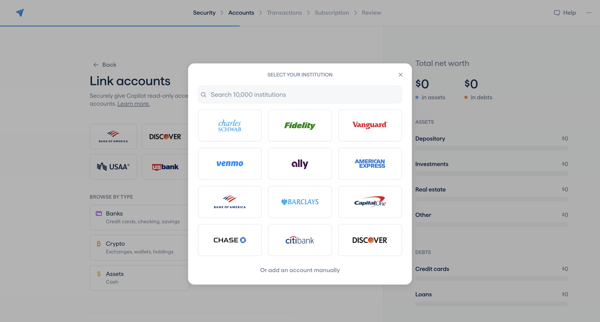
Onboarding sequence linking banks, investments, crypto, loans via Plaid or manual entry to populate net worth dashboard
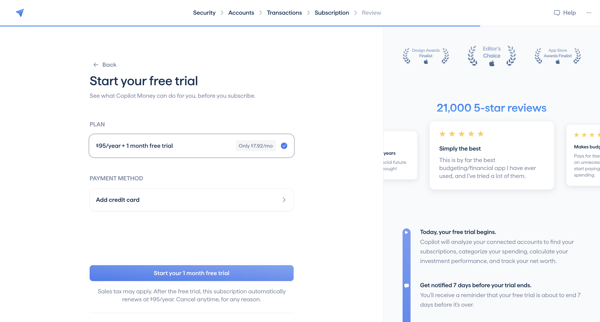
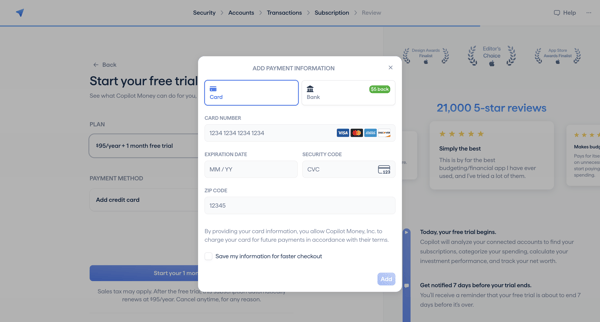
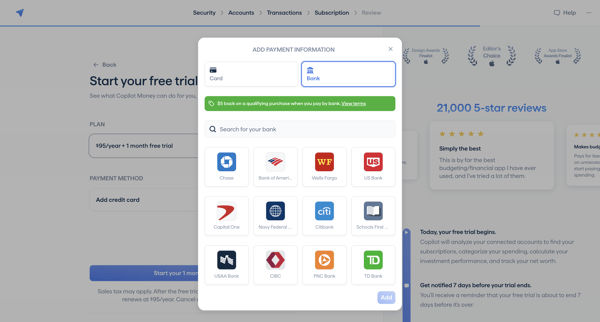
User activates free trial by selecting subscription plan, entering payment details, connecting bank account, and completing Stripe Link checkout during onboarding
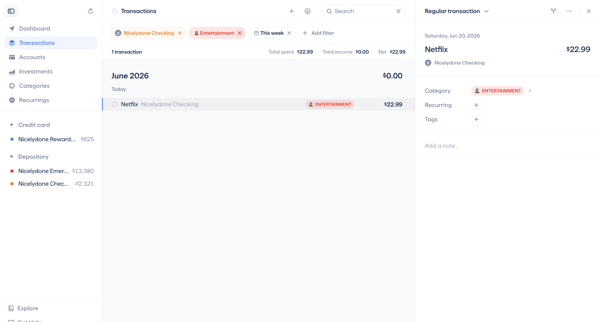
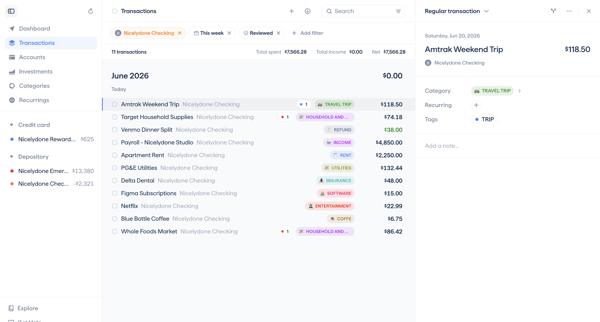
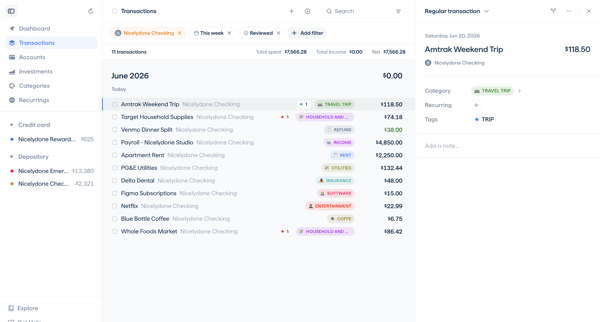
User navigates transaction detail views to categorize expenses, add notes, update review status, and apply filters to related transaction lists in a master-detail interface
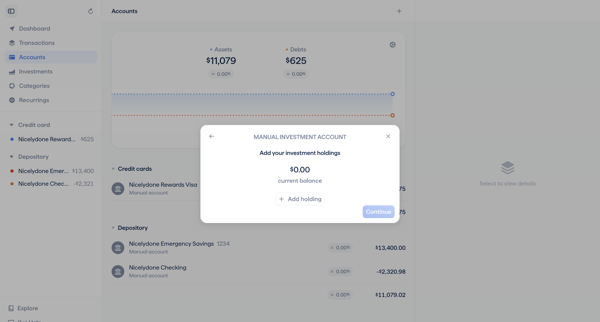
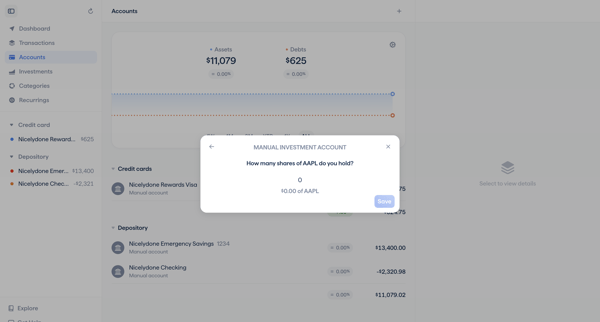
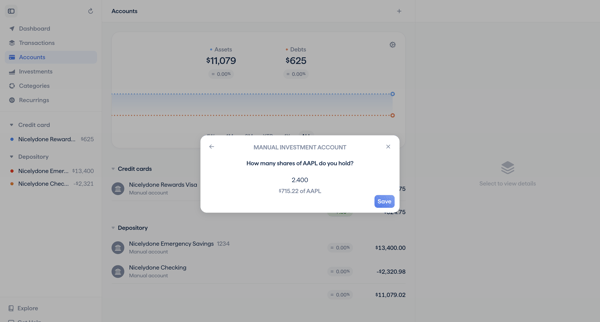
User opens a modal from the accounts list to create a manual investment account, customize color and balance, add holdings such as AAPL or VTI, enter share quantities, and review or edit the portfolio details.
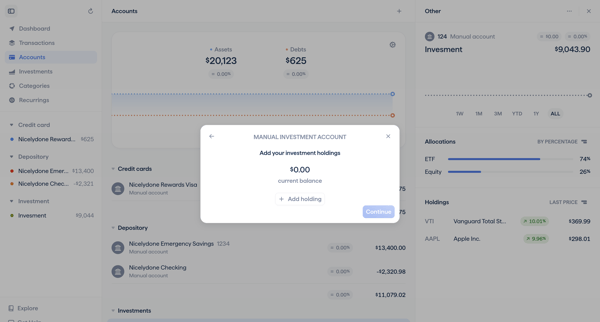
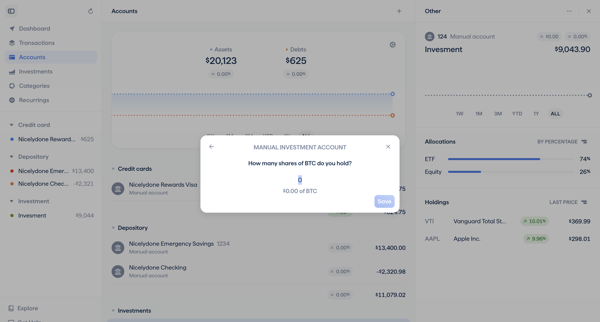
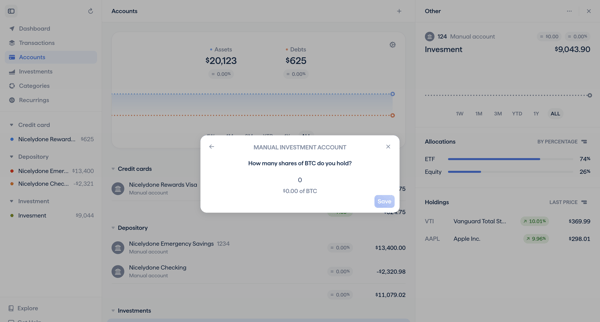
User adds a manual investment account from the dashboard, enters BTC holdings via successive modals, reviews allocations, and configures the account card before creation
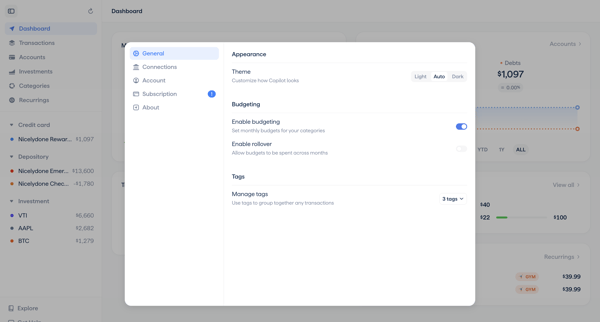
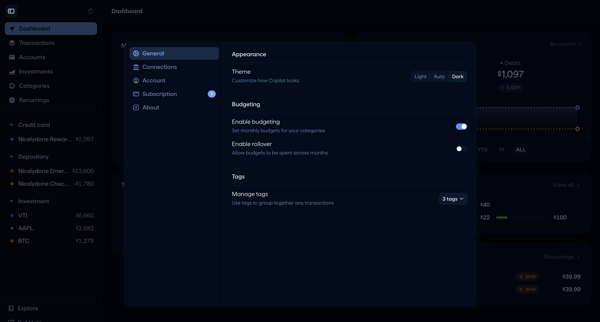
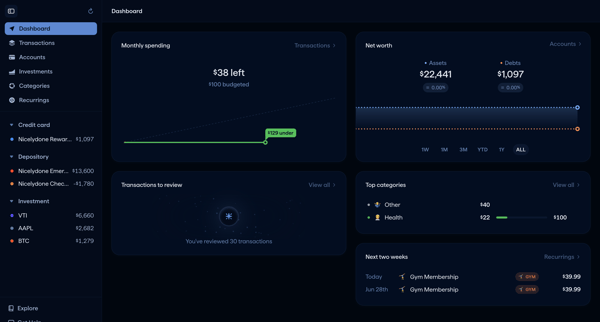
User opens General Settings Modal from sidebar and configures theme, budgeting toggles with rollover, and transaction tags across multiple modal states before returning to dashboard view.
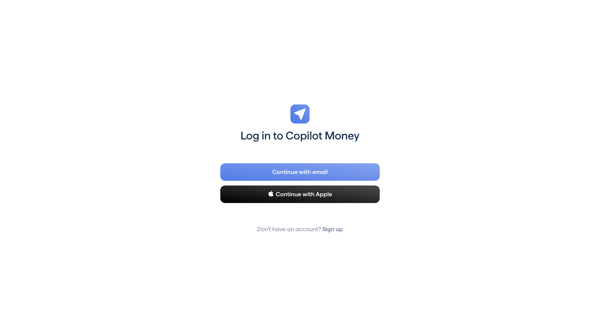
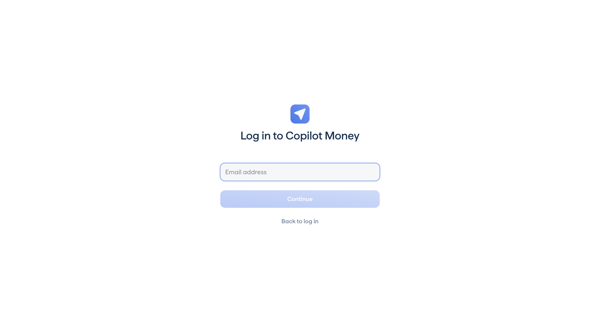
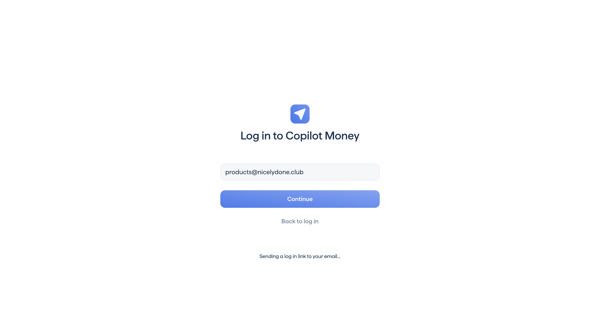
User authenticates to Copilot via email magic link or Apple, followed by MFA code entry
Explore the full SaaS flow library
Browse the full SaaS flow library.
Trusted by the best teams







