Skip to content

Copilot UI components examples

Browse Copilot UI component design examples. Preview individual interface elements and explore related component categories. Personal finance app for organizing money across devices

Explore the examples

Copilot — Empty state component
Copilot logo
Copilot

Shows count of unreviewed transactions and prompts user to review them to unlock intelligence
Copilot — Charts component
Copilot logo
Copilot

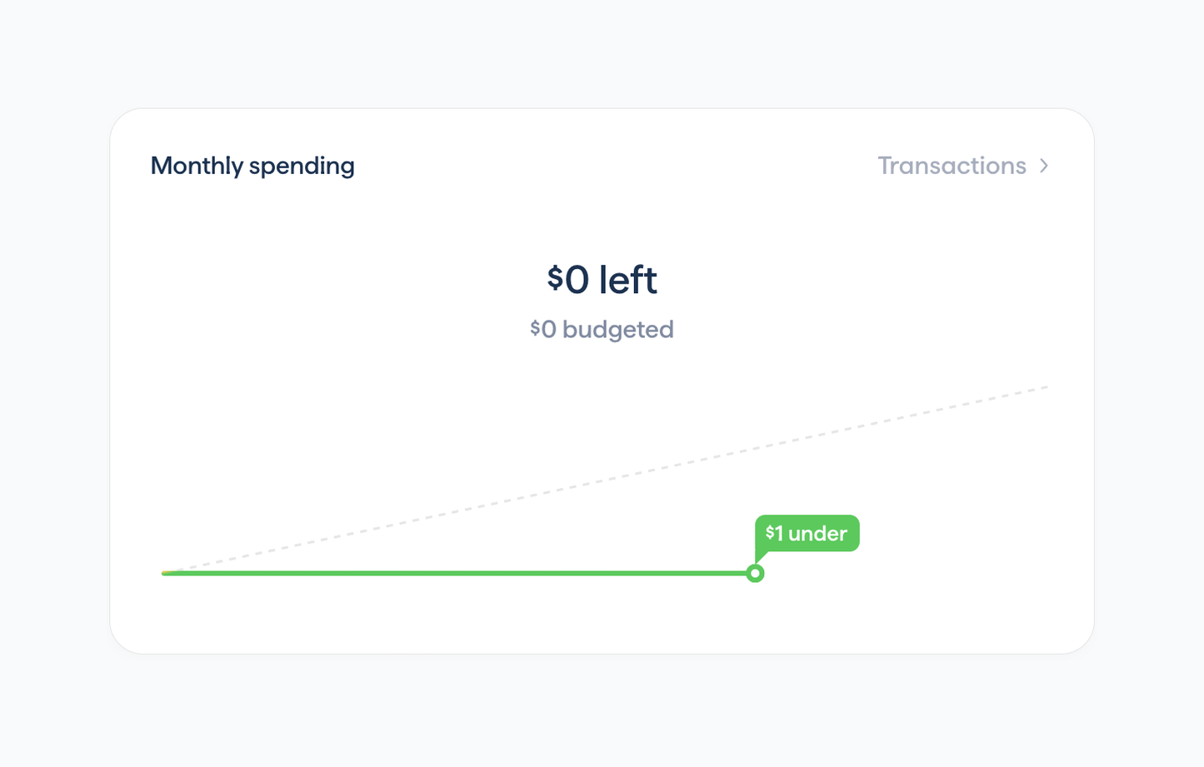
Displays current monthly budget status with remaining amount and visual progress line

Copilot — Charts component
Copilot logo
Copilot

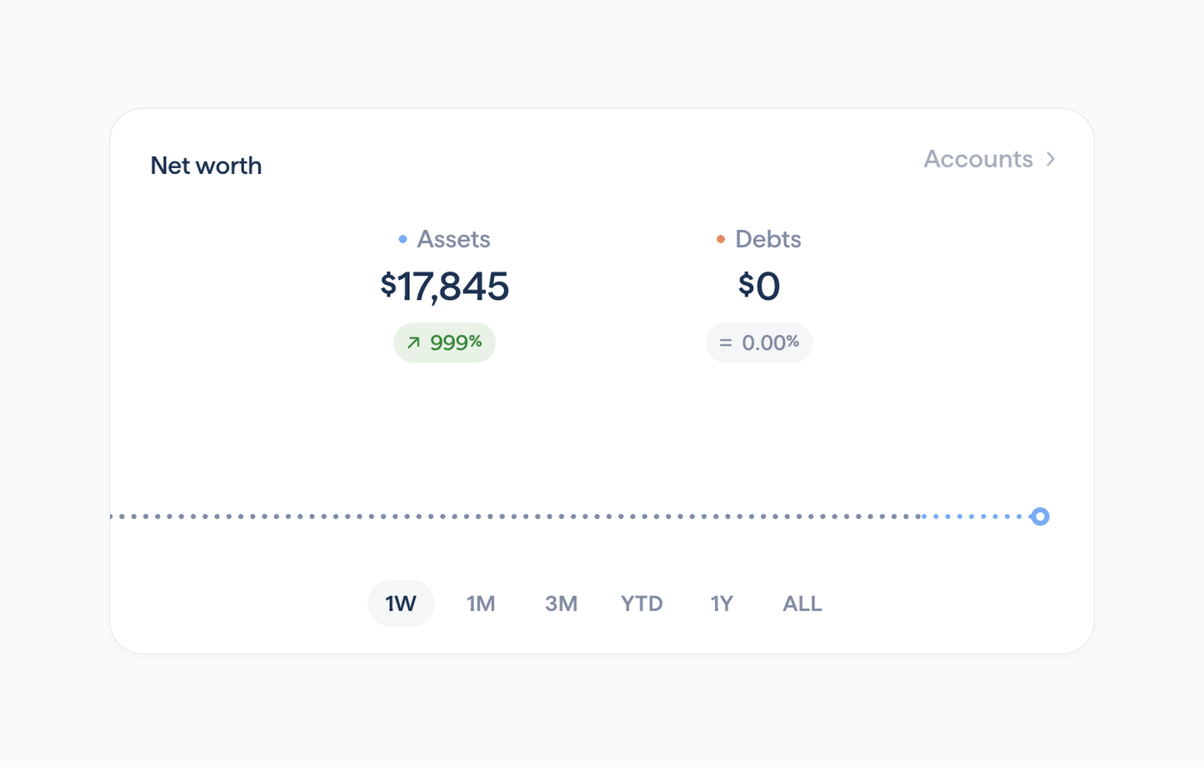
Displays current net worth split into assets and debts with trend indicators and time-range selector

Copilot — Tabs component
Copilot logo
Copilot

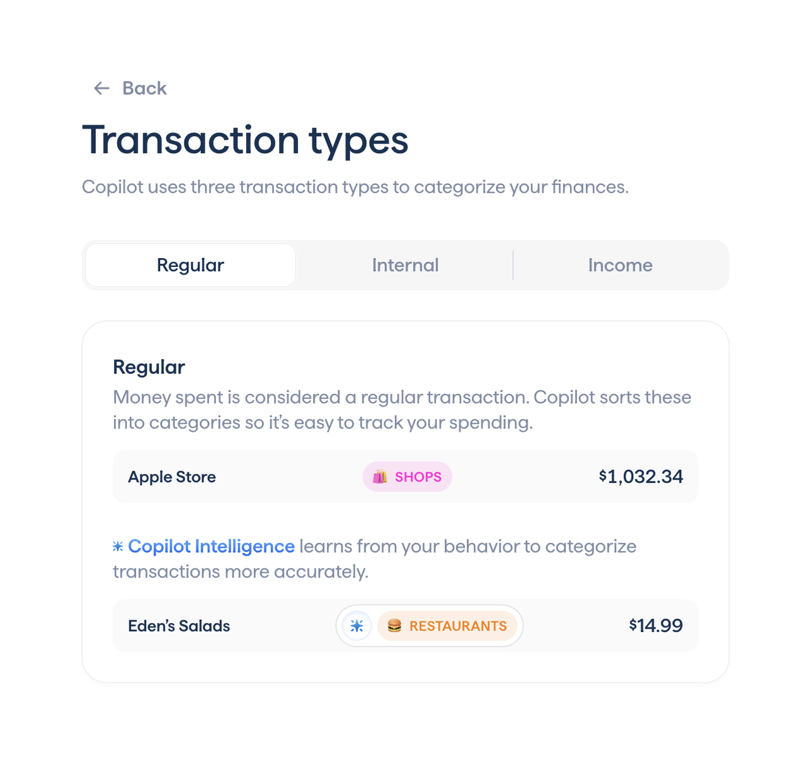
Lets users switch between Regular, Internal and Income transaction explanations in an onboarding flow

Copilot — Illustration component
Copilot logo
Copilot

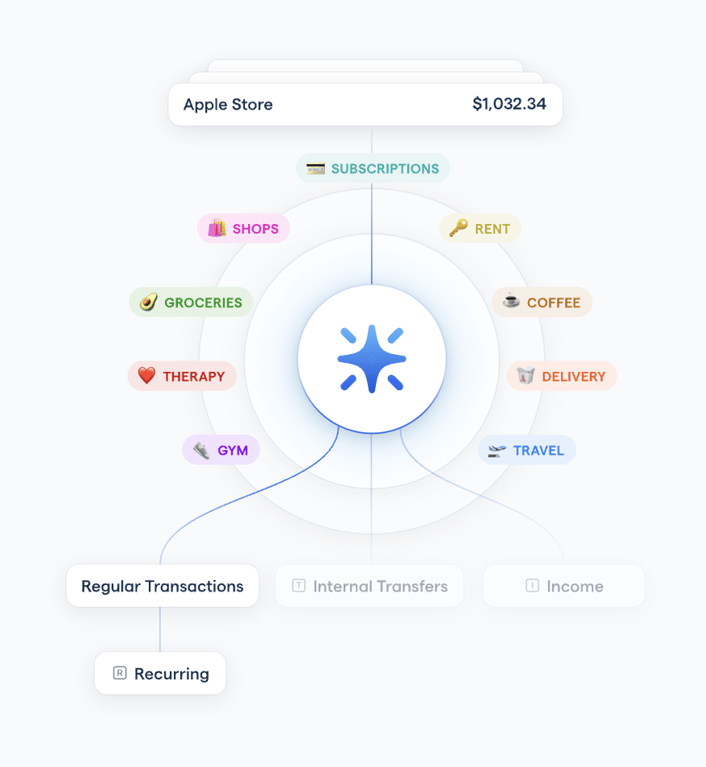
Interactive radial visualization showing how transaction categories map to types like Regular, Internal Transfers, and Income during onboarding
Copilot — Table component
Copilot logo
Copilot

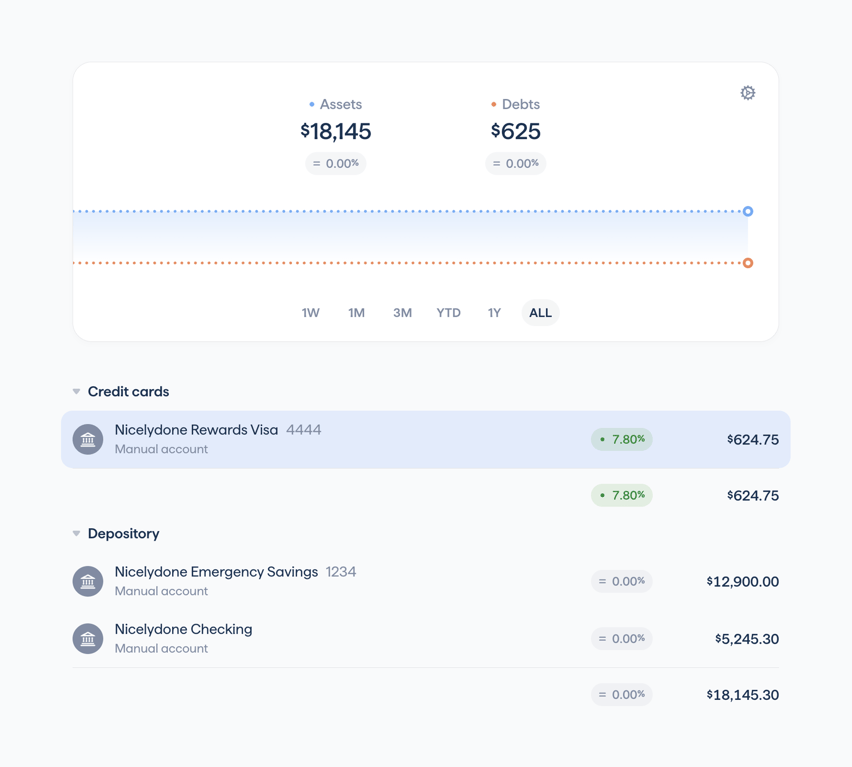
Displays total assets and debts values with a dual-line trend chart and time range selector

Copilot — Progress indicator component
Copilot logo
Copilot

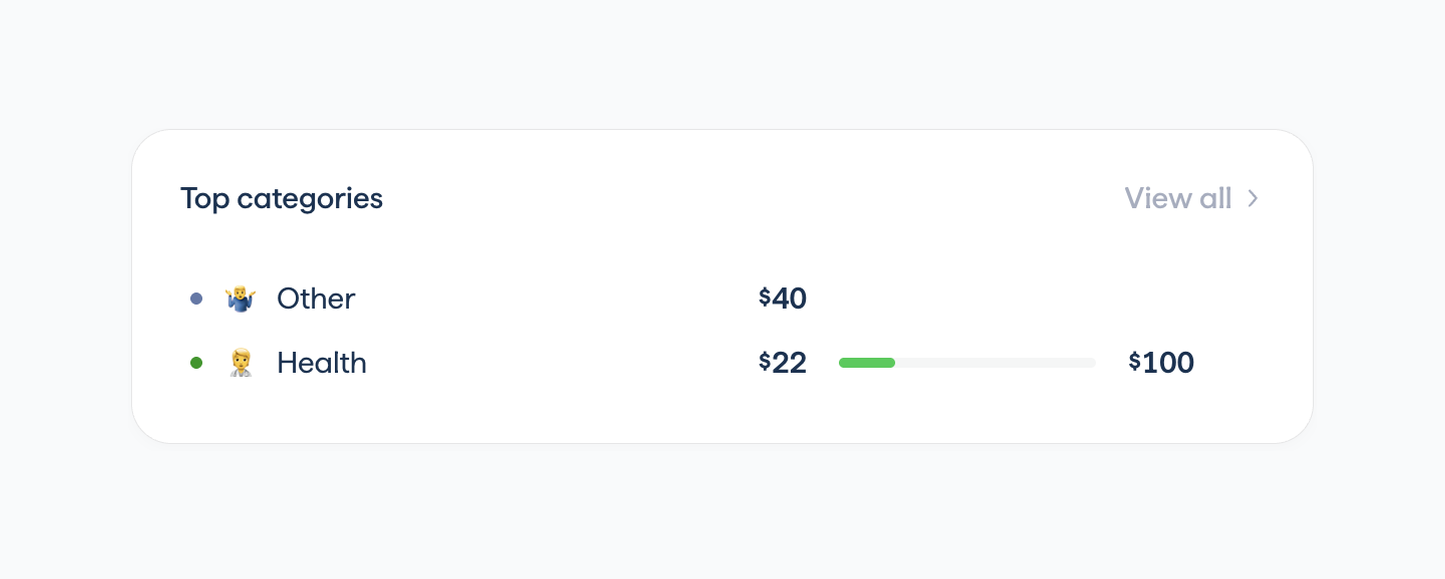
Displays top spending categories with amounts, icons, and budget progress bars
Copilot — Charts component
Copilot logo
Copilot

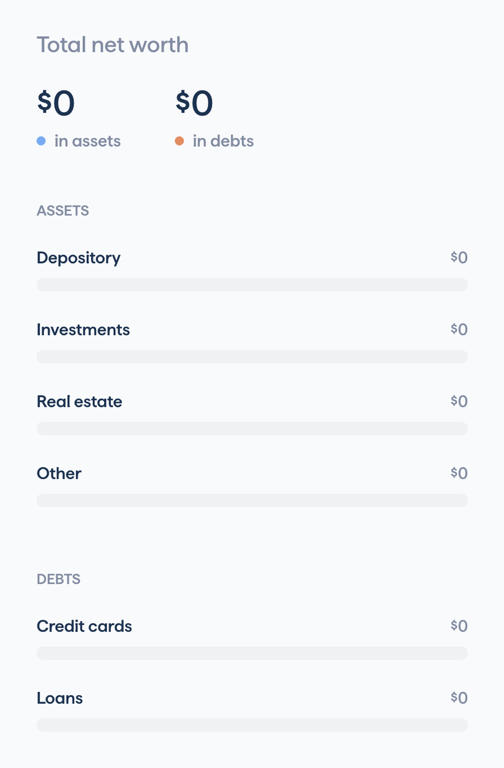
Displays empty total net worth broken down by assets and debts categories with zero-value placeholders

Copilot — Charts component
Copilot logo
Copilot

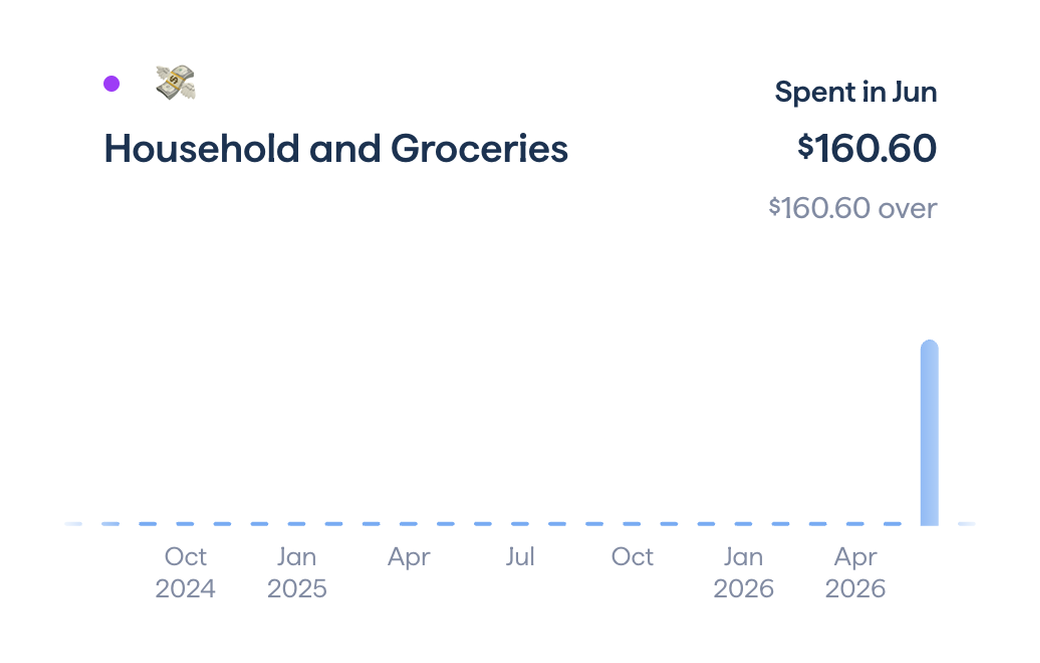
Shows selected transaction category name, current period spend amount, variance, and a compact historical bar chart.

Copilot — Charts component
Copilot logo
Copilot

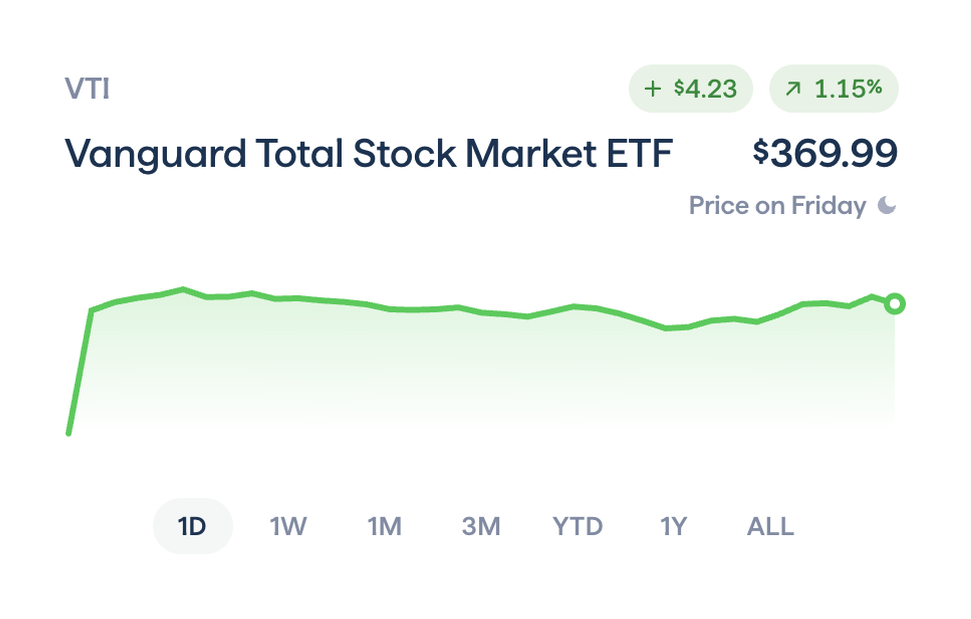
Displays price, change metrics, and interactive time-series chart for a selected ETF position

Copilot — Modal component
Copilot logo
Copilot

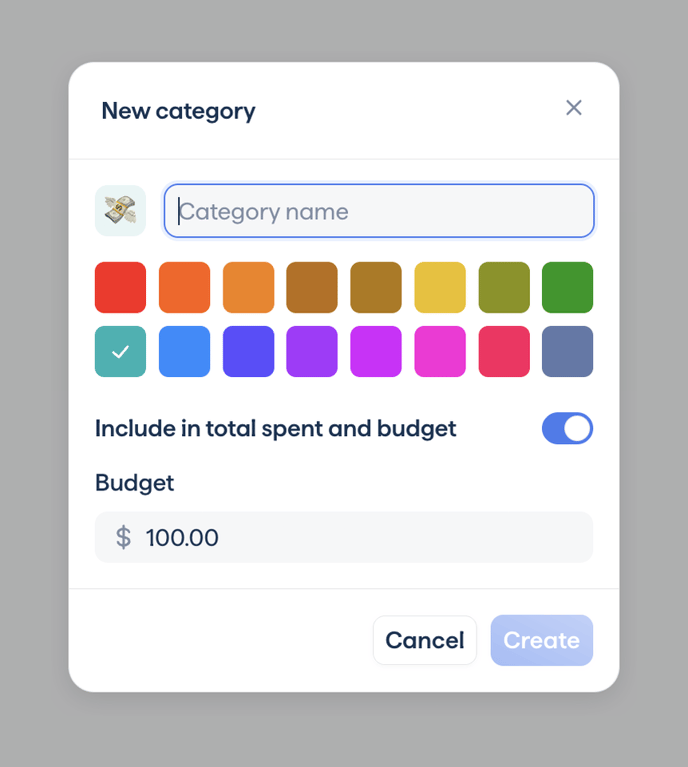
Modal dialog for creating a spending category with name input, color selection, budget toggle and amount

Copilot — Charts component
Copilot logo
Copilot

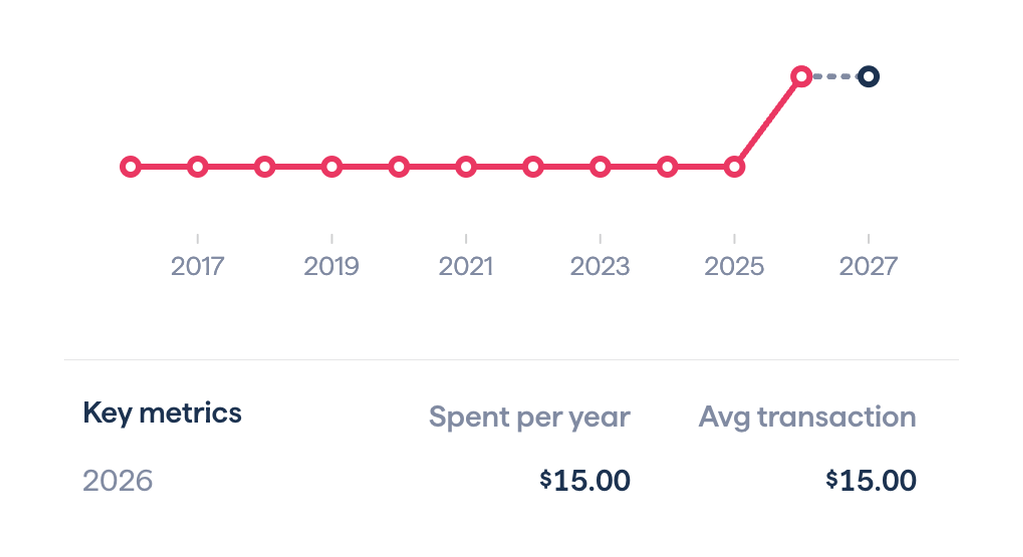
Displays historical spending trend line with projected values and summary key metrics for the recurring expense.

Browse the full component library

Browse the full UI component library.

Trusted by the best teams