Import & Export screen examples
Import & Export screen design examples from SaaS apps. See how SaaS apps explain moving data into or out of a workspace. Explore layouts for choosing a source or destination and setting the scope of the transfer.
Explore the examples
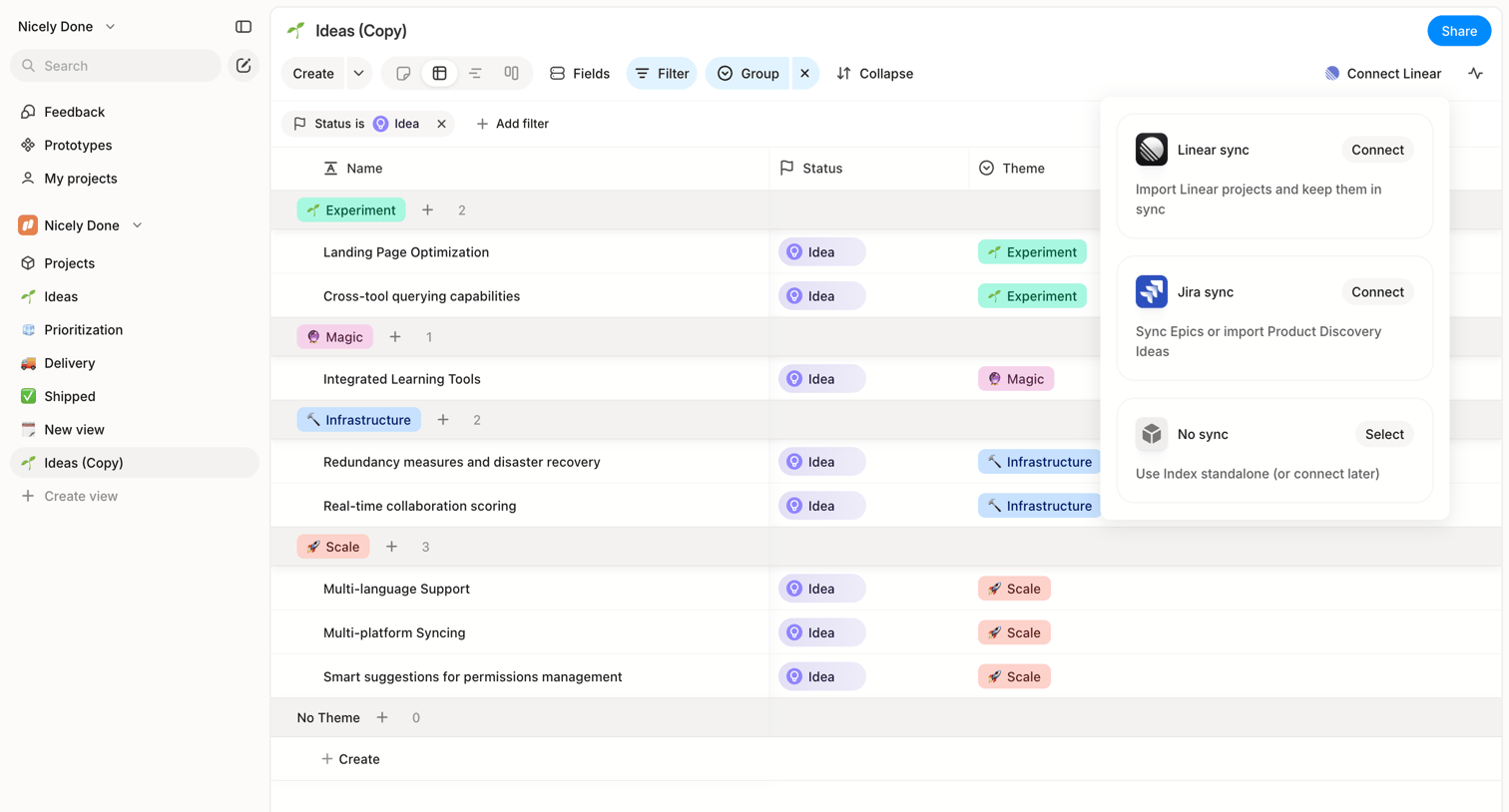

List view where the user manages ideas grouped by theme and can connect integrations like Linear or Jira via a sync popover.
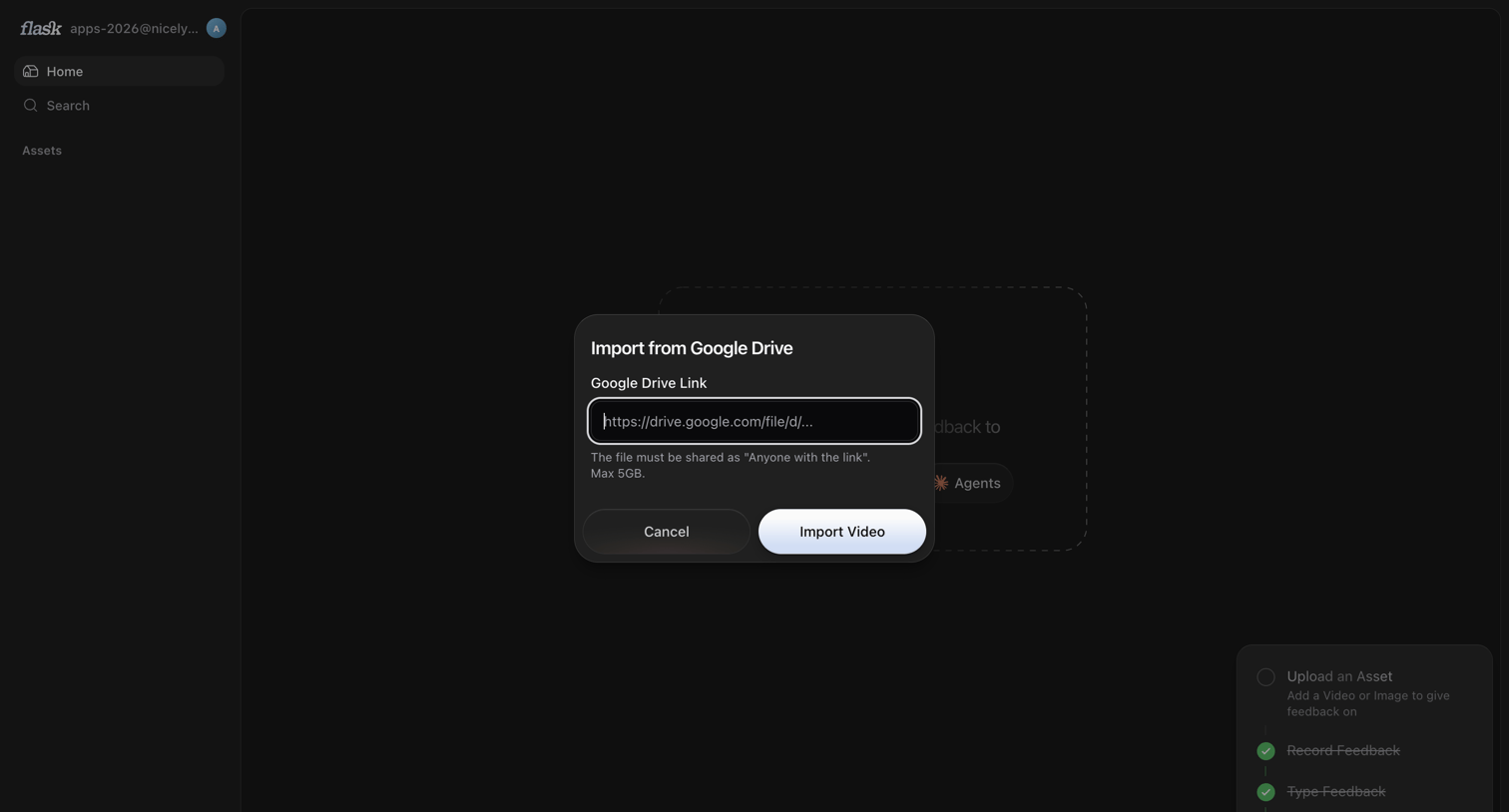

Home dashboard with a modal open for the user to import a video asset via a Google Drive link.
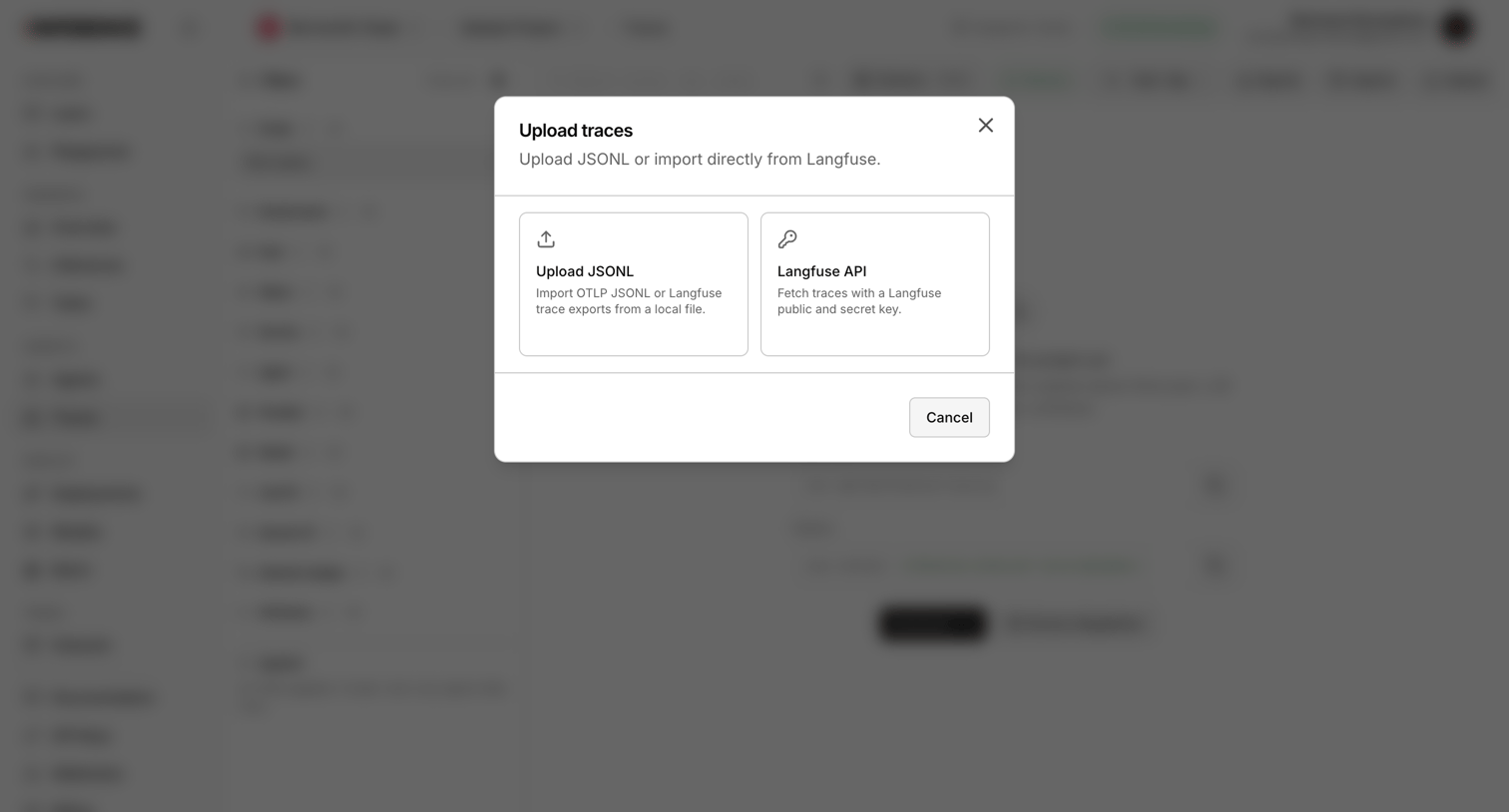

Modal overlay where the user chooses to upload trace data via JSONL file or import it directly using the Langfuse API.
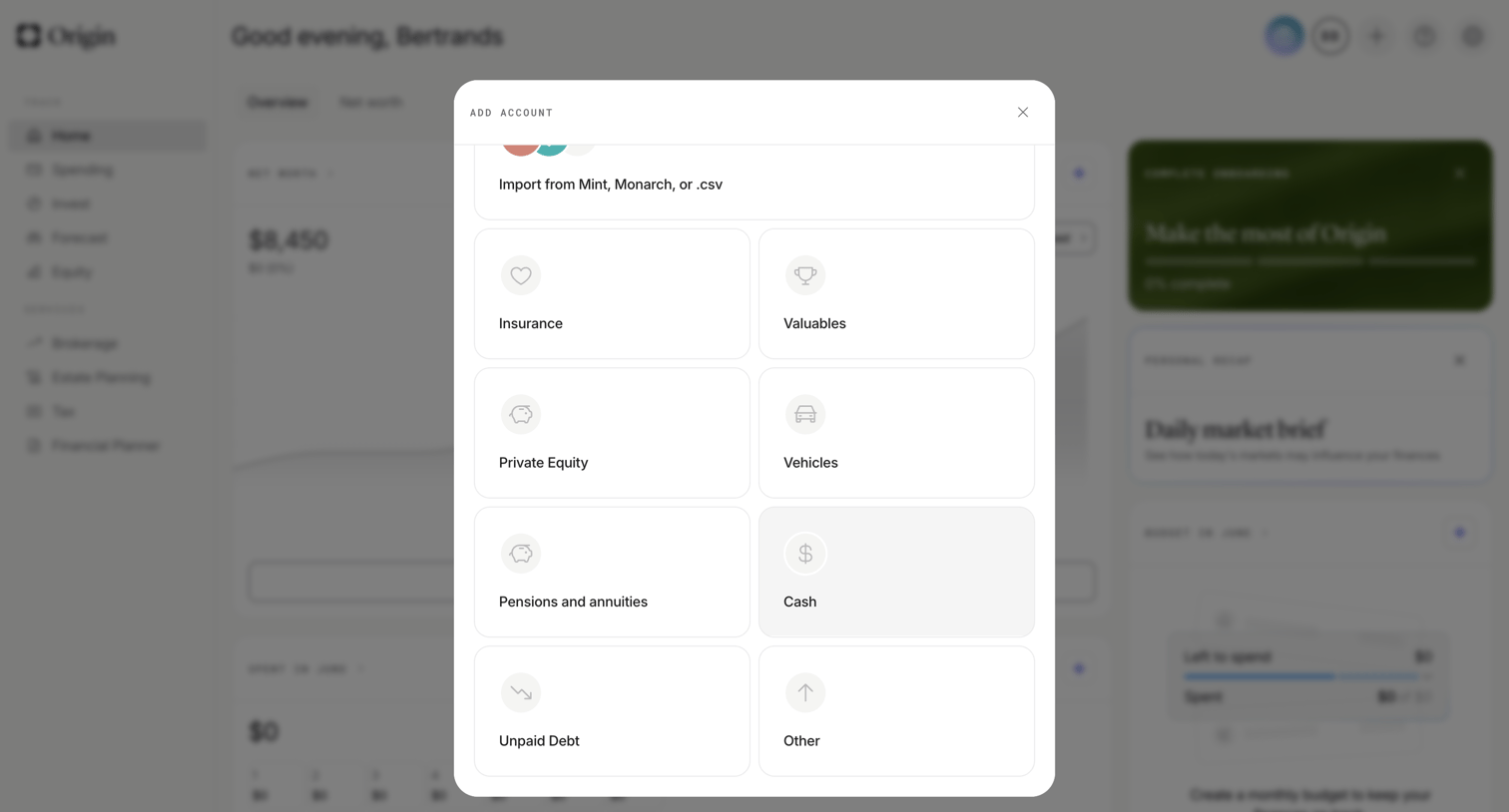

Dashboard with an open modal where the user selects an asset type like insurance, valuables, or private equity to add to their portfolio.
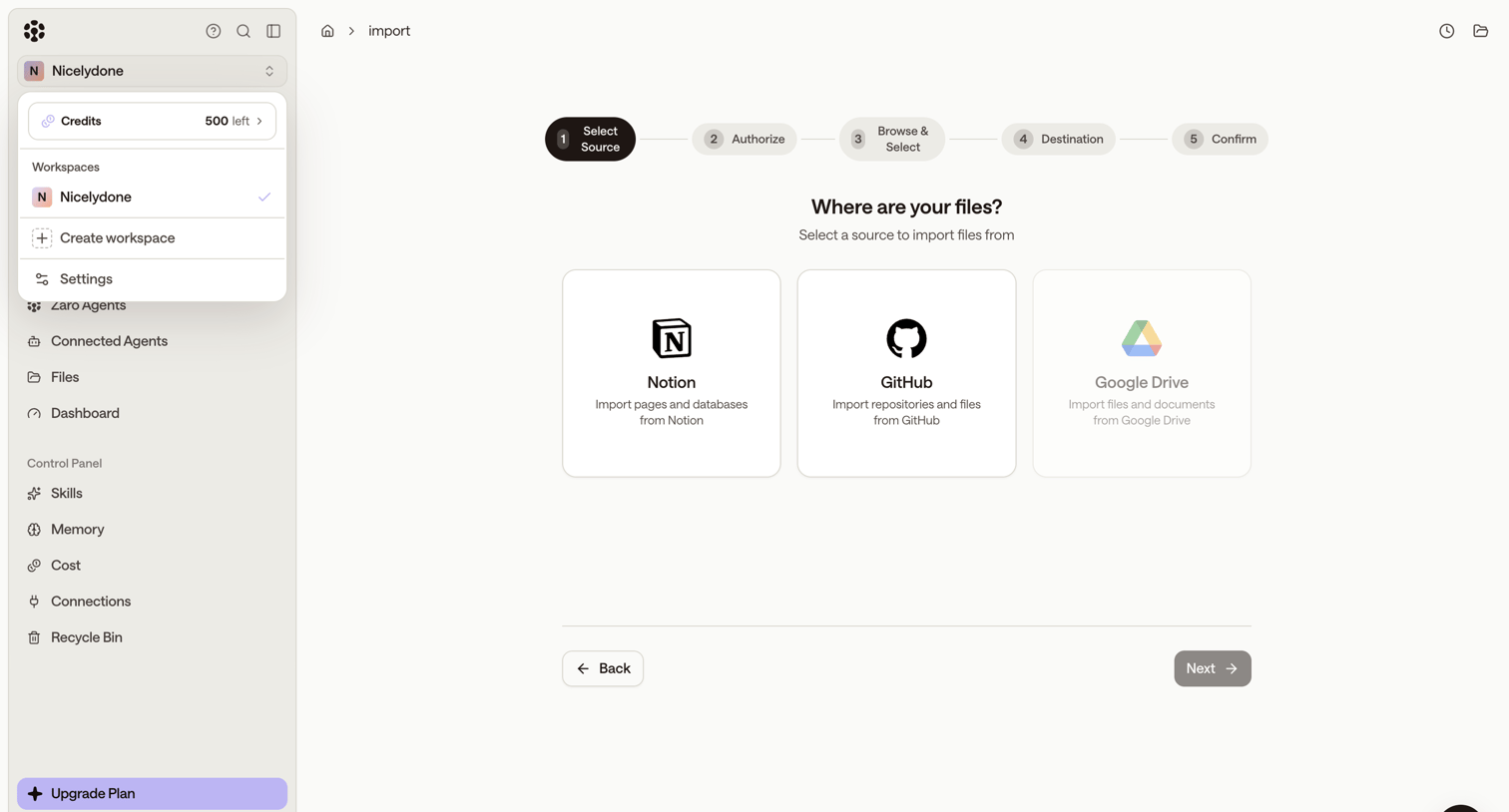

Wizard step where the user selects Notion, GitHub, or Google Drive as a data source to import files into their workspace.
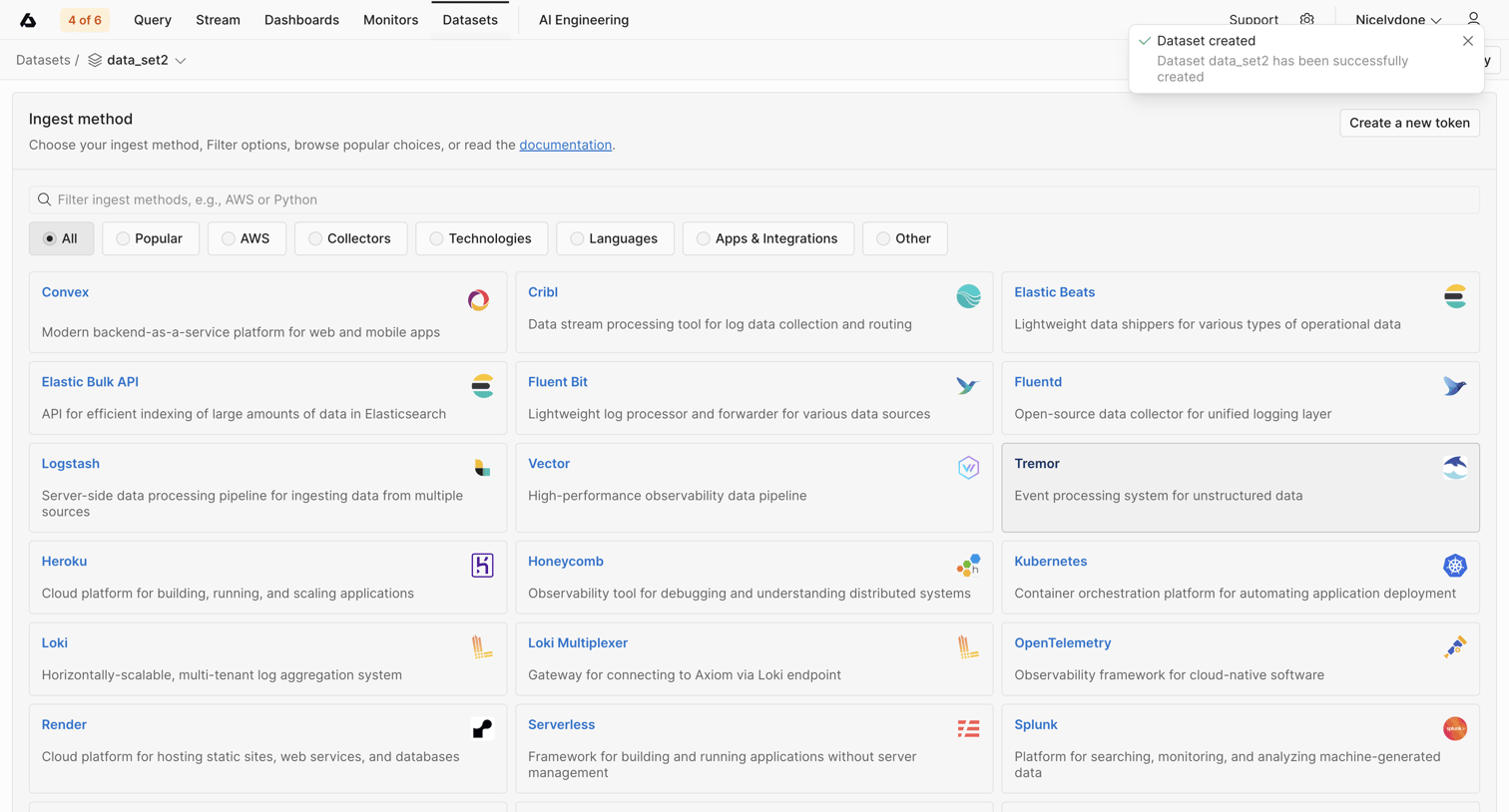

Detail page where the user selects an ingest method like Convex, Cribl, or Elastic Beats to send data to their newly created dataset.
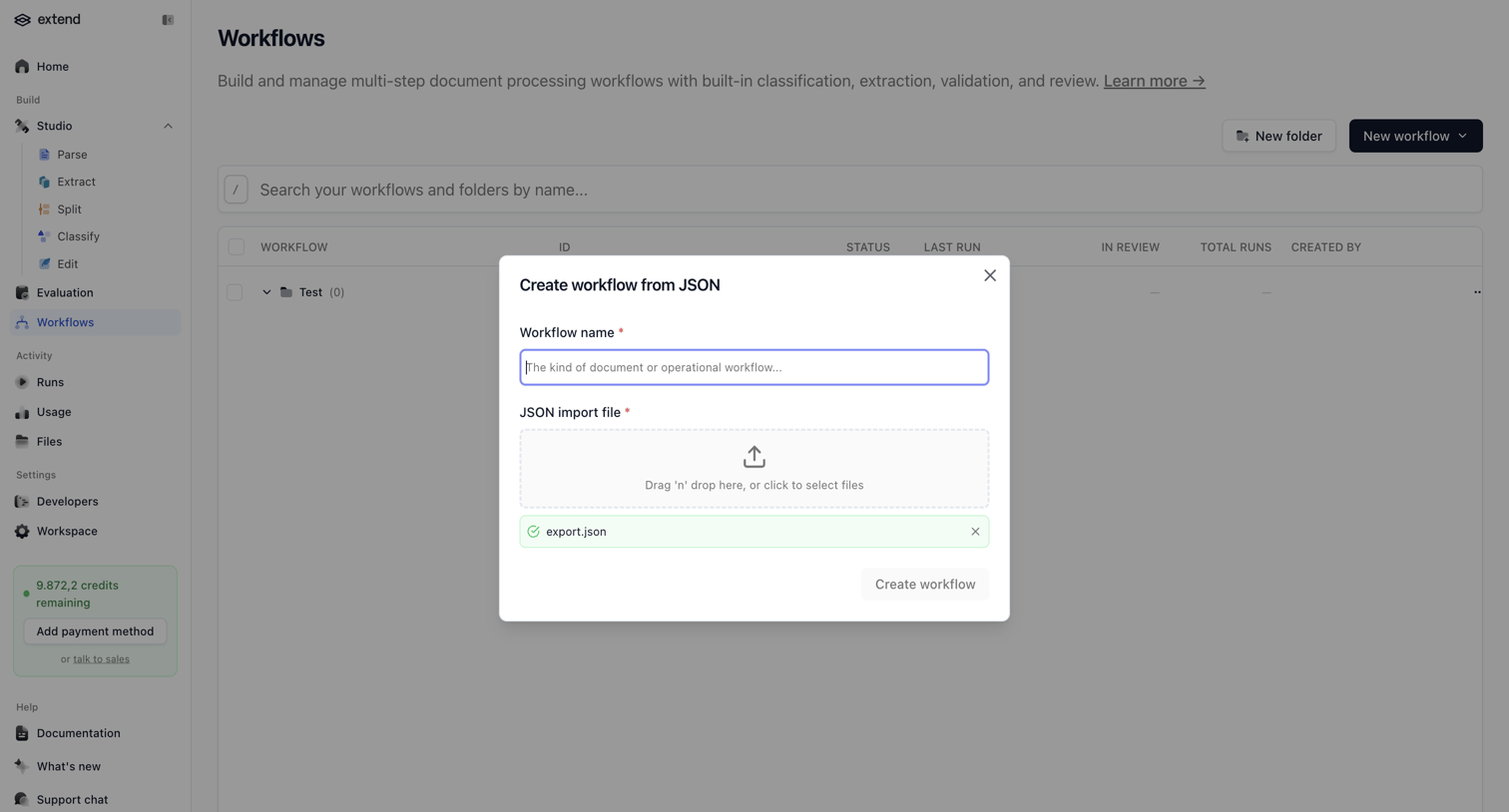

Modal where the user creates a new document processing workflow by naming it and uploading a JSON import file.
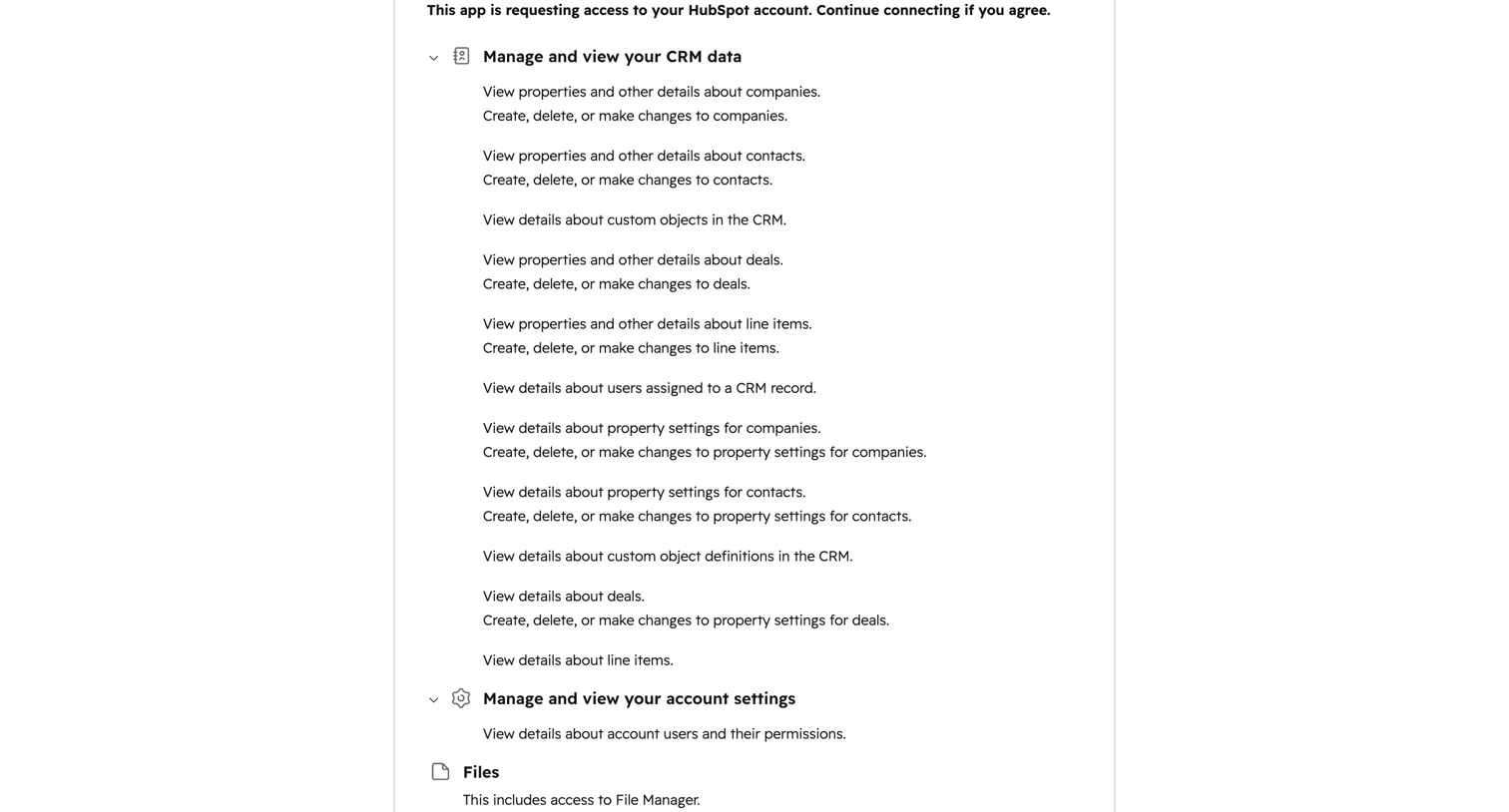

OAuth consent screen where the user reviews requested permissions like CRM data, account settings, and files before connecting a third-party app to HubSpot.
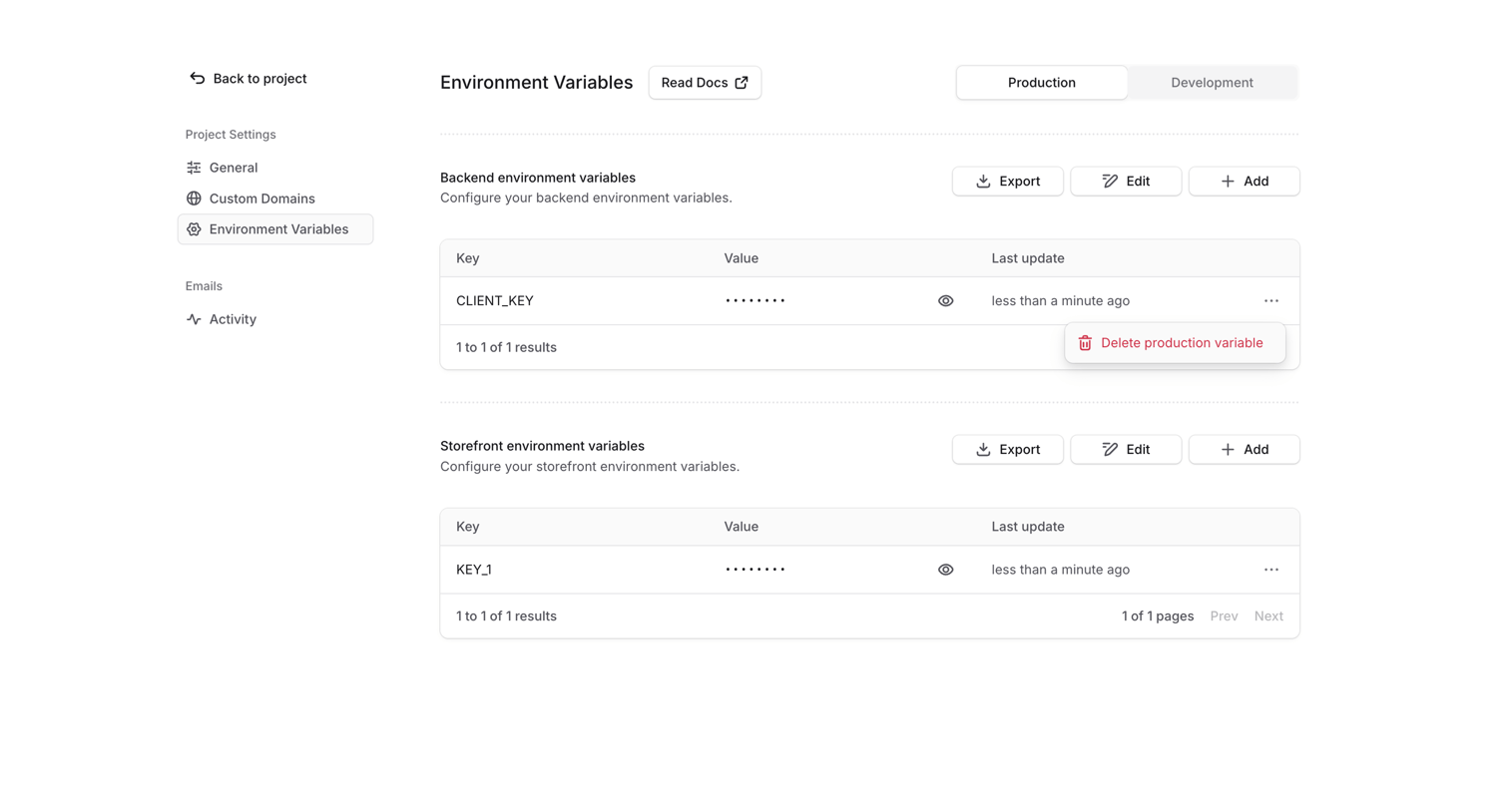

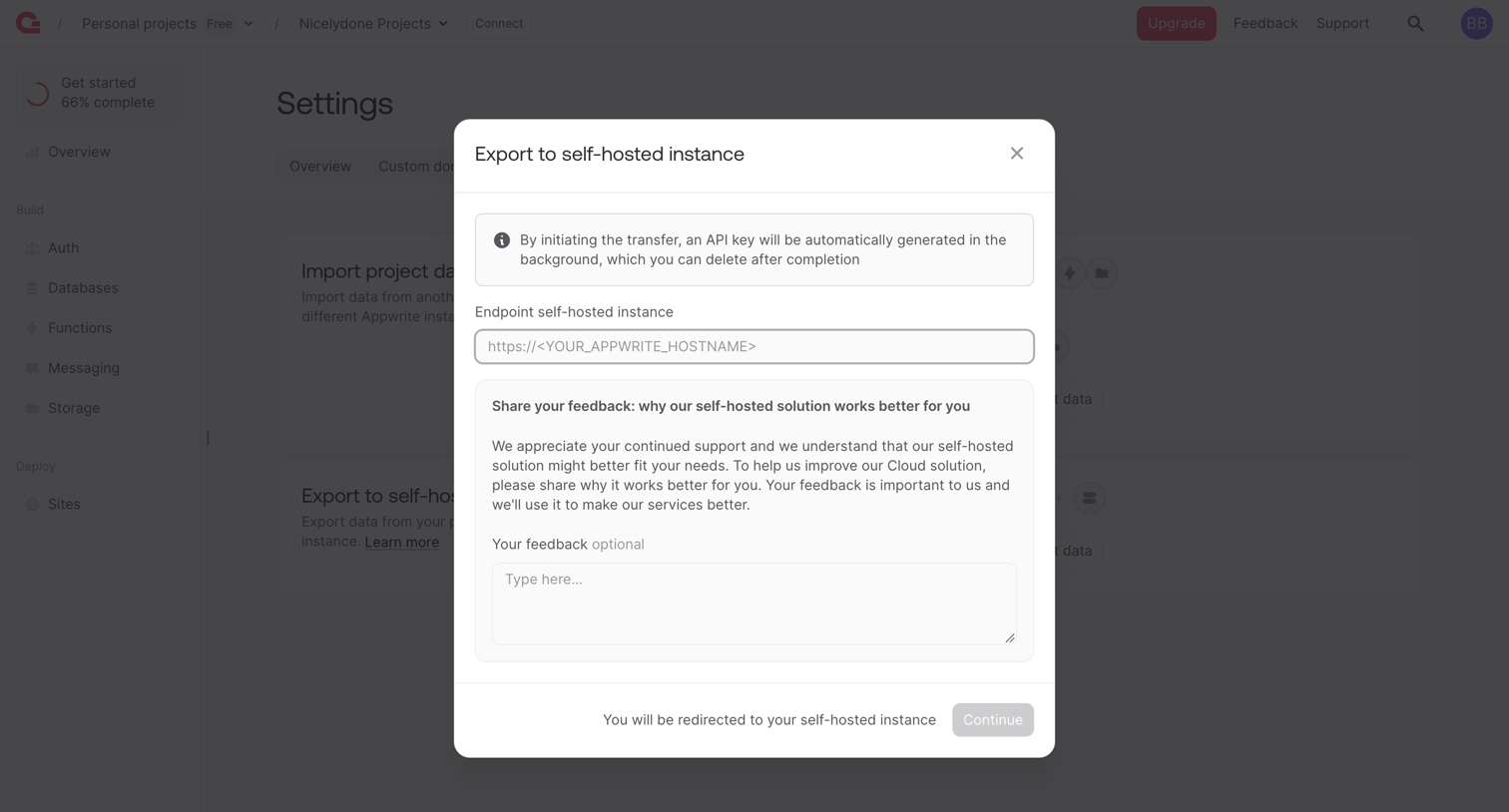

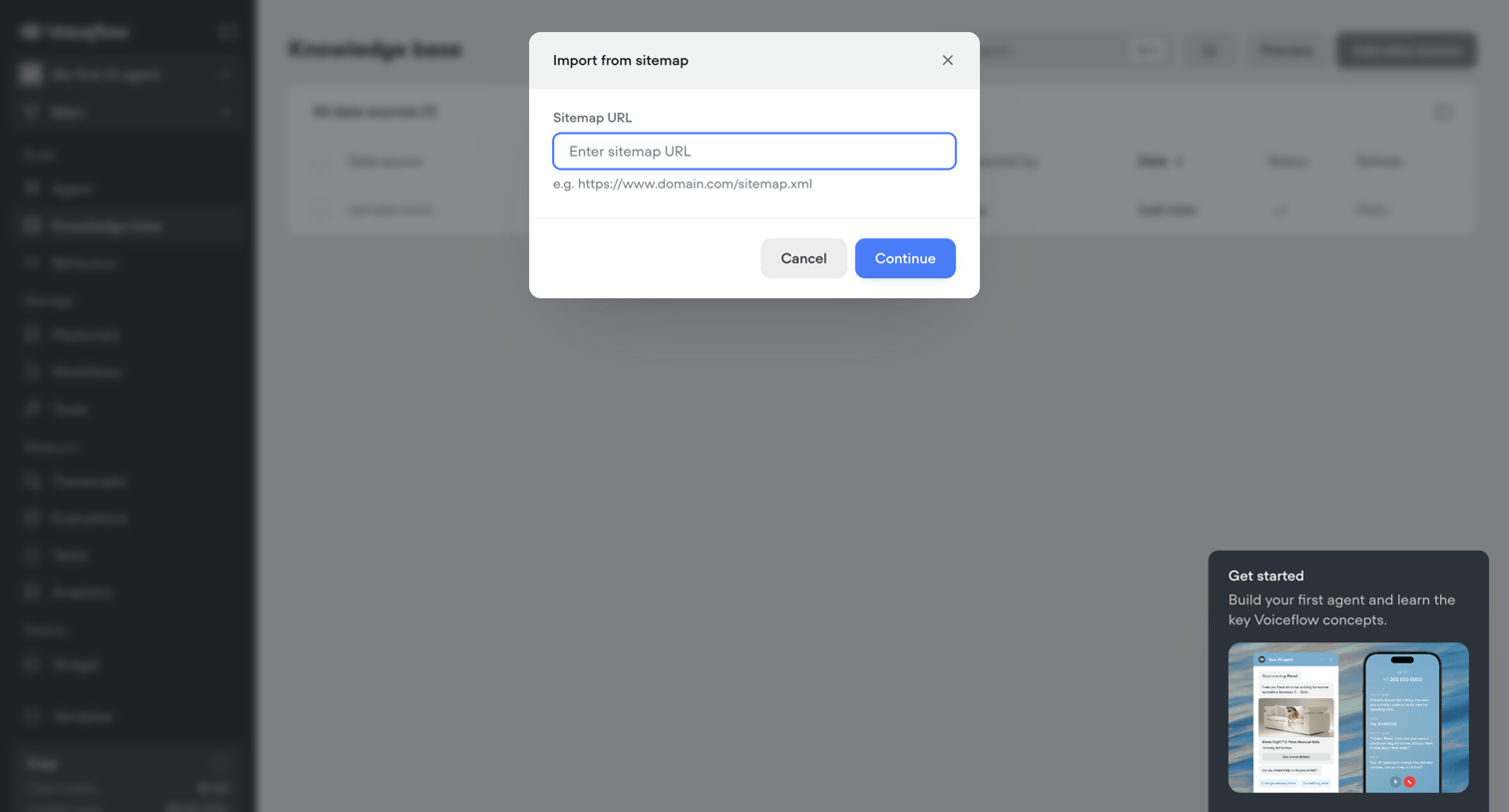

List view for managing a knowledge base where the user is focused on a modal to import a new data source via a sitemap URL.
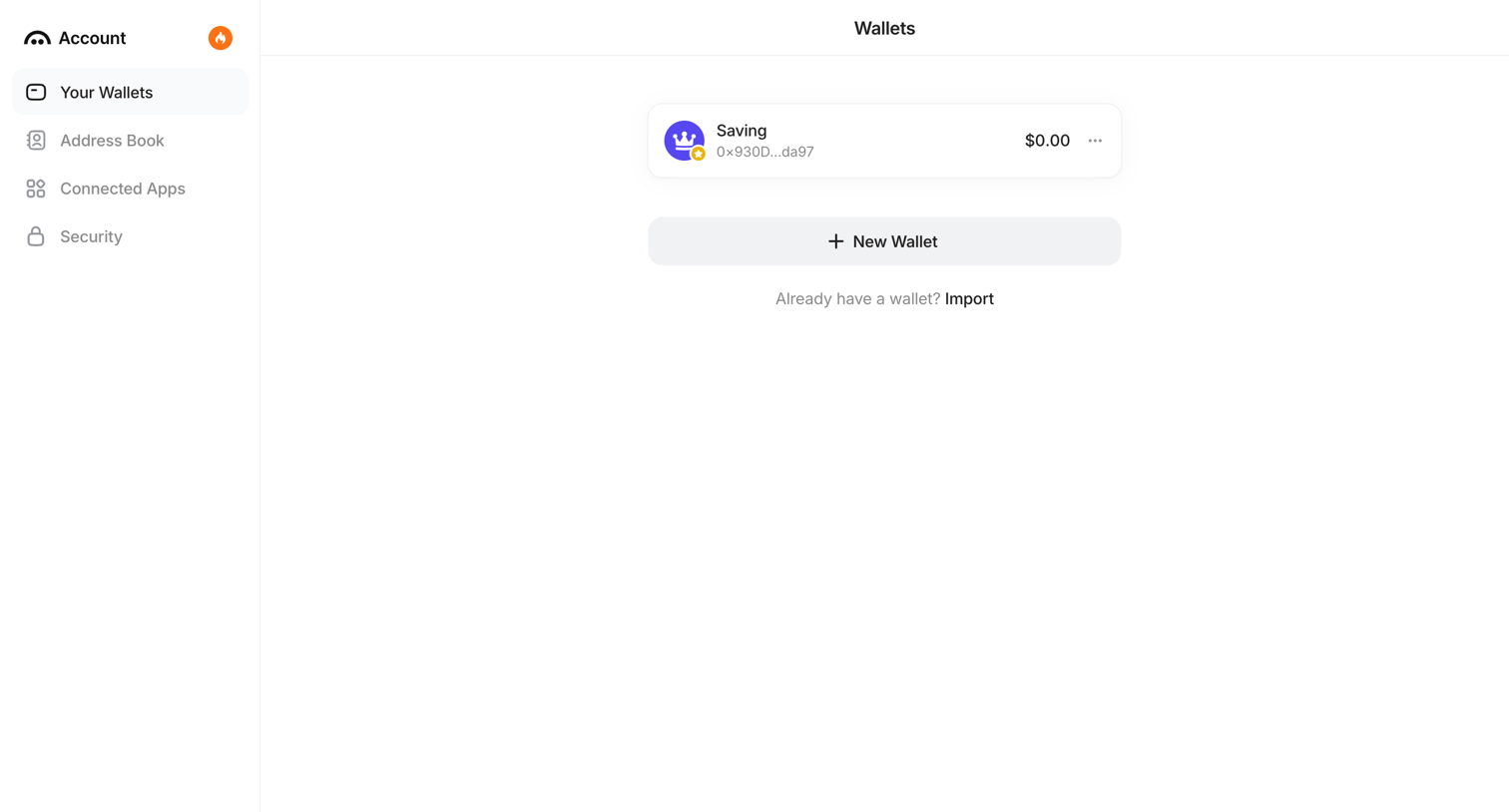

Settings page where the user manages their connected crypto wallets, with options to create a new one or import an existing wallet.
Explore the full SaaS screen library
Upgrade to unlock the full library.
Trusted by the best teams








About Import & Export
See how SaaS apps explain moving data into or out of a workspace. Explore layouts for choosing a source or destination and setting the scope of the transfer.