Skip to content

Filter & Sort screen examples

Filter & Sort screen design examples from SaaS apps. See how SaaS apps help people narrow a collection and change its order. Explore how filter controls, selected conditions, and sorting options relate to the…

Explore the examples
Bud - Bud | Your AI Worker screen
Bud logo
Bud

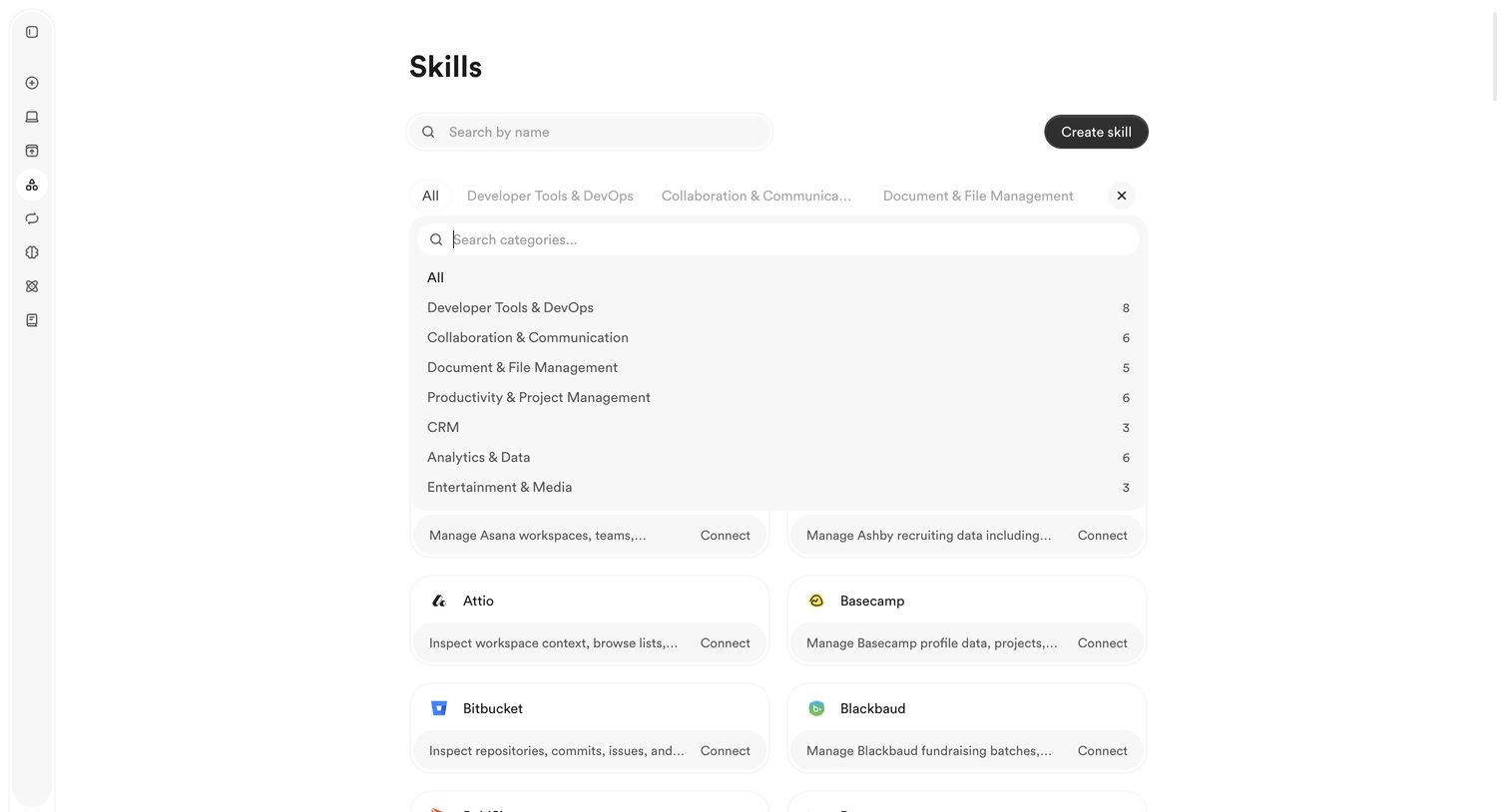
List view where the user searches, filters by category, and connects to external app integrations called skills.

Polar - Alice Morgan · Events | Nicelydone | Polar screen
Polar logo
Polar

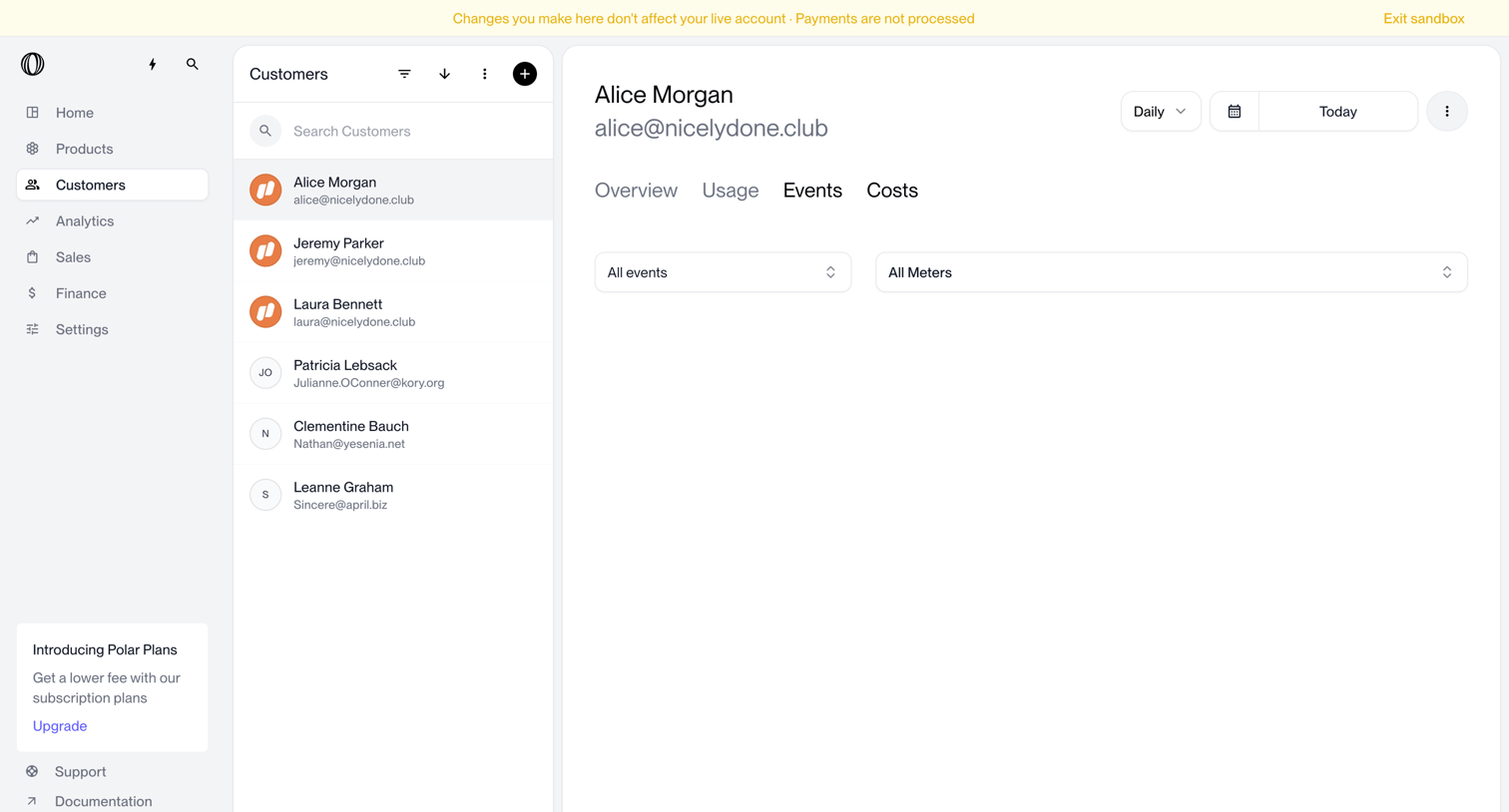
Detail page where the user views event logs and meters for a specific customer within a sandbox environment.

Magnific - Creations | Magnific AI screen
Magnific logo
Magnific

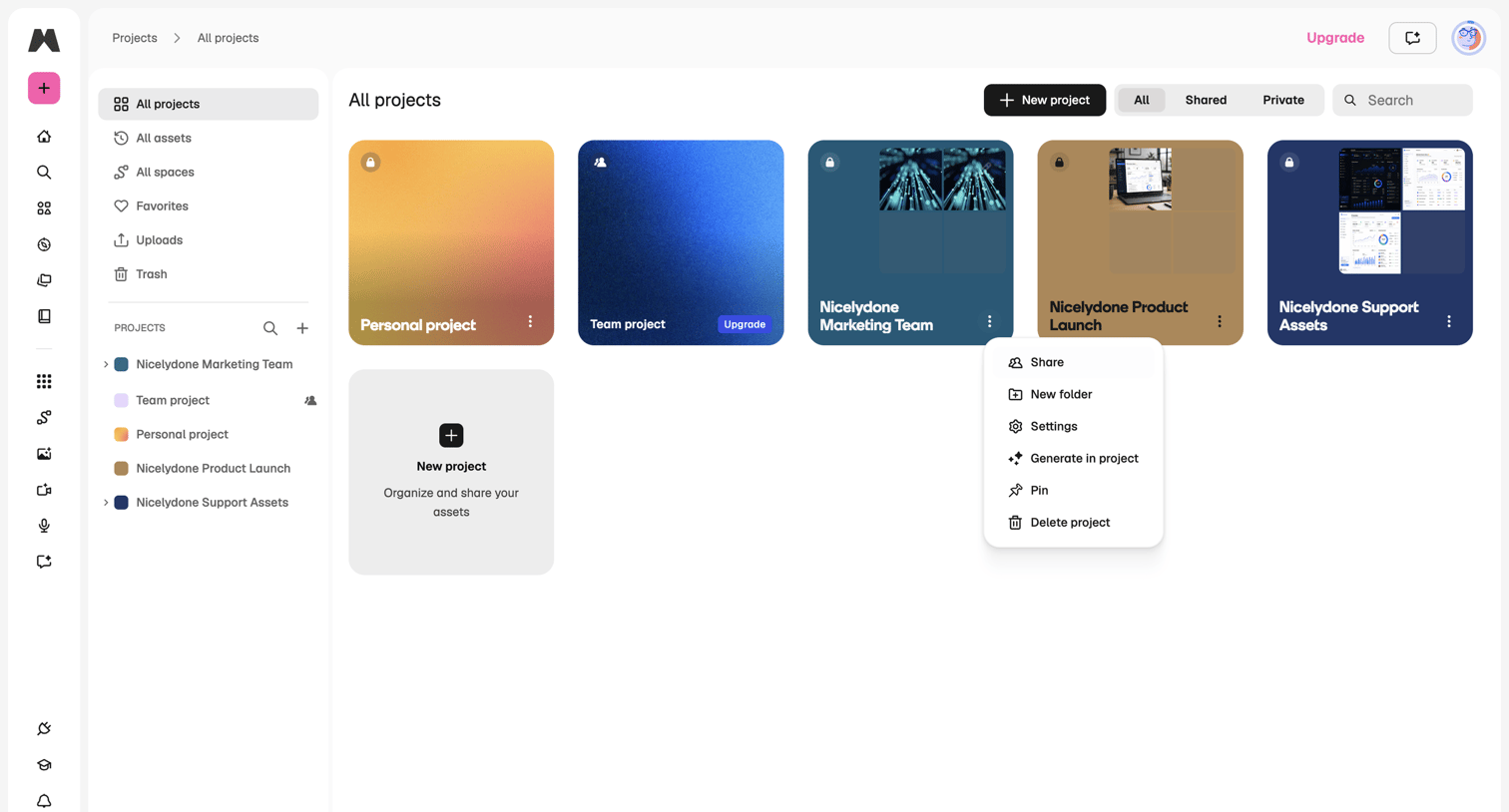
Projects gallery where the user browses and manages their personal and team projects.

Latitude.sh - Usage – Dashboard - Latitude.sh screen
Latitude.sh logo
Latitude.sh

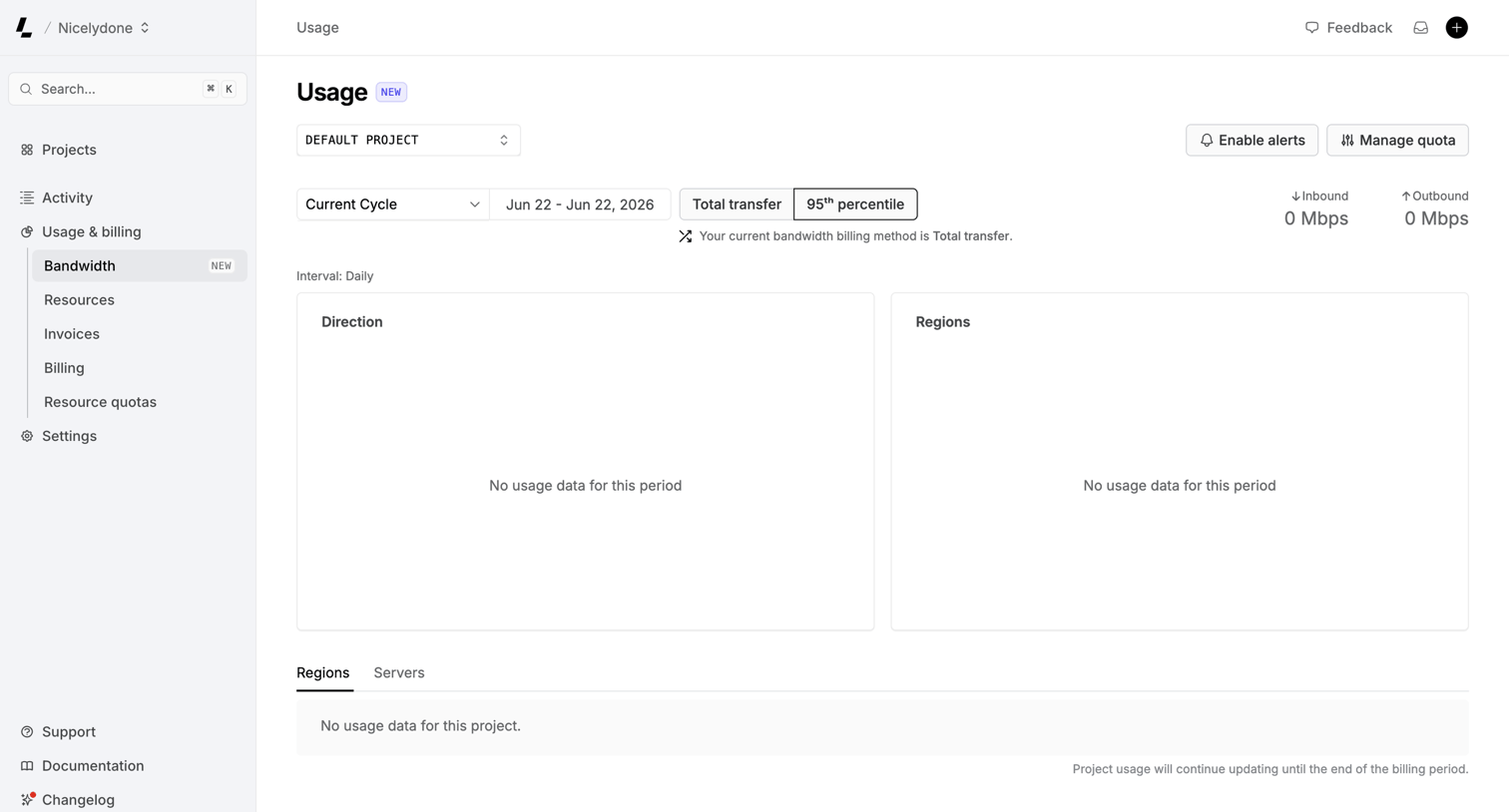
Dashboard showing bandwidth usage metrics with empty states for direction and regions, and controls to filter by project and billing cycle.
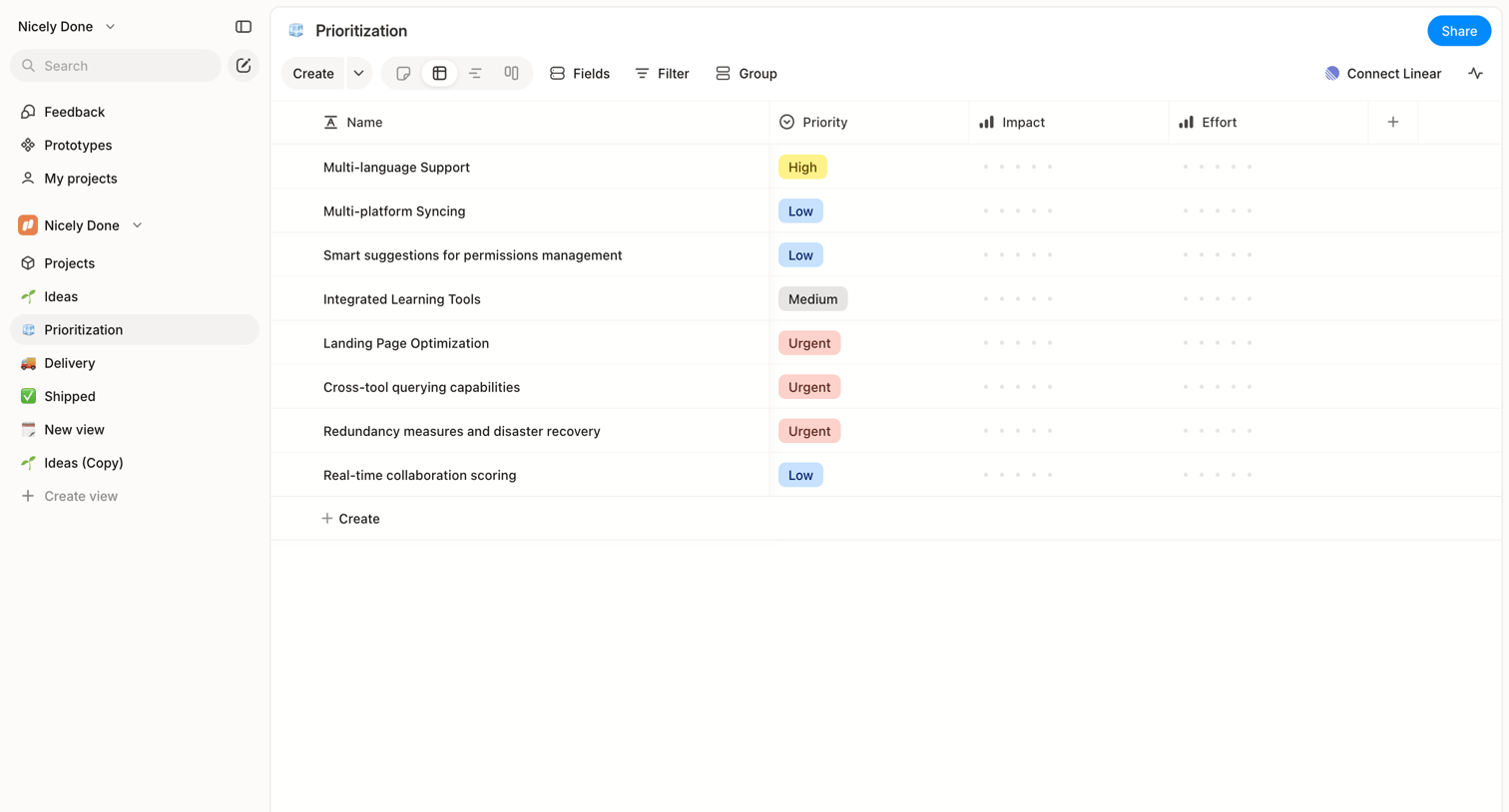

Alloy - Nicely Done » Prioritization screen
Alloy logo
Alloy

List view where the user manages feature prioritization with columns for priority, impact, and effort.

Airbnb - Your lists · Wishlists - Airbnb screen
Airbnb logo
Airbnb

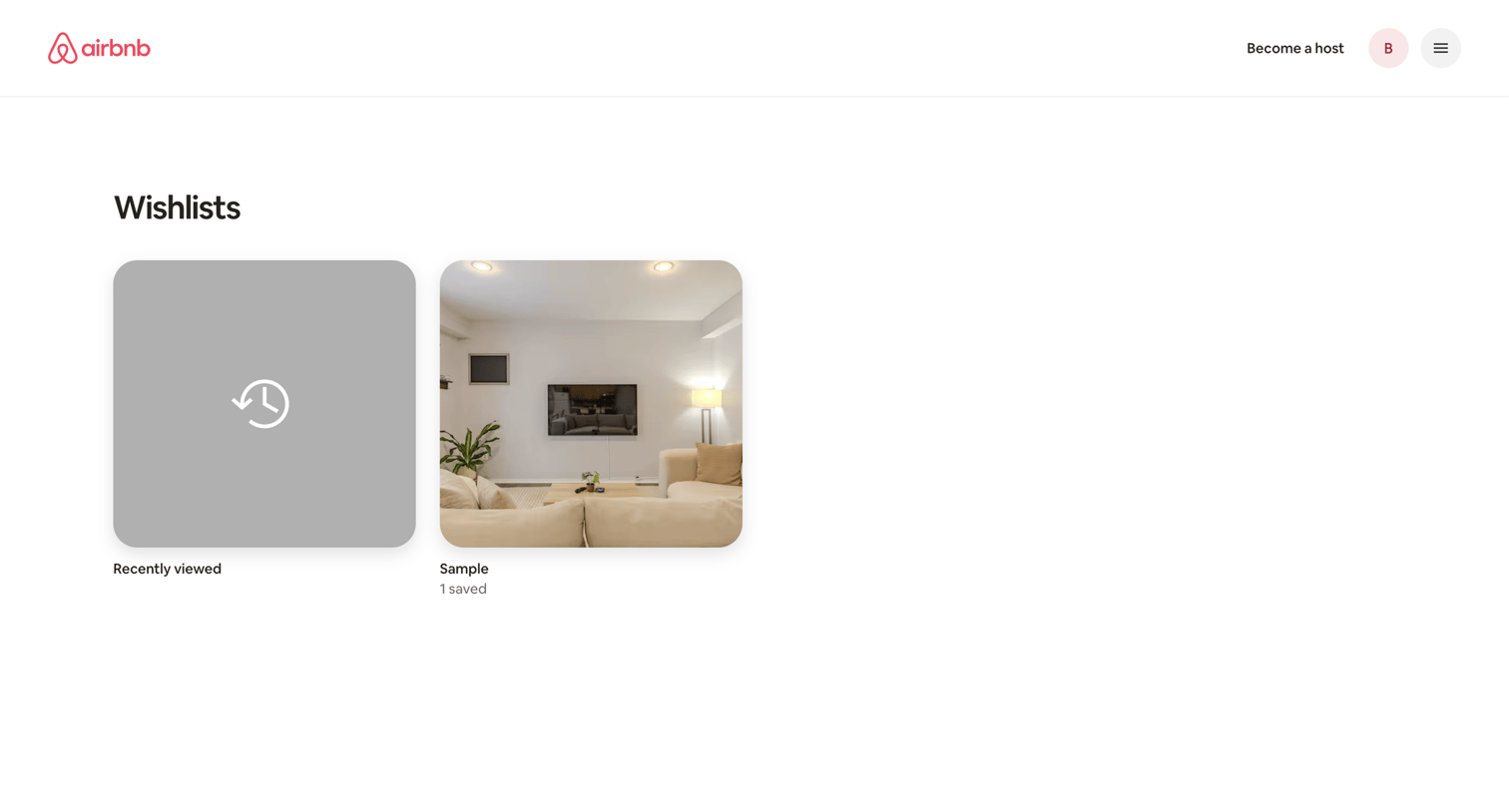
List view where the user browses their saved property collections and recently viewed items.

Inference - Settings | inference.net screen
Inference logo
Inference

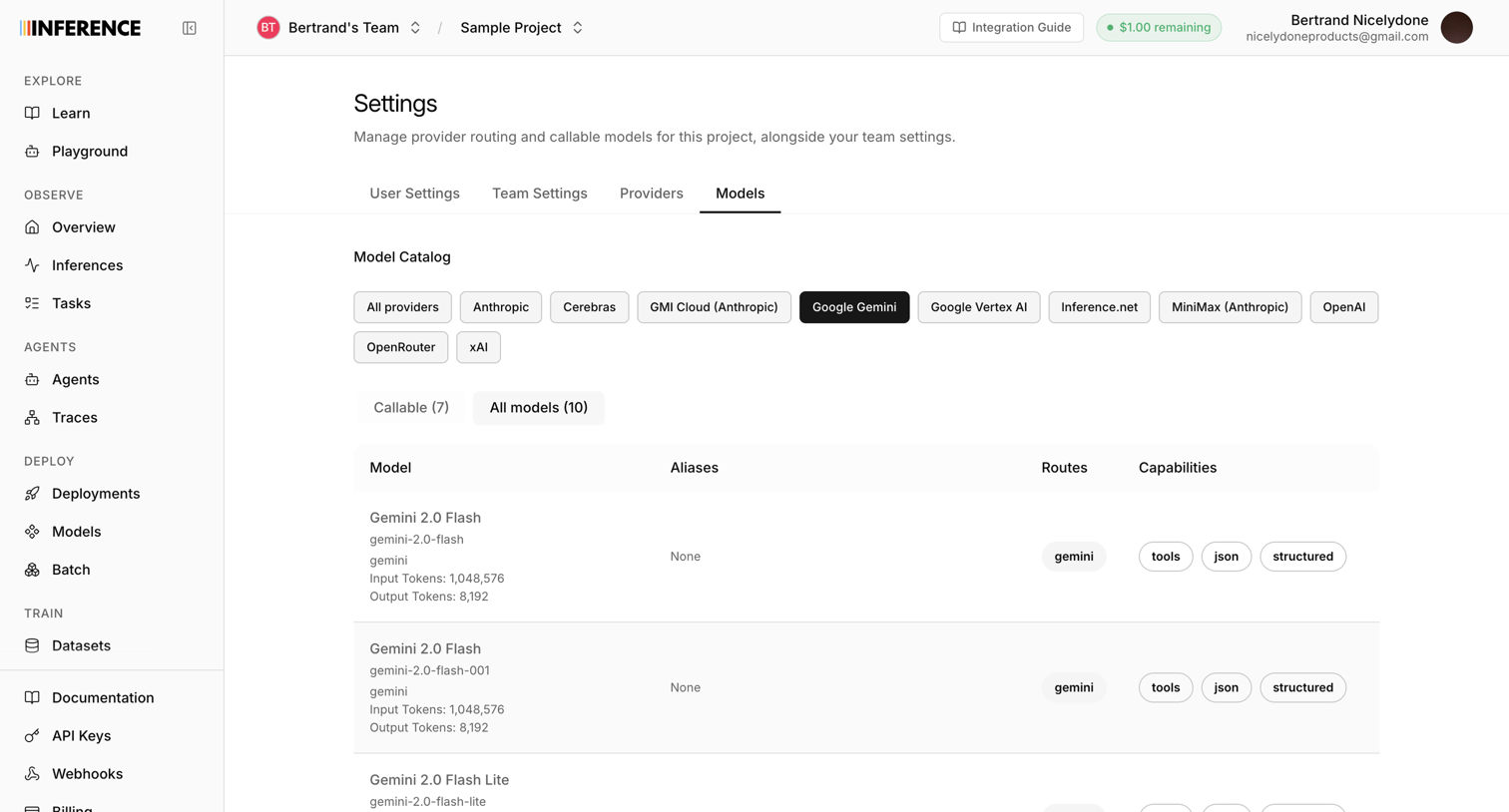
Settings page where the user filters and views the catalog of available AI models from Google Gemini, including their aliases, routes, and capabilities.
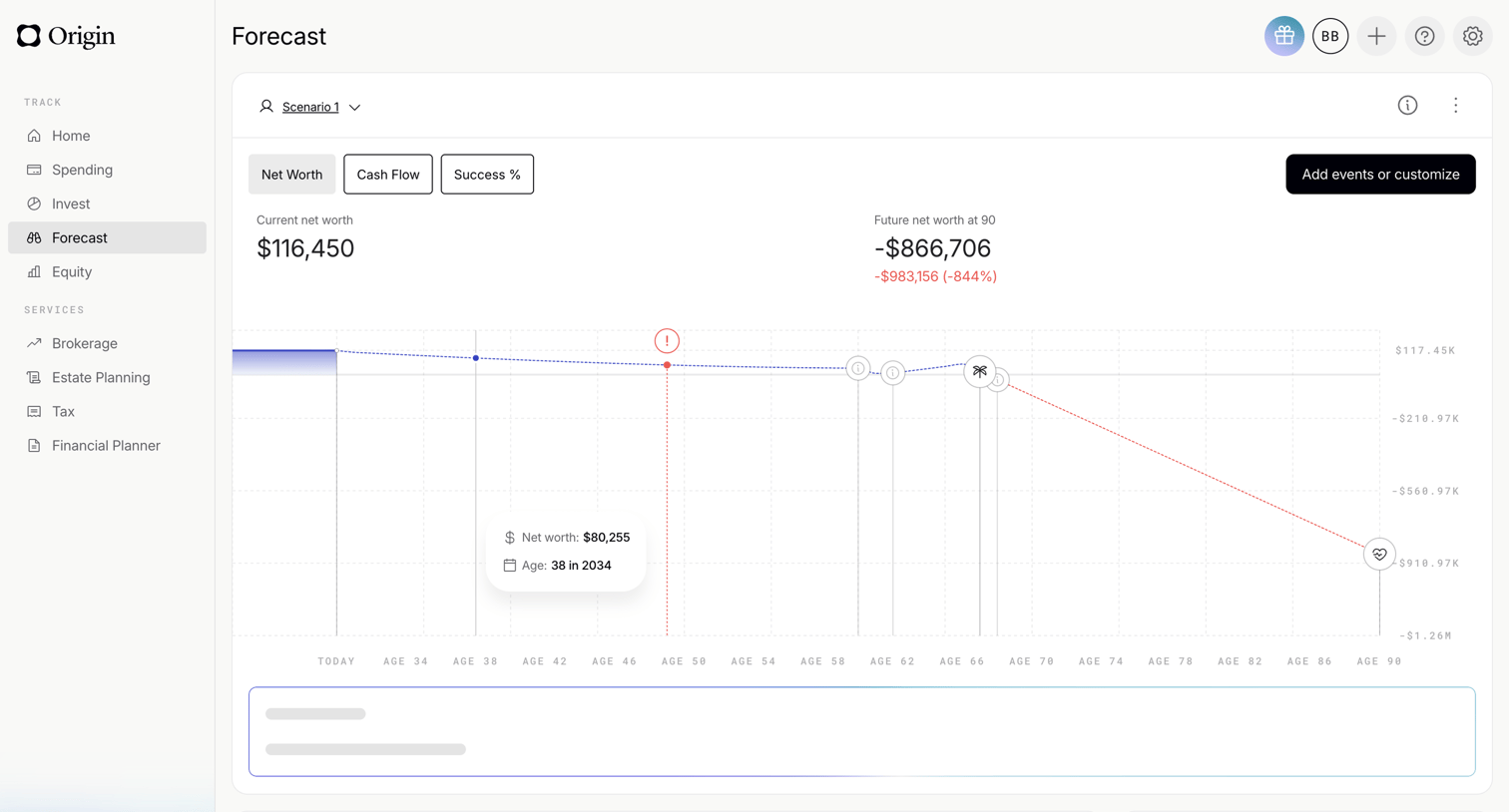

Origin Financial screen
Origin Financial logo
Origin Financial

Dashboard showing a financial forecast chart with net worth projections over time and scenario comparison options.
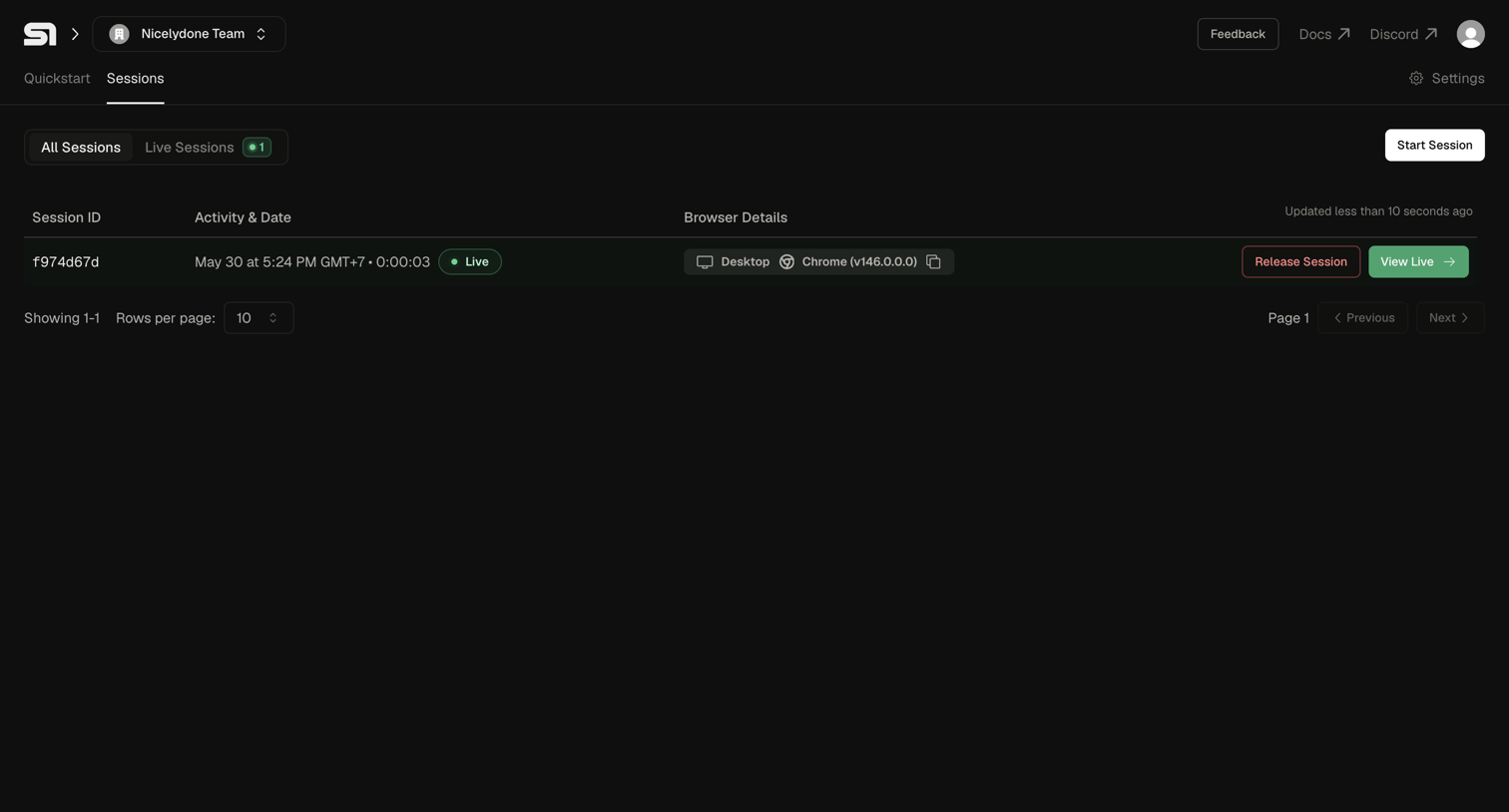

Steel - Steel | Open-source Headless Browser API screen
Steel logo
Steel

List view where the user monitors active browser sessions, with options to view them live or release them.

Zaro - Zaro - The Context Layer for Enterprise AI screen
Zaro logo
Zaro

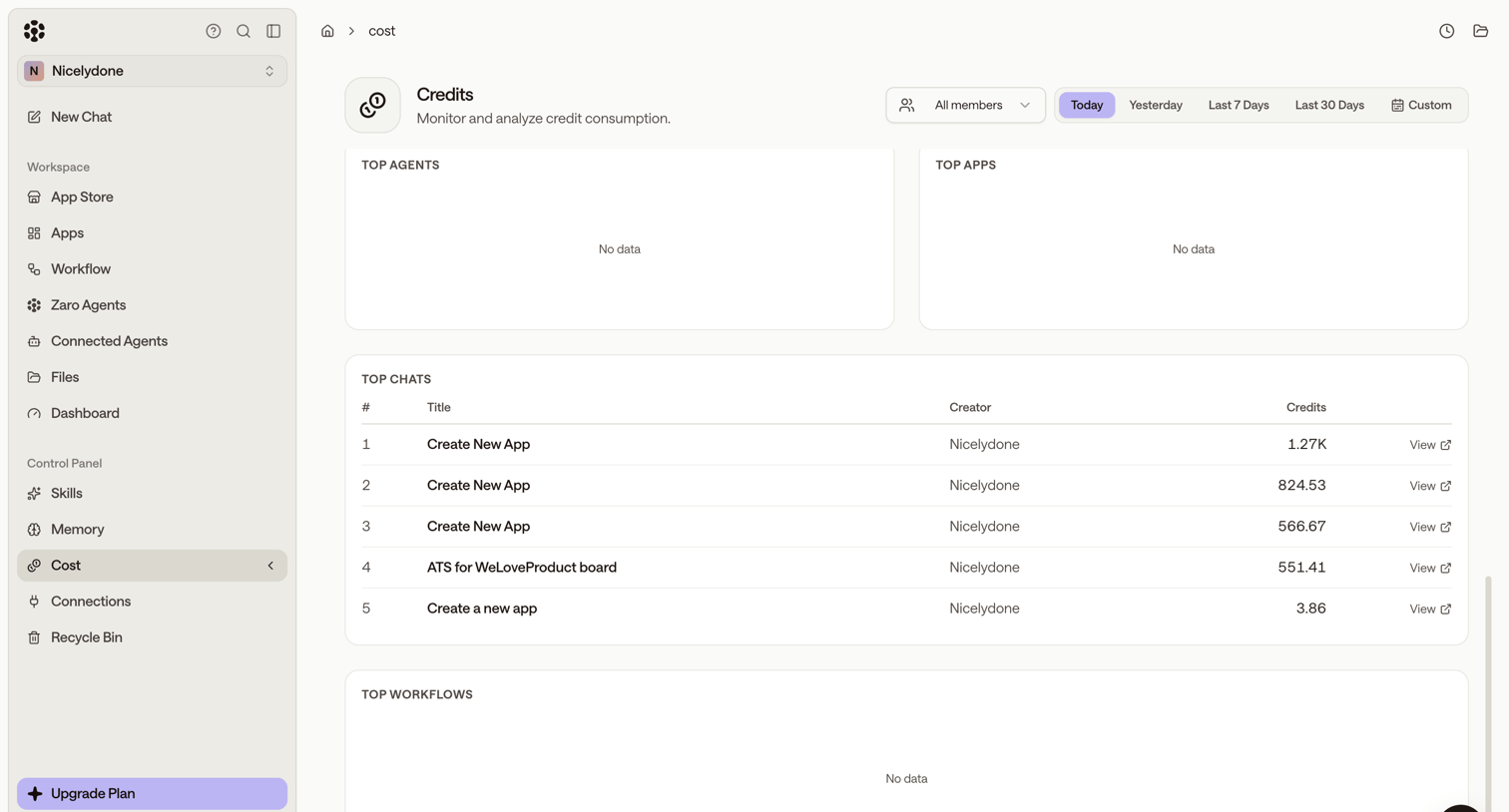
Settings page where the user monitors credit consumption across agents, apps, chats, and workflows for a selected time period.

Riverside - Riverside Studio screen
Riverside logo
Riverside

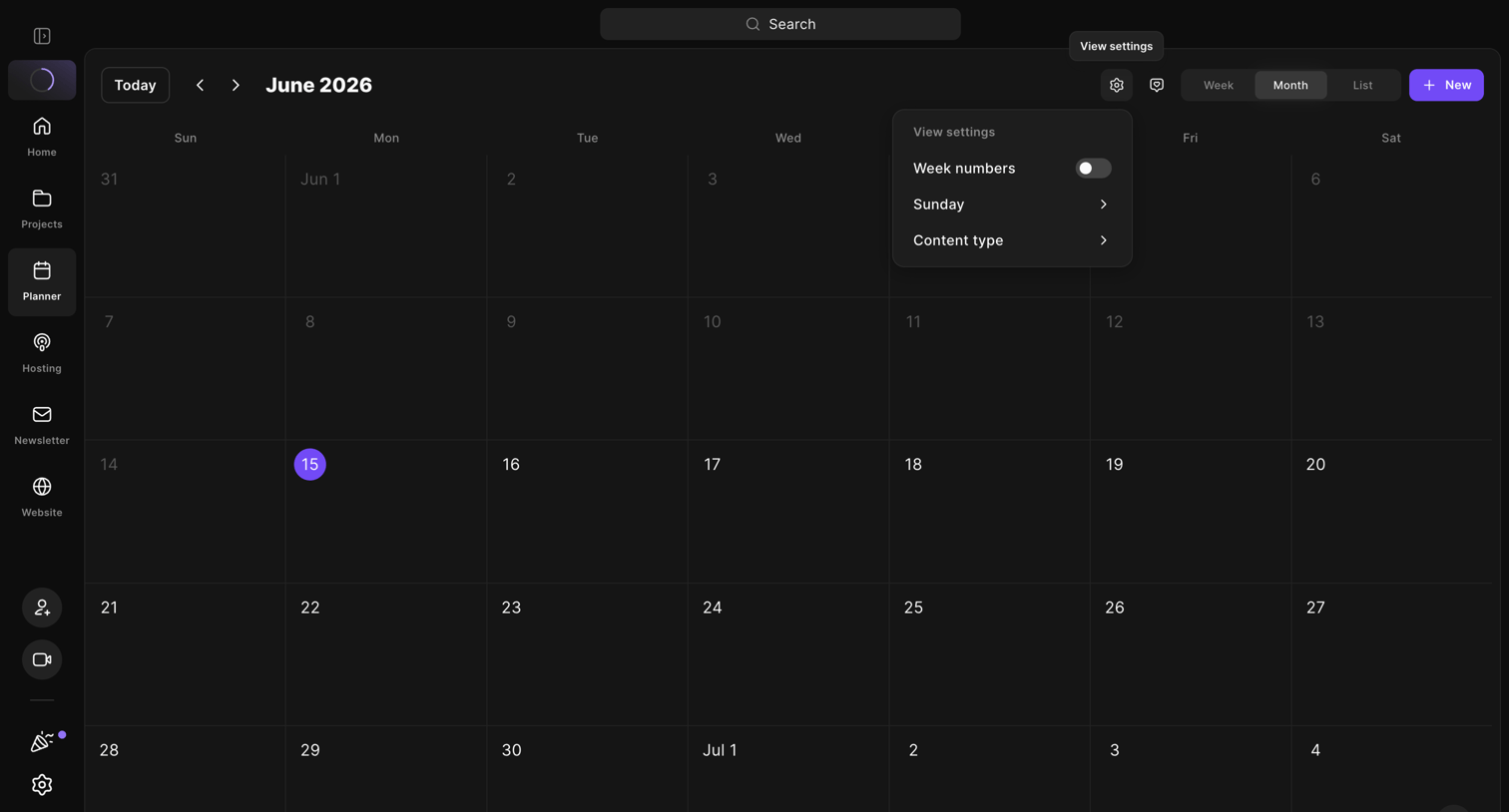
Calendar view where the user manages their content schedule, currently showing the view settings popover.
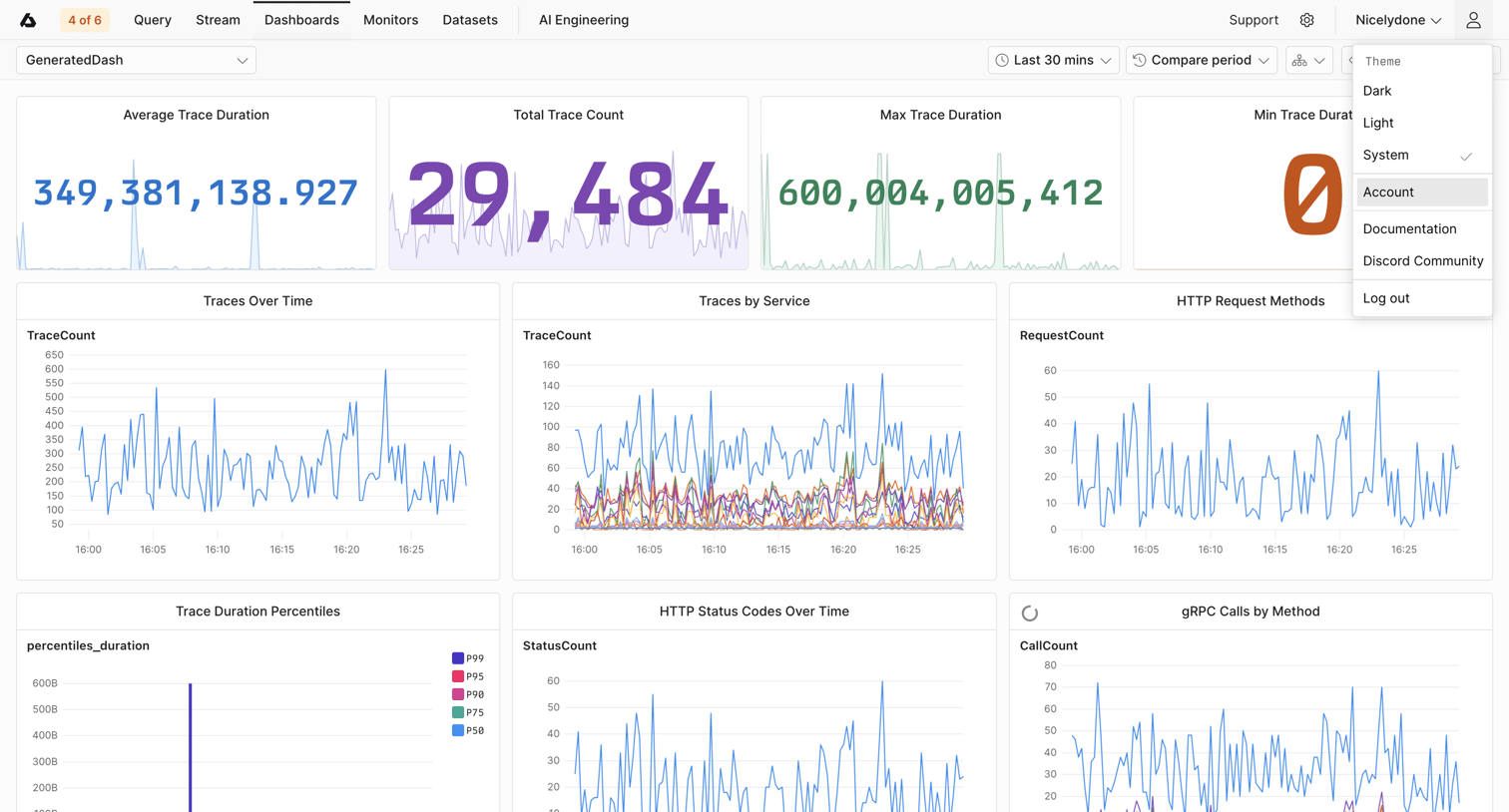

Axiom - GeneratedDash | Dashboards screen
Axiom logo
Axiom

Dashboard displaying trace durations, counts, and service metrics over time using various line charts and KPI tiles.

Explore the full SaaS screen library

Upgrade to unlock the full library.

Trusted by the best teams

About Filter & Sort

See how SaaS apps help people narrow a collection and change its order. Explore how filter controls, selected conditions, and sorting options relate to the results on screen.