Dashboard screen examples
Dashboard screen design examples from SaaS apps. See how SaaS apps bring key figures and current activity into one overview. Explore how dashboard layouts prioritize summaries and provide paths to more…
Explore the examples
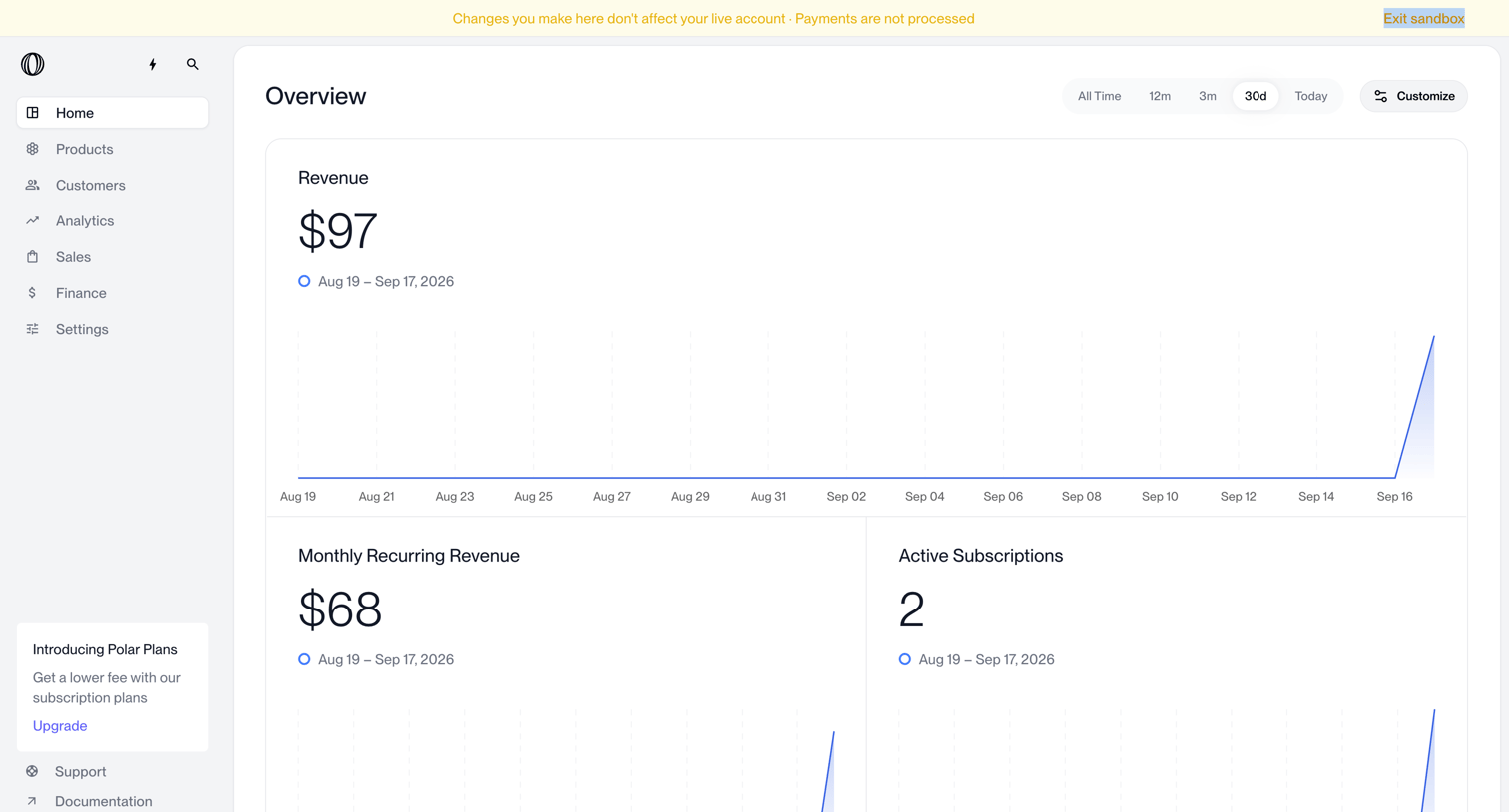

Dashboard showing revenue, MRR, and active subscriptions metrics with line charts in a sandbox environment.
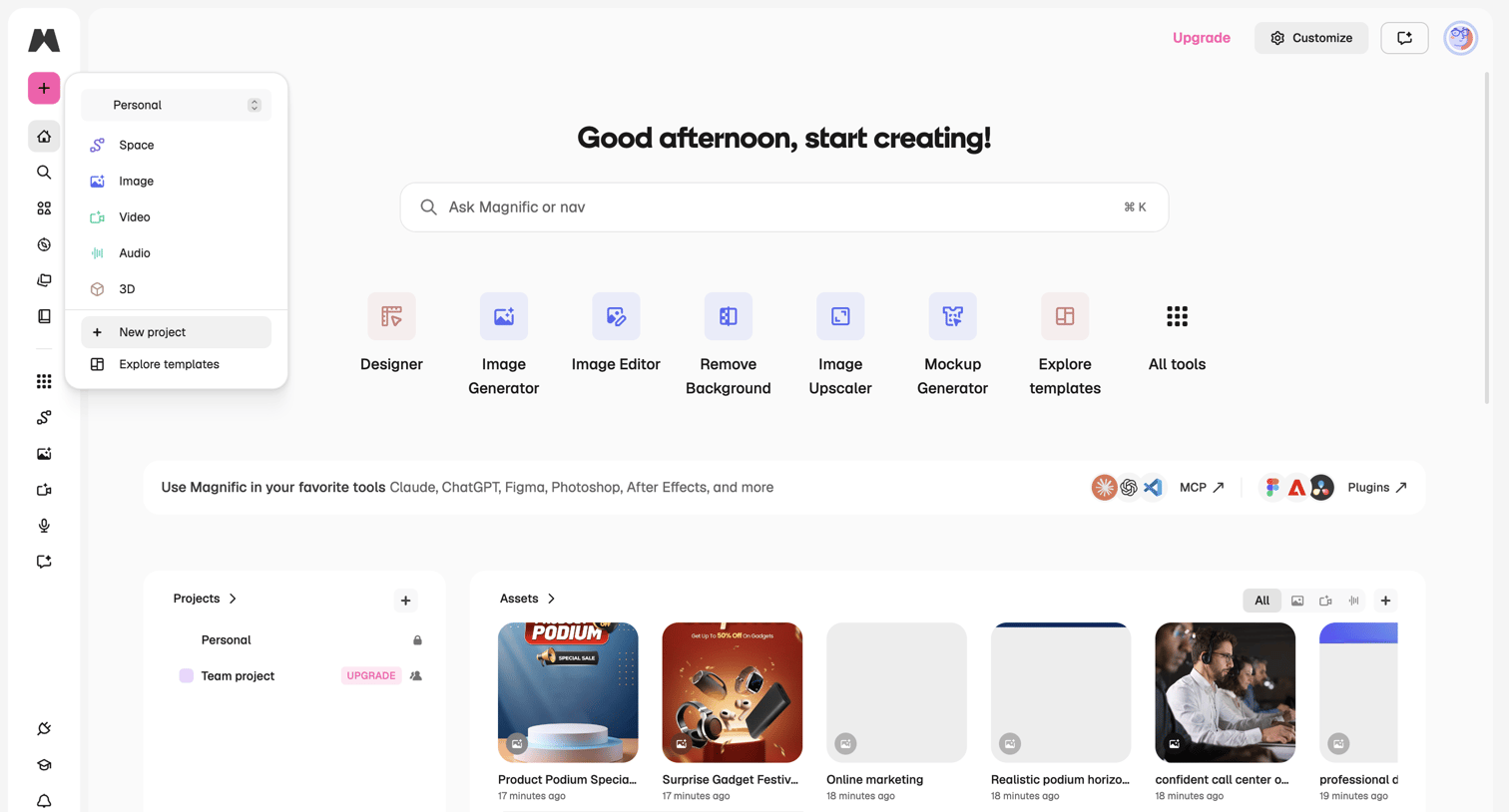

Dashboard where the user can start a new project, access AI generation tools like Image Generator and Mockup Generator, or view recent assets and projects.
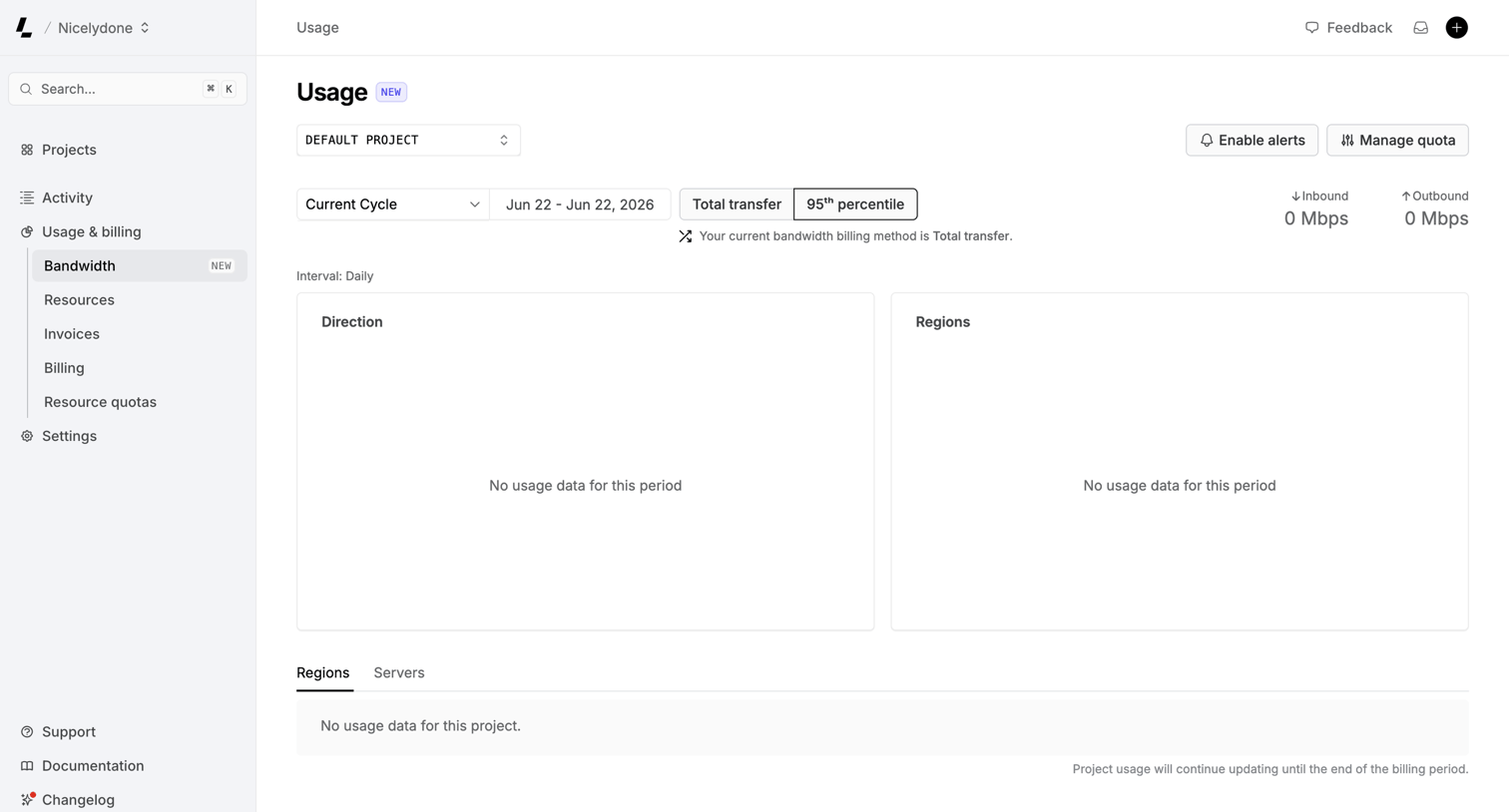

Dashboard showing bandwidth usage metrics with empty states for direction and regions, and controls to filter by project and billing cycle.
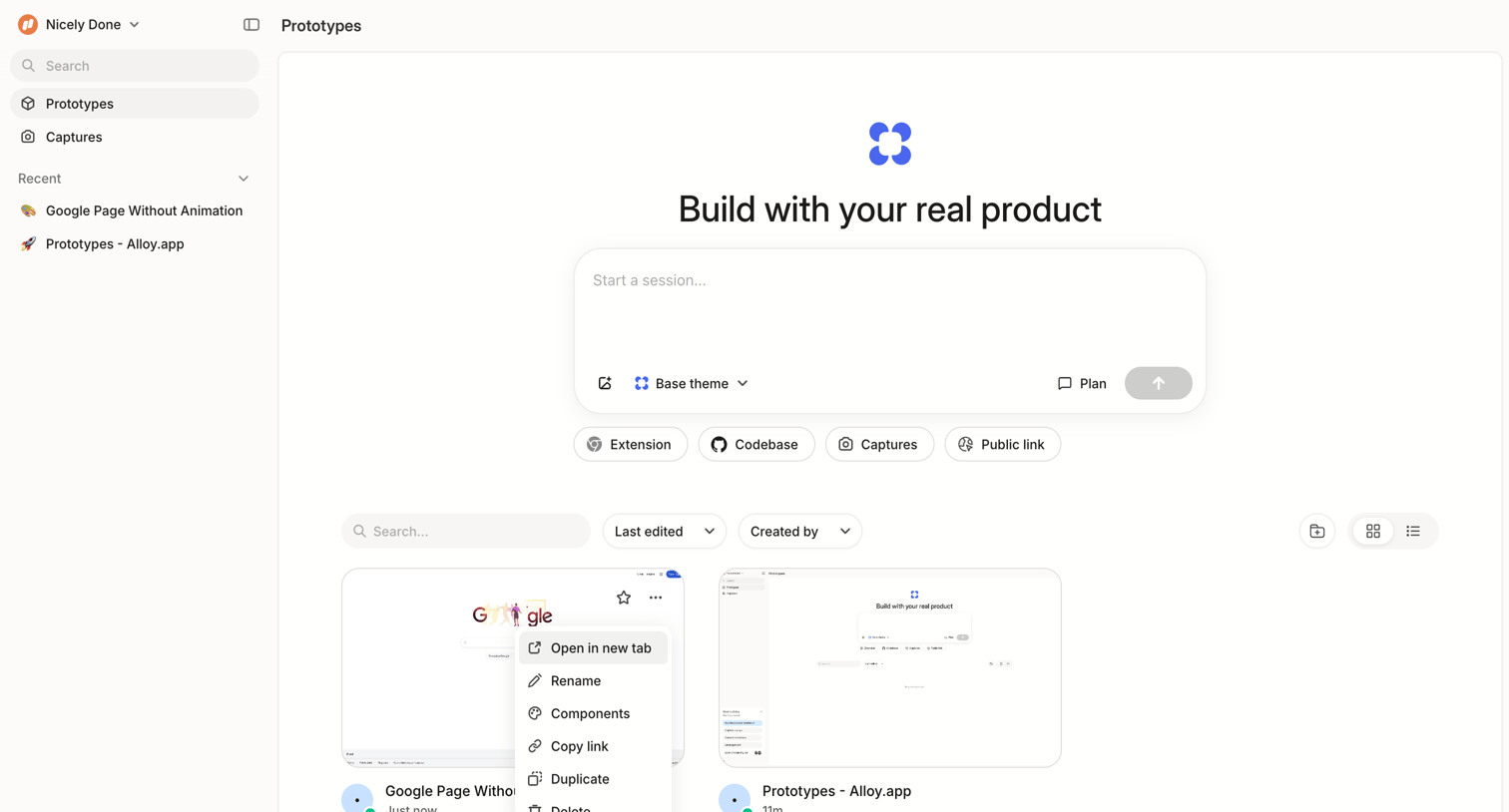

Dashboard where the user can start a new prototyping session, search existing prototypes, and manage them via a grid view.
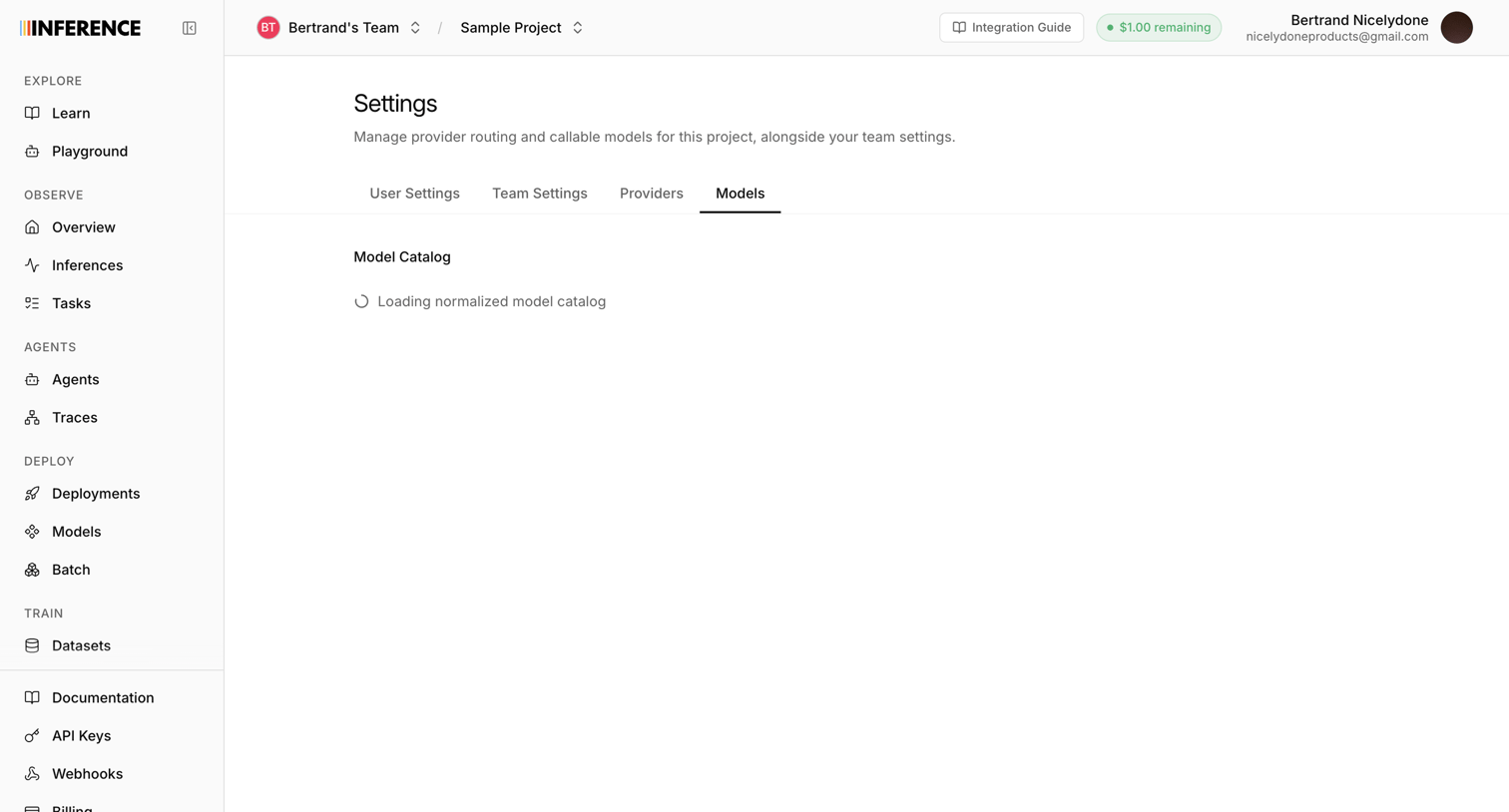

Settings page where the user manages provider routing and callable models, currently showing a loading state for the model catalog.
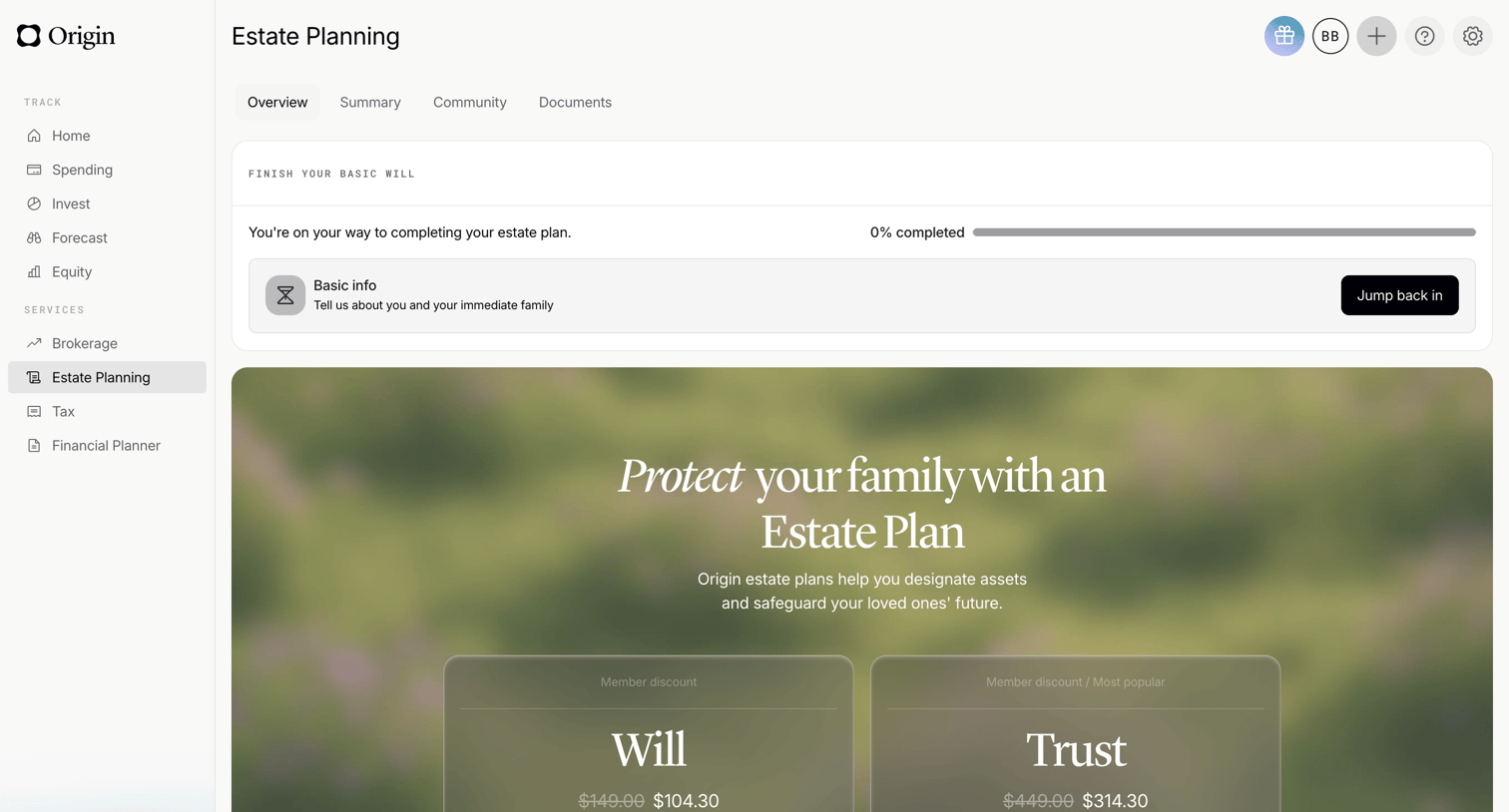

Dashboard overview for estate planning featuring a progress tracker for a basic will and promotional cards for will and trust services.
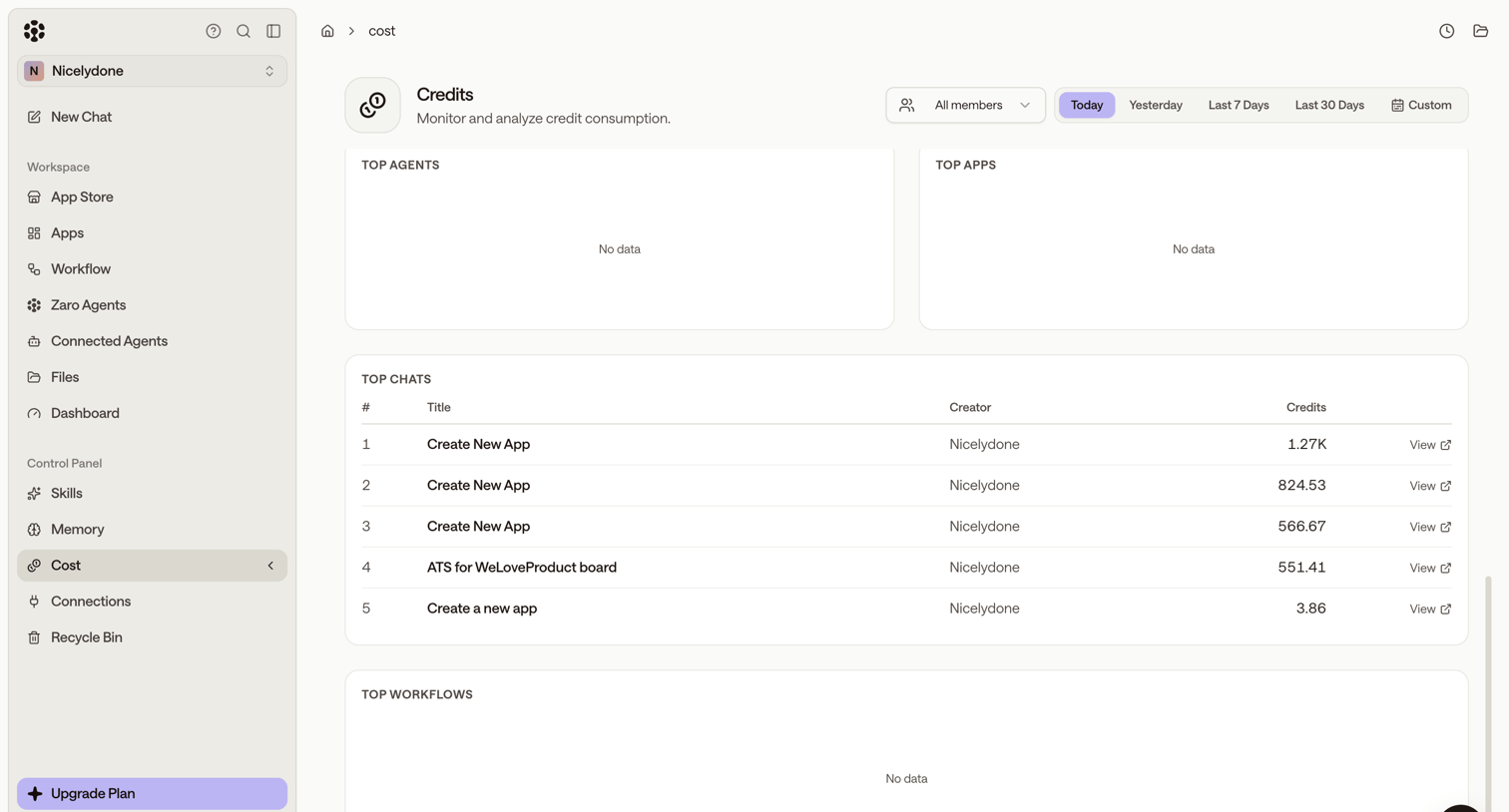

Settings page where the user monitors credit consumption across agents, apps, chats, and workflows for a selected time period.

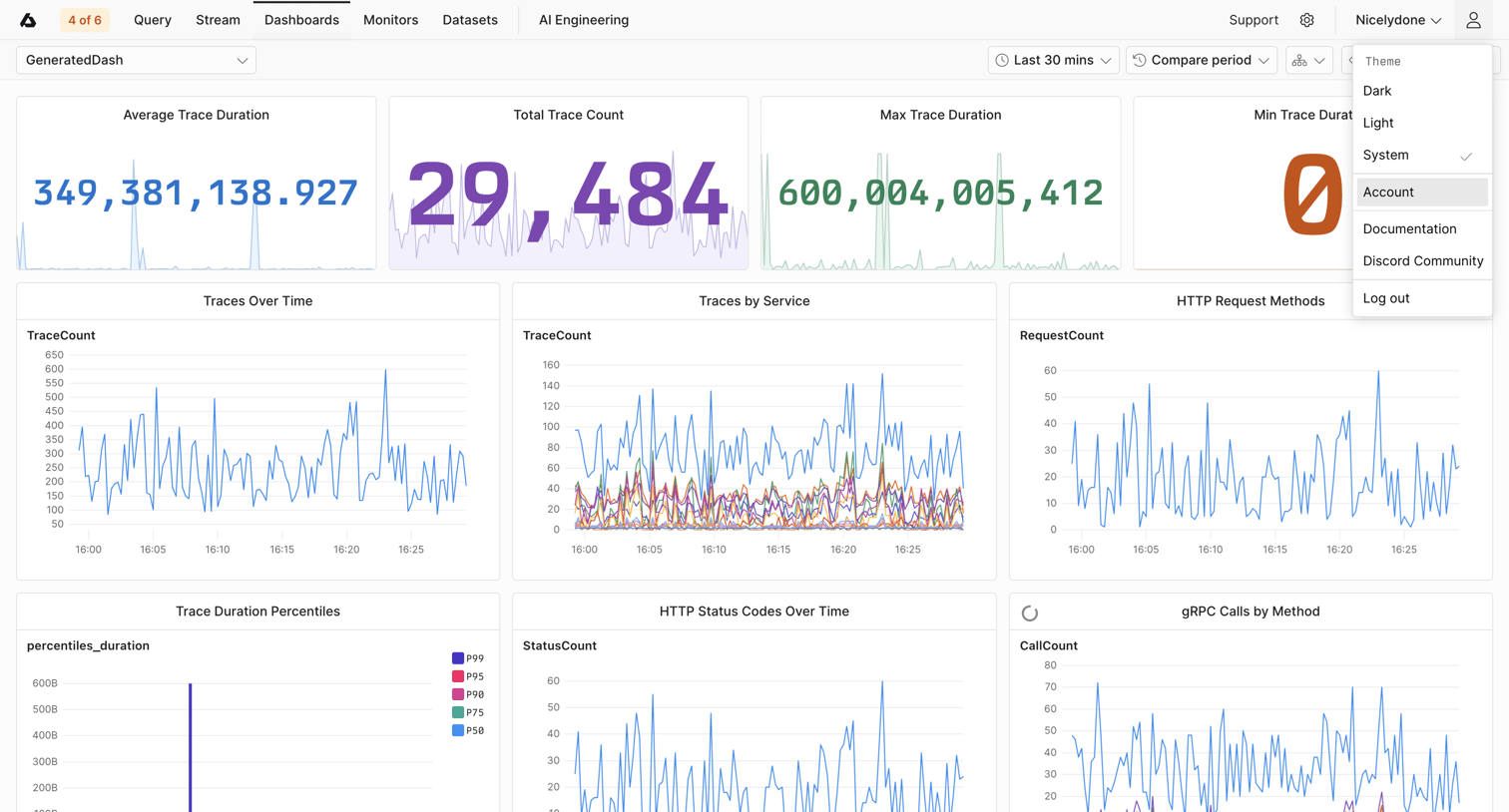

Dashboard displaying trace durations, counts, and service metrics over time using various line charts and KPI tiles.
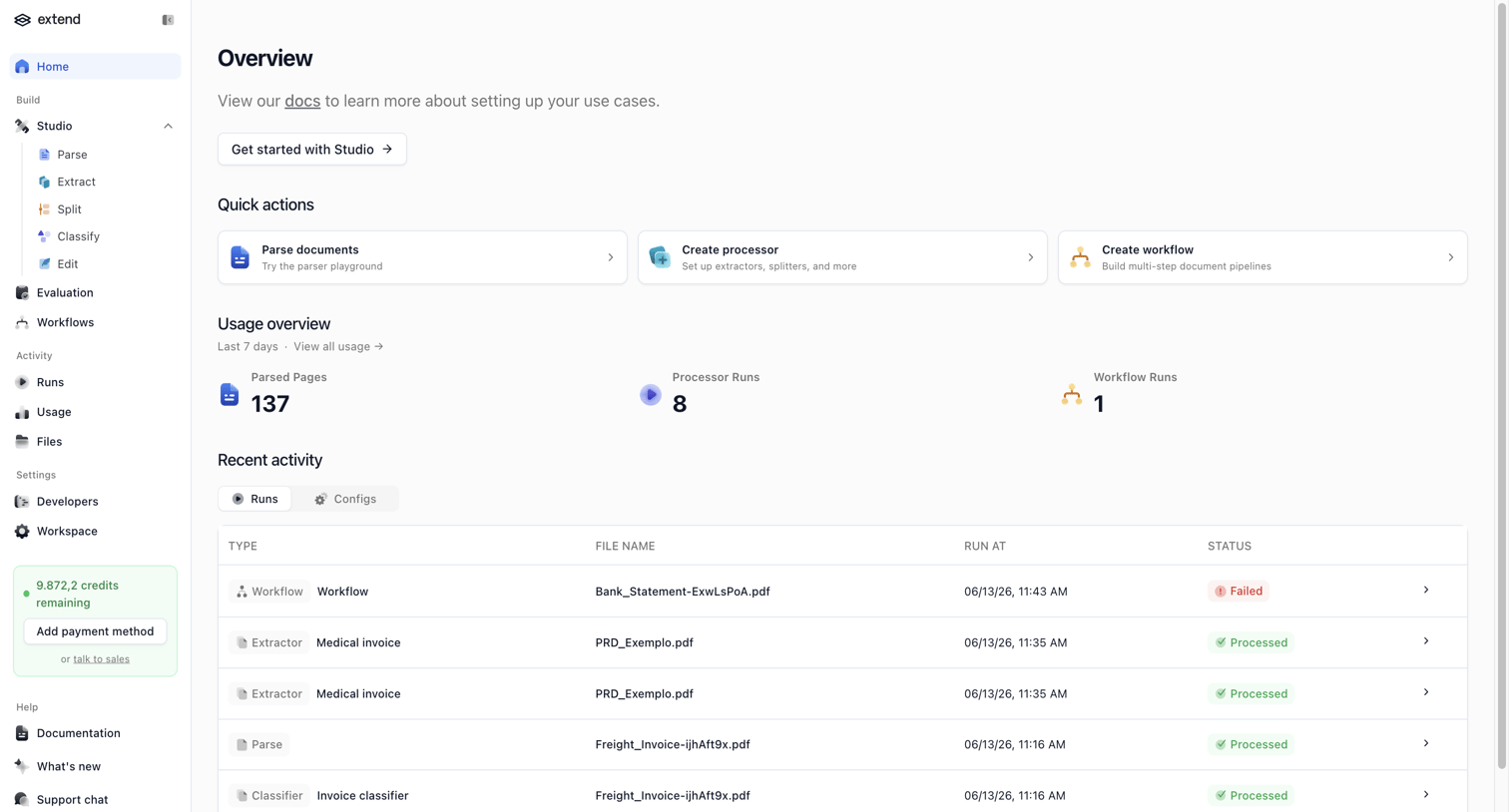

Home screen where the user can access quick actions to parse documents or create workflows, view recent usage statistics, and monitor recent activity runs.
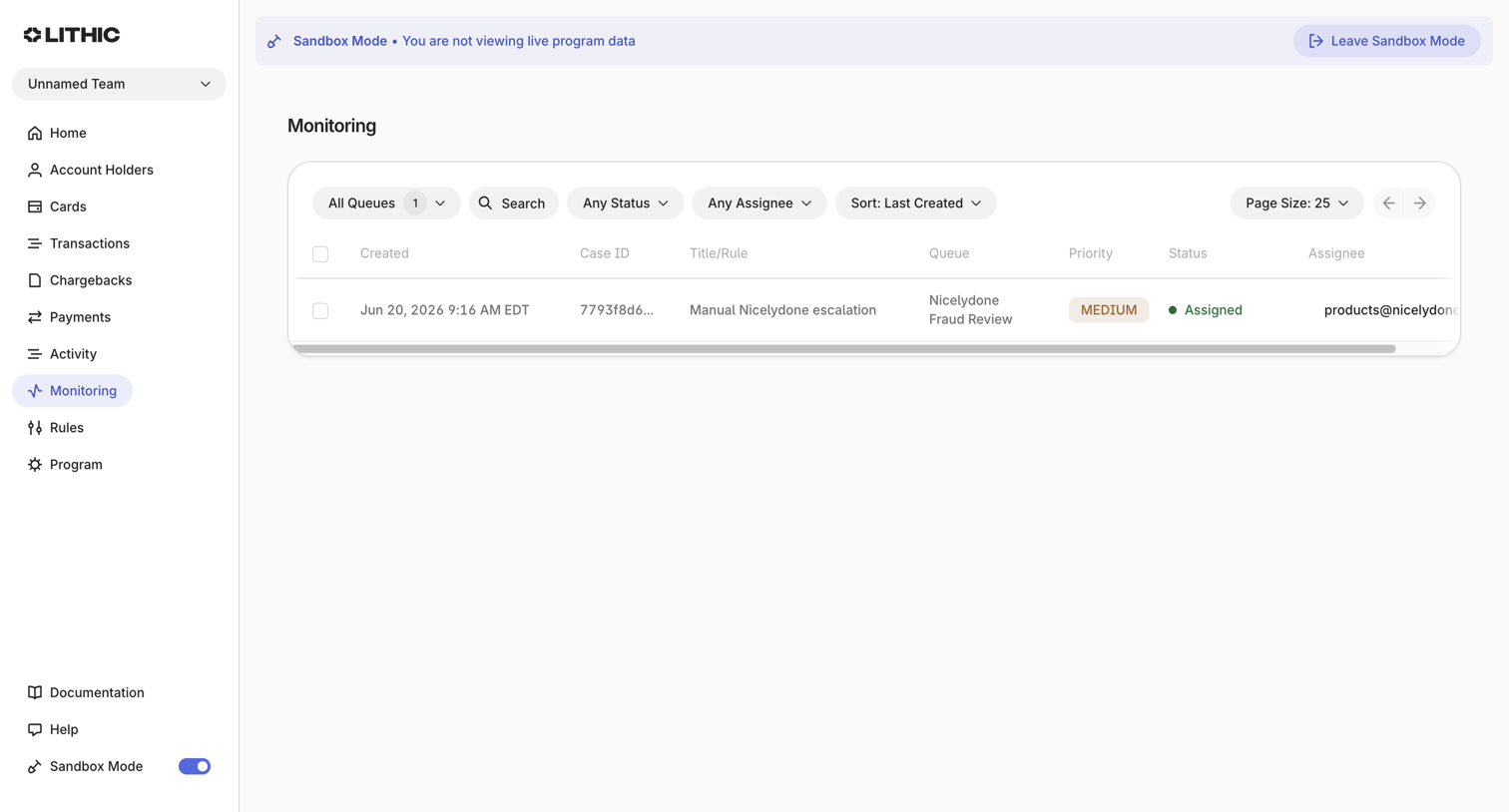

Monitoring page where the user views and filters a queue of fraud review cases by status and assignee while in a sandbox environment.
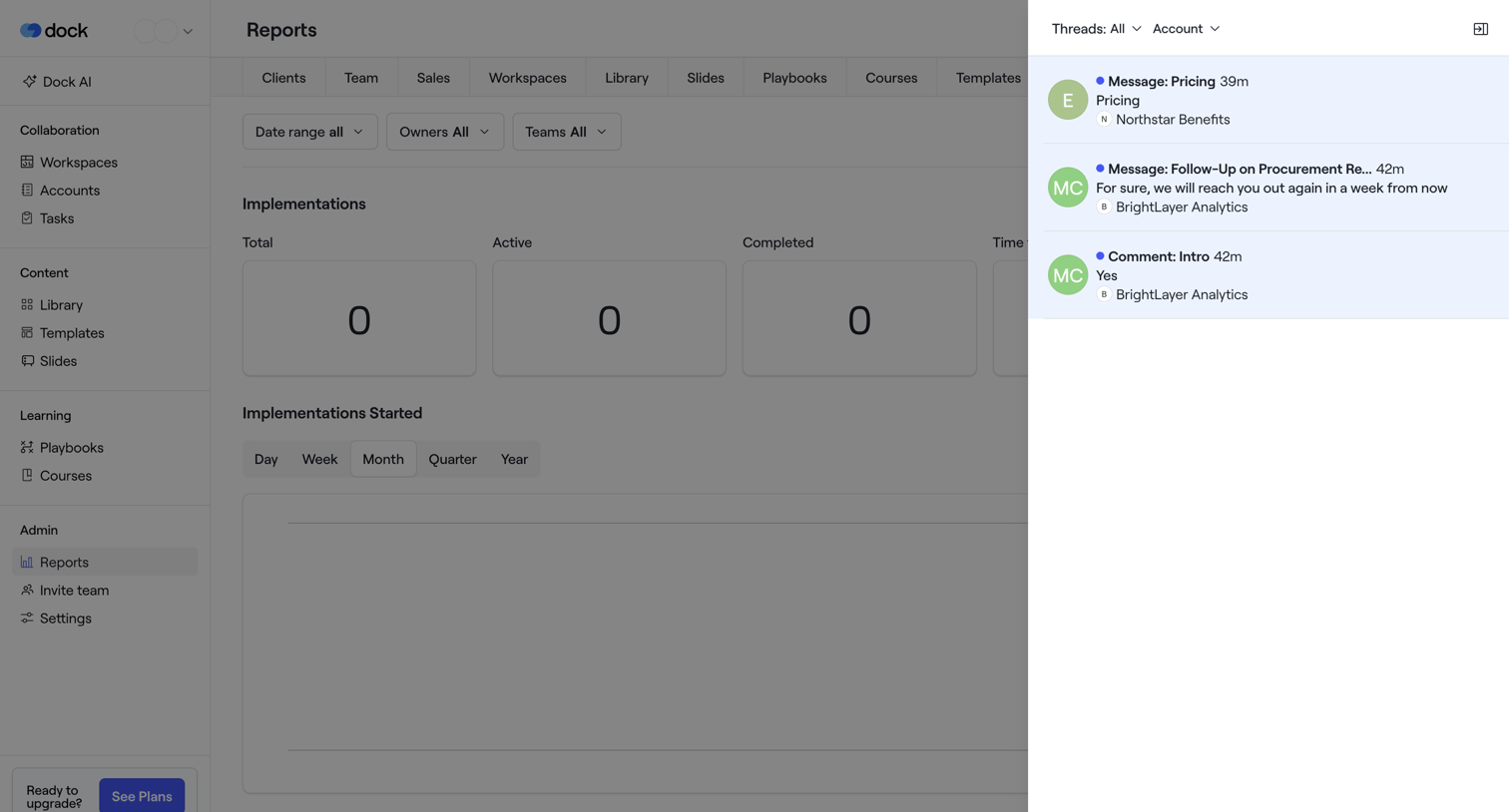

Dashboard showing implementation reports with zero-state KPIs for total, active, and completed implementations, alongside a right-hand activity feed of recent messages.
Explore the full SaaS screen library
Upgrade to unlock the full library.
Trusted by the best teams








About Dashboard
See how SaaS apps bring key figures and current activity into one overview. Explore how dashboard layouts prioritize summaries and provide paths to more detailed information.