Info screen examples
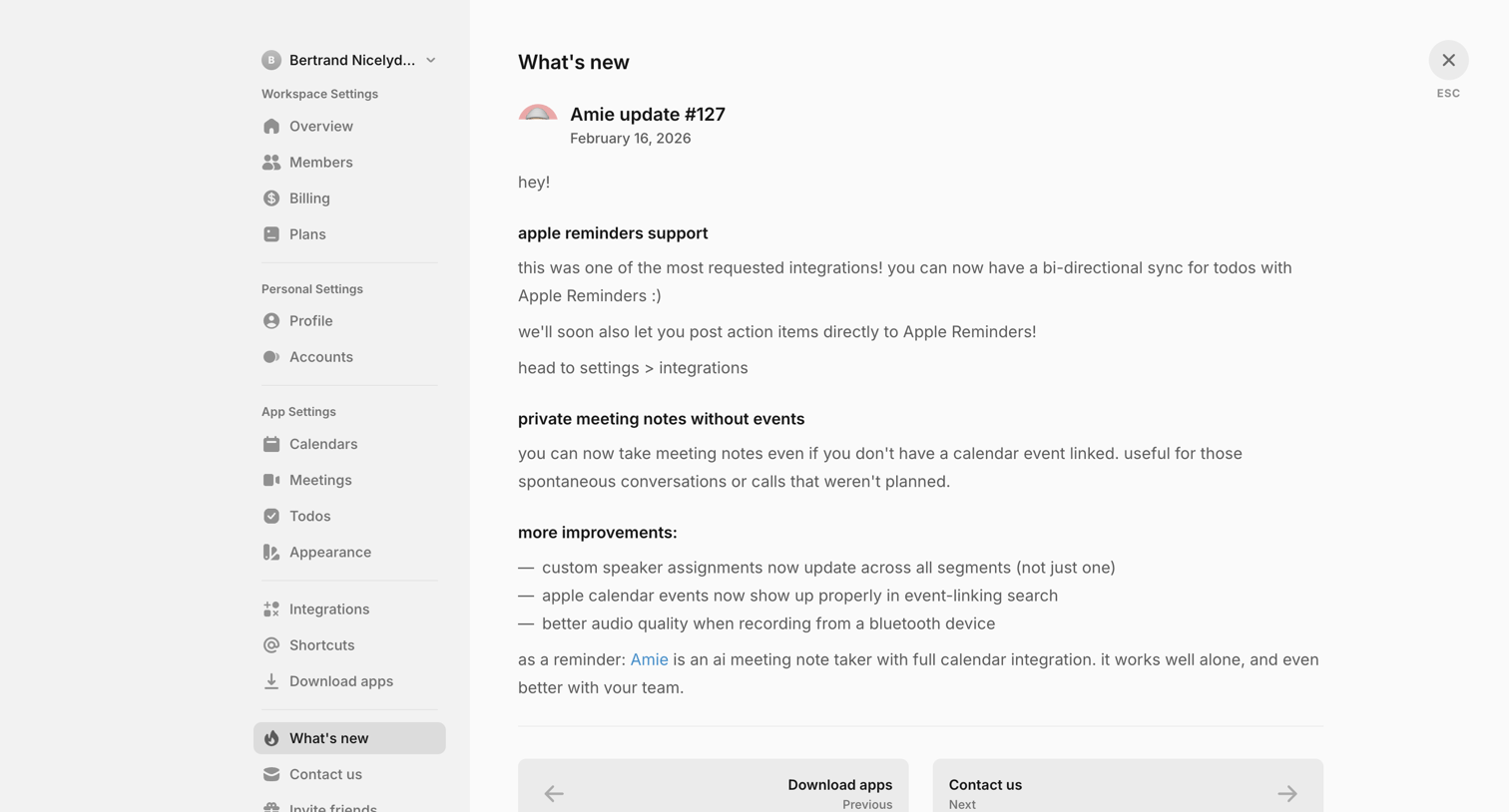
Info screen design examples from SaaS apps. See how SaaS apps present announcements and explanatory notices. Explore how supporting text and available actions fit around information that needs…
Explore the examples

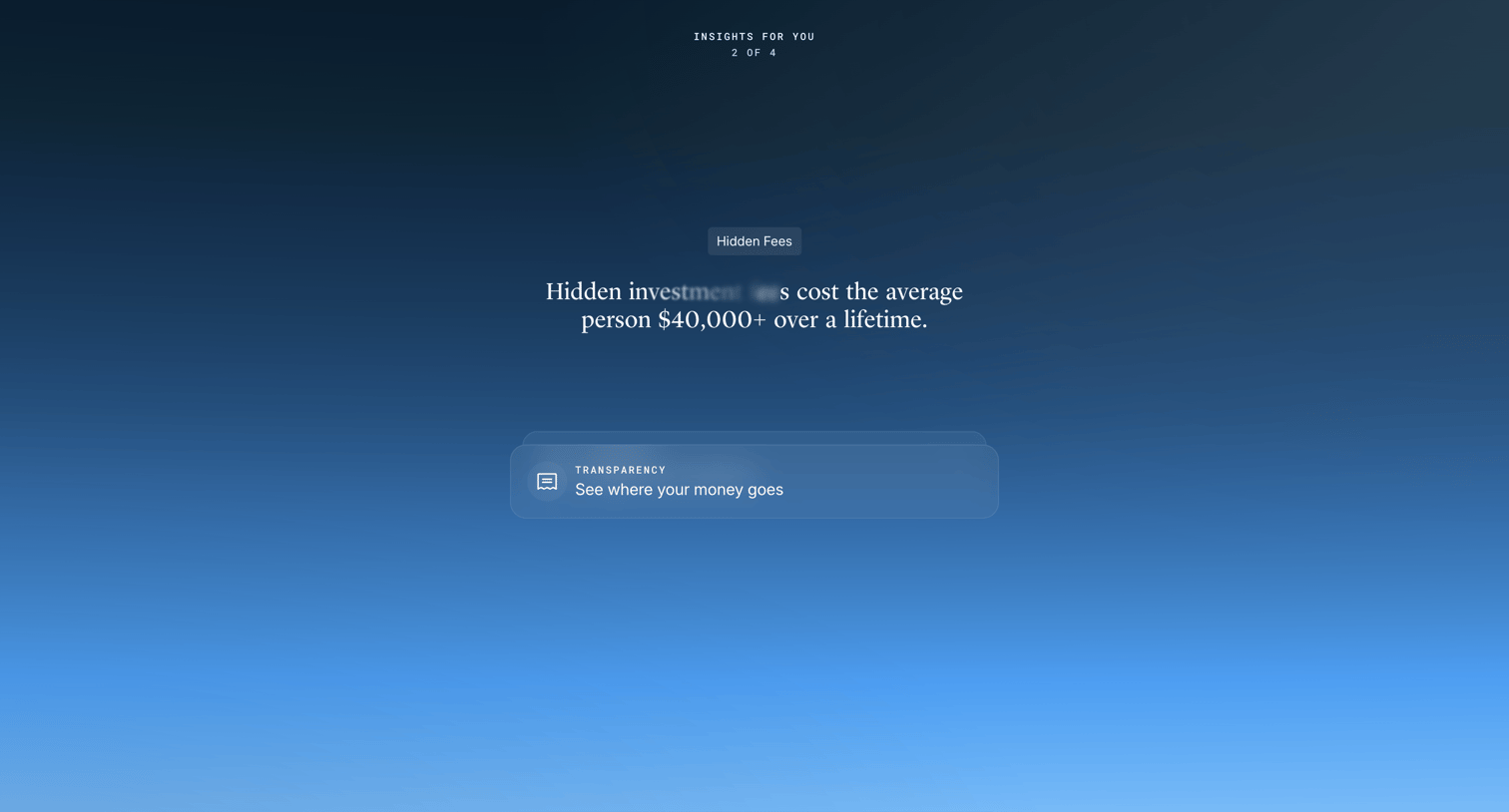

Onboarding step where the user reads a financial insight about hidden investment fees before continuing to the next screen.


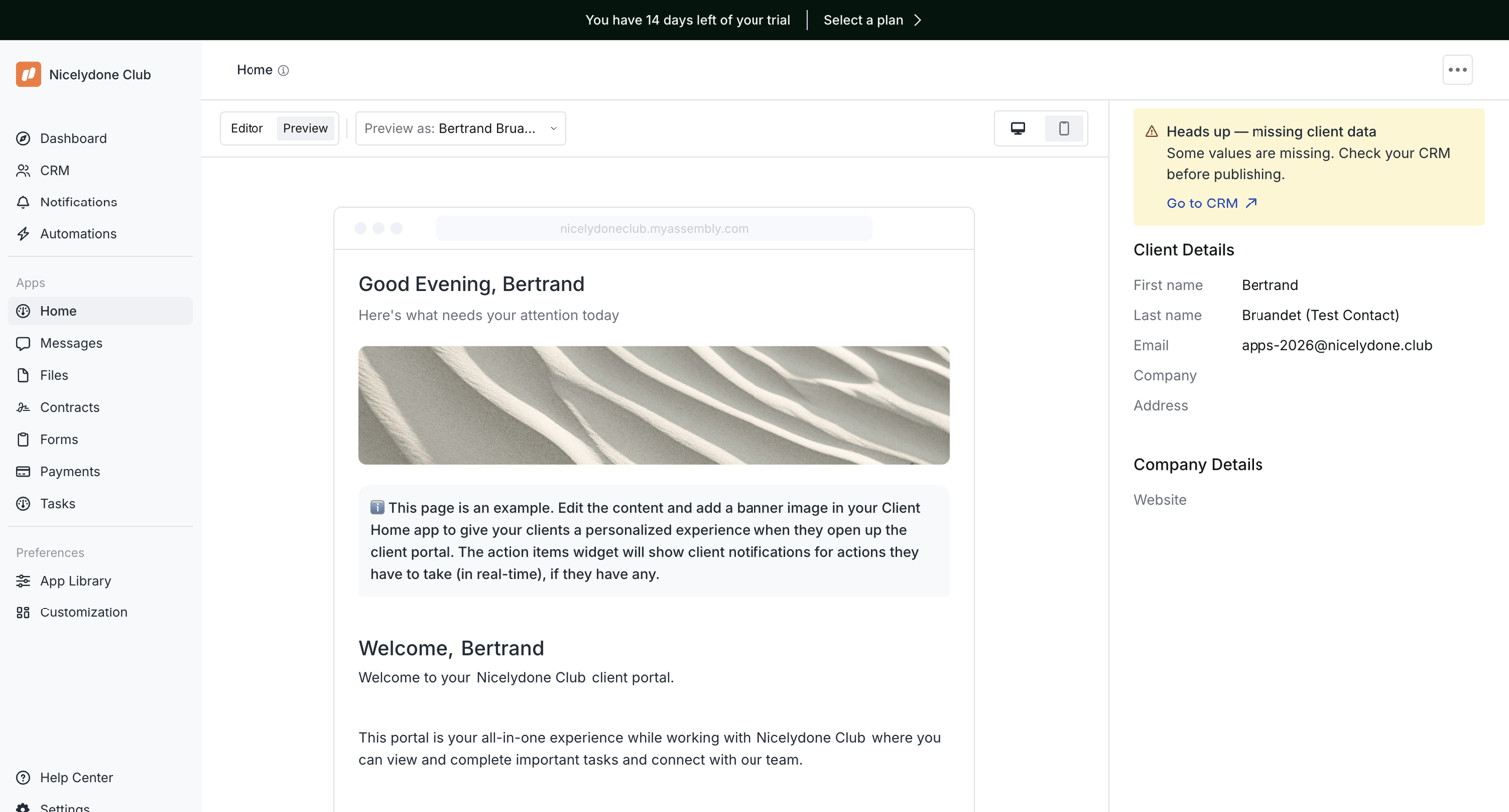

Design editor where the user previews a personalized client portal home page and reviews missing CRM data for the selected client.

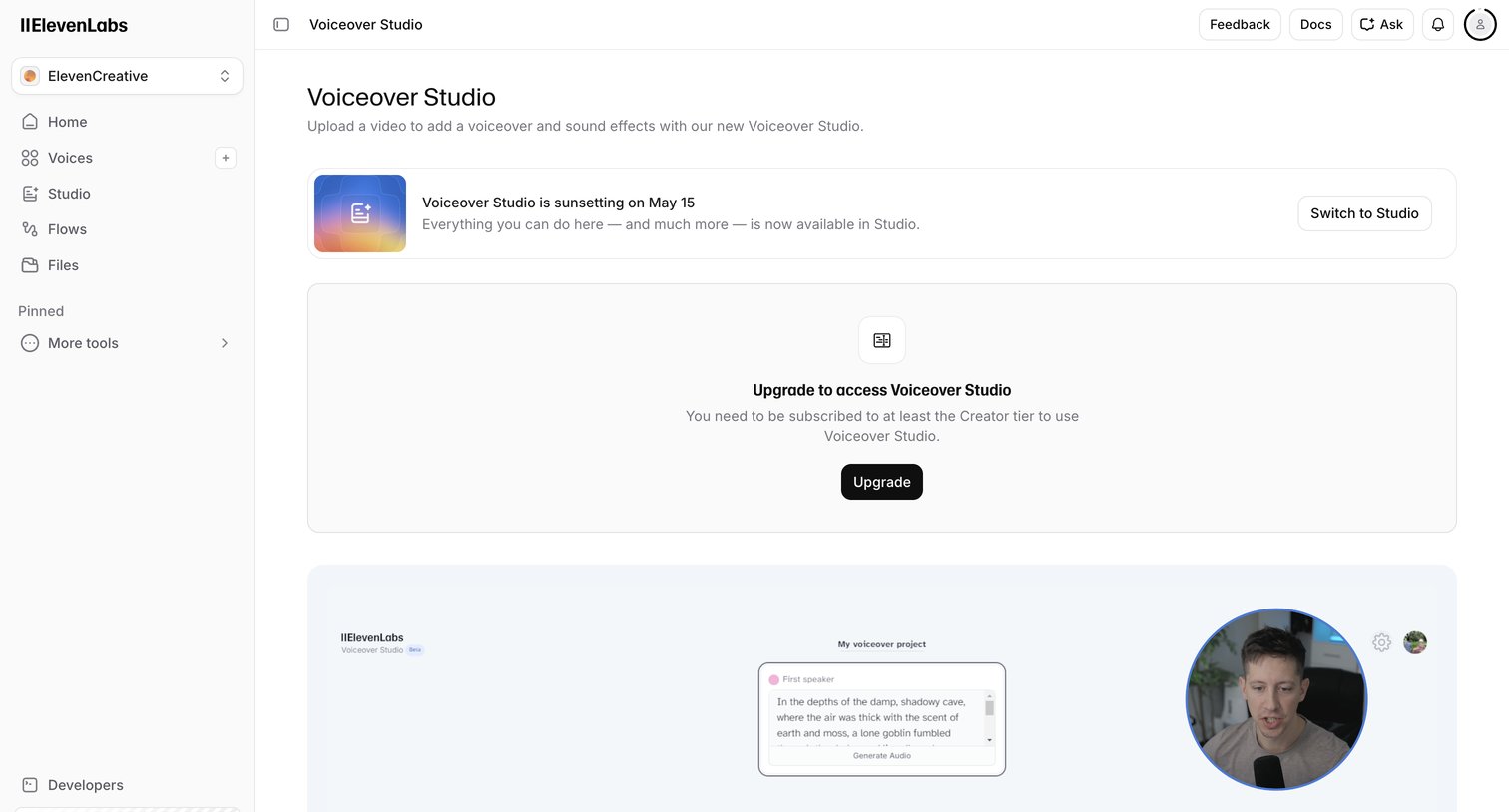

App screen where the user is blocked from accessing the Voiceover Studio feature and prompted to upgrade to the Creator tier, alongside a banner noting the tool is sunsetting.
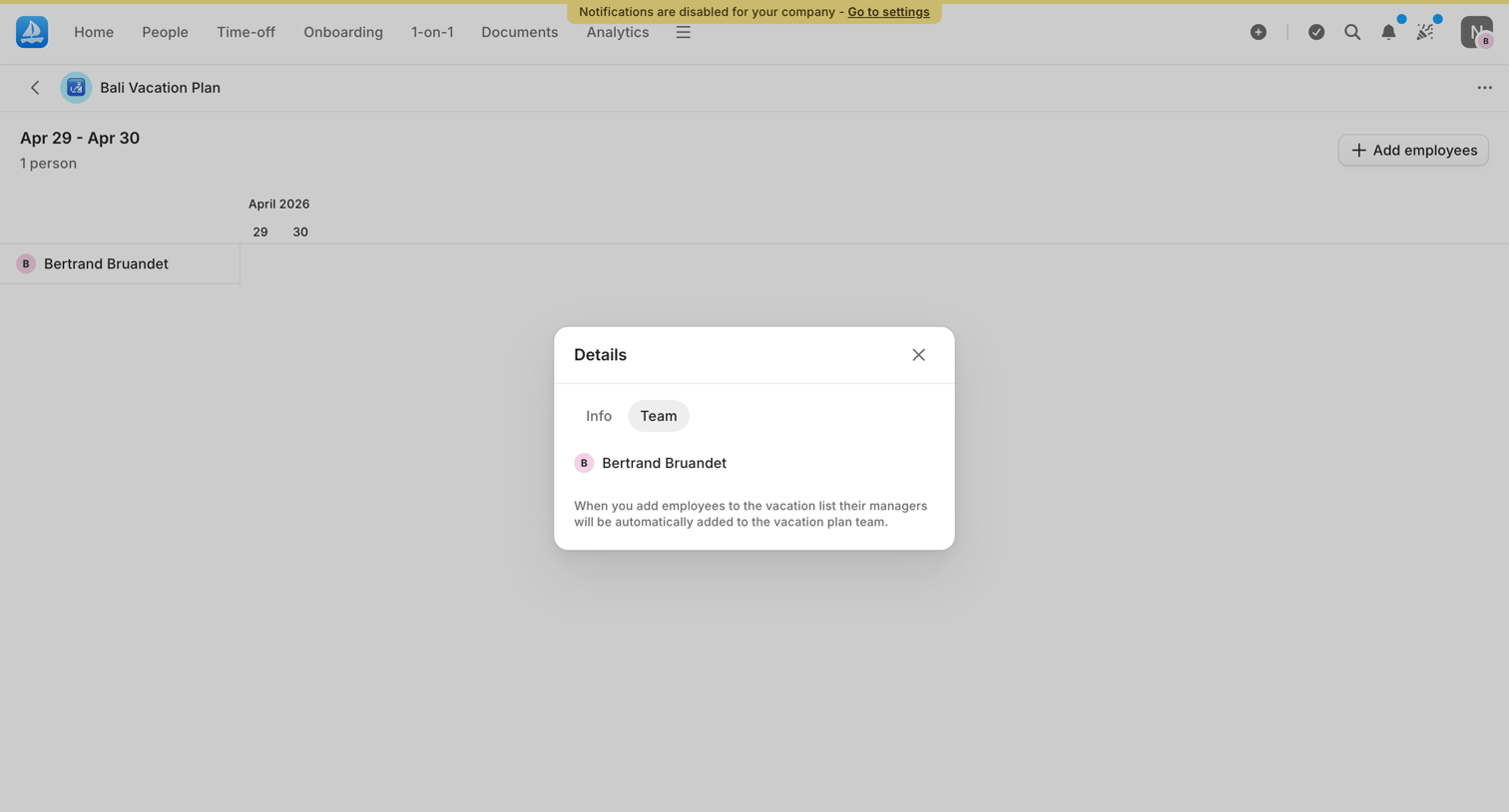

Detail page where a modal displays the team members associated with the Bali vacation plan and explains how managers are added.
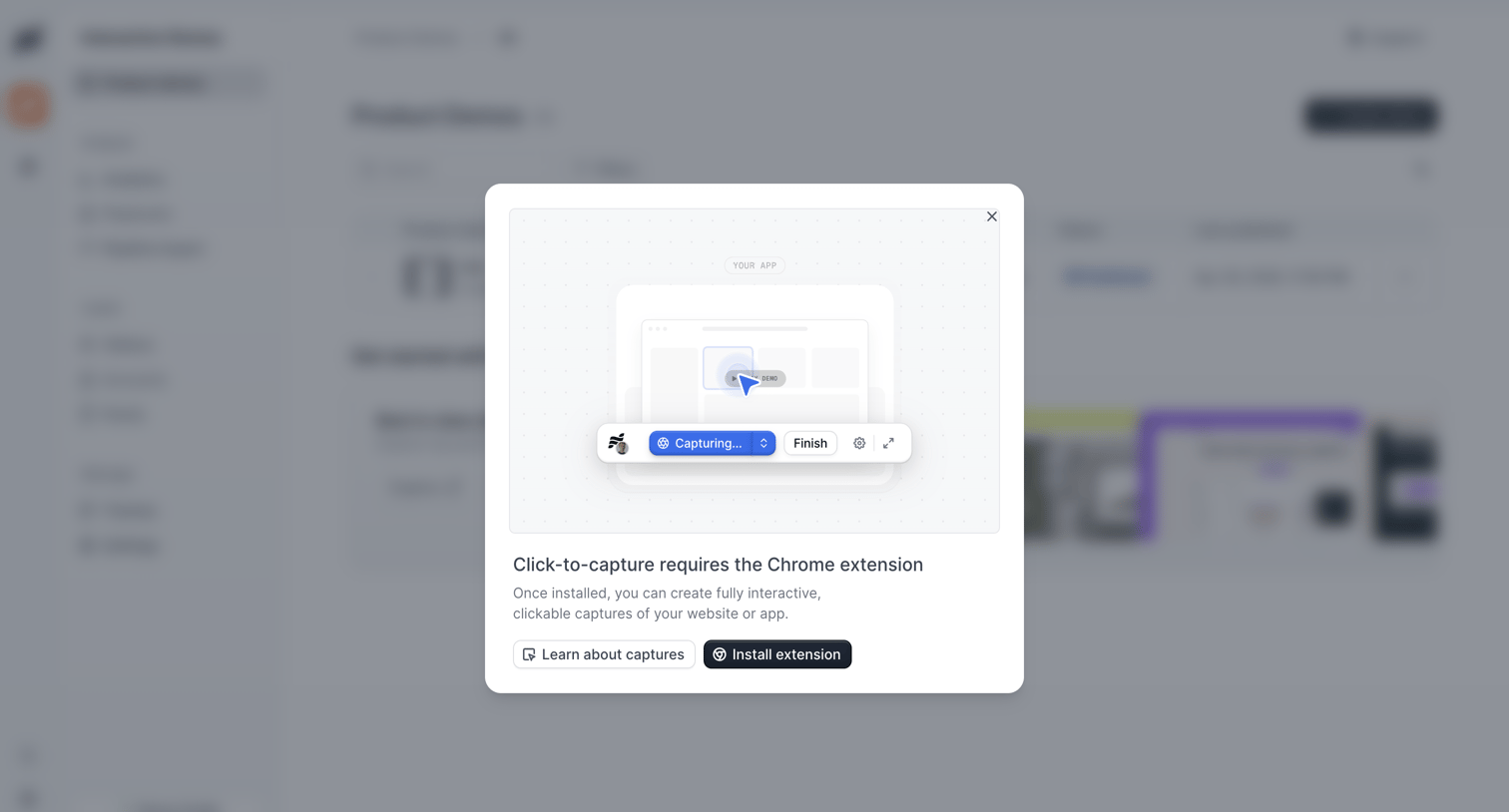

Modal prompting the user to install a Chrome extension to enable click-to-capture functionality for creating interactive product demos.
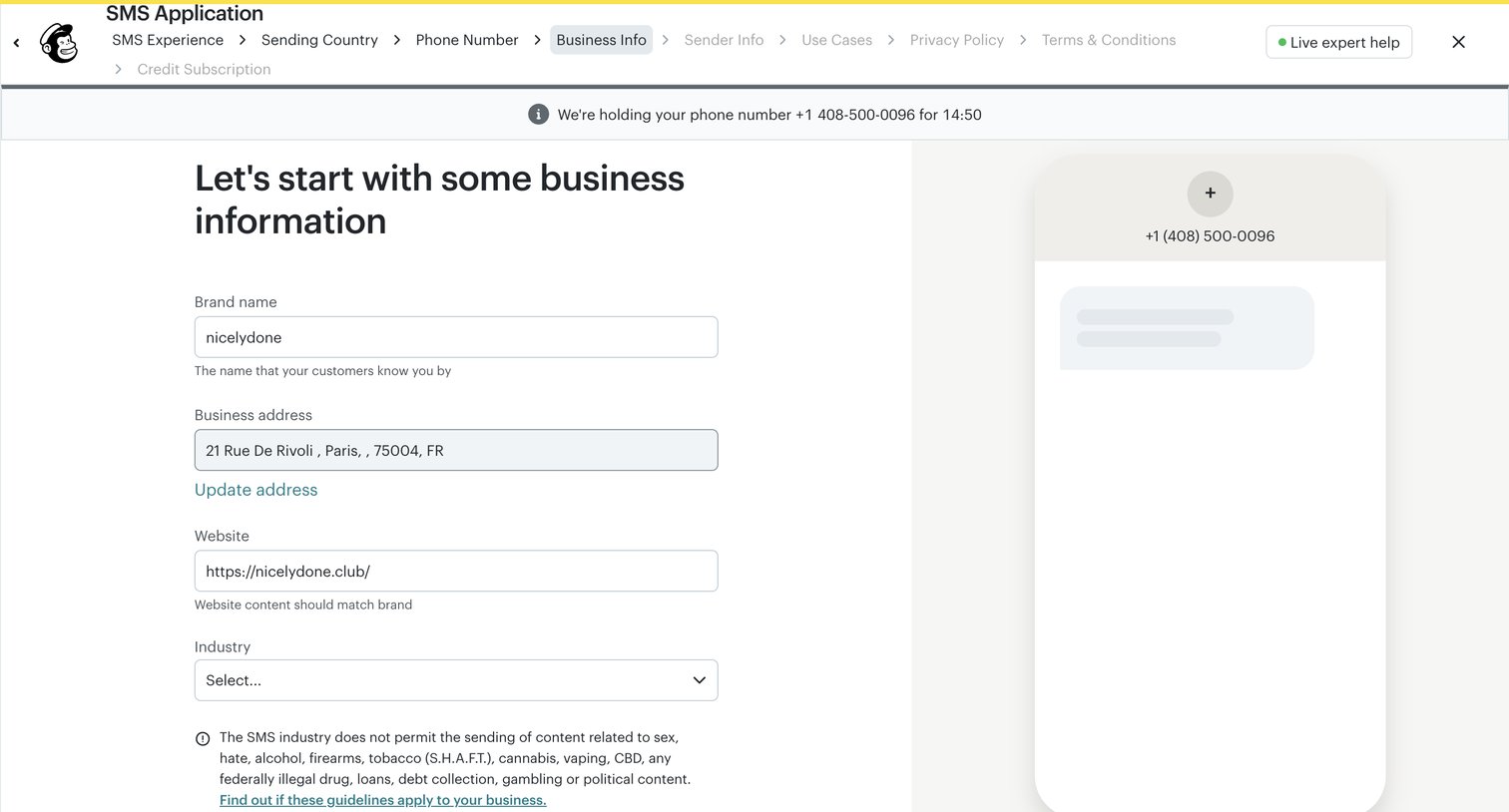

Onboarding step where the user provides their brand name, business address, website, and industry for their SMS application.
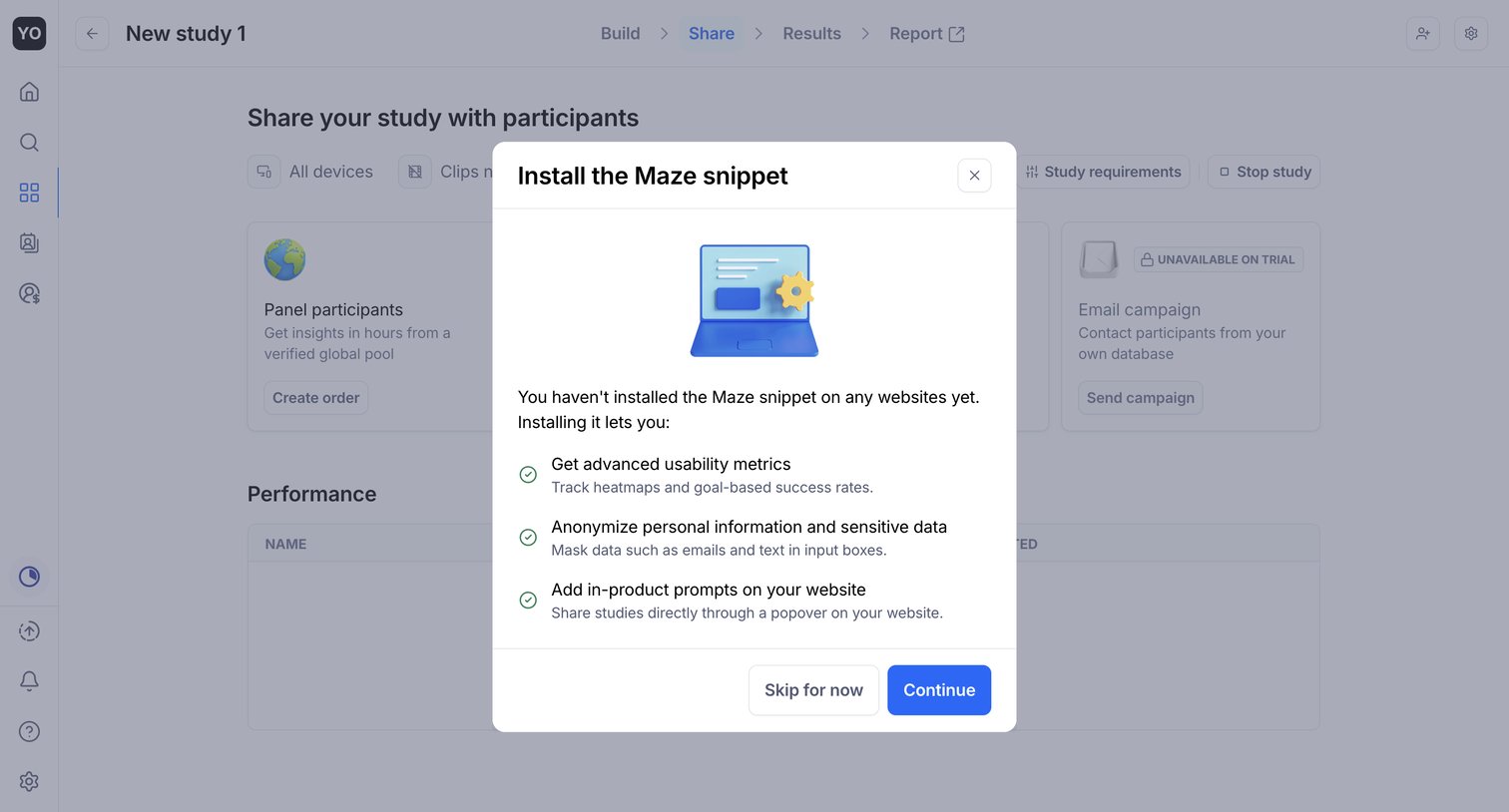

Modal prompting the user to install a tracking snippet to unlock advanced metrics and in-product prompts, appearing over a study sharing setup page.
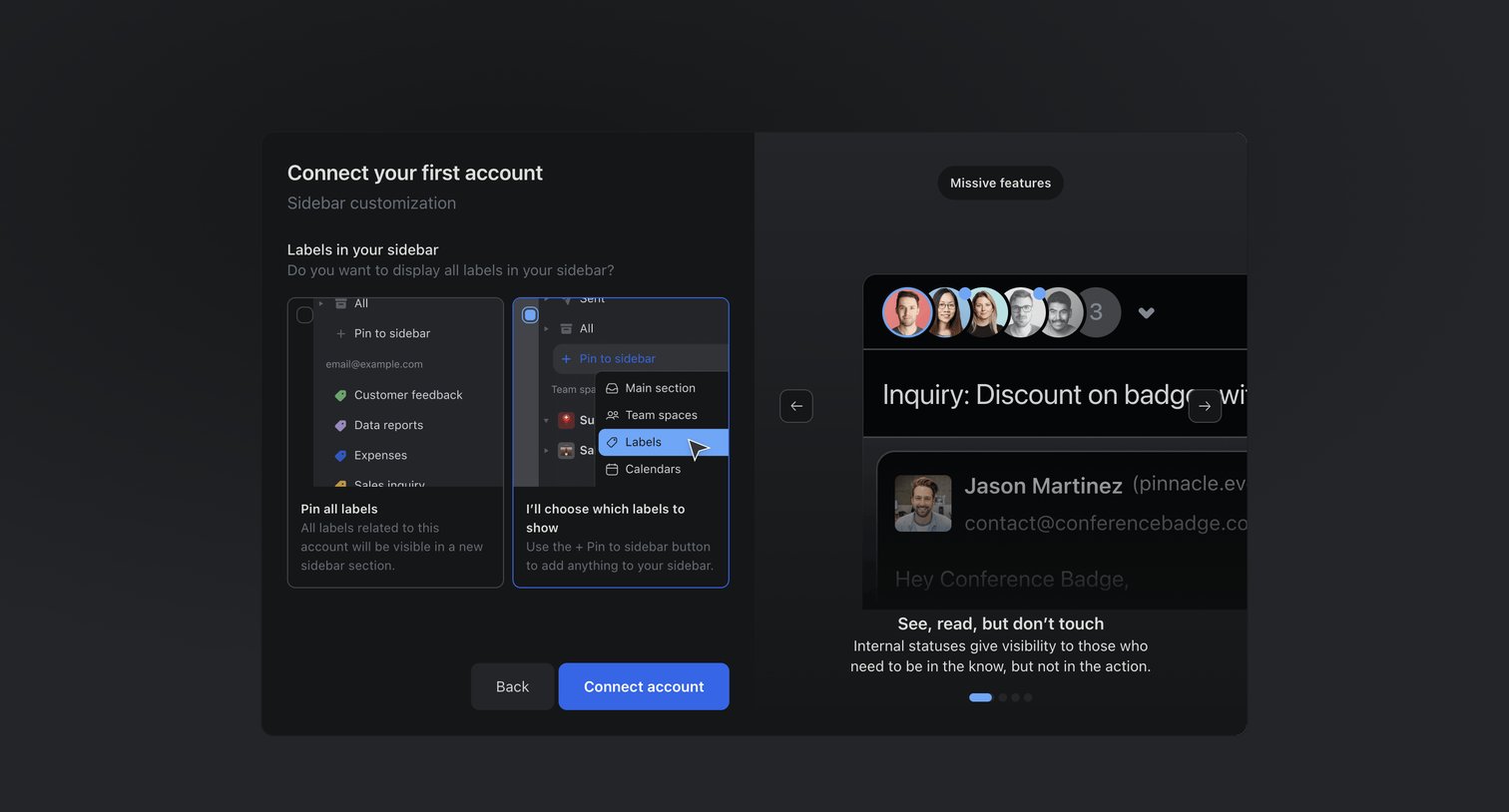

Onboarding step where the user configures their sidebar by choosing between pinning all labels or selecting them manually, alongside a carousel highlighting product features.
Explore the full SaaS screen library
Upgrade to unlock the full library.
Trusted by the best teams








About Info
See how SaaS apps present announcements and explanatory notices. Explore how supporting text and available actions fit around information that needs attention without requiring an urgent decision.
Browse related examples
Related screens
Related apps
- Airbnb design examples
- Origin Financial design examples
- Riverside design examples
- Copilot design examples
- Assembly AI App Builder design examples
- Amie design examples
- Elevenlabs design examples
- Aboard design examples
- Navattic design examples
- Mailchimp design examples
- Maze design examples
- Missive design examples