Media Editor screen examples
Media Editor screen design examples from SaaS apps. Explore how apps arrange tools for changing images, audio, or video. Look at how the source material, editing controls, and result preview divide the workspace.
Explore the examples
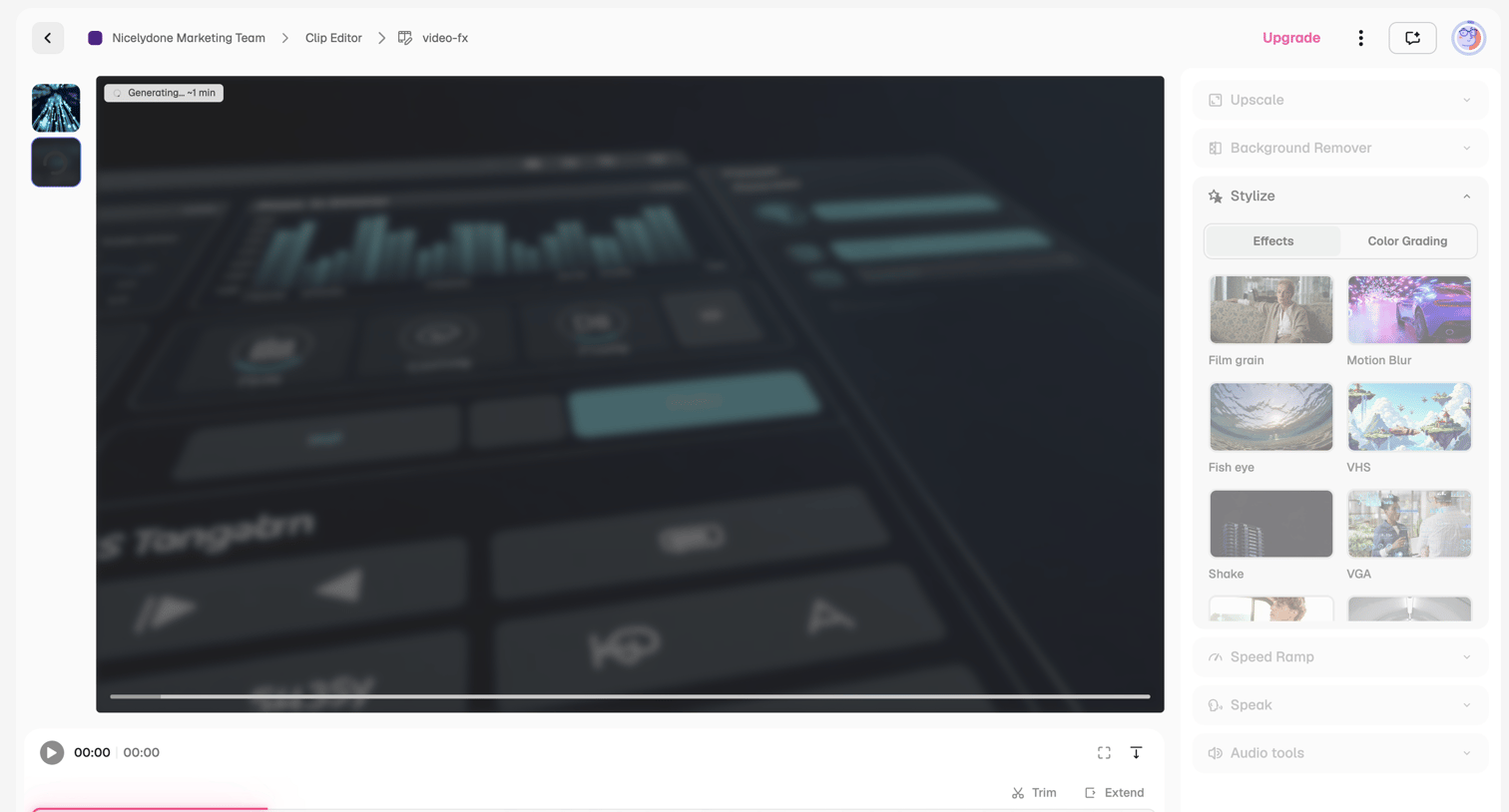

Video editor where the user applies AI styles like film grain and motion blur to a clip while it generates on the timeline.
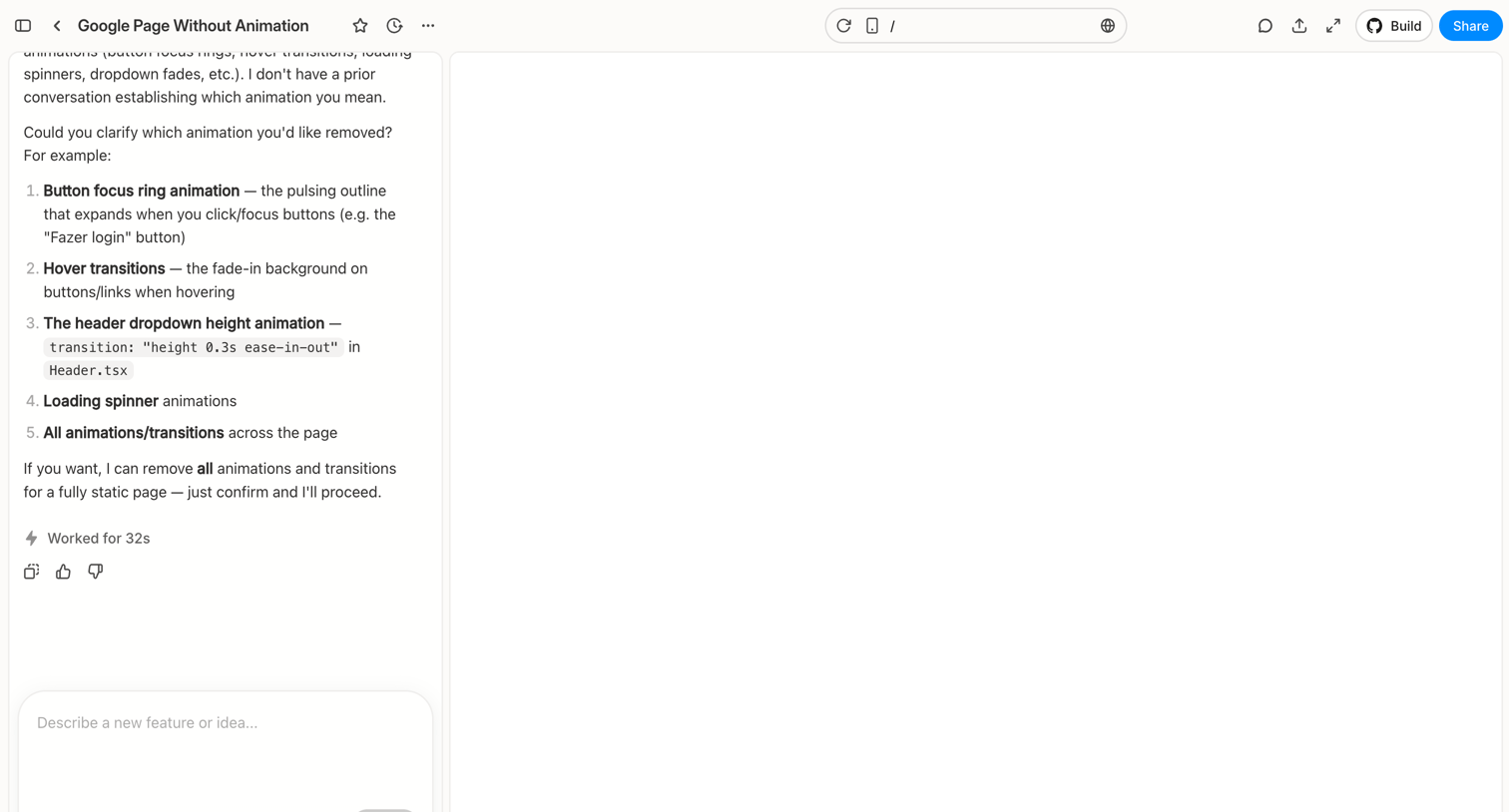

Workspace where the user chats with an AI to modify a web page, featuring a conversational sidebar and a live preview canvas.
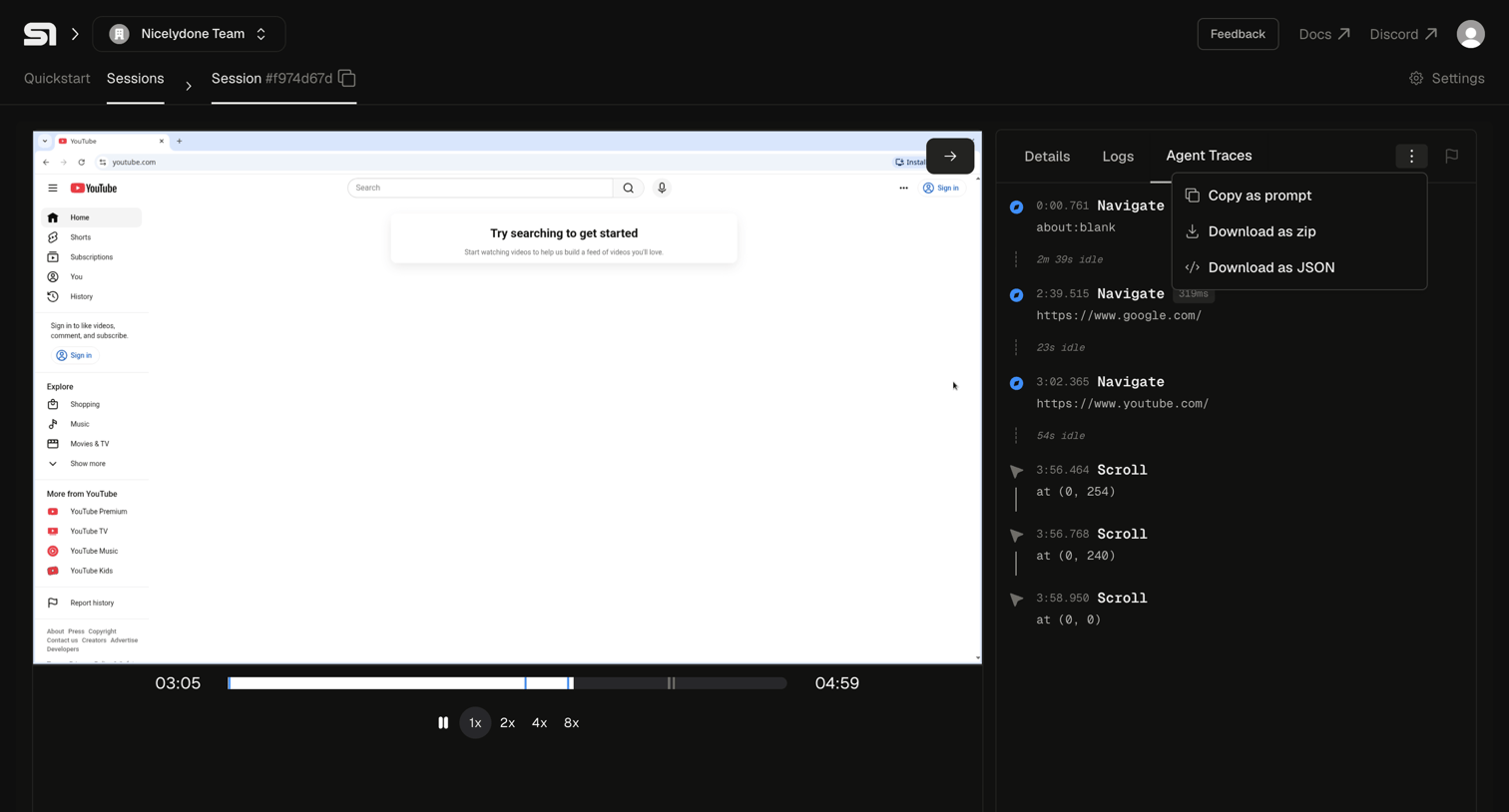

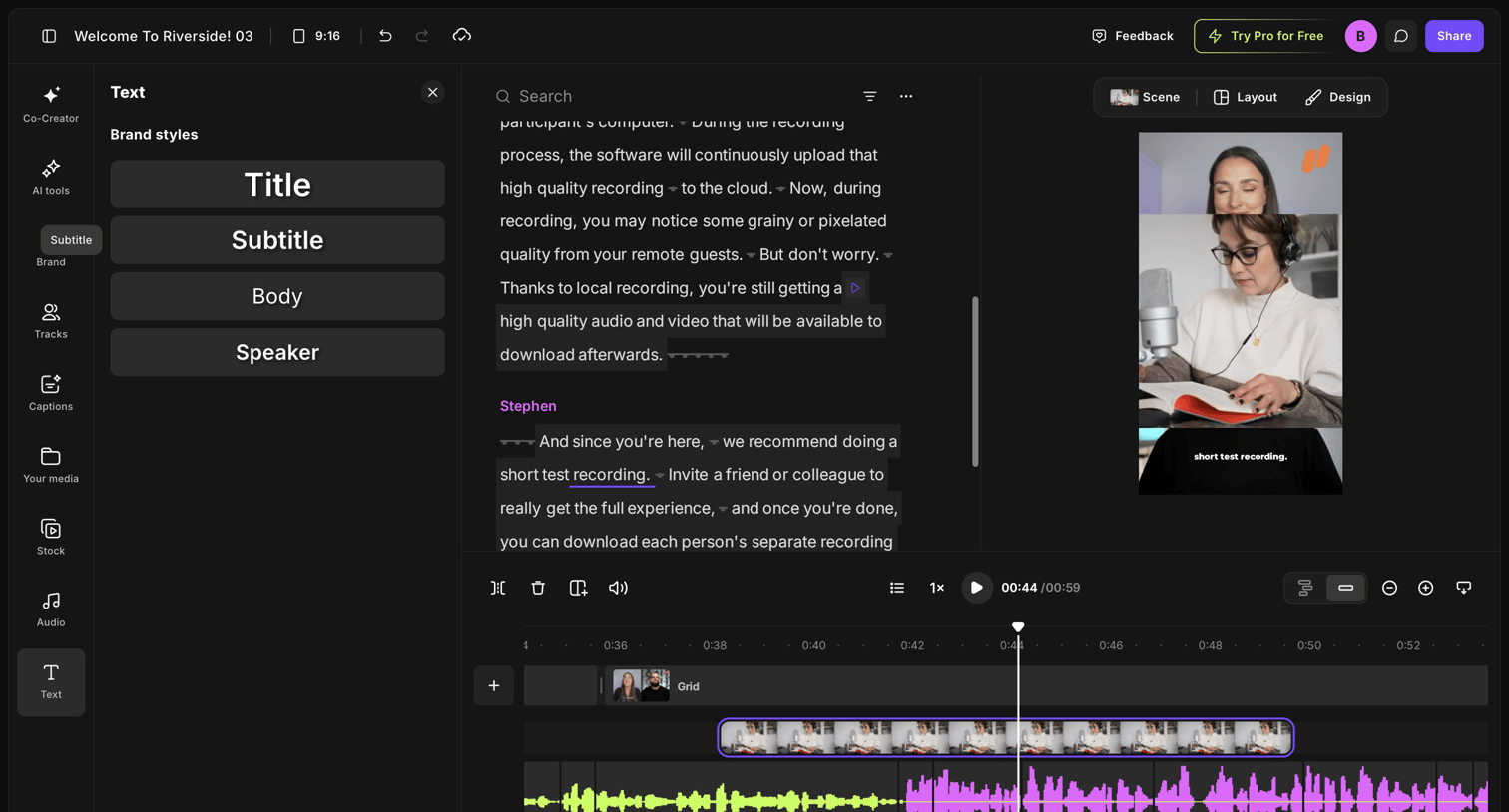

Video editor where the user modifies a recording by editing the generated transcript, adjusting brand text styles, and managing the timeline tracks.
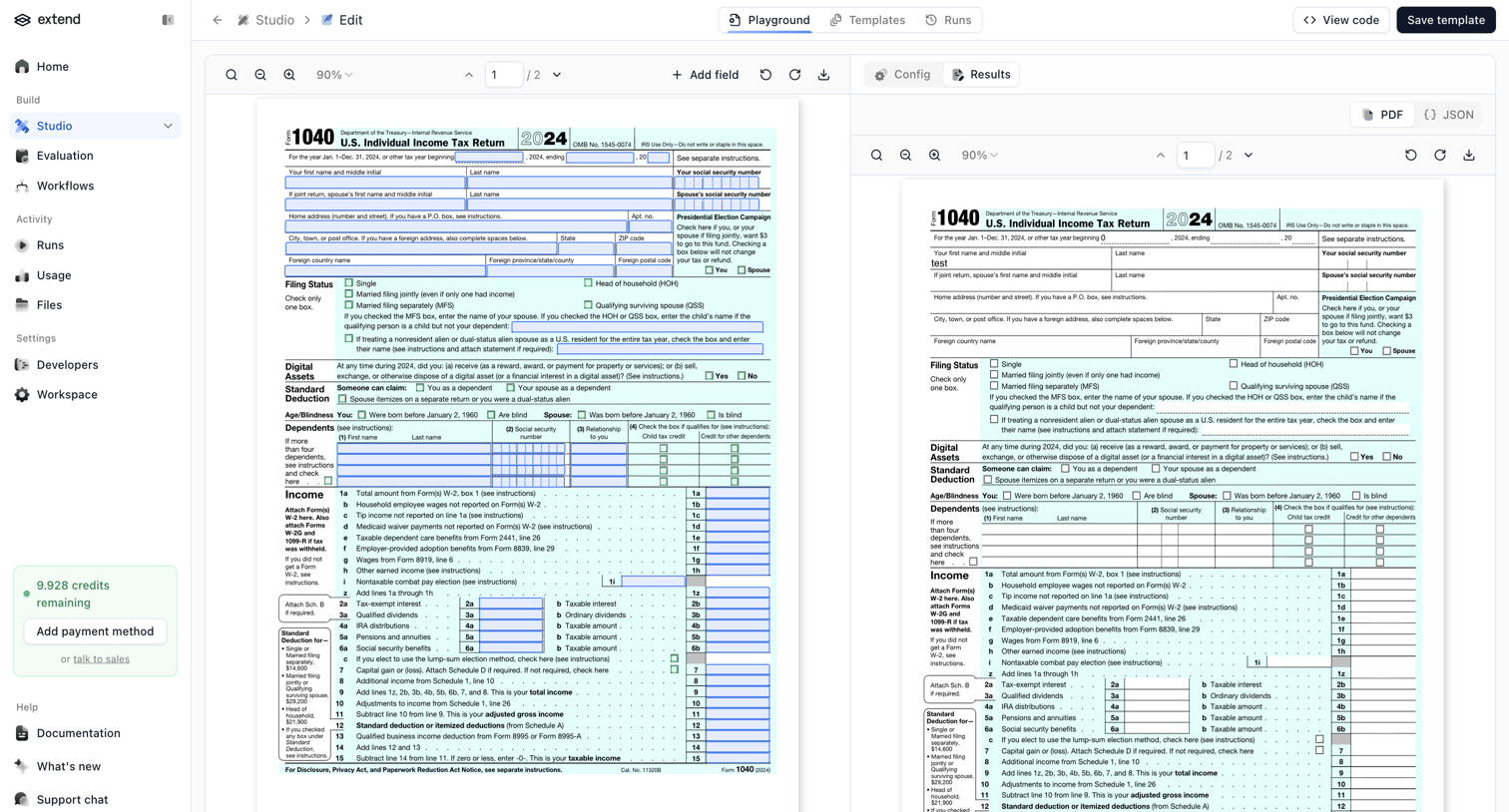

Editor where the user configures an AI extraction template by mapping fields on a sample IRS 1040 tax form, featuring a side-by-side view of the annotated document and the extraction results.
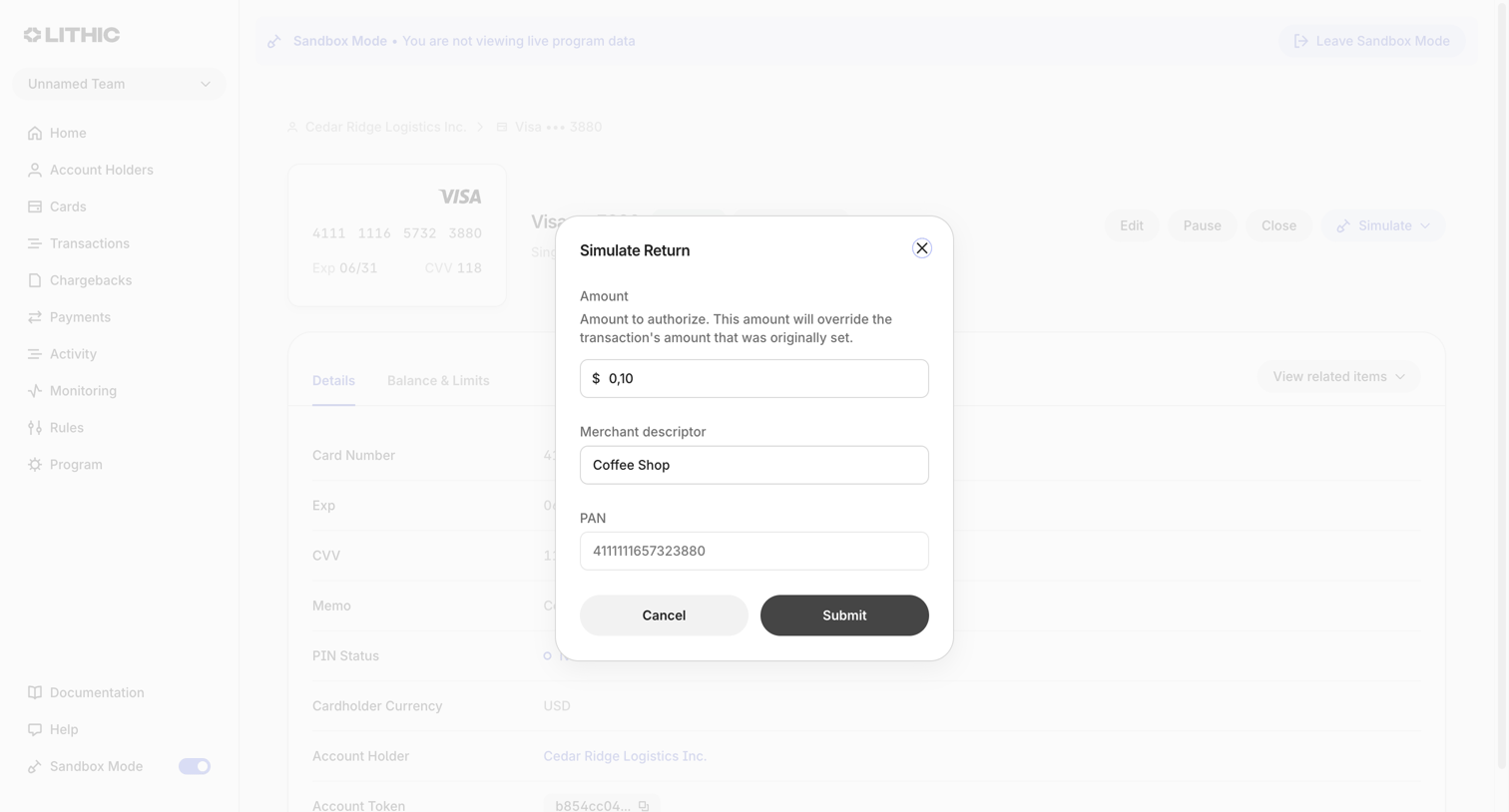

Detail page where the user is simulating a return transaction for a specific virtual card via a modal.
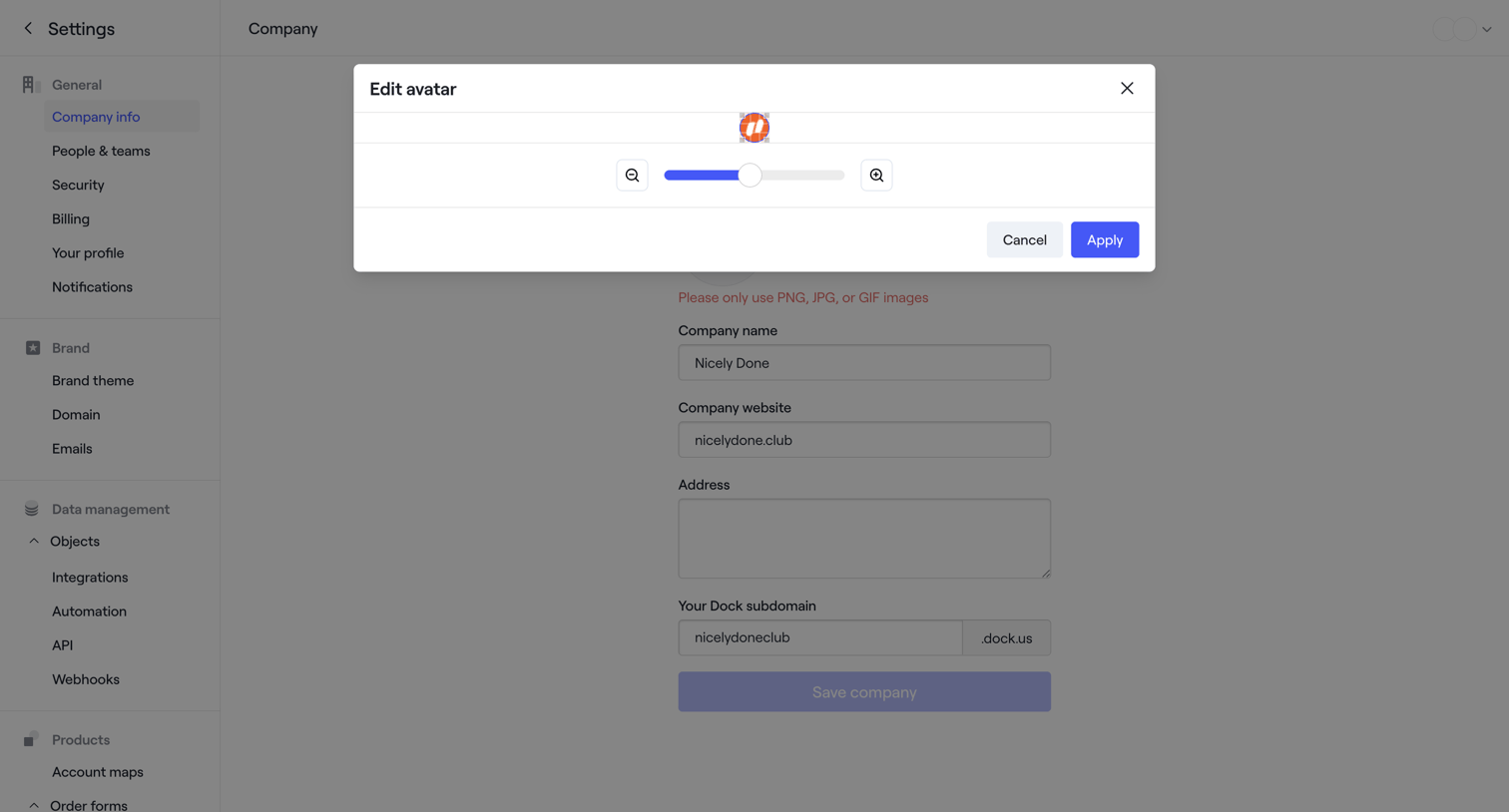

Settings page where the user edits their company profile and adjusts their uploaded avatar image via a zoom slider in a modal.
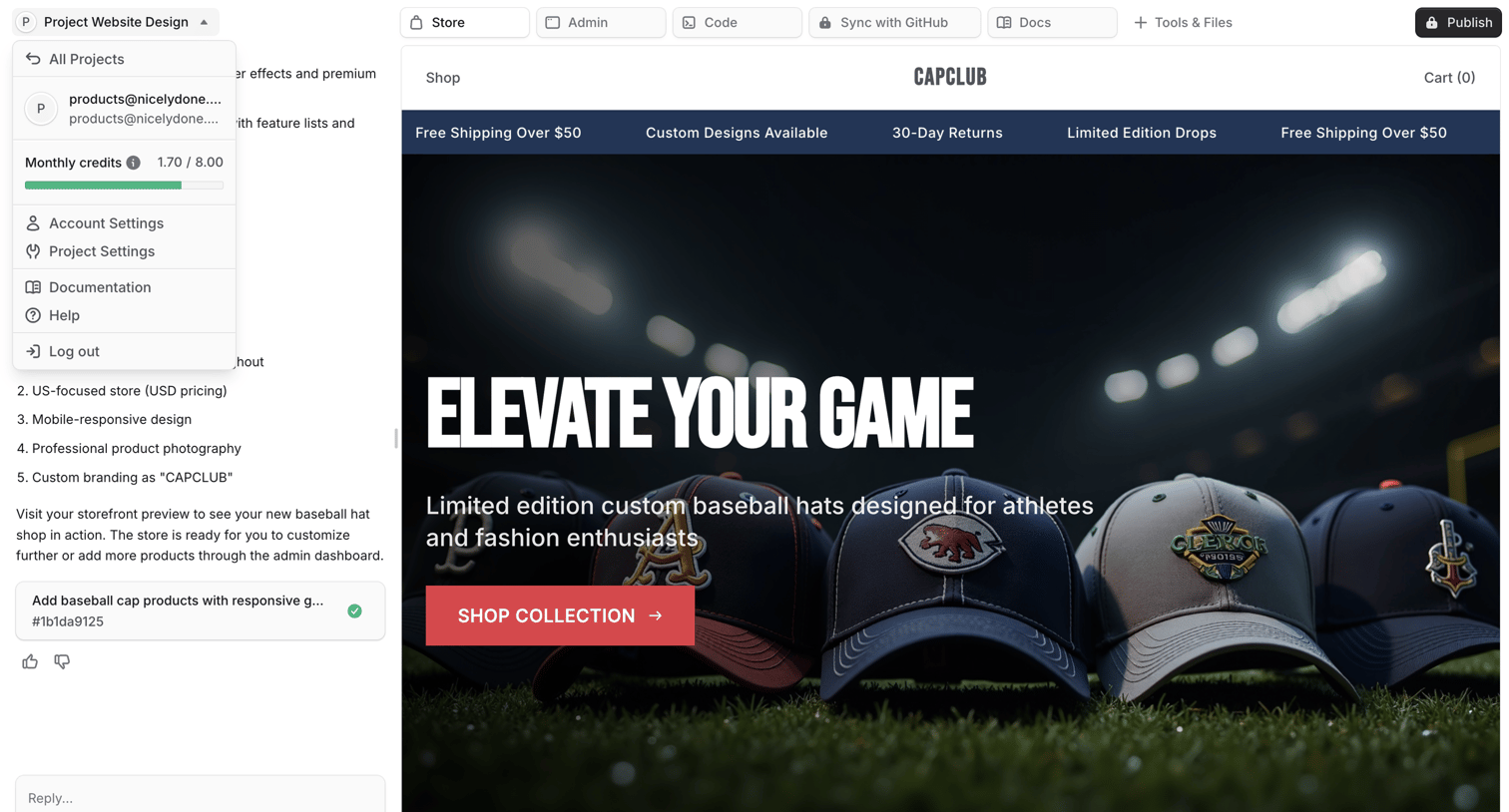

AI website builder where the user interacts with a chat assistant on the left to generate and refine an e-commerce storefront previewed on the right.
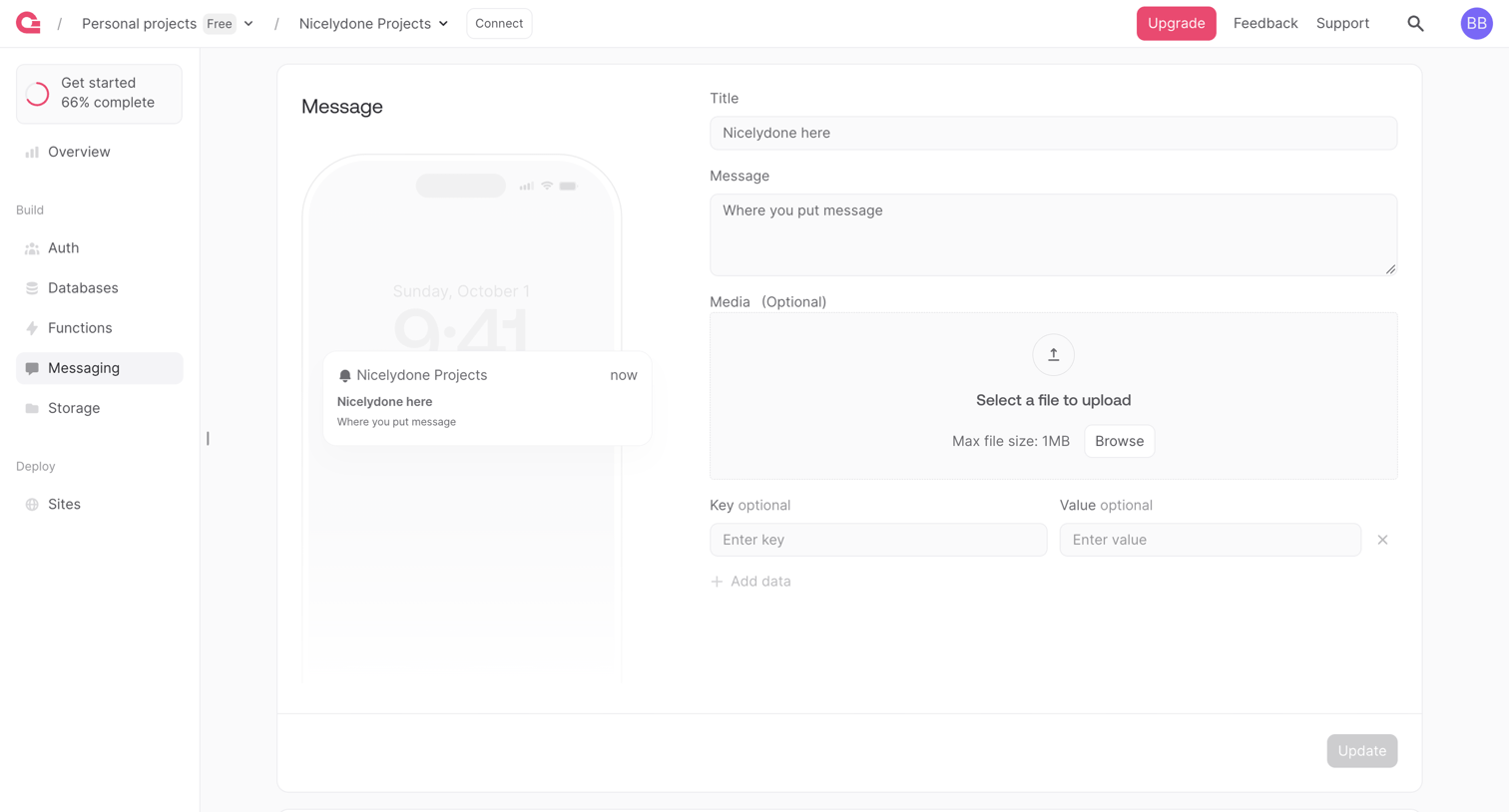

Detail page where the user edits a push notification message with a live mobile preview, including title, body, media, and custom data payloads.
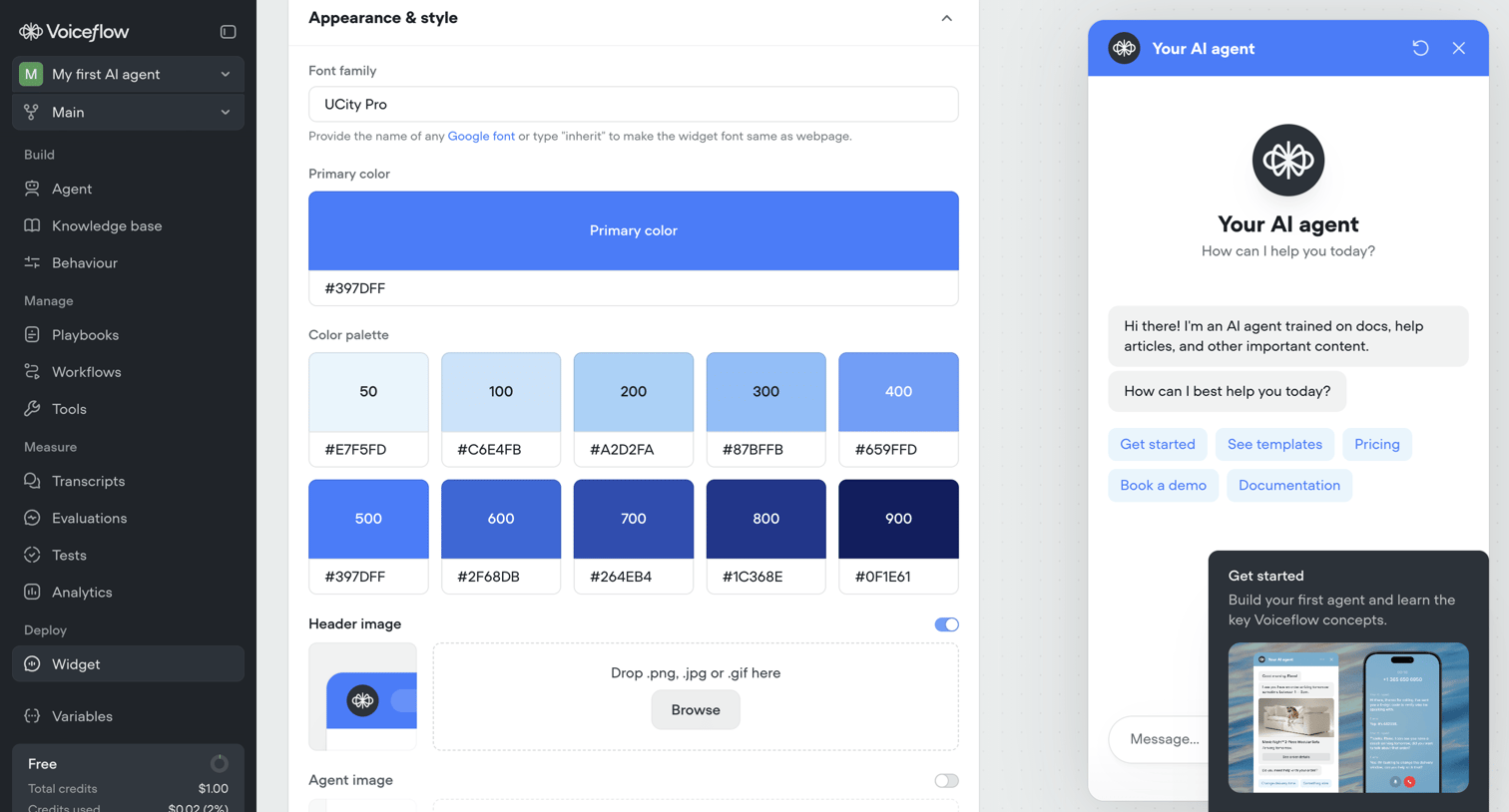

Settings page where the user customizes the appearance of their AI agent's webchat widget, including font, primary color, and header images, alongside a live interactive preview.
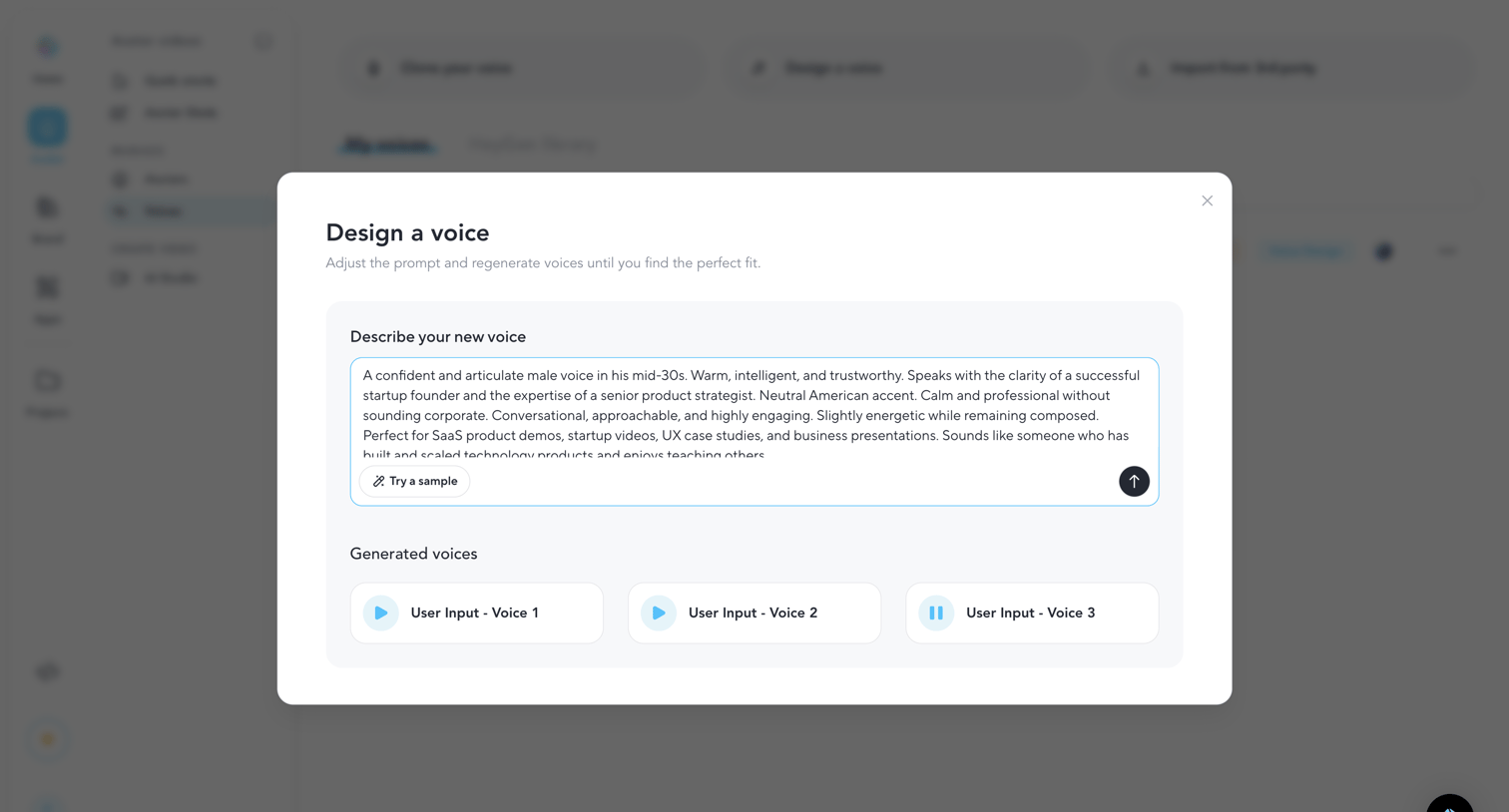

Modal where the user generates custom AI voices by writing a descriptive prompt and previewing the resulting audio samples.

Explore the full SaaS screen library
Upgrade to unlock the full library.
Trusted by the best teams








About Media Editor
Explore how apps arrange tools for changing images, audio, or video. Look at how the source material, editing controls, and result preview divide the workspace.