Amie design examples
Explore Amie UI design examples. The joyful productivity app
Product screens


A Google OAuth consent screen for the app 'Amie'. The interface is a centered white card on a light grey background. At the top, a header contains the Google logo and the text 'Sign in with Google'. The main content area is split into two columns. The left column displays the…

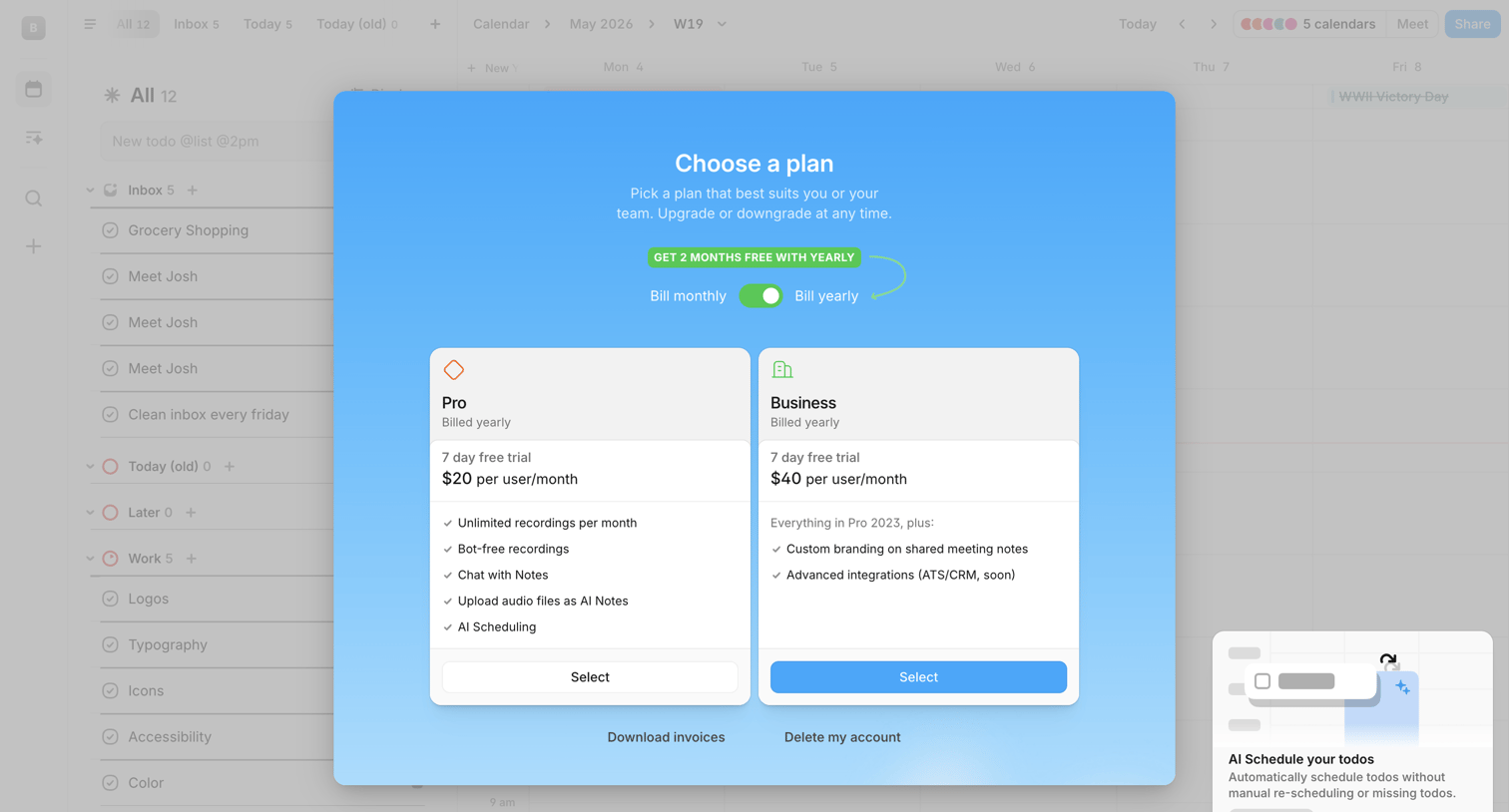
Paywall modal where the user can choose between Pro and Business plans, toggle yearly billing for a discount, or access account management options.
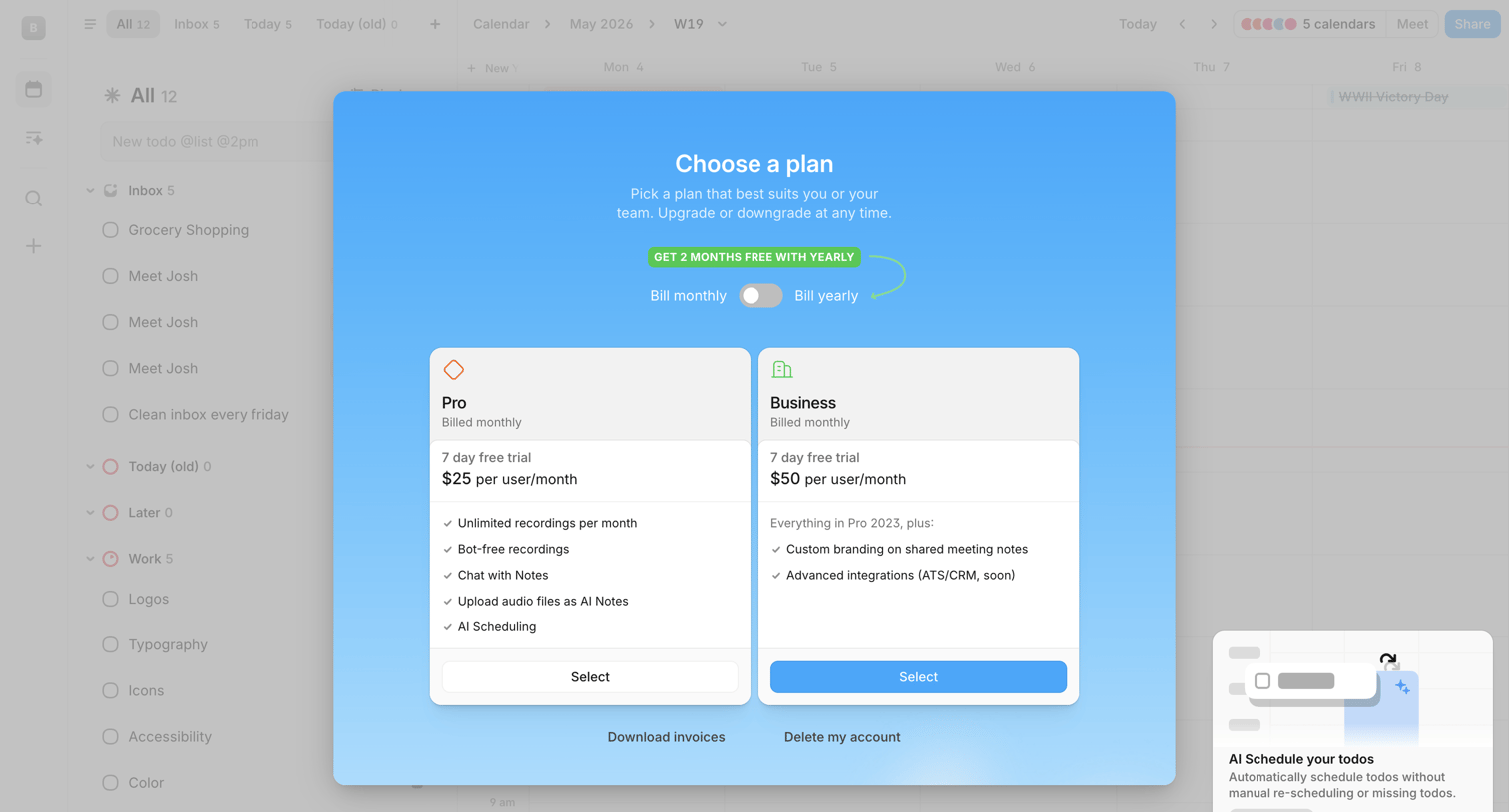
App overlay where the user chooses between Pro and Business subscription plans with a monthly or yearly billing toggle.
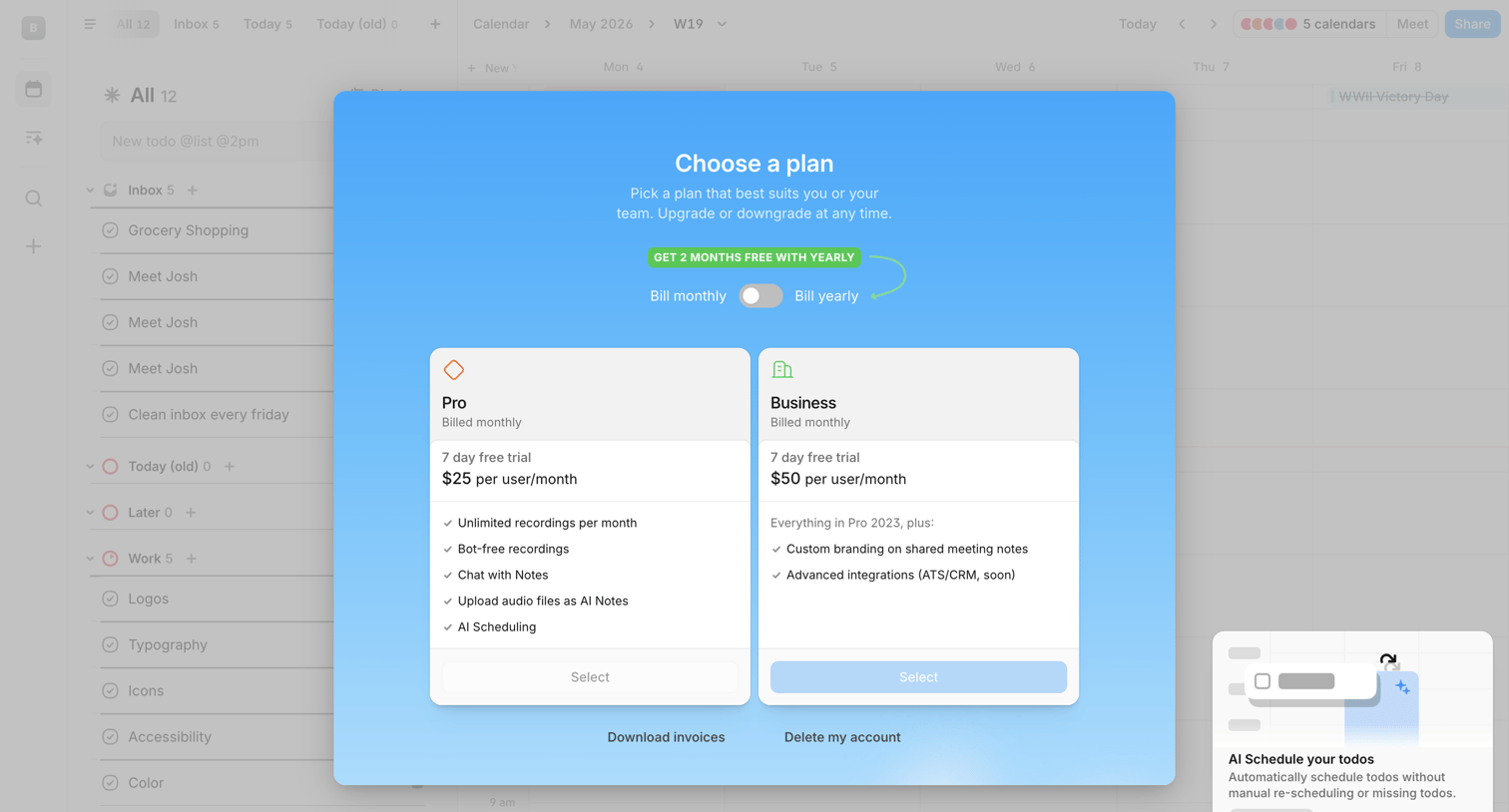
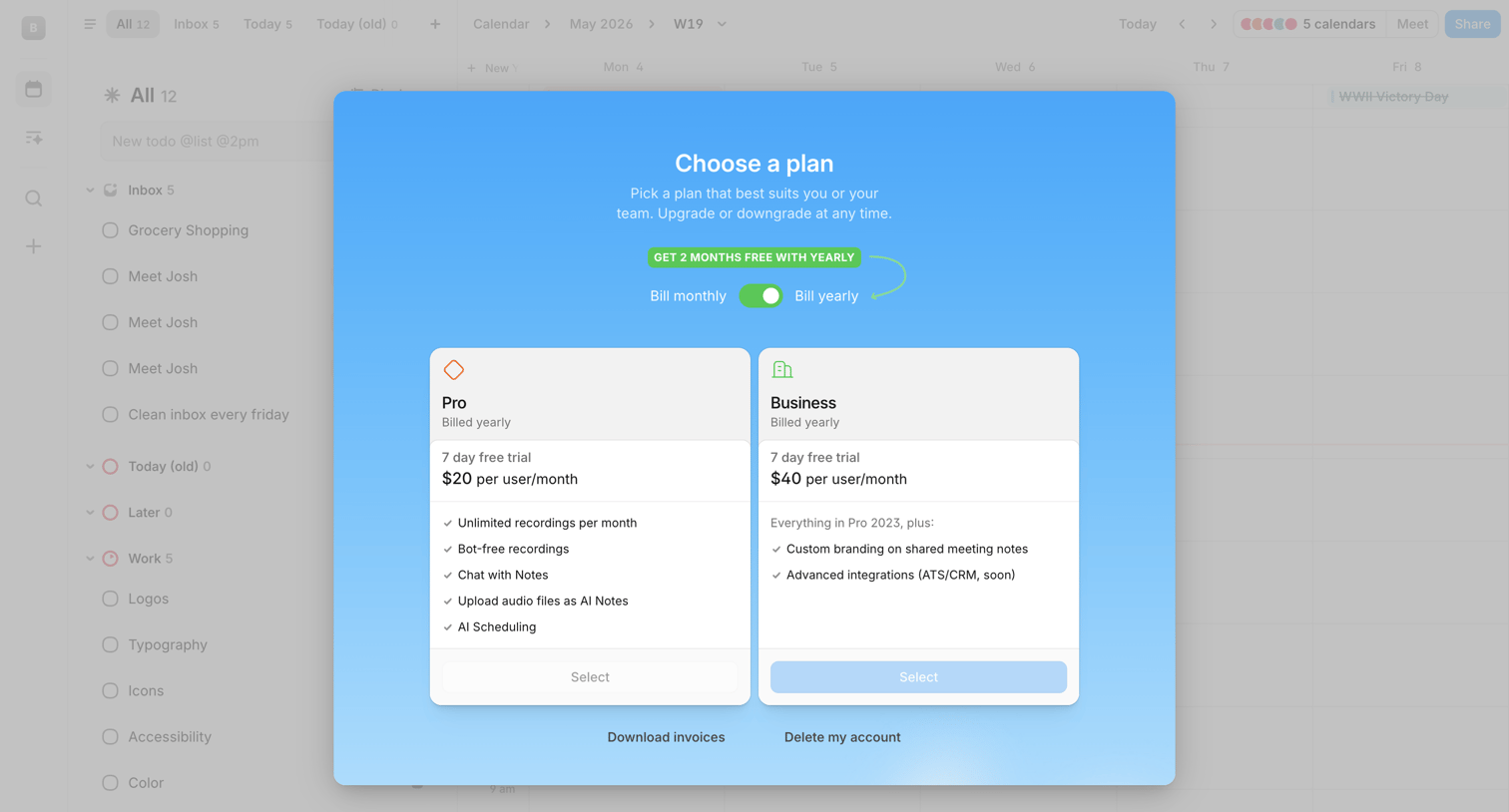
Paywall modal where the user selects between Pro and Business subscription plans with a monthly or yearly billing toggle.
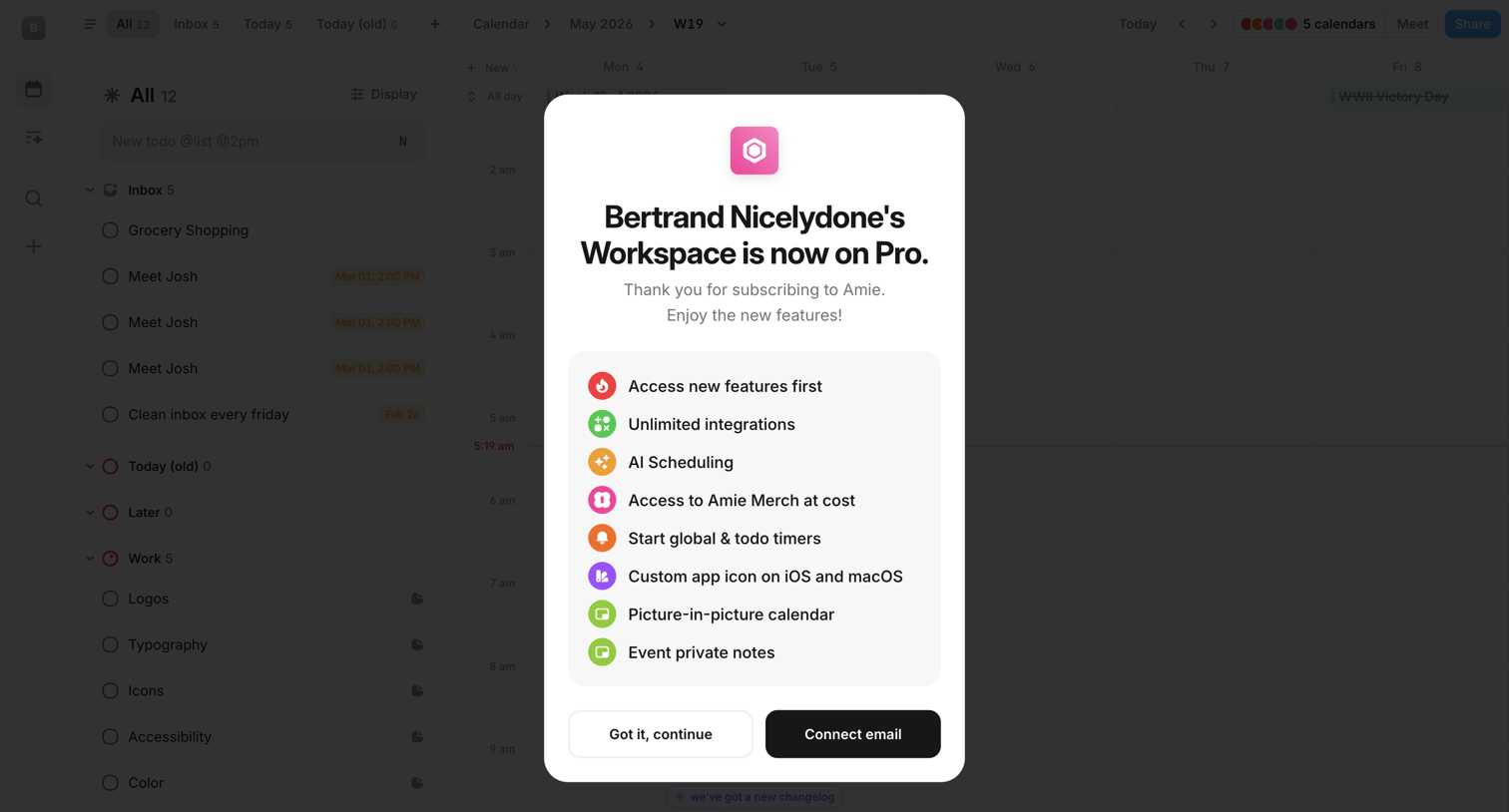
Calendar and task inbox view overlaid with a success modal confirming the workspace's upgrade to the Pro plan and prompting the user to connect their email.
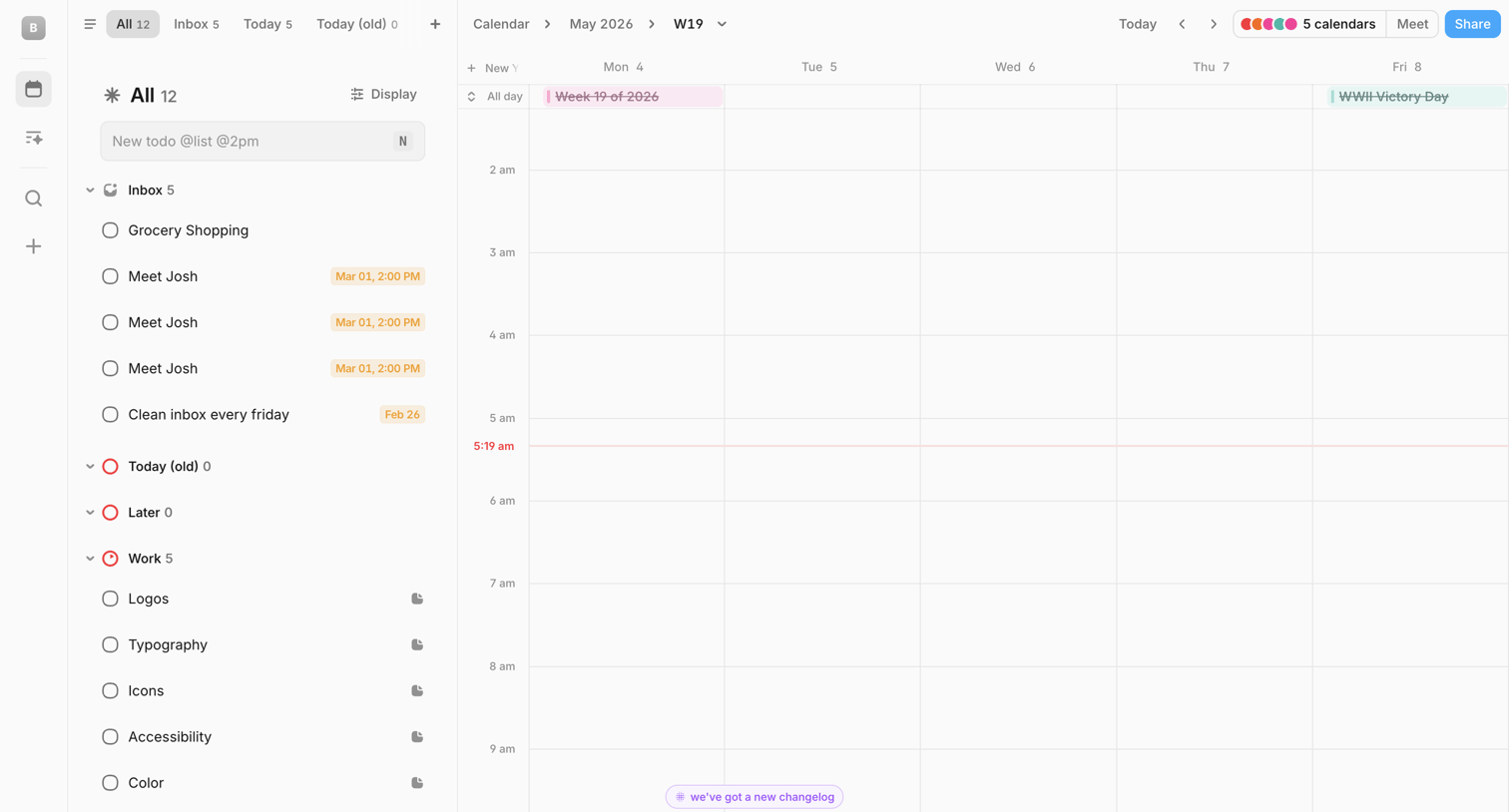
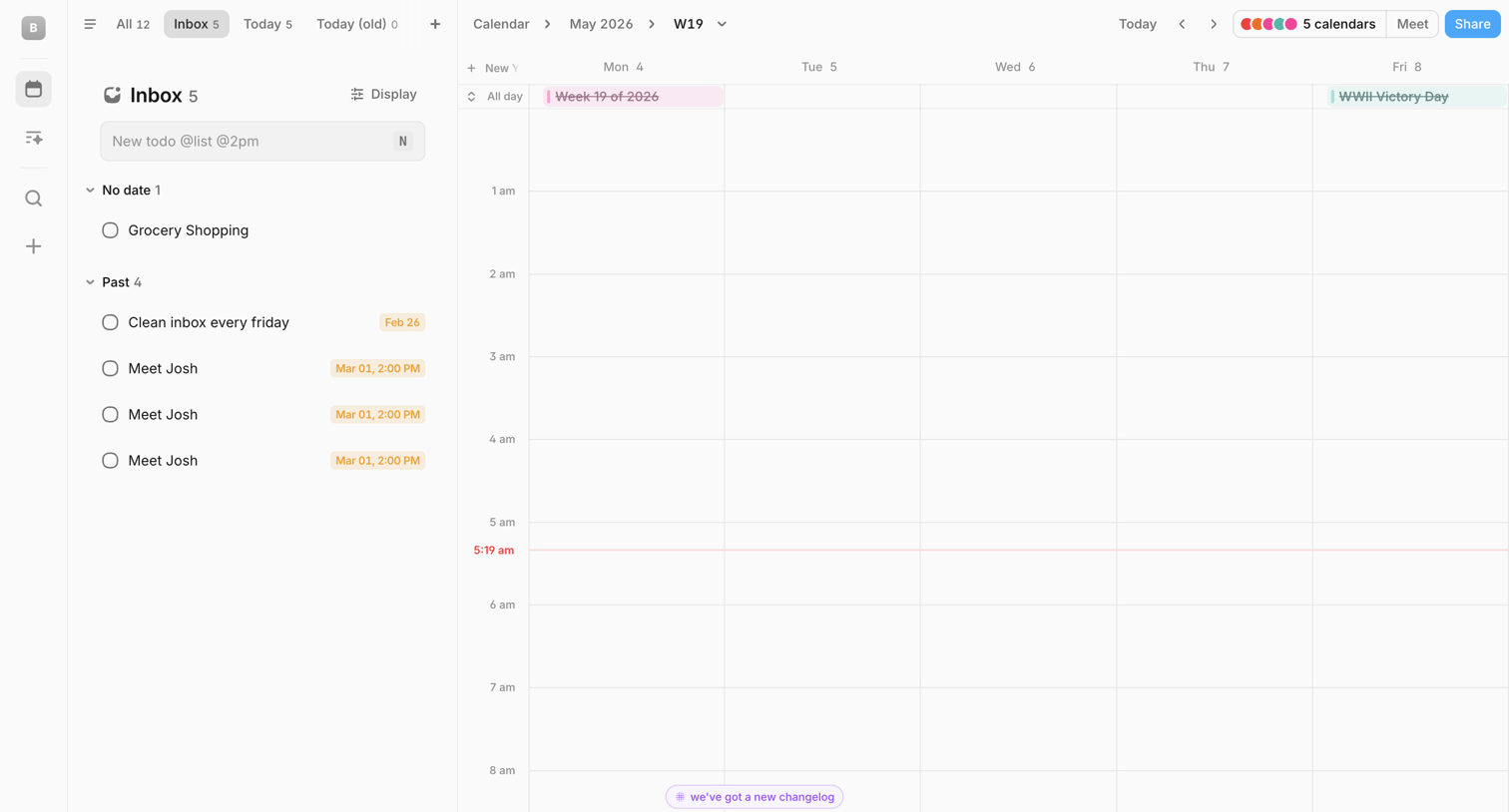
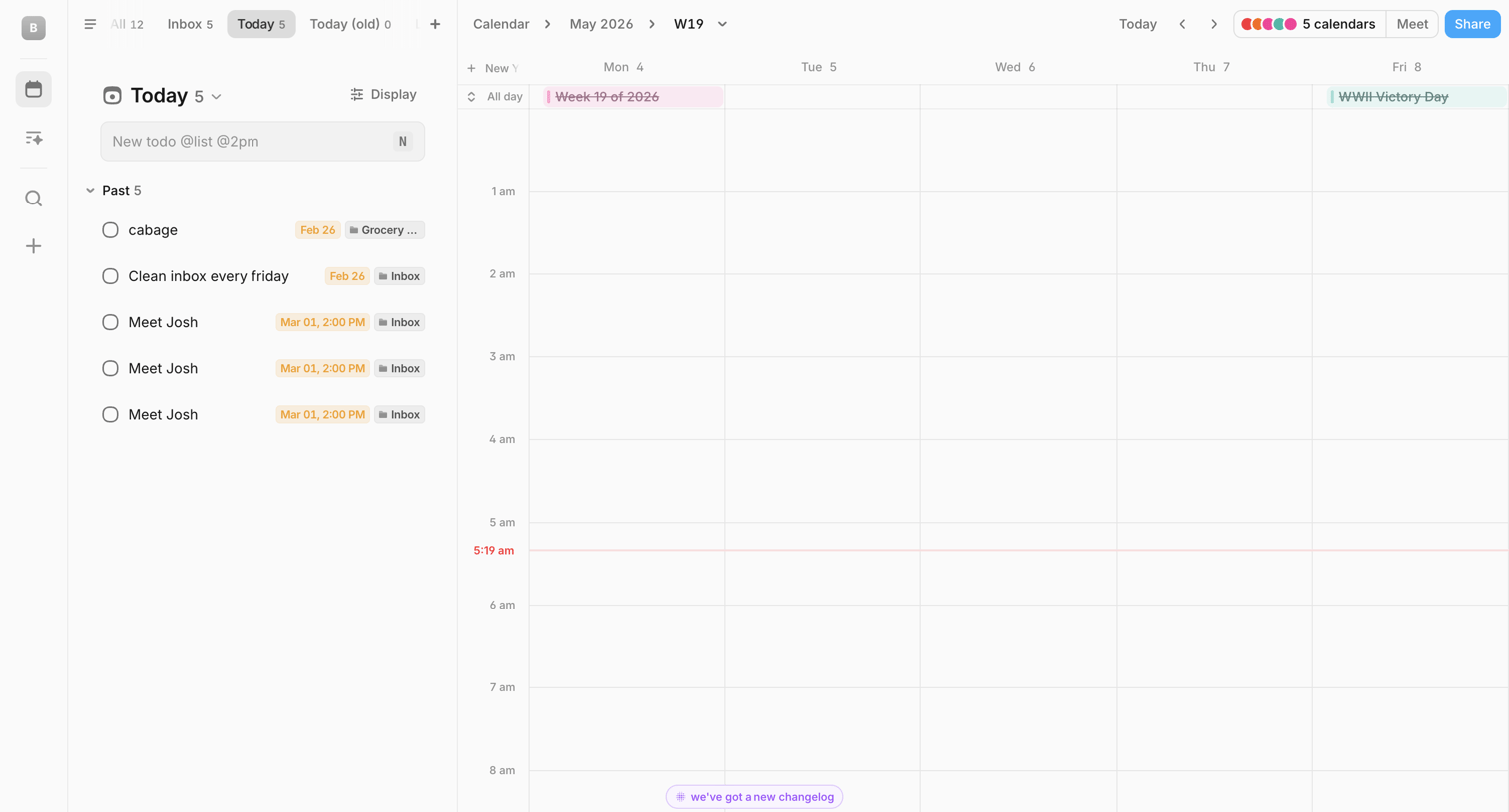
Calendar application where the user manages their daily tasks alongside a weekly schedule, with an AI command bar for quick entry.
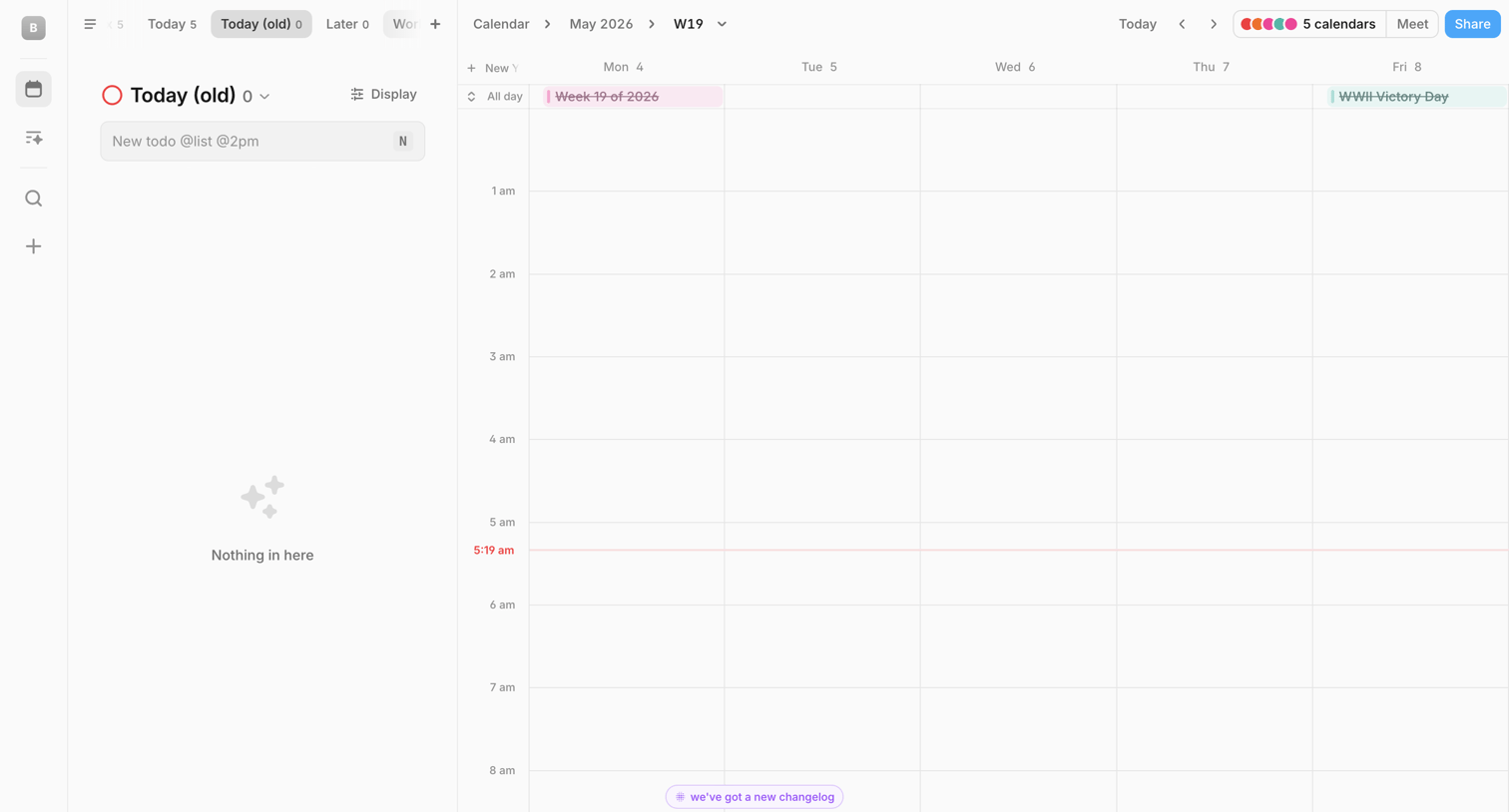
Calendar application where the user views their weekly schedule for May 2026 alongside a to-do list and an AI command bar.
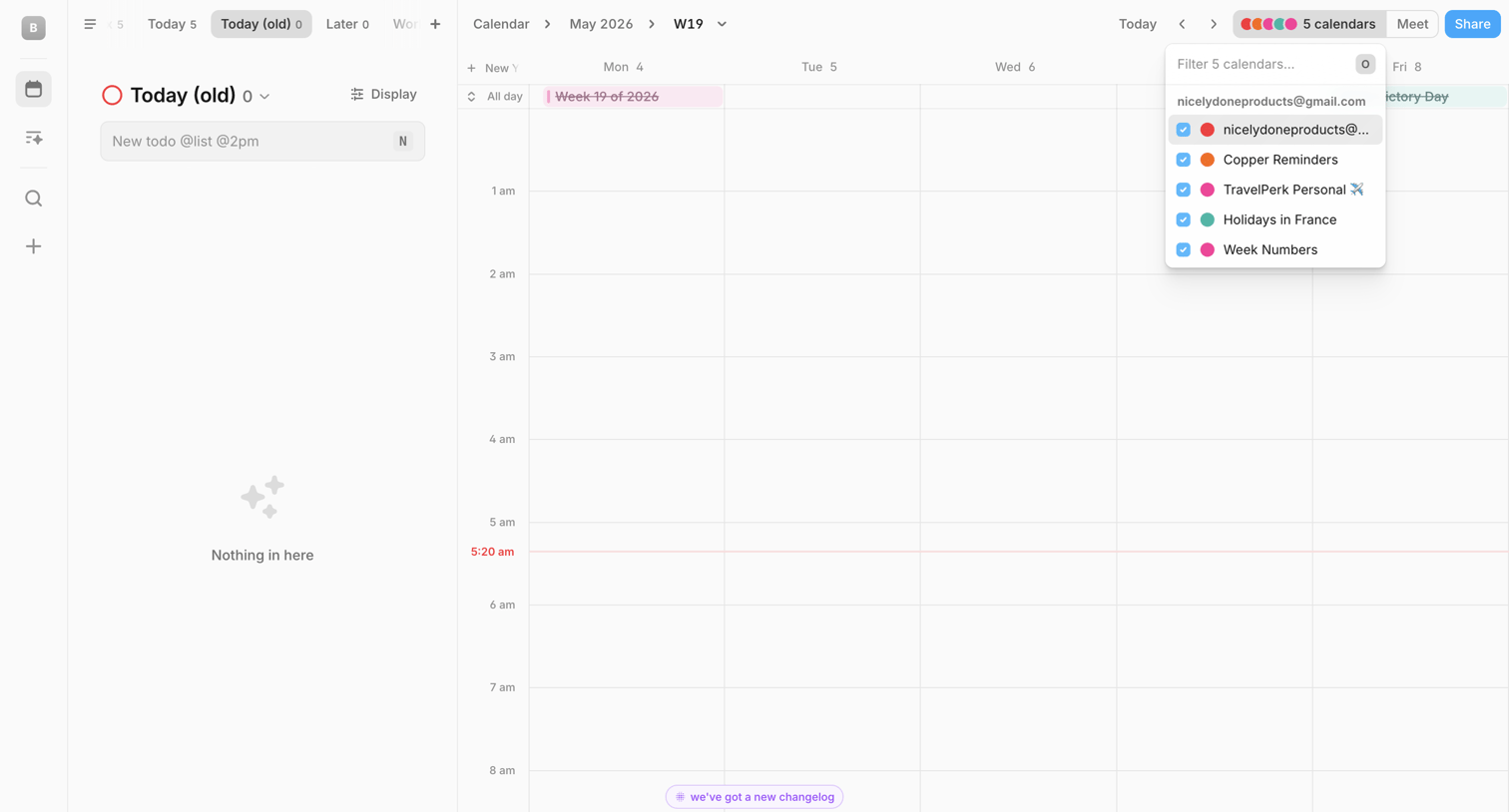
Calendar view where the user manages their daily schedule alongside a to-do list, filters visible calendars, and can interact with an AI assistant via a bottom command bar.
Browse the full SaaS app library
Explore real SaaS apps with their product screens, marketing screens, flows, and components.
Trusted by the best teams







