Loading screen examples
Loading screen design examples from SaaS apps. See how apps communicate that content or a process is still loading. Explore how progress cues and explanatory text fit within the space where results will…
Explore the examples
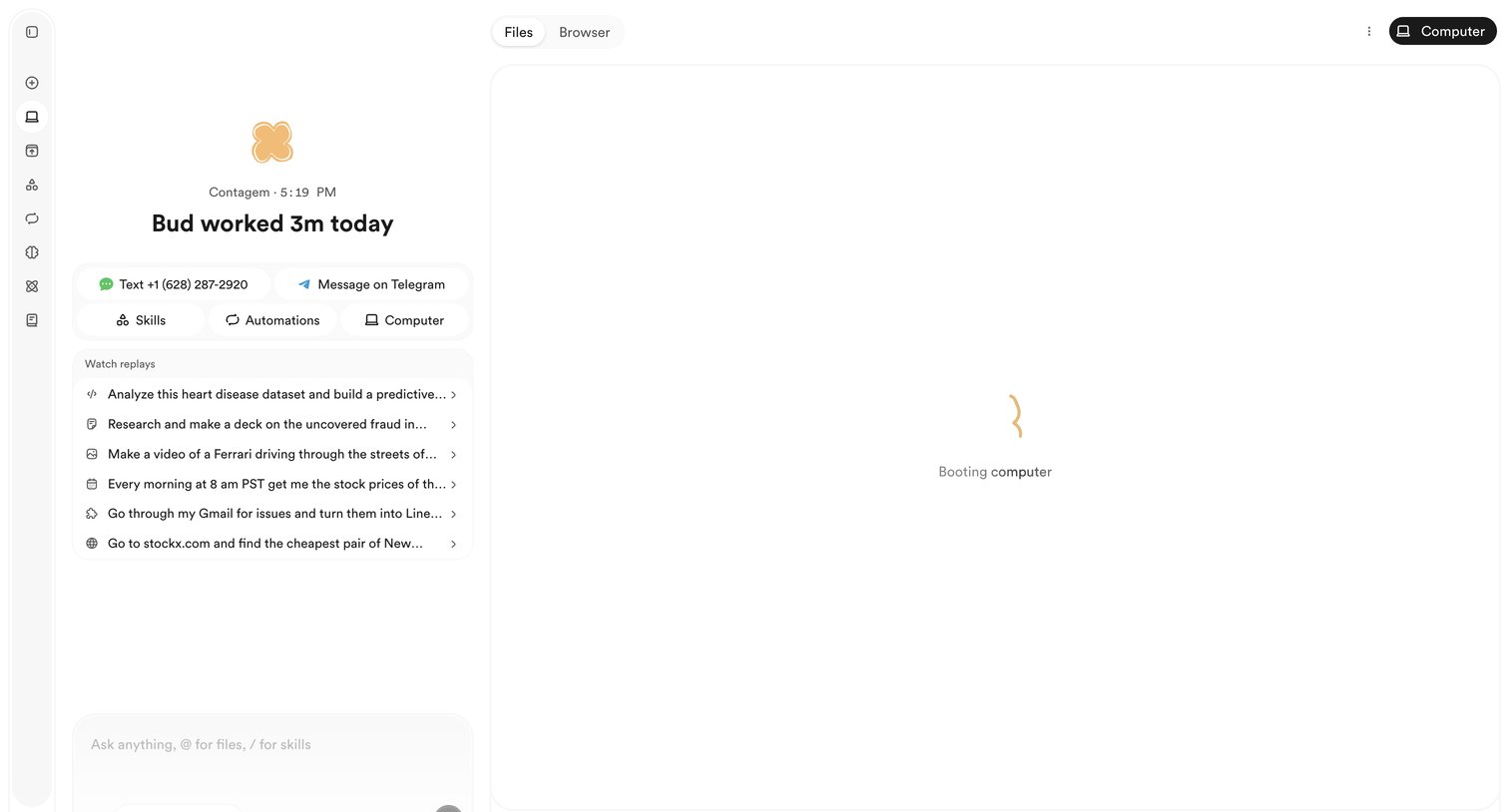

Dashboard where the user interacts with an AI agent, views recent task replays, and waits for the agent's computer environment to boot.
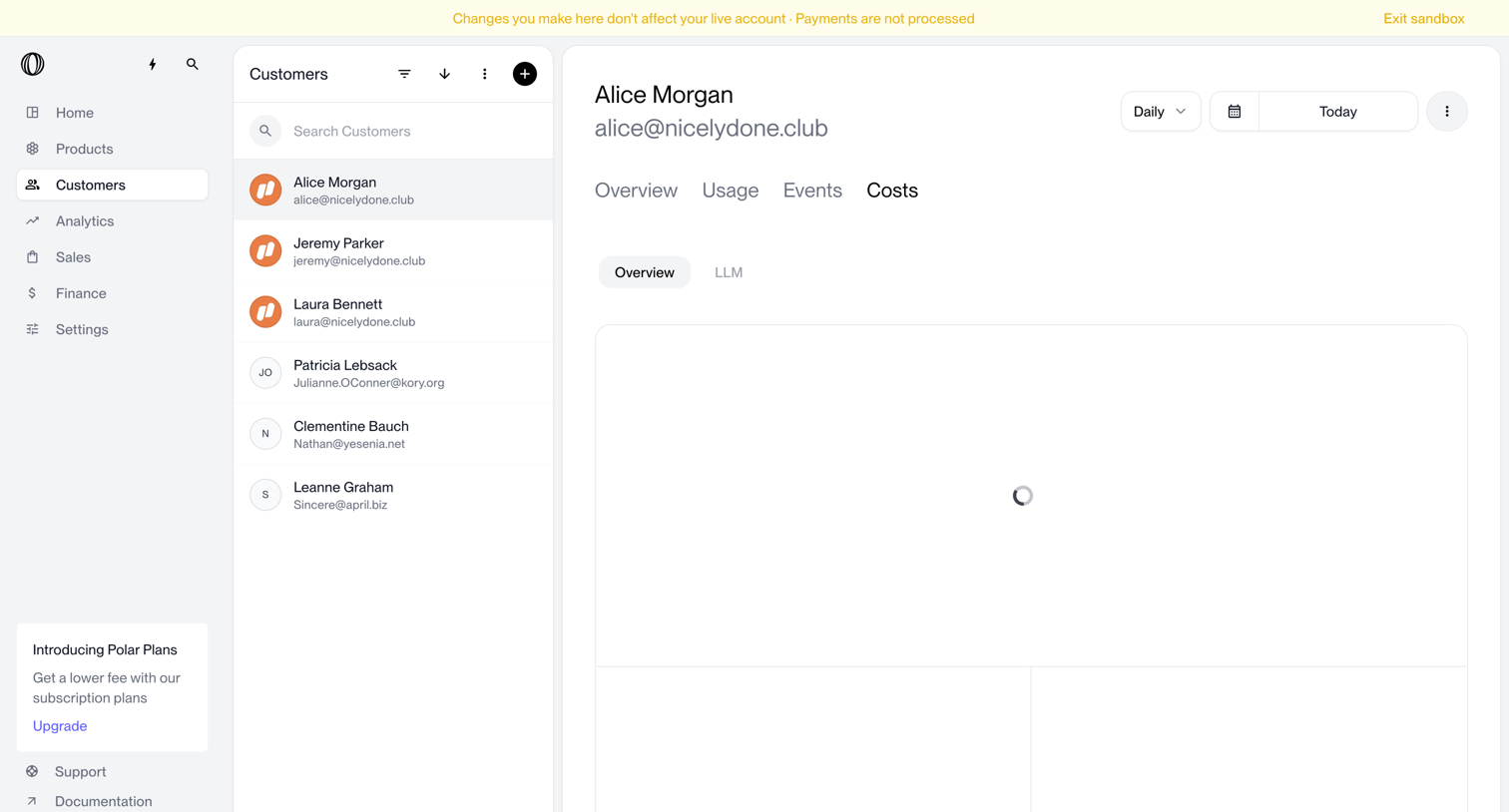

Detail page where the user views the costs associated with a specific customer in a sandbox environment, currently in a loading state.
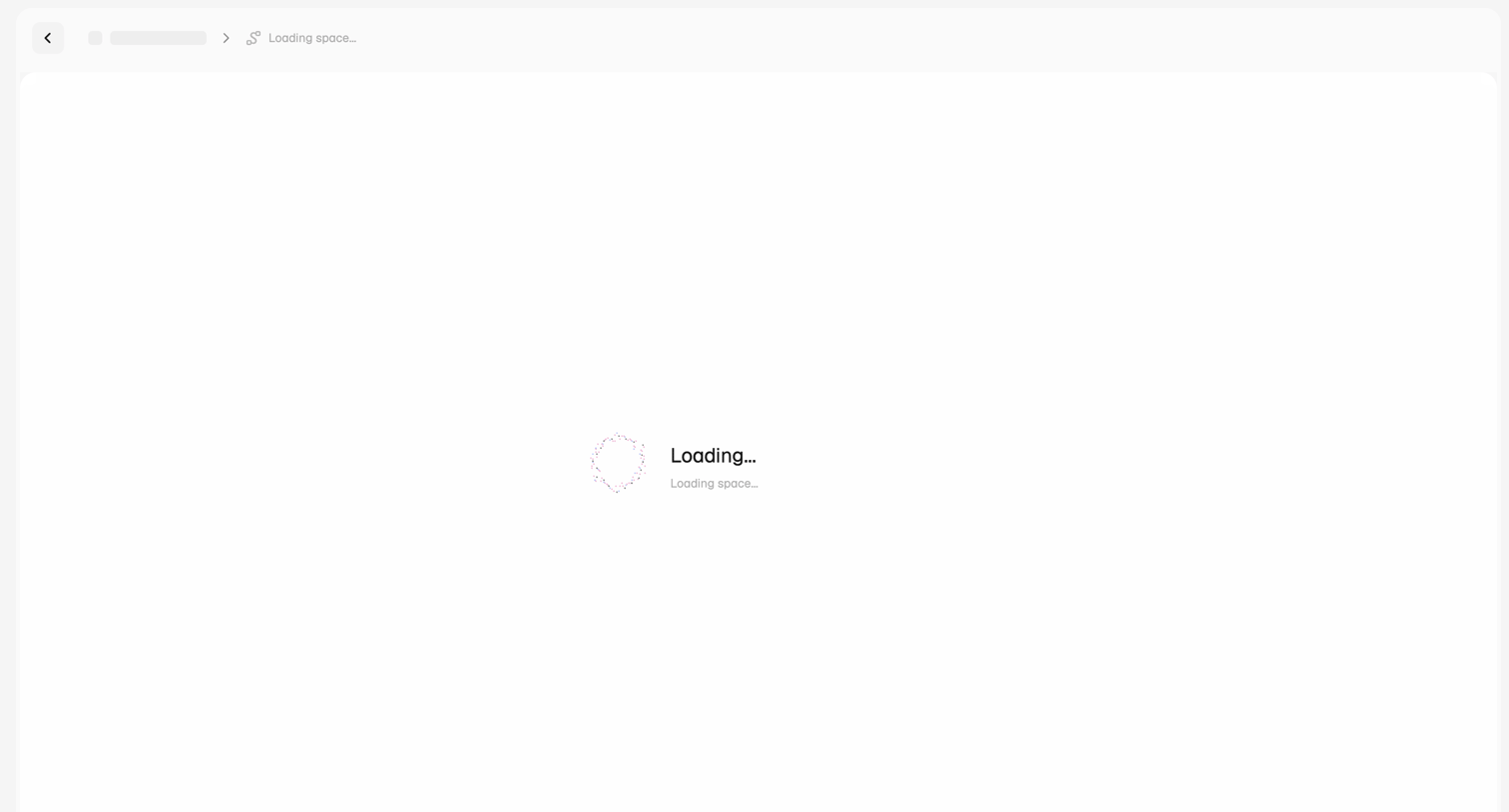

Detail page where the user waits for a specific workspace to finish loading.
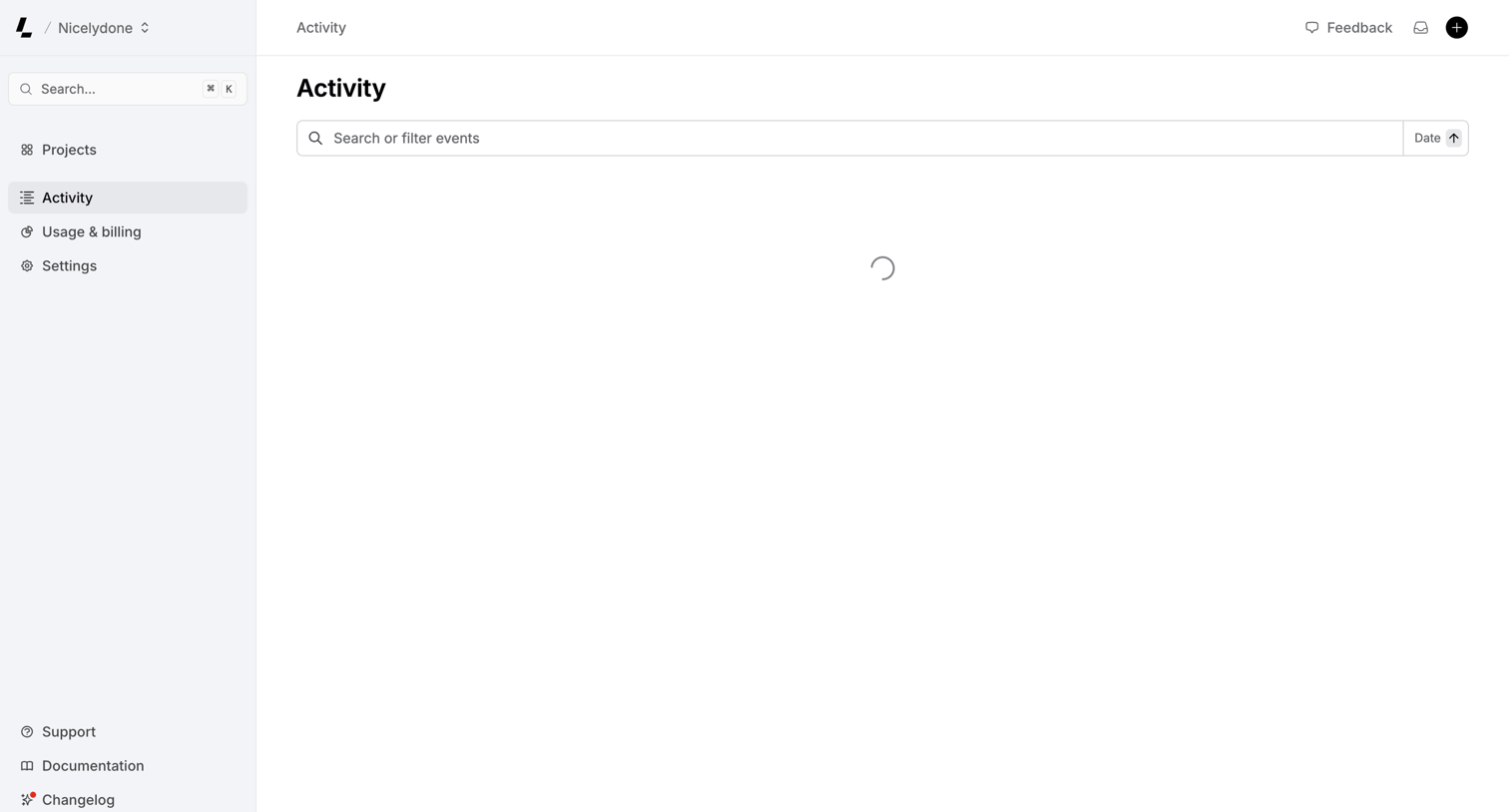

Activity feed where the user can search and filter events, currently in a loading state.
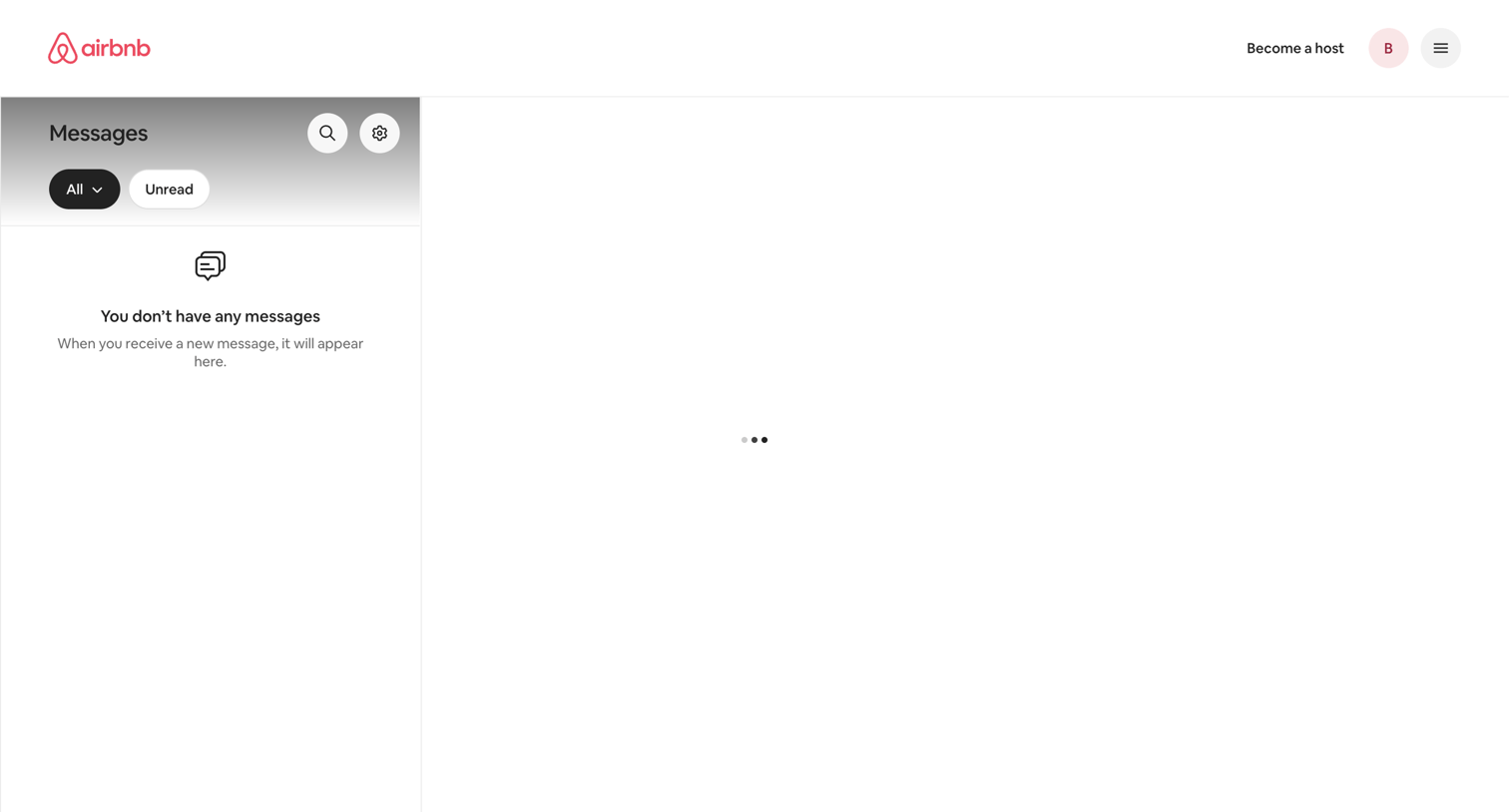

Inbox view where the user can manage their conversations, currently showing an empty message list and a loading indicator in the main reading pane.
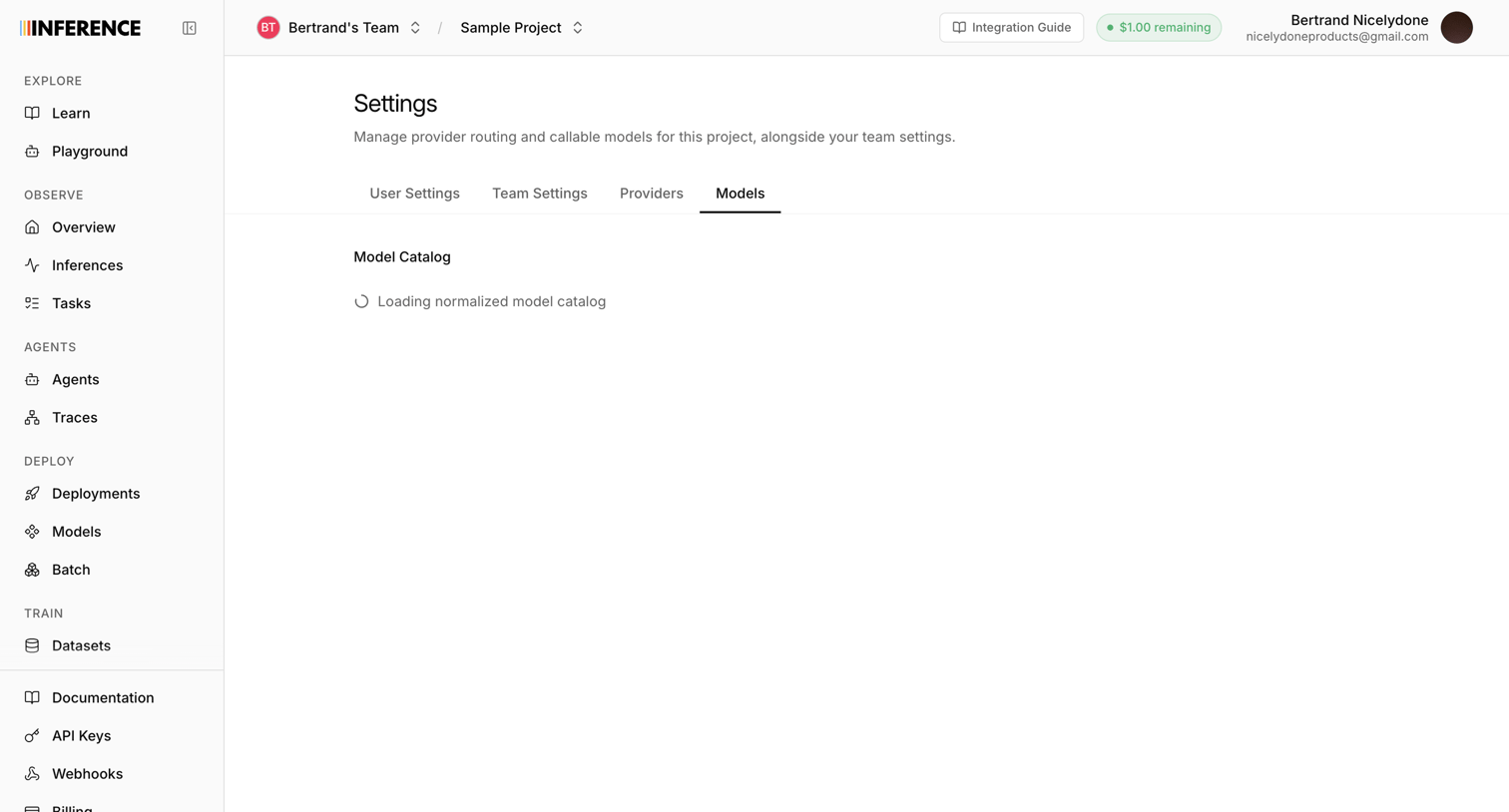

Settings page where the user manages provider routing and callable models, currently showing a loading state for the model catalog.


App loading screen displaying a centered brand logo while the membership profile fetches.

App loading screen where the system connects to the user's workspace before revealing the main interface.
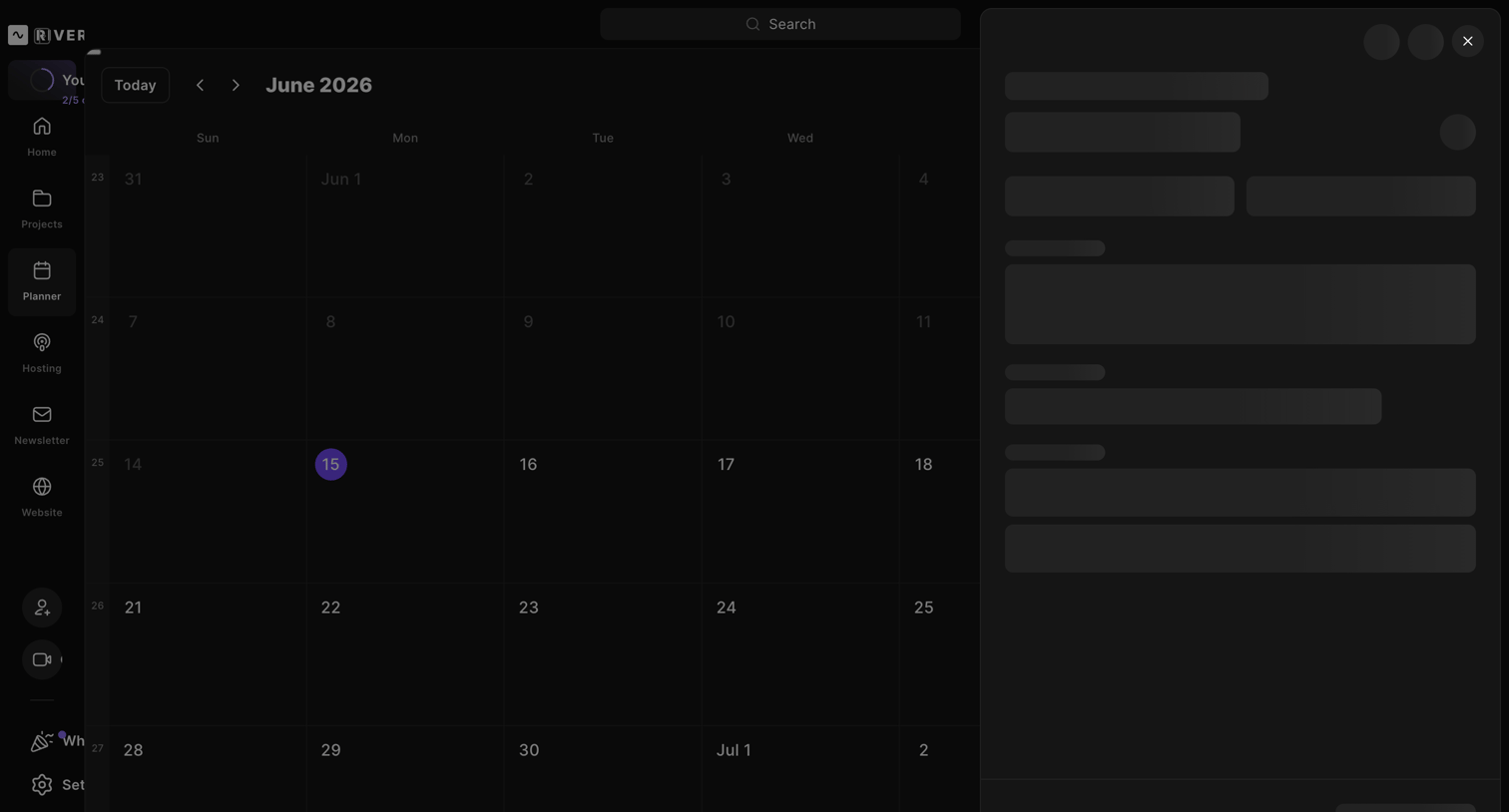

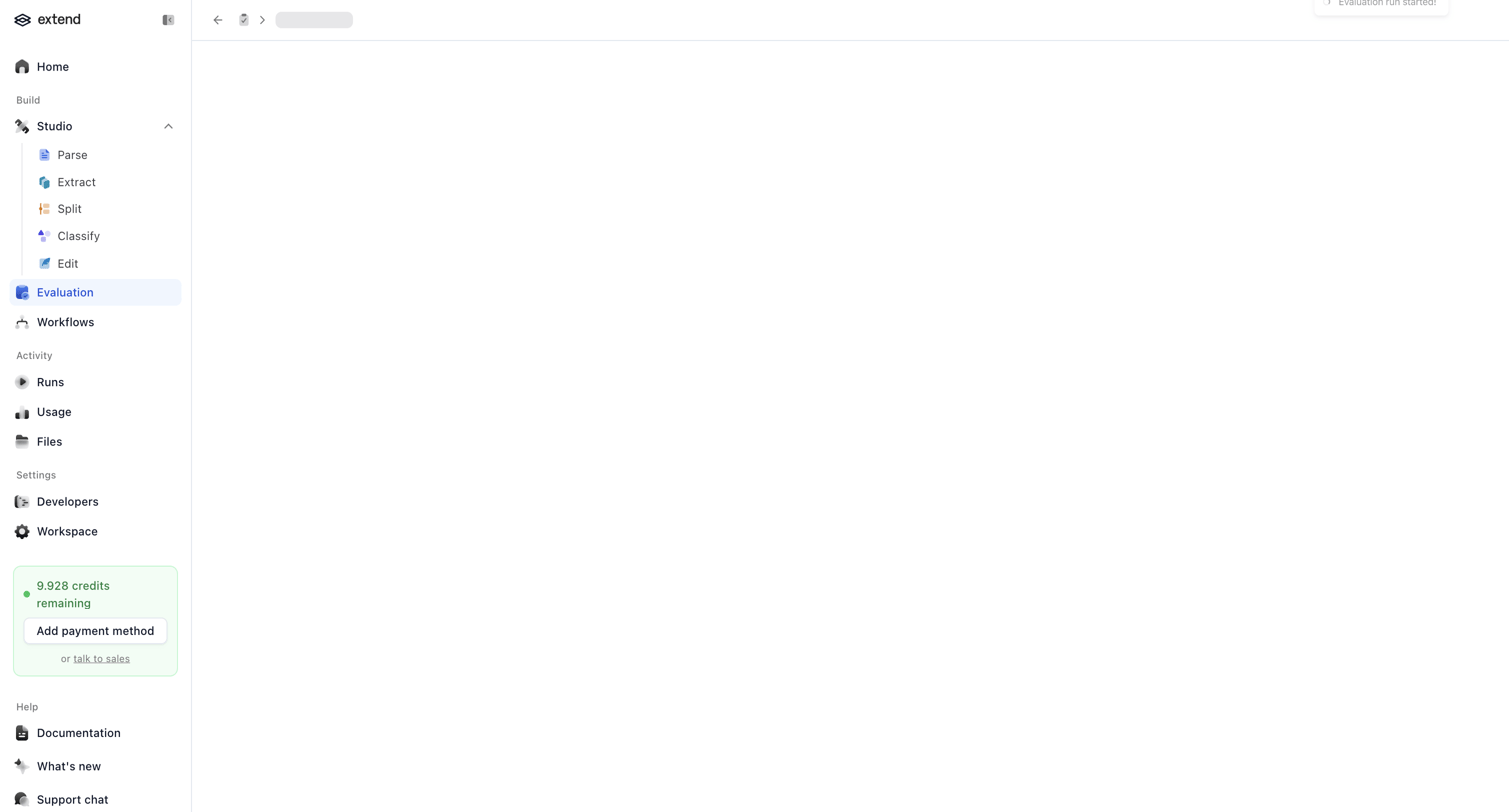

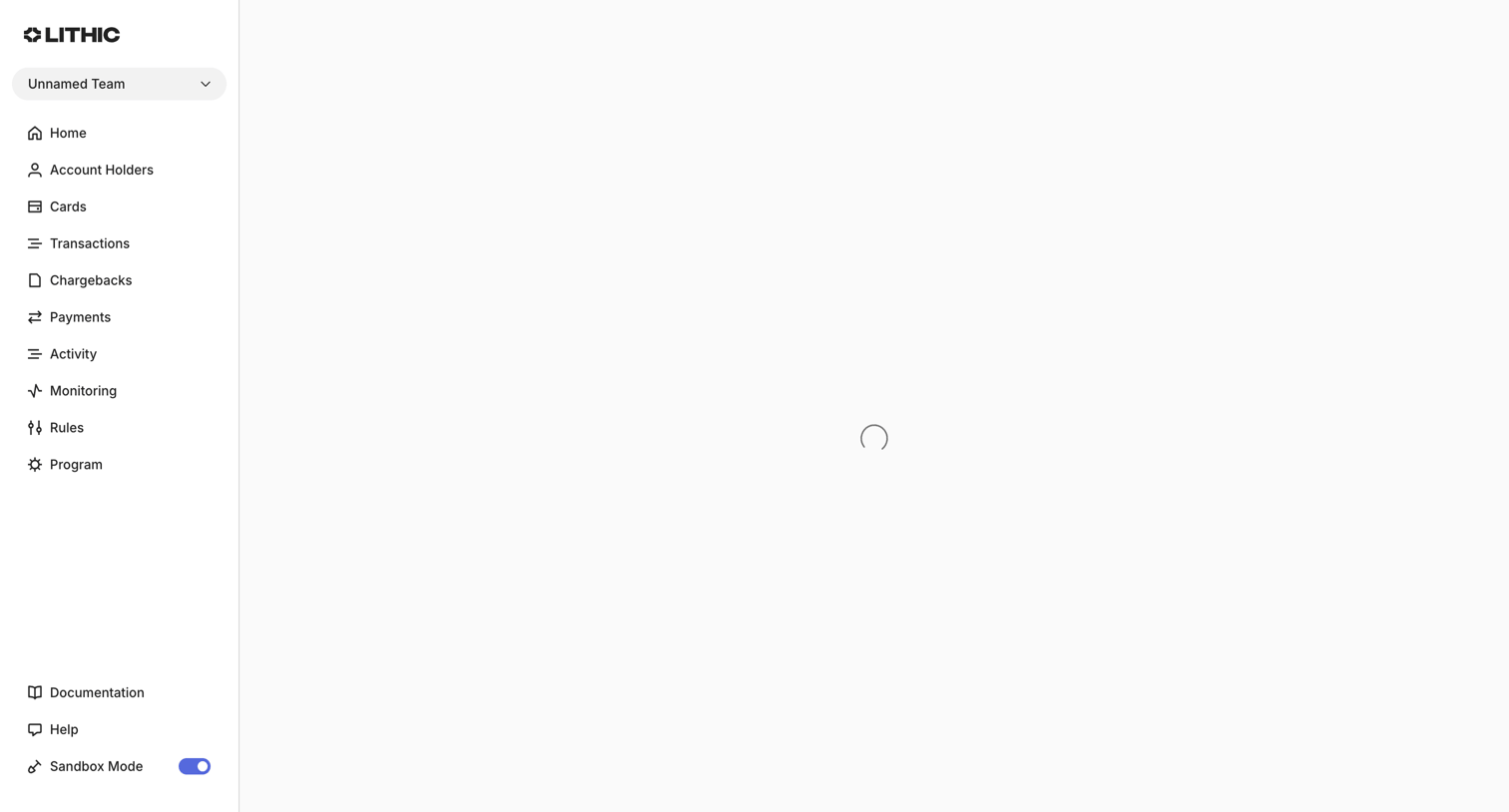

Detail page for a specific rule where the main content is currently fetching and displaying a loading spinner.
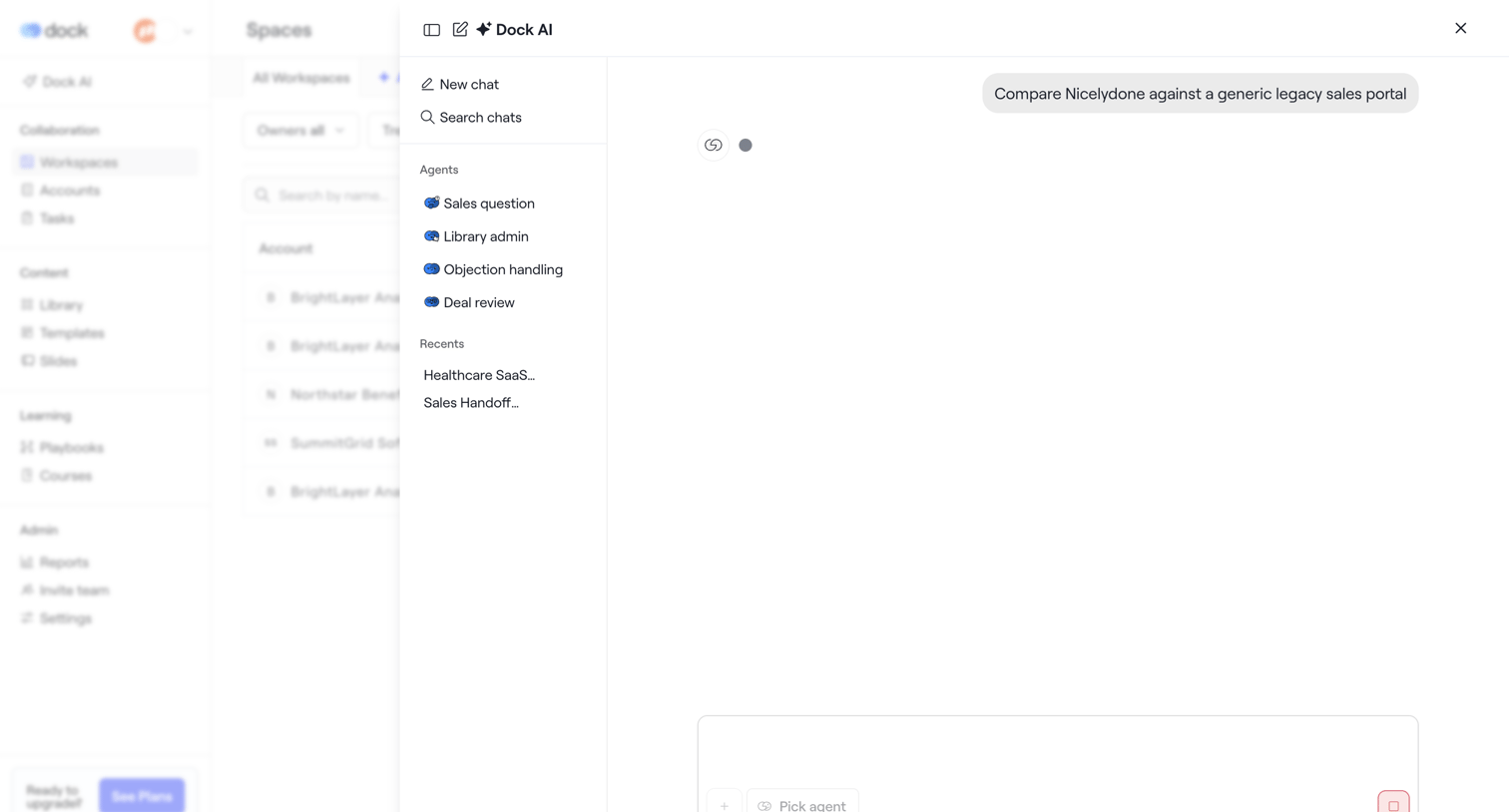

List view where the user has opened an AI assistant drawer to compare competitors and is waiting for a streaming response.
Explore the full SaaS screen library
Upgrade to unlock the full library.
Trusted by the best teams








About Loading
See how apps communicate that content or a process is still loading. Explore how progress cues and explanatory text fit within the space where results will appear.