Tasks screen examples
Tasks screen design examples from SaaS apps. See how SaaS apps organize work that needs to be done. Explore how task lists and detail views bring together descriptions, status, ownership, and next actions.
Explore the examples
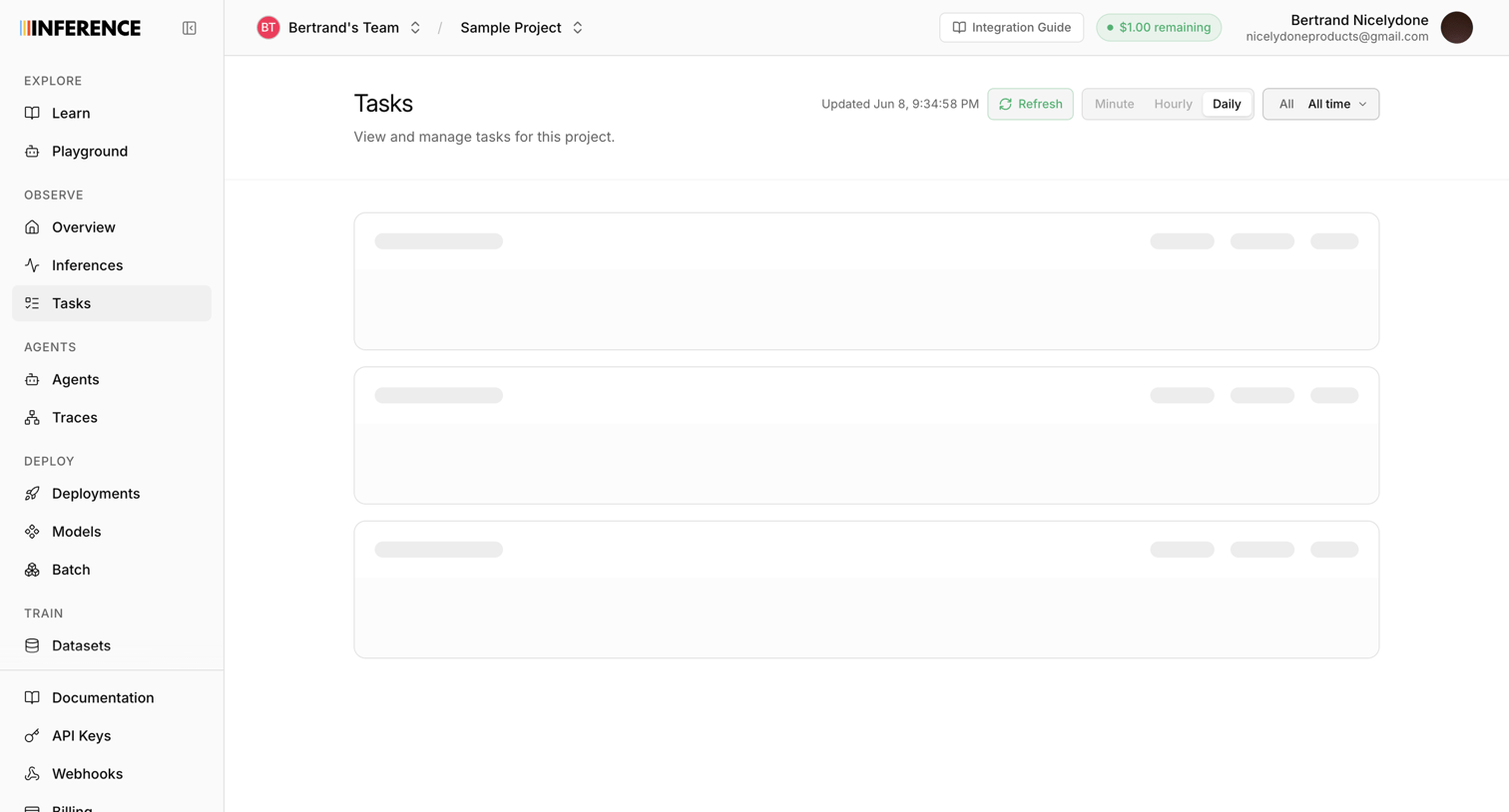

List view displaying observability tasks for a selected project, currently showing skeleton loaders while data is fetched, with time-range filters available in the header.
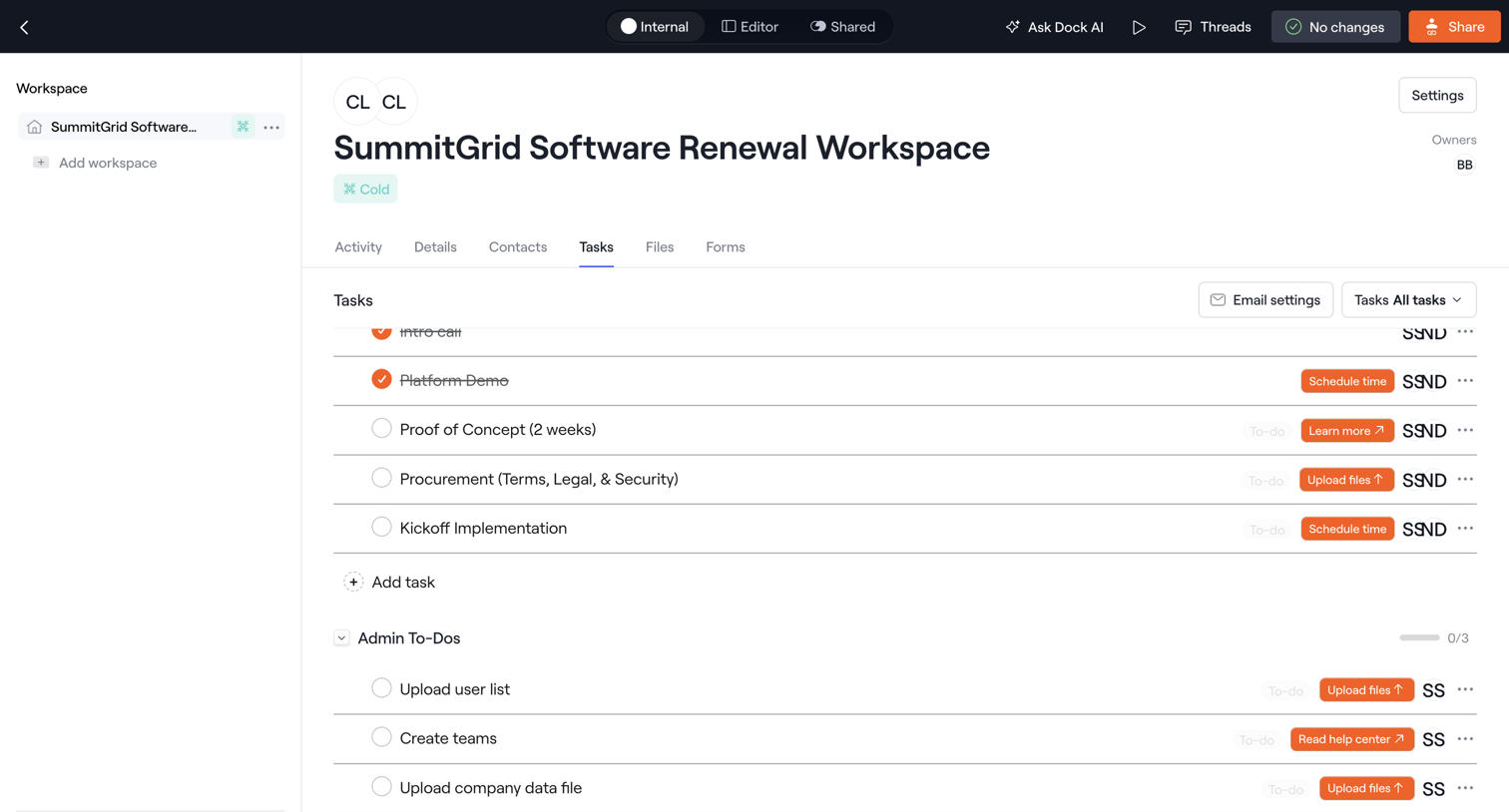

Detail page for a specific customer workspace where the user manages a checklist of tasks and admin to-dos for a software renewal.
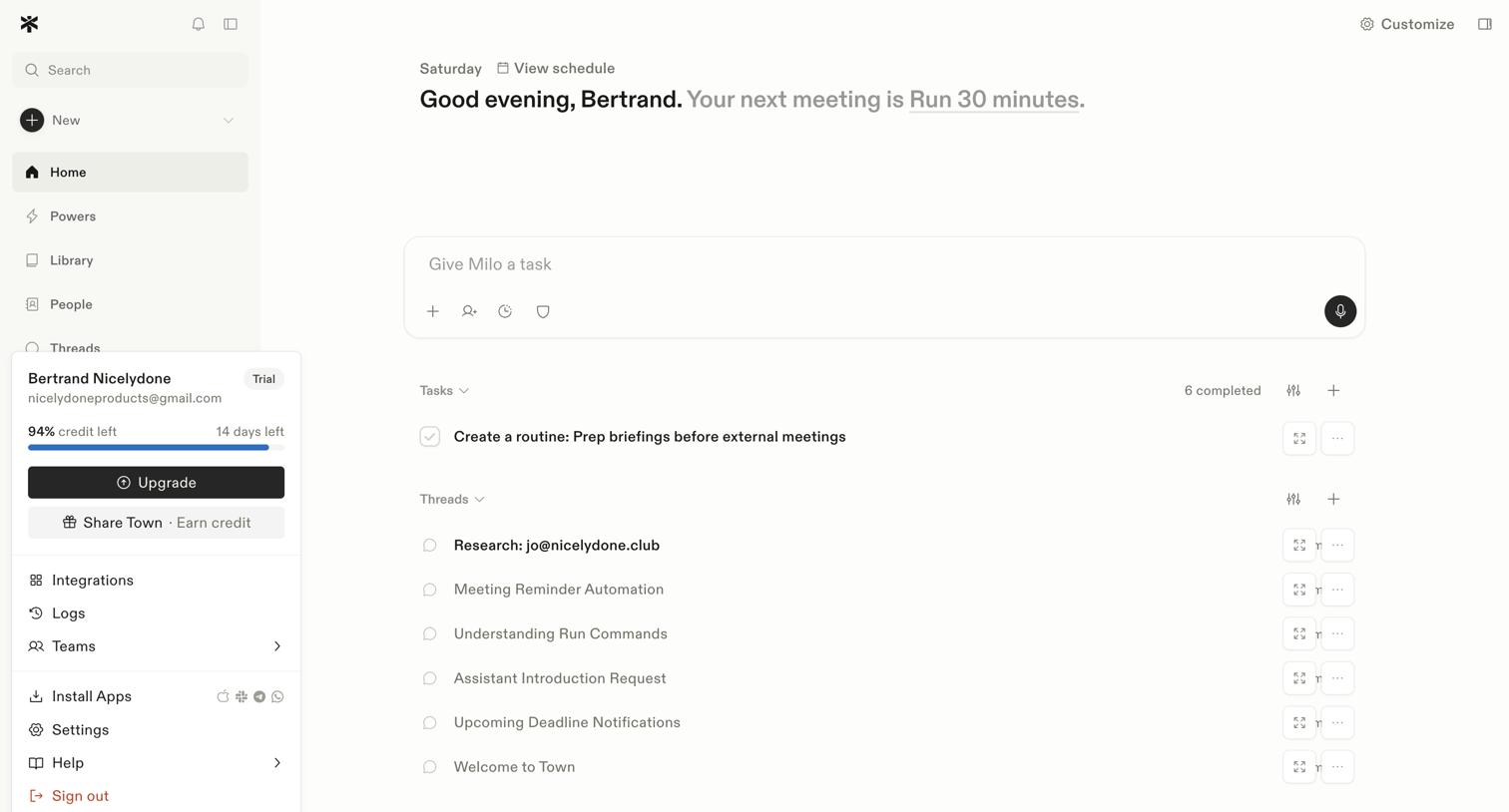

Home screen where the user can give their AI assistant a task, view upcoming meetings, and manage recent tasks and threads.
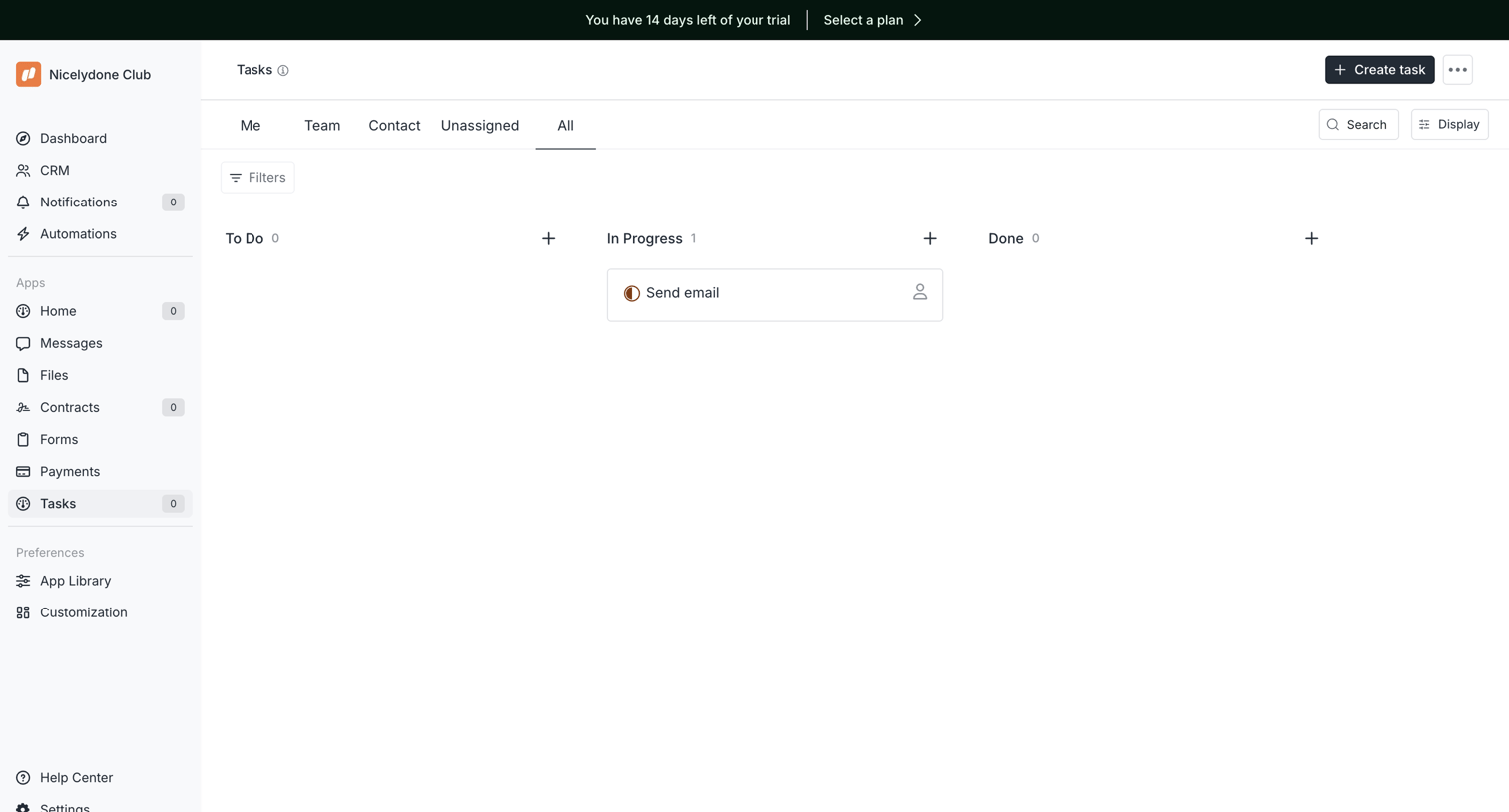

Task management board where the user views tasks organized by status columns like To Do, In Progress, and Done.
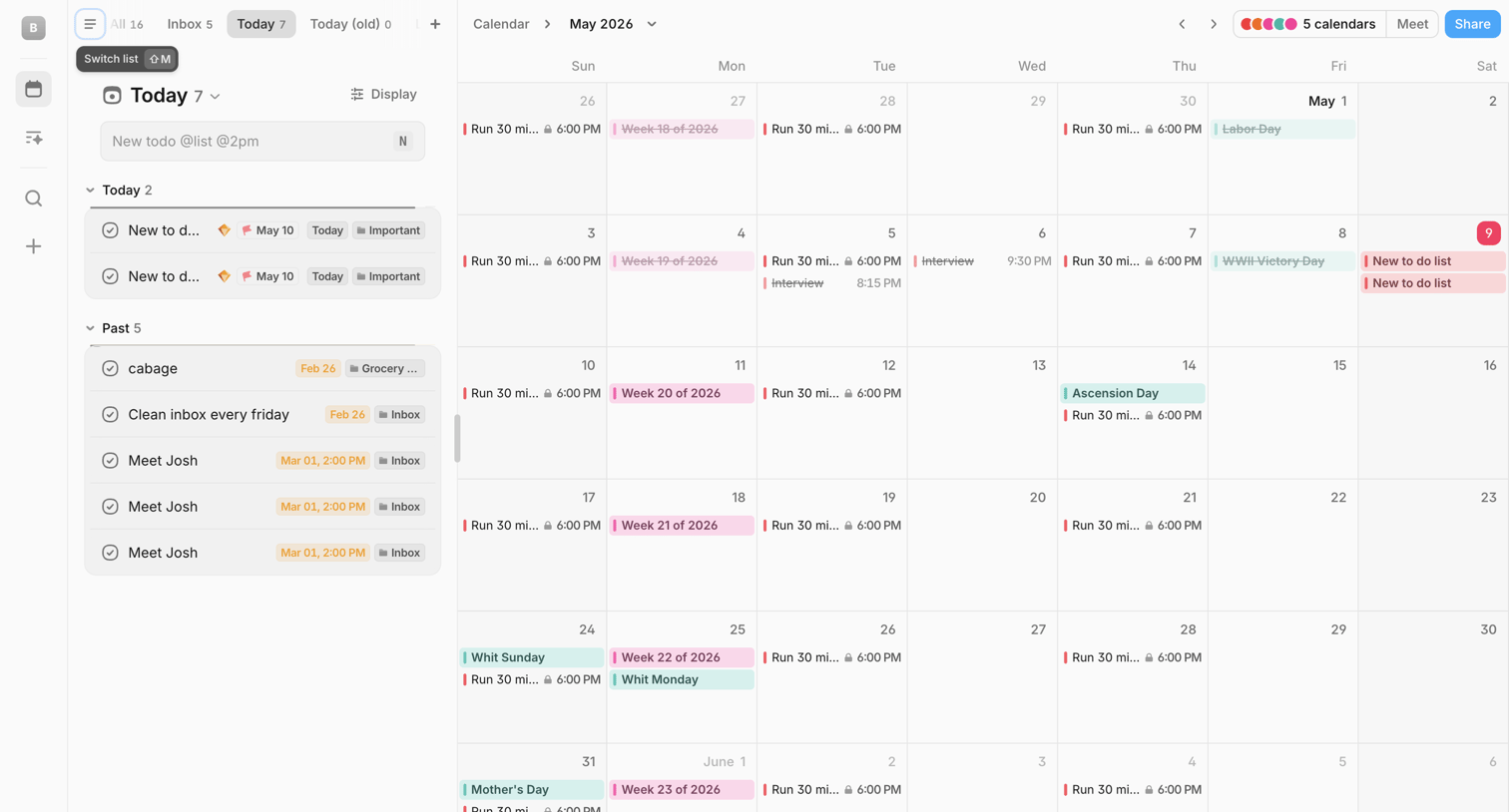

Calendar view where the user manages their daily schedule alongside a categorized to-do list and can ask an AI assistant for help.
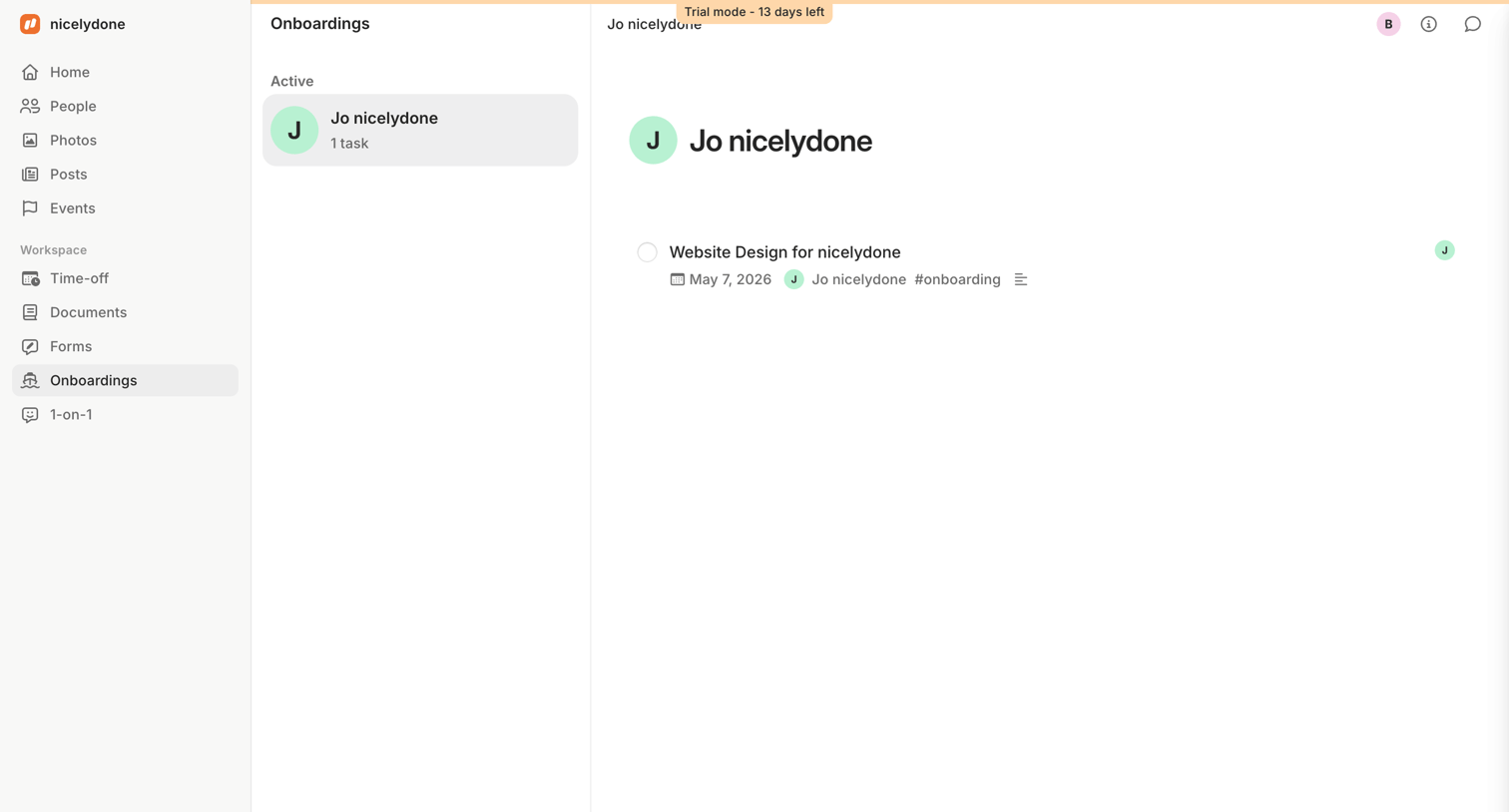

Detail page where the user views the active onboarding tasks for a specific employee, featuring a trial countdown banner at the top.
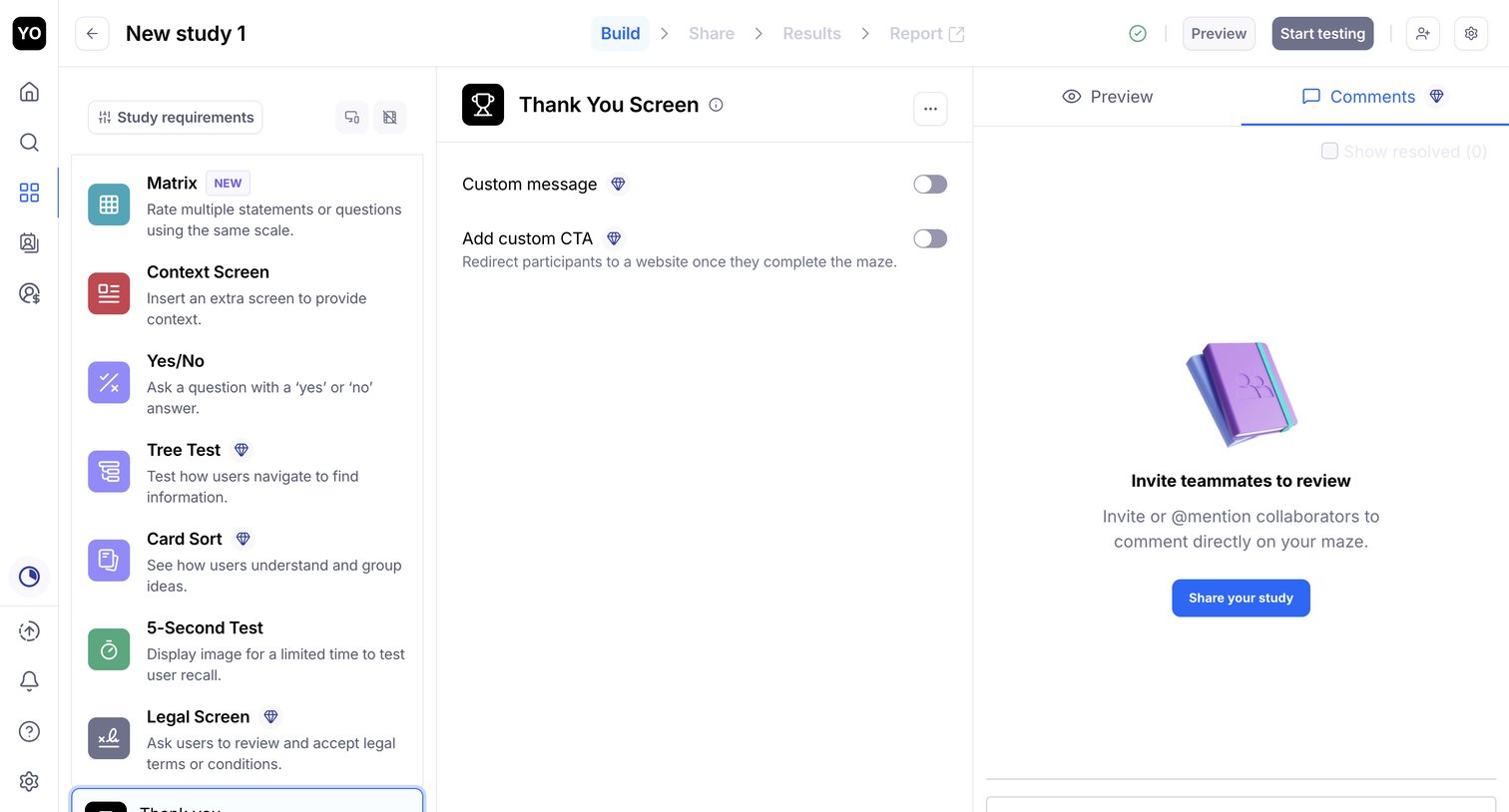

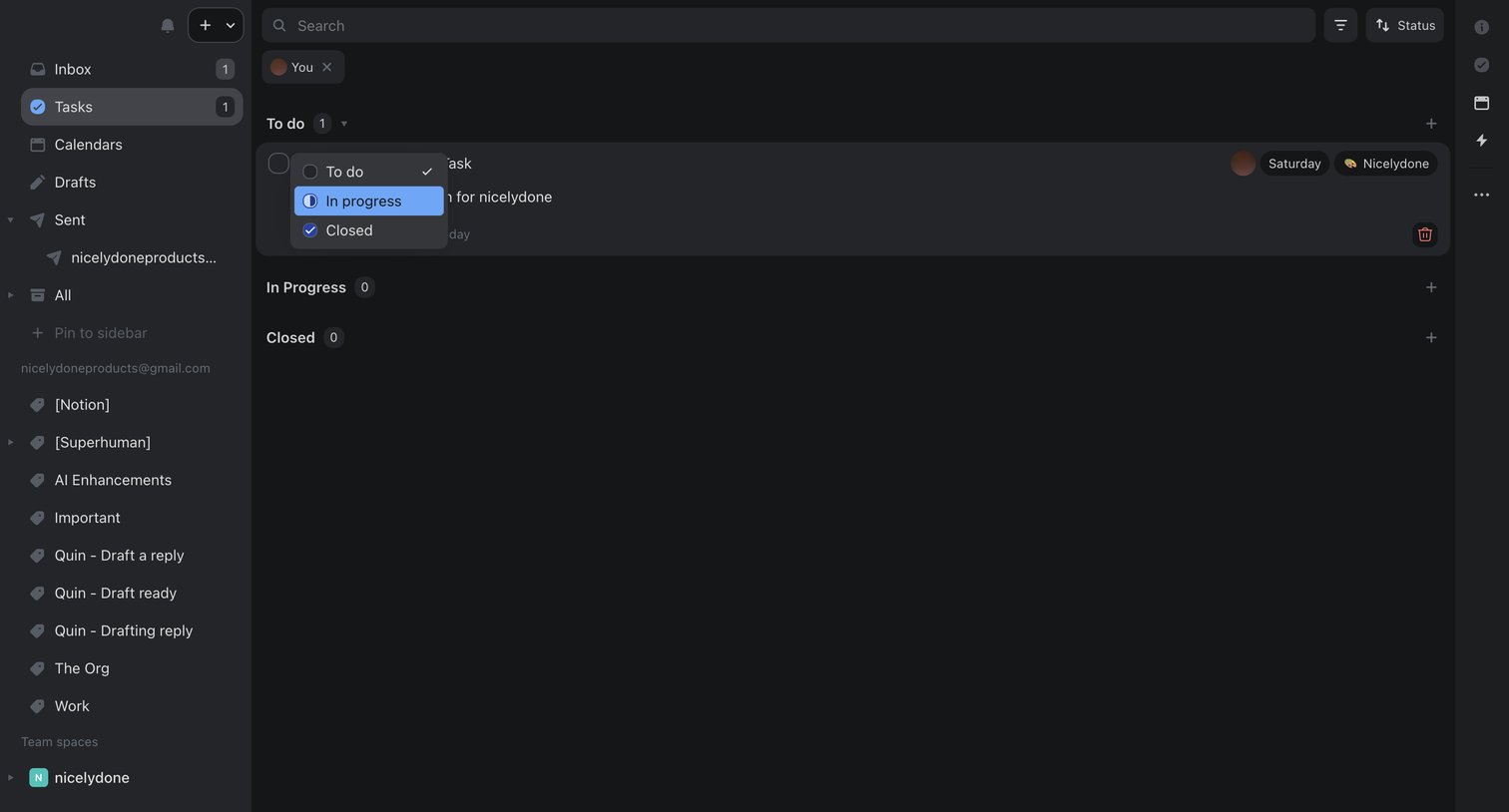

Task management view where the user filters tasks assigned to them and updates a task's status from to-do to in-progress via an inline dropdown.
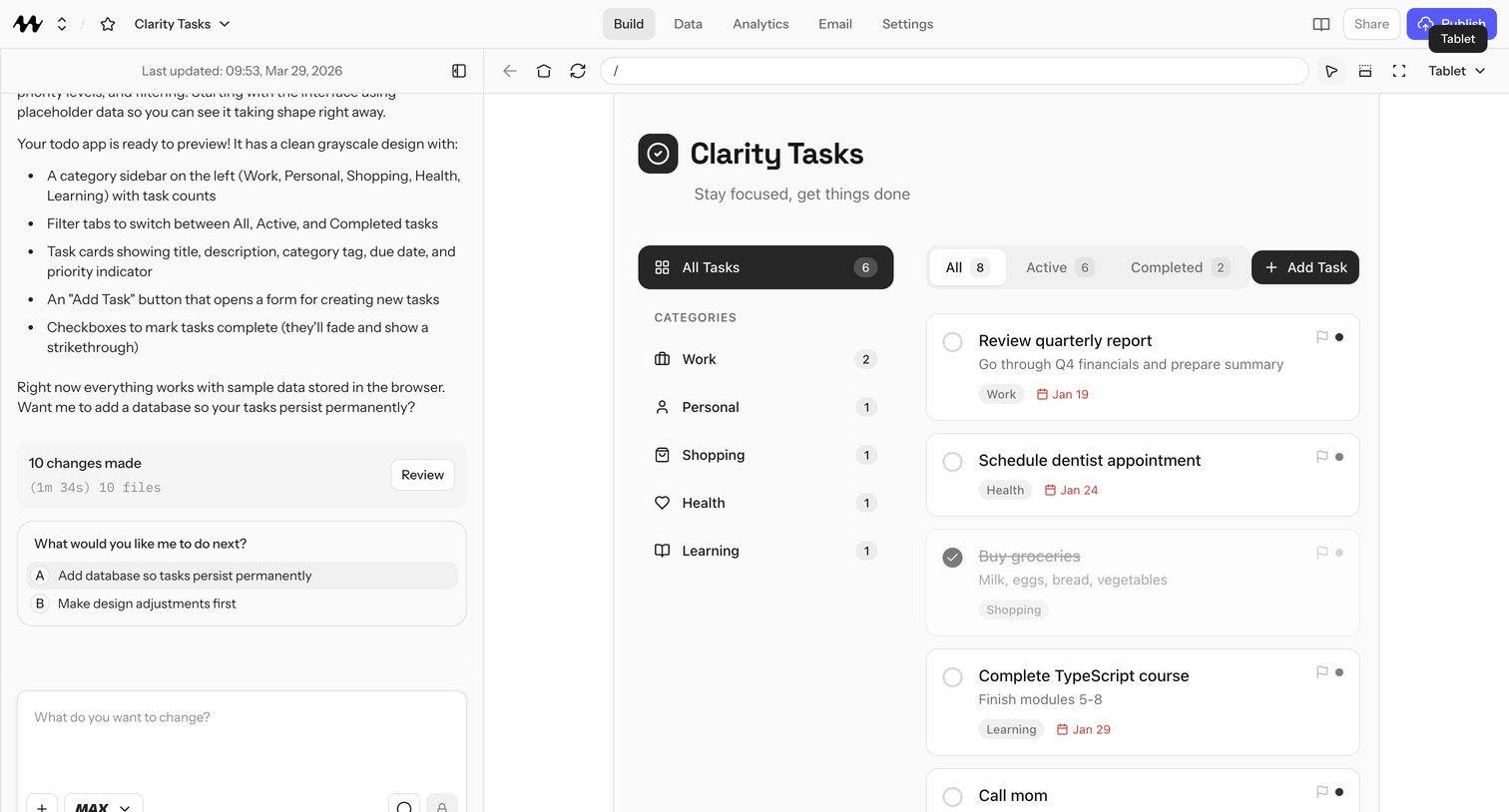

AI app builder where the user iterates on a todo app called Clarity Tasks through chat, with a live tablet-sized preview of categories like Work, Personal, Shopping, Health, and Learning and an All/Active/Completed task list.
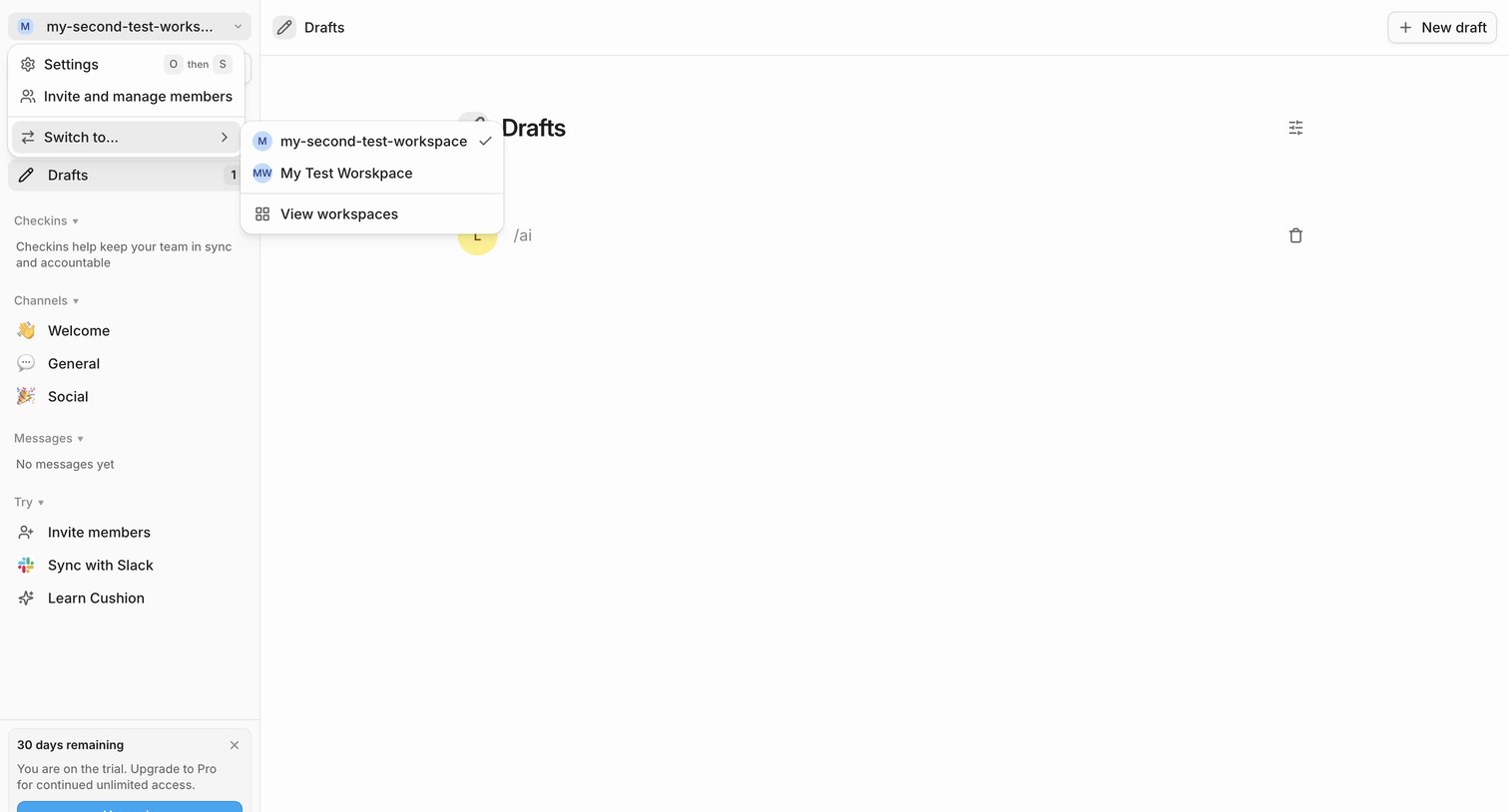

List view showing a user's drafts, with the workspace switcher dropdown open in the sidebar and a trial countdown banner visible.
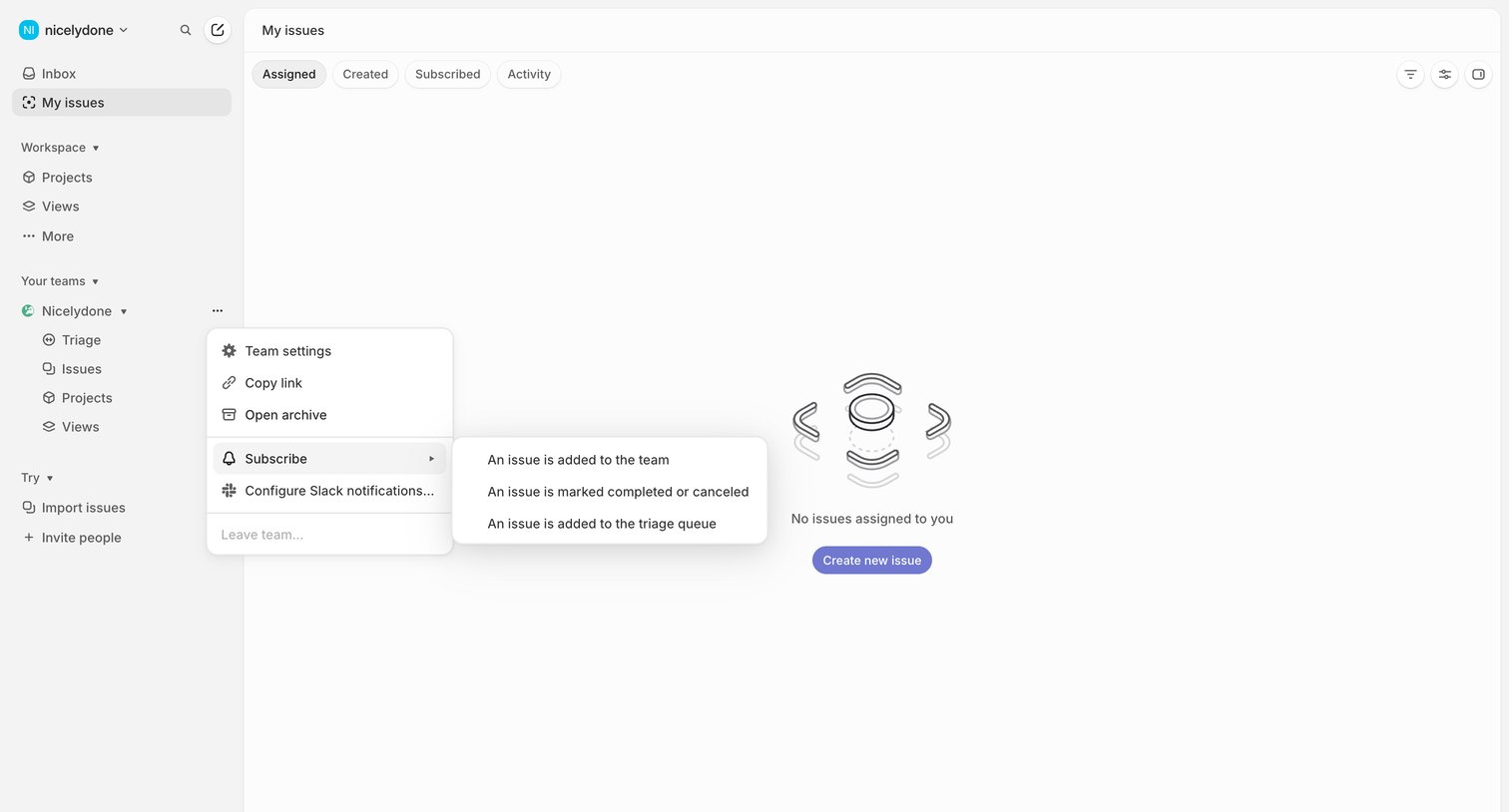

List view where the user sees their assigned issues, currently showing an empty state with an open nested context menu for team settings.
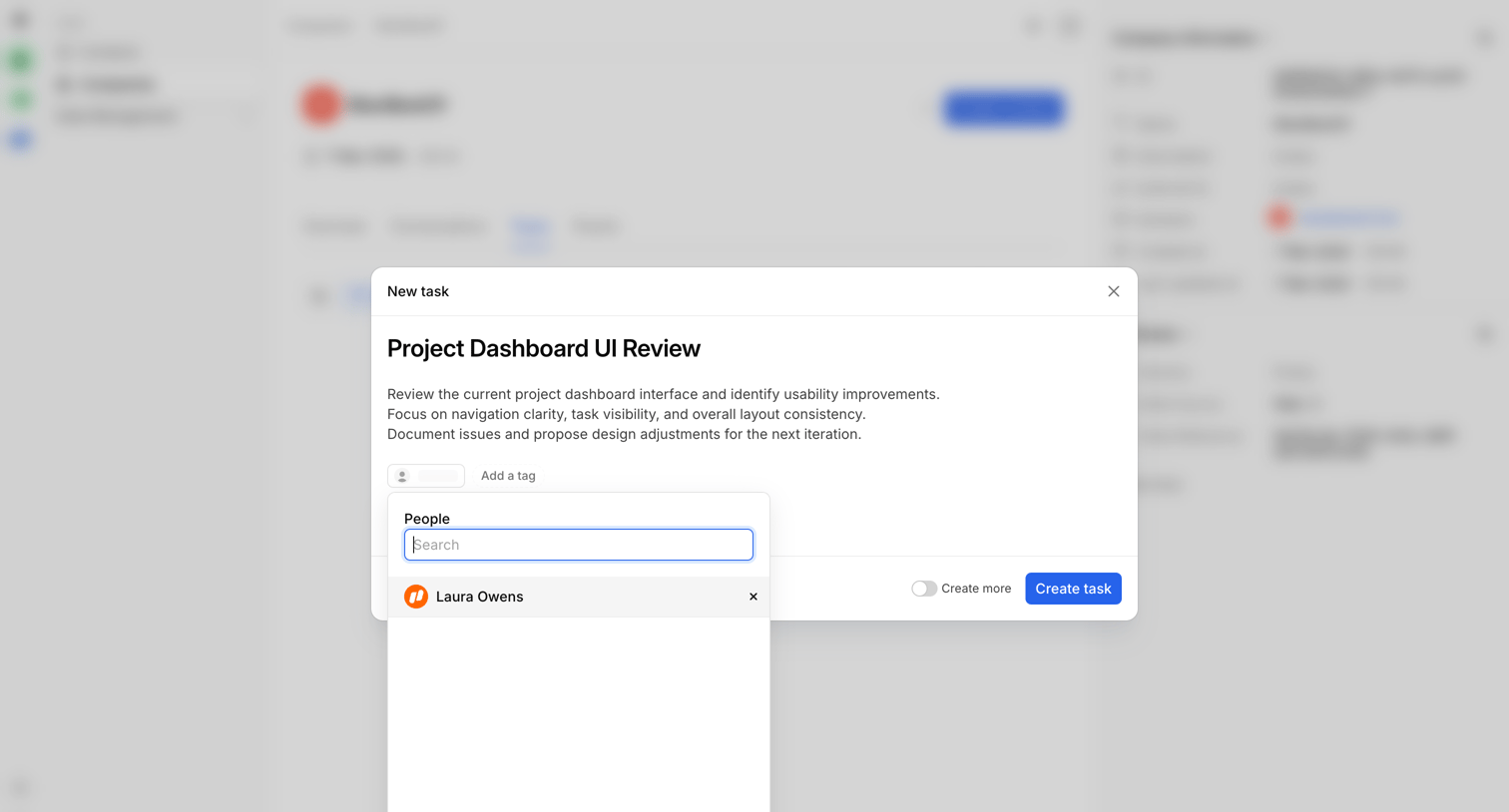

Detail page where the user creates a new task for a company record, specifying the title, description, and assignee.
Explore the full SaaS screen library
Upgrade to unlock the full library.
Trusted by the best teams








About Tasks
See how SaaS apps organize work that needs to be done. Explore how task lists and detail views bring together descriptions, status, ownership, and next actions.