Mocha design examples
Explore Mocha UI design examples. Create beautiful websites with words, not code
Product screens

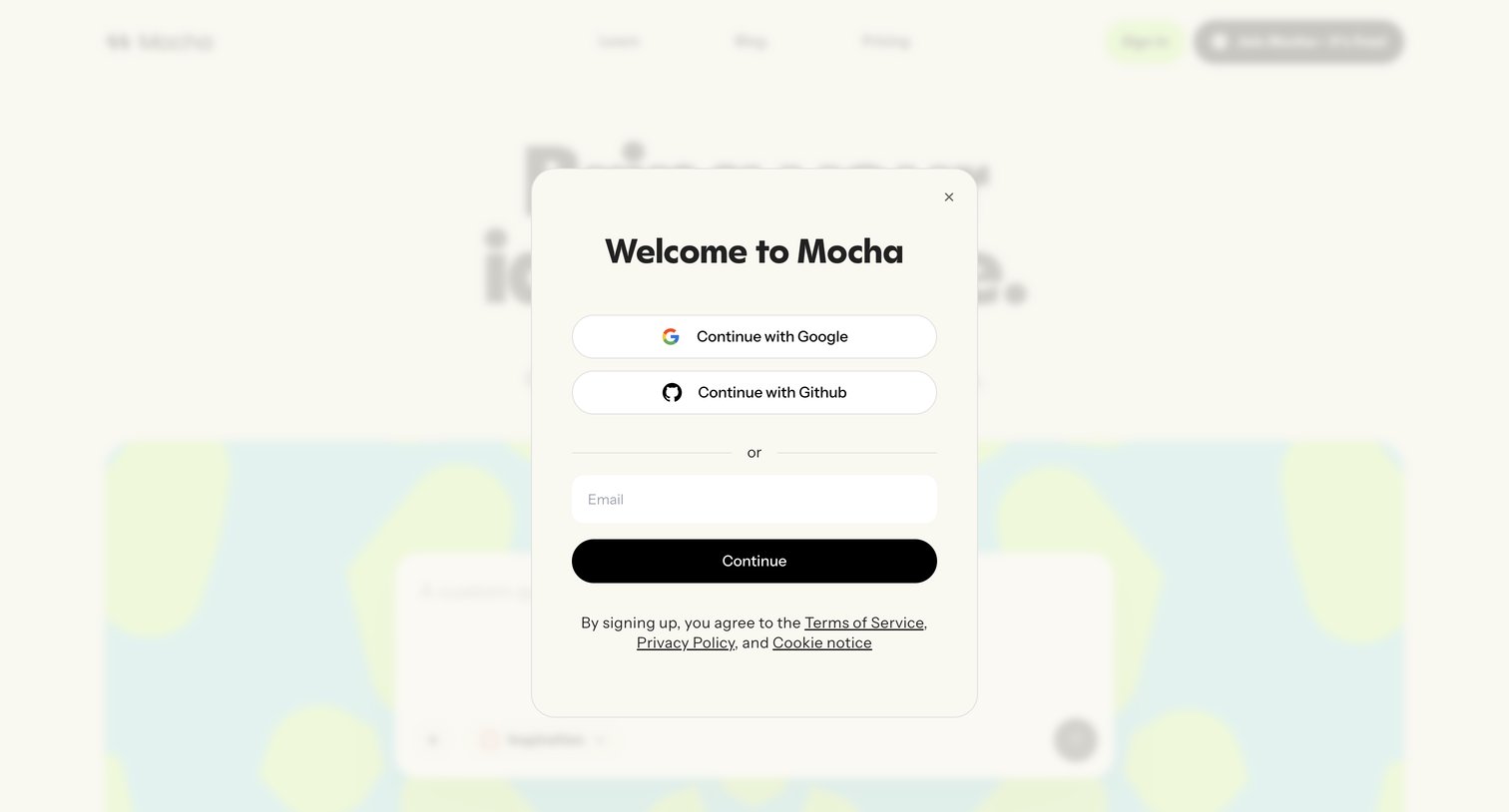

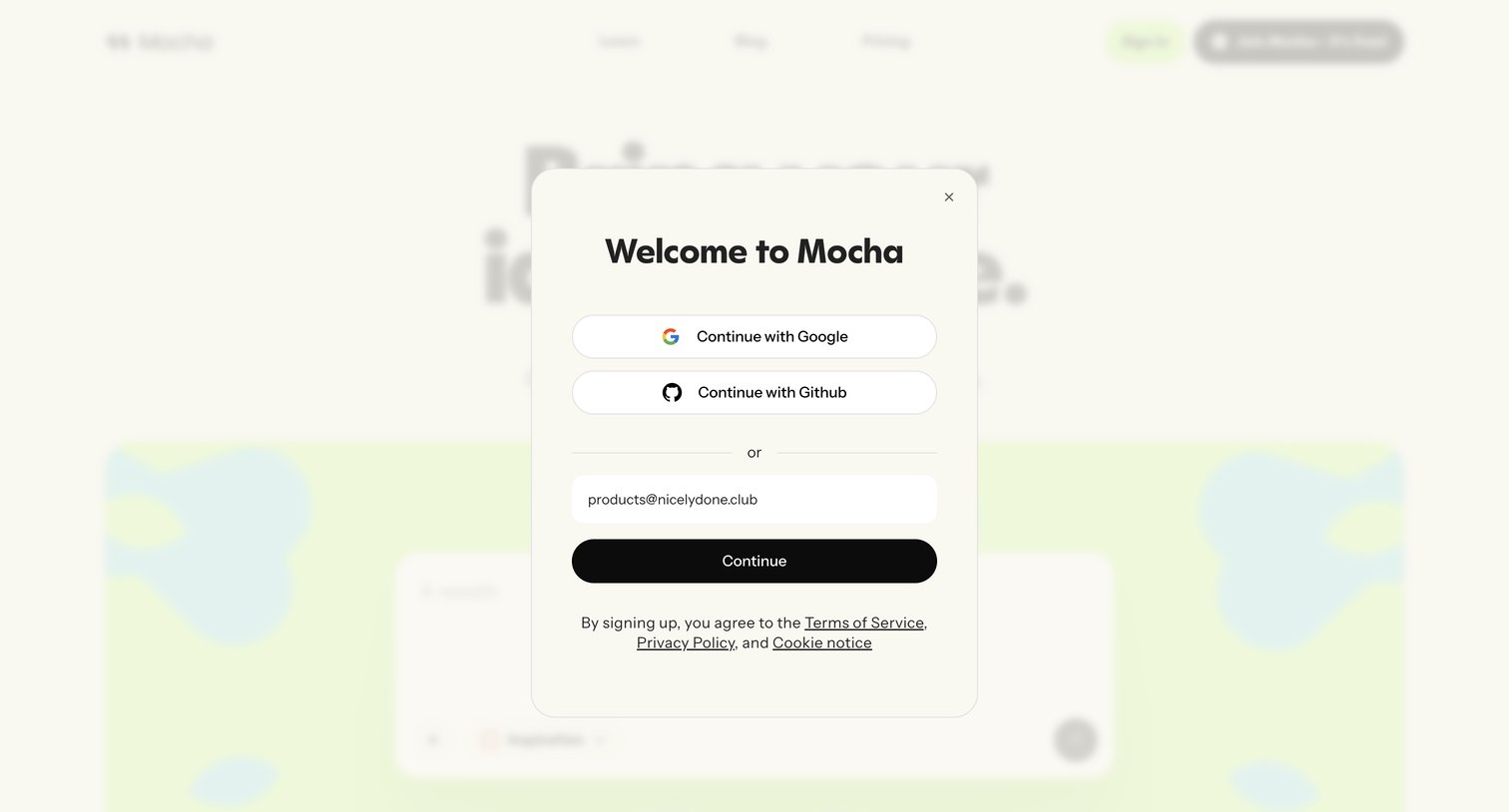
Signup modal over the Mocha homepage where the user creates an account with Google, GitHub, or email.
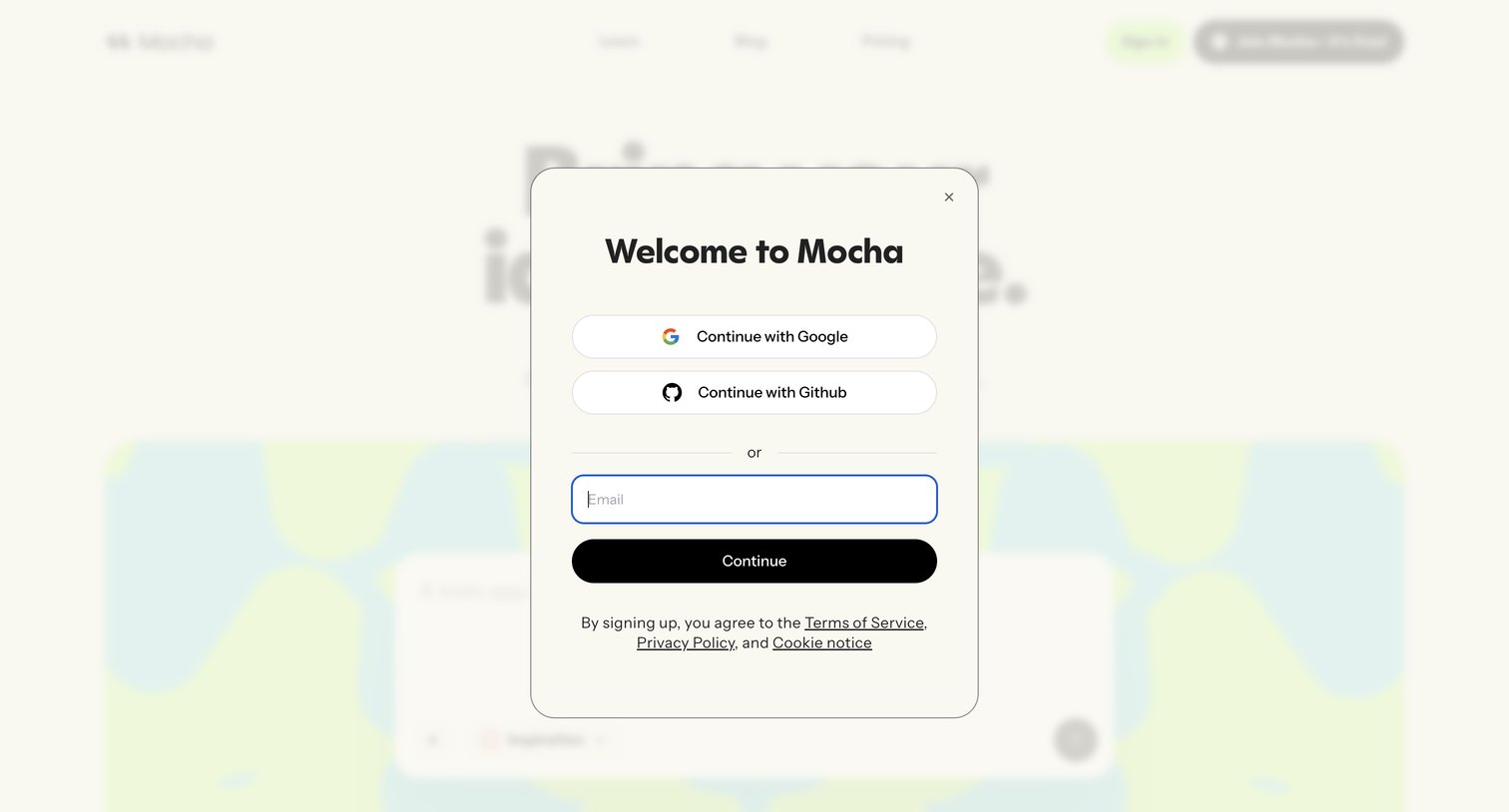
Signup modal where the user creates a Mocha account via Google, GitHub, or email.
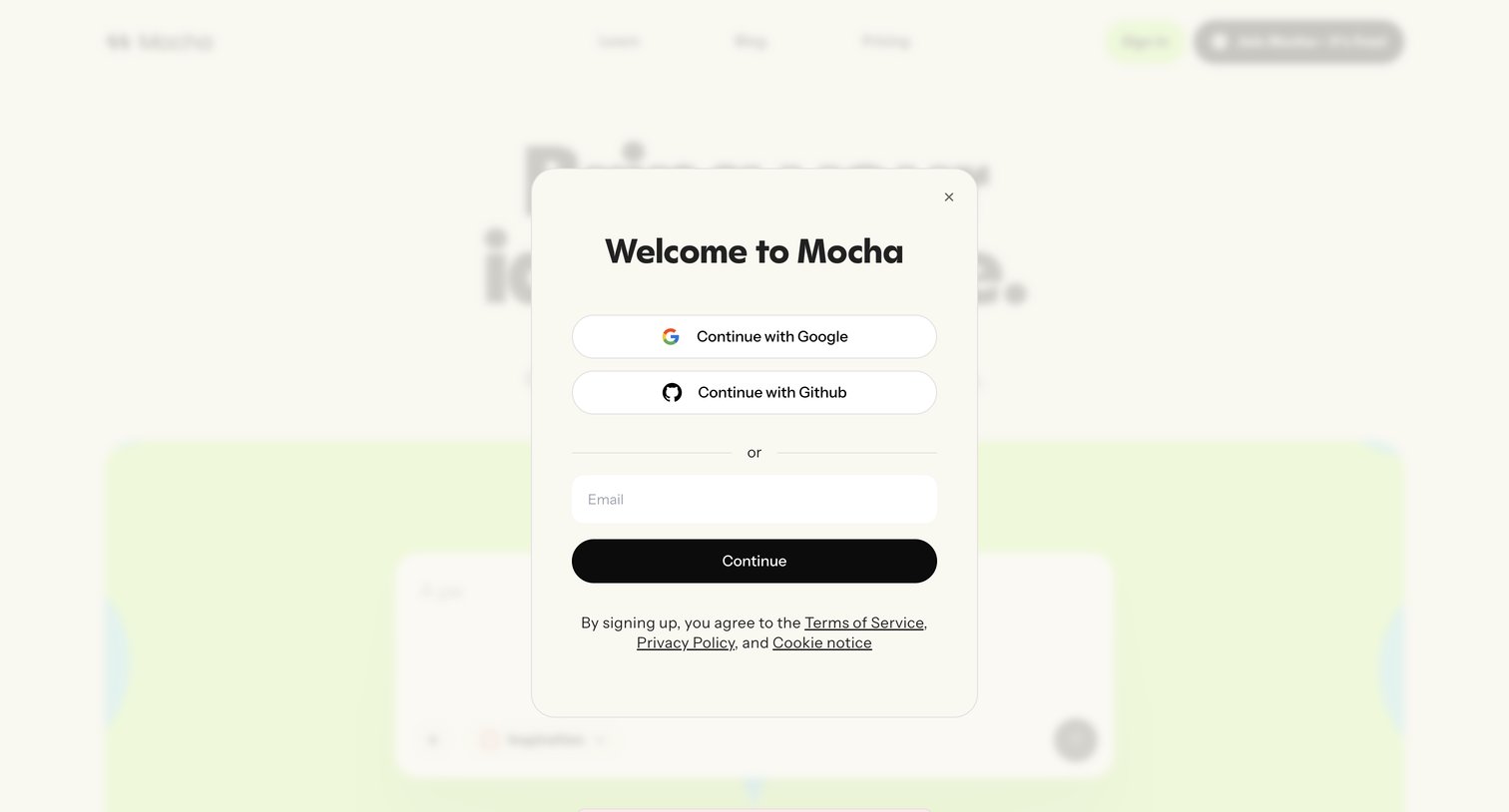
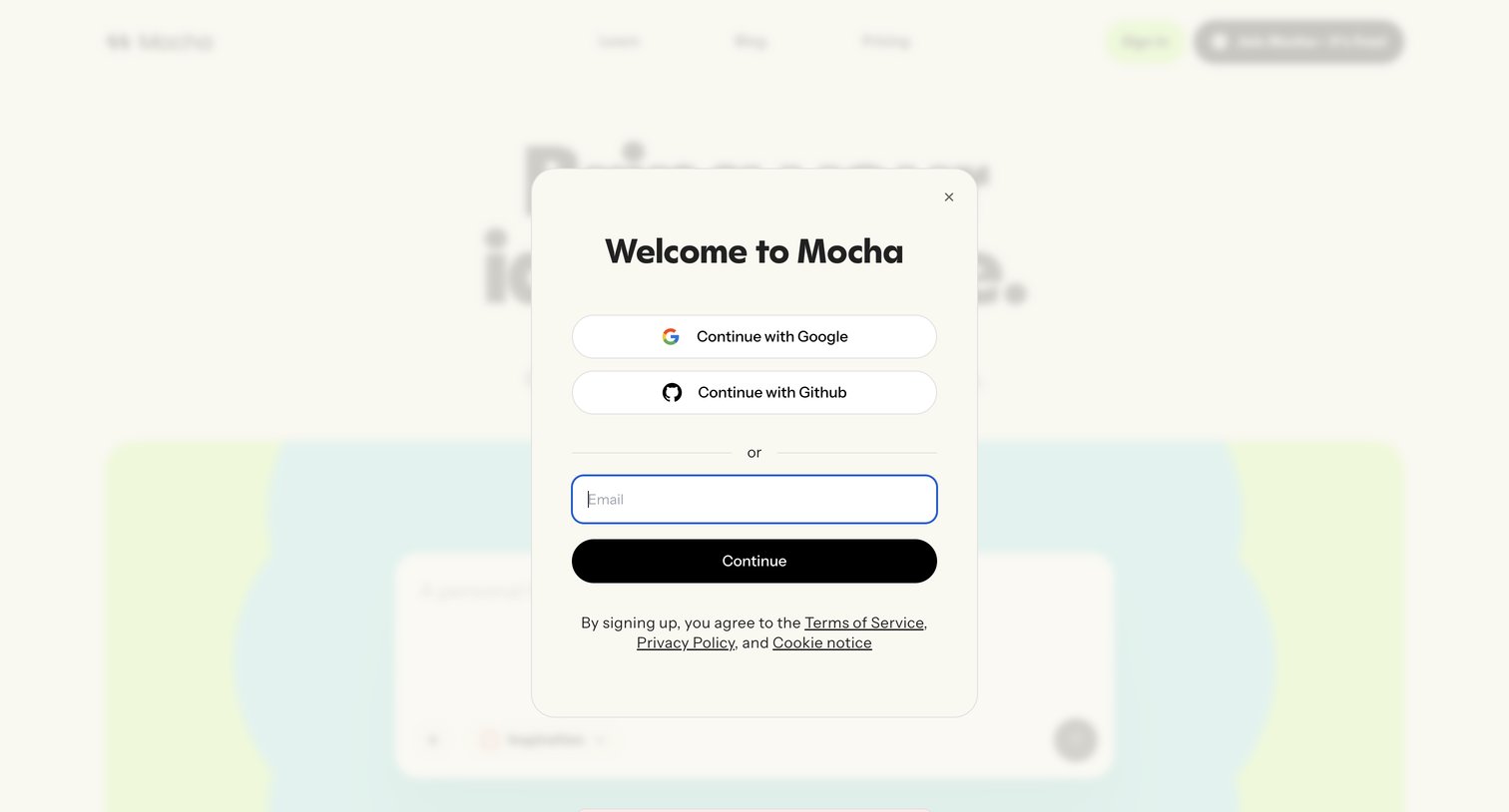
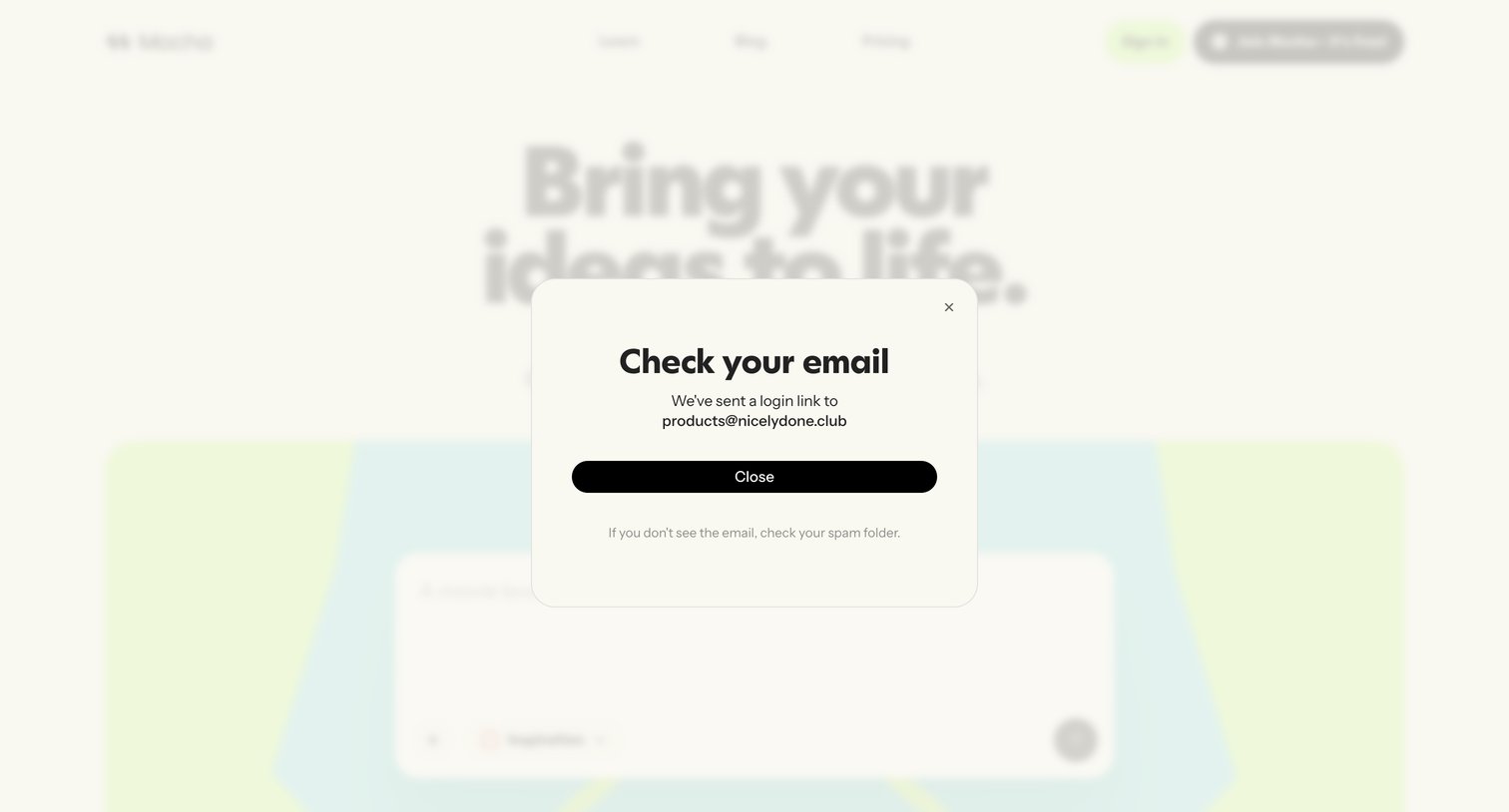
Verification screen confirming that a magic login link was sent to the user's email address products@nicelydone.club.
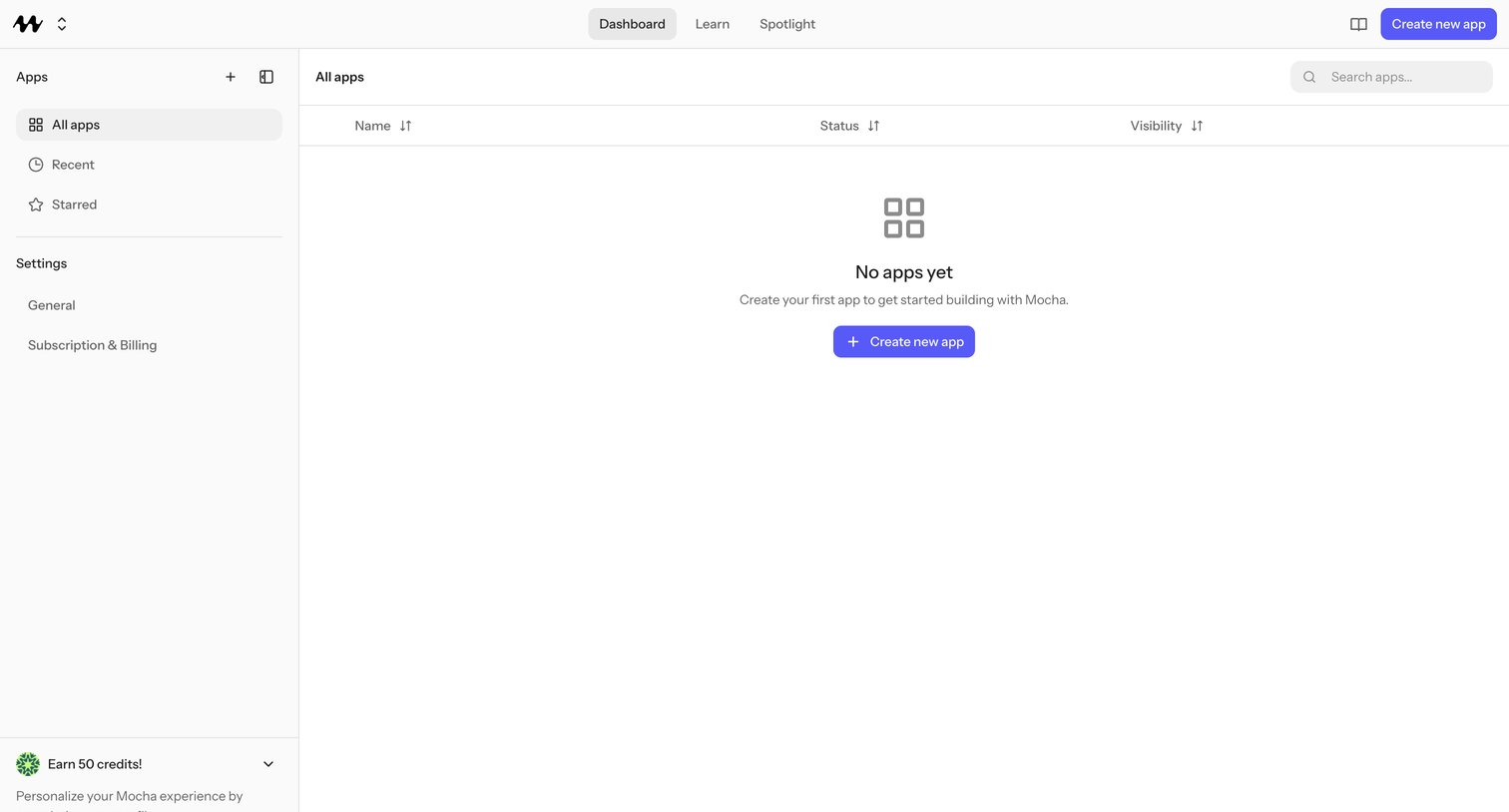
Empty apps dashboard where the user creates their first Mocha app, with navigation for All apps, Recent, Starred, and workspace settings.
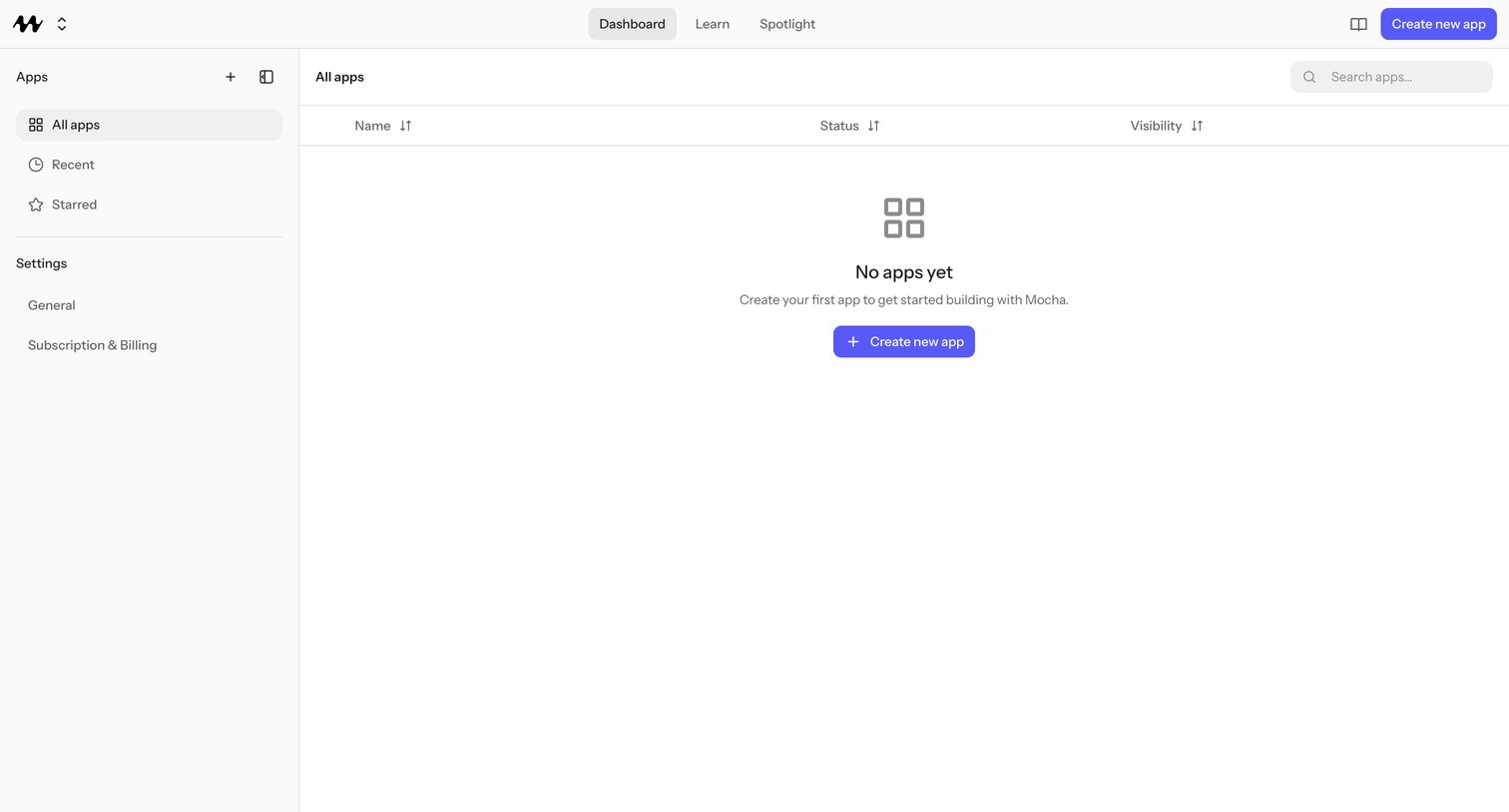
App list view where the user manages their built apps, currently empty with a prompt to create their first app.
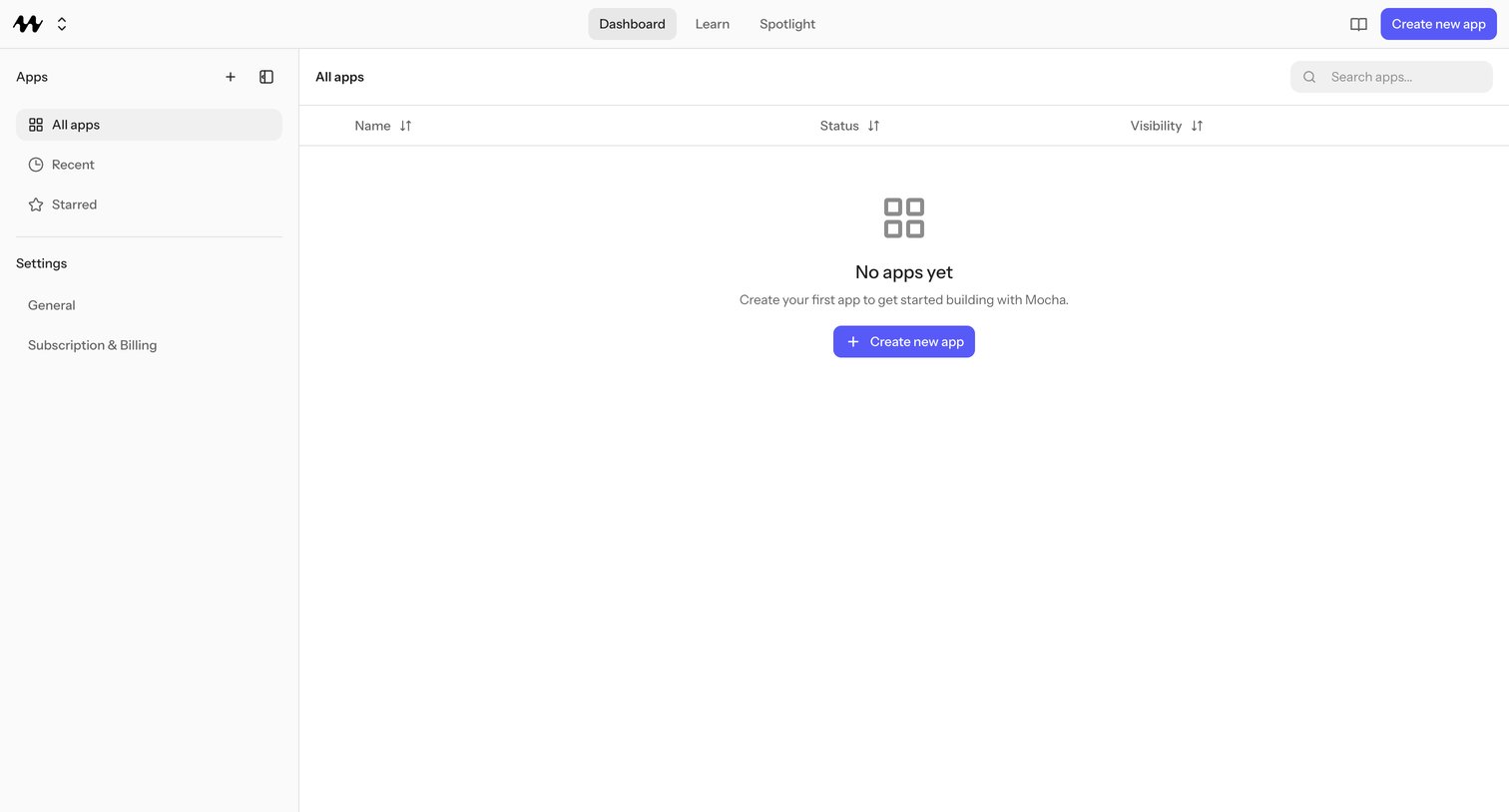
Apps dashboard with an empty state inviting the user to create their first app, plus sidebar shortcuts to Recent, Starred, General, and Subscription & Billing.
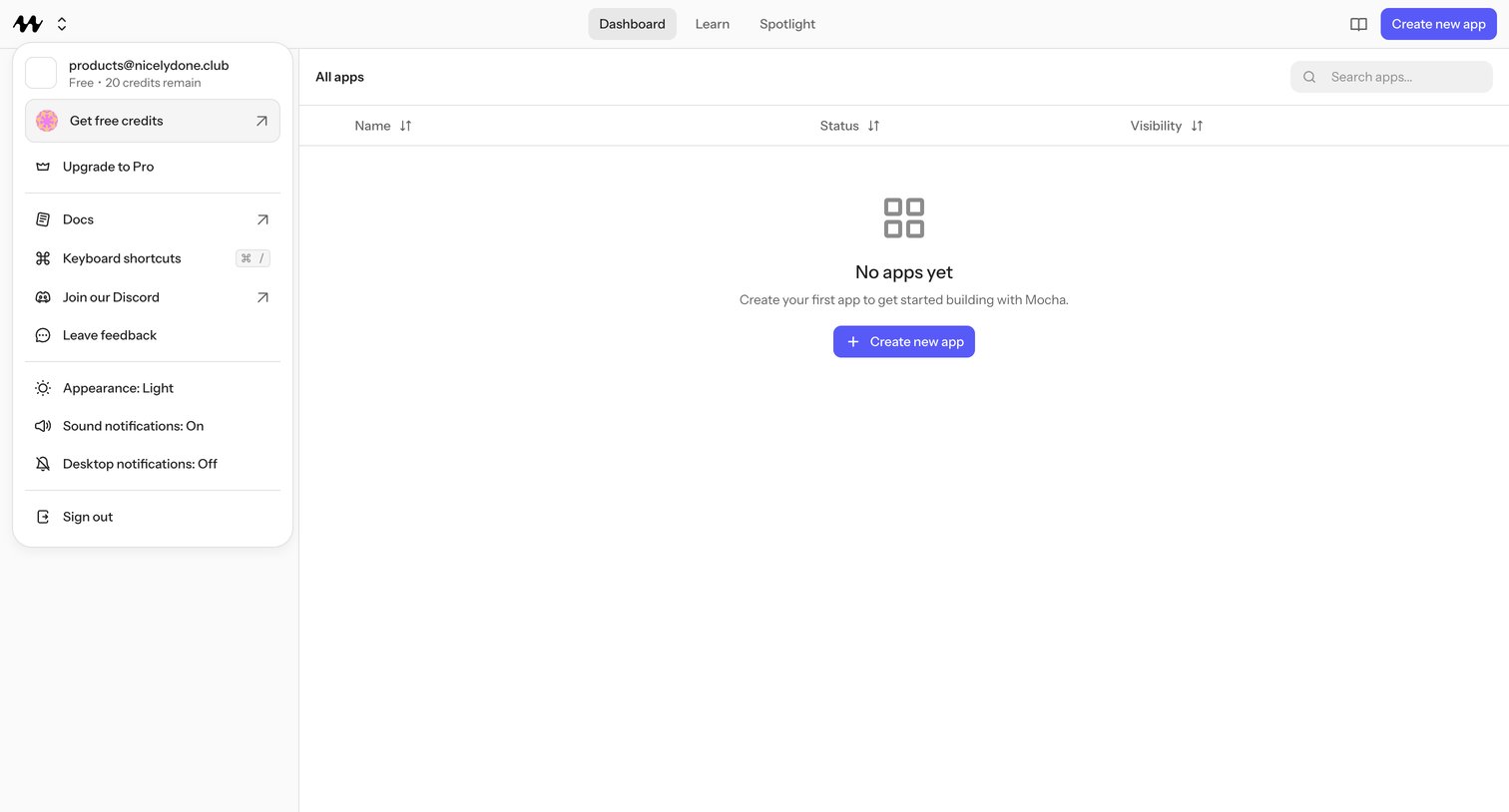
Dashboard where the user manages their Mocha apps but sees an empty state and an open account menu with credits, theme, notifications, and sign-out controls.
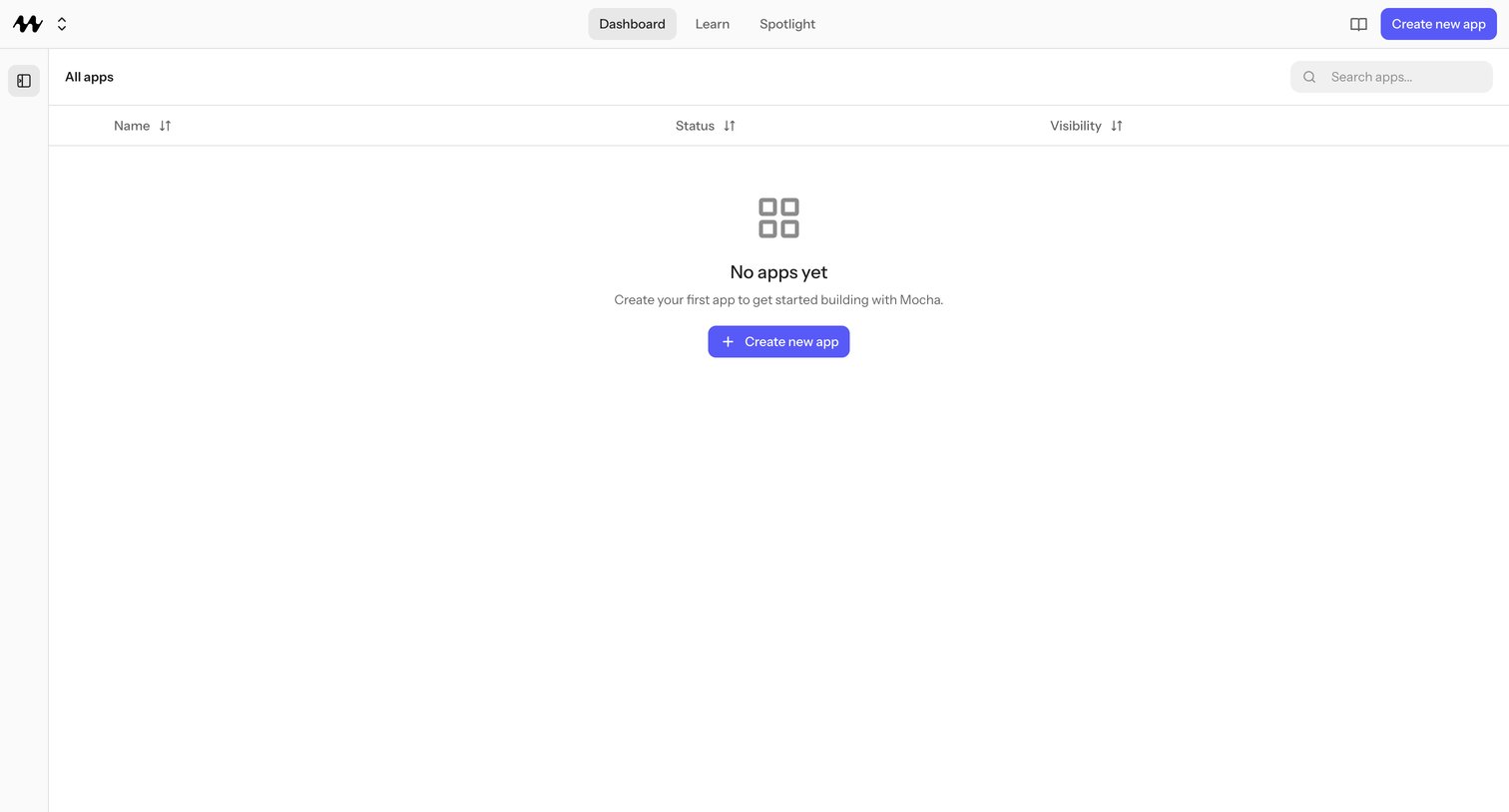
Empty apps dashboard where the user creates their first Mocha app, showing an apps table with Name, Status, and Visibility columns and no records yet.
Browse the full SaaS app library
Explore real SaaS apps with their product screens, marketing screens, flows, and components.
Trusted by the best teams







