Skip to content

Verification screen examples

Verification screen design examples from SaaS apps. See how SaaS apps ask people to confirm an identity or account detail. Explore how verification instructions, code fields, and next steps are arranged…

Explore the examples
Bud - My account | Bud screen
Bud logo
Bud

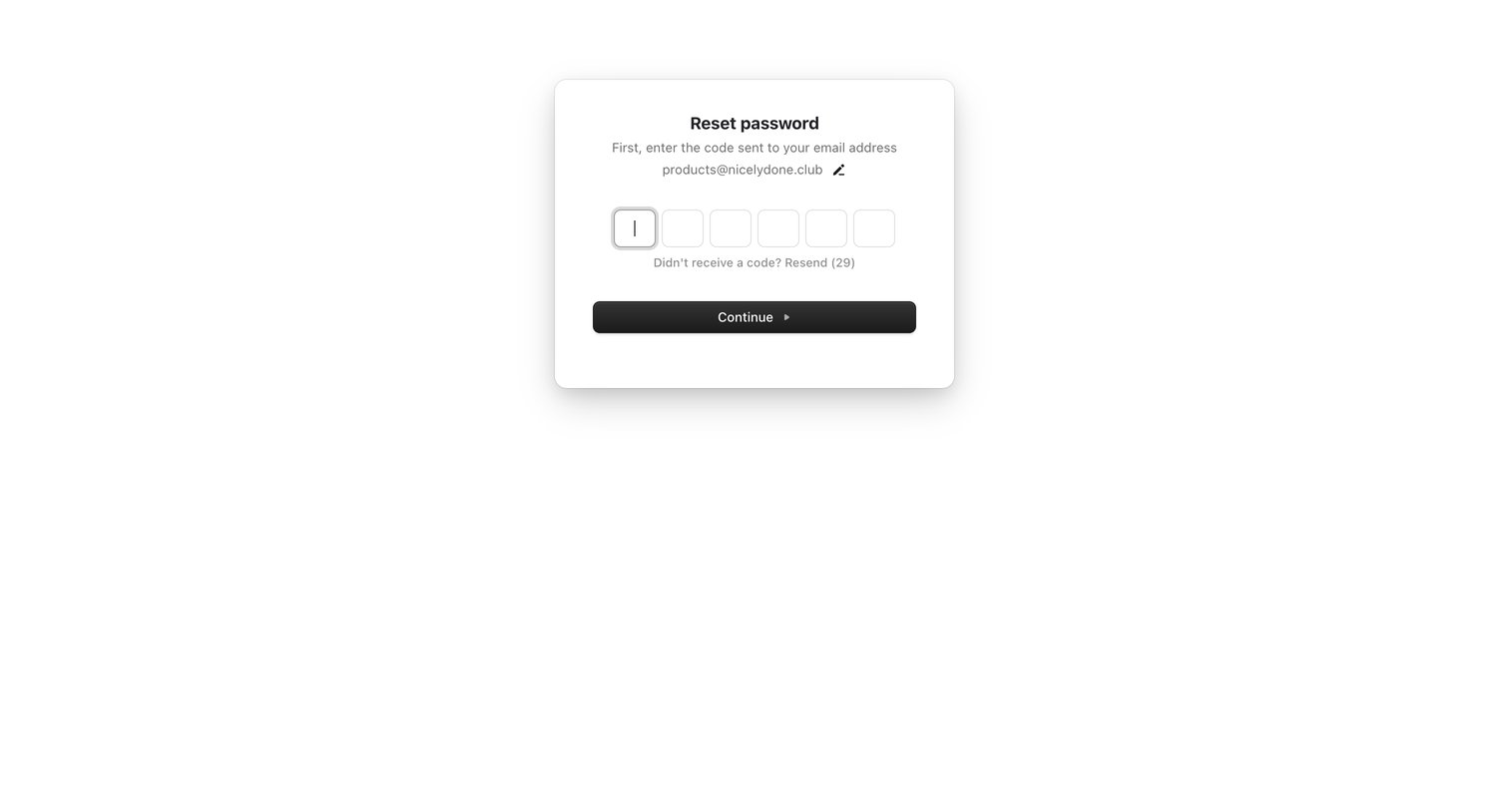
Verification screen where the user enters a 6-digit code sent to their email to continue resetting their password.

Polar - Preferences | Polar screen
Polar logo
Polar

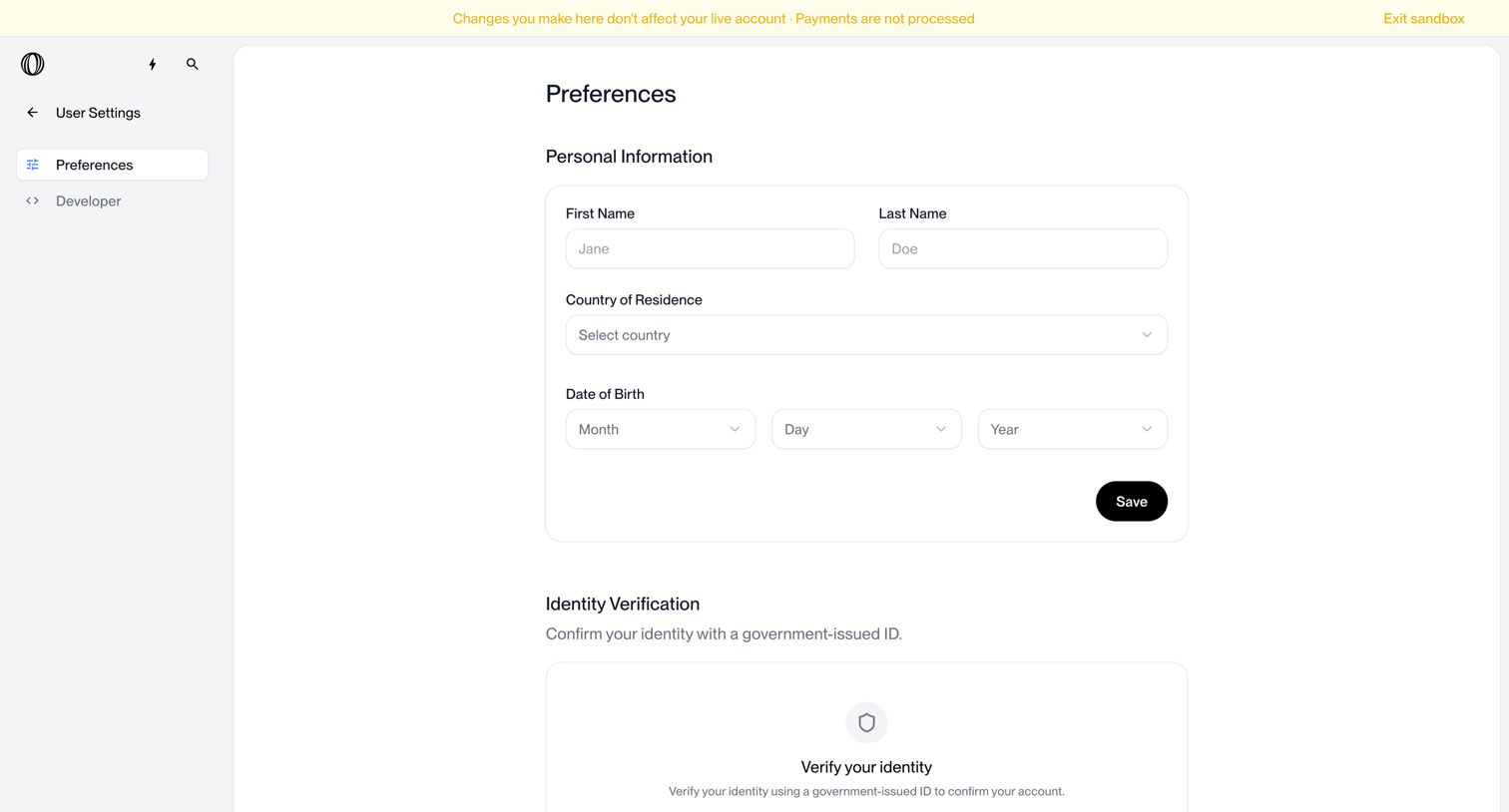
Settings page where the user updates their personal information and initiates identity verification.
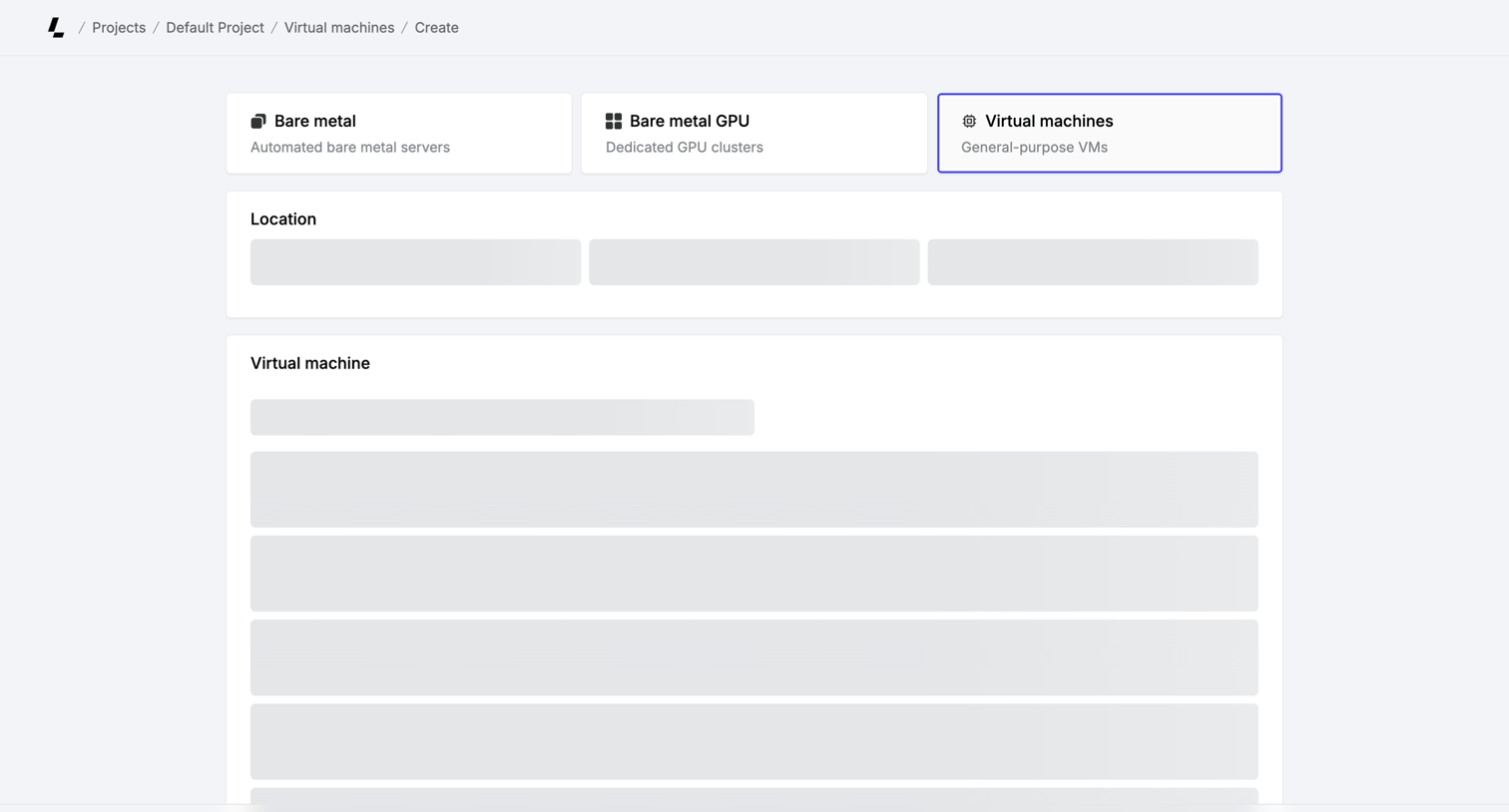

Latitude.sh - Create virtual machines – Dashboard - Latitude.sh screen
Latitude.sh logo
Latitude.sh

Creation flow for a virtual machine where the user selects the server type, location, and machine specifications, currently showing skeleton loaders for the options while prompting for account verification.
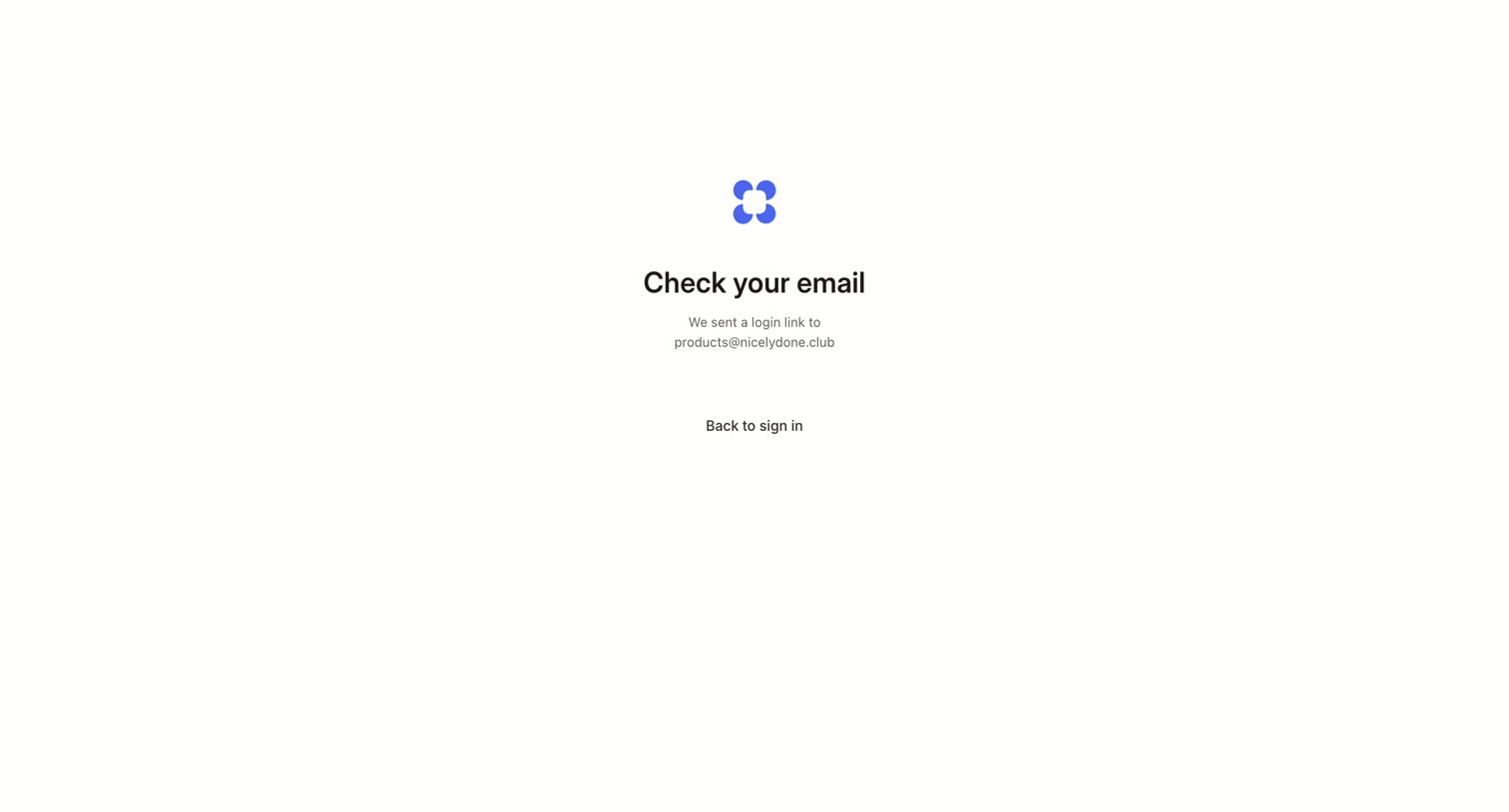

Alloy - Alloy · AI Prototyping for Product Management screen
Alloy logo
Alloy

Verification screen confirming that a login link has been sent to the user's email address, with a minimal link to return to the sign-in page.

Airbnb - Airbnb | Vacation rentals, cabins, beach houses, & more screen
Airbnb logo
Airbnb

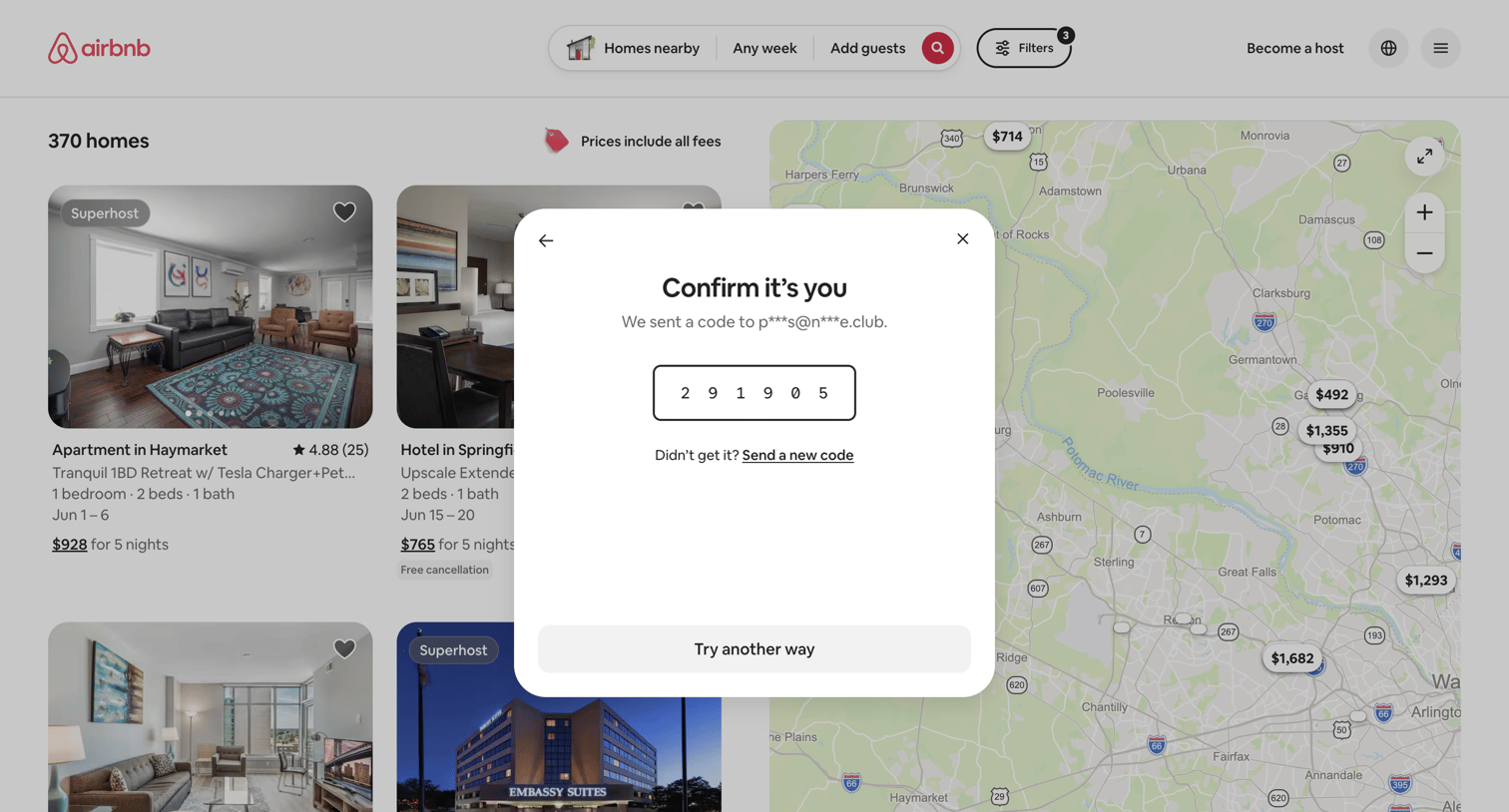
Verification modal where the user must enter a 6-digit code sent to their email to confirm their identity.

Steel - Steel | Open-source Headless Browser API screen
Steel logo
Steel

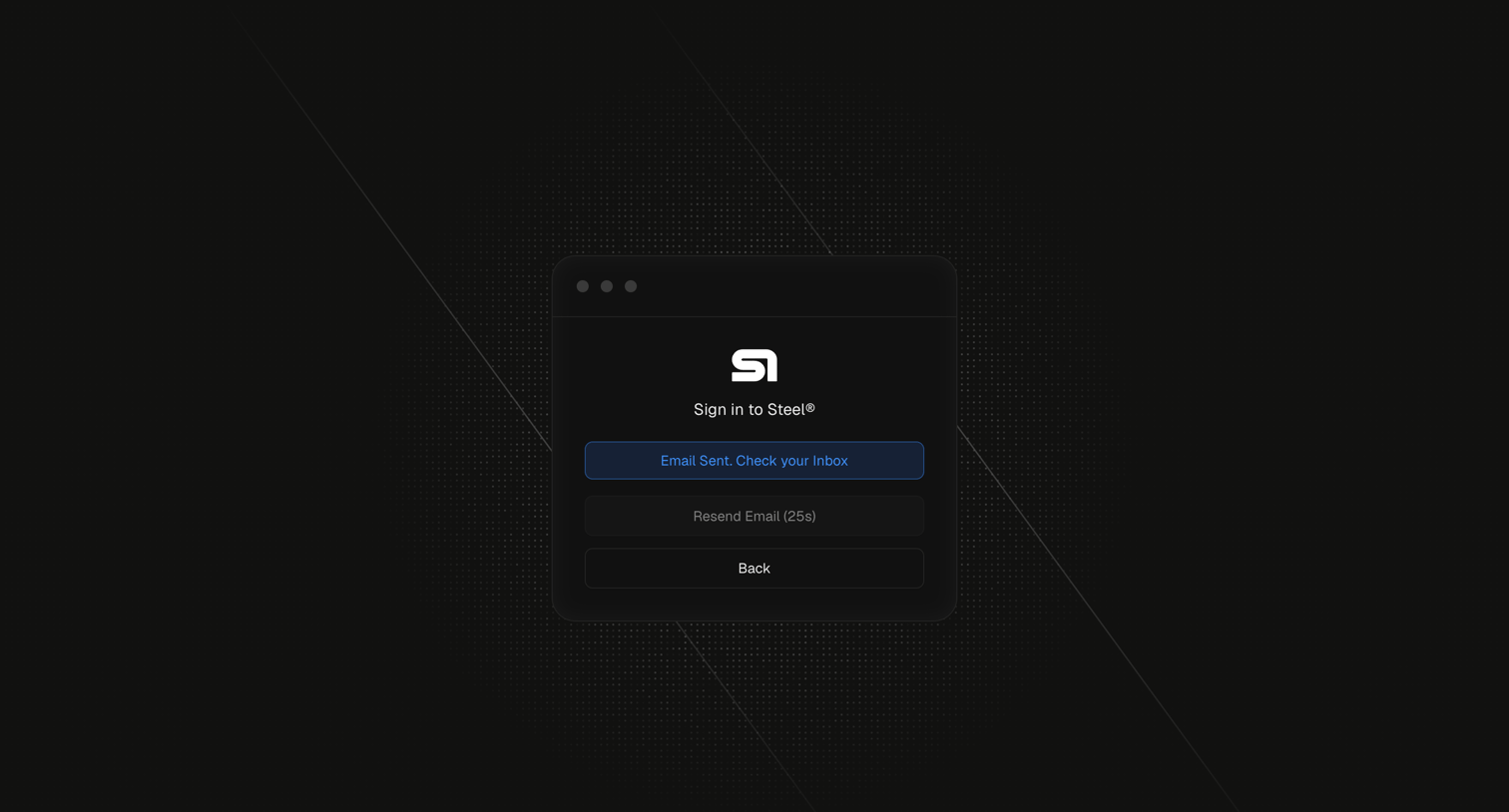
Sign-in screen where the user is prompted to check their inbox for a magic link, featuring a disabled resend button with a countdown.

Zaro - Zaro - The Context Layer for Enterprise AI screen
Zaro logo
Zaro

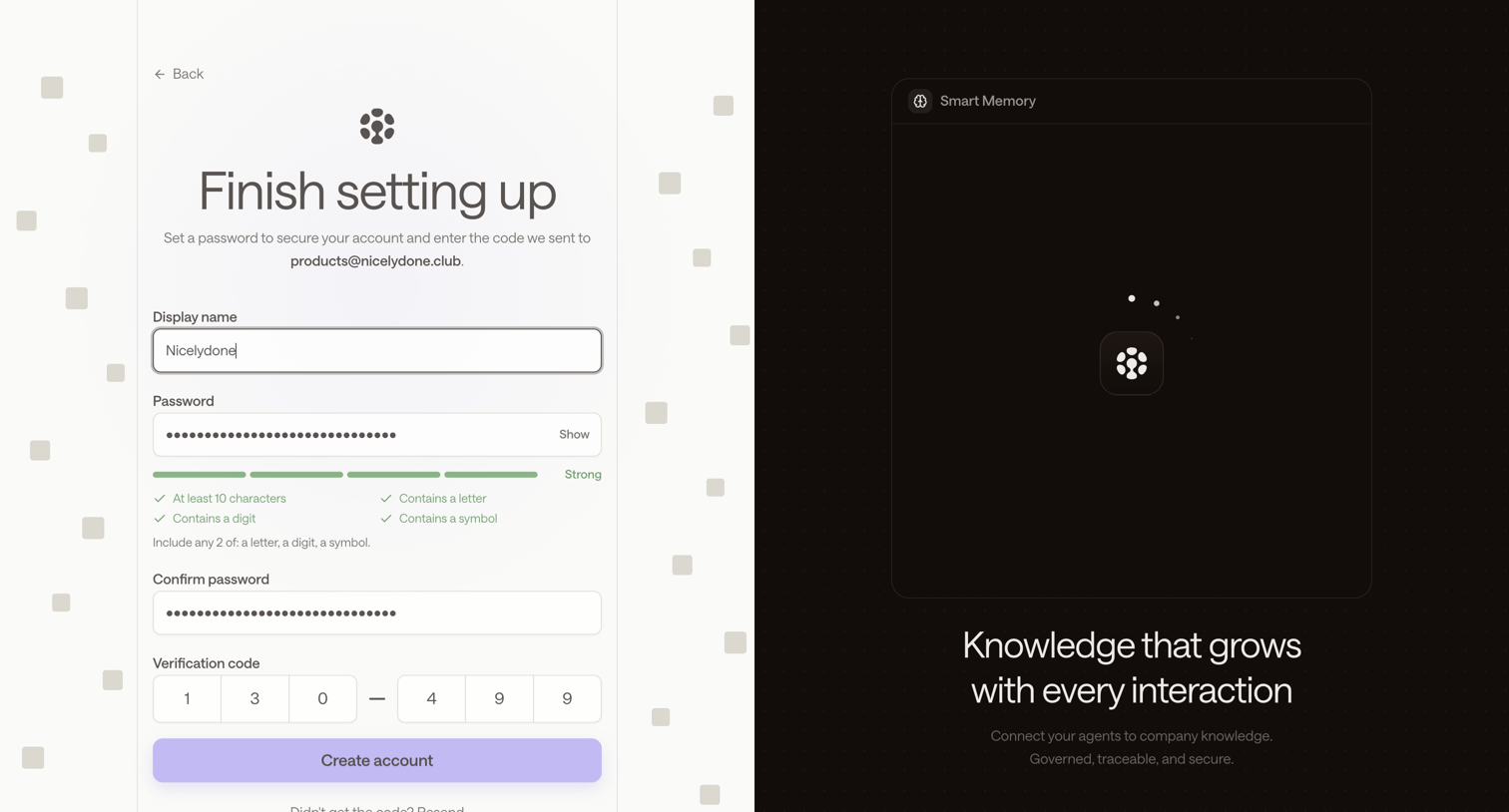
Signup page where the user sets a password and enters a 6-digit email verification code to finish creating their account, alongside a feature carousel.
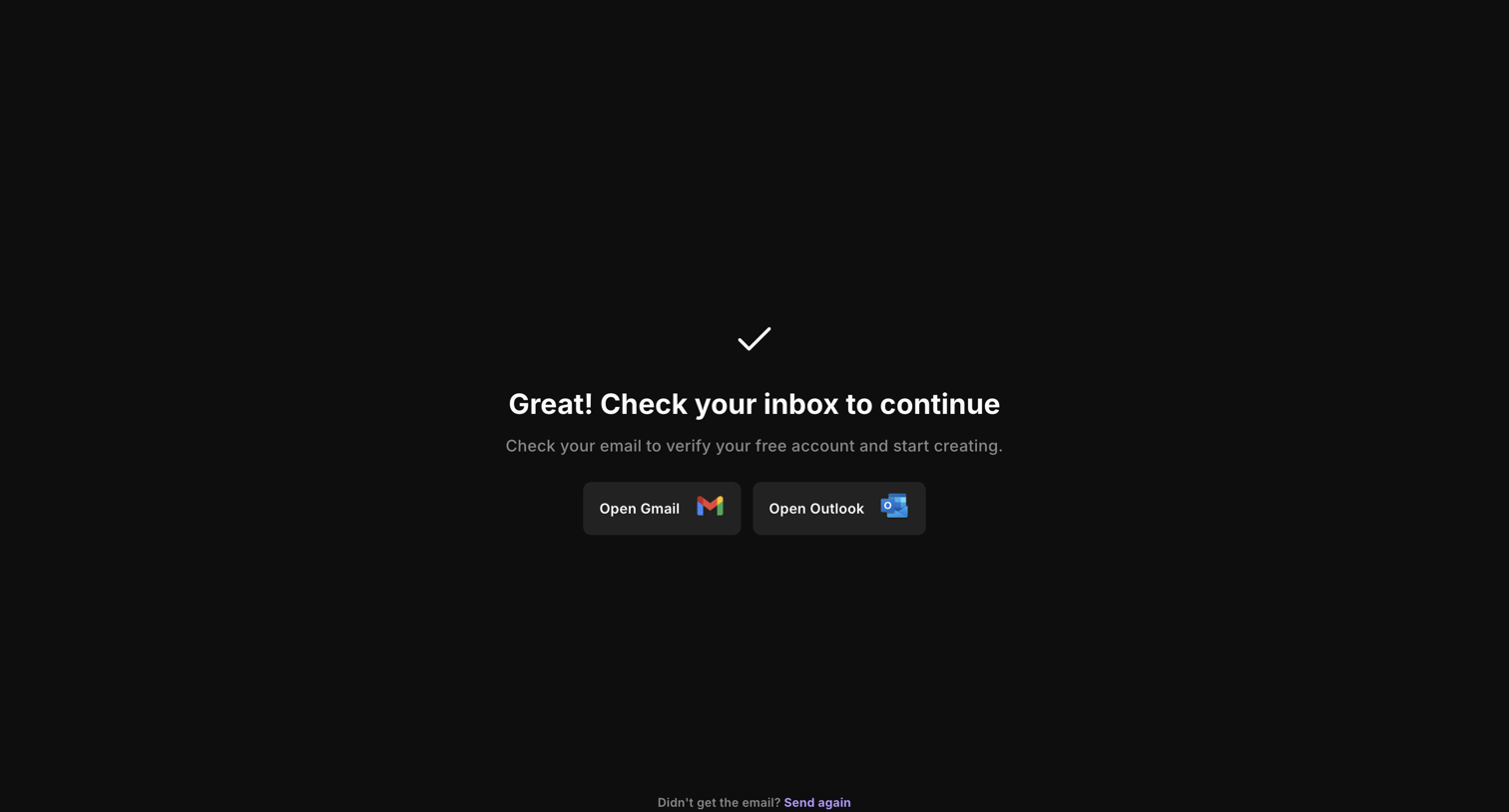

Riverside - Riverside Studio screen
Riverside logo
Riverside

Verification screen where the user is prompted to check their inbox, with quick links to open Gmail or Outlook.
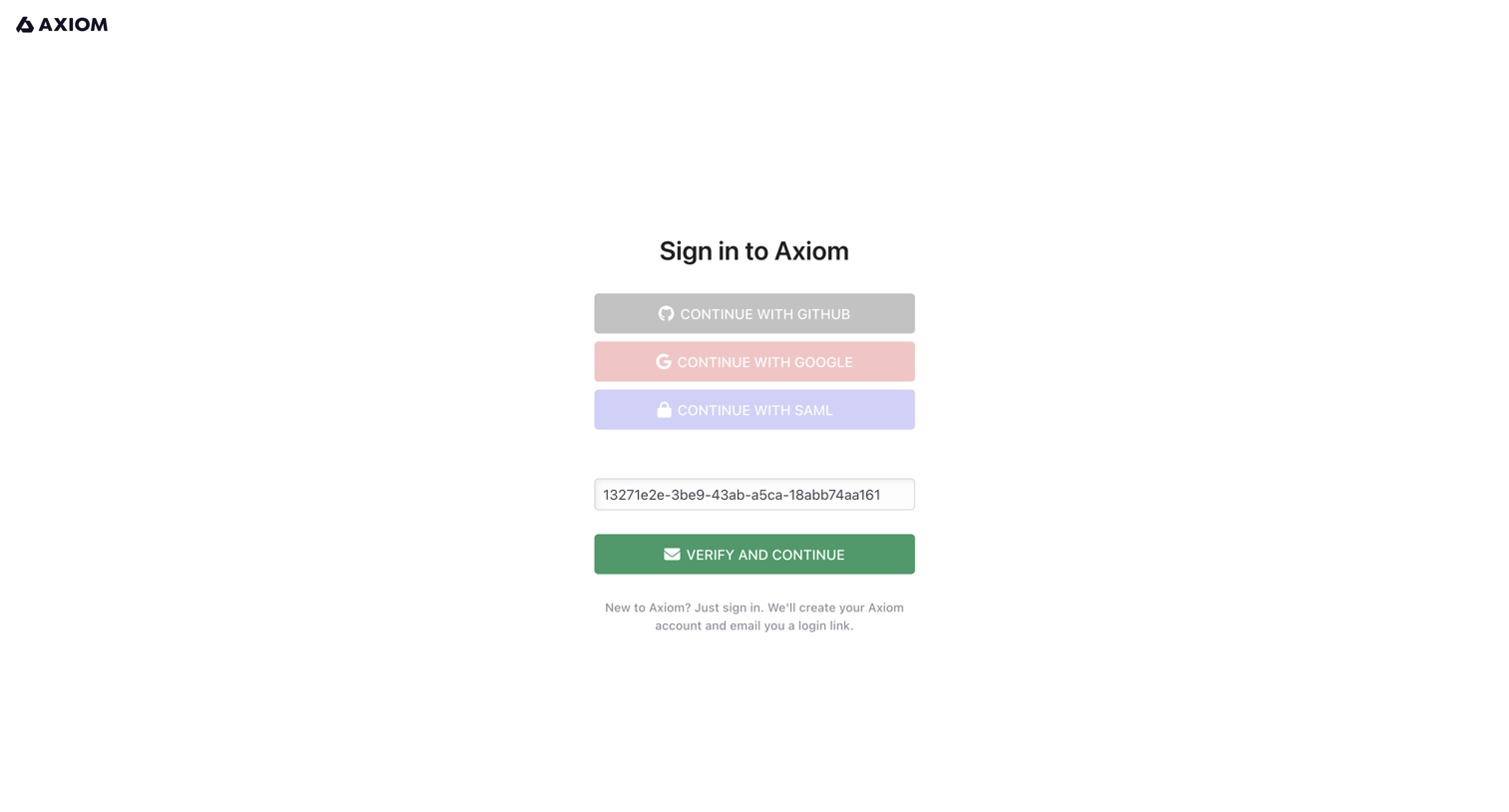

Axiom - Login - Axiom screen
Axiom logo
Axiom

Sign-in screen where the user authenticates with GitHub, Google, SAML, or verifies a pre-filled login token.

Extend - extend screen
Extend logo
Extend

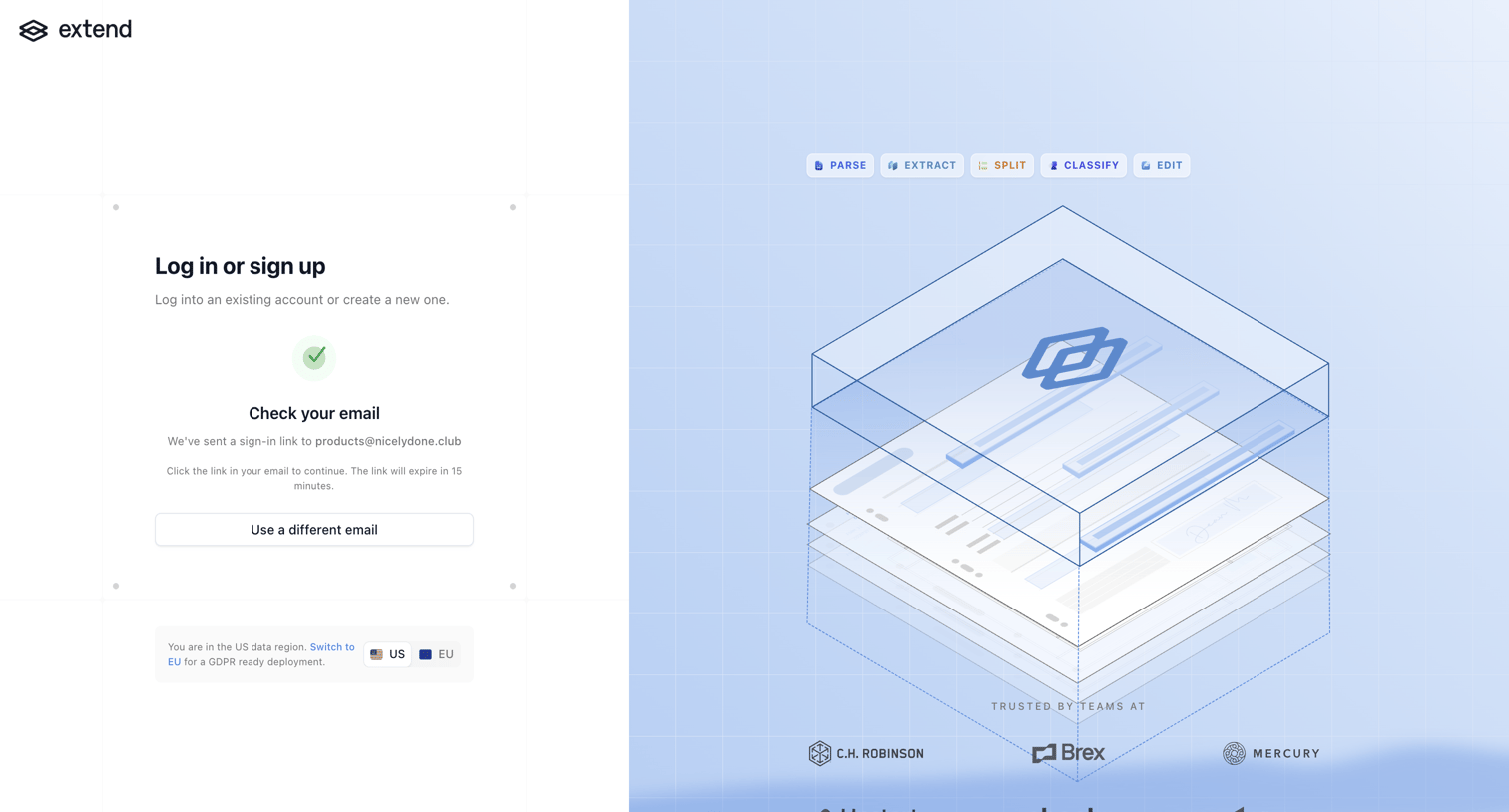
Authentication screen where the user is instructed to check their email for a sign-in link, featuring a data region switcher and social proof logos.

Lithic - Lithic - Account Settings screen
Lithic logo
Lithic

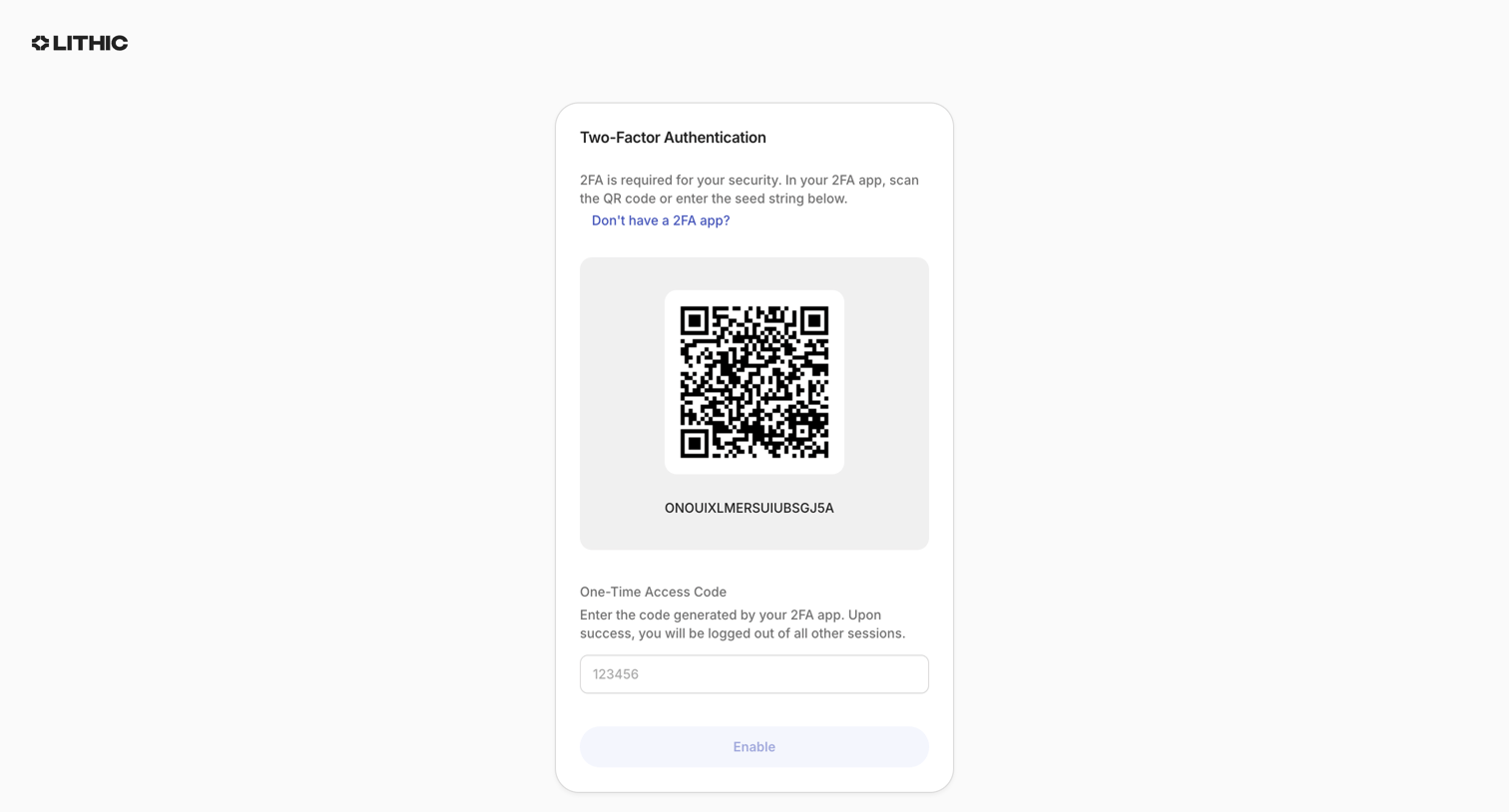
Verification screen where the user sets up two-factor authentication by scanning a QR code and entering a one-time access code.

Visitors - Create account - Visitors screen
Visitors logo
Visitors

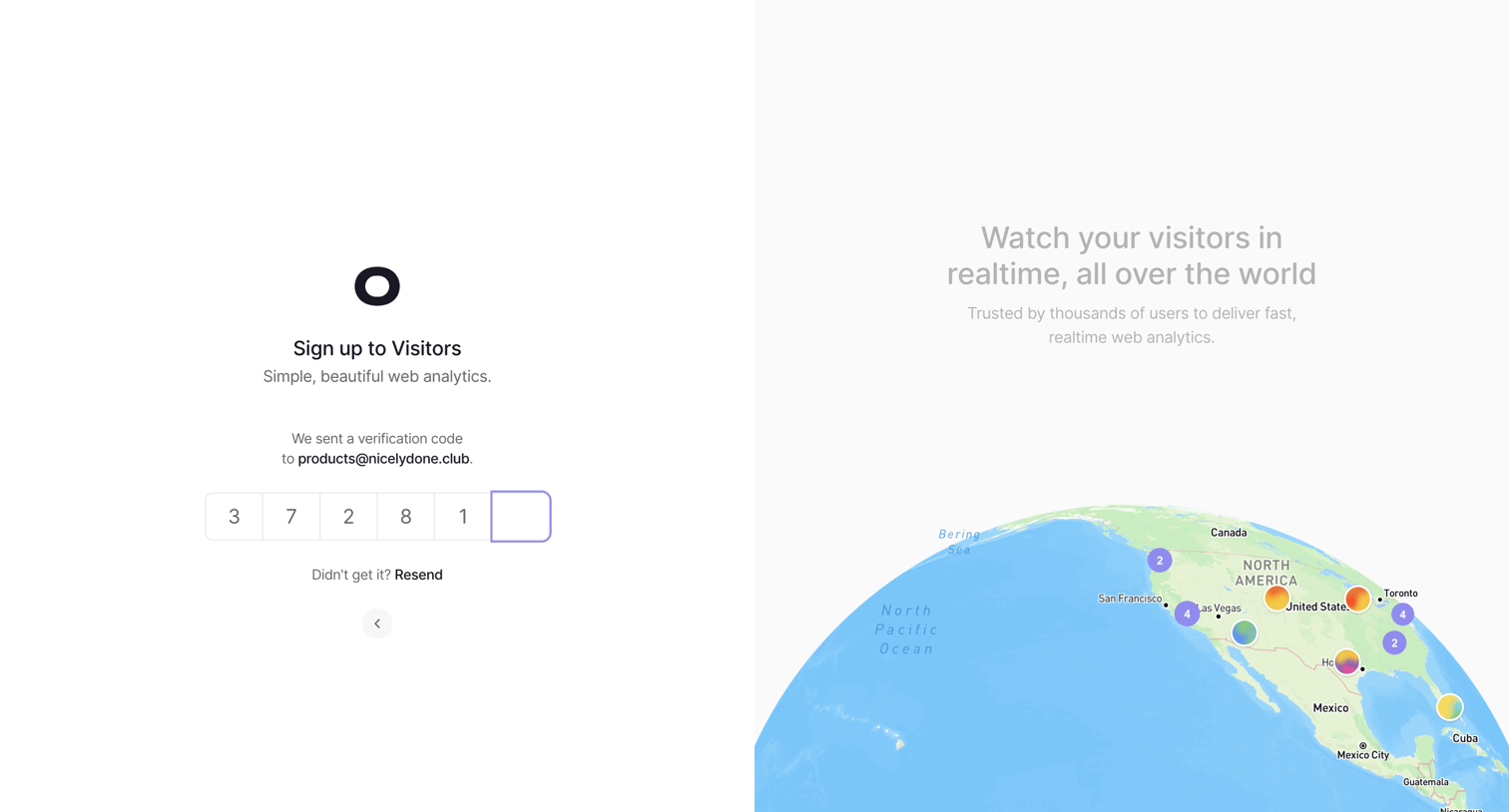
Verification screen where the user enters a 6-digit code sent to their email to complete sign-up, alongside a promotional globe visualization.

Explore the full SaaS screen library

Upgrade to unlock the full library.

Trusted by the best teams

About Verification

See how SaaS apps ask people to confirm an identity or account detail. Explore how verification instructions, code fields, and next steps are arranged within the access experience.