Cushion design examples
Explore Cushion UI design examples. Work messaging that keeps your team organised
Product screens
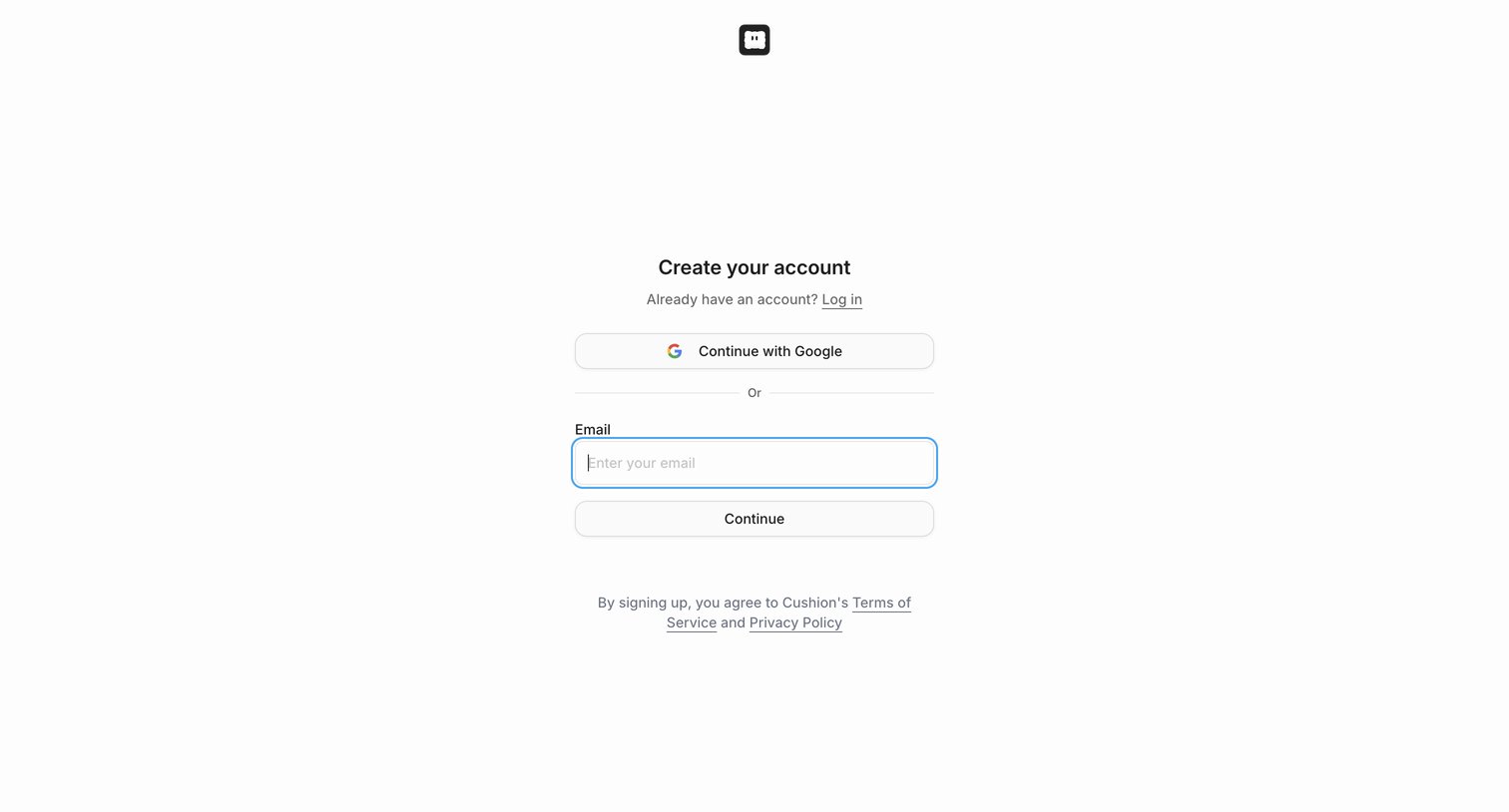

Sign-up screen where the user creates an account using Google OAuth or by entering their email address.
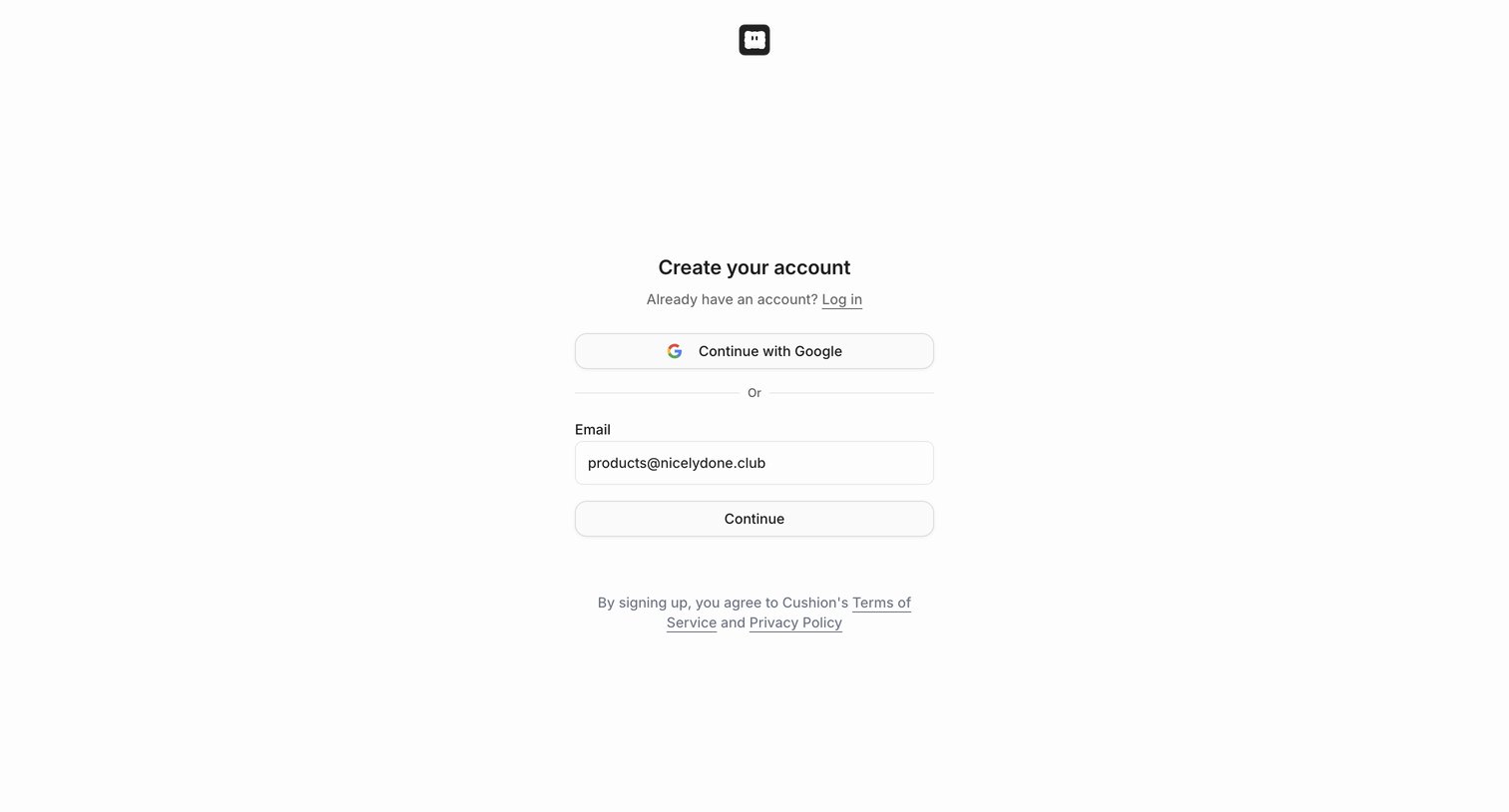
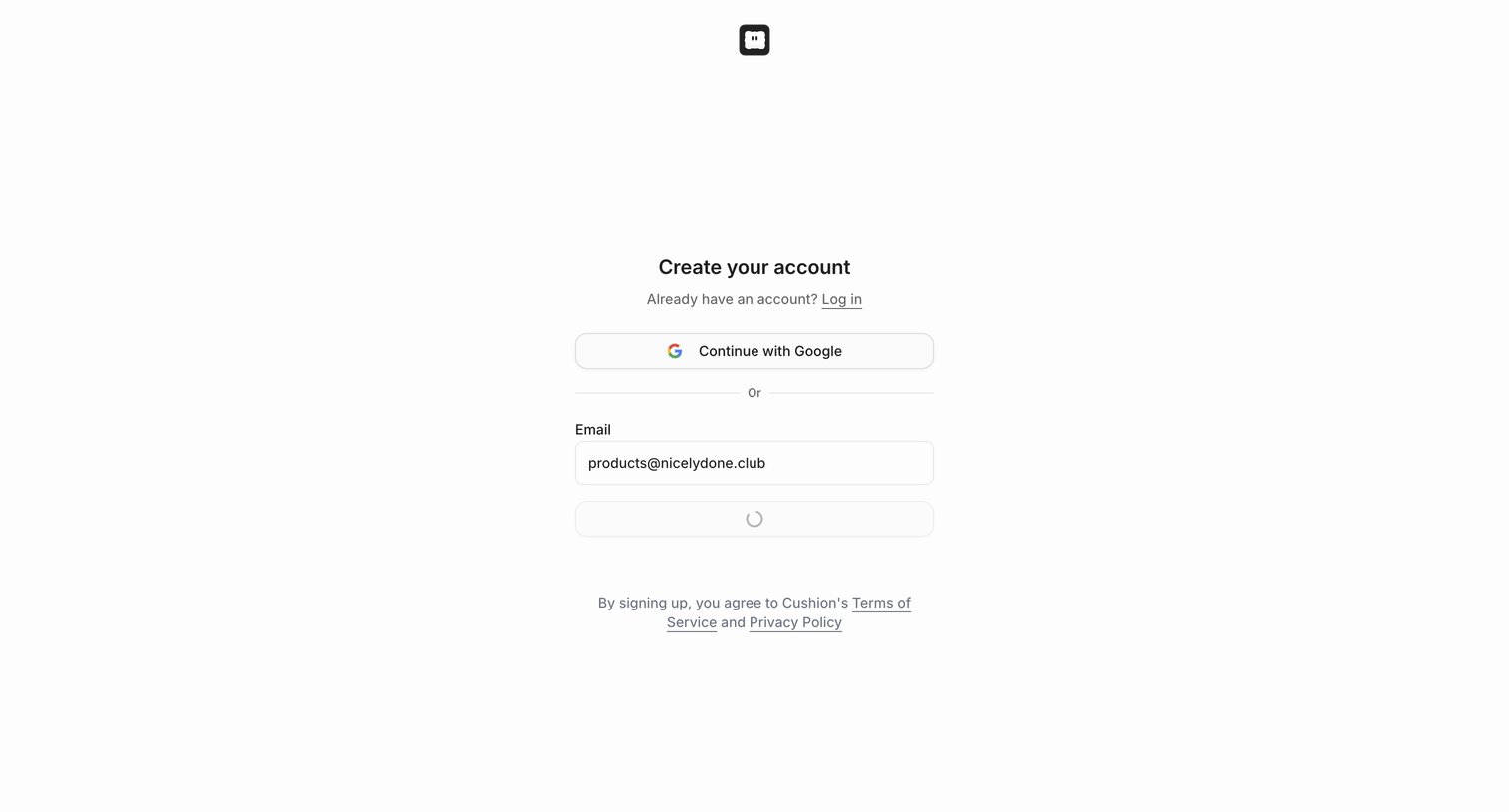
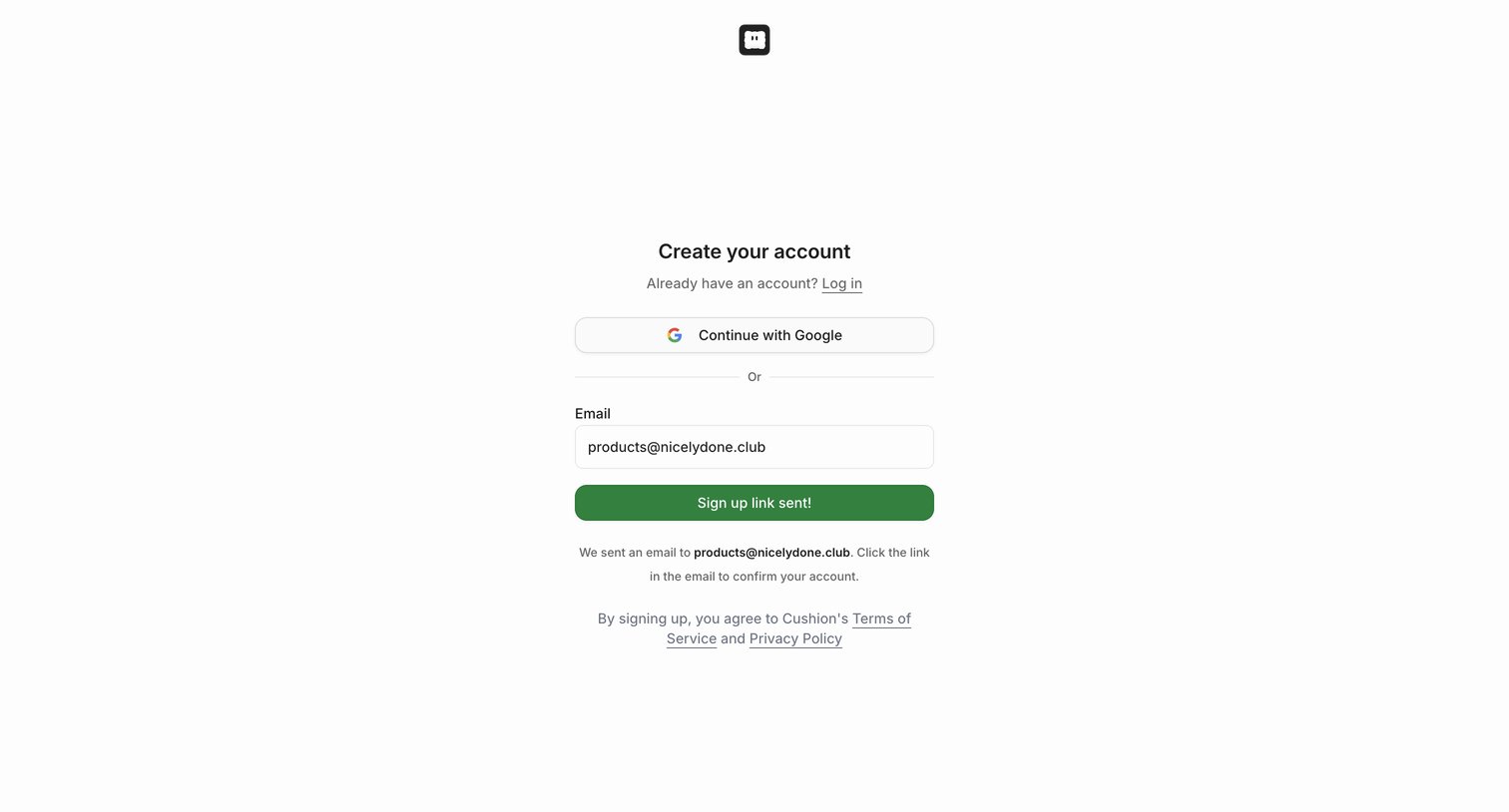
Sign-up screen where the user has entered their email and received a confirmation that a magic link was sent, alongside an option to authenticate with Google.
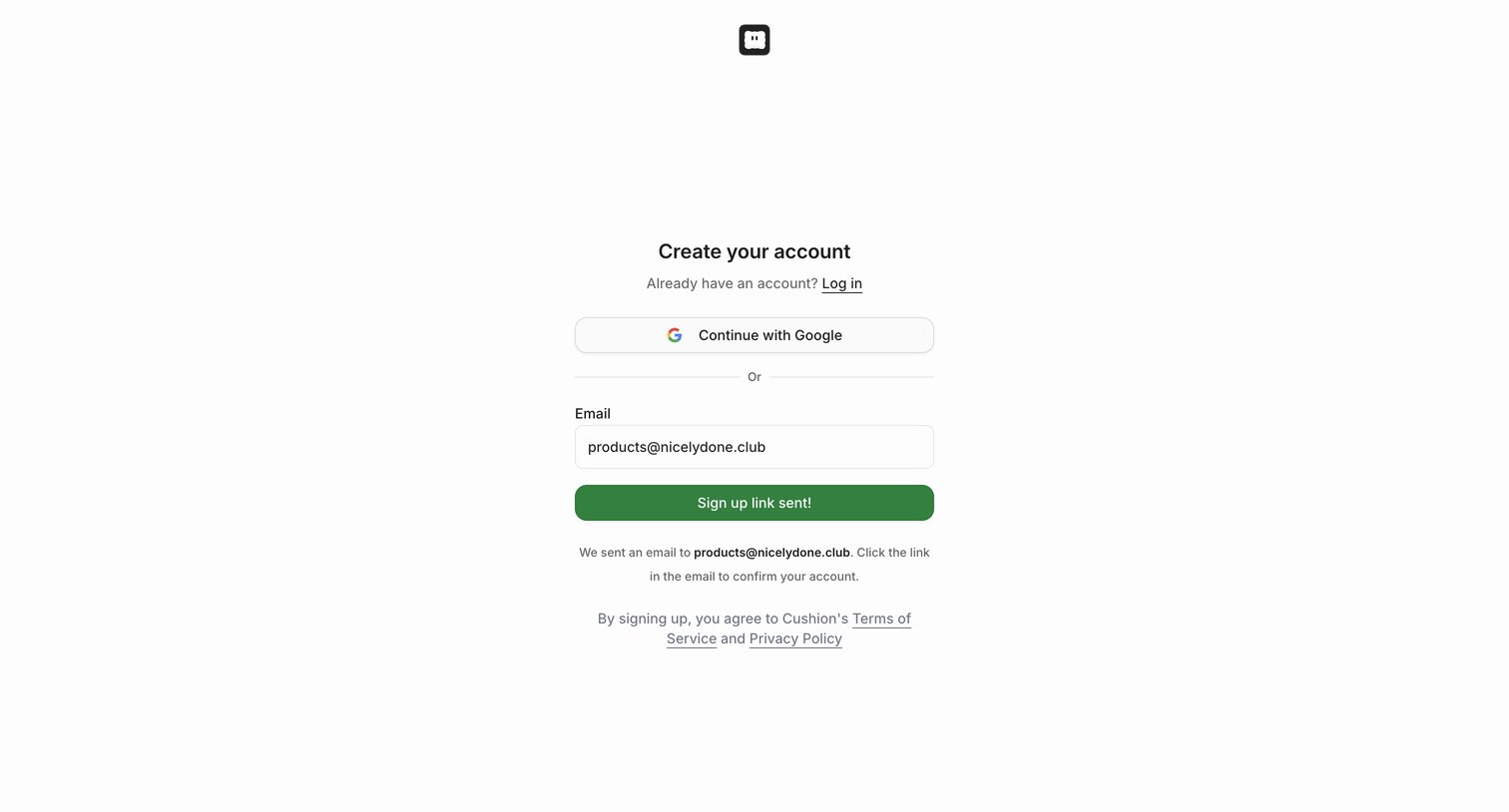
Signup page where the user has successfully requested a magic link to their email and is prompted to check their inbox.
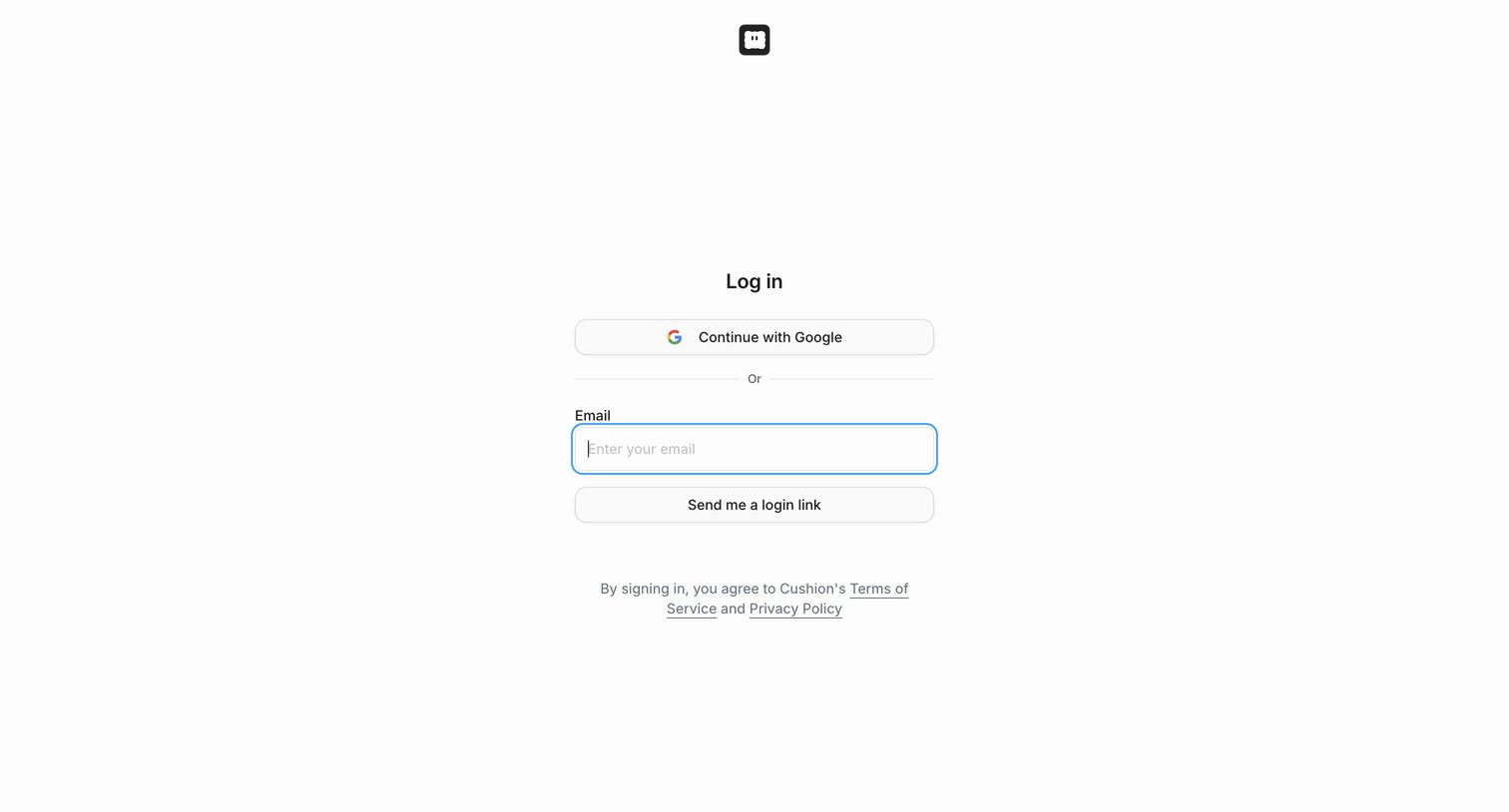
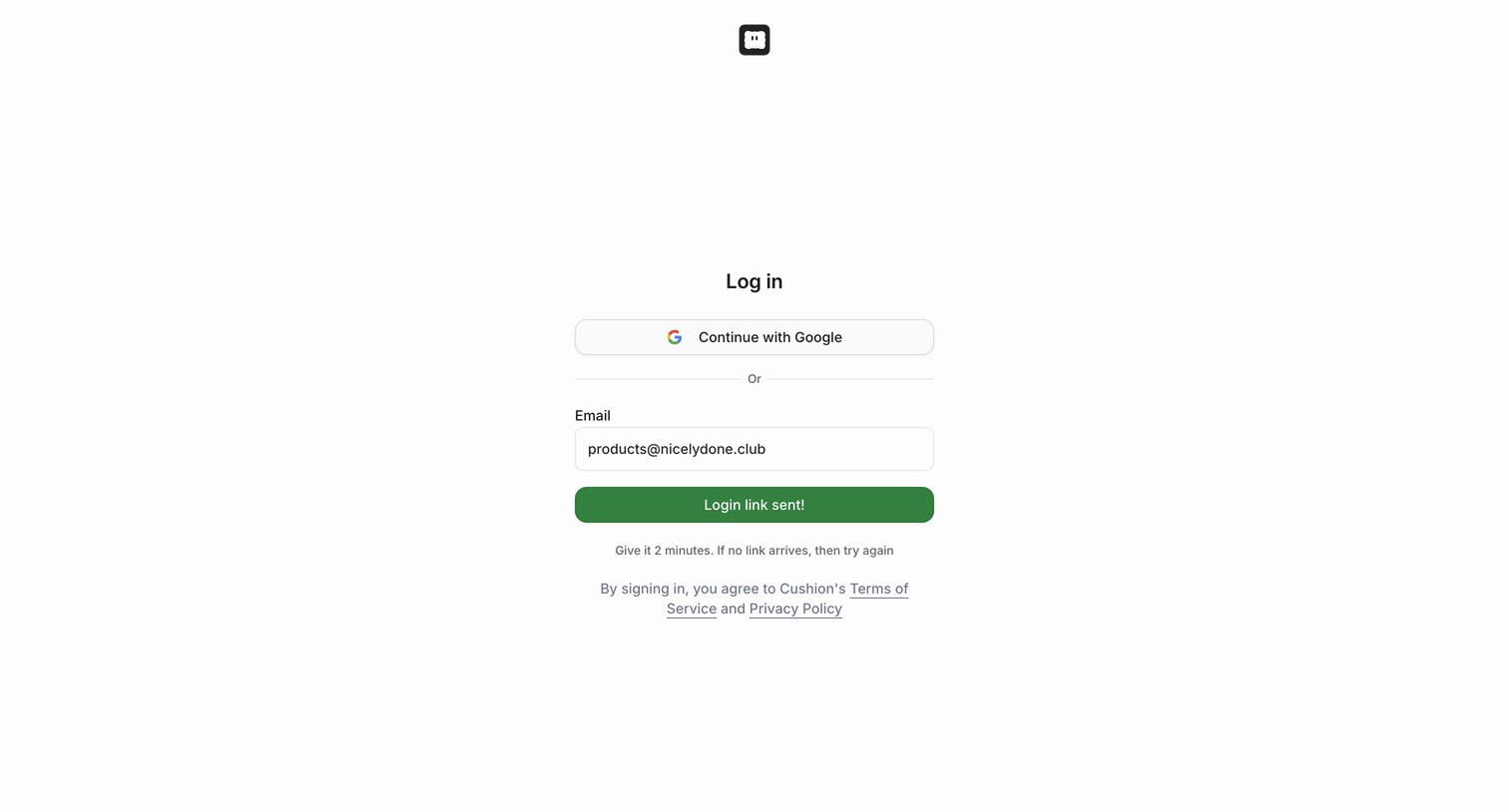
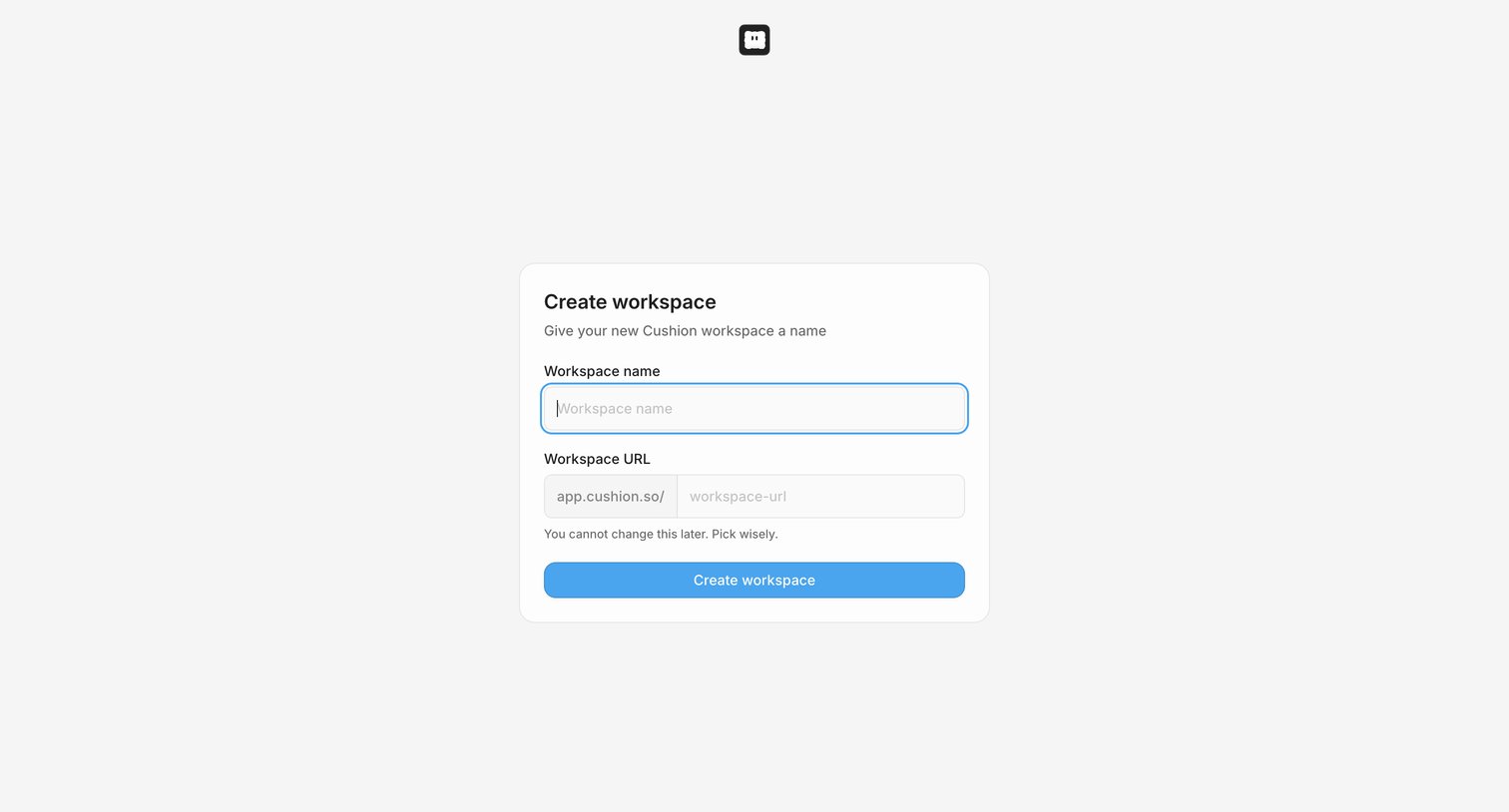
Onboarding step where the user names their new workspace and configures its custom URL slug.
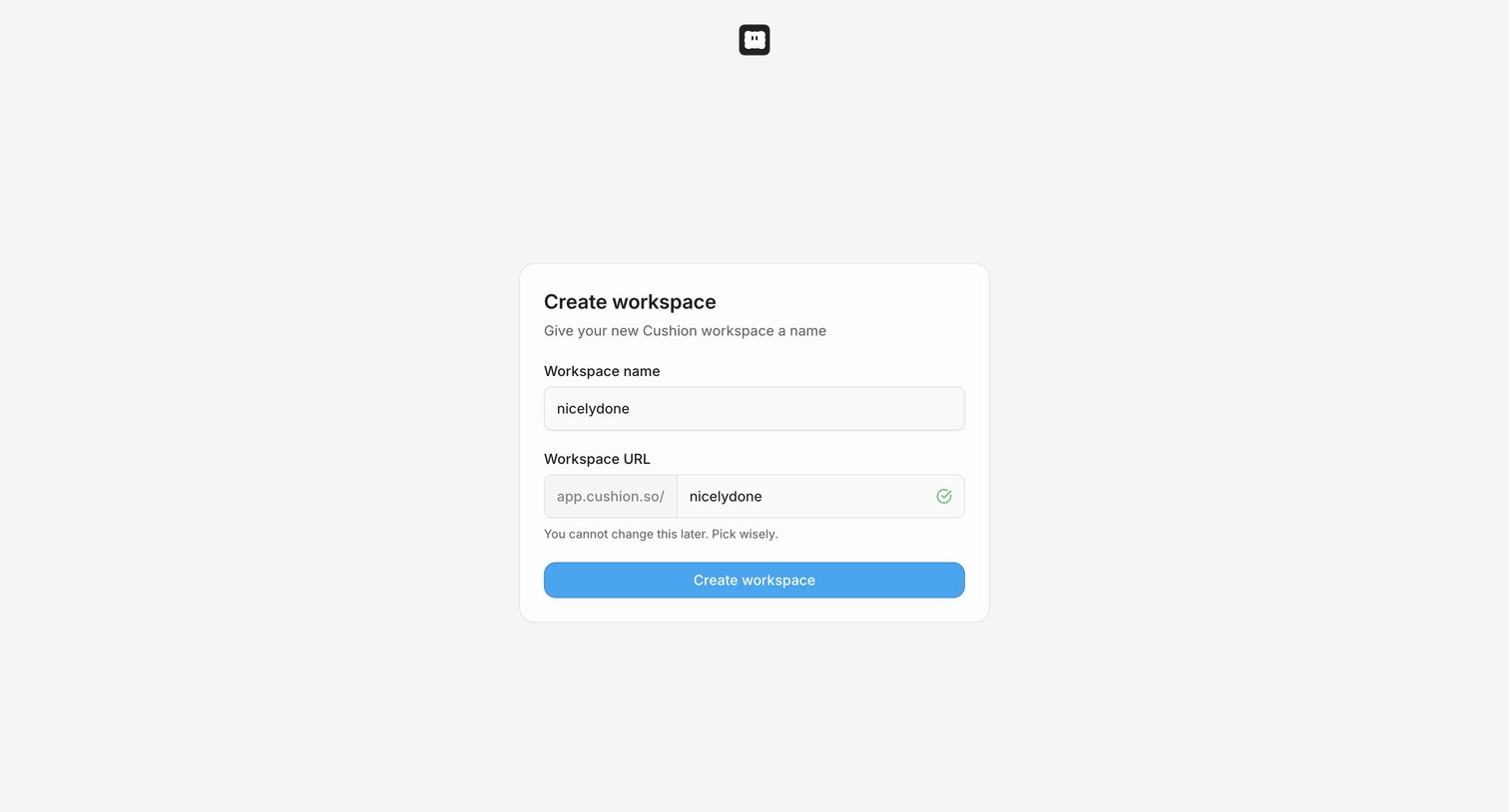
Onboarding step where the user names their new workspace and confirms its custom URL.
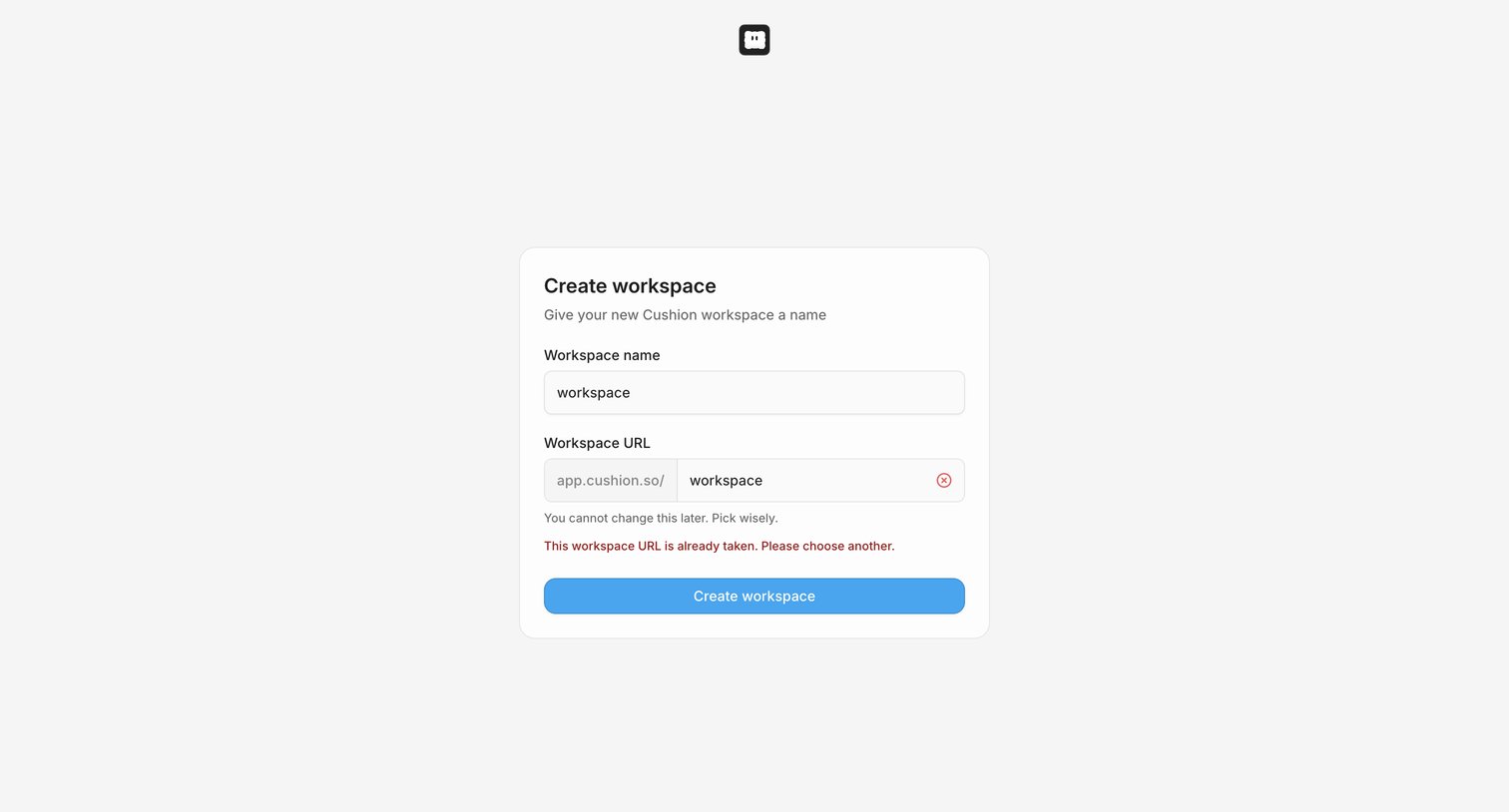
Onboarding step where the user names their new workspace and encounters a URL availability error.
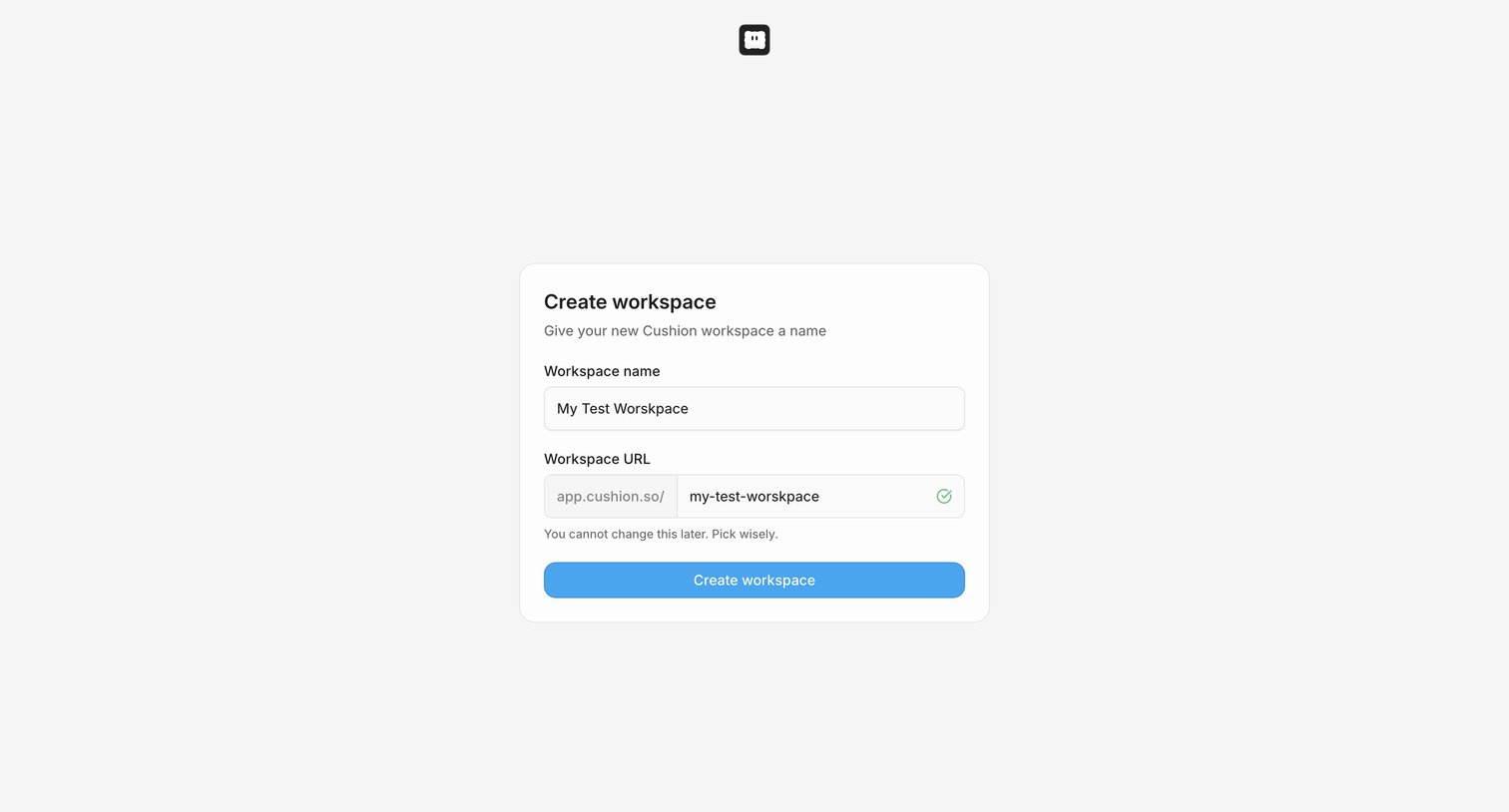
Onboarding step where the user names their new workspace and claims a custom URL slug.
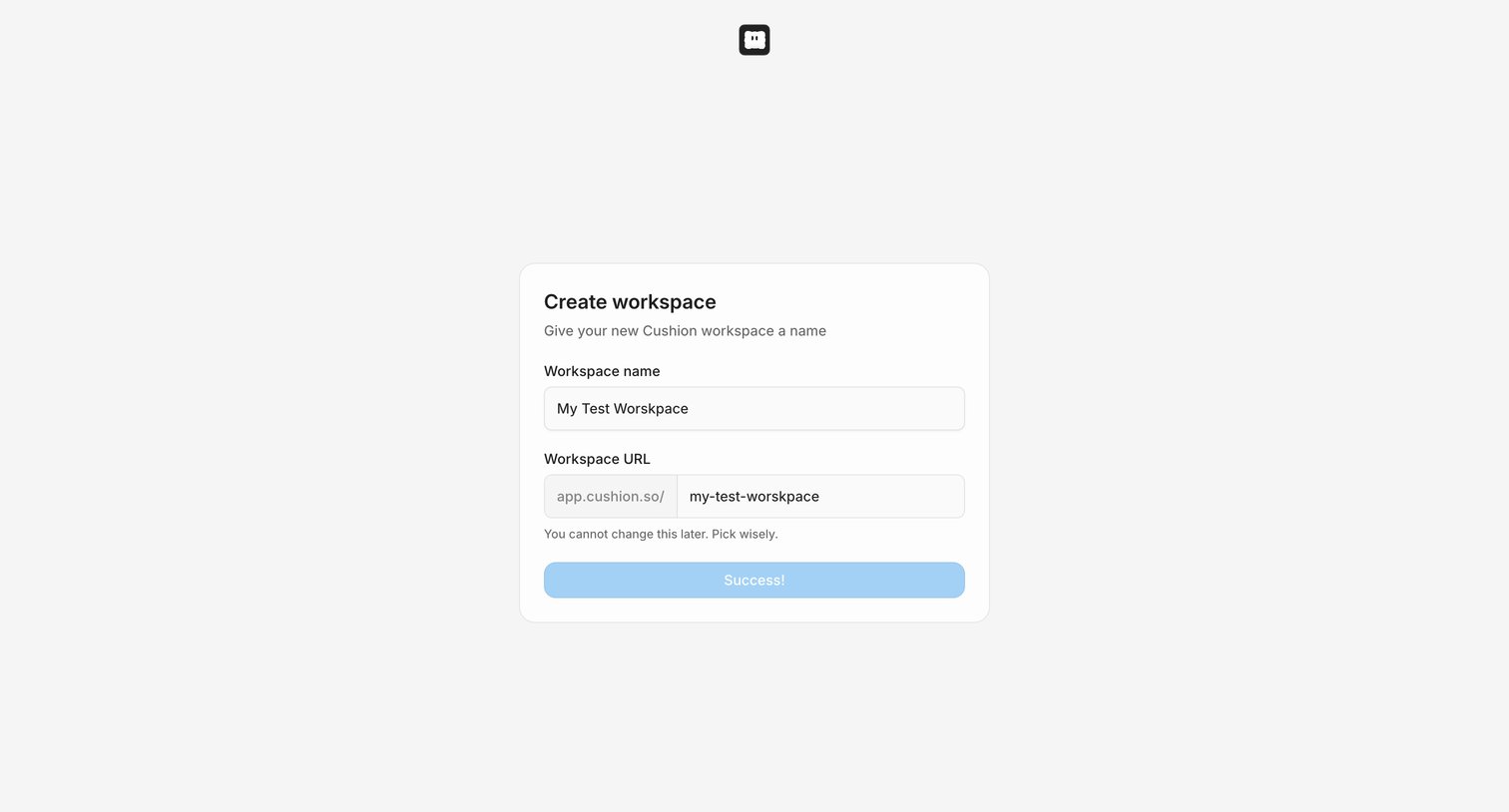
Onboarding step where the user names their new workspace and sets its custom URL, currently showing a success state.
Browse the full SaaS app library
Explore real SaaS apps with their product screens, marketing screens, flows, and components.
Trusted by the best teams







