Skip to content

Cushion UI components examples

Browse Cushion UI component design examples. Preview individual interface elements and explore related component categories. Work messaging that keeps your team organised

Explore the examples
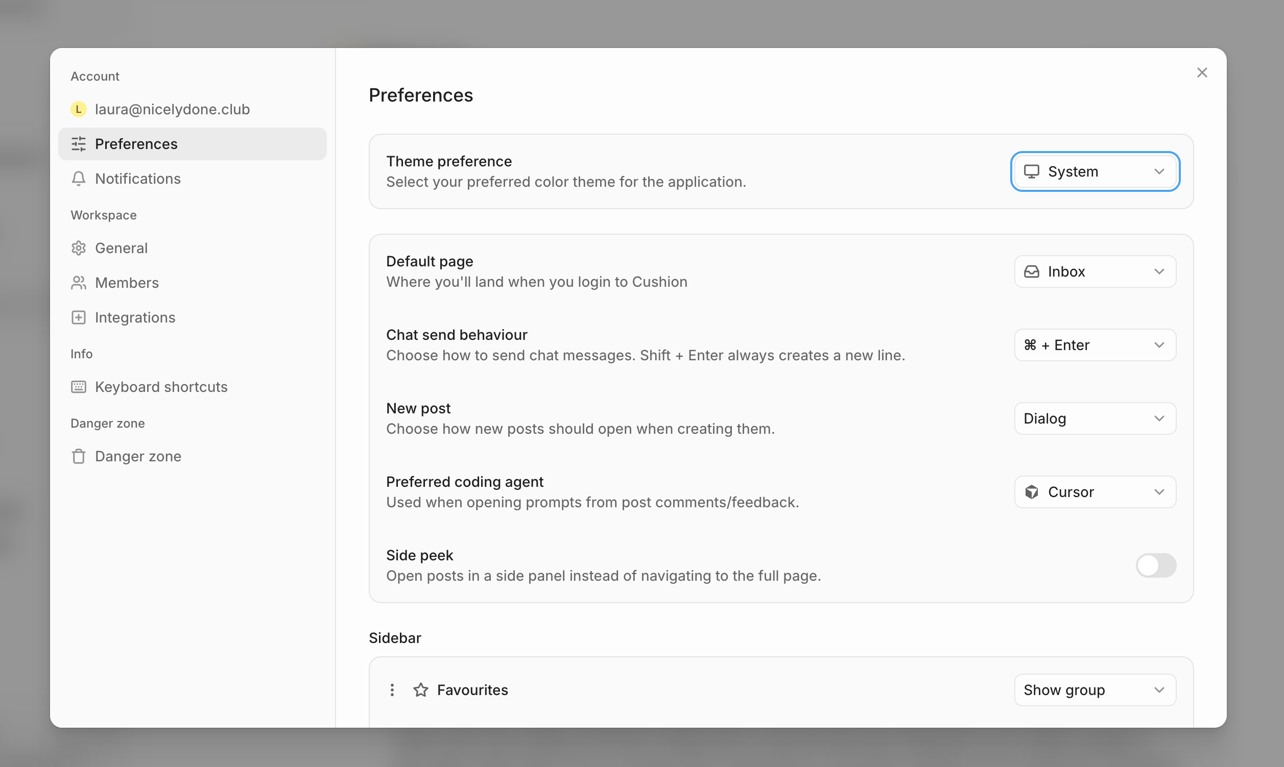
Cushion — Modal component
Cushion logo
Cushion

A modal dialog displaying user preferences with a sidebar navigation and various settings for application behavior.

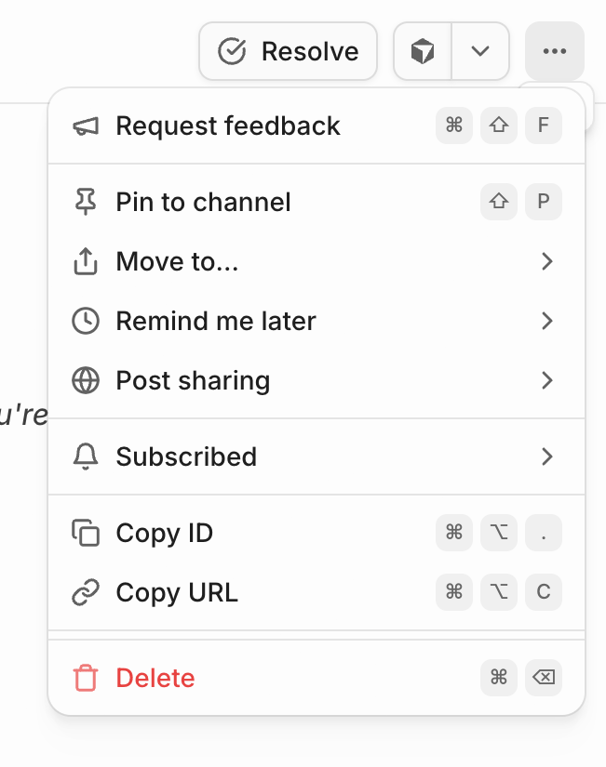
Cushion — Dropdown menu component
Cushion logo
Cushion

A context menu displaying various actions for an item, including feedback, channel management, reminders, sharing, copying identifiers, and deletion.
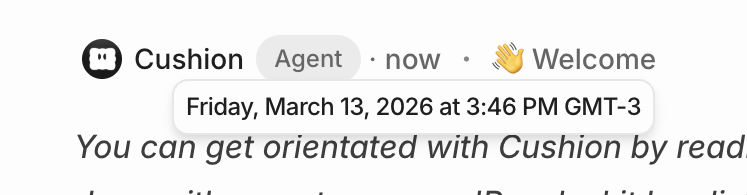
Cushion — Tooltip component
Cushion logo
Cushion

A chat message header displaying sender information, a role tag, a timestamp, and a welcome greeting, with a tooltip showing the exact date and time on hover.

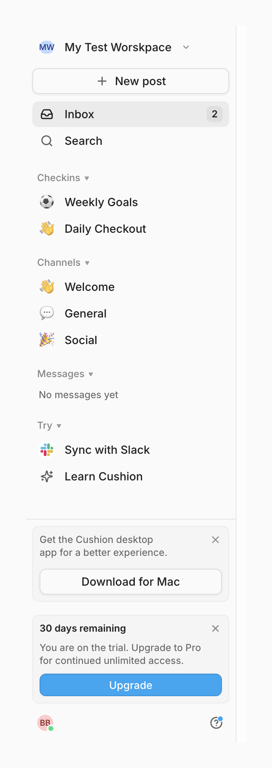
Cushion — Vertical navigation component
Cushion logo
Cushion

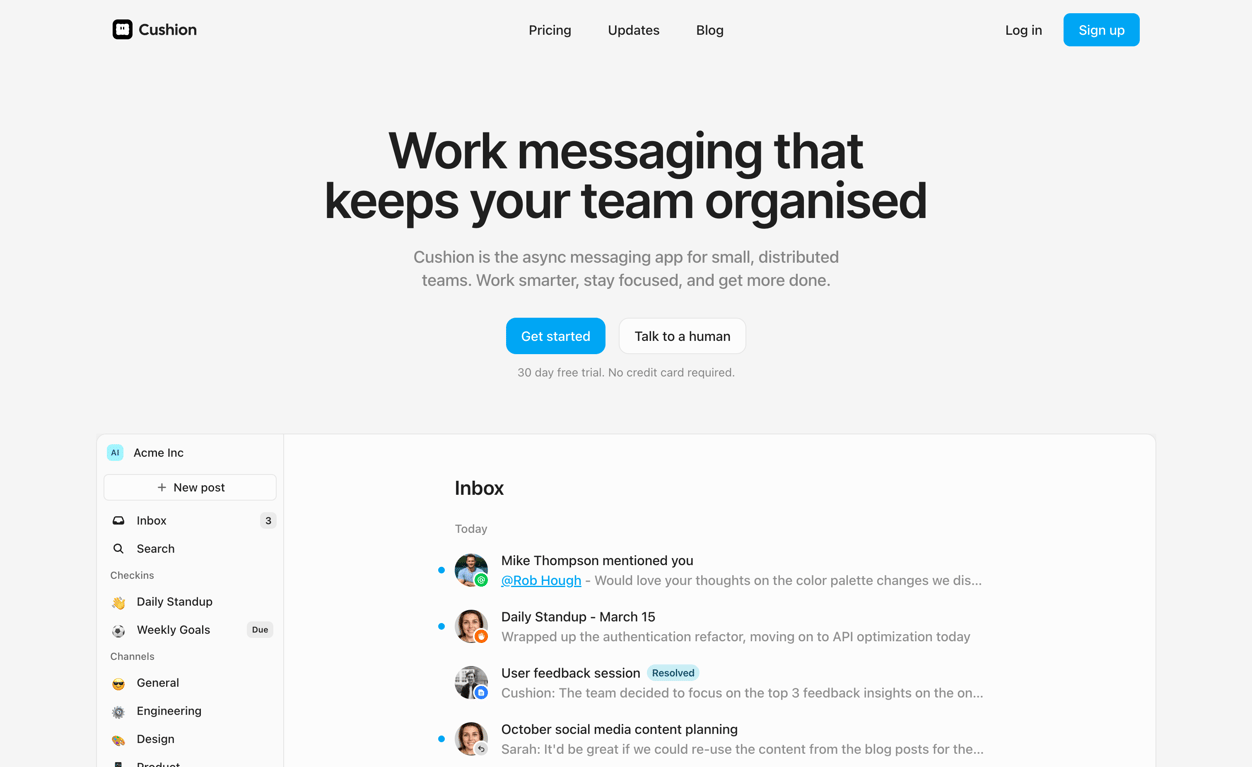
A sidebar navigation for a workspace application, featuring various sections, actions, and promotional messages.
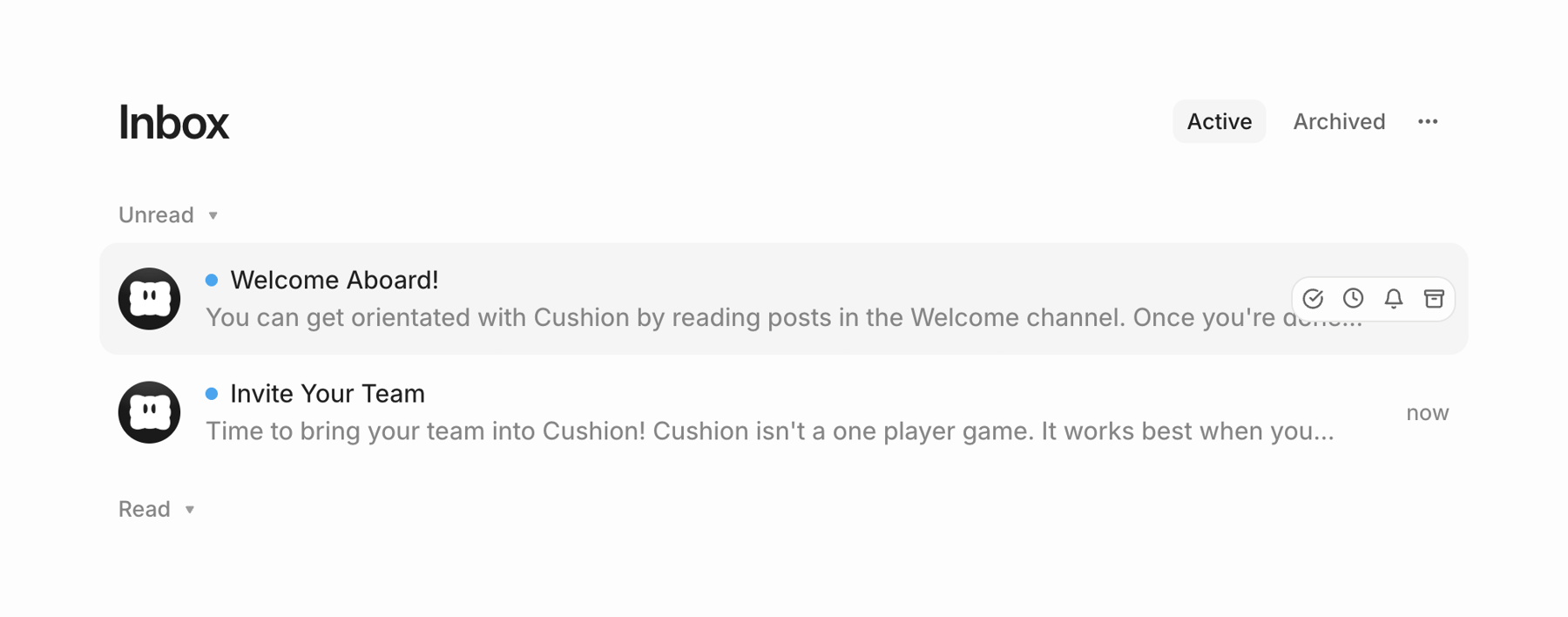
Cushion — Table component
Cushion logo
Cushion

An inbox interface displaying unread and read messages with filtering and management options.

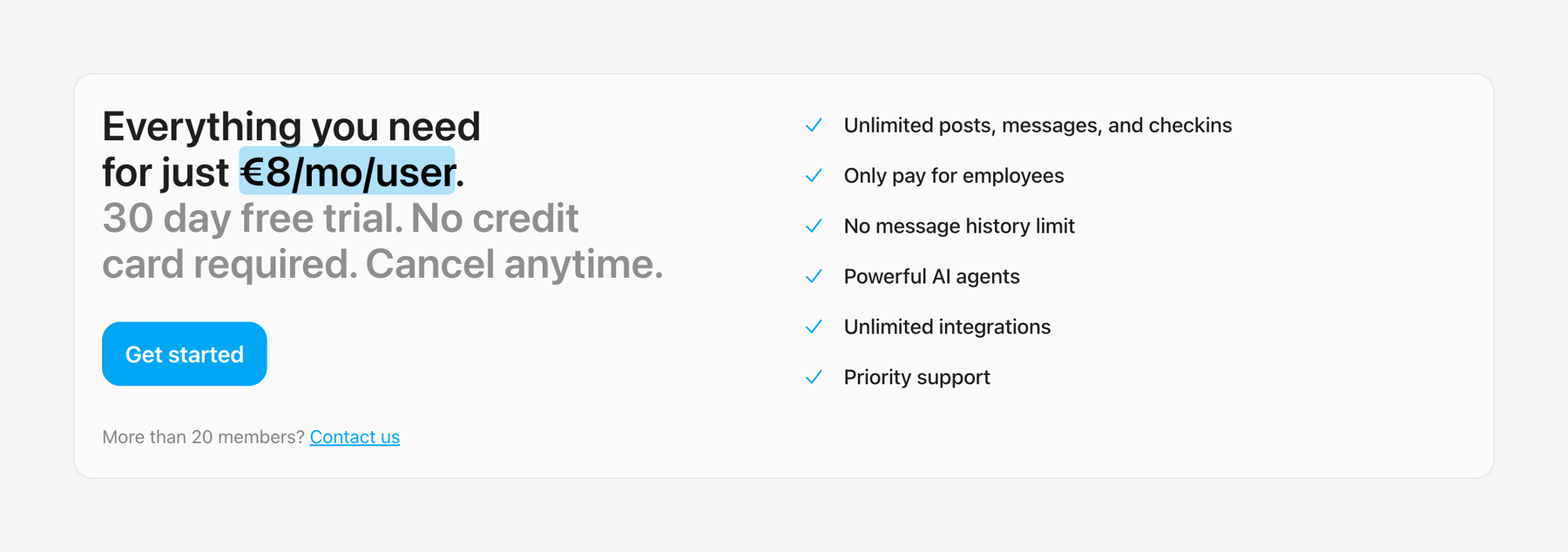
Cushion — Pricing section component
Cushion logo
Cushion

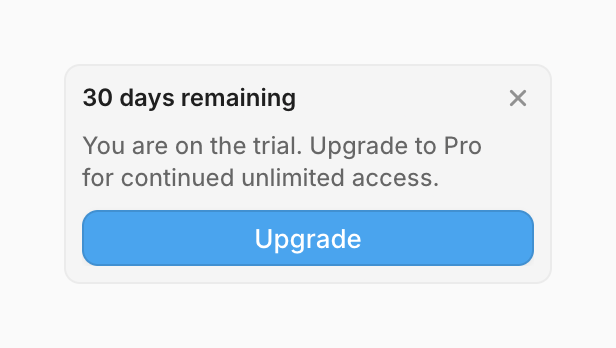
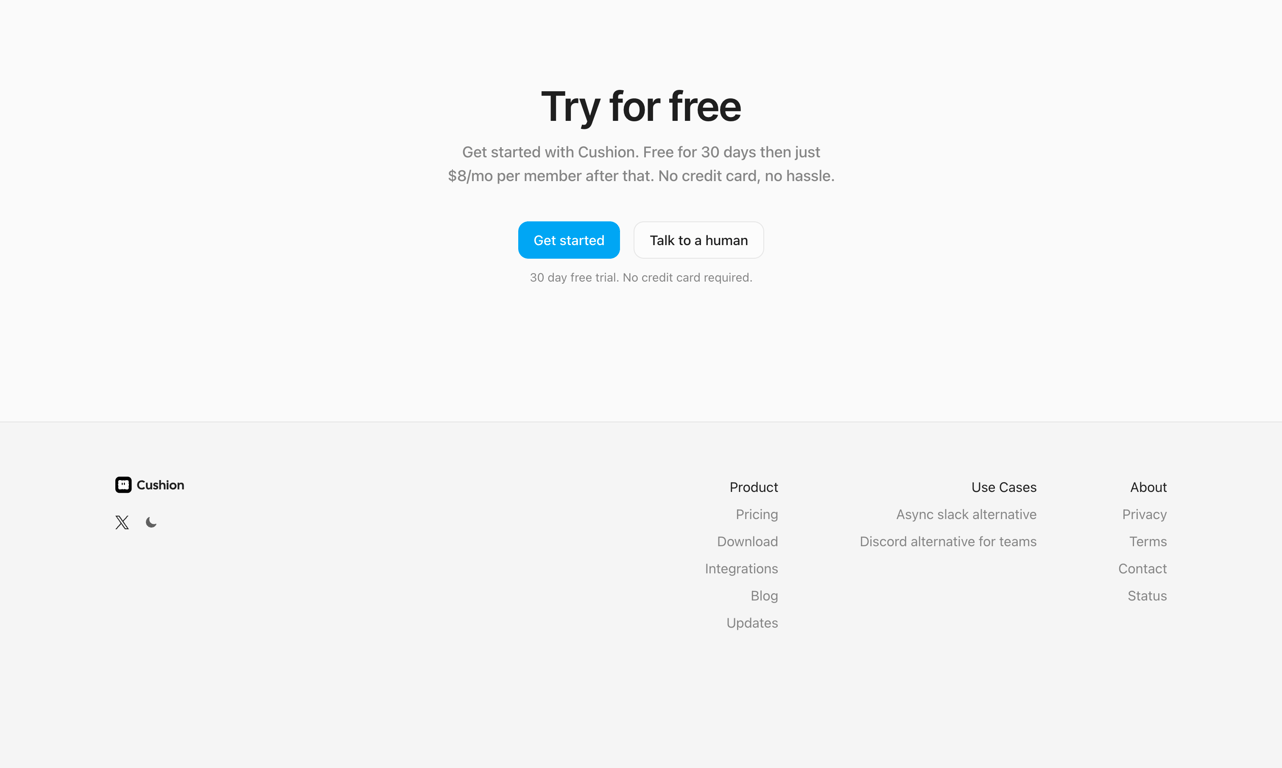
A pricing and feature overview for a service, highlighting a free trial and a call to action.
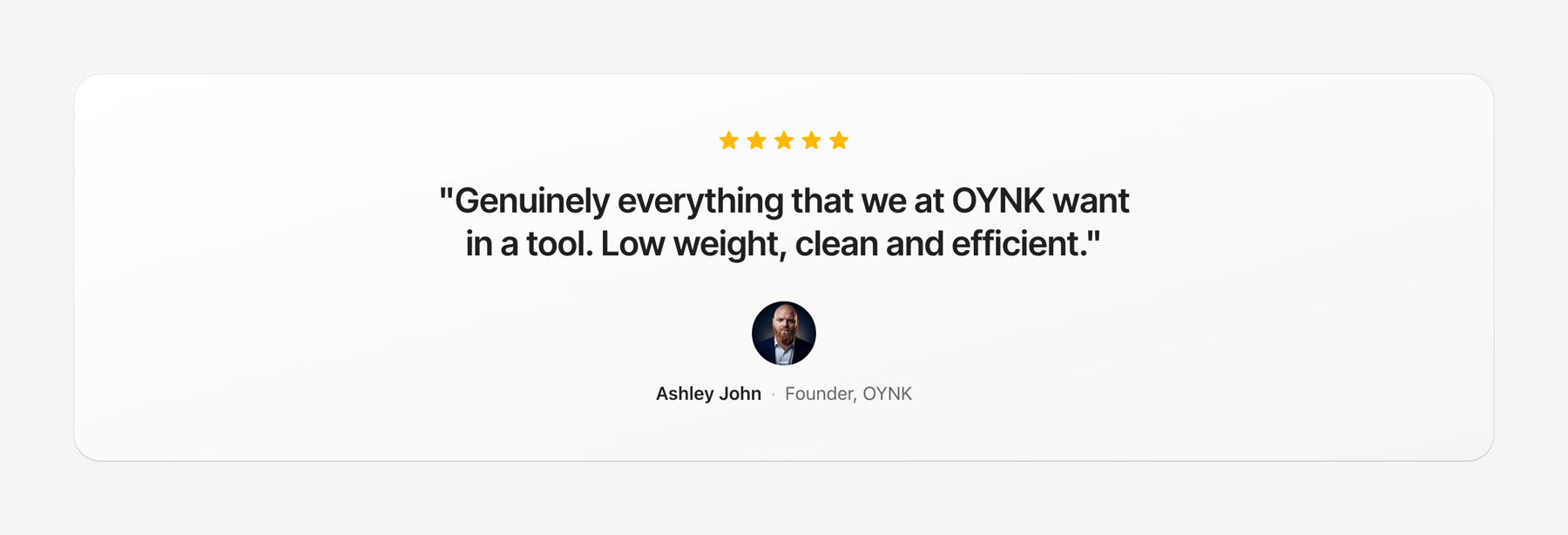
Cushion — Testimonial component
Cushion logo
Cushion

A testimonial card displaying a customer review with a star rating, user photo, name, and title.
Cushion — FAQ component
Cushion logo
Cushion

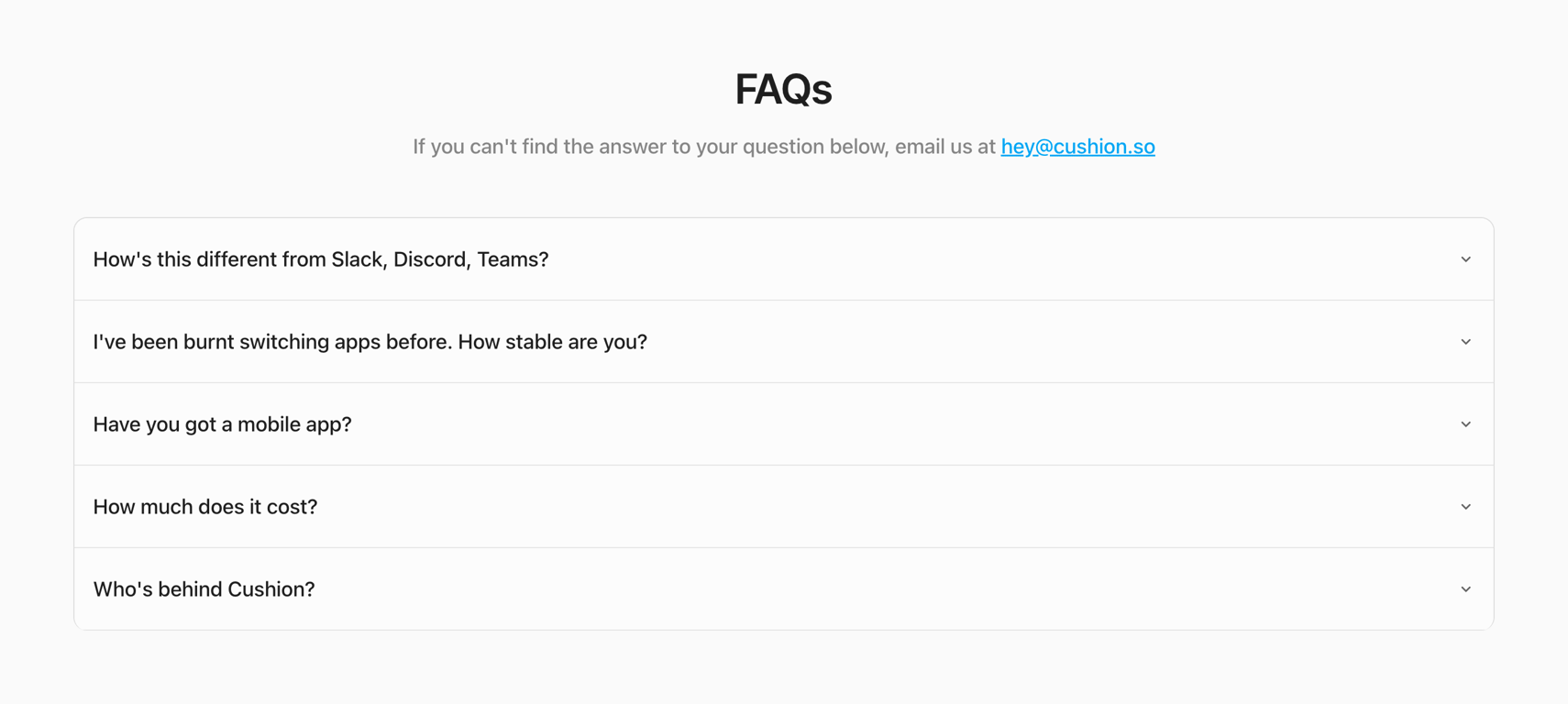
A frequently asked questions (FAQs) page with a list of collapsible questions and an email contact.

Browse the full component library

Browse the full UI component library.

Trusted by the best teams