Tooltip UI examples
Tooltip UI design examples from SaaS apps. Explore how interfaces explain a control with a short contextual label. Look at tooltip text and placement in relation to the element it describes.
Explore the examples
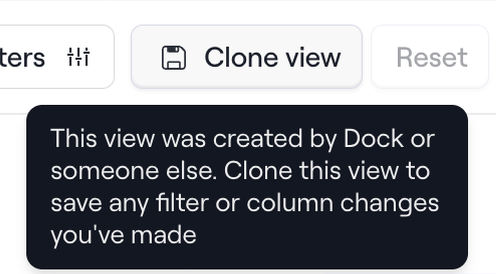

A popover providing instructional text on how to clone a view to save changes, displayed over a set of action buttons.
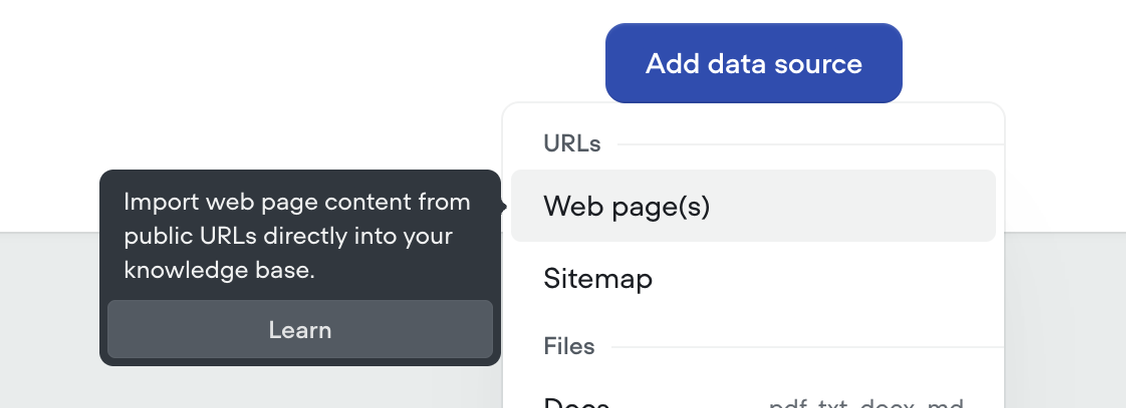

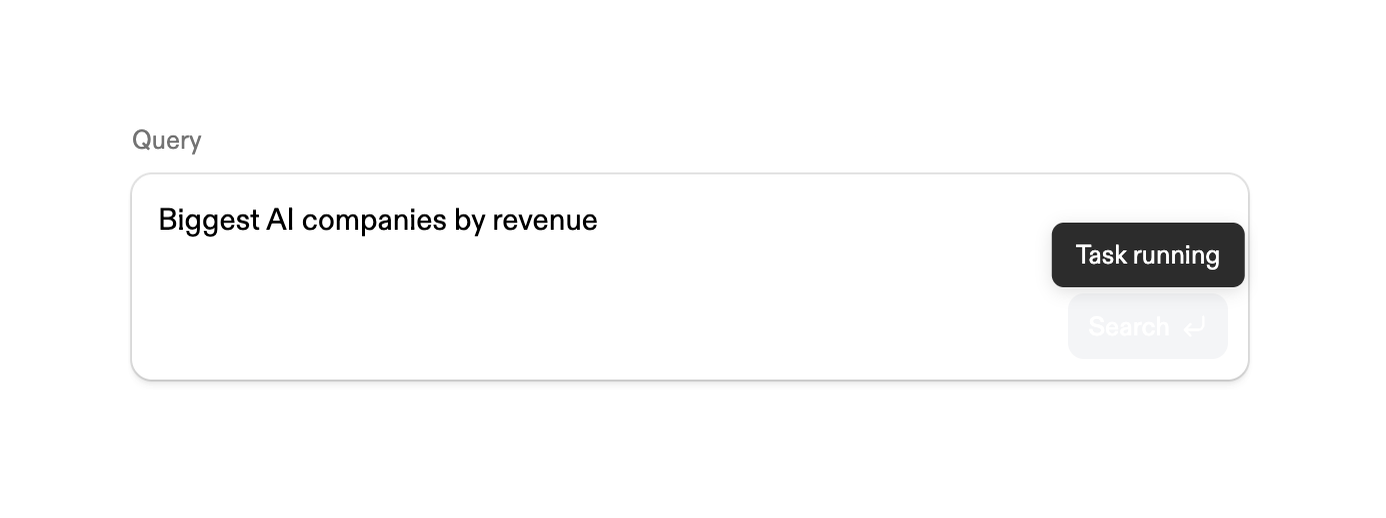

Displays configured search query text alongside a live task-running indicator during background processing
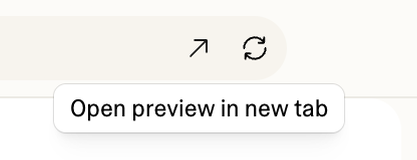

A tooltip providing context for an icon in a web application.
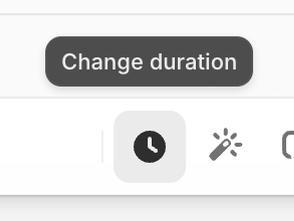

A button labeled 'Change duration' is displayed above an icon representing a clock and another icon resembling a magic wand.
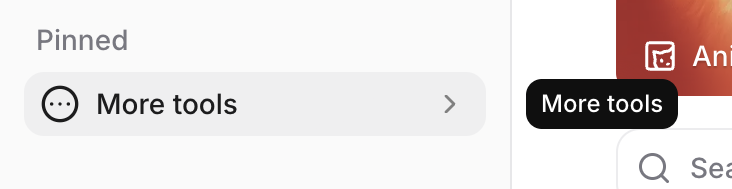

A user interface displaying a 'Pinned' section with a 'More tools' button, alongside a search bar and another 'More tools' button in a different visual state.
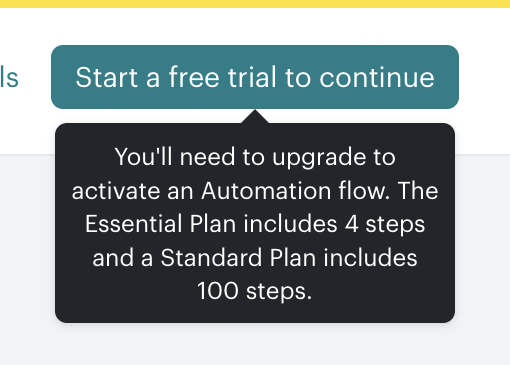

A tooltip providing information about a feature requiring a plan upgrade.
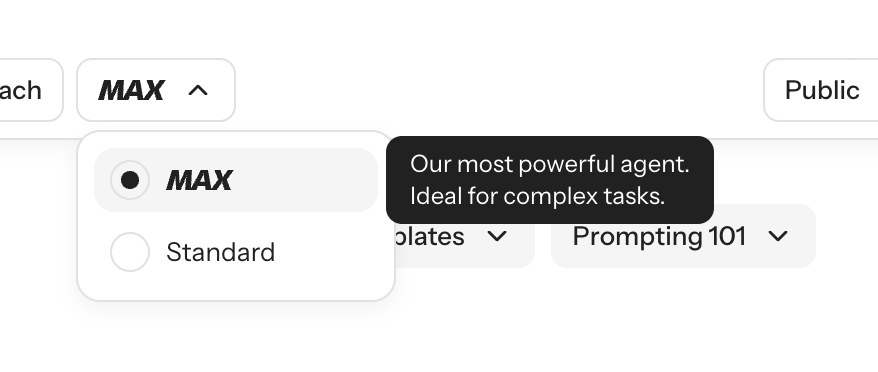

A user interface showing an open dropdown menu with radio button options and an active tooltip providing additional context.
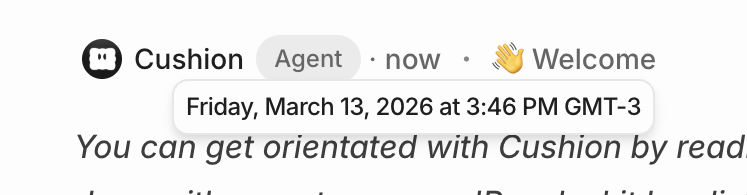

A chat message header displaying sender information, a role tag, a timestamp, and a welcome greeting, with a tooltip showing the exact date and time on hover.


A user interface displaying a list of issues or tasks with a popover for issue selection.
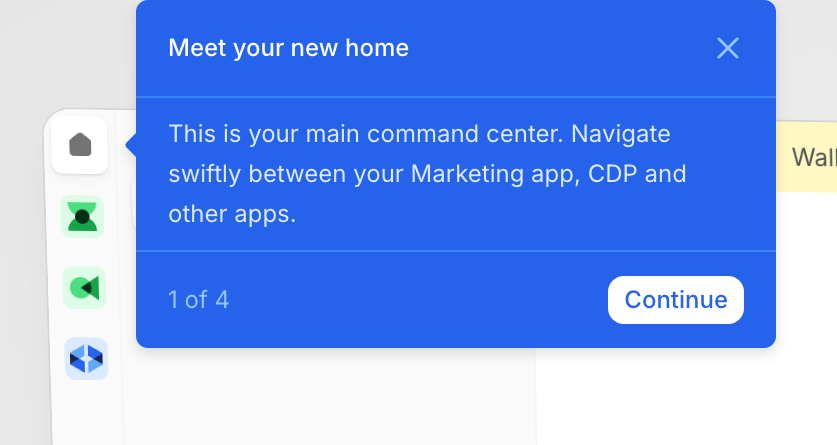

A popover modal guiding the user through a product tour, highlighting the main navigation area.
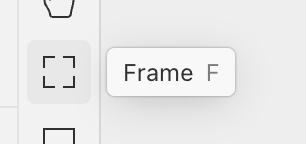

A segment of a user interface displaying a tool palette with a selected frame tool and its corresponding label.
Browse the full component library
See 172 more Components.
Trusted by the best teams








About Tooltip
Explore how interfaces explain a control with a short contextual label. Look at tooltip text and placement in relation to the element it describes.