Workspace Switcher screen examples
Workspace Switcher screen design examples from SaaS apps. See how SaaS apps let people move between teams or accounts. Explore how workspace names, current selection, and switching controls appear within the main…
Explore the examples
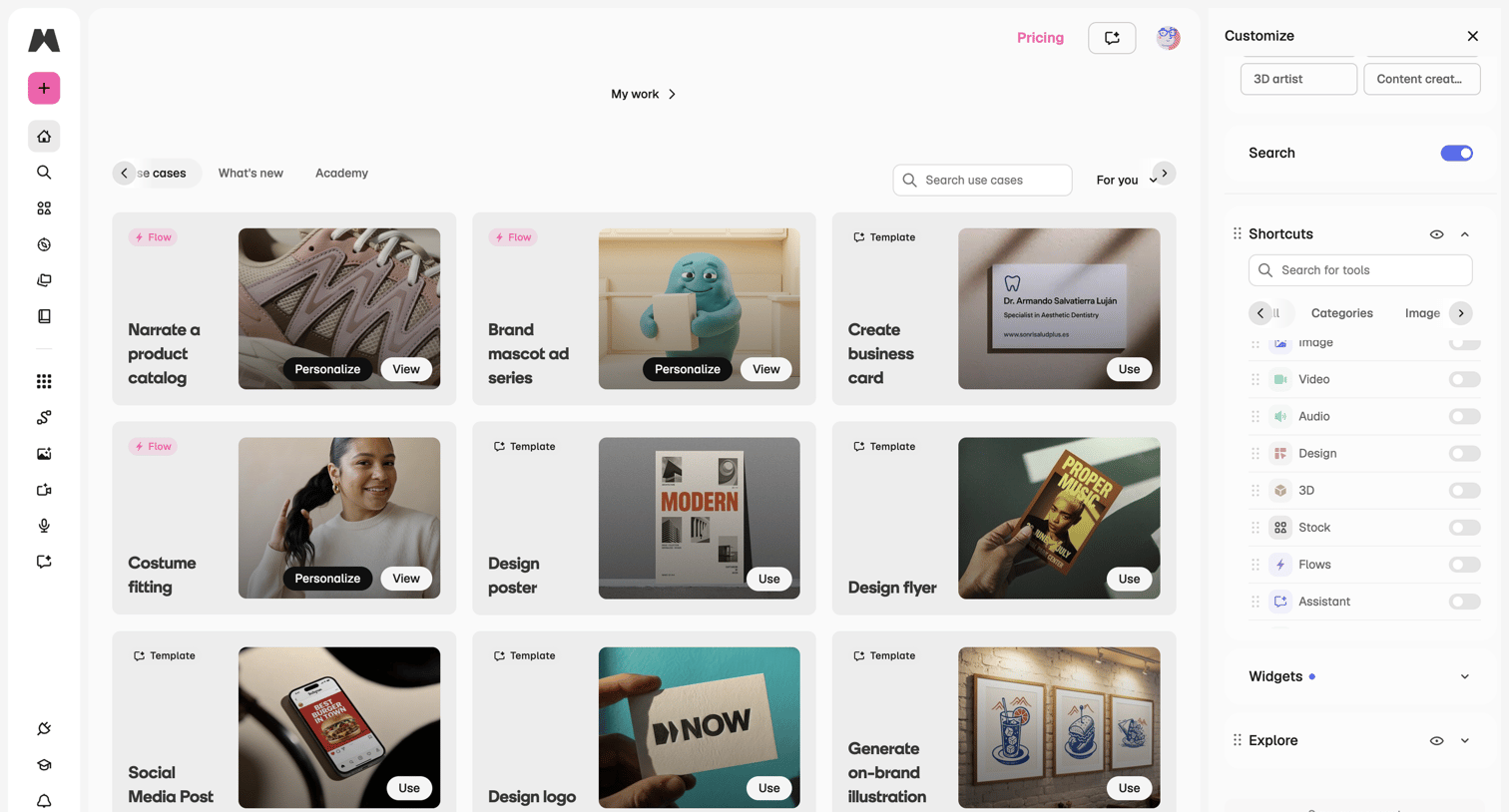

Home screen where the user browses a gallery of use cases and templates, with a right sidebar to customize their workspace shortcuts and tools.
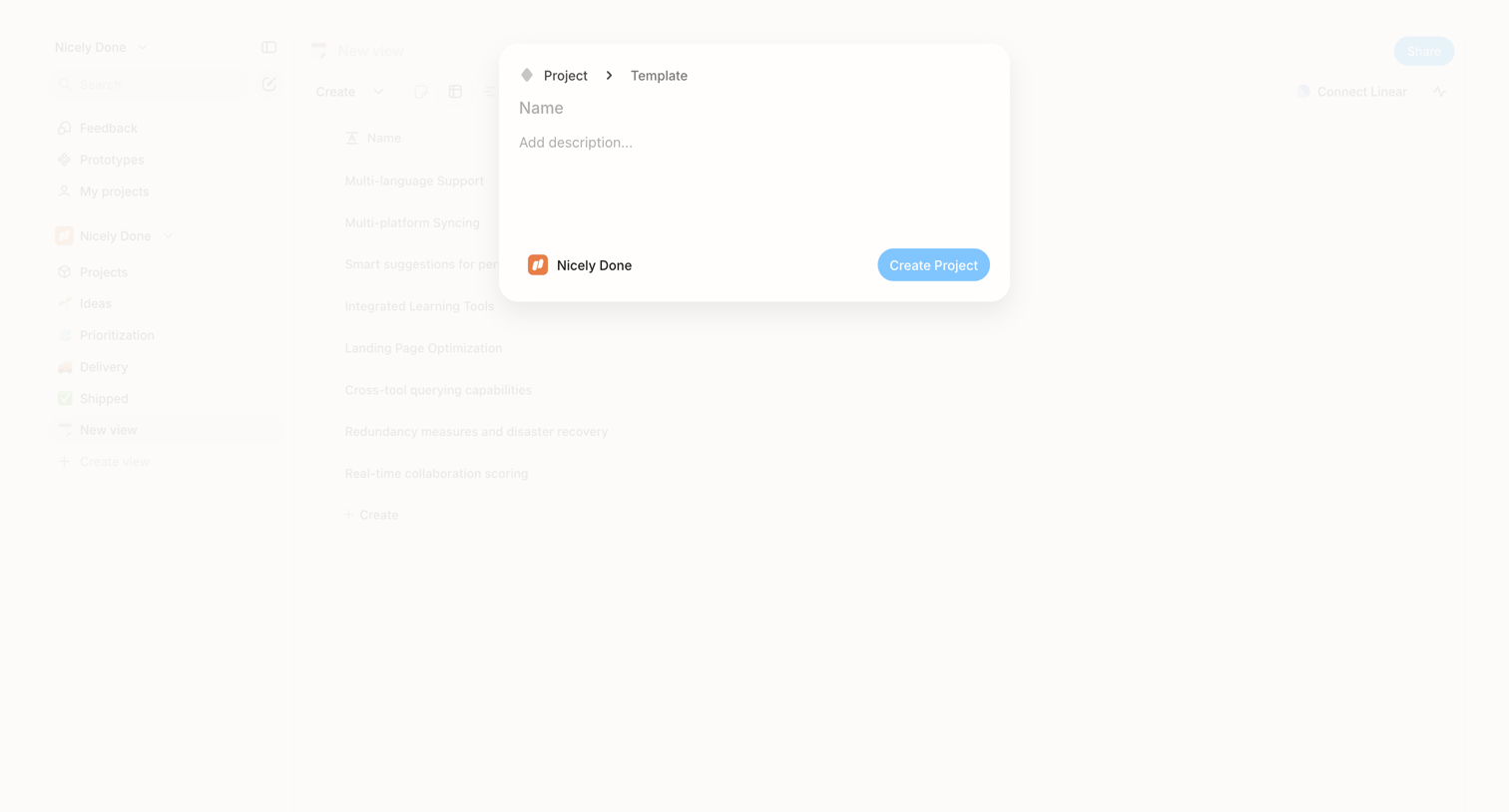

Create modal where the user names a new project, adds a description, and confirms the destination workspace.
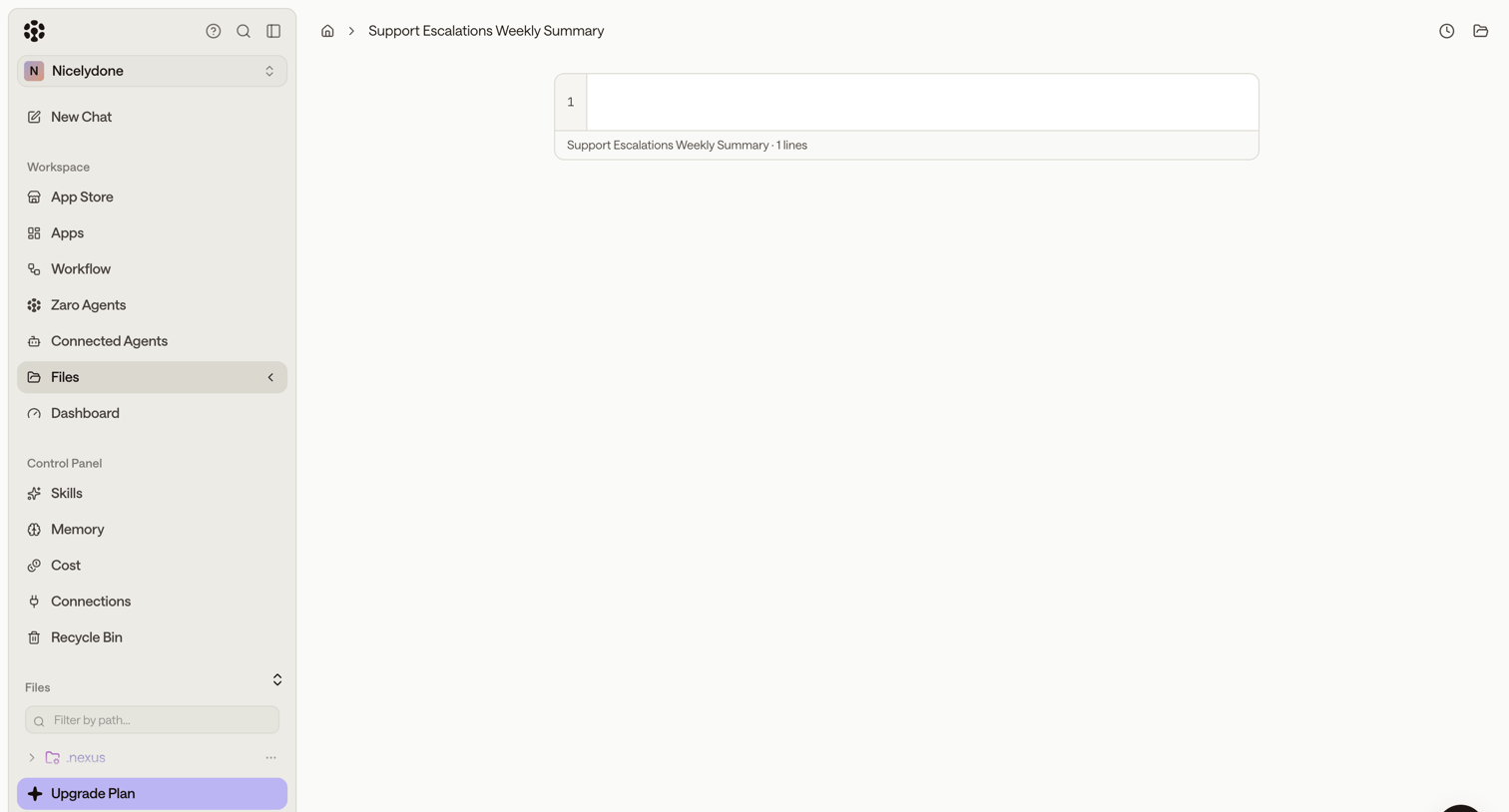

Code editor view displaying an empty file with a left sidebar for navigating agents, workflows, and files.

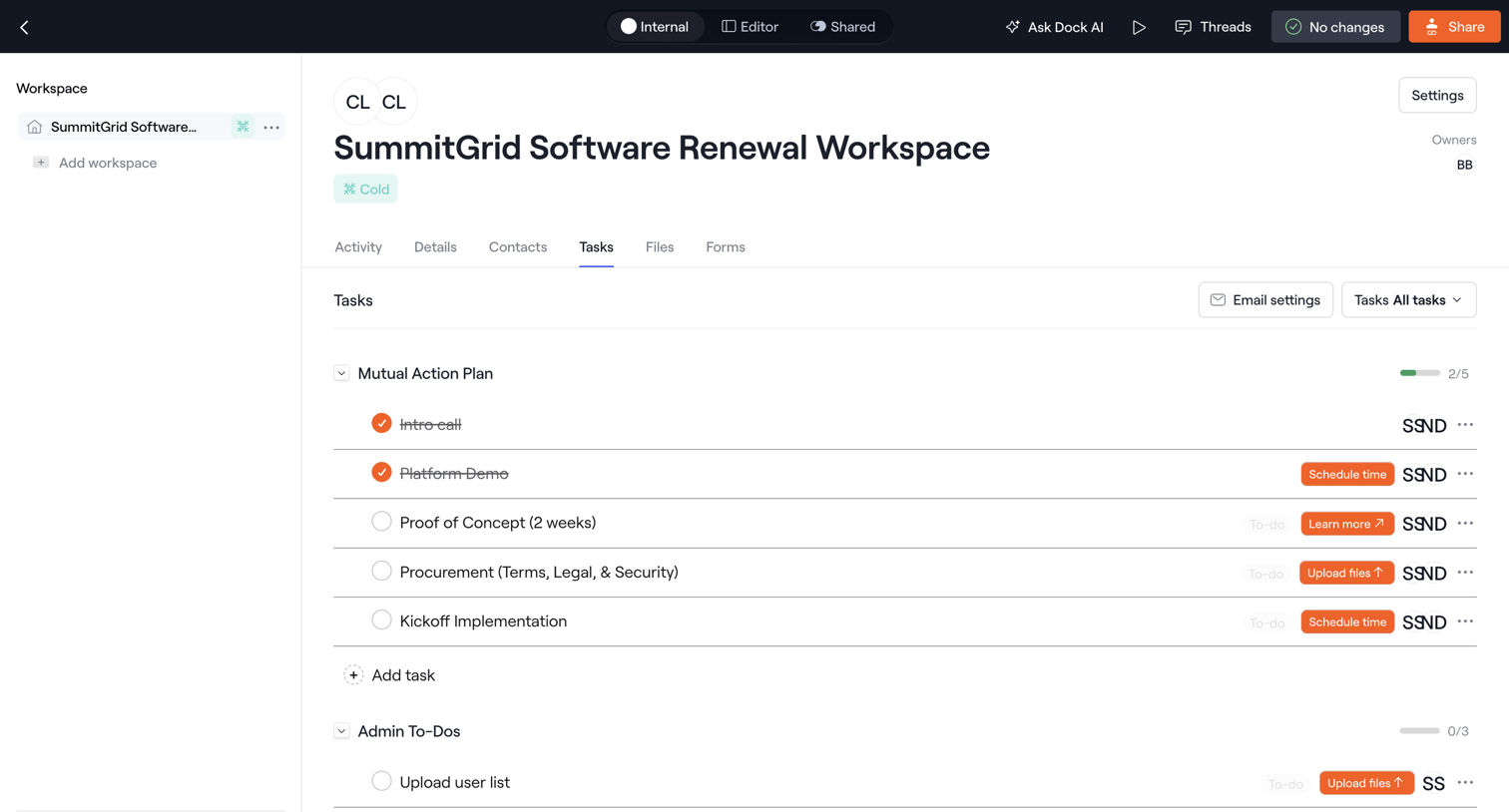

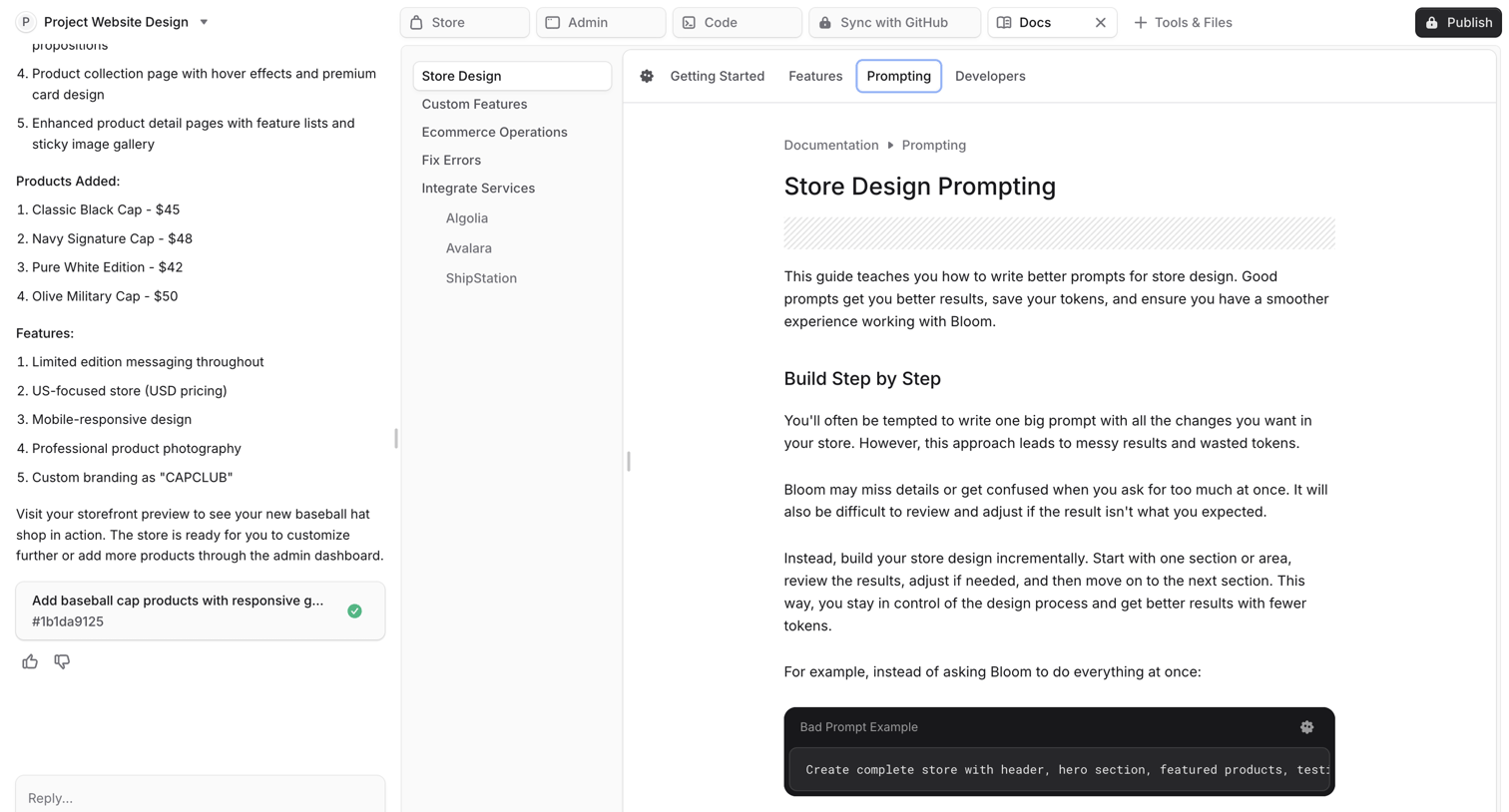

AI chat interface where the user interacts with an assistant to build a project website, featuring a side-by-side view of the conversation and the generated documentation artifact.
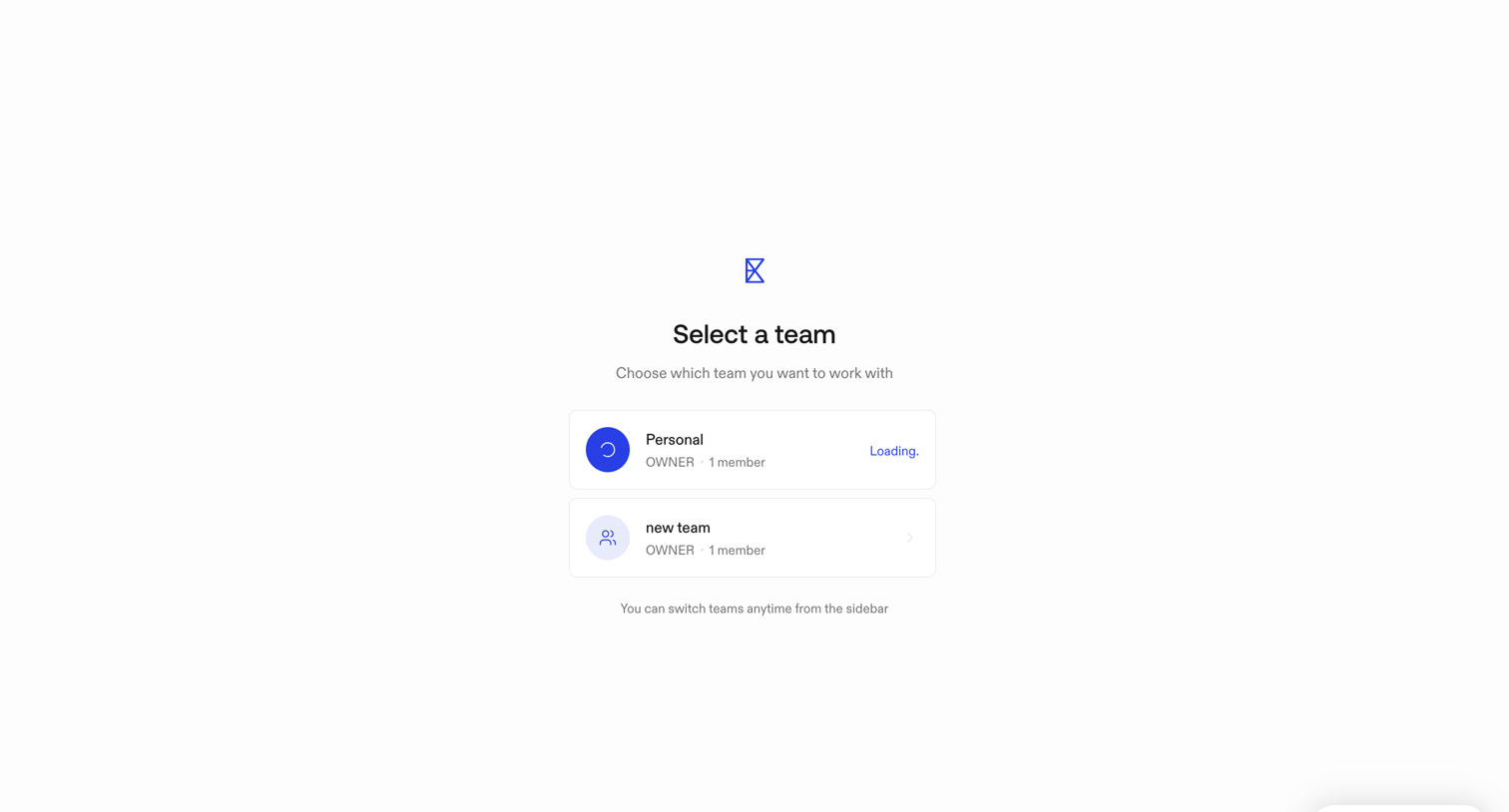

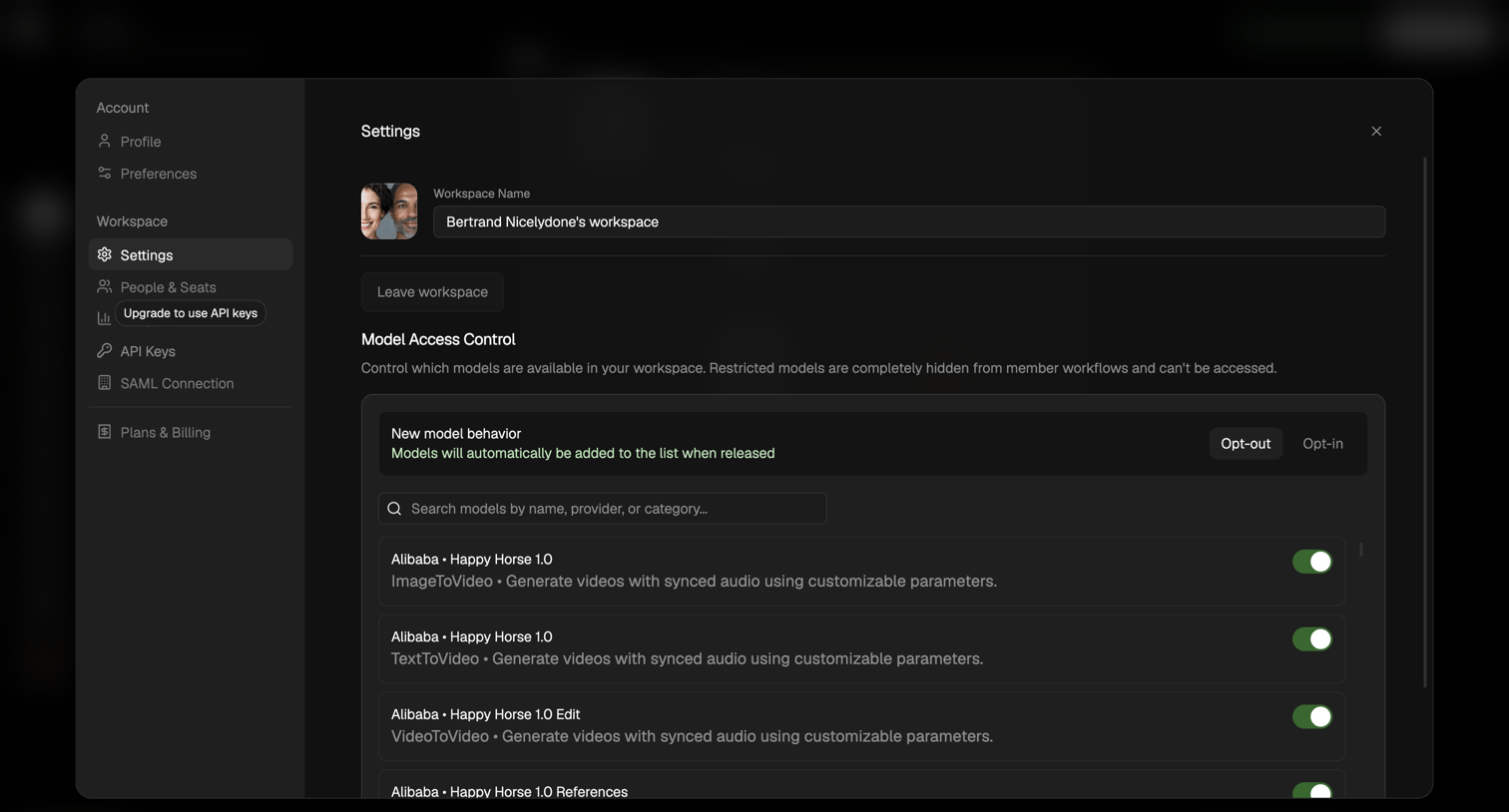

Workspace settings modal where the user configures access control for AI models by toggling specific models on or off and setting default behavior for new models.
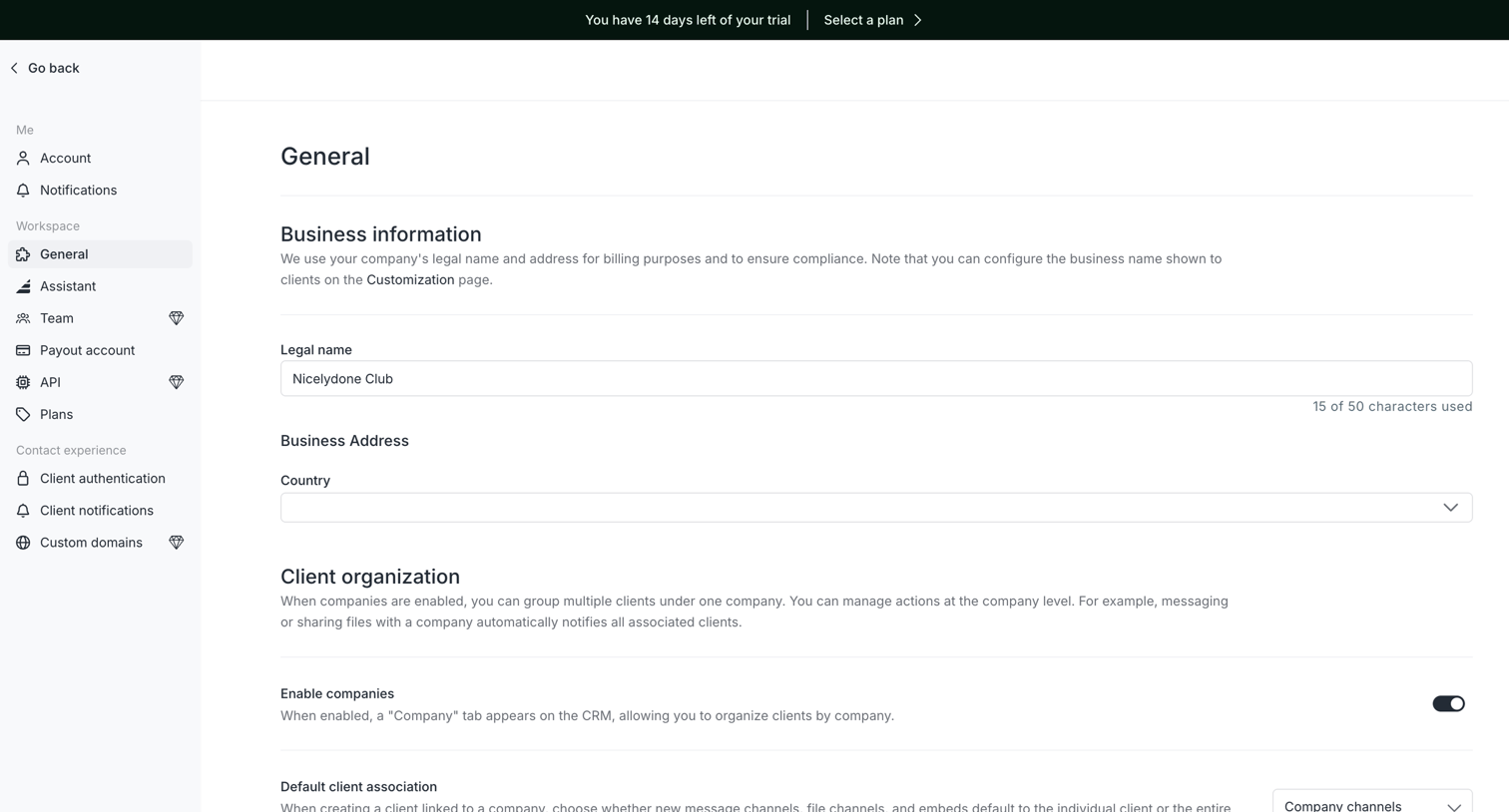

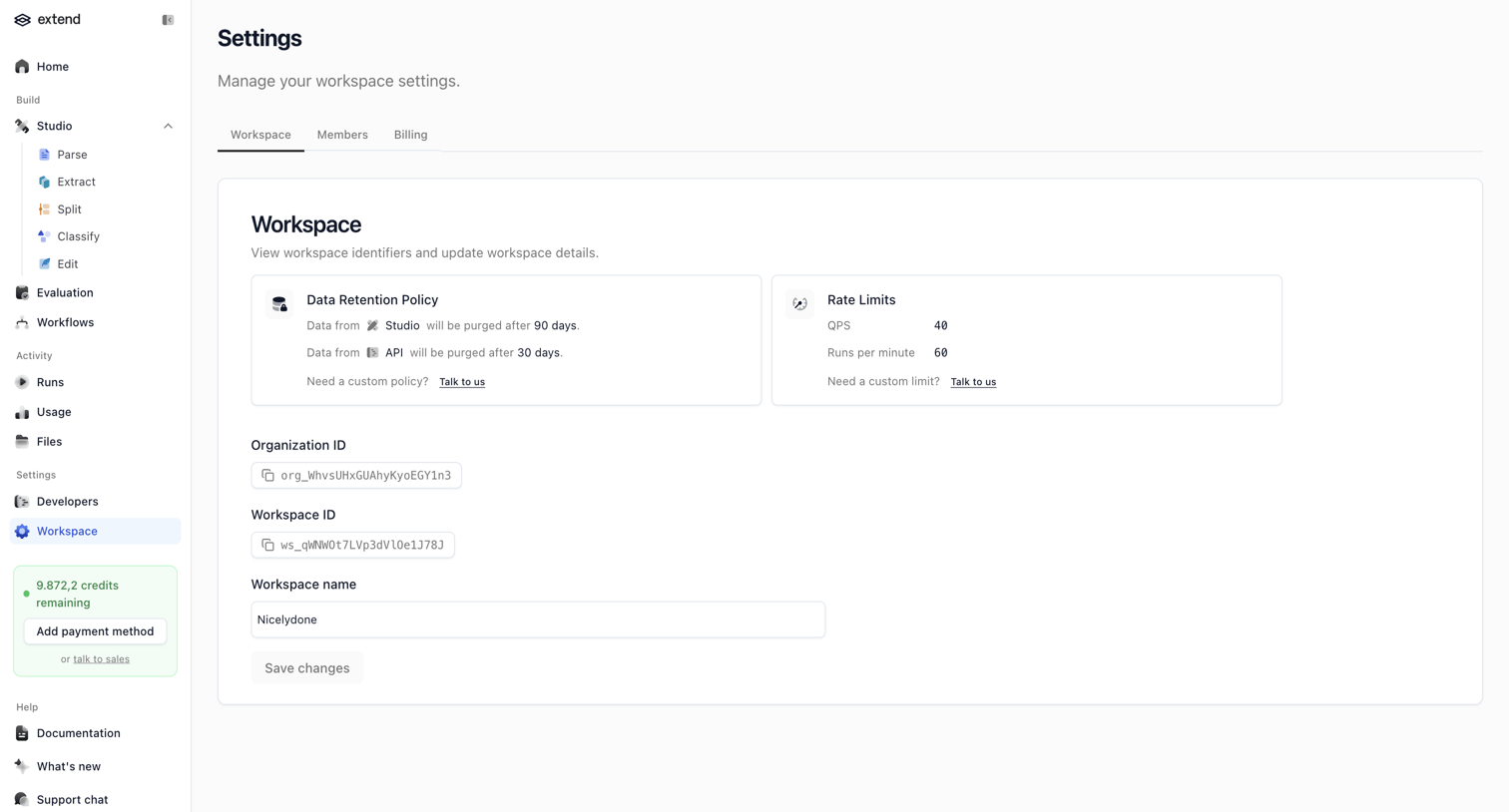
Settings page where the user configures their workspace's business information and client organization preferences.
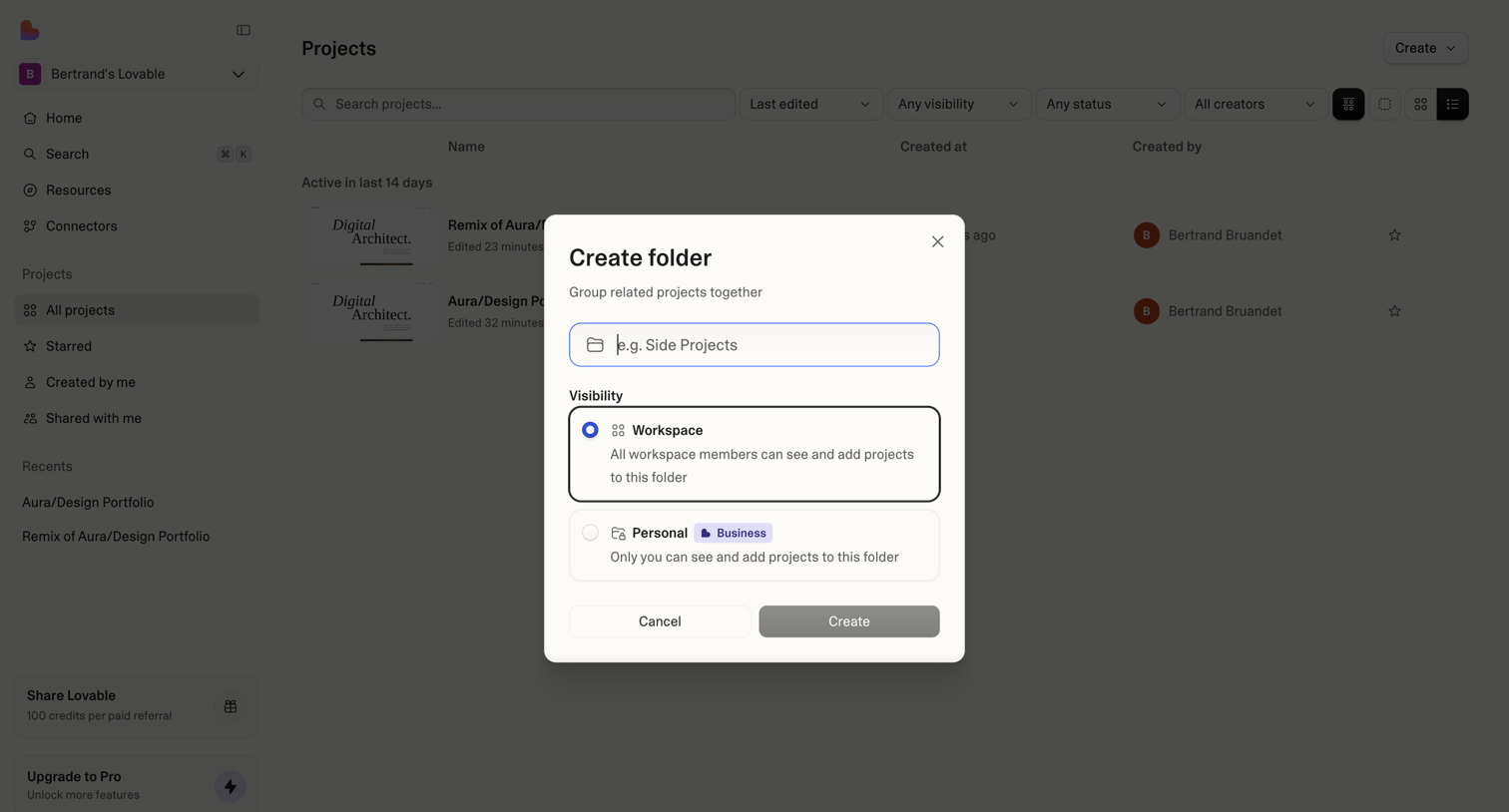

Projects list view with a modal open to create a new folder, configuring its name and workspace versus personal visibility settings.
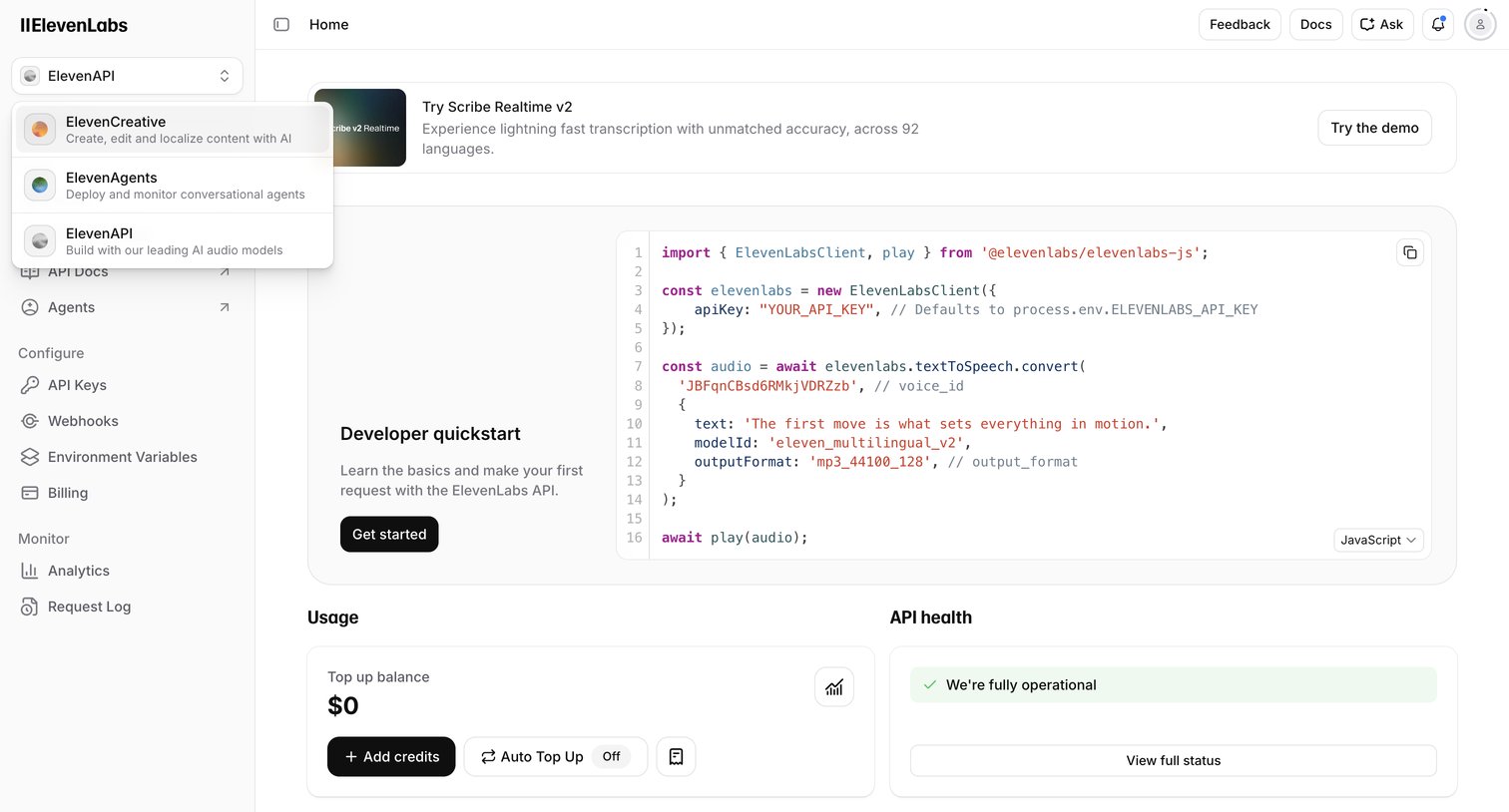

Developer home screen providing a quickstart code snippet, API health status, and usage overview.
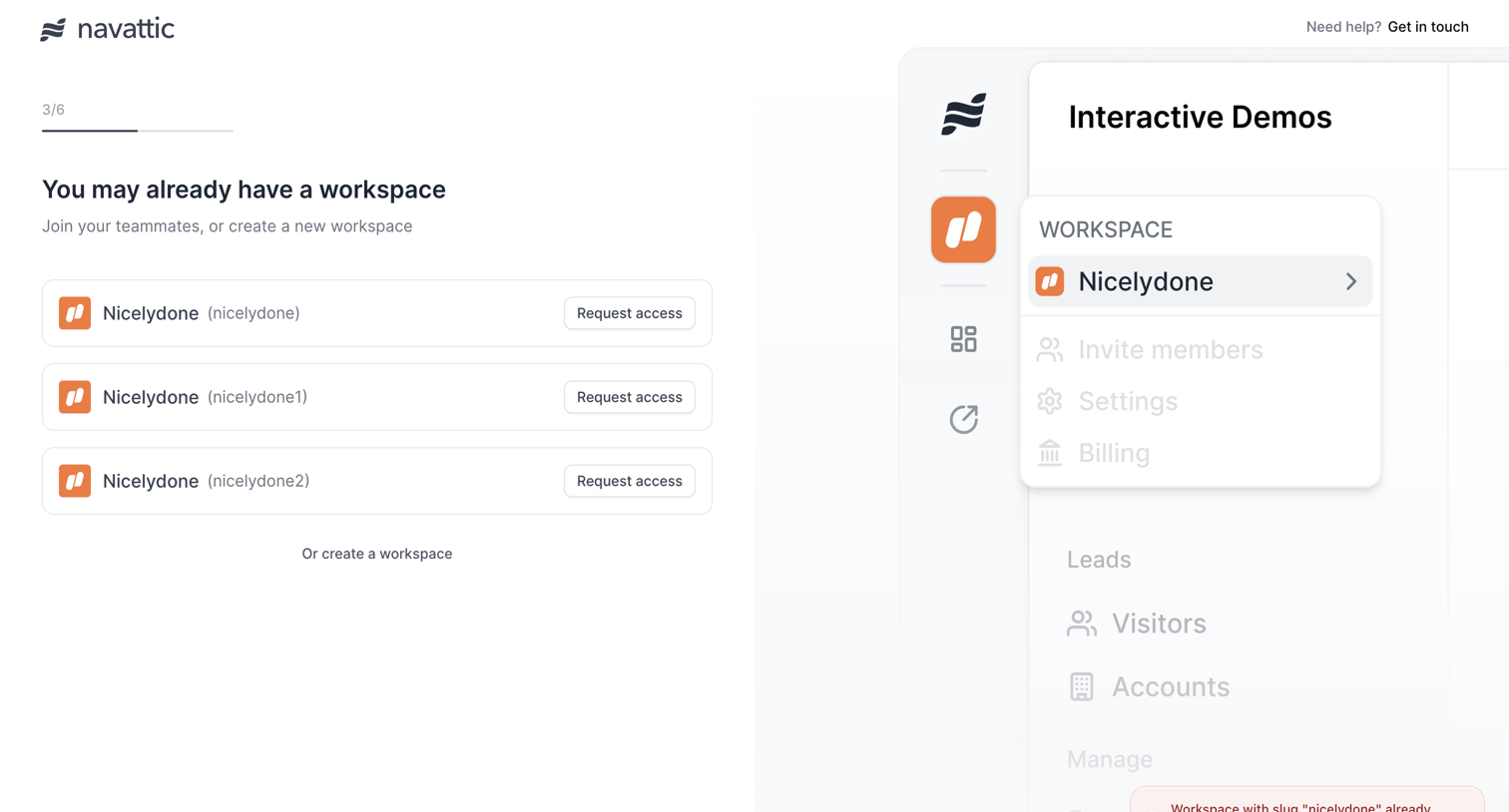

Onboarding step where the user can request access to existing workspaces matching their domain or choose to create a new one, currently showing an error toast for a duplicate workspace slug.
Explore the full SaaS screen library
Upgrade to unlock the full library.
Trusted by the best teams








About Workspace Switcher
See how SaaS apps let people move between teams or accounts. Explore how workspace names, current selection, and switching controls appear within the main navigation.