Code Editor screen examples
Code Editor screen design examples from SaaS apps. Explore how apps arrange a workspace for reading and changing code. Look at how the editor, file navigation, and supporting tools divide the screen around…
Explore the examples
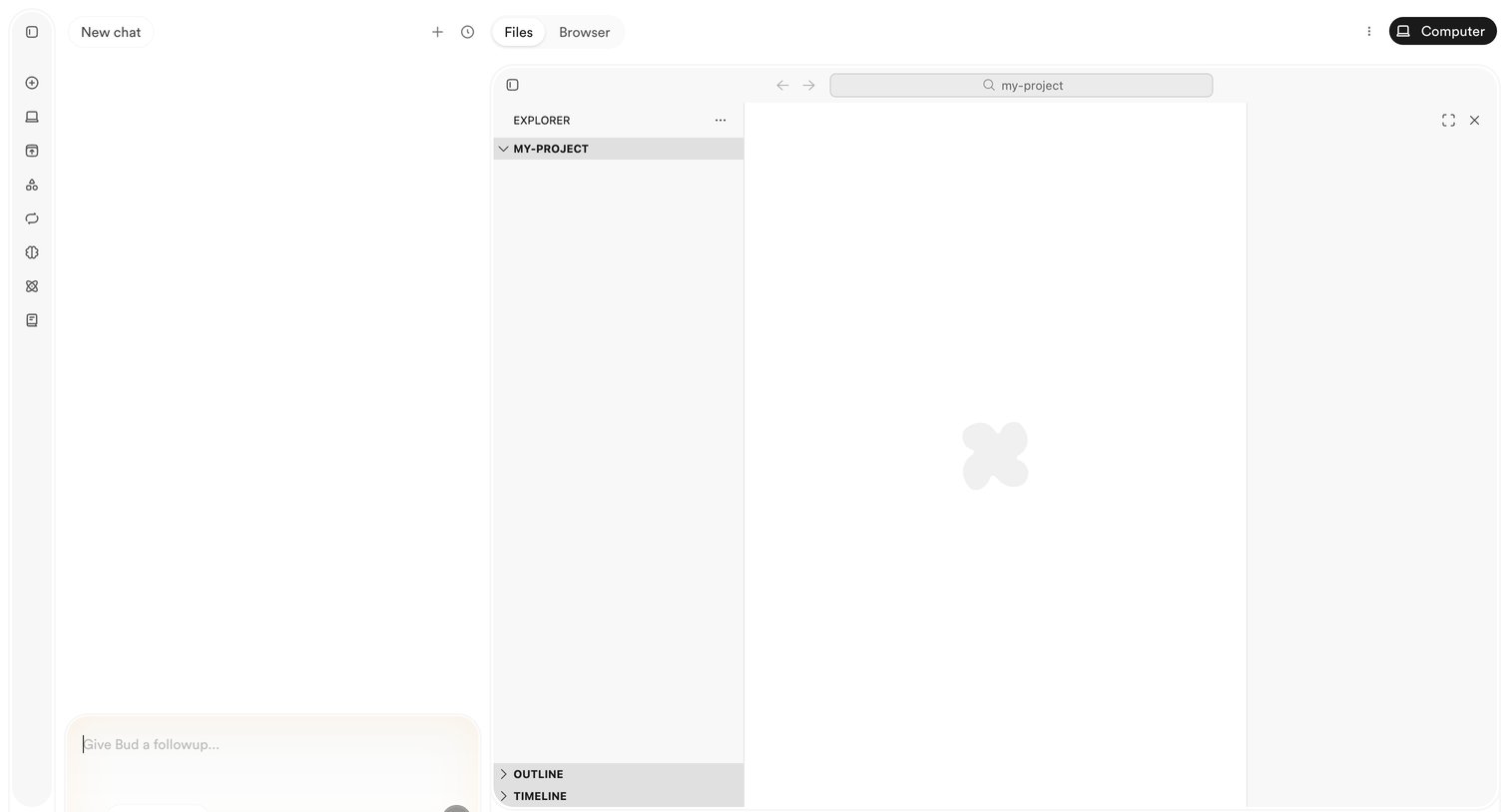

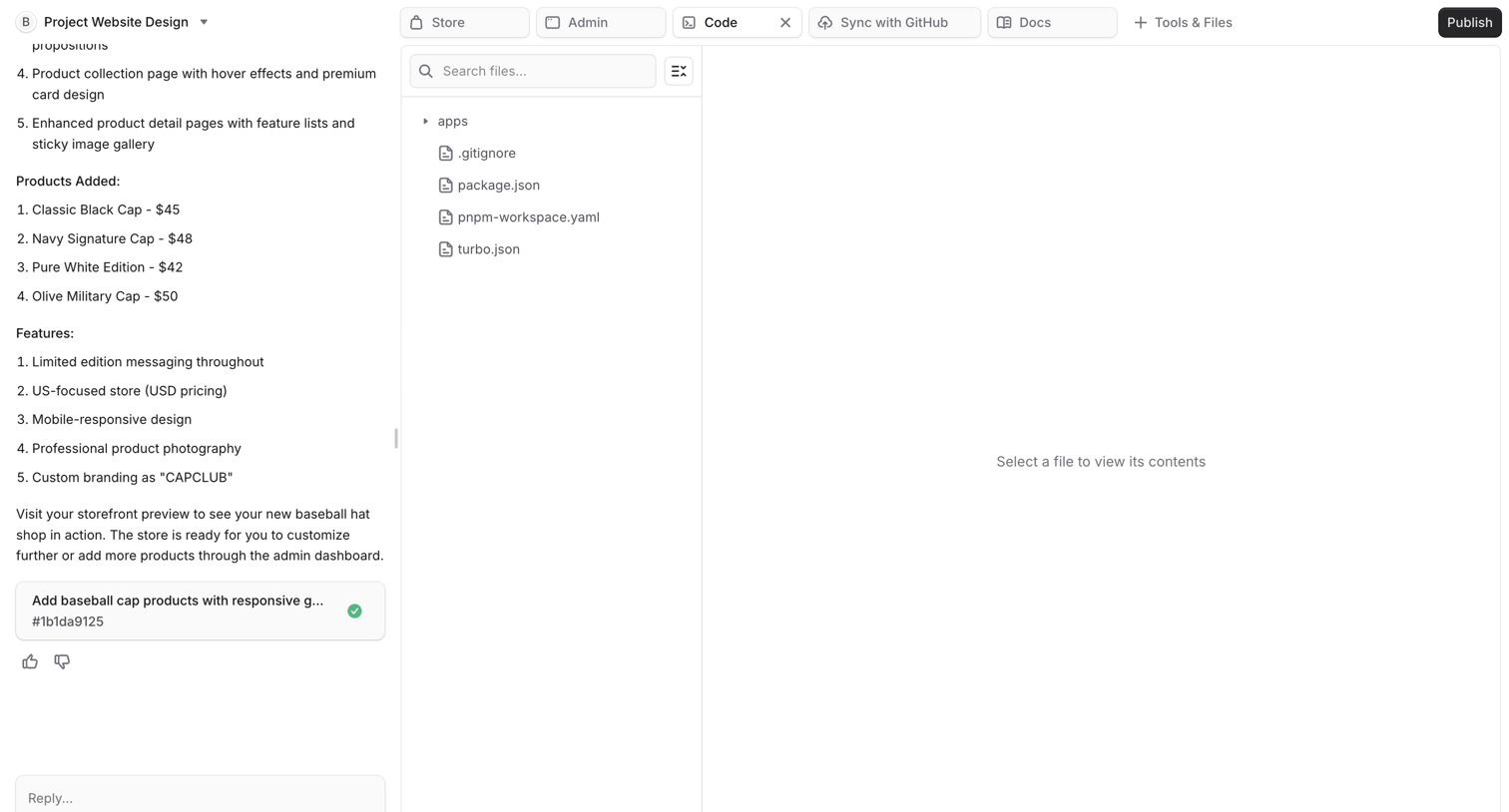
AI chat interface where the user can prompt the assistant to generate or modify code within an adjacent project explorer and editor pane.
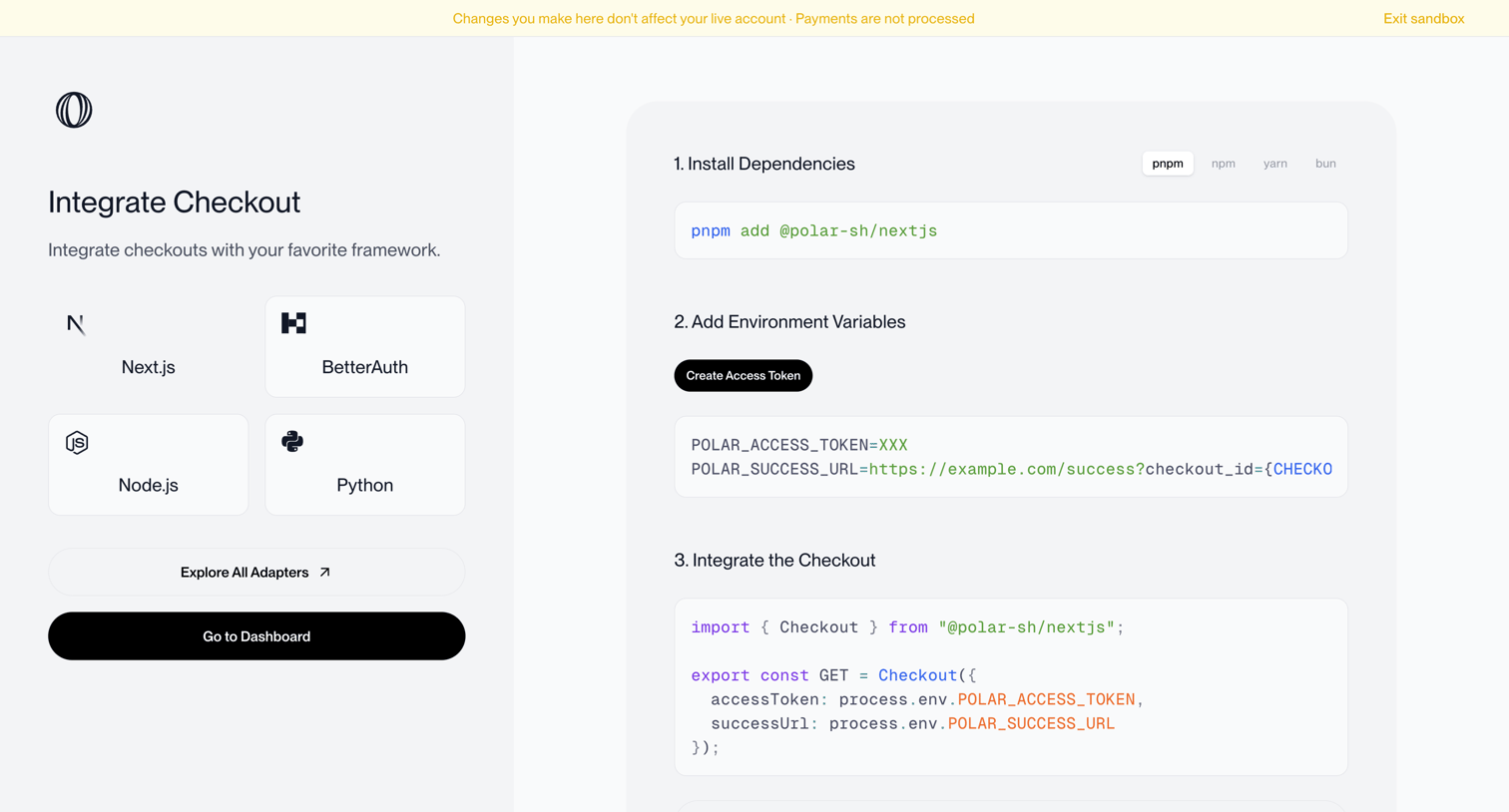

Onboarding step where the user selects a framework like Next.js or Python and follows instructions to install dependencies, add environment variables, and integrate the checkout code.
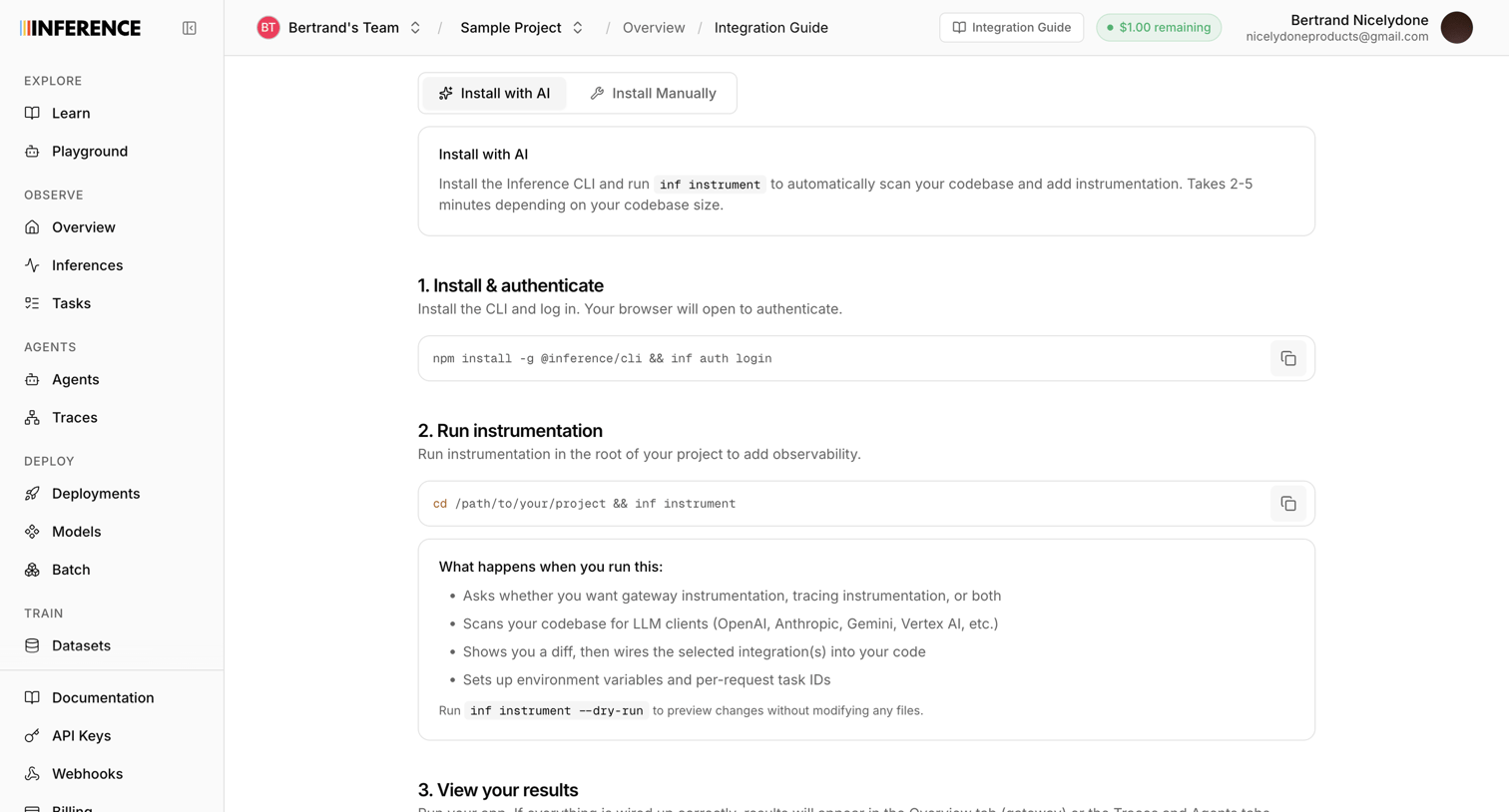

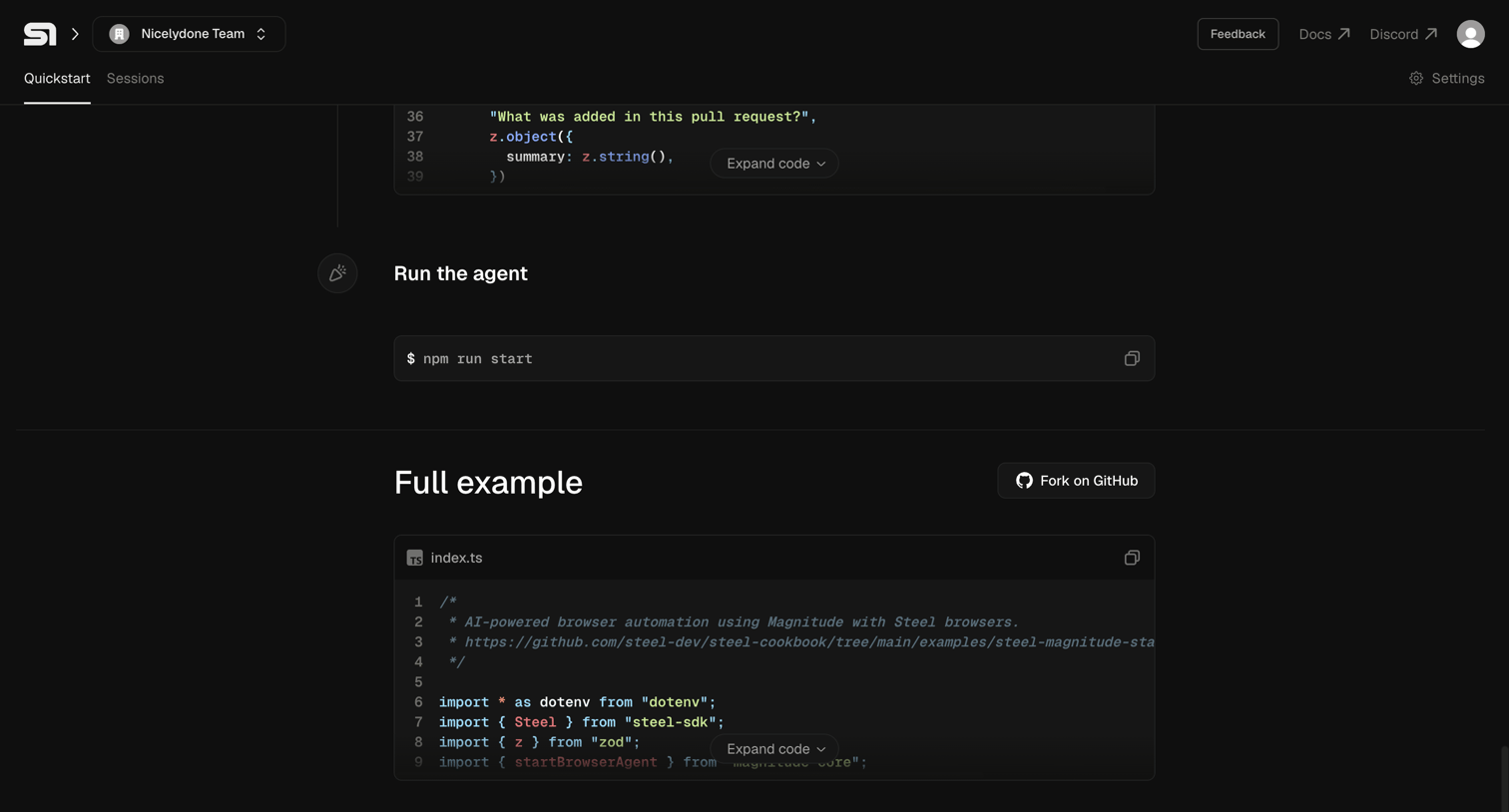

Onboarding page where the user follows a quickstart guide to run an agent, featuring inline code snippets and a GitHub fork option.
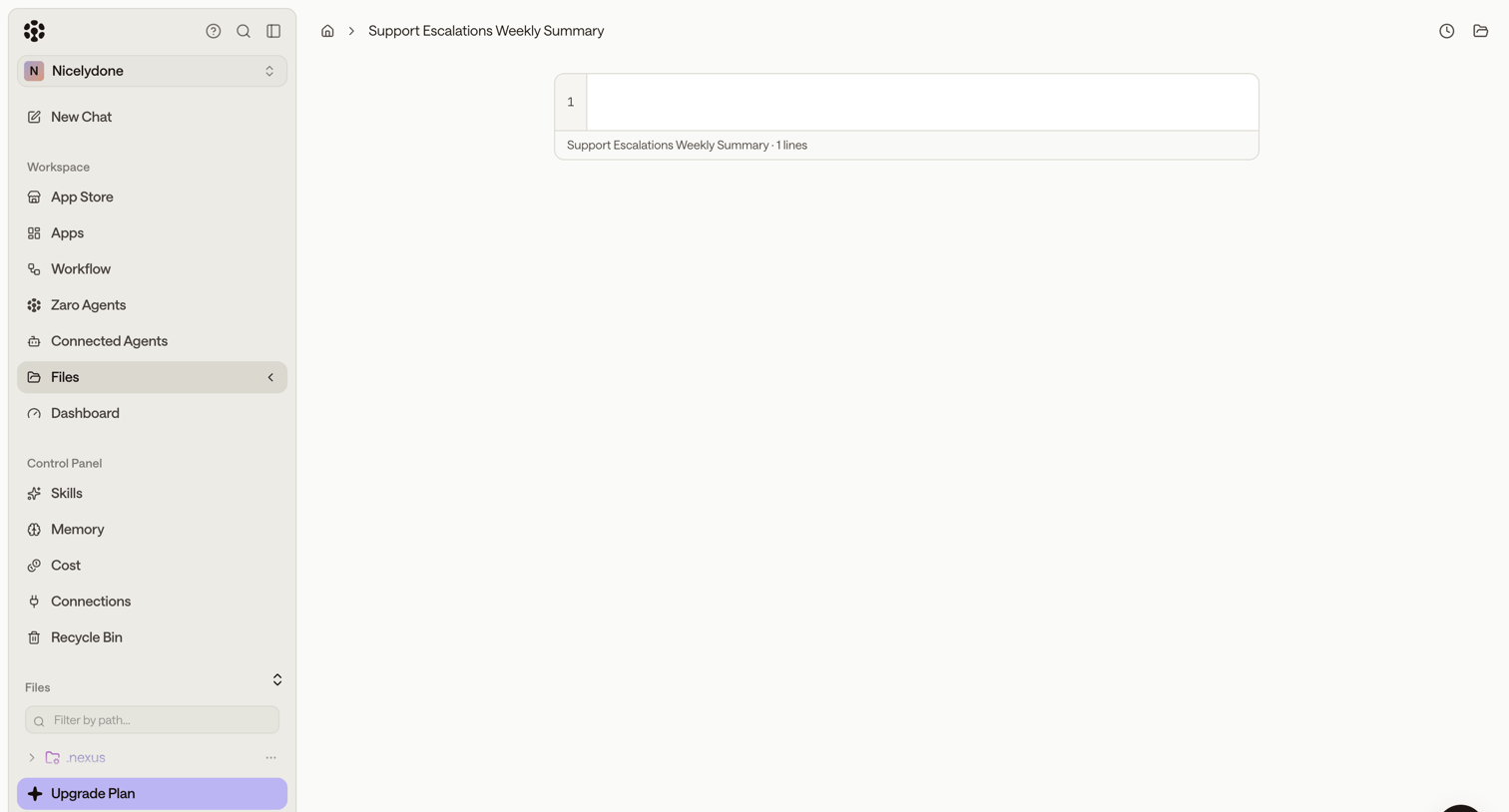

Code editor view displaying an empty file with a left sidebar for navigating agents, workflows, and files.
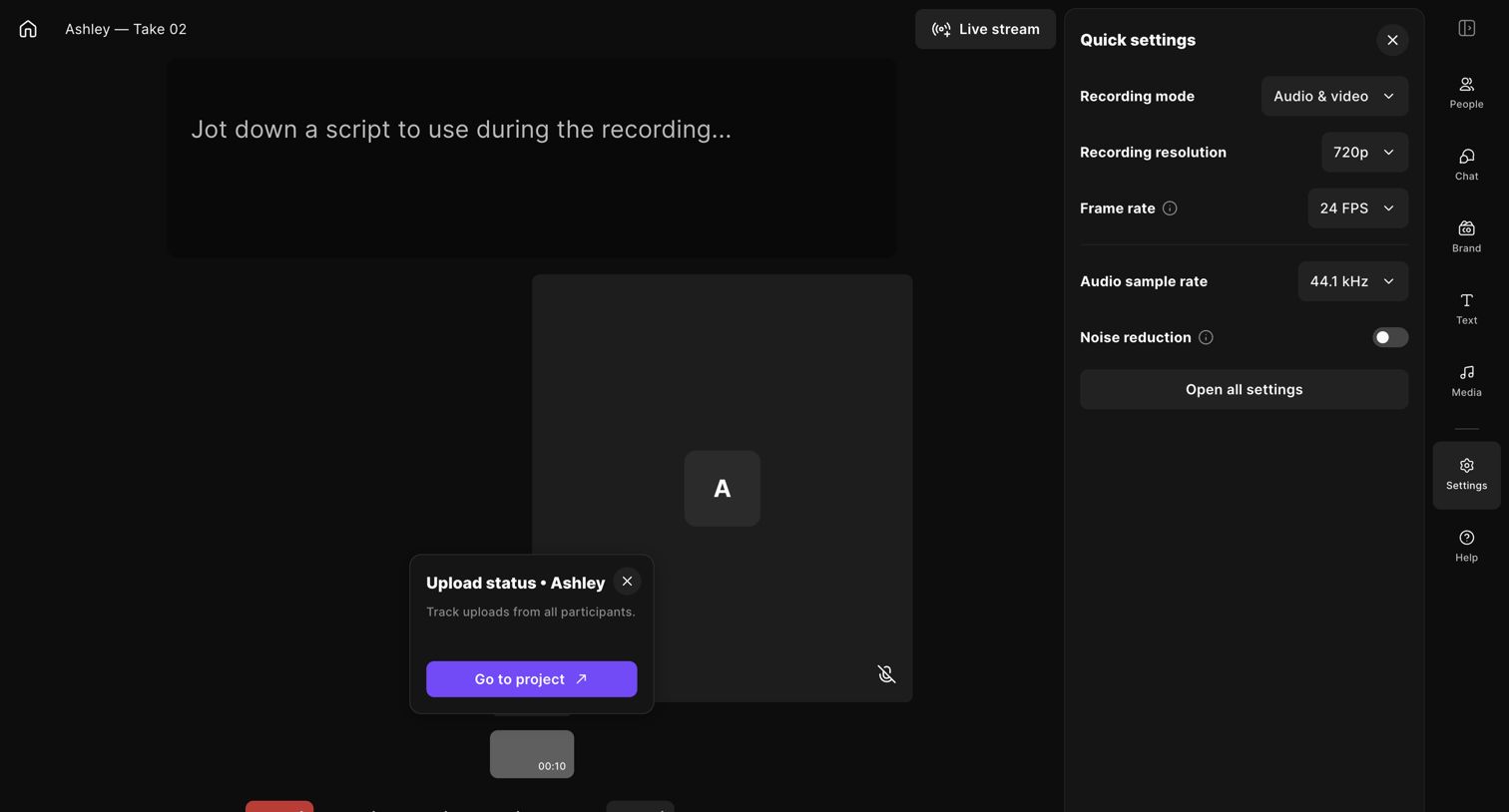

Recording studio workspace where the user can capture audio and video, write a script, and configure recording settings.


Code editor where the user writes and runs data queries, with a split view showing available datasets and a history of recent queries.
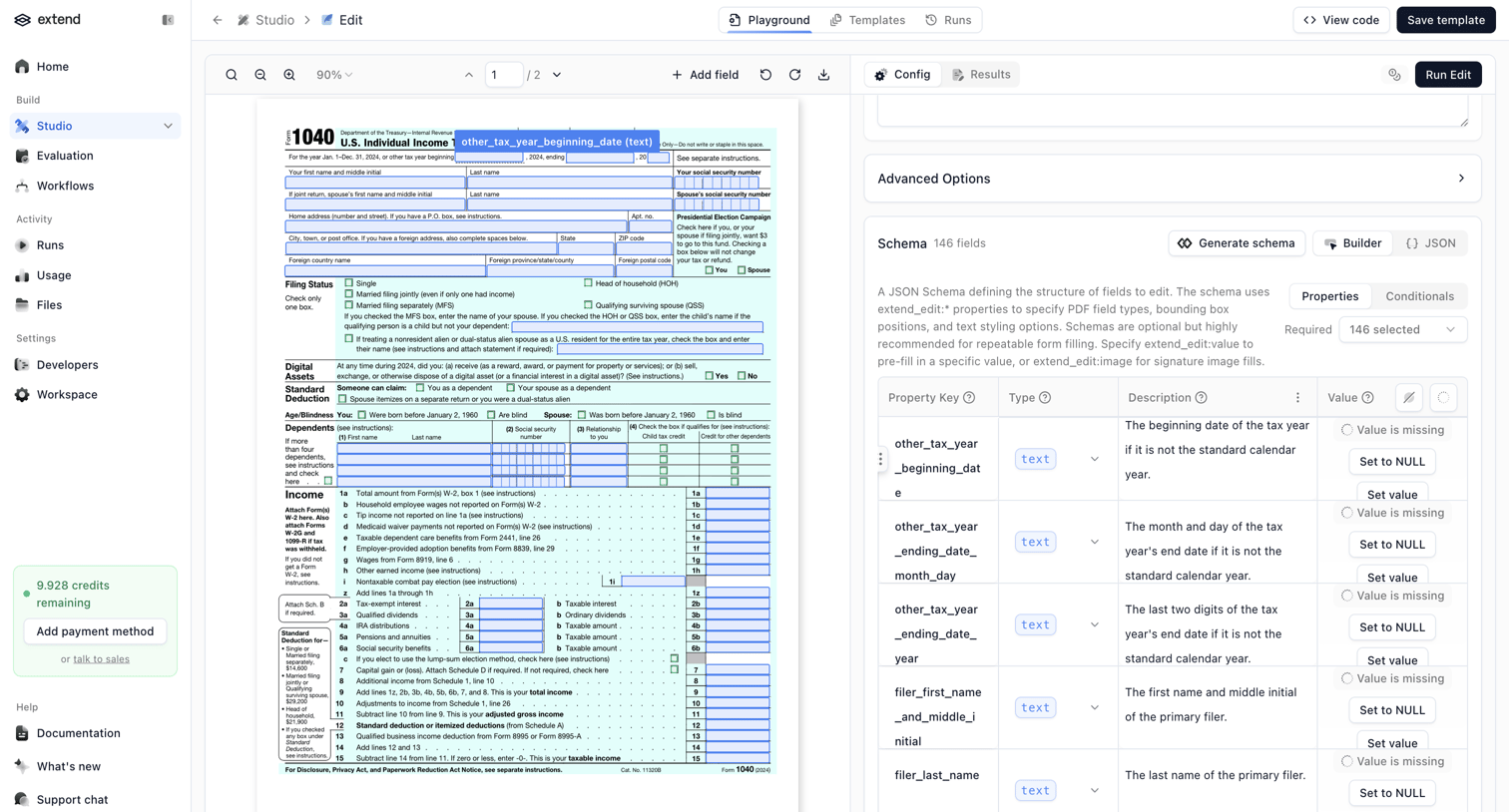

Design editor where the user configures a JSON schema to extract structured data from a tax form document using bounding boxes and field properties.
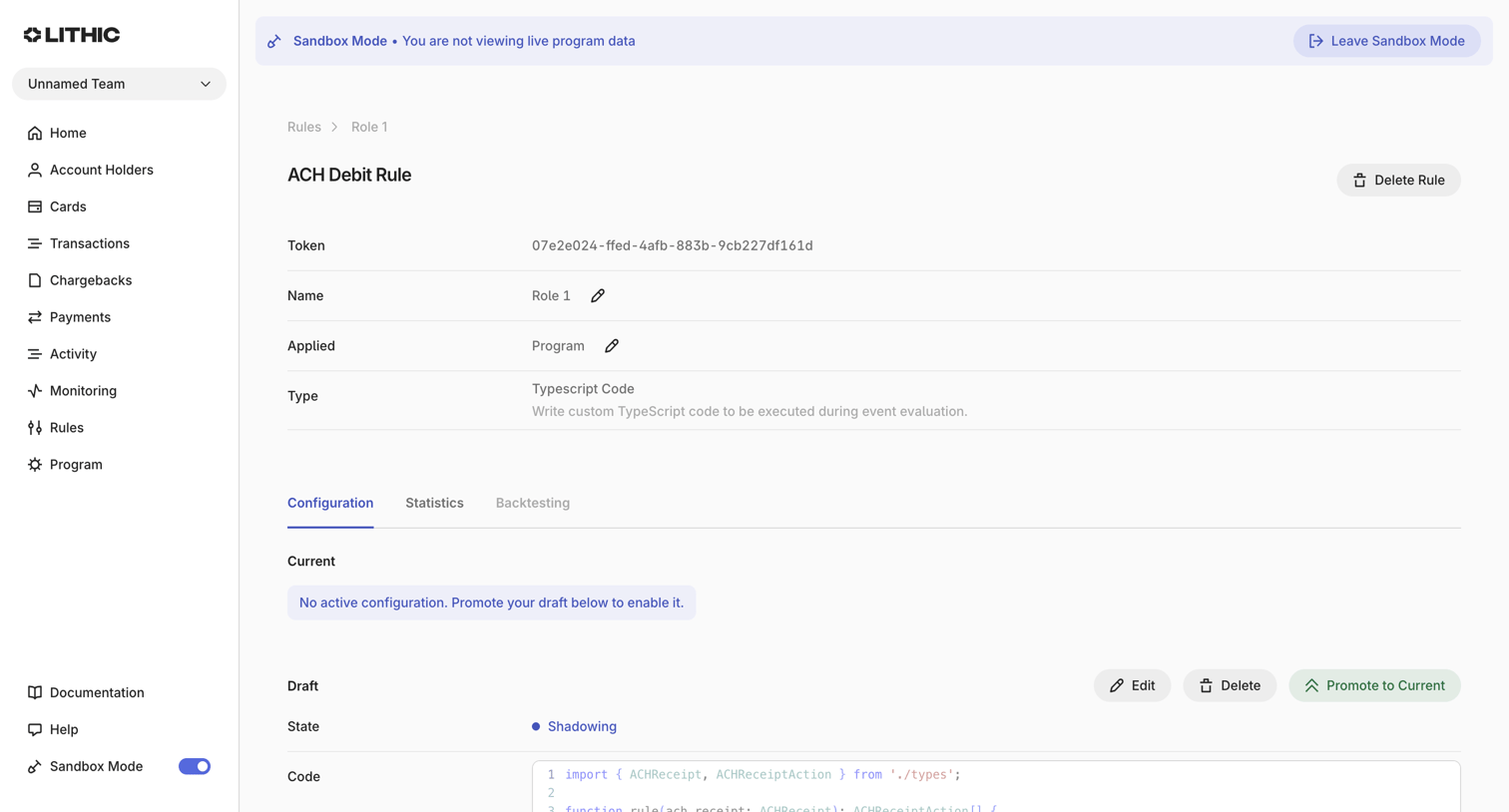

Detail page where the user views and manages an ACH Debit rule, including editing its TypeScript code draft and promoting it to current.
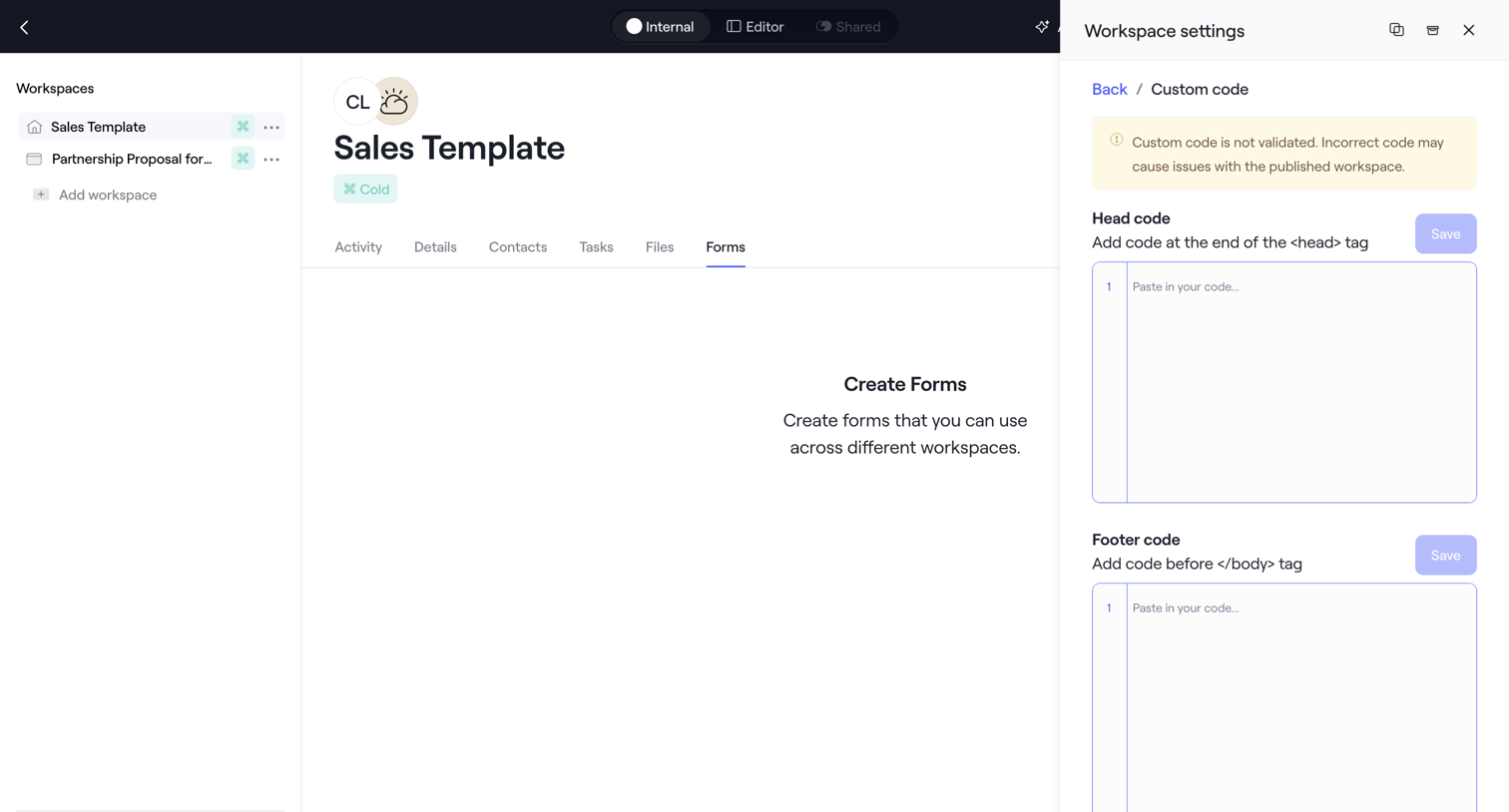

Detail page for a sales template where the user configures custom head and footer code via a settings drawer.

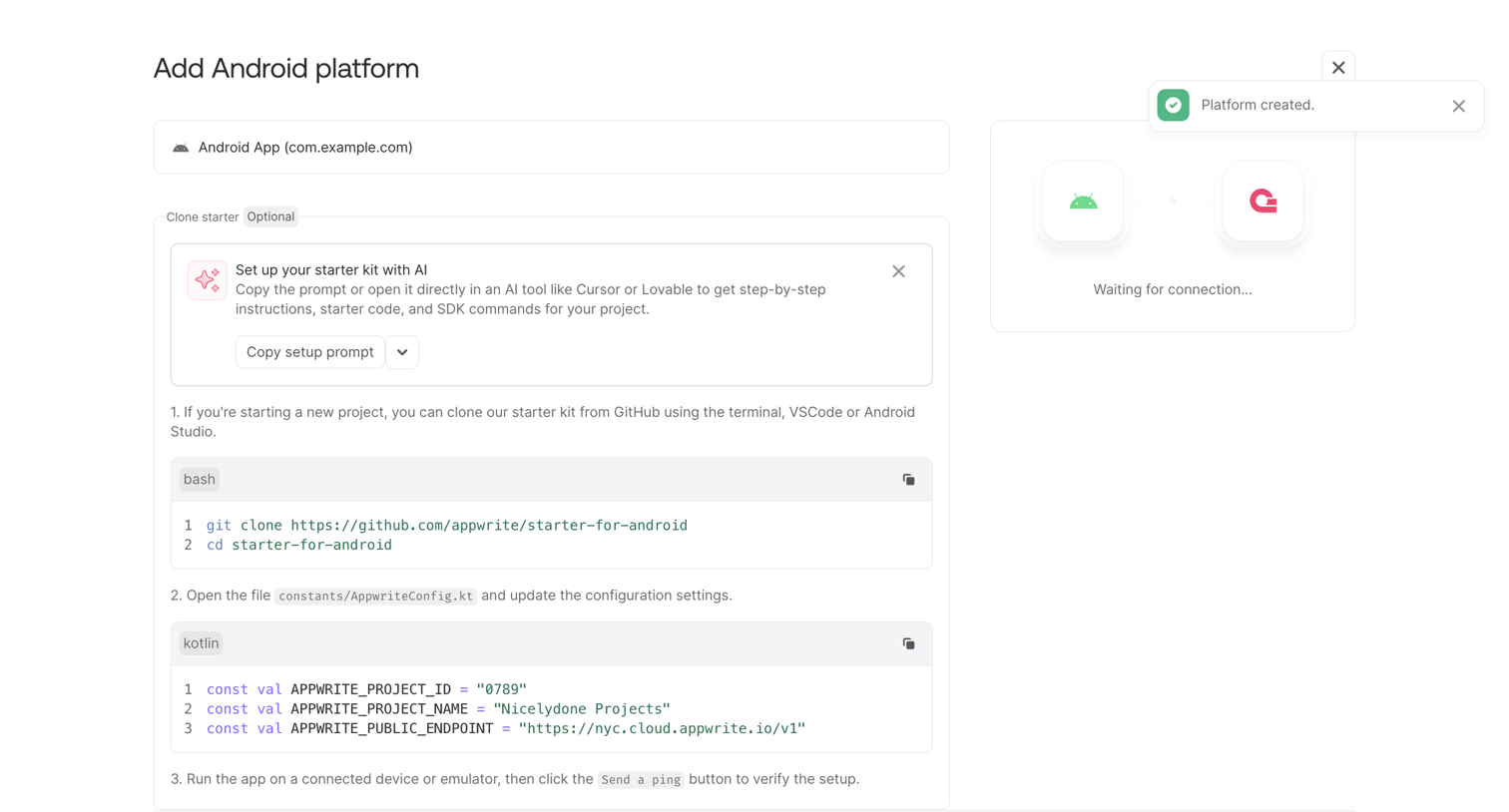

Onboarding step where the user configures their Android app by copying starter code and SDK commands while waiting for a connection.
Explore the full SaaS screen library
Upgrade to unlock the full library.
Trusted by the best teams








About Code Editor
Explore how apps arrange a workspace for reading and changing code. Look at how the editor, file navigation, and supporting tools divide the screen around the current task.