Progress screen examples
Progress screen design examples from SaaS apps. Explore how SaaS apps show movement toward a goal or completed task. Look at how progress indicators, milestones, and remaining work appear together on the…
Explore the examples
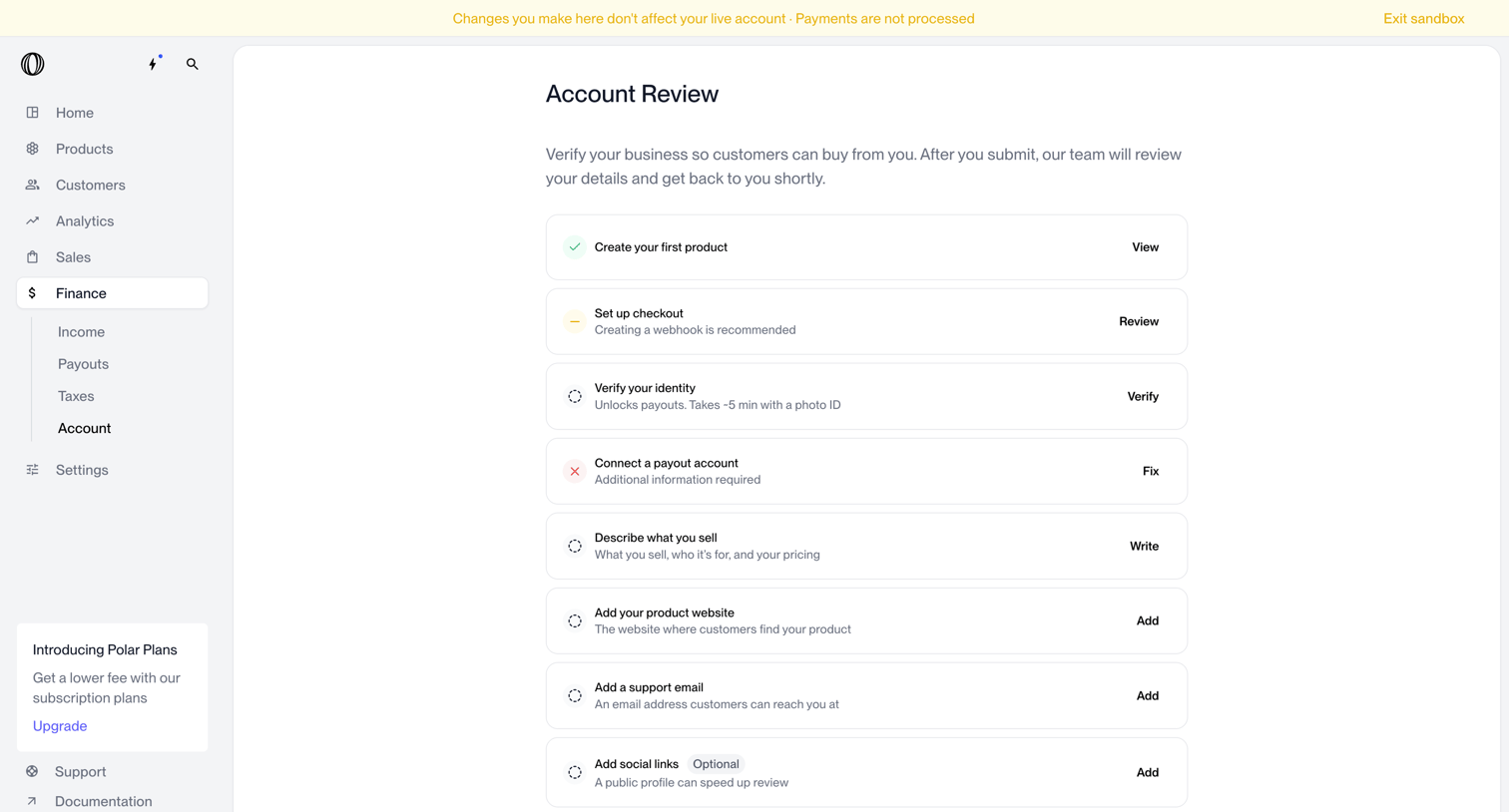

Settings page where the user completes a checklist to verify their business details and enable payouts.
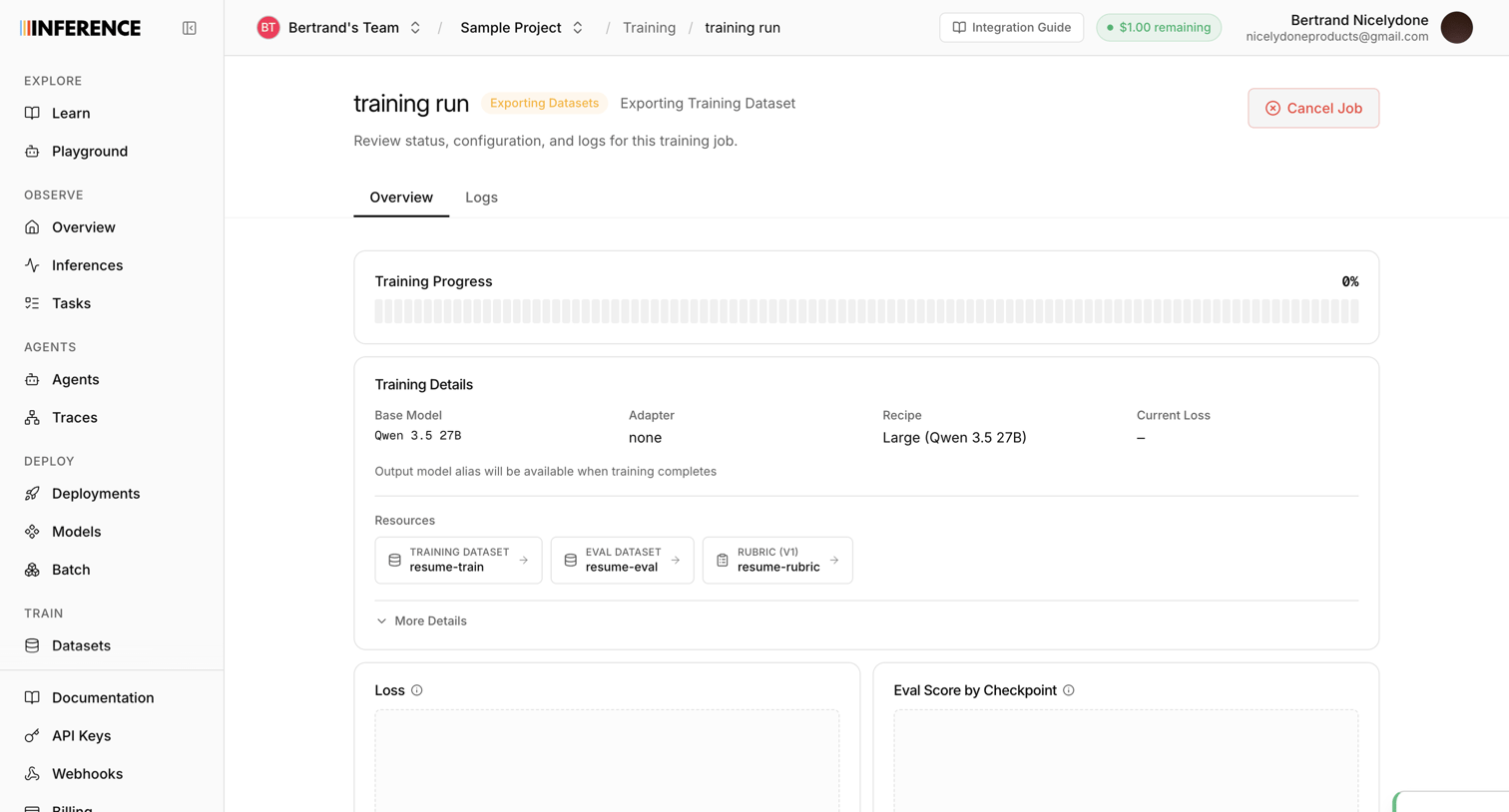

Detail page for an AI model training run where the user monitors progress, reviews configuration details like the base model and datasets, and waits for loss metrics to populate.
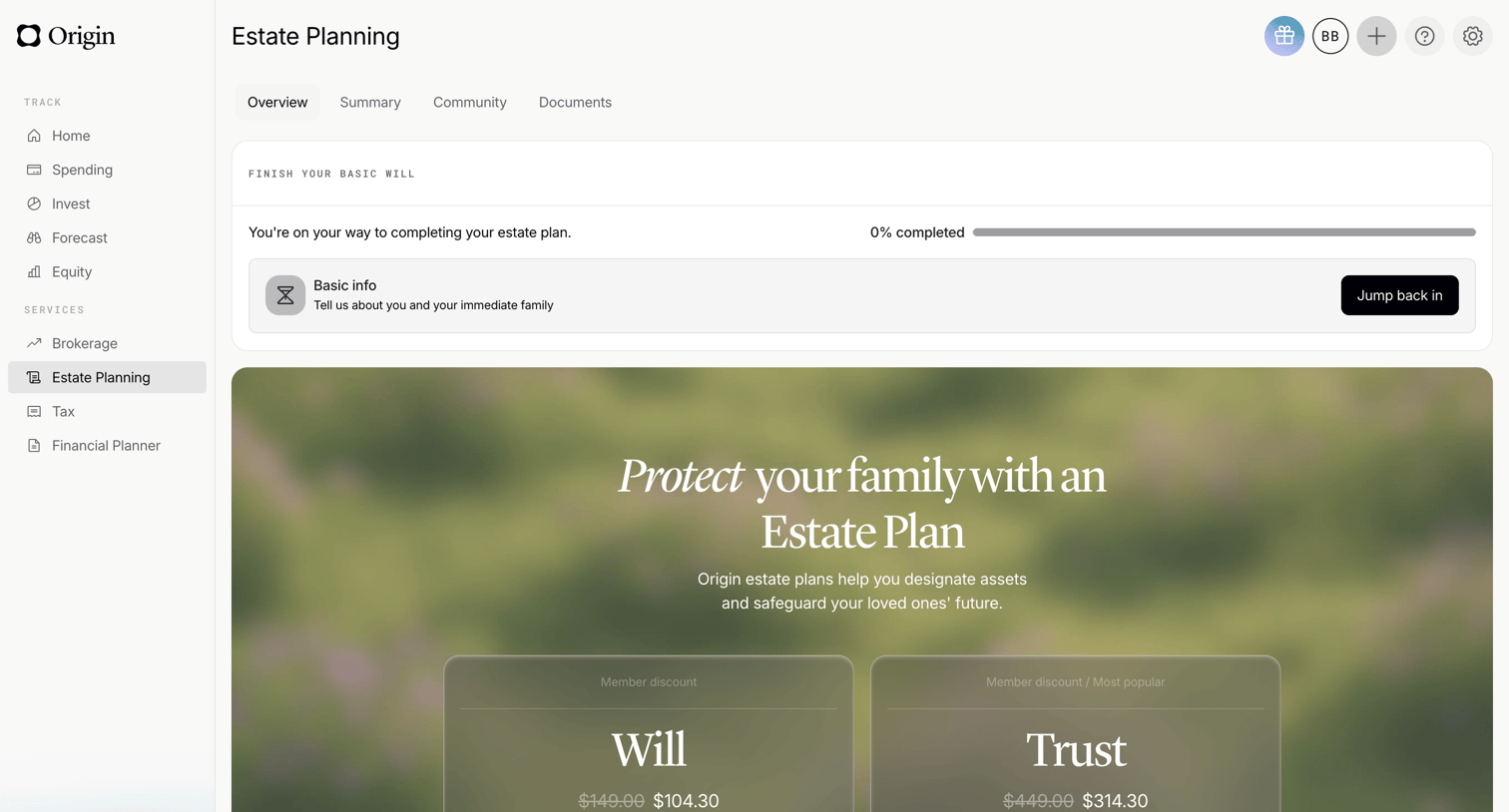

Dashboard overview for estate planning featuring a progress tracker for a basic will and promotional cards for will and trust services.
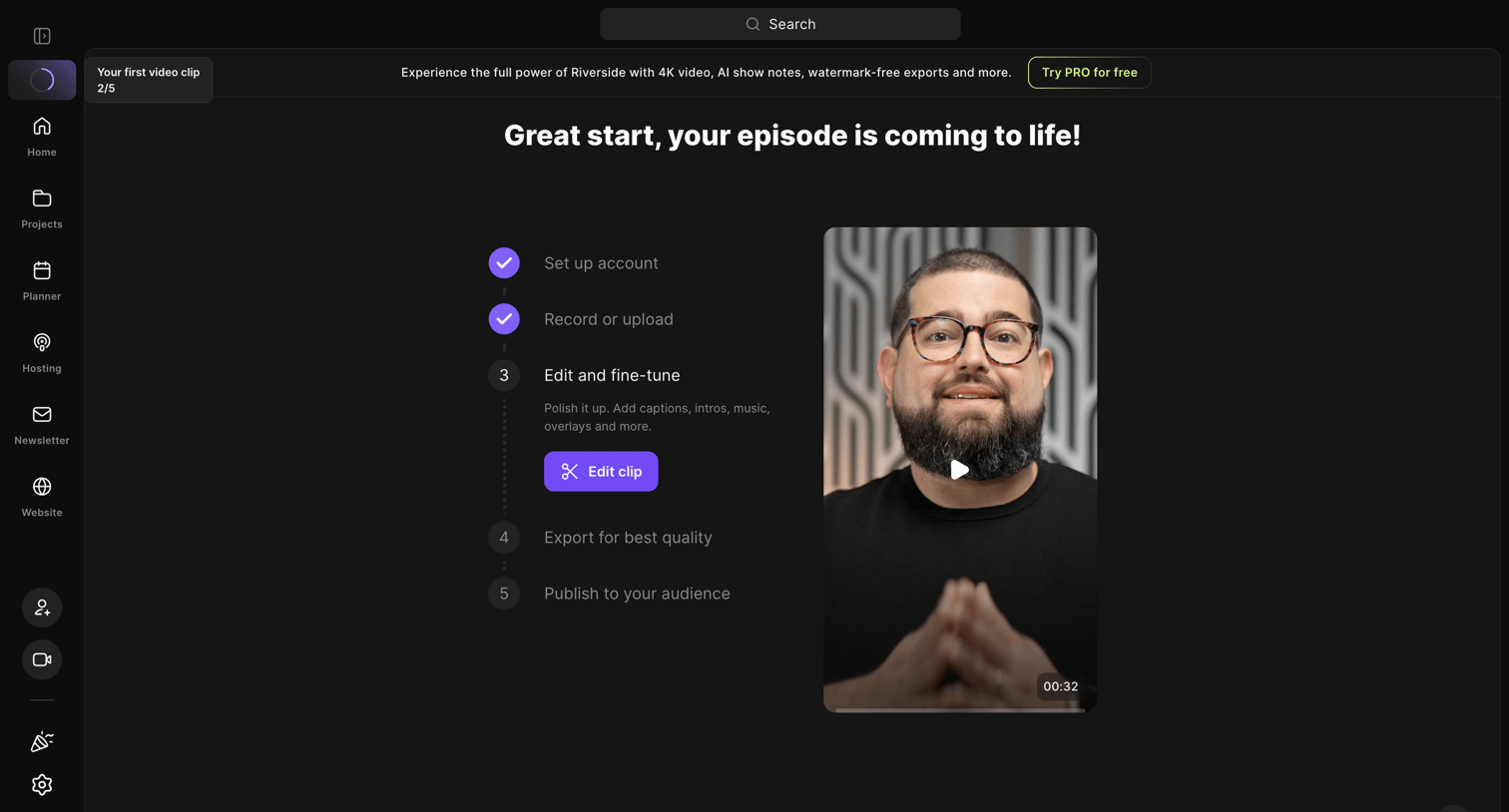

Onboarding dashboard where the user tracks their progress through recording, editing, and publishing a video episode.
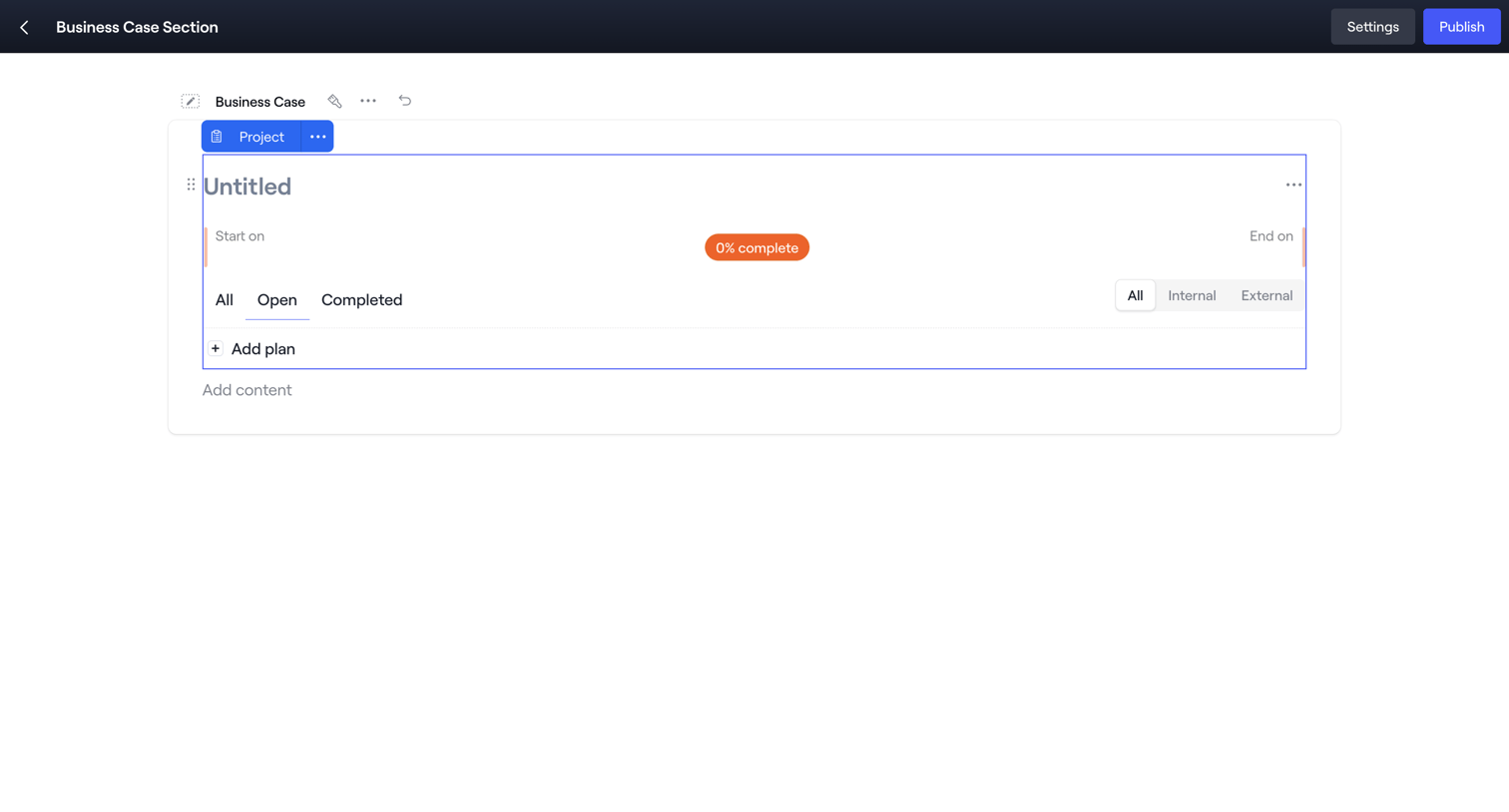

Content editor where the user is building a business case section, currently focusing on a project block with task filters and a progress indicator.
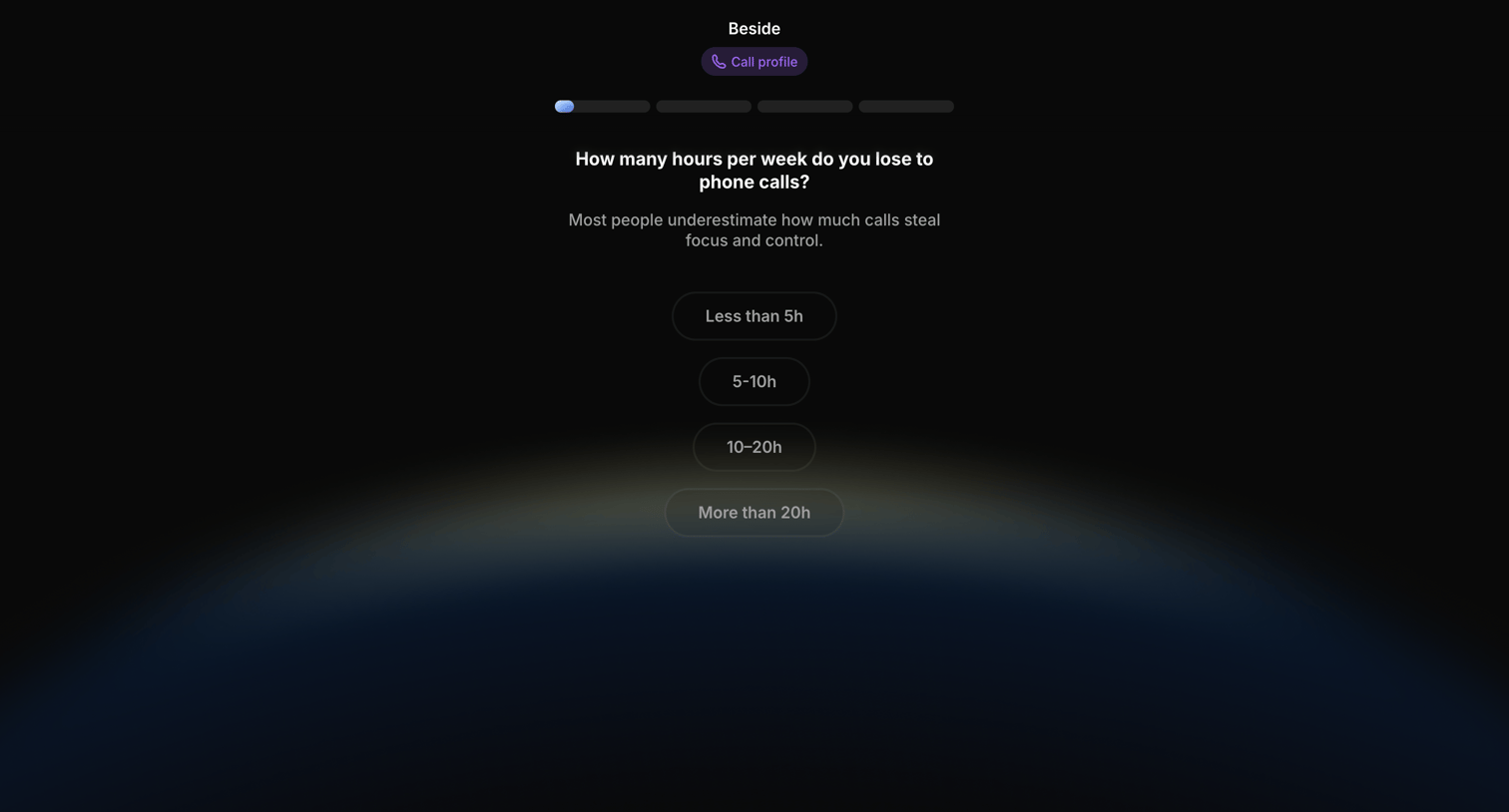

Onboarding step where the user estimates how many hours per week they lose to phone calls by selecting from four time ranges.
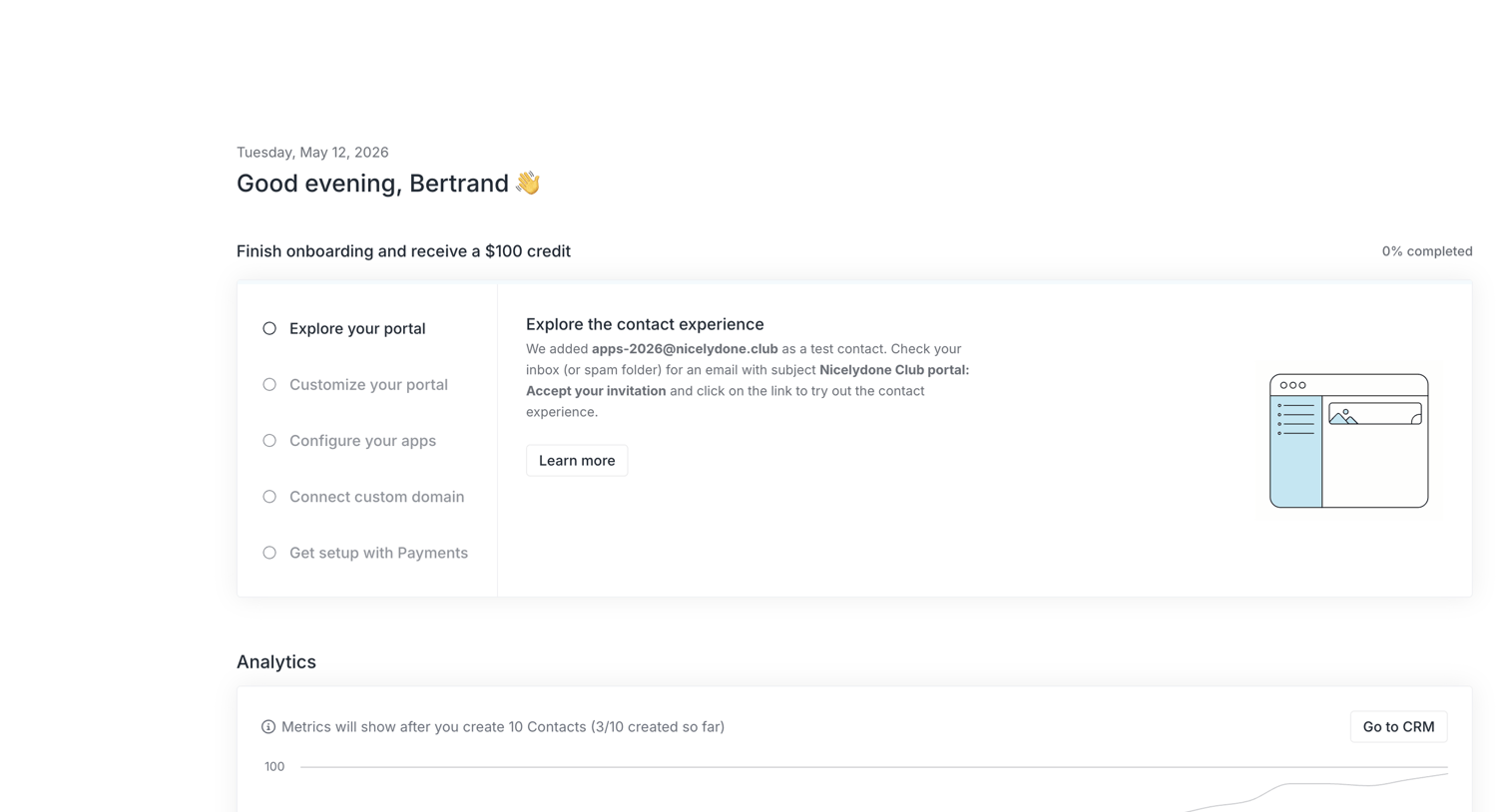

Dashboard featuring a setup checklist to earn a credit and an empty analytics section waiting for contact creation.
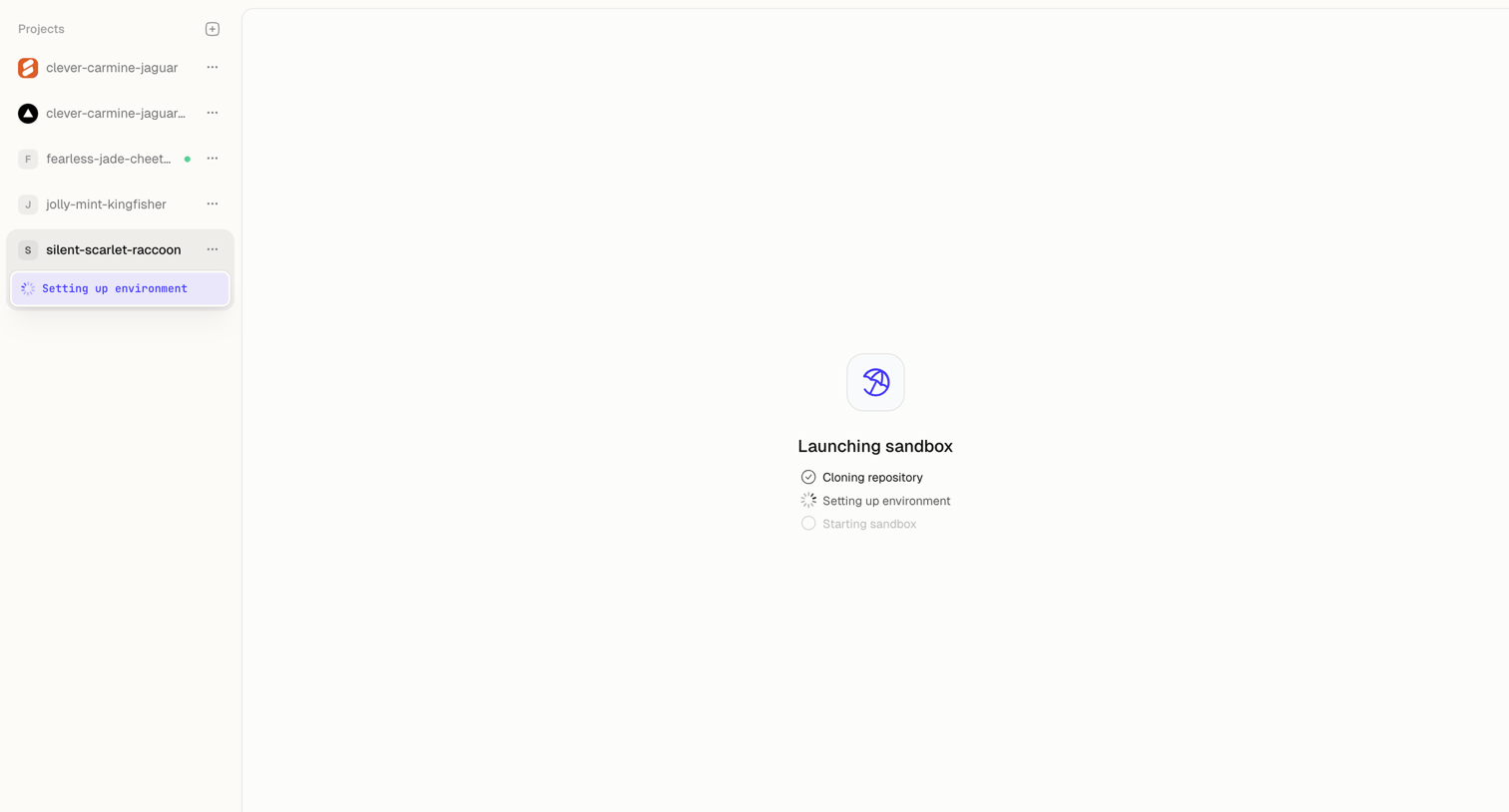

Code editor loading screen where the user waits for their sandbox environment to clone and set up.
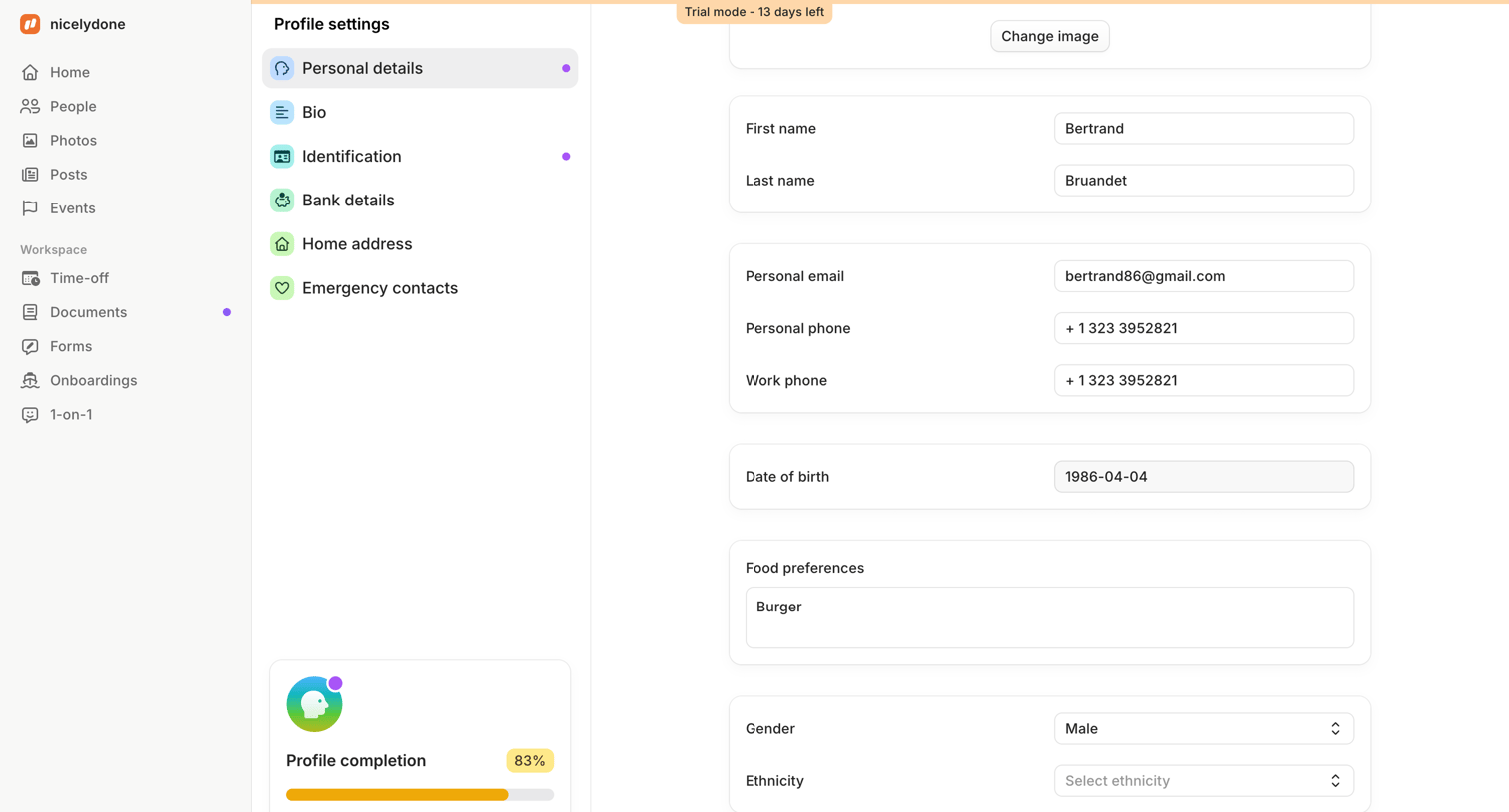

Settings page where the user updates their personal details, including contact information and food preferences, and views their profile completion progress.
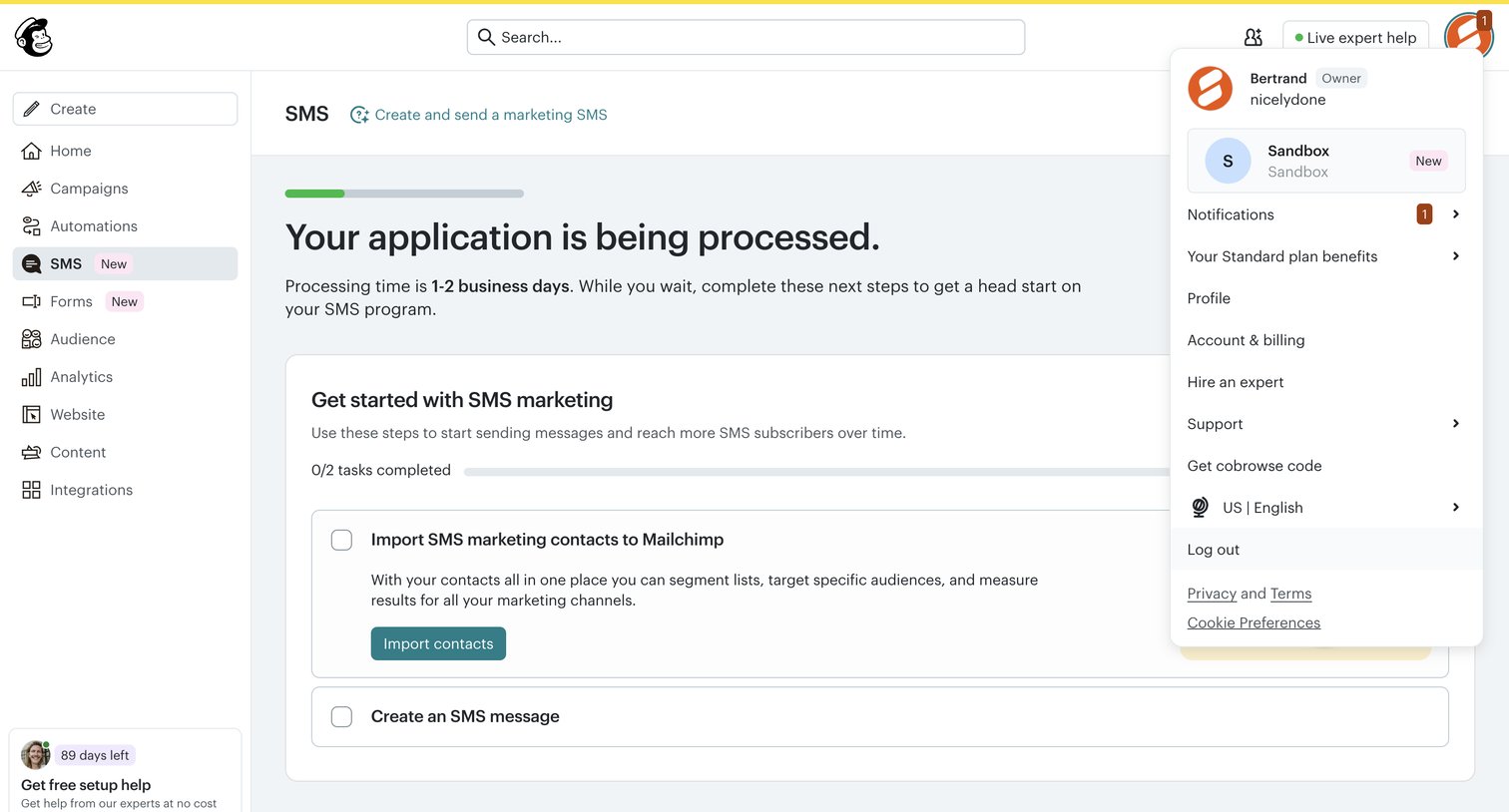

Onboarding screen where the user waits for their SMS application to process and completes a setup checklist to import contacts.
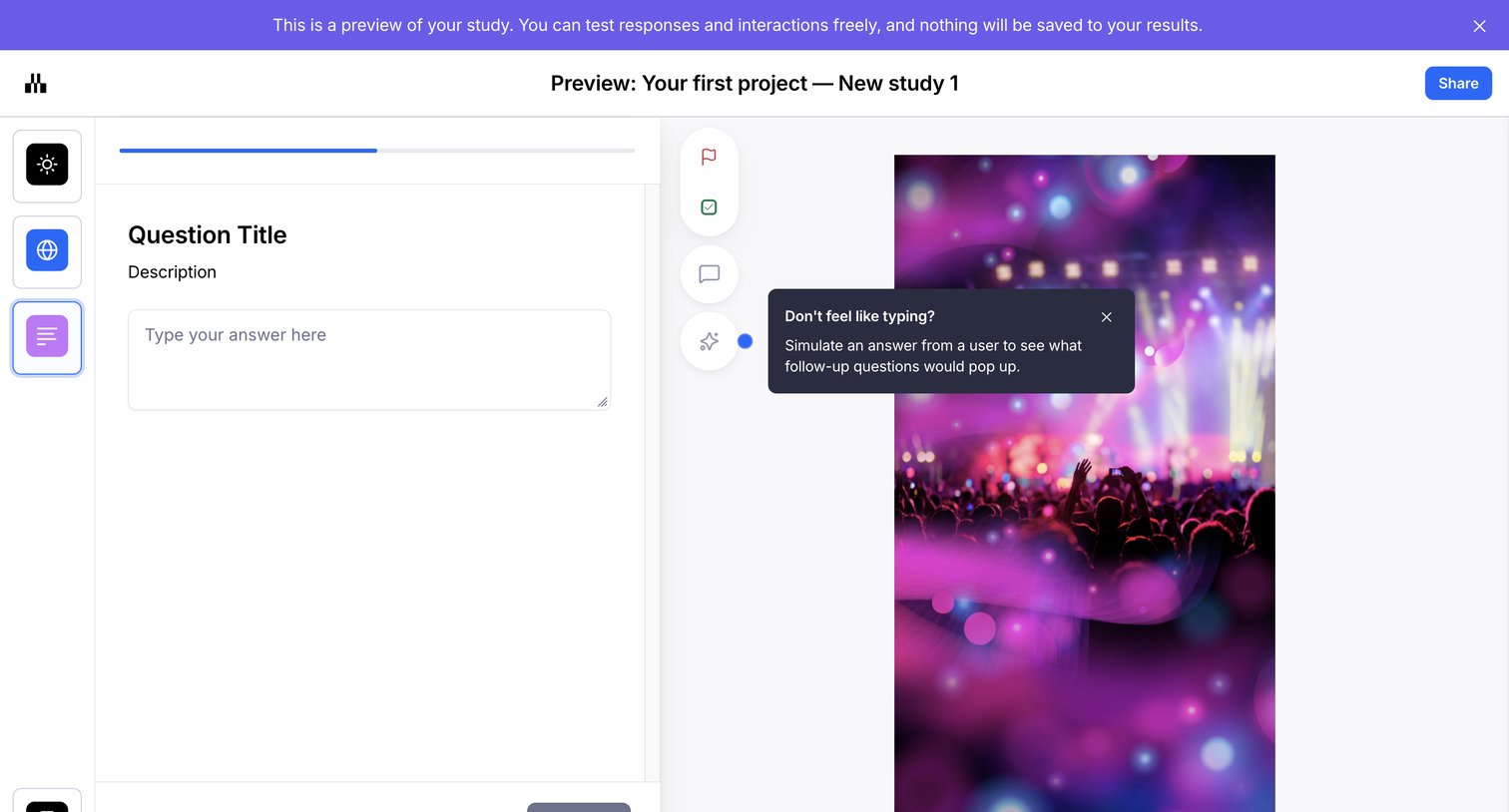

Preview screen where the user tests a study question with a text area and a simulated AI answer feature.
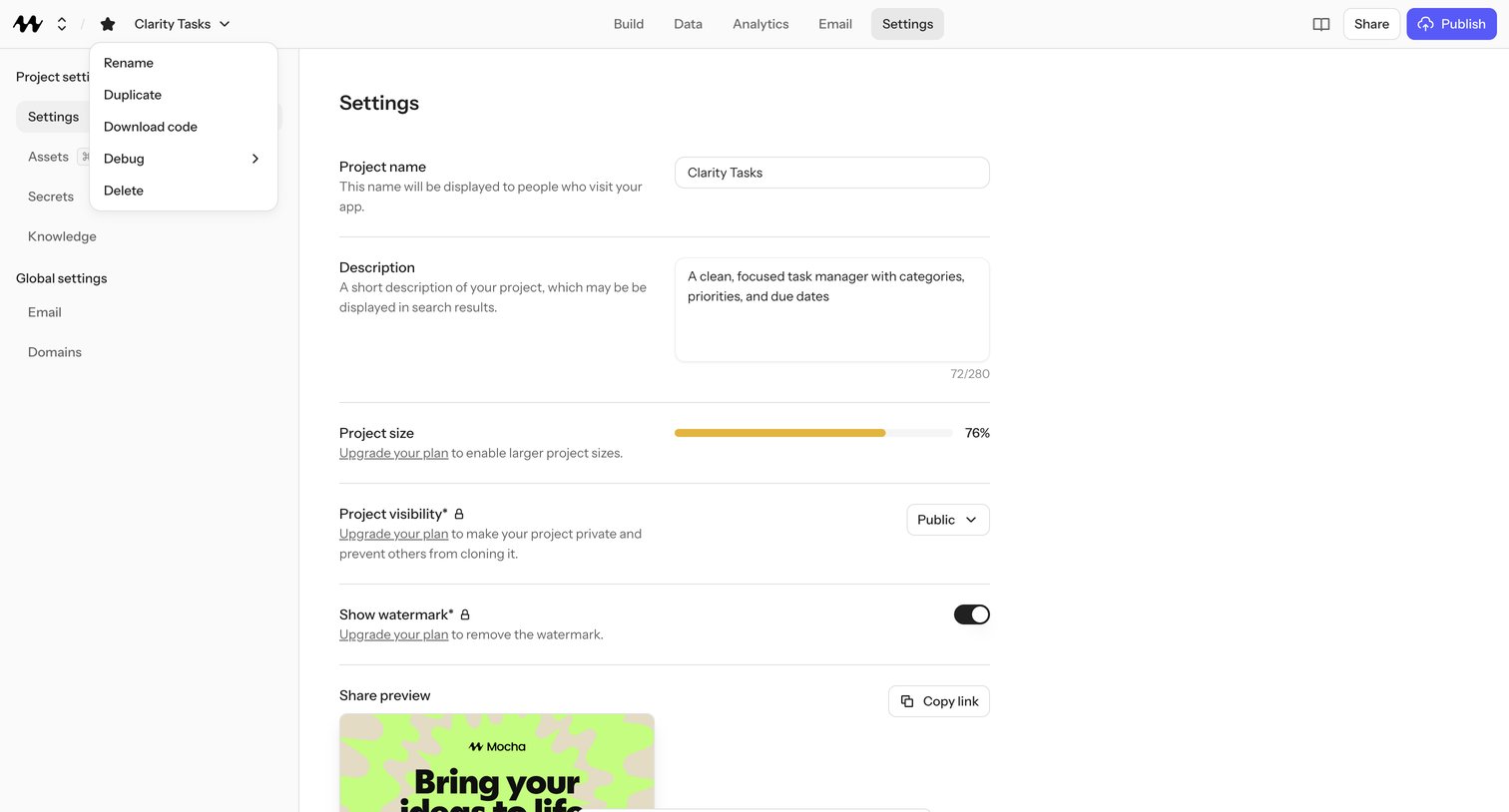

Project settings page where the user edits the app's name, description, visibility, and watermark, with upgrade-plan upsells gating private visibility, watermark removal, and larger project sizes.
Explore the full SaaS screen library
Upgrade to unlock the full library.
Trusted by the best teams








About Progress
Explore how SaaS apps show movement toward a goal or completed task. Look at how progress indicators, milestones, and remaining work appear together on the screen.