Poolside design examples
Explore Poolside UI design examples. Iterate on web apps, APIs, and CLIs from scratch, in a single workspace
Product screens
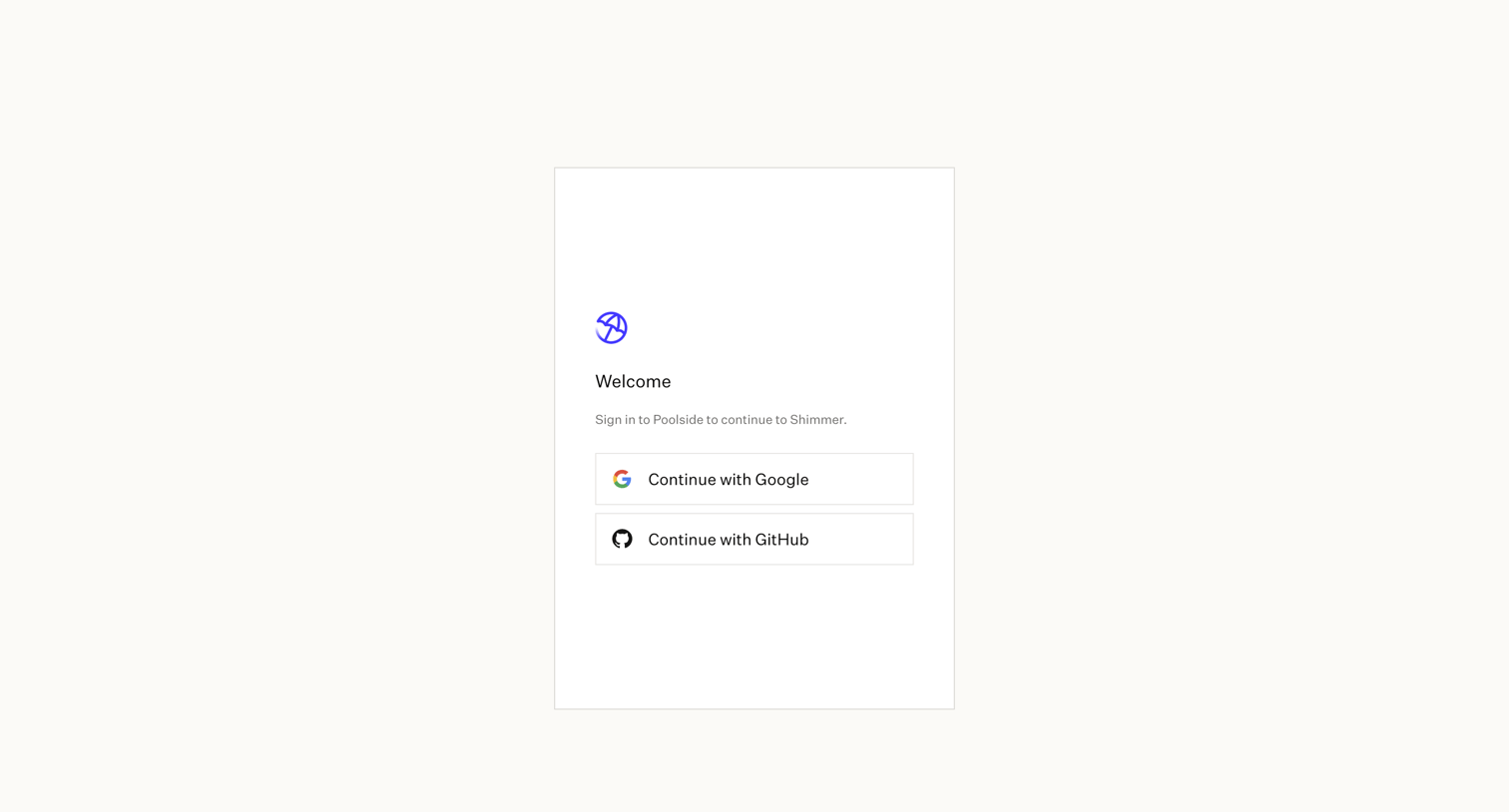


Onboarding screen where the user creates their first project by selecting a template like Web App, API Service, or CLI, or by importing a GitHub repository.
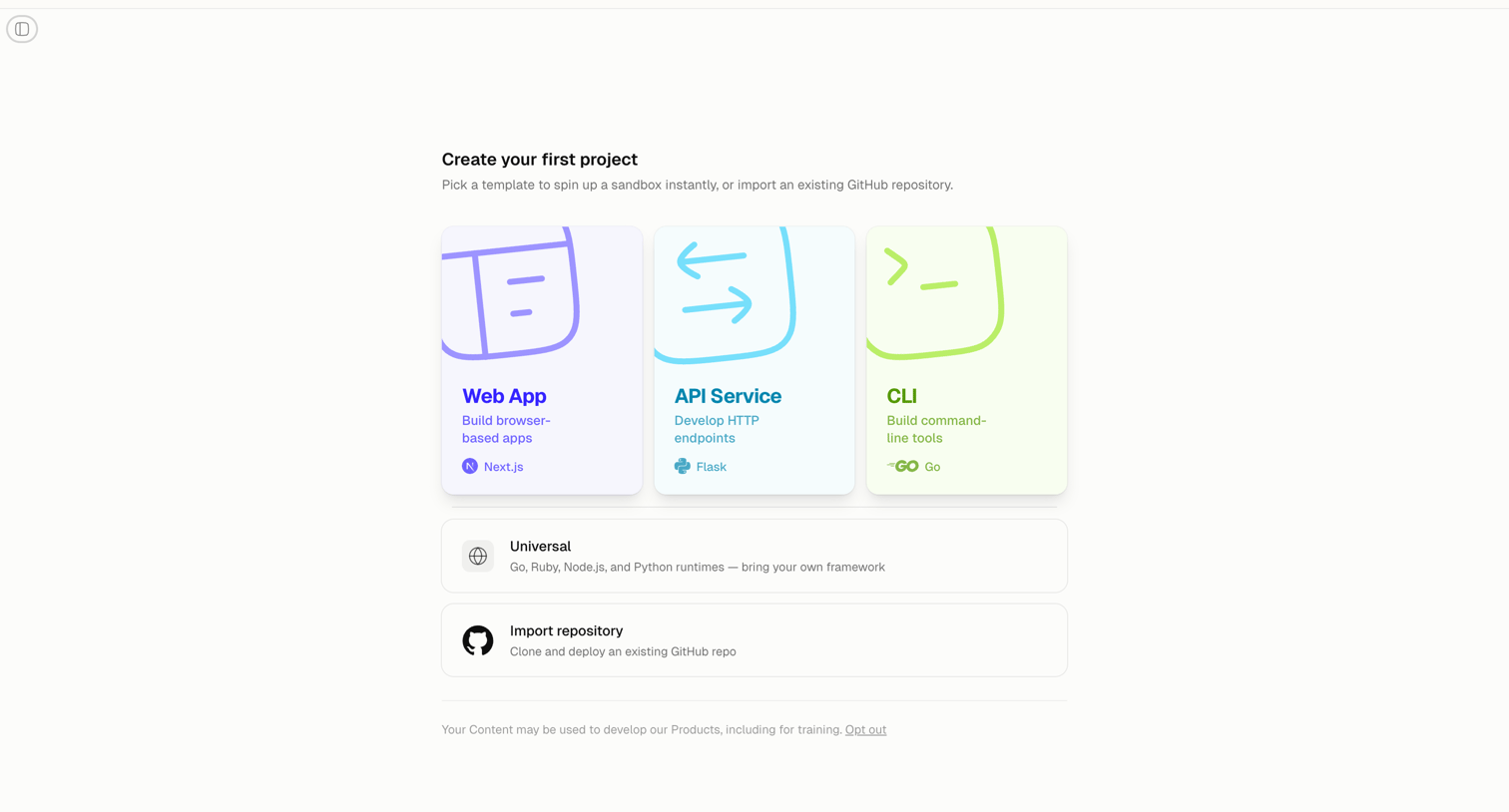
Onboarding screen where the user creates their first project by selecting a web app, API, or CLI template, or by importing an existing GitHub repository.
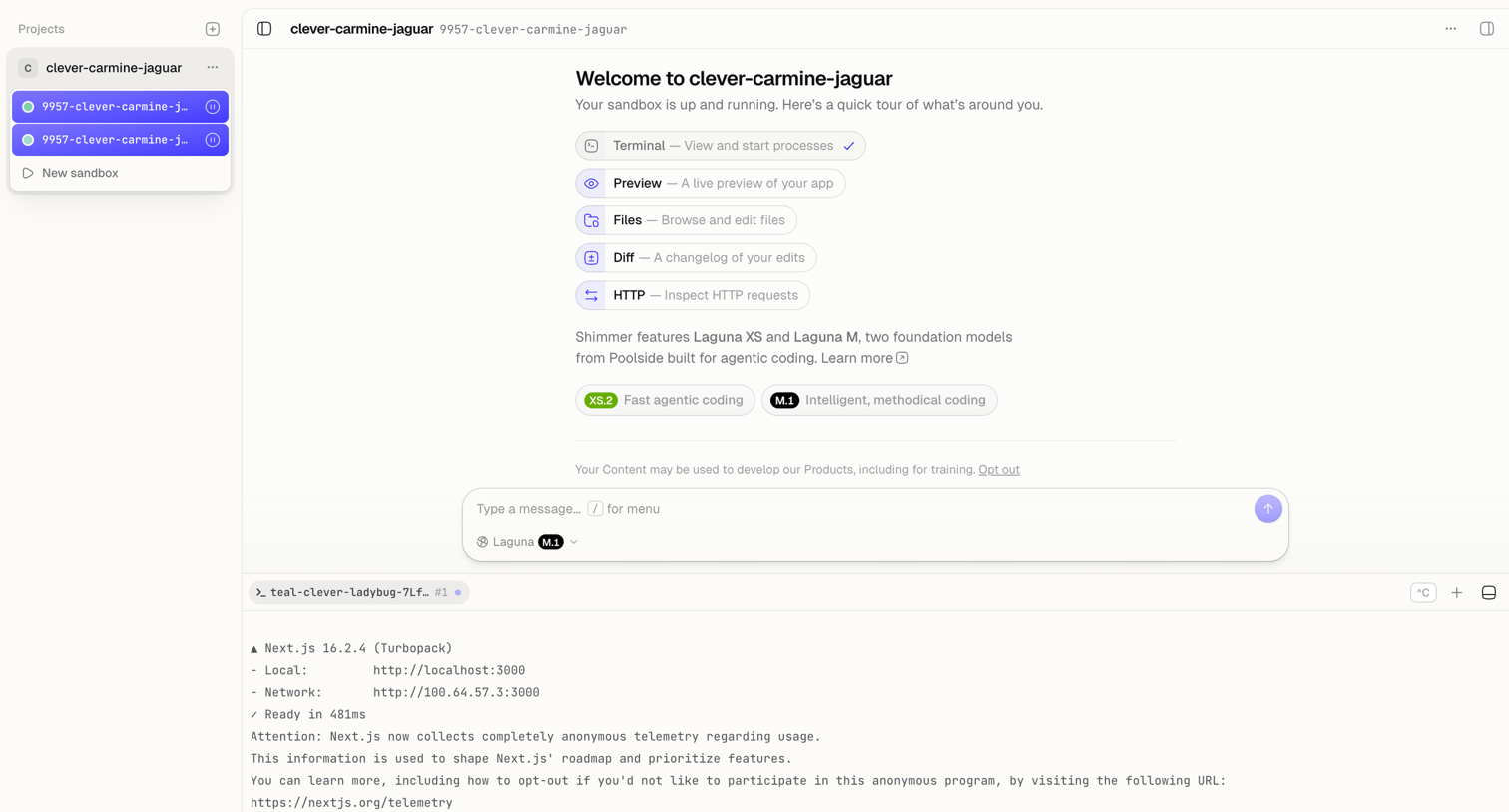
Code editor workspace where the user lands on a welcome screen featuring an AI chat input, model selection, and an active terminal running a Next.js server.
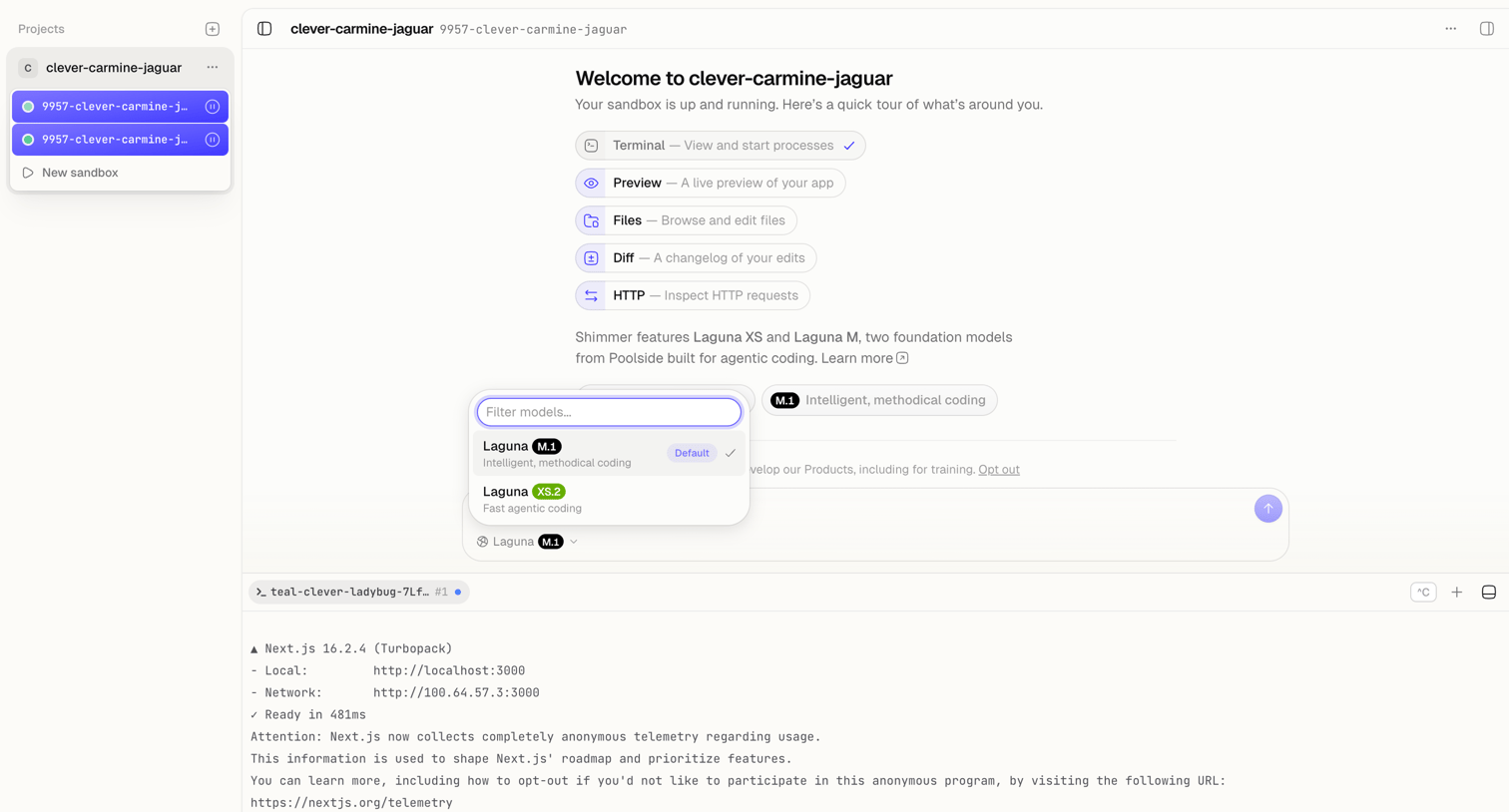
Cloud development environment where the user is greeted with a welcome message, an AI prompt to start coding, and an open model picker.
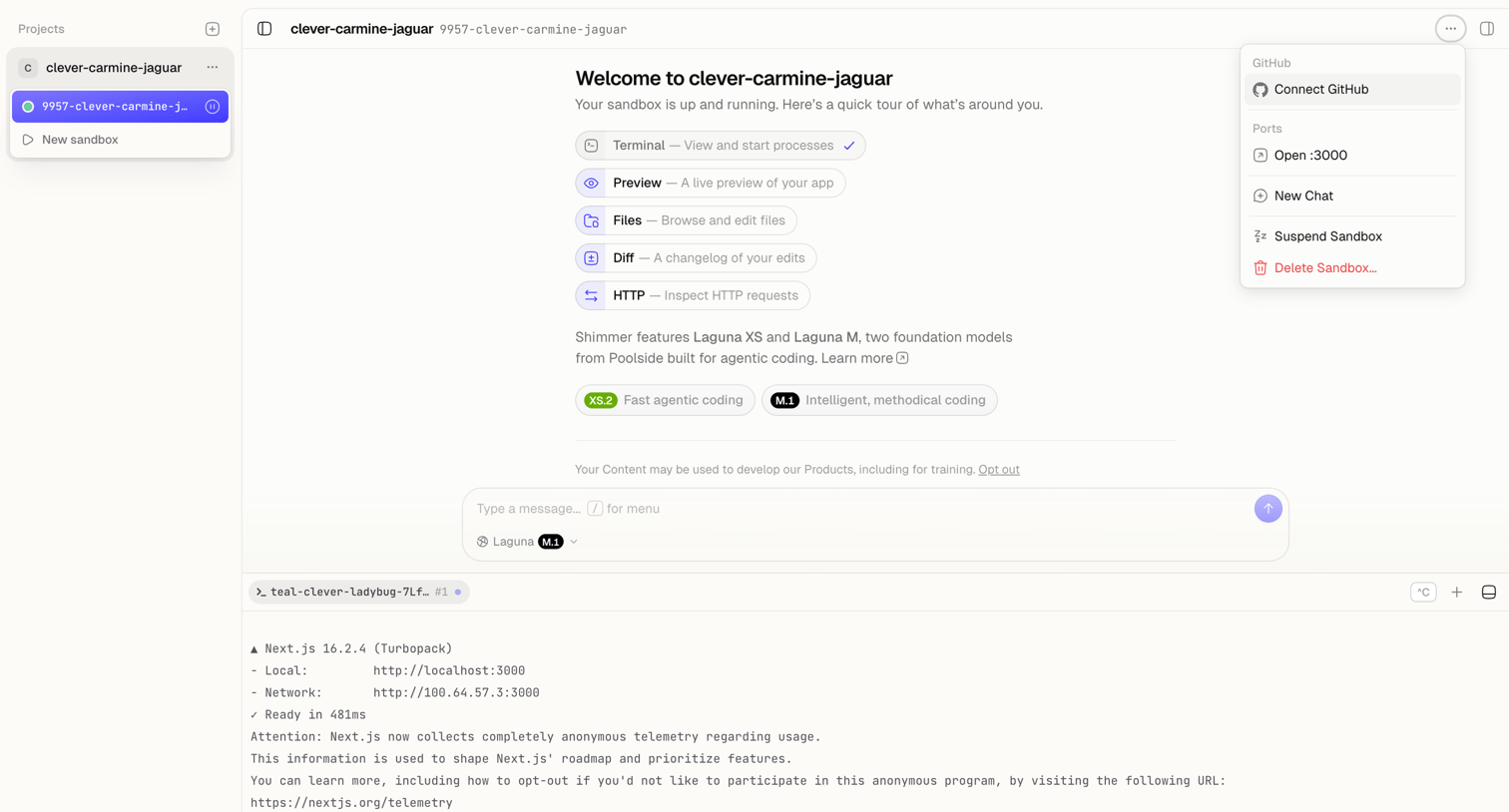
Code editor workspace showing a welcome screen for a newly created sandbox with an AI prompt composer and an active terminal panel.
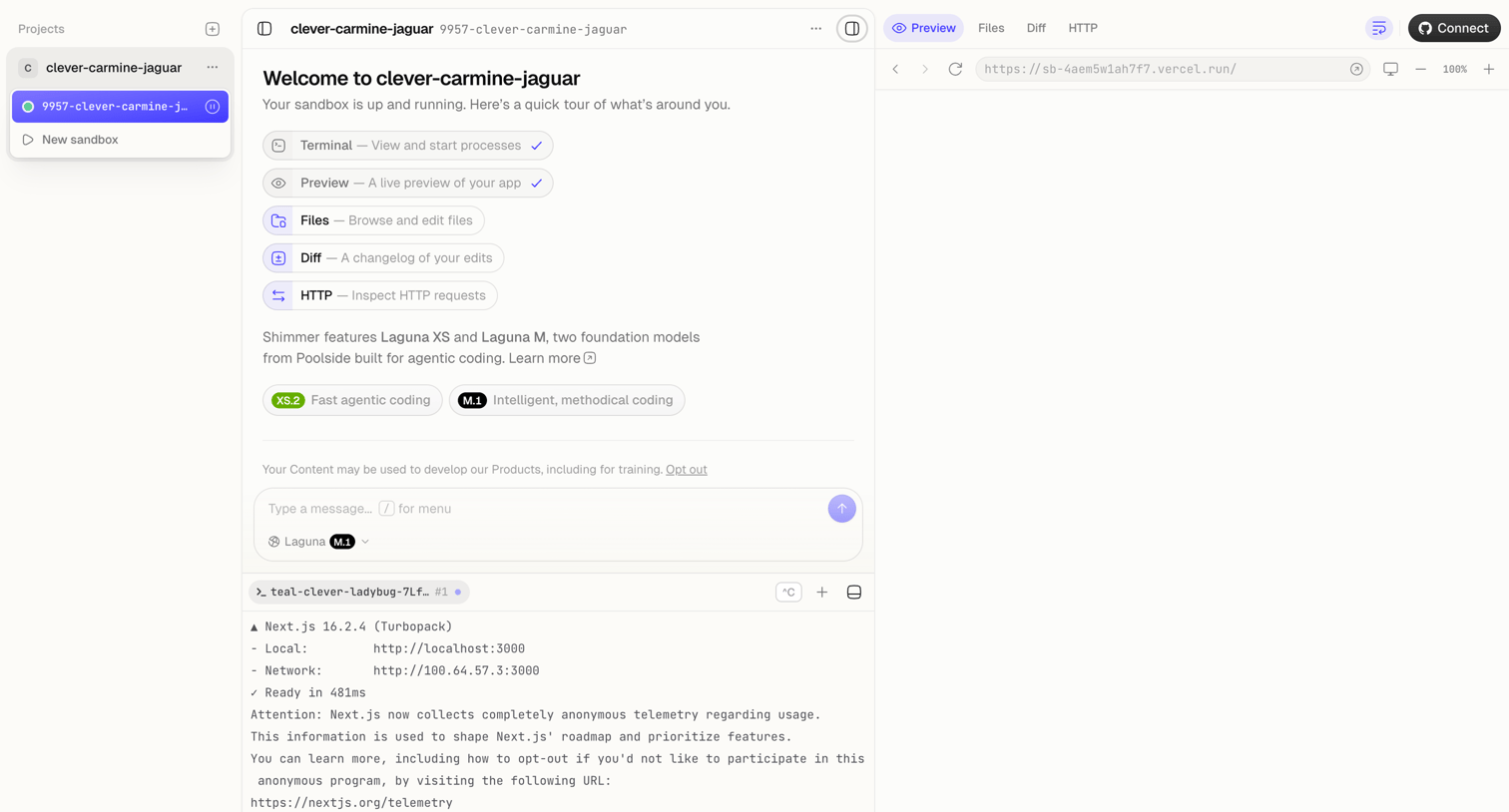
Code editor workspace where the user can chat with an AI model to build an app, view live terminal output, and preview the running application in a side-by-side layout.
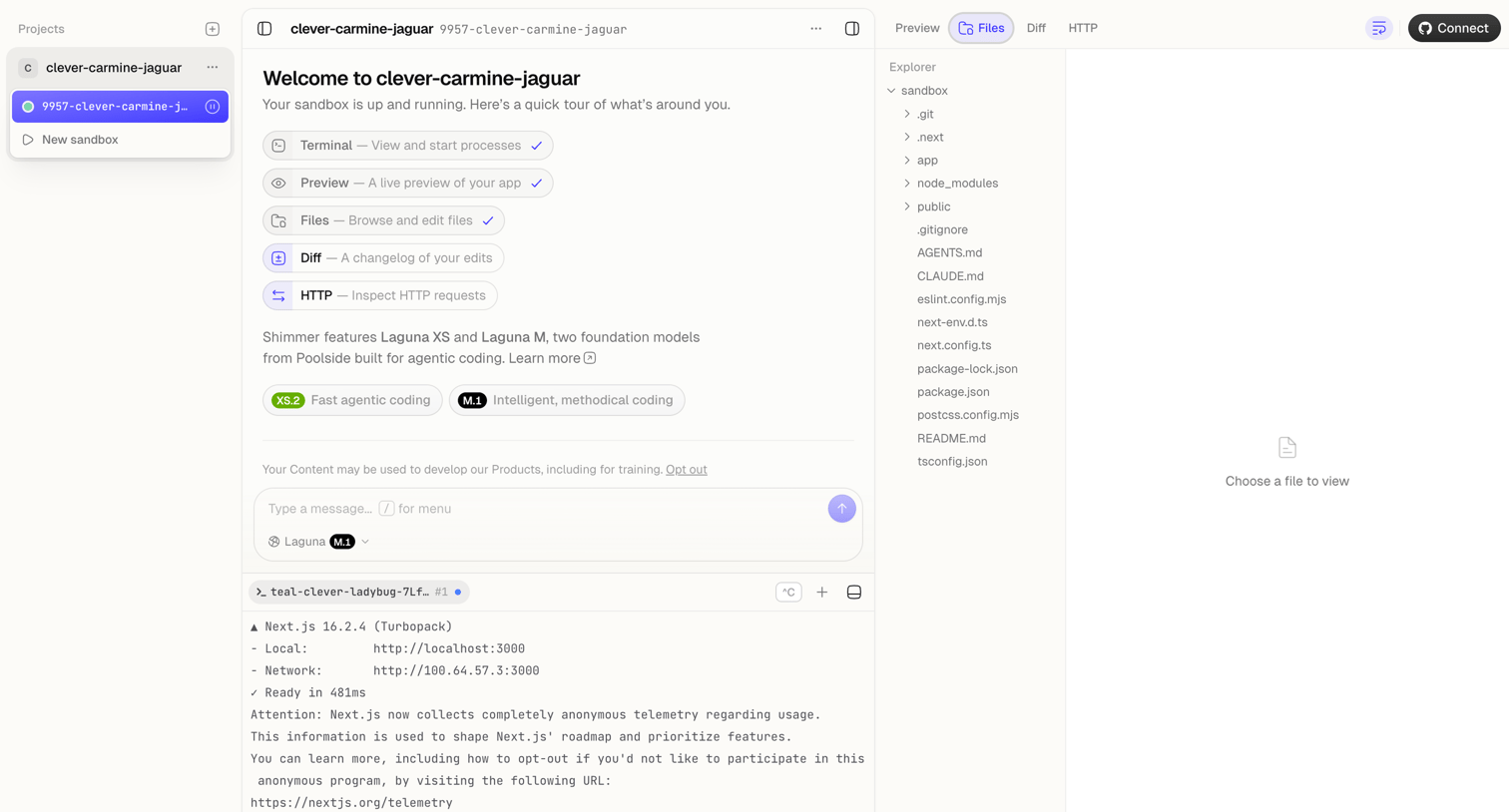
Cloud IDE workspace where the user interacts with an AI assistant, manages project files, and monitors terminal output.
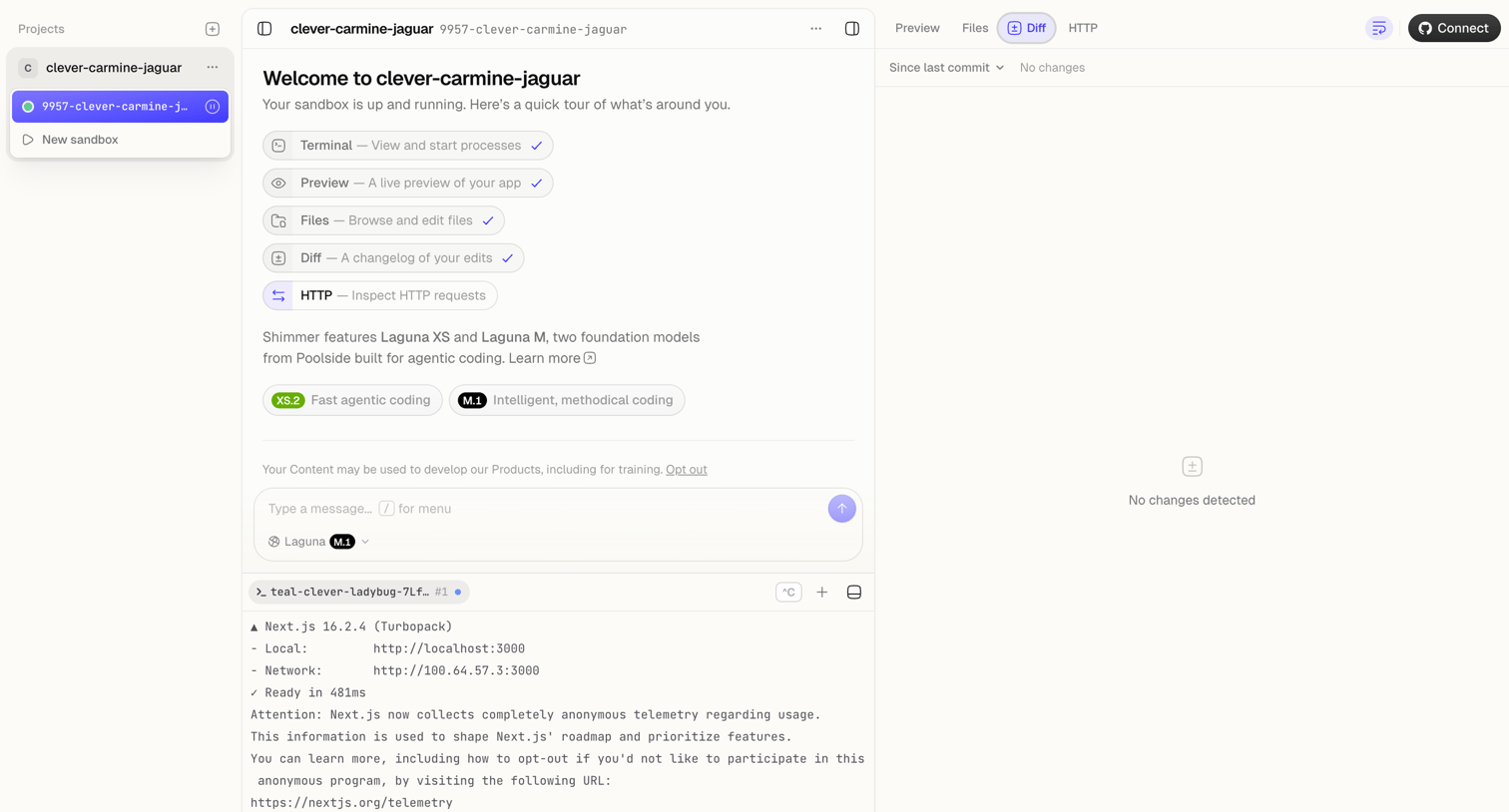
Code editor interface where the user interacts with an AI agent in a sandbox environment, featuring a terminal panel and a diff viewer showing no recent changes.
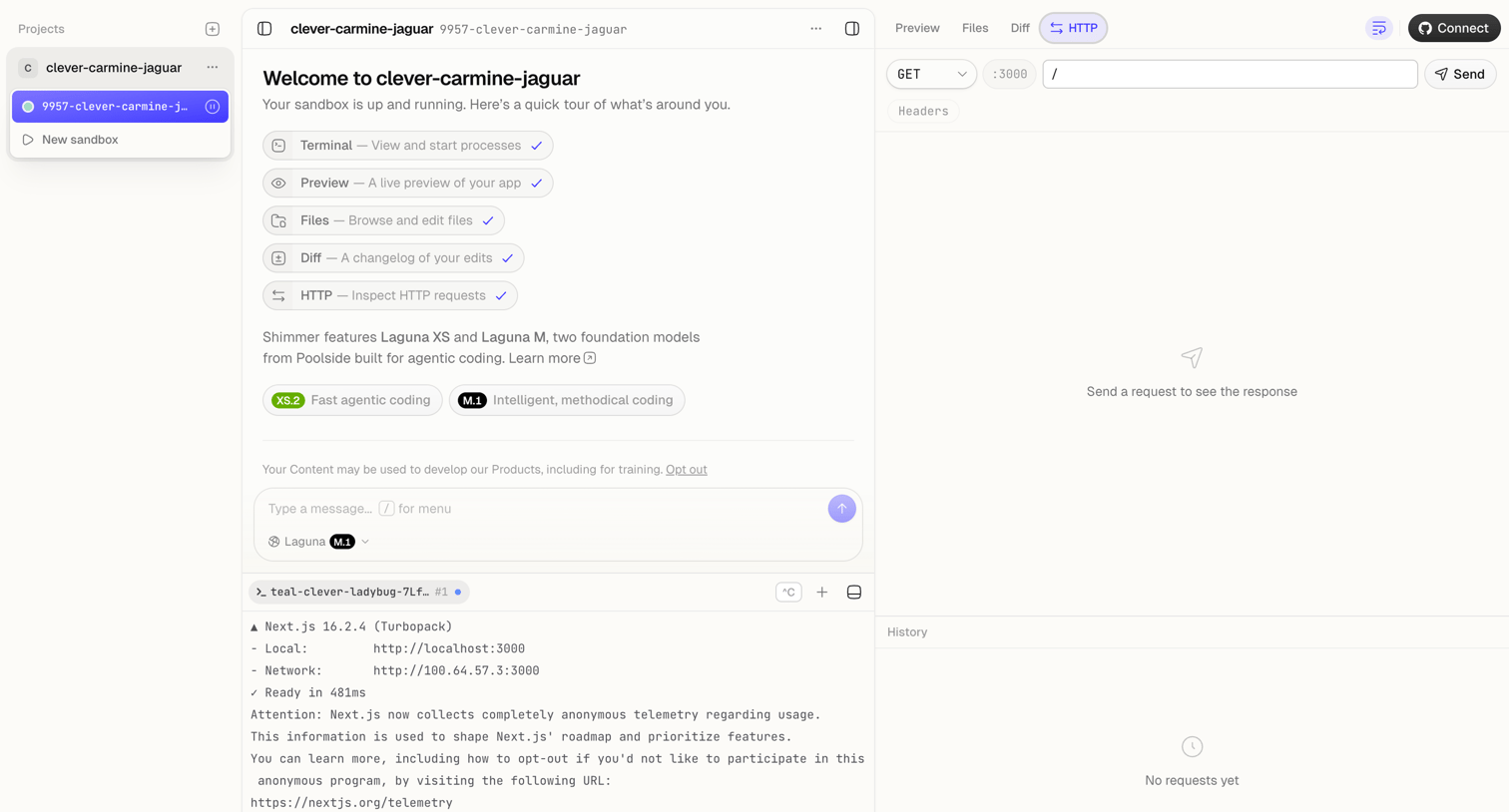
Code editor interface where the user manages sandboxes, interacts with an AI agent for coding, views a live terminal, and tests HTTP requests.
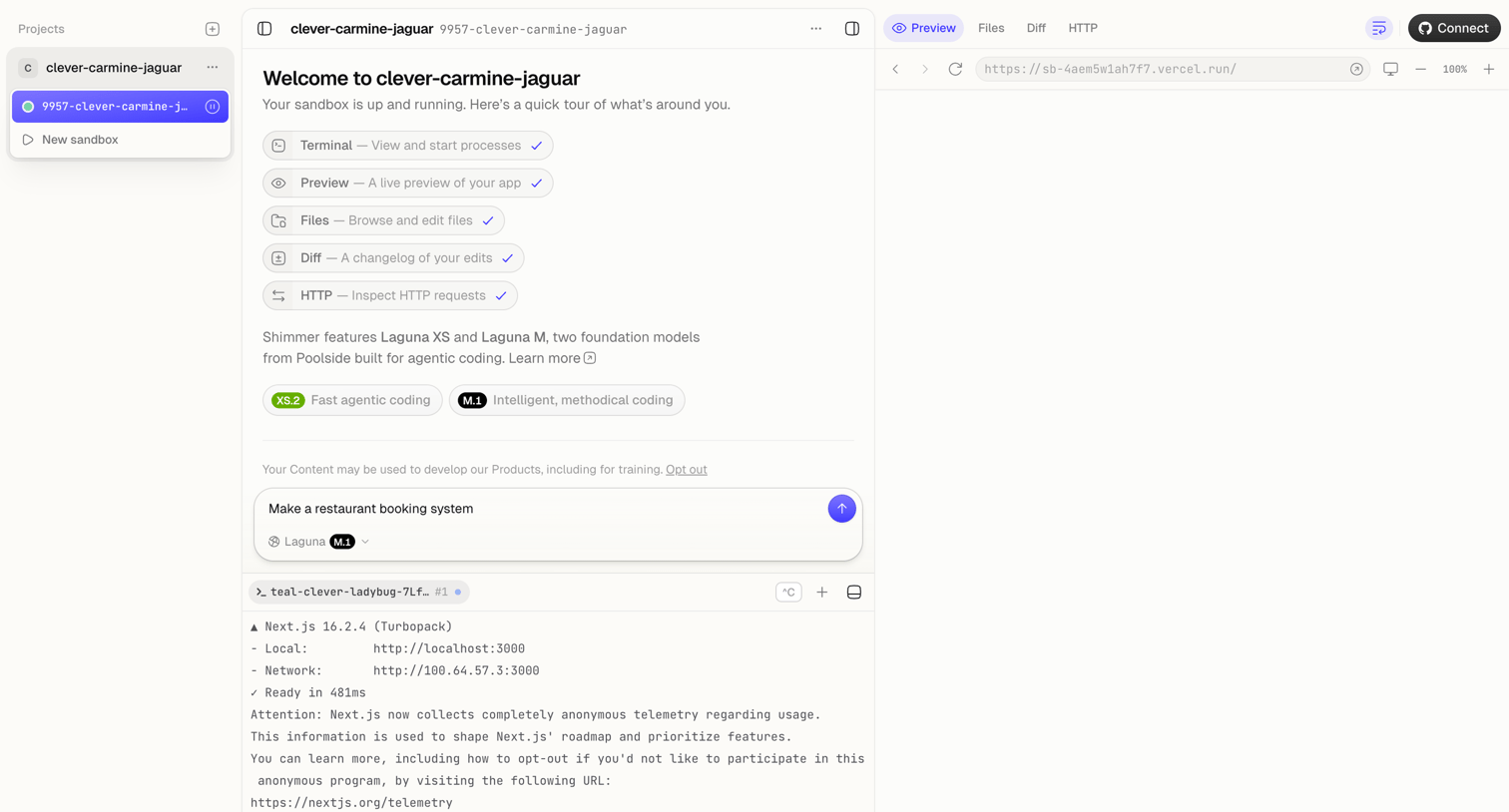
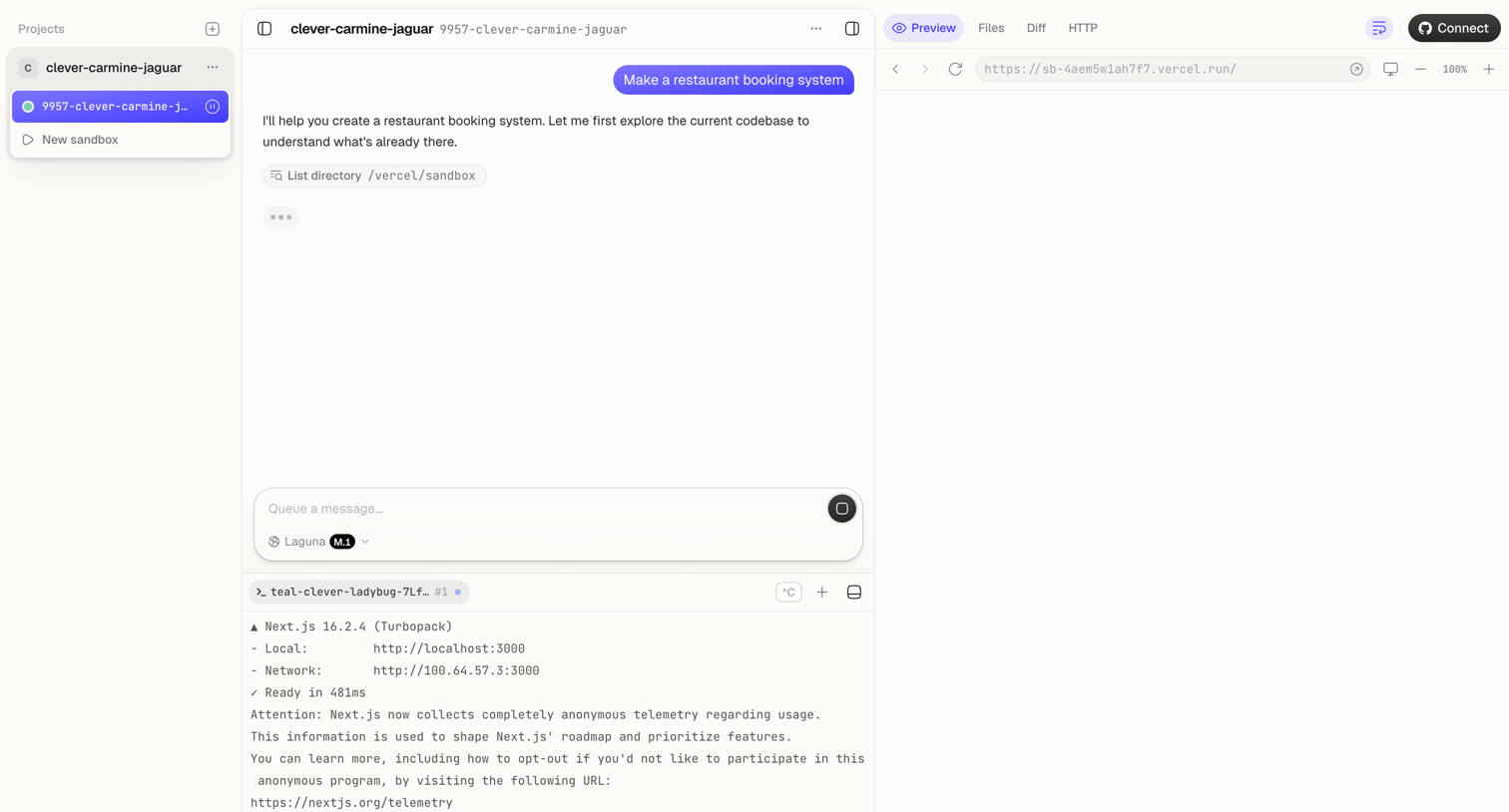
AI-powered code editor where the user prompts an agent to build an application, featuring a terminal output pane and a live web preview.
Browse the full SaaS app library
Explore real SaaS apps with their product screens, marketing screens, flows, and components.
Trusted by the best teams







