Templates screen examples
Templates screen design examples from SaaS apps. See how apps present reusable starting points for new work. Explore how template previews, descriptions, and categories help people choose a design or…
Explore the examples
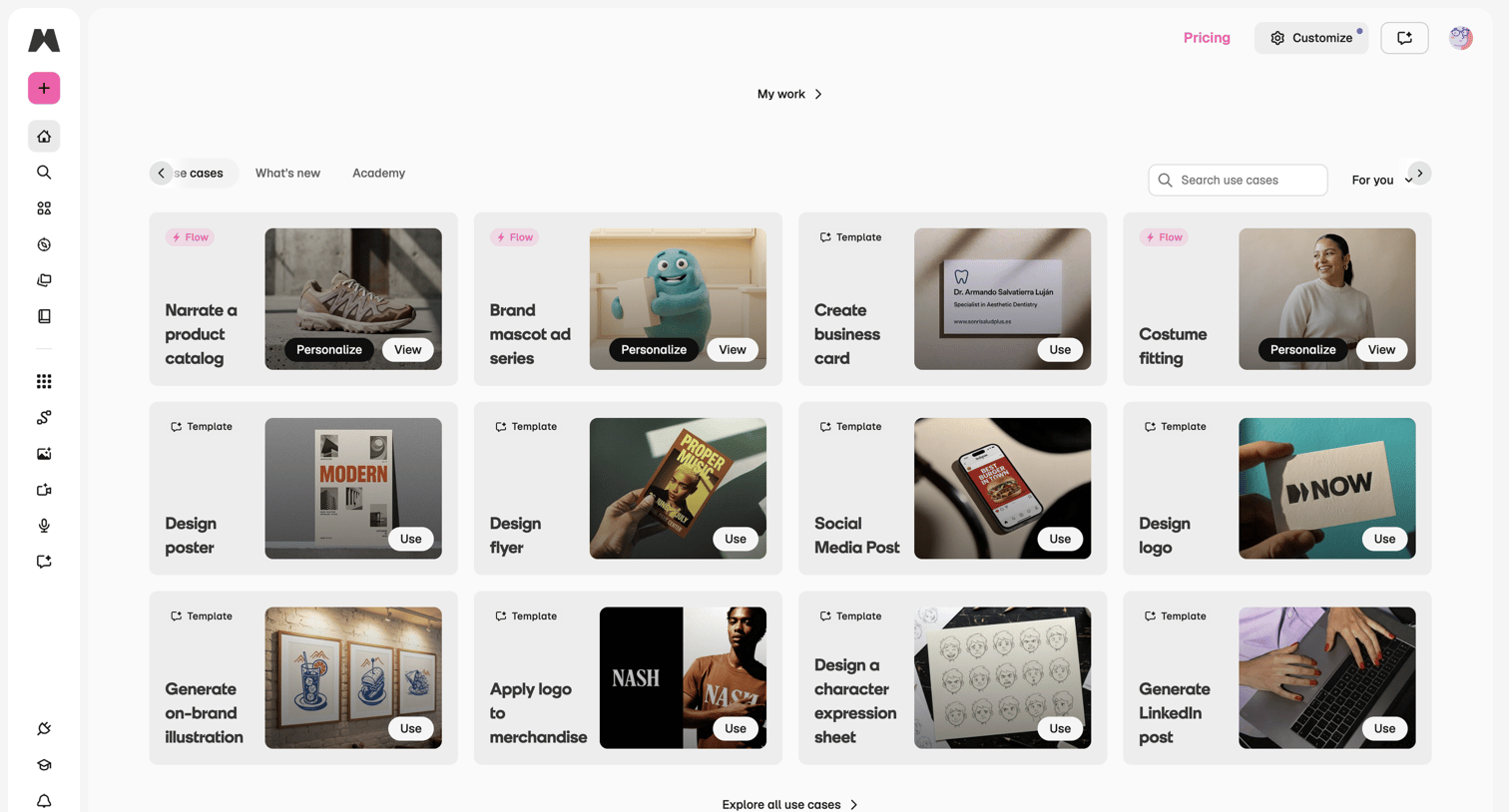

Home screen where the user browses and searches for AI generation templates like product catalogs, business cards, and logos.
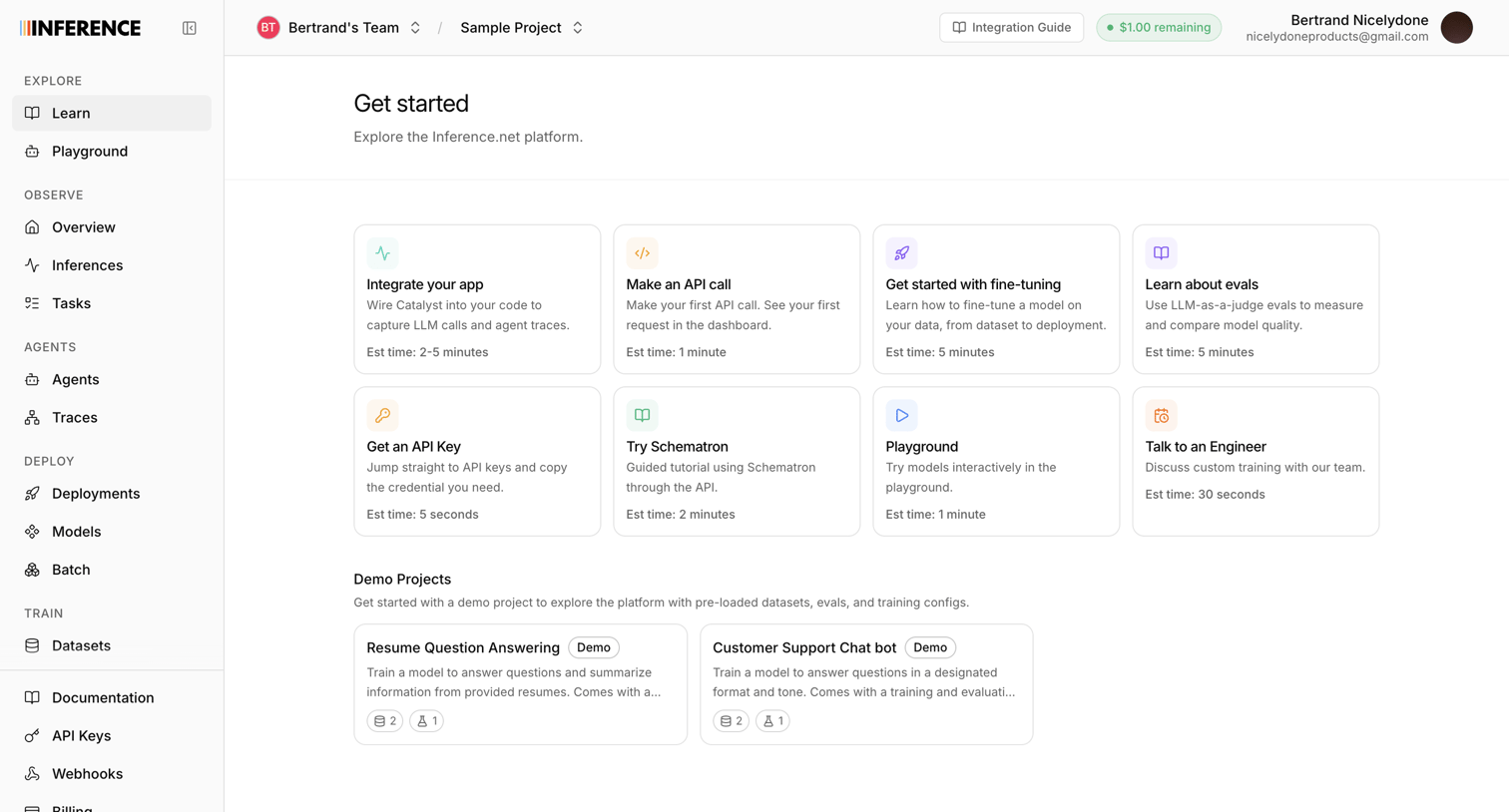

Home screen where the user can explore tutorials, make their first API call, or jump into pre-loaded demo projects.
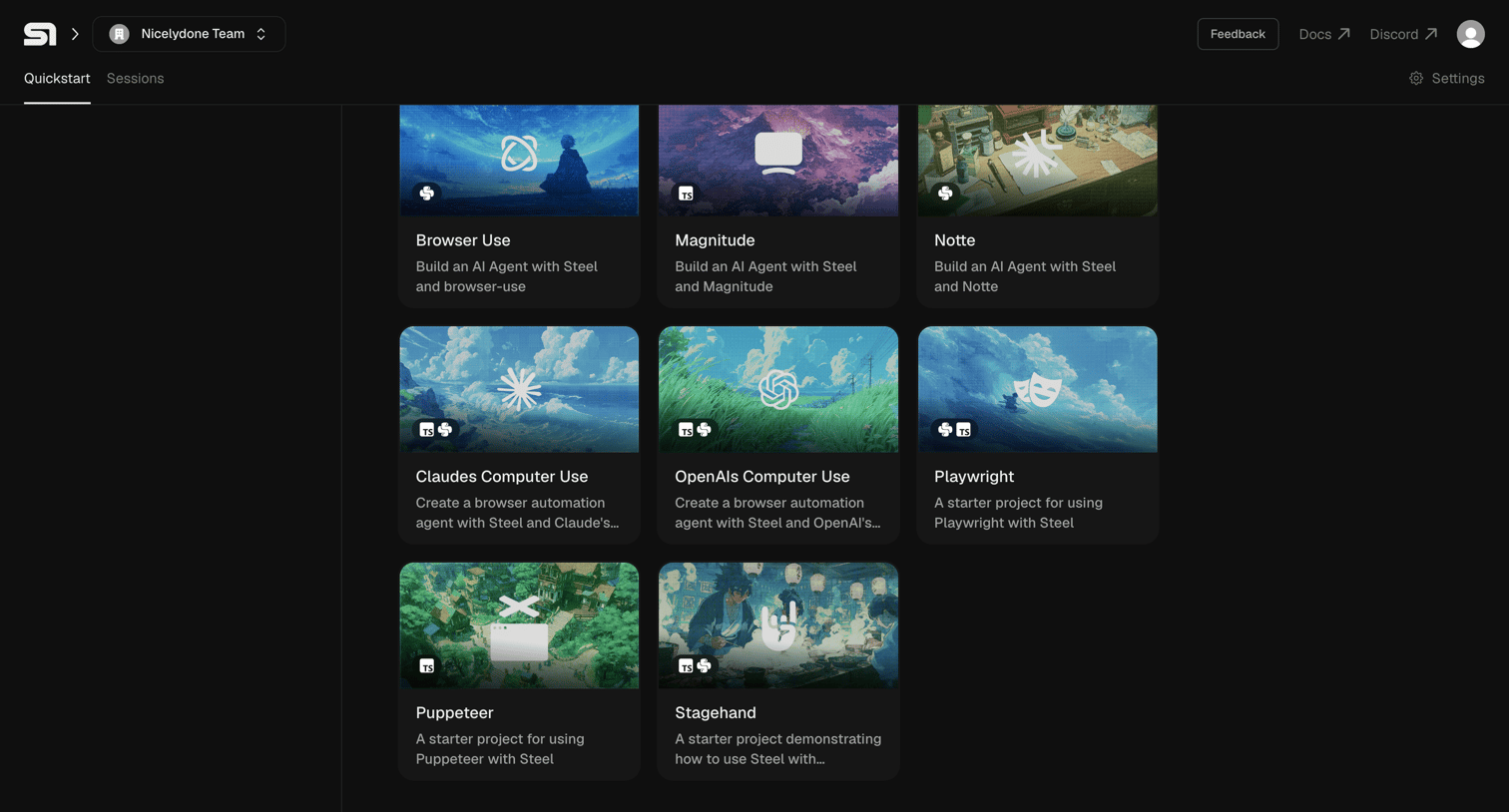

Onboarding screen where the user selects a starter project template like Browser Use or Playwright to build an AI agent.
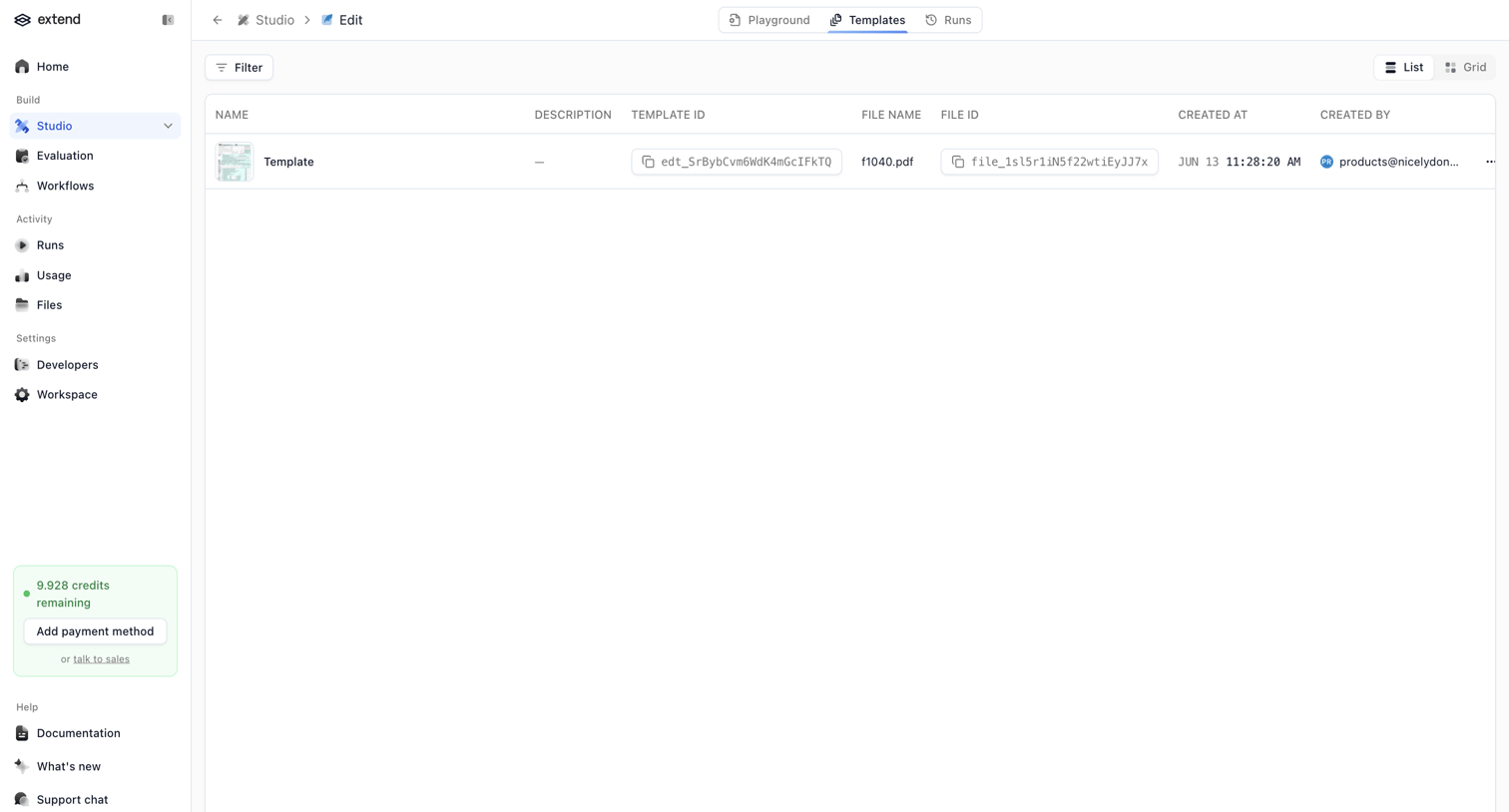

List view where the user manages saved templates within the AI studio, with quick access to copy template and file IDs.
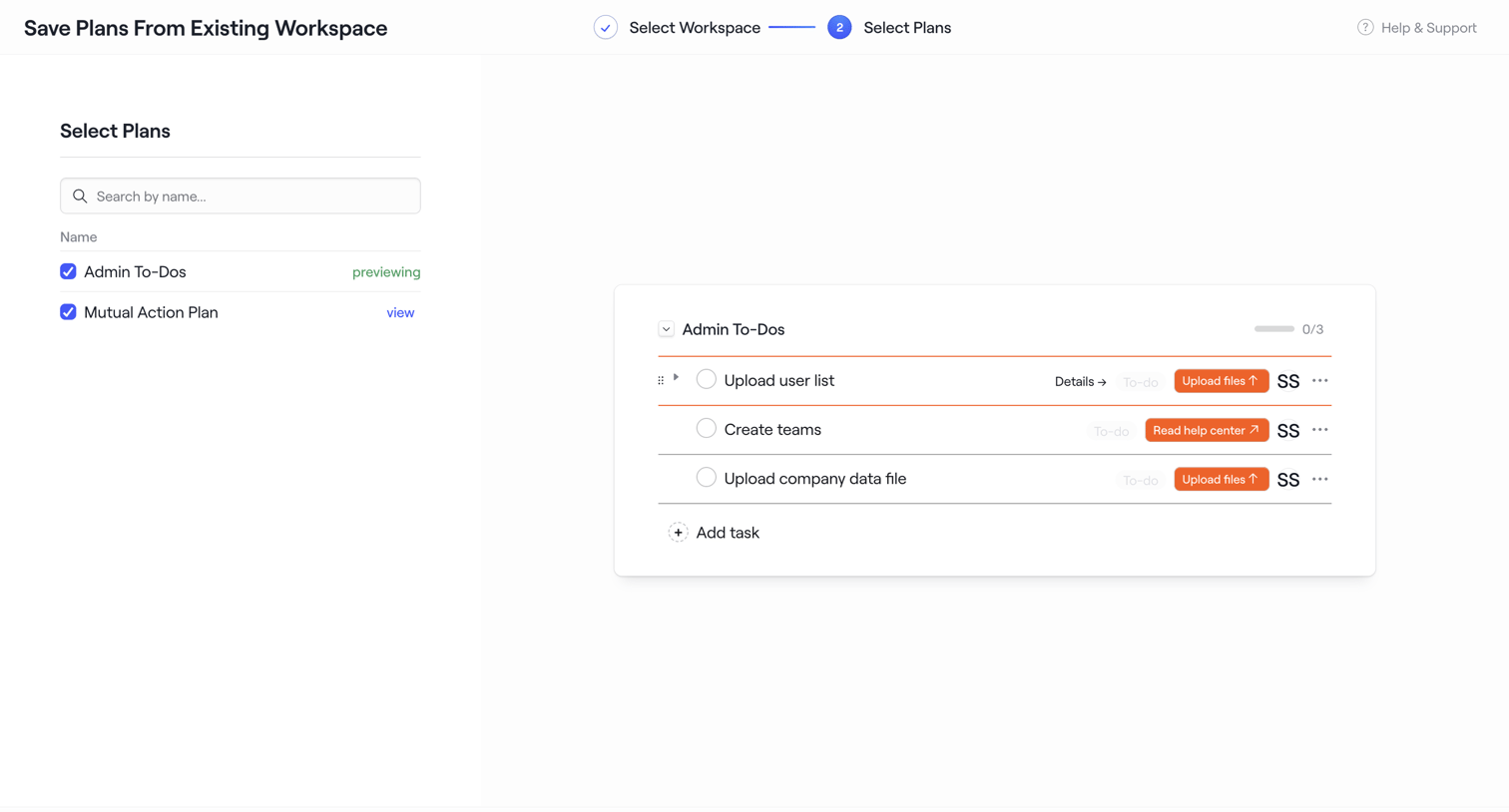

Wizard step where the user selects plans from an existing workspace to save as a new template, previewing the tasks inside the selected plan.

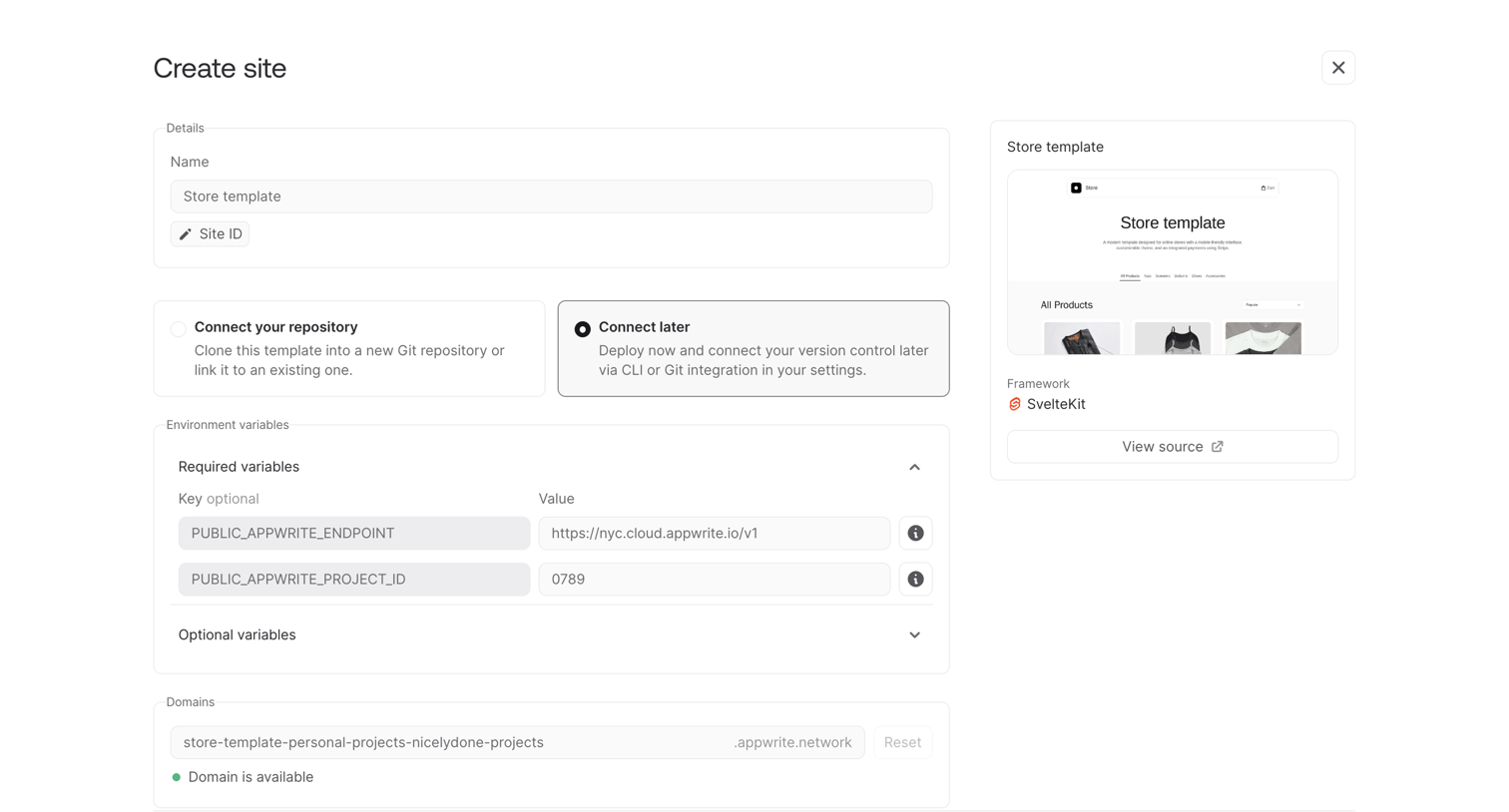

Creation page where the user configures a new site from a SvelteKit store template, setting environment variables and a custom domain before deploying.
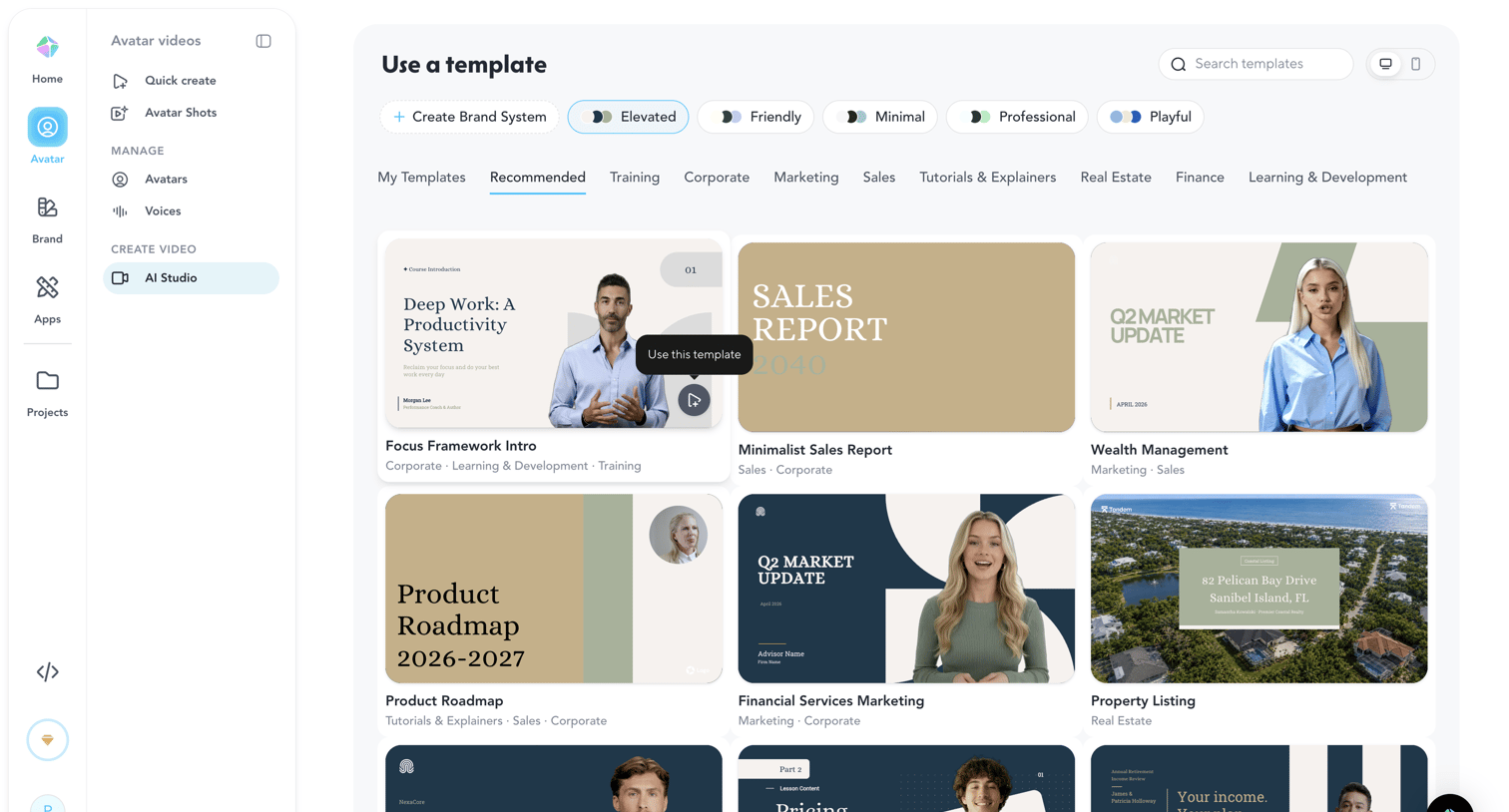

Template gallery where the user browses and selects pre-designed video layouts for different use cases like sales, corporate, and marketing.
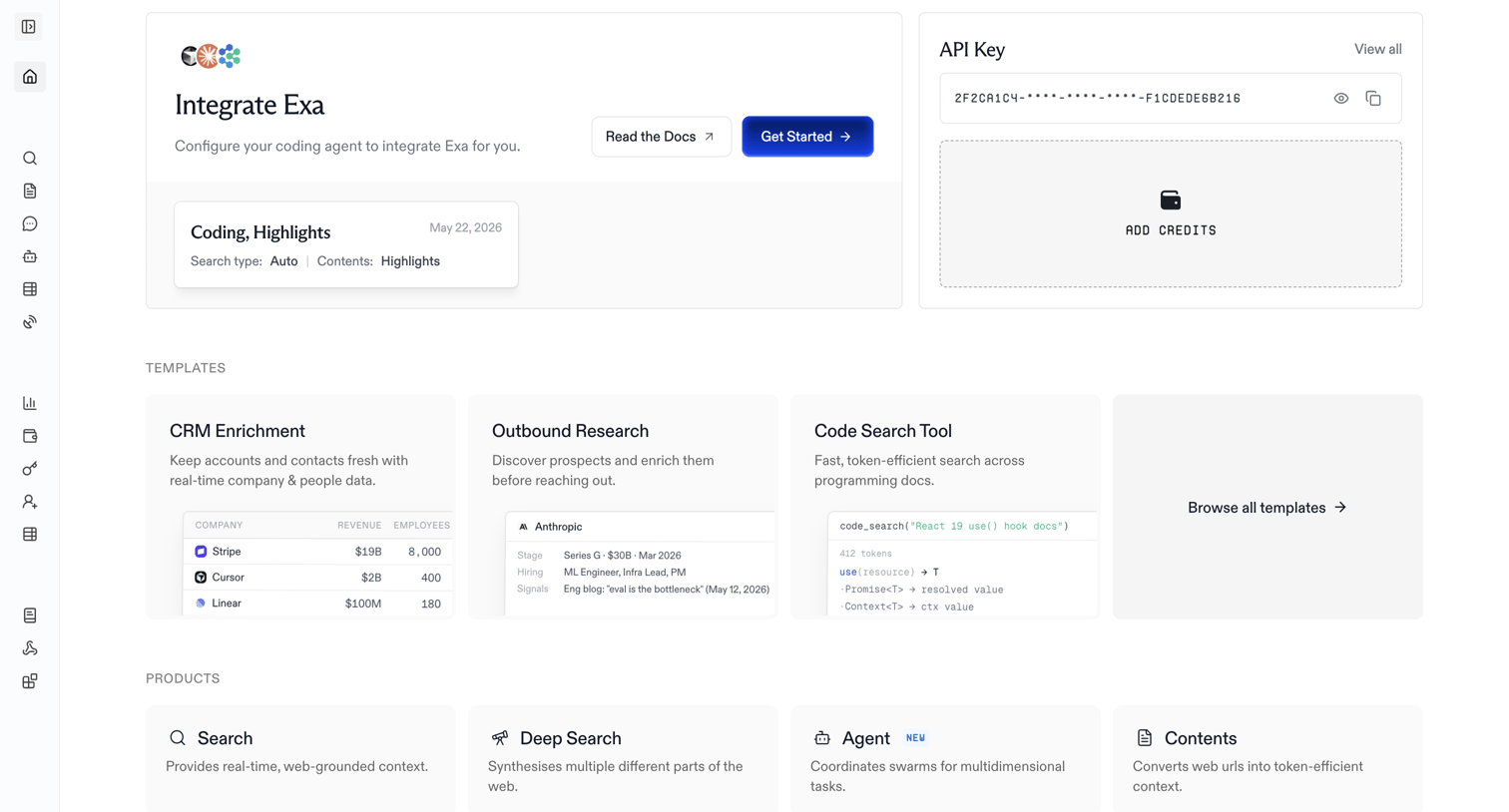

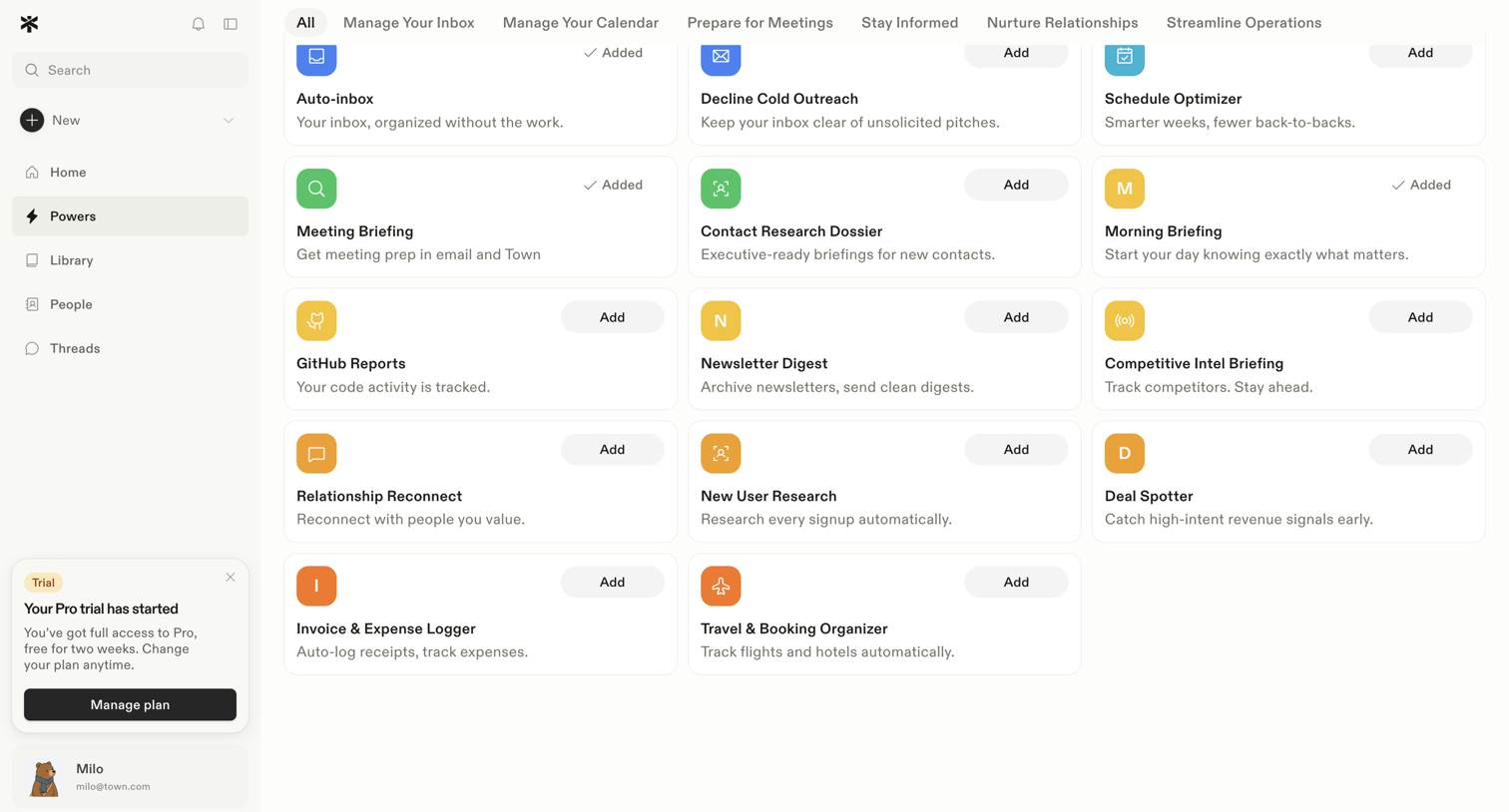

Directory page where the user explores and adds automated workflows like meeting briefings and inbox management.
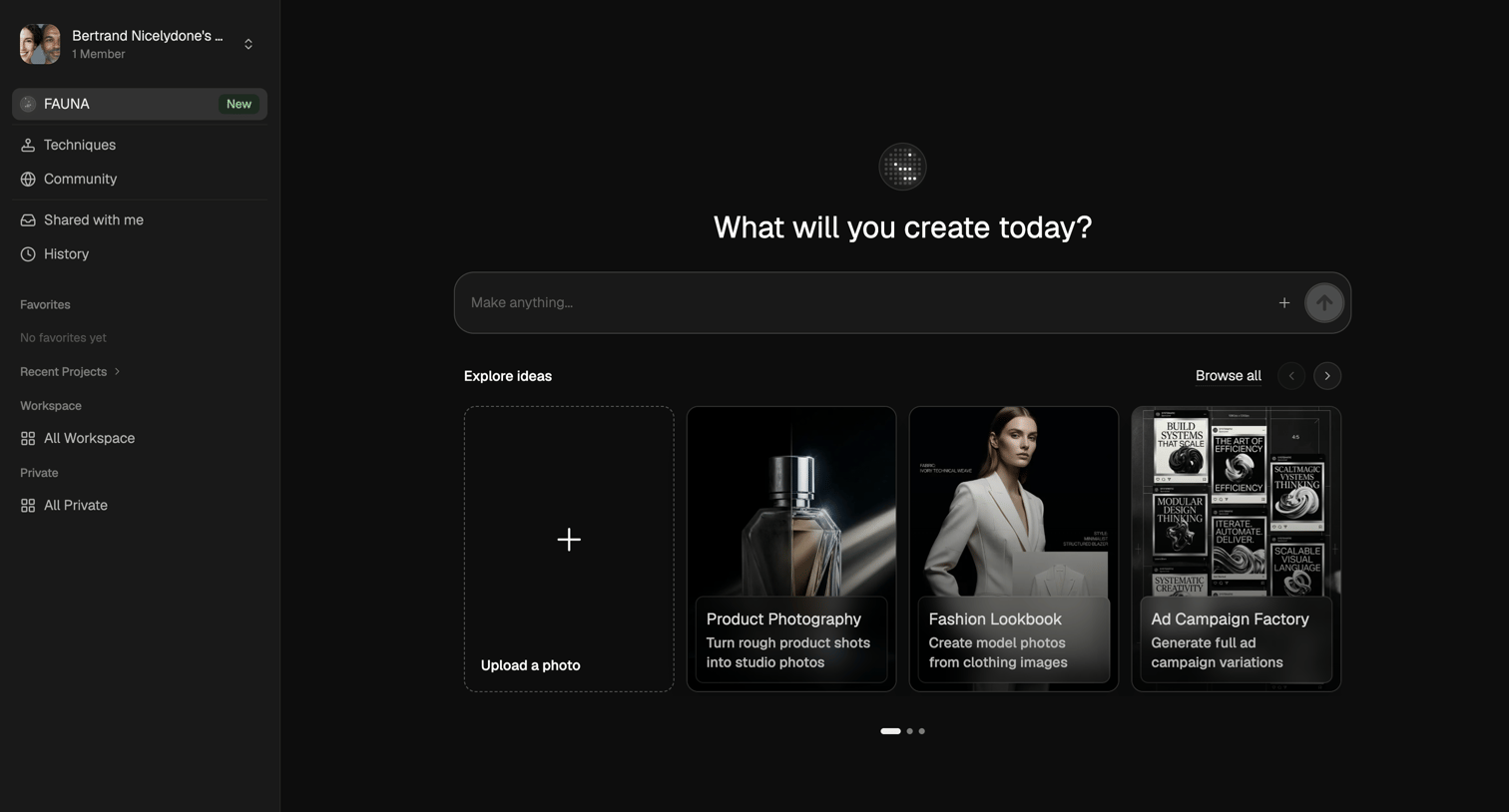

AI generation start screen where the user can enter a prompt to make anything or start from templates like product photography and fashion lookbooks.
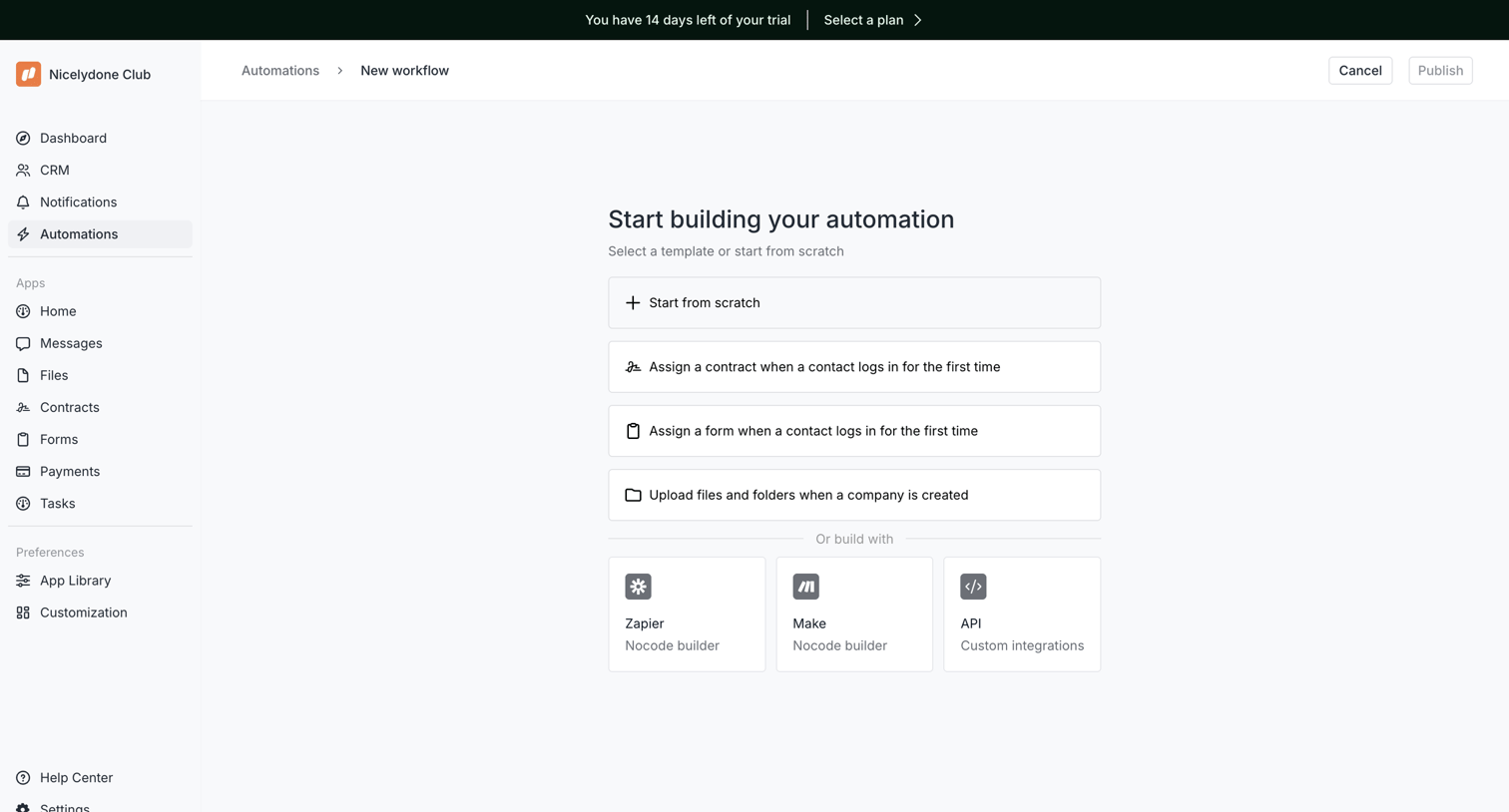

Creation screen where the user selects a starting point for a new automation, choosing between a blank canvas, pre-built workflow templates, or external integrations like Zapier and Make.
Explore the full SaaS screen library
Upgrade to unlock the full library.
Trusted by the best teams








About Templates
See how apps present reusable starting points for new work. Explore how template previews, descriptions, and categories help people choose a design or structure to begin with.