Table screen examples
Table screen design examples from SaaS apps. Explore how SaaS apps present structured information in rows and columns. Look at how headers, row details, and actions support reading and working with the…
Explore the examples
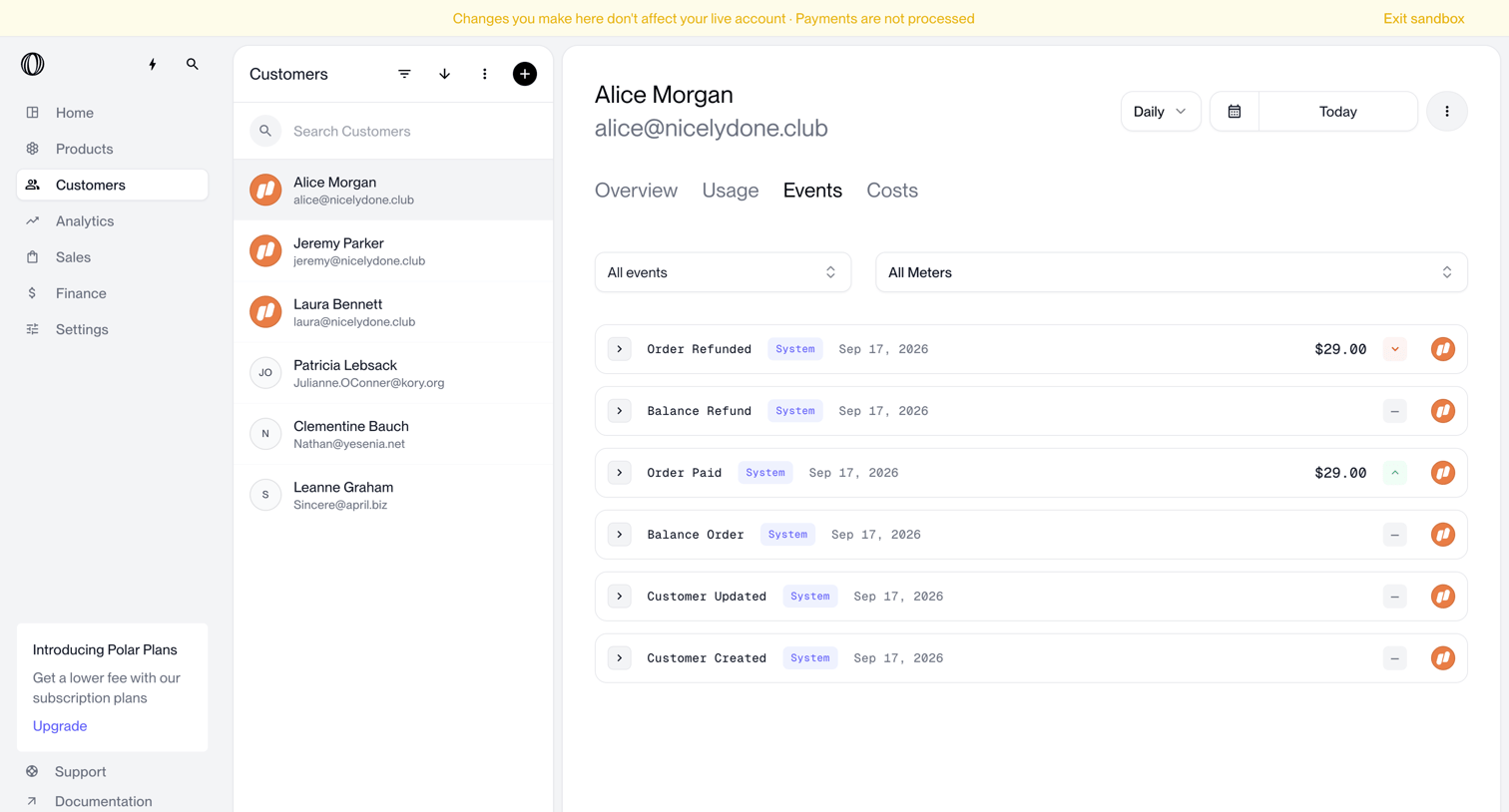

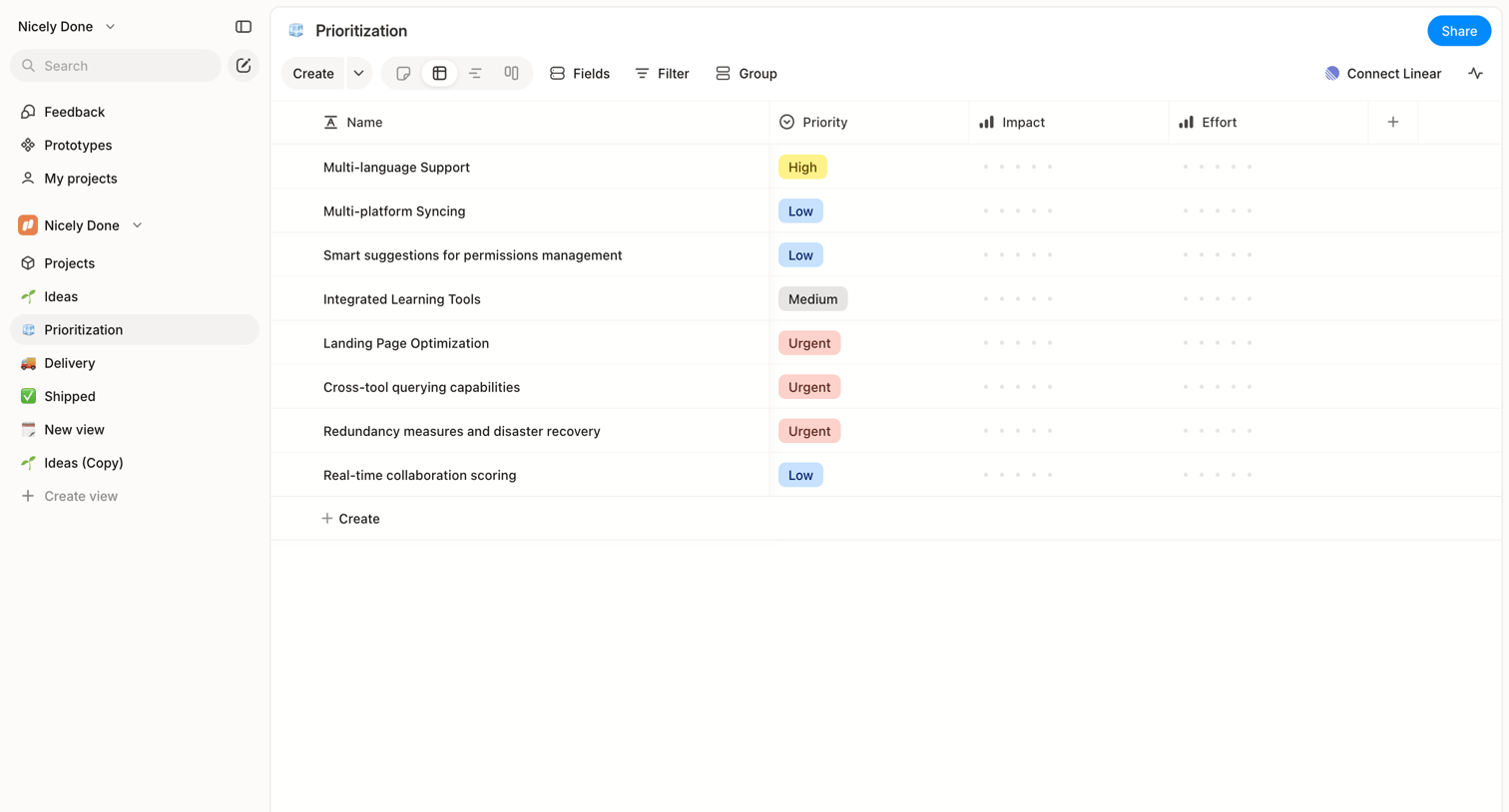

List view where the user manages feature prioritization with columns for priority, impact, and effort.
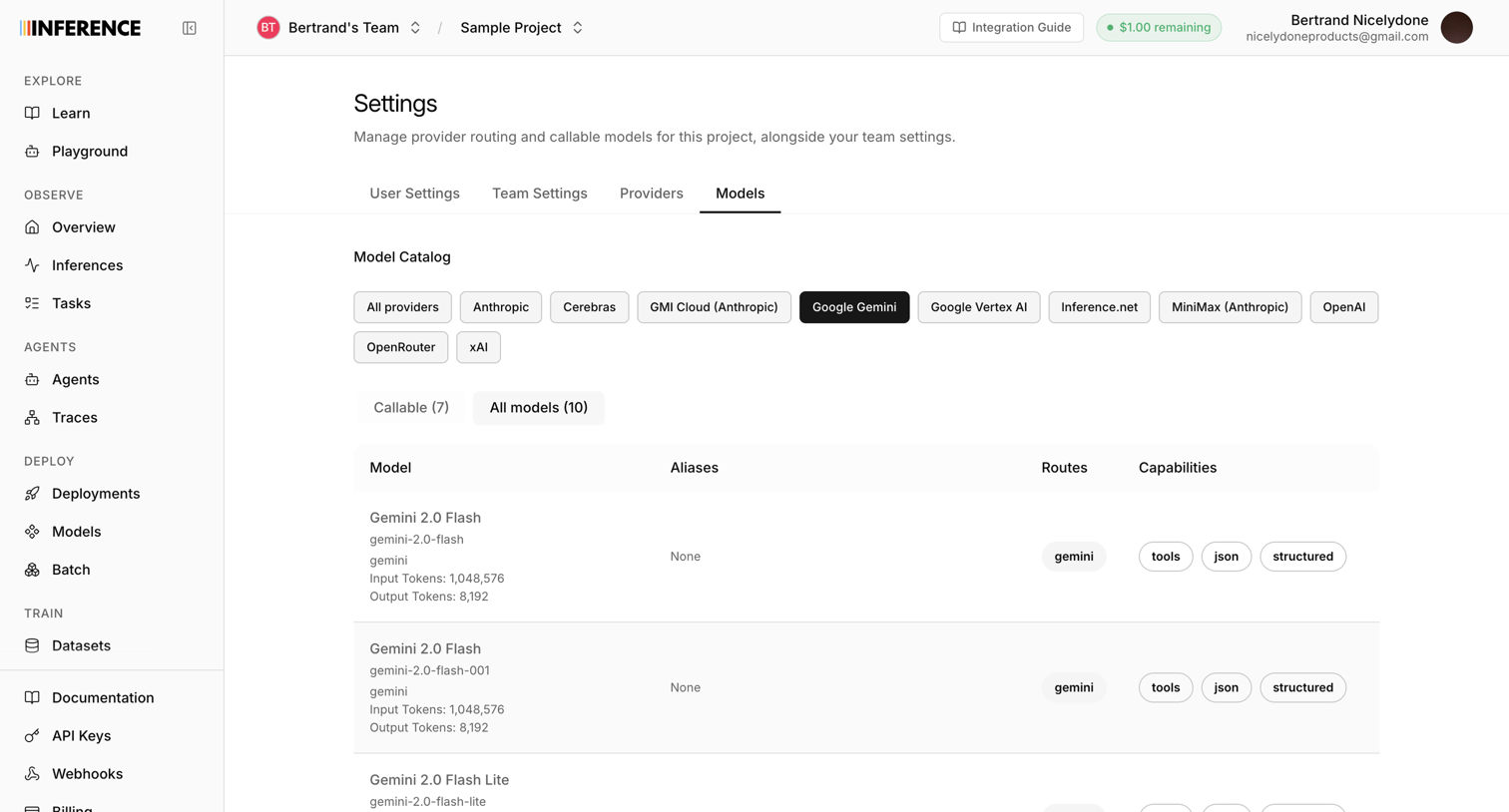

Settings page where the user filters and views the catalog of available AI models from Google Gemini, including their aliases, routes, and capabilities.
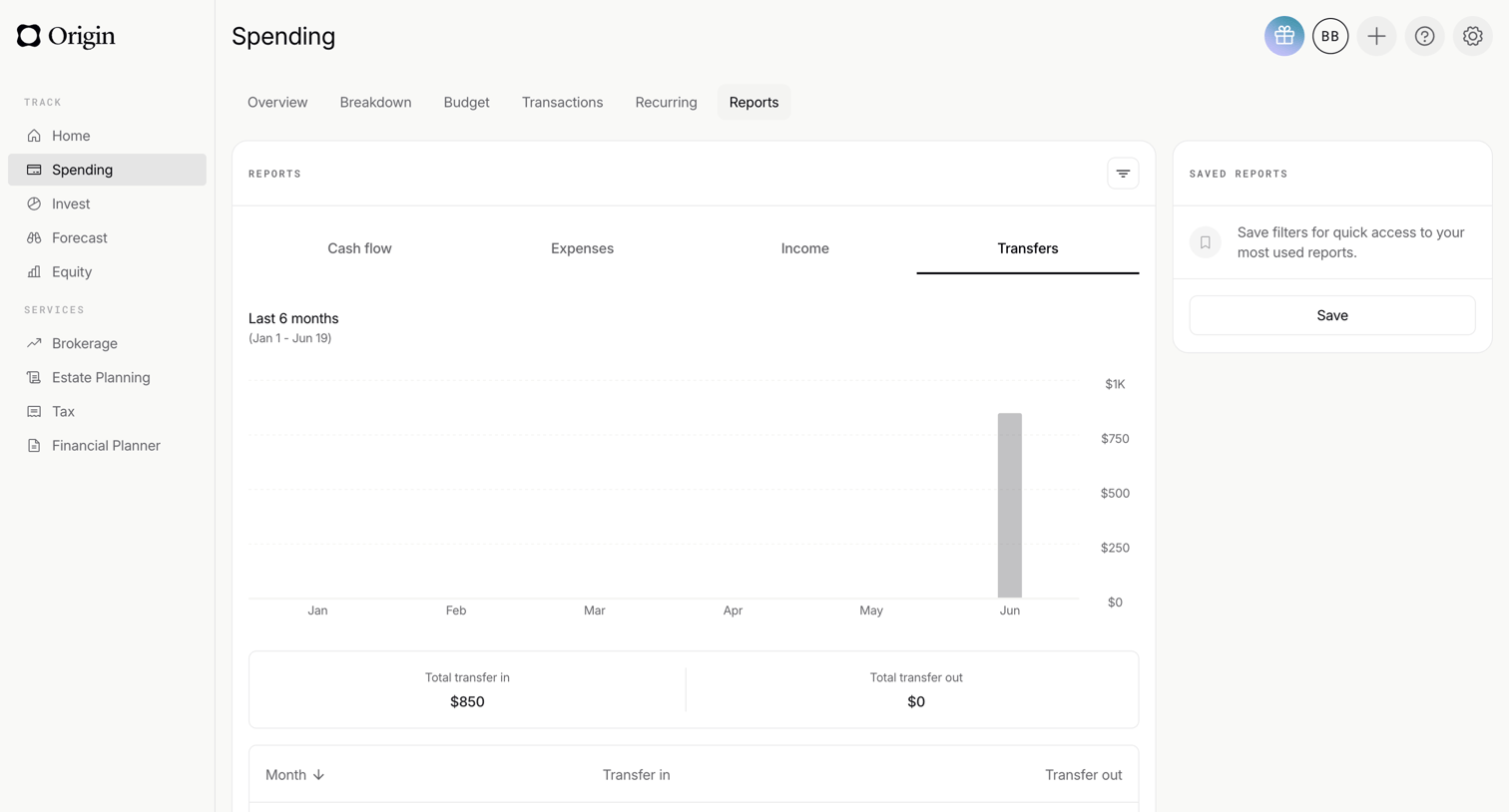

Dashboard for spending reports where the user views a bar chart of transfers over the last 6 months, alongside summary KPIs and a monthly breakdown table.
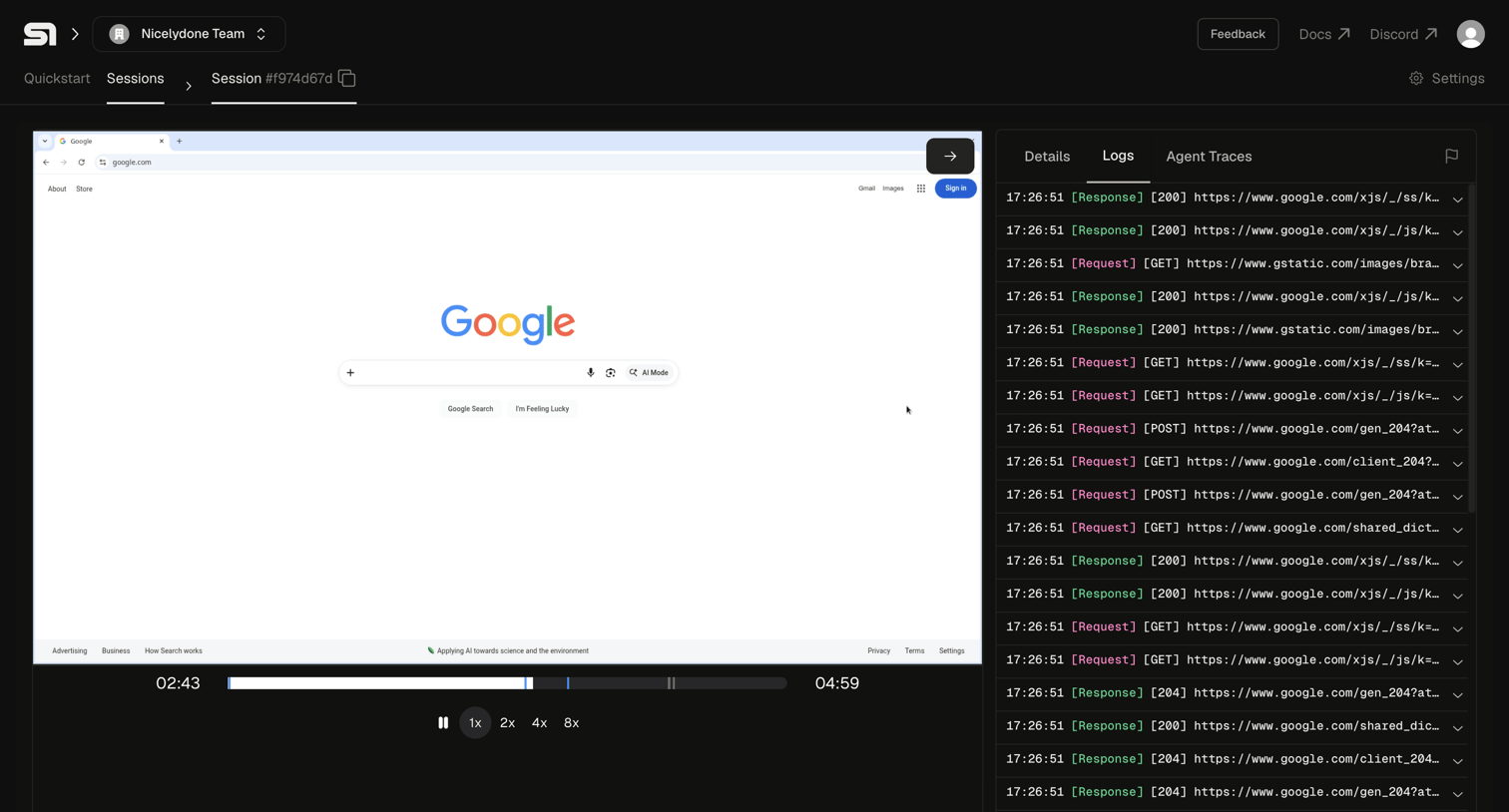

Detail page where a developer reviews a completed browser automation session recording alongside its synchronized network requests and logs.
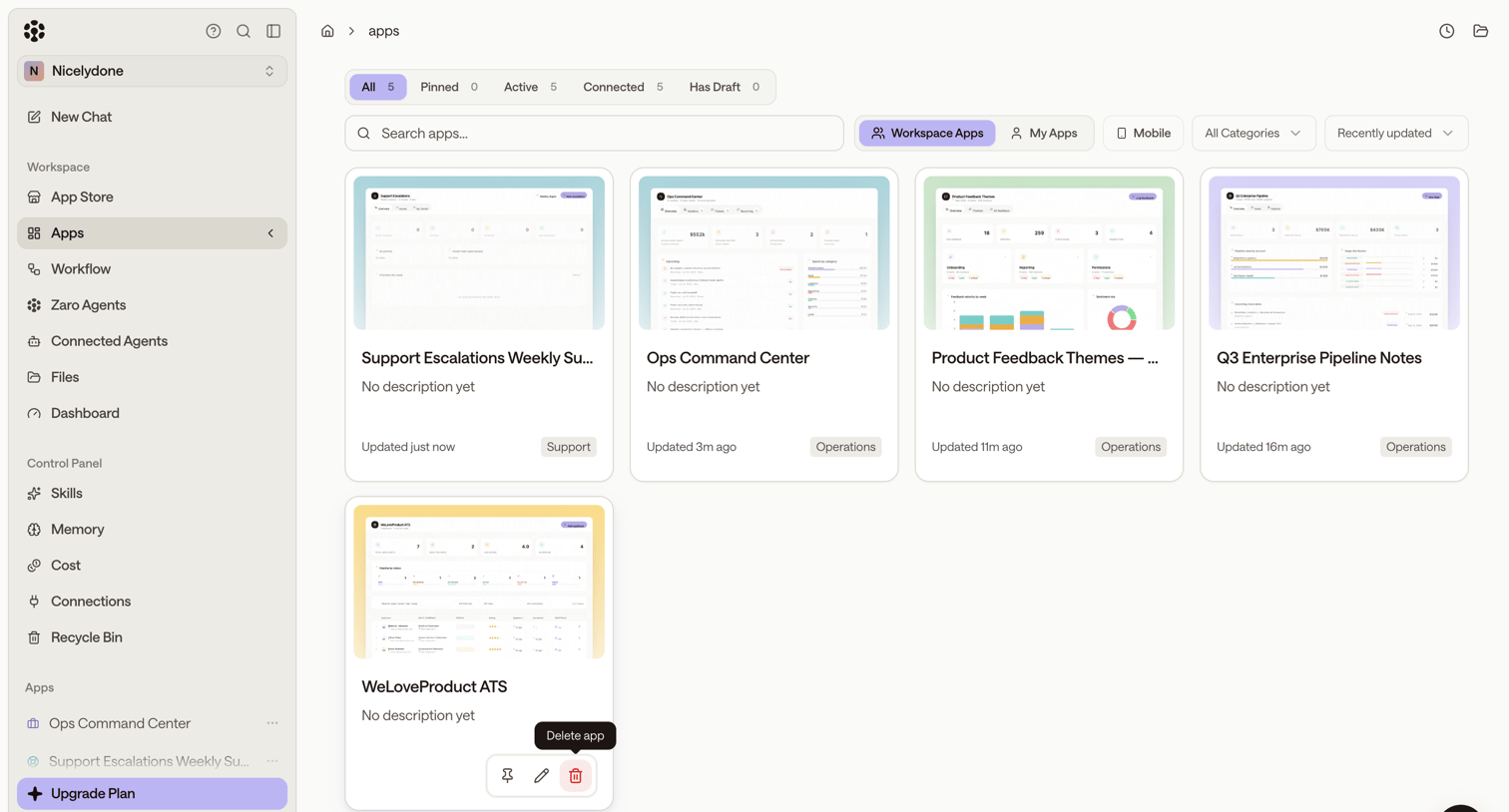

List view where the user browses their workspace apps, with controls to search, filter by category, and access individual app settings.
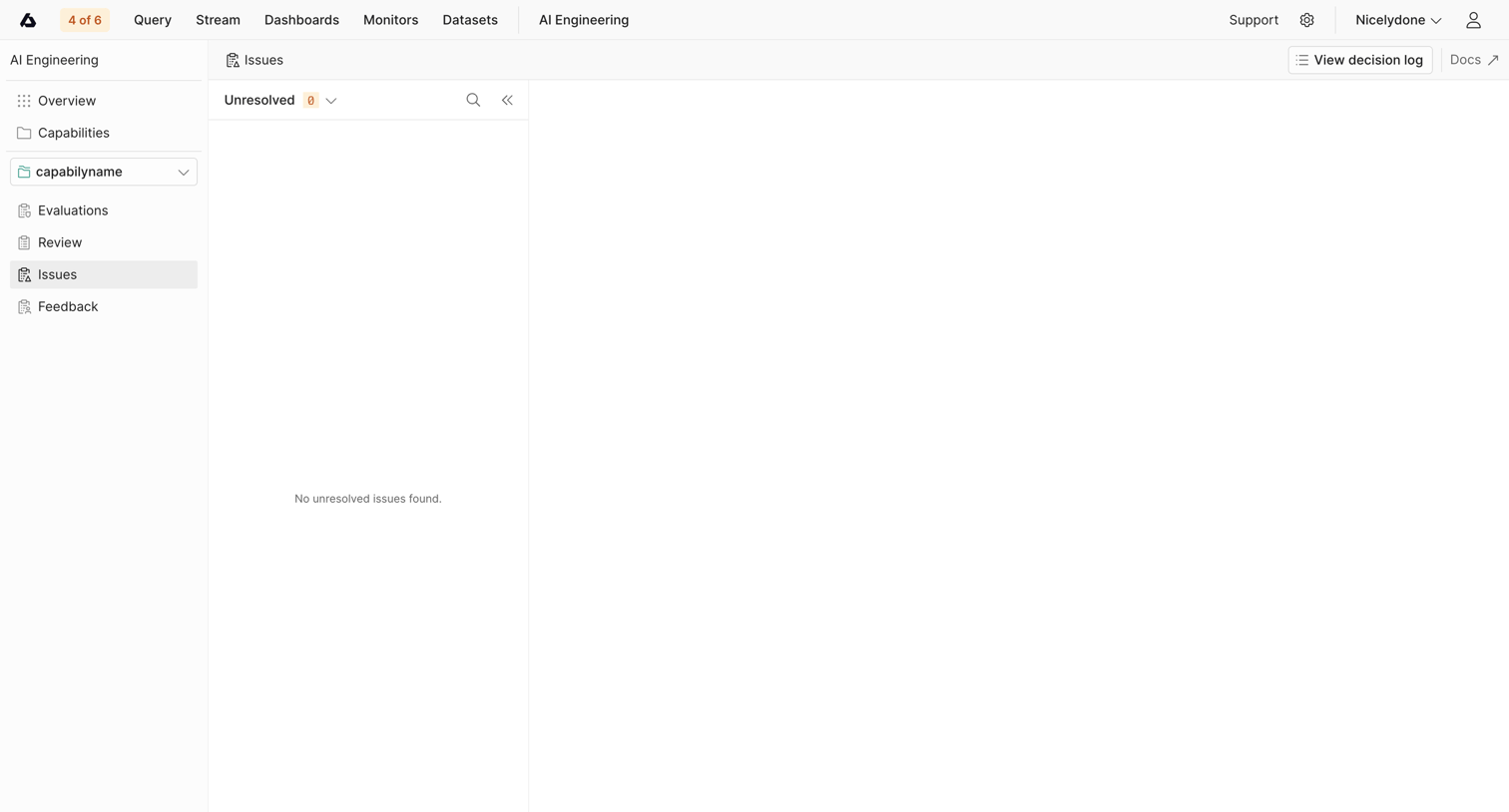

List view where the user manages AI engineering issues, currently showing an empty state for unresolved items.
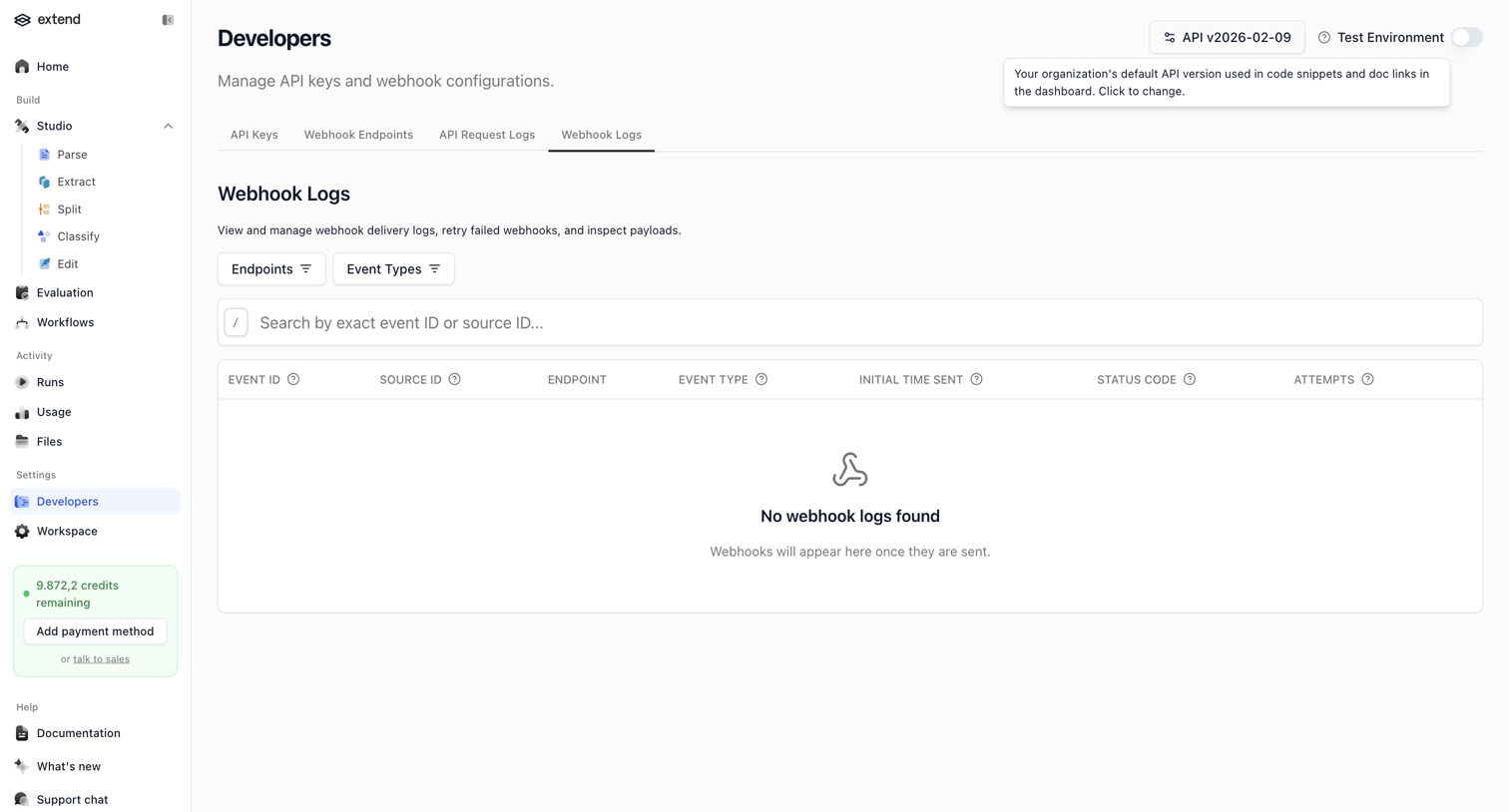

Settings page where the user can view and search webhook delivery logs, currently showing an empty state because no webhooks have been sent.
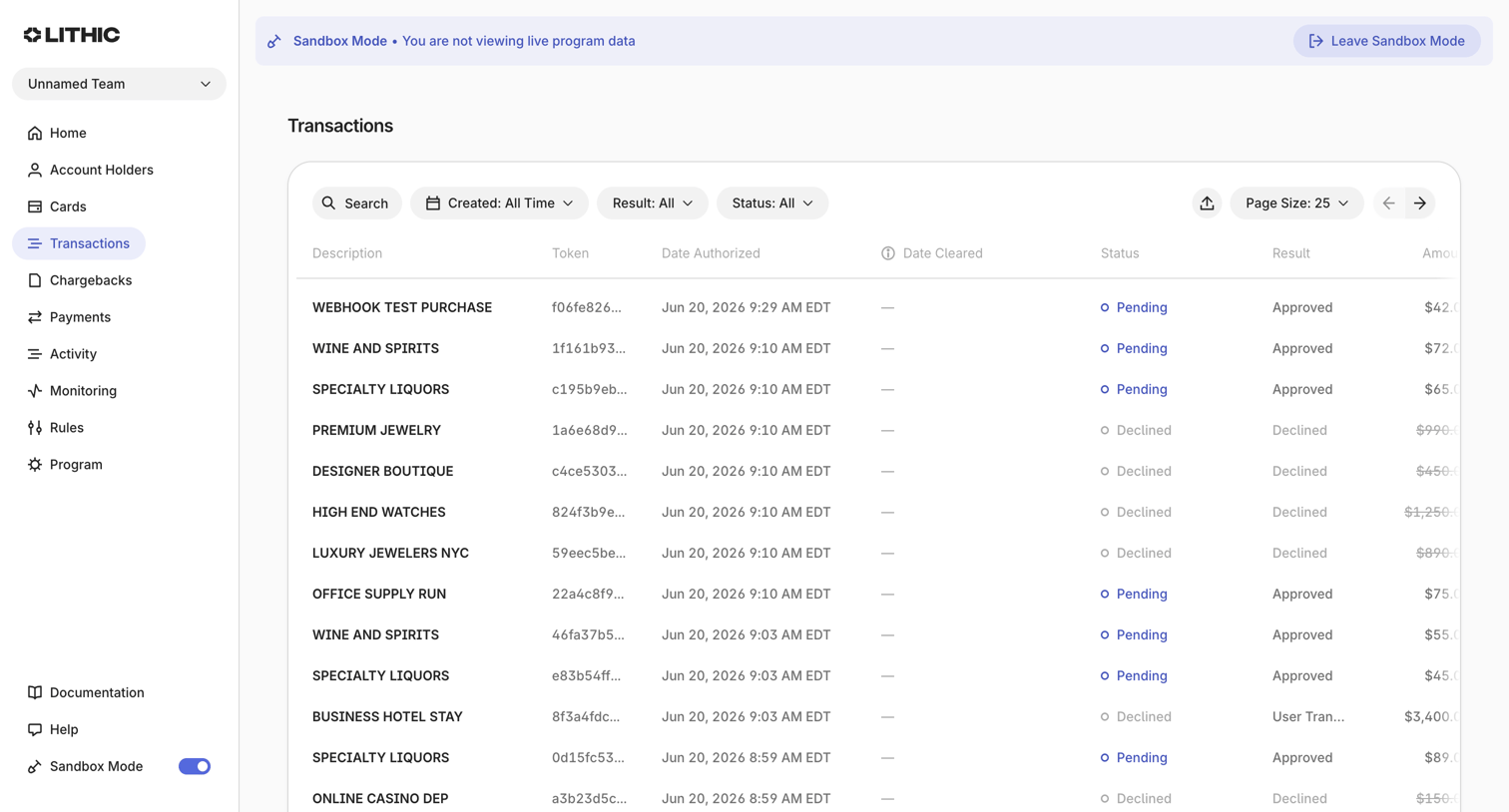

Transactions list where the user views, searches, and filters a table of simulated purchases and authorizations.

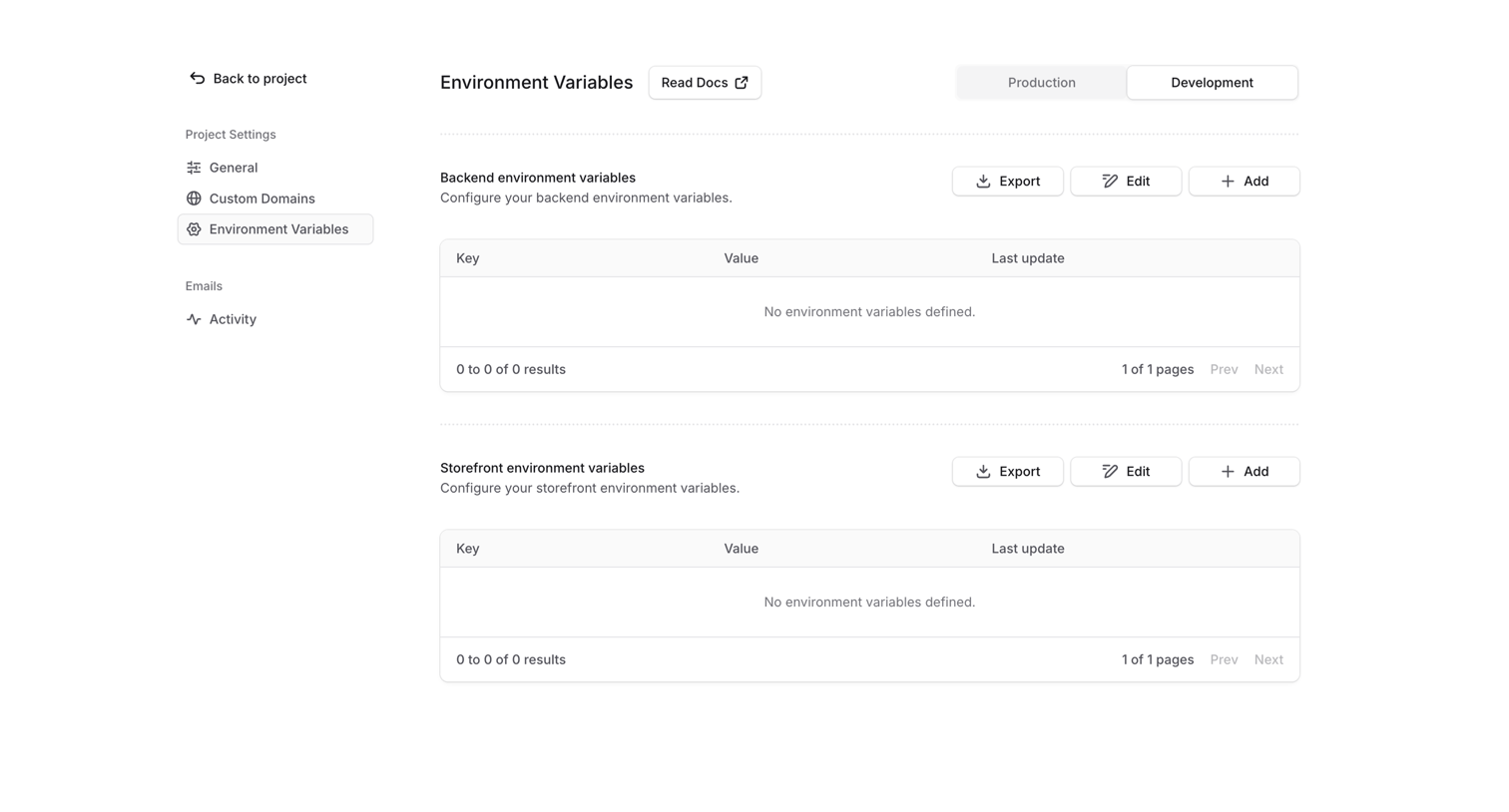

Settings page where the user configures backend and storefront environment variables for their project across production and development environments.
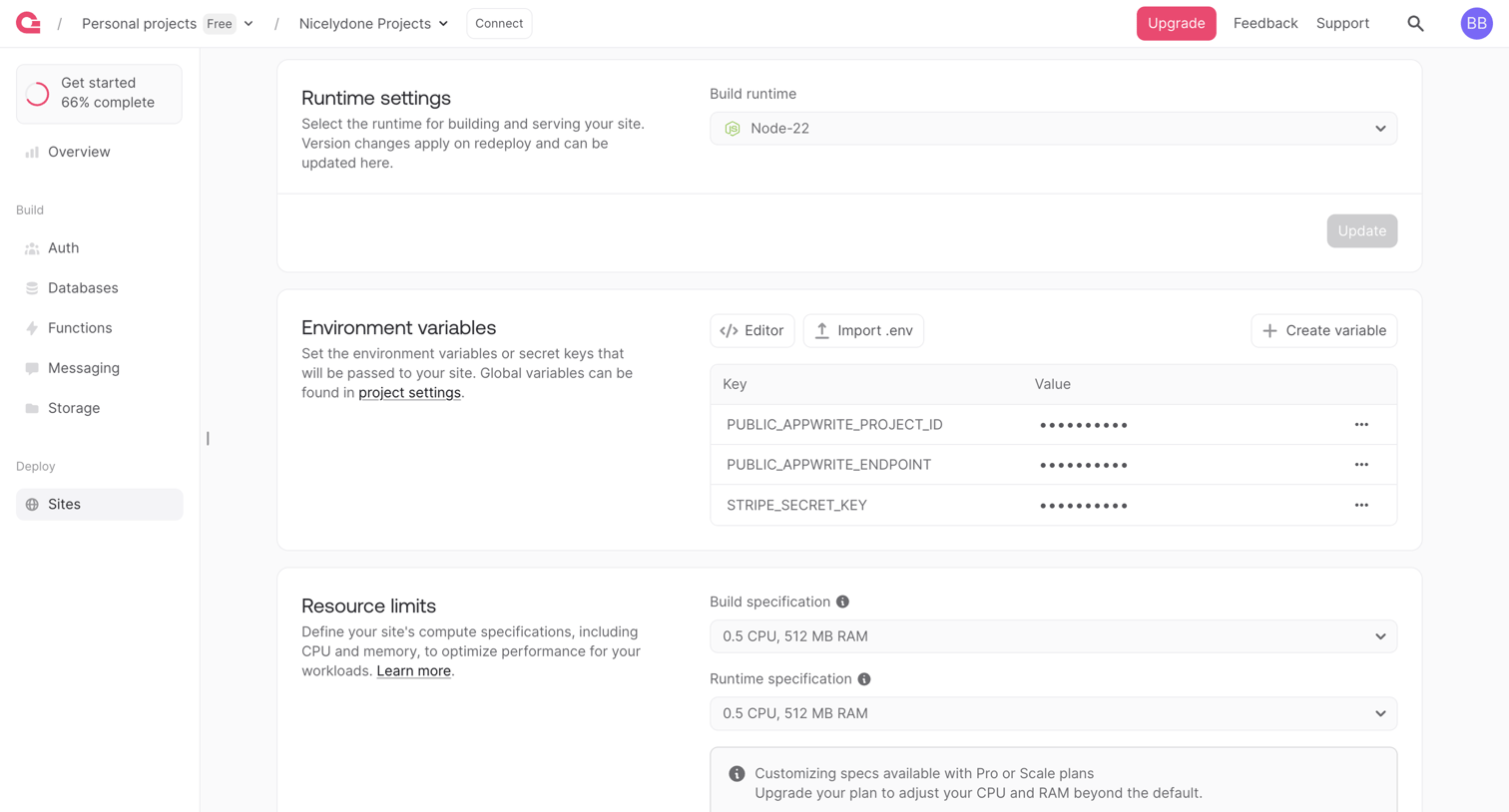

Settings page where the user configures runtime environments, environment variables, and resource limits for their deployed site.
Explore the full SaaS screen library
Upgrade to unlock the full library.
Trusted by the best teams








About Table
Explore how SaaS apps present structured information in rows and columns. Look at how headers, row details, and actions support reading and working with the data.