AI Review screen examples
AI Review screen design examples from SaaS apps. Explore how apps present AI feedback on existing work. Look at how findings, explanations, and suggested changes relate to the content being reviewed.
Explore the examples
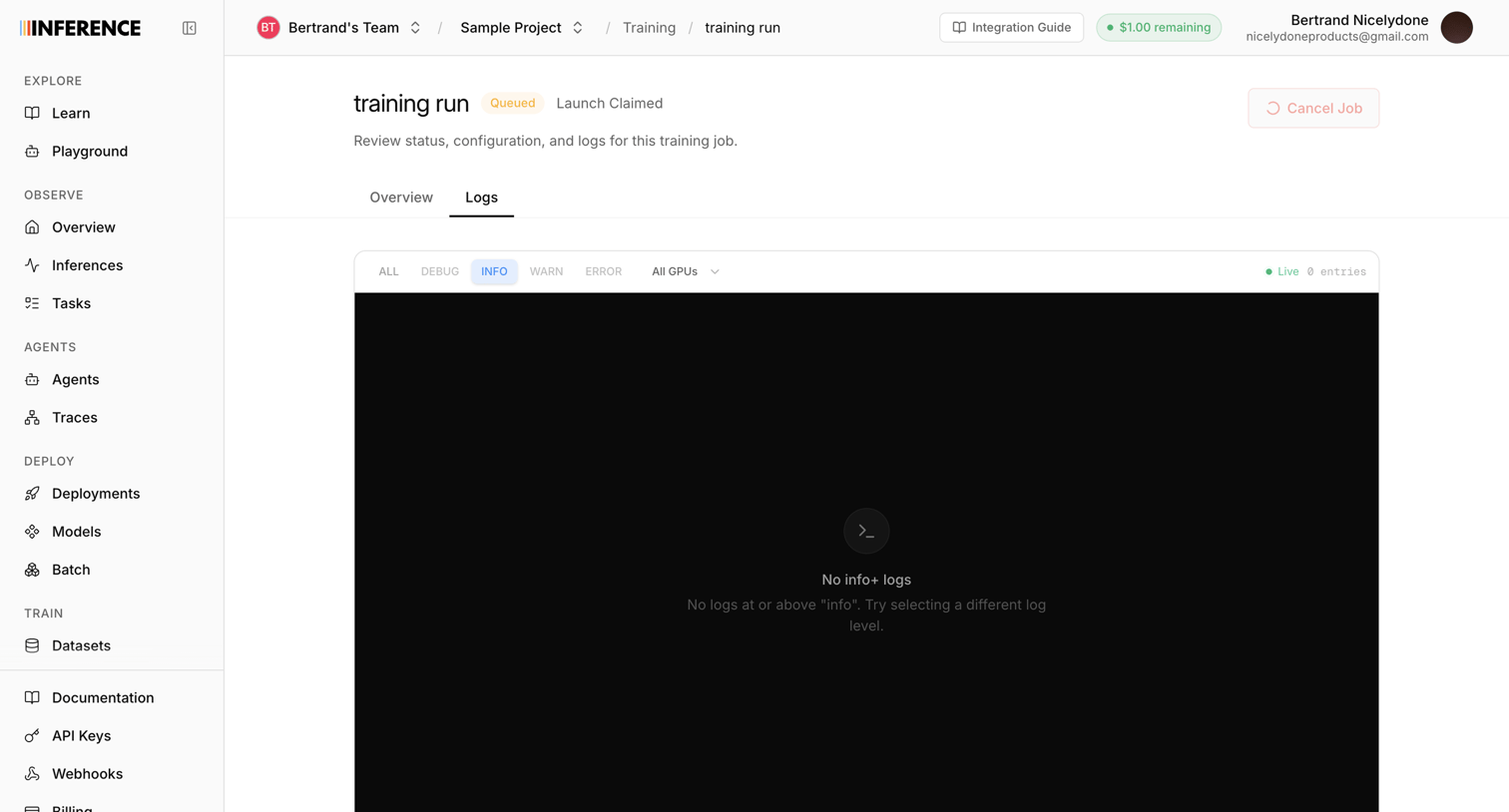

Detail page where the user monitors the live terminal logs for a queued training run, with options to filter by log level or GPU.
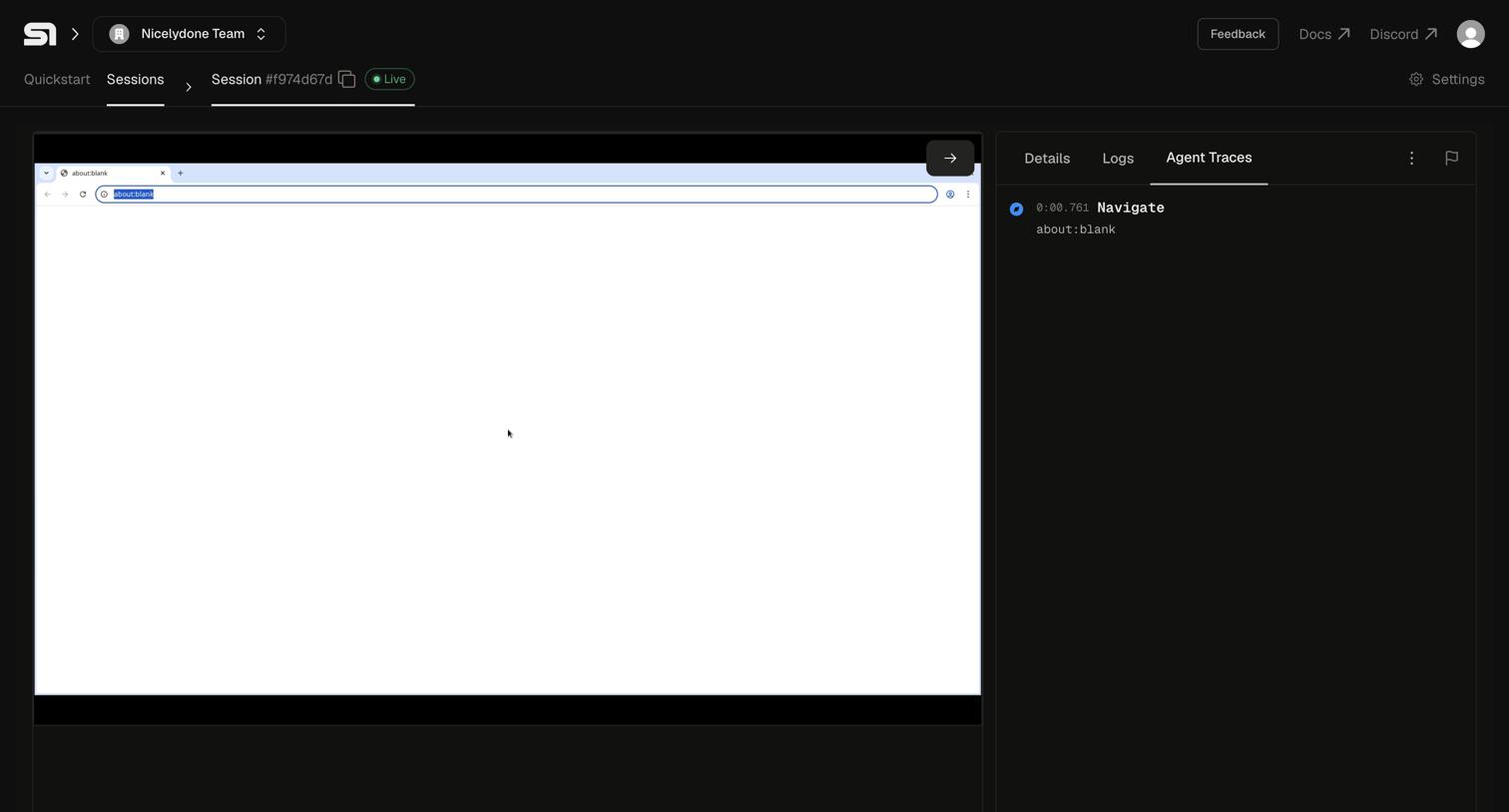

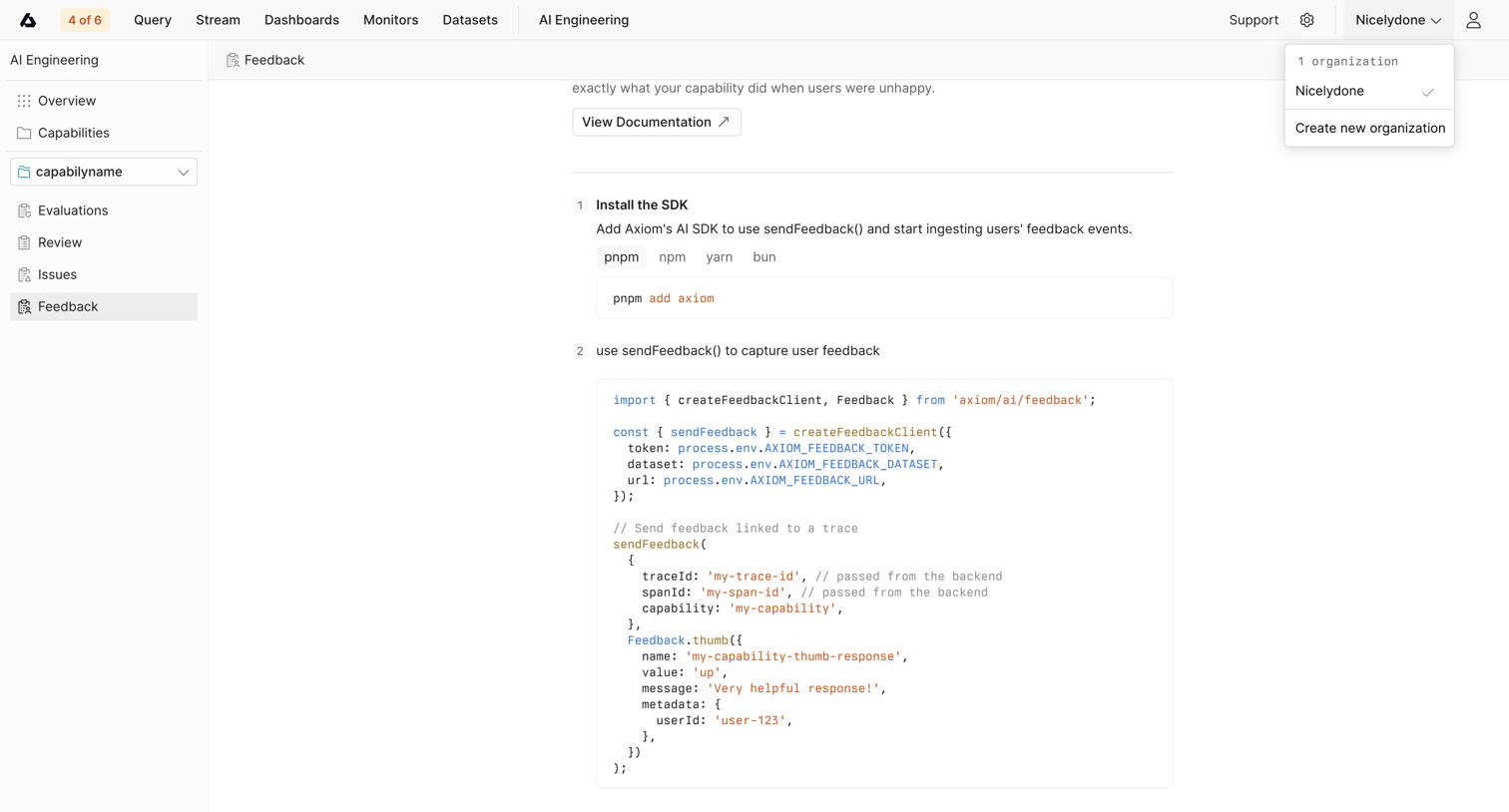

Detail page for a specific AI capability where the user is shown instructions and code snippets to install the SDK and capture feedback.
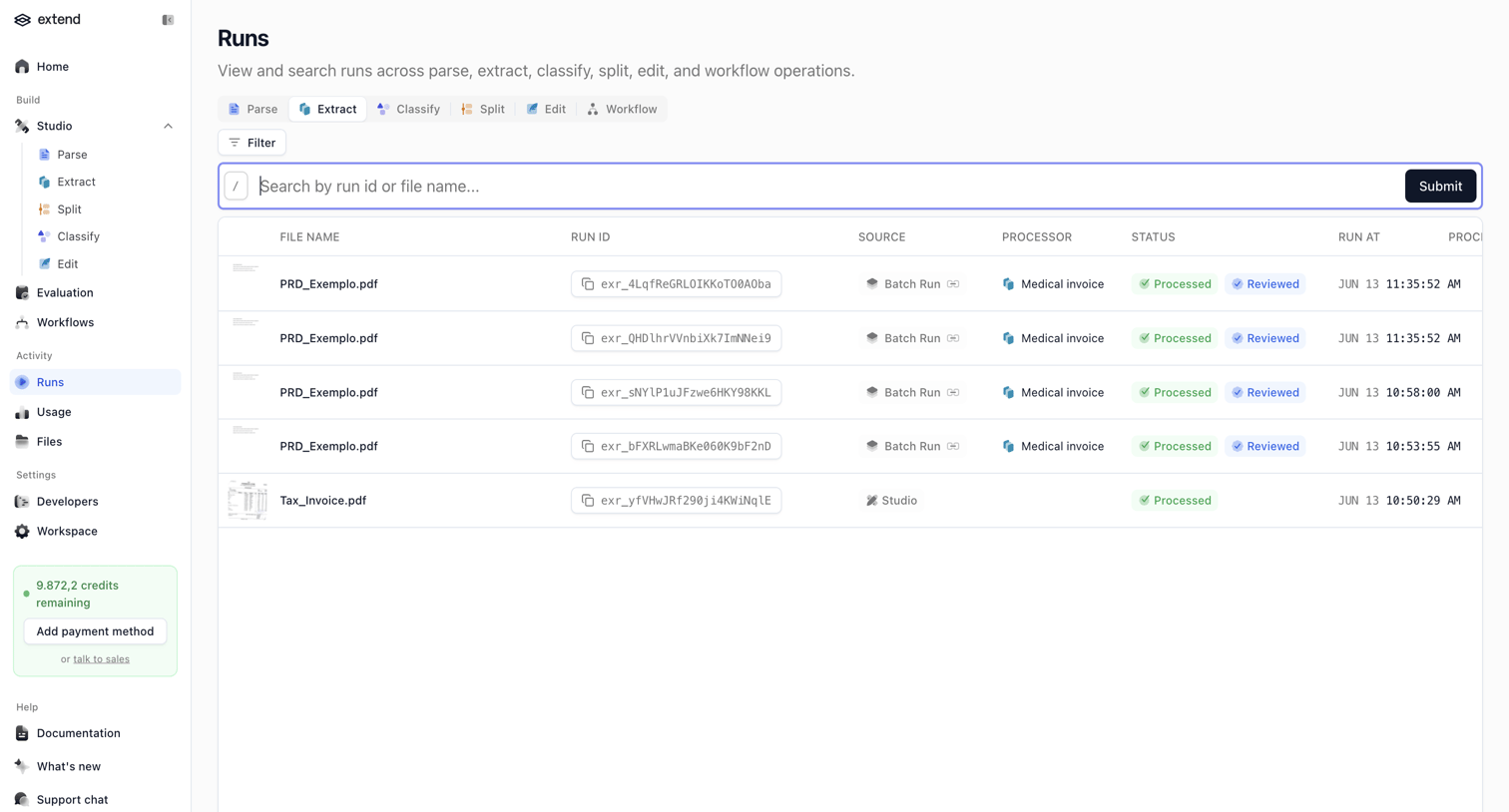

List view displaying a data table of AI document processing runs with search, filtering, and status tracking.
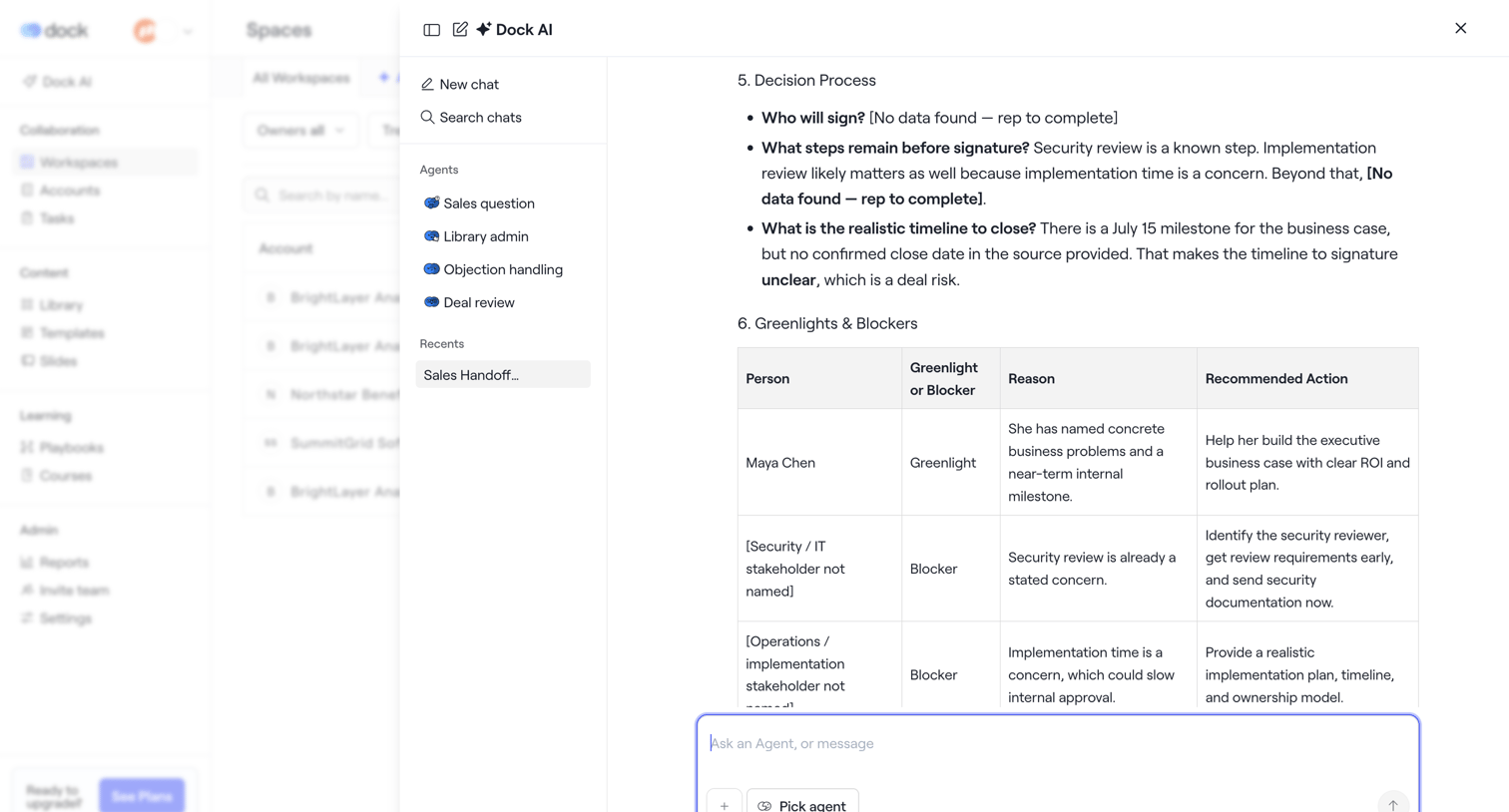

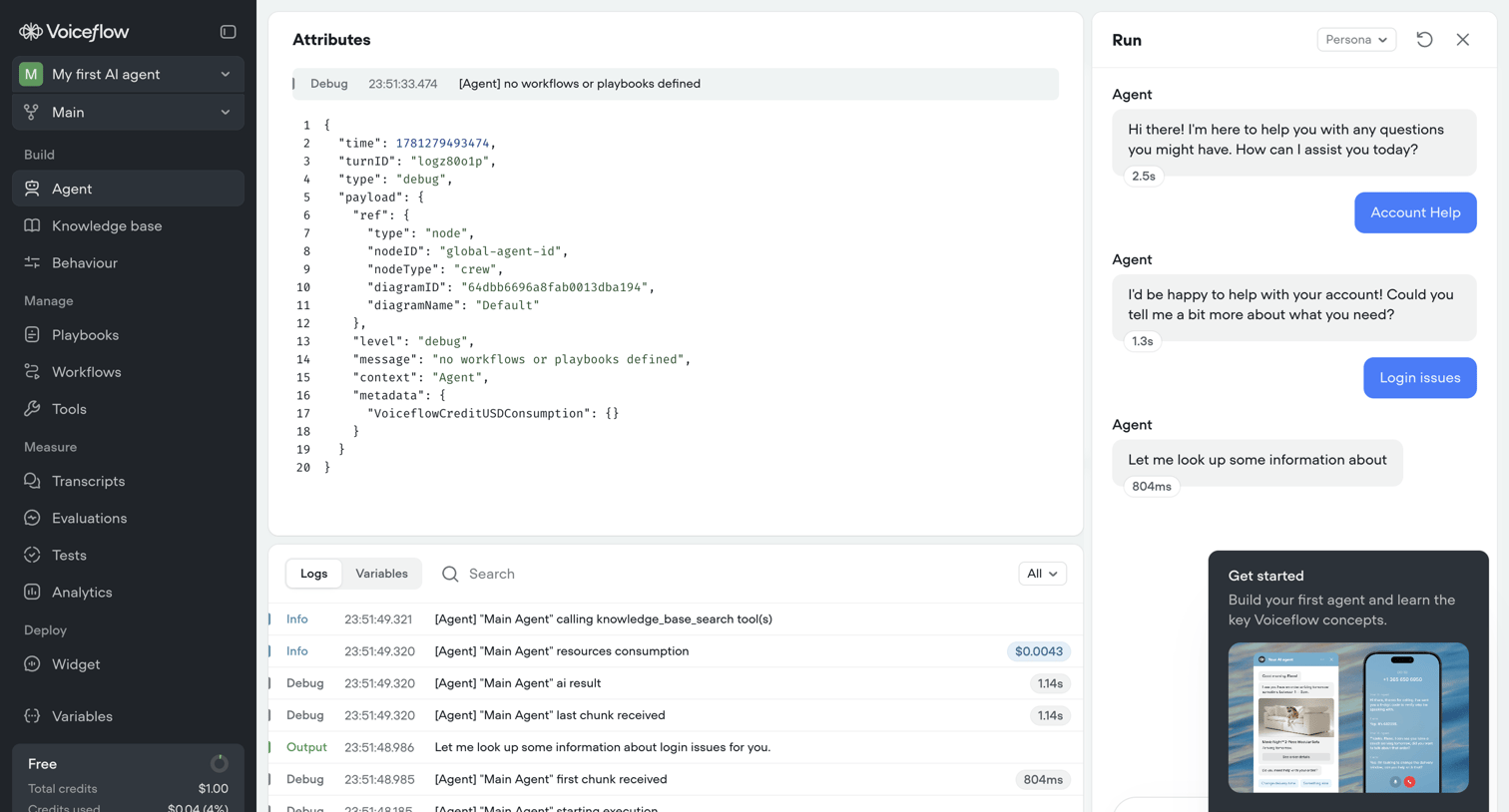

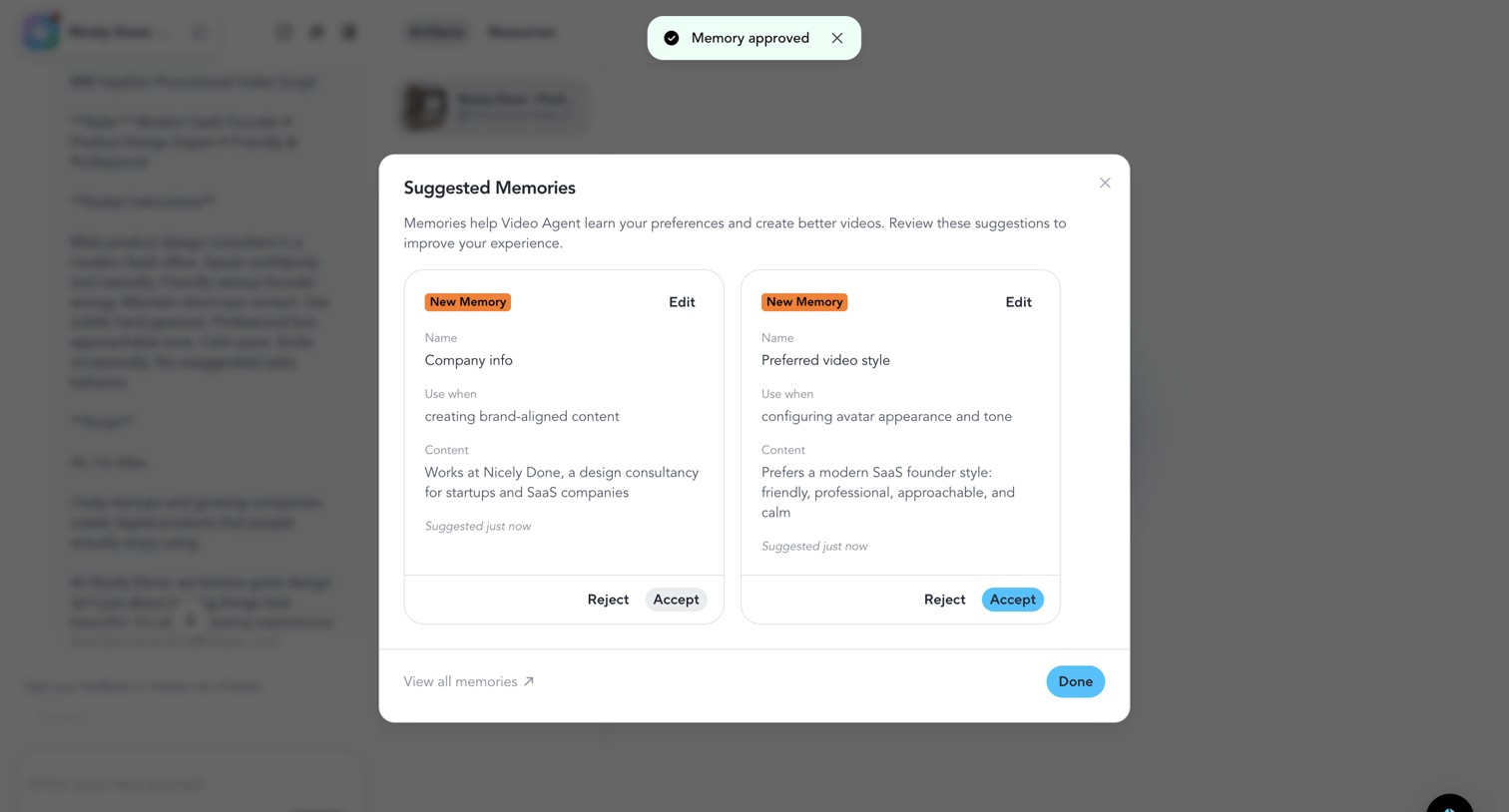

Modal overlay where the user reviews and accepts or rejects AI-suggested memories to improve the video agent's future outputs.
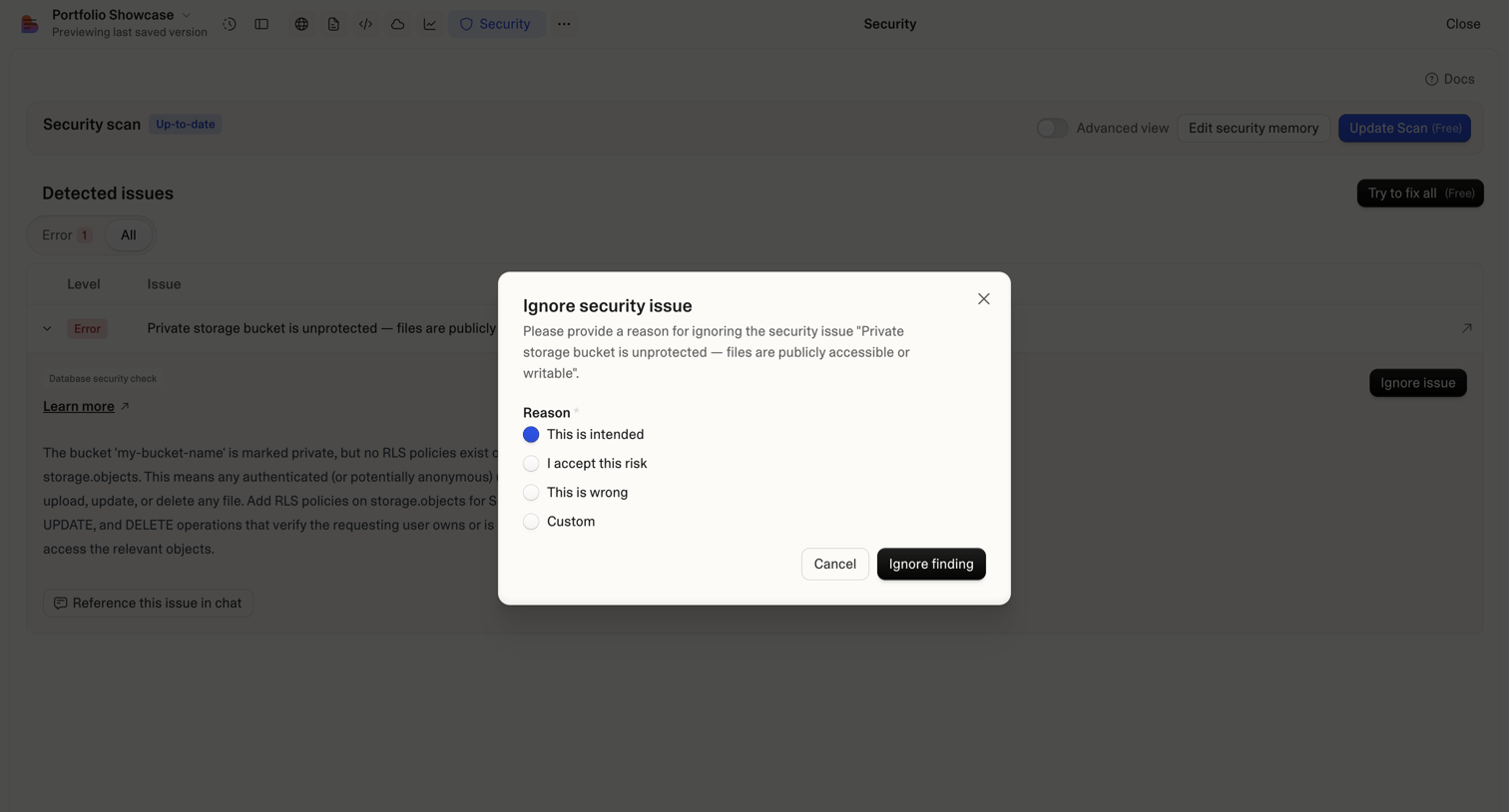

List view where the user is prompted to provide a risk acceptance reason for ignoring a specific database security vulnerability via a modal.
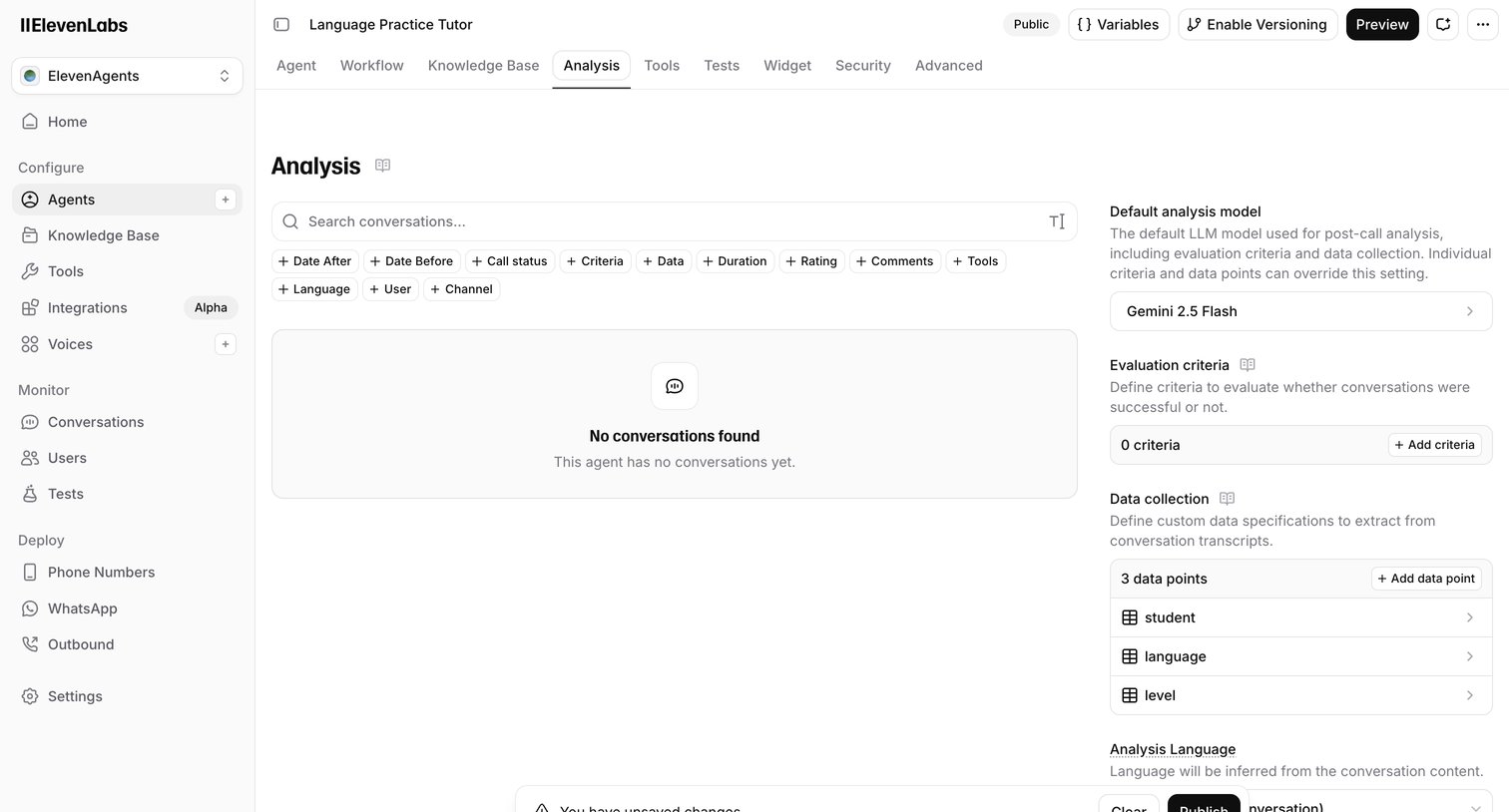

Settings page where the user configures the LLM model, evaluation criteria, and custom data extraction points for analyzing an AI agent's conversations.
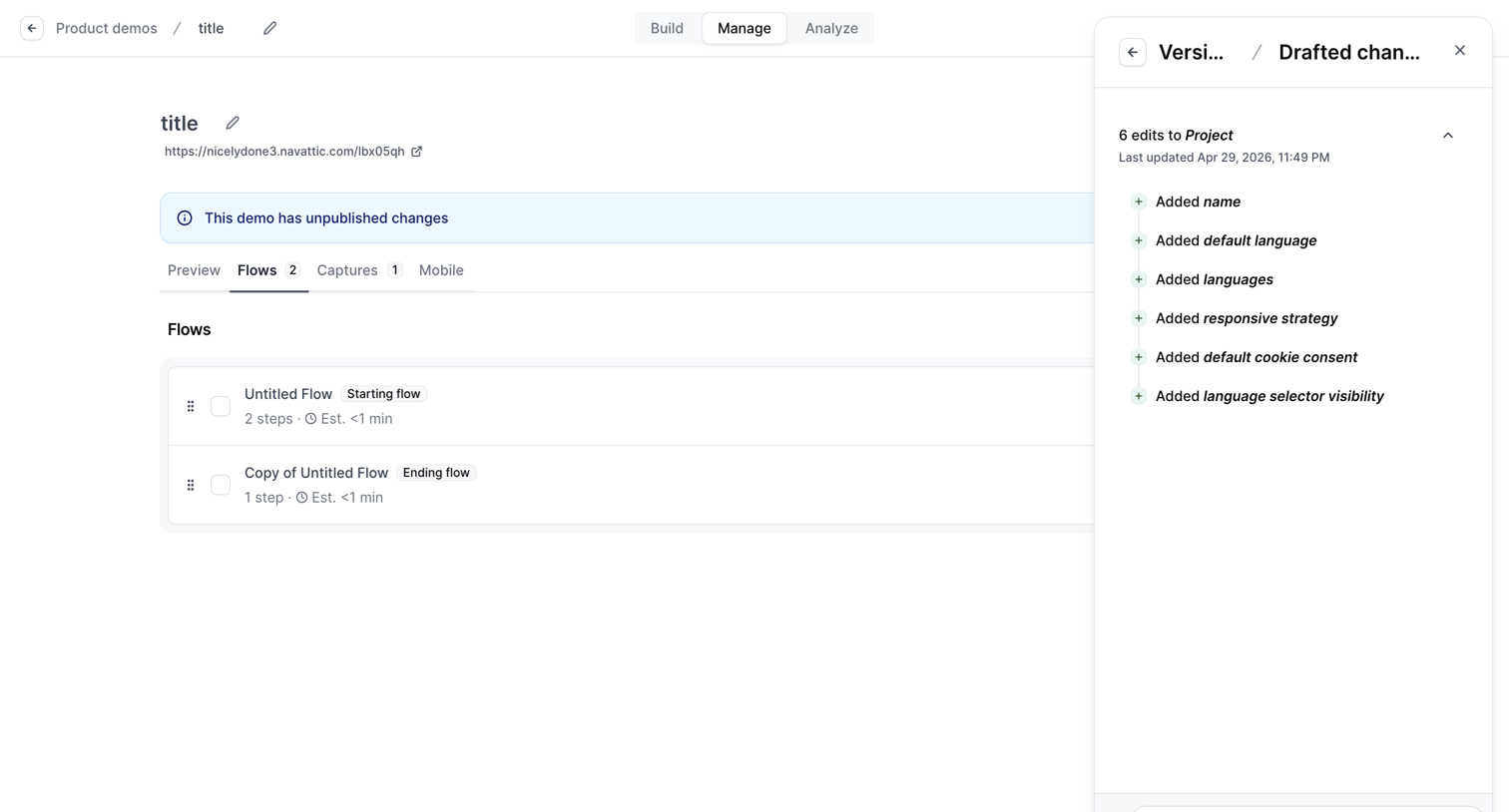

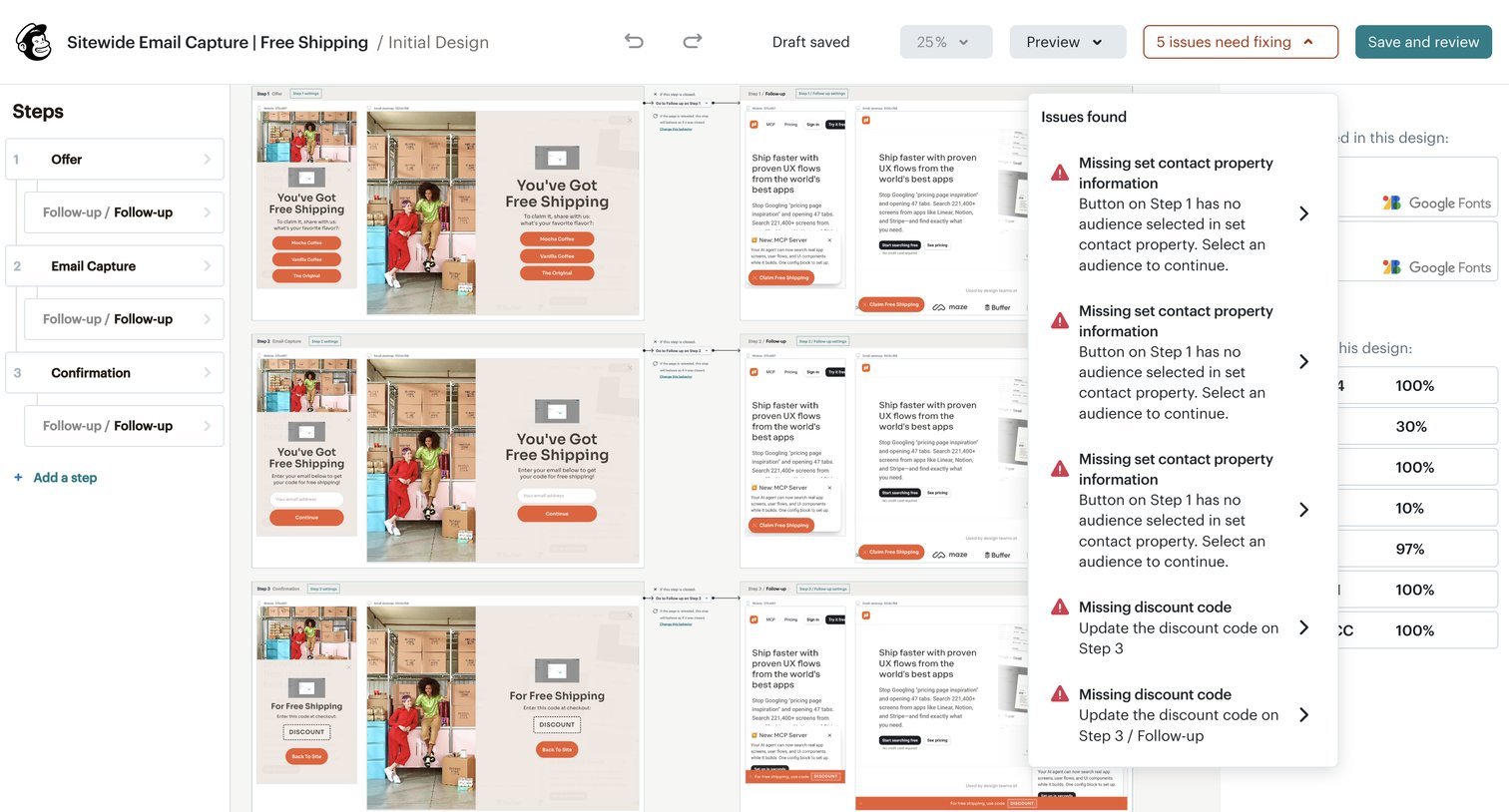

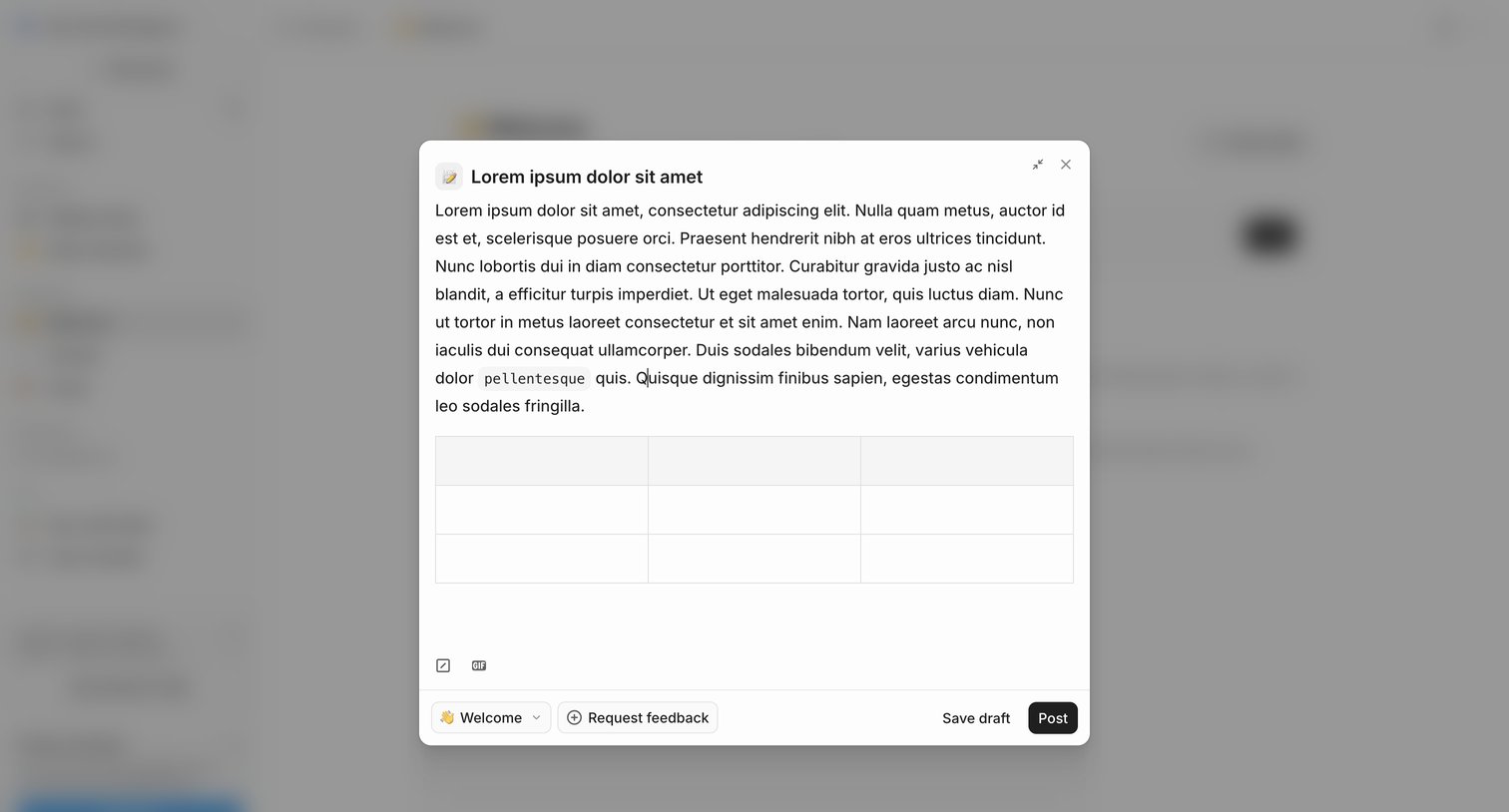

Modal overlay where the user drafts a new post with a rich text editor and table, selects a destination channel, and can optionally request feedback before publishing.
Explore the full SaaS screen library
Upgrade to unlock the full library.
Trusted by the best teams








About AI Review
Explore how apps present AI feedback on existing work. Look at how findings, explanations, and suggested changes relate to the content being reviewed.