Media Detail screen examples
Media Detail screen design examples from SaaS apps. See how apps present an individual audio, video, or image item. Explore how the media, its description, and related actions are arranged within the detail view.
Explore the examples
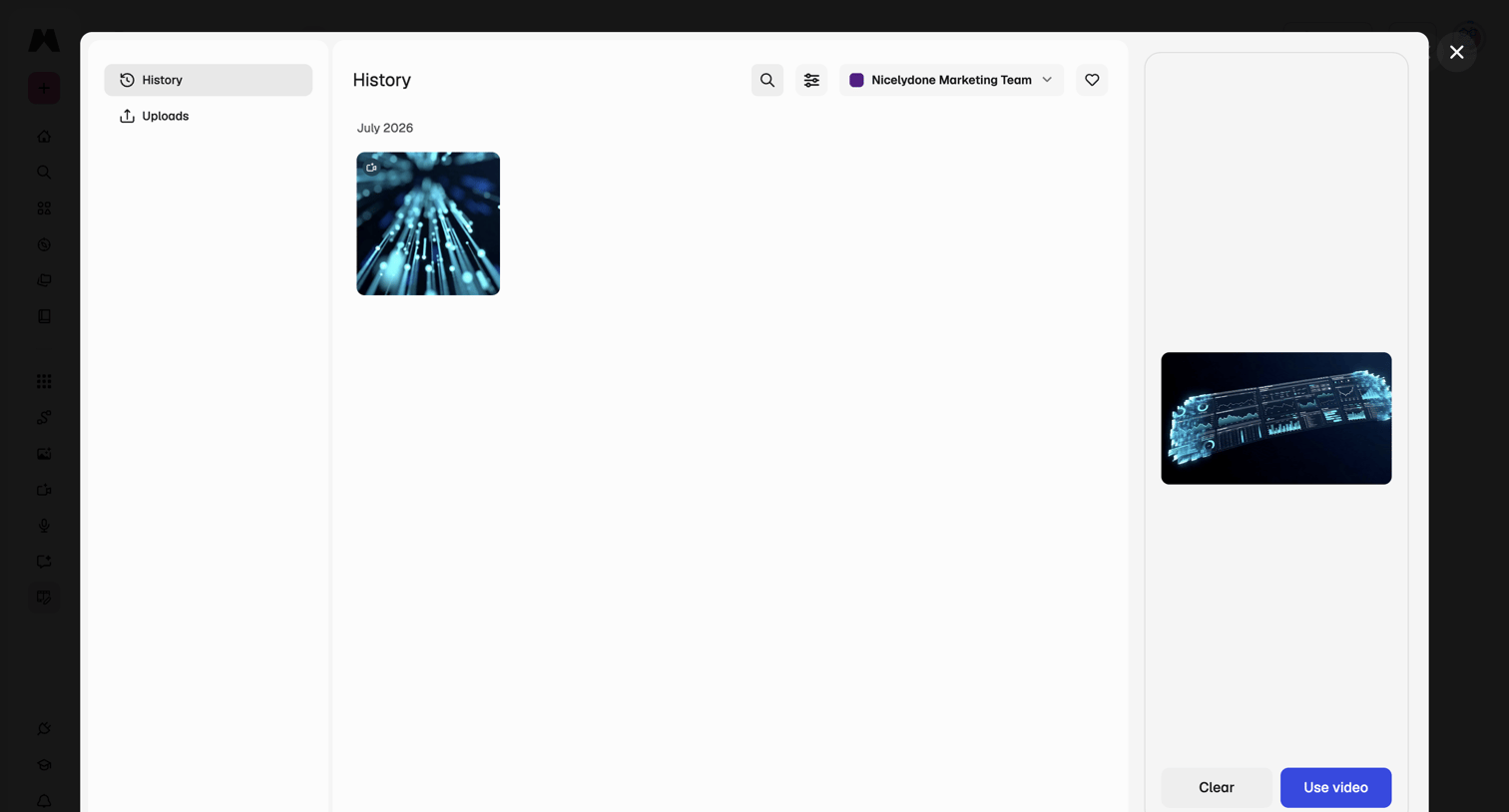

Modal where the user browses their video generation history, filters by team, and previews a selected video before using it.
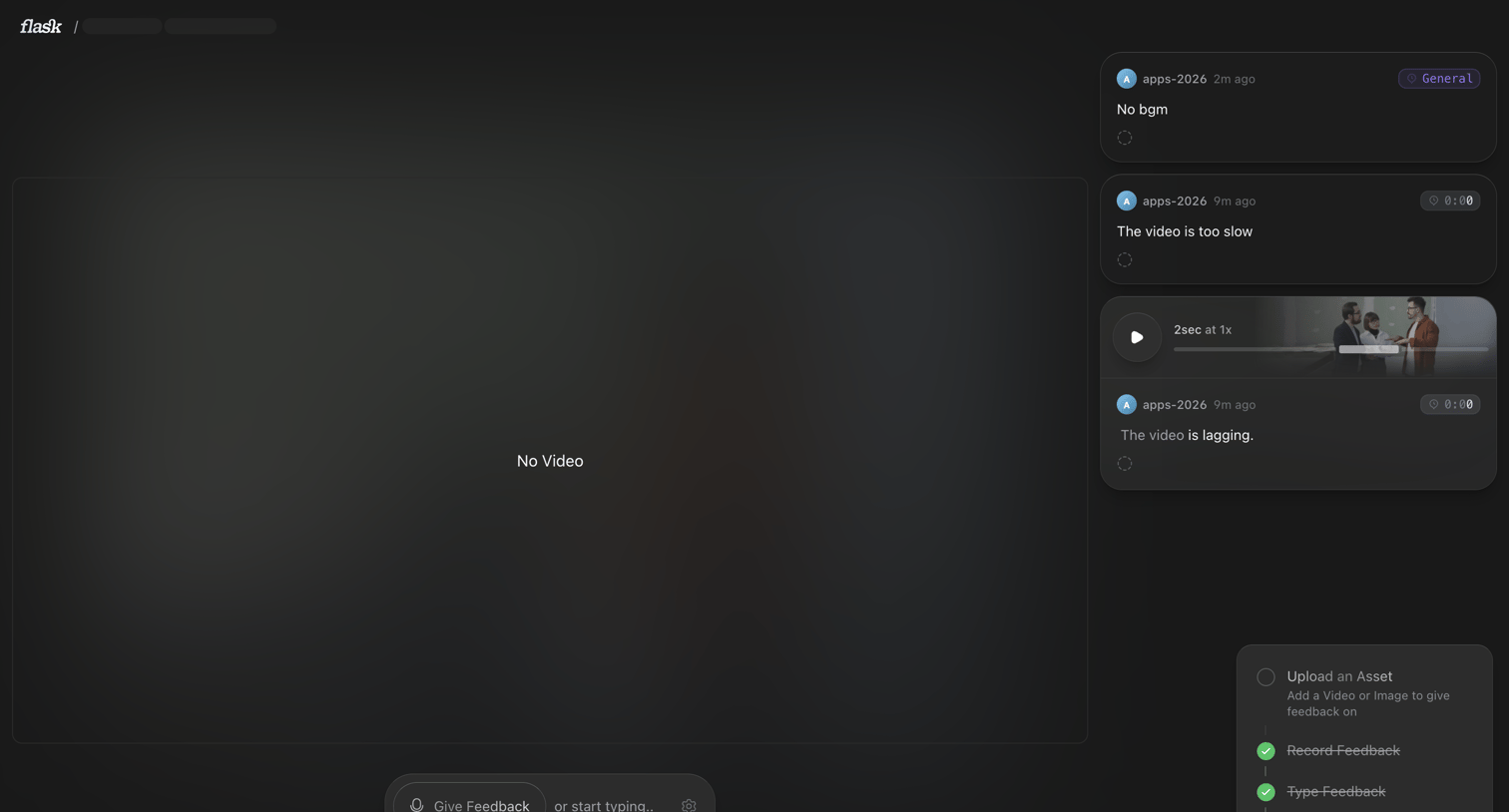

Detail page where the user reviews a video asset and leaves time-stamped text or voice feedback, with a progress checklist indicating setup steps.

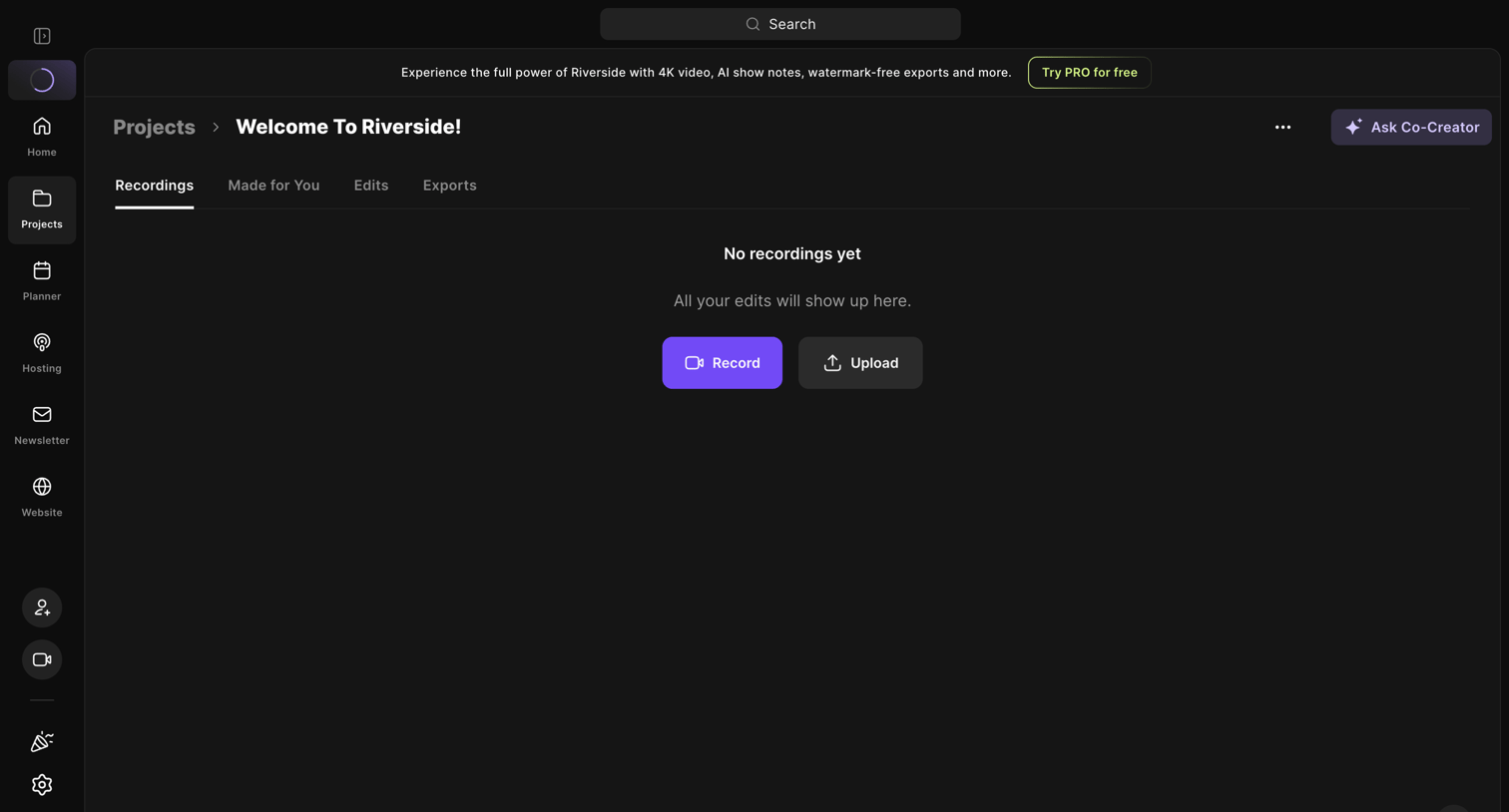

Detail page for a specific project where the user is prompted to record or upload their first media file.
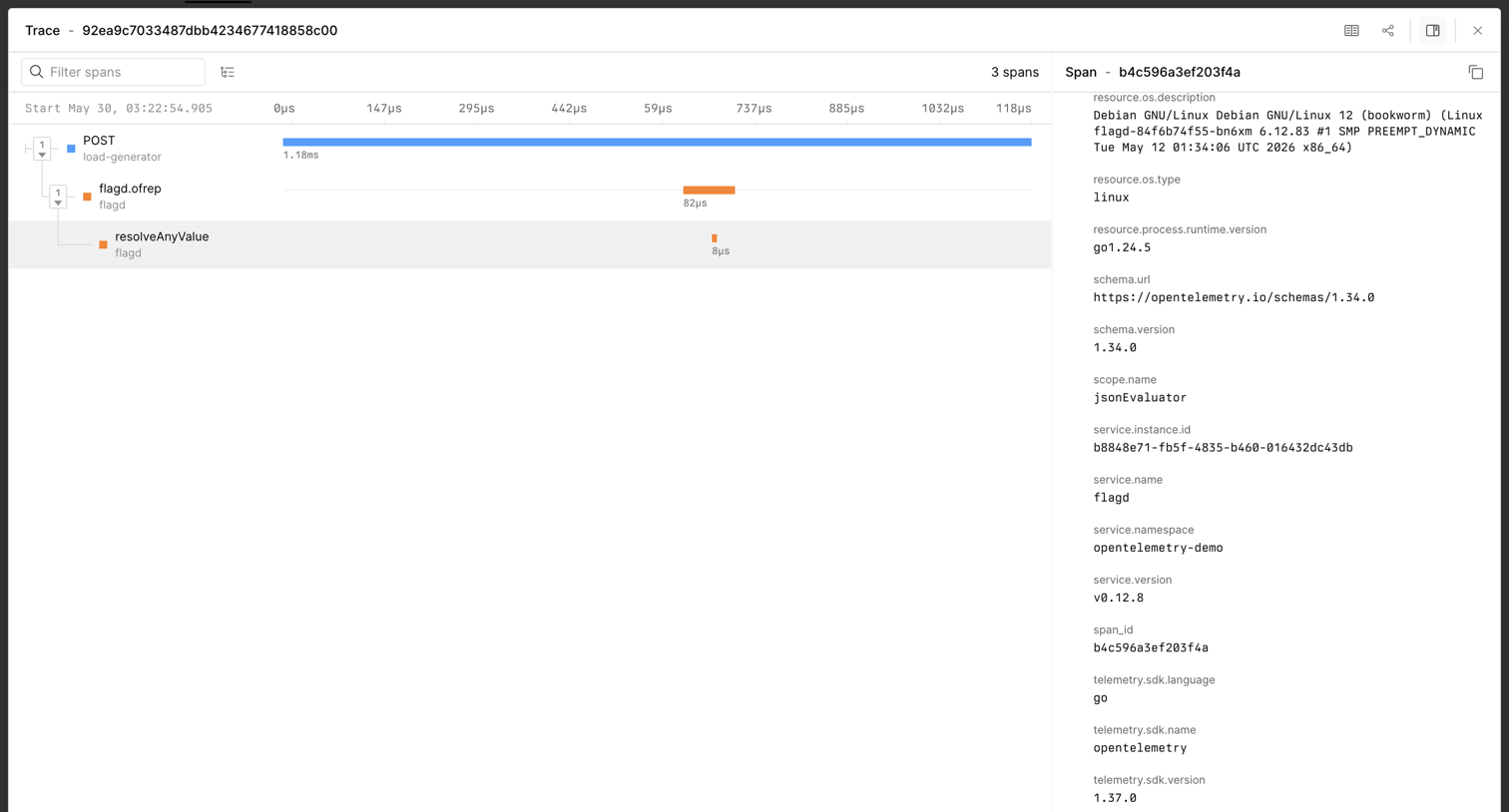

Detail page where the user inspects a distributed trace, viewing a waterfall timeline of execution spans and specific span metadata.
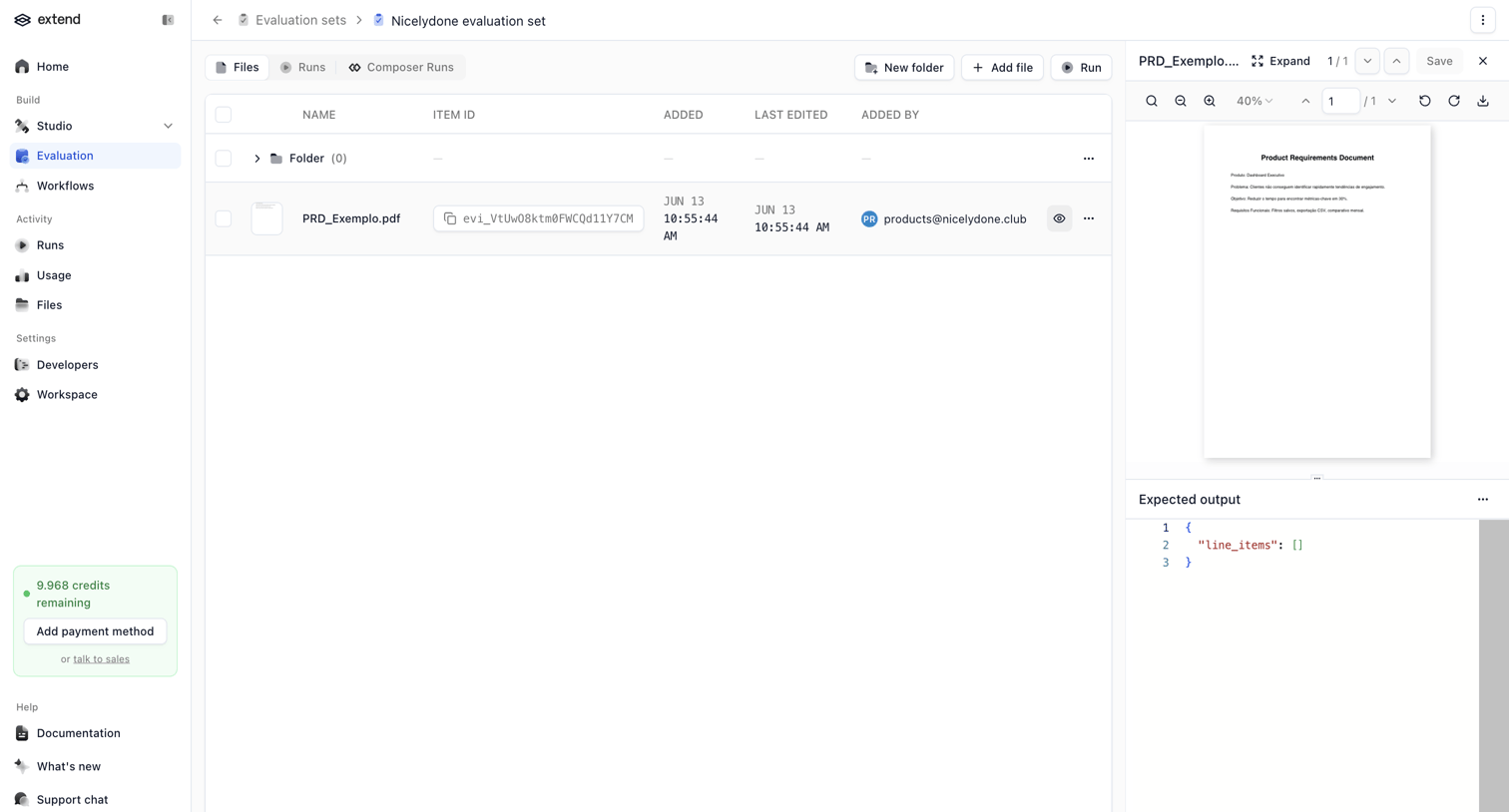

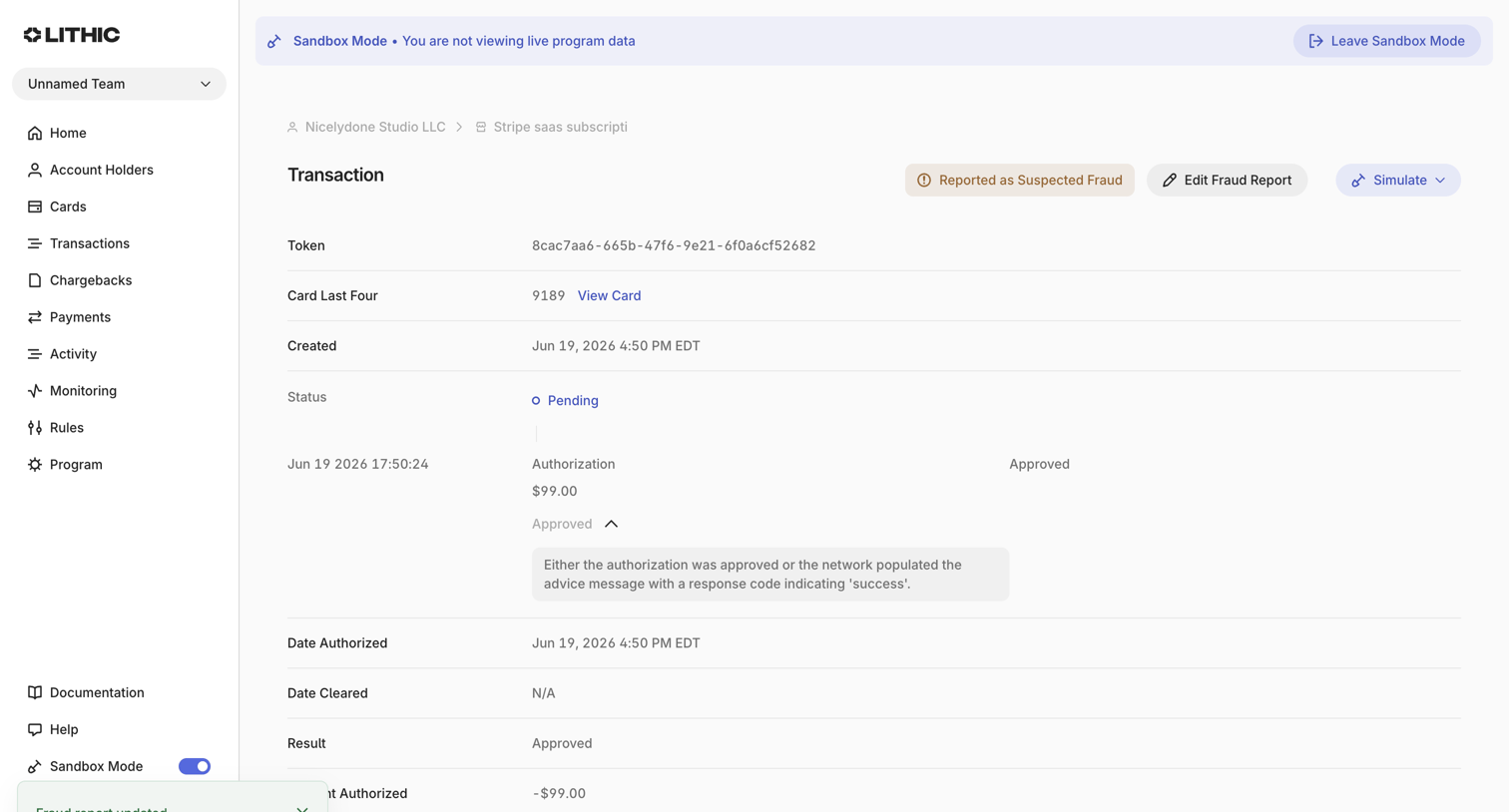

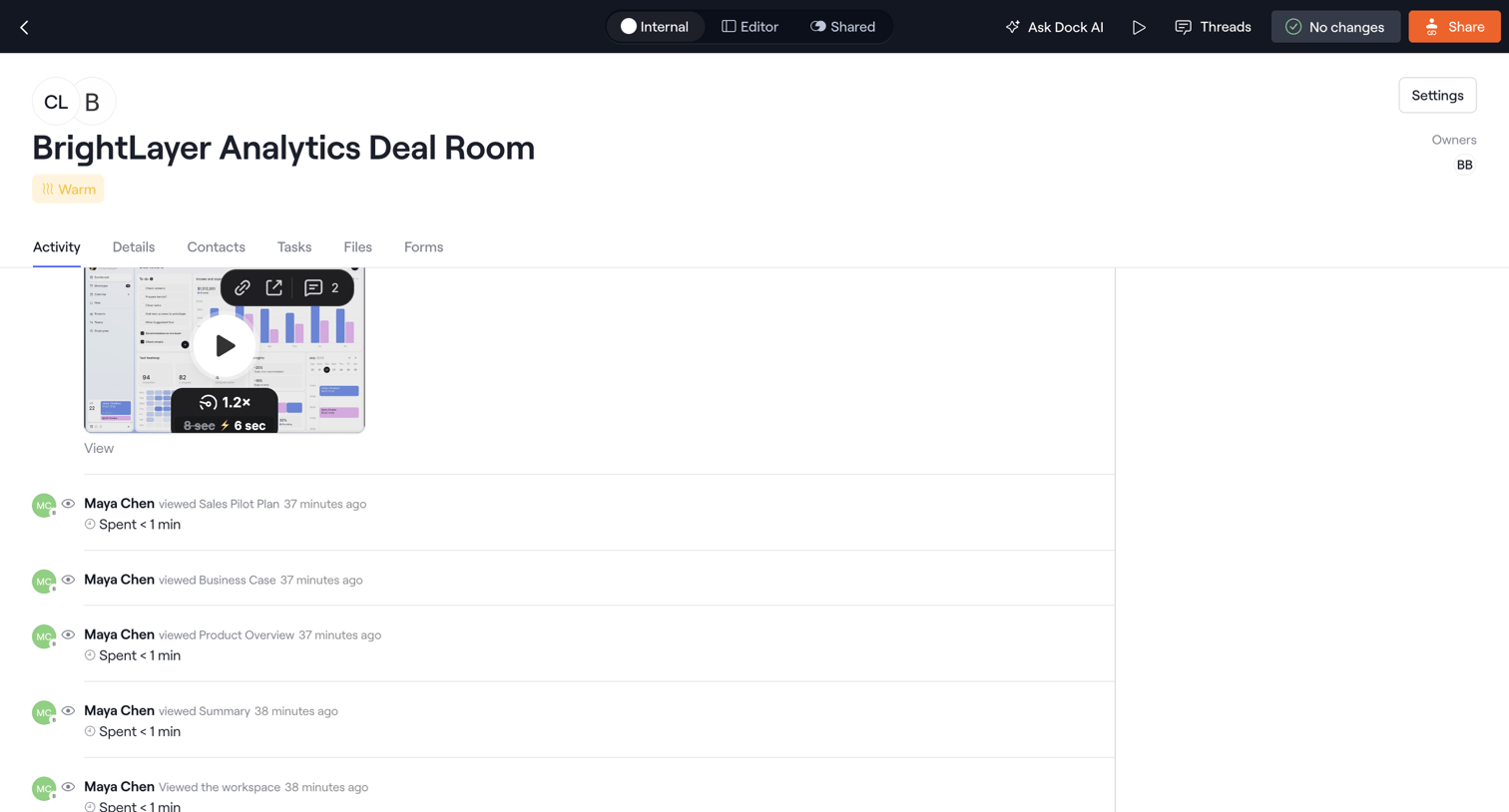

Activity feed for a deal room showing a video preview and a timeline of recent document views by a specific user.
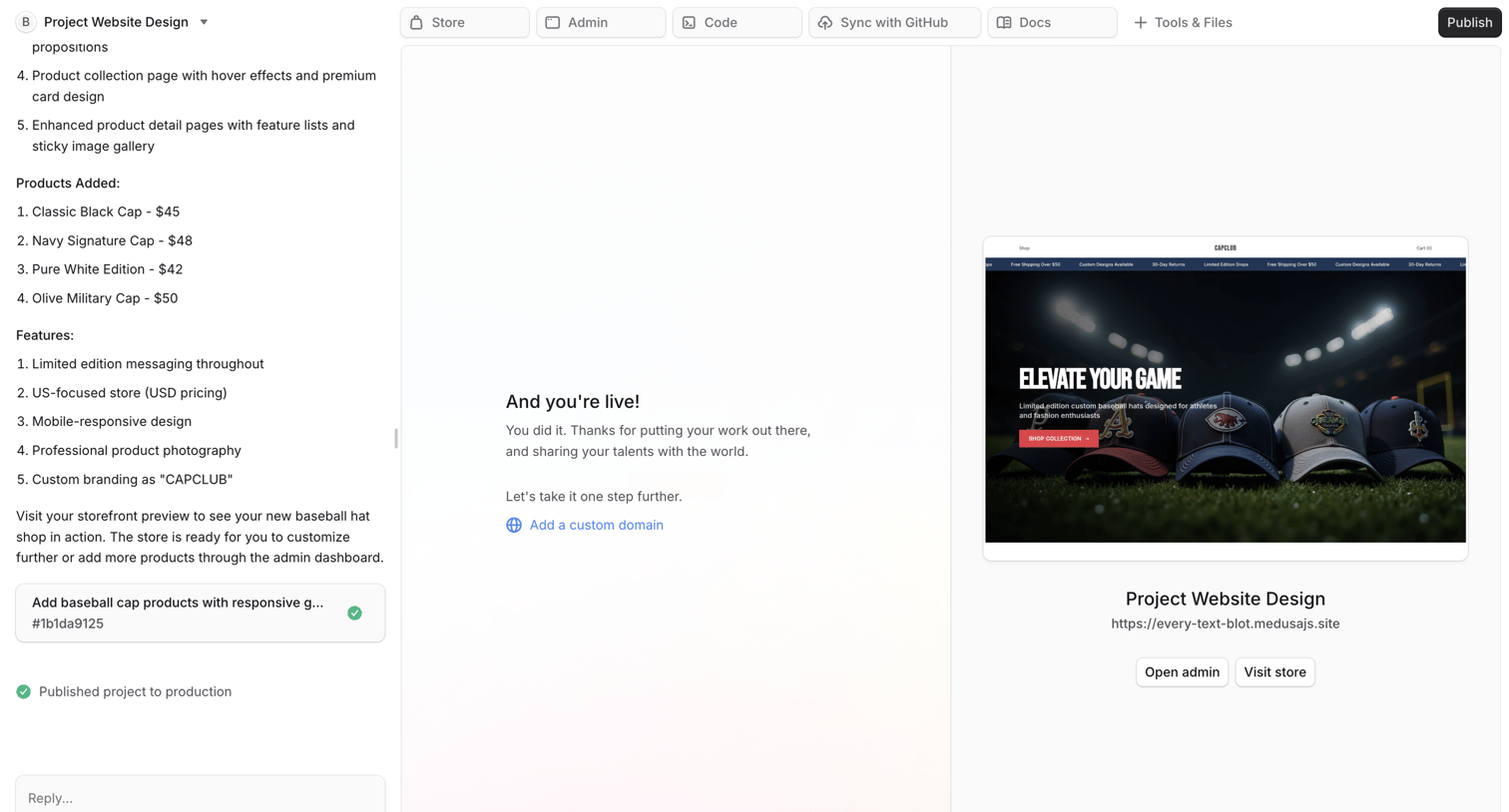

AI chat workspace where the user interacts with an assistant to build an ecommerce website, viewing the live preview, admin links, and project files in the main canvas.
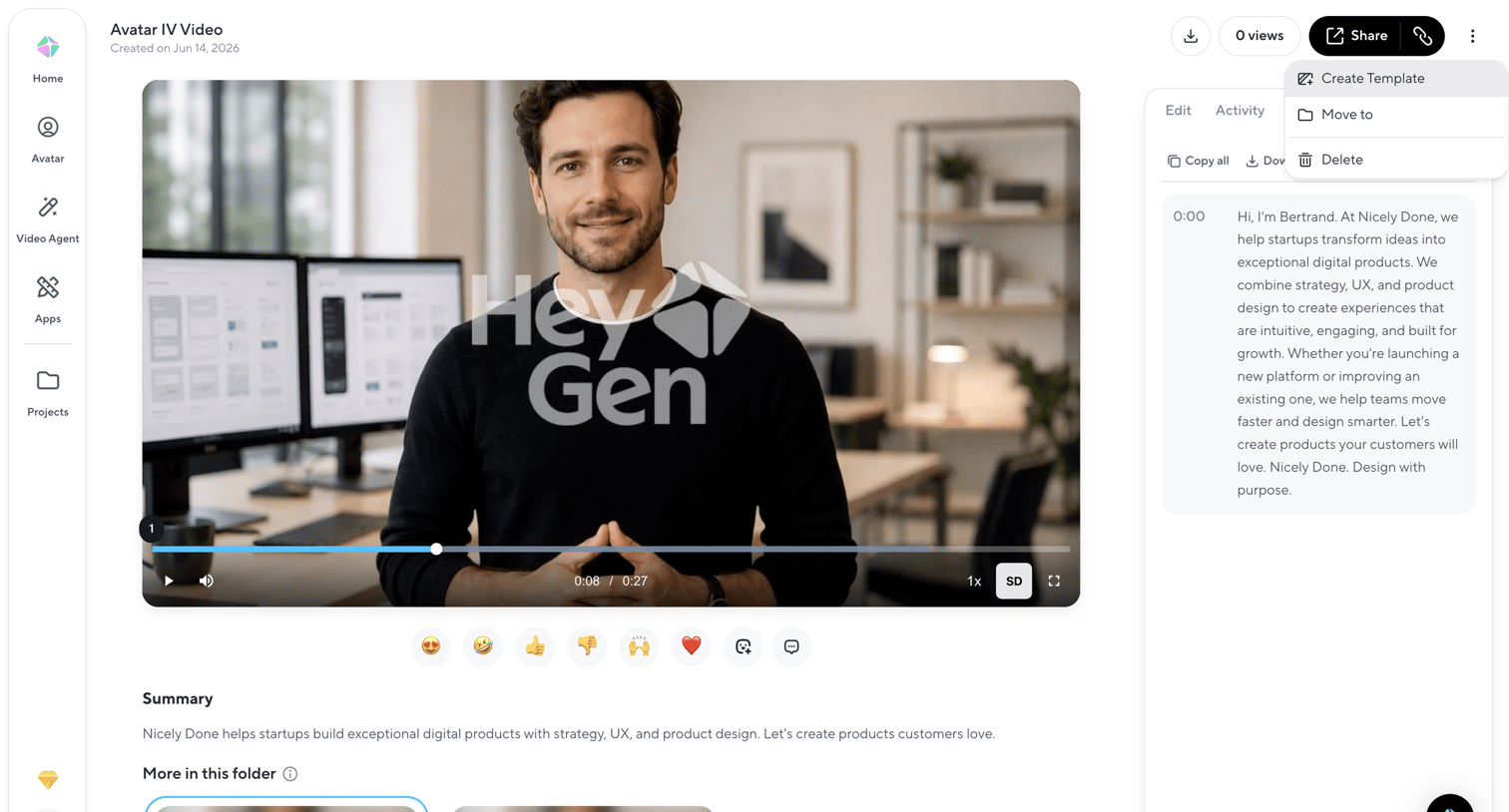

Detail page for an AI-generated video where the user can watch the output, review the transcript, react, and share or download the asset.
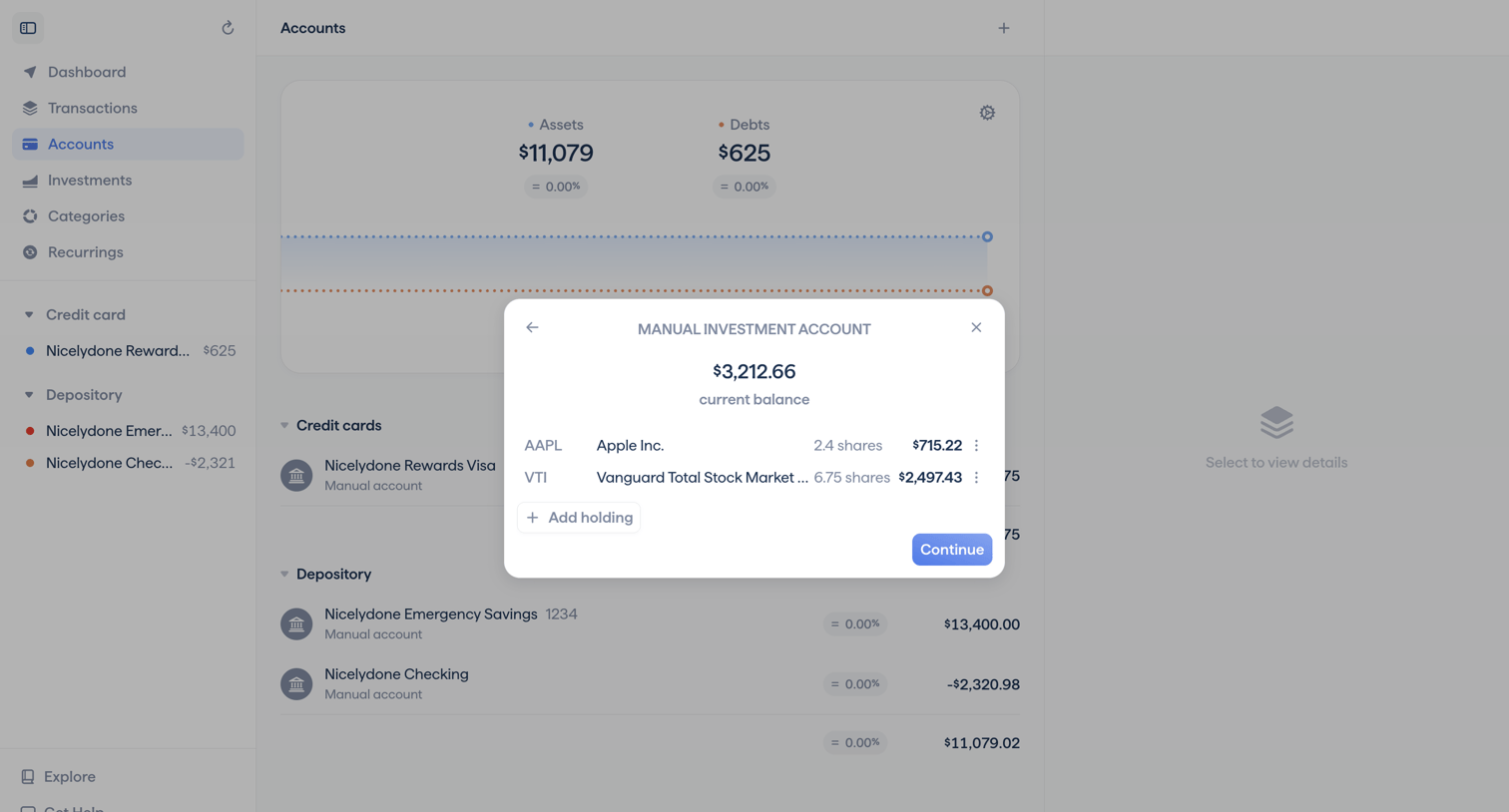

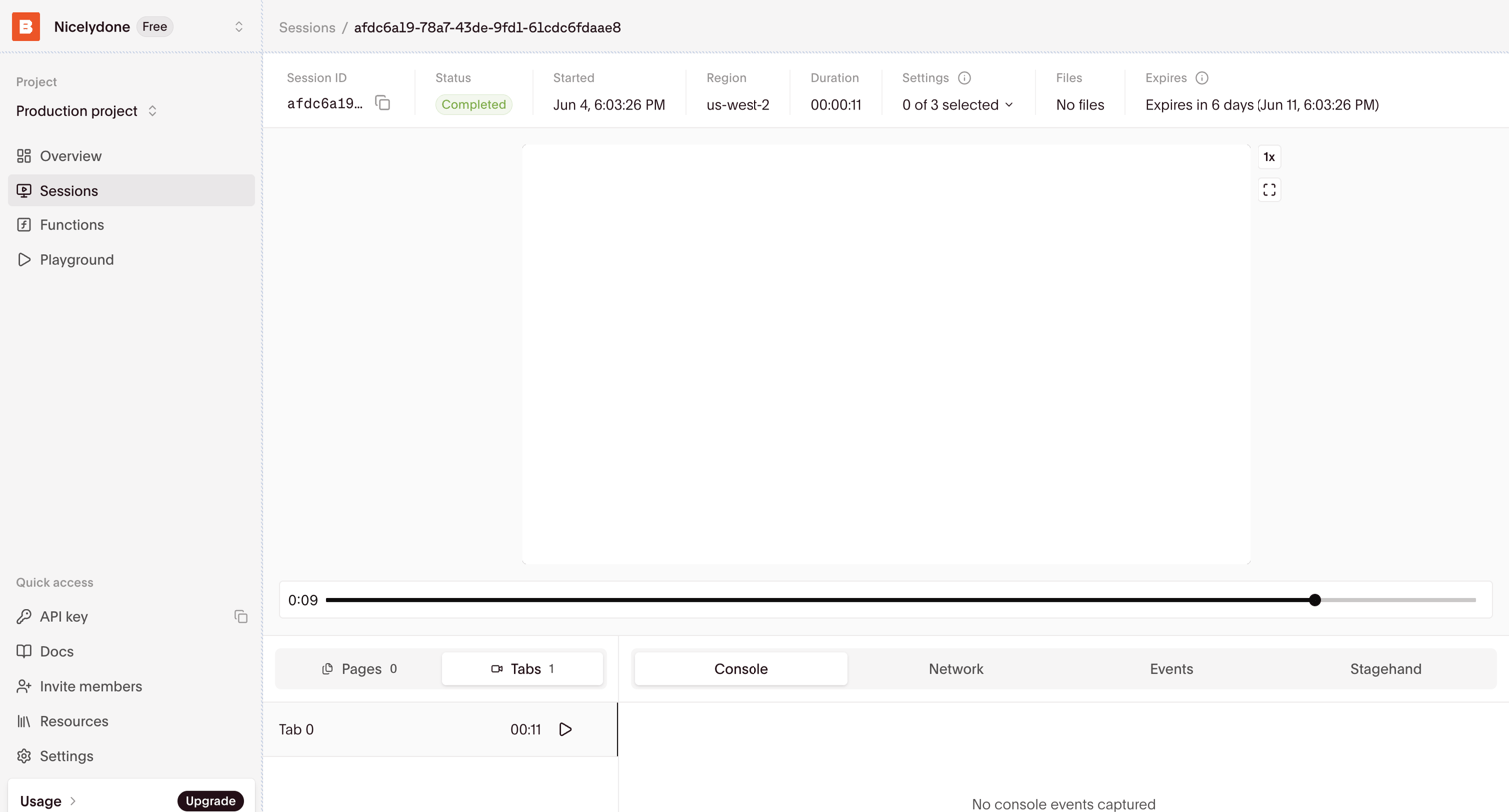

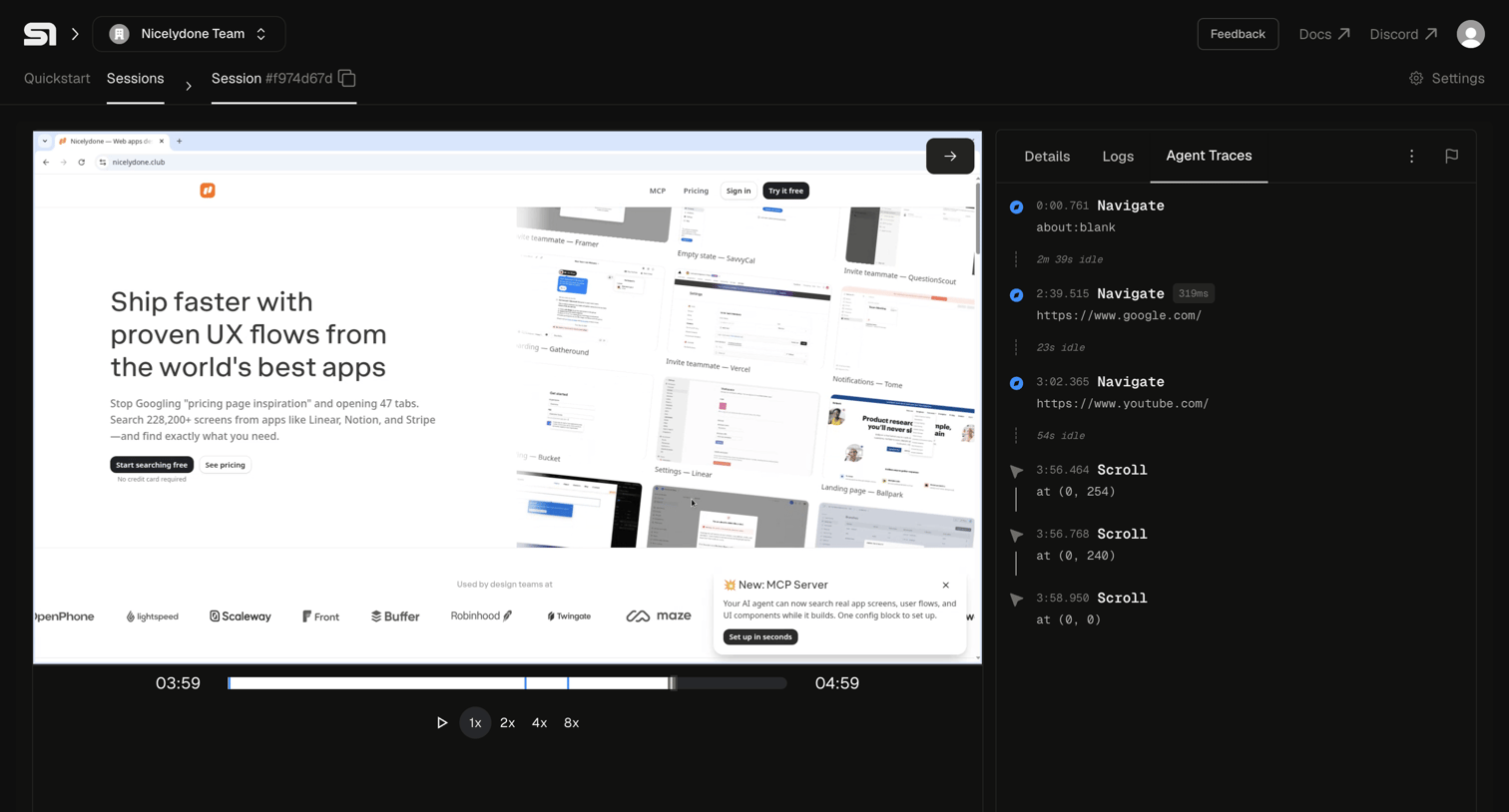
Detail page where the user reviews a recorded browser session, including its video playback timeline, metadata like duration and region, and console events.
Explore the full SaaS screen library
Upgrade to unlock the full library.
Trusted by the best teams








About Media Detail
See how apps present an individual audio, video, or image item. Explore how the media, its description, and related actions are arranged within the detail view.