Audit Log screen examples
Audit Log screen design examples from SaaS apps. See how SaaS apps display records of administrative and security activity. Explore layouts that connect actions with accounts, times, and affected resources…
Explore the examples
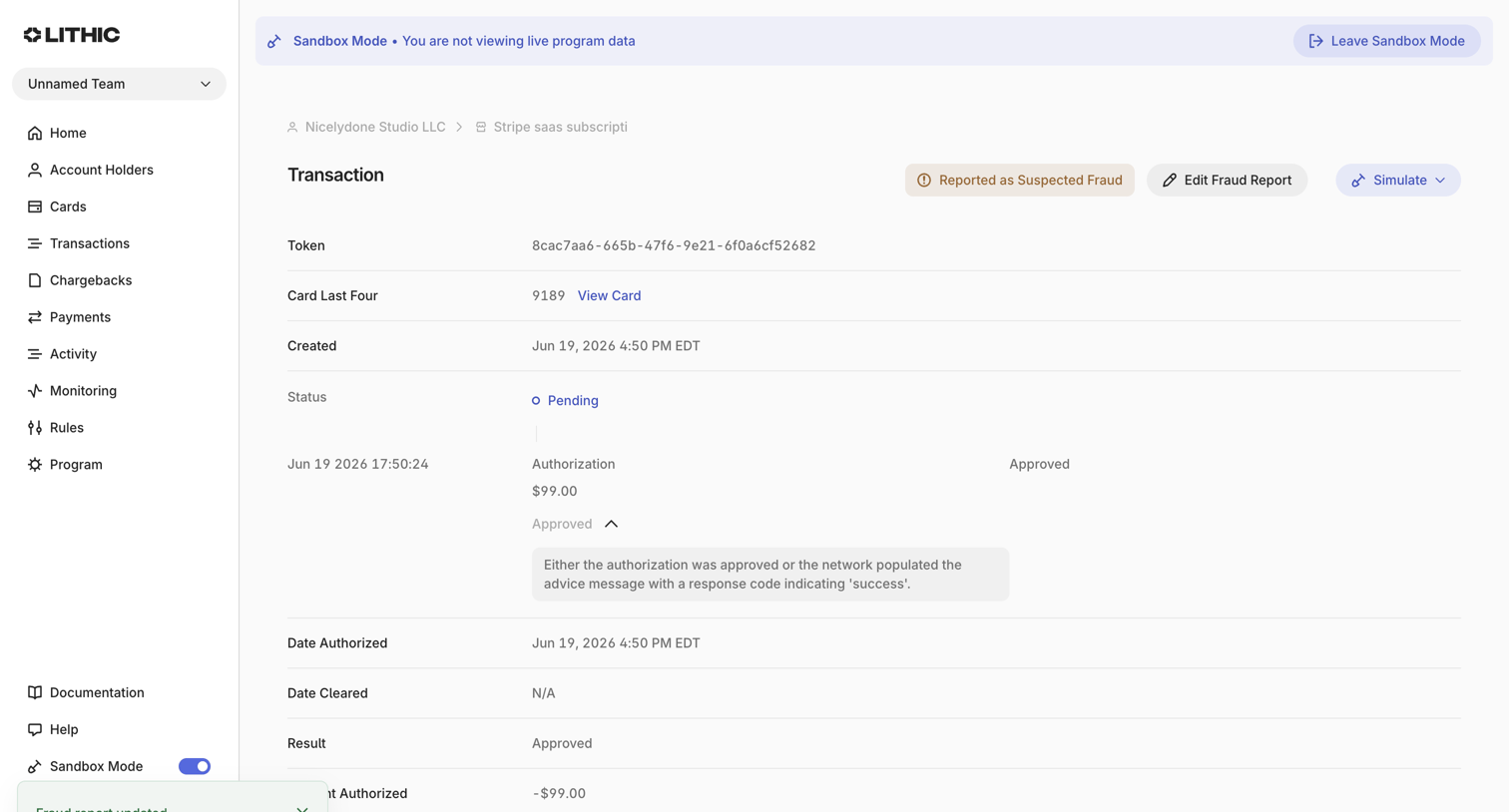

Detail page where the user views the status and timeline of a specific card transaction, including an active fraud report and authorization events.
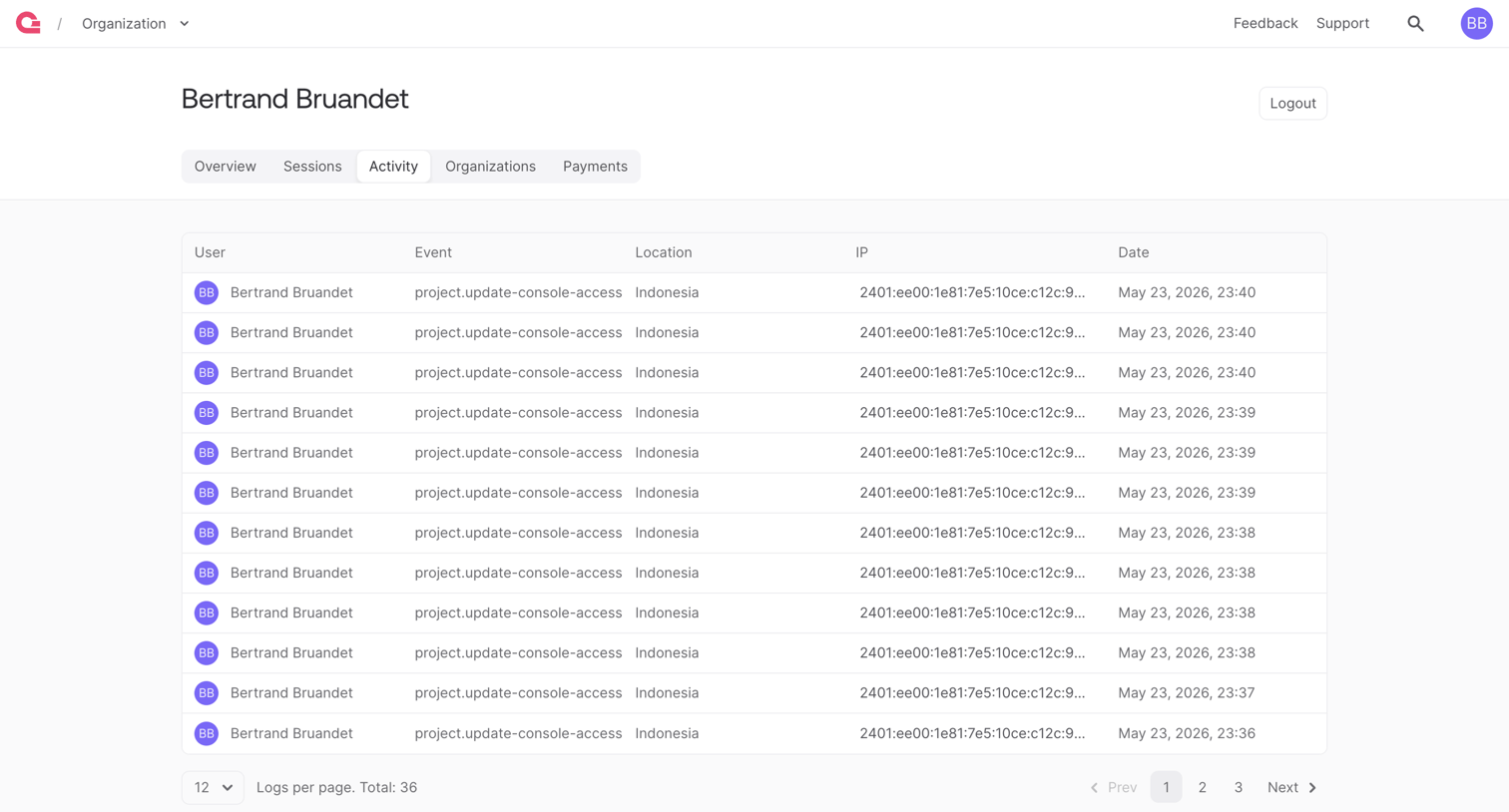

Account settings page where the user views a paginated audit log of their recent console access events.
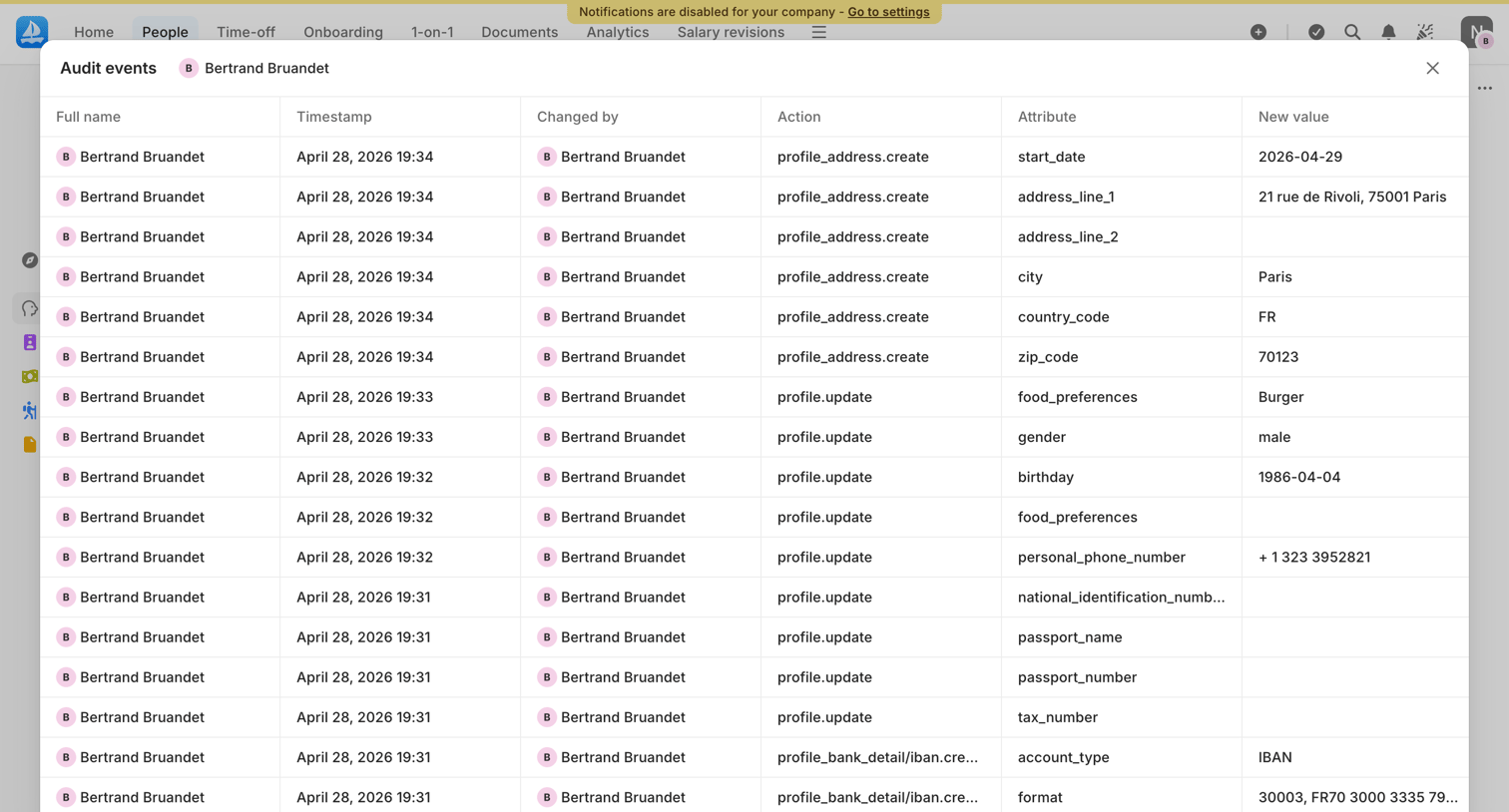


Settings page where the user views audit logs, currently showing an empty state with no records available.
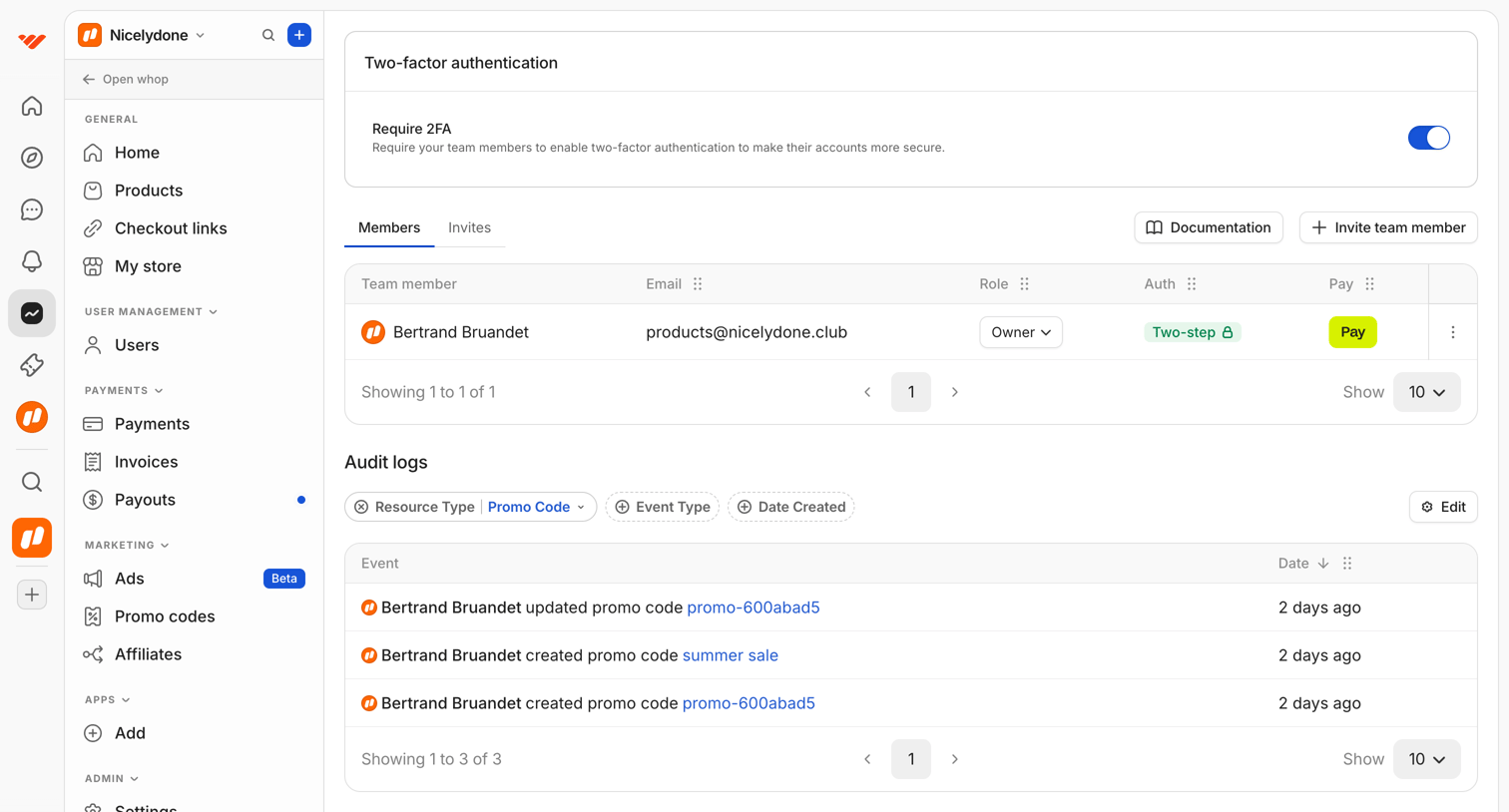

Settings page where the user manages team members, enforces two-factor authentication, and reviews audit logs for promo code events.
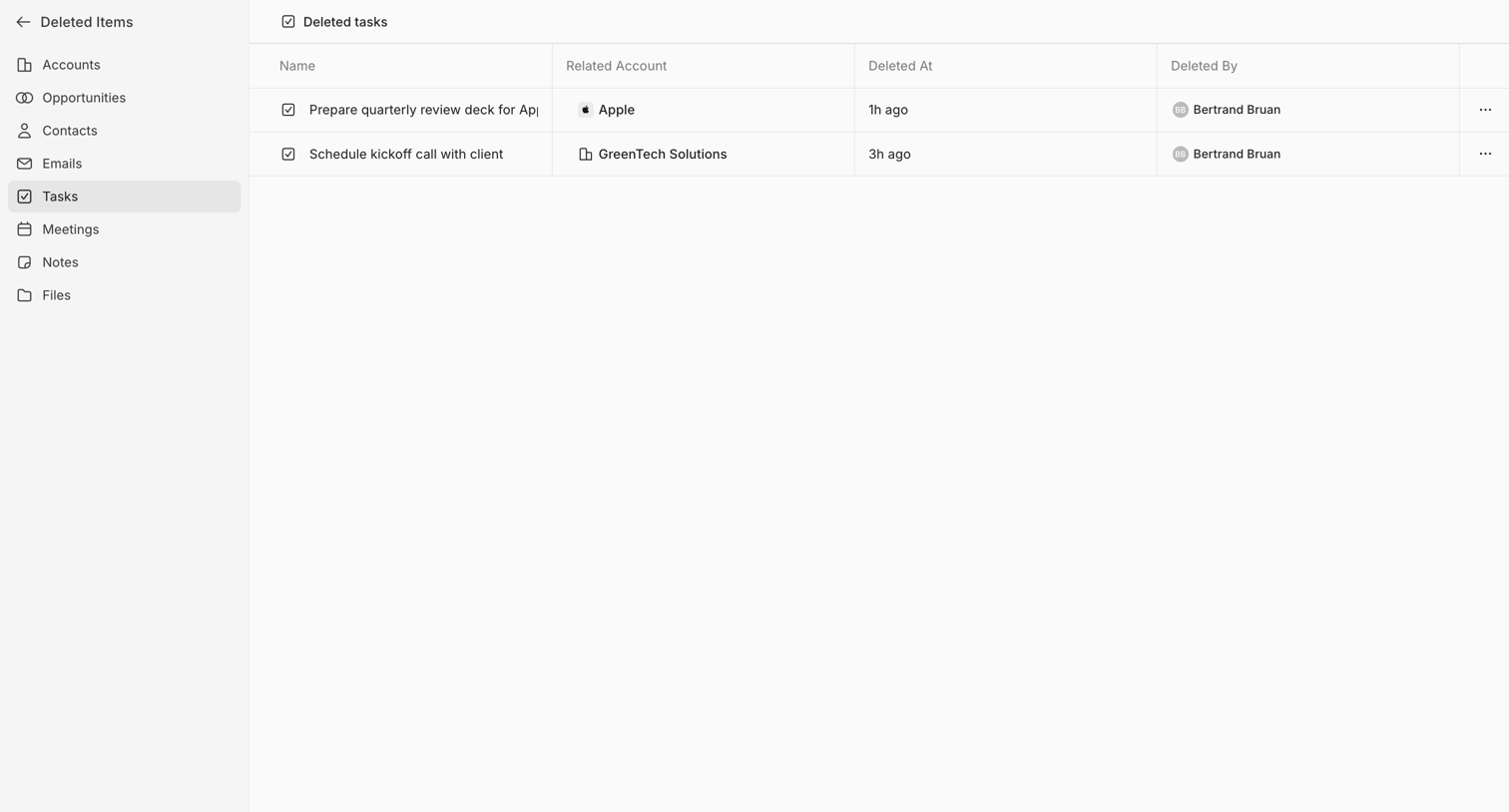

List view where the user reviews recently deleted tasks, including the related account, deletion time, and the user who deleted them.
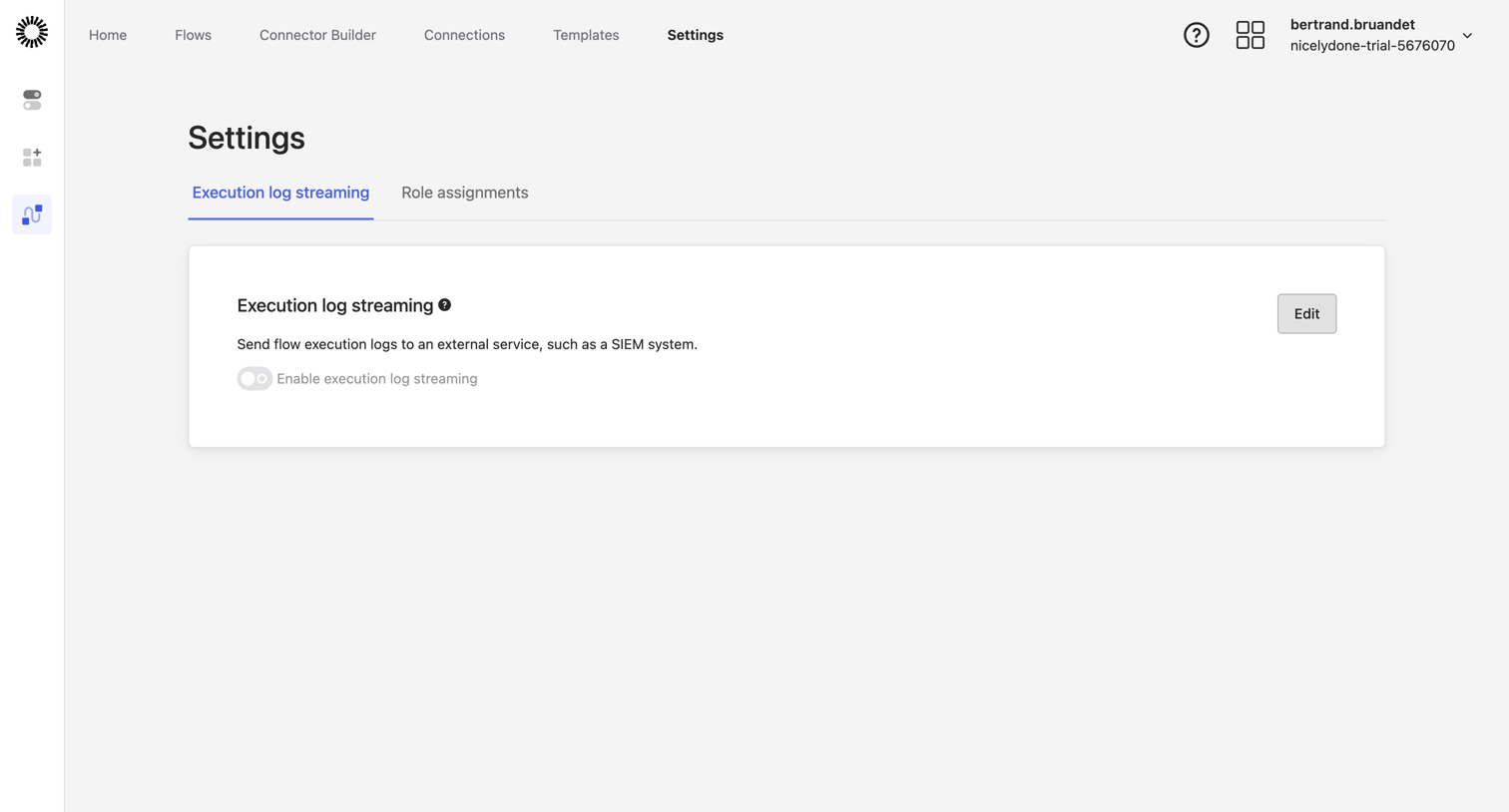

Settings page where the user configures execution log streaming to an external SIEM system.
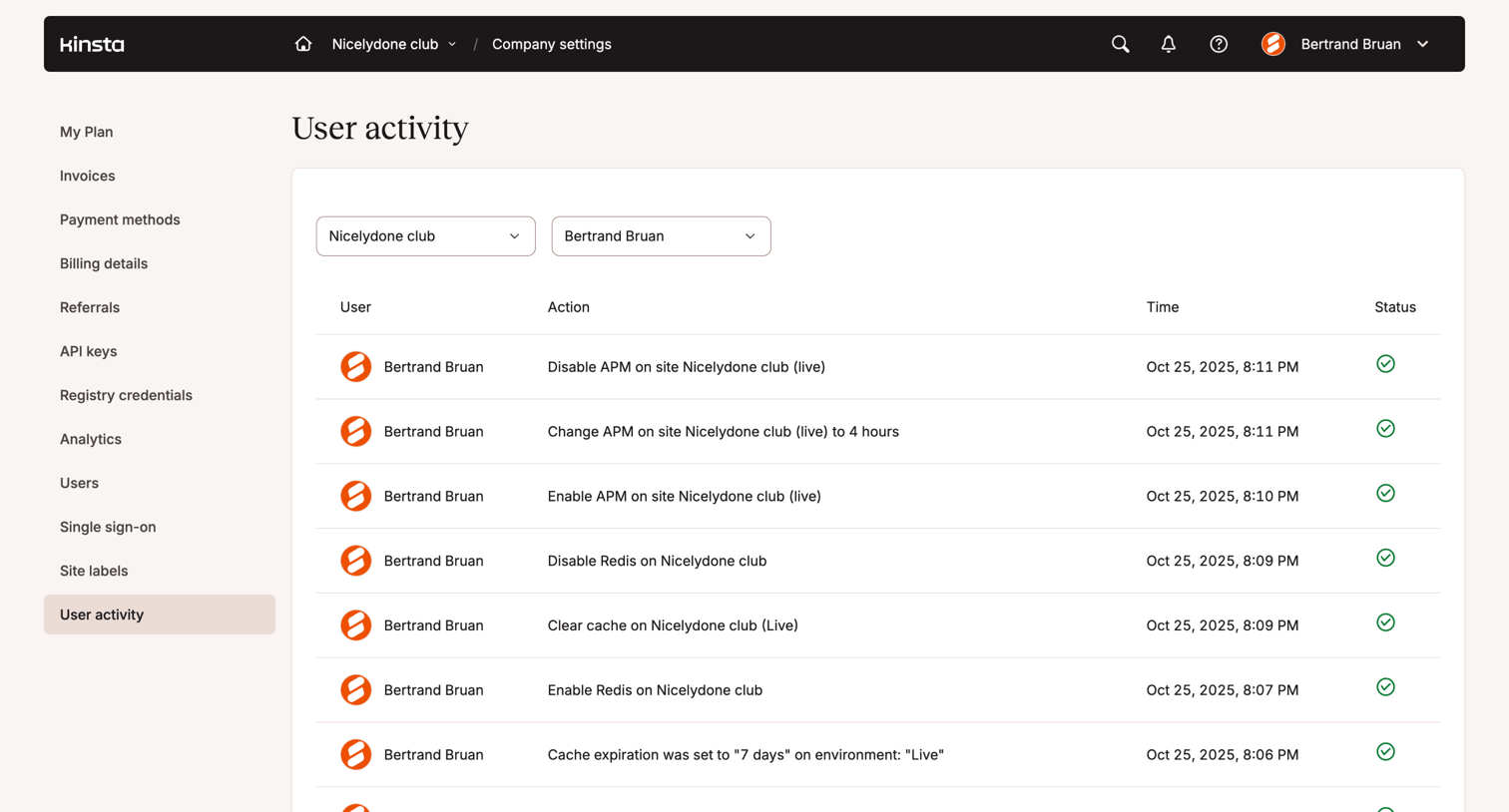

Settings page where an admin views a paginated audit log of actions performed by team members, filterable by workspace and user.
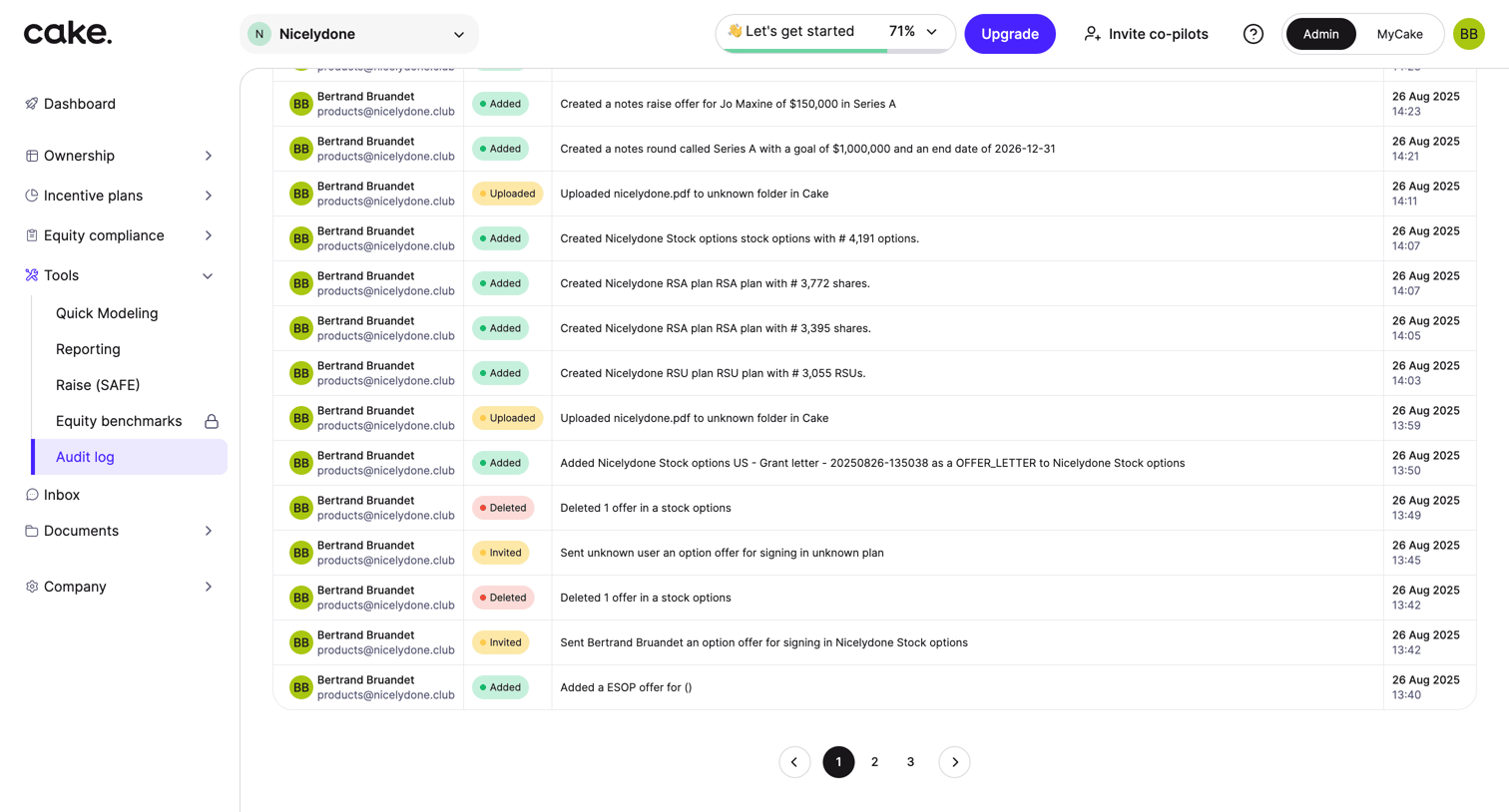

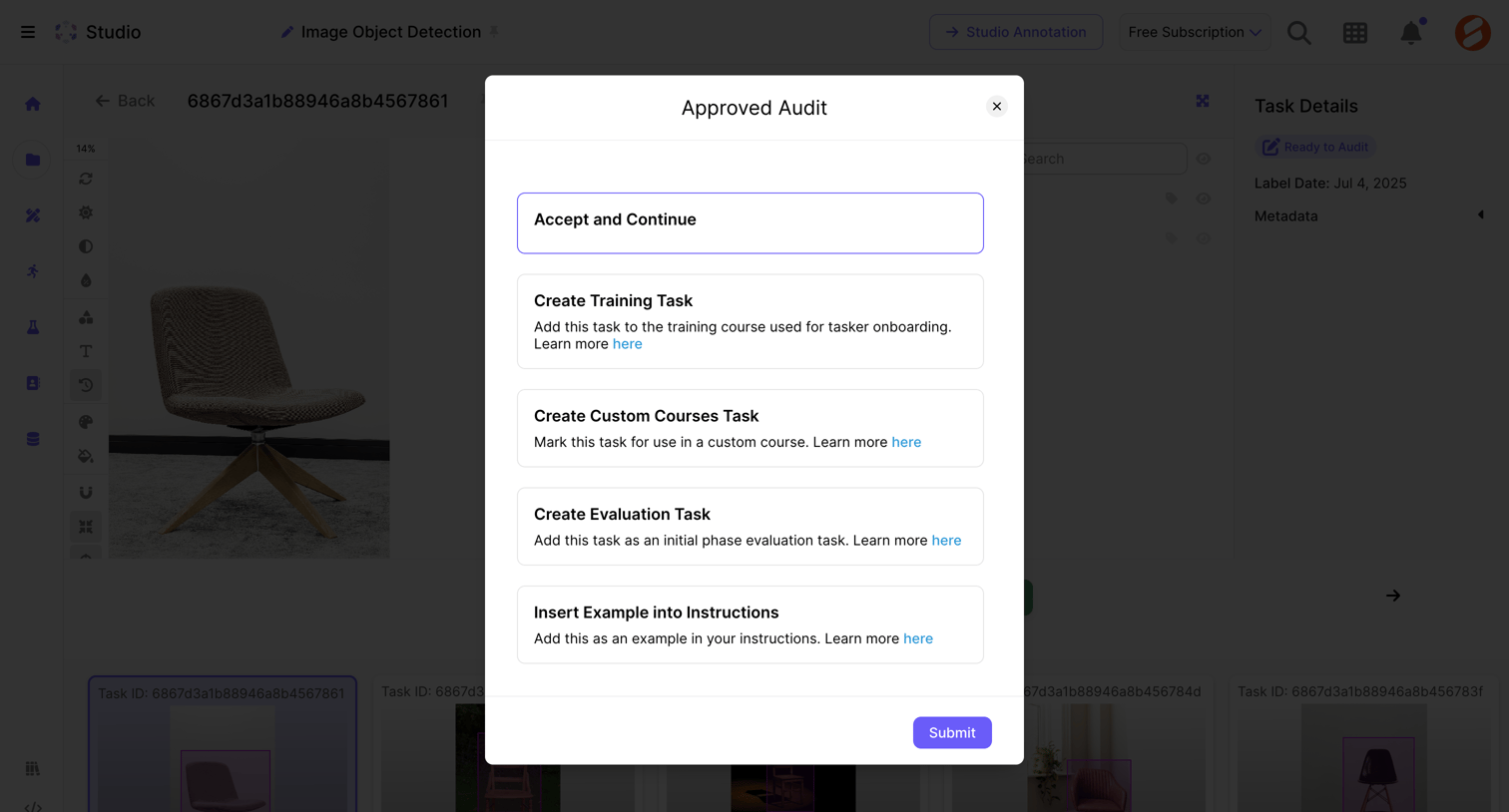

Detail page where the user approves an image annotation task and selects a follow-up routing action like creating a training task or inserting an example.
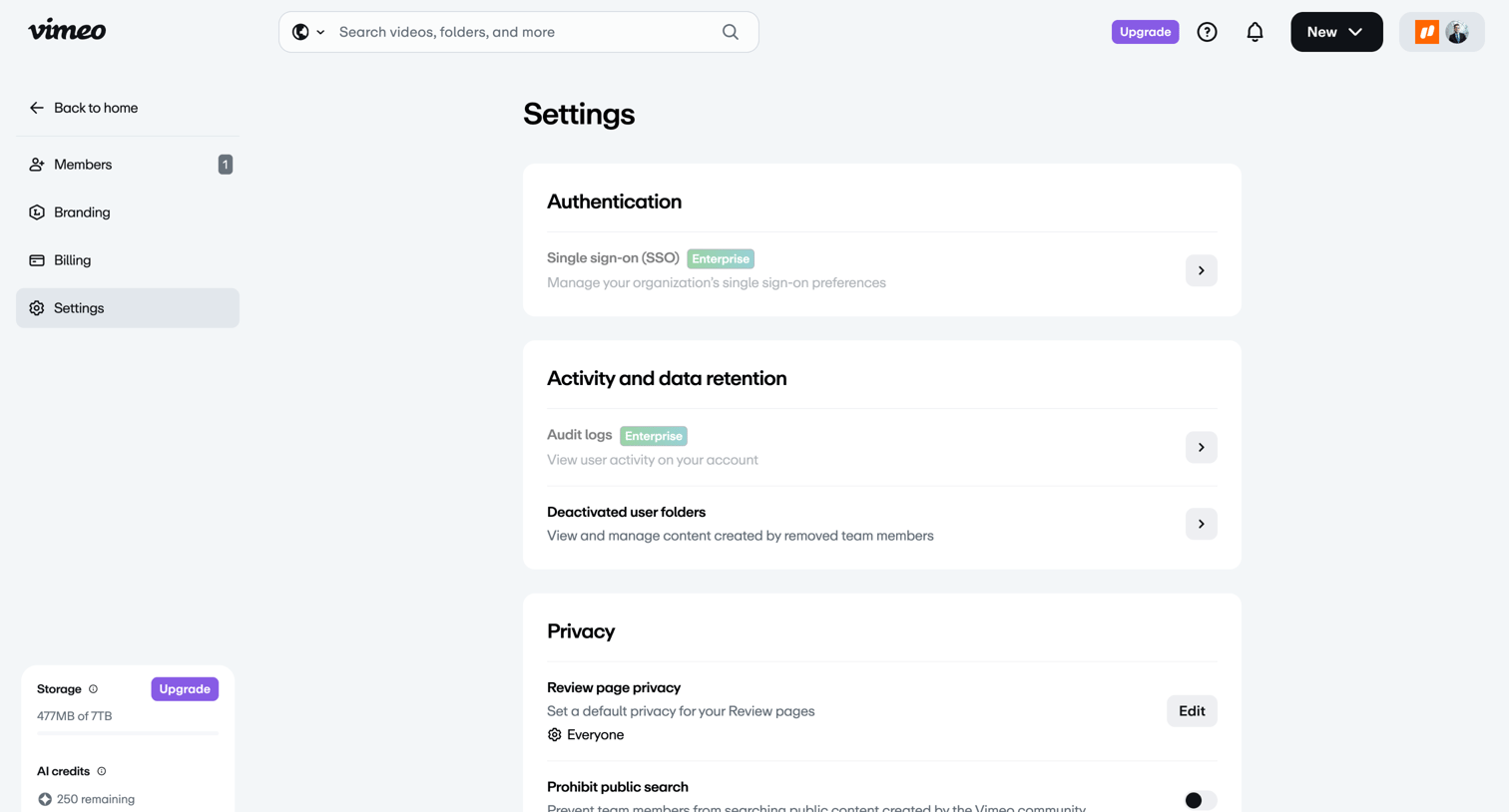

Settings page where the user configures team authentication, activity retention, and privacy controls like default review page visibility.
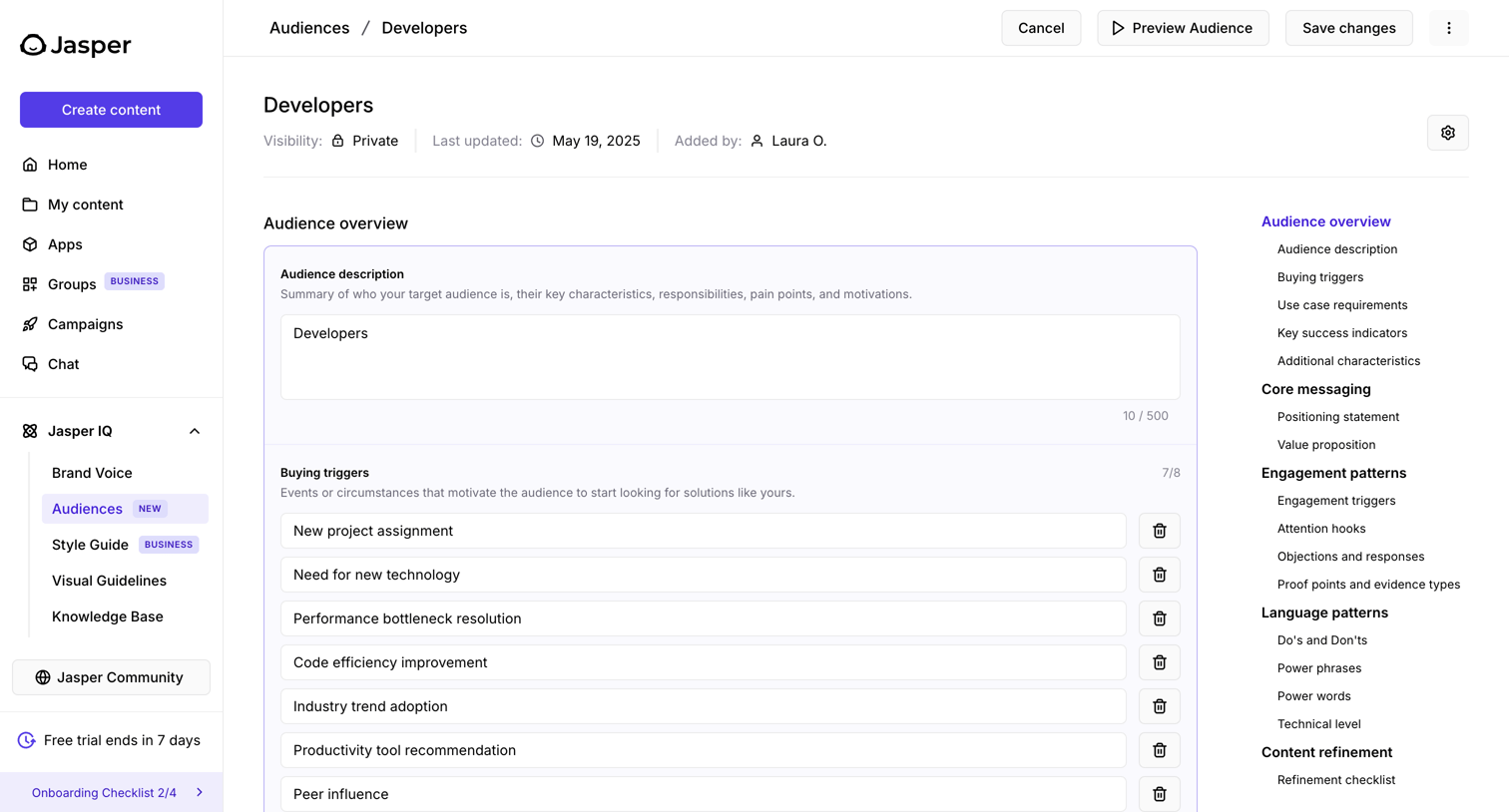

Explore the full SaaS screen library
Upgrade to unlock the full library.
Trusted by the best teams








About Audit Log
See how SaaS apps display records of administrative and security activity. Explore layouts that connect actions with accounts, times, and affected resources for later inspection.