SSO screen examples
SSO screen design examples from SaaS apps. See how SaaS apps present single sign-on configuration and access choices. Explore how identity-provider details and sign-in policies are explained within…
Explore the examples



Settings page where the user configures authentication methods like password and Google SSO, manages sessions, and sees an upgrade prompt for advanced SSO.

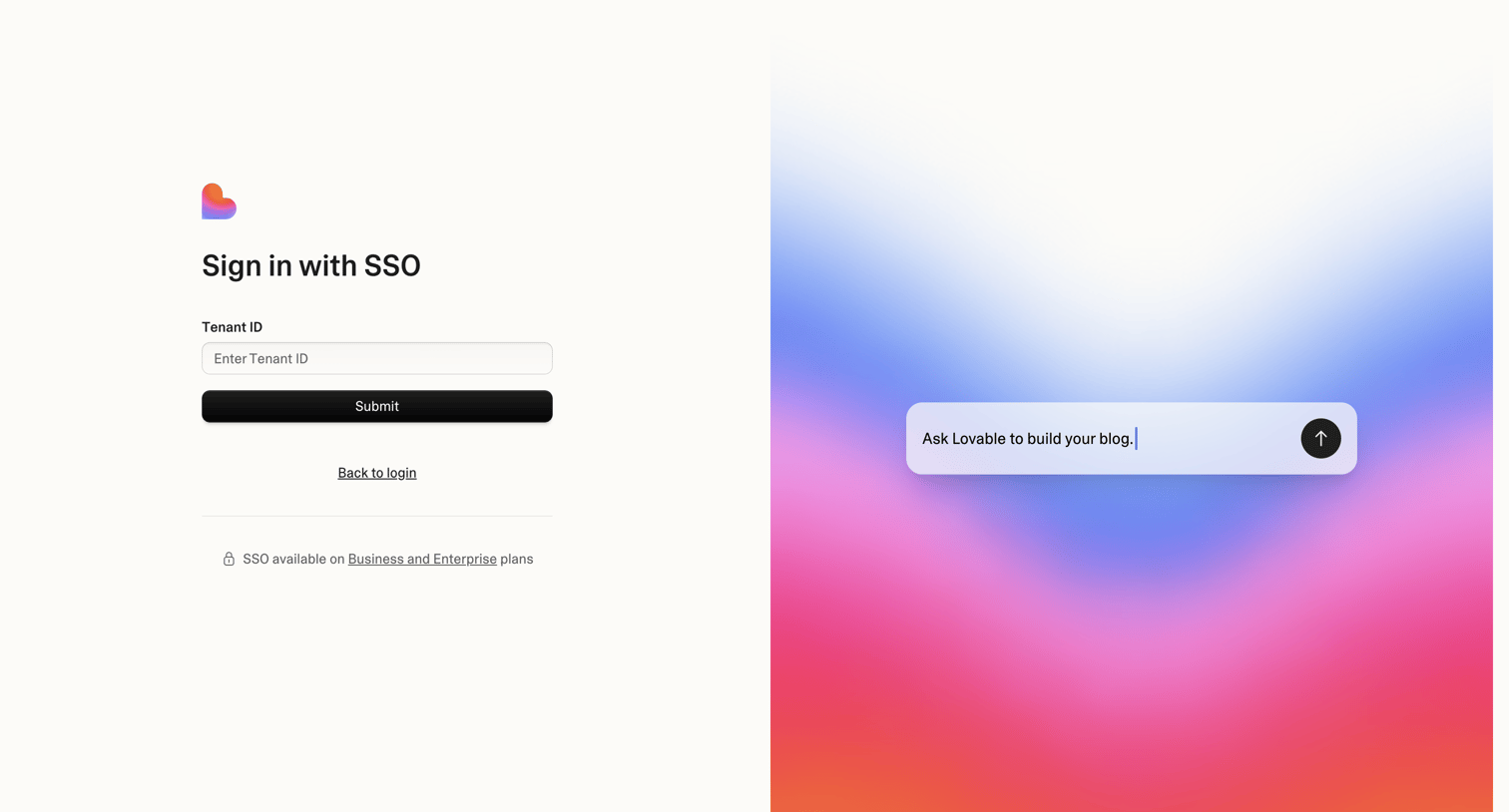

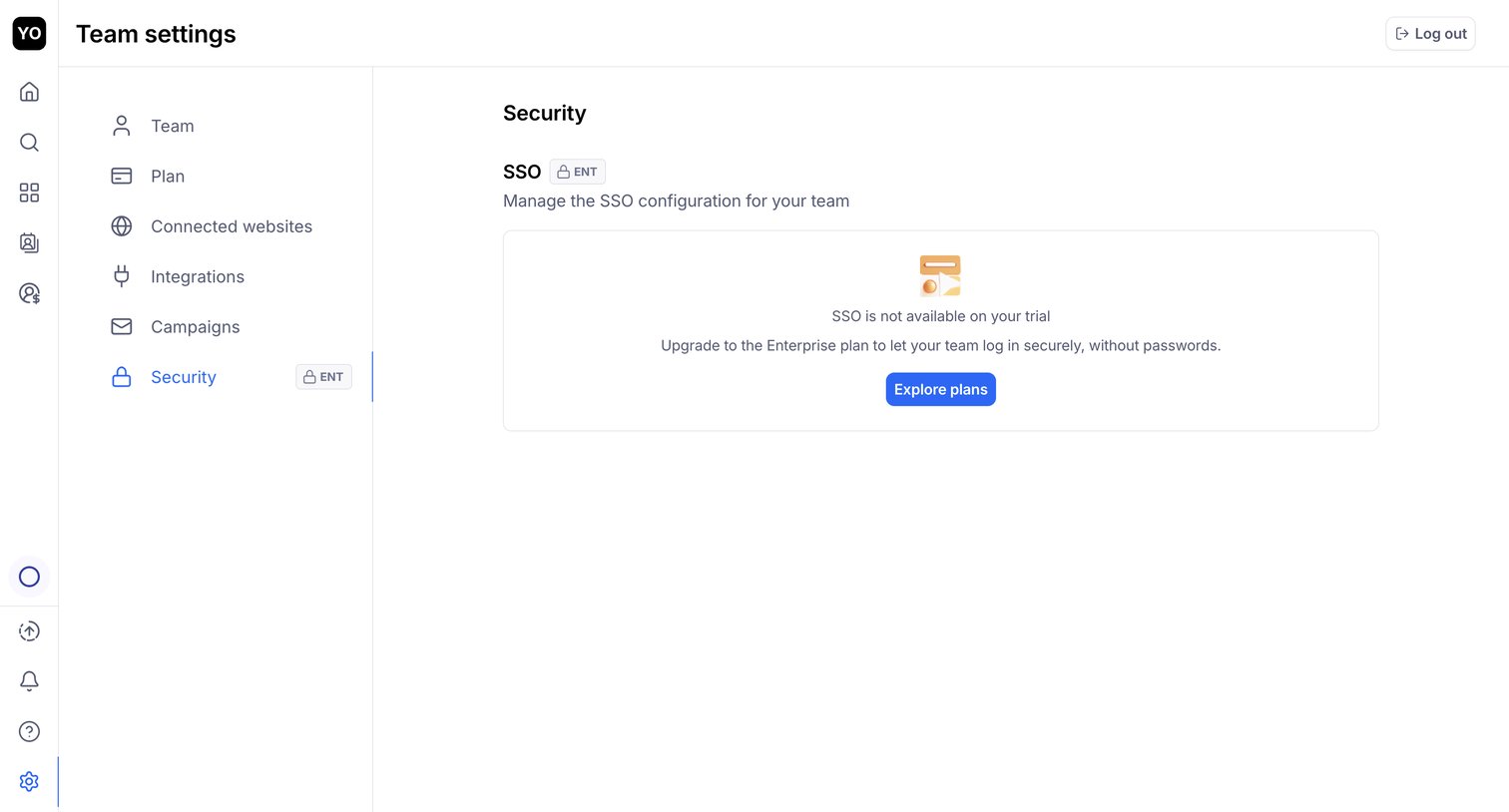

Settings page where the user is prompted to upgrade to the Enterprise plan to configure SSO.
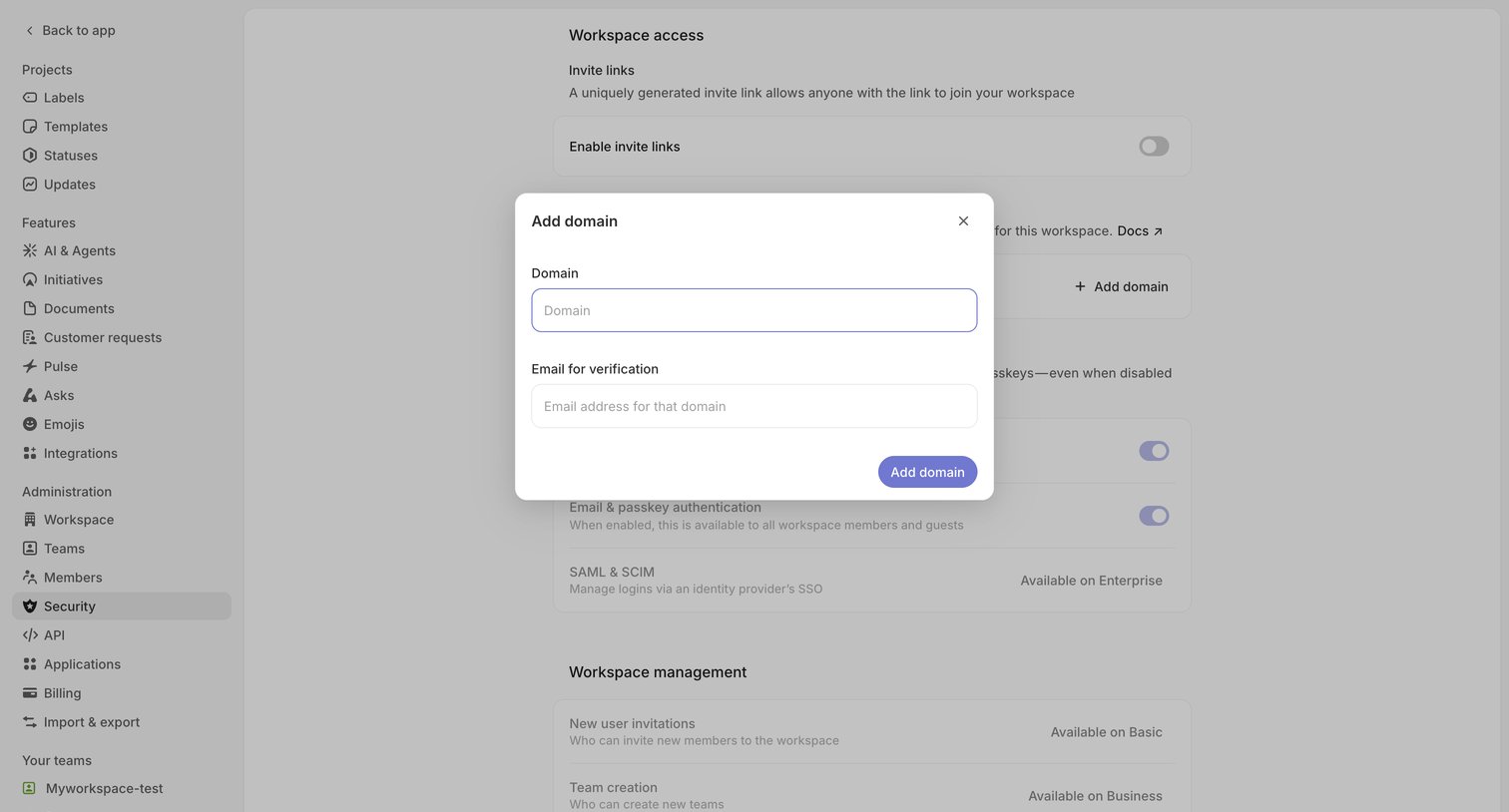

Settings page where the user configures workspace security and adds a verified domain via a modal.
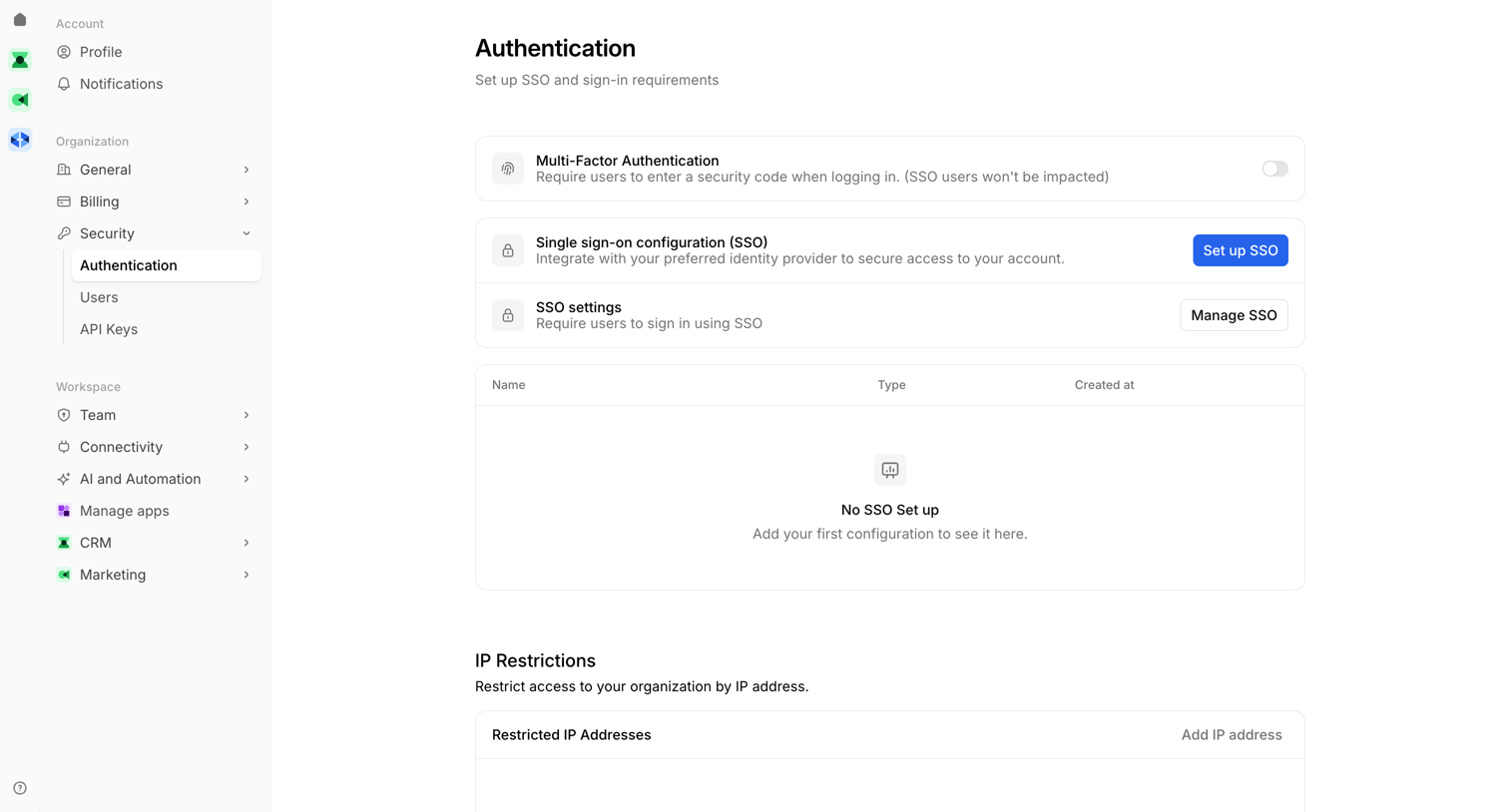

Settings page where the user configures organization access controls including MFA, SSO, and IP restrictions.
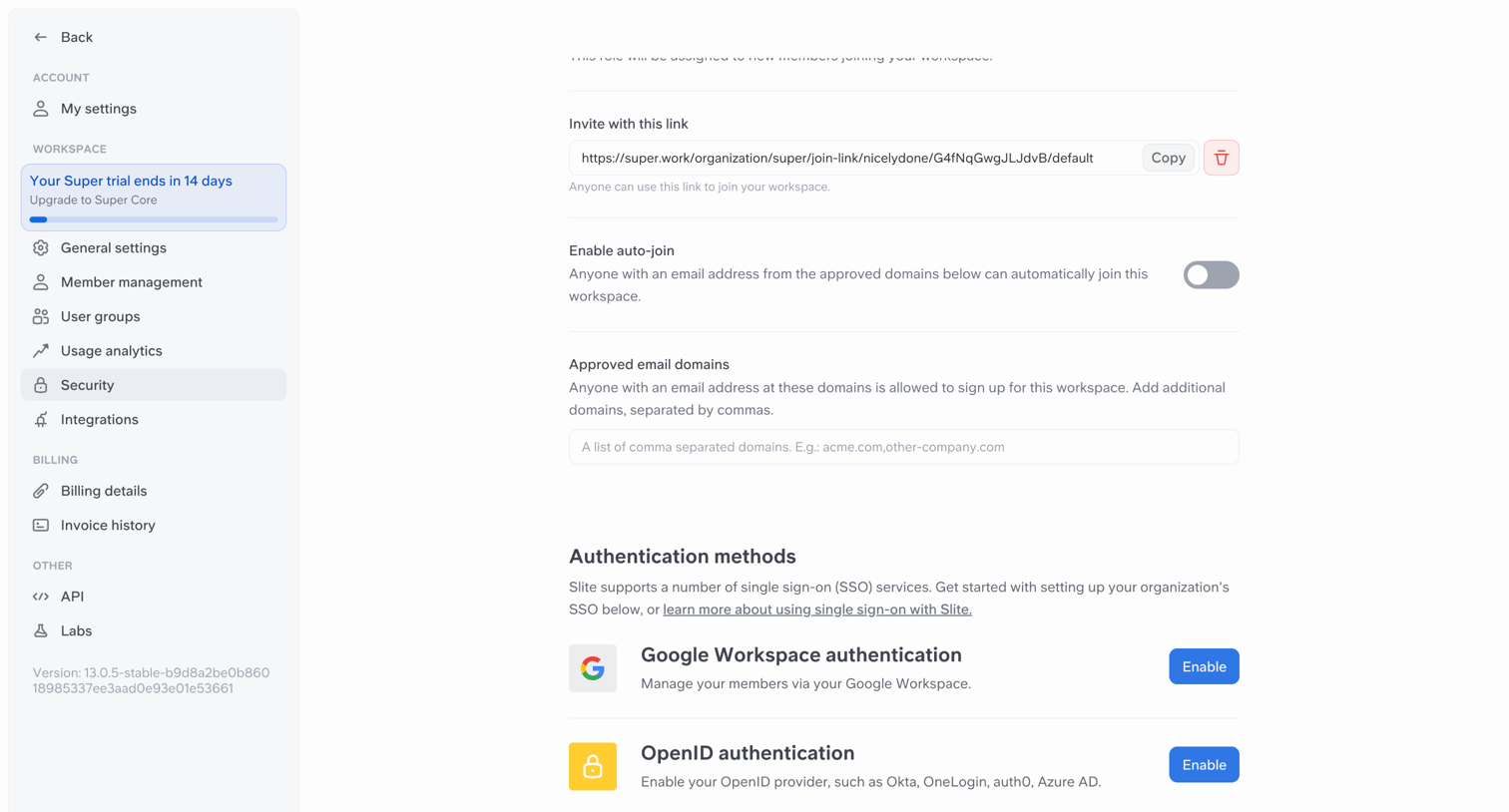

Settings page where the user configures workspace access by managing invite links, auto-join rules, approved domains, and single sign-on authentication methods.
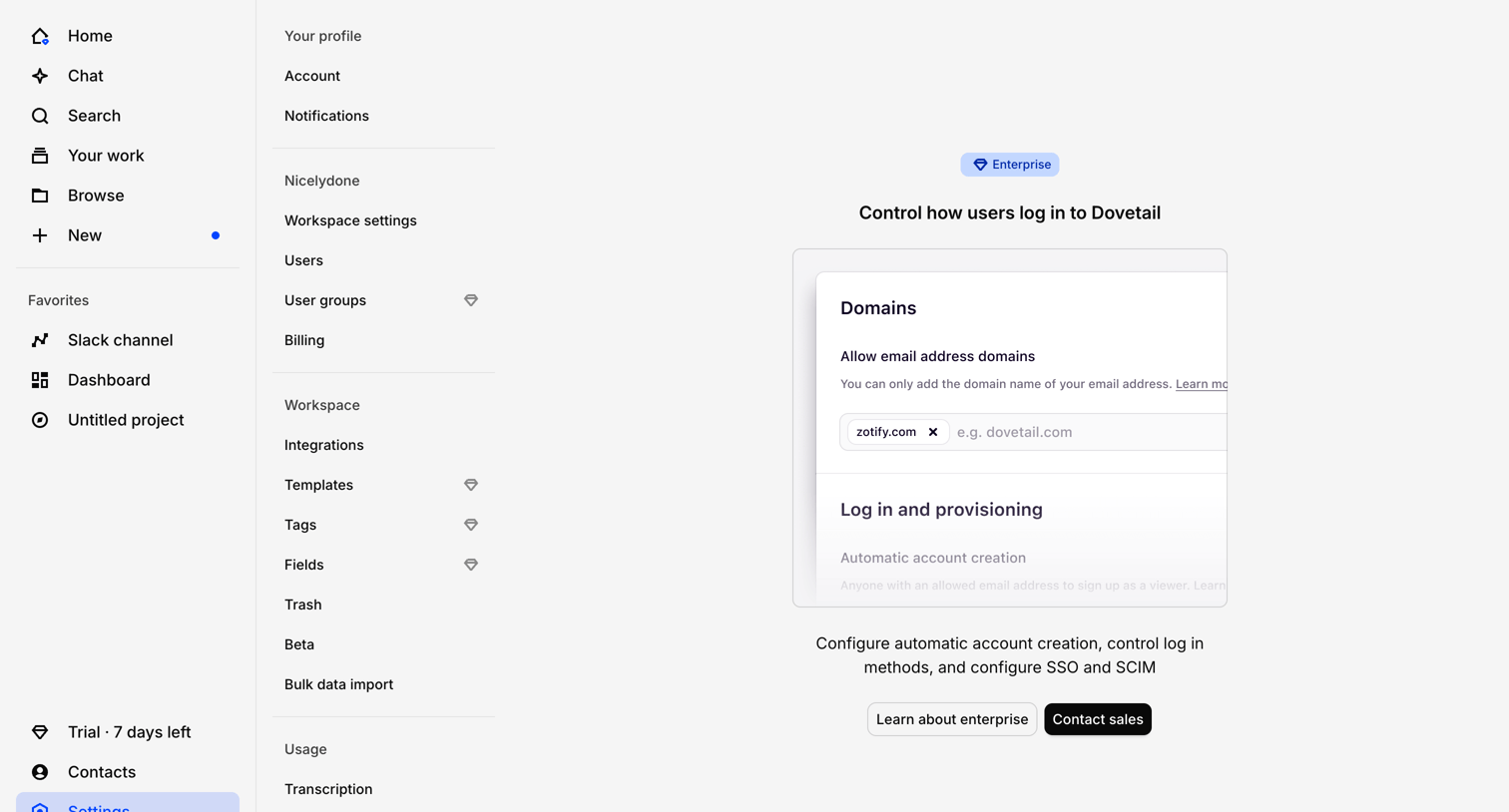

Settings page where the user is blocked from configuring SSO, SCIM, and domain provisioning because the feature requires an Enterprise plan.
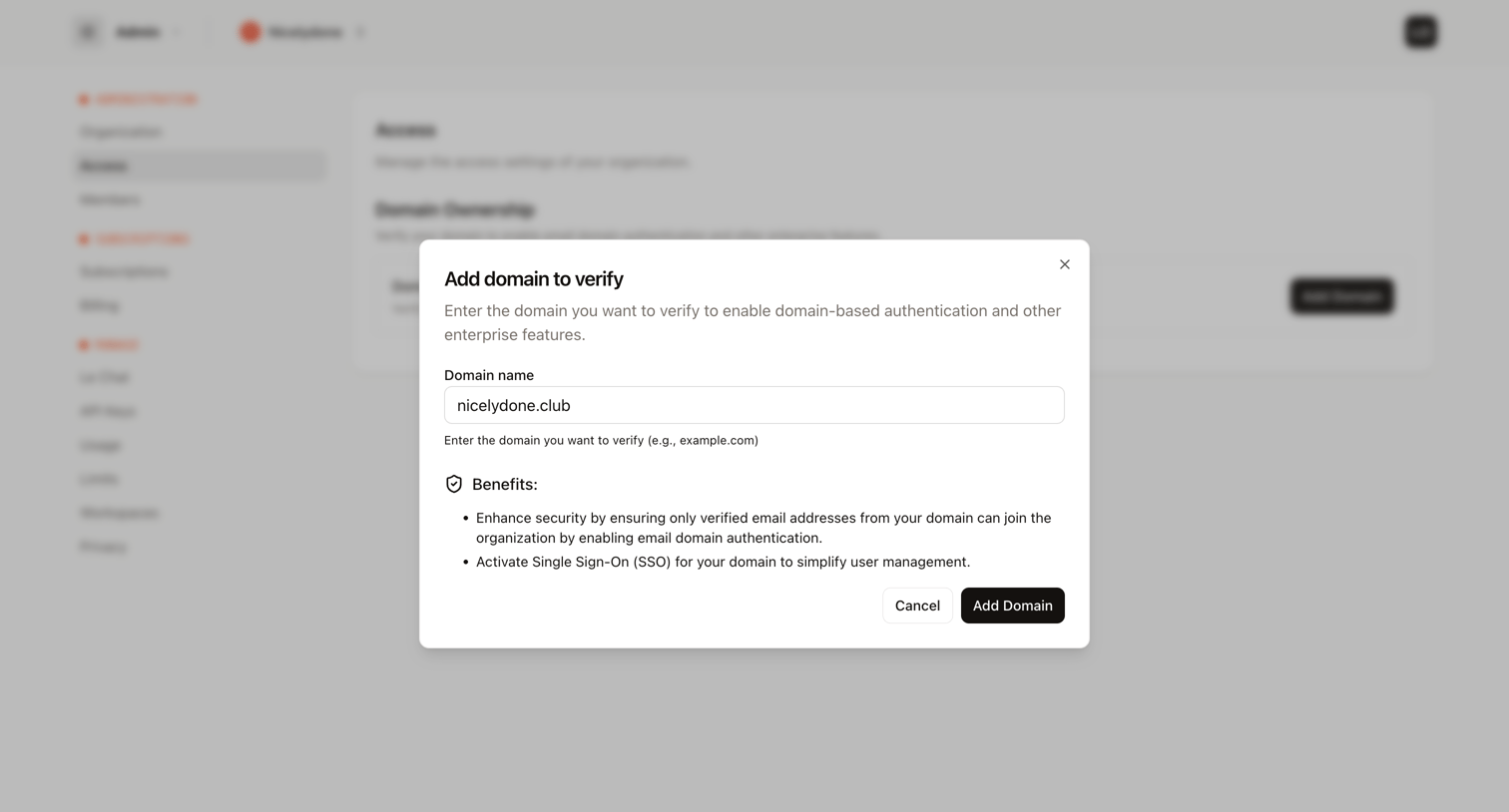

Settings page where the user adds a new domain to verify for domain-based authentication and SSO.
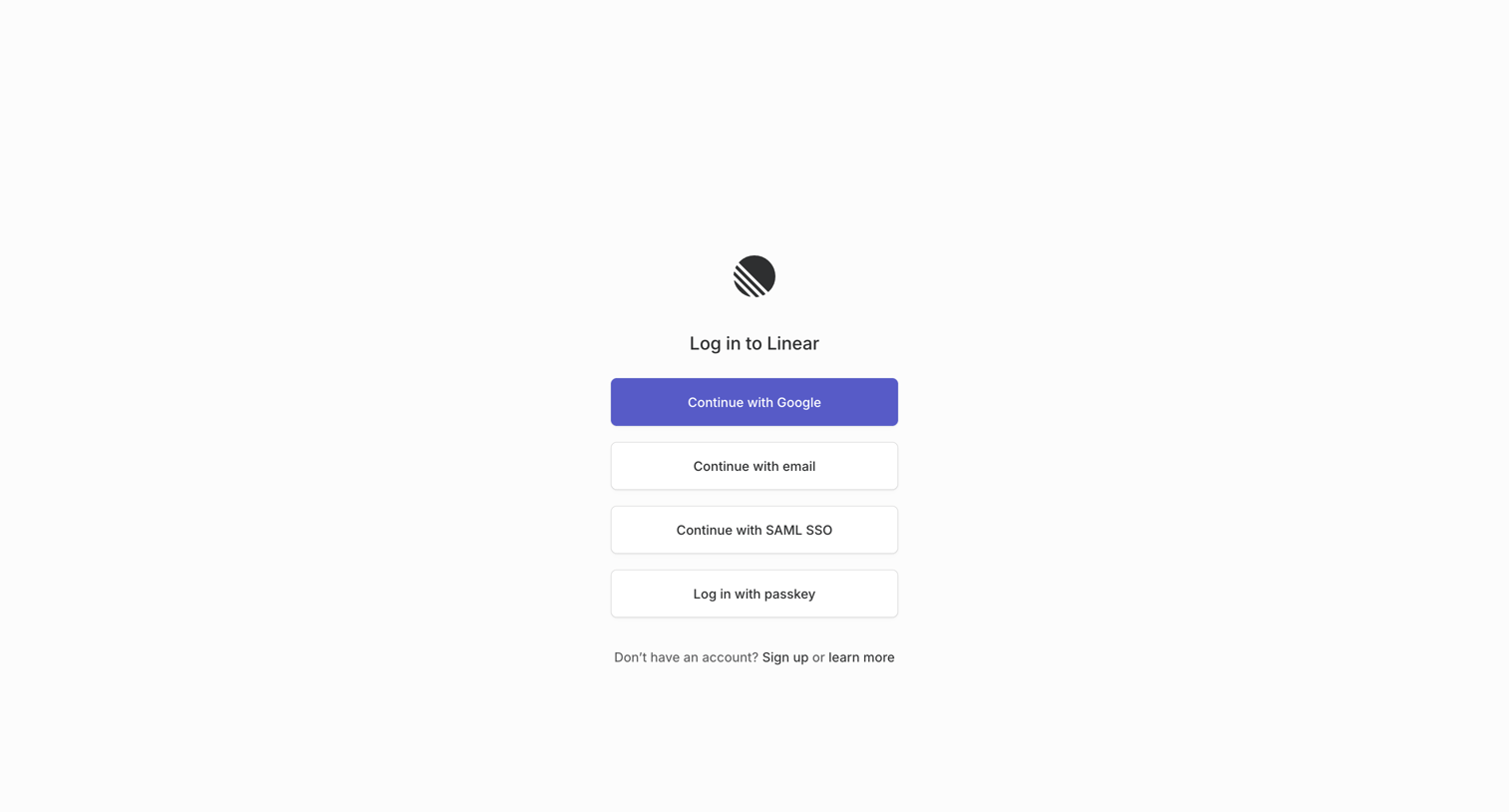

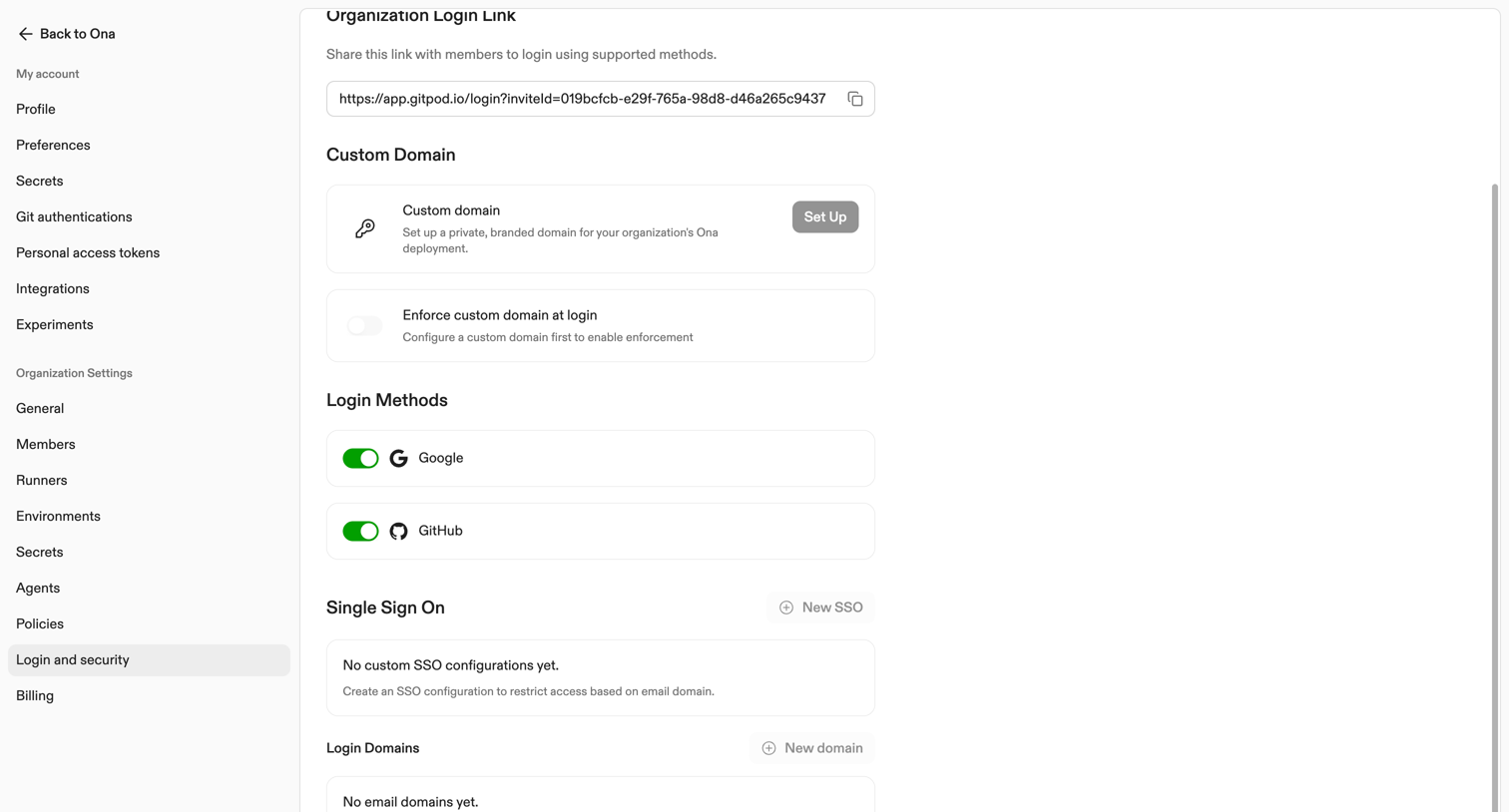

Settings page where the user configures organization login links, custom domains, supported login methods like Google and GitHub, and single sign-on configurations.
Explore the full SaaS screen library
Upgrade to unlock the full library.
Trusted by the best teams








About SSO
See how SaaS apps present single sign-on configuration and access choices. Explore how identity-provider details and sign-in policies are explained within the account or workspace settings.