Skip to content
Twin logo

Twin design examples

Explore Twin UI design examples. The AI company builder

Product screens

Sign in from Twin
Twin logo
Twin

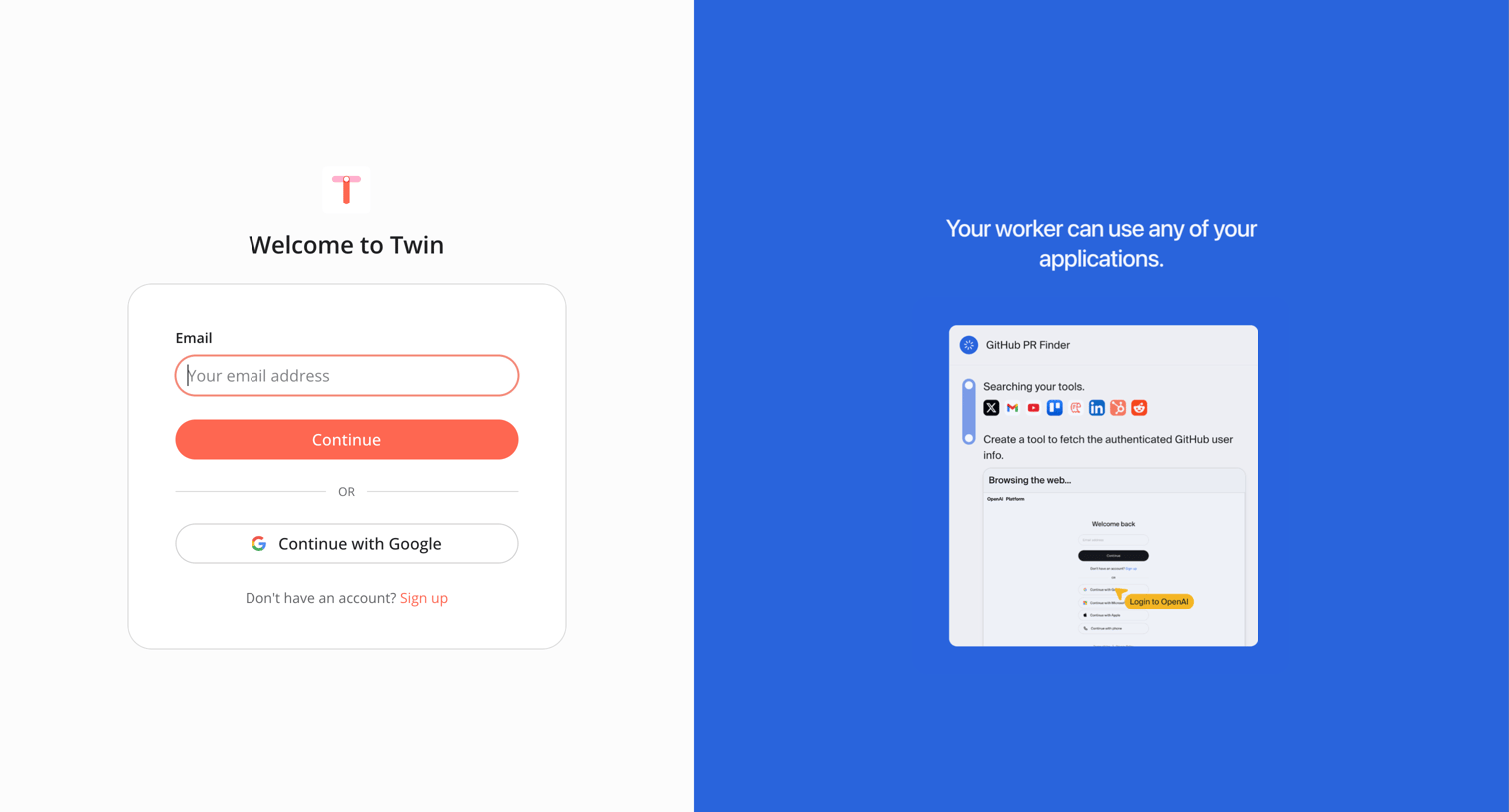
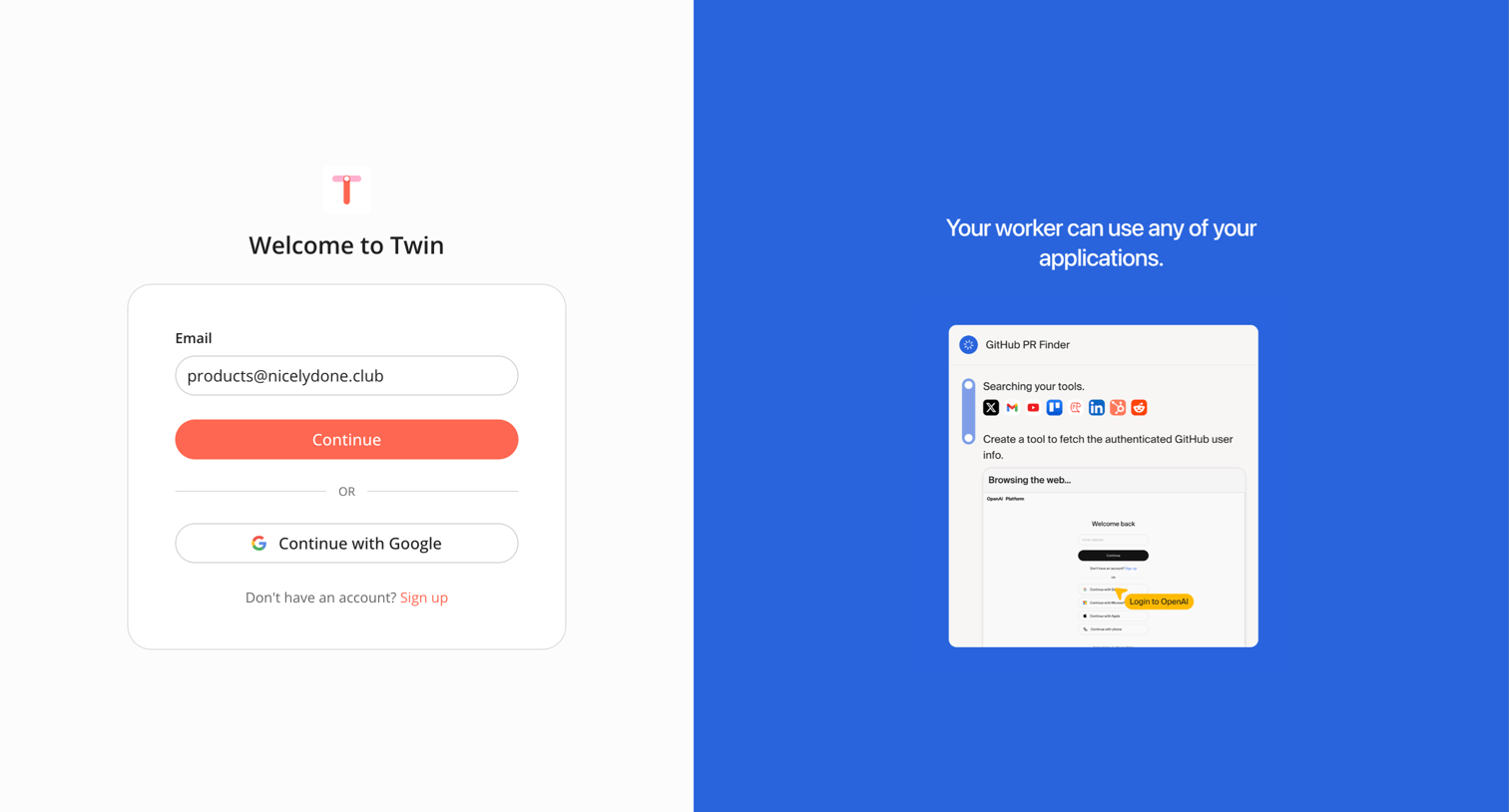
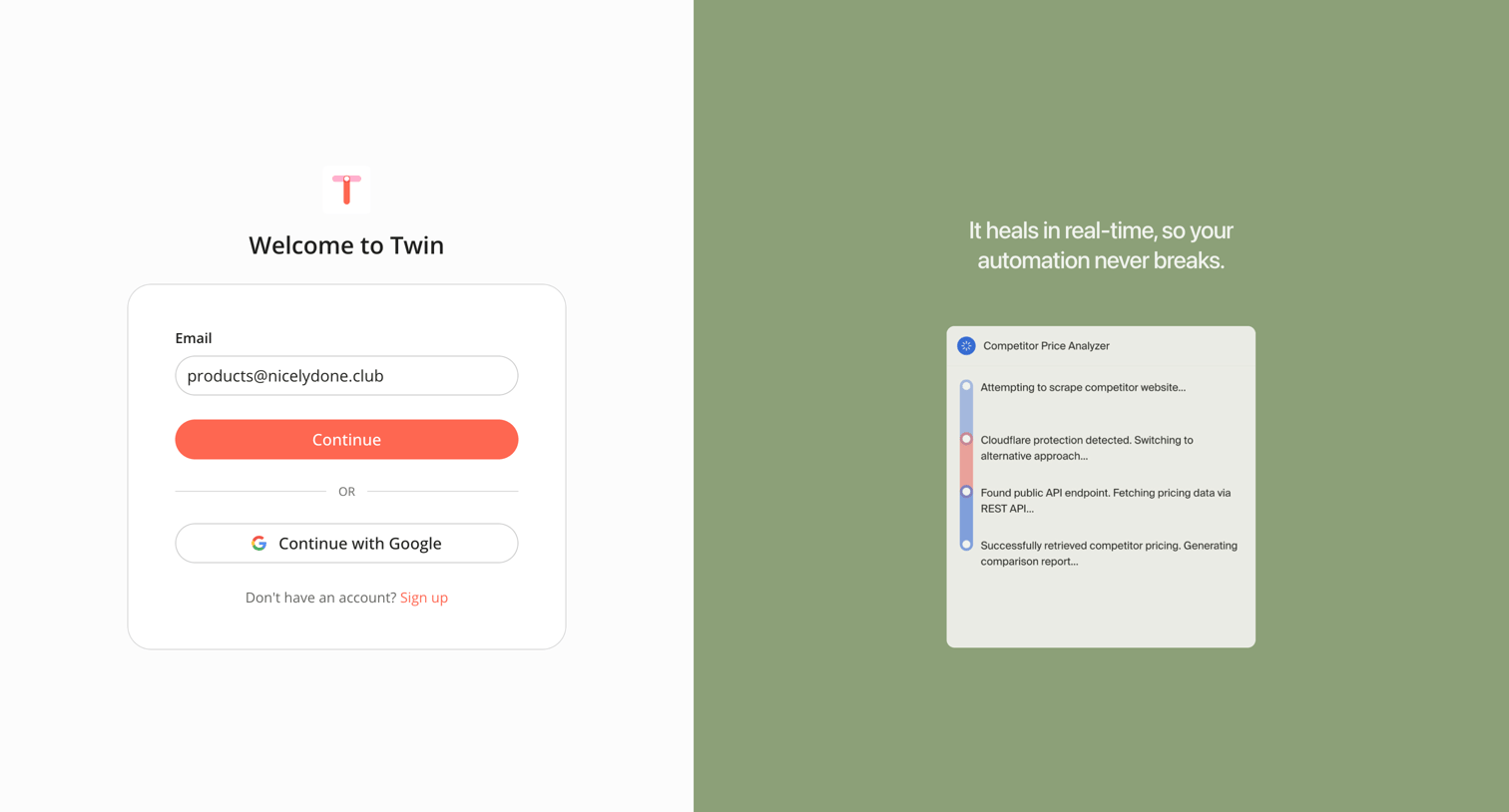
Sign-in screen where the user authenticates with email or Google, featuring an AI agent product showcase on the right.

Sign in from Twin
Twin logo
Twin

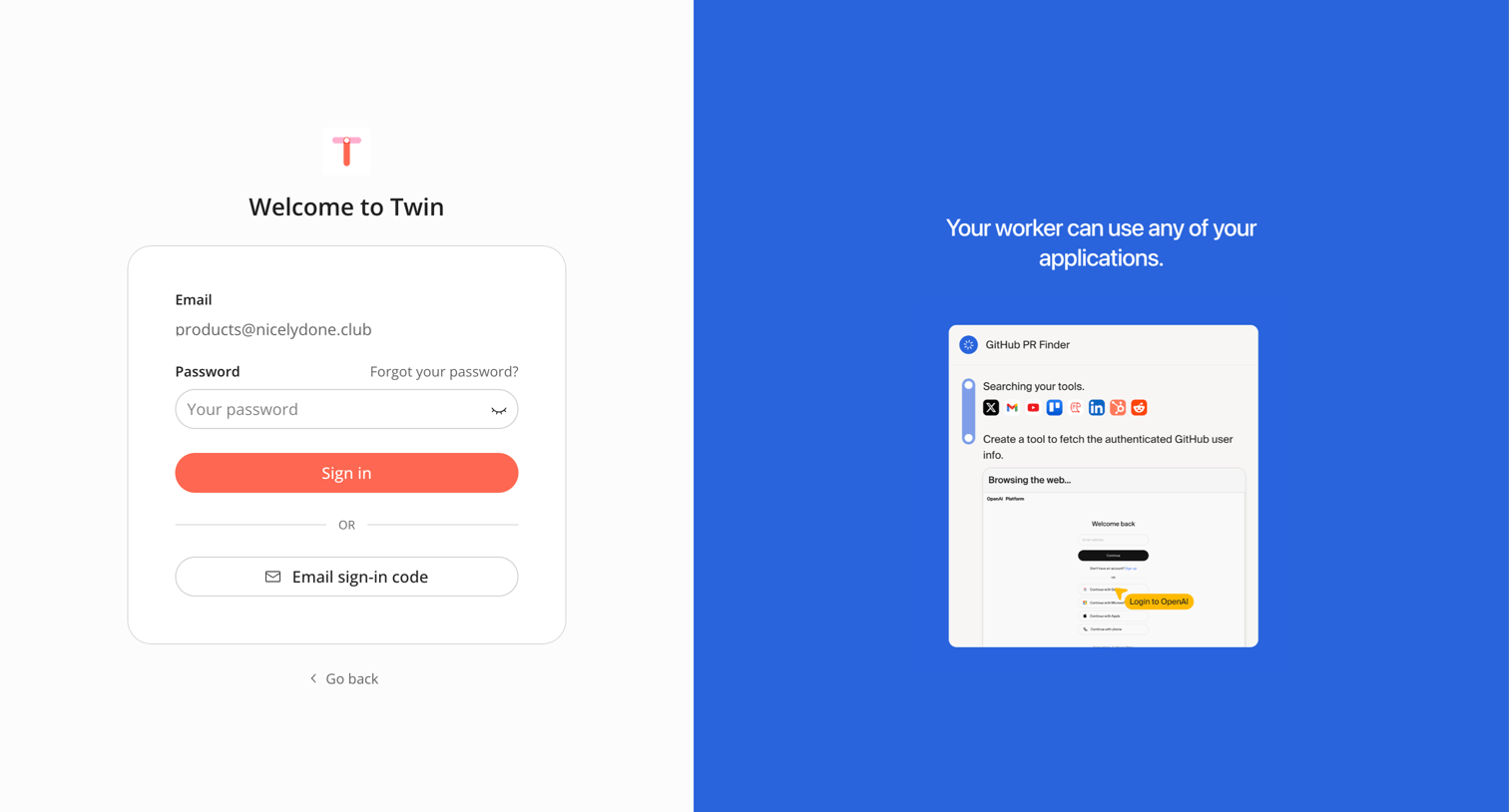
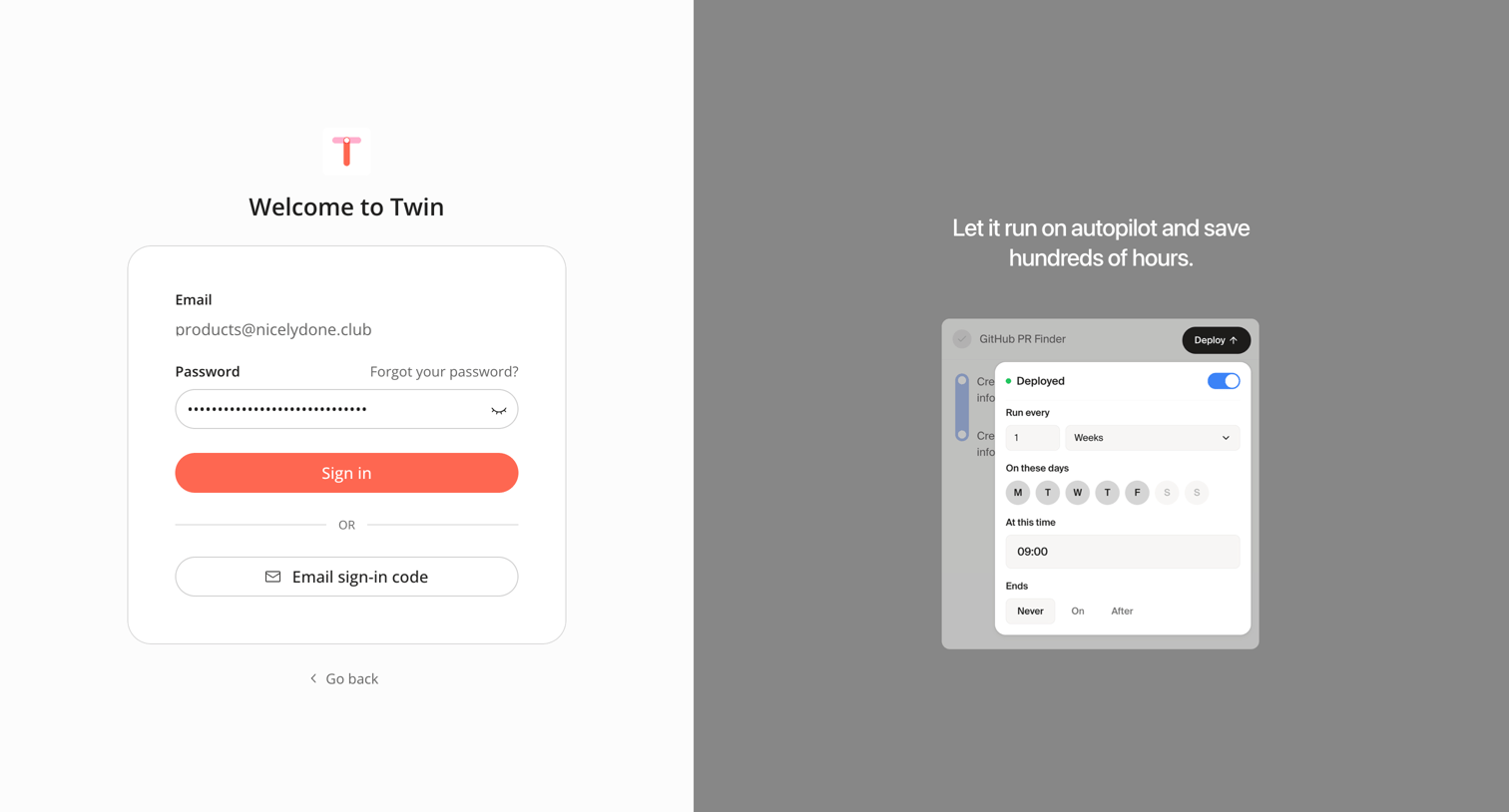
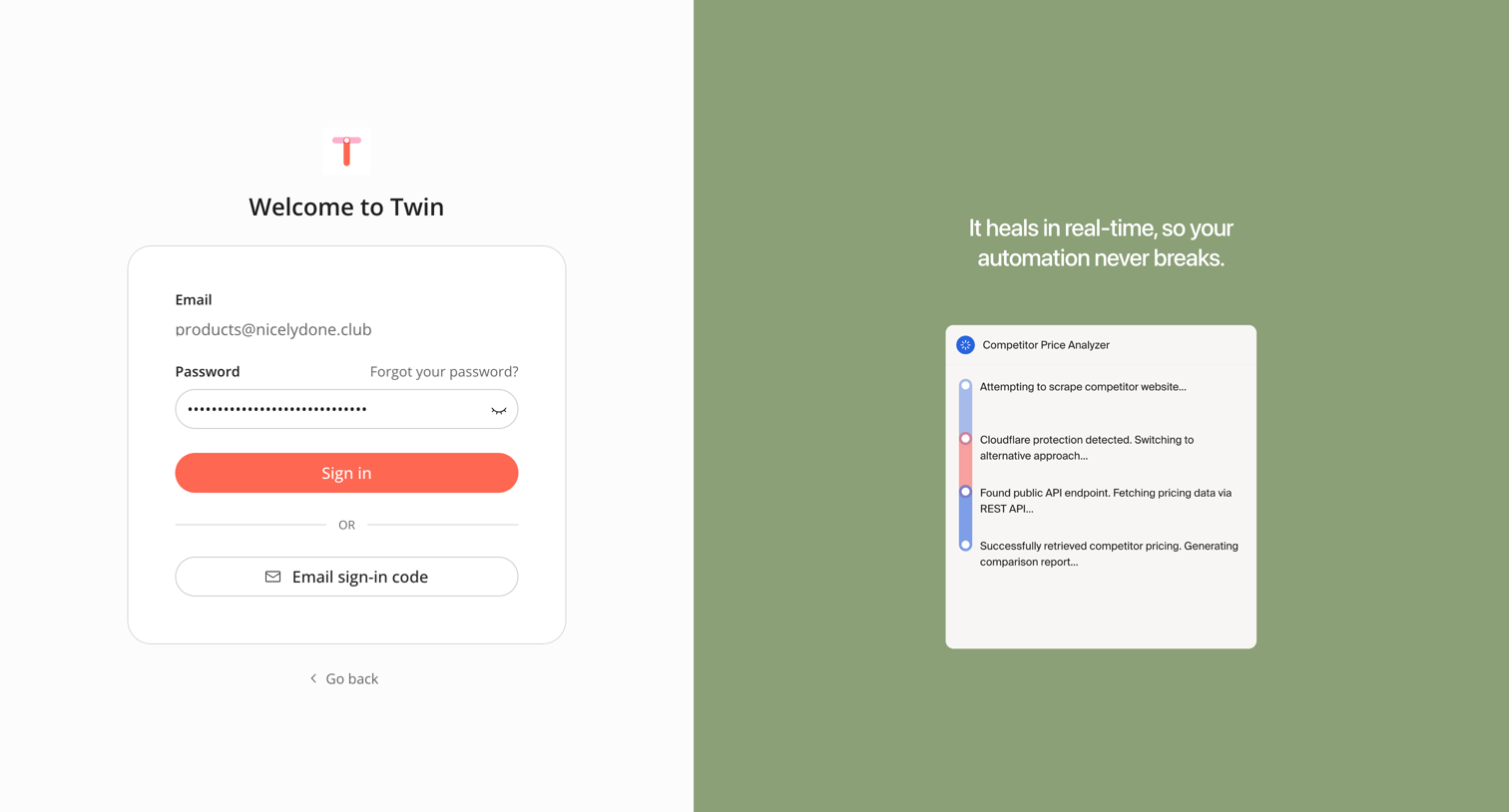
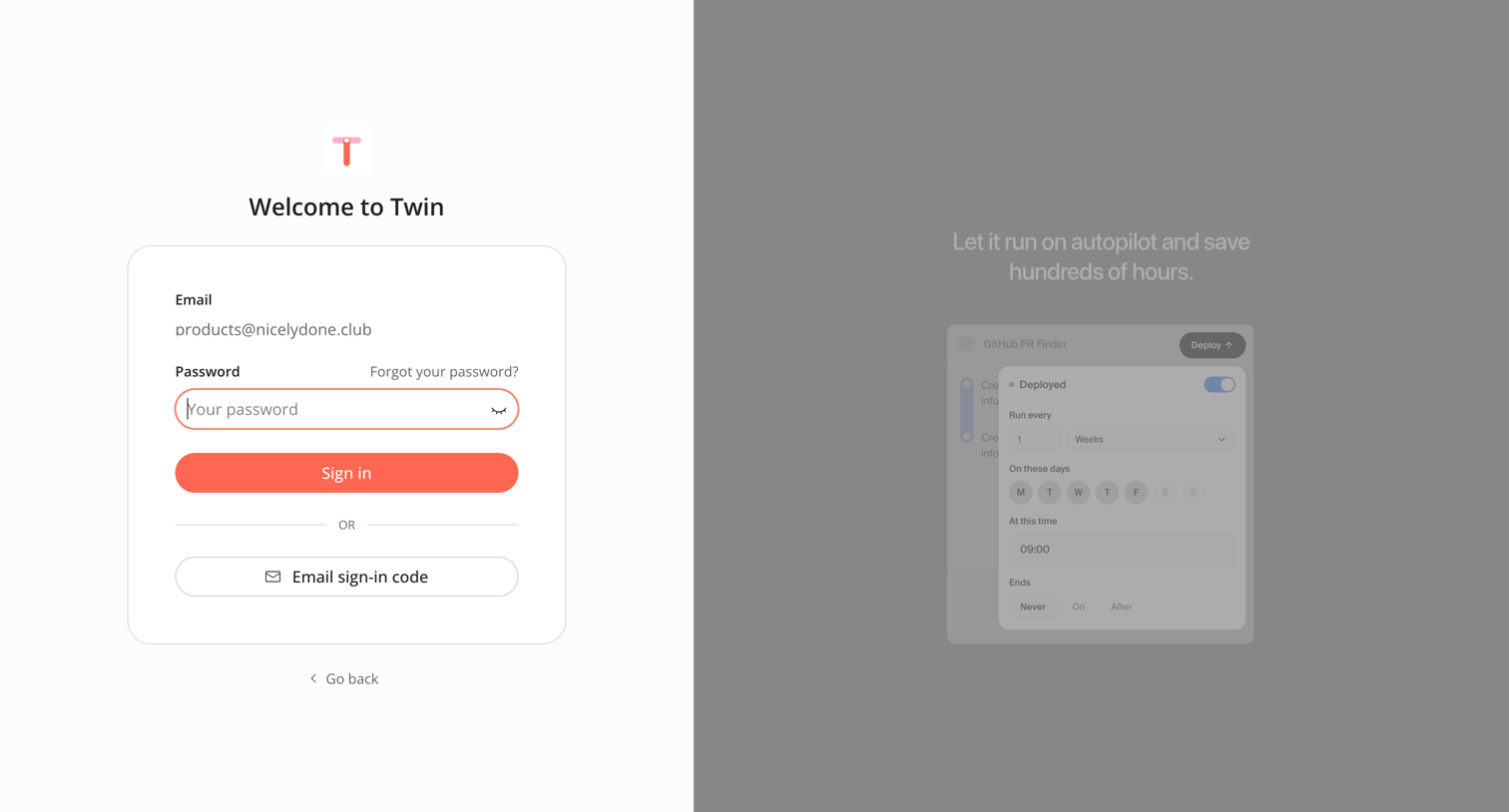
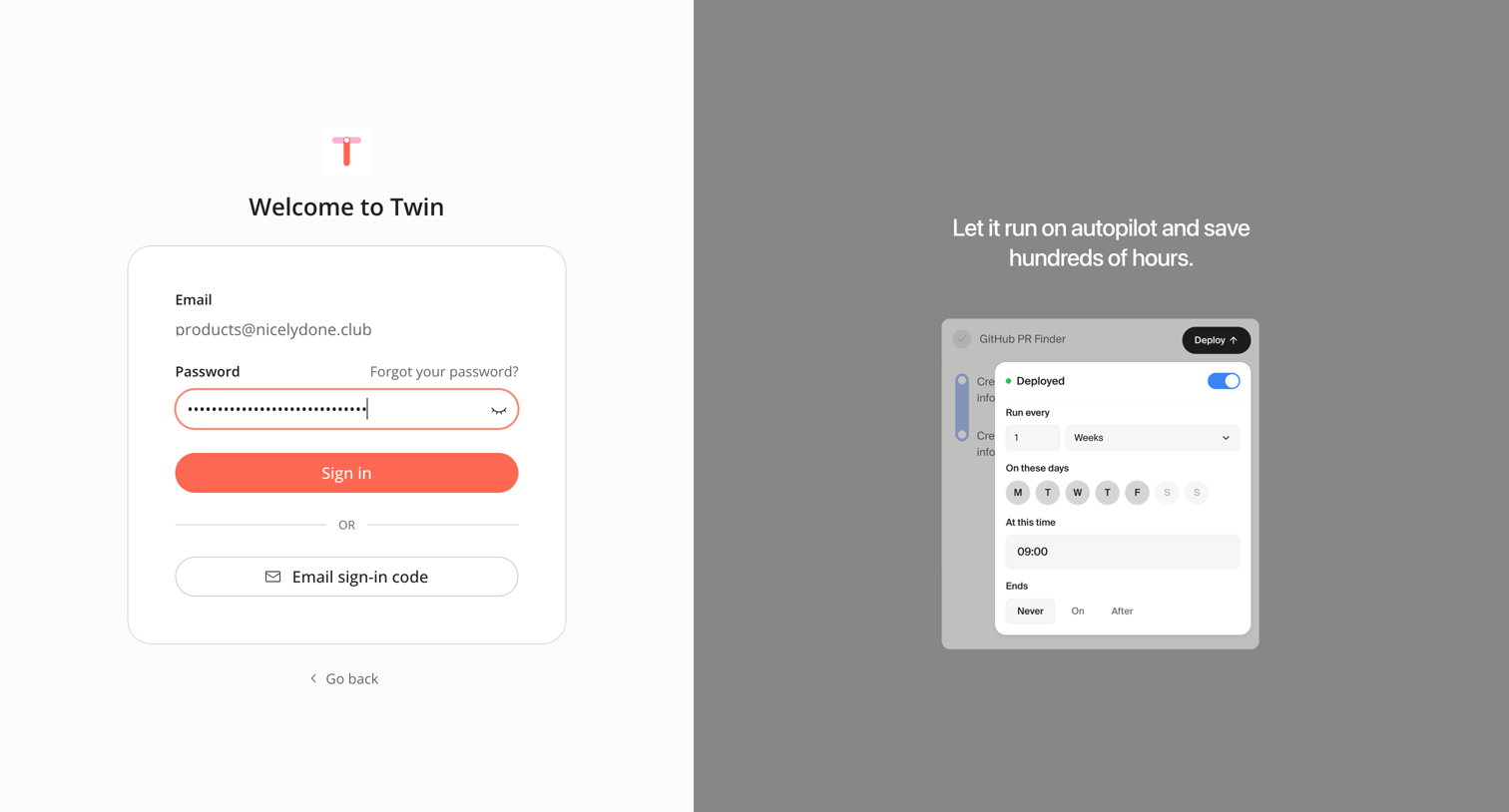
Sign-in screen where the user enters their password for a pre-filled email, with an option to use an email sign-in code instead, alongside a feature carousel.
Sign in from Twin
Twin logo
Twin

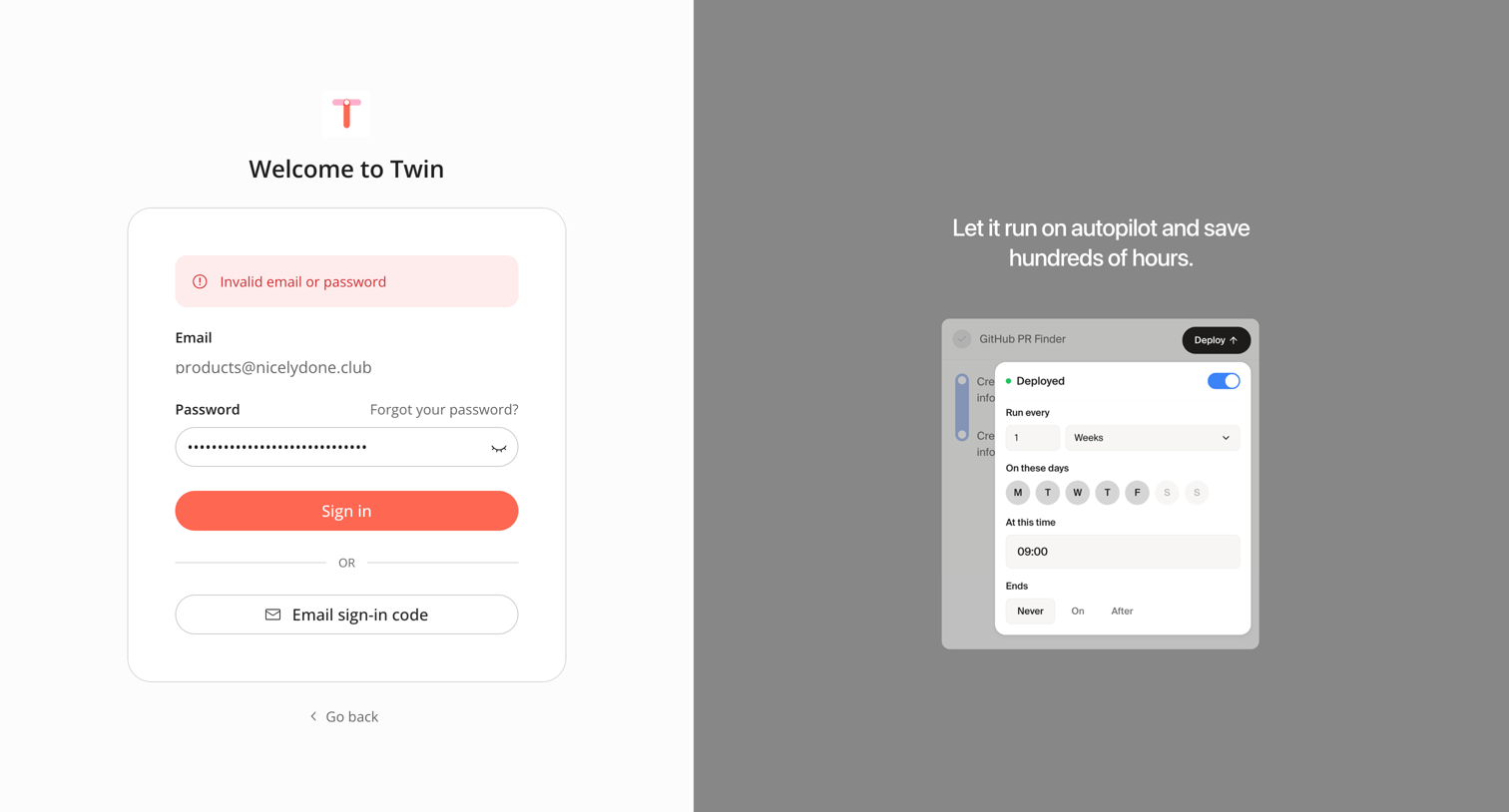
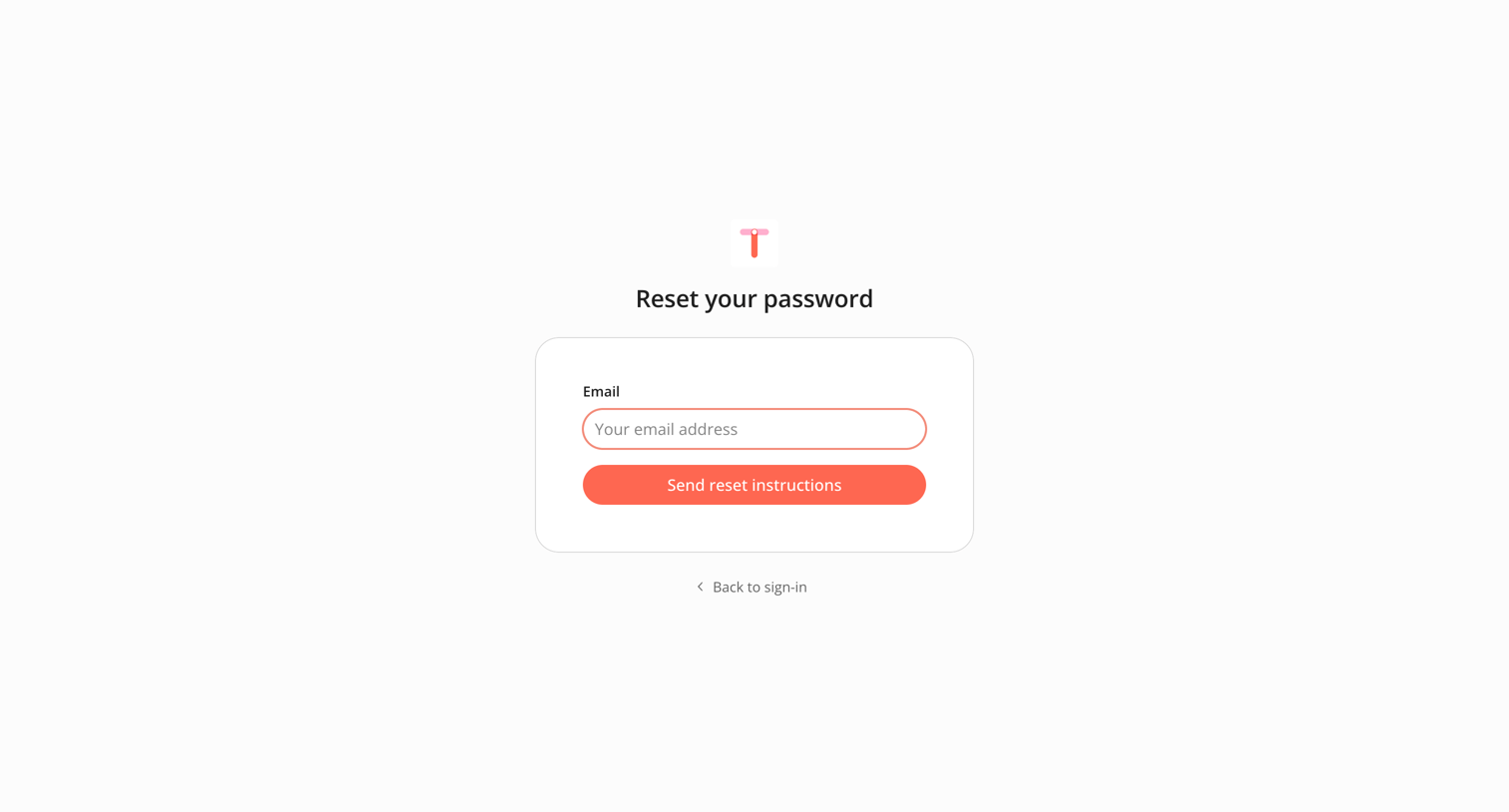
Sign-in screen where the user is blocked by an invalid email or password error while trying to authenticate with Twin.

Sign in from Twin
Twin logo
Twin

Sign-in screen displaying a password reset confirmation message, offering email or Google authentication alongside a product feature carousel.

Sign up from Twin
Twin logo
Twin

Signup screen where the user enters their name and email or authenticates with Google to create a new account.

Verify your email from Twin
Twin logo
Twin

Verification screen where the user enters a 6-digit code sent to their email to authenticate their account.

Twin - Automate anything from Twin
Twin logo
Twin

Start screen for an AI automation builder where the user is prompted to describe what they want to accomplish to generate a new agent.

Twin - Automate anything from Twin
Twin logo
Twin

Creation screen where the user writes a natural language prompt to generate a new automation agent.

Twin - Automate anything from Twin
Twin logo
Twin

AI chat interface where the user converses with an assistant to define and build an automated workflow agent.

Twin - Automate anything from Twin
Twin logo
Twin

AI chat interface where the user is conversing with an agent to build an automation that scans Gmail for tasks and creates issues in Linear.

Twin - Automate anything from Twin
Twin logo
Twin

AI chat interface where the user configures an automation agent by answering questions about Gmail and Linear integrations.

Twin - Automate anything from Twin
Twin logo
Twin

AI chat interface where the user configures a new agent to connect Gmail and Linear by answering conversational prompts.

Browse the full SaaS app library

Explore real SaaS apps with their product screens, marketing screens, flows, and components.

Trusted by the best teams