Mistral design examples
Explore Mistral UI design examples. Frontier AI. In your hands
Product screens


Authentication screen where the user can enter their email or use Apple, Google, or Microsoft single sign-on to access their account.
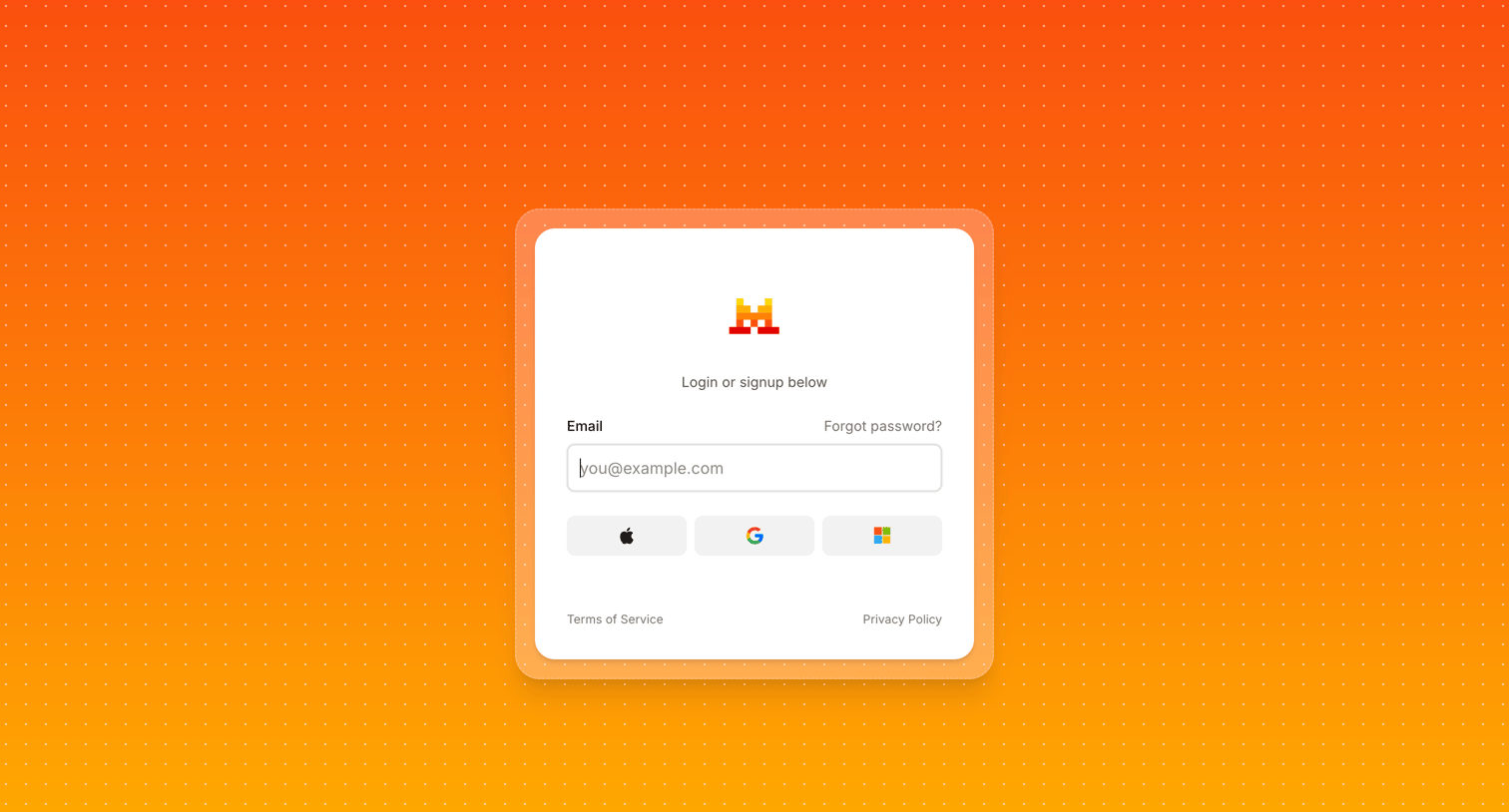
Sign-in screen where the user enters their email or authenticates with Apple, Google, or Microsoft.
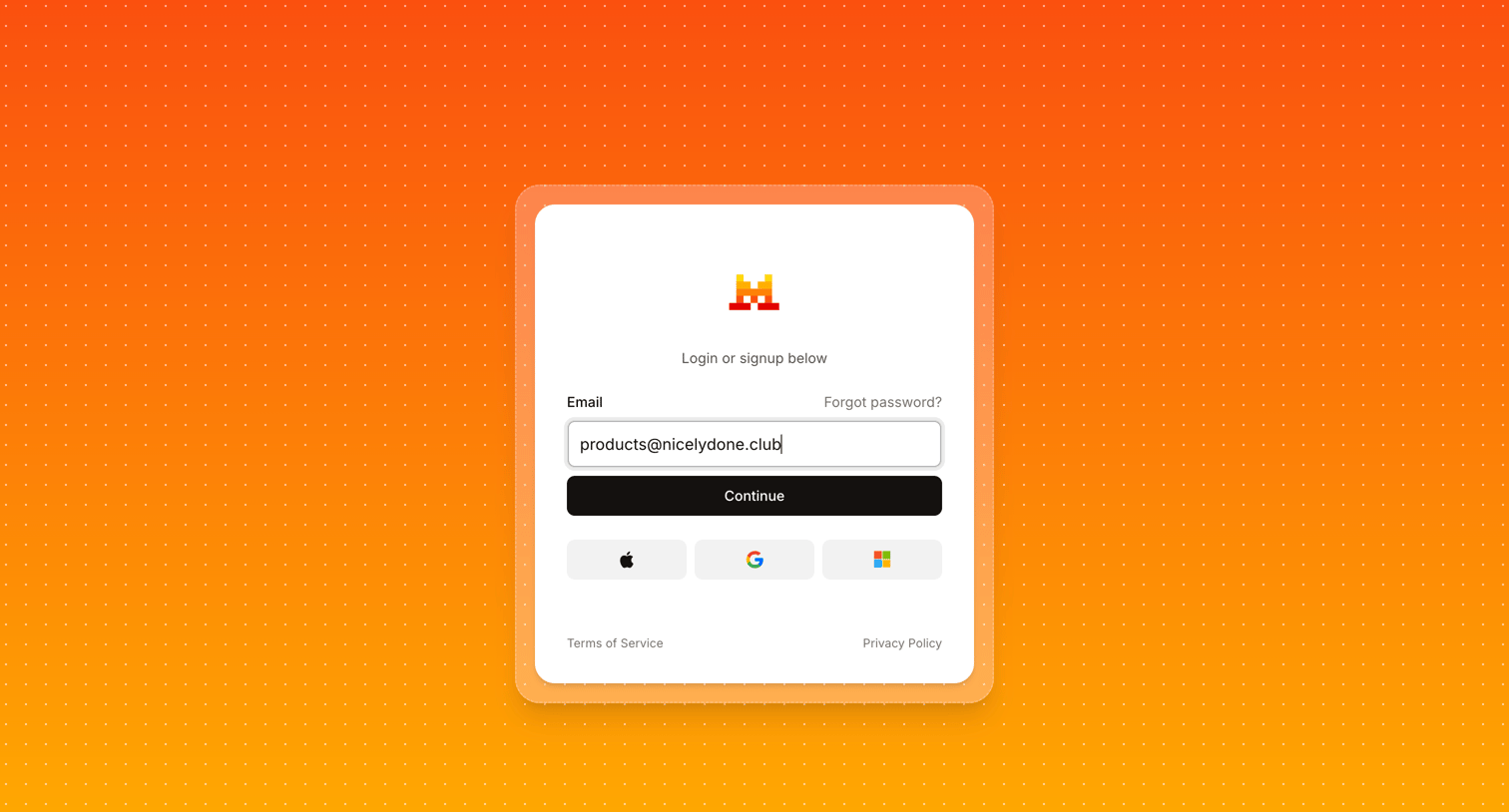
Sign-in screen where the user authenticates with an email address or via Apple, Google, or Microsoft single sign-on.
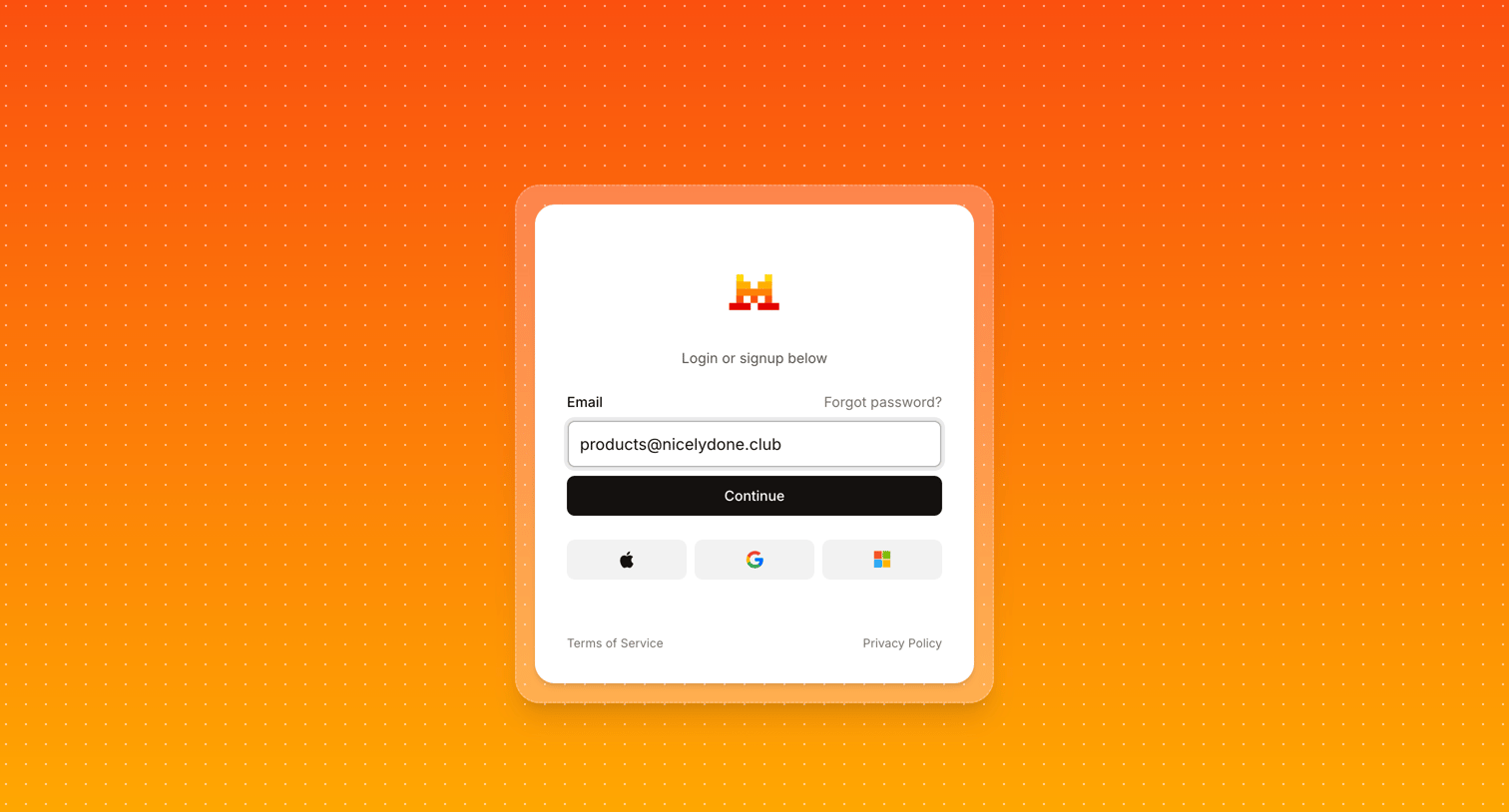
Signin and signup screen where the user enters their email to continue or authenticates via Apple, Google, or Microsoft.
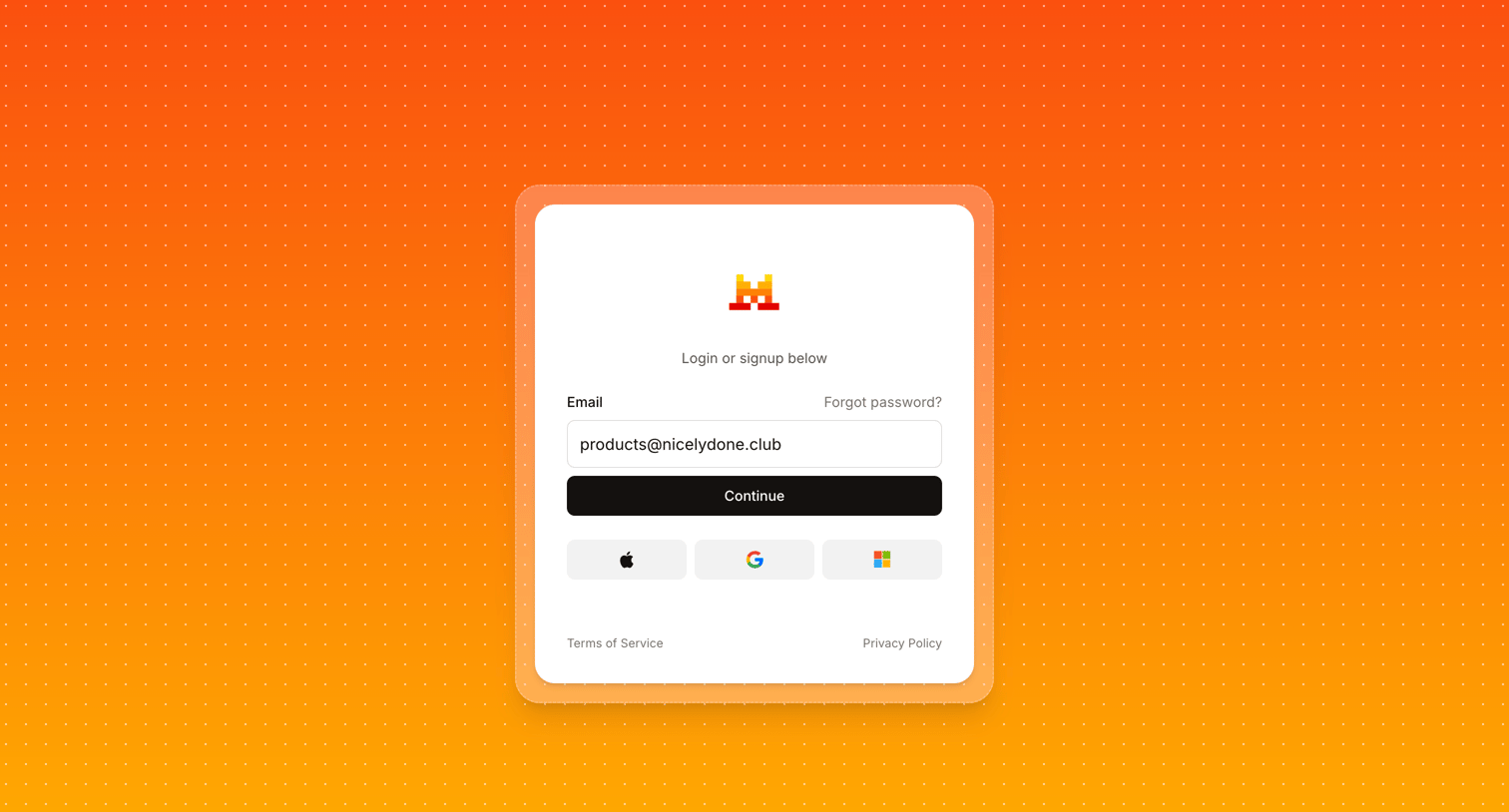
Authentication screen where the user enters their email to continue or chooses to sign in with Apple, Google, or Microsoft.
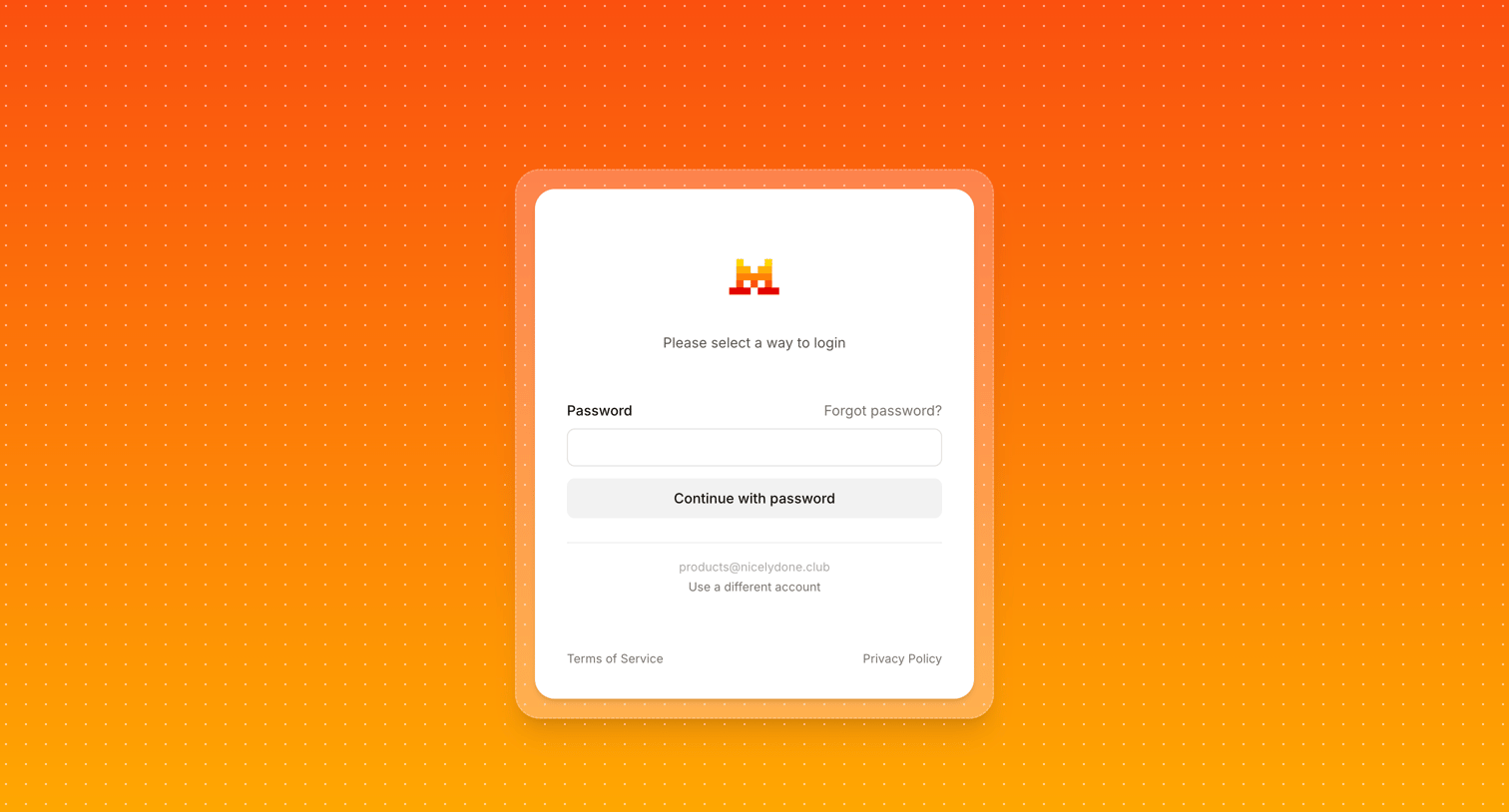
Sign-in screen where the user enters their password to authenticate an existing email, with an option to switch accounts.
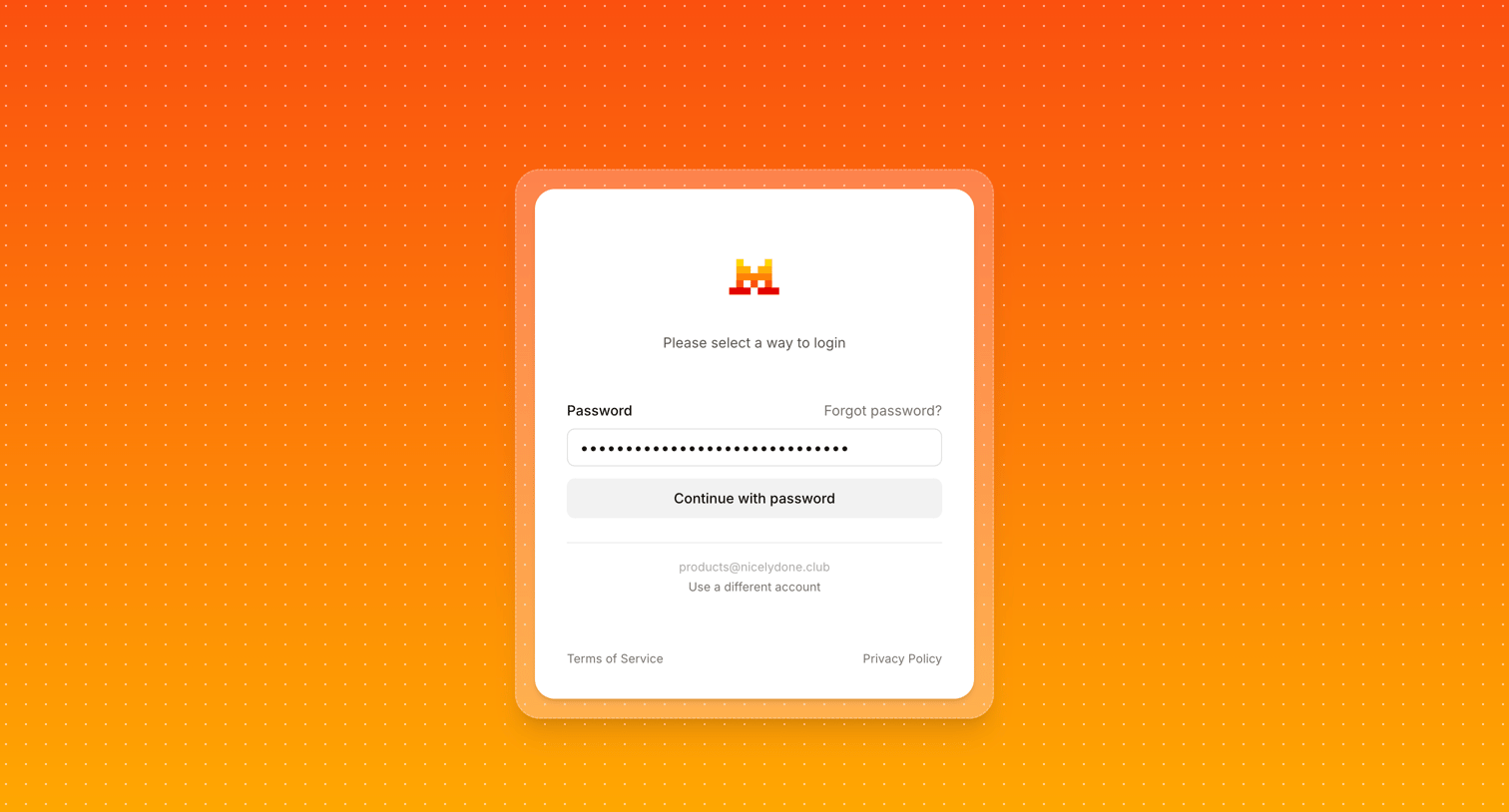
Sign-in screen where the user enters their password for a pre-filled email address, with options to recover the password or switch accounts.
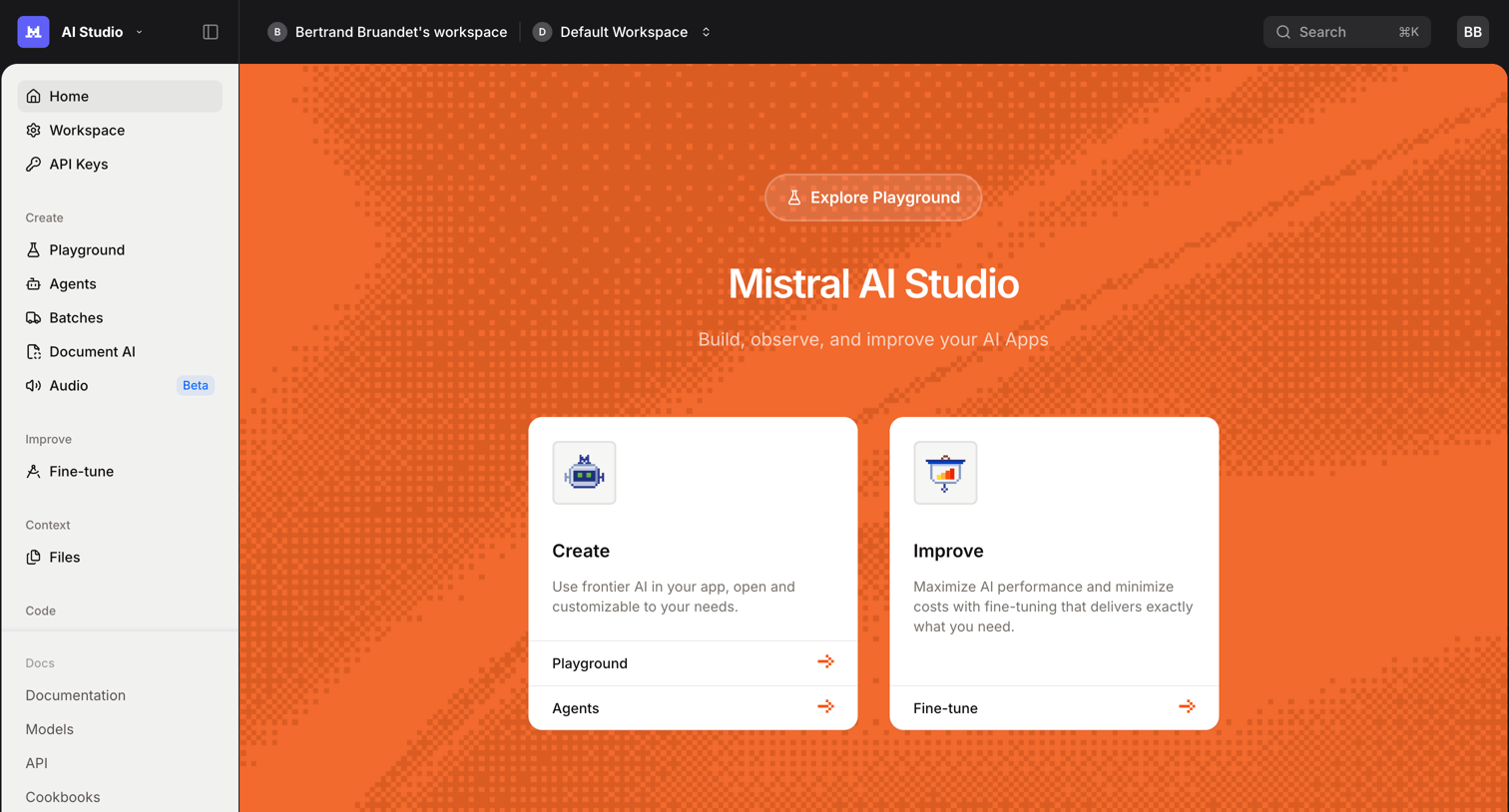
Home screen for an AI studio where the user can jump into the playground, create agents, or fine-tune models.
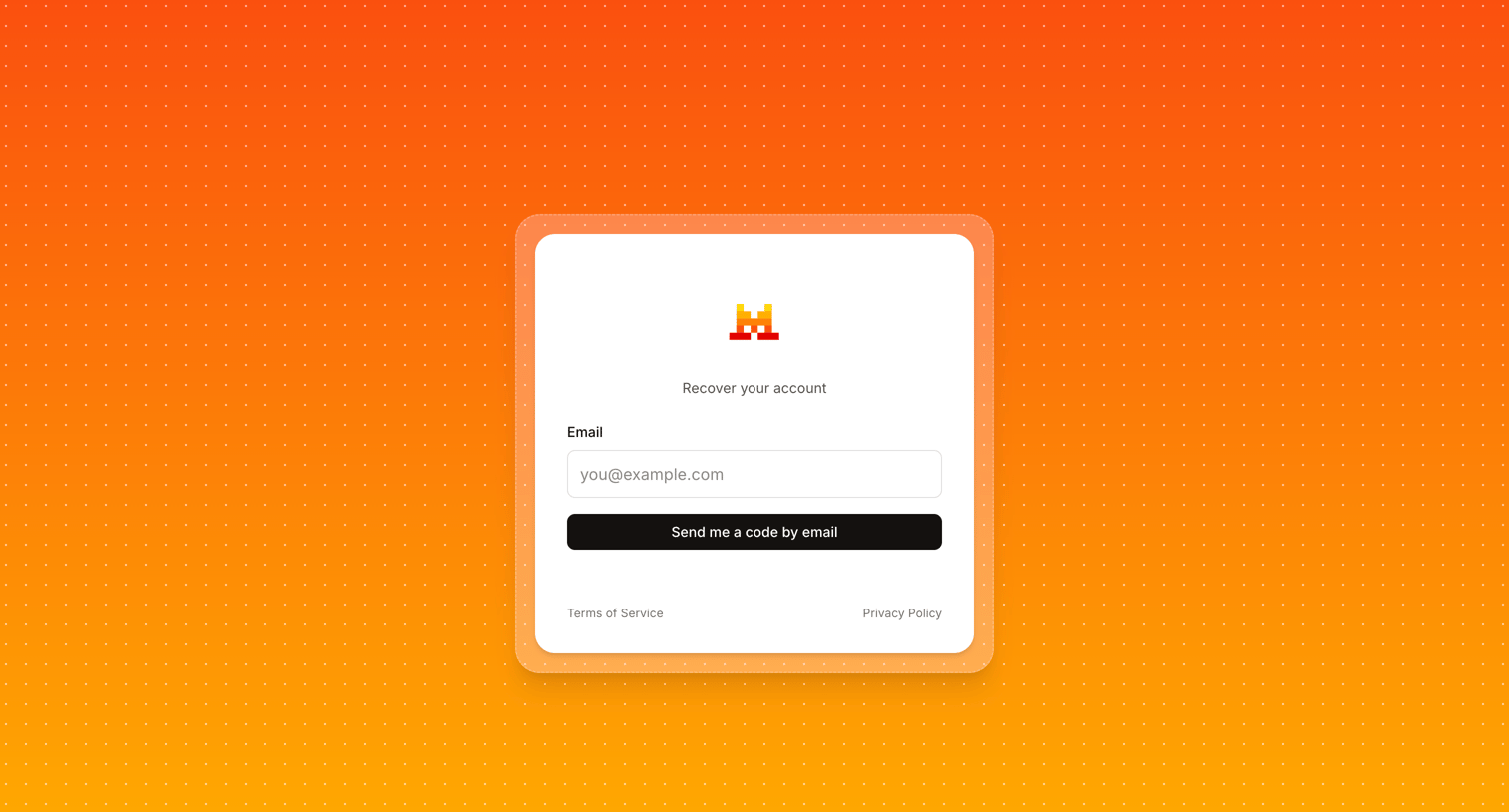
Account recovery screen where the user enters their email address to receive a recovery code.
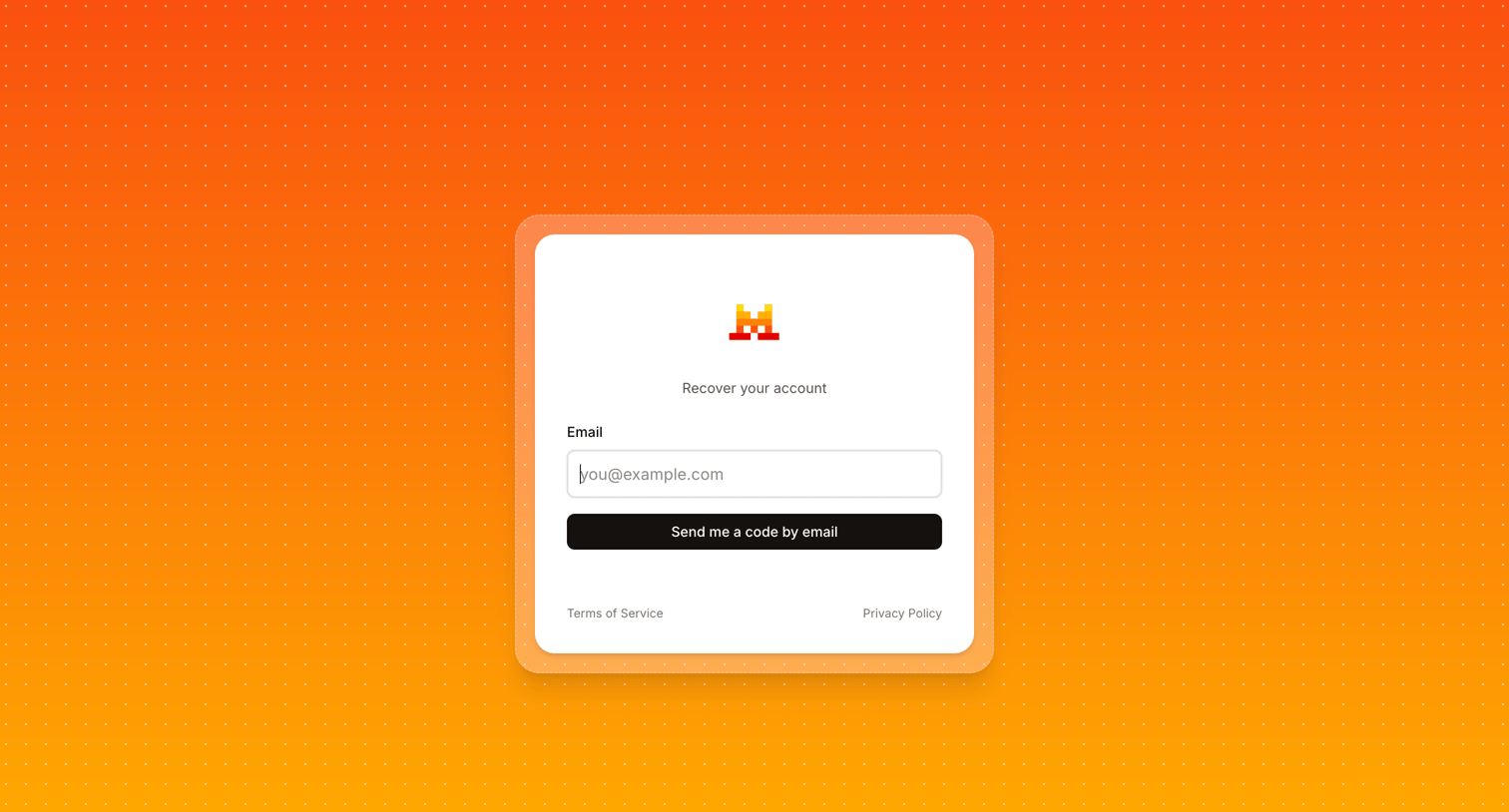
Password recovery screen where the user enters their email address to receive an account recovery code.
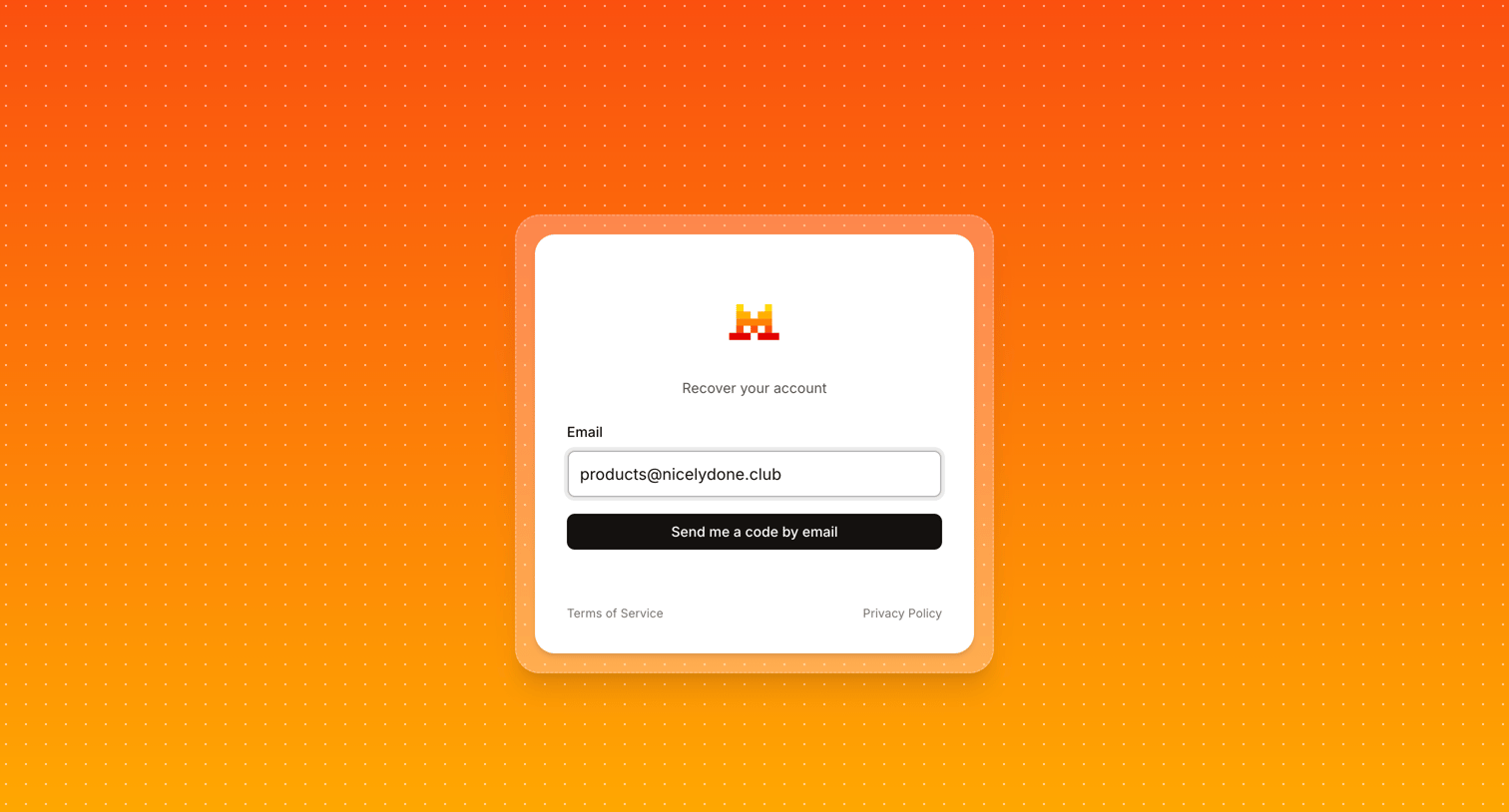
Password recovery screen where the user submits their email address to receive a verification code.
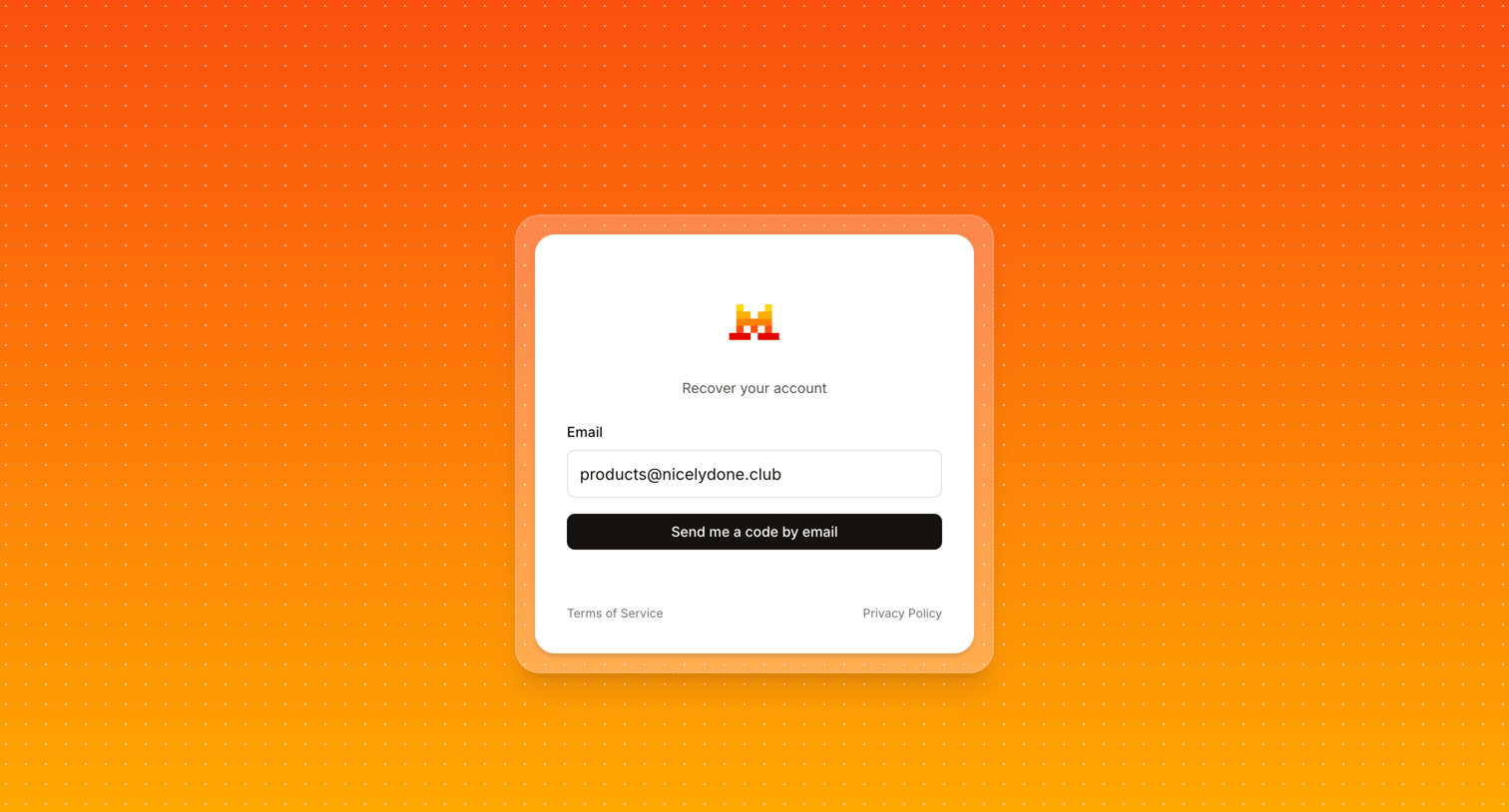
Password recovery screen where the user requests a verification code to be sent to their email address.
Browse the full SaaS app library
Explore real SaaS apps with their product screens, marketing screens, flows, and components.
Trusted by the best teams







