Skip to content

Mistral UI components examples

Browse Mistral UI component design examples. Preview individual interface elements and explore related component categories. Frontier AI. In your hands

Explore the examples
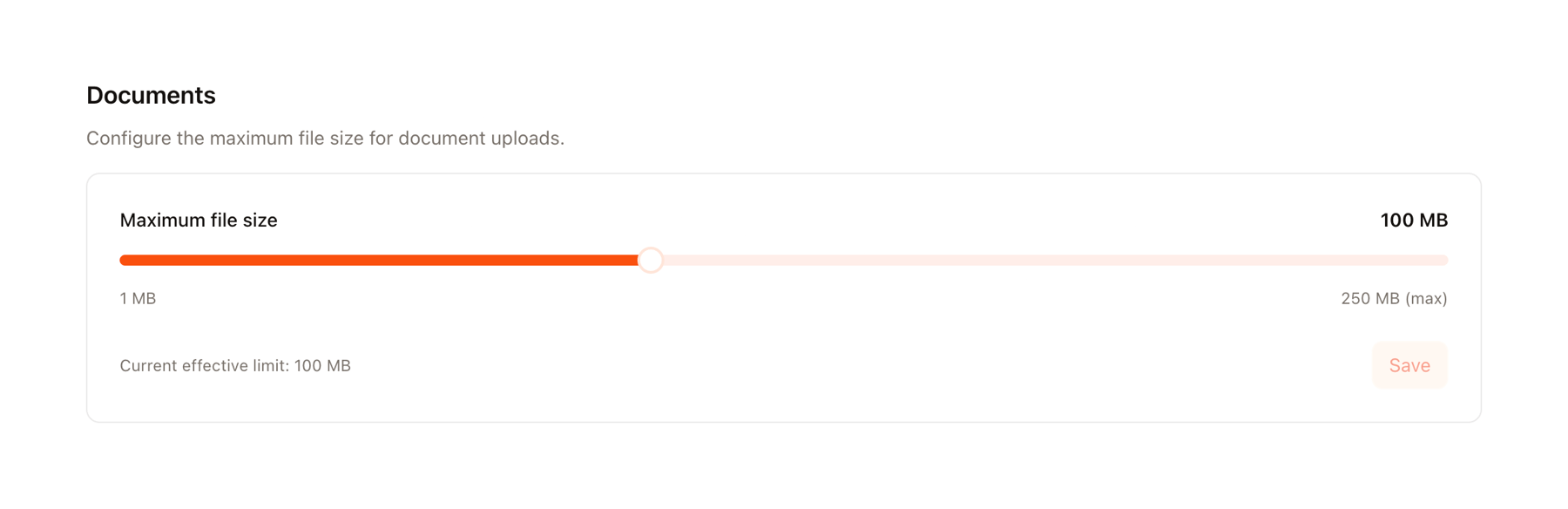
Mistral — Slider component
Mistral logo
Mistral

A user interface for configuring document upload file size settings.

Mistral — Tabs component
Mistral logo
Mistral

A user interface displaying subscriptions with tabbed navigation for different applications.

Mistral — Empty state component
Mistral logo
Mistral

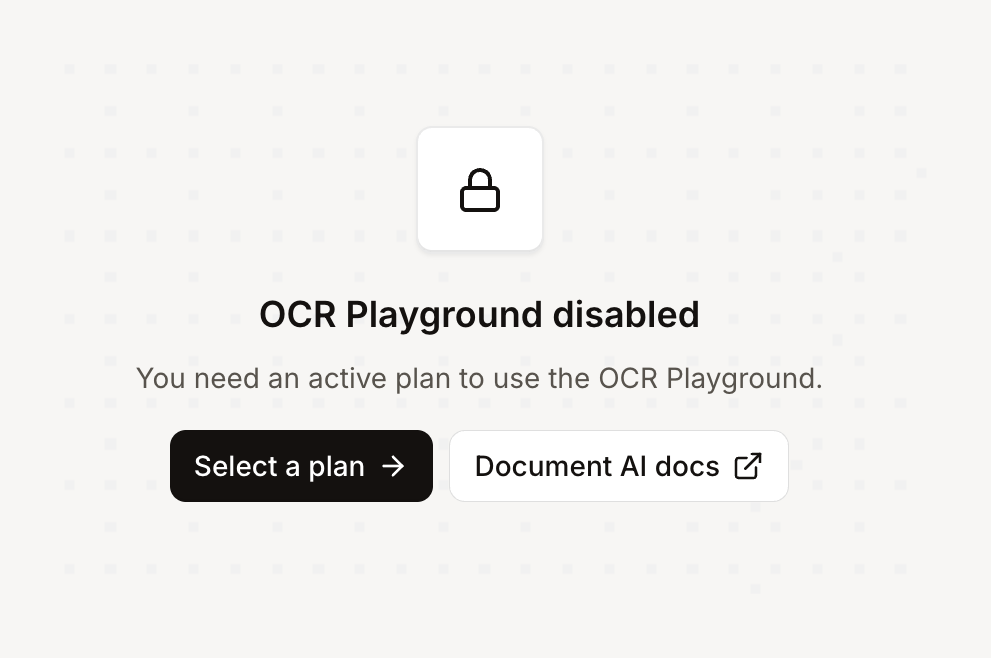
A message indicating a feature is disabled due to subscription requirements, offering options to upgrade or view documentation.
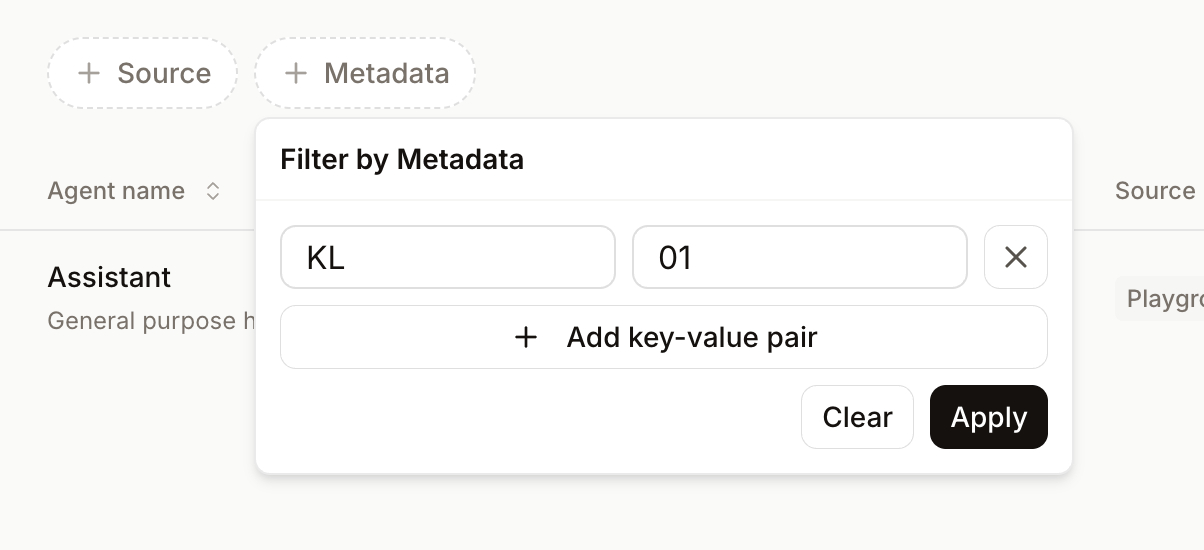
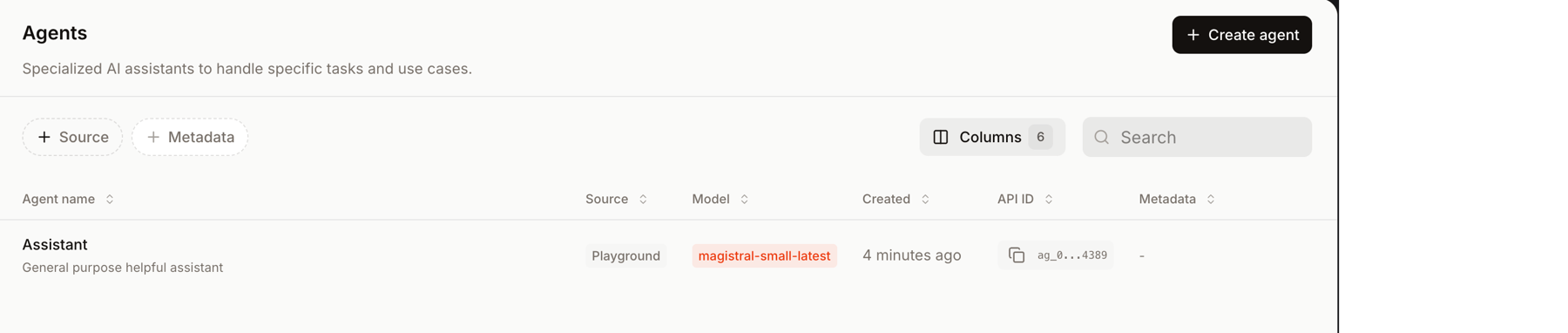
Mistral — Table component
Mistral logo
Mistral

A user interface for managing AI agents, featuring a data table, search, and filtering options.

Mistral — Dropdown menu component
Mistral logo
Mistral

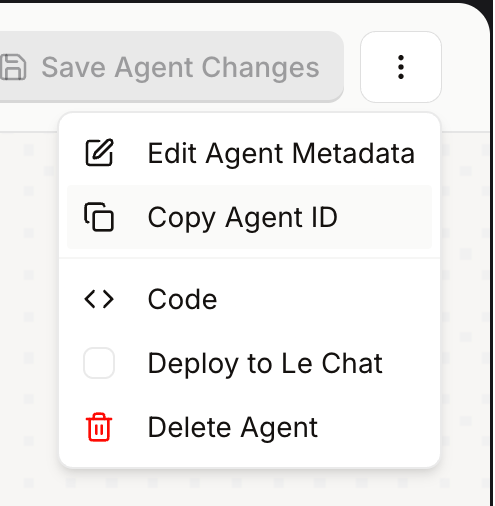
A dropdown menu displaying actions for agent management.

Mistral — Input select component
Mistral logo
Mistral

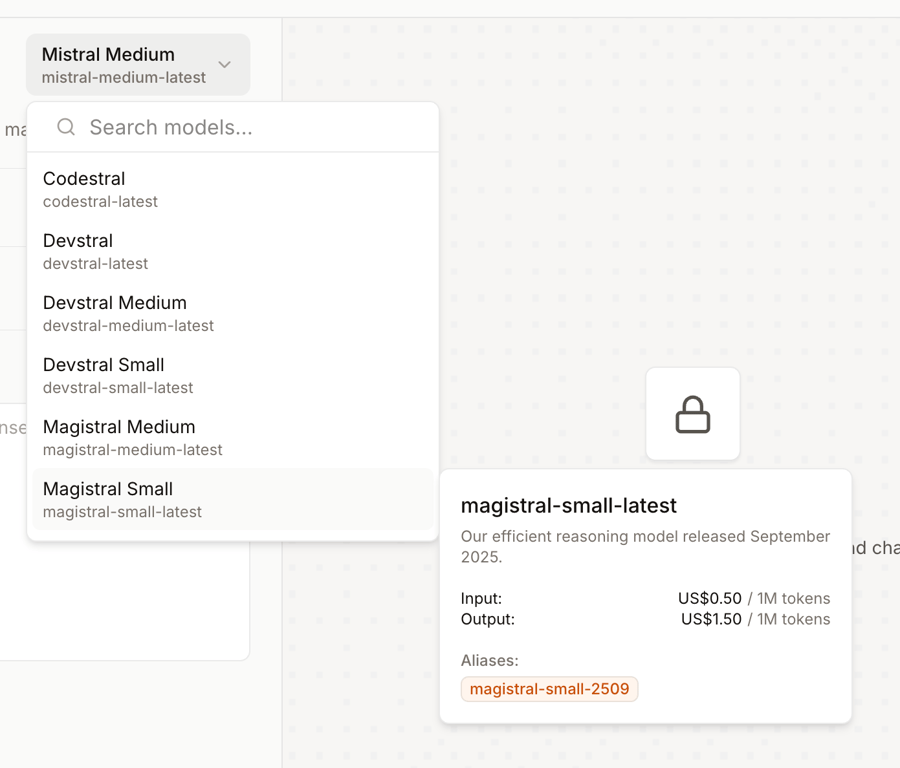
A user interface displaying a model selection dropdown with search functionality and a detail card showing information about a selected AI model.
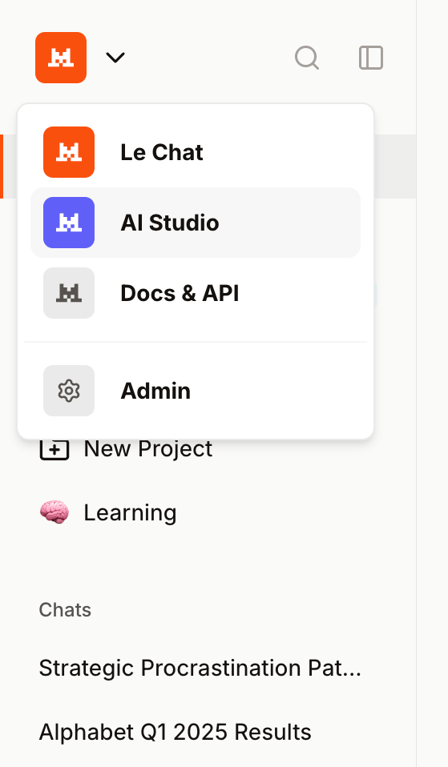
Mistral — Dropdown menu component
Mistral logo
Mistral

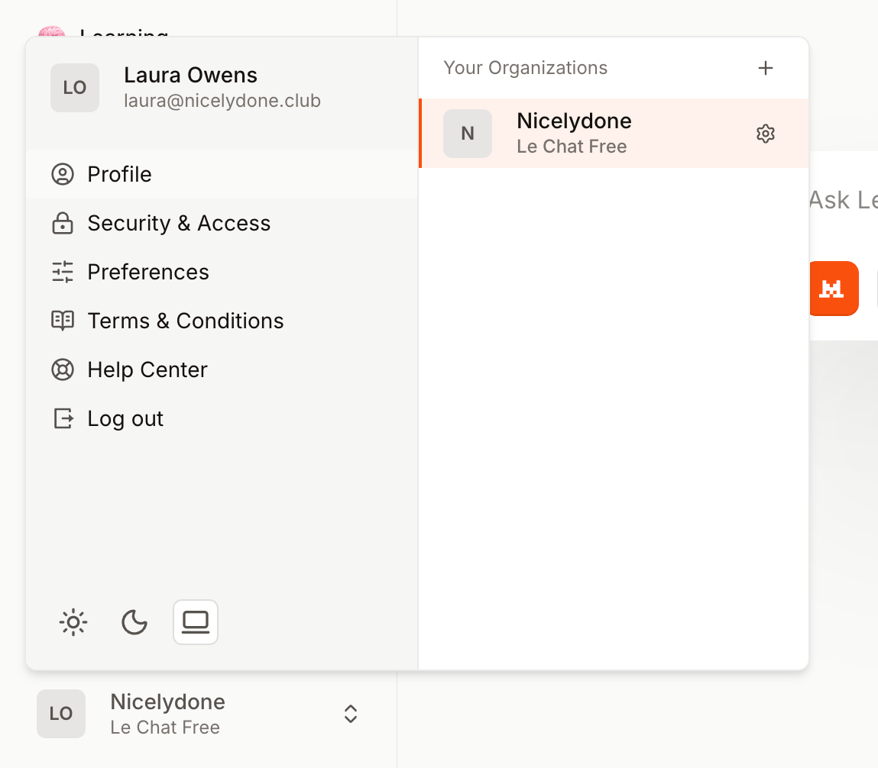
A sidebar navigation with a dropdown menu for application switching and a list of recent items.
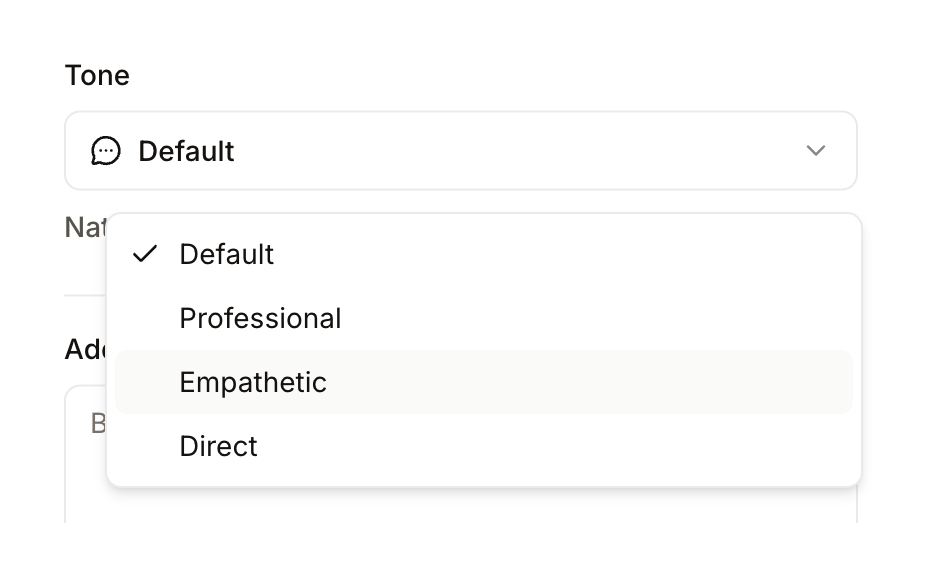
Mistral — Input select component
Mistral logo
Mistral

A dropdown menu for selecting a tone, displaying options such as Default, Professional, Empathetic, and Direct.
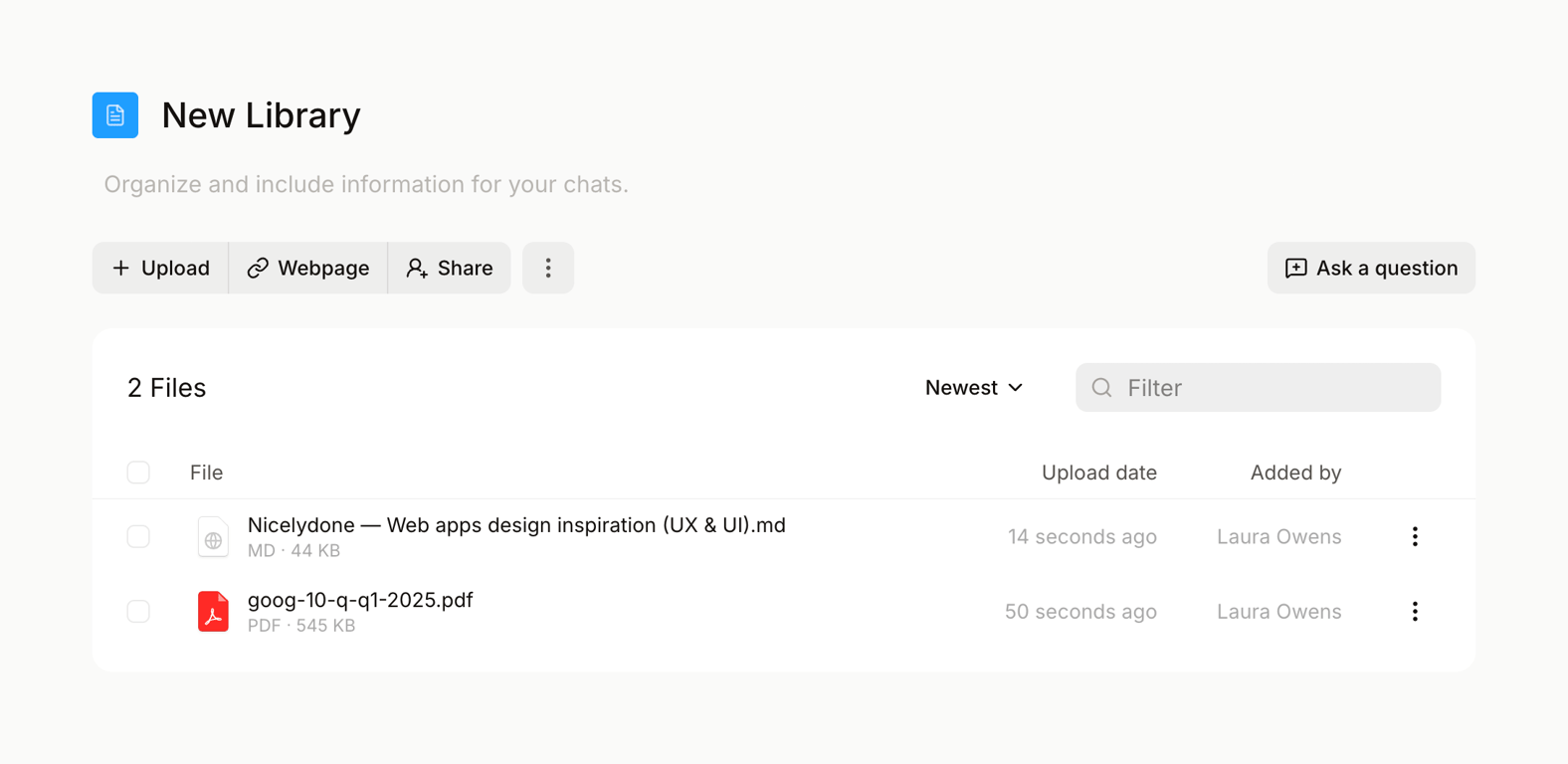
Mistral — Table component
Mistral logo
Mistral

A file management interface for a digital library, displaying uploaded documents and web pages with options to upload, share, filter, and sort.

Browse the full component library

Browse the full UI component library.

Trusted by the best teams