Feature Gate screen examples
Feature Gate screen design examples from SaaS apps. See how SaaS apps explain why a feature is unavailable. Browse designs that connect restricted access with a required plan or permission and show the…
Explore the examples
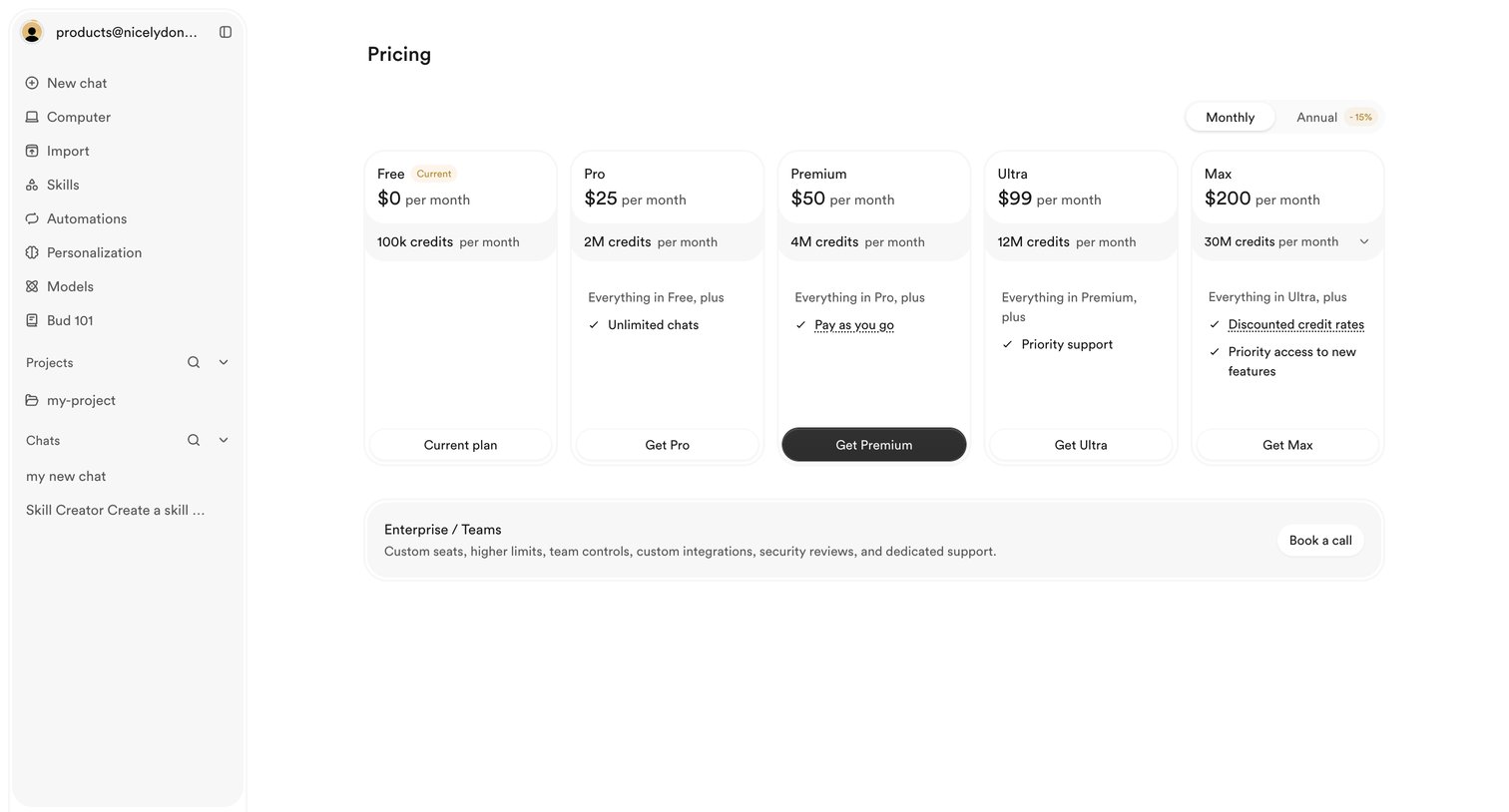

Settings page where the user views their current free plan and can upgrade to Pro, Premium, Ultra, or Max tiers based on monthly credit needs.
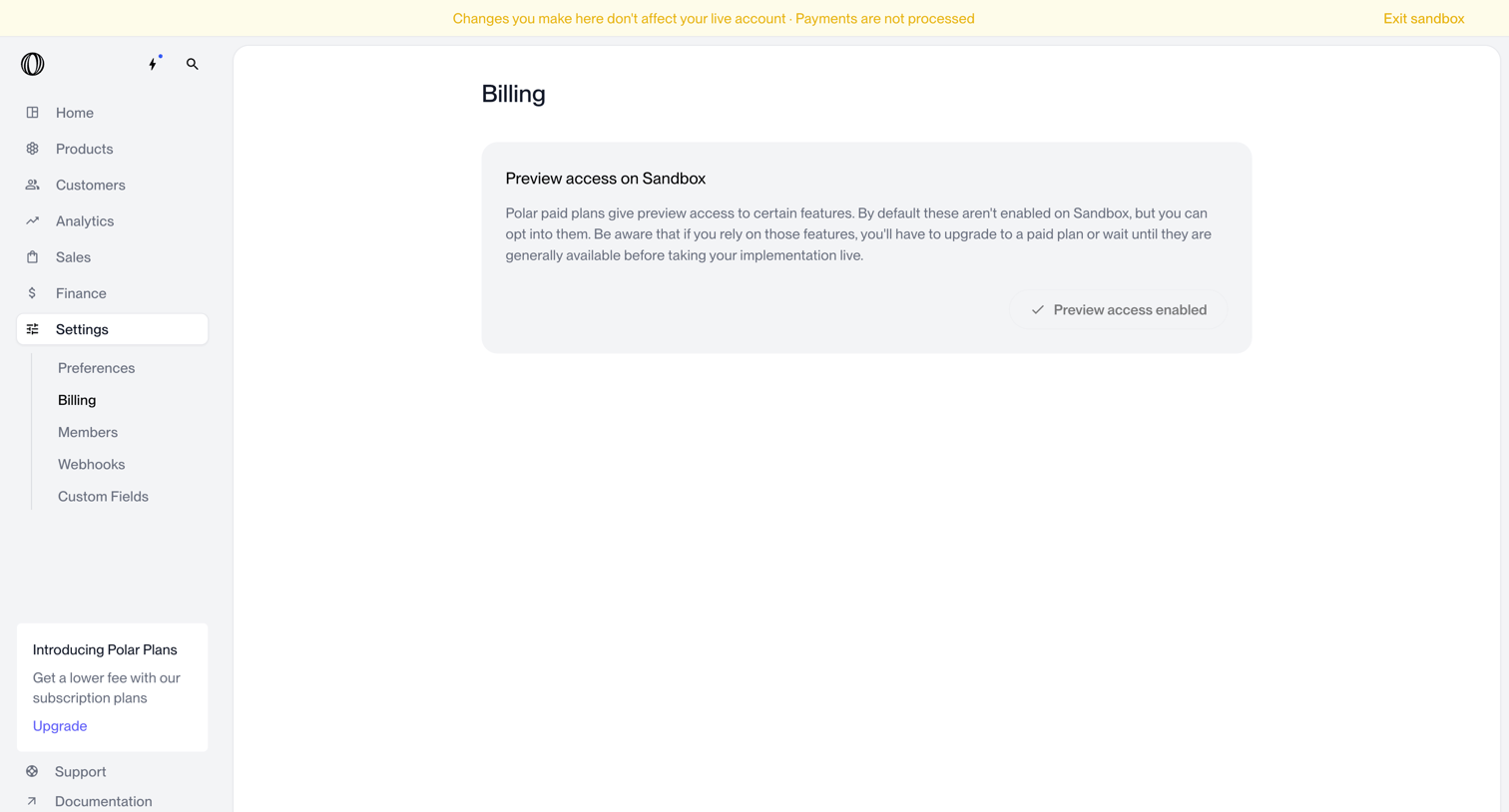

Settings page where the user views their billing status and preview access within a sandbox environment.
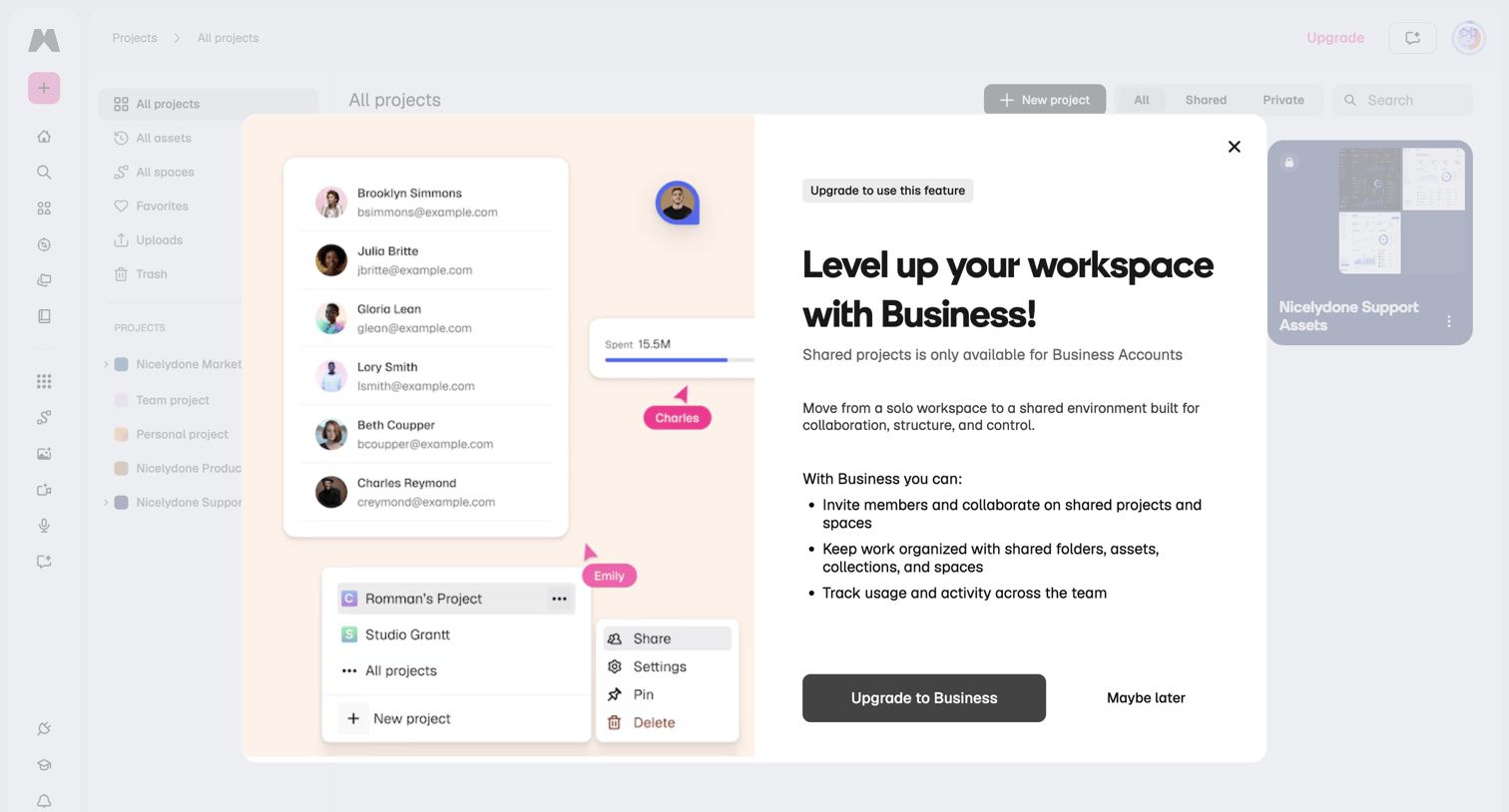

Paywall modal blocking access to shared projects, prompting the user to upgrade to a Business account for team collaboration features.
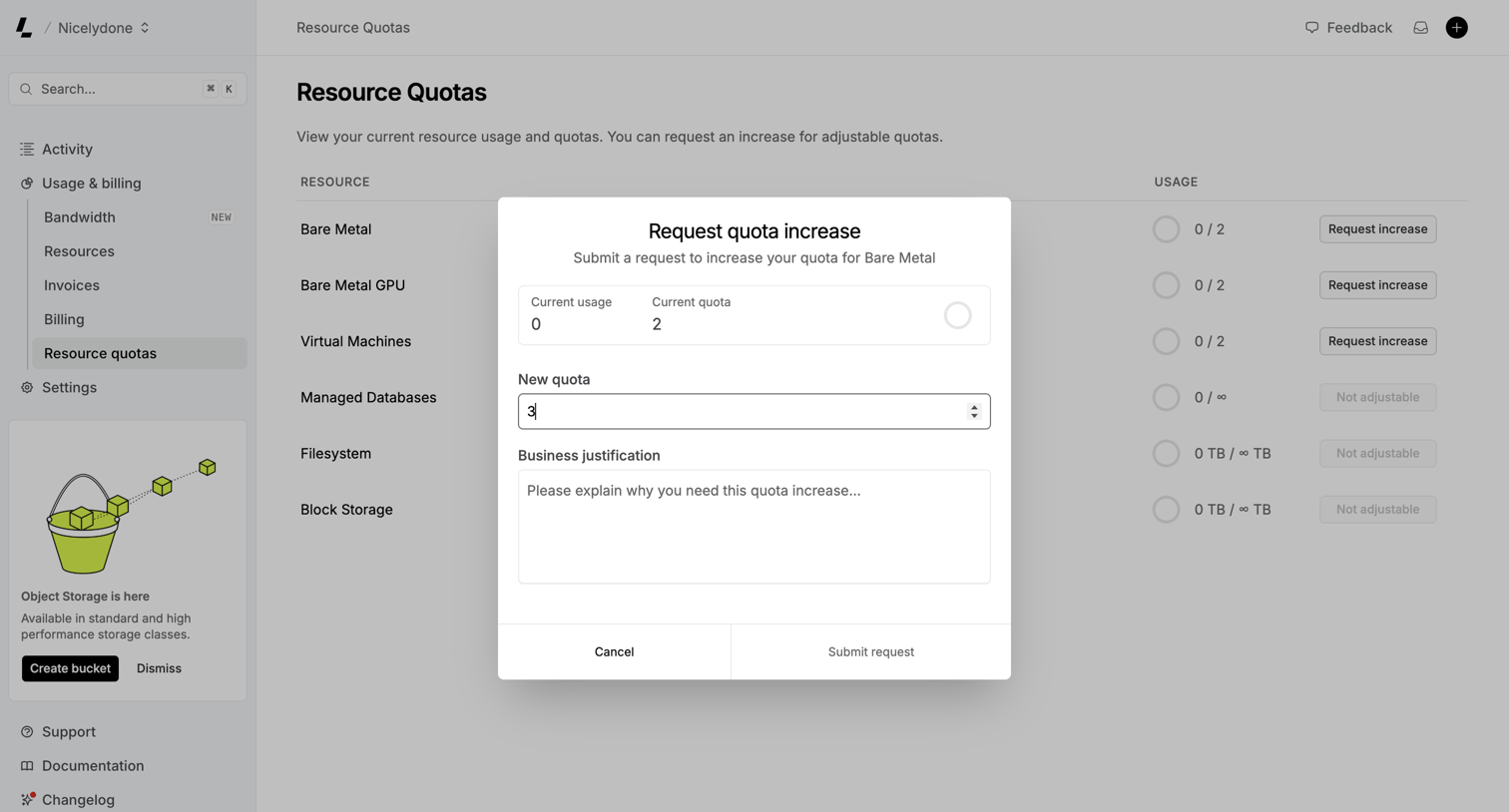

Settings page where the user views their current infrastructure resource usage and fills out a modal form to request a quota increase for Bare Metal.
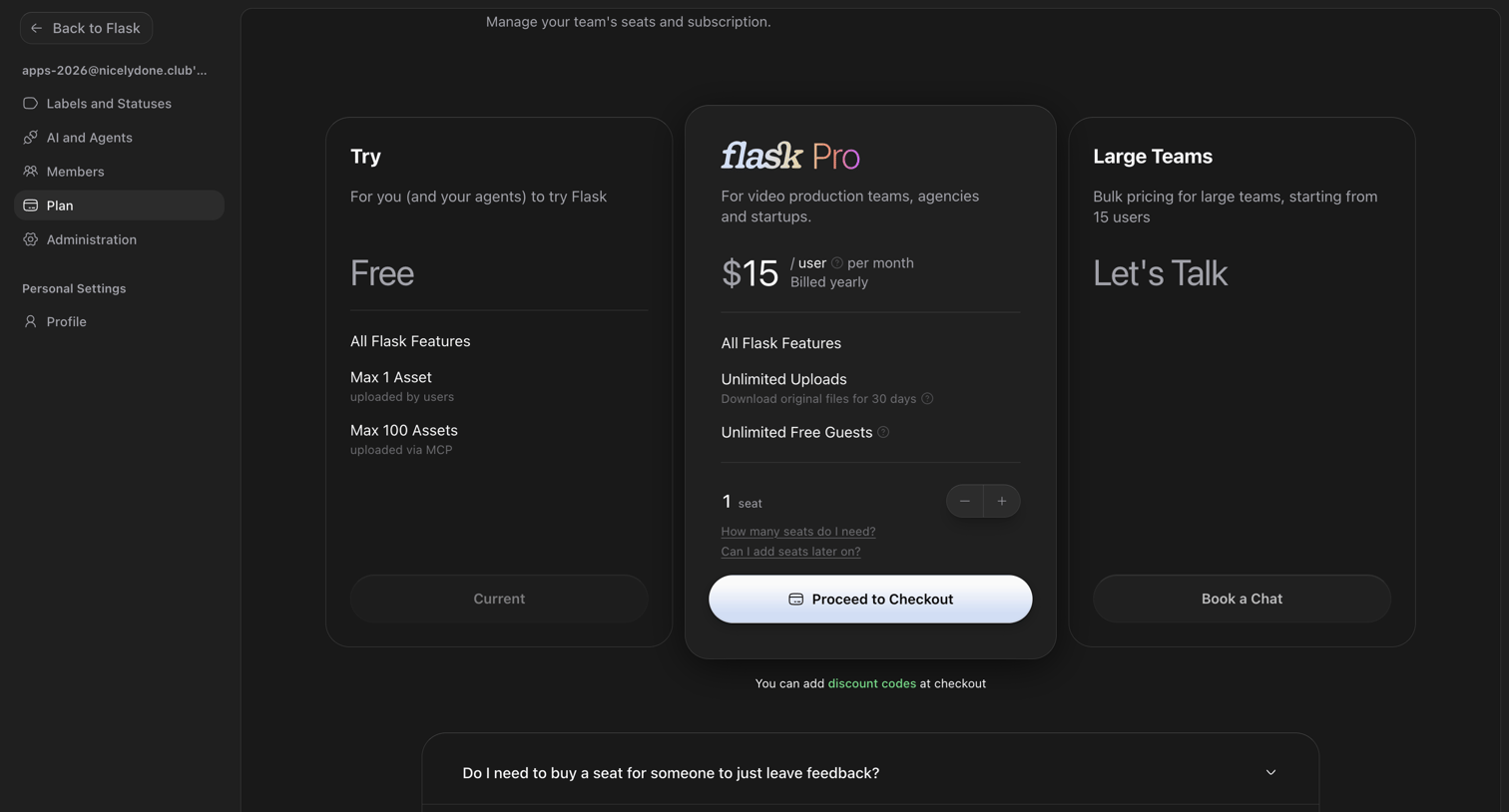

Settings page where the user manages their team's subscription by comparing the Free, Pro, and Large Teams plans.
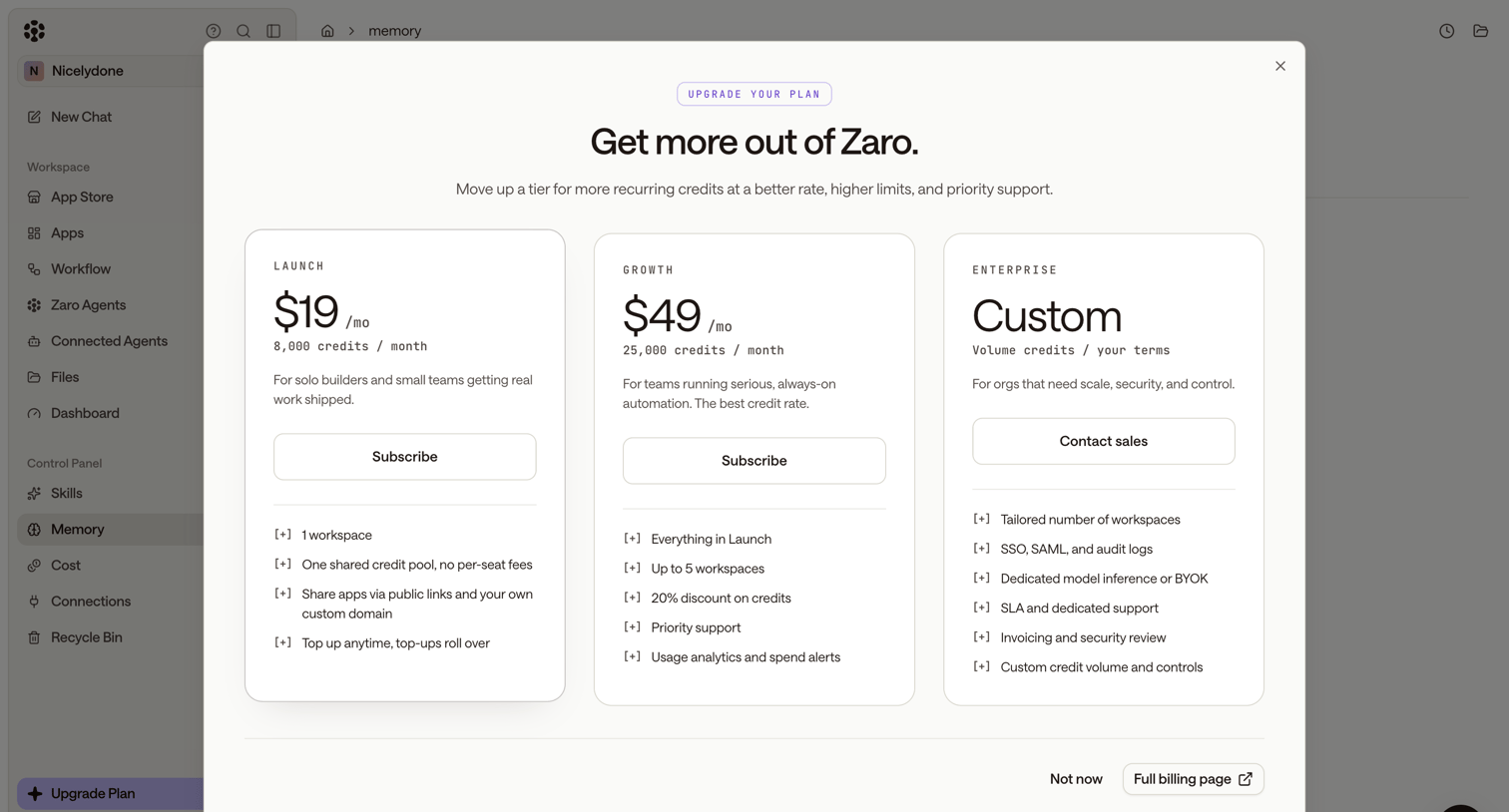

Paywall modal where the user can upgrade their subscription by choosing between Launch, Growth, and Enterprise tiers.
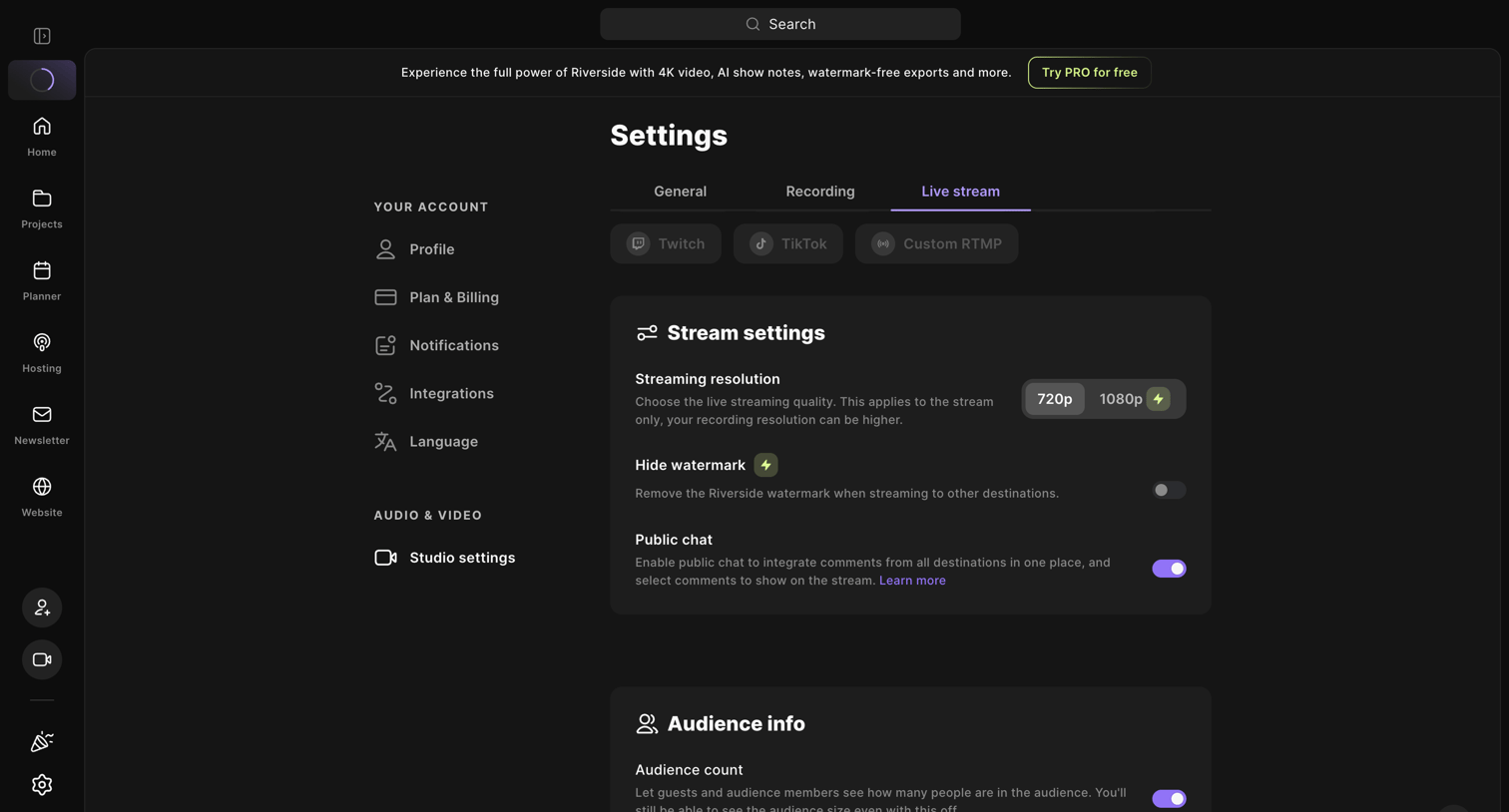

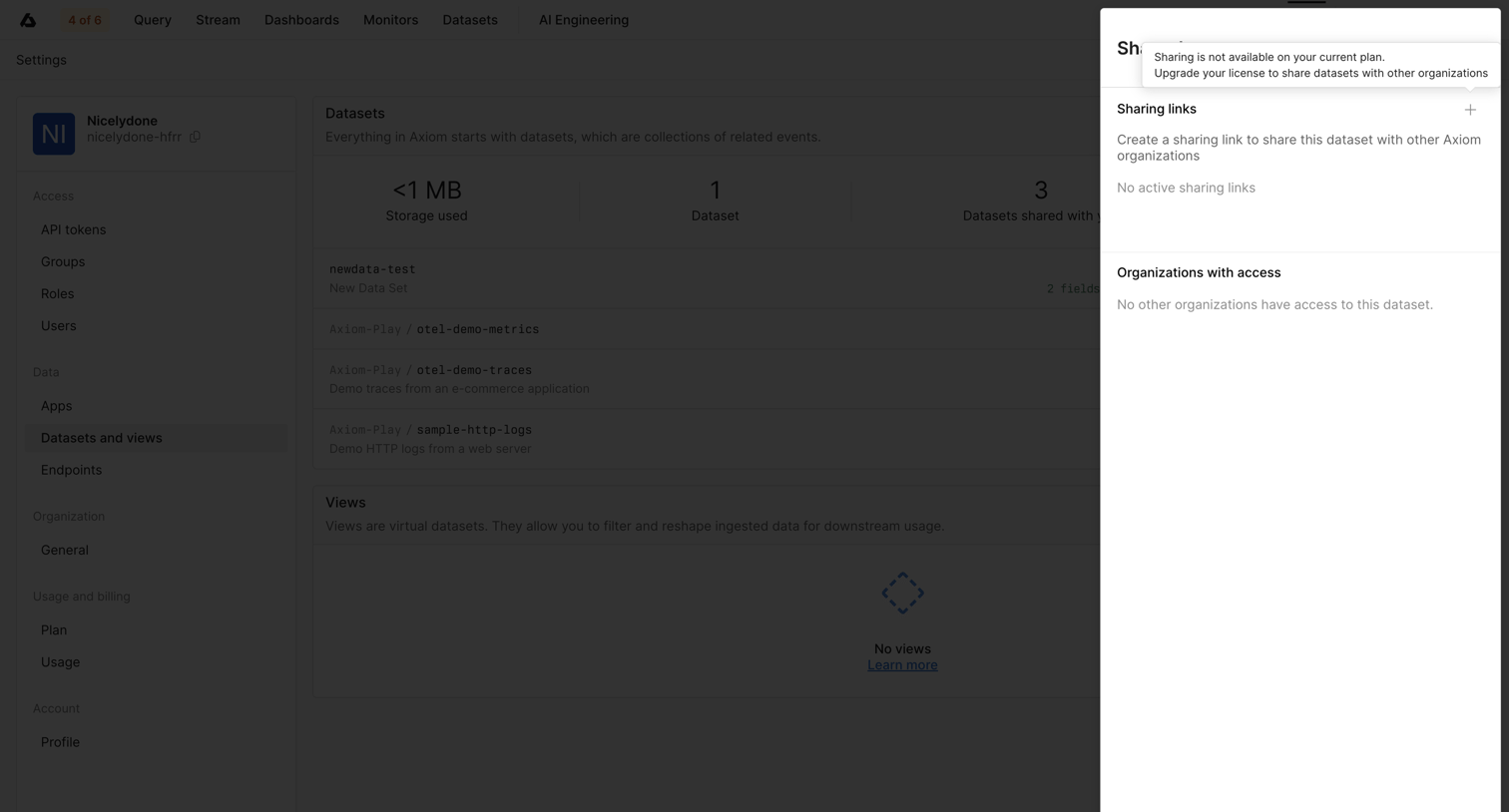

Settings drawer where the user attempts to share a dataset but is blocked by an upgrade prompt explaining that sharing requires a higher plan.
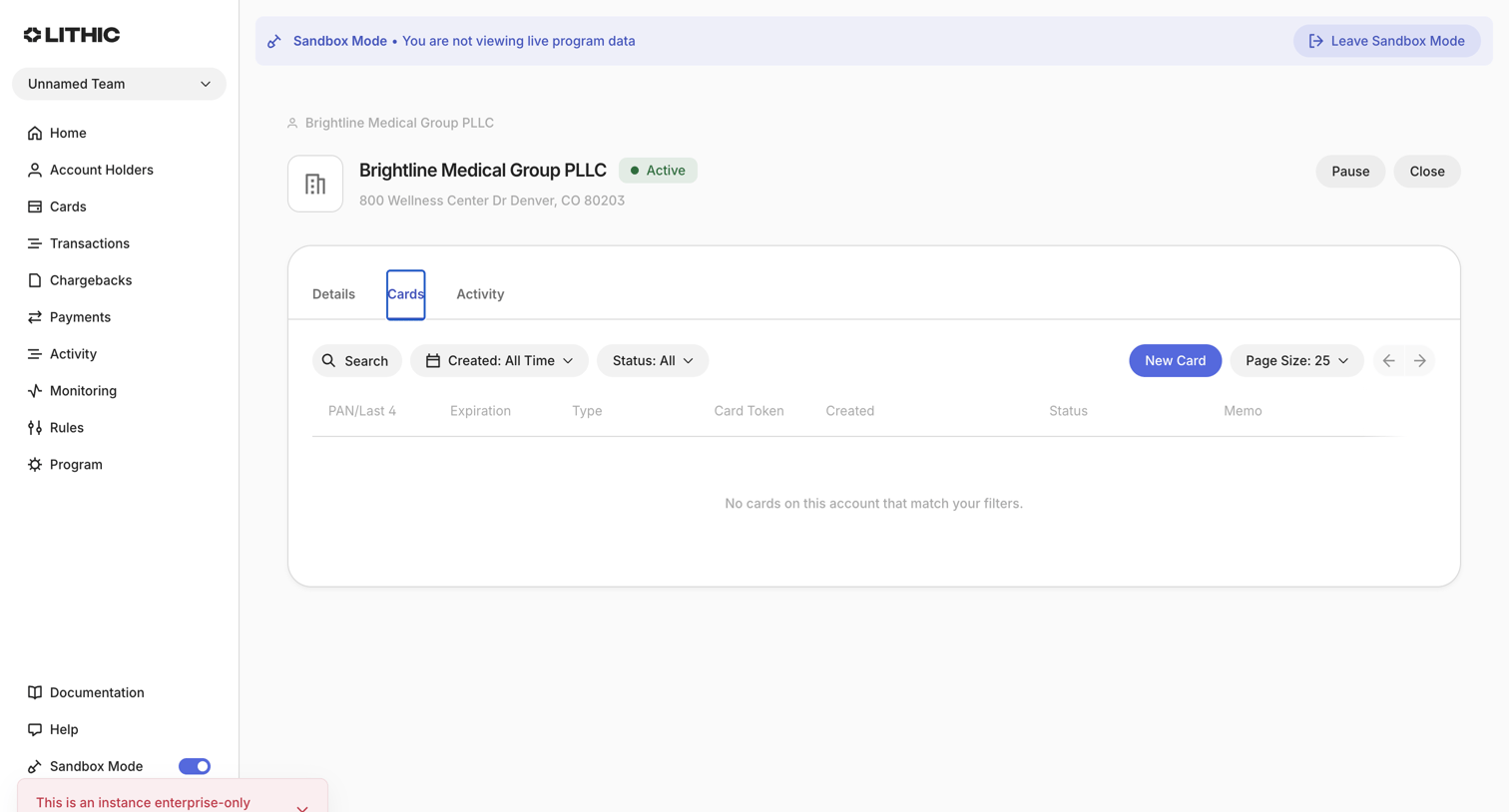

Detail page for a specific account holder showing a list of associated cards, currently in an empty state.
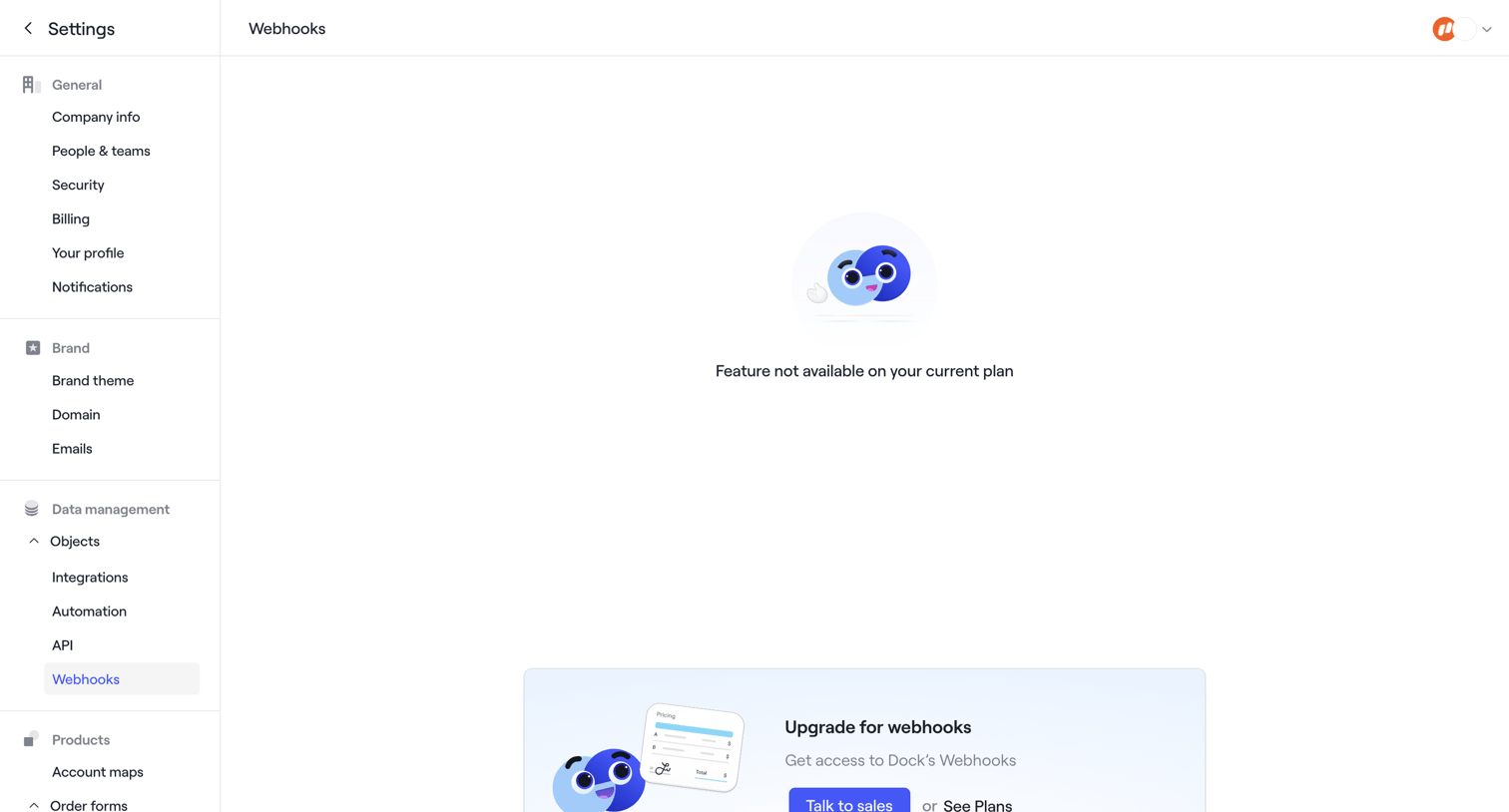

Settings page where the webhooks configuration is blocked by a feature gate, prompting the user to upgrade their plan or talk to sales.
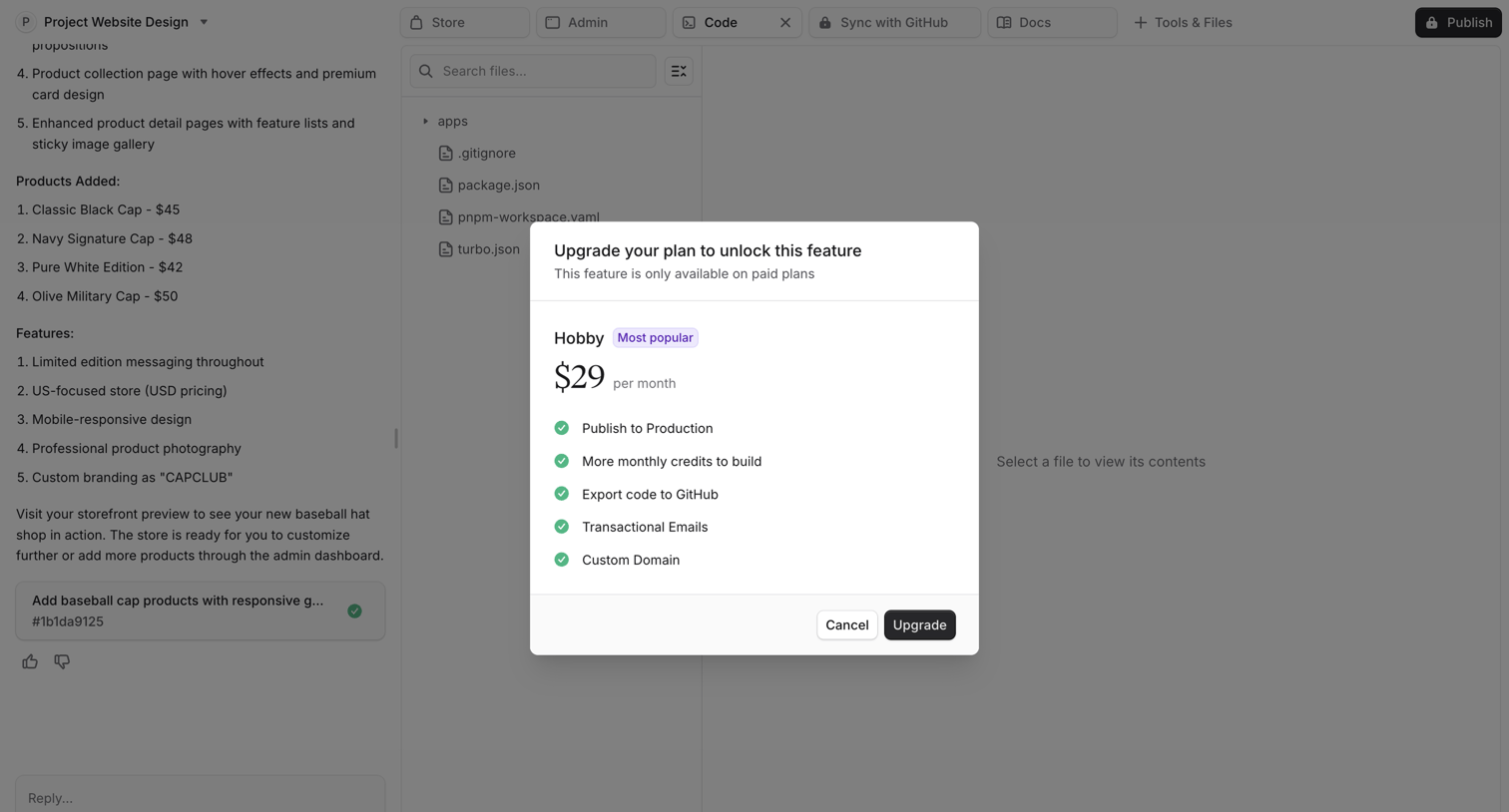

Paywall modal prompting the user to upgrade to the Hobby plan for $29 per month to unlock features like publishing to production and exporting code.
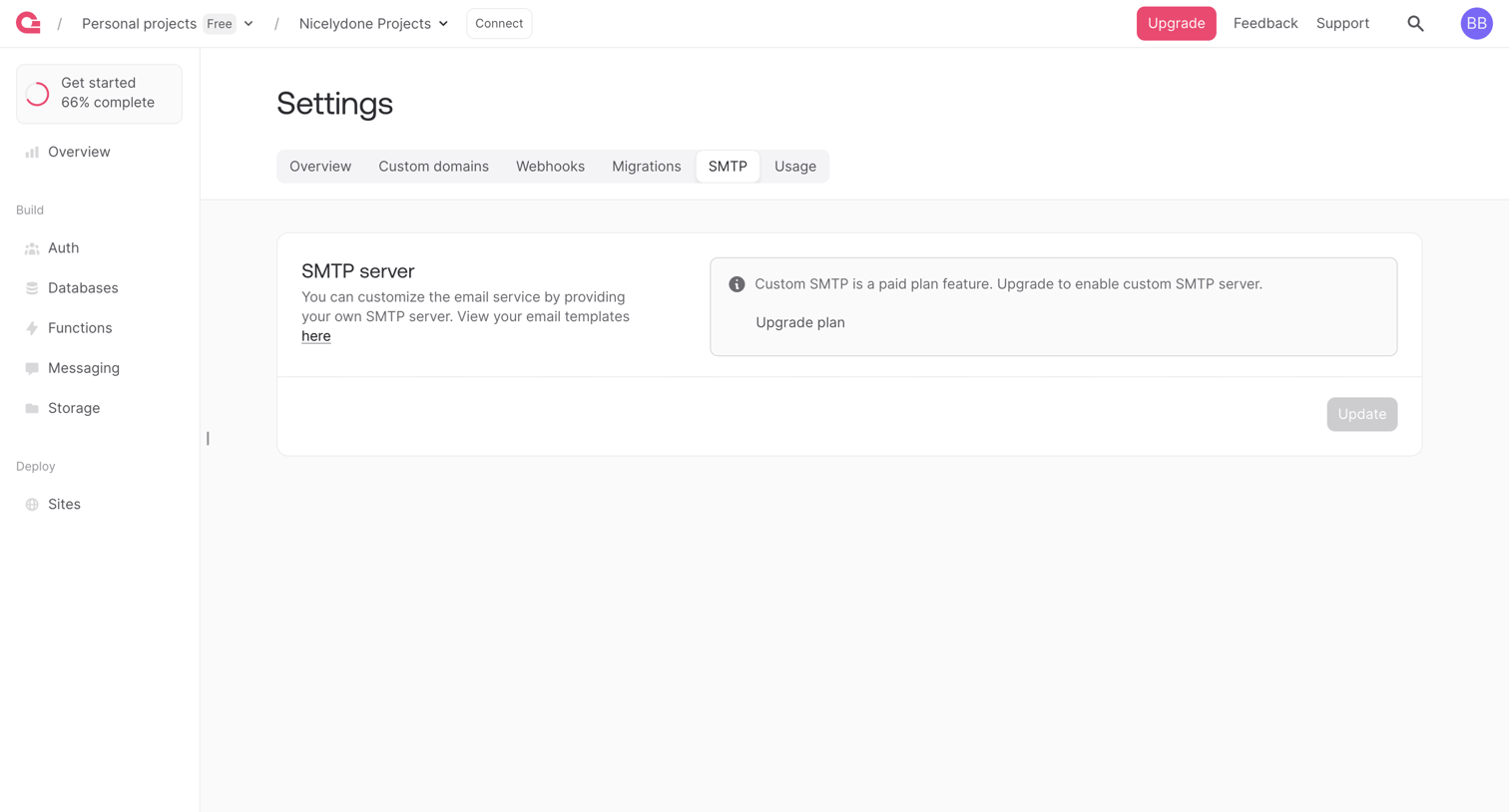

Settings page where the user is prompted to upgrade their plan to configure a custom SMTP server.
Explore the full SaaS screen library
Upgrade to unlock the full library.
Trusted by the best teams








About Feature Gate
See how SaaS apps explain why a feature is unavailable. Browse designs that connect restricted access with a required plan or permission and show the available next step.