Team Management screen examples
Team Management screen design examples from SaaS apps. See how SaaS apps organize the people in a workspace. Explore how member lists, invitations, and access controls relate to the team and its account settings.
Explore the examples
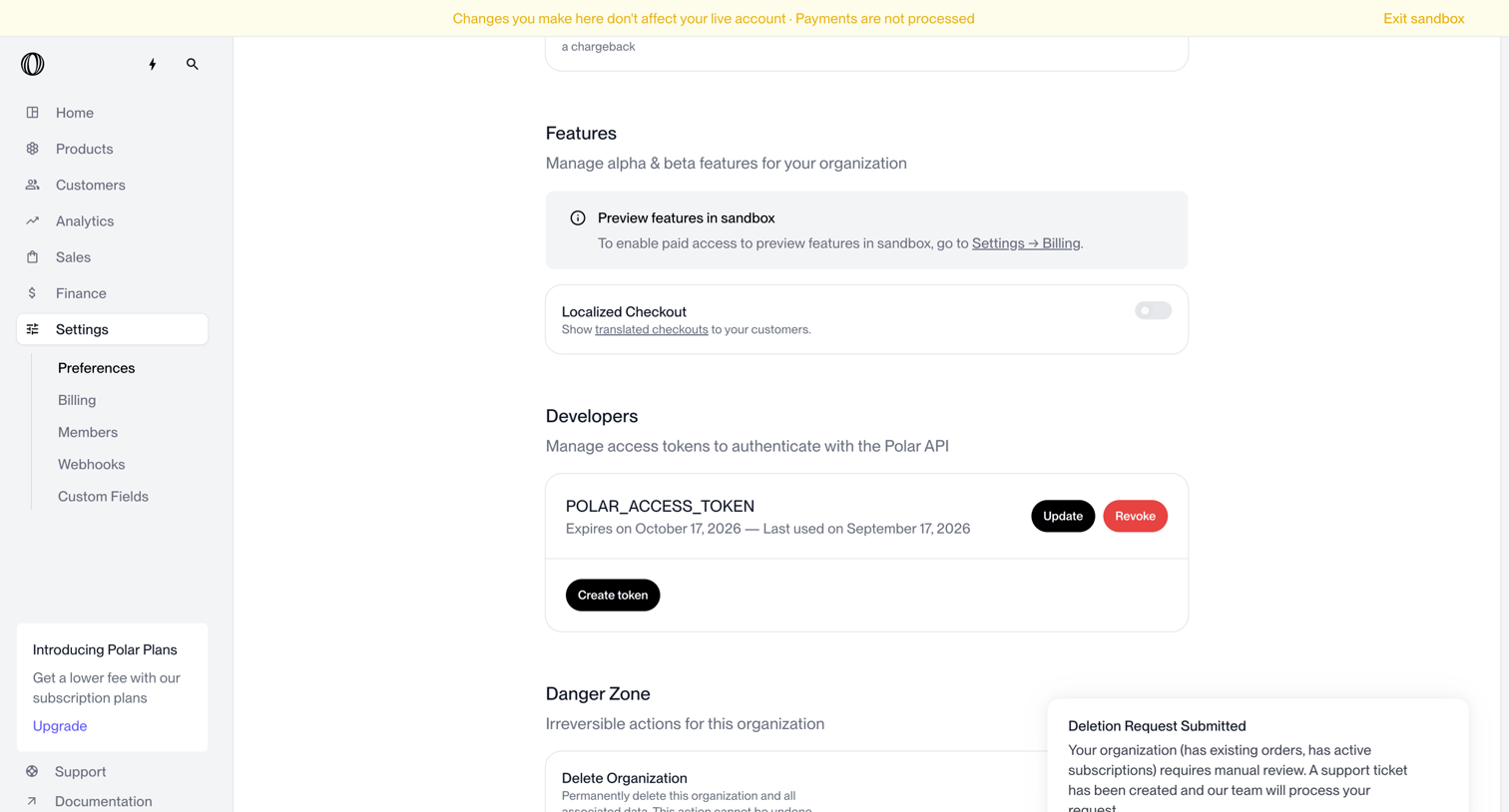

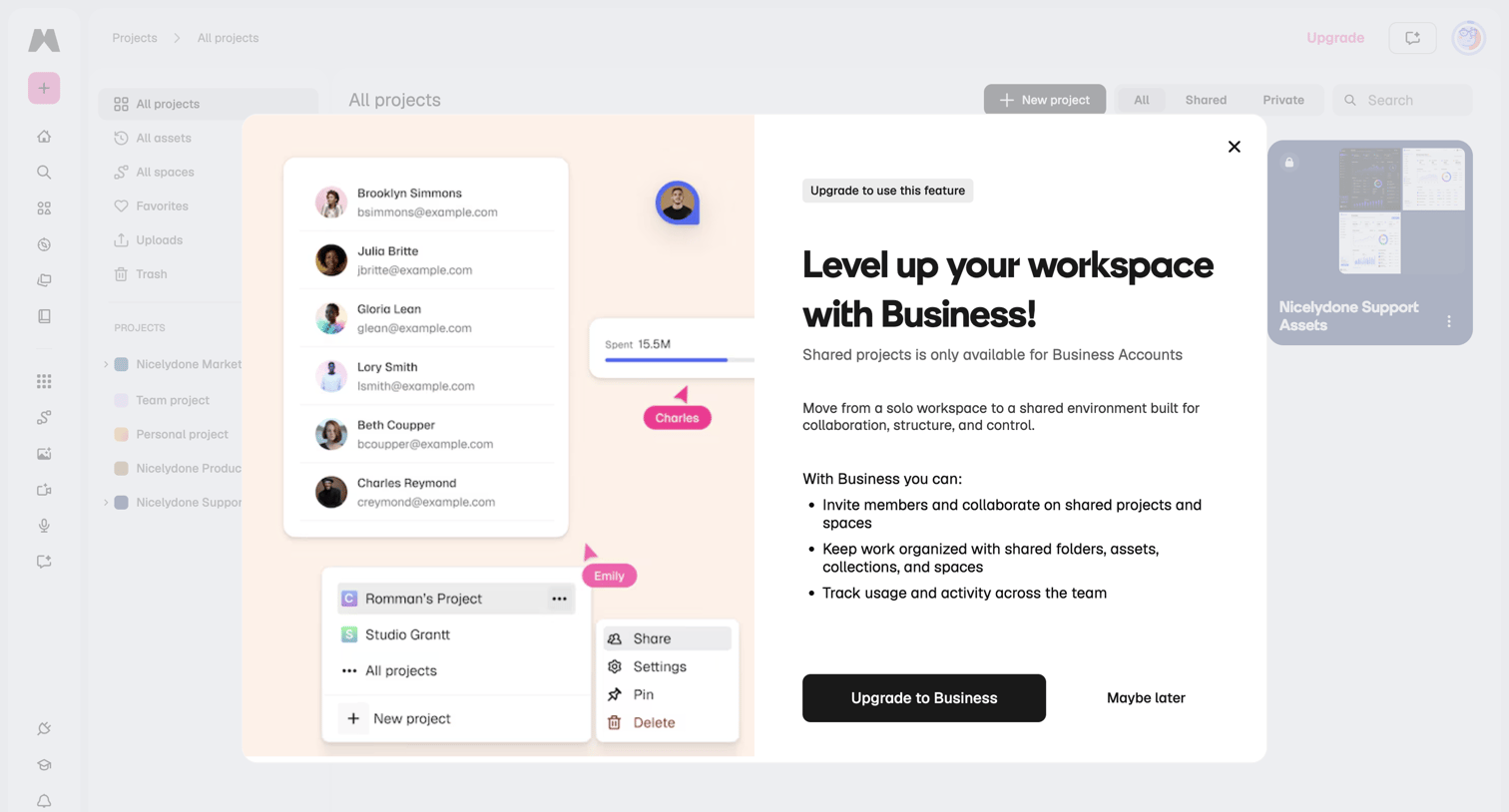

Modal prompting the user to upgrade to a Business account to unlock shared projects and team collaboration features.
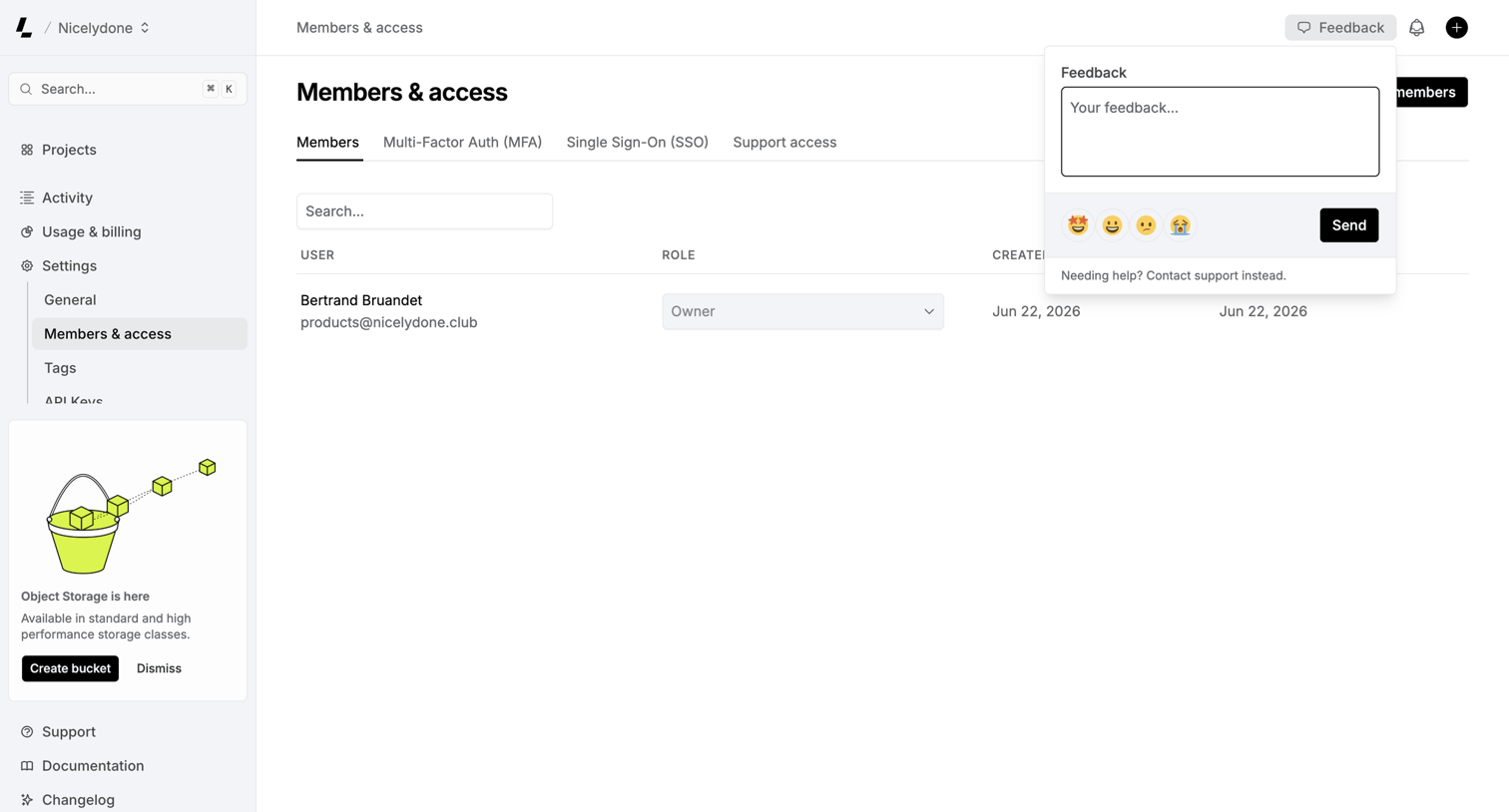

Settings page where the user manages workspace members and their roles, with a feedback popover currently open to collect user input.
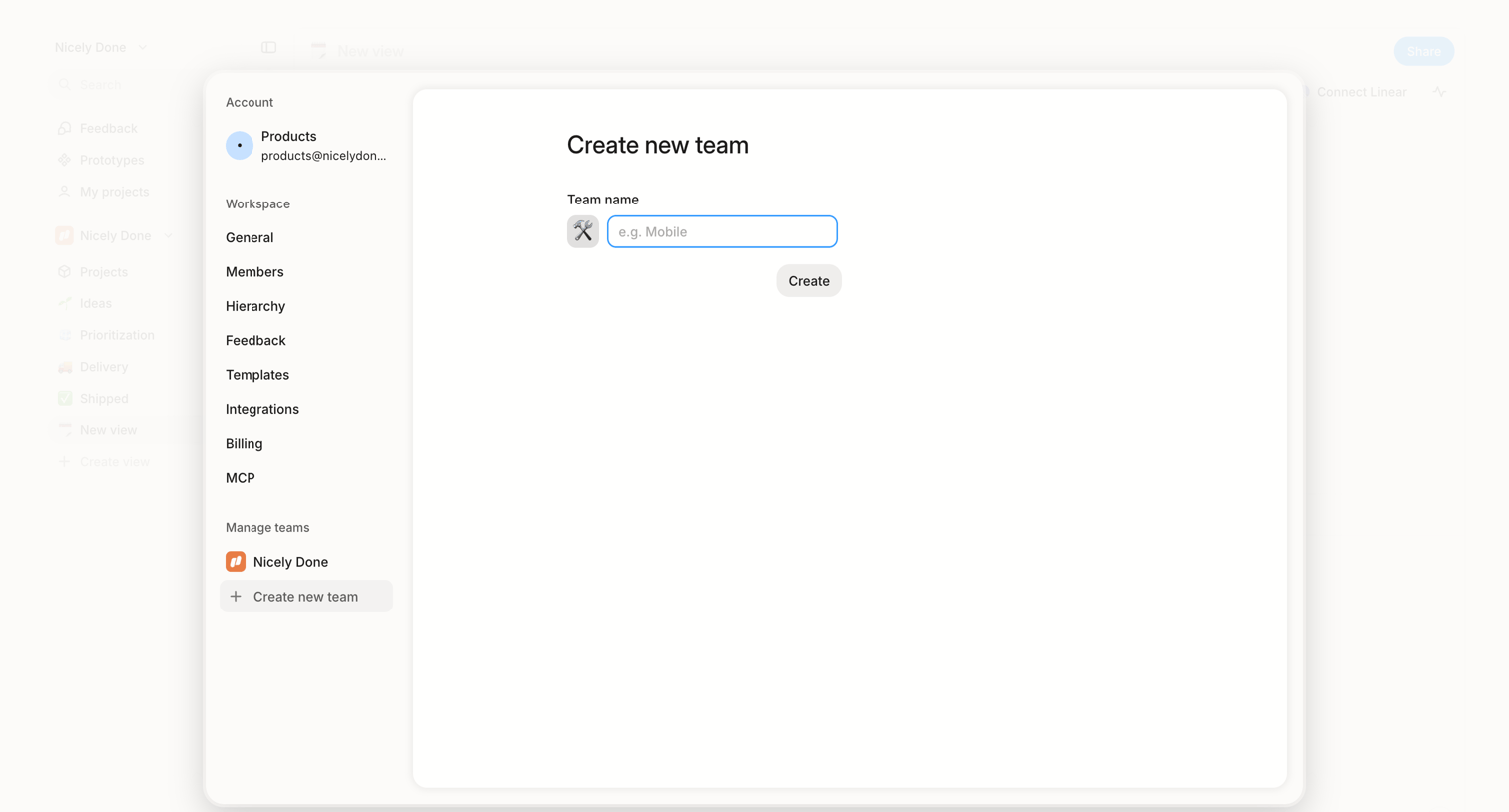

Settings modal where the user creates a new team by selecting an icon and entering a team name.
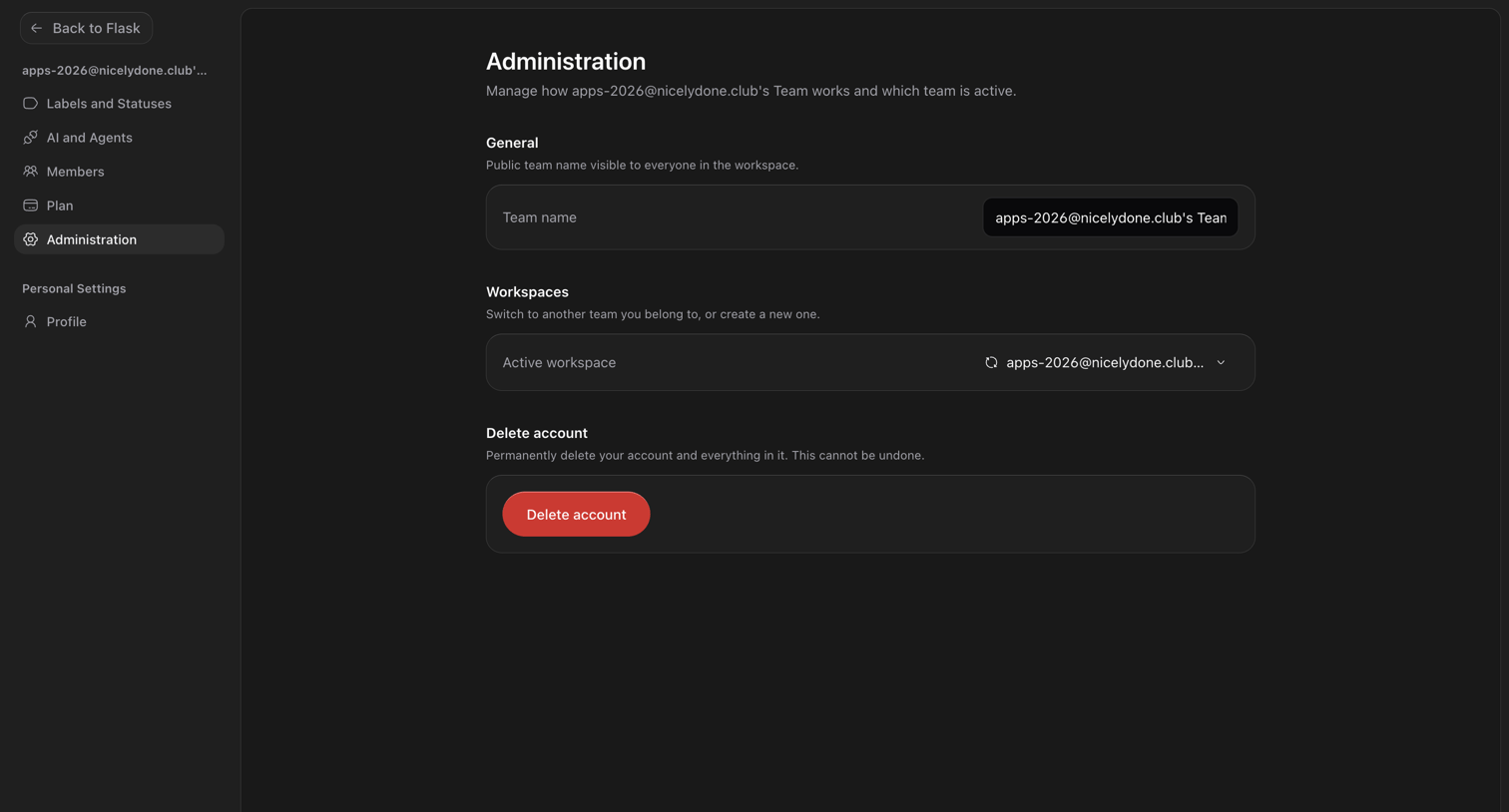

Settings page where the user can update the team name, switch active workspaces, and permanently delete their account.
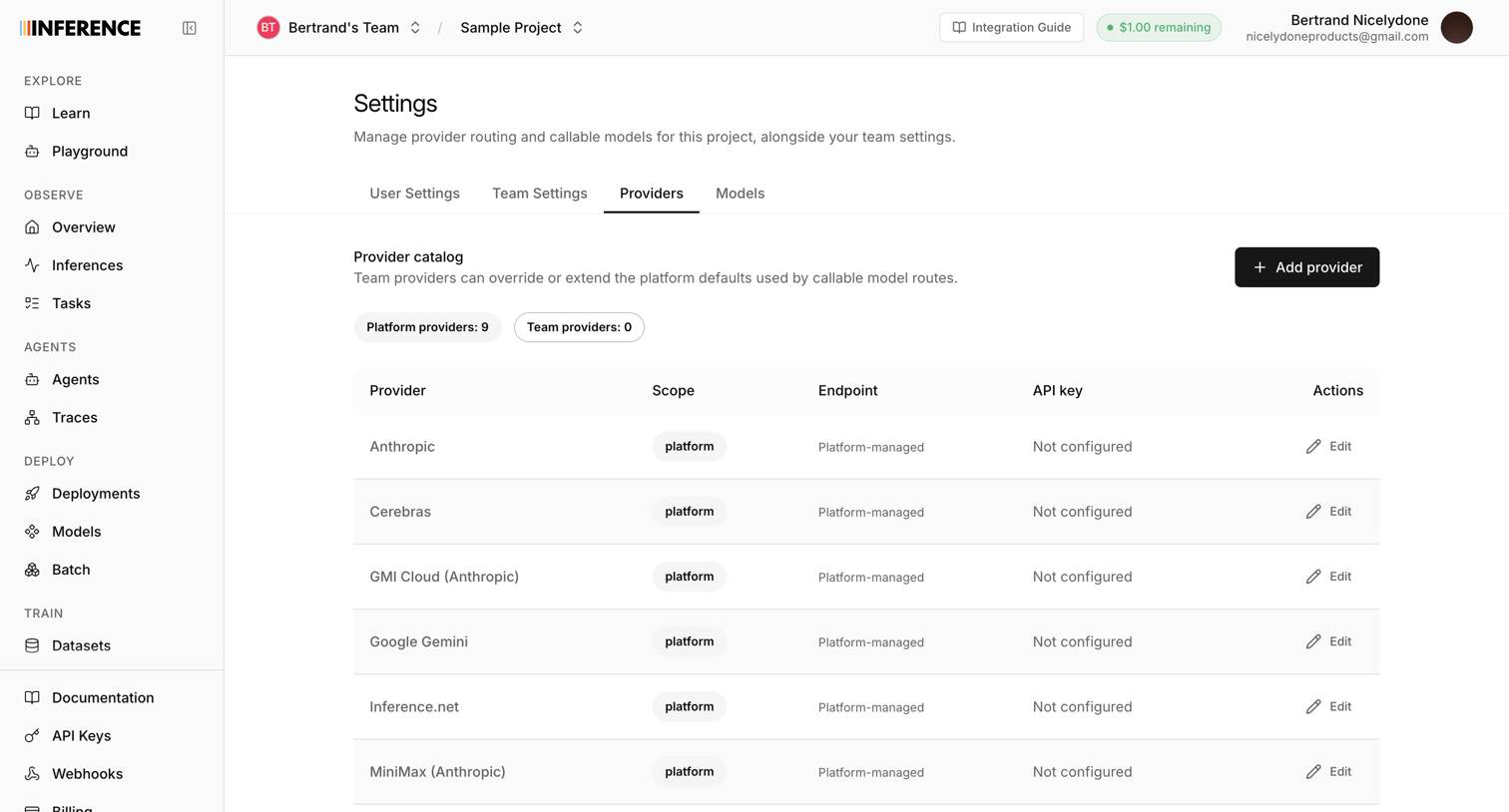

Settings page where the user manages AI provider routing and configures API keys for platforms like Anthropic and OpenAI.
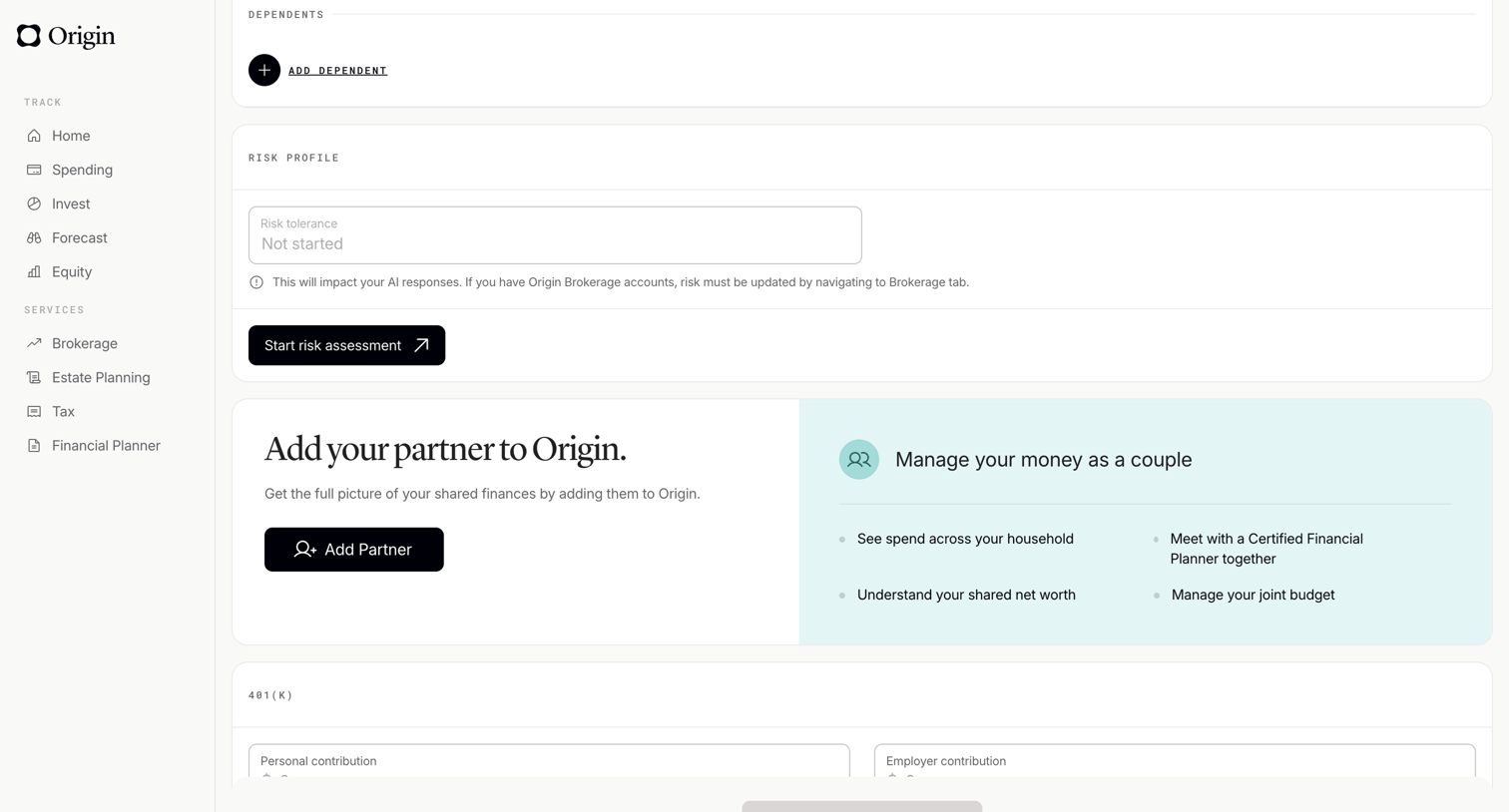

Profile settings page where the user manages dependents, views their risk profile, and can invite a partner to share finances.

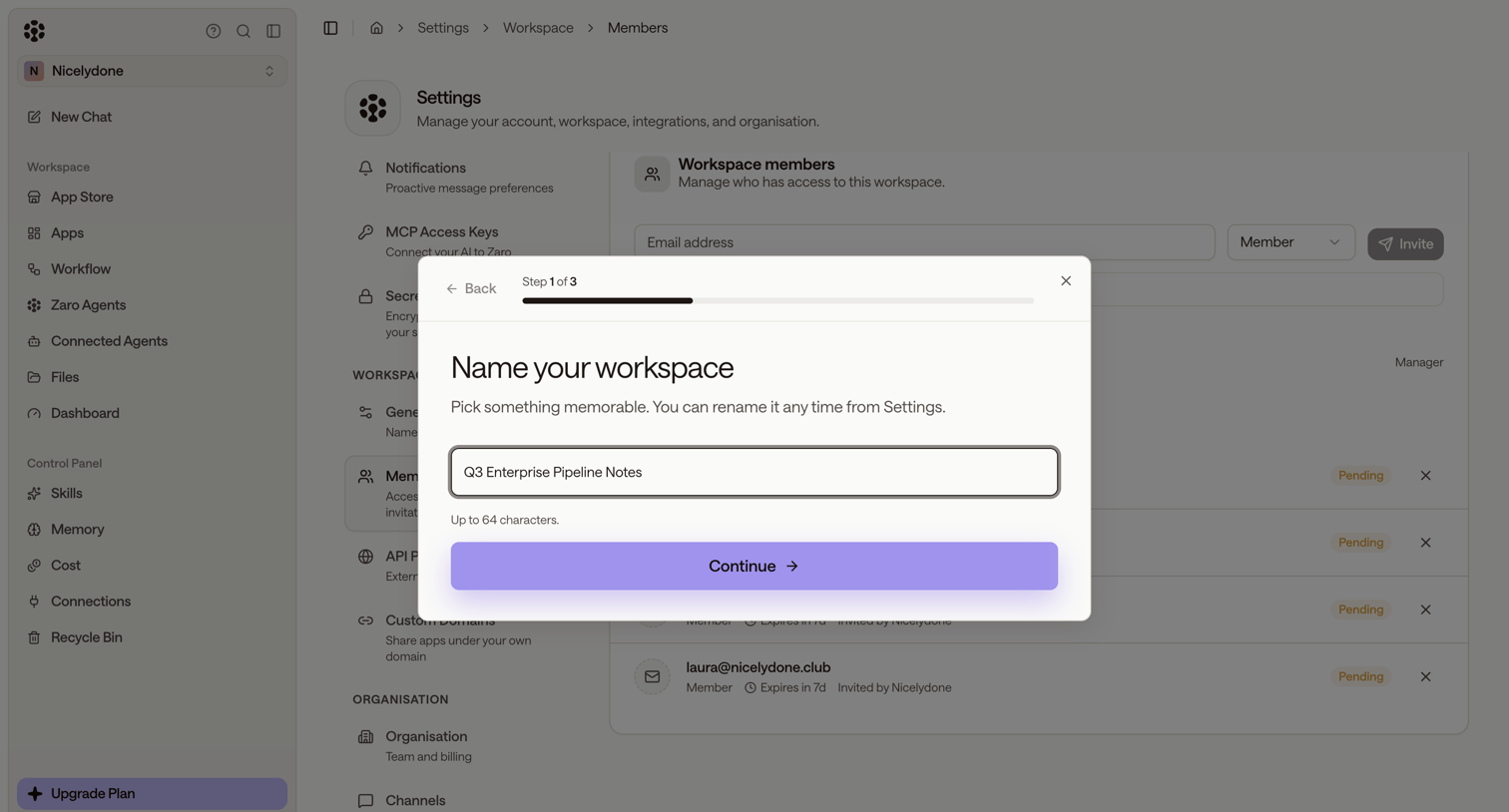

Onboarding step where the user names their workspace, displayed over a settings page for managing workspace members and pending invitations.
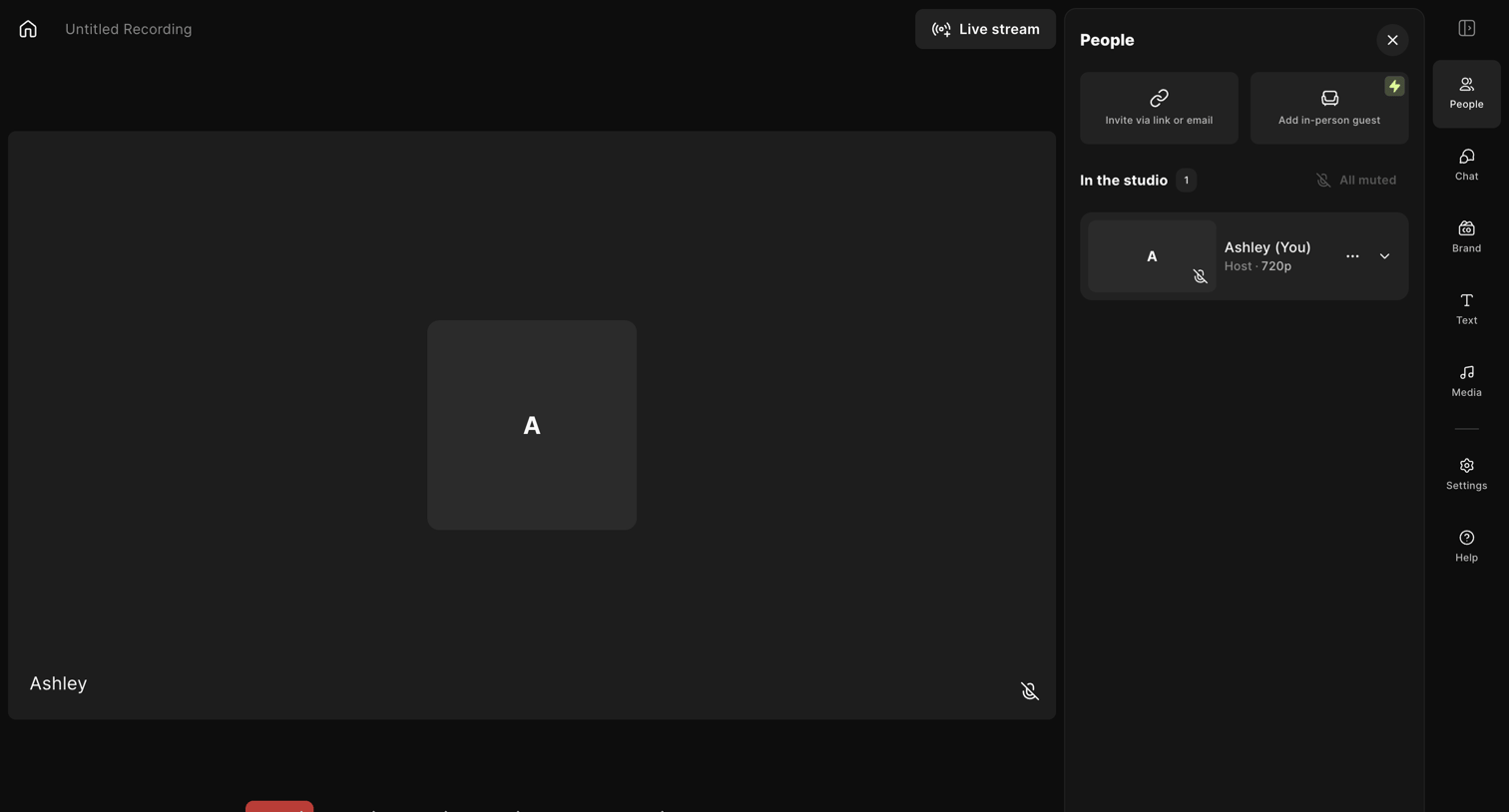

Content editor where the host manages guests, toggles audio and video inputs, and controls the main recording session.
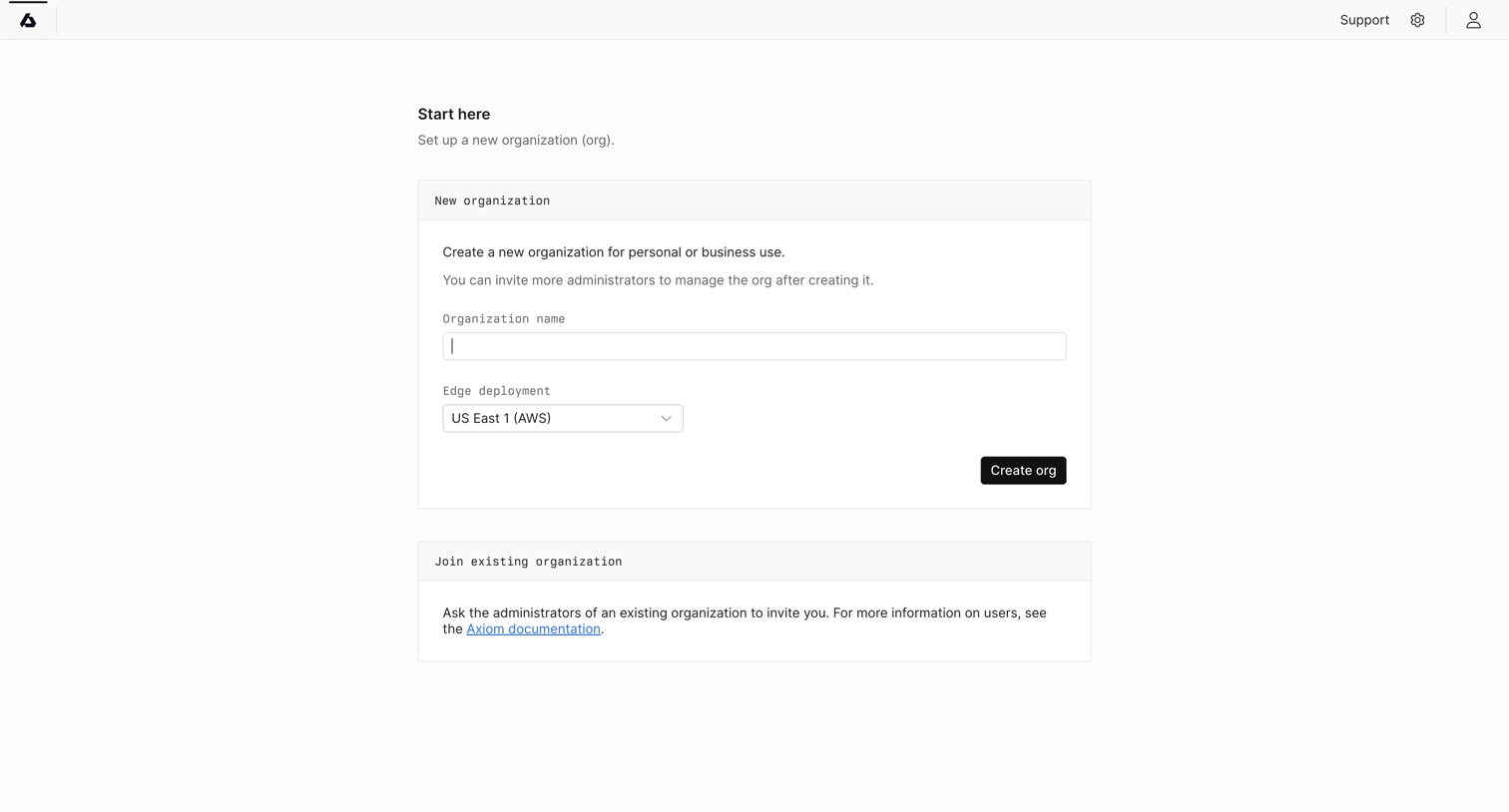

Onboarding screen where the user sets up a new organization by providing a name and picking an edge deployment region, or learns how to join an existing one.
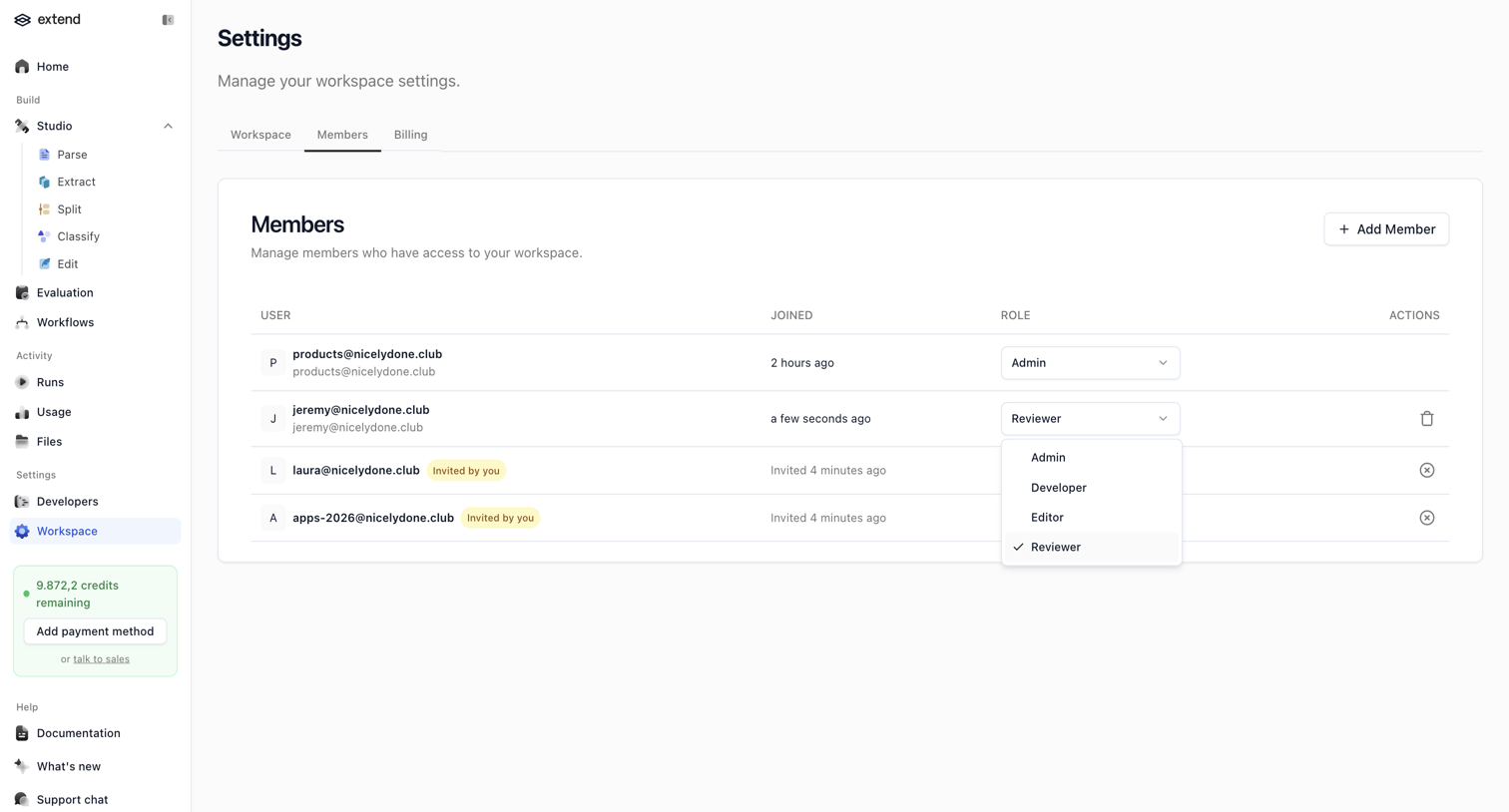

Settings page where the user manages workspace members, including viewing joined dates, changing roles like Admin or Reviewer, and tracking pending invites.
Explore the full SaaS screen library
Upgrade to unlock the full library.
Trusted by the best teams








About Team Management
See how SaaS apps organize the people in a workspace. Explore how member lists, invitations, and access controls relate to the team and its account settings.