Integrations screen examples
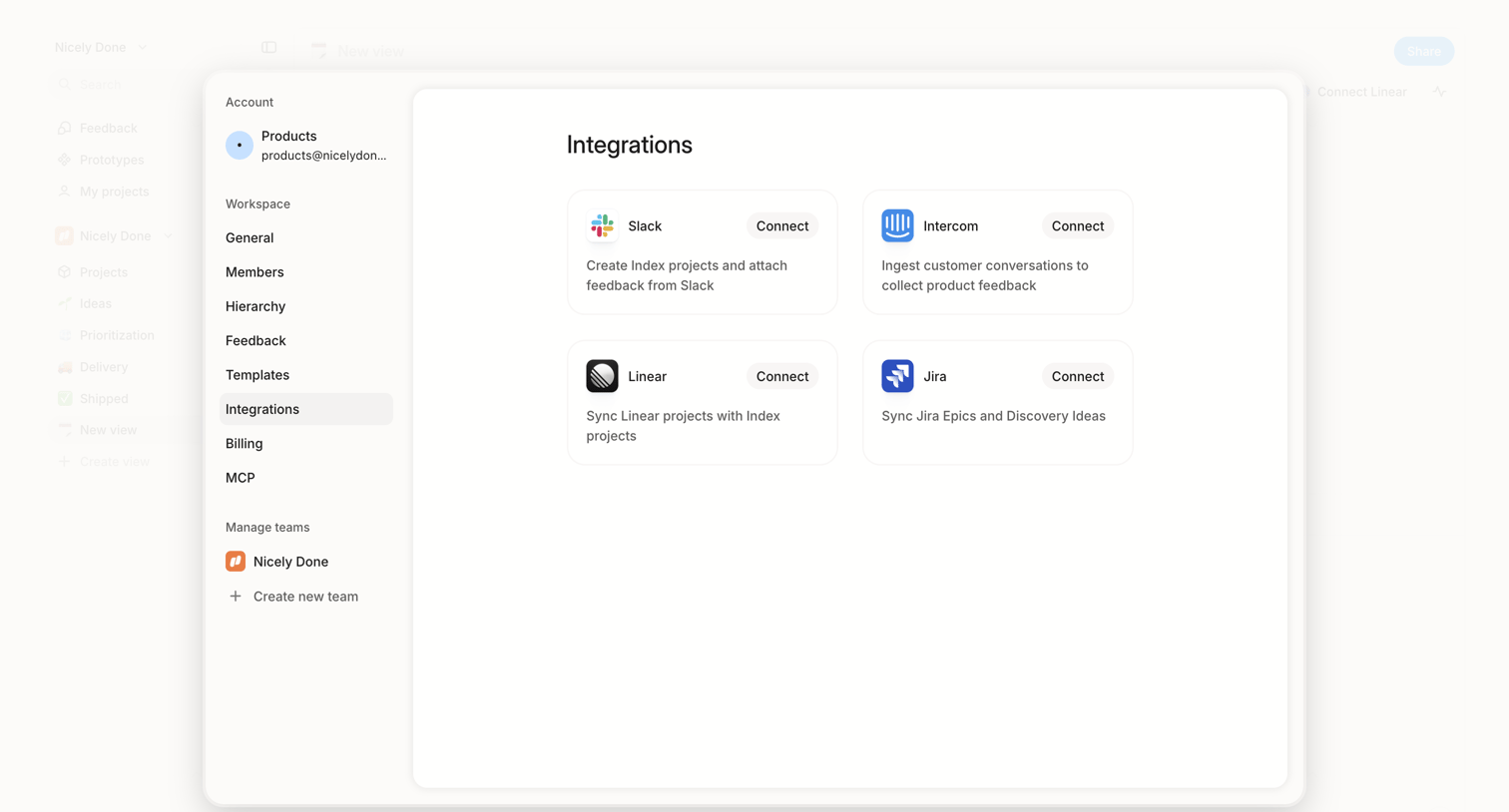
Integrations screen design examples from SaaS apps. See how SaaS apps organize connections to other tools. Explore how integration directories and settings present available services, connection status, and…
Explore the examples
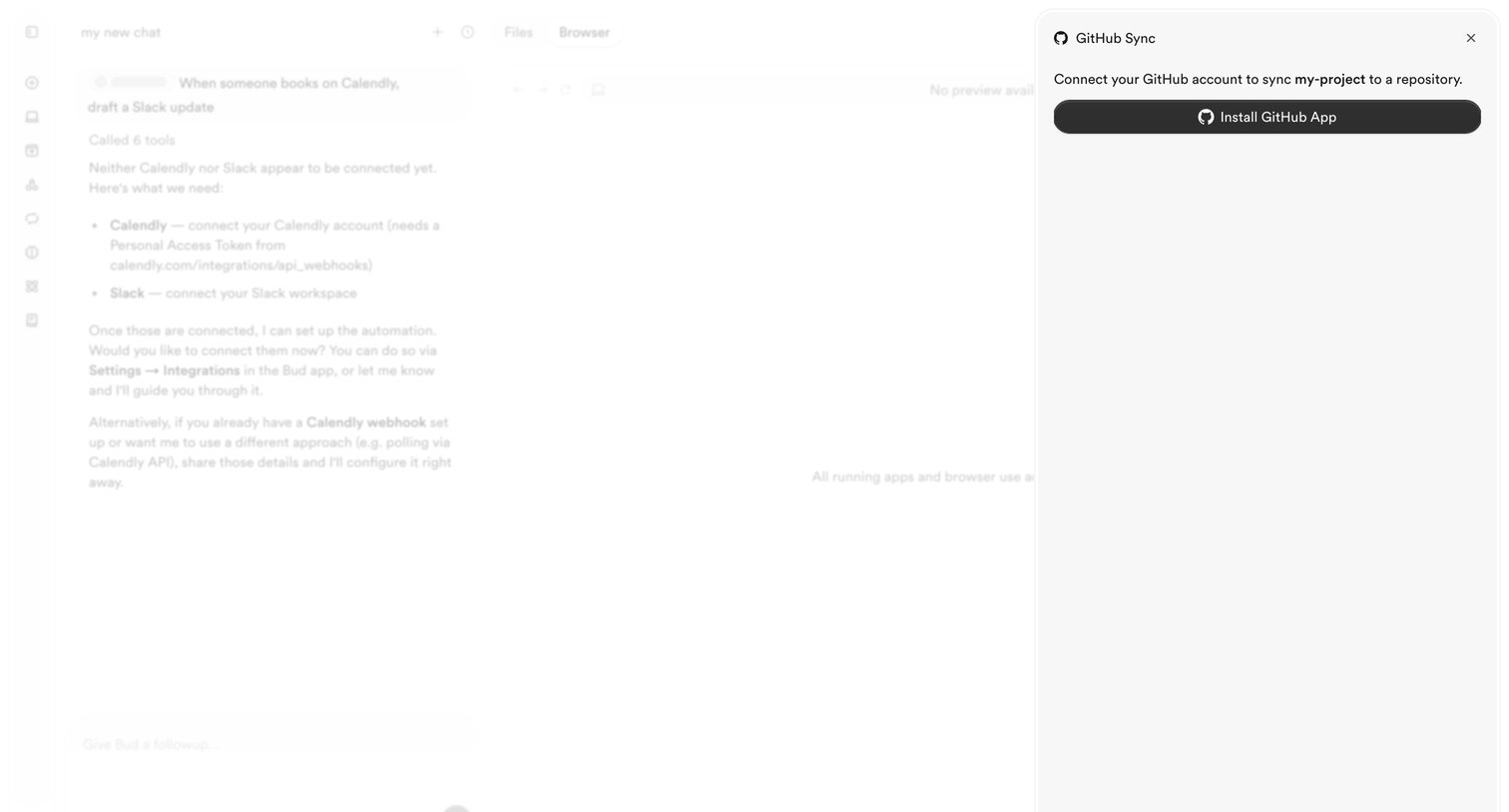

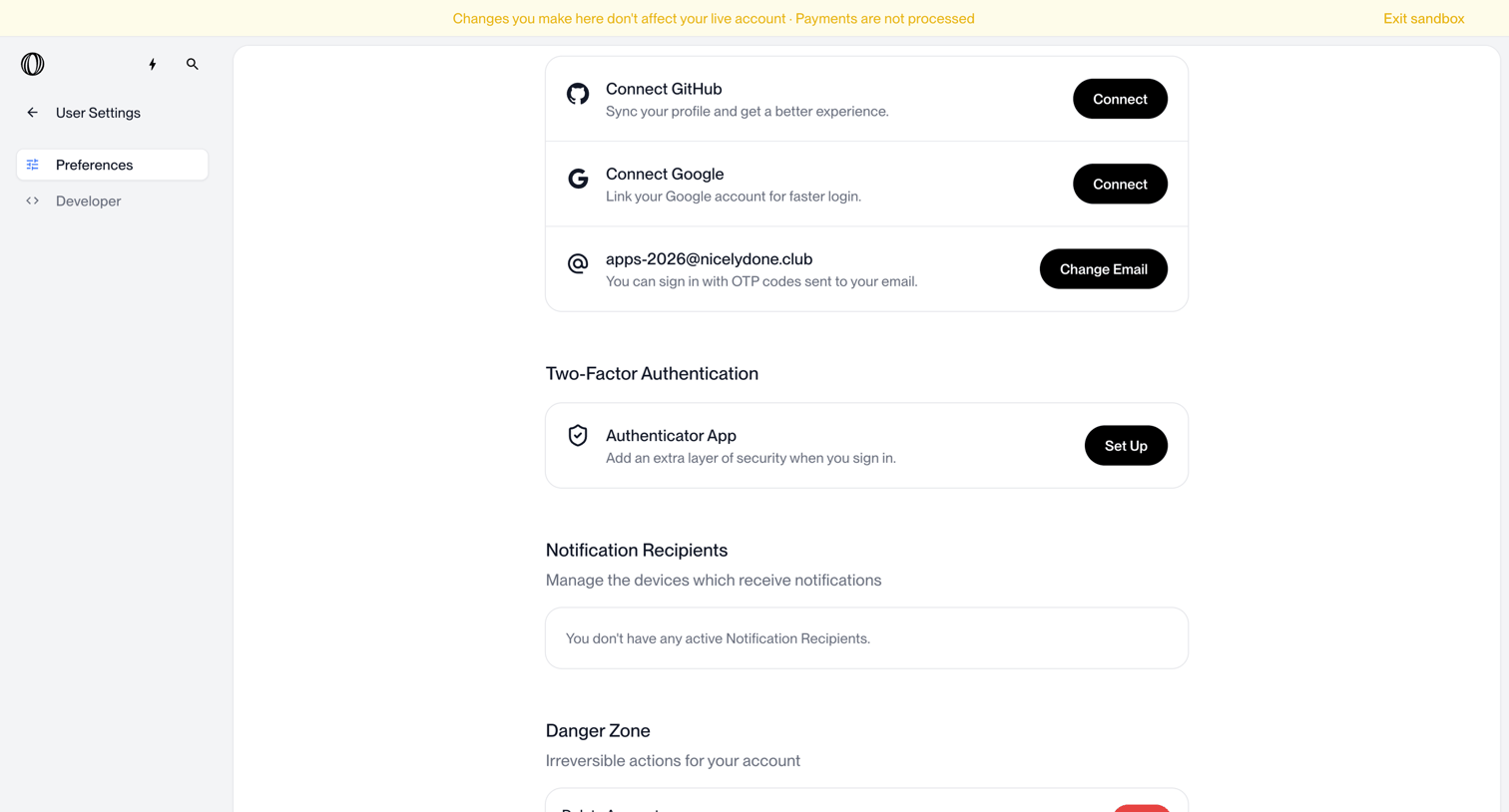

Settings page where the user manages connected accounts, two-factor authentication, notification recipients, and account deletion.
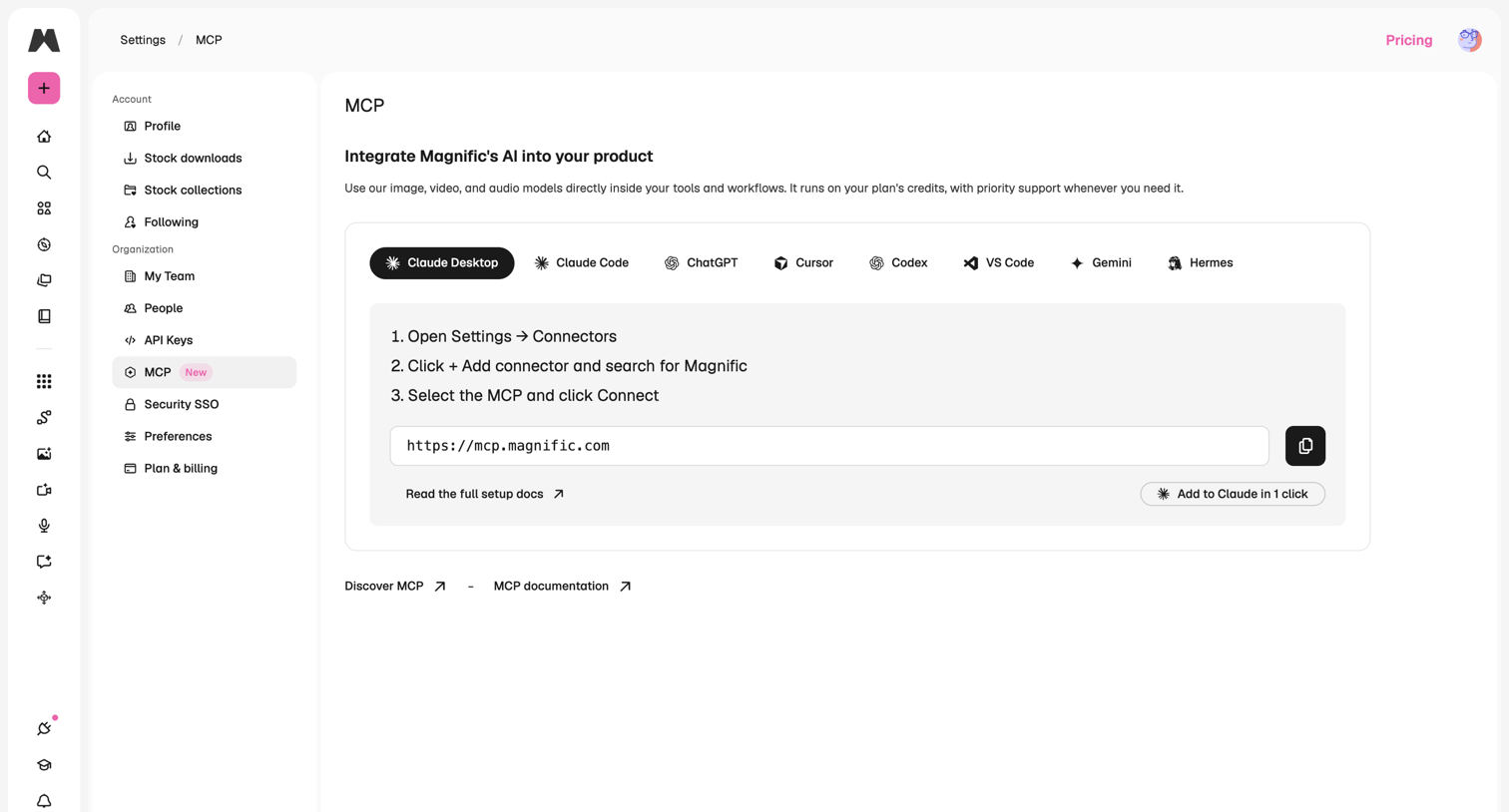

Settings page where the user configures MCP integrations for various AI tools like Claude Desktop, ChatGPT, and Cursor by copying a connector URL.

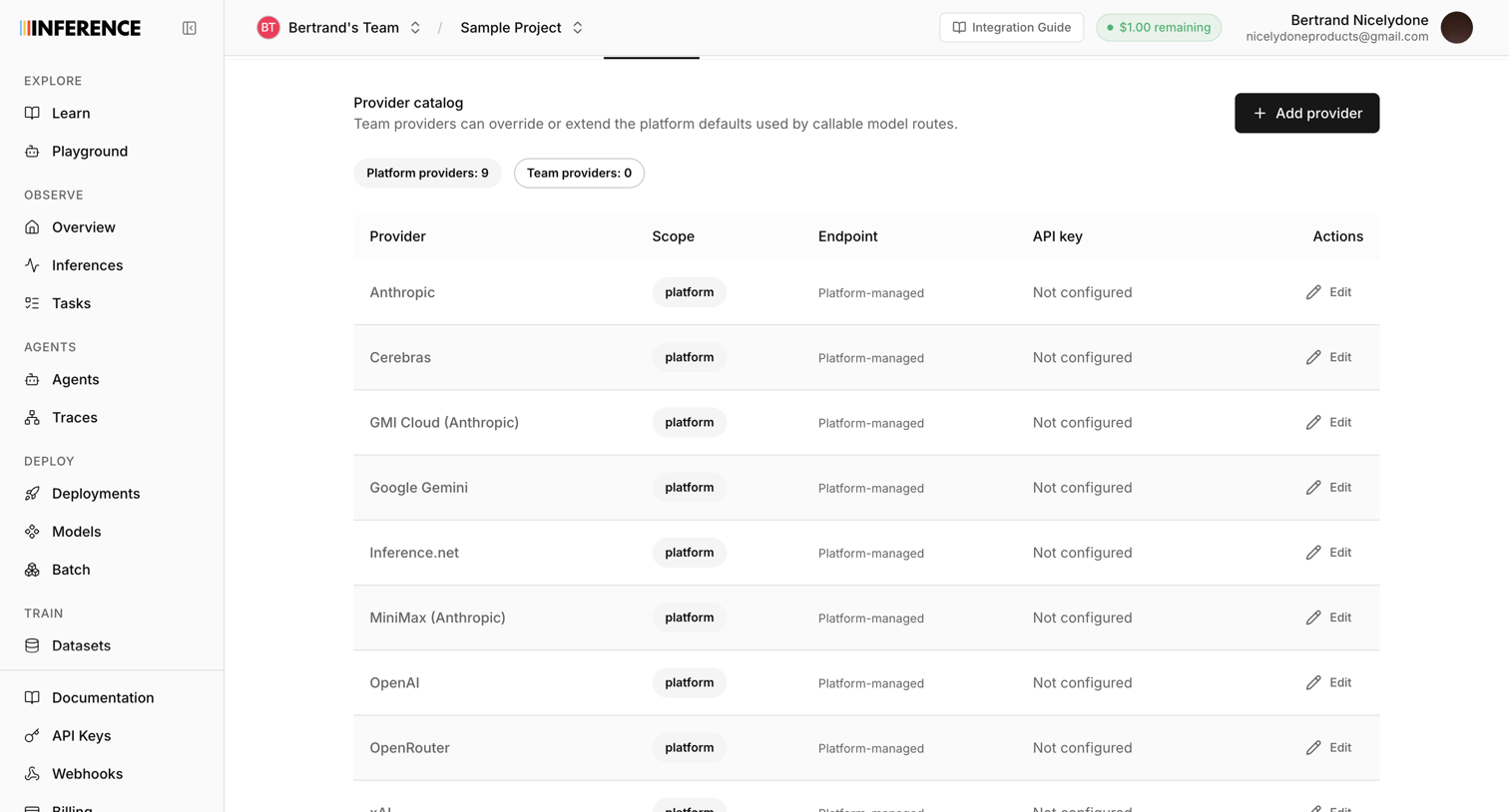

Settings page where the user configures AI model providers like Anthropic, Google Gemini, and OpenAI for their project.
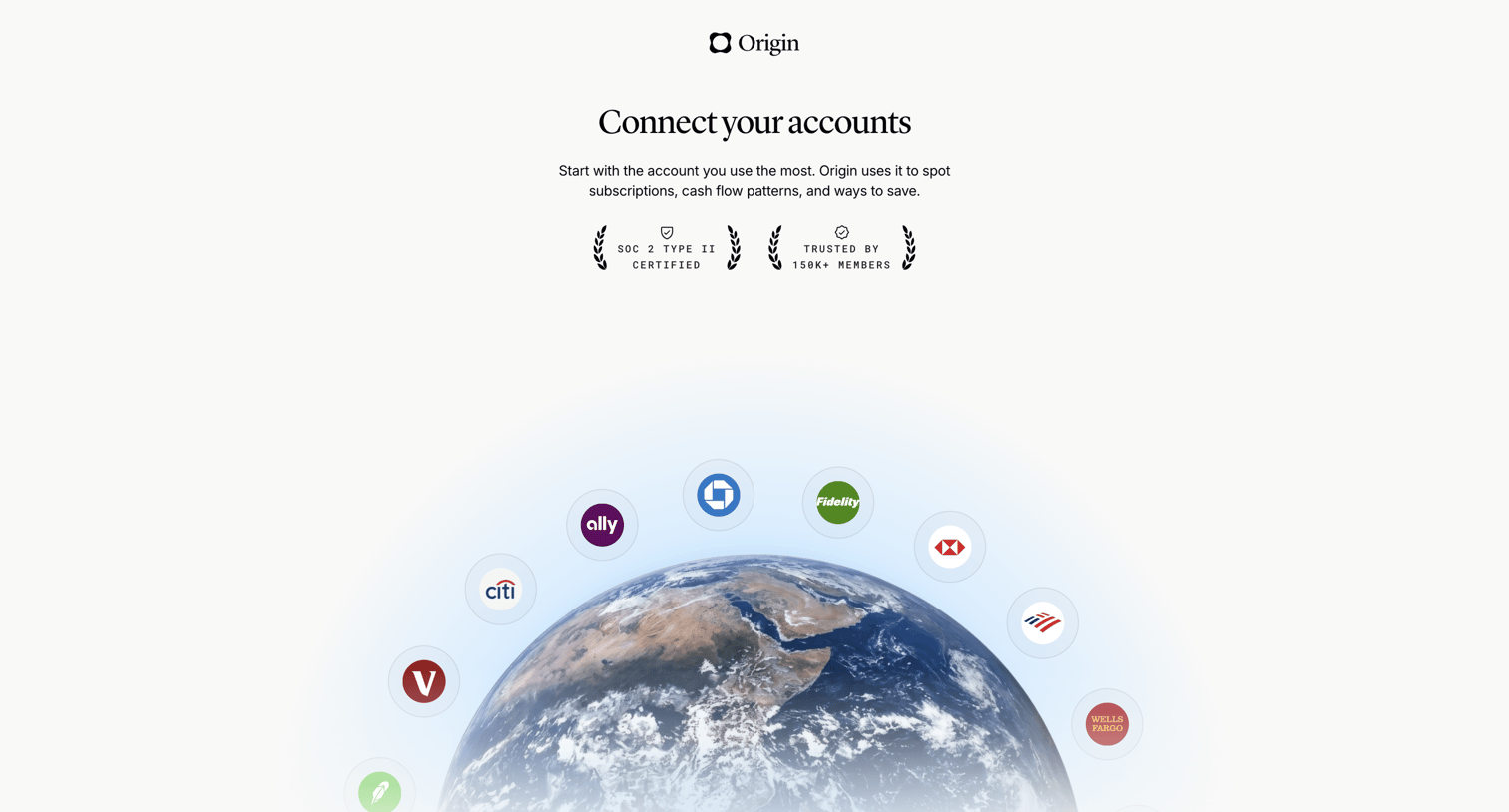

Onboarding step where the user is prompted to connect their primary financial accounts to spot subscriptions and cash flow patterns.
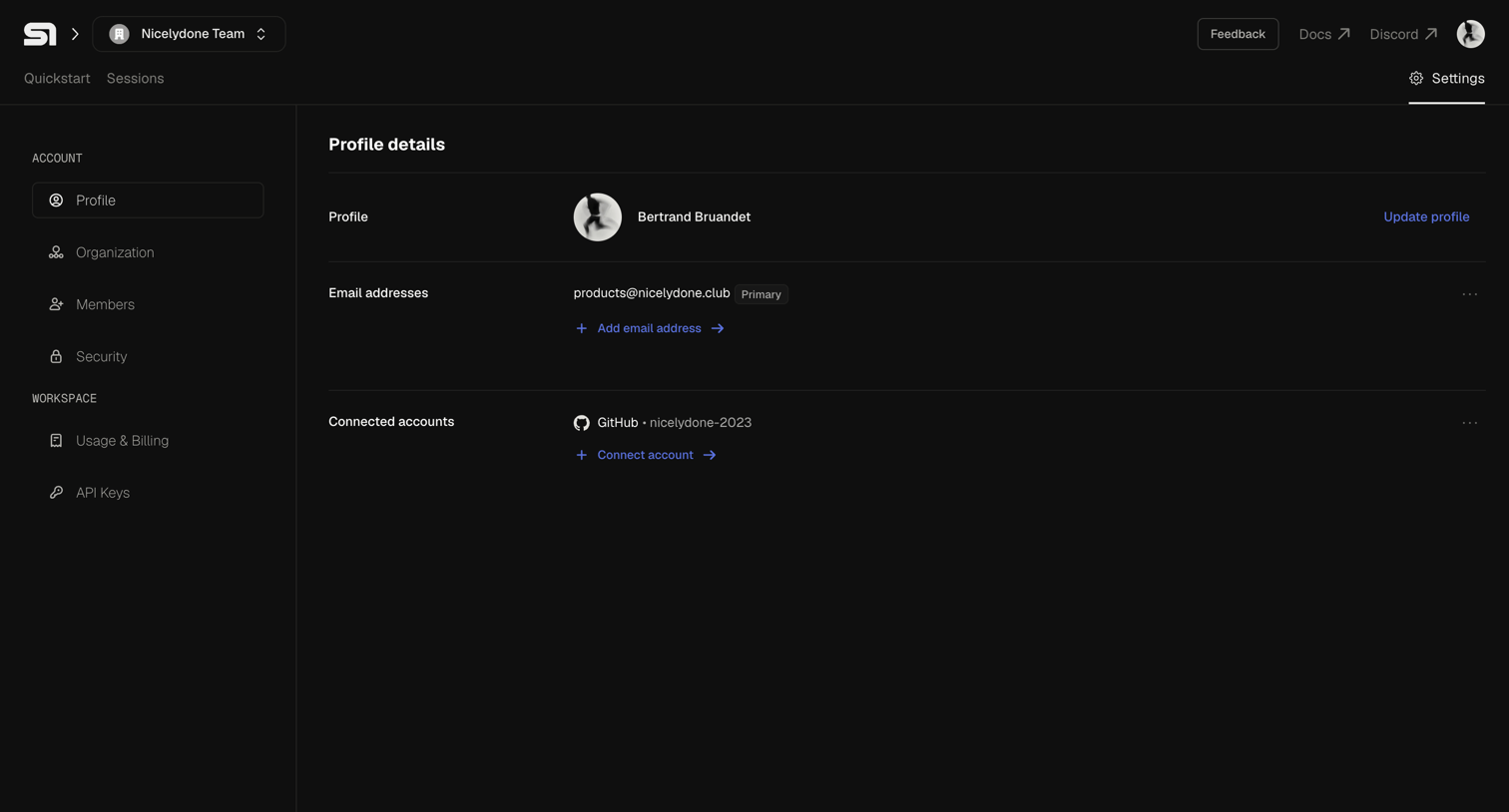

Settings page where the user manages their personal profile details, primary email address, and connected GitHub accounts.
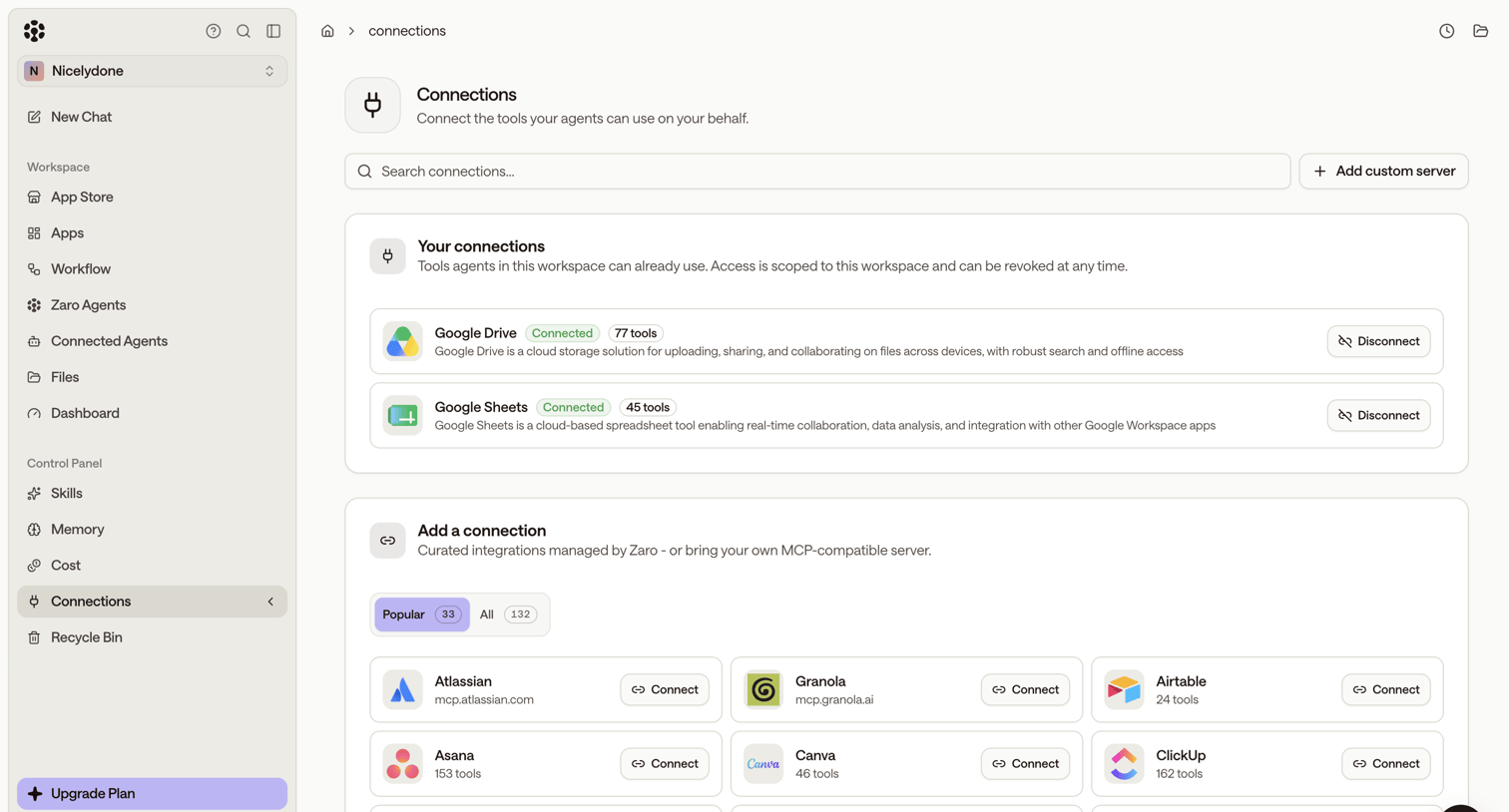

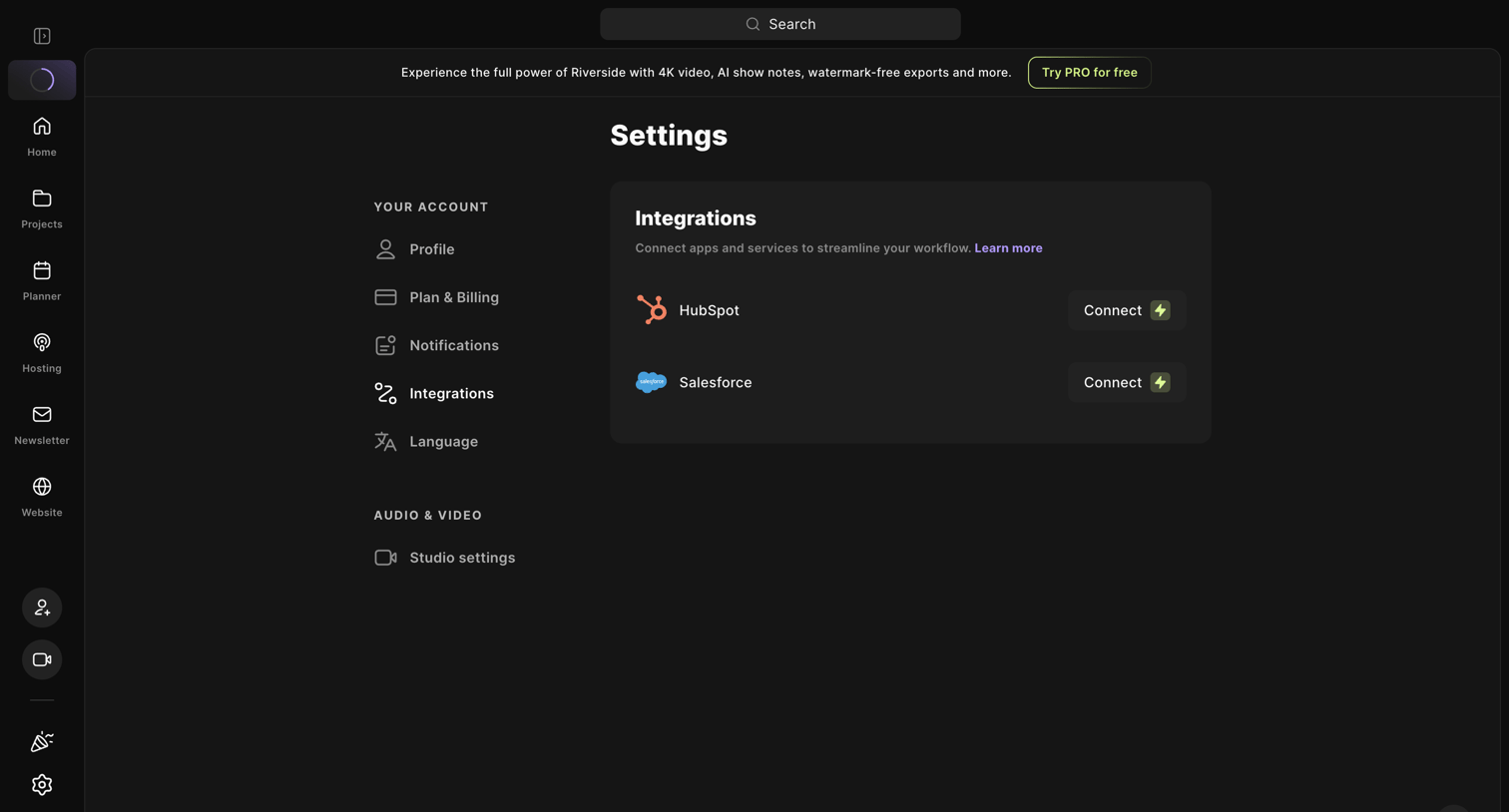

Settings page where the user connects third-party apps like HubSpot and Salesforce to streamline their workflow.
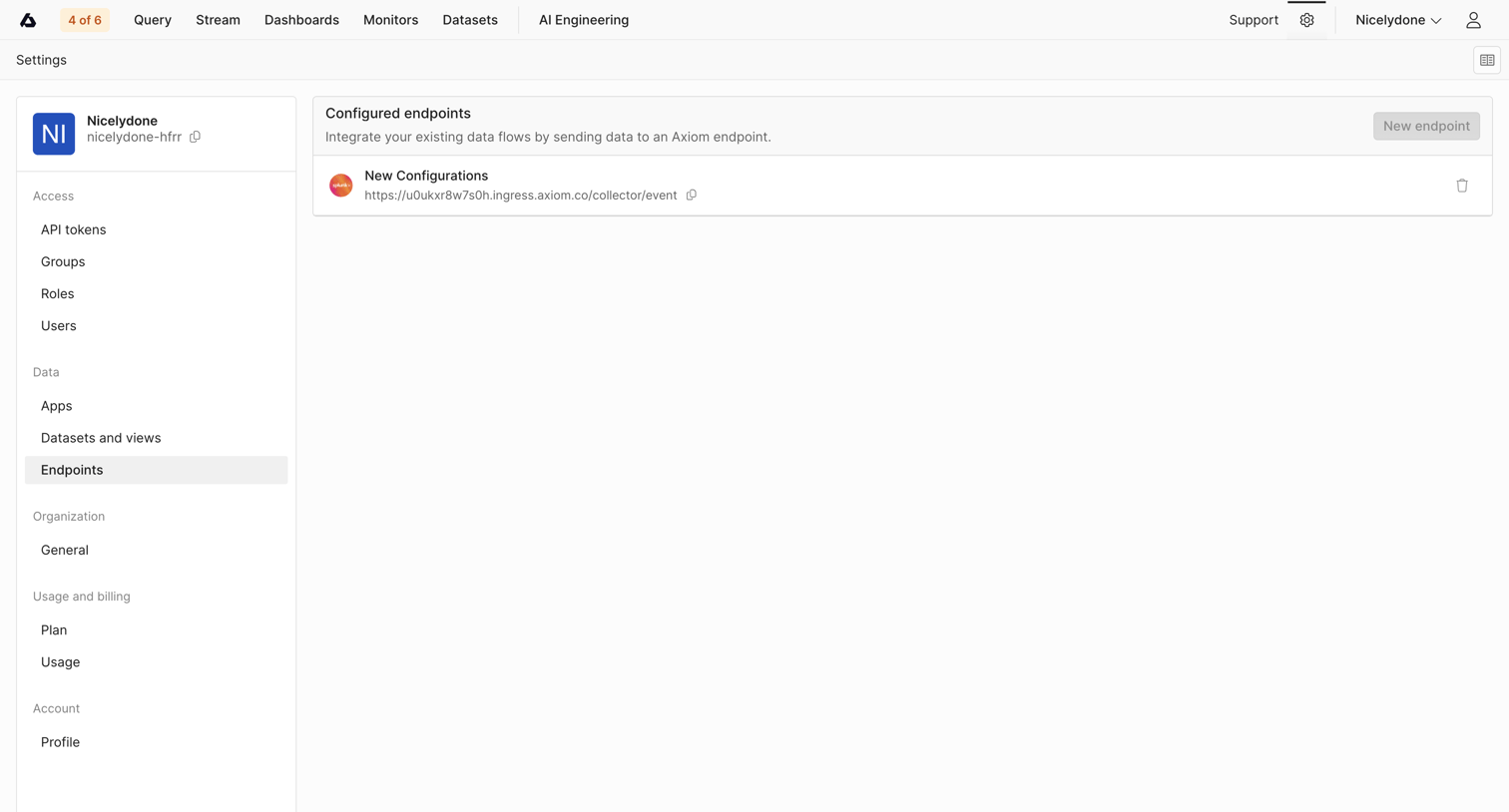

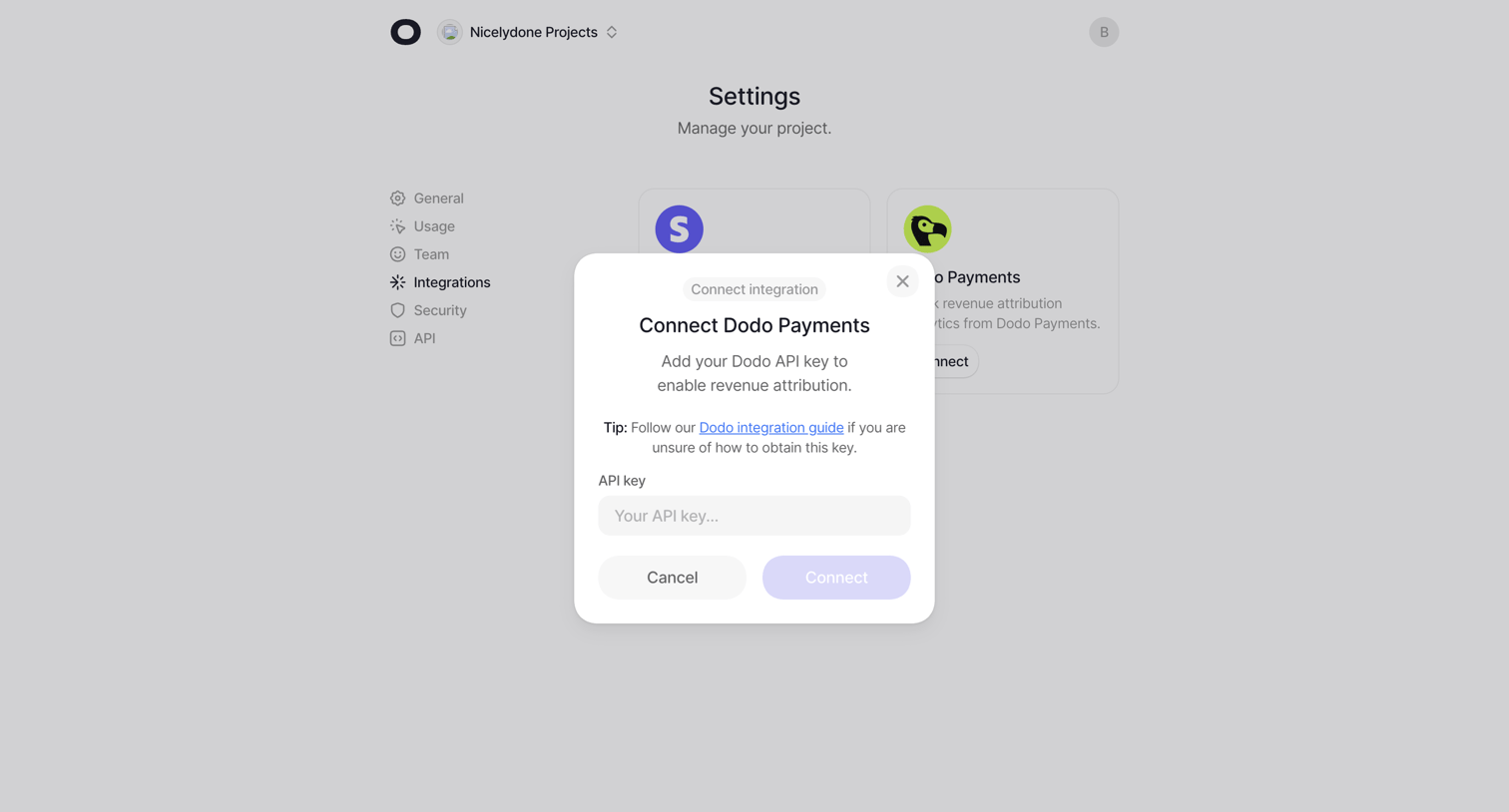

Settings page where the user connects a Dodo Payments integration by entering their API key in a modal.
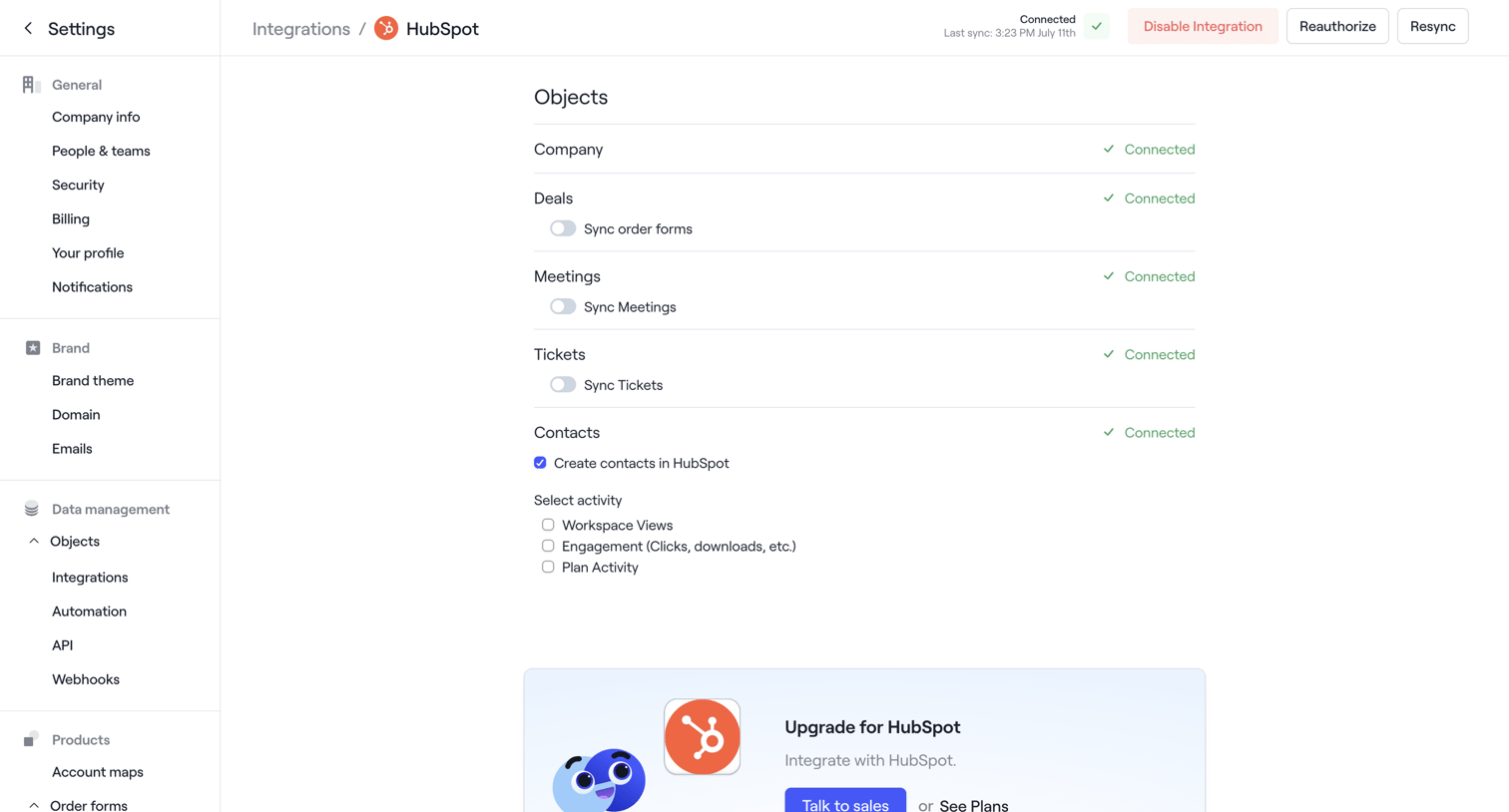

Settings page where the user configures object sync preferences for the HubSpot integration and encounters a rate limit error toast.
Explore the full SaaS screen library
Upgrade to unlock the full library.
Trusted by the best teams








About Integrations
See how SaaS apps organize connections to other tools. Explore how integration directories and settings present available services, connection status, and configuration actions.