Approval Flow screen examples
Approval Flow screen design examples from SaaS apps. See how SaaS apps present work that needs a decision. Explore how request details, review status, and approve or reject actions fit together on the screen.
Explore the examples
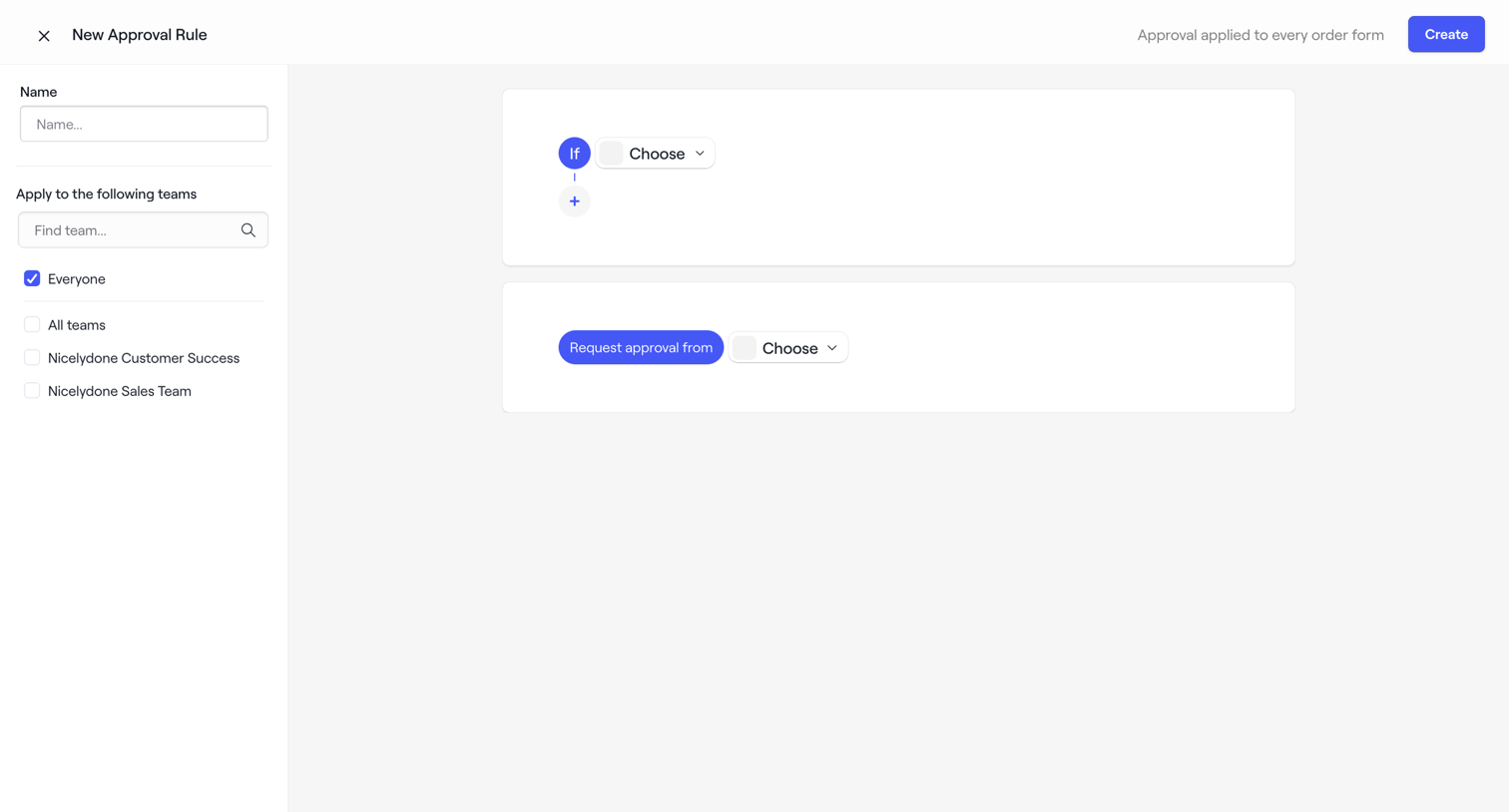

Creation screen where the user builds a new approval rule by defining 'if' conditions and assigning approver teams.
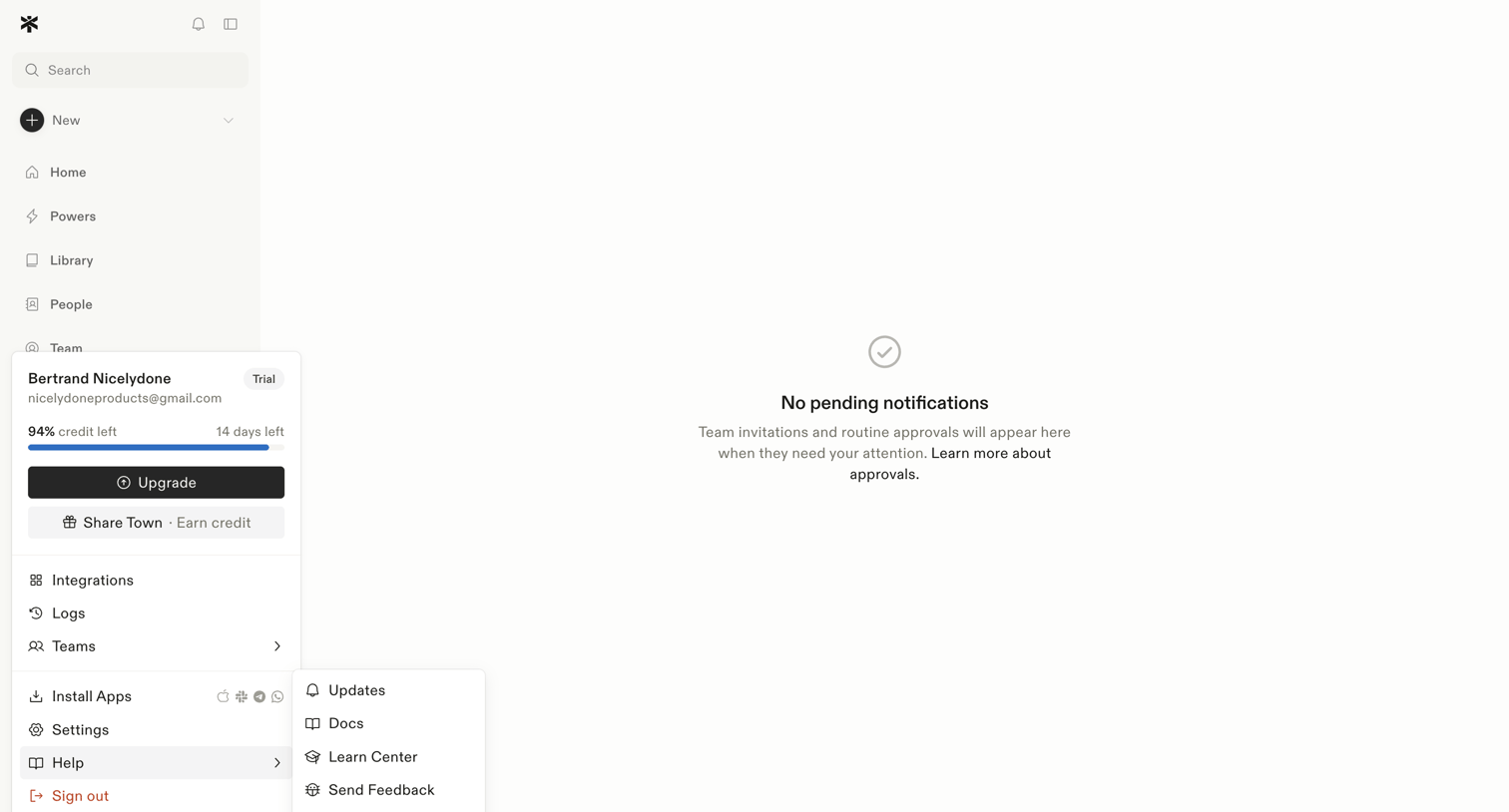

Inbox view where the user manages team invitations and routine approvals, currently showing a zero-state message with no pending items.
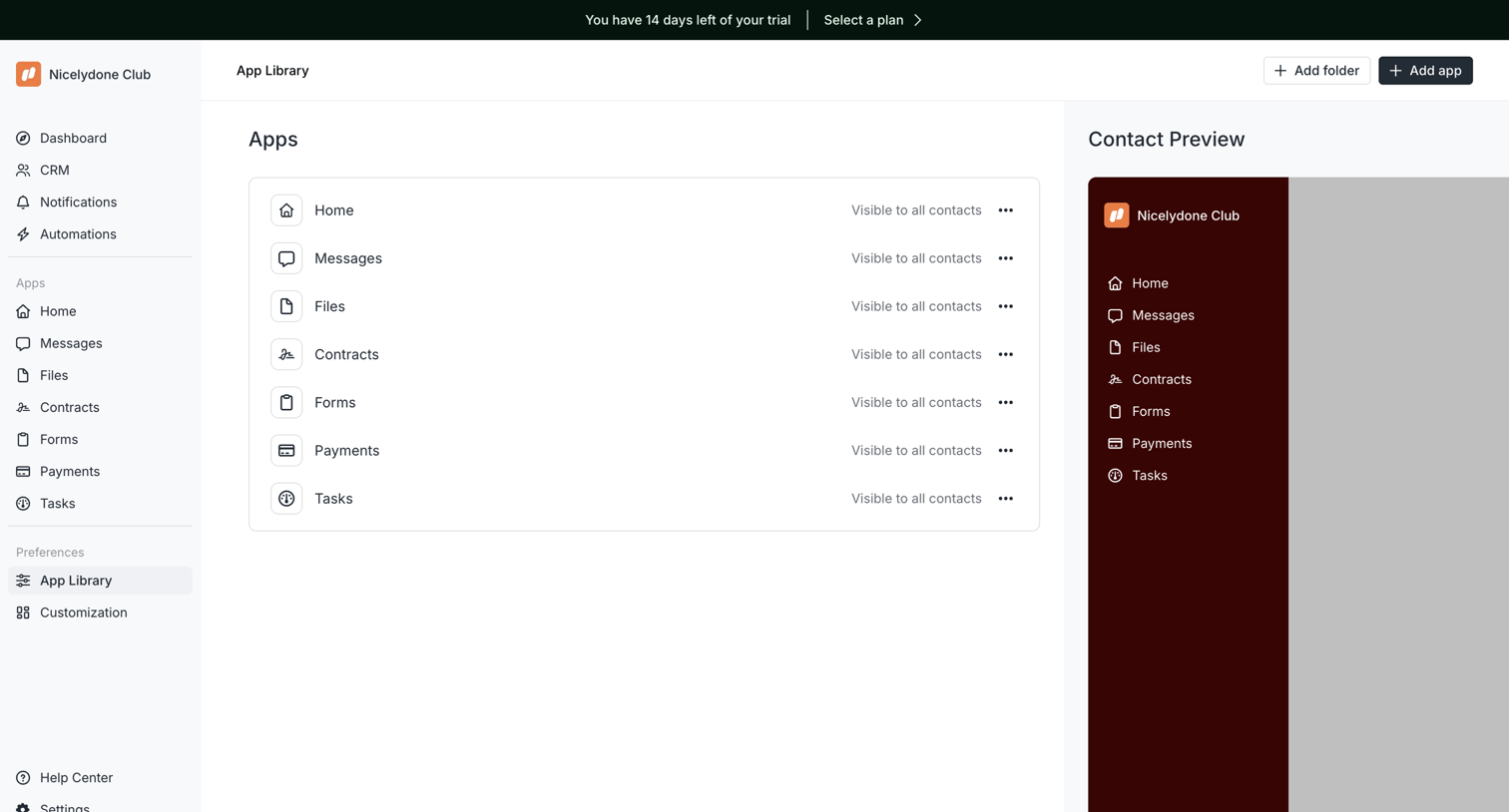

Settings page where the user configures the visibility of workspace apps like Home, Messages, and Files, alongside a live preview of the contact portal.
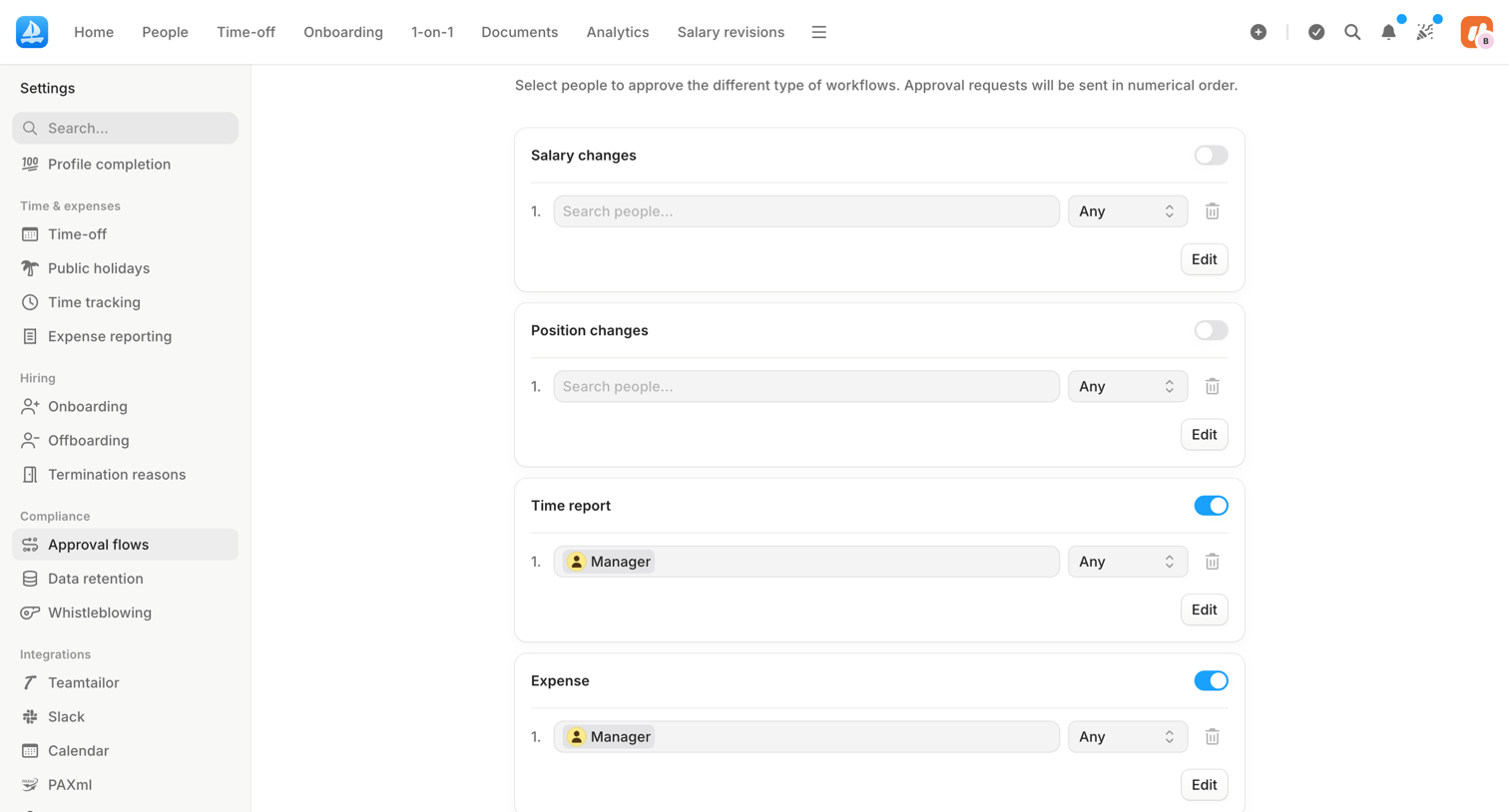

Settings page where the user configures multi-step approval workflows for salary changes, position changes, time reports, and expenses by assigning specific people or roles.
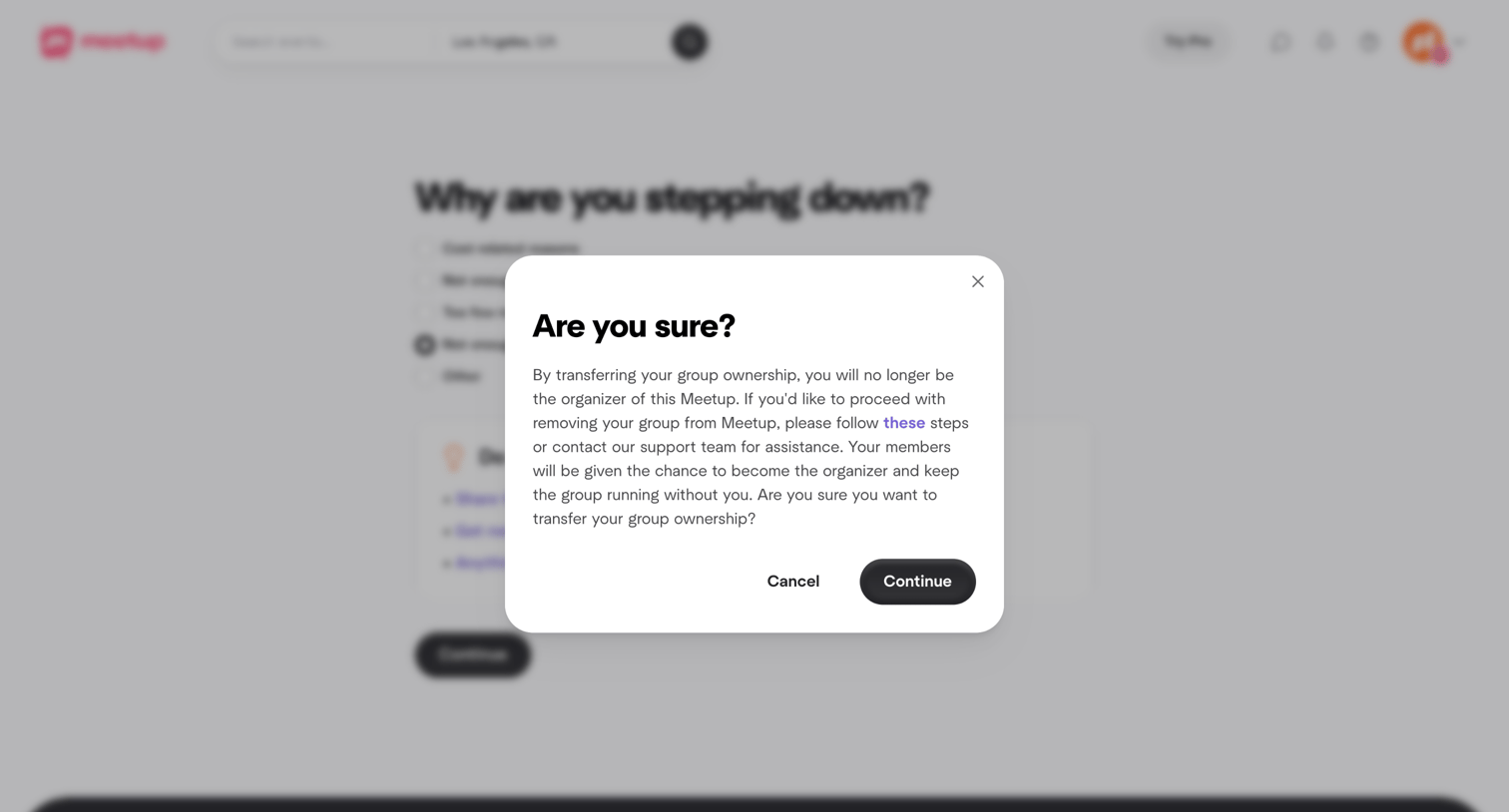

Modal prompting the user to confirm they want to transfer group ownership and step down as organizer, with options to cancel or continue.


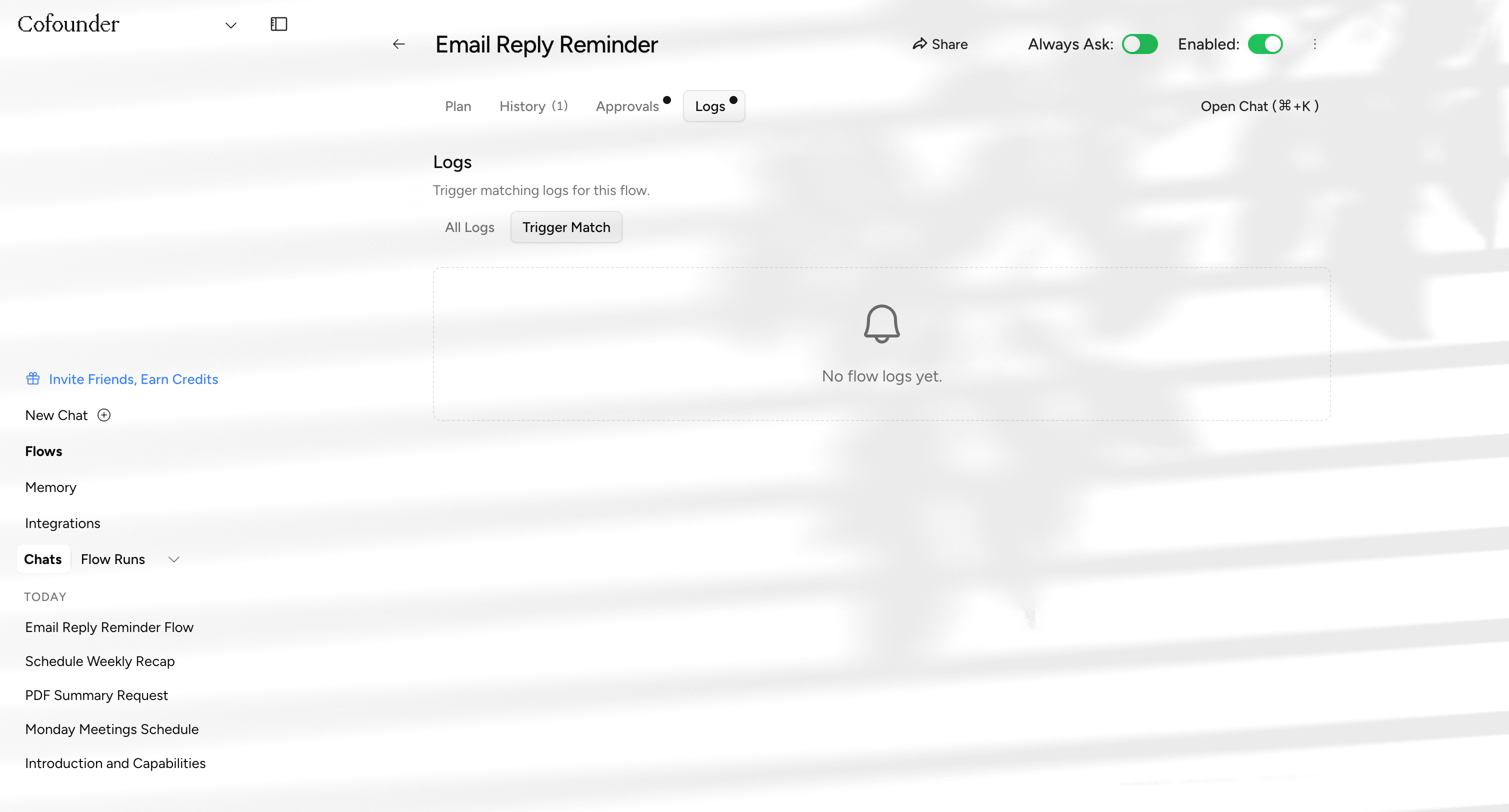

Detail page for an automation flow showing an empty logs tab, with global toggles to enable the flow and require approval.
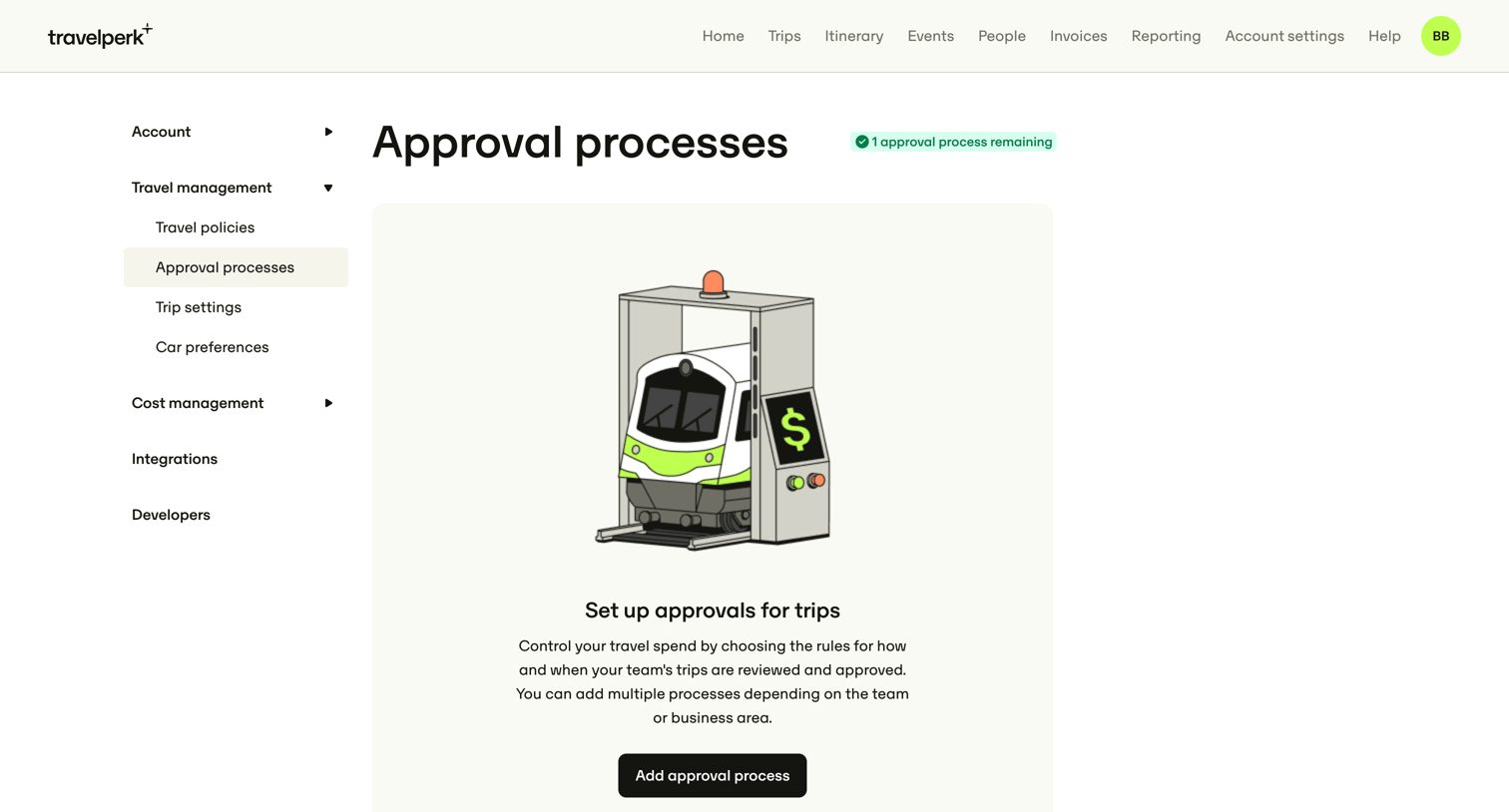

Settings page where the user can configure rules for how team trips are reviewed and approved, currently showing an empty state.
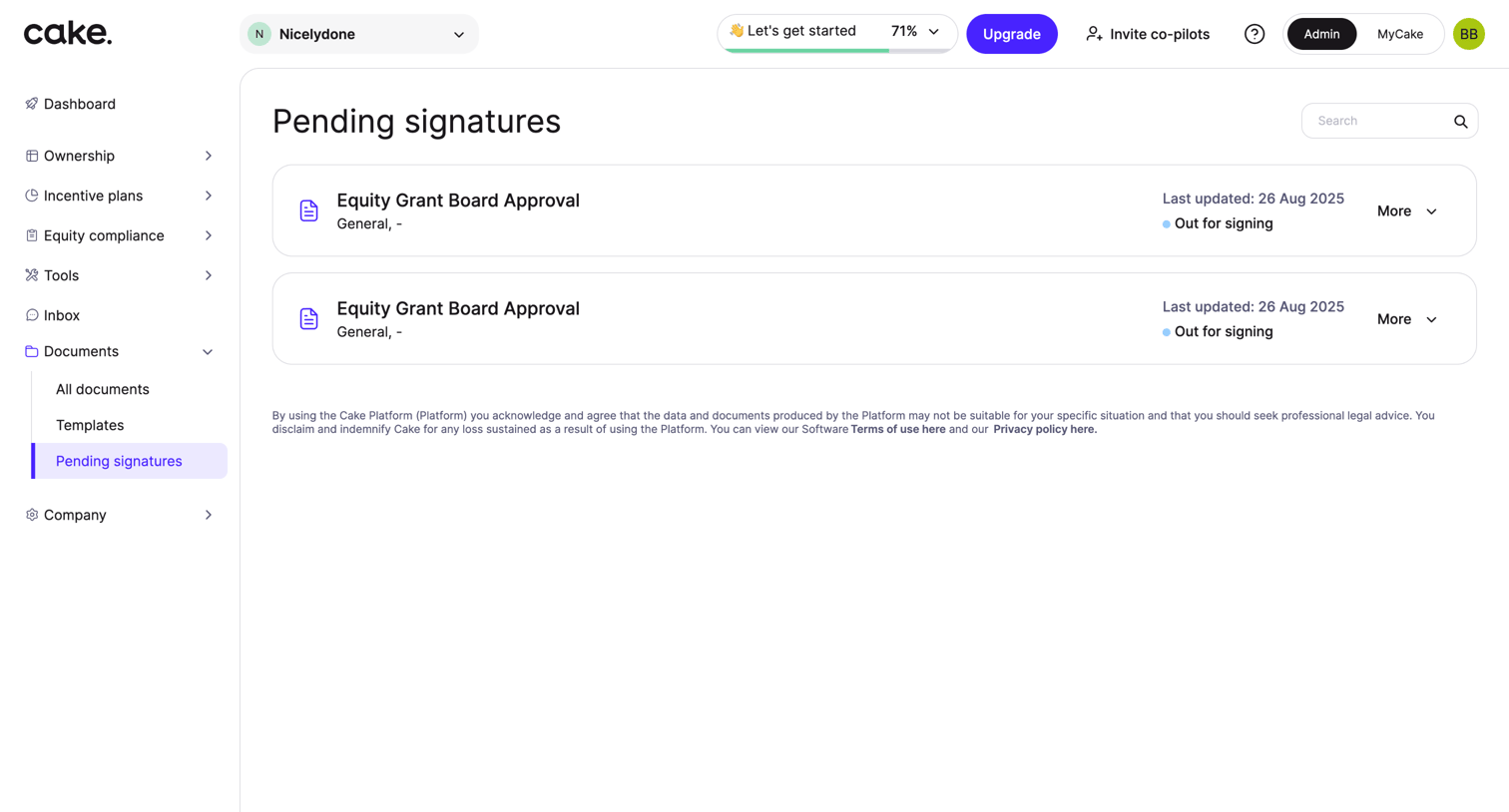

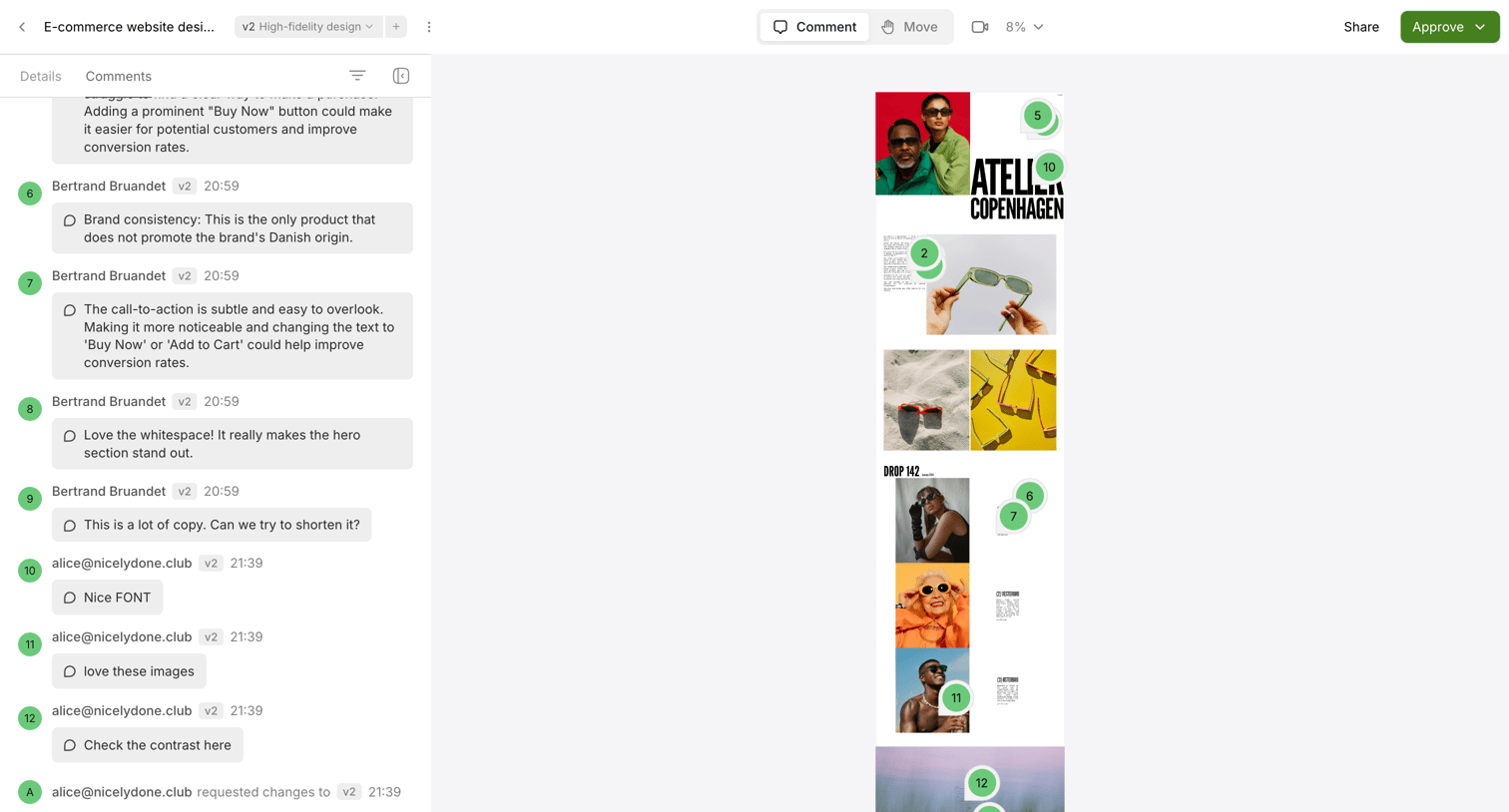

Design review tool where a user is viewing a high-fidelity e-commerce design with numbered annotation pins and an active comment thread in the sidebar.
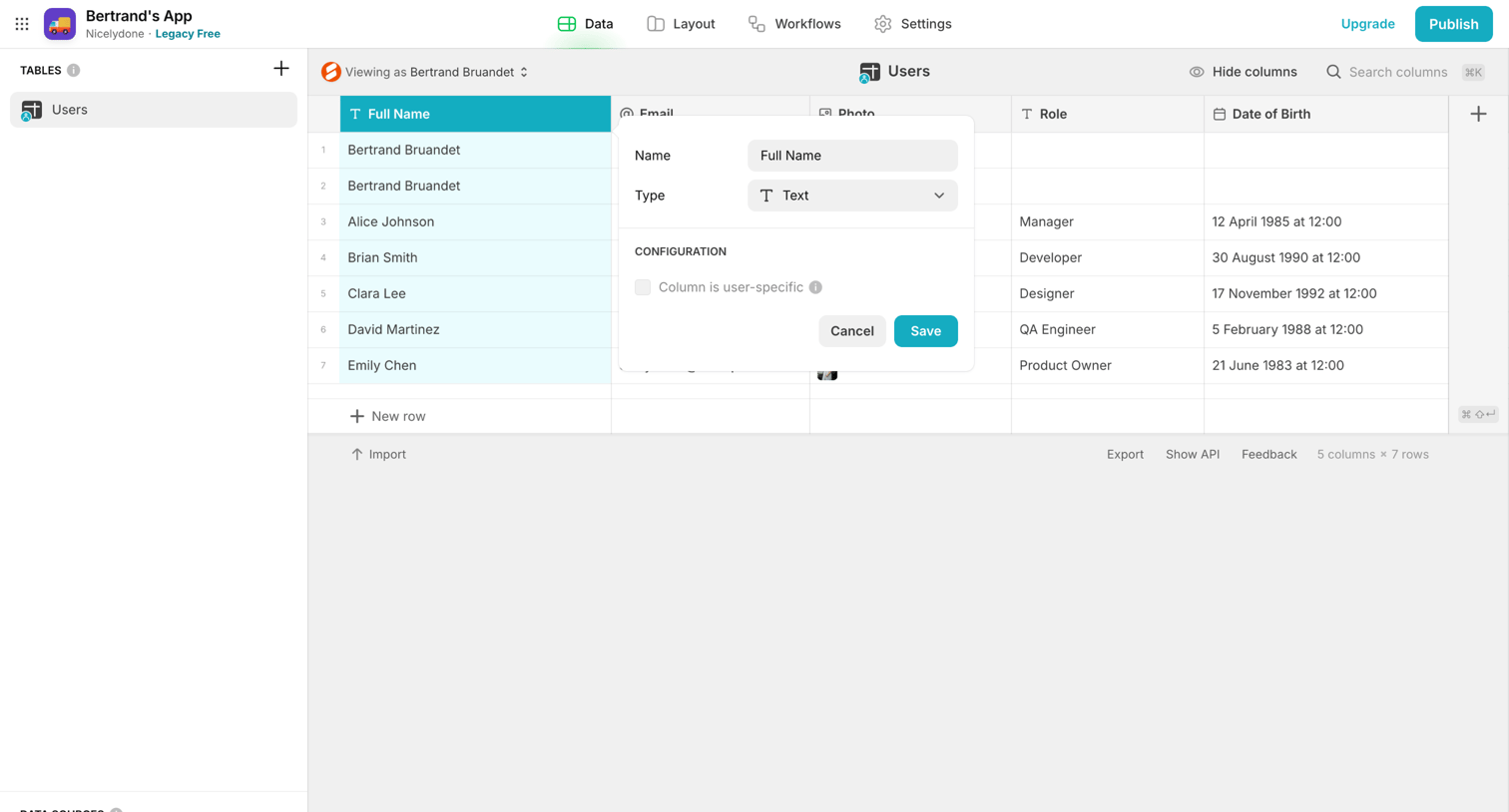

Explore the full SaaS screen library
Upgrade to unlock the full library.
Trusted by the best teams








About Approval Flow
See how SaaS apps present work that needs a decision. Explore how request details, review status, and approve or reject actions fit together on the screen.