Cofounder design examples
Explore Cofounder UI design examples. Automate your life with natural language
Product screens
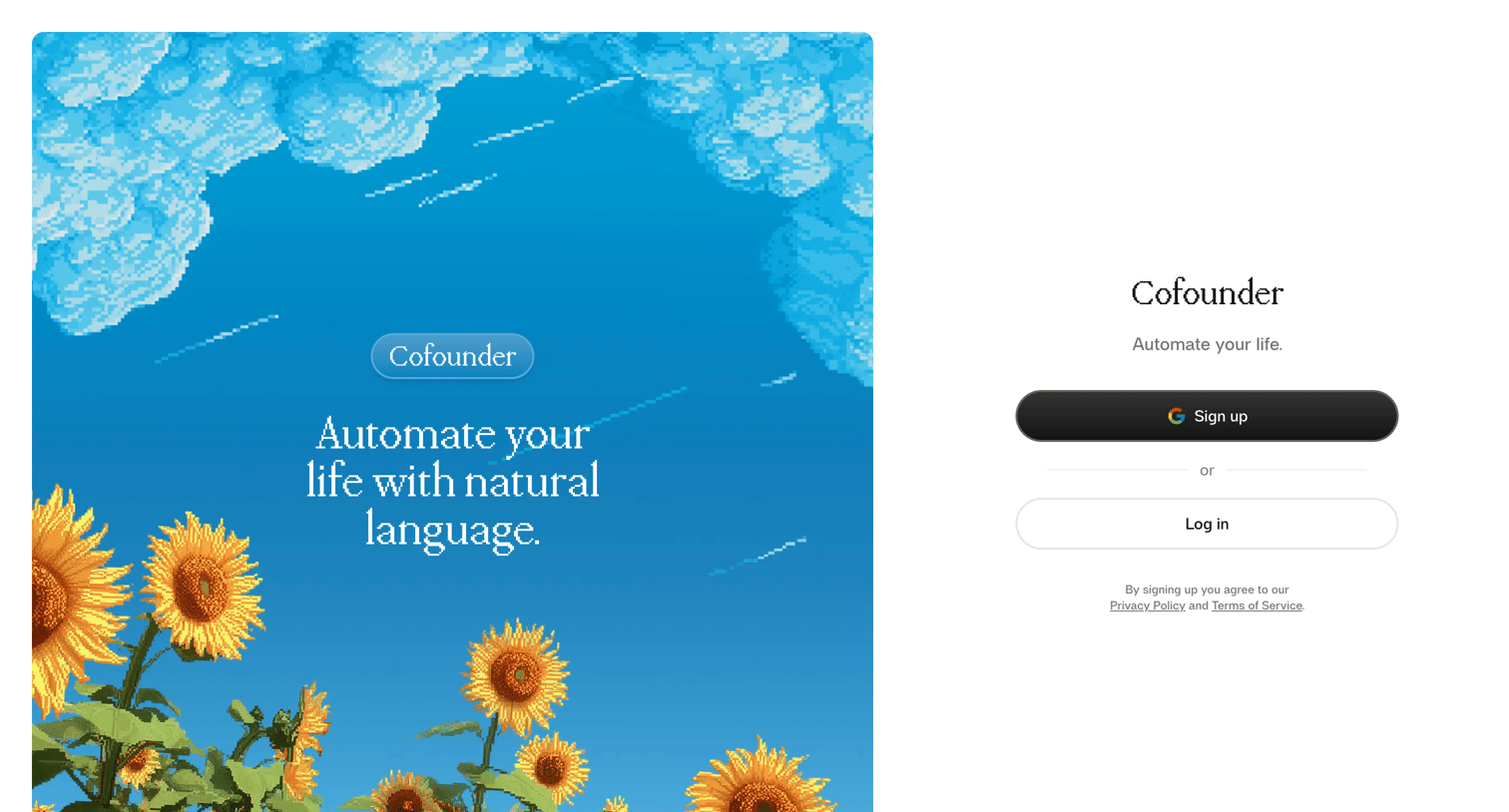
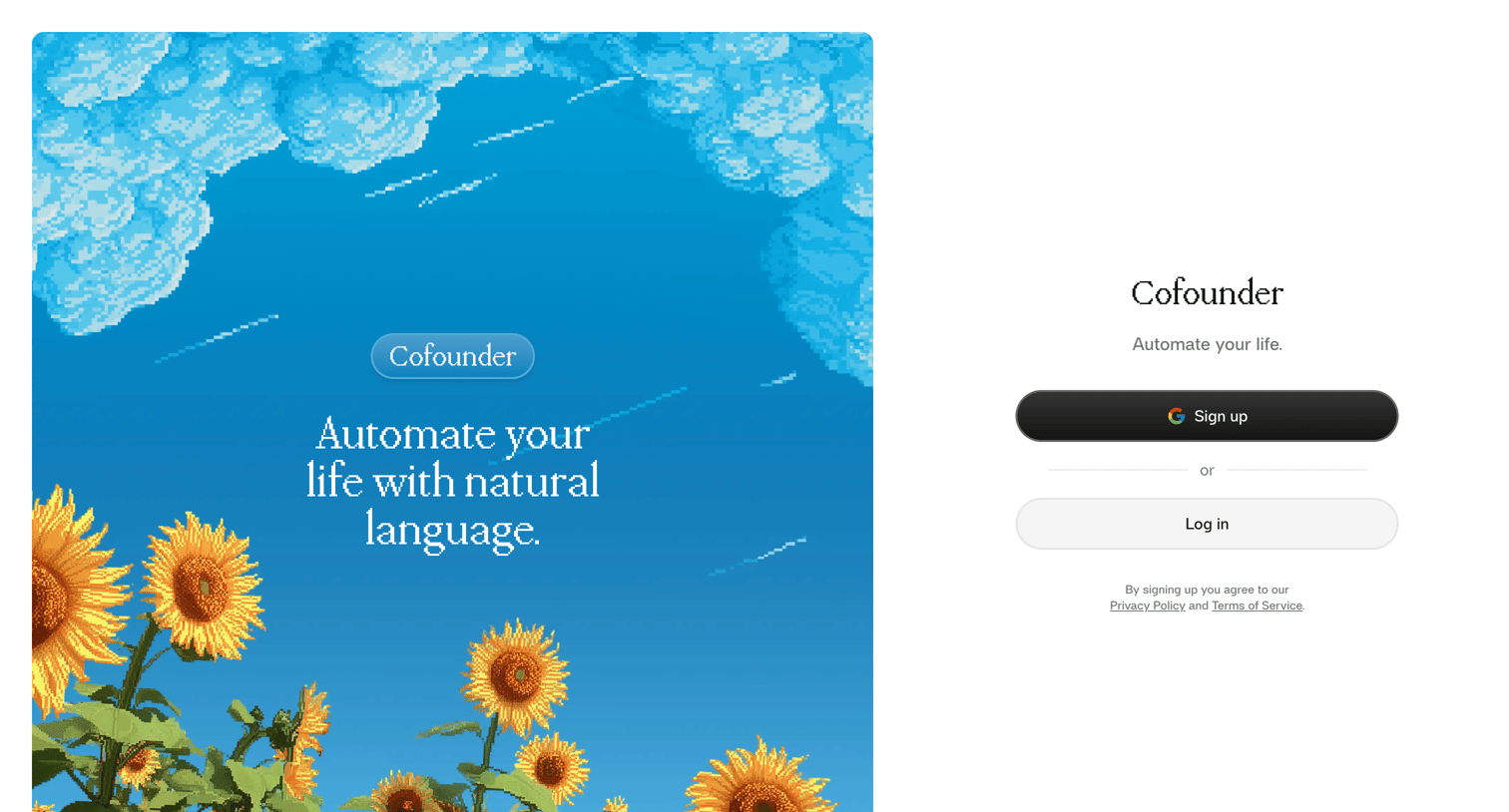


Onboarding step where the user is welcomed to the Cofounder AI agent and prompted to begin the setup process.
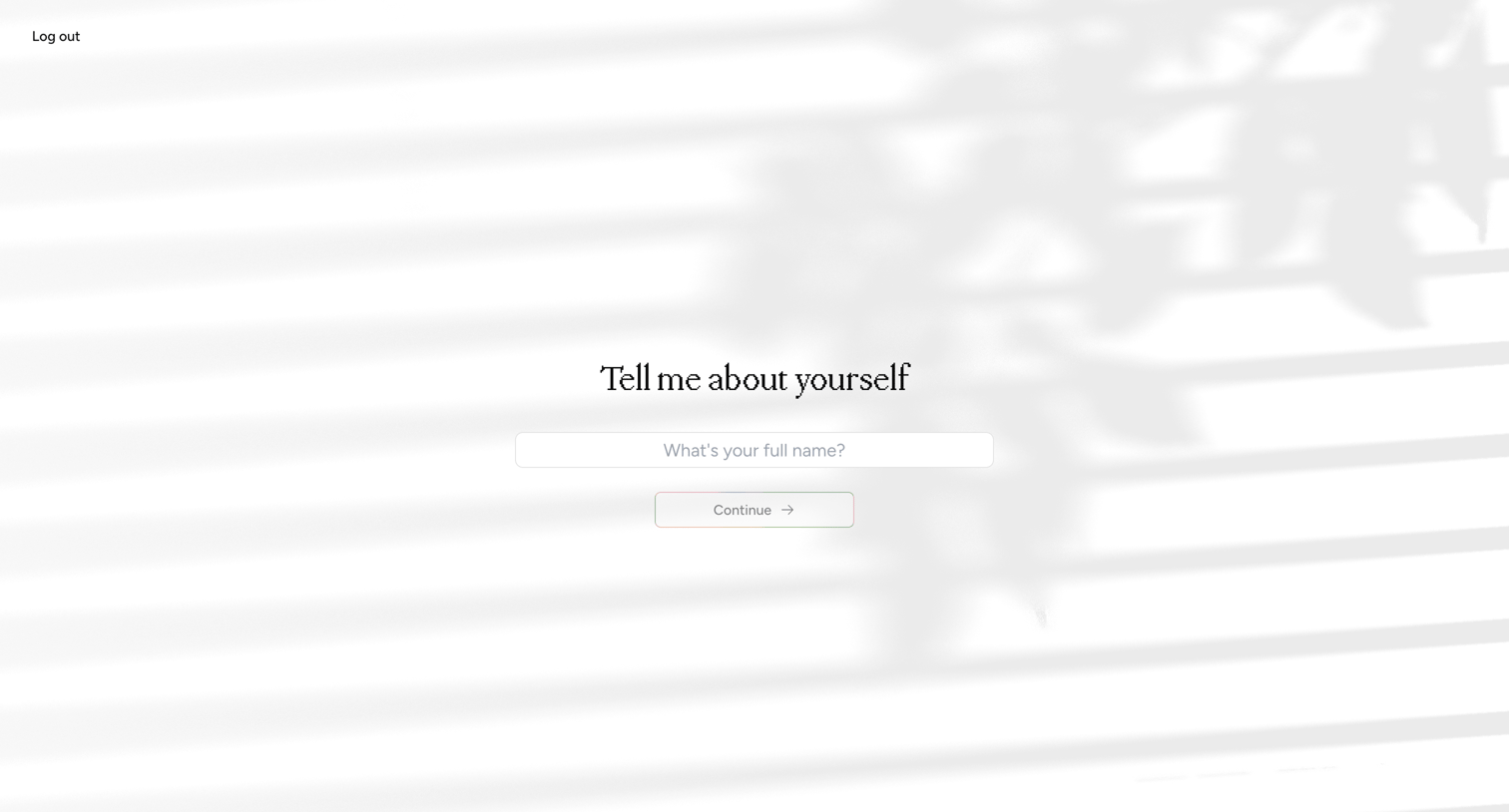
Onboarding step where the user is prompted to enter their full name to set up their profile.
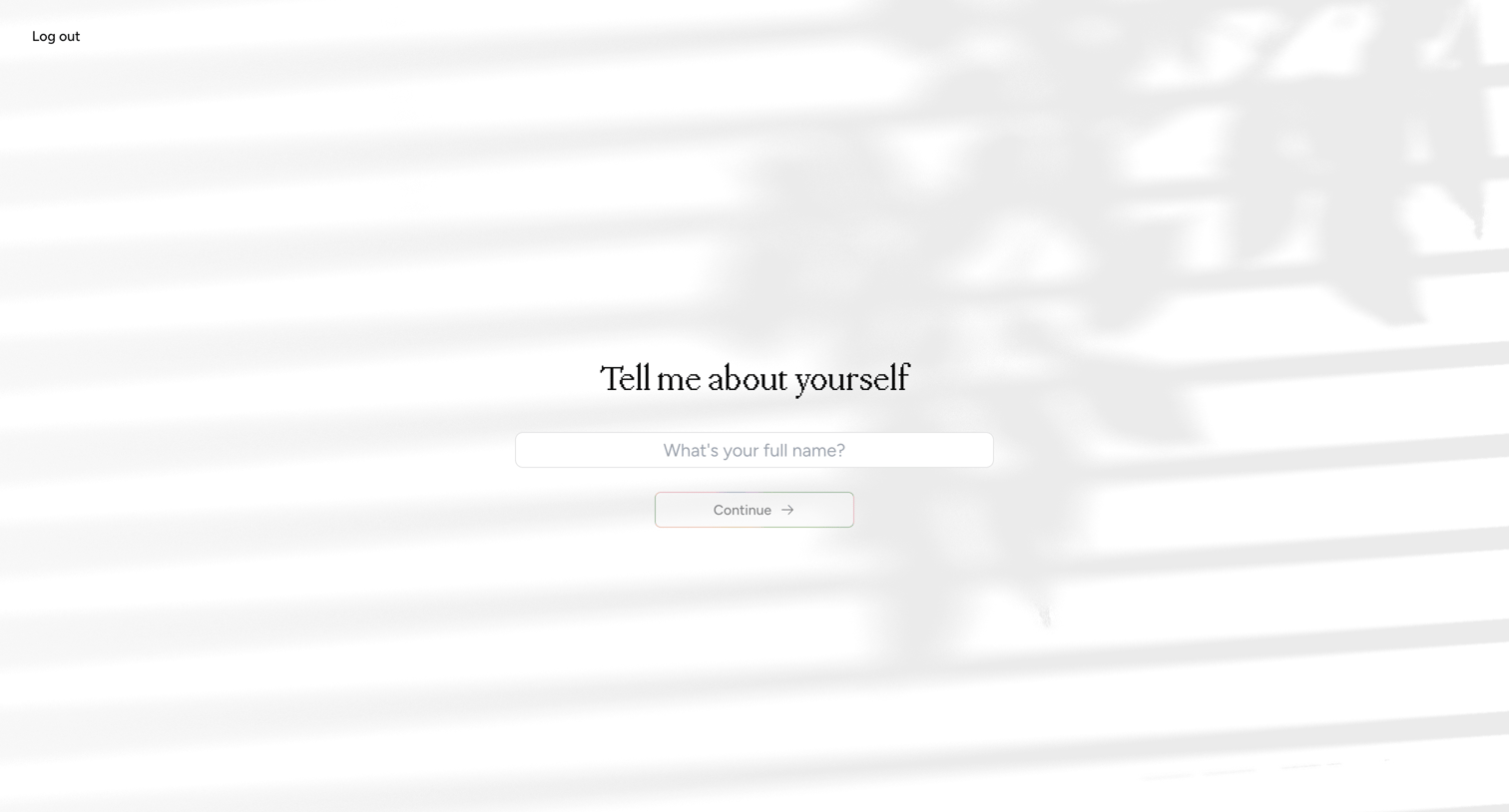
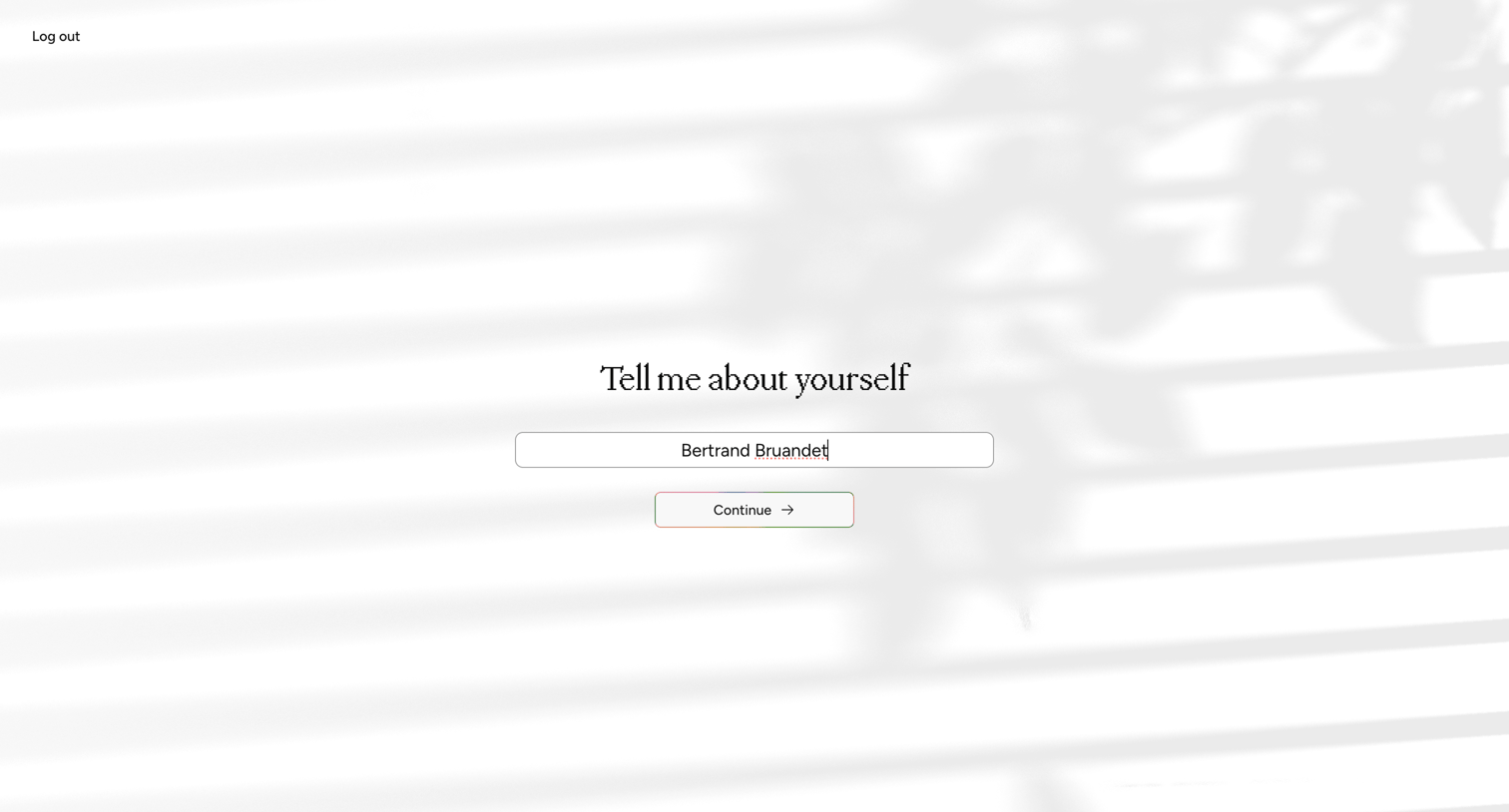
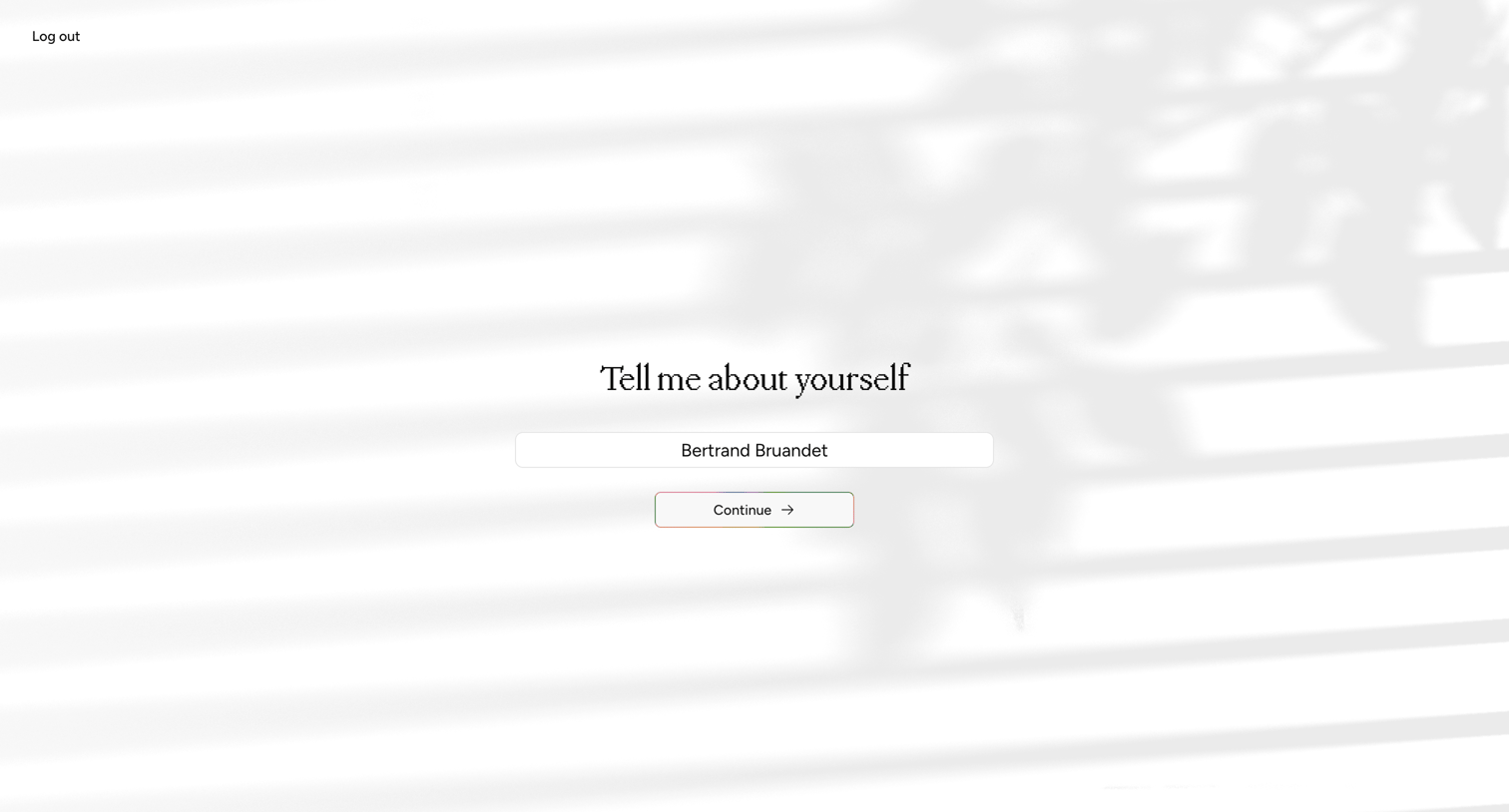
Onboarding step where the user confirms or edits their full name to set up their profile.
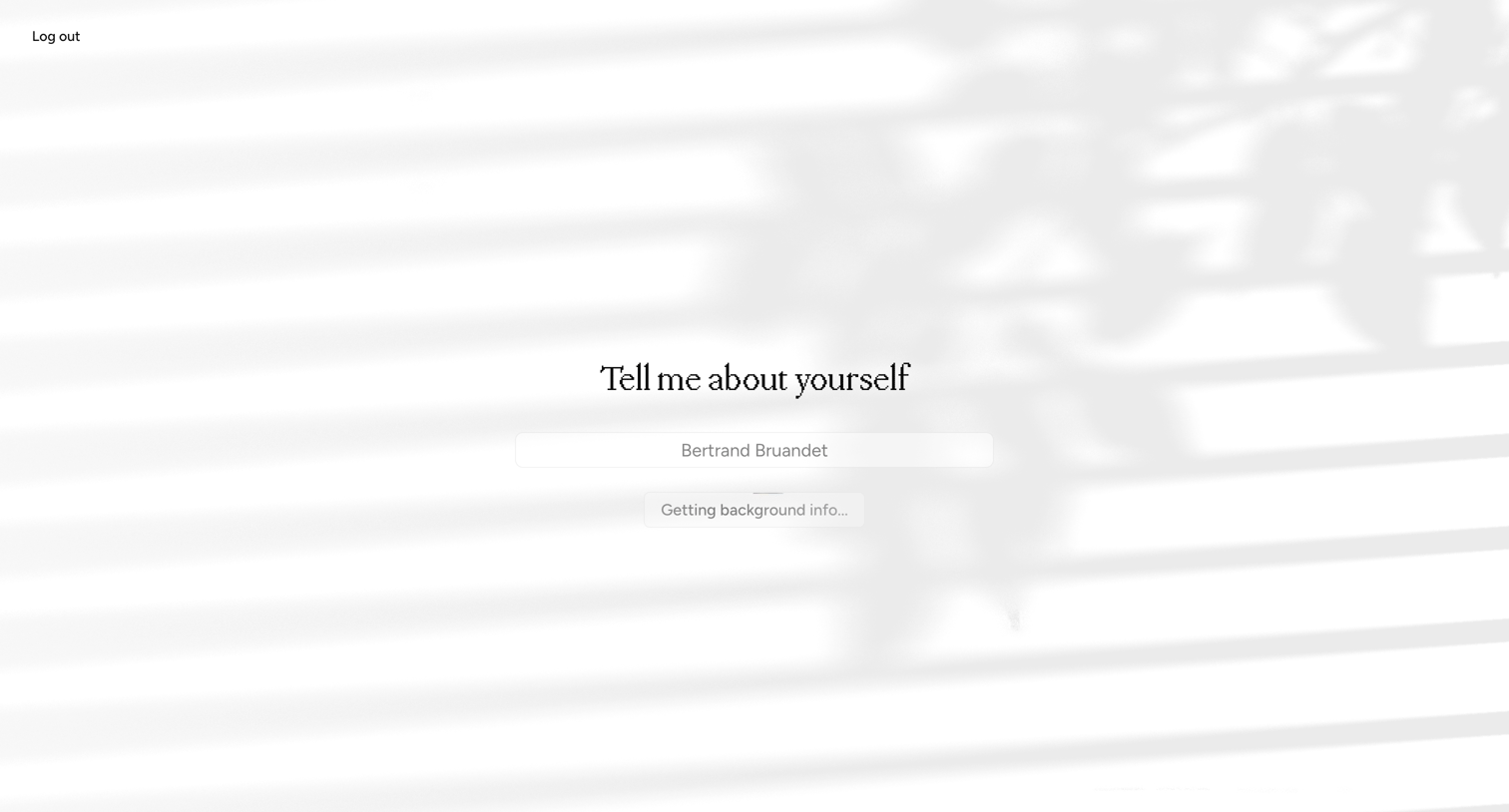
Onboarding step where the system displays a loading state while fetching background information for the user.
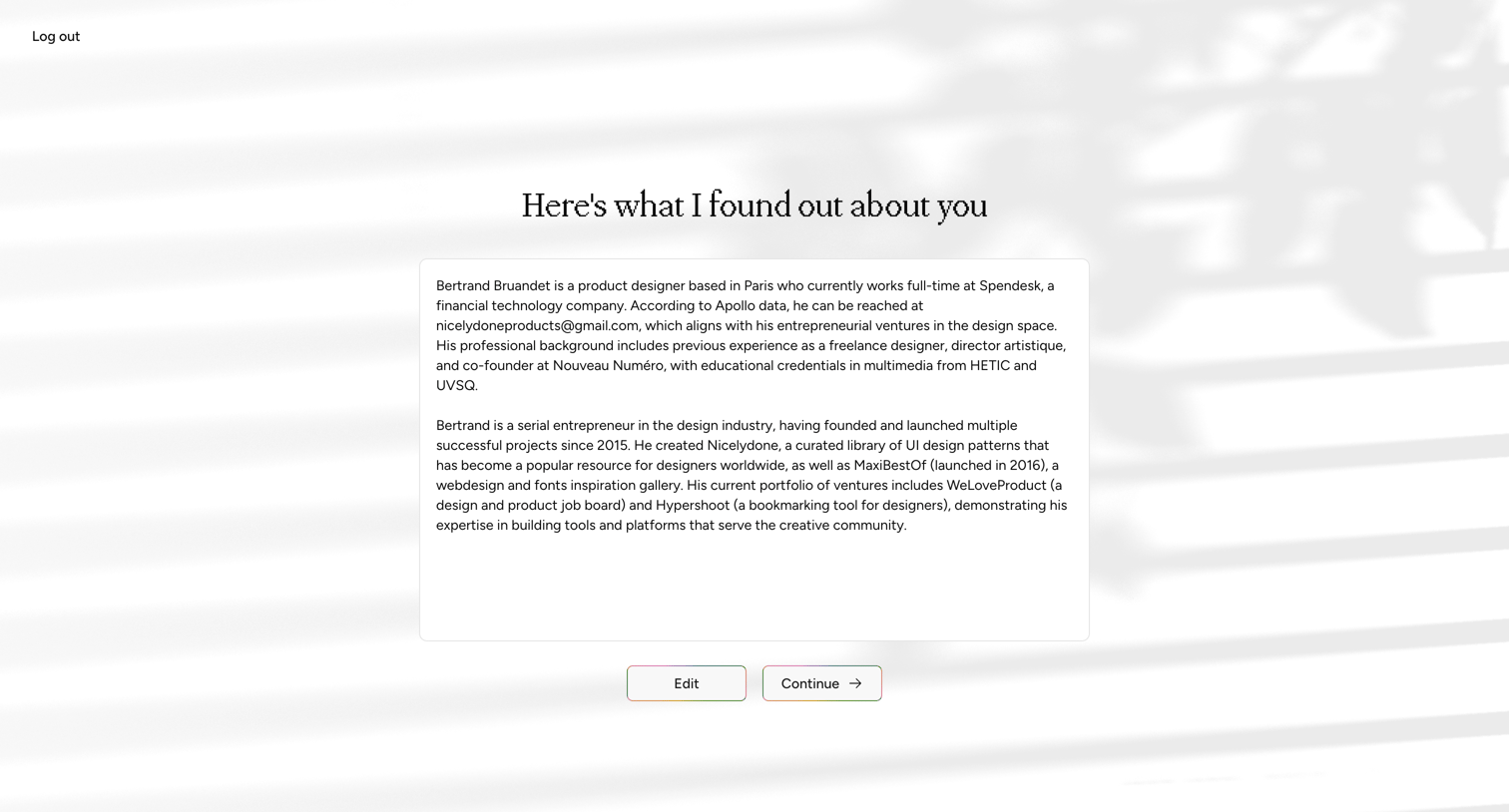
Onboarding step where the user reviews an automated summary of their professional background and can choose to edit or continue.
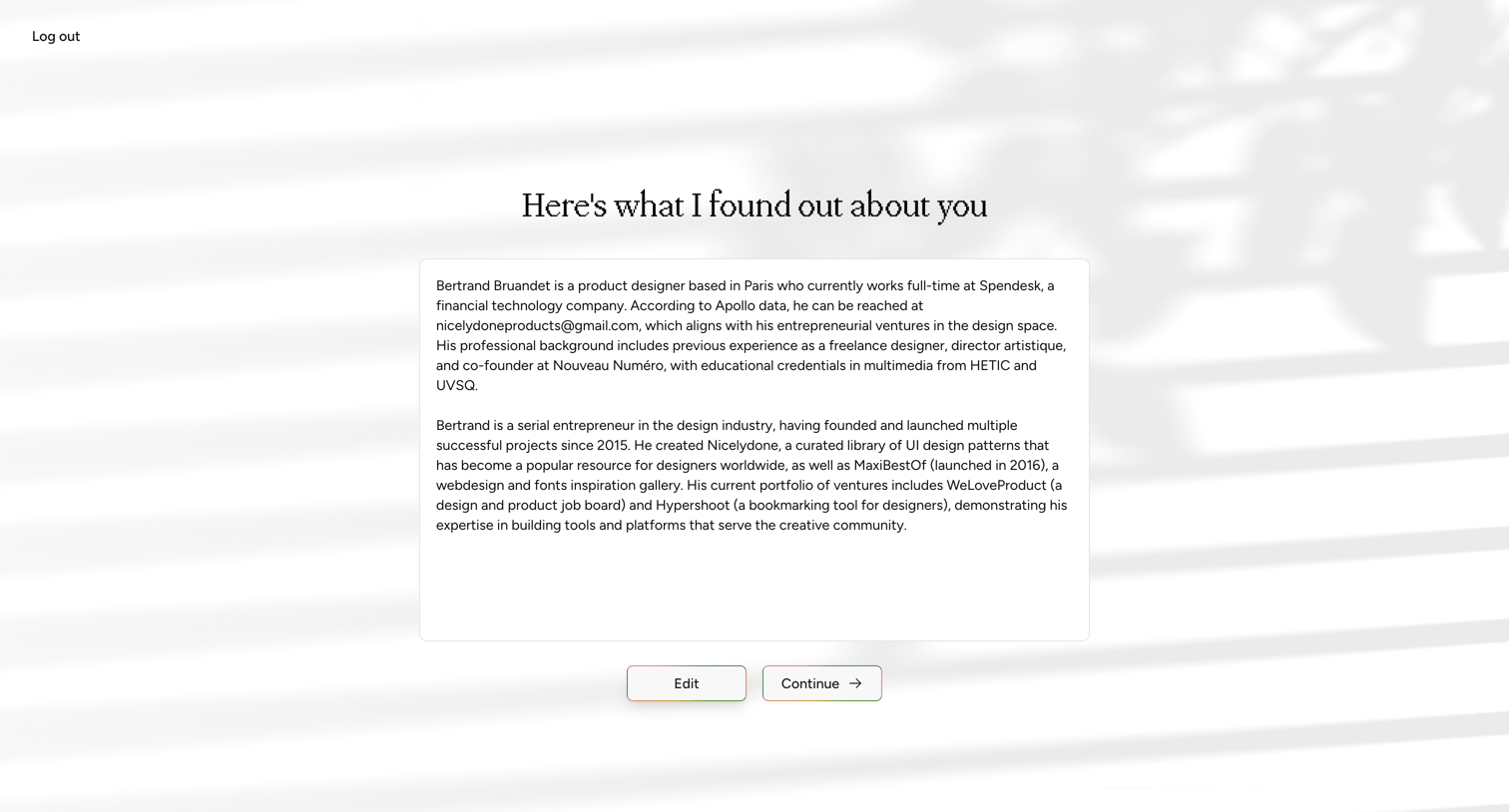
Onboarding step where the user reviews an AI-generated summary of their professional background and can choose to edit or continue.
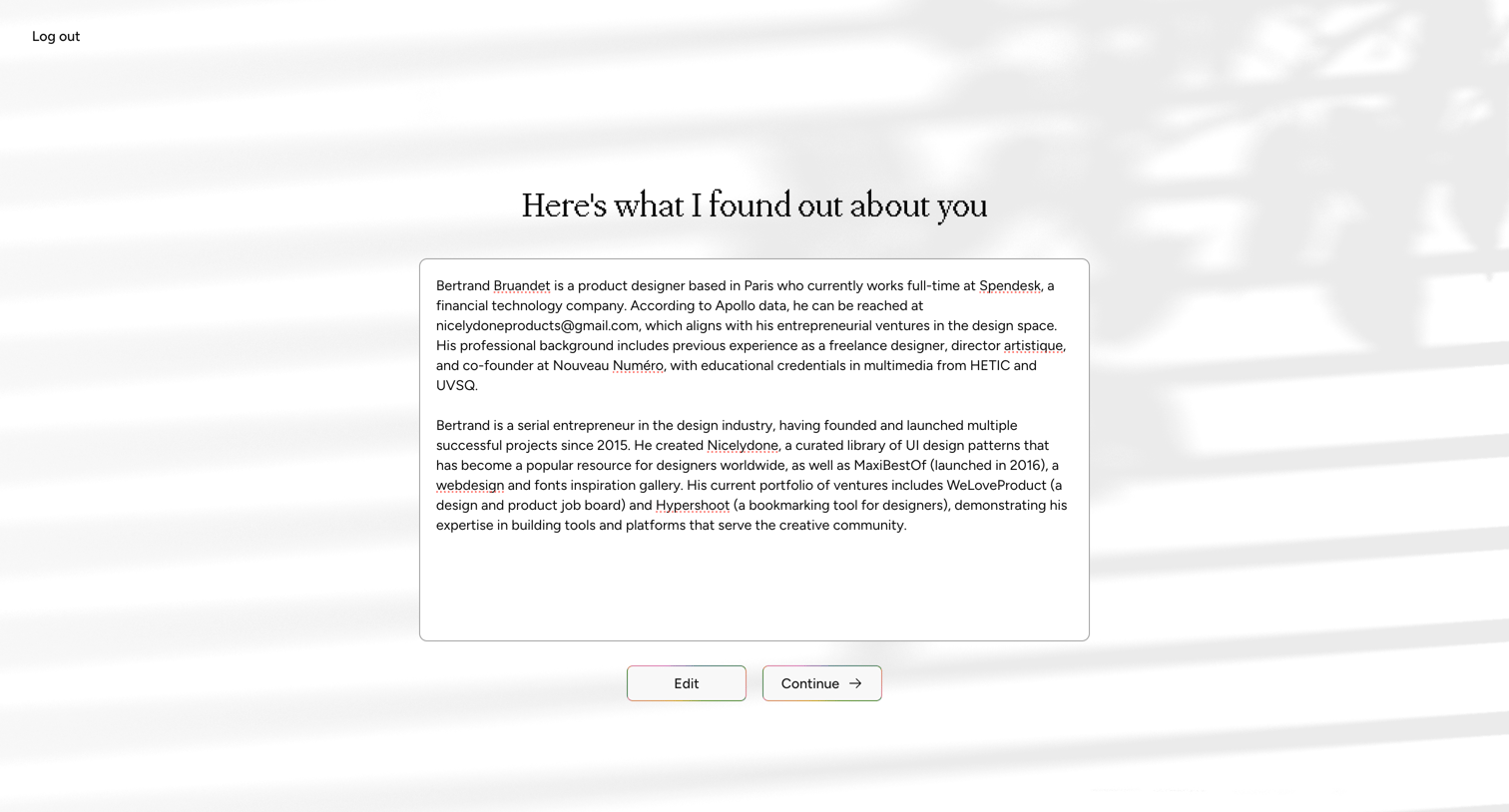
Onboarding step where the user reviews an AI-generated summary of their professional background, sourced from external data, before proceeding.
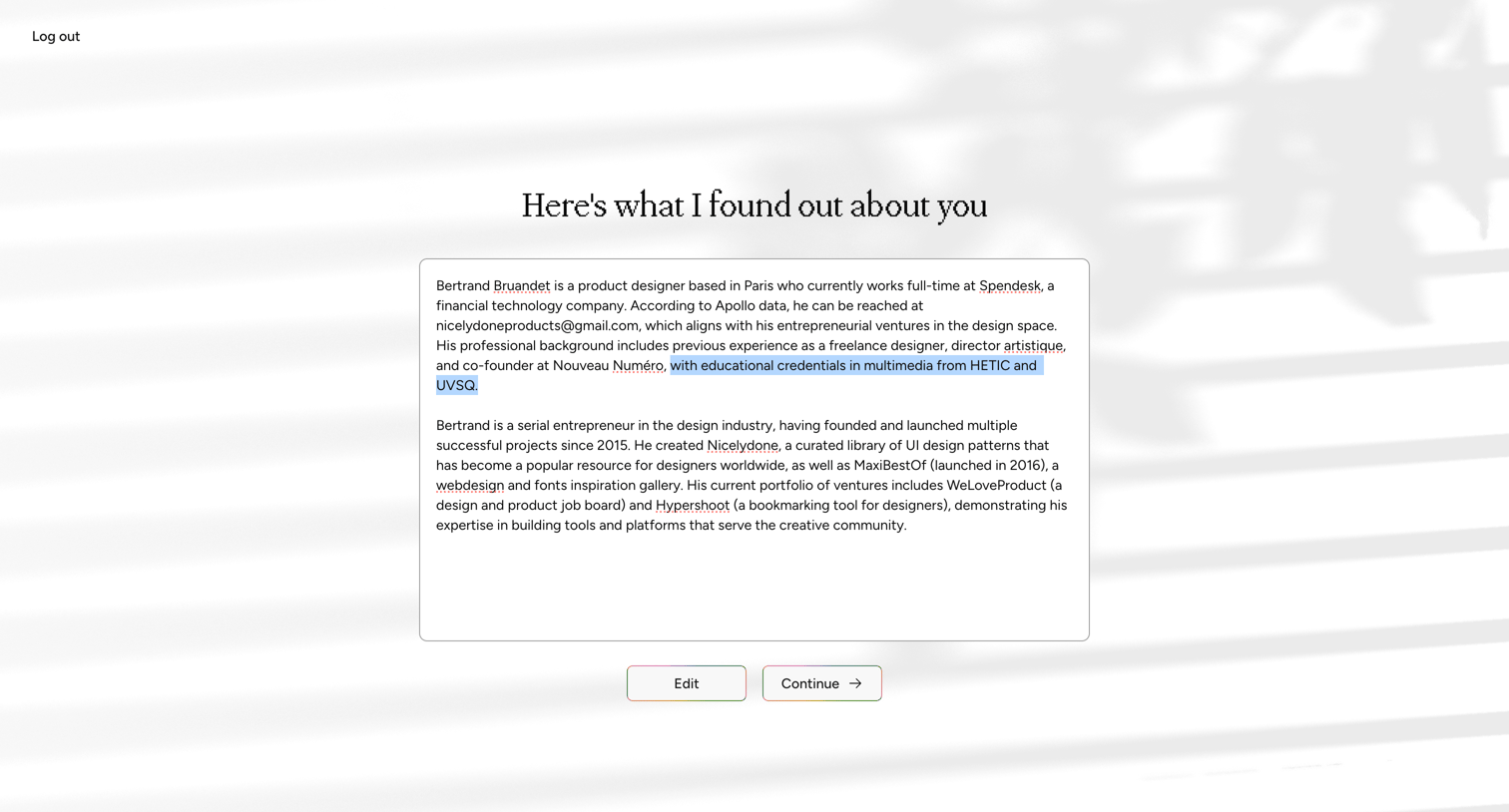
Onboarding step where the user reviews an AI-generated summary of their professional background, with options to edit or continue.
Browse the full SaaS app library
Explore real SaaS apps with their product screens, marketing screens, flows, and components.
Trusted by the best teams







