Travelperk design examples
Explore Travelperk UI design examples. Travel for work made simpler and smarter
Product screens


Sign-in screen where the user authenticates with their email, Google OAuth, or enterprise SSO.
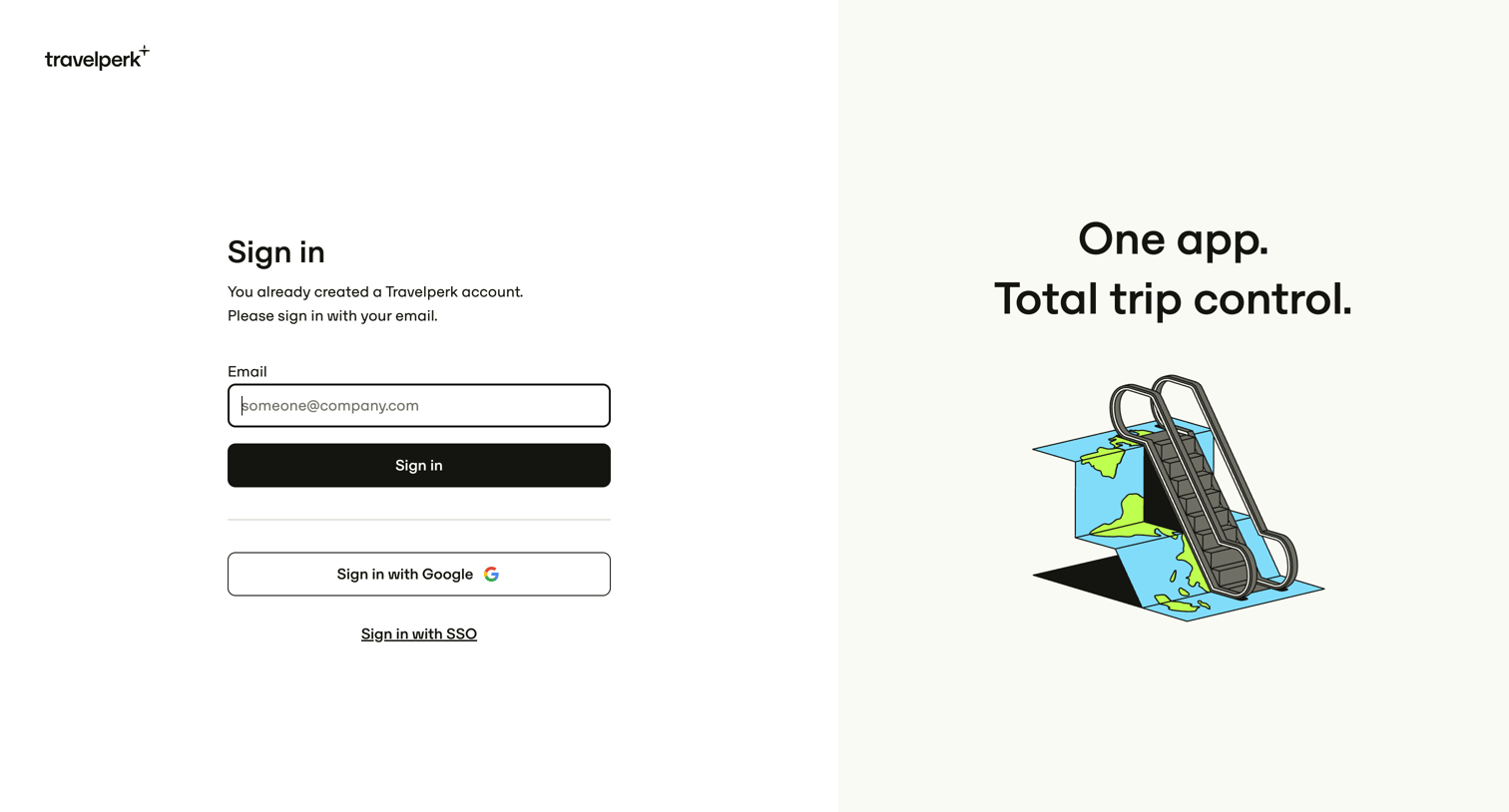
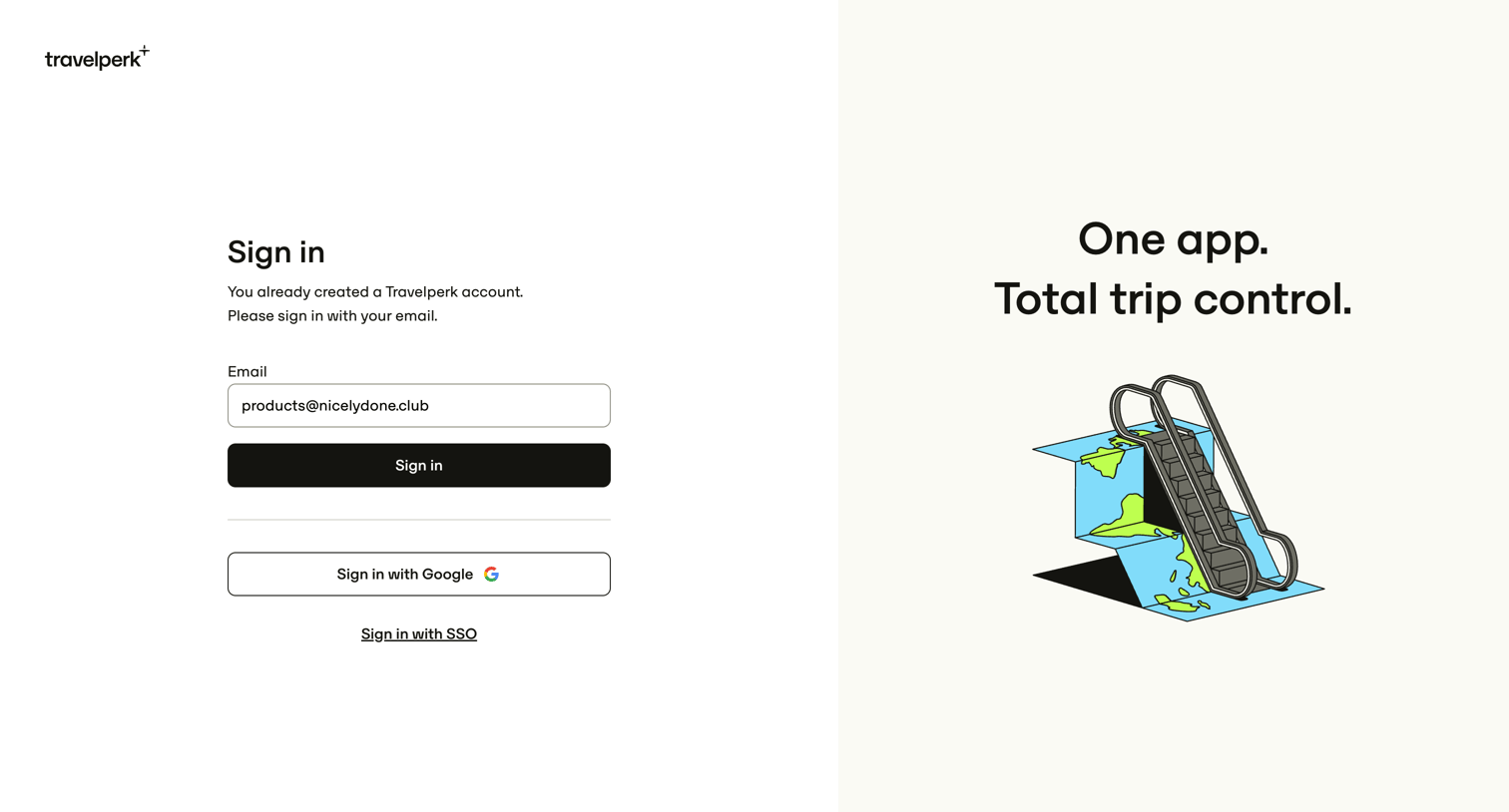
Sign-in screen where the user authenticates with an email address, Google OAuth, or SSO, featuring a branded illustration on the right half of the page.
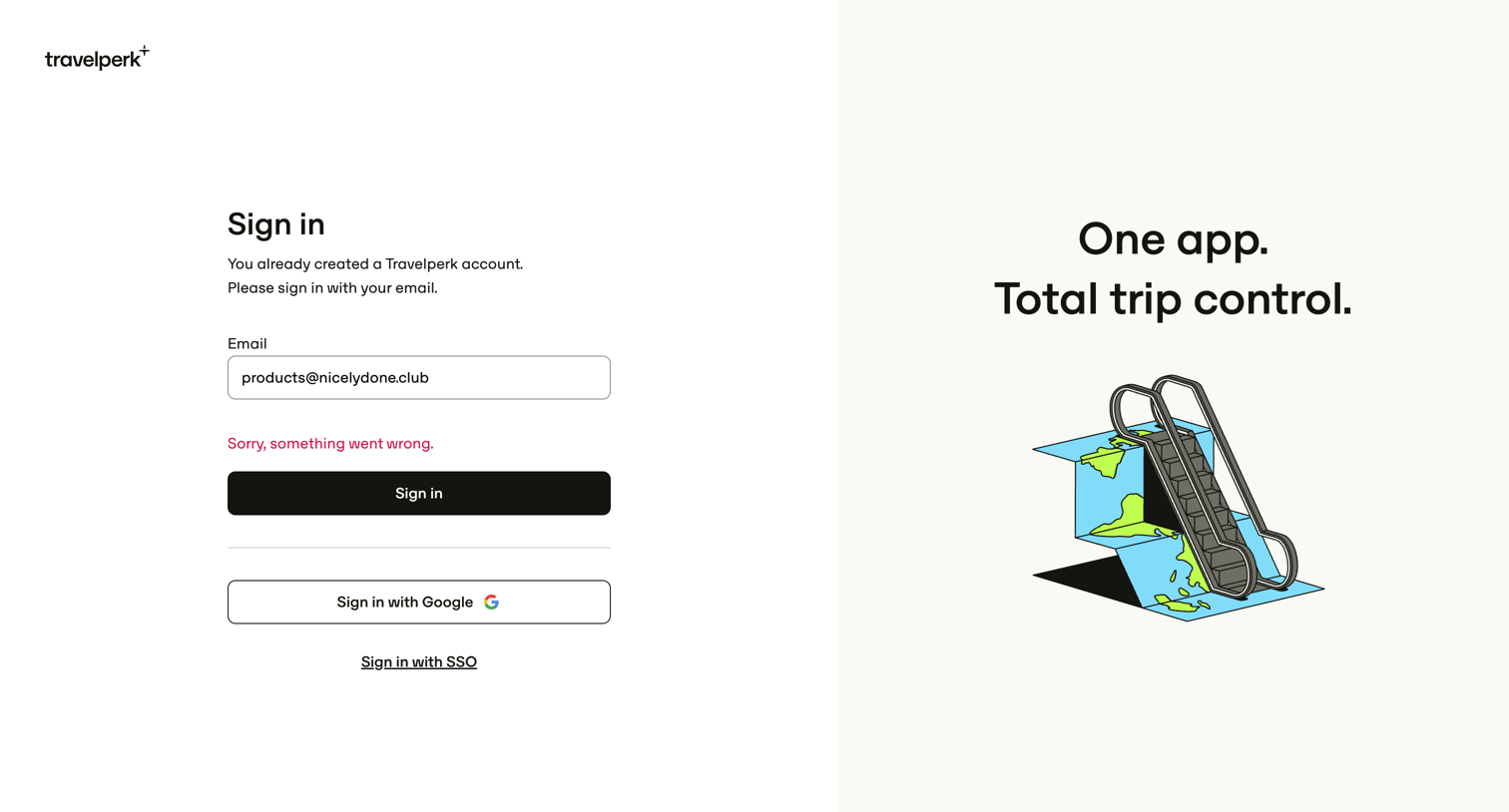
Sign-in screen where the user attempts to authenticate with their email but encounters an error, with alternative options for Google and SSO.
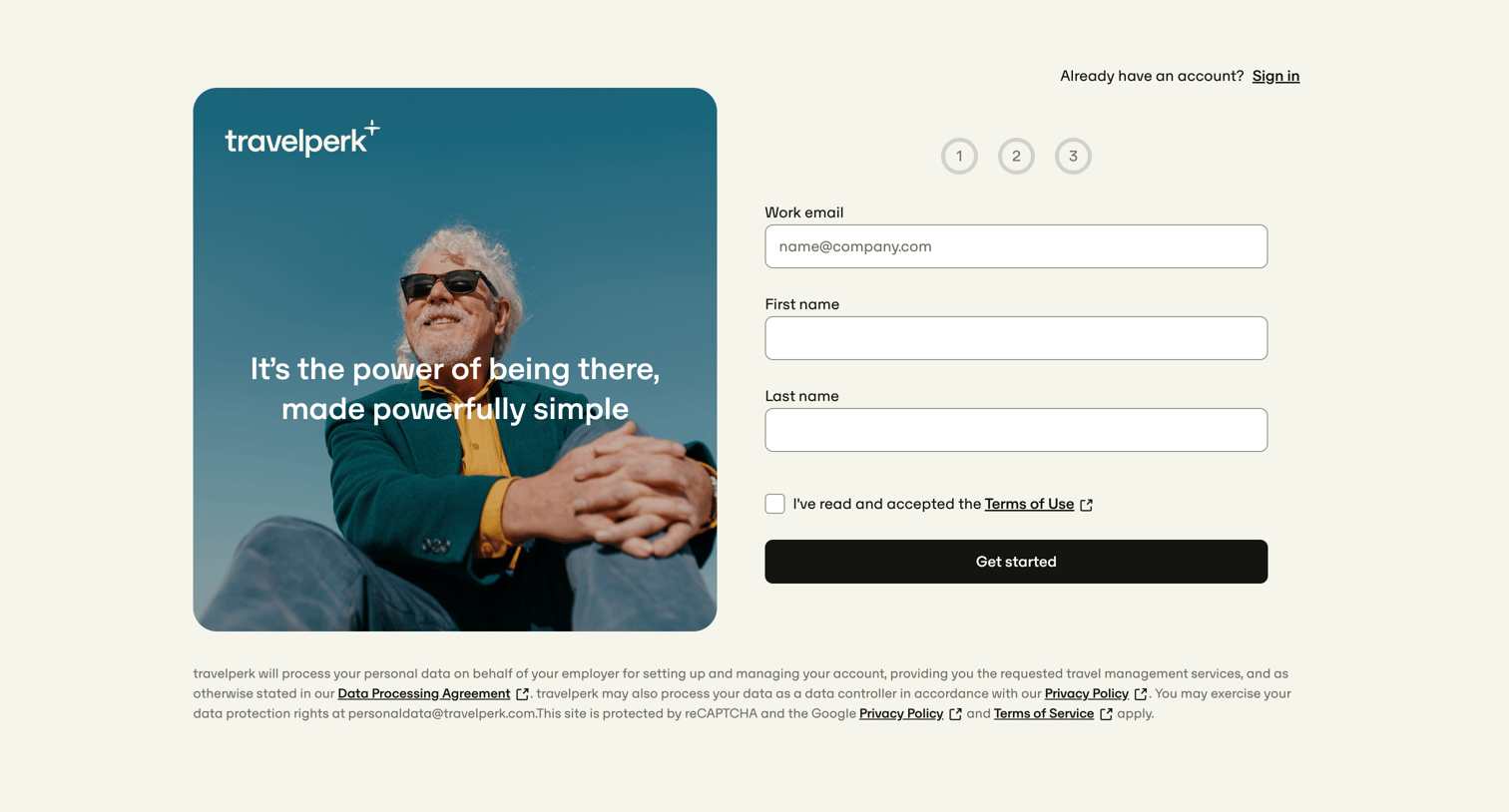
Signup page where the user enters their work email, first name, and last name to begin a multi-step account creation process.
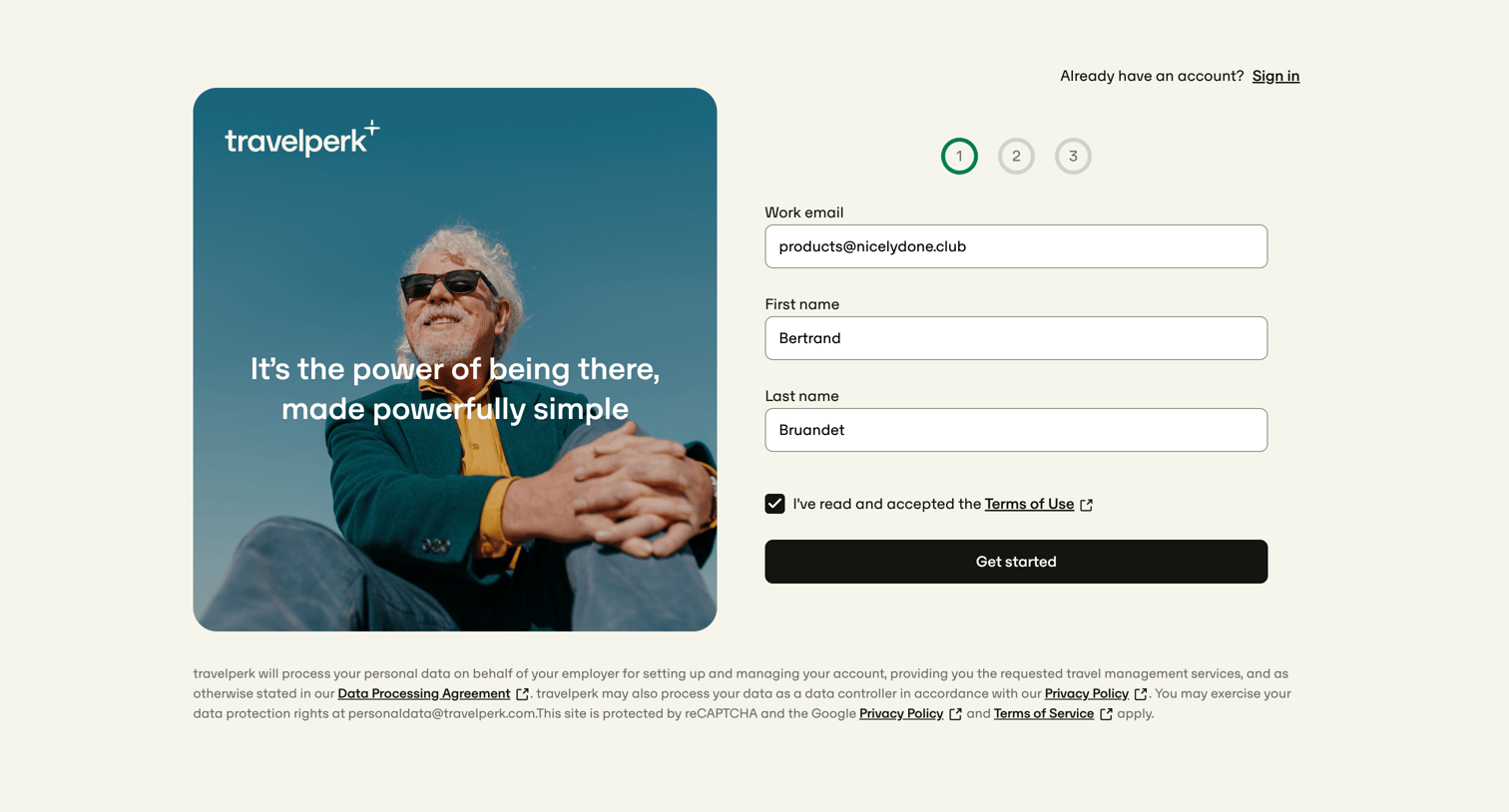
Signup screen where the user enters their work email, first name, and last name in the first step of a multi-step account creation flow.
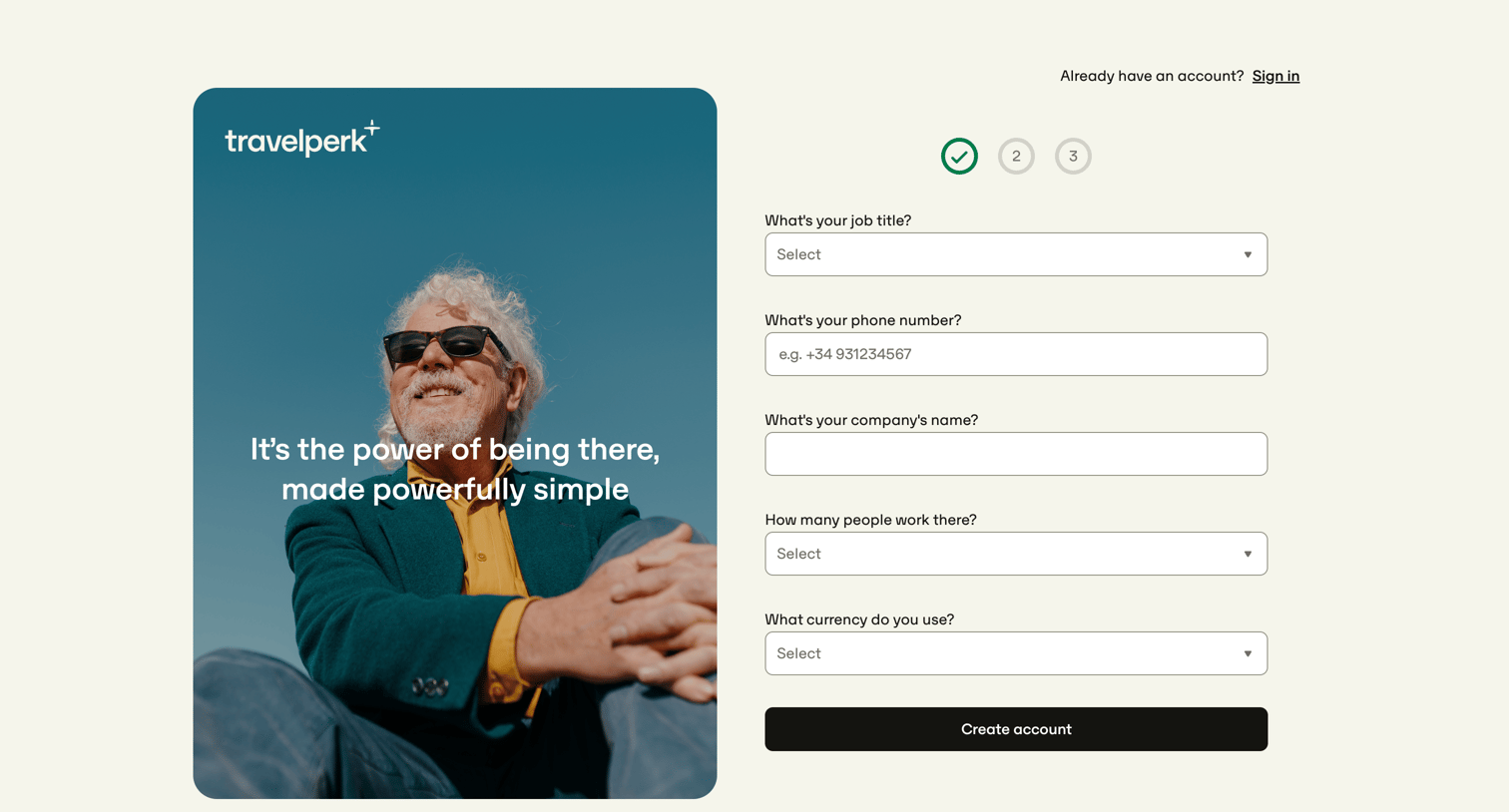
Signup step where the user provides their job title, phone number, company name, company size, and preferred currency to create an account.
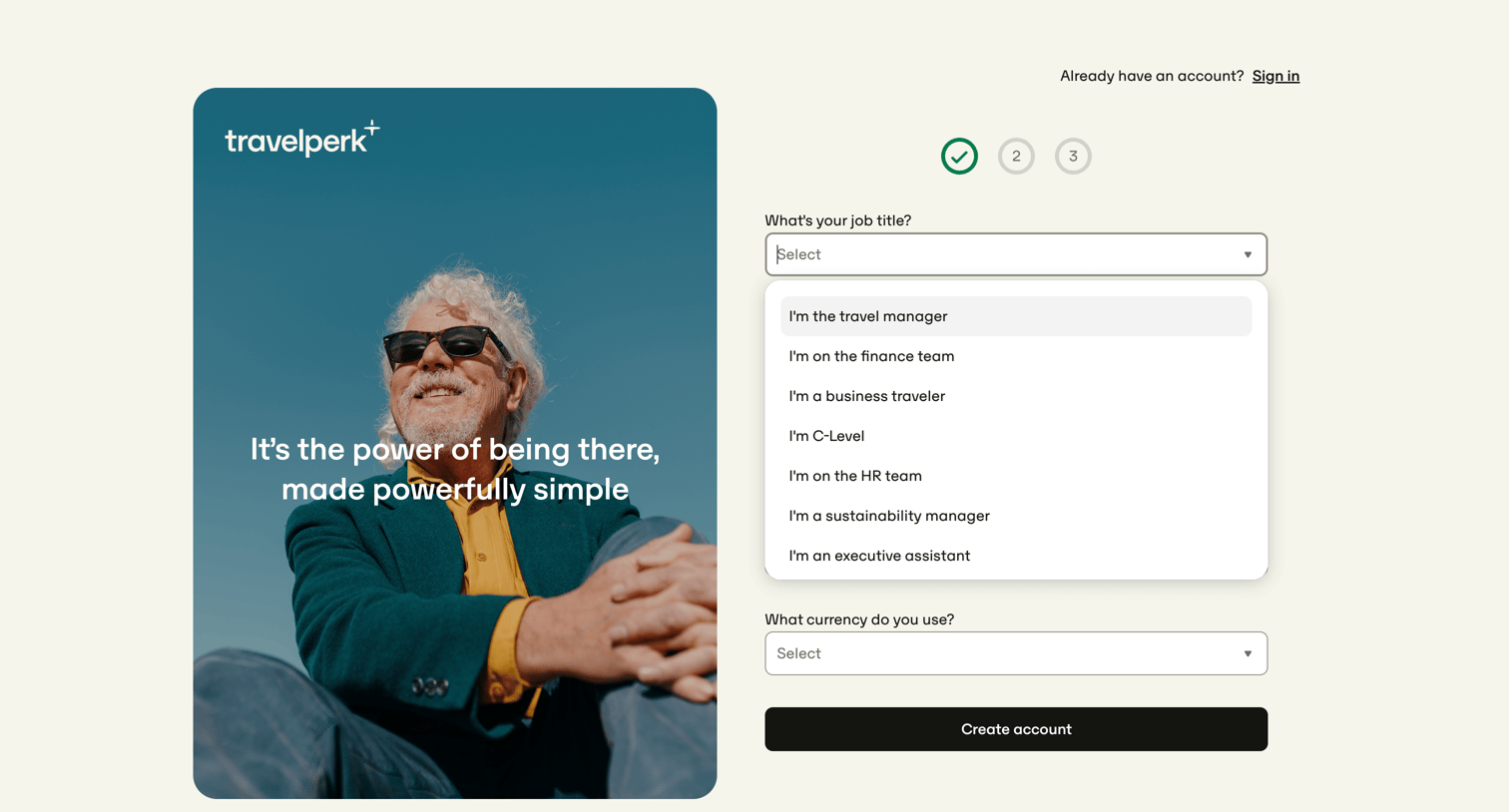
Signup step where the user selects their job title, such as travel manager or finance team, and chooses their preferred currency.
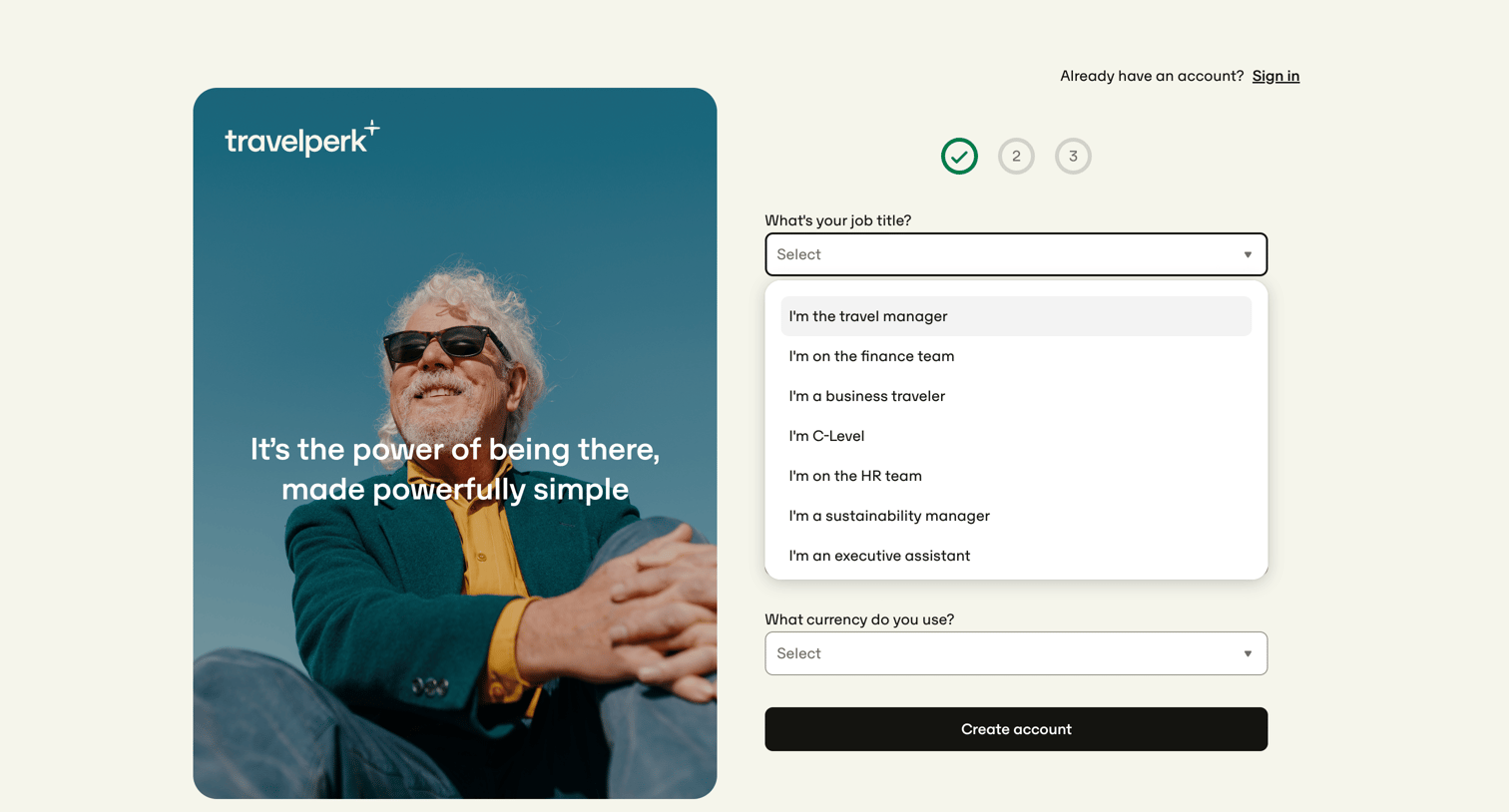
Signup step where the user selects their job role, such as travel manager or finance team, and their preferred currency to create their account.
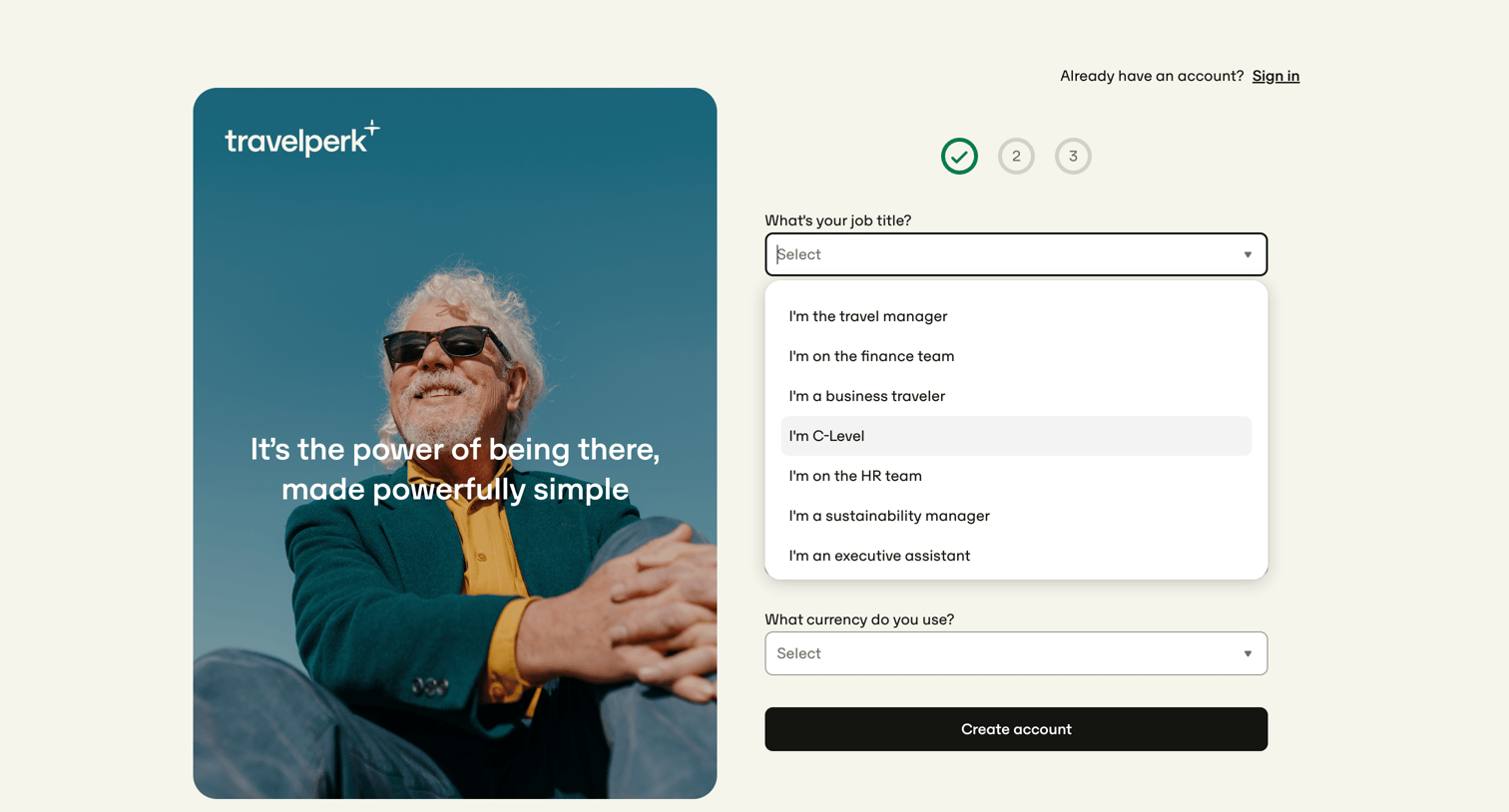
Signup step where the user selects their job title and preferred currency to create a new account.
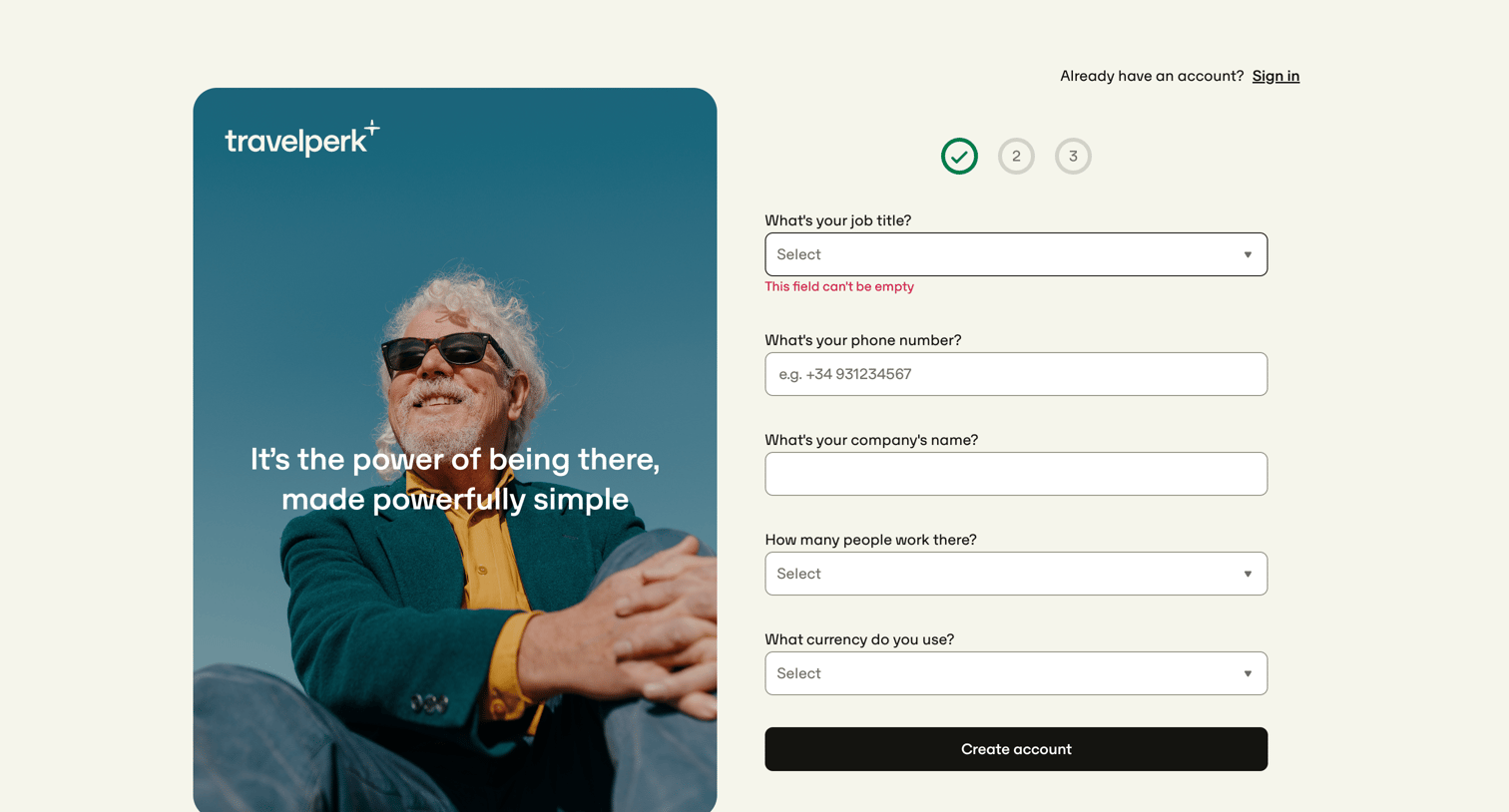
Signup step where the user provides their job title, phone number, company name, company size, and currency to create an account.
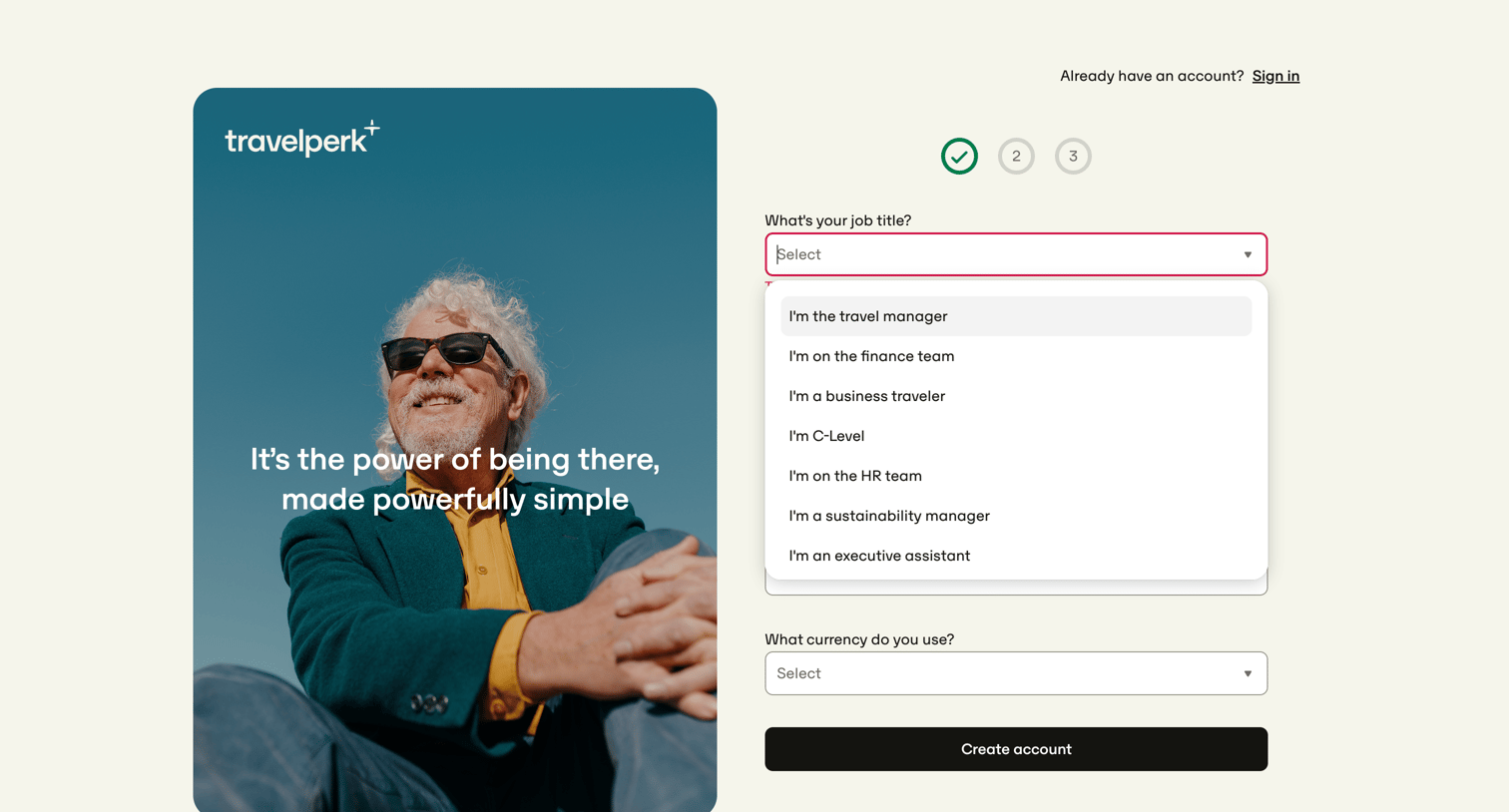
Signup step where the user selects their job title and preferred currency to create a company account.
Browse the full SaaS app library
Explore real SaaS apps with their product screens, marketing screens, flows, and components.
Trusted by the best teams







