Meetup design examples
Explore Meetup UI design examples. Find local groups, events, and activities near you
Product screens


Landing page where the user is prompted to log in via a modal offering Google, Apple, Facebook, or email authentication, overlaid on sections highlighting nearby events, top categories, and how the platform works.
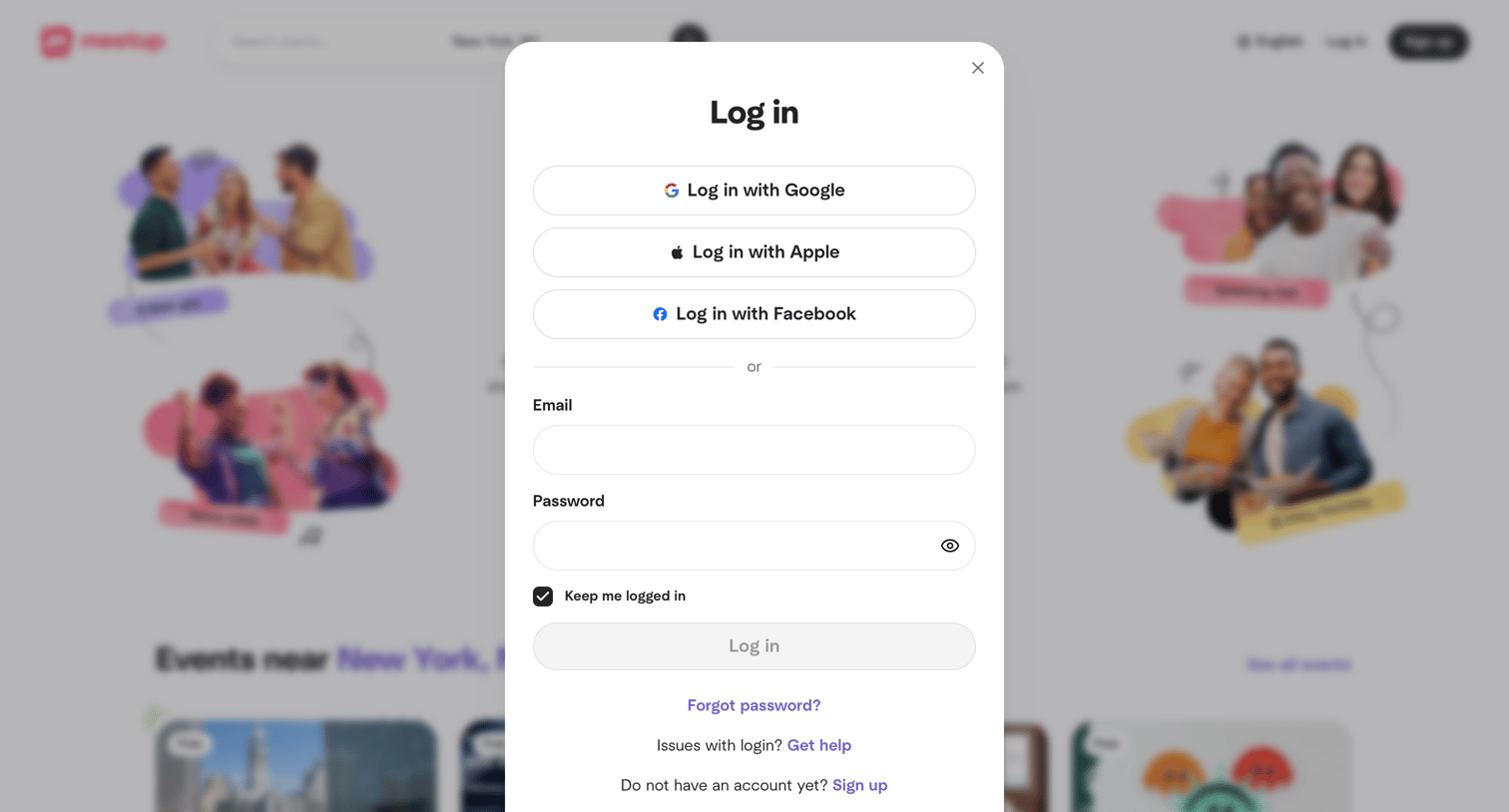
Sign-in modal where the user authenticates via Google, Apple, Facebook, or email and password.
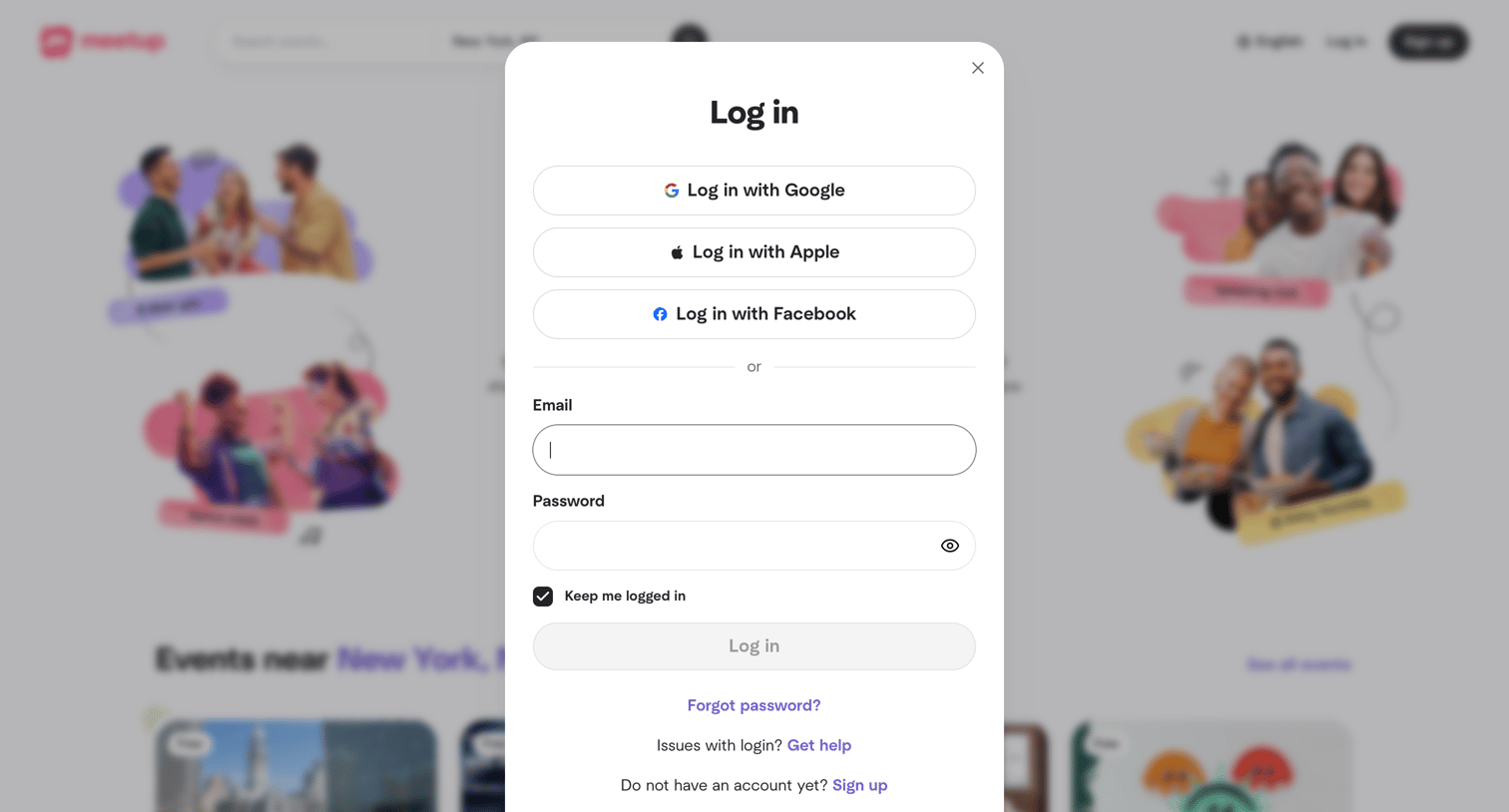
Sign-in screen where the user authenticates with Google, Apple, Facebook, or an email and password.
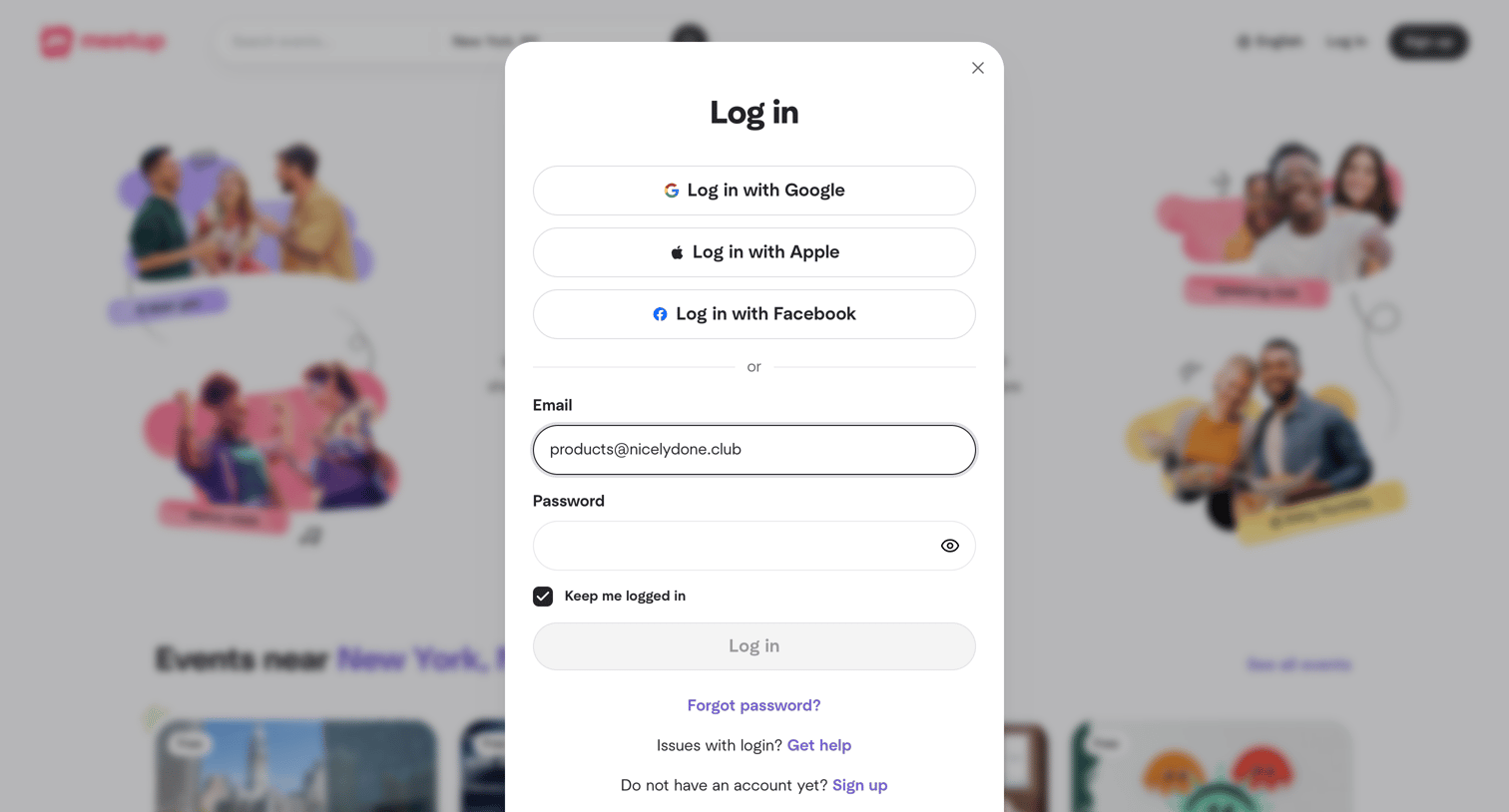
Sign-in screen where the user authenticates with Google, Apple, Facebook, or email and password.
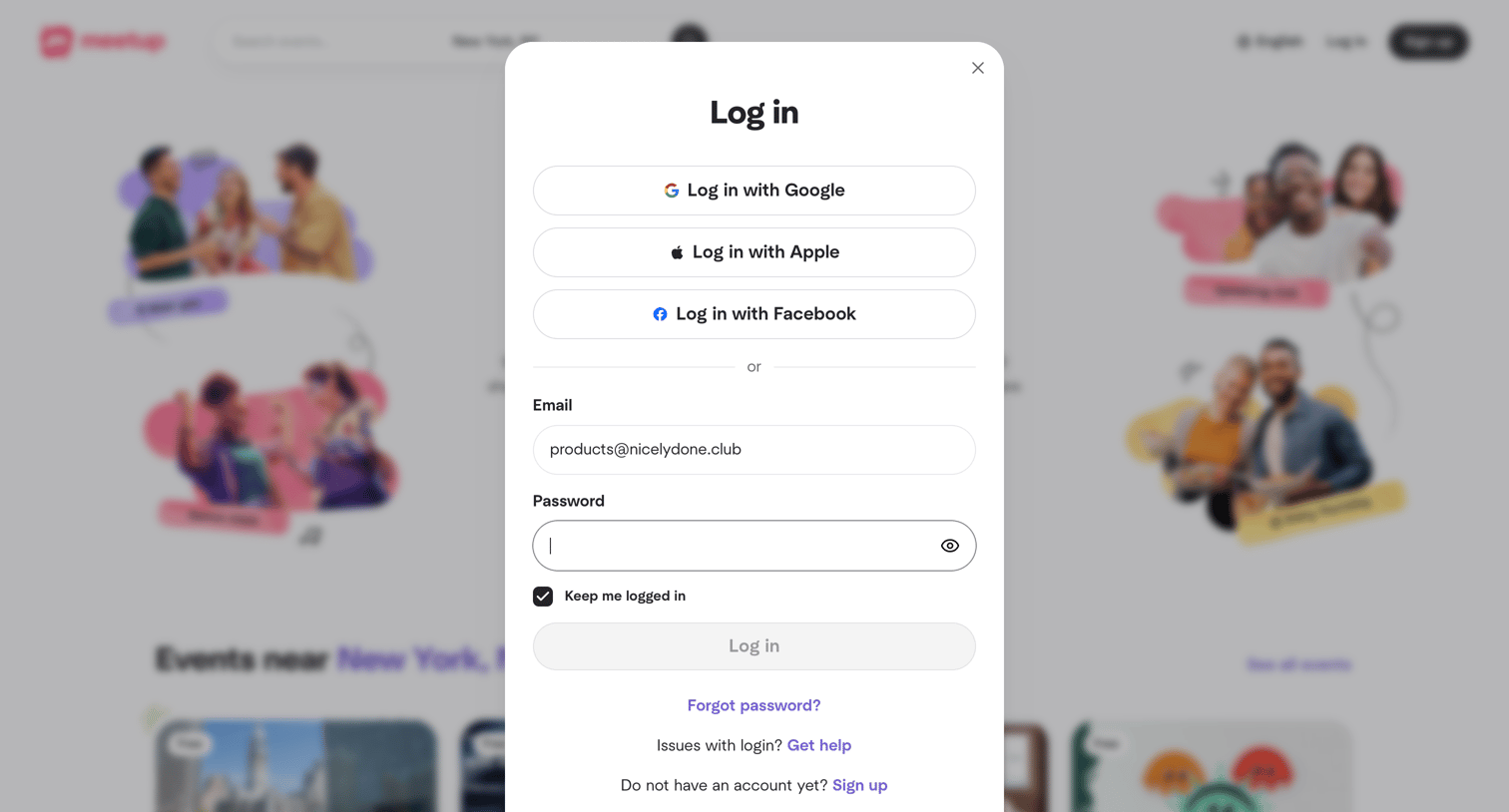
Sign-in screen where the user authenticates with Google, Apple, Facebook, or email and password.
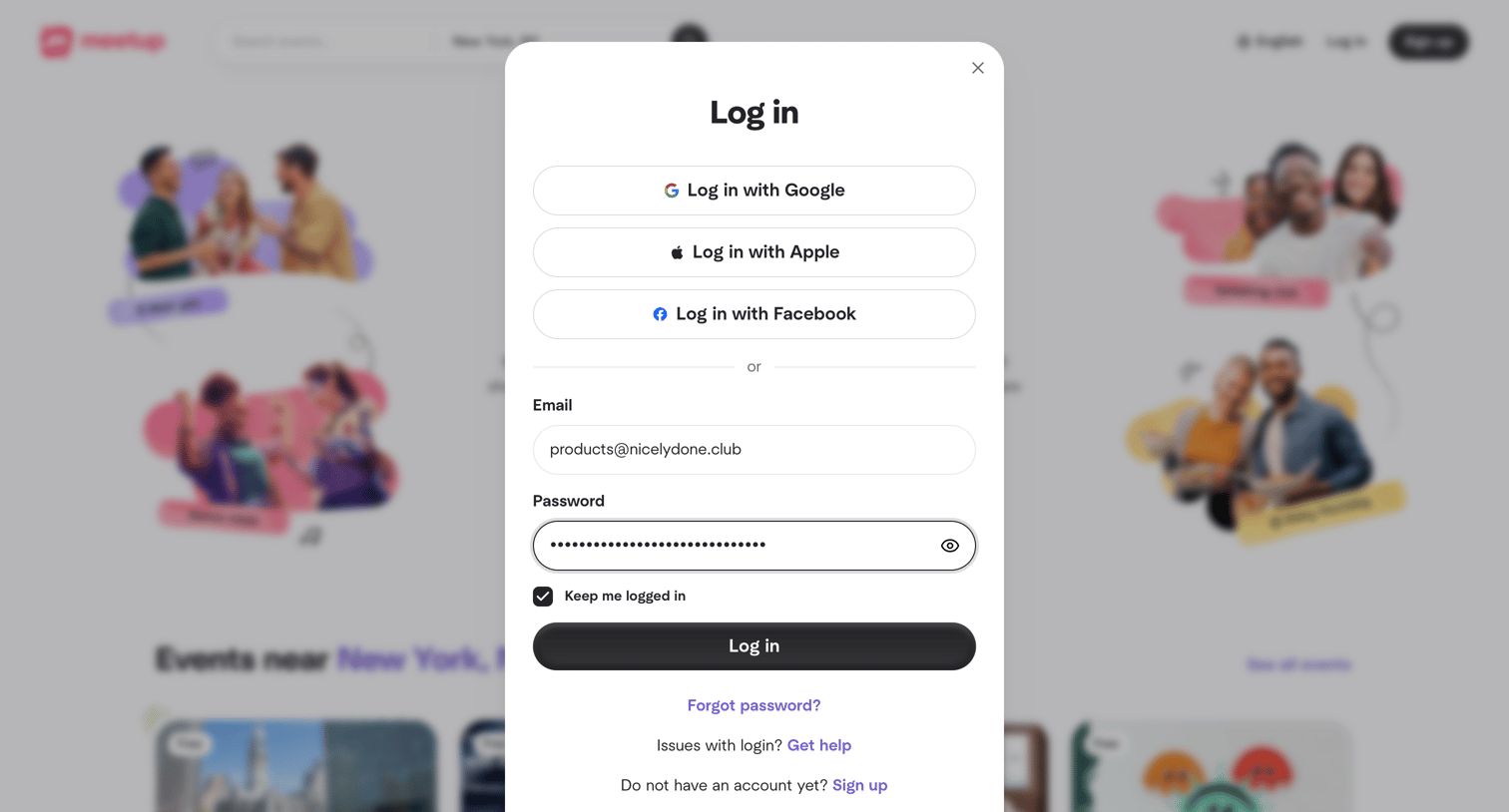
Sign-in screen where the user authenticates with Google, Apple, Facebook, or an email and password.
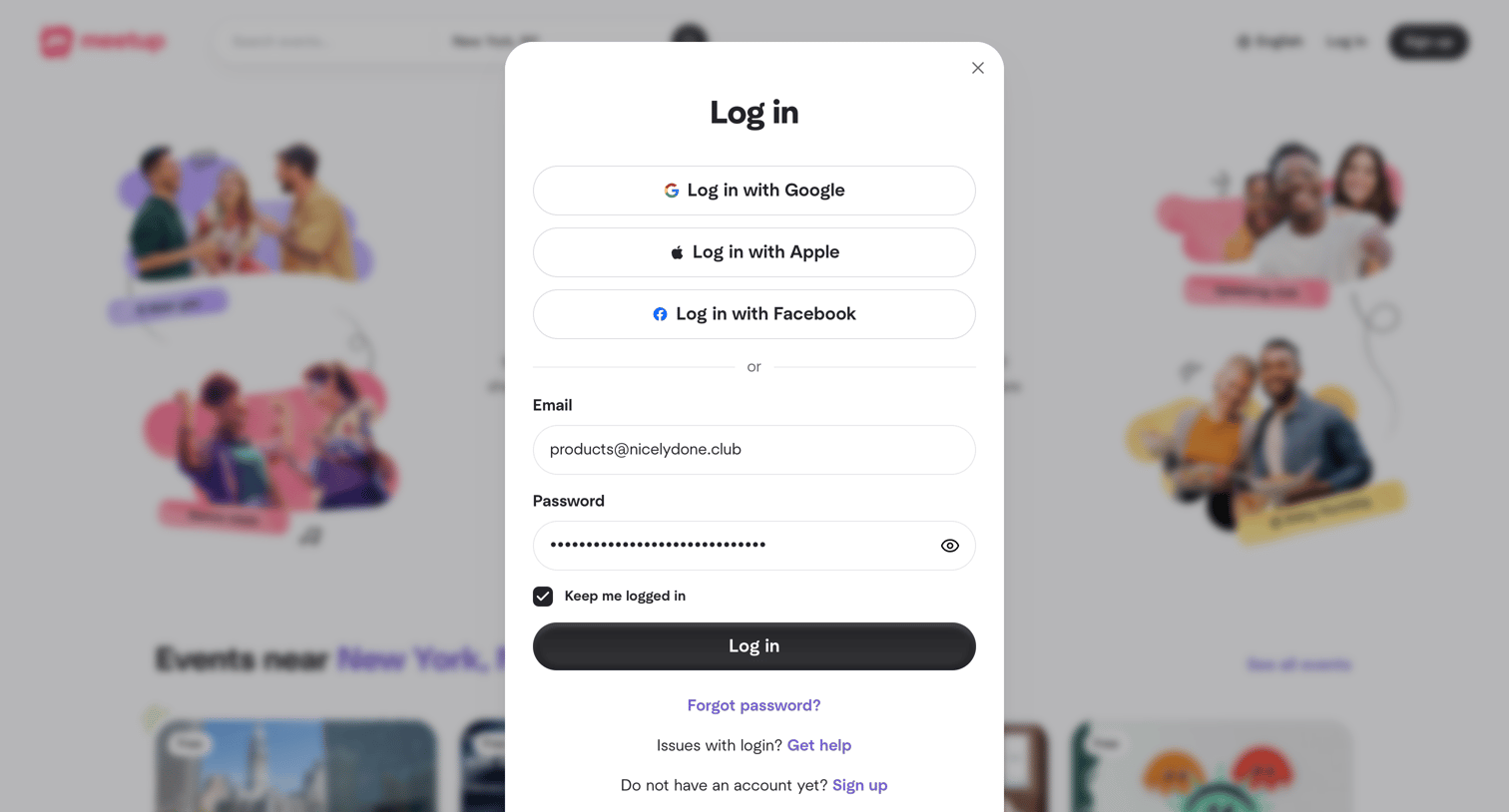
Sign-in screen where the user authenticates with Google, Apple, Facebook, or an existing email and password.
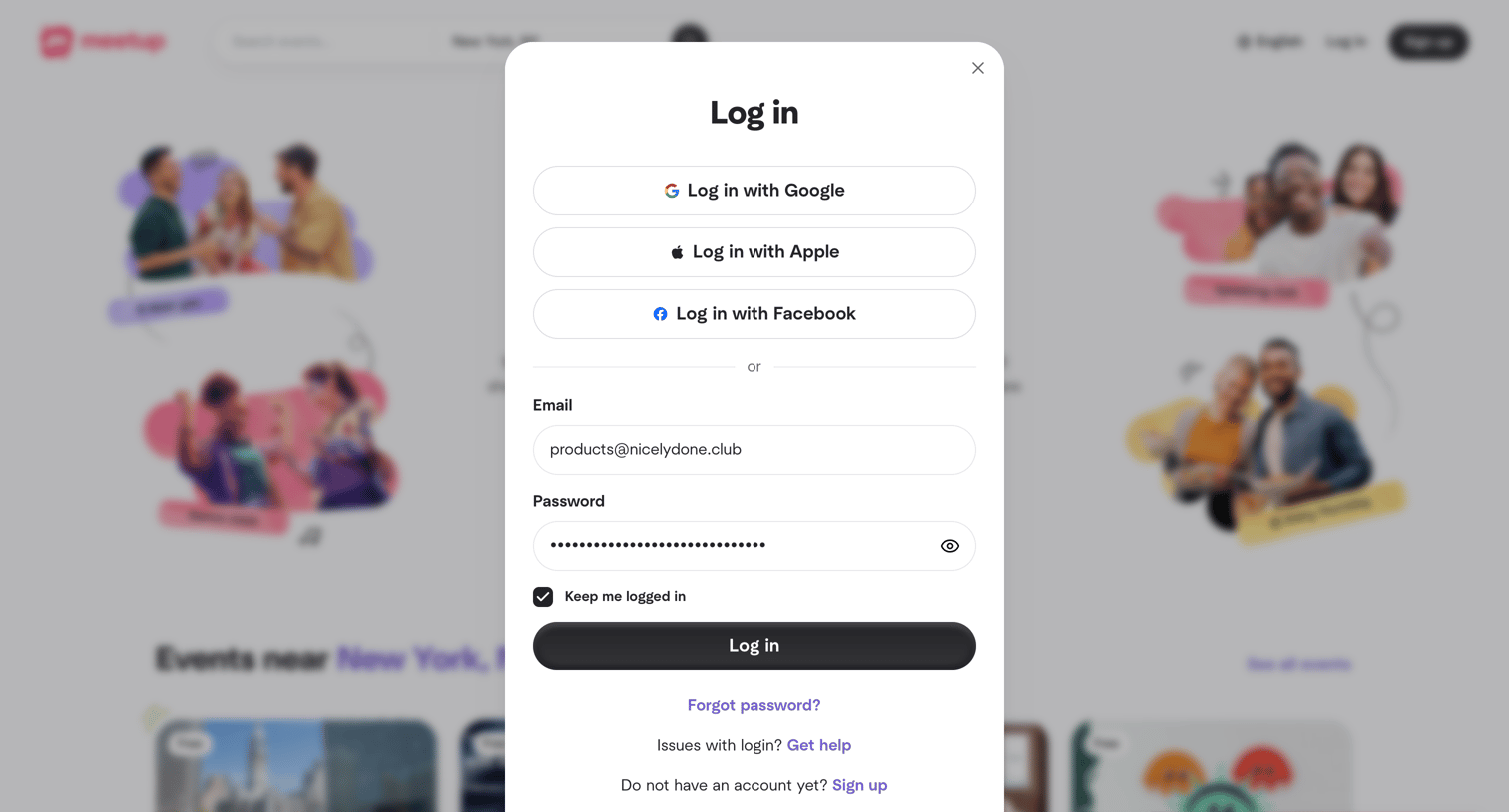
Sign-in screen where the user attempts to authenticate with email and password but encounters an incorrect credentials error toast.
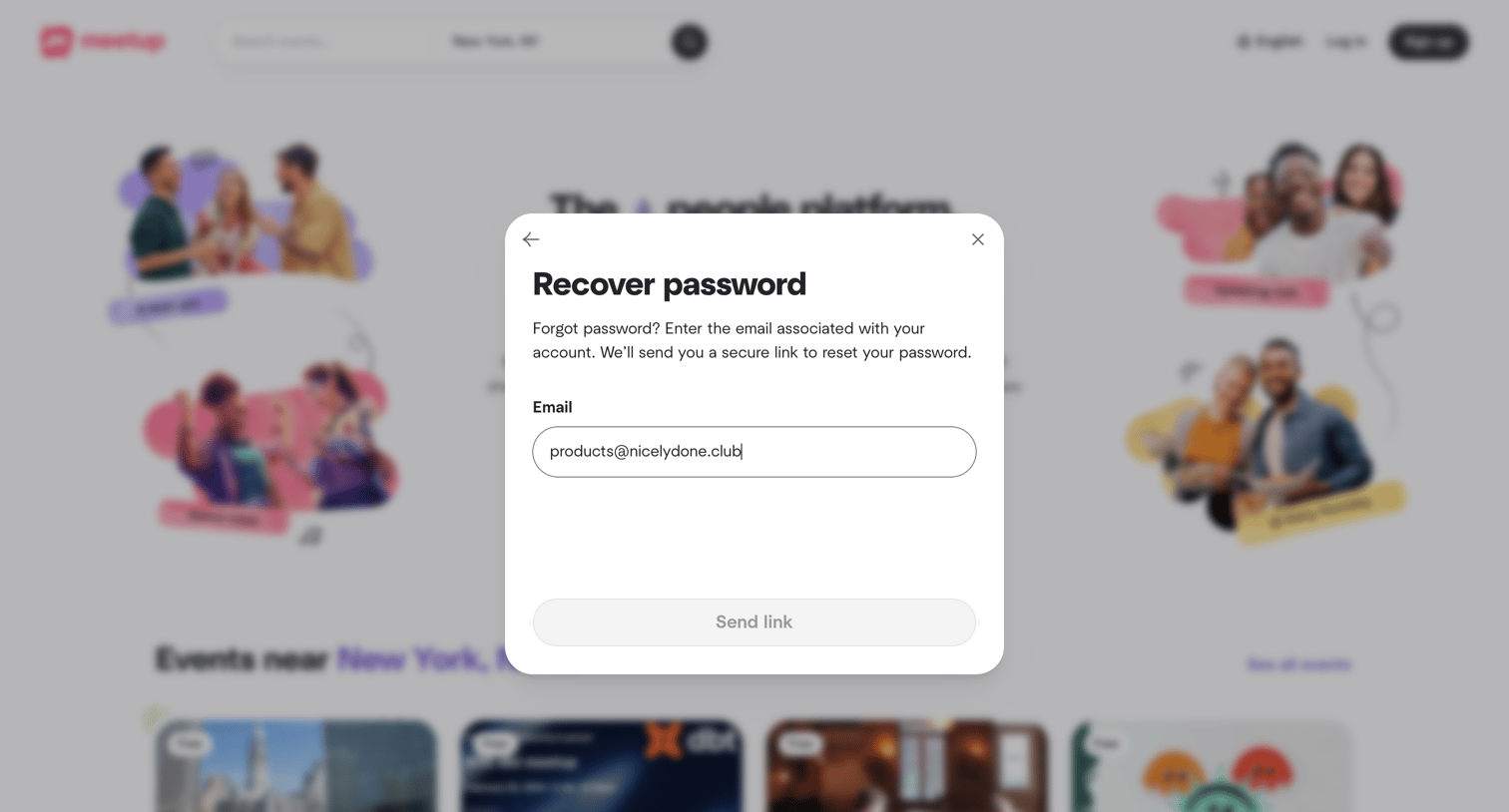
Password recovery modal where the user enters their email address to receive a secure reset link.
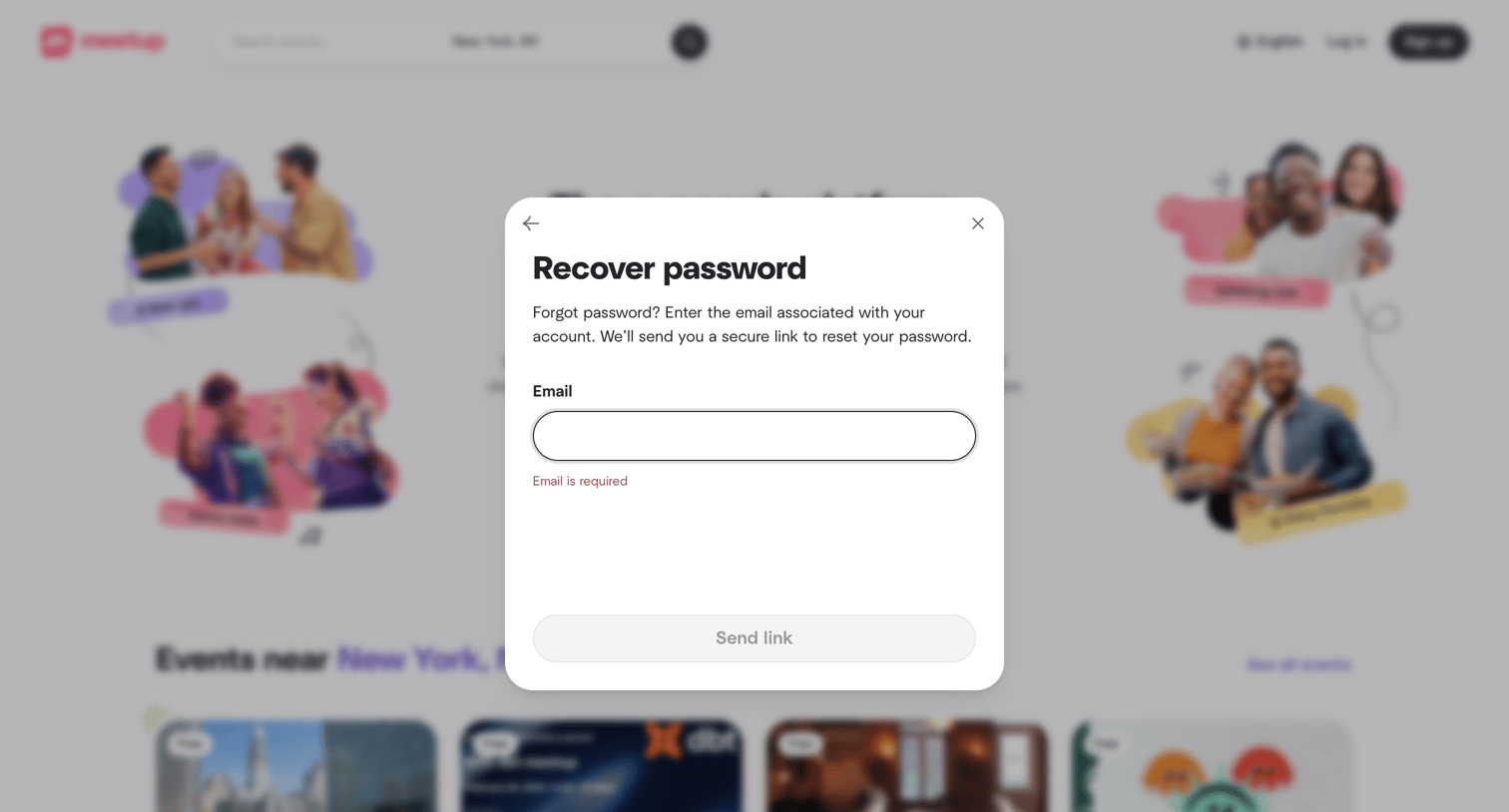
Password recovery modal where the user must enter their email address to receive a reset link, currently showing a validation error for an empty input.
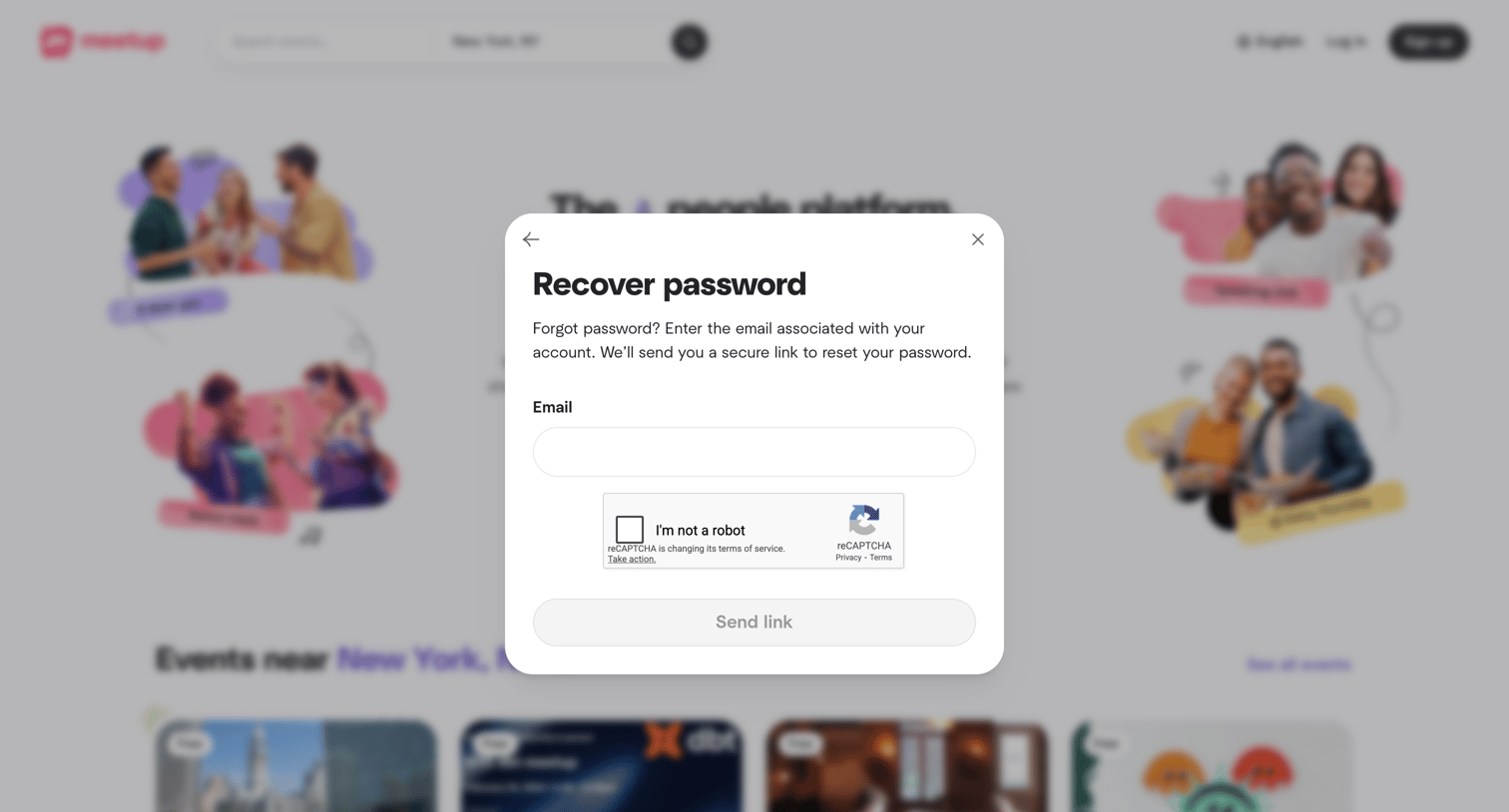
Auth overlay where the user enters their email address and completes a CAPTCHA to request a secure password reset link.
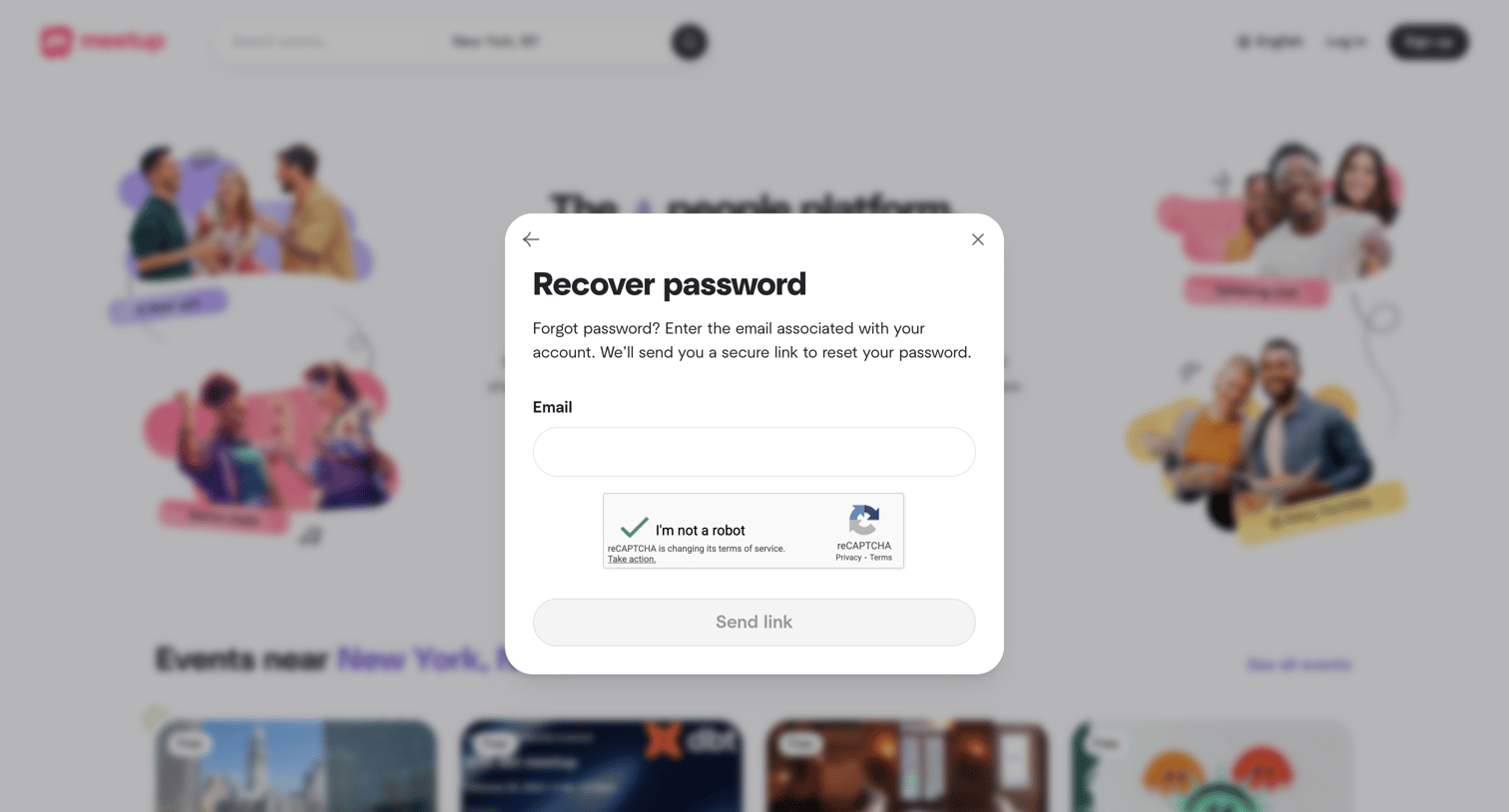
Password recovery modal where the user enters their email address and completes a reCAPTCHA to receive a reset link.
Browse the full SaaS app library
Explore real SaaS apps with their product screens, marketing screens, flows, and components.
Trusted by the best teams







