Skip to content

Meetup UI components examples

Browse Meetup UI component design examples. Preview individual interface elements and explore related component categories. Find local groups, events, and activities near you

Explore the examples
Meetup — Toggle/Switch component
Meetup logo
Meetup

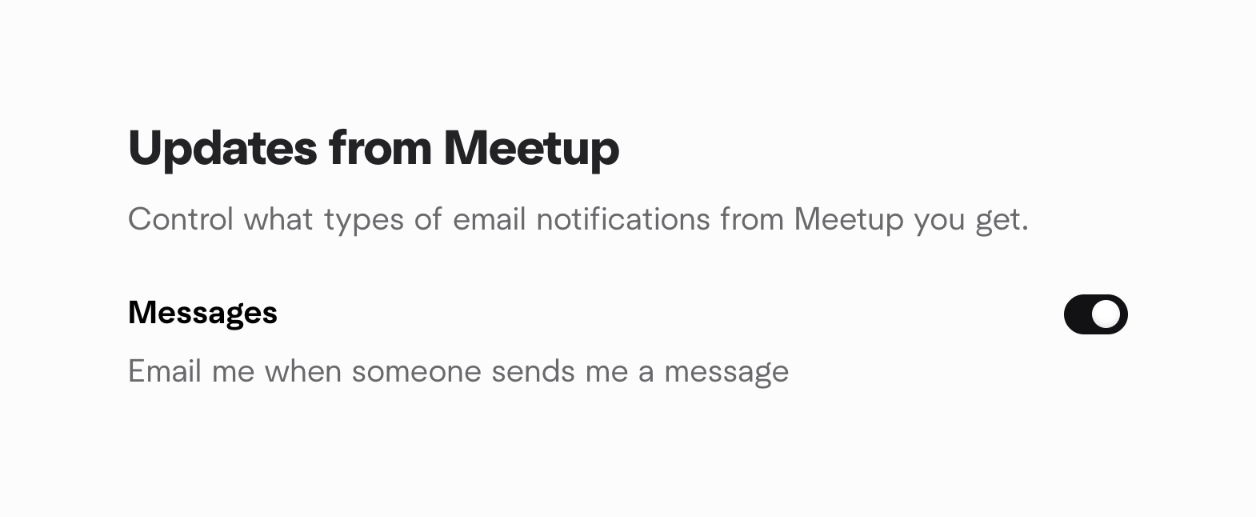
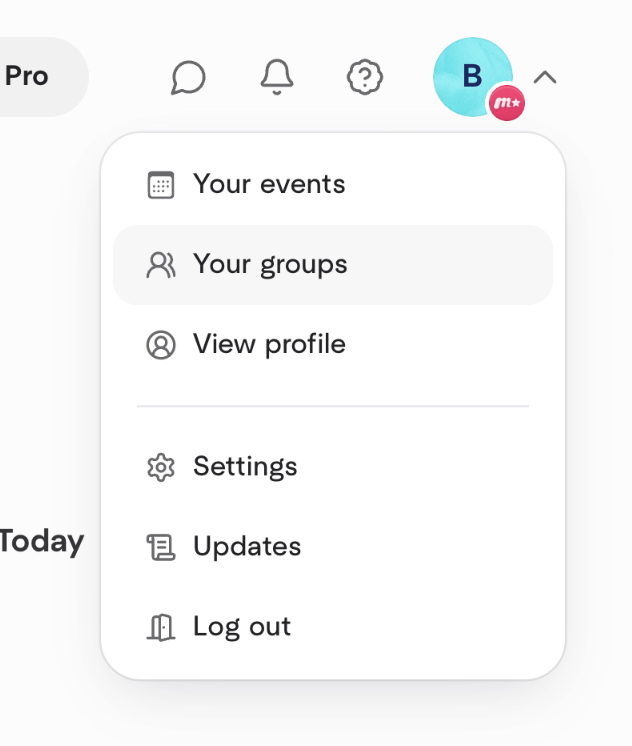
A user interface for managing email notification settings from Meetup, specifically for messages, featuring a toggle switch.
Meetup — Slider component
Meetup logo
Meetup

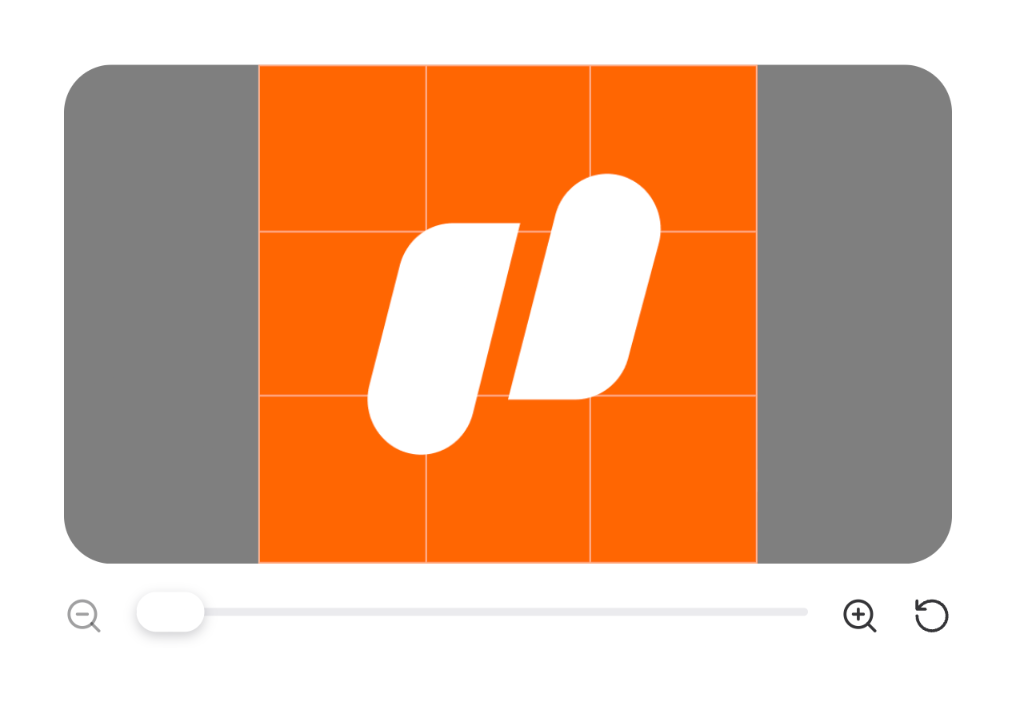
An image editing interface displaying a graphic with zoom and rotation controls.

Meetup — Dropdown menu component
Meetup logo
Meetup

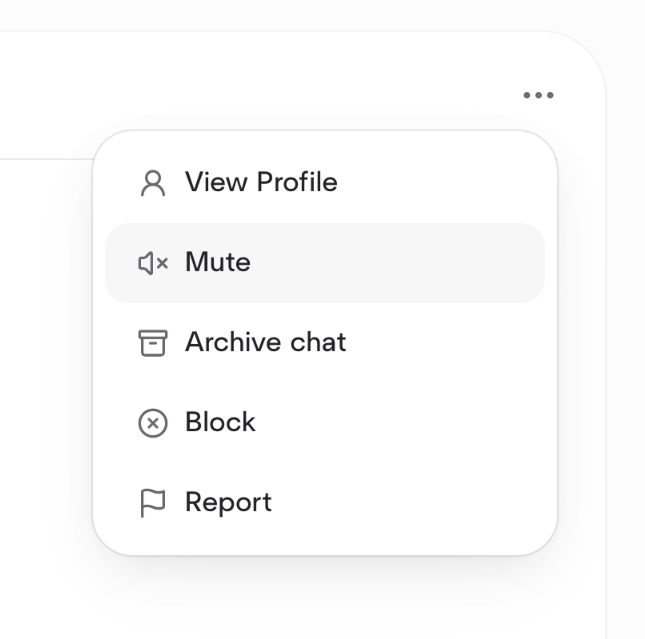
A dropdown menu displaying user-related navigation options such as events, groups, profile, settings, updates, and logout.
Meetup — Dropdown menu component
Meetup logo
Meetup

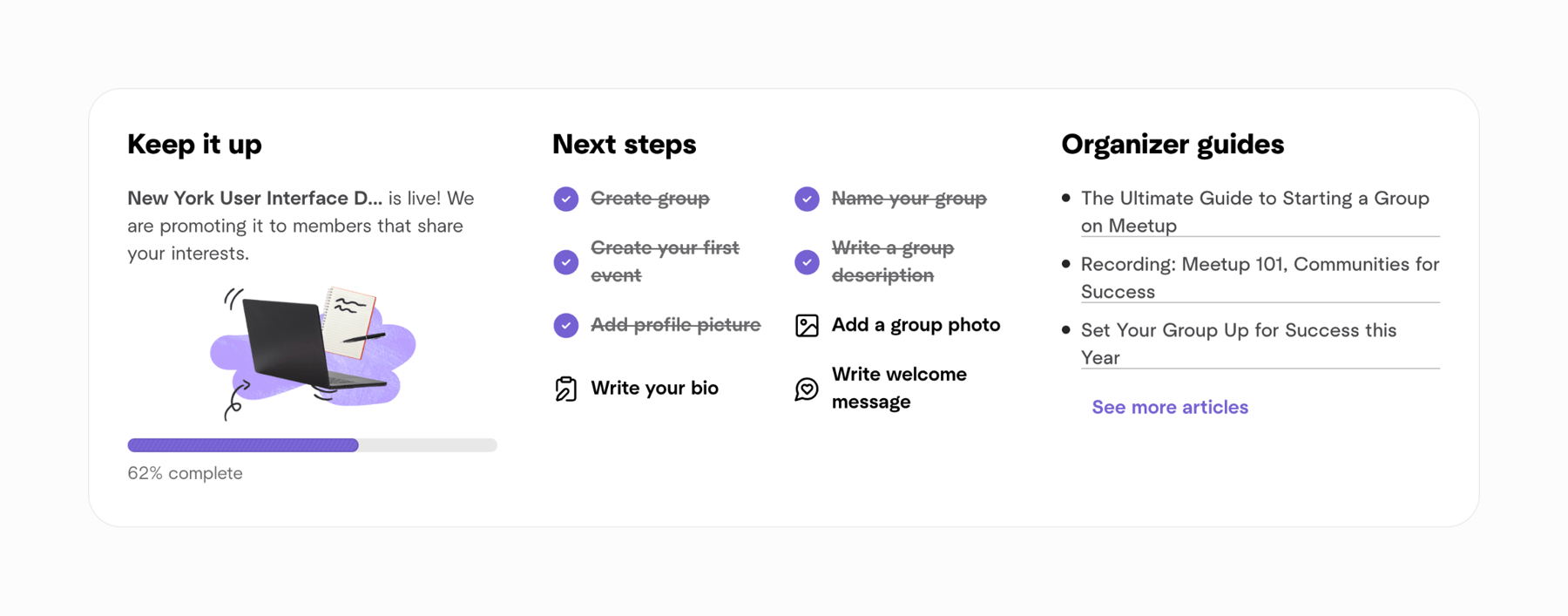
A contextual menu displaying actions for a user or chat.

Meetup — Progress indicator component
Meetup logo
Meetup

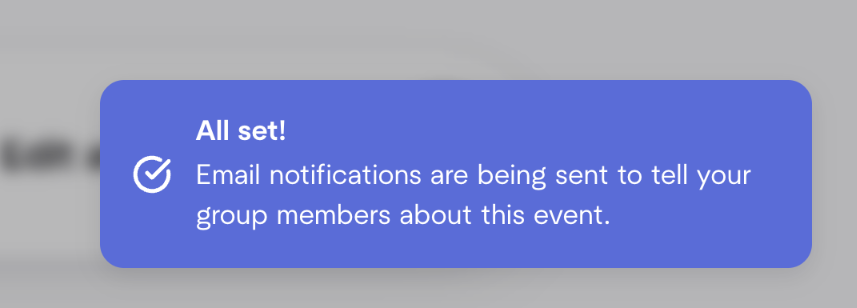
A dashboard card displaying onboarding progress, next steps for group setup, and organizer guides.
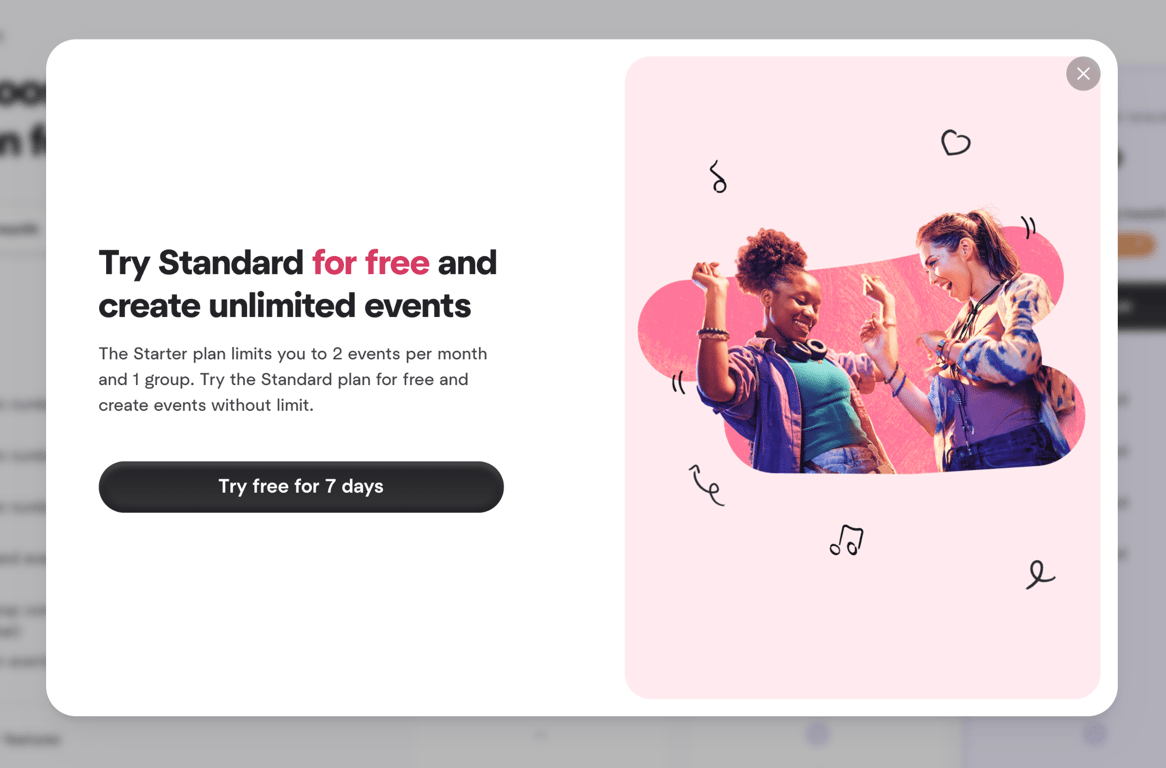
Meetup — Modal component
Meetup logo
Meetup

A modal window promoting a free trial for a standard plan to create unlimited events.

Meetup — Artificial intelligence component
Meetup logo
Meetup

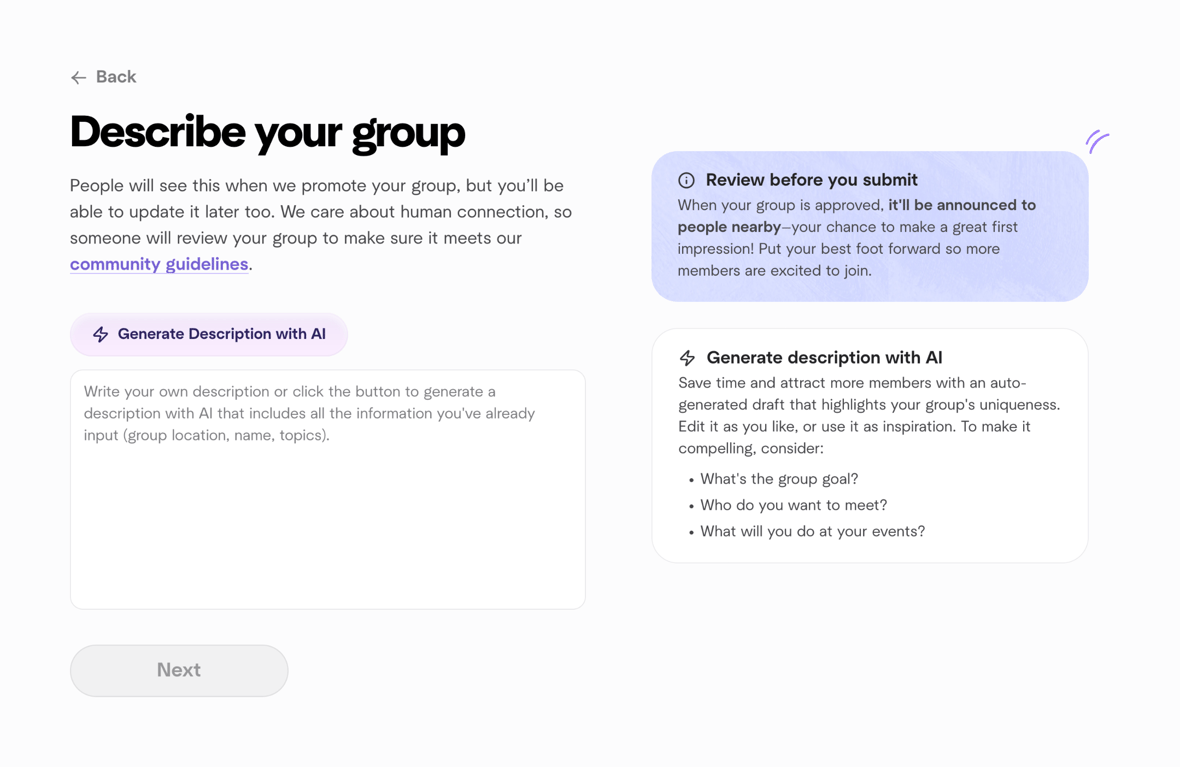
User interface for describing a group with AI assistance

Meetup — Empty state component
Meetup logo
Meetup

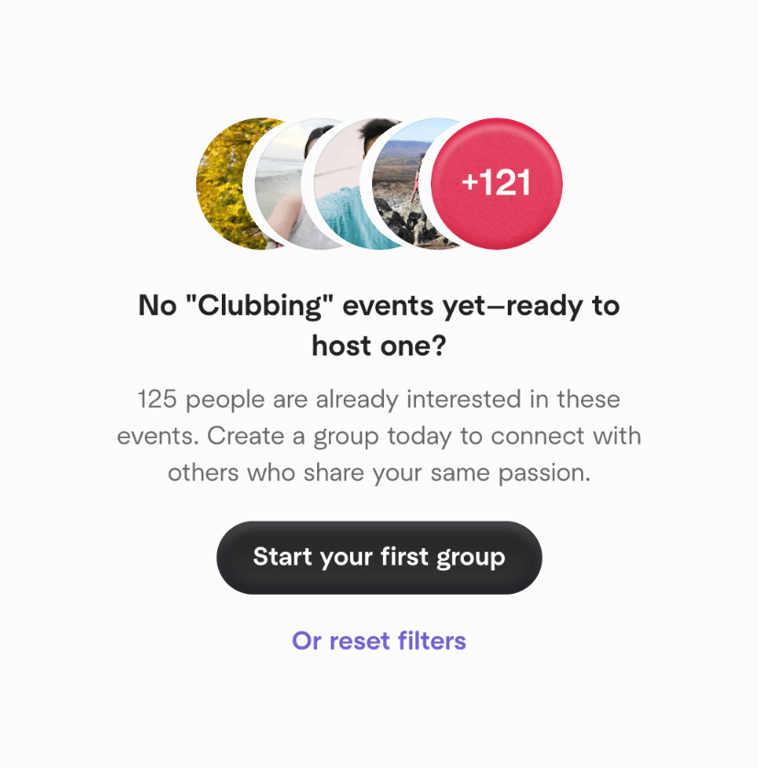
An empty state screen for events, prompting the user to create a group or reset filters, showing a count of interested users.
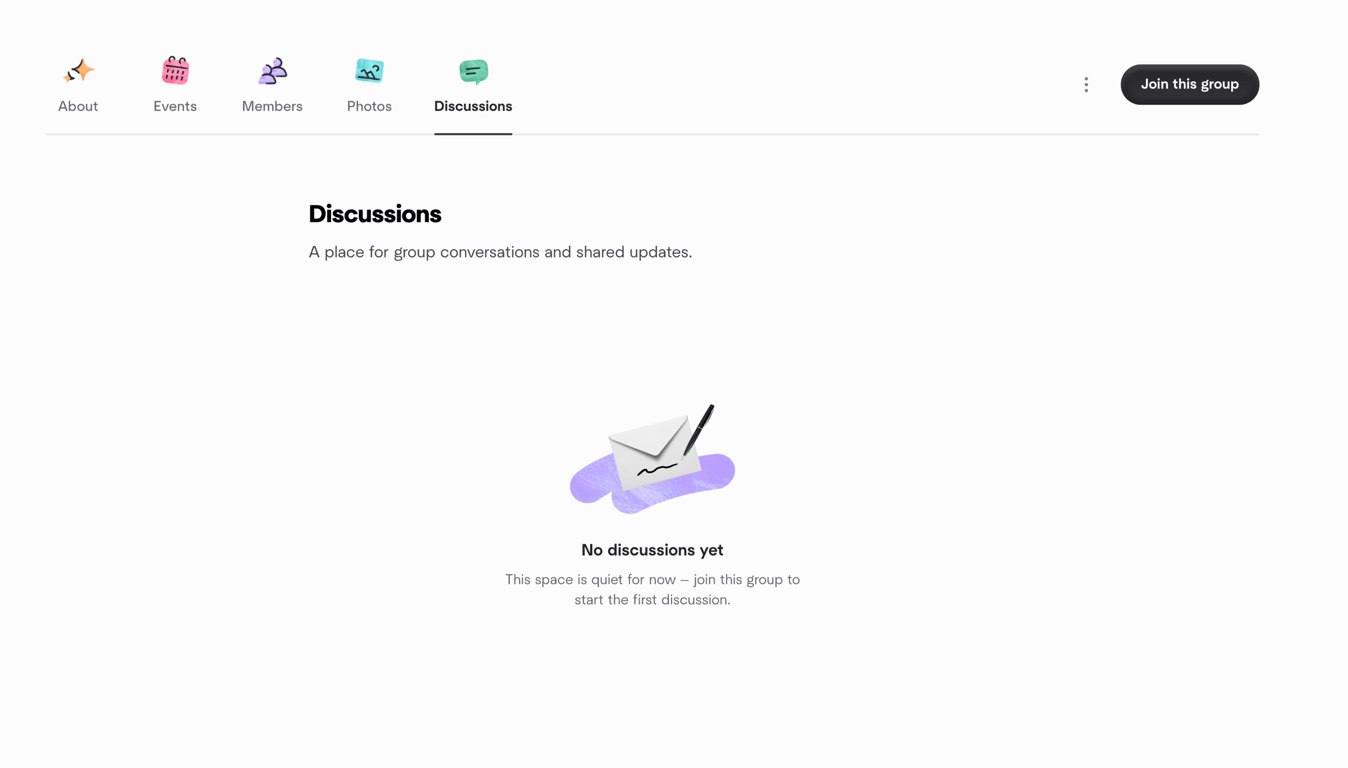
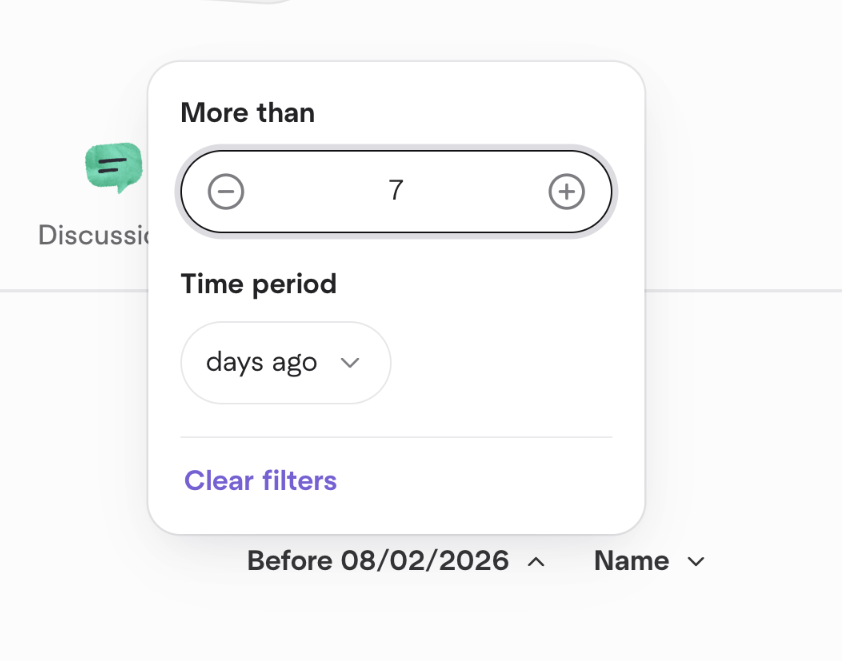
Meetup — Empty state component
Meetup logo
Meetup

Group page displaying an empty state for discussions

Meetup — Sorting & filtering component
Meetup logo
Meetup

A filter popover allowing users to specify a numerical value and a time period for data filtering.

Meetup — Tabs component
Meetup logo
Meetup

A horizontal navigation bar with tabs and a call to action button for joining a group.

Browse the full component library

Browse the full UI component library.

Trusted by the best teams