Rule Builder screen examples
Rule Builder screen design examples from SaaS apps. See how SaaS apps let people define conditions and their outcomes. Explore how rule builders arrange fields, operators, and values to express the logic of a…
Explore the examples
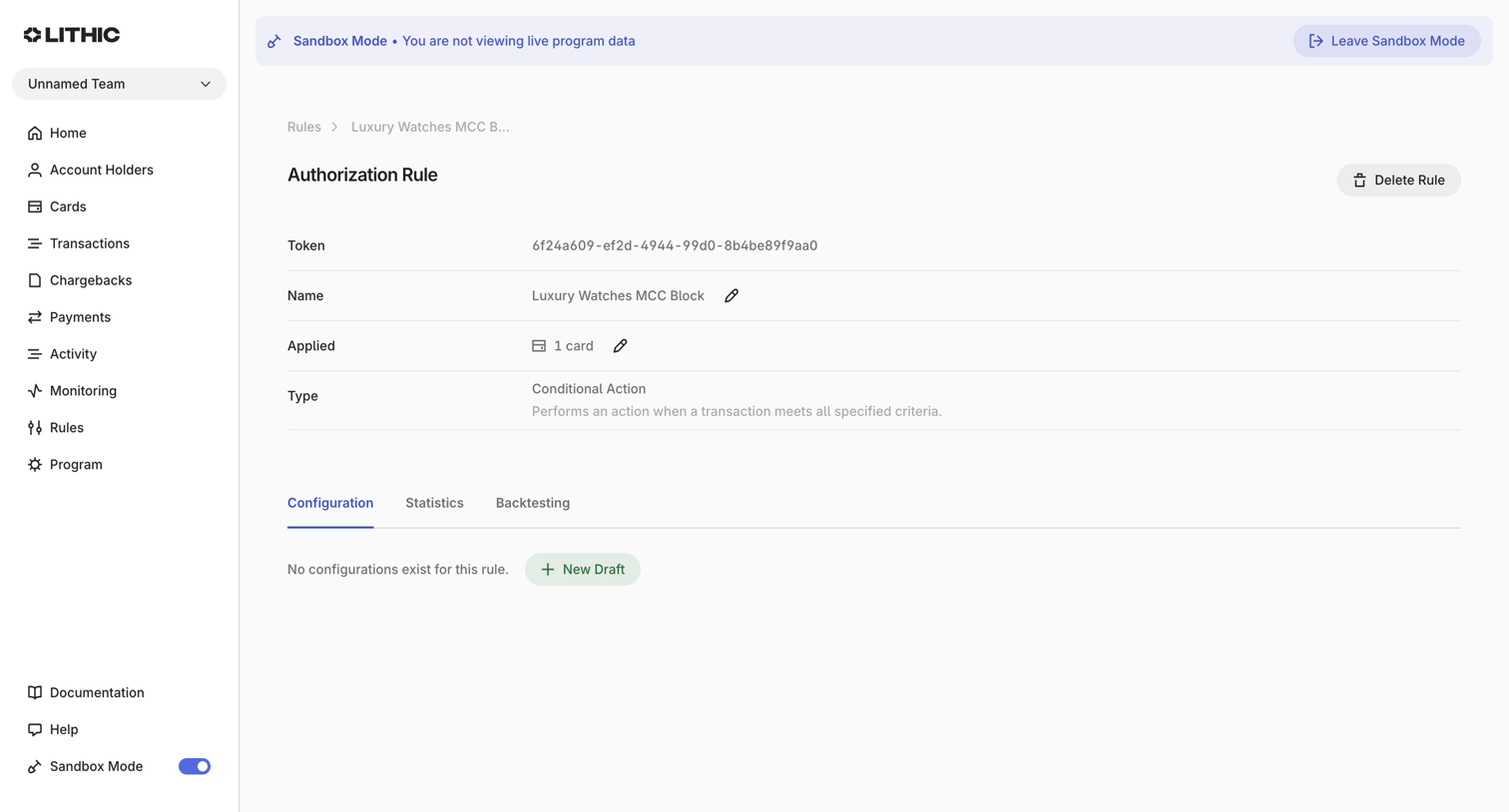

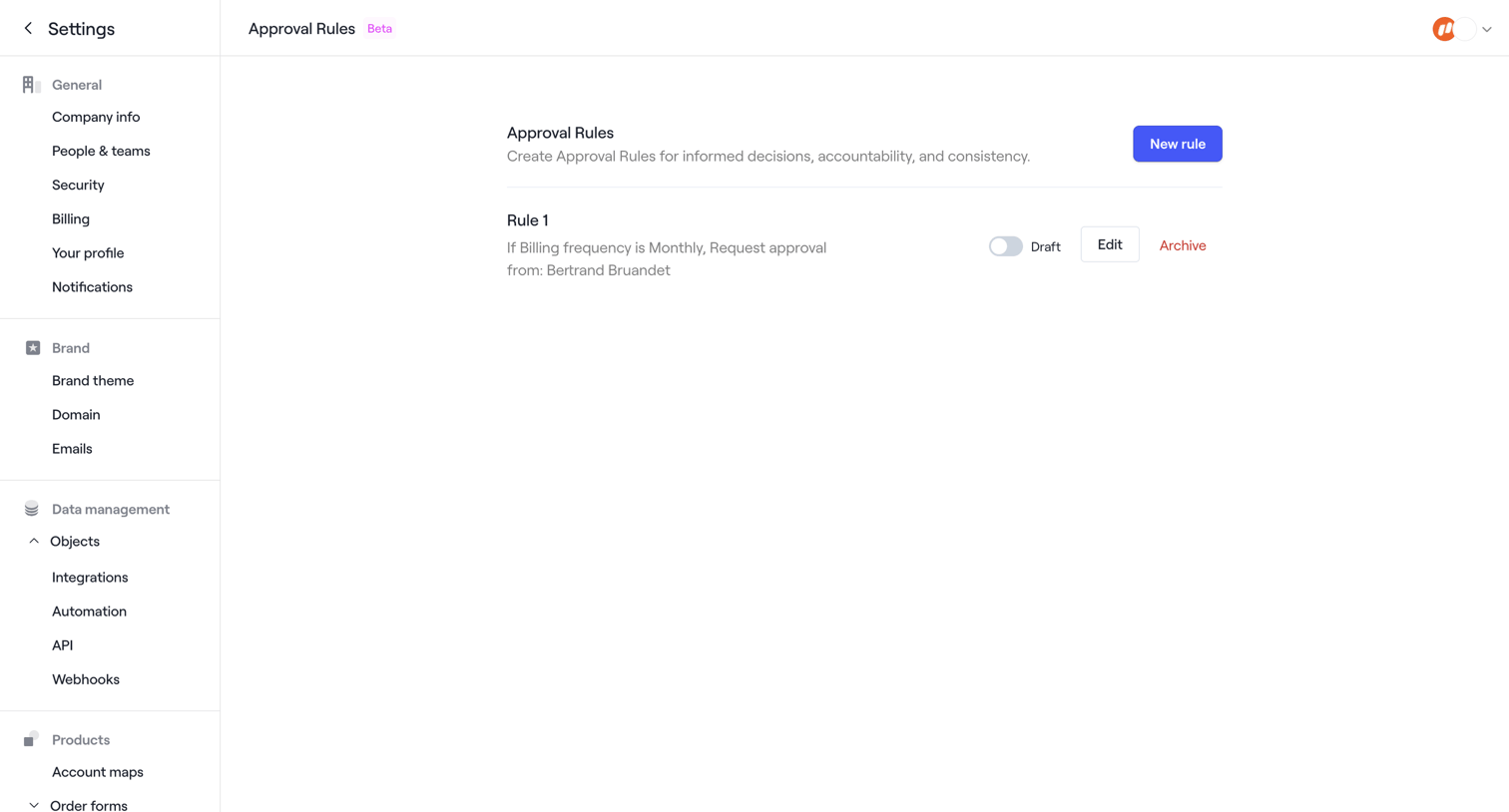

Settings page where the user manages approval rules for order forms, currently displaying one draft rule with options to edit or archive.
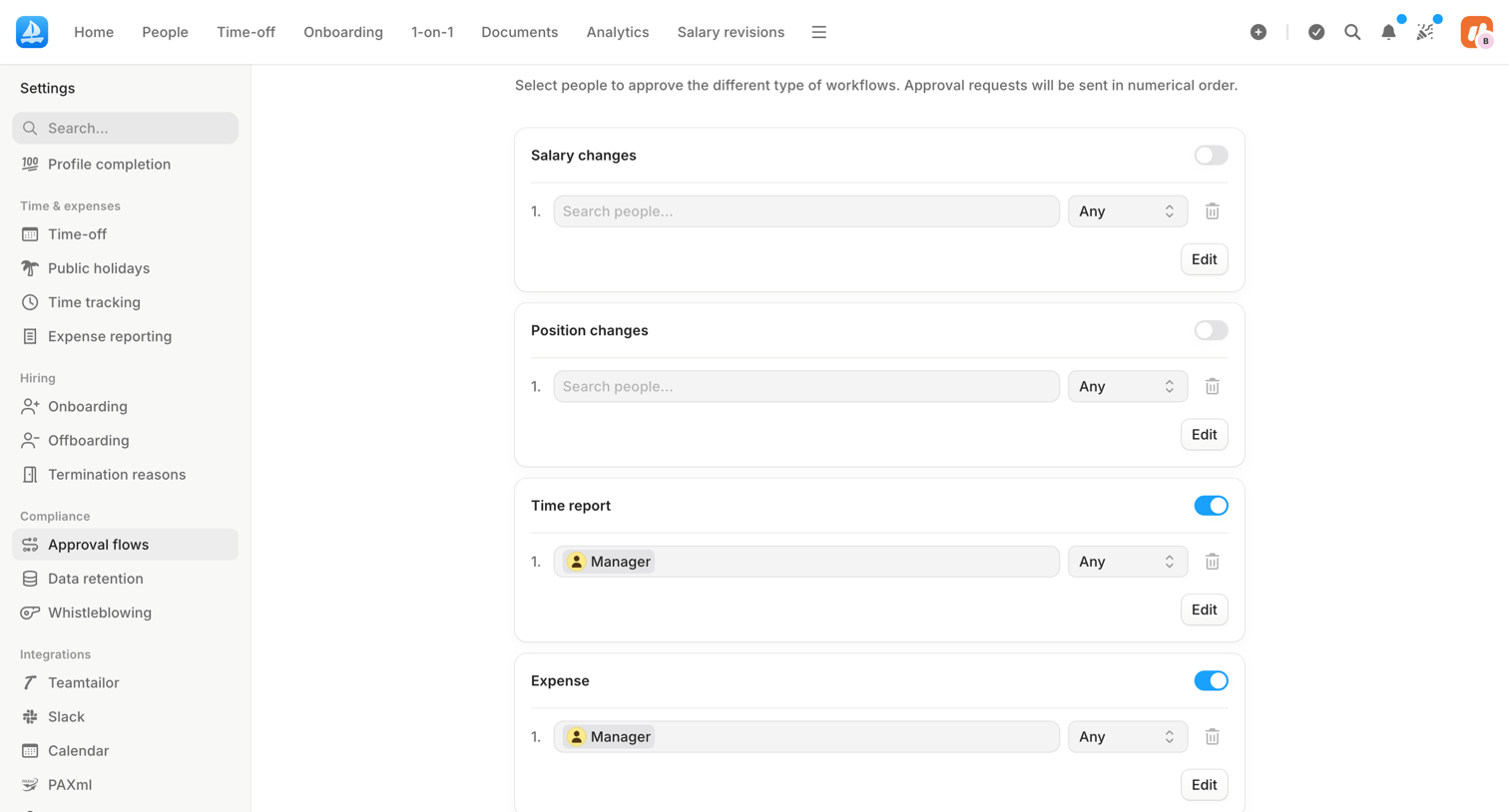

Settings page where the user configures multi-step approval workflows for salary changes, position changes, time reports, and expenses by assigning specific people or roles.
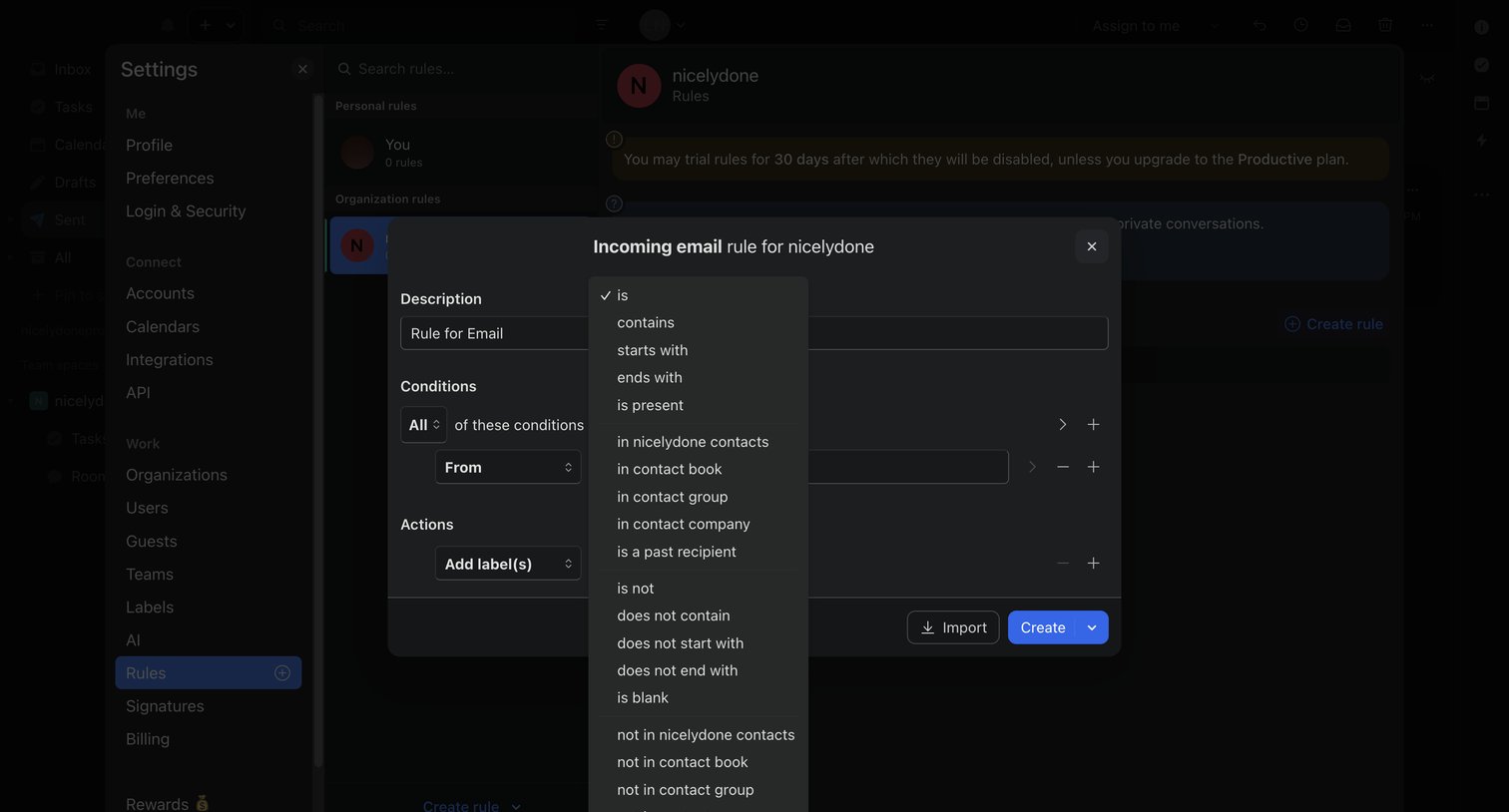

Settings page where the user configures an incoming email rule with specific conditions and actions via a modal.
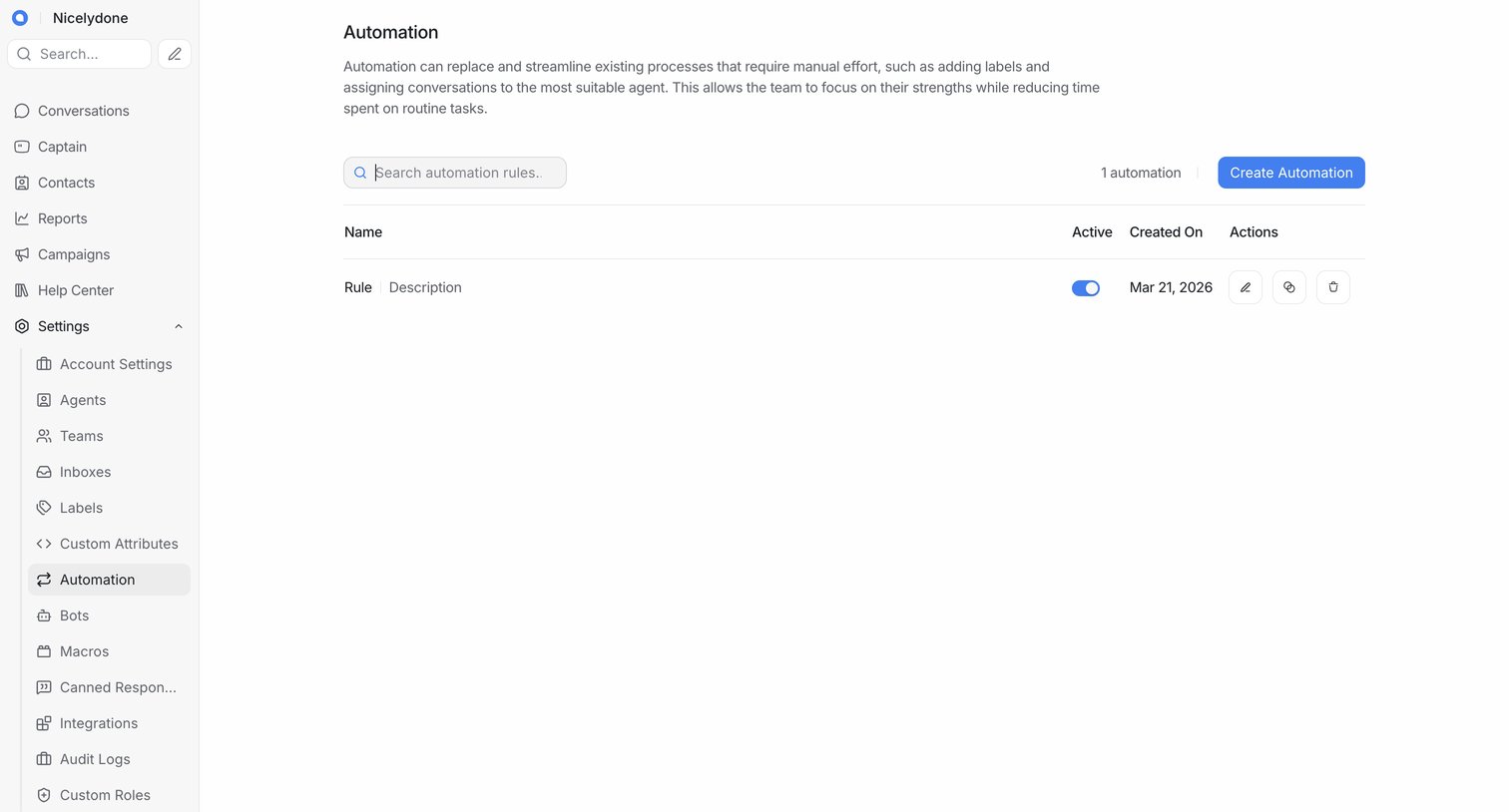

Settings page where the user manages automation rules to replace manual effort like adding labels and assigning conversations.
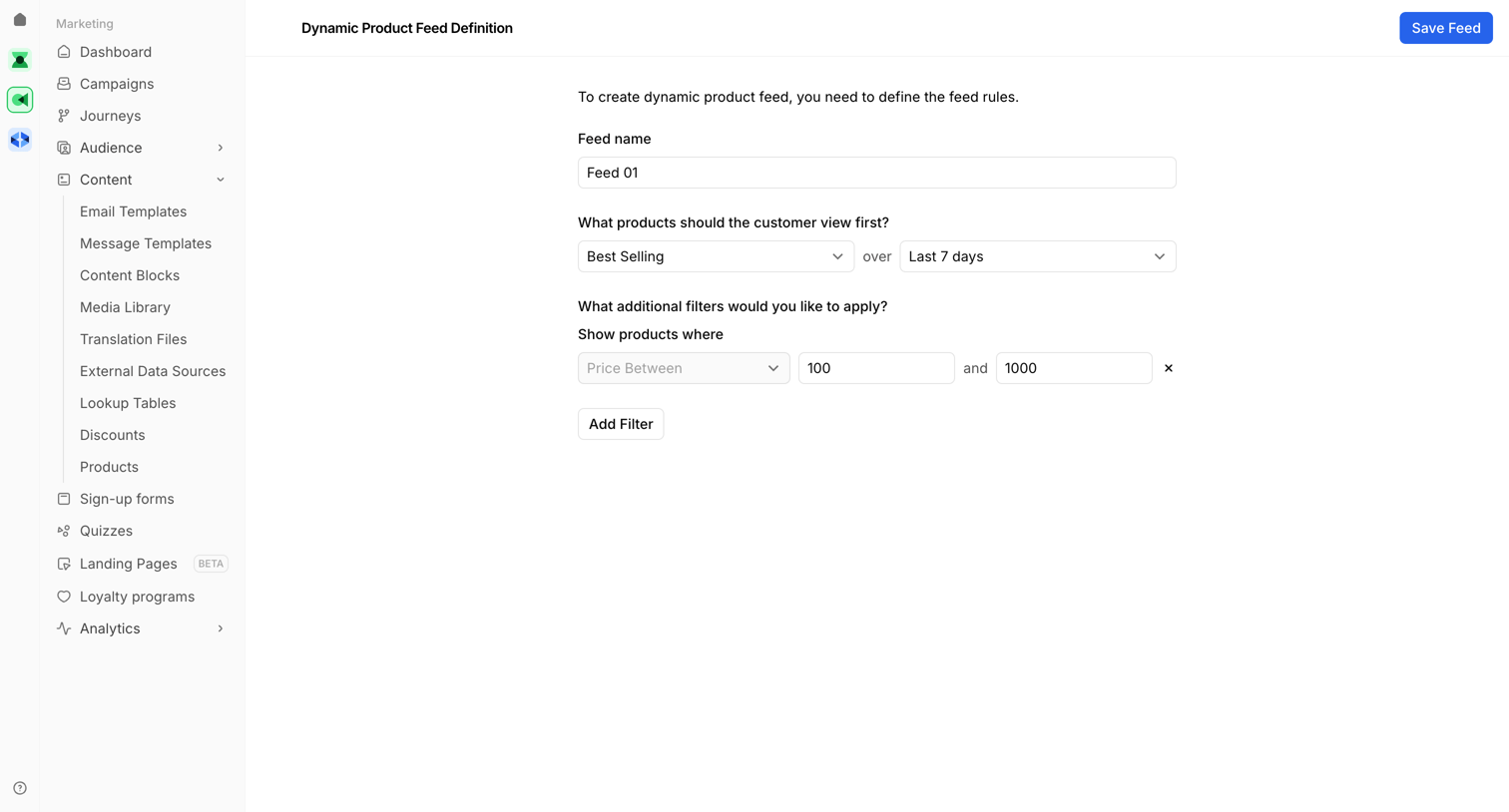

Creation page where the user defines rules for a dynamic product feed, including a name, sort order, and specific price filters.
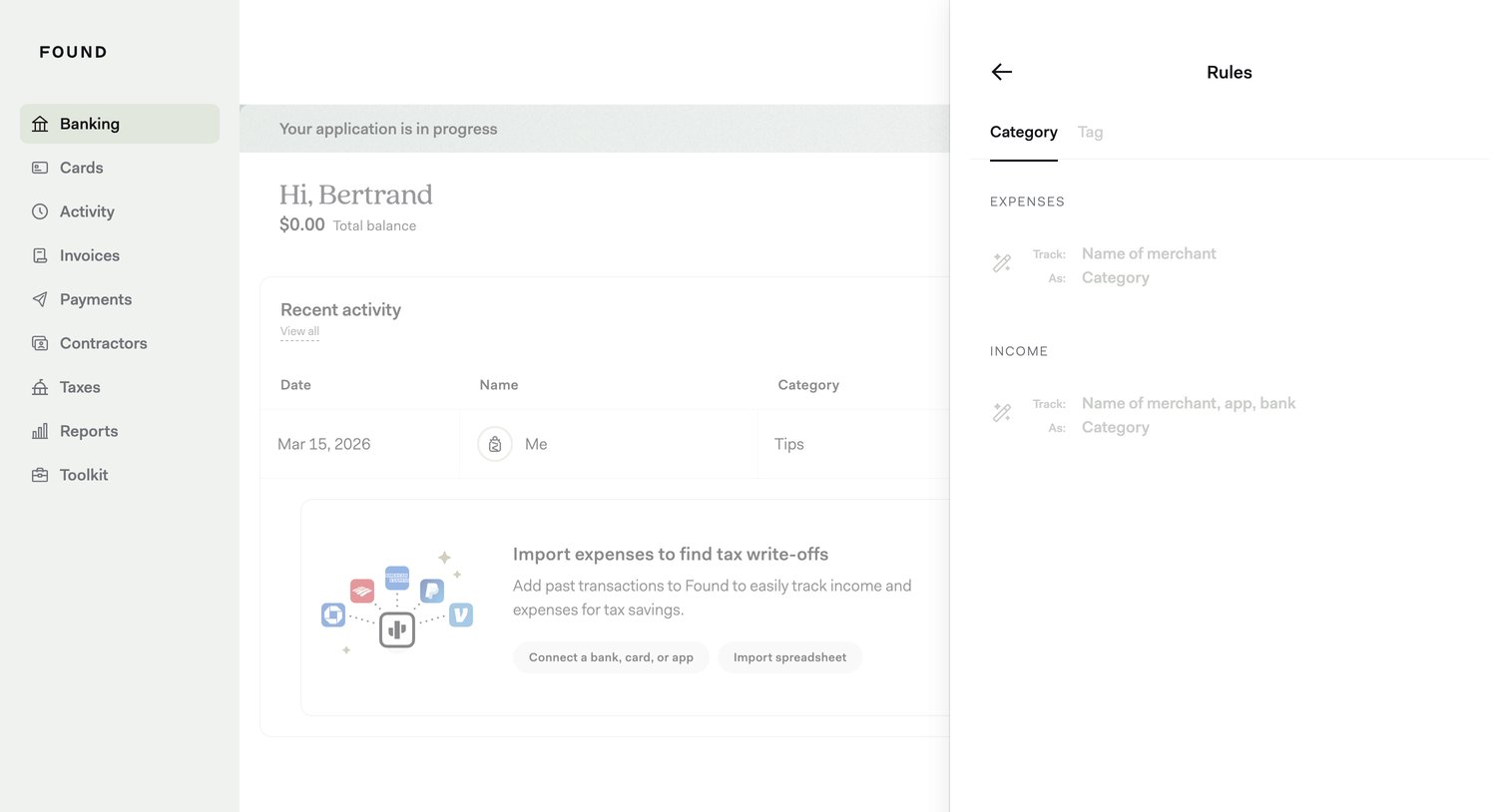

Dashboard where the user views their total balance and recent activity, with a side drawer open to configure expense and income categorization rules.
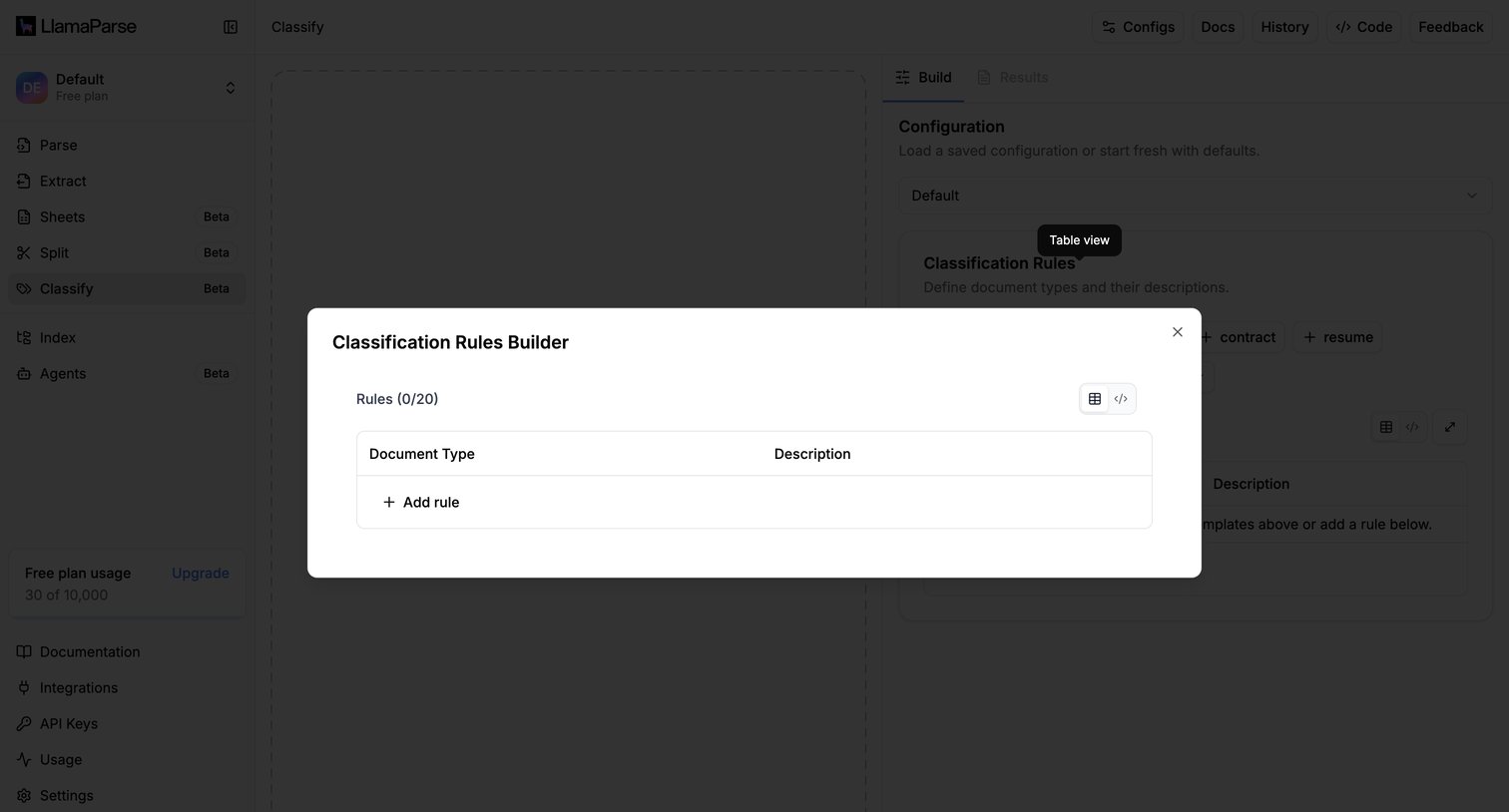

Configuration workspace where the user defines document classification rules in a modal over a file upload dropzone.
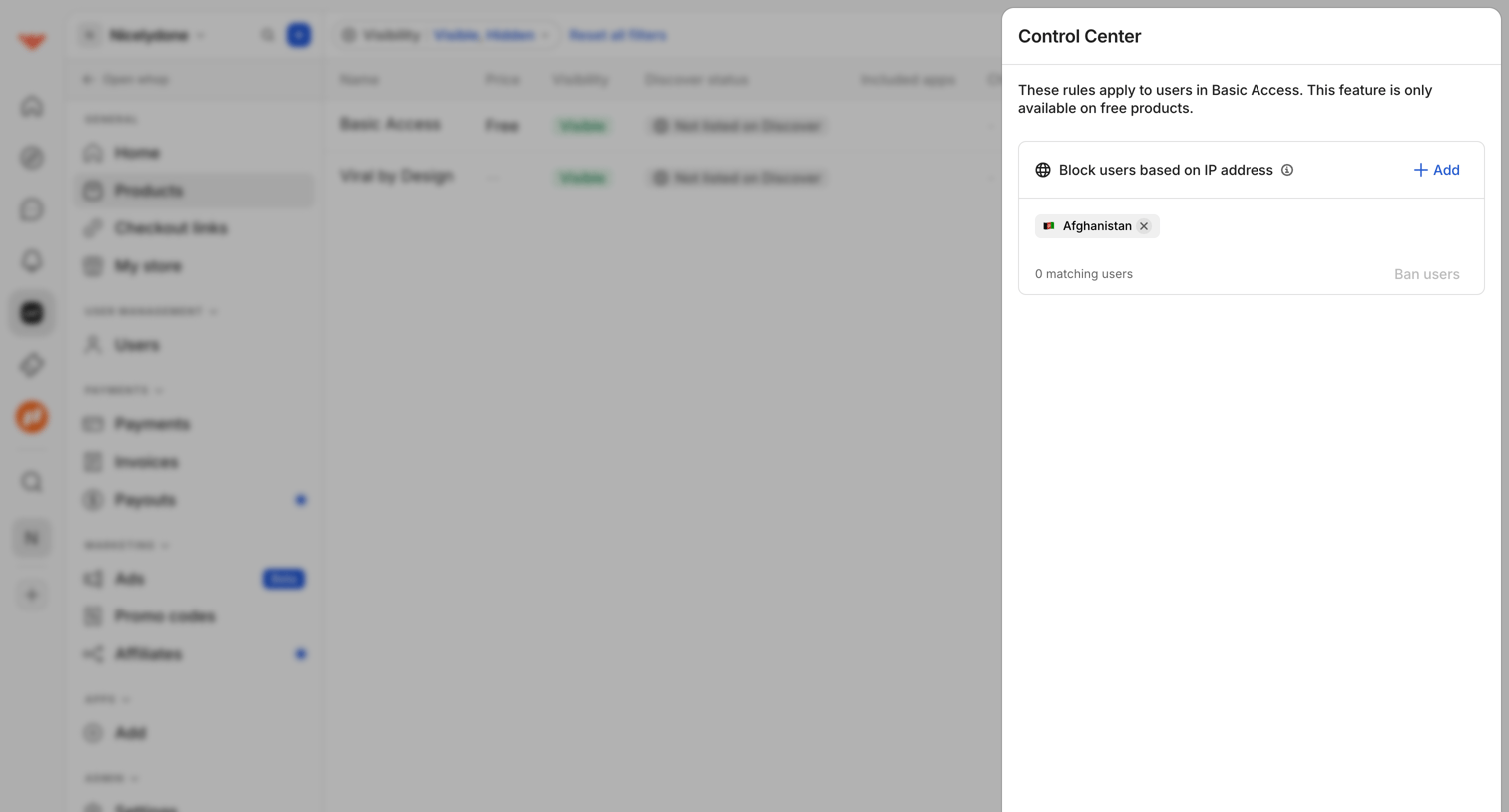

Drawer where the user configures access rules for a specific product, such as blocking users based on IP address.

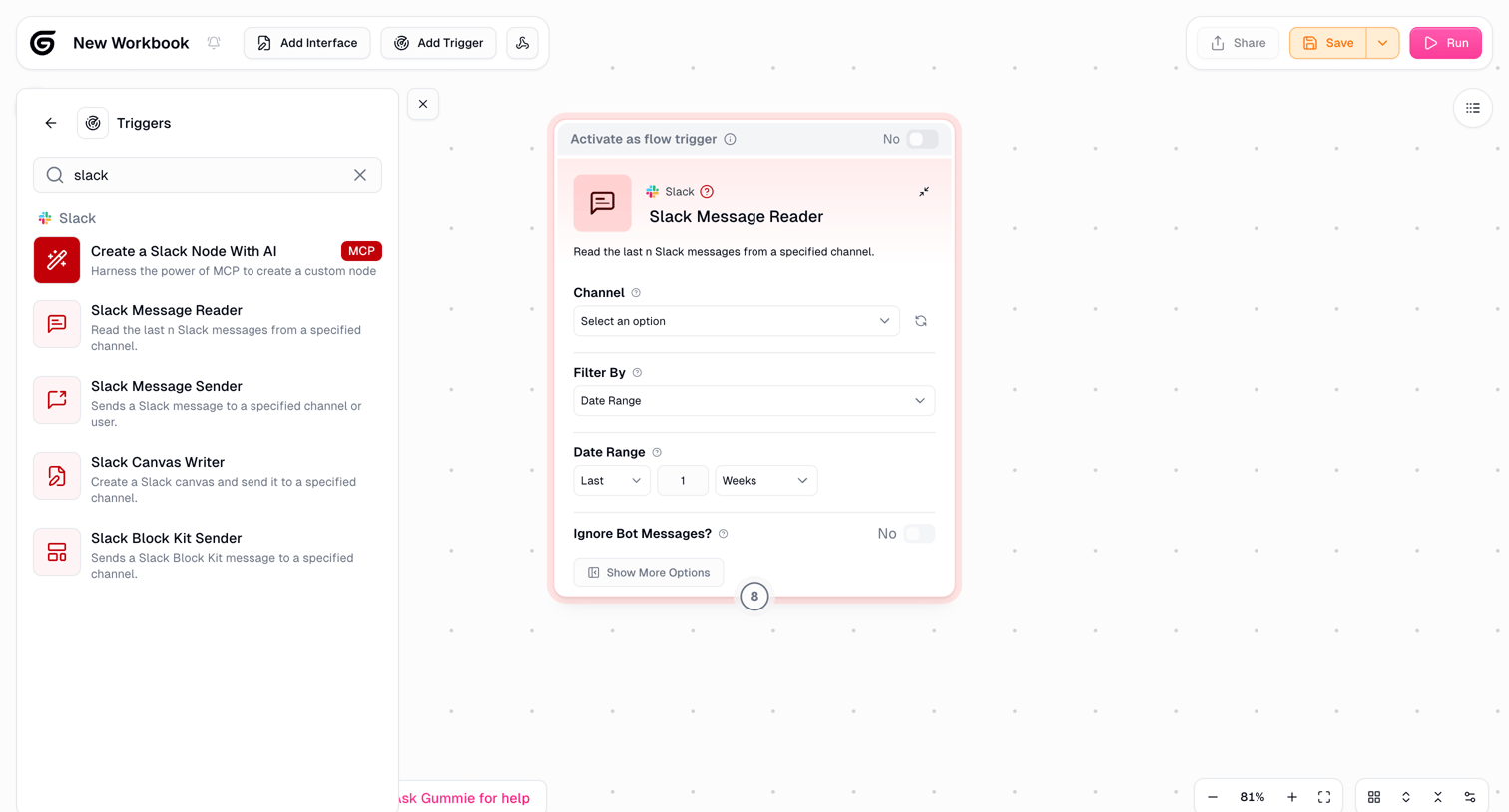

Workflow editor canvas where the user configures a Slack Message Reader trigger node with channel and date range settings.
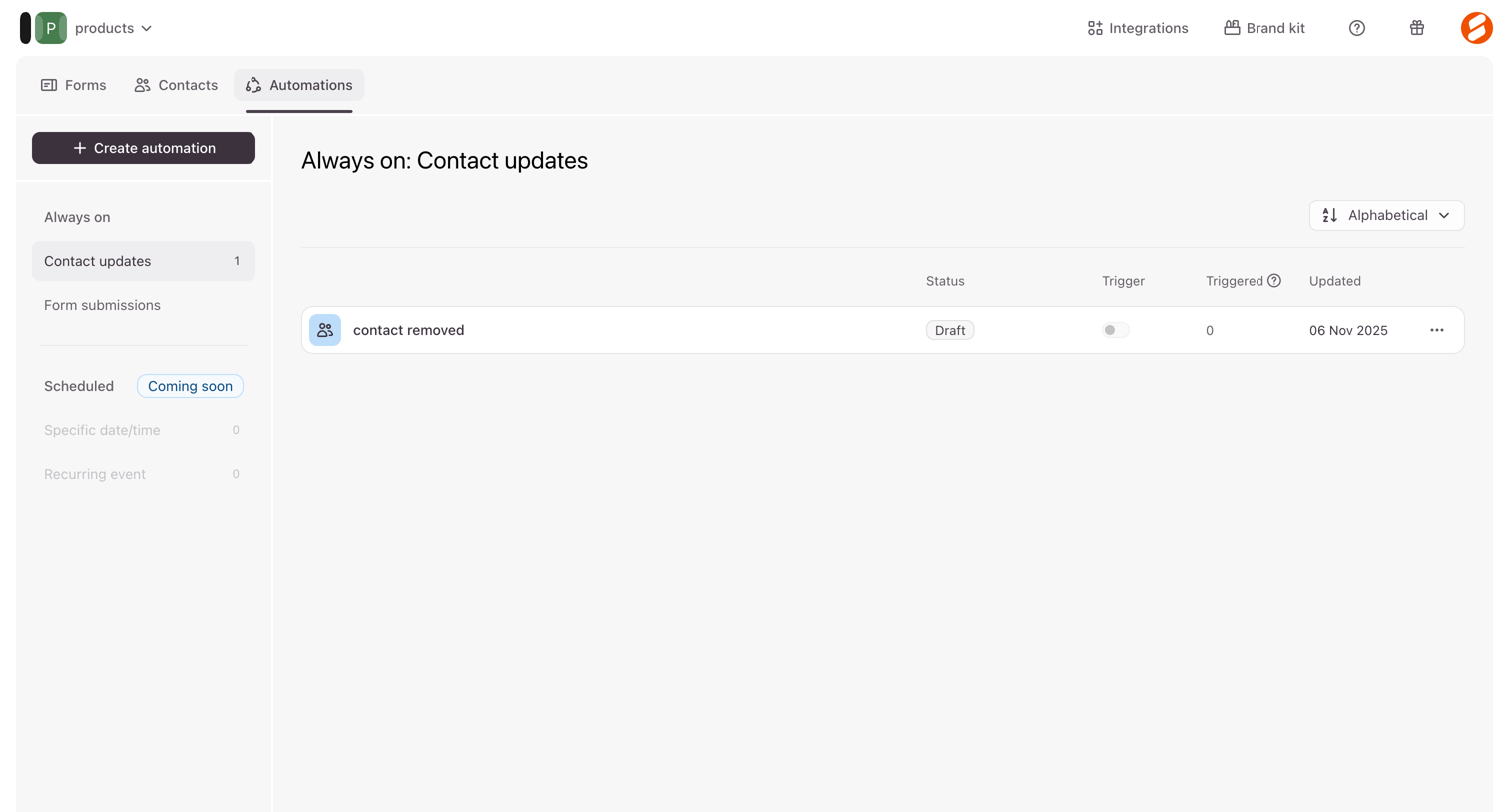

List view where the user manages their always-on and scheduled contact update automations.
Explore the full SaaS screen library
Upgrade to unlock the full library.
Trusted by the best teams








About Rule Builder
See how SaaS apps let people define conditions and their outcomes. Explore how rule builders arrange fields, operators, and values to express the logic of a rule.