Block screen examples
Block screen design examples from SaaS apps. See how apps explain restrictions on a person, sender, or item. Explore how blocking controls identify what will be affected and give people context before…
Explore the examples
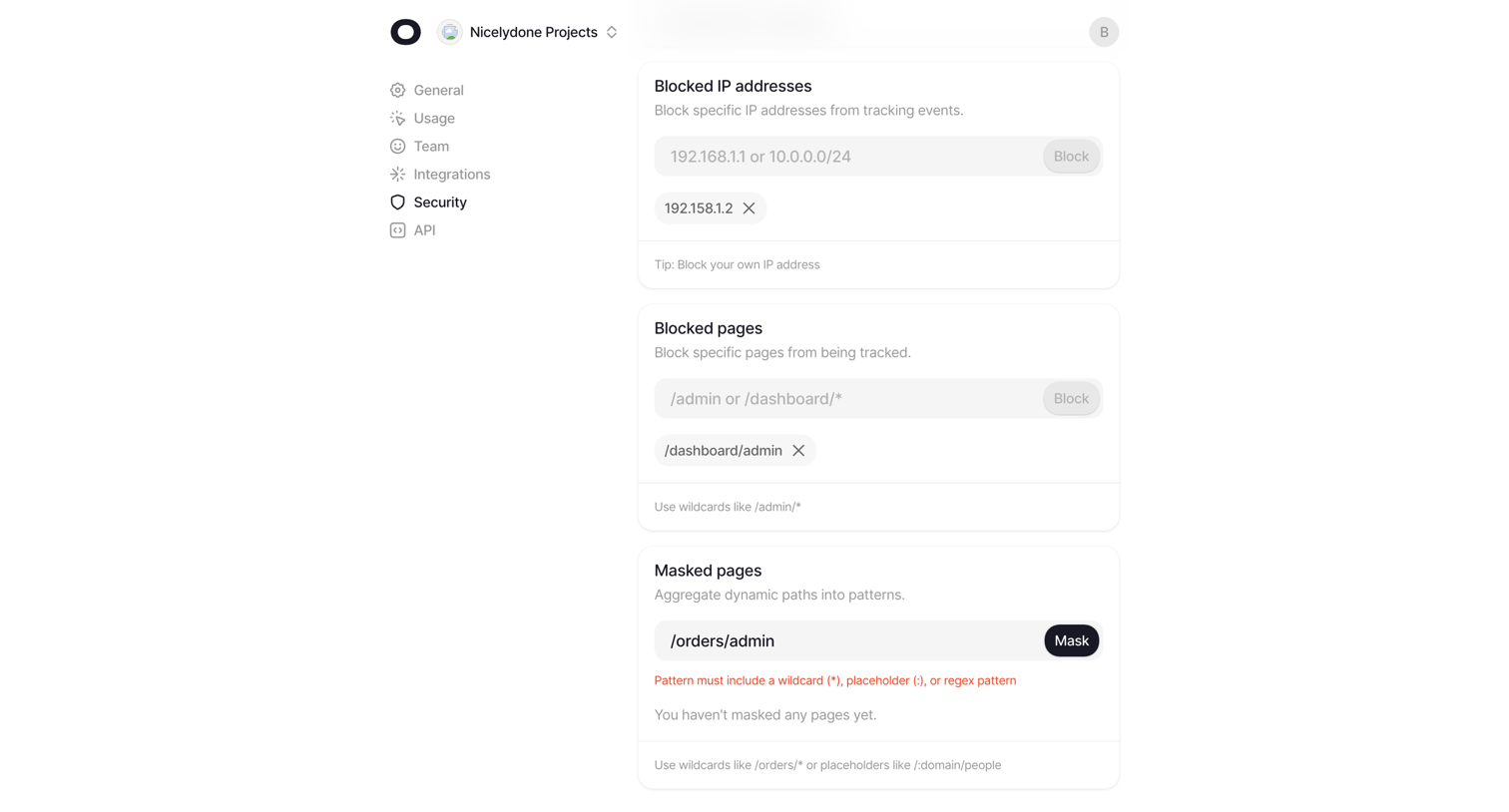

Settings page where the user configures security rules by blocking specific IP addresses and pages from tracking, and masking dynamic page paths.
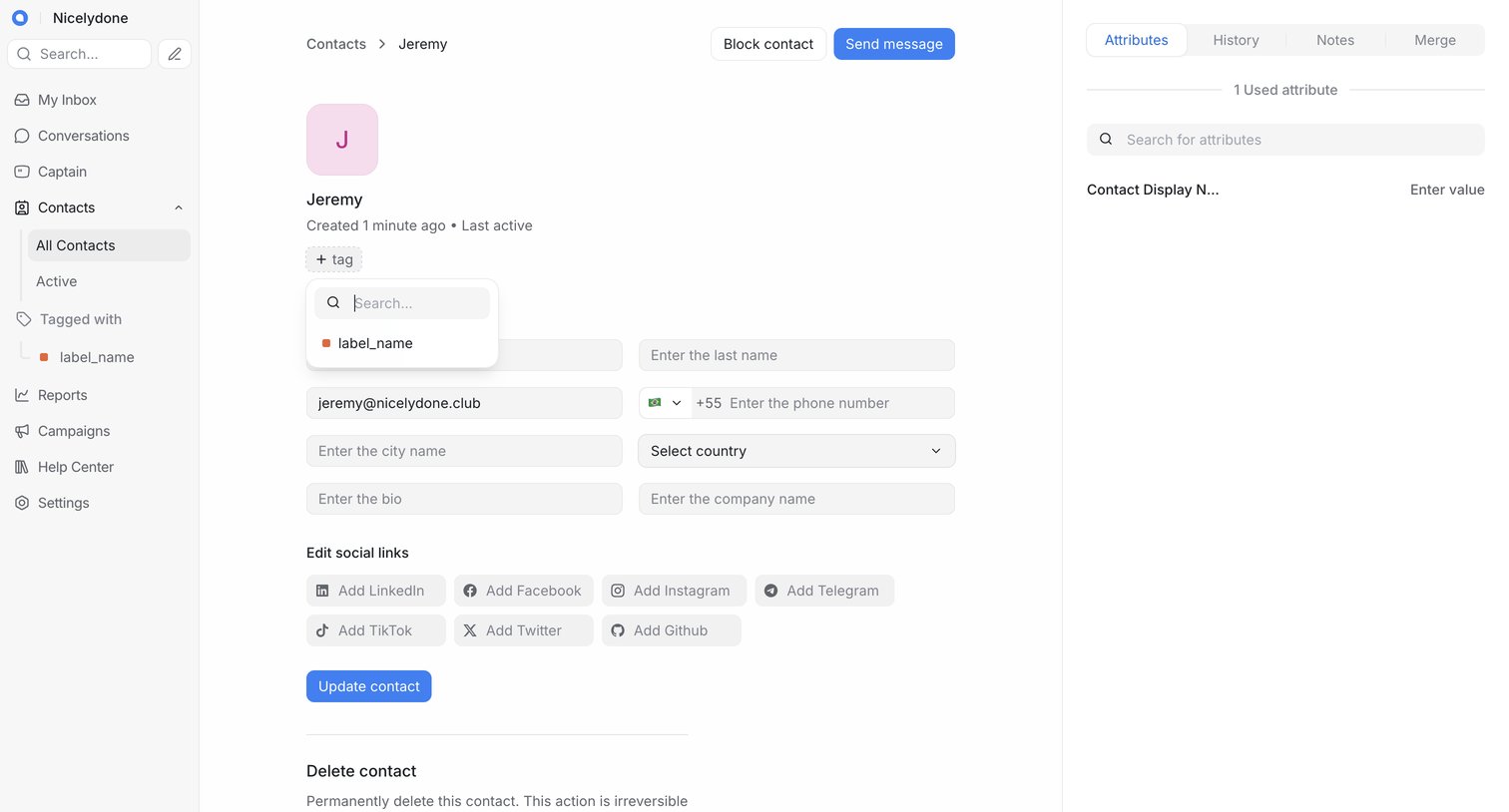

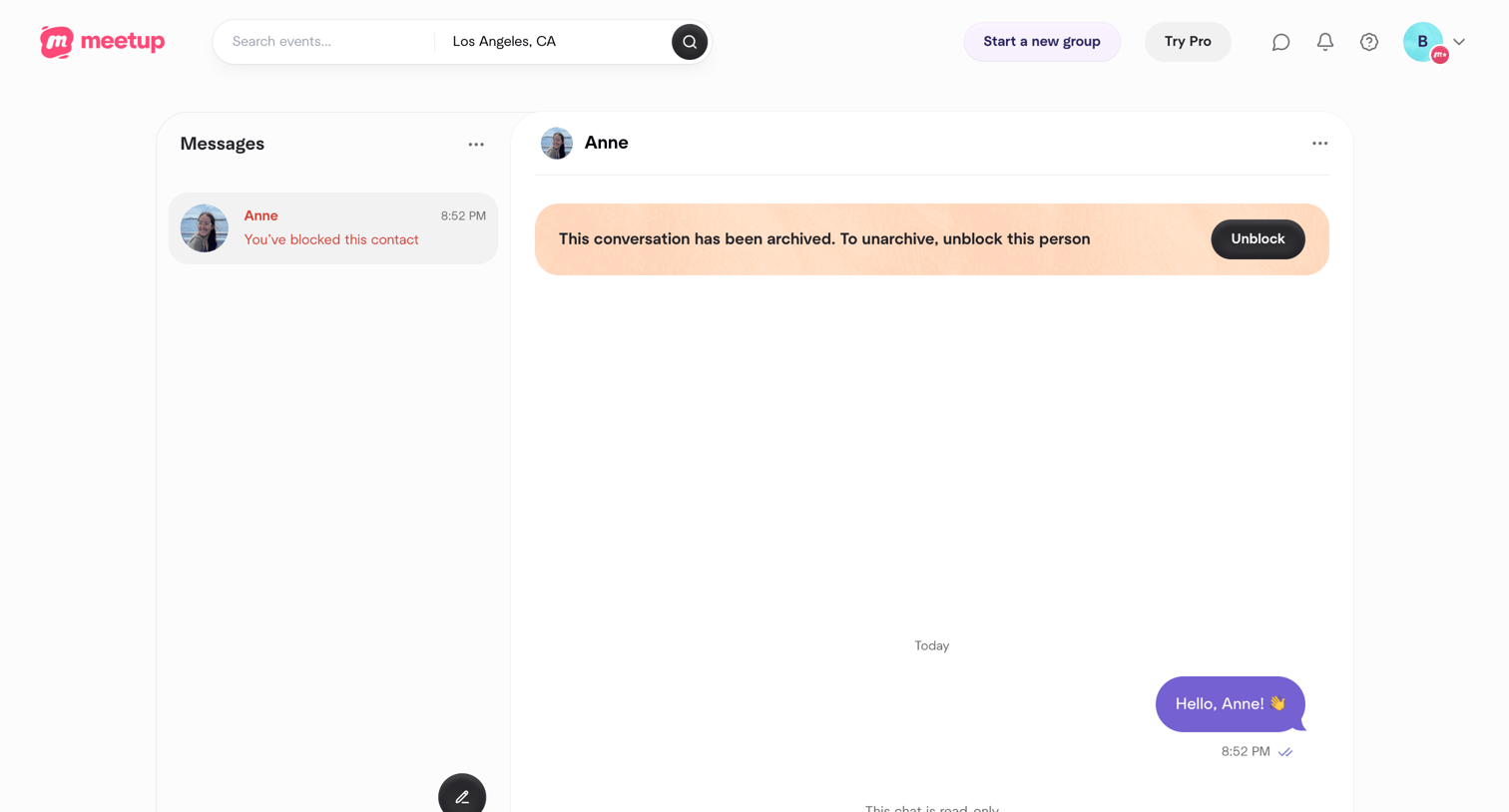

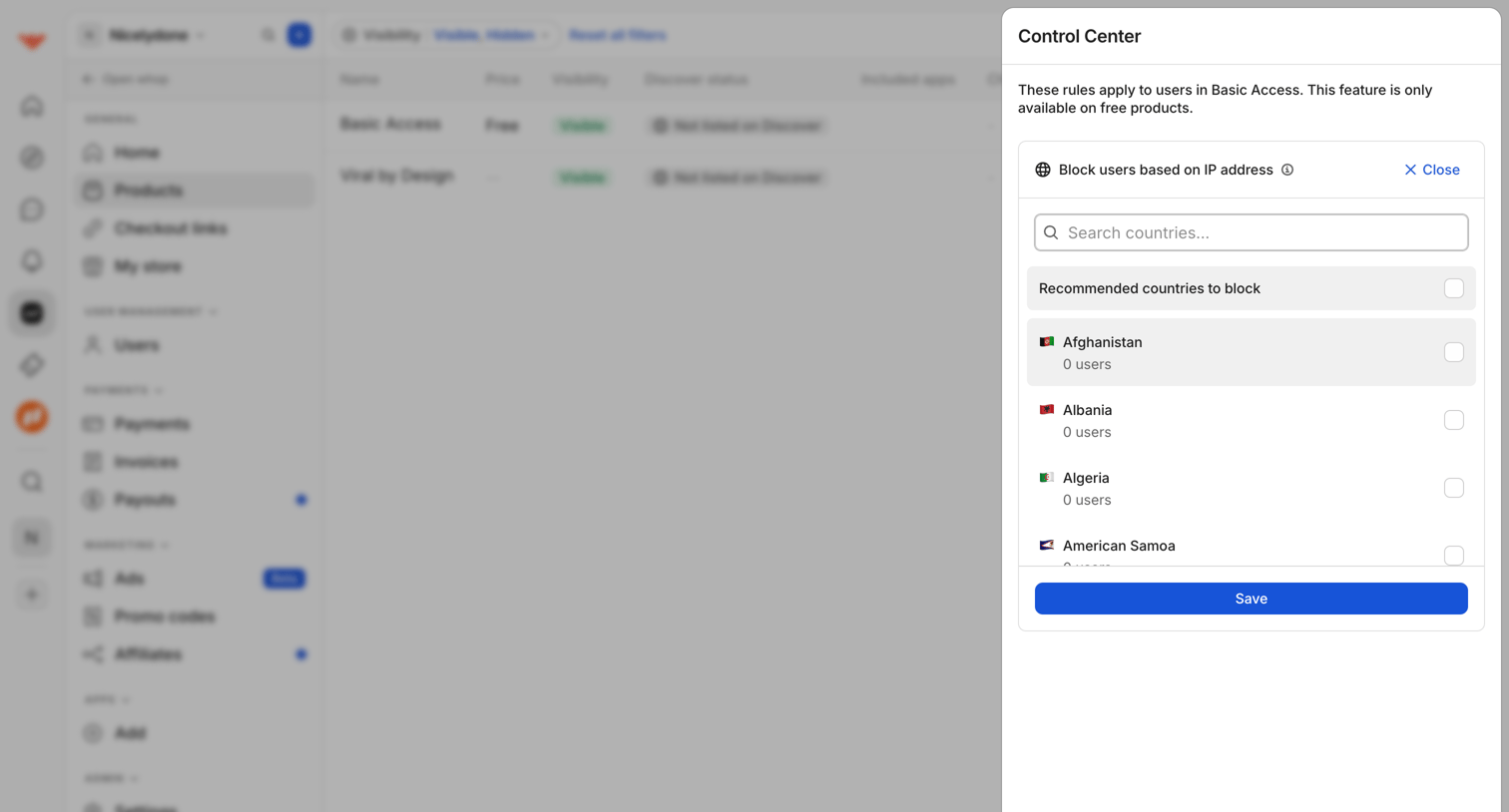

Settings drawer where the user configures IP blocking rules by searching and selecting specific countries to restrict access to free products.

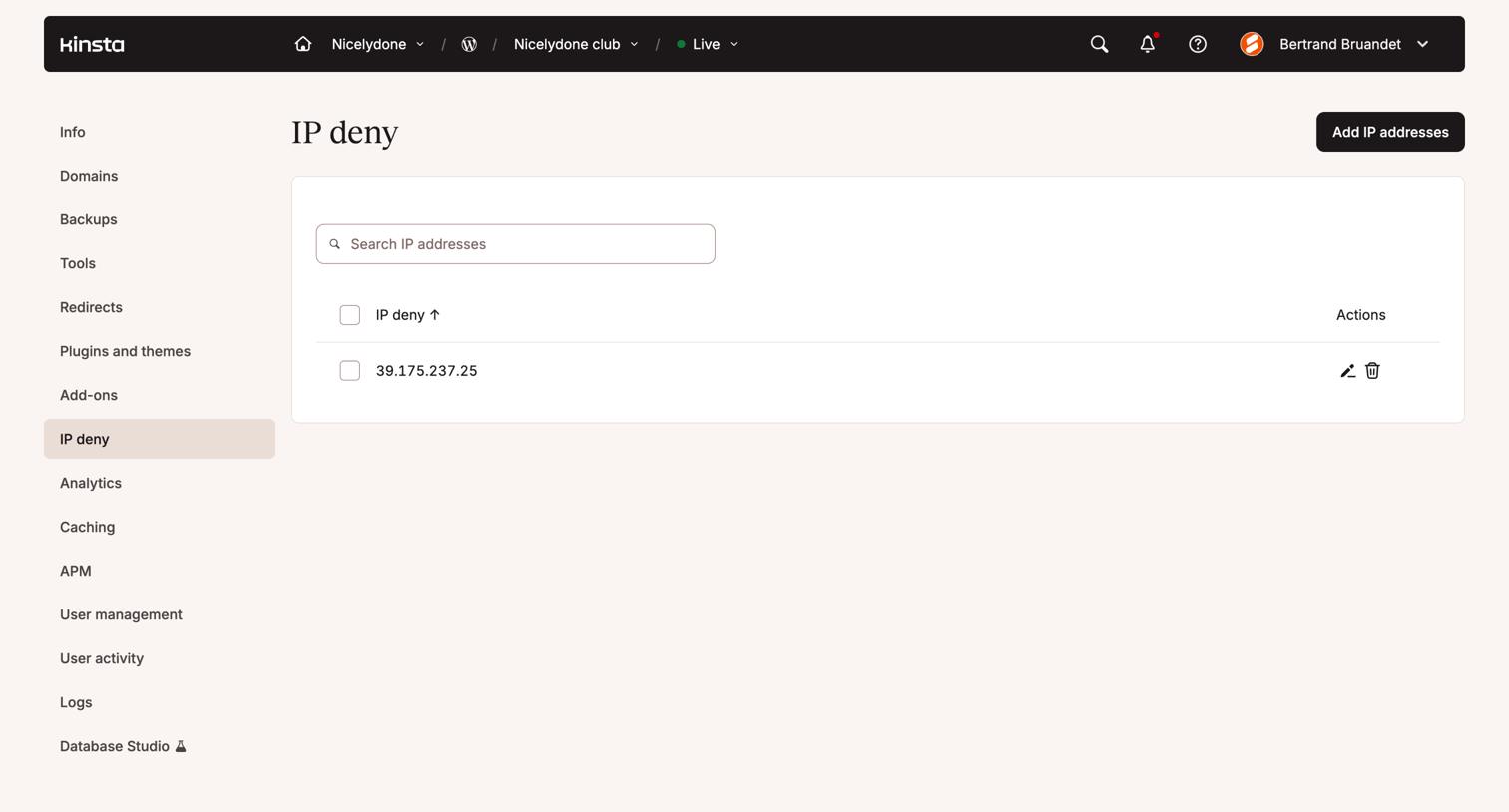

Settings page where the user manages a list of blocked IP addresses for a specific site, with options to search, add, edit, or remove entries.
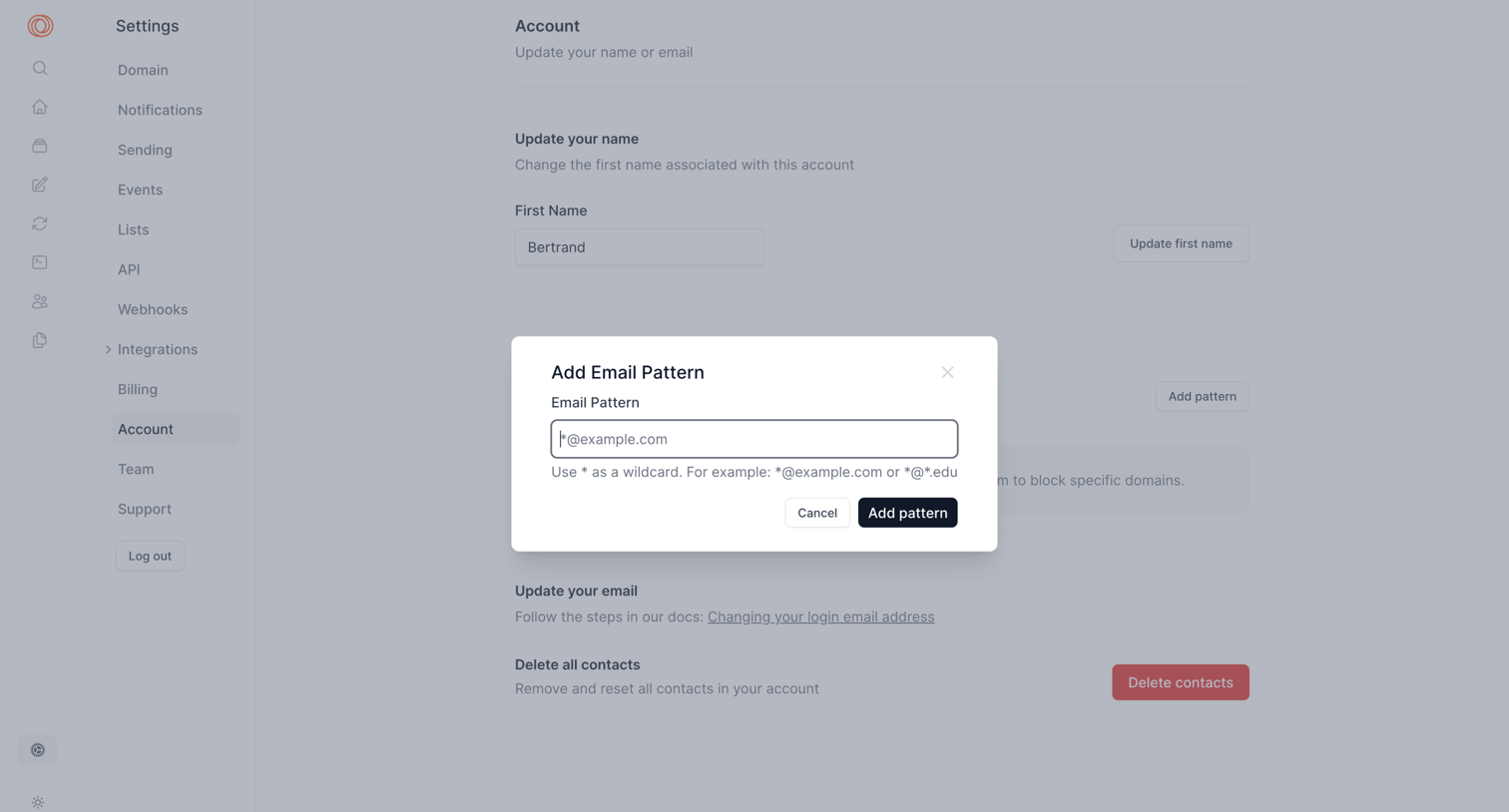

Account settings page where the user is adding a wildcard email pattern to a blocklist via a modal, with background options to update their name or delete all contacts.
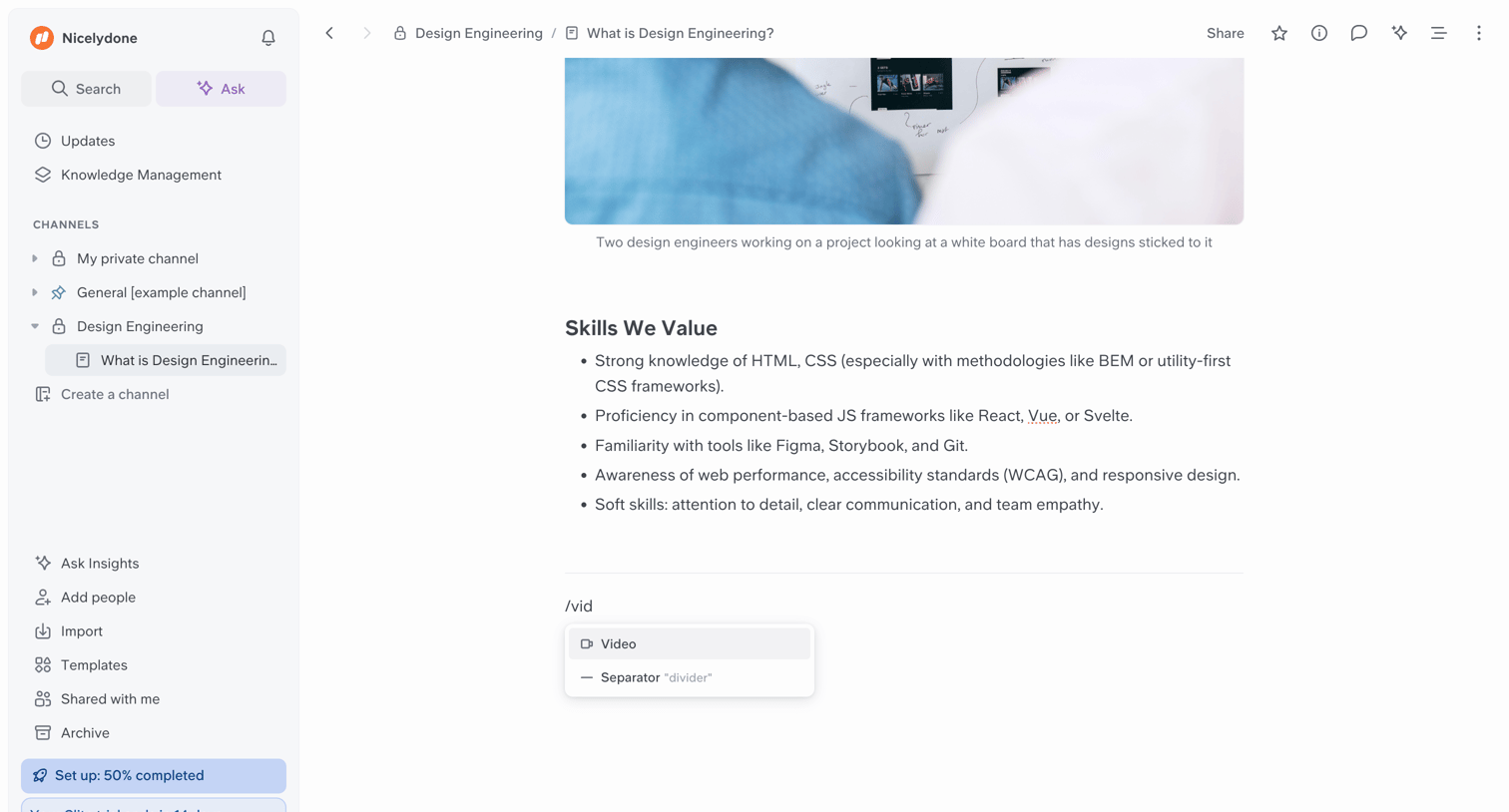

Content editor where the user is writing a document about design engineering and has triggered an inline slash command menu to insert a video or separator.
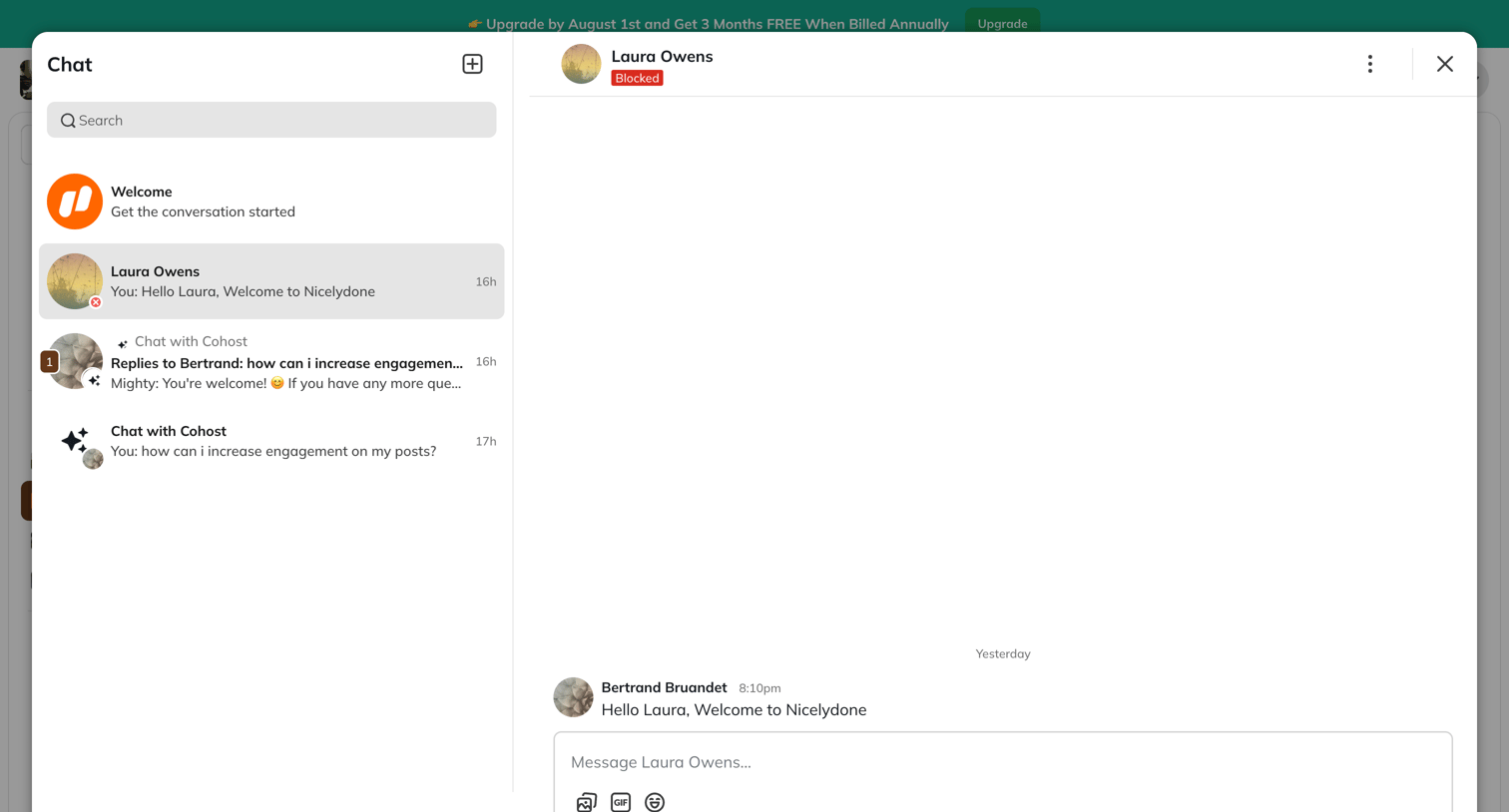

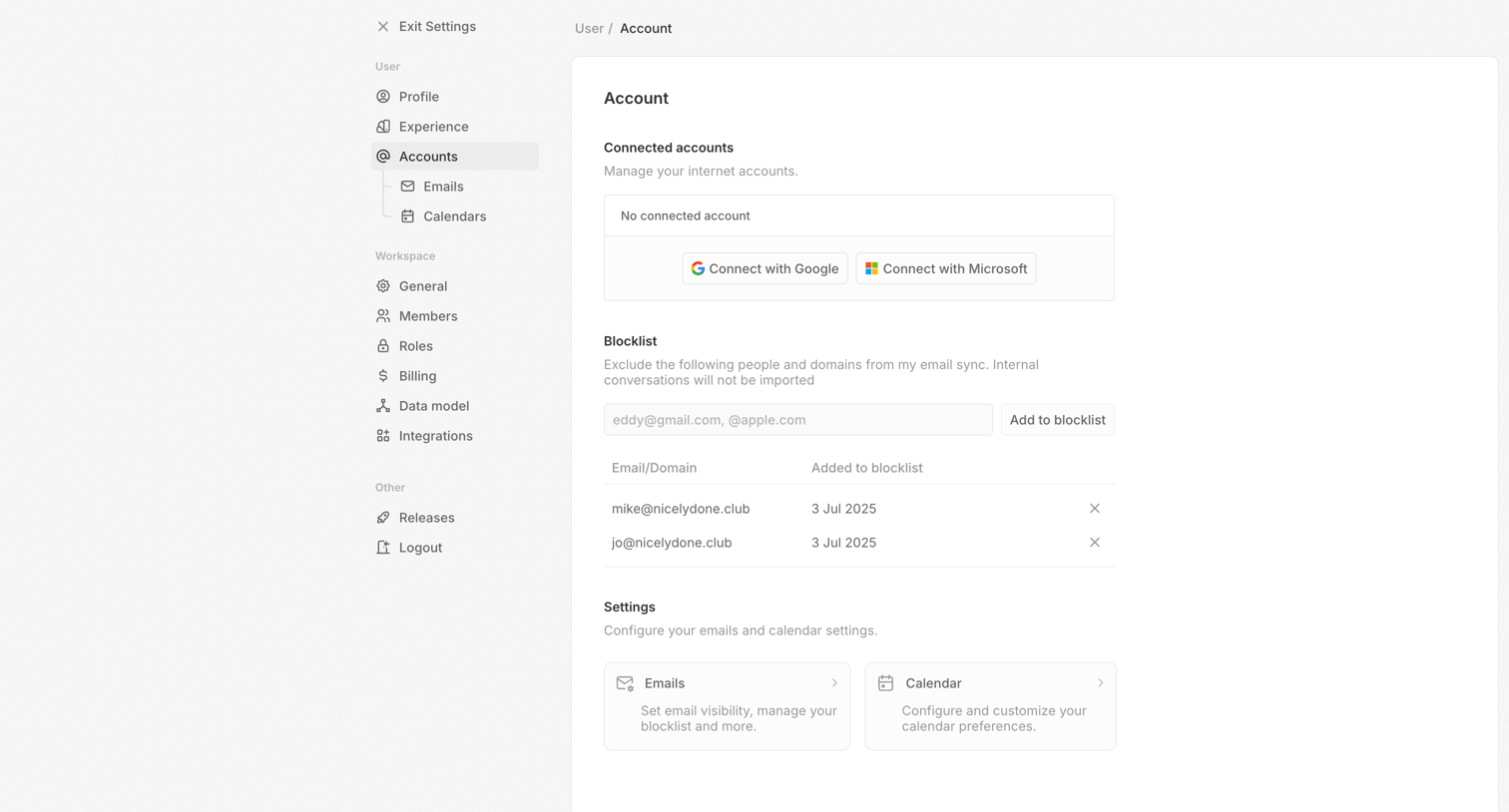

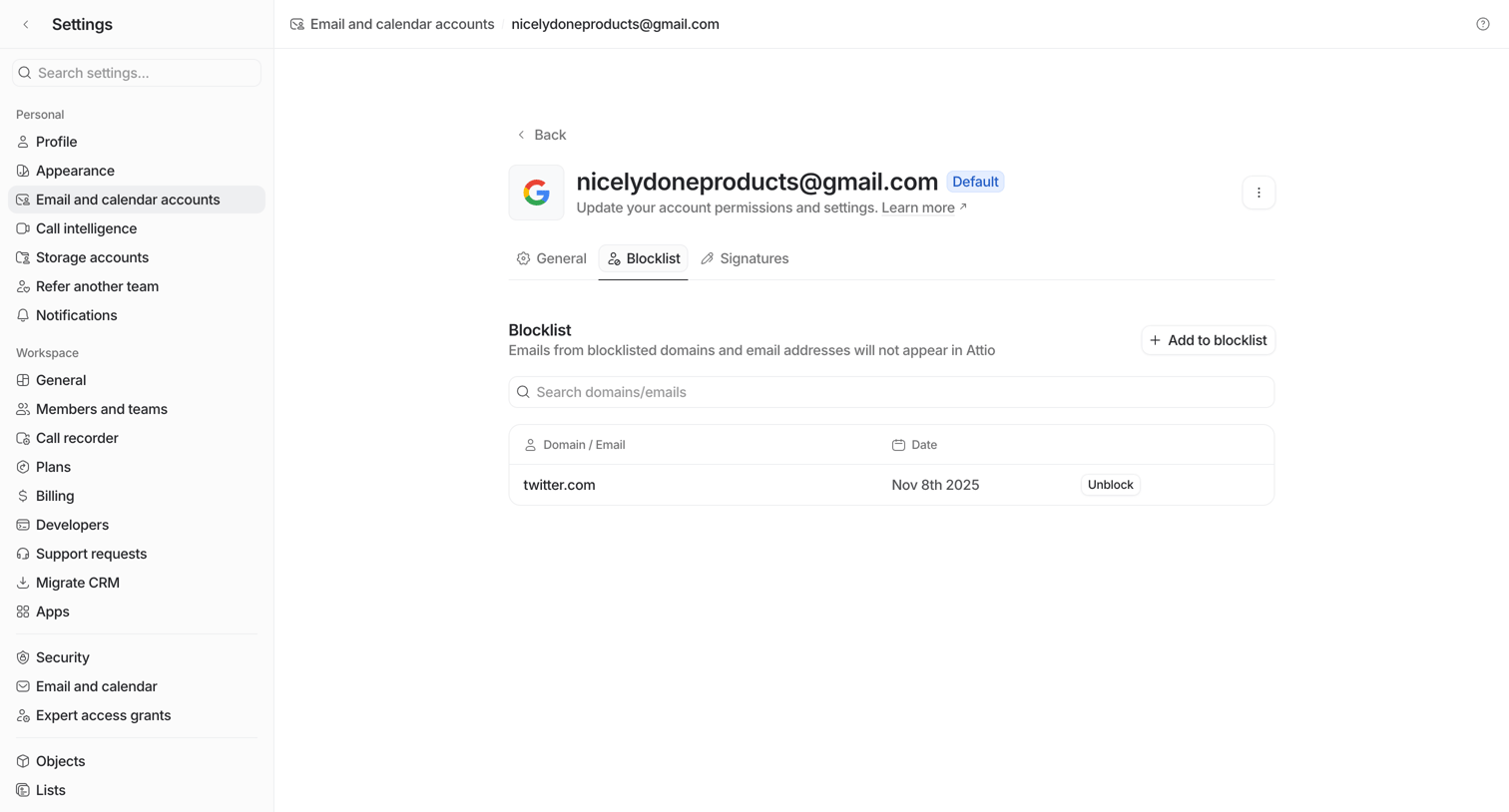
Settings page where the user manages connected internet accounts, blocklists for email sync, and email and calendar preferences.
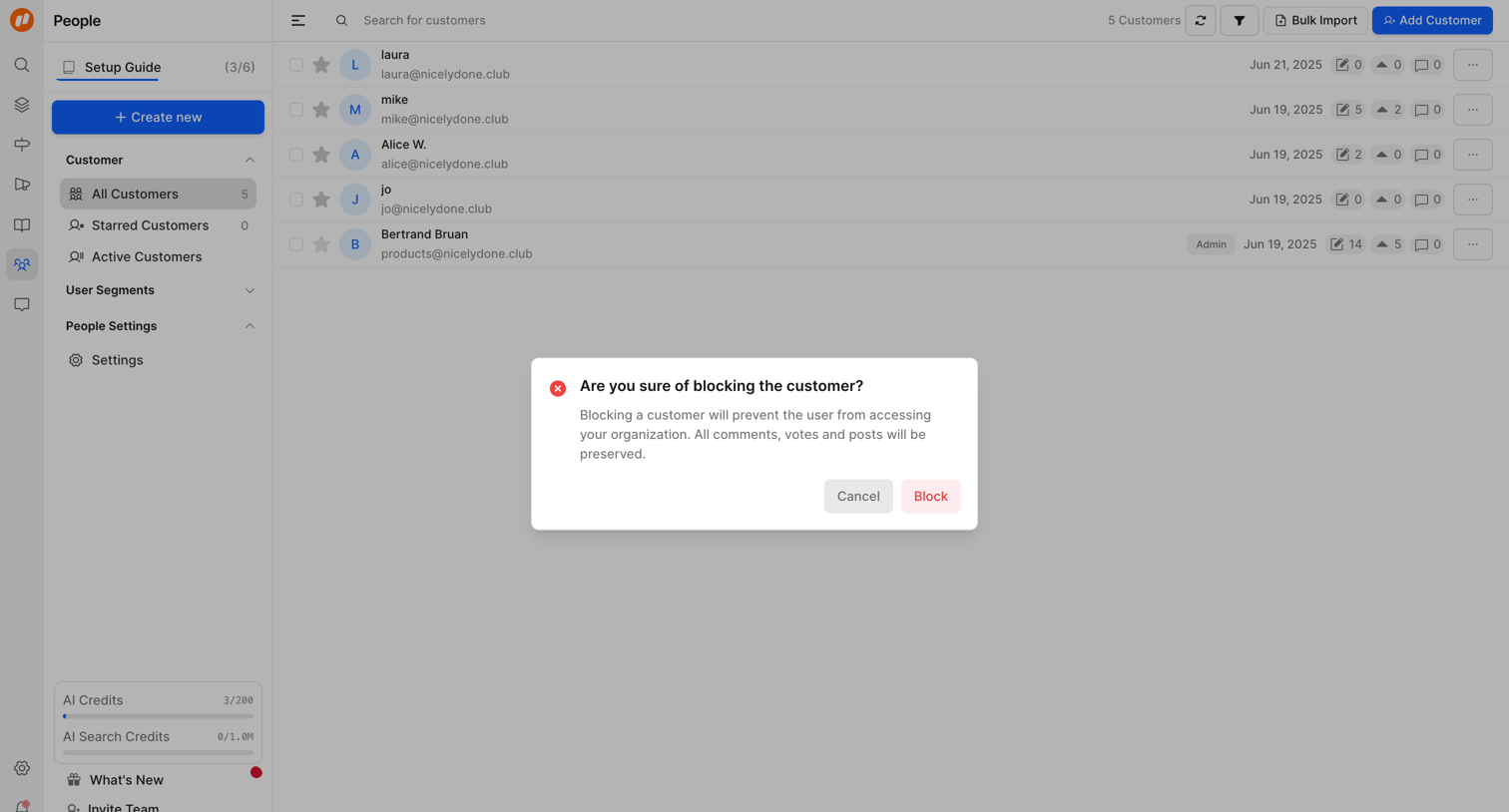

List view of customers where the admin is prompted by an alert dialog to confirm blocking a user, which prevents access but preserves their historical activity.
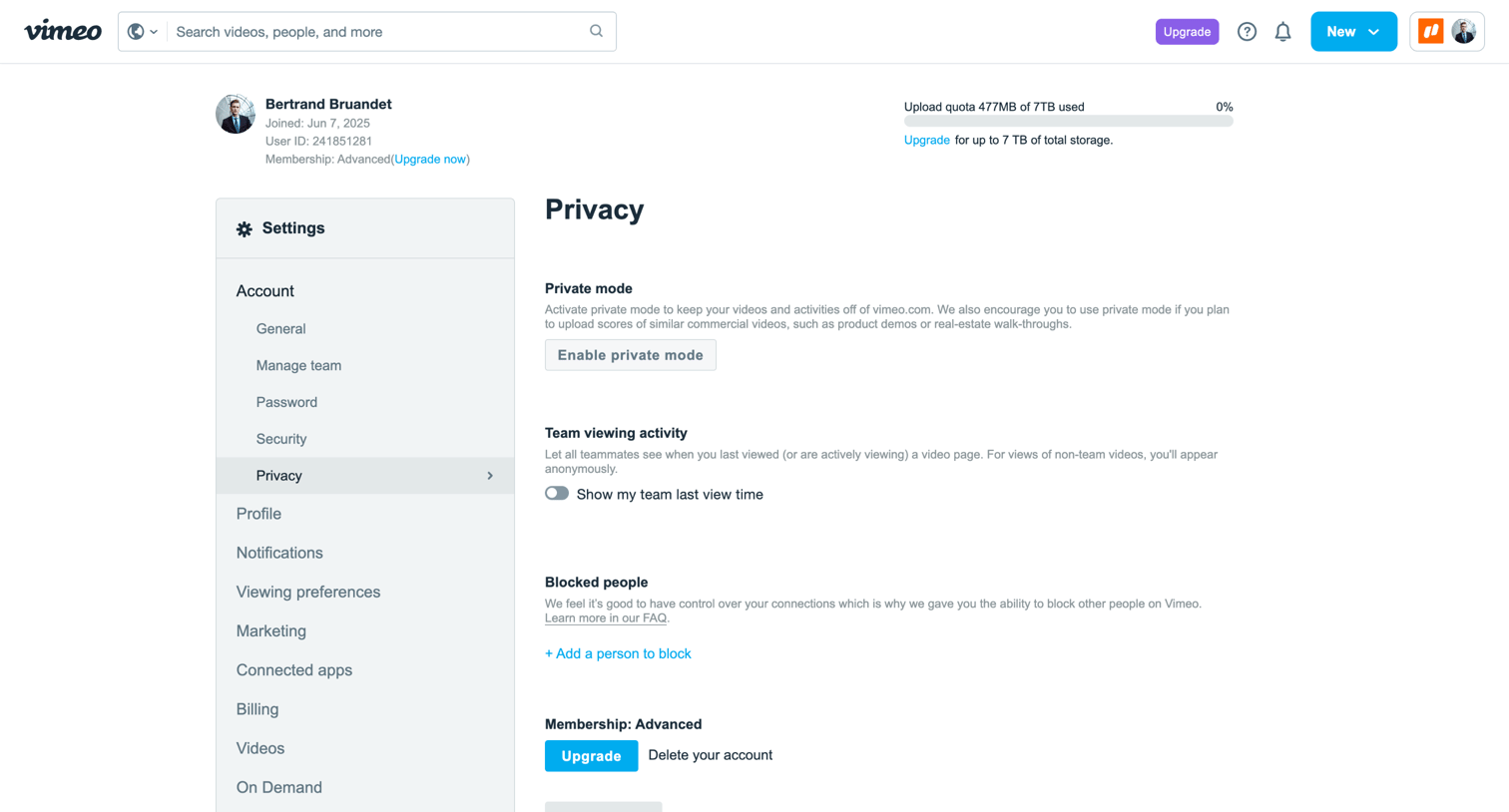

Settings page where the user configures privacy mode, team viewing activity, and blocked people for their account.
Explore the full SaaS screen library
Upgrade to unlock the full library.
Trusted by the best teams








About Block
See how apps explain restrictions on a person, sender, or item. Explore how blocking controls identify what will be affected and give people context before they continue.