Loops design examples
Explore Loops UI design examples. The email platform for modern SaaS
Product screens

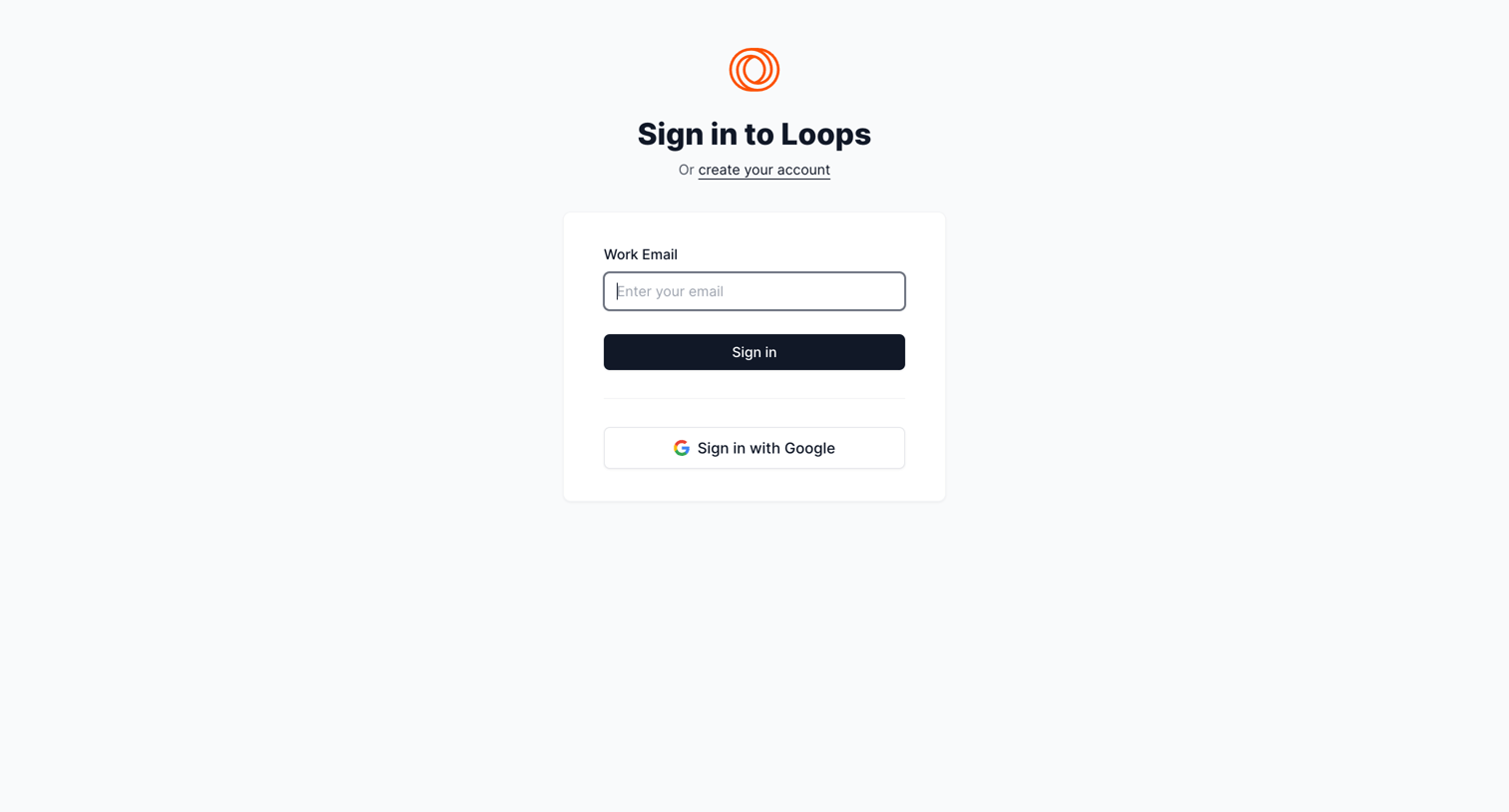
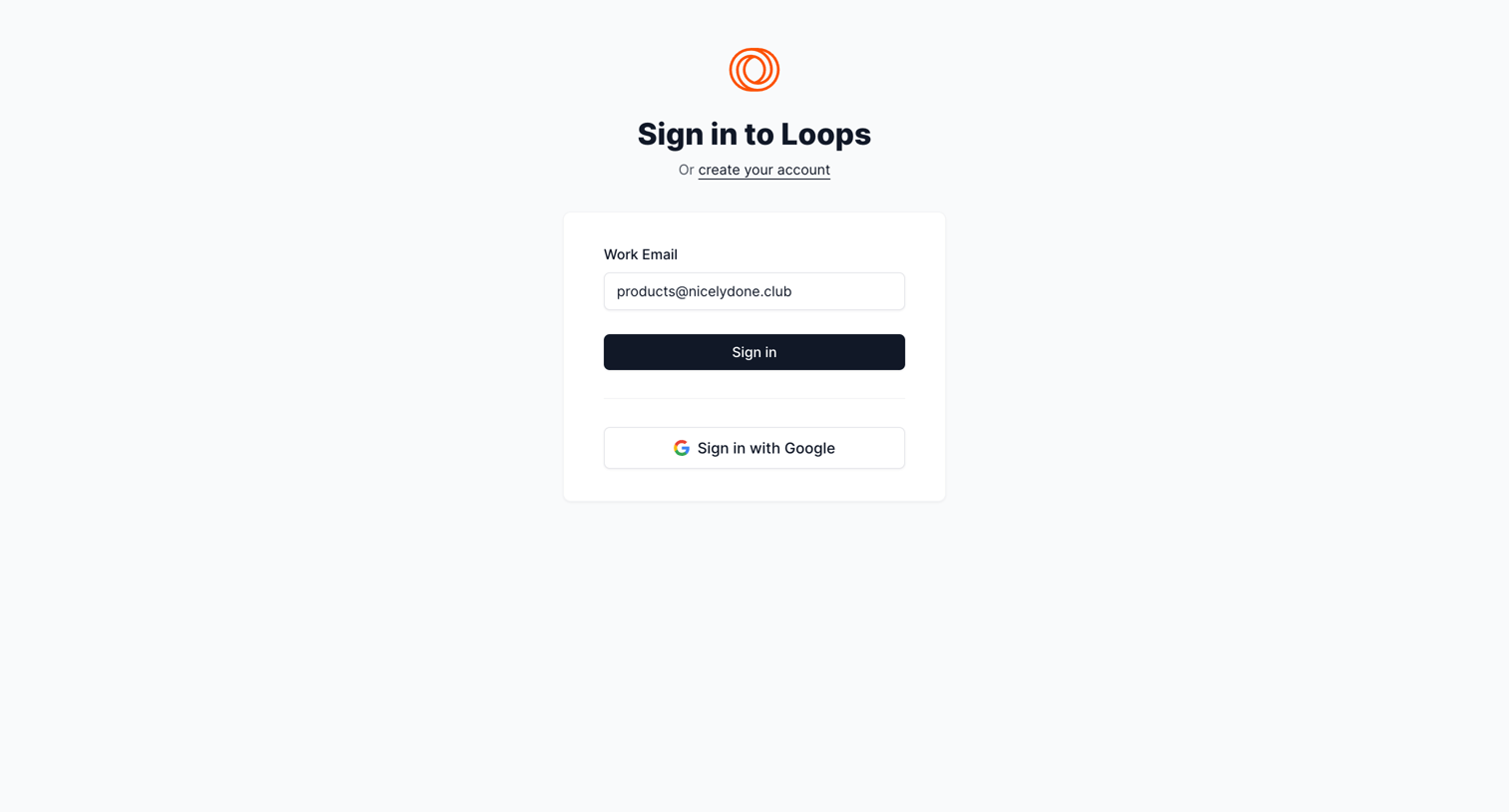
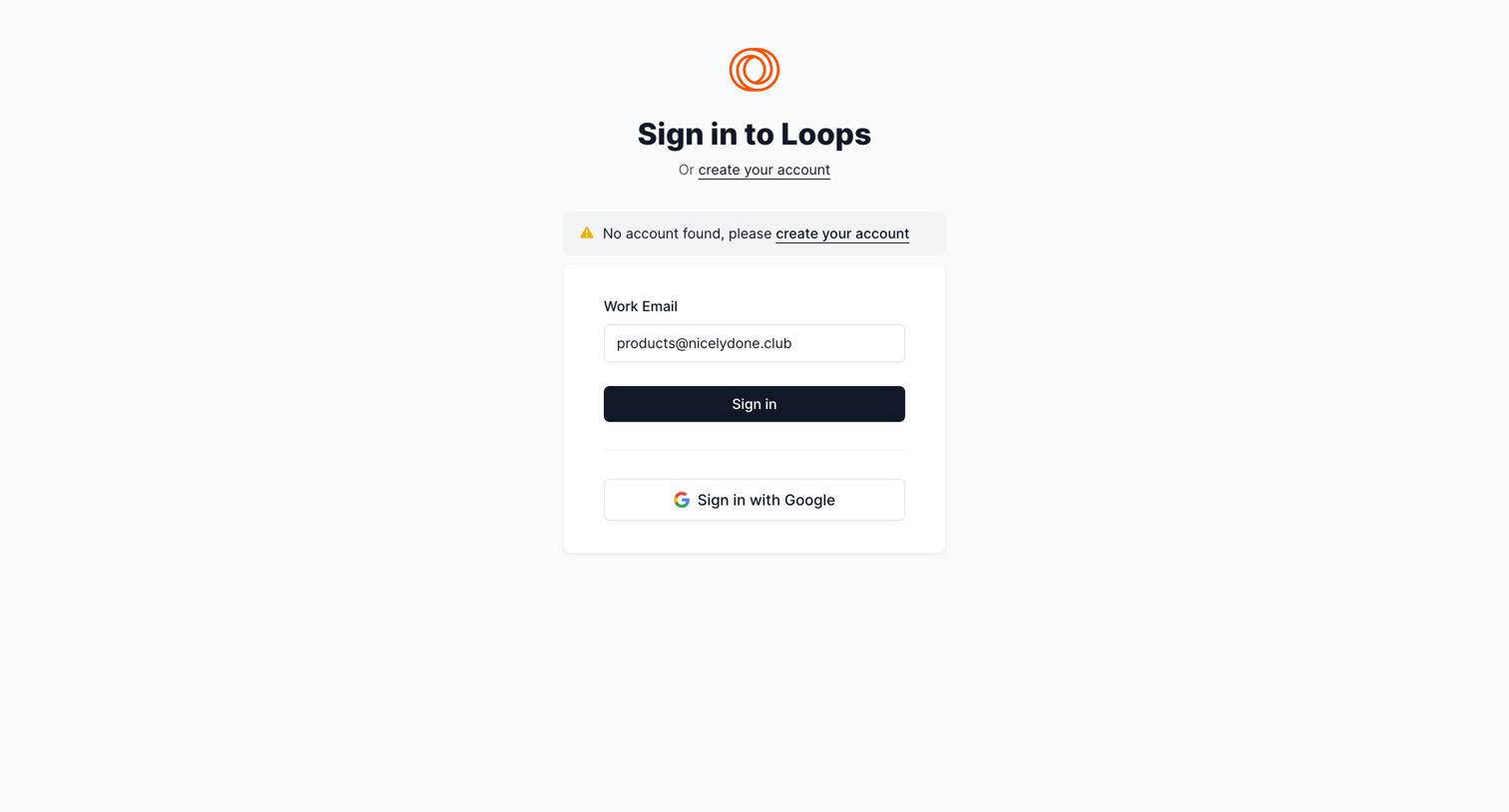
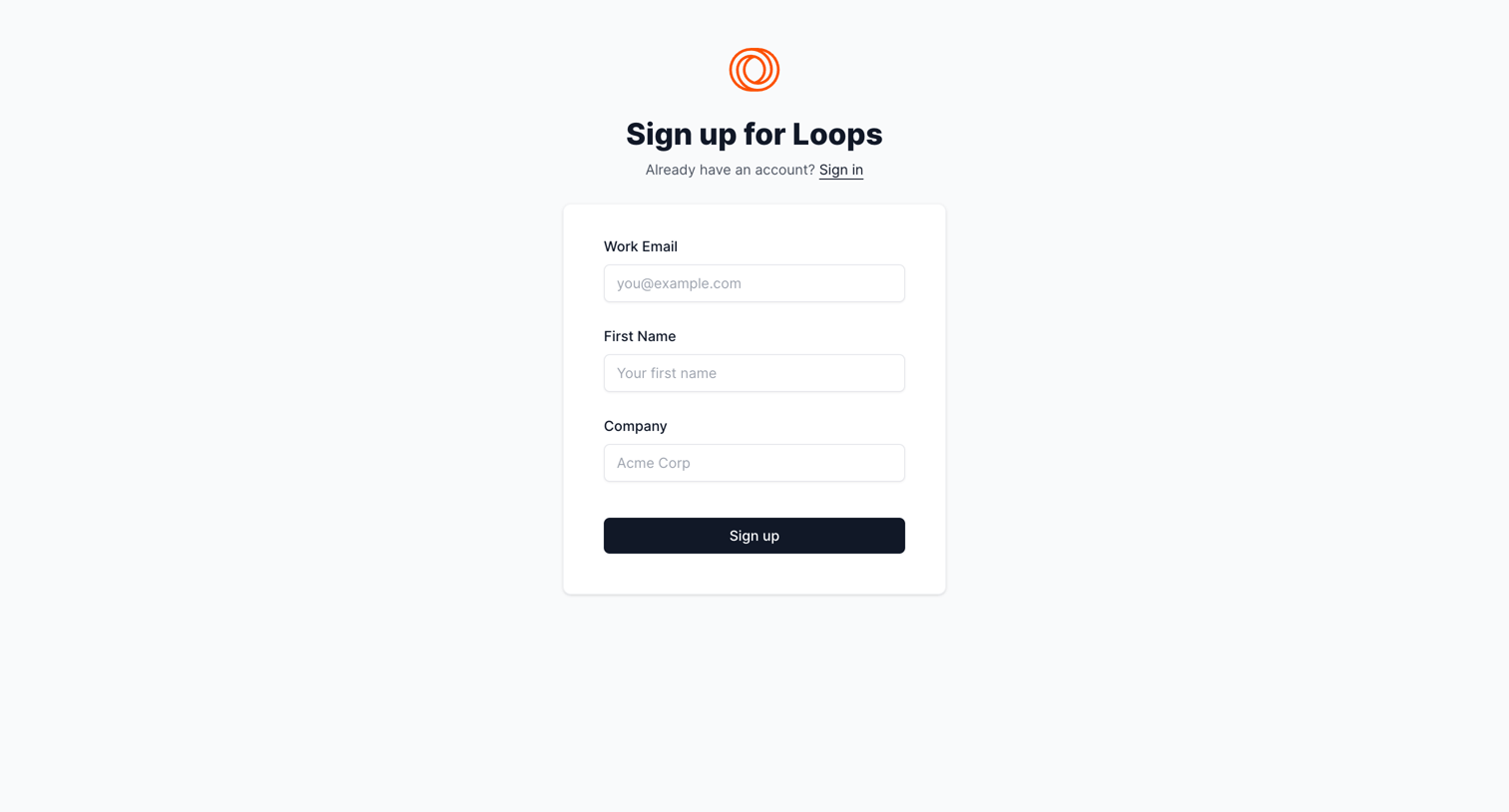

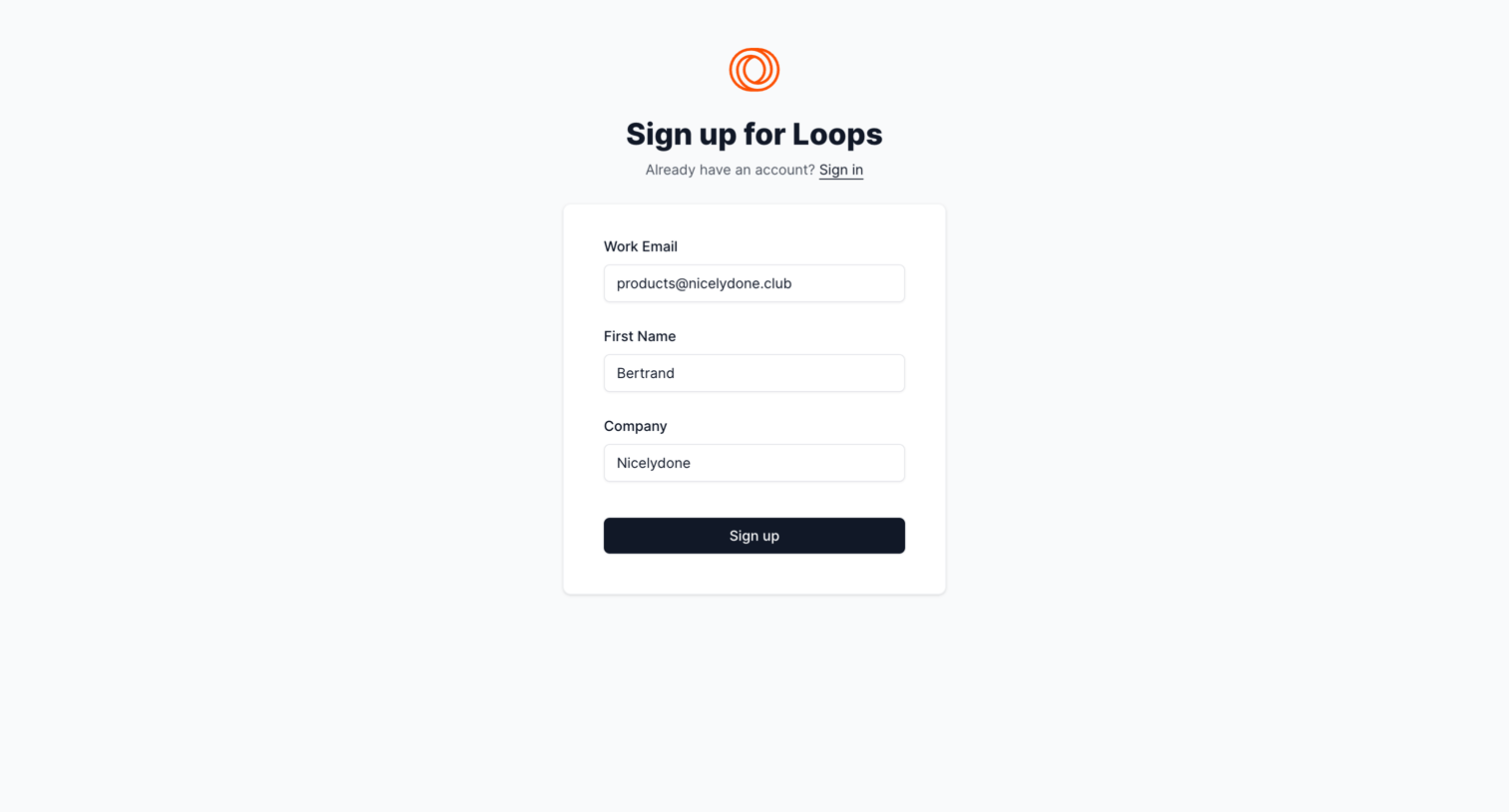
Signup page where the user enters their work email, first name, and company to create a Loops account.
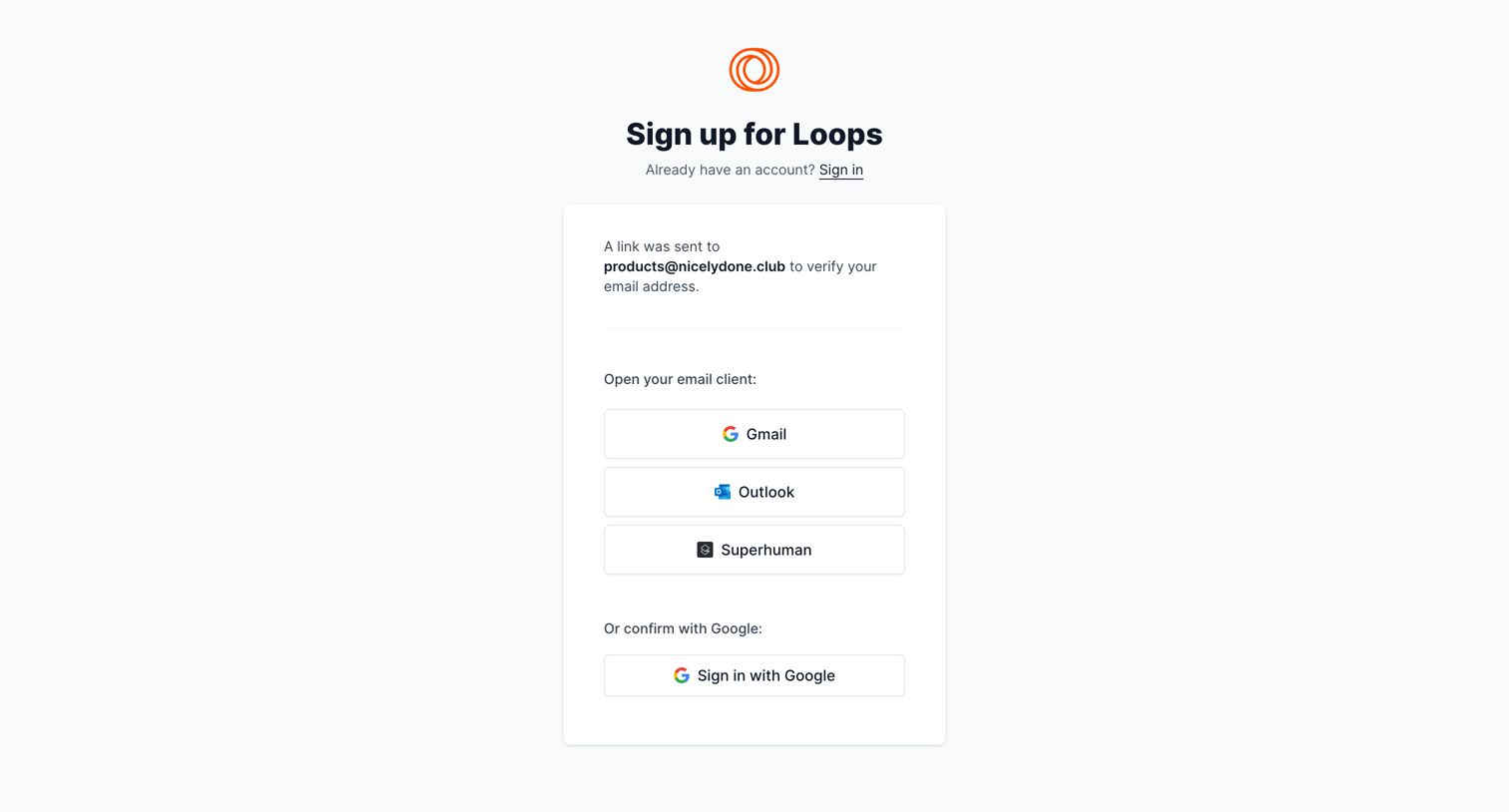
Verification screen where the user is prompted to check their email by opening specific clients like Gmail, Outlook, or Superhuman, or to confirm via Google SSO.
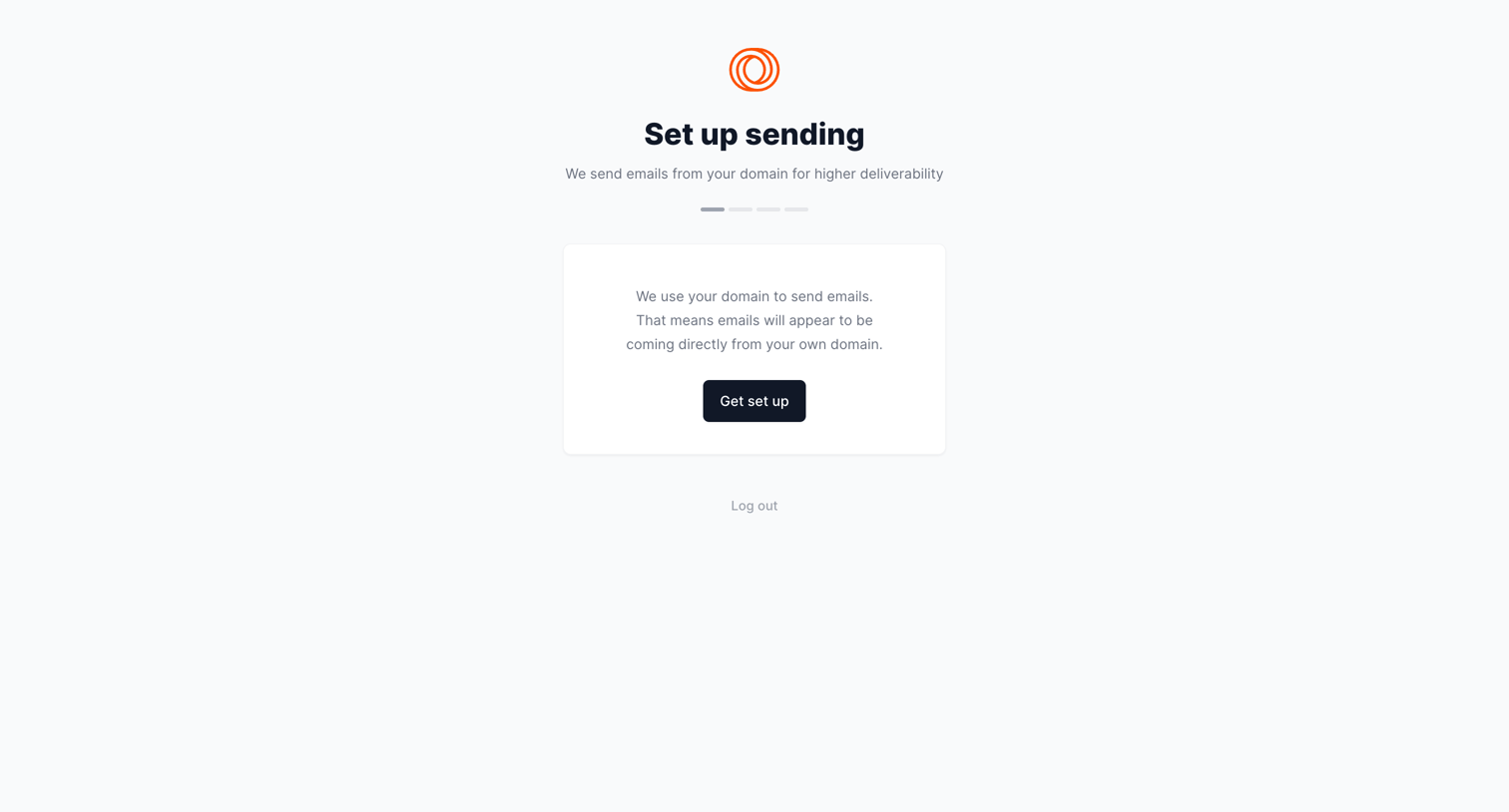
Onboarding step where the user begins configuring their custom sending domain for email deliverability.
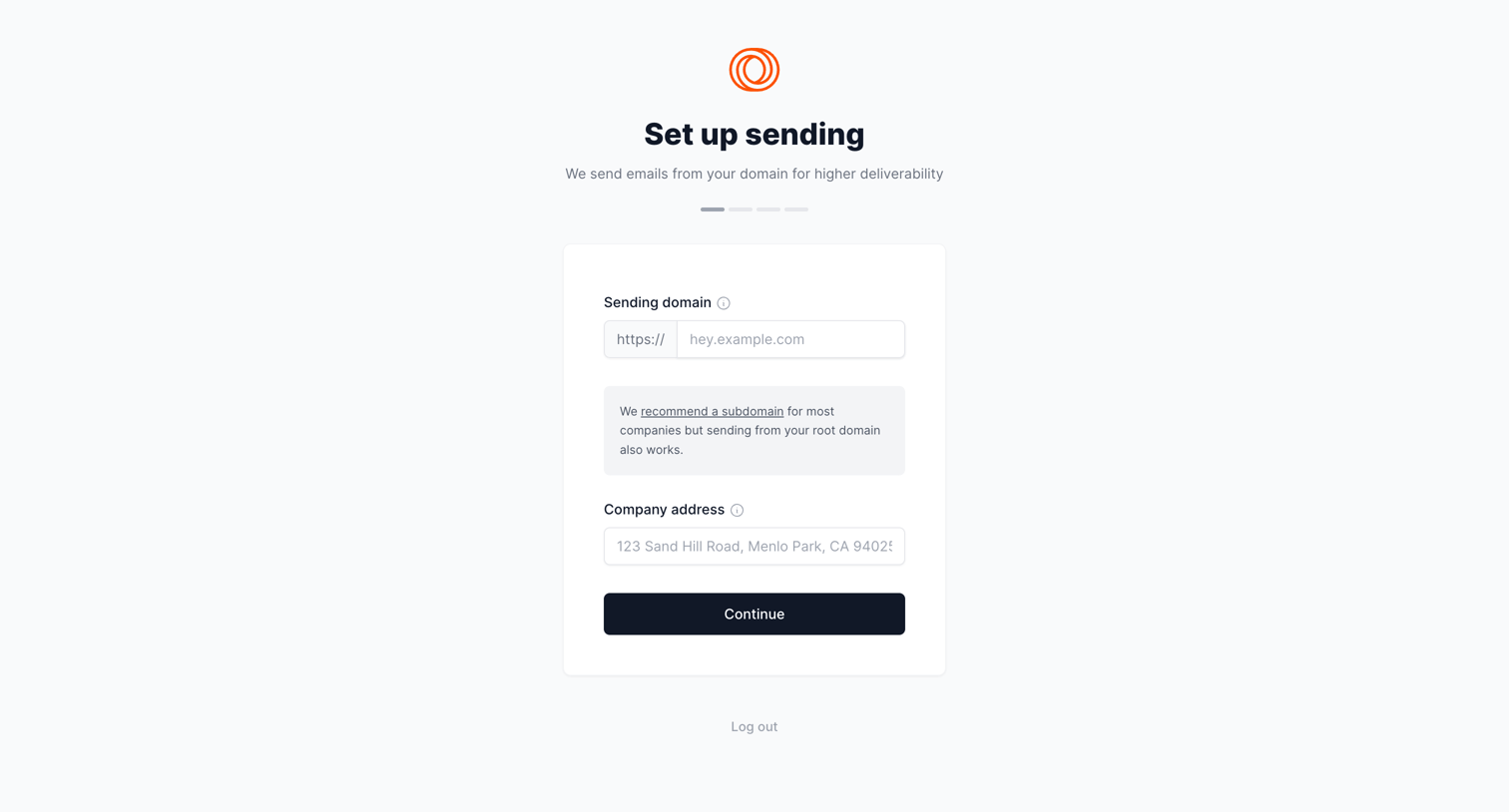
Onboarding step where the user configures their sending domain and company address to set up email deliverability.
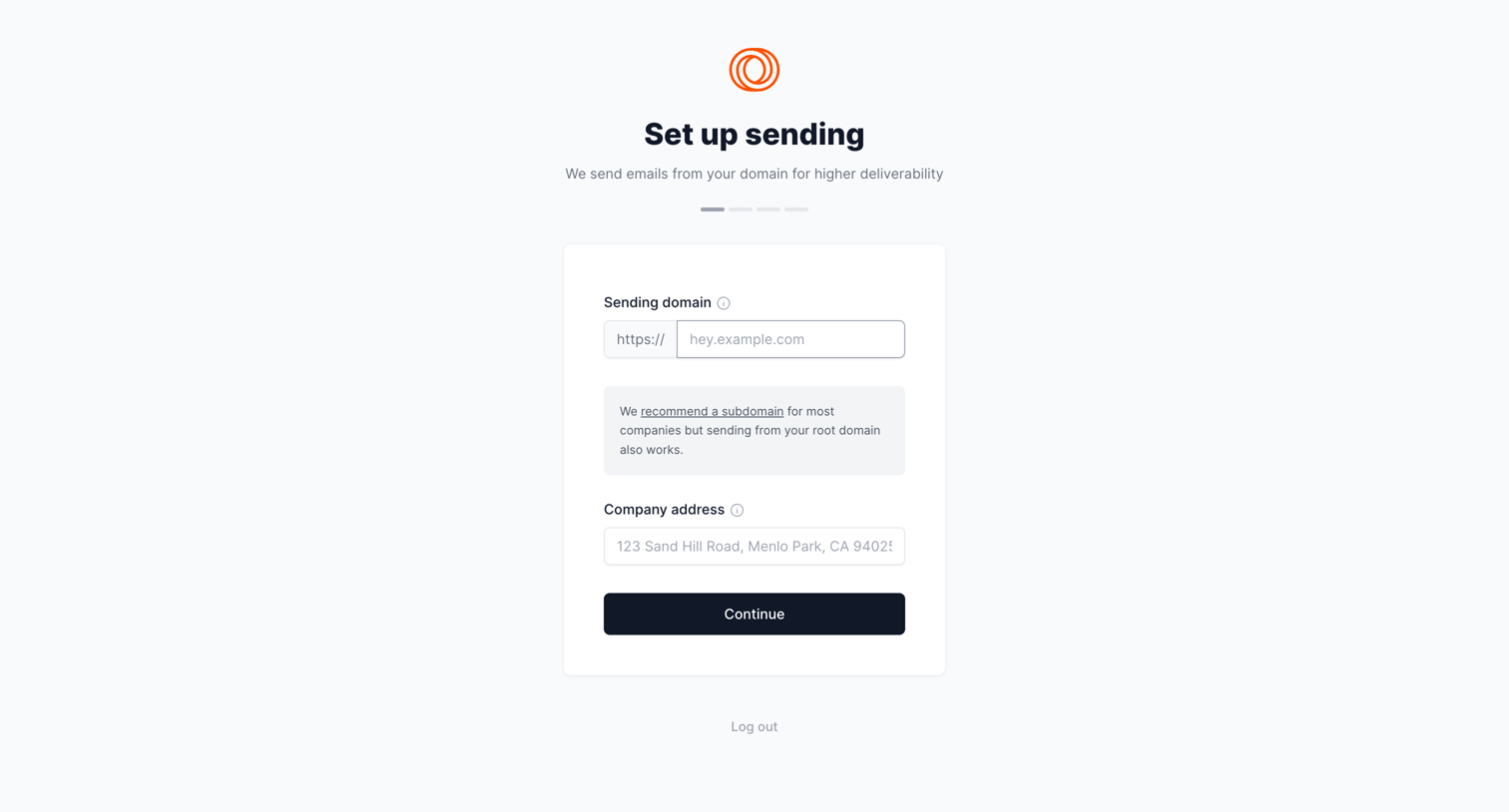
Onboarding step where the user configures their sending domain and company address to set up email delivery.
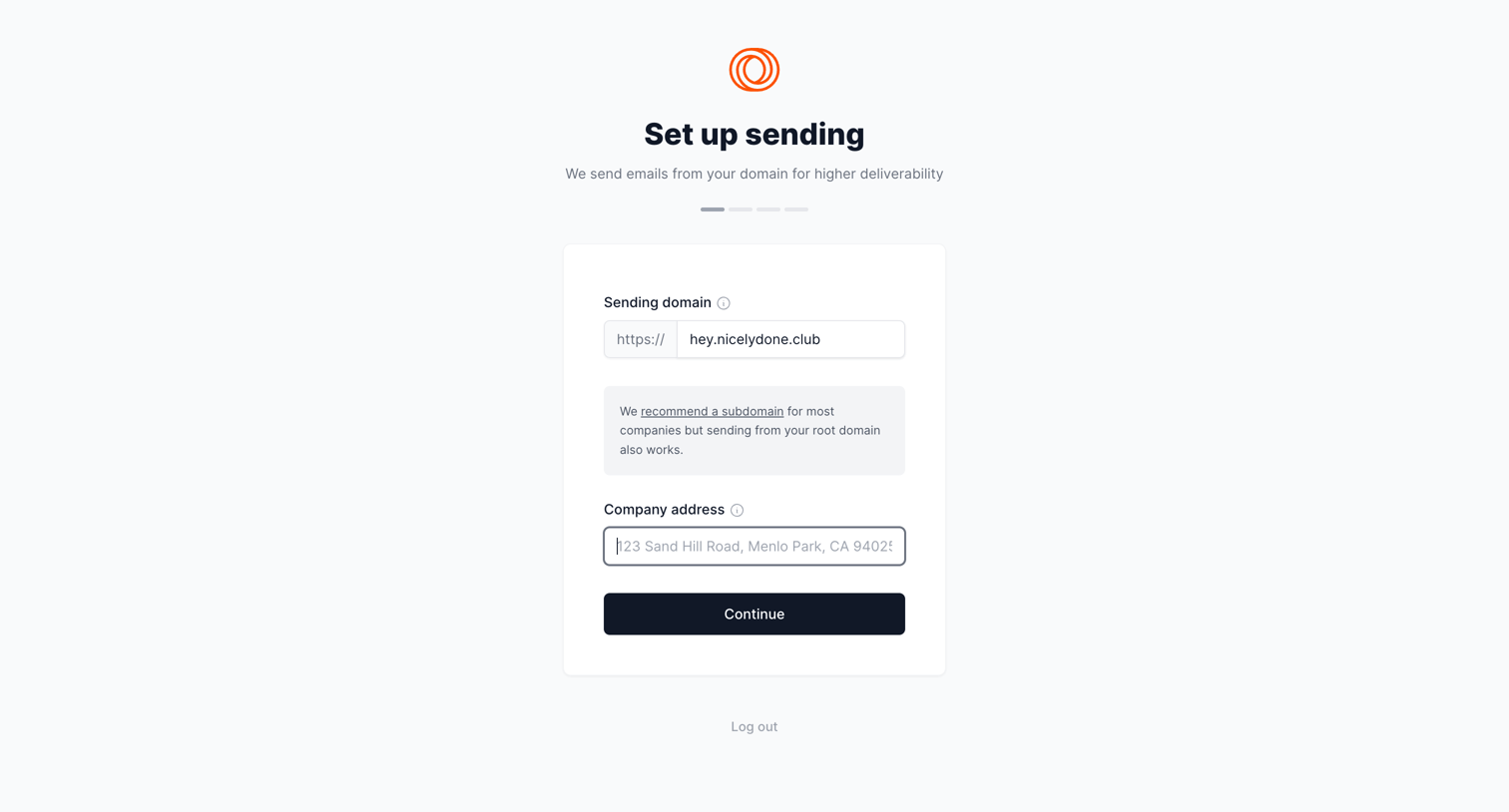
Onboarding step where the user configures their sending domain and company address to set up email delivery.
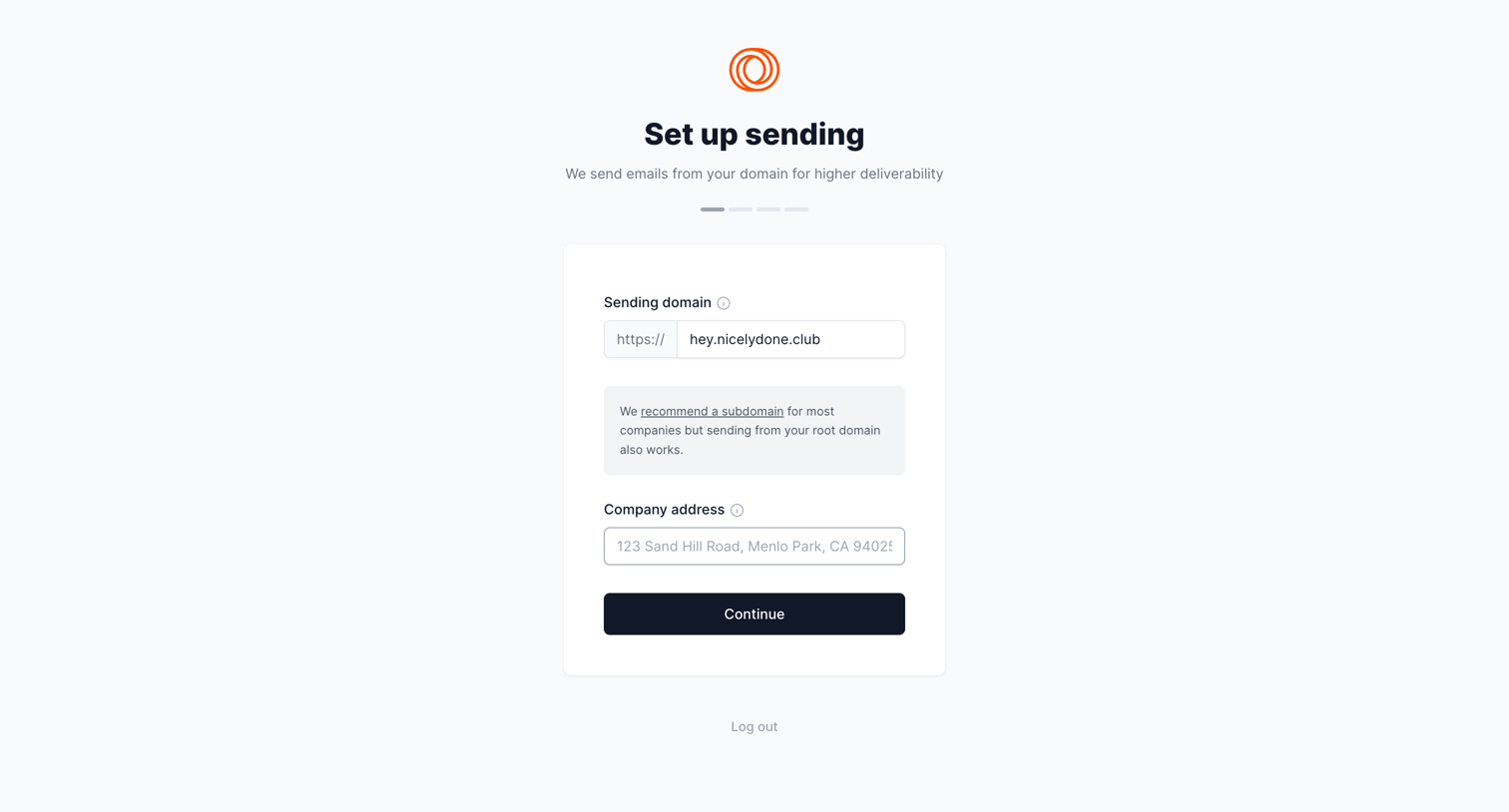
Onboarding step where the user configures their sending domain and company address to set up email delivery.
Browse the full SaaS app library
Explore real SaaS apps with their product screens, marketing screens, flows, and components.
Trusted by the best teams







