Skip to content

Loops UI components examples

Browse Loops UI component design examples. Preview individual interface elements and explore related component categories. The email platform for modern SaaS

Explore the examples
Loops — Input select component
Loops logo
Loops

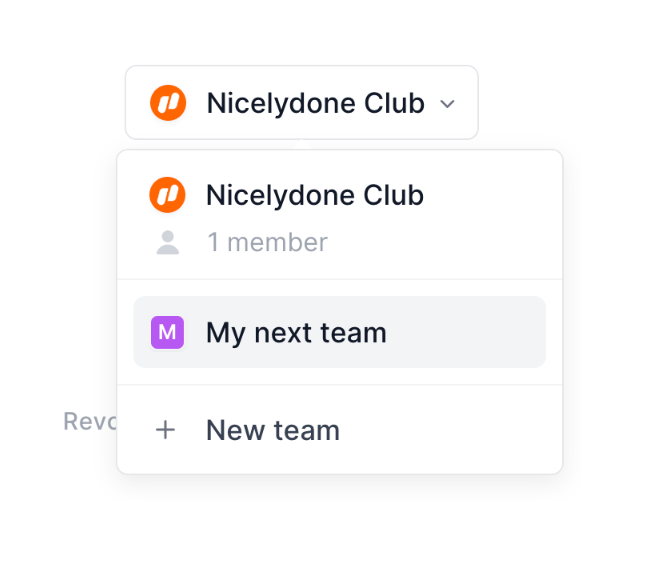
A dropdown menu showing a list of teams and an option to create a new team.

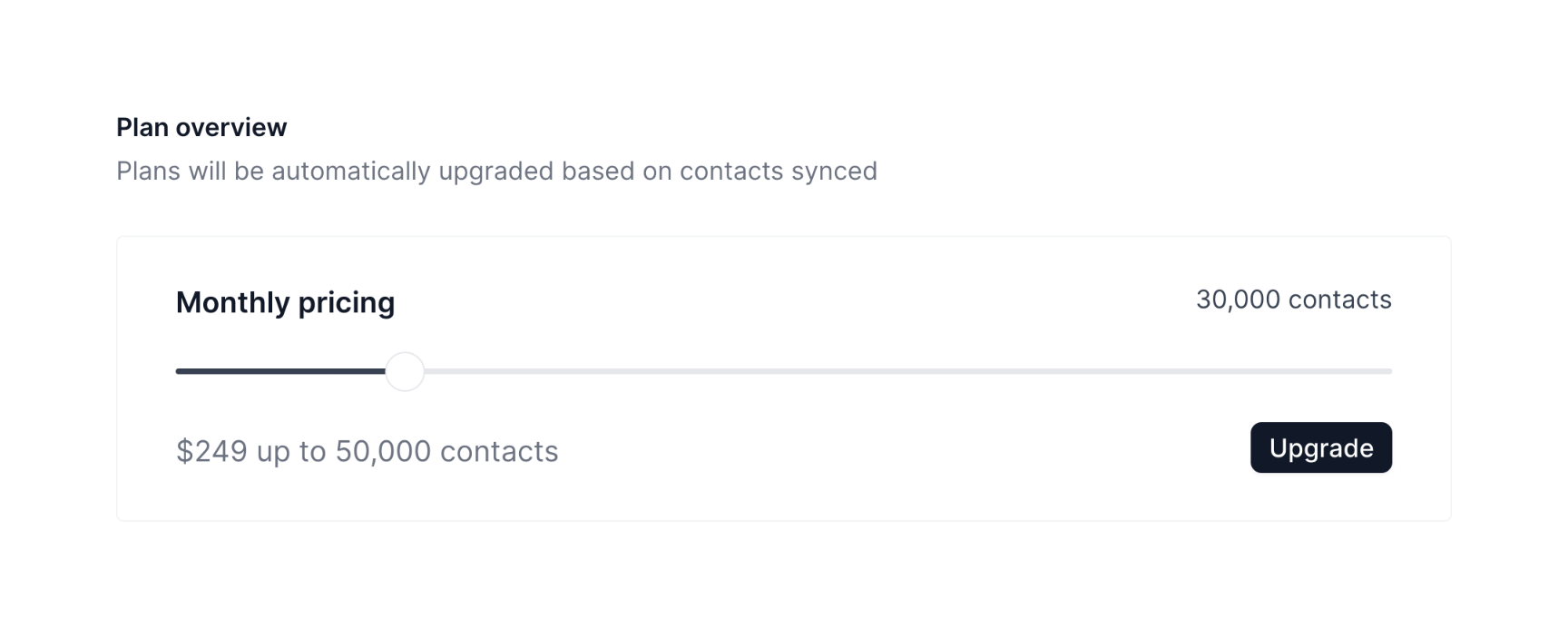
Loops — Slider component
Loops logo
Loops

The screenshot displays a pricing plan overview with a slider to adjust the number of contacts and the corresponding monthly price.

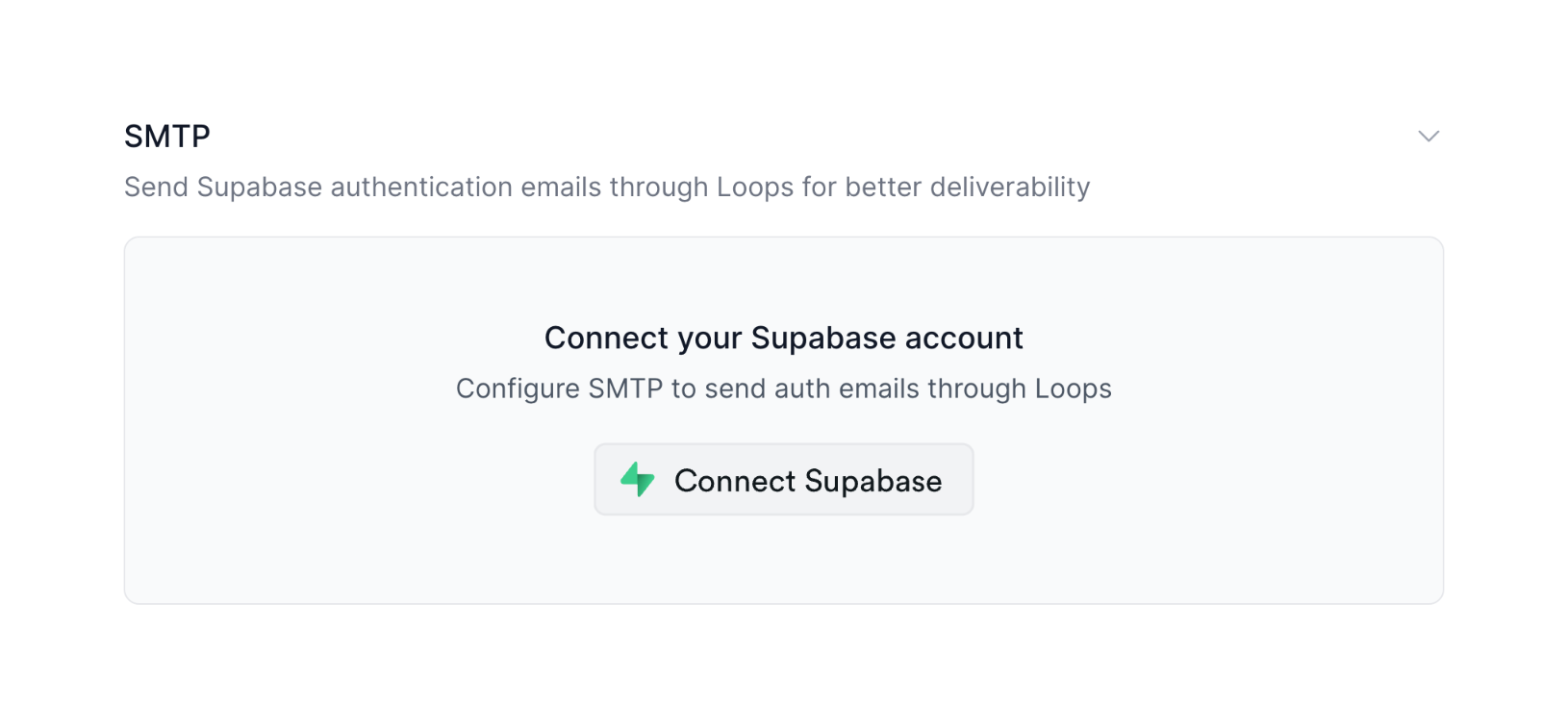
Loops — Empty state component
Loops logo
Loops

The screenshot shows a UI for connecting a Supabase account to configure SMTP for sending authentication emails.
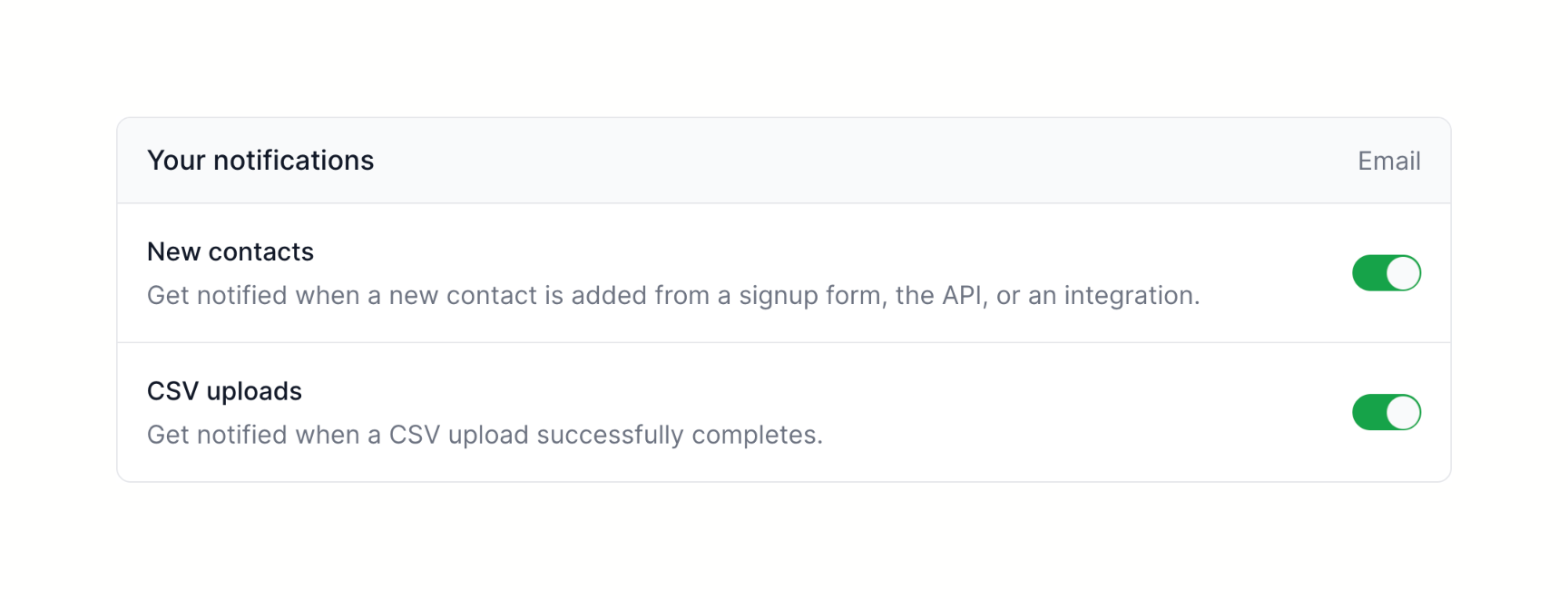
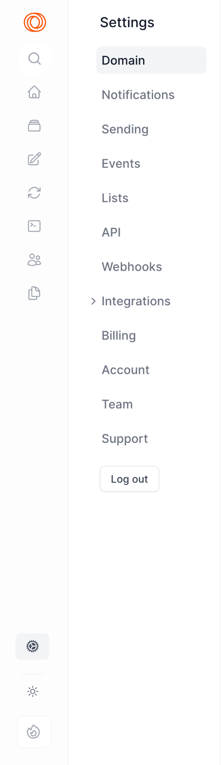
Loops — Toggle/Switch component
Loops logo
Loops

A notification settings panel.

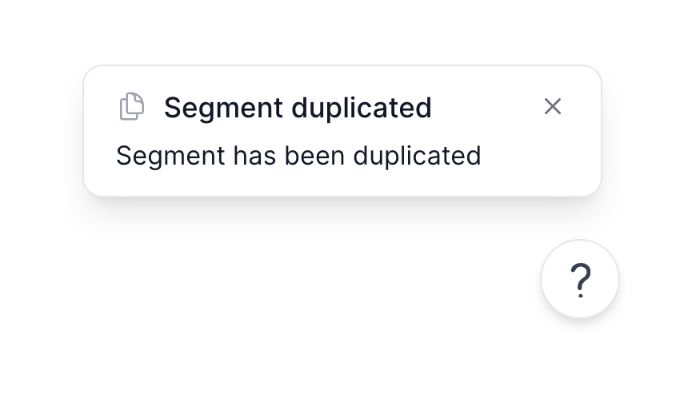
Loops — Notification Toast component
Loops logo
Loops

The screenshot shows a modal indicating that a segment has been duplicated.

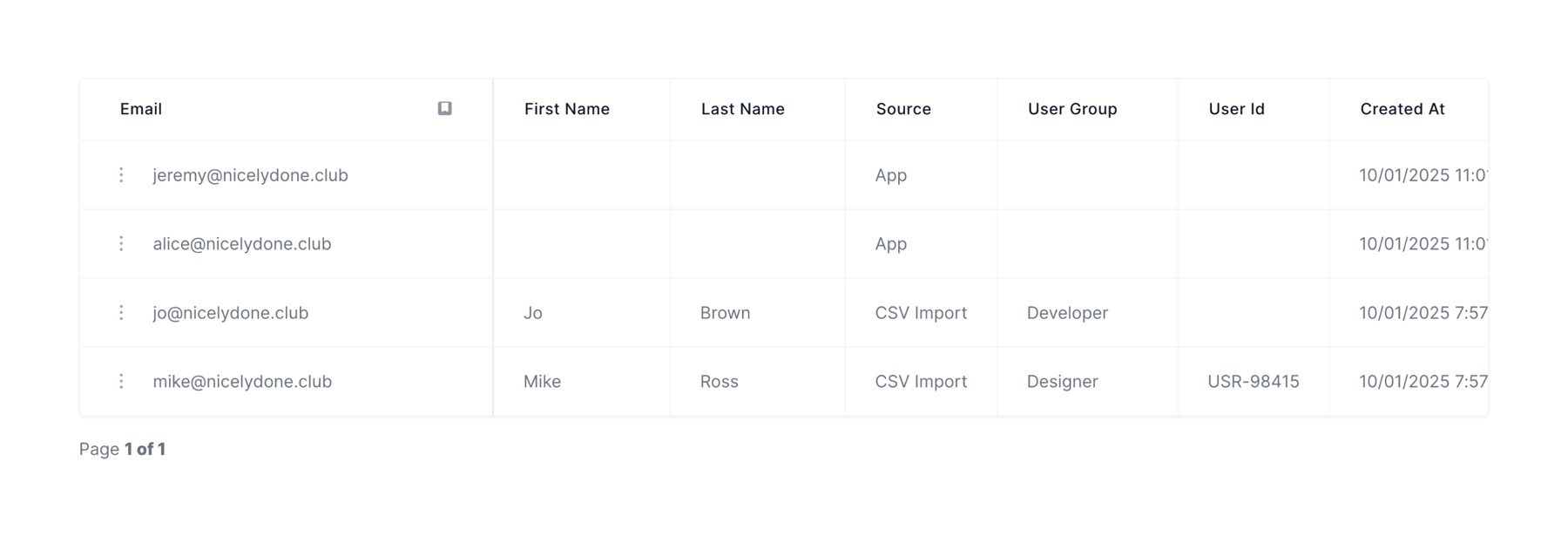
Loops — Table component
Loops logo
Loops

A table displaying user data.

Loops — Sorting & filtering component
Loops logo
Loops

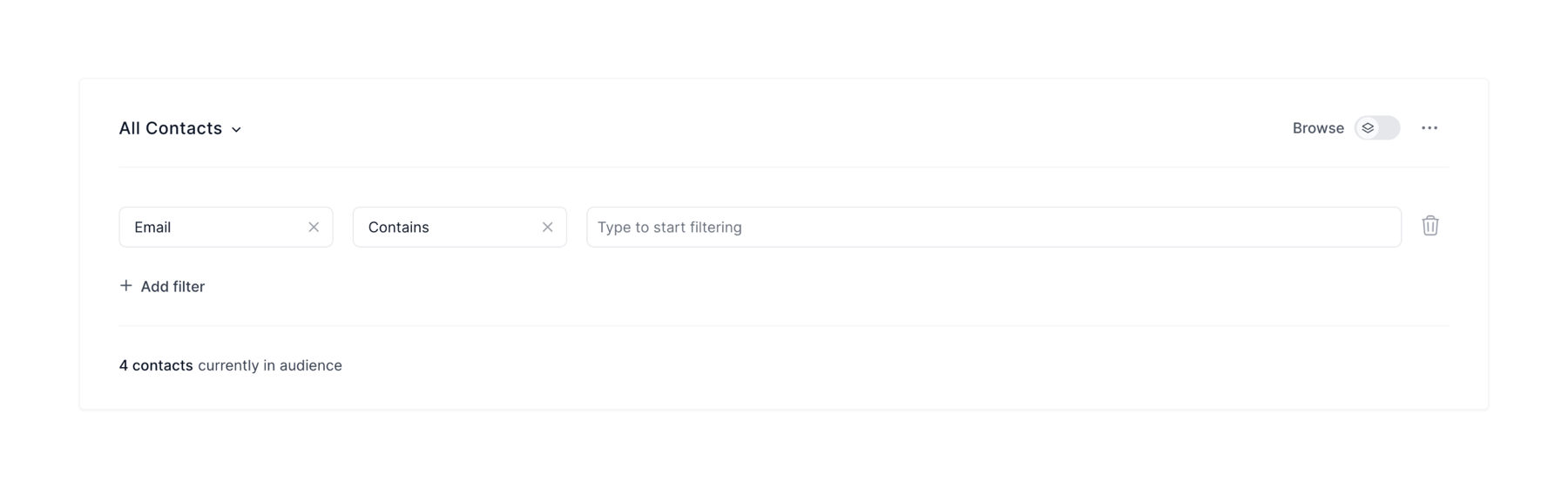
The screenshot displays a contact filtering interface.

Loops — Dropdown menu component
Loops logo
Loops

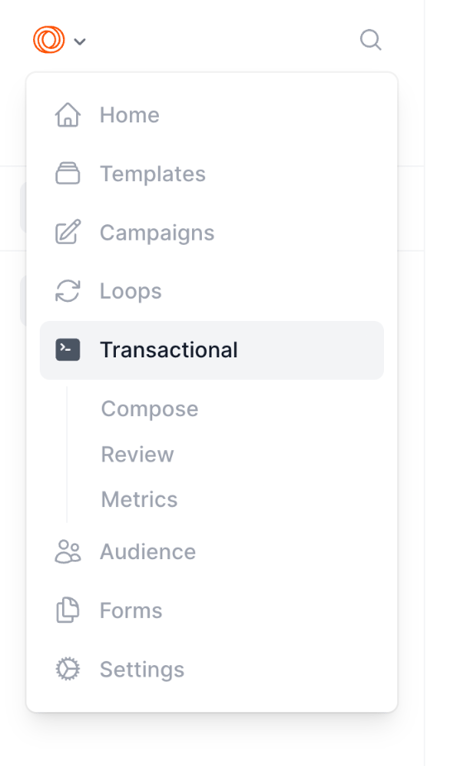
A navigation menu with nested items.

Loops — Dropdown menu component
Loops logo
Loops

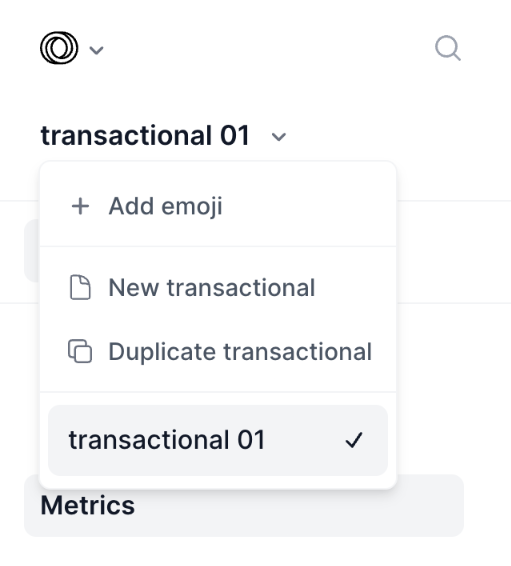
This screenshot showcases a dropdown menu with options related to transactional data management.
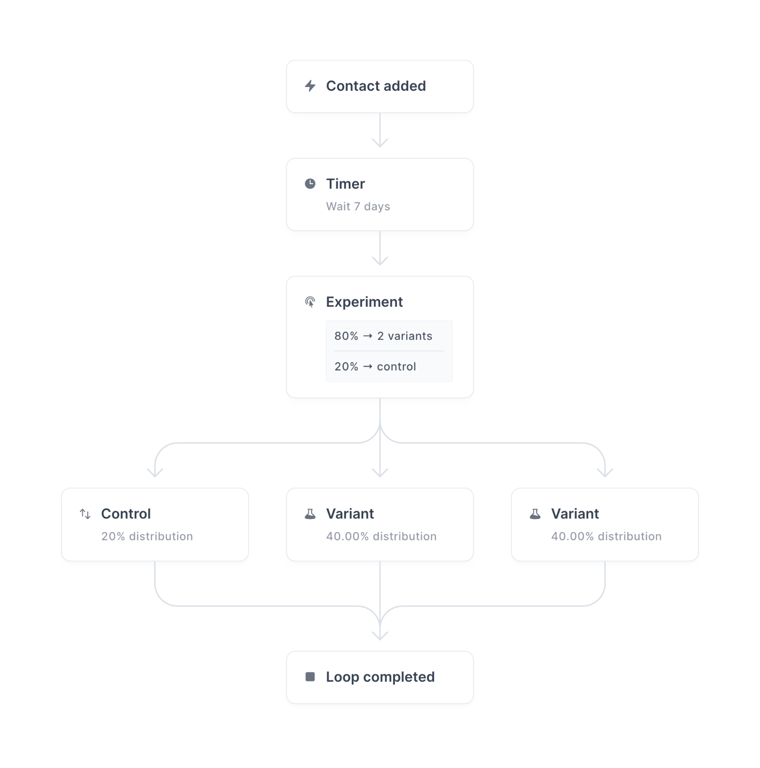
Loops — Query builder component
Loops logo
Loops

The image shows a flowchart diagram outlining a process with steps like 'Contact added', 'Timer', 'Experiment', 'Control', 'Variant', and 'Loop completed'.
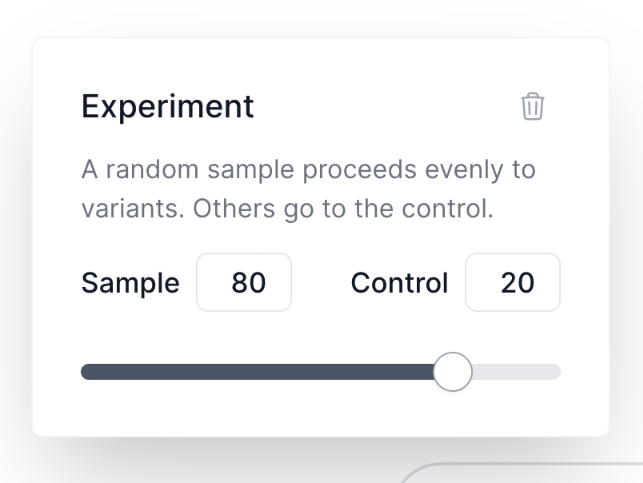
Browse the full component library

Browse the full UI component library.

Trusted by the best teams