Loops marketing pages examples
Explore Loops website design examples. Preview marketing pages and browse related SaaS page designs. The email platform for modern SaaS
Explore the examples
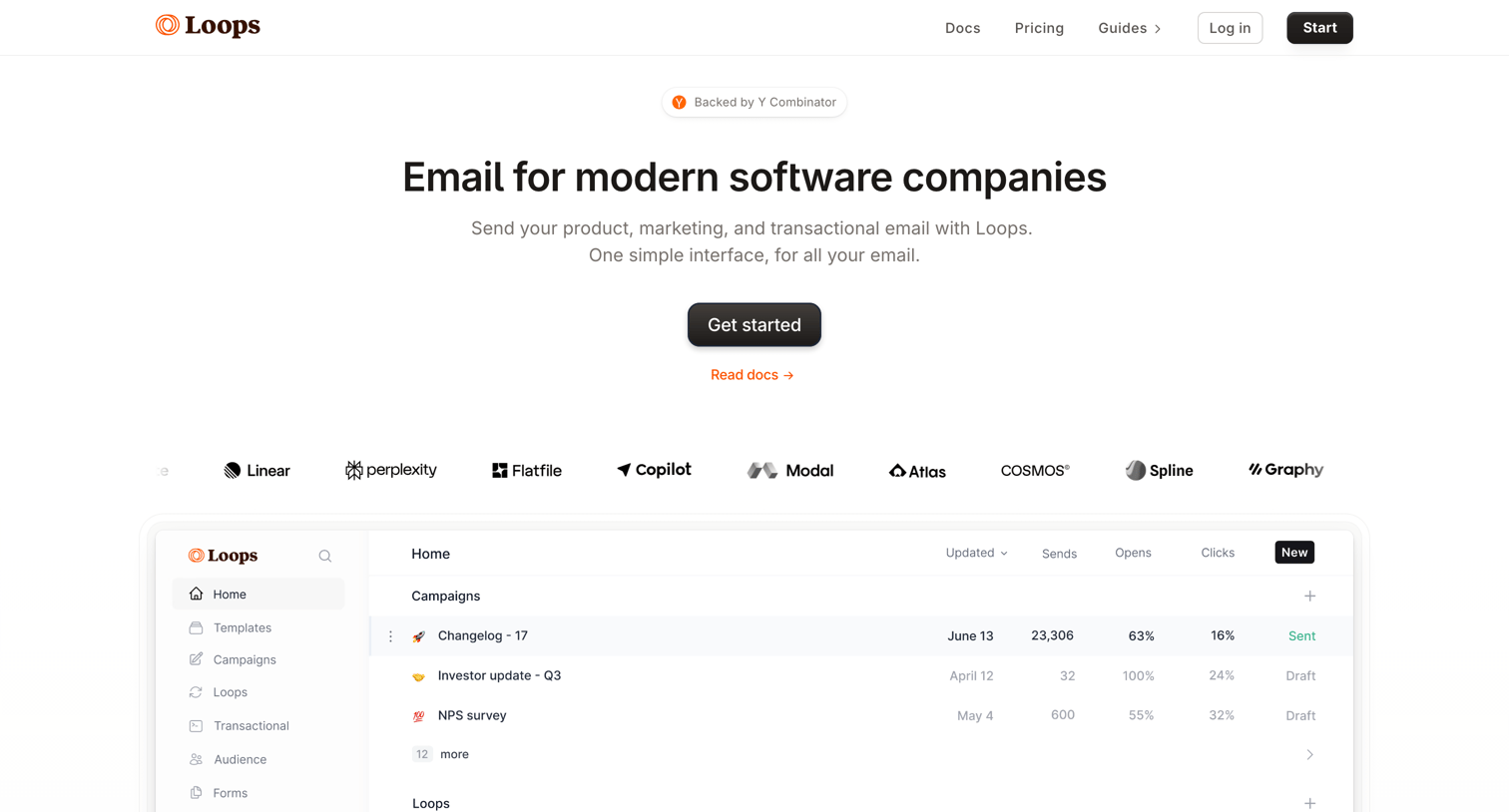

Landing page for an email platform targeting software companies, featuring product UI previews, code snippets, and integration showcases.
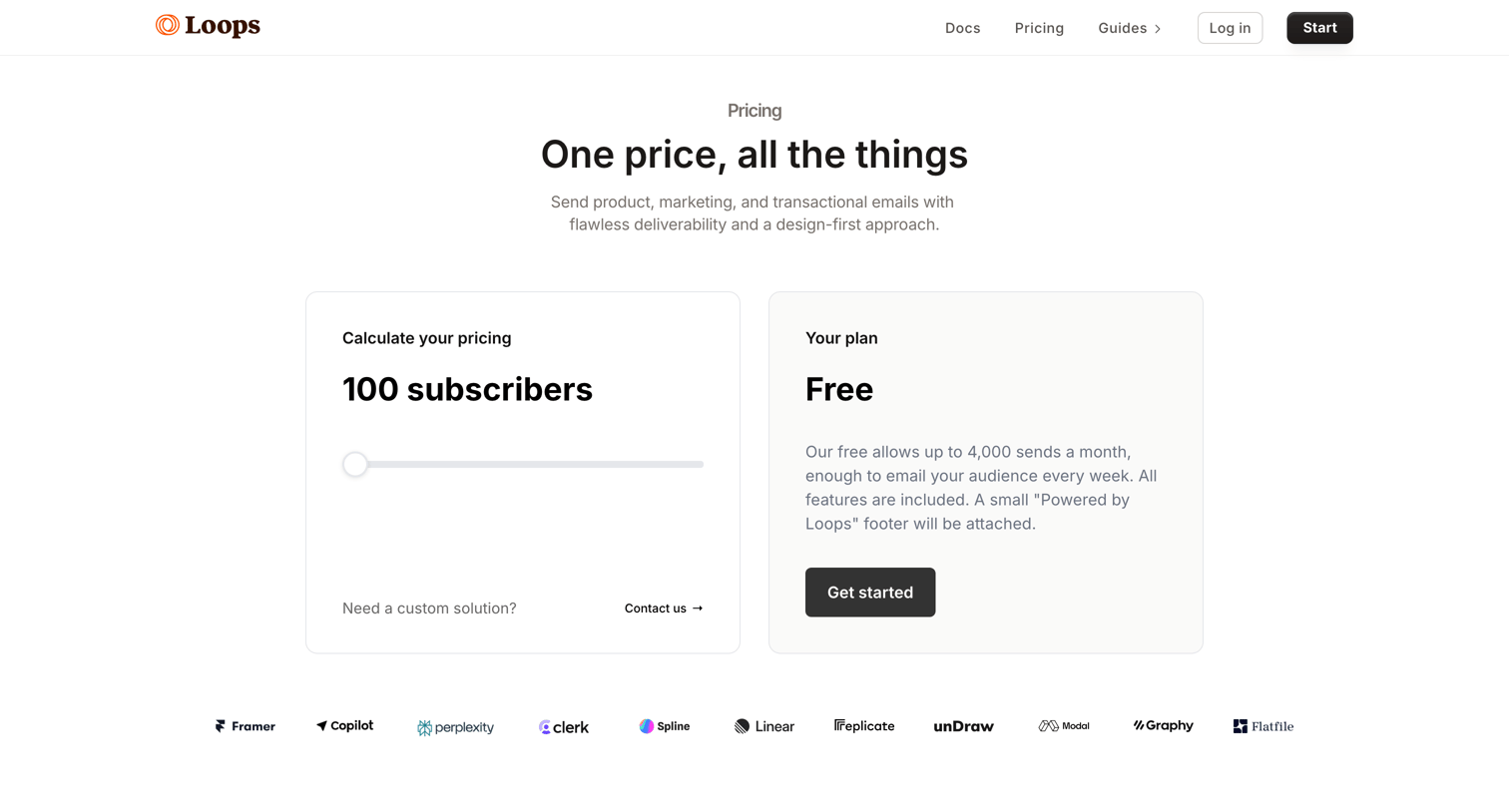
Pricing page where the user adjusts a slider to calculate their cost based on subscriber count and views the corresponding plan details.
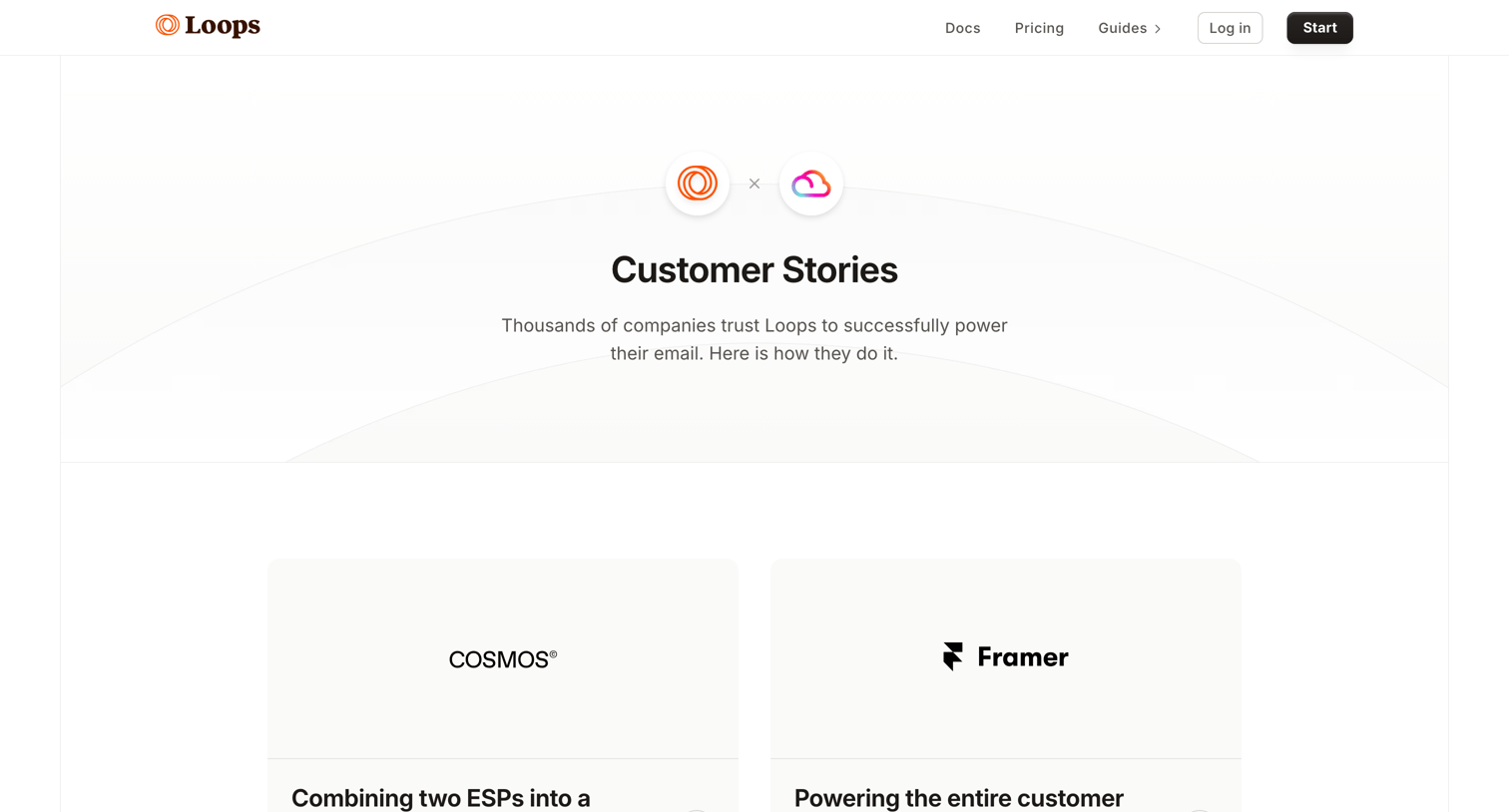
Marketing page where the user can browse customer case studies from companies like Cosmos, Framer, Diagram, and unDraw.
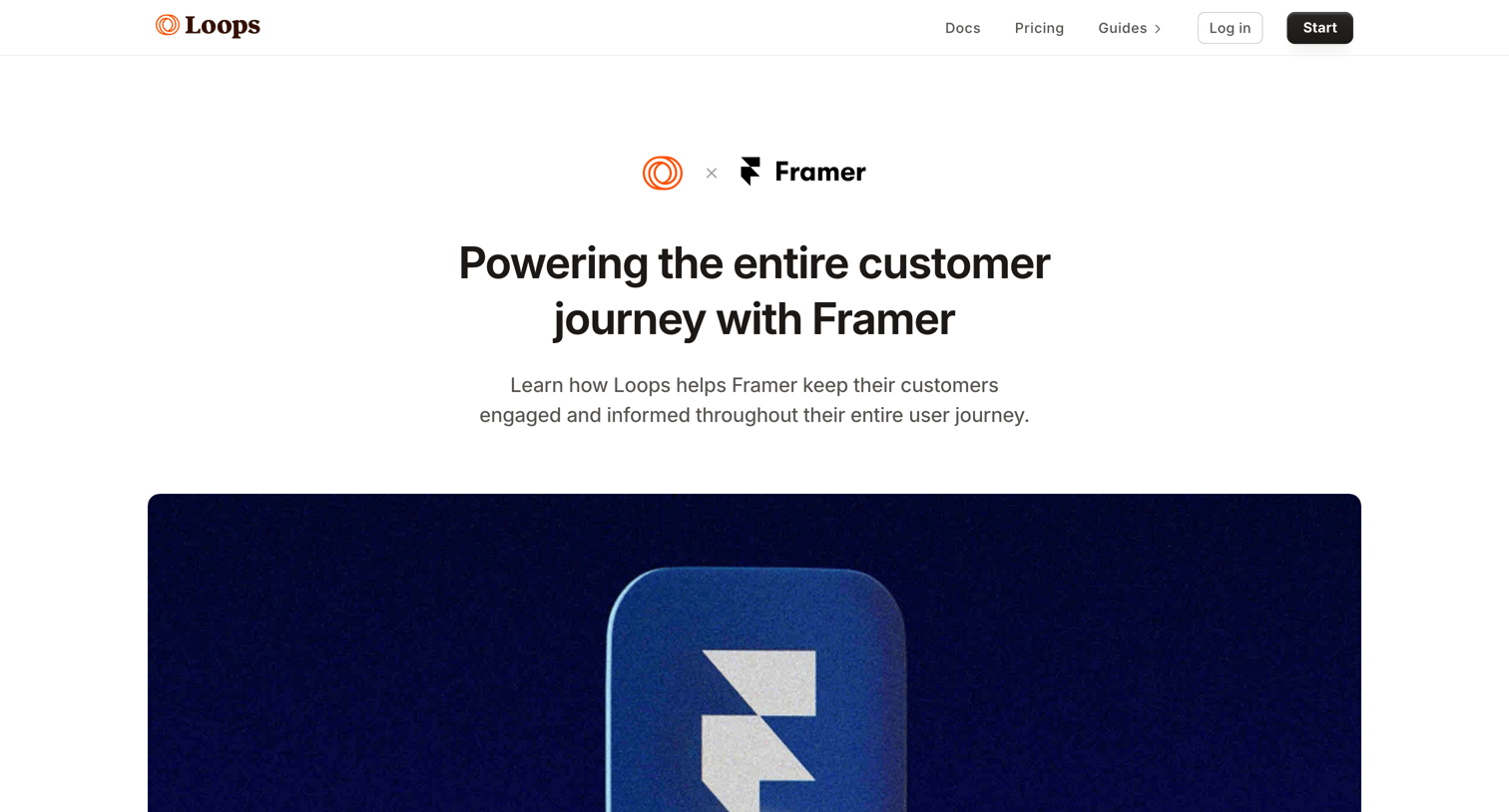
Customer story detailing how Framer uses Loops to power their email campaigns and customer onboarding.
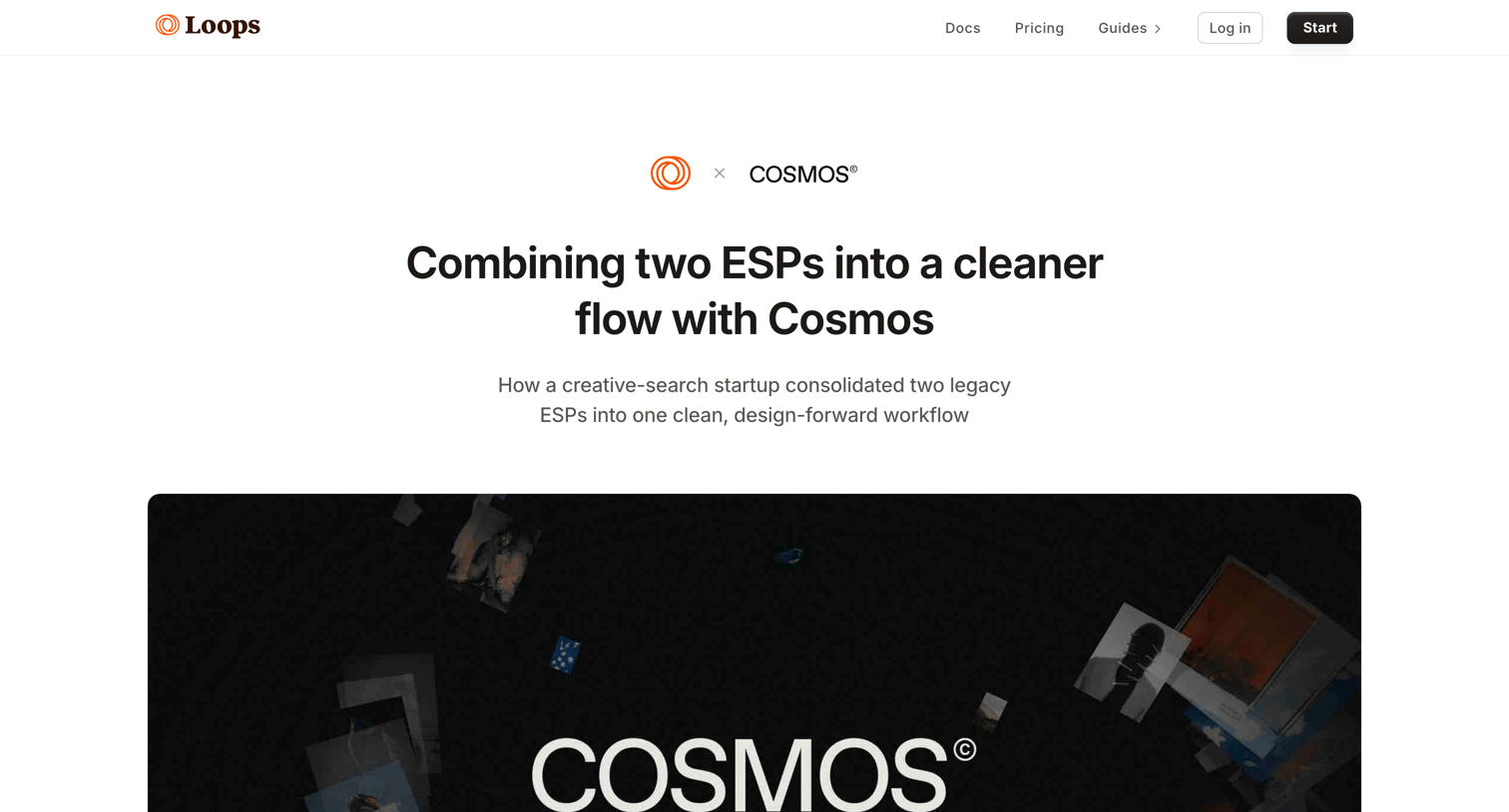
Customer story page detailing how Cosmos consolidated two legacy ESPs into a single design-forward email workflow using Loops.
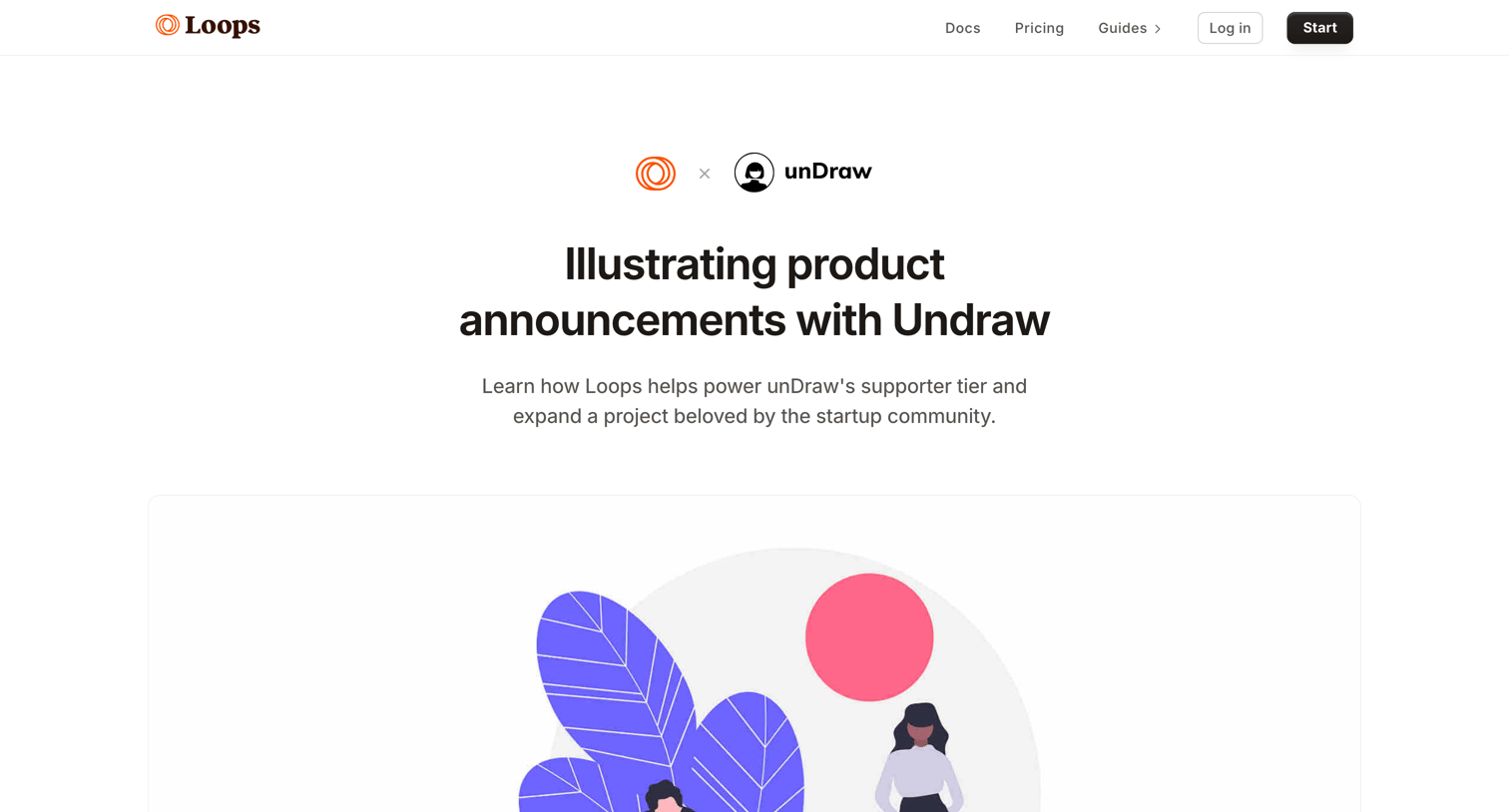
Customer story detailing how unDraw uses Loops to send product announcements and onboarding emails for their paid supporter tier.
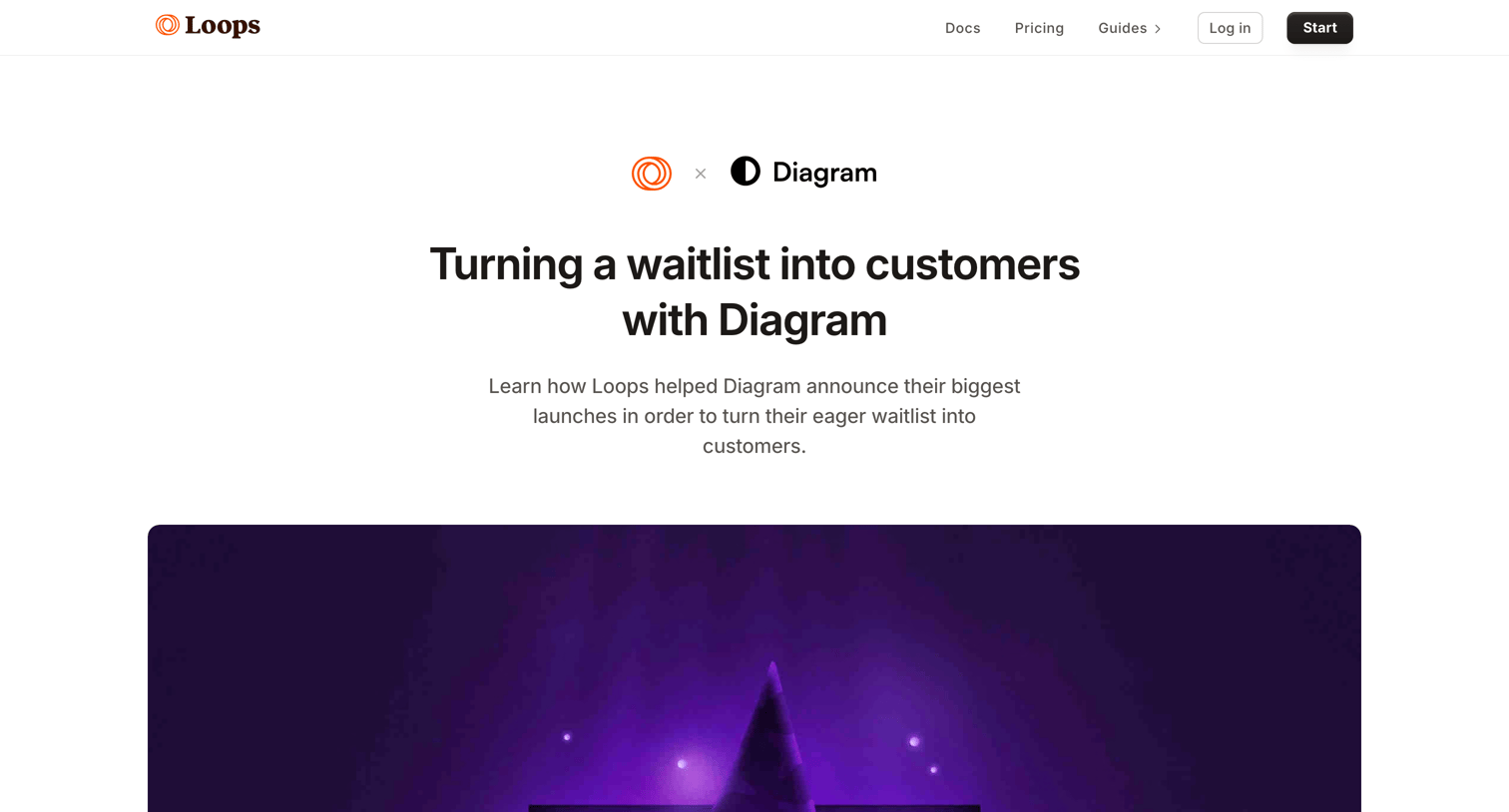
Customer story detailing how Diagram used Loops to turn their waitlist into customers, featuring a testimonial quote and a bottom call to action.
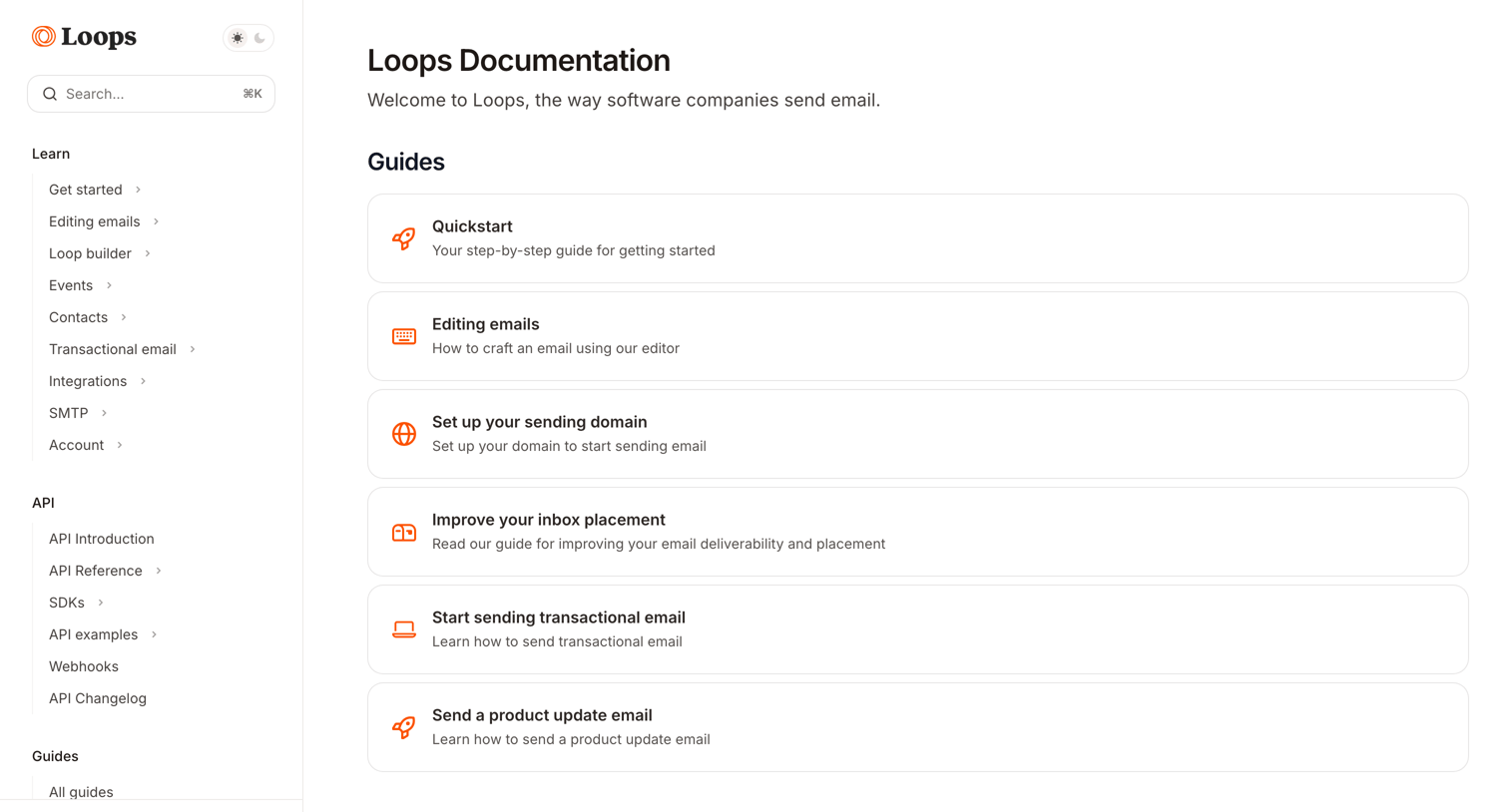
Documentation home page where the user can browse guides, SDKs, and integrations for sending emails.
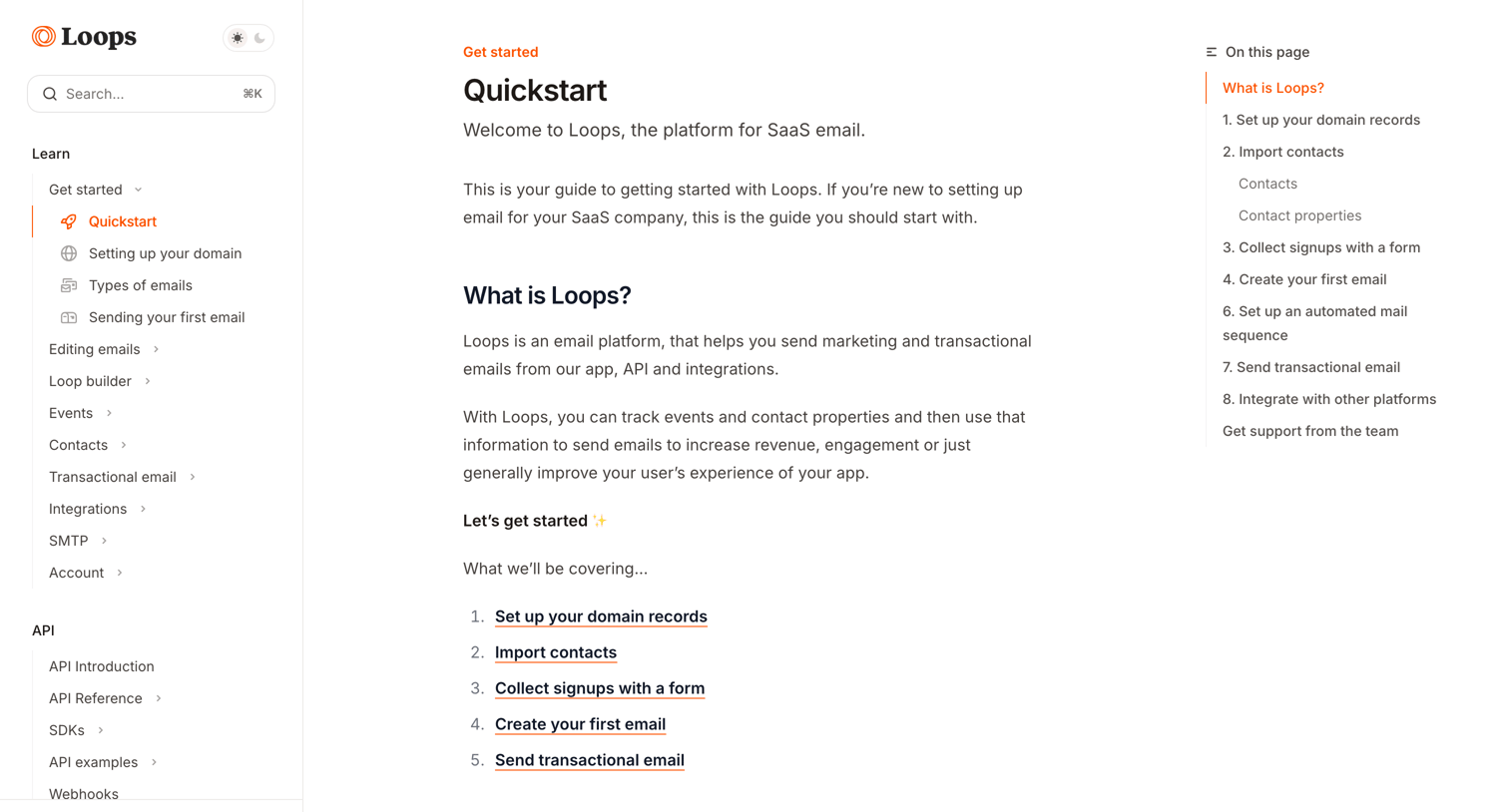
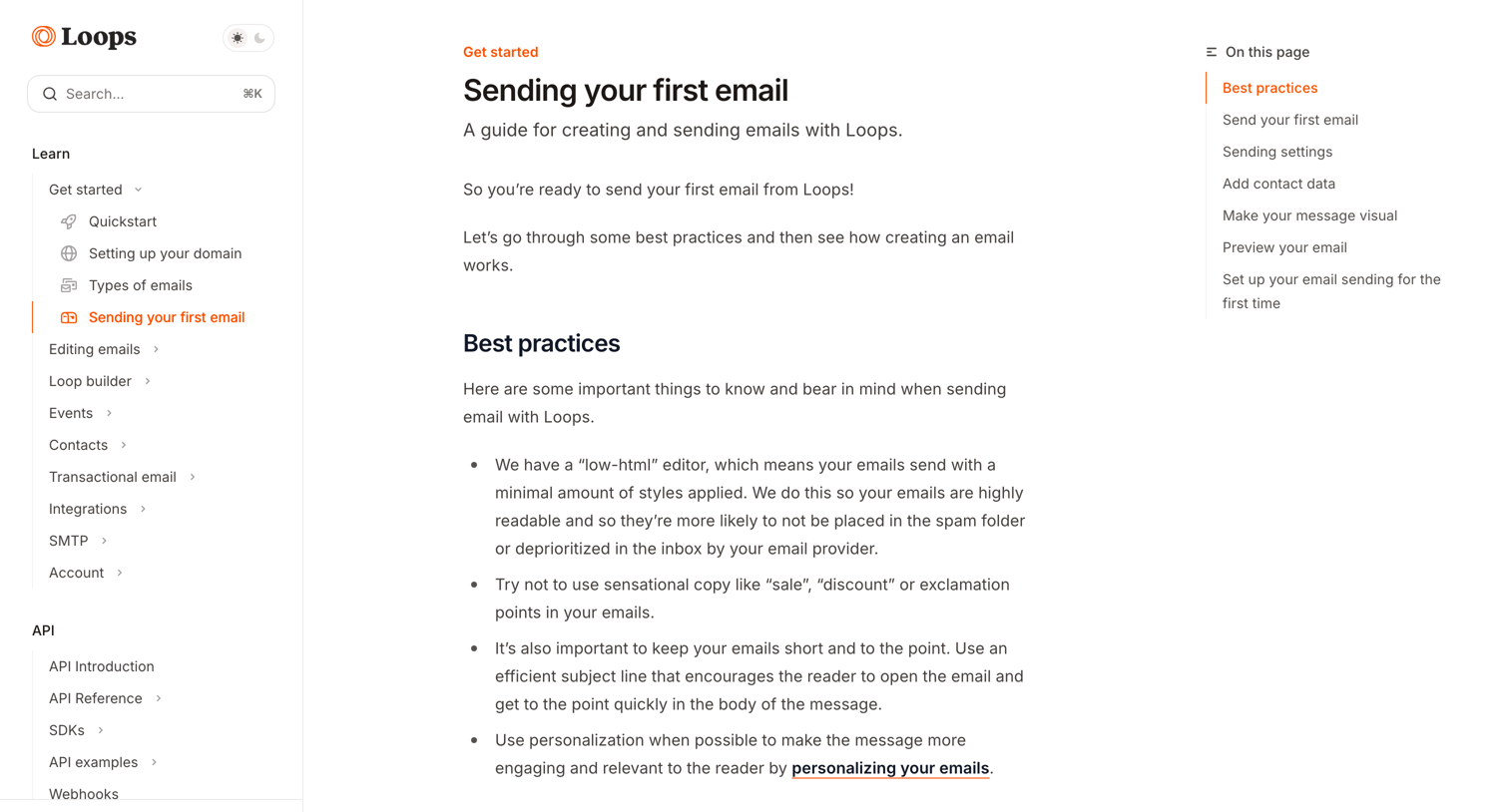
Documentation article explaining how to create and send a first email, featuring step-by-step instructions, screenshots, and a helpfulness rating prompt.
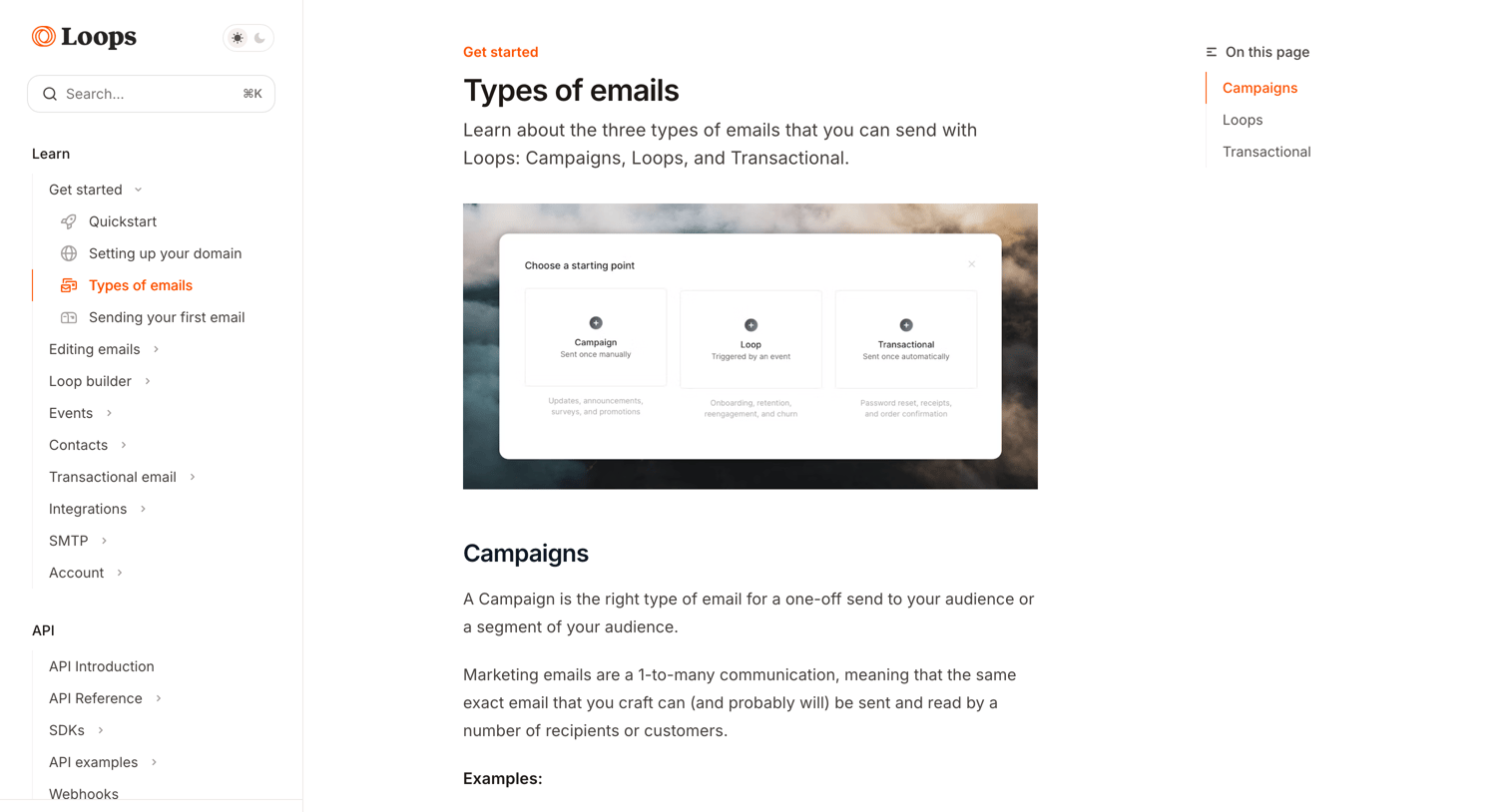
Documentation article explaining the differences between Campaigns, Loops, and Transactional emails with a table of contents and helpfulness rating.

Help center article explaining how to use the email editor, detailing formatting options, dynamic content insertion, and keyboard shortcuts.
Explore the full SaaS screen library
Upgrade to unlock the full library.
Trusted by the best teams







